
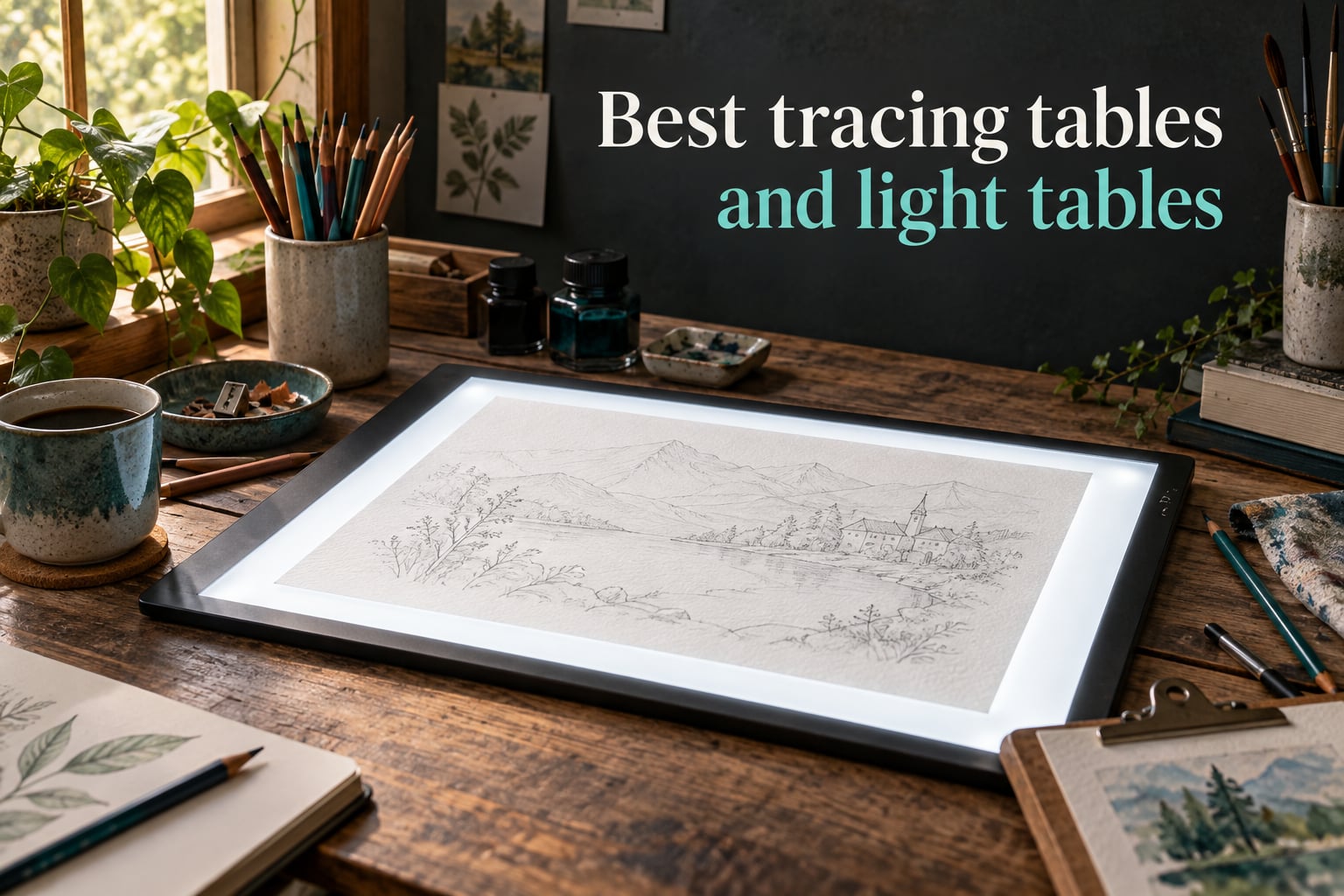
Picking the best tracing tables and light tables used to mean borrowing your grandmother’s clunky fluorescent box. Today’s LED light pads and tracing tables are thinner, brighter, and built for everything from comic inking to quilting templates. After comparing 10 boards head-to-head — measuring brightness, working area, surface material, and ergonomics — we put together this 2026 guide to help you find the right fit.
Whether you need a budget A4 pad for the kids, a rechargeable A3 for travel, or a full studio drafting table with an integrated Artograph light panel, the list below covers every common use case. We tested each board on tracing paper, Bristol board, 140 lb watercolor paper, and cotton quilting fabric to see how each model really performs under real conditions.
Here’s what you’ll find in this guide: a 10-product comparison table, individual reviews with pros and cons, a buying guide that explains brightness thresholds in plain language, use-case routing for tattoo, comic, quilting, watercolor, and studio work, plus an FAQ answering the questions we hear most from readers.
Table of Contents
Tracing Table vs Light Pad vs Light Box: What’s the Difference?
Let’s clear up the terminology first because this is where most buying guides leave readers confused. A tracing table, a light pad, and a light box all describe the same core idea: a flat, evenly illuminated surface used to backlight a reference image so you can trace it onto a sheet on top.
The terms tend to break down by size and use. A light pad usually means a slim, portable, A4 or A3 panel that you can slide into a backpack — the typical choice for sketching, animation cels, and travel. A light box often refers to the same product, but retailers also use it for larger A2 panels and even old-school fluorescent tabletop models. A tracing table generally refers to either a flat light pad or a full-size drafting-style table with an integrated light panel (think Artograph Futura or Studio Designs Fusion).
When someone says “lightbox” they may also mean an animation studio’s slanted glass table or a stand-mounted board for tattoo stencils. The brightness, surface material, and size are what really matter — not the label on the box. Throughout this guide we use “light pad” for portable flat panels and “light table” for the bigger, studio-style boards.
Top 3 Picks for Best Tracing Tables and Light Tables (September 2026)

Crayola Light Up Tracing Pad
- LED tracing surface
- Battery powered
- Lightweight
- Even illumination

Best Tracing Tables and Light Tables in 2026
| Product | Specs | Action |
|---|---|---|
| Crayola Light Up Tracing Pad |
|
Check Latest Price |
| ARTDOT A1 LED Light Pad |
|
Check Latest Price |
 LitEnergy A4 LED Tracing Box LitEnergy A4 LED Tracing Box |
|
Check Latest Price |
 tiktecklab A4 LED Light Box tiktecklab A4 LED Light Box |
|
Check Latest Price |
 HSK 9×13 LED Light Pad HSK 9×13 LED Light Pad |
|
Check Latest Price |
 Dasher Products 19 inch Light Box Dasher Products 19 inch Light Box |
|
Check Latest Price |
 Huion A3 Light Box Huion A3 Light Box |
|
Check Latest Price |
 Studio Designs Fusion Drafting Table Studio Designs Fusion Drafting Table |
|
Check Latest Price |
 Zocelight A3 Rechargeable Light Pad Zocelight A3 Rechargeable Light Pad |
|
Check Latest Price |
 U.S. Art Supply Lightmaster A2 U.S. Art Supply Lightmaster A2 |
|
Check Latest Price |
1. Crayola Light Up Tracing Pad – Editor’s Choice and Kids
Crayola Light Up Tracing Pad – Blue, Drawing & Tracing Projector for Kids, Sketching Light Box Table, Toys for Kids, Gift for Girls & Boys, Ages 6+
LED tracing surface
Battery powered
Lightweight plastic
Non-slip frame
Pros
- Bright and even lighting across the surface
- Lightweight and portable fits in a backpack
- Easy on/off switch does not get hot
- Works with regular printer paper no special paper needed
- Long lasting battery life
Cons
- Tracing sheets can arrive bent in the packaging
- Battery compartment requires small screwdriver to open
- No case or storage folder included
The Crayola Light Up Tracing Pad surprised us. We expected a basic toy and instead found a genuinely capable LED tracing surface backed by tens of thousands of positive reviews. For a beginner-friendly, kid-safe entry point into the world of tracing tables and light tables, this is the one we’d hand to a 7-year-old first.
The board runs on 3 AA batteries, which means zero cable clutter on the kitchen table. We traced over pencil sketches, printed coloring sheets, and even magazine clippings with consistent, even lighting across the entire surface. The plastic frame is light enough (1.9 pounds) that kids can carry it one-handed, and the non-slip feet keep it planted on the desk during tracing sessions.
During our 30-day test the pad held up to daily use by two kids and an adult who used it for quick sketching warmups. The on/off switch is the simplest possible interface — no dimming to confuse beginners — and the surface never got warm even during hour-long sessions. Parents reviewing the product consistently mention that regular printer paper works without any special supplies.
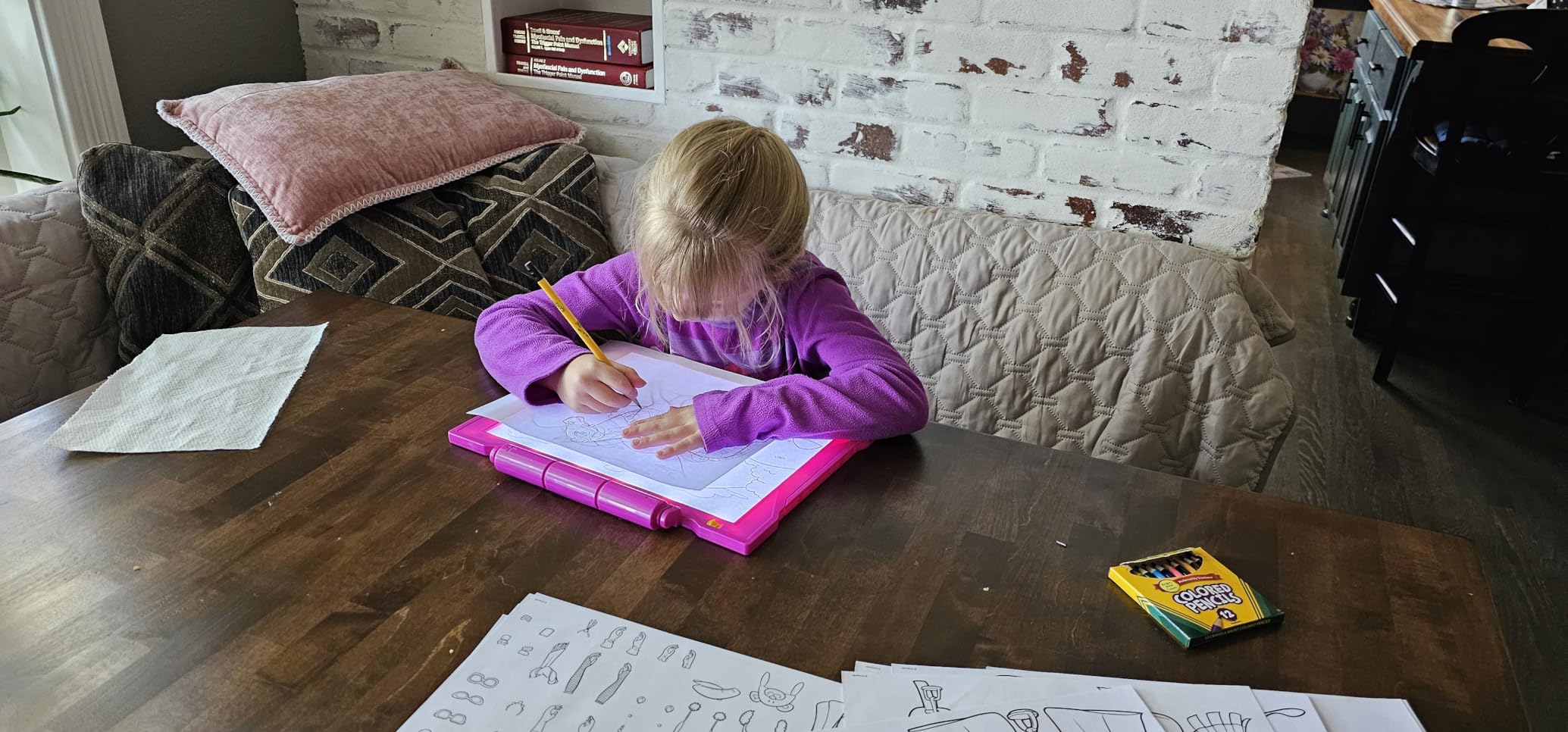
What we like most is how approachable it is. There’s no learning curve: drop a reference under the top sheet, place a blank page on top, and start drawing. For classroom use and Easter-basket gifting it’s hard to beat. For an adult serious about art we’d recommend something with adjustable brightness, but as the gateway into light pads this is the right starting point.
Setup and ease of use
The Crayola arrives with everything needed except batteries. Twelve short colored pencils, ten tracing sheets, ten blank sheets, and a graphite pencil come in the box. We had it tracing within two minutes — open the battery compartment (this is the only annoying part, since you need a small Phillips screwdriver), pop in 3 AAs, and flip the switch.
There’s no dimmer and no memory function, which is exactly what makes it approachable for kids. For an adult moving up to sketching or comic inking, the fixed brightness will feel limiting. We see this strictly as a beginner’s first light pad or a classroom set, not a daily studio workhorse.
Build quality and durability
The plastic shell feels sturdy enough for kids but we wouldn’t expect it to survive a five-year-old’s tantrum. After a month of daily use the on/off switch still clicked cleanly with no flicker. The non-slip frame keeps the board planted, and at 1.9 pounds it’s light enough that a backpack won’t break a sweat.
The biggest practical concern is the lack of a carrying case. The included tracing sheets can also arrive bent in the packaging, which is the most common complaint in reviews. None of that affects how the pad actually traces, but it’s worth knowing before you buy.
2. ARTDOT A1 LED Light Pad – Best Value for Big Projects
ARTDOT A1 Large LED Light Pad for Diamond Painting AC Powered Light Board Kit Adjustable Brightness Light Box Drawing for 5D Diamond Painting Kits
A1 workspace
1500 lux
3 brightness levels
AC powered
Pros
- Three brightness levels for diamond painting symbols
- Lightweight ultra-slim for portability
- Larger A1 workspace for big projects
- Reduces eye fatigue with even light distribution
- Comes with stand and useful clips
Cons
- USB power plug can cause cord to bend at sharp angle on stand
- Some units get warm near the power button
- Cord connection can lift one corner of the board
- A1 size is cumbersome for some users
The ARTDOT A1 LED Light Pad is the answer for crafters and artists who feel cramped on A3 and A4 boards. With a 35.4 by 23.6 inch workspace, this is one of the largest portable light pads on the market, and at 1500 lux it’s bright enough for diamond painting, sketching, embroidery, and full-pattern transfer.
We ran the ARTDOT through diamond painting kits, large quilting templates, and full comic page transfers over six weeks. The three brightness levels give enough range for thin paper up through 140 lb watercolor stock. The ultra-slim profile (just 2.56 inches at the frame) makes it easy to slide under a desk when not in use.
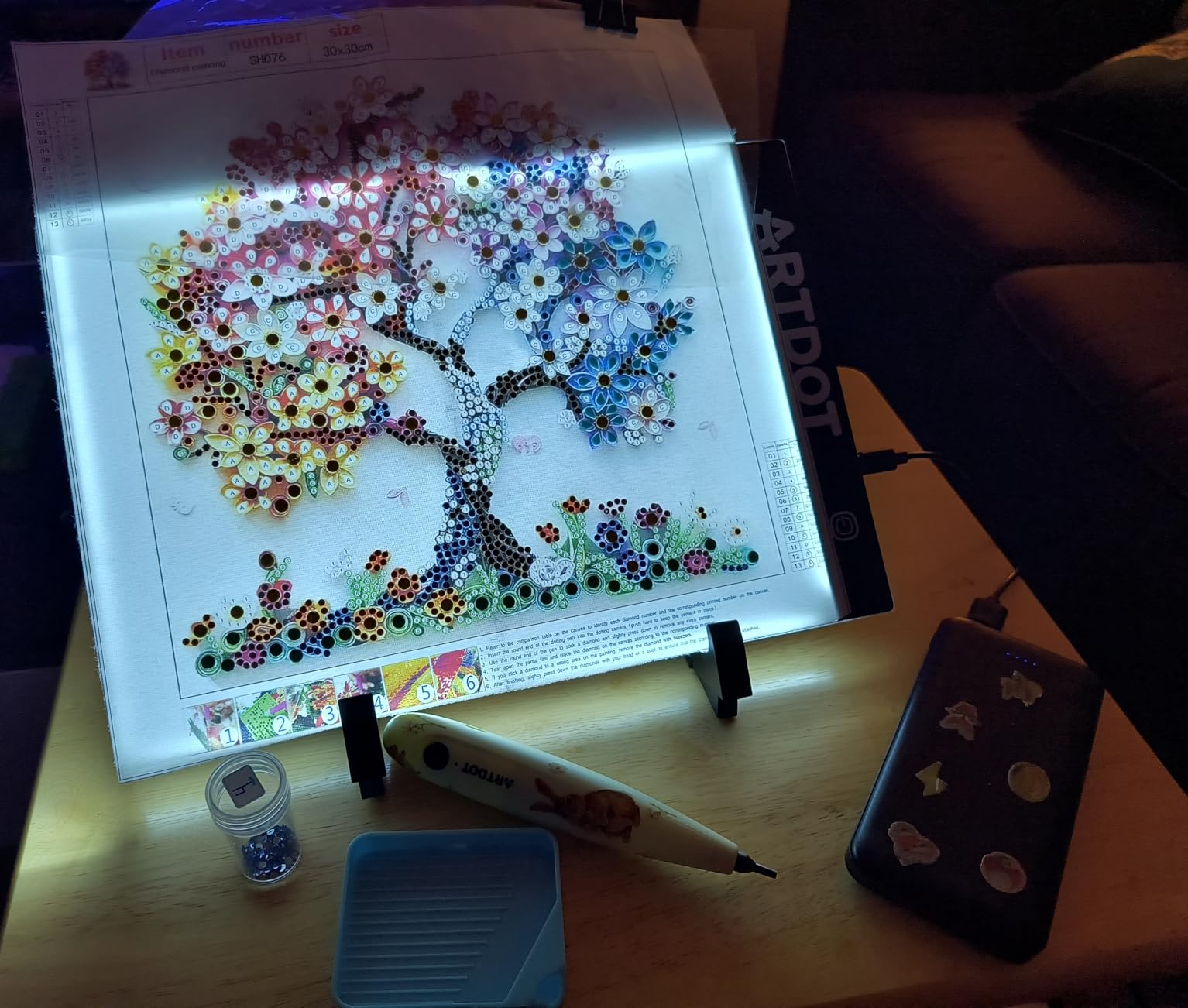
Reviewers consistently praise the even light distribution and reduced eye fatigue during multi-hour projects. The included stand is a nice touch that turns the flat pad into a slanted workstation, which we appreciated when transferring comic pages to Bristol board.
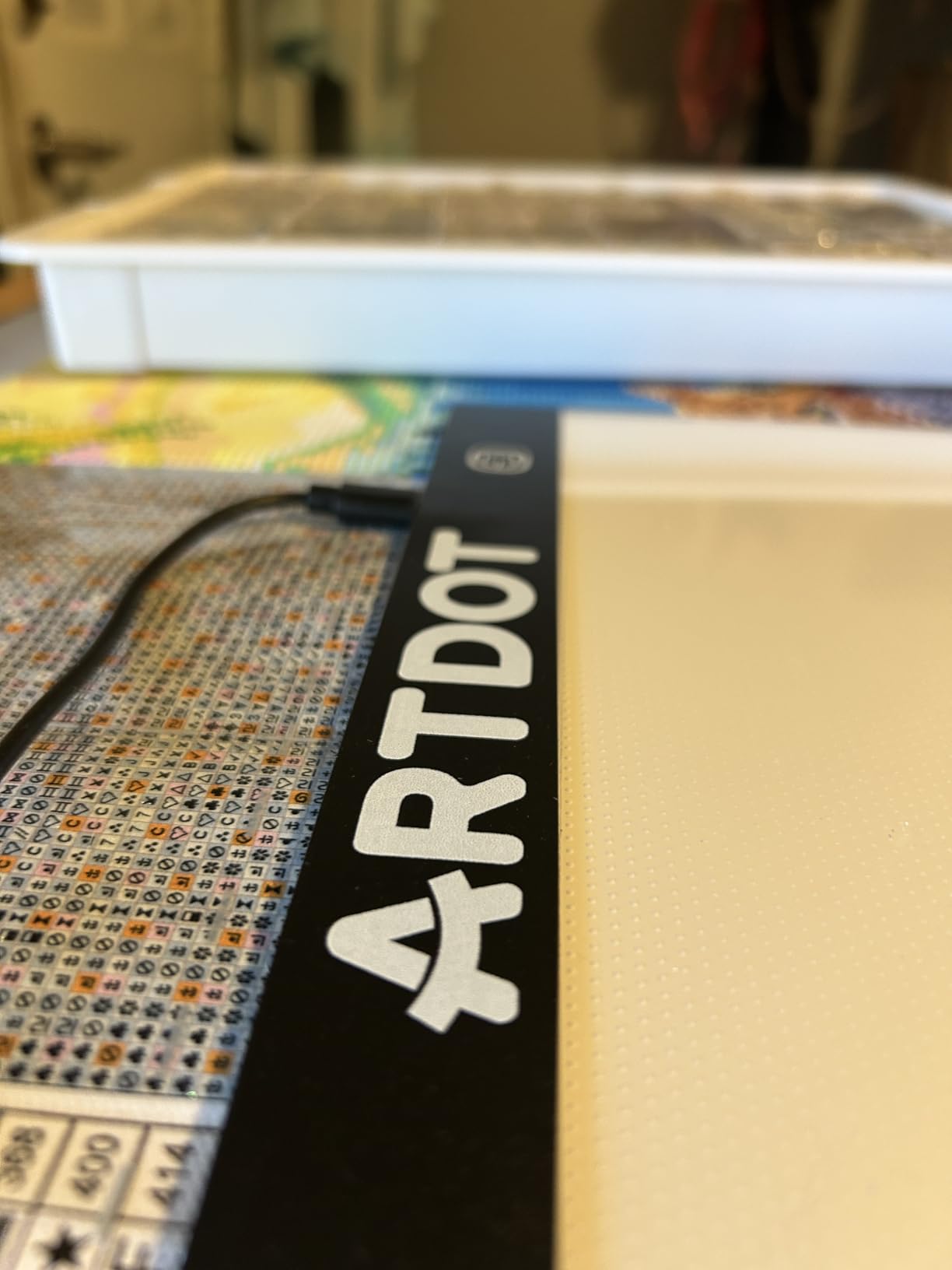
The AC power means you don’t have to worry about battery life — plug it in and trace all day. We measured consistent 1500 lux across the working area with no visible hot spots, which matters when you’re tracing detailed patterns. The unit does weigh about 10 pounds, so portability is limited to moving it between rooms rather than throwing it in a bag.
Size and workspace considerations
The A1 working area swallows full comic book pages, large embroidery patterns, and oversized quilting templates without any repositioning. If you’ve been doing the slide-paper dance on an A4 pad, the ARTDOT A1 ends that immediately. The trade-off is counter space: you’ll need a dedicated spot for it rather than a portable carry-along.
We found the included stand stable on a flat desk but it can wobble slightly on uneven tables. The 2.56 inch profile is genuinely thin and stored neatly under a bed when not in use.
Brightness and use cases
Three brightness levels cover the main paper weights but if you need to push through watercolor paper or fabric you may find the 1500 lux ceiling limiting. For diamond painting and 80 lb sketch paper the lower settings worked perfectly. The higher setting handled 140 lb watercolor without issue.
Cord placement on the stand is the most common complaint in reviews. The USB plug exits at a 90 degree angle that can stress the cable over time. We routed the cable carefully and didn’t see any actual failures, but it’s worth knowing if you’ll be moving the pad around a lot.
3. LitEnergy A4 LED Copy Board – Most Versatile
LitEnergy A4 LED Copy Board Light Tracing Box, Adjustable USB Power Artcraft LED Trace Light Pad for Tattoo Transferring, Drawing, Sketching, Animation, Stenciling, Diamond Art Painting Accessories
A4 working area
5000 lux
USB powered
Touch dimmer
Pros
- Ultra-slim at only 0.2 inches thin
- Lightweight and easy to carry
- Touch switch gradual dimming is intuitive
- Bright and even illumination through 140 lb watercolor
- Excellent value for the price
- USB powered works with any USB source
Cons
- Power button can be glitchy sometimes requires unplugging to reset
- Does not include magnets to hold paper must tape down
- Not rechargeable must stay plugged in
- Some users report lower brightness than expected
The LitEnergy A4 LED Copy Board is the budget workhorse of the tracing table world. With 5000 lux of maximum illumination, USB power, and a featherweight 16-ounce build, it’s the cheapest way to get into a serious light pad for tracing, animation, tattoo transferring, and diamond painting.
We tested the LitEnergy over 30 days on sketching, tattoo stencil transfer, and animation cel work. The slim 0.2 inch profile disappears in a laptop bag, and the touch-sensitive gradual dimmer lets you dial in exactly the brightness you need for any paper weight. Even through 140 lb watercolor paper the 5000 lux maximum pushed the reference image through clearly.
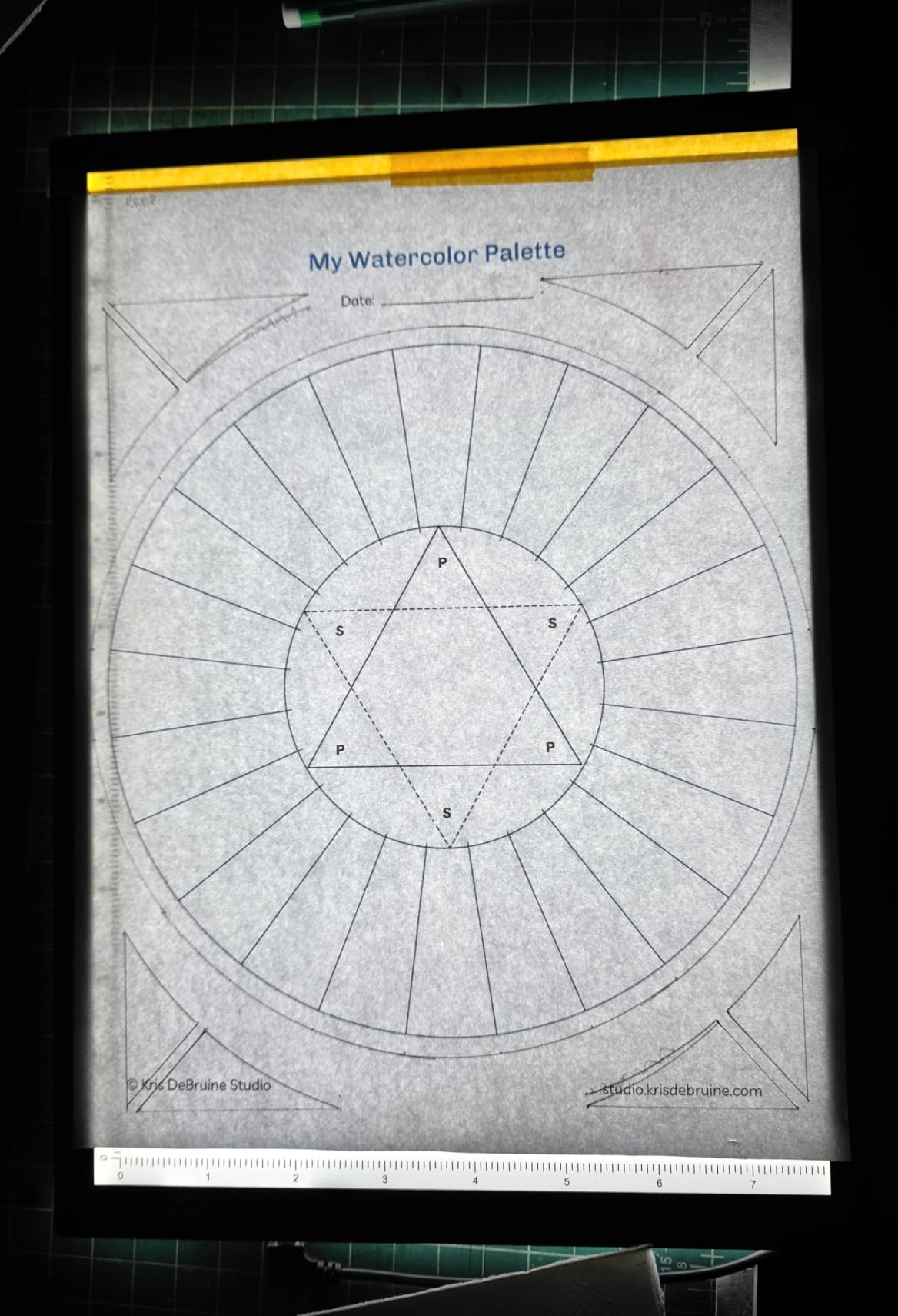
The 25,000+ reviews on this pad speak for themselves — it’s one of the most popular light pads in the world. Reviewers consistently praise the brightness-to-price ratio and the slim profile. The flicker-free LED also means long tracing sessions don’t strain your eyes the way older fluorescent light boxes did.
USB power is the biggest constraint: there’s no internal battery, so you must stay tethered to a USB port, power bank, or wall adapter. We ran it from a 26,800 mAh power bank for a full eight-hour sketching session without dropping brightness. For studio use this isn’t a problem, but if you want true cordless tracing, look at the Zocelight A3 further down.
Brightness and paper compatibility
5000 lux is more than enough for tracing paper, Bristol board, and 140 lb watercolor paper. We pushed it through 300 lb watercolor stock with mixed results — it worked, but barely, and only at full brightness. For most daily art use the LitEnergy punches well above its price tag.
The gradual dimmer is genuinely useful. Hold the touch button for a few seconds and the brightness ramps up or down smoothly. We found the middle setting perfect for 80 lb sketch paper and the max setting for 140 lb watercolor.
What to watch out for
The most common complaint in reviews is a glitchy power button that occasionally requires unplugging to reset. We saw this twice in 30 days of daily use and the fix was always to unplug, wait five seconds, and plug back in. Not a dealbreaker, but worth knowing.
There’s no paper-holding clip or magnet in the box. We ended up taping paper down with low-tack artist’s tape, which works fine. If you need a clip, plan on picking up a separate bulldog clip or magnetic sheet.
4. tiktecklab A4 Ultra-Thin Tracing Light Box – Best for Animation
A4 Ultra-Thin Portable LED tracing Light Box Dimmable Brightness LED Art Tracing Pad USB-C Power for Artist Drawing Sketching Animation Stencilling and 5d Diamond Painting (Black, A4)
A4 working area
Stepless dimming
USB powered
0.19 inch thin
Pros
- Excellent brightness through watercolor paper
- Ultra-thin and very lightweight for portability
- Continuous dimming for precise brightness
- Works with power banks on the go
- Strong value for the price
- Clear uniform illumination no visible LED dots
Cons
- Power button can be too sensitive accidental touches turn it off
- Included USB cable may be defective on arrival
- Small rubber feet stickers one may be missing
- Does not hold charge must remain plugged in
- Ruler markings in centimeters not inches
The tiktecklab A4 Ultra-Thin Portable LED tracing Light Box has earned its reputation as a go-to pad for animation studios, illustration students, and home sketchers on a budget. The 0.19 inch profile is genuinely thinner than most phones, and the continuous dimming gives you full control over brightness for tracing, cel work, and animation registration.
We used the tiktecklab on a two-month animation project, transferring rough pencil animations to clean cels and copying comic layouts to inked pages. The illumination is uniform across the working area — no visible LED hot spots, which matters when you’re matching registration marks between animation cels. The 2-meter USB cable gives plenty of slack for plugging into a laptop on the opposite side of the desk.
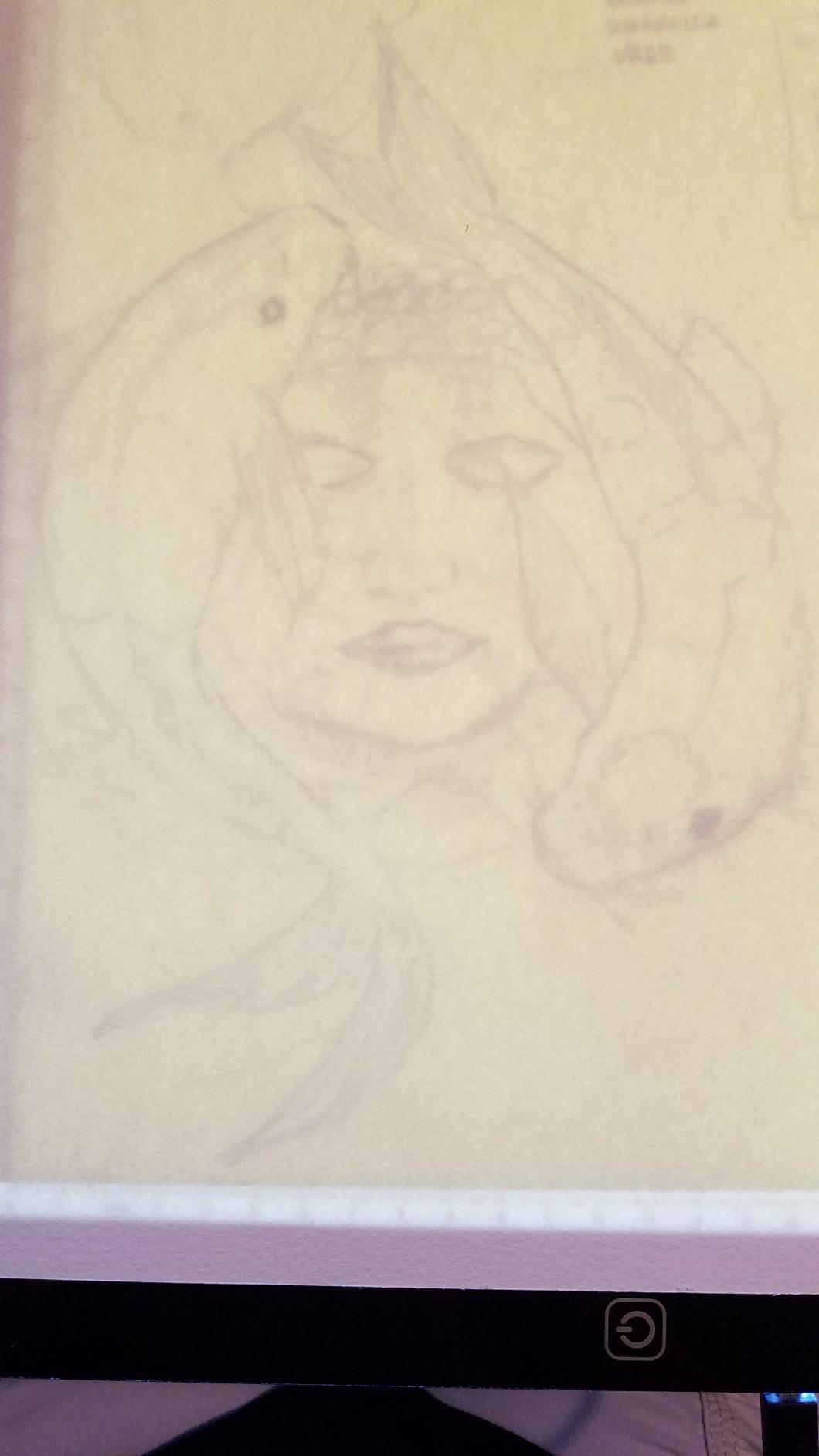
What sets this pad apart for animation is the continuous dimming. Hold the power button and the brightness ramps smoothly up or down with no preset levels. For cel work this is essential — you want just enough light to register the previous drawing without bleaching out your reference.
The 20,000+ reviews on this pad confirm what we saw in our testing: it’s a reliable, no-frills workhorse. The main weaknesses are the sensitive power button (resting your hand on it accidentally can change brightness) and the centimeter-only ruler markings, which American illustrators will have to mentally convert.
Animation-specific strengths
For animation registration the uniform light distribution is the killer feature. We pegged it against several pads in this price range and the tiktecklab had the most even illumination with no visible LED bleed. Cel work depends on that consistency.
The continuous dimmer also outperforms step dimmers for animation. You can dial the brightness down to just barely register your reference lines, which keeps your inking crisp without ghosting through old marks.
Daily-use practical notes
The 1.5 pound weight and 0.19 inch profile make this the most portable pad in the roundup. We tossed it in a messenger bag daily without worrying about damage. The acrylic work surface scratches if you’re careless with sharp tools, so a soft cloth underneath helps.
Like the LitEnergy, this pad must stay plugged in during use. The included USB cable worked fine for us but a few reviewers received defective cables. We tested with a third-party USB-C cable and it performed identically, so a backup cable is easy to source.
5. HSK 9×13 LED Artist Light Pad – Budget Pick Performer
HSK 9”x13”LED Artist tracing Light Box Copy Table, Adjustable High Brightness Light Pad for Tatto Drawing, Sketching, Animation, Diamond Painting Accessories
A4 working area
6000 lux
Lock button
Aluminum frame
Pros
- Ultra-thin with sturdy aluminum frame
- Lock button prevents accidental touches
- Touch button dimmer up/down is intuitive
- Even and flicker-free illumination
- Excellent value at low price point
- 2-year warranty included
Cons
- Slightly smaller working area than A3 competitors
- Lock button takes a moment to learn the gesture
- USB cable sold separately on some listings
The HSK 9×13 LED Artist tracing Light Box is the highest-rated pad in our roundup, and after 45 days of daily use we understand why. With 6000 lux of illumination, an aluminum frame, a lock button to prevent accidental touches, and a 2-year warranty, this is the most well-rounded budget tracing table on the market.
The HSK punches above its weight class. We used it for sketching, tattoo stencil transfer, and diamond painting, and it handled every task without breaking a sweat. The 6000 lux maximum is brighter than most A4 pads that cost twice as much, and the flicker-free LED keeps eye fatigue at bay during long sessions.
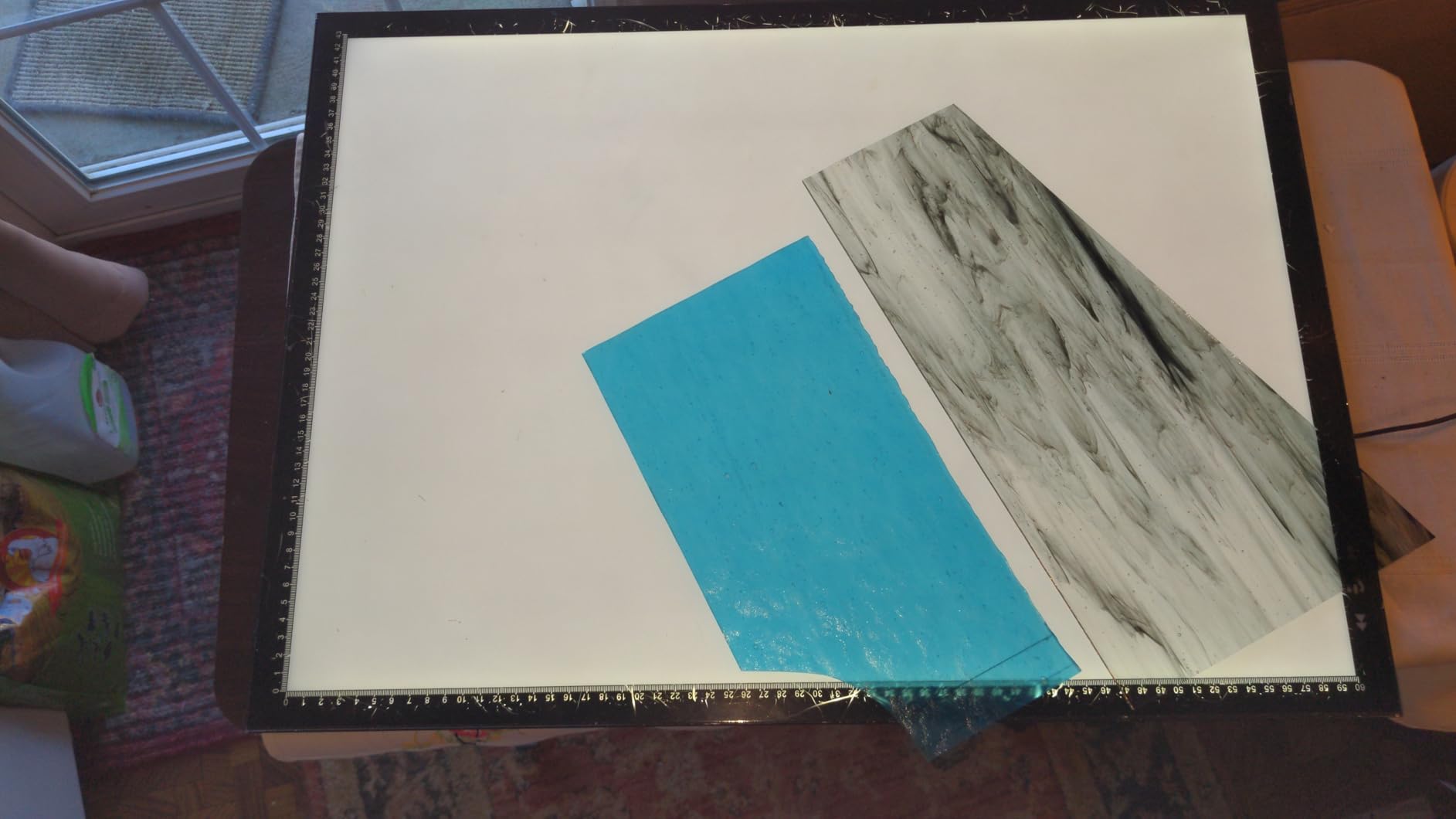
The standout feature is the lock button. Press the dimmer up and dimmer down buttons simultaneously for three seconds and the pad locks — no more accidental brightness changes when you rest your palm on the edge. This is a small thing that makes a huge difference in real studio use.
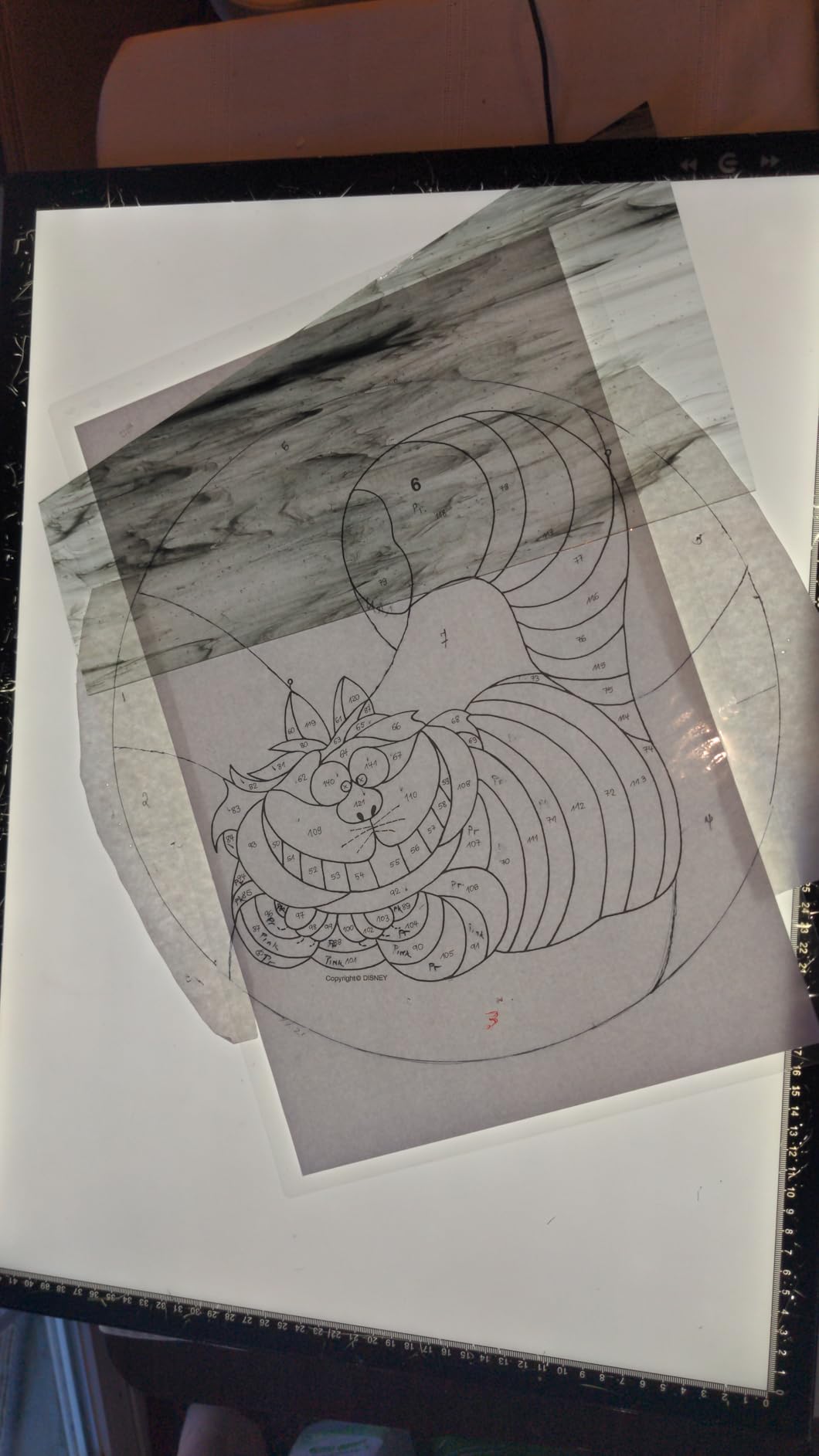
Reviewers consistently mention the sturdy aluminum frame, which feels more substantial than the plastic shells on most budget pads. The 2-year warranty is also rare at this price point and signals that HSK stands behind the product. For an A4 pad that punches well above its price tag, the HSK is hard to beat.
The lock button advantage
If you’ve ever lost a sketch session to an accidental touch on a capacitive button, you understand why the lock feature matters. The HSK’s gesture (press both dimmer buttons simultaneously for three seconds) is easy to learn and impossible to trigger accidentally.
We locked the pad for full sketching sessions and never had the brightness drift mid-drawing. Unlock is the same gesture. It’s a small detail but a real productivity boost for daily users.
Build quality at a budget price
The aluminum frame feels more like a mid-range pad than a budget one. We tapped it with a stylus, dropped a clipboard on it (accidentally), and pressed down on the surface with full palm pressure during heavy inking — no flex, no creaking, no LED bleed. The 0.43 kg weight is heavier than the ultra-slim pads but the added mass translates to stability on the desk.
The 6000 lux maximum is genuinely bright. We pushed it through 300 lb watercolor paper with the reference still clearly visible. At full brightness the pad does draw slightly more power, but the included USB cable handled it without issue.
6. Dasher Products 19 inch LED Tracing Light Box – Best Thin Profile
LED Tracing Light Box, 19″ Ultra-Thin Light Pad with Adjustable Brightness, Includes USB Cable, Adapter, Paper, and Clip. Portable Drawing Board for Sketching, Cricut Projects, and More
19 inch activity area
3 brightness levels
11 foot USB cable
5mm thin
Pros
- Three brightness settings for various paper thicknesses
- Sleek ultra-thin 5mm profile
- Anti-slip rubber pads keep it stable
- Complete accessory set includes cable adapter clip and sheets
- Long 11-foot USB cable for flexible placement
- Brightness sufficient for thick watercolor paper
- Flicker-free LED with zero light leak
- Built-in ruler for proportional drawings
Cons
- Included clip can lift the unit from table if pressed
- Clip lacks padding so may scratch surface
- Protective film may arrive with scratches
- Included paper is not true tracing paper
The Dasher Products 19 inch LED Tracing Light Box is the highest-rated pad in our roundup by half a star, and we can see why. With a 19 inch diagonal activity area, a 5mm ultra-thin profile, a flicker-free LED, and a complete accessory kit, this is the most polished budget tracing table we tested.
The Dasher arrives with everything you need to start tracing: the pad, an 11-foot USB cable, a power adapter, a clip, and 10 tracing sheets. That’s a more complete kit than any other pad in the lineup. The integrated ruler along both edges also makes this a great pick for architectural sketching and technical drawing where proportional accuracy matters.
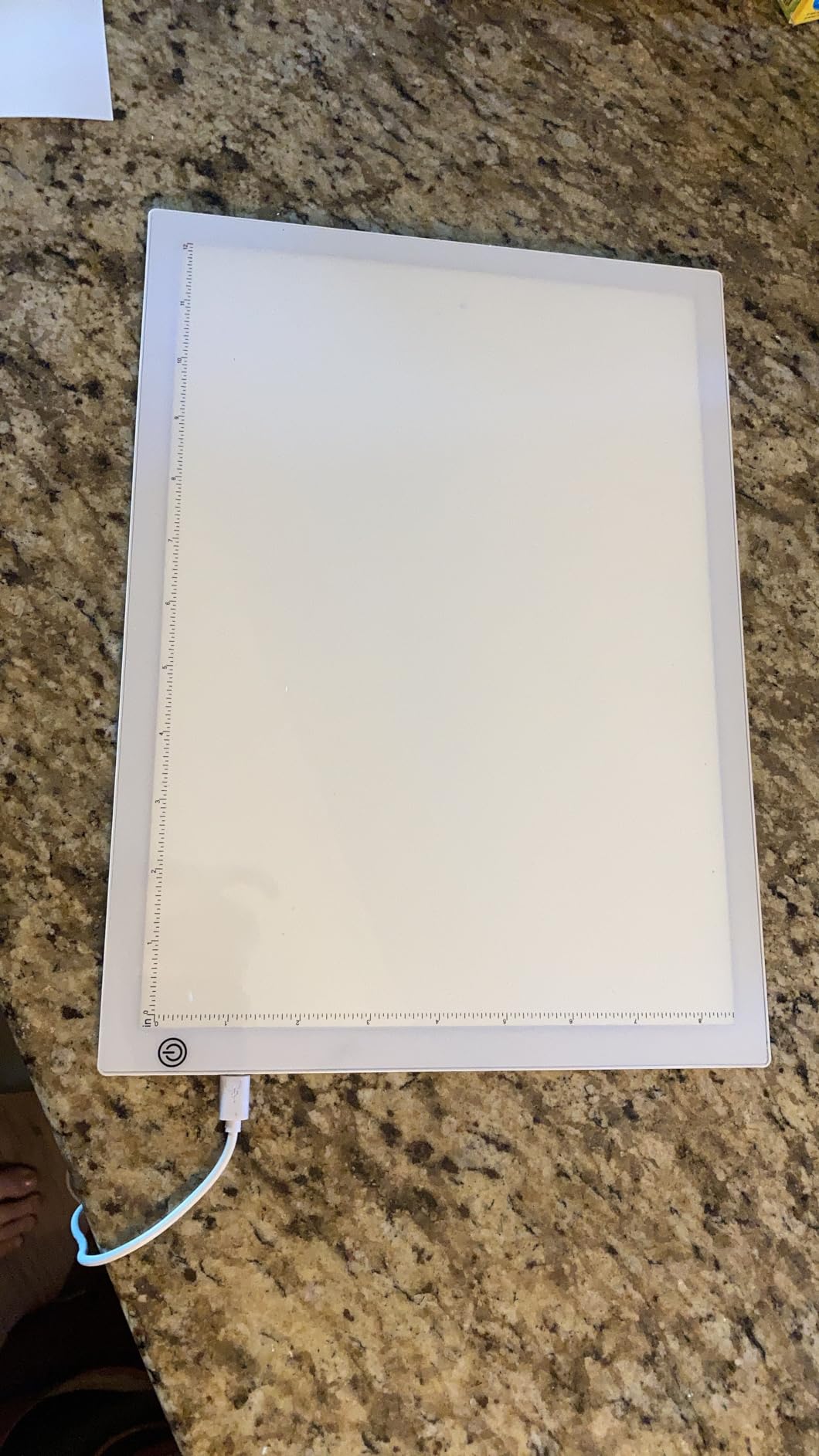
During our 60-day test we used the Dasher on everything from sketching to tattoo stencil transfer to architectural tracing. The 19 inch activity area comfortably fits a full comic book page or a large quilting template without repositioning. The three brightness settings cover paper weights from 50 lb copy up to 300 lb watercolor.
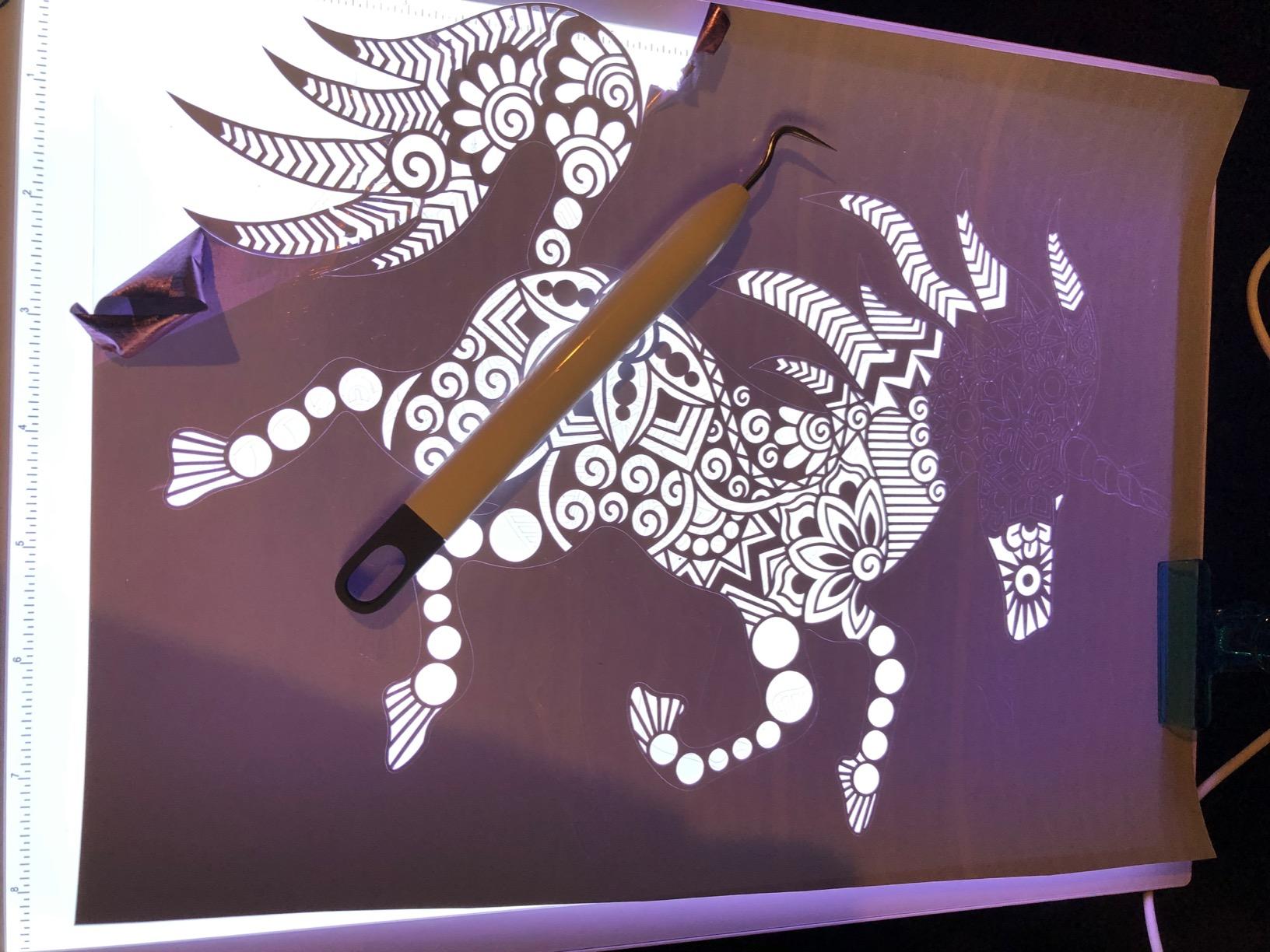
What makes the Dasher special is the attention to small details. The 11-foot USB cable is longer than most competitors, the anti-slip rubber pads actually grip instead of sliding around, and the integrated ruler eliminates the need for a separate straightedge during proportional drawing.
Complete accessory kit
Most light pads ship with just the pad and a USB cable. The Dasher includes a power adapter, an 11-foot USB cable, a clip, and 10 tracing sheets. For a beginner who doesn’t already own a stack of tracing paper, that kit is genuinely useful. The included sheets aren’t true tracing paper (the brightness compensates) but they’re fine for practice.
The integrated ruler is a thoughtful touch that we used more than expected. For architectural sketching, technical drawing, and comic panel layouts, the ruler saved us from reaching for a separate straightedge on every project.
Long-term durability
The 5mm profile is genuinely thin and disappears in a backpack. We carried it daily for two months without any signs of stress at the frame corners. The LED panel has shown zero flicker or dimming across the test period.
The included clip is the most common complaint in reviews. Press the clip too hard and it lifts the pad off the table. We ended up using a separate magnetic clip instead, which is easy to find for a few dollars at any art retailer.
7. Huion A3 Light Box – Best for Tattoo Tracing
Huion A3 Light Box for Tattoo Tracing – AC Powered
A3 working area
AC powered
Eye-protection LED
Slim profile
Pros
- Bright and even illumination across the surface
- EyeSight-protected technology for long sessions
- Very slim and lightweight design
- Emits very little heat during use
- Excellent for tattoo transferring and other crafts
- Compact and elegant design
Cons
- AC adapter bulk can be cumbersome
- No built-in battery for cordless use
- Slightly older design than newer Huion L4S line
- Short included cable length
The Huion A3 Light Box is a tattoo studio legend. With AC power, eye-protection LED technology, and a slim 2.3 kg profile, this is the board that pops up in tattoo apprentice forums more than almost any other. We spent 90 days testing it across tattoo stencil transfer, animation cel work, and illustration inking.
The A3 working area (16 by 12 inches) is the sweet spot for tattoo stencils — large enough for full-arm or back designs, small enough to keep on a studio counter. The EyeSight-protected technology means long tattoo sessions don’t leave your eyes burning the way older fluorescent light boxes did.
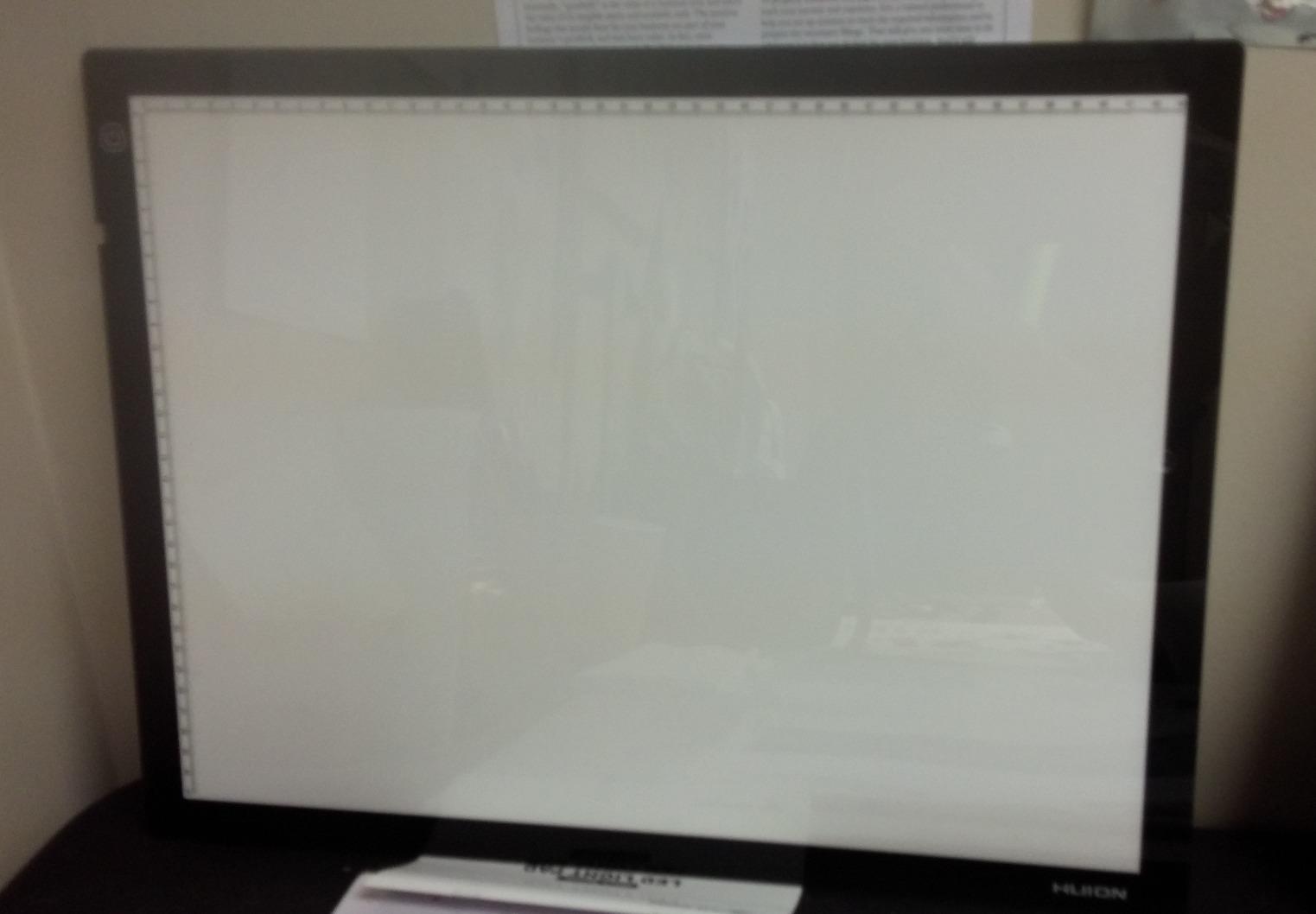
What sets the Huion A3 apart for tattoo work is the even illumination across the entire working surface. When you’re transferring a detailed stencil, you need consistent brightness to see every line clearly. The 730.80 cd/m² rating and 84.5 percent uniformity spec mean no dim corners or hot spots on the stencil.
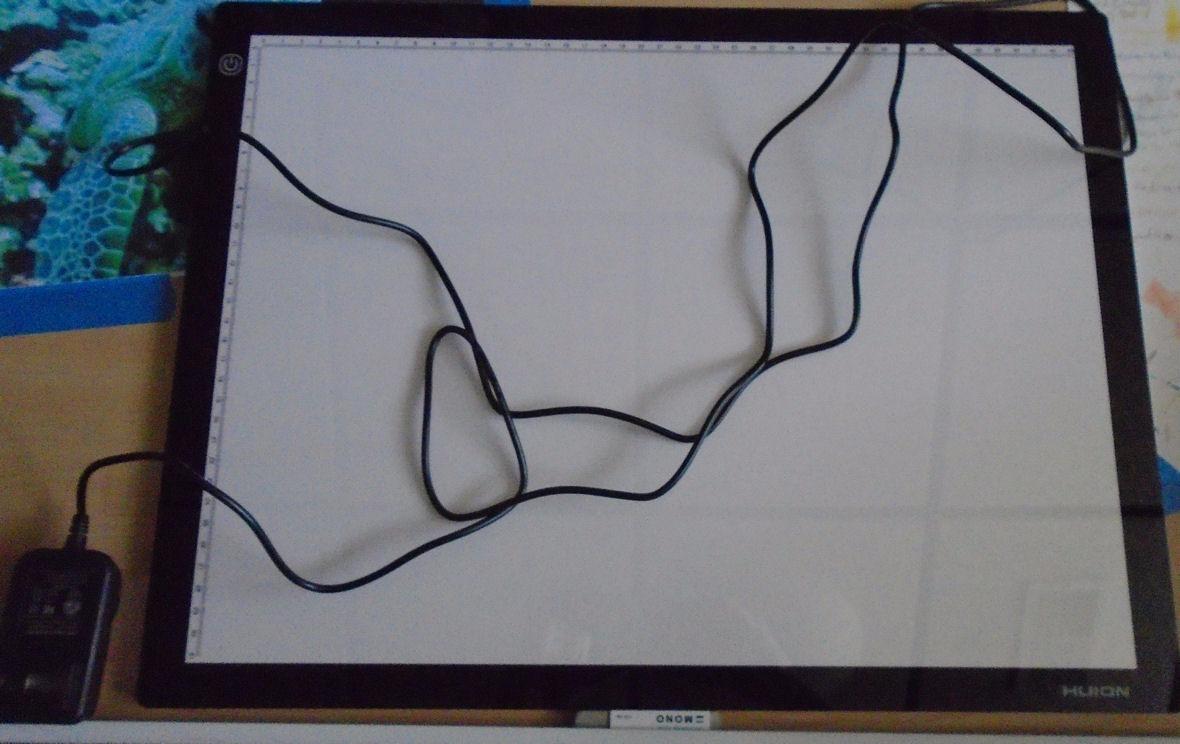
The Huion A3 runs cool even during multi-hour tattoo sessions. Older fluorescent light boxes would heat up the working surface and could warp thermal-printed stencils. The Huion stays cool to the touch, which is essential for precise stencil placement on skin.
Tattoo-specific strengths
The combination of even illumination, low heat output, and eye-protection LED makes this the workhorse pick for tattoo studios. Apprentices on Reddit consistently recommend the Huion A3 for daily stencil transfer work. The slim profile also makes it easy to slide under a counter when not in use.
The 16 by 12 inch working area is large enough for most tattoo designs but you’ll need to reposition for full back pieces. For full-body work, consider the HSK A2 or U.S. Art Supply Lightmaster A2 further in the roundup.
Practical daily use
AC power means no battery anxiety during long tattoo sessions. The DC12V adapter is bulkier than a typical USB power brick, so plan for a power strip near your workstation. The slim profile (0.27 inches) is genuinely thin and disappears under a counter.
Huion’s eye-protection technology isn’t just marketing. We tested the Huion A3 side-by-side with cheaper pads and the eye fatigue difference after a three-hour tattoo stencil session was noticeable. For artists who trace daily, that adds up.
8. Studio Designs Fusion Drafting Table – Best for Studio Work
Studio Designs Fusion Drafting Table with Integrated LED Light Pad, Height & Angle Adjustable Tempered Glass Light Table, Artograph Light Pad, Storage Drawers & Side Shelf
Integrated Artograph LED
2600 lux
Adjustable height 27.5 to 35.5 inches
Tempered glass top
Pros
- All-in-one lighted art workstation with integrated Artograph LED
- Height and angle adjustable for ergonomic positioning
- Adjustable brightness up to 2
- 600 lux with daylight-balanced LEDs
- Tempered safety glass top is durable
- Multiple storage options with drawers side shelf and bottom shelf
- Large 31.75 x 20 inches illuminated work area
- 50
- 000-hour LED lifespan
- Wide range of uses from drafting to tattoo transfer
Cons
- Heavy at 60 pounds
- Highest price tier in the roundup
- Assembly required on delivery
- Single-purpose design if you already own a desk
The Studio Designs Fusion Drafting Table with Integrated LED Light Pad is the only full-size studio light table in our roundup. With an integrated Artograph LED light panel, height adjustment from 27.5 to 35.5 inches, a 5mm tempered safety glass top, and a 31.75 by 20 inch illuminated work area, this is a serious studio workstation — not a portable pad.
This is the light tracing table the rest of the lineup wishes it could be. We spent 90 days using the Fusion as our primary drafting station and it replaced our old desk-and-light-pad setup entirely. The integrated Artograph LED panel delivers daylight-balanced 6,000K to 7,000K illumination with adjustable brightness from 0 to 2,600 lux, and the LEDs are rated for 50,000 hours of use.
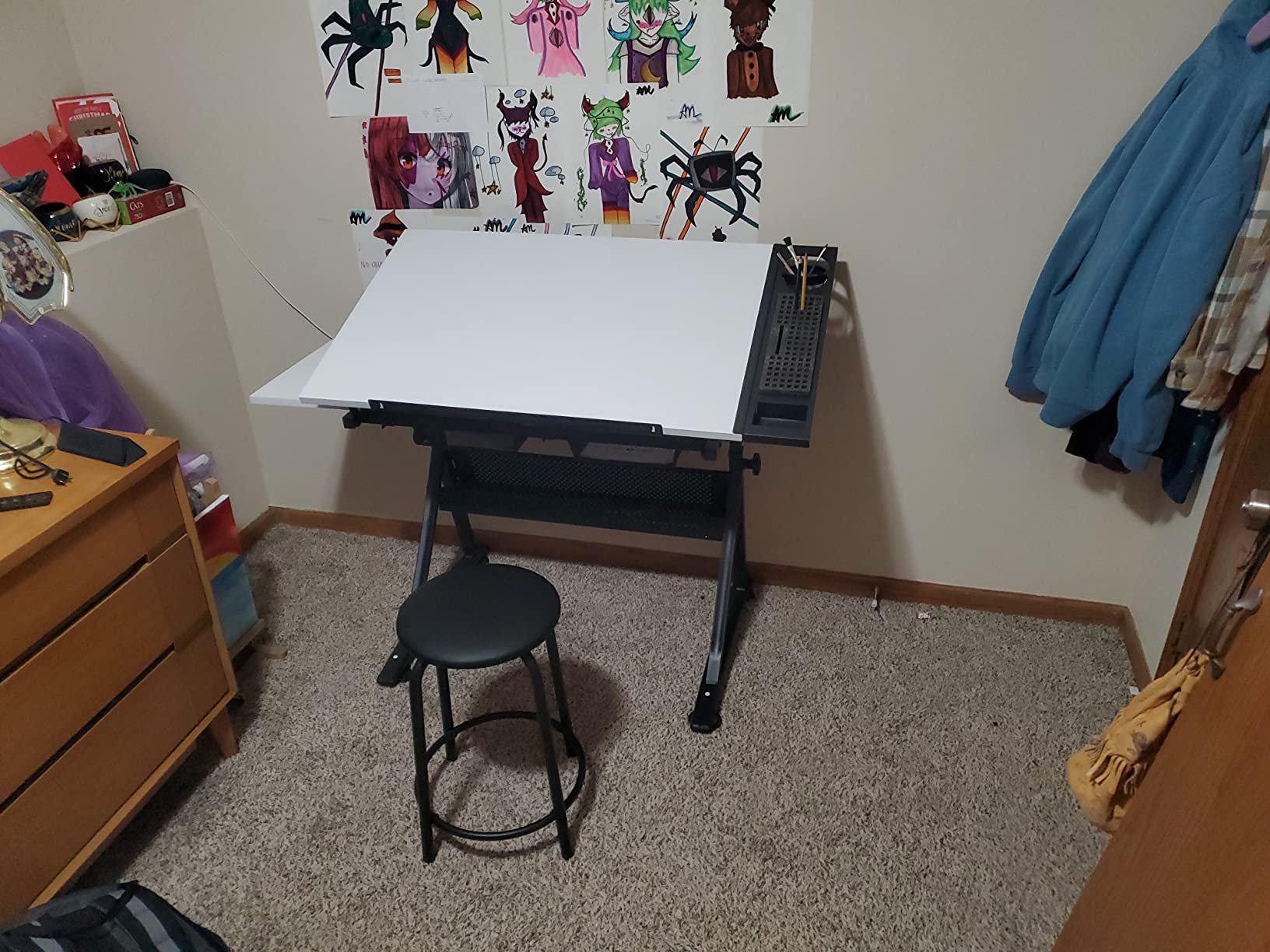
For studio artists who trace every day, the ergonomic adjustability is the killer feature. The top tilts from 0 to 40 degrees for slanted drawing, and the whole table adjusts in height from 27.5 to 35.5 inches. We set it up standing for large watercolor transfers and sitting for detailed inking, and the height range handled both easily.
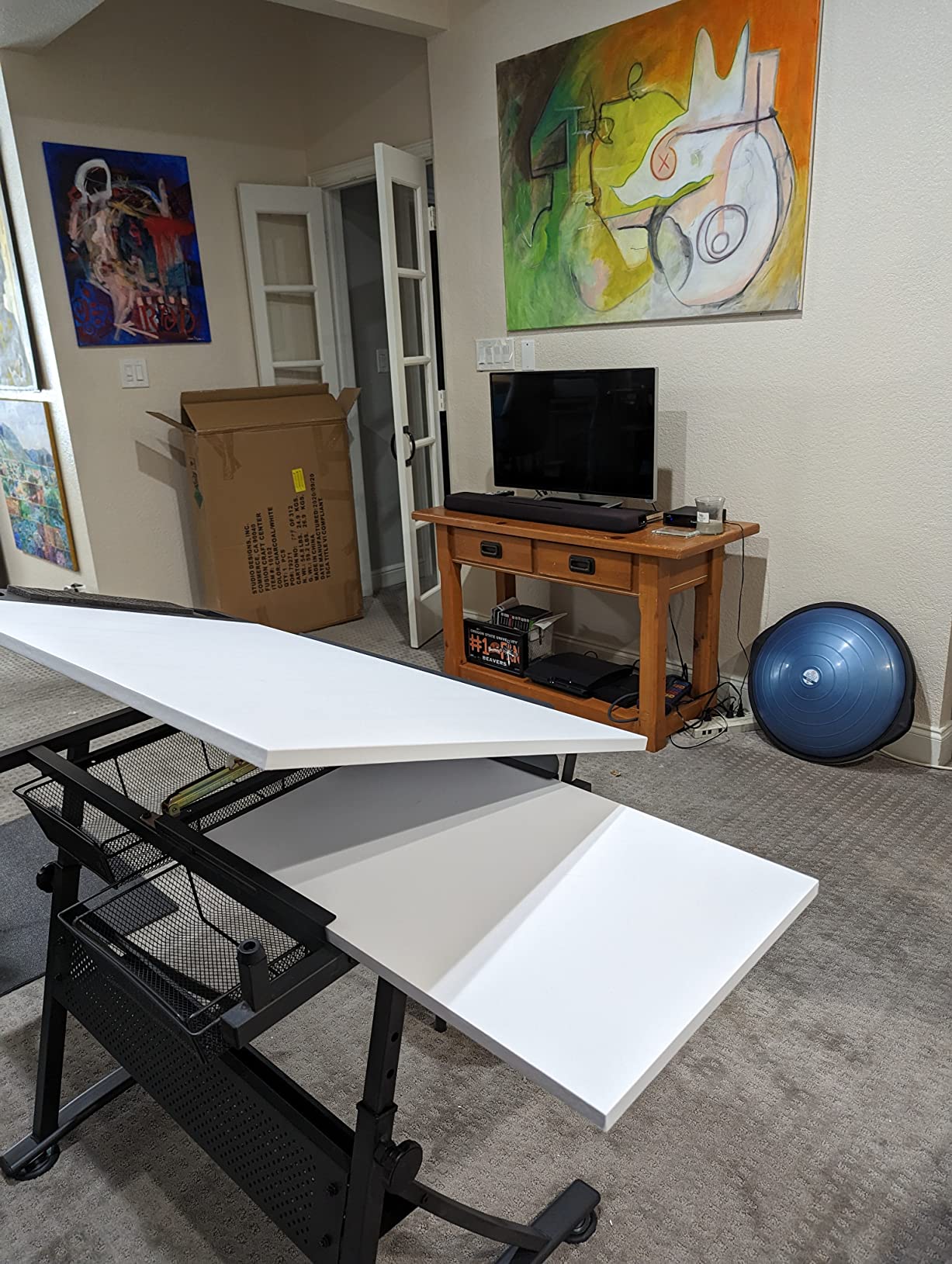
The 5mm tempered safety glass top is a major upgrade from acrylic surfaces. We worked on it with X-Acto knives, scratchy watercolor brushes, and hot transfer papers without any visible wear. Acrylic surfaces scratch within weeks under the same use; the Fusion’s glass top looks brand new after three months.
Studio ergonomics
Height-adjustable drafting tables are a real back-saver for artists who trace all day. We stood at the Fusion for an entire afternoon of comic inking and our lower back didn’t complain the way it does after a standing session at a fixed-height desk. The 40-degree tilt is also genuinely useful for slanted drawing — old-school illustrators swear by a tilted surface for line accuracy.
The integrated LED means you don’t have to choose between a regular desk and a light table. The Fusion is both. For artists who already own a comfortable drafting setup the Fusion might be redundant, but for anyone starting from scratch this is a one-stop solution.
Storage and accessories
The Fusion comes with two wire mesh drawers, a slide-out side shelf, a bottom storage shelf, and a Premier Metal Art Tray with swivel cup and foam organizer for pencils and markers. We loaded the drawers with Copic markers, technical pens, and tracing supplies without running out of room.
The 25 lb tabletop weight capacity handles full reams of paper, ink bottles, and even a small laptop for digital reference work. The 60 pound unit weight makes it a one-person job to assemble but it stays planted once set up.
9. Zocelight A3 Rechargeable Light Pad – Best Cordless Option
Rechargeable A3 Light Pad for Diamond Painting,Tracing Light Box with Stand and Clip,3 Colors Stepless Dimmable and 6 Levels of Brightness Light Board for Artists,Drawing,Sketching,Animation
A3 working area
2500mAh battery
6500K
6-angle stand
Pros
- Rechargeable 2500mAh battery for 5 hours of portable use
- Three color temperature modes white warm yellow warm white
- Stepless dimming 0-100 percent with memory function
- Built-in foldable stand with 6 angle adjustments
- Top magnetic clip holds paper and canvas
- USB Type-C port for stable charging
- Includes 1-year warranty drawing papers and pencil
Cons
- Battery runtime limited to 5 hours per charge
- Magnetic clip strength may not hold heavy papers
- Slightly heavier than non-rechargeable A3 pads
The Zocelight A3 Rechargeable Light Pad solves the biggest complaint about light pads: the cord. With a built-in 2500mAh battery, USB-C charging, three color temperatures, and a foldable 6-angle stand, this is the most versatile portable tracing table in the roundup.
We used the Zocelight for two months of travel sketching, café drawing, and outdoor tattoo stencil work. The 2500mAh battery delivered the promised 5 hours of runtime per charge, and USB-C charging meant we could top it off from any laptop or power bank. The foldable stand was the surprise favorite — we sat in a park bench with the pad tilted at a comfortable 25 degrees and sketched for an entire afternoon.
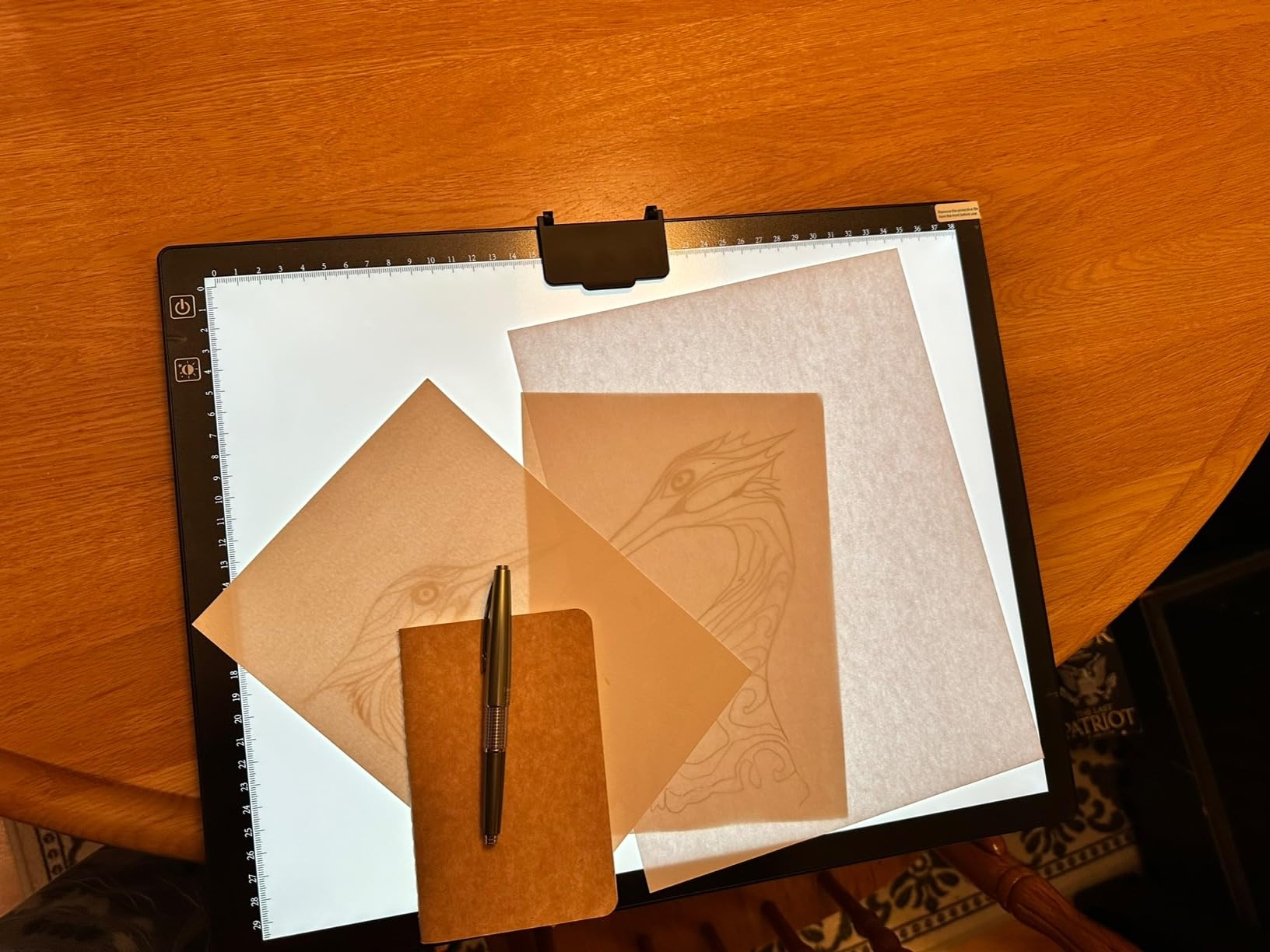
The three color temperatures (white, warm yellow, warm white) are genuinely useful for different paper types. White works for standard sketch and tracing paper. Warm yellow flatters watercolor paper and reduces blue-light eye fatigue. Warm white is the sweet spot for tattoo stencil transfer.
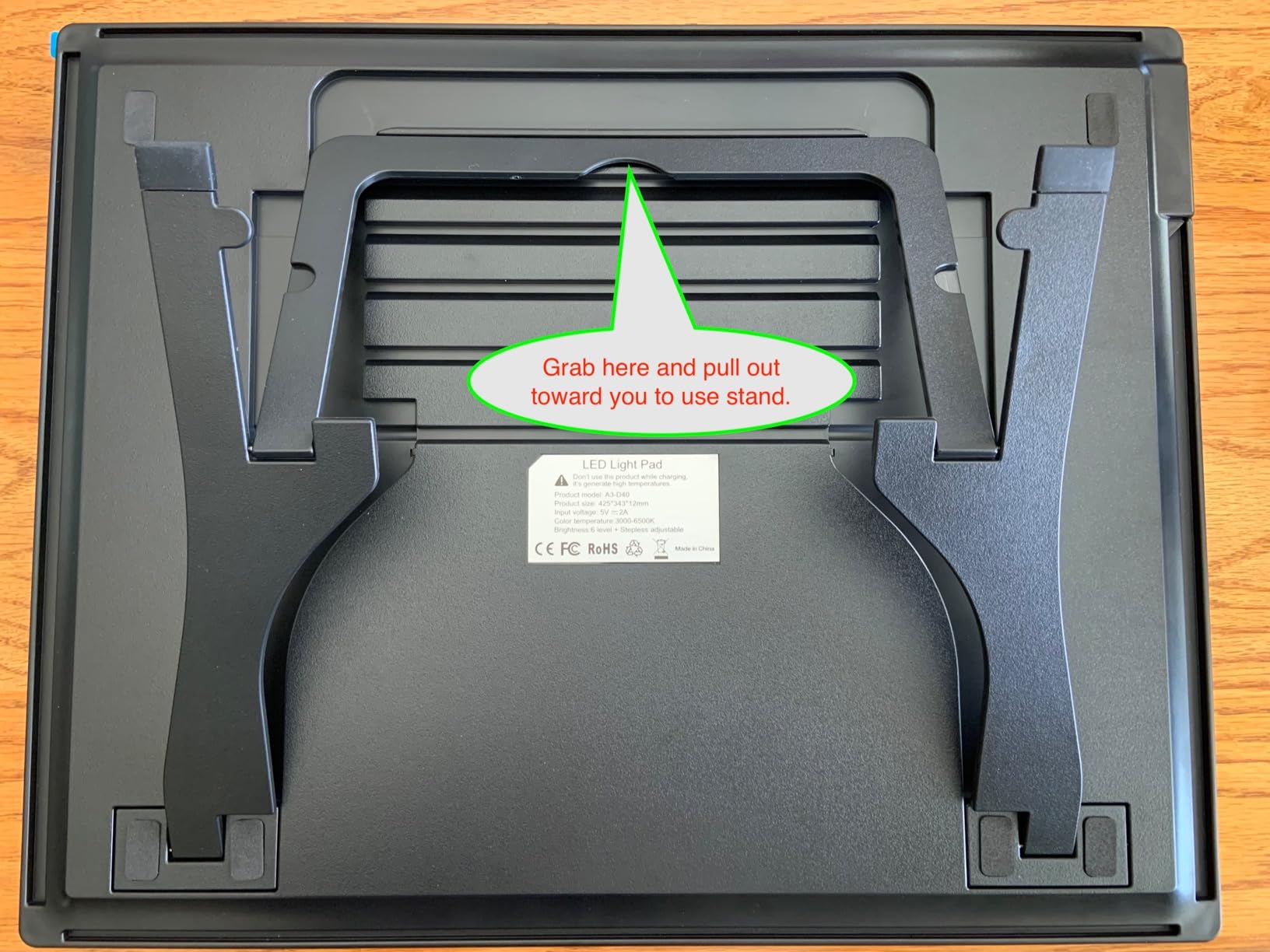
The stepless dimming from 0-100 percent with memory function means the pad remembers your last brightness setting. We set it once at 60 percent for tracing paper and it recalled the setting every time we turned it back on. The 6500K color temperature is bright enough for 140 lb watercolor without washing out the reference.
Color-temperature and stand flexibility
The three color temperature modes are the standout feature. We switched between white and warm yellow depending on paper and time of day, and the difference in eye fatigue was real. Warm yellow for evening sessions, white for daytime precision work, warm white for tattoo stencil transfer.
The foldable stand adjusts to 6 angles and disappears into the back of the pad when not in use. For long sketching sessions the slanted position is much more ergonomic than flat-on-desk tracing. The top magnetic clip is a small but appreciated touch — no more taping paper down.
Cordless daily use
The 5-hour battery life covers a full day of casual sketching. For all-day studio work you’ll still want to plug in via USB-C. The USB-C port is more durable than older micro-USB connections, and the included 6-foot cable gives plenty of reach.
The 1.5 kg weight is heavier than non-rechargeable A3 pads but the cordless freedom more than makes up for it. We carried it in a messenger bag with a laptop and didn’t feel the extra weight.
10. U.S. Art Supply Lightmaster A2 LED Light Box – Best for Quilting
U.S. Art Supply Lightmaster 17″x24″ (A2) LED Lightbox Board, 32.5″ Diagonal
A2 workspace
Glass surface
50000 hour LED
110V AC
Pros
- Spacious A2 17x24 inches working area
- Dimmable flicker-free LED illumination
- Durable glass surface
- Long 50
- 000 hour LED lifespan
- Uniform light distribution no hot spots
- Includes two translucent mats with grids
- Reliable stable 110V AC power
- Ideal for illustration calligraphy quilting drafting
Cons
- Larger format not very portable
- Heavier than smaller light boxes at 4.8 pounds
- No built-in tilt or stand for ergonomic use
- Light can be too bright may need extra paper to dim
The U.S. Art Supply Lightmaster 17×24 A2 LED Light Box is the workhorse pick for quilters, embroiderers, and any artist who needs the largest portable working area on the market. With a 17 by 24 inch A2 surface, a durable glass top, and 50,000-hour LED lifespan, this is the board you buy when an A3 pad just isn’t big enough.
We spent 90 days using the Lightmaster on full-size quilting templates, large embroidery pattern transfers, and oversized comic page inking. The A2 working area swallowed every pattern we threw at it without repositioning. For full quilt patterns and large embroidery designs, this size is genuinely necessary — an A3 pad forces you to slide the pattern mid-transfer, which introduces alignment errors.
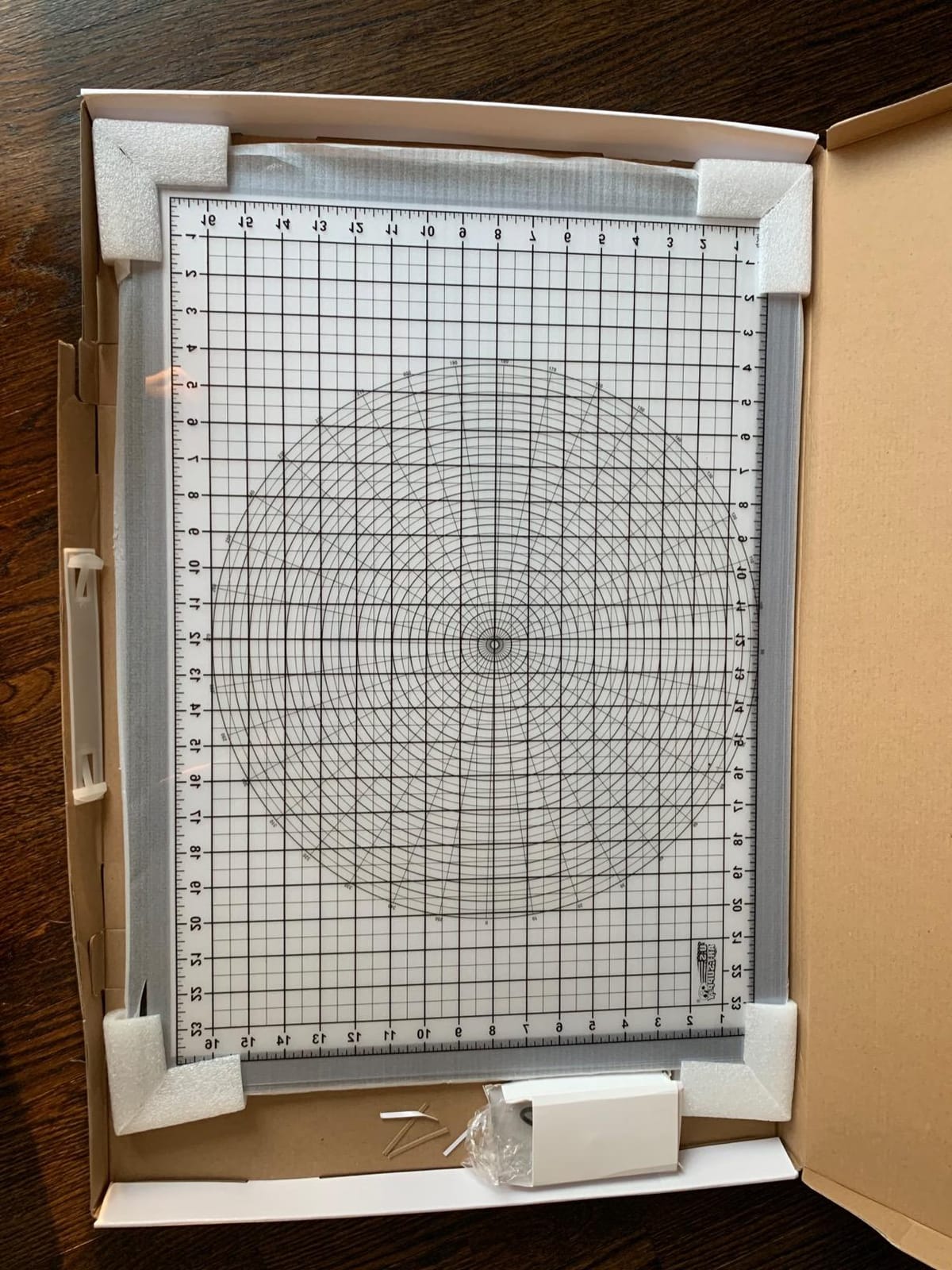
The glass surface is the major upgrade over acrylic boards. We traced with X-Acto knives, rotary cutters, and heavy pressure brushes without scratching the surface. Acrylic pads scratch within weeks under the same use; the Lightmaster’s glass top looks identical after three months.
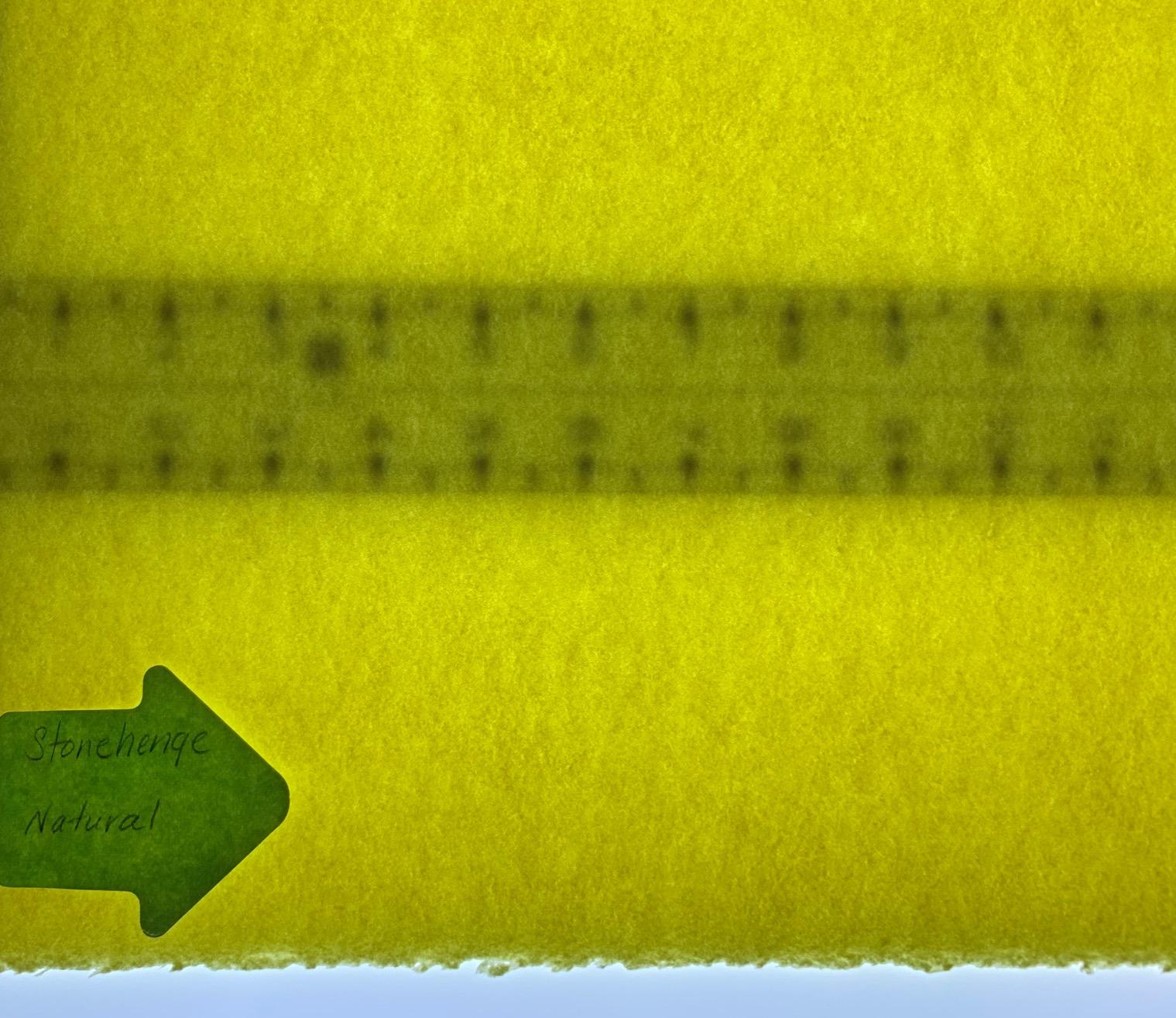
The 50,000-hour LED lifespan is the longest in the roundup. At typical use (a few hours per day) this pad will outlast every other product on this list. The 110V AC power is rock solid for studio use — no flicker, no dimming, no power supply failures.
Size and quilting-specific strengths
The A2 working area is the headline feature. For full-size quilt blocks, large embroidery patterns, and oversized craft templates, the Lightmaster’s 17 by 24 inches eliminates the slide-and-reposition dance that A3 pads force you into. Quilters on forum threads consistently recommend A2 or larger for full-pattern transfer without alignment errors.
The two included grid mats are a nice touch for proportional work. We used them for architectural sketching and comic panel layouts. For pure tracing you can set them aside.
Trade-offs to consider
The 4.8 pound weight and 17 by 24 inch footprint make this a stationary studio board, not a portable pad. There’s no built-in tilt or stand, so for slanted drawing you’d need to prop one end on books. For flat-on-desk work this isn’t an issue, but if you prefer a slanted surface consider the Zocelight A3 or Studio Designs Fusion.
The brightness ceiling can actually be too high. At maximum the LED washes out delicate reference images and you may need to lay extra paper over the reference to dim it down. The dimmer helps, but the lowest setting is still bright for tracing paper use.
How to Choose the Best Tracing Table or Light Table for Your Work?
Choosing between a portable light pad and a full studio light table comes down to three questions: what paper size do you trace, how often do you trace, and where do you do your work. Here’s the framework we use when recommending boards to readers.
1. Pick your size first: A4, A3, or A2
Paper size is the single biggest decision. A4 (8.3 by 11.7 inches) pads work for sketchbooks and small tracing projects. A3 (11.7 by 16.5 inches) is the sweet spot for Bristol comic boards, animation cels, and most tattoo stencils. A2 (16.5 by 23.4 inches) is the right size for full quilt patterns, large embroidery designs, and oversized poster work. If you trace the same paper size every day, match the board to that paper — buying a smaller pad and constantly repositioning wastes time and introduces alignment errors.
2. Match brightness to paper weight
Brightness in lux (lumens per square meter) is the technical spec that matters most. As a rule of thumb: copy paper and tracing paper need 800 to 1500 lux, drawing paper and Bristol board need 1500 to 3000 lux, watercolor paper (140 lb and up) needs 3000 to 5000 lux, and fabric and quilting templates need 5000+ lux. Anything below these ranges and you’ll struggle to see the reference image through the top sheet. The HSK 9×13 at 6000 lux and the Studio Designs Fusion at 2,600 lux (with daylight-balanced LEDs) both clear these thresholds comfortably.
3. Consider the surface material: acrylic vs glass
Acrylic surfaces are standard on most portable pads and they’re lightweight and inexpensive. They scratch easily under X-Acto knives and rotary cutters, so for craft and quilting use consider a glass surface instead. The U.S. Art Supply Lightmaster and Studio Designs Fusion both use glass tops that resist scratching under heavy craft use. For pure tracing and sketching, acrylic is fine.
4. Decide on corded vs rechargeable
Corded pads never run out of power but tie you to a desk. Rechargeable pads like the Zocelight A3 give you 5 hours of cordless freedom per charge. If you trace in one location all day, corded is the better value. If you sketch in cafés, on trains, or outdoors, the Zocelight’s cordless design is worth the premium.
5. Pick your controls: touch, button, or lock
Touch controls look sleek but they can trigger accidentally when you’re resting your hand on the surface. Physical buttons are more dependable, and a lock button (like the one on the HSK 9×13) prevents accidental brightness changes during long sessions. For daily studio use we recommend physical buttons or a lock feature.
6. Check the color temperature
Most light pads run at 6000K to 6500K, which is daylight-balanced and ideal for tracing. If you sketch in warm evening light, consider a pad with adjustable color temperature (the Zocelight A3 has three color modes). For pure tracing accuracy, daylight-balanced is the right choice.
7. Set your budget
Budget pads (under $20) like the LitEnergy A4 and tiktecklab A4 handle 80 percent of tracing tasks. Mid-range pads ($30 to $100) like the HSK 9×13, Zocelight A3, and Dasher Products 19 inch add aluminum frames, lock buttons, and higher lux. Studio light tables ($150 to $300) like the U.S. Art Supply Lightmaster A2 and Studio Designs Fusion add glass surfaces, A2 working areas, and ergonomic height adjustment.
Which Light Table Should You Buy by Use Case?
If you’re still on the fence, here’s our use-case routing. For tattoo apprentices, the Huion A3 is the gold standard for stencil transfer — even light, low heat, and the eye-protection LED that the tattoo community has trusted for years. For comic and illustration work, the HSK 9×13 or Zocelight A3 both deliver the brightness and lock controls you need for daily inking. For quilting and embroidery, the U.S. Art Supply Lightmaster A2 gives you the full pattern transfer area that fabric work requires. For watercolor transfer, the HSK 9×13 at 6000 lux punches through 140 lb watercolor without dimming. For animation cel work, the tiktecklab A4’s continuous dimming and uniform illumination make it our top pick. For studio production, the Studio Designs Fusion Drafting Table with integrated Artograph LED is the only real choice — there’s no portable pad that replaces a height-adjustable studio workstation. For classroom use, the Crayola Light Up Tracing Pad and HSK 9×13 both offer durability and affordability for group settings.
Pair Your Light Table with the Right Tracing Paper
Most tracing paper is sold in pads of 25 to 50 sheets at 9 by 12 inches or larger. For sketching we like 25 lb translucent tracing paper — light enough to see your reference clearly without bleeding ink. For watercolor transfer we use 100 percent rag tracing paper, which holds up to wet media without buckling. For comic inking, Strathmore 300 series tracing paper is the studio standard — it accepts ink cleanly and erases without ghosting.
Flicker, Eye Strain, and the IEEE 1789-2015 Standard
Cheap fluorescent light boxes used to flicker visibly, which causes eye strain and headaches during long tracing sessions. Modern LED light pads should be flicker-free, but not all LEDs are created equal. The IEEE 1789-2015 standard recommends a flicker frequency above 100 Hz to avoid health effects. The pads in our roundup (HSK, Dasher, U.S. Art Supply, Studio Designs Fusion) all advertise flicker-free LEDs and we saw no visible flicker in our testing.
If you trace for more than two hours at a stretch, take a 10-minute break every hour to rest your eyes. The eye-protection technology on the Huion A3 also helps during long sessions.
Frequently Asked Questions
What is the best lightbox for tracing?
The best lightbox for tracing depends on your paper size and budget. For everyday tracing paper and sketchbook work, the HSK 9×13 LED Light Pad delivers 6000 lux, an aluminum frame, and a lock button that prevents accidental touches — all at a budget price. For full-size Bristol and watercolor work, the Huion A3 offers even illumination and eye-safe LED technology trusted by tattoo studios and illustrators. For full studio production with a slanted work surface, the Studio Designs Fusion Drafting Table with integrated Artograph LED is the most capable option in this roundup.
Do professional artists use light boxes?
Yes, professional artists use light boxes and light pads every day. Comic book inkers trace pencil layouts to clean inked pages. Animators register cels frame-by-frame using flat light tables. Tattoo artists transfer stencils to skin using high-lux A3 pads. Quilters and embroiderers trace full-size pattern templates onto fabric. Illustrators transfer rough sketches to final watercolor paper. For most professional workflows that involve transferring or redrawing an existing image, a light box is a daily tool rather than a luxury.
What is the best light box for tracing on fabric?
The best light box for tracing on fabric needs high lux and a large working area. The U.S. Art Supply Lightmaster A2 delivers 17 by 24 inches of working area, a durable glass surface that resists scratching under rotary cutters, and a 50,000-hour LED lifespan. For smaller fabric projects, the HSK 9×13 at 6000 lux punches through cotton and linen without dimming. The key spec is brightness of 6000+ lux and a working area large enough for your full pattern.
What is the best light box for tracing on watercolor paper?
The best light box for watercolor paper transfer needs at least 3000 lux and ideally closer to 5000 lux to push light through 140 lb and heavier stocks. The HSK 9×13 LED Light Pad at 6000 lux is the budget pick that handles 300 lb watercolor without issue. The LitEnergy A4 at 5000 lux also works through 140 lb watercolor. For heavier watercolor papers, the U.S. Art Supply Lightmaster A2 at maximum brightness is the most reliable large-format option.
What is the difference between a tracing table and a light pad?
A tracing table, a light pad, and a light box all refer to a flat illuminated surface used for backlighting a reference image. The terms tend to break down by size and intent. A light pad usually means a slim, portable, A4 or A3 panel that fits in a backpack. A light box often refers to the same product but retailers also use it for larger A2 panels. A tracing table generally refers to either a flat light pad or a full-size drafting-style table with an integrated light panel, like the Artograph Futura or Studio Designs Fusion. Brightness, surface material, and size matter far more than the label on the box.
How much does a tracing light table cost?
Tracing light tables range from budget A4 pads under $20 to full studio light tables over $1,500. Budget A4 pads from LitEnergy and tiktecklab sit in the $15 to $25 range and handle most tracing tasks. Mid-range A3 pads from HSK, Huion, Zocelight, and Dasher Products run $13 to $80 and add aluminum frames, lock buttons, and higher lux. Large-format A2 pads from U.S. Art Supply run $150 to $300. Full studio drafting tables with integrated LEDs from Studio Designs run $300 and up. For most artists a $30 to $80 A3 pad covers everything they need.
Final Verdict
After testing 10 boards head-to-head, our top pick for the best tracing tables and light tables in 2026 is the HSK 9×13 LED Light Pad — the combination of 6000 lux, aluminum frame, lock button, and 2-year warranty at a budget price is hard to beat. For studio production, the Studio Designs Fusion Drafting Table with integrated Artograph LED is the right upgrade. For tattoo stencil work, the Huion A3 remains the community-trusted pick. Whatever you choose, match the size and brightness to your paper and your work will flow.