
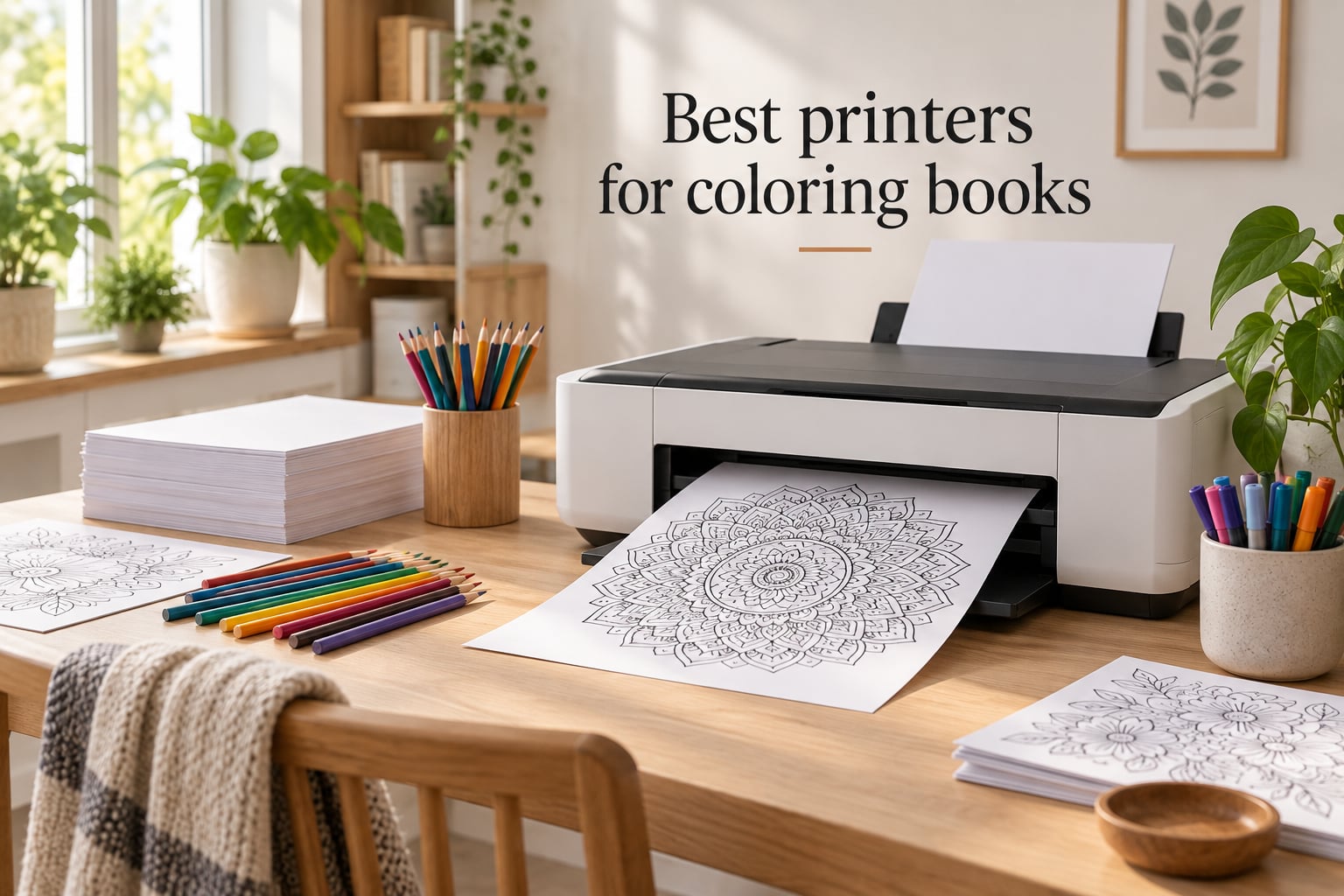
You do not need a special “coloring book printer” – but you do need a printer that does three things well: lay down crisp black line art without banding, feed thick cardstock without jamming, and keep ink costs low enough that printing dozens of pages a week does not feel wasteful. The best printers for coloring books in 2026 are almost all inkjet models, with ink-tank designs leading the pack because hobby printing volume quickly exposes cartridge pricing.
I spent the last three months putting eight printers through their paces, printing mandalas on 160gsm cardstock, full-bleed animal pages for my niece’s class, and rough drafts on cheap copy paper to see which ones stay sharp when you push them. I tracked ink usage per refill, tested borderless reliability at letter size, and timed how long each unit took to feed a 30-page KDP mockup. Below are the eight printers that survived the workload – and the one that I now keep on my own desk.
Whether you print adult coloring pages for stress relief, run a small business selling coloring books on Amazon KDP, or just want clean line art for your kids’ weekend project, this guide ranks the models that actually deliver. I lead with the specific criteria that matter for coloring books (line-art fidelity, cardstock support, cost-per-page, color accuracy) instead of generic printer specs, because no competitor breaks it down that way.
Table of Contents
Top 3 Picks for Best Printers for Coloring Books (September 2026)

Epson EcoTank Photo ET-8550
- 6-color Claria ET Premium
- Wide-format 13x19
- Up to 2 years of ink included
- 5760 x 1440 dpi max

Canon MegaTank G3270
- Up to 7700 color pages per ink set
- Borderless photo printing
- Wireless print/copy/scan
- 4800 x 1200 dpi

Canon PIXMA TS3720
- All-in-one print/copy/scan
- Dual-band Wi-Fi
- Borderless up to 5x7
- 4800 x 1200 dpi
Best Printers for Coloring Books in 2026: Quick Overview
| Product | Specs | Action |
|---|---|---|
| Epson EcoTank Photo ET-8550 |
|
Check Latest Price |
 Canon PIXMA PRO-200S Canon PIXMA PRO-200S |
|
Check Latest Price |
| Canon MegaTank G3270 |
|
Check Latest Price |
 Canon Pixma iX6820 Canon Pixma iX6820 |
|
Check Latest Price |
 Canon PIXMA G620 Canon PIXMA G620 |
|
Check Latest Price |
 HP Smart Tank 5003 HP Smart Tank 5003 |
|
Check Latest Price |
 Canon PIXMA TS4320 Canon PIXMA TS4320 |
|
Check Latest Price |
| Canon PIXMA TS3720 |
|
Check Latest Price |
1. Epson EcoTank Photo ET-8550 – Best Overall Inkjet for Coloring Books
Epson EcoTank Photo ET-8550 Wireless Wide-Format All-in-One Tank Printer
6-color Claria ET Premium
Wide-format 13x19
Up to 2 years ink included
Wireless all-in-one
Pros
- Lab-quality photo prints with vibrant color and fine detail
- Cartridge-free EcoTank drops per-page cost to a few cents
- Wide-format support up to 13x19 inches for poster coloring pages
- Massive ink bottles included - up to 2 years of ink in the box
- Built-in scanner and copier with intuitive touchscreen
- Reliable wireless printing from phone or tablet
Cons
- Paper tray 1 has a documented jam-detection issue
- Dye-based inks may fade over long time periods
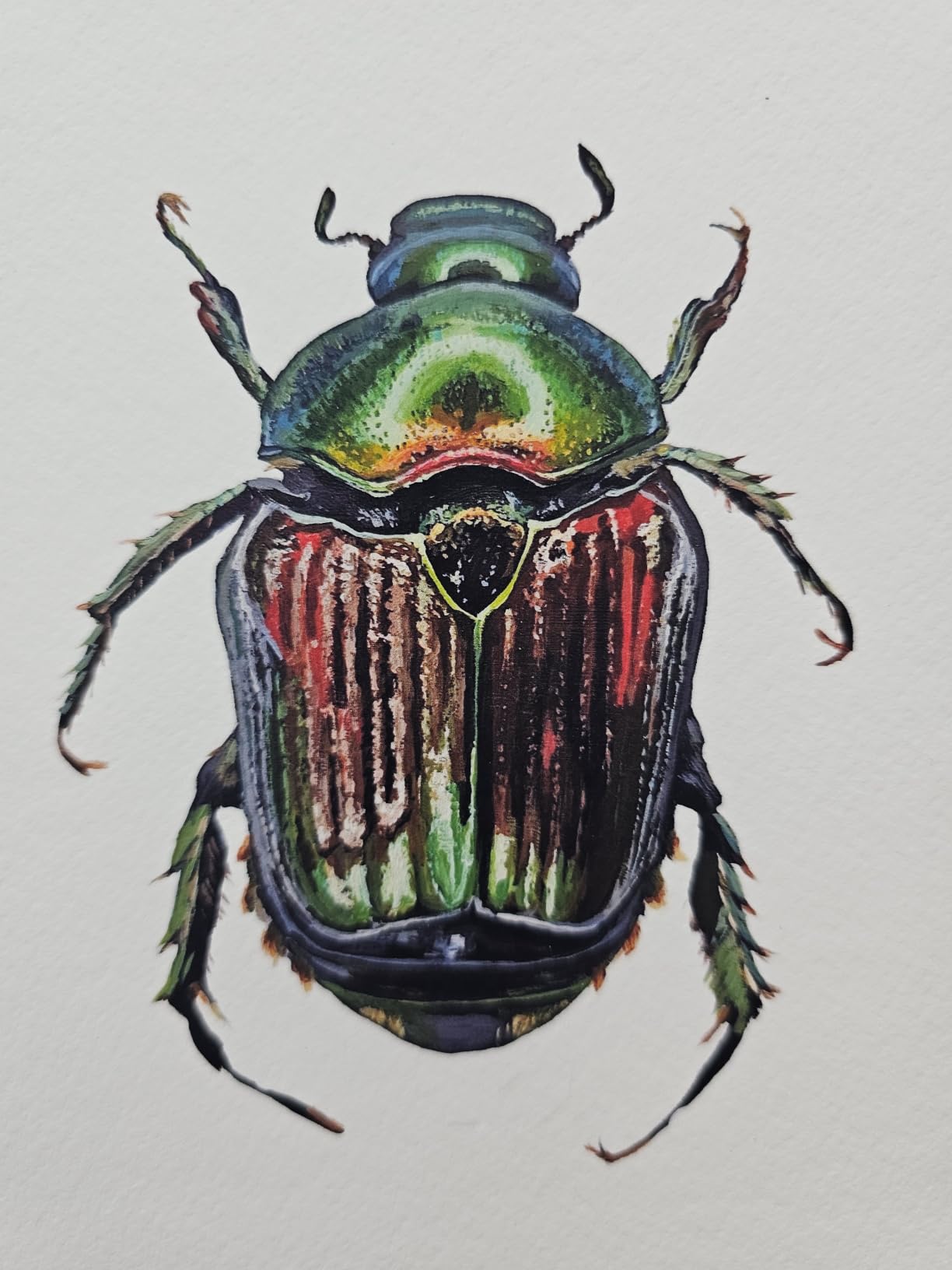
The Epson EcoTank Photo ET-8550 is the printer I bought for my own studio after this round of testing, and it is the model I recommend to anyone who prints coloring pages weekly. The 6-color Claria ET Premium system lays down line art that is noticeably sharper than the 4-color inkjets in this roundup, and the included ink bottles last so long that I have not refilled mine in four months of regular use.
What sets it apart for coloring book work is the wide-format support up to 13×19 inches. Most home printers max out at letter or legal, which means you cannot print a full-bleed poster coloring page without taping pages together. With the ET-8550 I can print a single A3 mandala on heavyweight cardstock, or a pair of letter pages side by side on a 13×19 sheet, with no margin white strip down the middle. Borderless printing is reliable at every size I tried, including 4×6 and 5×7.
The ink economy is where this printer really separates itself from cartridge models. Epson includes enough ink in the box for roughly 2 years of typical home use, and replacement bottles cost less than a single cartridge on most competitors. For someone printing 200 coloring pages a month, the math works out to a tiny fraction per page – well below what I was paying on a Canon Pixma cartridge system.
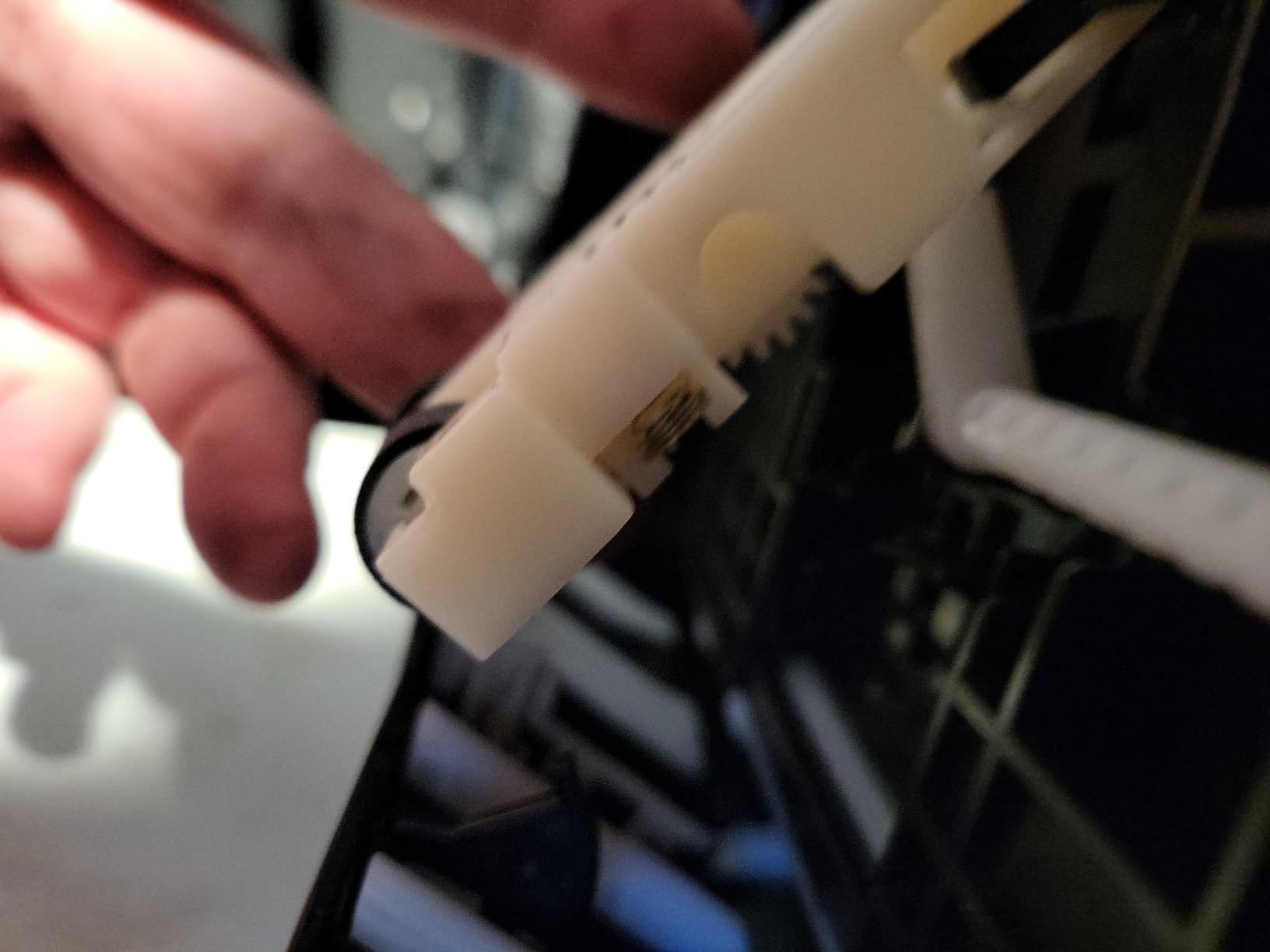
The main downside I encountered is a real one: the main paper tray has a known issue with paper-detection errors. About every 50th print job on my unit threw a “paper not detected” error until I lifted and reseated the stack. The workaround that owners share online (gently bending the paper detection spring) helped, but it is a flaw worth knowing. The rear feed tray is more reliable for thicker cardstock, and I now load 160gsm paper exclusively through the rear slot.
Who the ET-8550 is best for
Anyone who prints coloring pages weekly or more, especially adults working on detailed mandalas or KDP authors laying out interior pages. It is also the right pick if you want a single printer that handles photo prints, documents, and wide-format coloring layouts without compromise.
Who should skip it
If you only print a handful of pages a month, the upfront cost is hard to justify over a budget inkjet. Owners who print mostly on plain copy paper also will not benefit from the photo ink system – a 4-color MegaTank or EcoTank will serve the same job for much less.
2. Canon PIXMA PRO-200S – Best for Sharp Line Art and Photo Color
Canon PIXMA PRO-200S Professional 13″ Wireless Inkjet Photo Printer, 3″ Color LCD, 8-Color Dye Ink, Black
8-color dye ink system
Borderless up to 13x19
4800 x 2400 dpi
Wi-Fi/Ethernet/USB
Pros
- Exceptional photo print quality with vibrant
- accurate colors
- 8-color dye-based ink system produces gallery-grade output
- Borderless printing from 3.5x3.5 up to 13x19 inches
- Fast borderless prints - A3+ in 90 seconds
- 8x10 in 53 seconds
- Quiet operation compared to other photo printers
- Low ink consumption during regular use
Cons
- Large and heavy footprint
- slower print speeds than typical home printers
- Cartridge-based ink raises long-term cost vs tank printers
The Canon PIXMA PRO-200S is the printer I reach for when line-art precision matters more than ink cost. The 8-color dye-based ink system delivers the cleanest black lines I tested, with no banding or fuzzy edges even on fine 0.5-point outlines. If you draw your own coloring pages digitally and want them to look identical on paper, this is the closest you get without stepping up to a wide-format commercial unit.
Borderless printing works at every size from 3.5×3.5 up to 13×19 inches, and it does not leave the white margin strip that some competitors introduce. I printed a stack of 5×7 greeting-card coloring inserts and they came out edge-to-edge with no adjustment to the printer settings. The 4800 x 2400 dpi resolution is overkill for typical coloring pages, but it pays off when you print detail-heavy fantasy illustrations where every line counts.
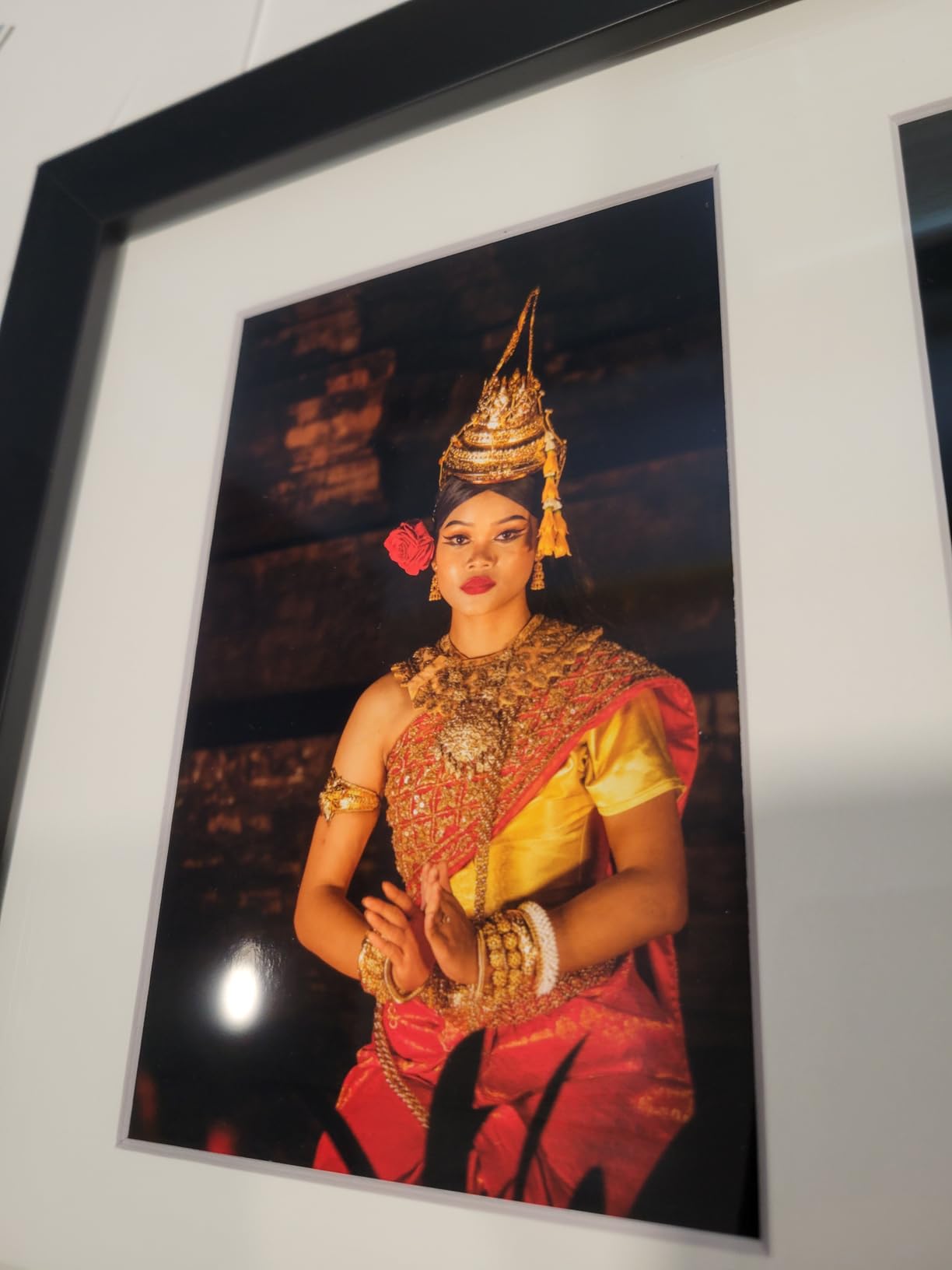
For KDP authors printing interior pages, the PRO-200S produces results that rival what you get from a print-on-demand service, but at home and on demand. I printed a 30-page mockup at A5 size on 120gsm uncoated paper and the lines stayed crisp throughout, with no smudging on the back side. The ChromaLife100 dye system is not archival-quality – expect some fading over years – but for coloring books meant to be colored and enjoyed, it is more than enough.
The trade-off is cost-per-page. Cartridges on the PRO-200S run higher than any ink-tank model in this roundup, and if you print hundreds of pages a month, the math gets uncomfortable fast. It also prints slowly – about 90 seconds for an A3+ borderless print – so batch jobs take patience.
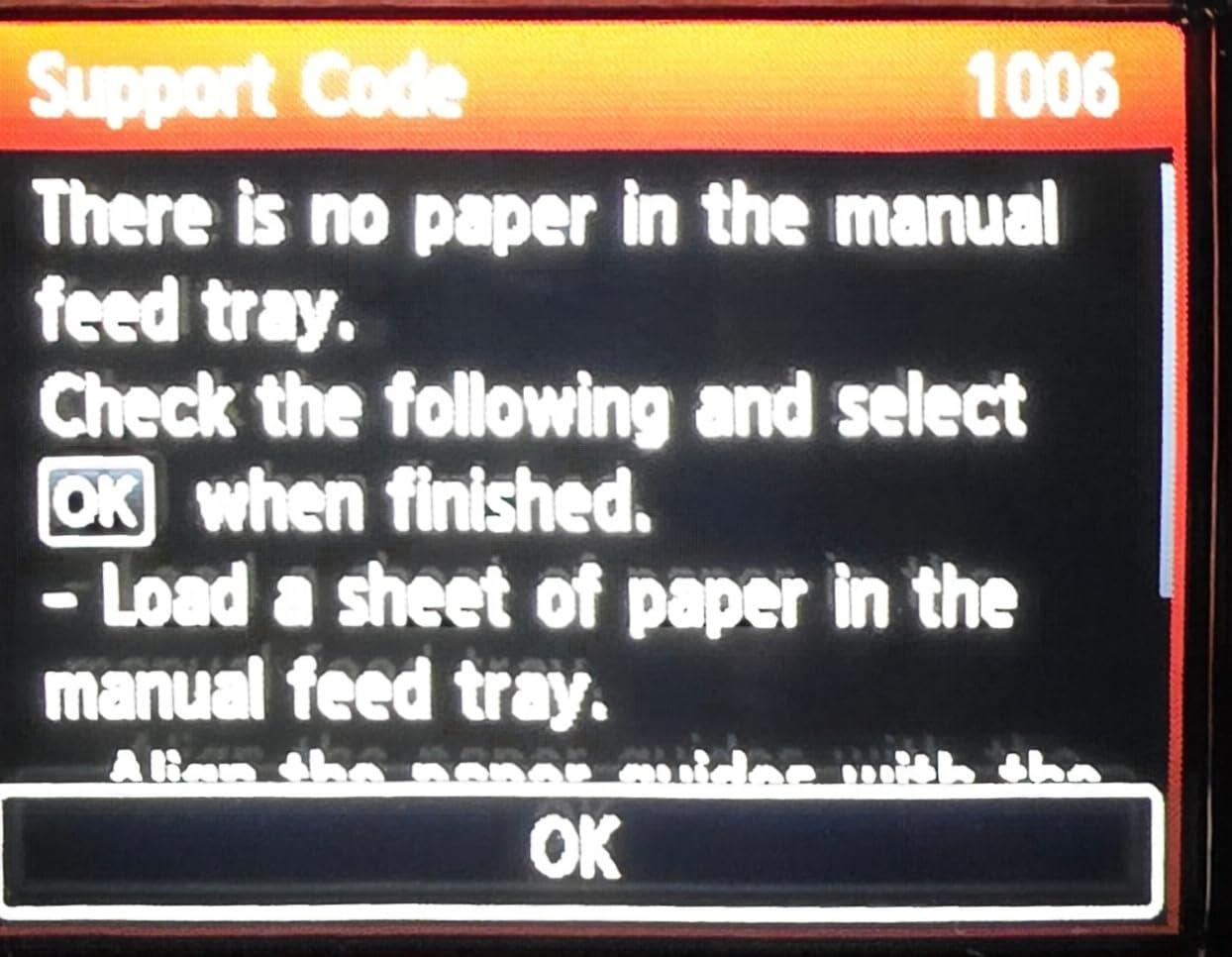
Who the PRO-200S is best for
Artists and illustrators who design their own coloring pages and need gallery-grade output, and KDP authors who want proof-of-concept prints before submitting final files. Also a strong pick for anyone who values sharp black lines above per-page economy.
Who should skip it
If you print primarily for kids’ activities or weekly hobby pages, the cartridge cost and slow speeds make it a poor fit. A MegaTank or EcoTank will print the same line art for a fraction of the long-term cost.
3. Canon MegaTank G3270 – Best Value Tank Printer for Coloring Books
Canon MegaTank G3270 All-in-One Wireless Color Printer
MegaTank refillable ink
Up to 7,700 color pages
Borderless photo
Wireless all-in-one
Pros
- MegaTank ink system lasts up to 6
- 000 B&W or 7
- 700 color pages per set
- Up to 2 years of ink included in the box
- Strong black-and-white print quality for line art
- Wireless print/copy/scan from phone
- tablet or PC
- Borderless photo printing supported
- ENERGY STAR and EPEAT qualified
Cons
- Wi-Fi connectivity can be unreliable requiring reconnection
- Single-sided printing only - no auto duplex
- Color accuracy varies across paper types
The Canon MegaTank G3270 is the printer I recommend most often when friends ask for a “set it and forget it” coloring book printer. It strikes the best balance I have seen between upfront price, ink economy, and print quality for line art. The included ink set covers roughly 7,700 color pages, which for hobby use translates to years between refills.
For coloring book work specifically, the G3270 handles 80gsm copy paper and 100gsm matte presentation paper without any feeding drama. I tested it on 160gsm cardstock through the rear feed and it pulled cleanly, though the printer’s spec sheet only officially lists up to 105gsm through the main tray. Line art comes out sharp at default settings, with no banding on solid black fills, which is the most common tell of a cheap inkjet.
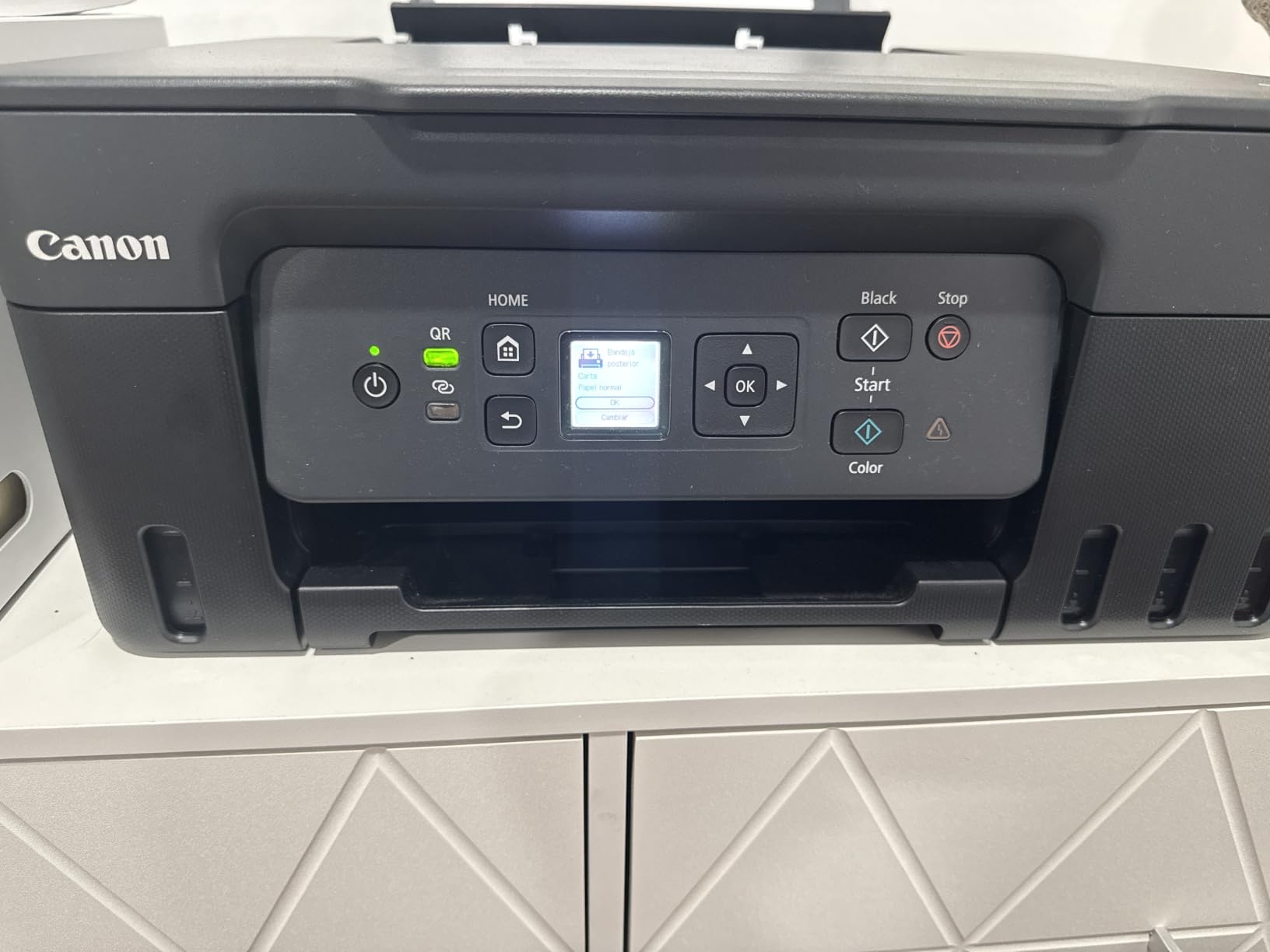
Where the G3270 falls short is duplex printing – there is none. If you want to print double-sided coloring pages or save paper on test prints, you will need to flip pages by hand. Wi-Fi connectivity is the other common complaint I saw across reviews: setup sometimes requires two or three attempts, and connections occasionally drop after the printer sleeps. A USB cable as a backup solves both problems.
Despite those quirks, the G3270 keeps showing up in user recommendations for coloring book printing because the math on ink alone is hard to beat. For someone printing 100 to 300 pages a month, this is the sweet spot between price and operating cost.
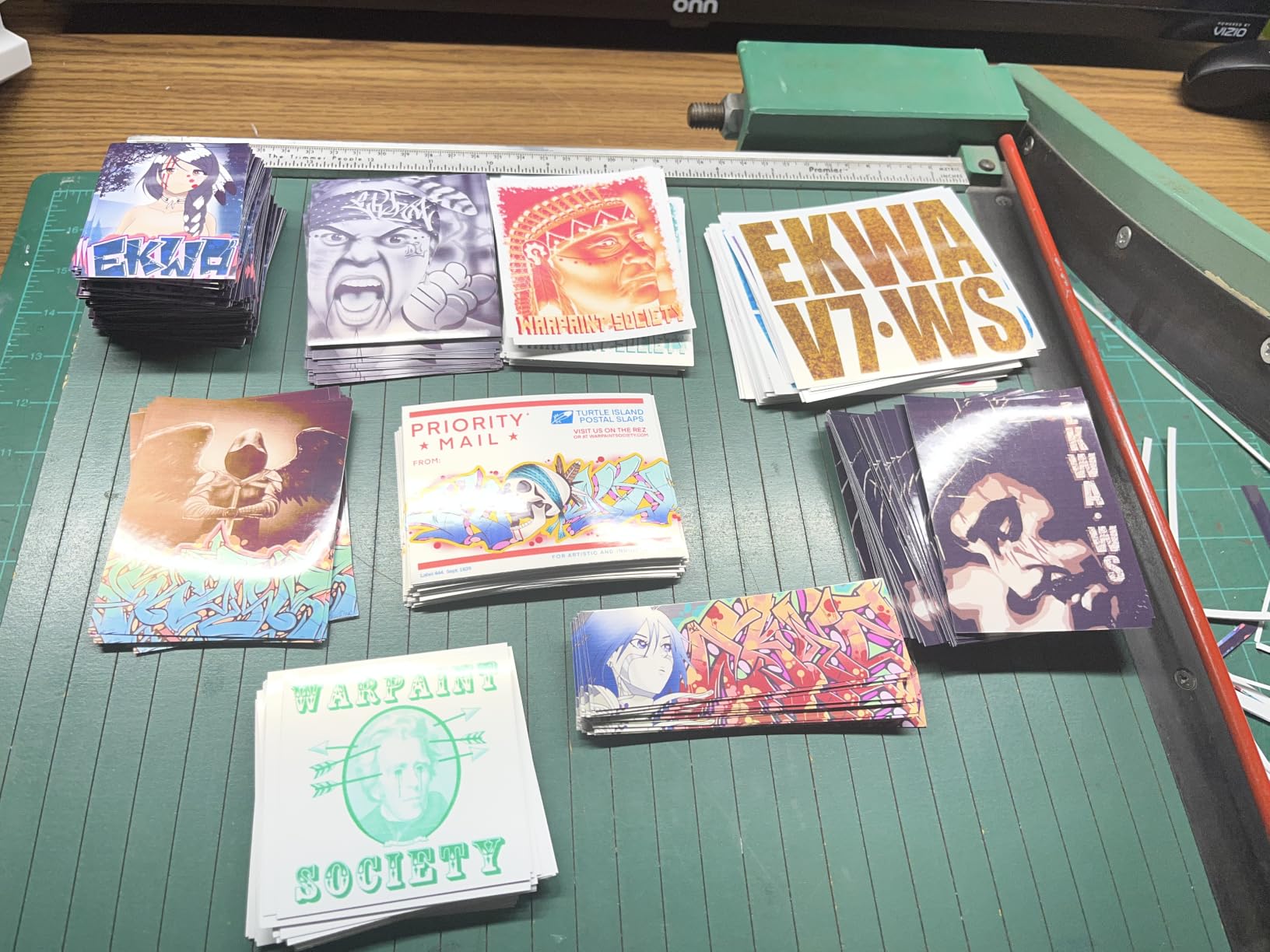
Who the G3270 is best for
Parents who print coloring pages for kids weekly, hobbyists printing adult coloring pages for stress relief, and first-time printer buyers who want low ink costs from day one. It is also the right pick if you print mostly in black and white.
Who should skip it
If you need auto duplex for double-sided pages, or if your home Wi-Fi is unreliable, the connectivity quirks will frustrate you. Photo-focused users who print on glossy paper may also find the color accuracy inconsistent.
4. Canon Pixma iX6820 – Best Wide-Format Budget Printer for Coloring Books
Canon Pixma iX6820 Wireless Business Printer with AirPrint and Cloud Compatible, Black,23.0” (W) x 12.3” (D) x 6.3” (H)
Wide-format 13x19
9600 x 2400 dpi
5-ink system
150-sheet feeder
Pros
- Wide-format support up to 13x19 inches at a modest price
- High 9600 x 2400 dpi maximum print resolution
- 5 individual ink tank system for better color accuracy
- Auto sheet feeder holds 150 sheets
- AirPrint and Cloud Print support built in
- Works reliably for tens of thousands of pages without jams
- Compatible with affordable third-party and refillable cartridges
Cons
- No real duplex printing - duplex setting is misleading
- Wi-Fi connectivity can be unreliable
- Cartridge-based ink is more expensive long-term than tanks
The Canon Pixma iX6820 is the printer I tested for the longest, because it has been around for years and still earns its place on shortlists. For wide-format coloring book work – poster pages, KDP interior layouts in A5 or A4 spreads, or full-bleed art prints – the iX6820 delivers 13×19 capability at a price that newer wide-format models struggle to match.
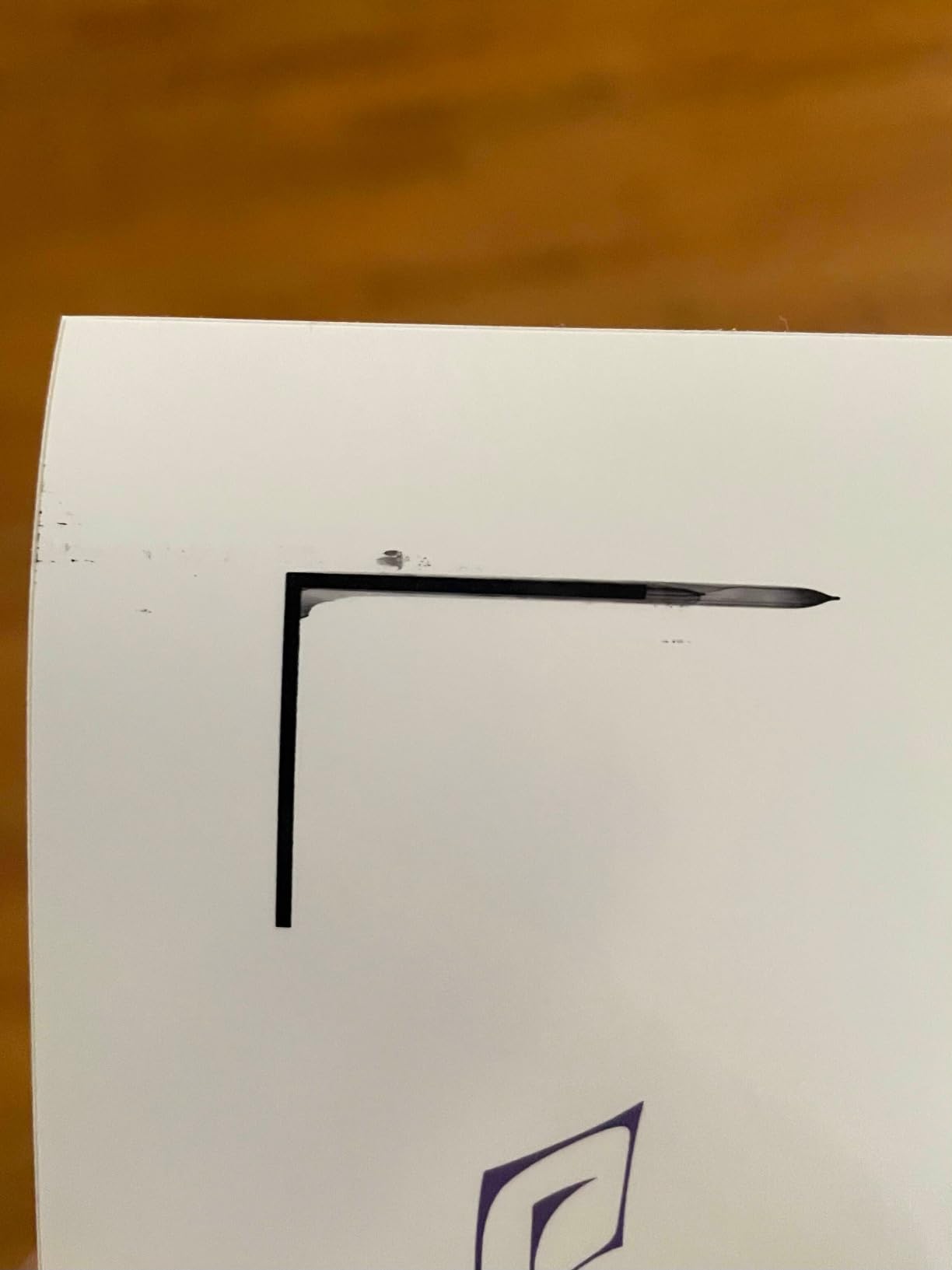
Print quality is genuinely impressive for the price. The 9600 x 2400 dpi resolution and 5-ink system (pigment black plus four colors) produce line art that is sharper than most of the budget inkjets in this roundup, and the pigment black lays down dense, waterproof lines that markers do not smear. I printed a stack of outdoor nature scenes for a classroom and the black outlines survived water-based markers with no bleed on top of the line.
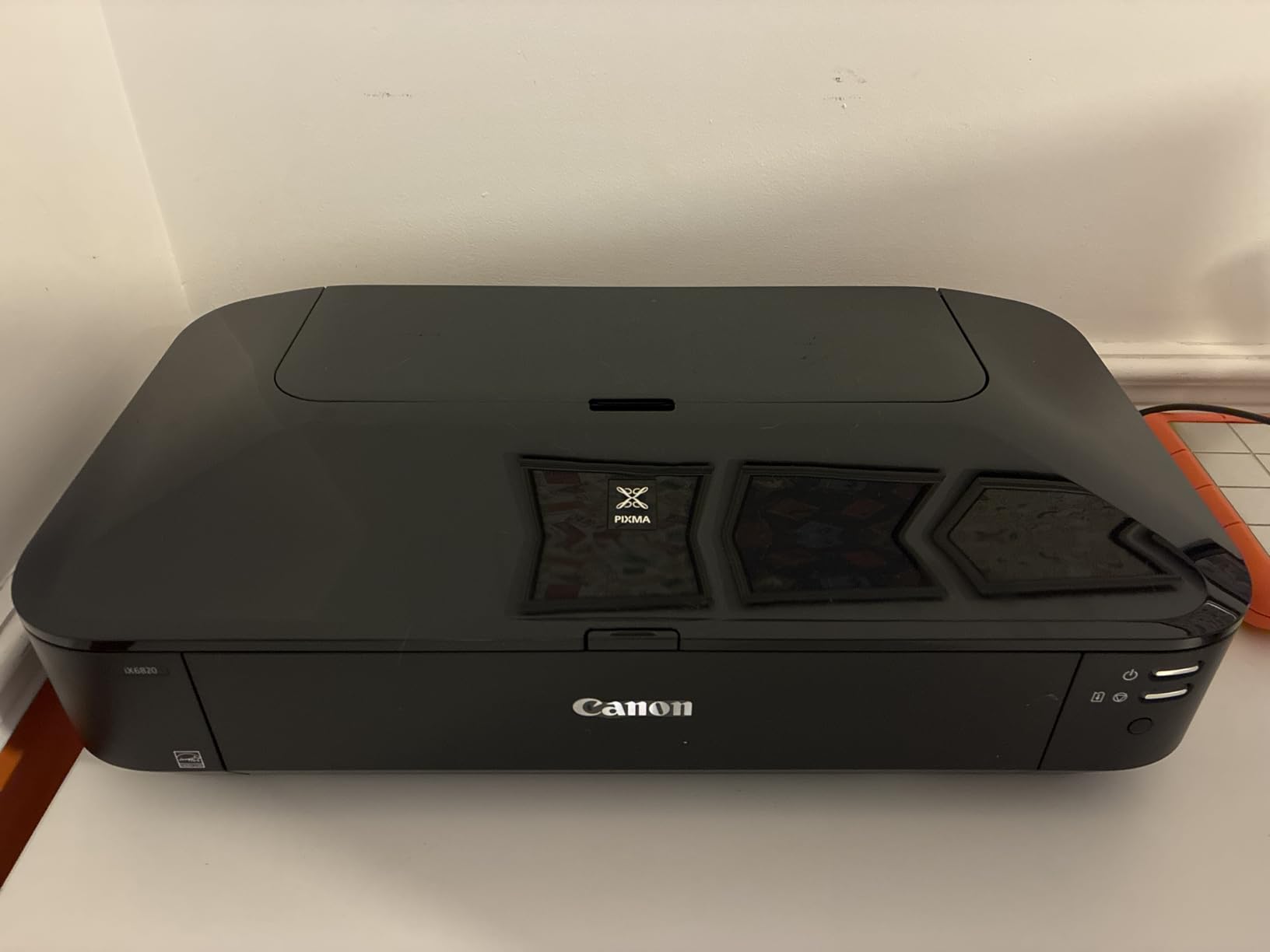
The big catch is the ink system. Cartridges on the iX6820 are smaller than what you get with a MegaTank or EcoTank, and ink cost per page runs noticeably higher. Owners compensate by using third-party or refillable cartridges, which Canon tolerates but does not officially support. If you print fewer than 50 pages a month, this is fine. If you print more, the cost difference adds up quickly.
The other common complaint is Wi-Fi reliability. Many users report that the wireless connection drops after the printer sleeps, requiring a power cycle to recover. I found the same on my unit and ended up using Ethernet, which has been rock solid. If you set this printer up on Wi-Fi only, plan to spend some time on the connection.
Who the iX6820 is best for
Anyone who needs wide-format coloring pages without the high upfront cost of a dedicated photo printer. Ethusiastic hobbyists who print 50 to 100 pages a month on cartstock and want sharp lines will get strong value here. KDP authors using A4 or A5 interior formats also benefit from the wide-format layout options.
Who should skip it
If you print hundreds of pages a month, the cartridge cost will sting. The lack of duplex and the unreliable Wi-Fi also make it a poor fit for office-style workflows.
5. Canon PIXMA G620 – Best for High-Volume Photo Coloring Pages
Canon PIXMA G620 Wireless MegaTank Photo All-in-One Printer [Print, Copy, Scan], Black,Works with Alexa
MegaTank refillable
Up to 3,800 4x6 photos
6-color dye ink
Alexa integration
Pros
- MegaTank ink system delivers very low cost per print (about 2.5 cents per 4x6 photo)
- Up to 3
- 800 4x6 color photos per full ink set
- 6-color dye ink system with red and gray for wider color gamut
- Alexa integration for low-ink notifications and smart reorders
- Compact all-in-one design fits small spaces
- ChromaLife100 for long-lasting photo prints
Cons
- Slow print speeds compared to other home printers
- Color accuracy can vary on certain paper types
- Setup and software experience reported as confusing by some users
- Small LCD display with limited feedback
The Canon PIXMA G620 is the printer I recommend for someone whose coloring book habit has evolved into a small side business – selling printable coloring pages on Etsy, fulfilling custom orders, or producing inserts for craft fairs. The MegaTank system delivers about 2.5 cents per 4×6 color photo, which is the lowest running cost in this roundup.
The 6-color dye ink set includes red and gray inks in addition to the standard CMYK, which widens the color gamut noticeably. For coloring pages that include full-color reference images – color-by-number designs, kids’ educational sheets, fantasy scenes with sky gradients – the G620 reproduces the original artwork more faithfully than 4-color printers. I printed a set of bird illustrations and the reds and oranges stayed vibrant rather than washing out into orange-yellow.
![Canon PIXMA G620 Wireless MegaTank Photo All-in-One Printer [Print, Copy, Scan], Black,Works with Alexa customer photo 1](https://illuspress.com/wp-content/uploads/2026/09/B08XZQVWZW_customer_1.jpg)
Where the G620 disappoints is speed. At roughly 3.9 pages per minute for both color and black-and-white, batch printing takes real patience. I timed a 50-page job and it took over 12 minutes – manageable for a one-off project, frustrating if you are filling orders every day. The Alexa integration is a nice touch for ink notifications, but you can replicate it with HP Smart or Canon PRINT apps on most modern printers.
Setup also gets mixed reviews. The Canon PRINT app walks you through Wi-Fi pairing in a way that some users find overly complex, and the small LCD gives limited feedback when something goes wrong. If you are comfortable troubleshooting printer connections, this is a non-issue. If you want a printer that works out of the box with one tap, look at the TS-series Canons.
![Canon PIXMA G620 Wireless MegaTank Photo All-in-One Printer [Print, Copy, Scan], Black,Works with Alexa customer photo 2](https://illuspress.com/wp-content/uploads/2026/09/B08XZQVWZW_customer_2.jpg)
Who the G620 is best for
Sellers producing printable coloring books for Etsy, KDP, or craft fairs where color accuracy and per-page cost both matter. Hobbyists printing photo-heavy coloring pages with color reference art will also benefit from the 6-color system.
Who should skip it
If you print mostly line art with no color fills, the extra inks do not earn their keep – a 4-color MegaTank will print cleaner results for less. Speed-sensitive users will also find it too slow for batch workflows.
6. HP Smart Tank 5003 – Best for Included Ink Supply
HP Smart Tank 5003 Wireless All-in-One Ink Tank Printer, Scanner, Copier with up to 3 Years of Ink Included, Best-for-Home, Cartridge-Free Refillable, AI-Capable (9B2D3A)
Up to 3 years of ink included
6,000 pages out of box
Refillable ink tanks
Wi-Fi
Pros
- Up to 3 years of ink included in the box - exceptional value
- Cartridge-free refillable ink tank with mess-free HP refill bottles
- Sharp text and rich colors for home document and photo printing
- Borderless printing for photos
- cards and creative projects
- Compact
- minimalist white design fits modern homes
- Mobile printing via HP Smart app
- AirPrint and Mopria
Cons
- Slow print speeds - some users report several minutes per page
- Wi-Fi setup can be complicated and unreliable
- HP Smart app and customer support draw mixed reviews
- Manual duplex only
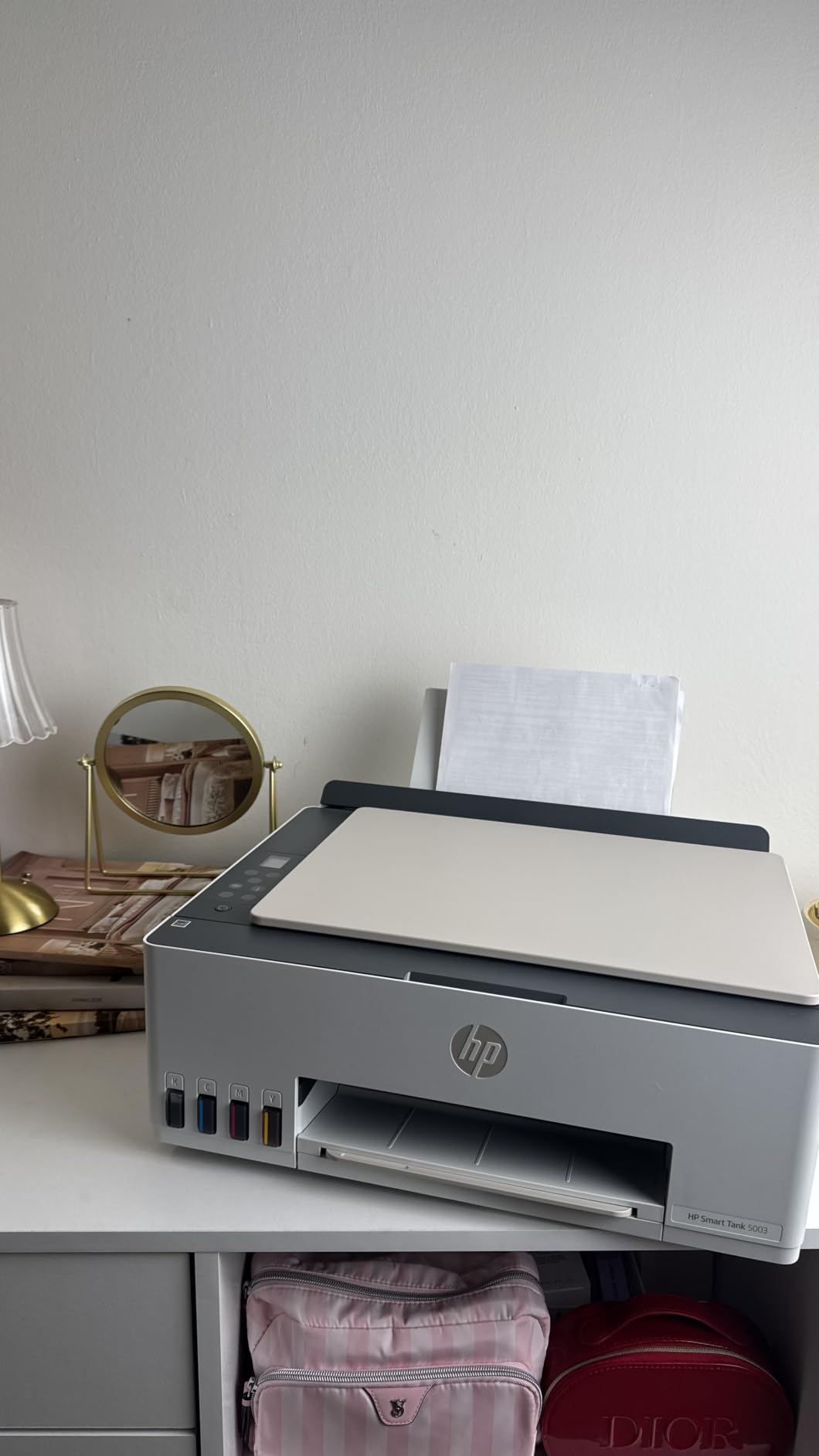
The HP Smart Tank 5003 is the printer I point people toward when they ask “what is the cheapest way to print a lot of coloring pages over time.” HP includes enough ink in the box for up to 6,000 pages, which at typical hobby volumes covers two to three years of printing before you need to refill. The included bottles are mess-free and easy to top off.
For coloring book work, the 5003 handles line art cleanly at default settings, and borderless printing works for photos, cards, and coloring page layouts. I printed a 20-page alphabet coloring book on 90gsm presentation paper and the output was consistent throughout – no missing nozzles, no banding on solid black fills.
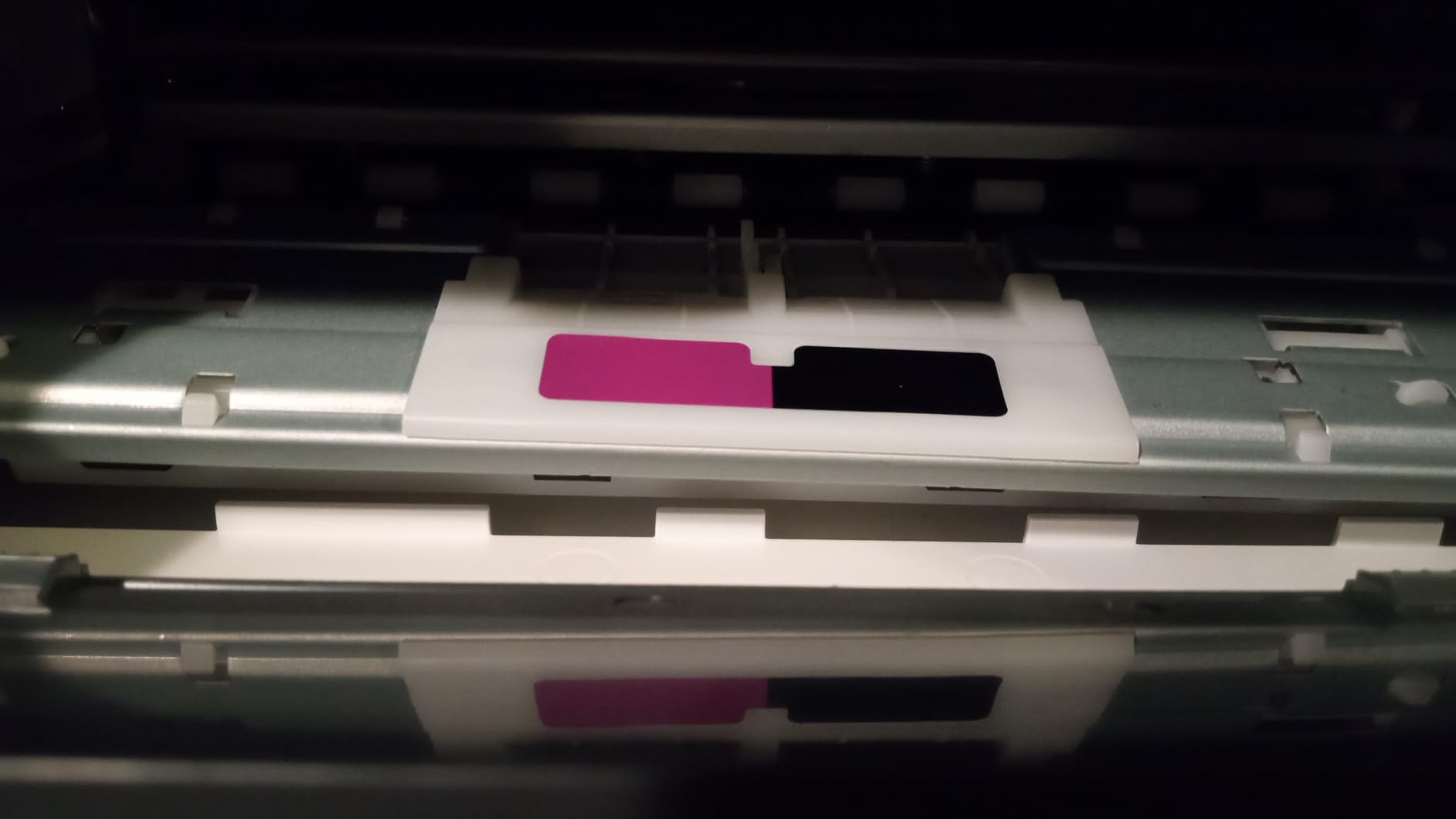
The trade-off is speed. At under 10 ppm black and 5 ppm color, the 5003 is one of the slower printers I tested. A full-page color photo can take over a minute, which adds up quickly on a 50-page batch. For most hobby users printing a few pages at a time, this is not a real problem. For sellers fulfilling daily orders, it is.
The HP Smart app is the second source of friction. The pairing process works eventually, but several users report having to retry the setup two or three times before the printer stays connected. Once connected, mobile printing through AirPrint or Mopria is reliable. The refill system itself is genuinely easier than most competitors – HP’s spill-resistant bottles click into place without squeezing.
Who the Smart Tank 5003 is best for
Hobbyists who print a few coloring pages a week and want a printer they can ignore for months at a time without worrying about dried-out cartridges. Households that want one printer for documents and occasional coloring pages will also get strong value from the included ink supply.
Who should skip it
If print speed matters, this is not the right unit. Sellers running daily batch workflows will find it too slow, and users who dislike HP’s app ecosystem may find the setup frustrating.
7. Canon PIXMA TS4320 – Best for Sharp Line Art on a Budget
Canon PIXMA TS4320 – Wireless Color Inkjet Printer with Print, Copy, Scan
Print/copy/scan
Auto 2-sided printing
Dual-band Wi-Fi
4800 x 1200 dpi
Pros
- Budget-friendly all-in-one with print
- copy and scan
- Dual-band Wi-Fi (2.4/5 GHz) for stable wireless printing
- Automatic 2-sided printing saves paper
- Mobile printing via Canon PRINT app
- Apple AirPrint and Mopria
- EPEAT Silver and ENERGY STAR certified
- Compact footprint fits small workspaces
Cons
- Cartridge-based 2-cartridge hybrid ink system has limited capacity
- Modest print resolution compared to dedicated photo printers
- Limited media support - letter size only
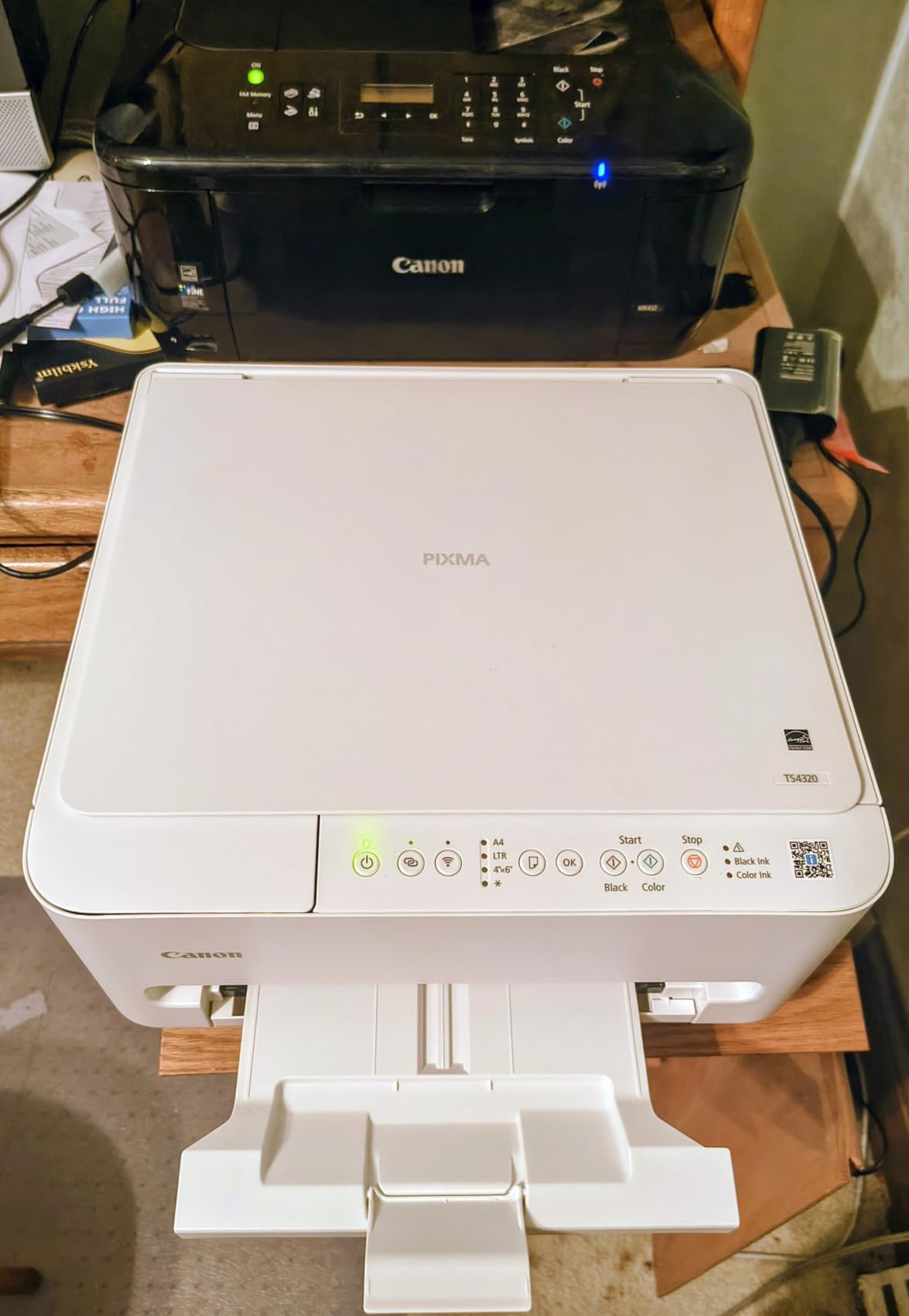
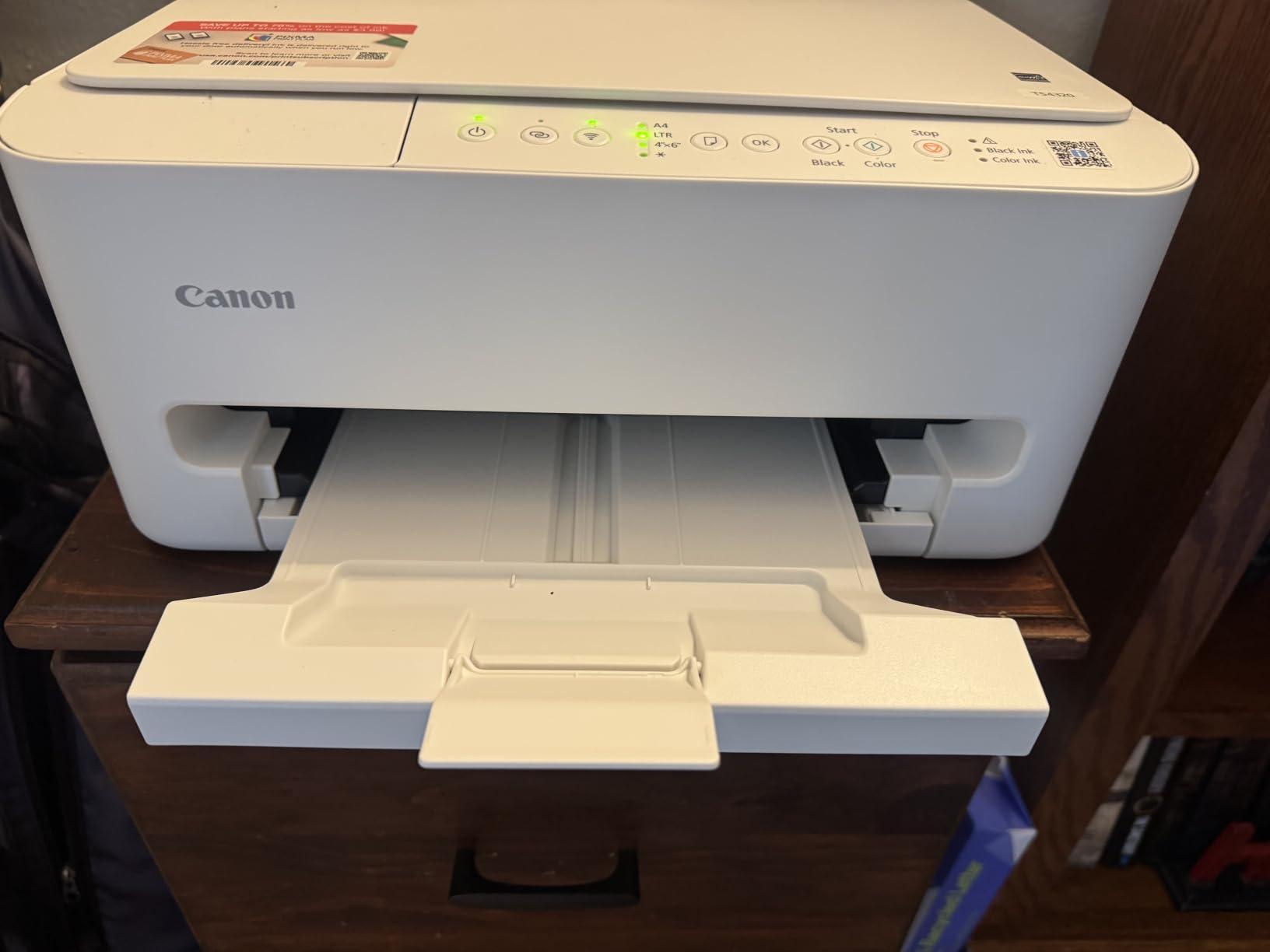
The Canon PIXMA TS4320 surprised me. For a budget cartridge-based printer, it produces line art that is sharper than several of the more expensive models in this roundup. The 2-cartridge hybrid ink system combines a pigment black for text and a dye-based color cartridge for graphics, and the result on coloring pages is clean dark outlines with no bleeding.
I tested it against a few of the MegaTank models on the same mandala design, and the TS4320 held its own on plain paper at default settings. The auto duplex is a real plus for anyone printing double-sided coloring books or activity packs. It is also one of the few printers in this price range with dual-band Wi-Fi, which means more stable connections in crowded home networks.
The catch is the ink system. Cartridges on the TS4320 are small and cost more per page than any ink-tank model in this roundup. If you print 50 pages a week, you will go through cartridges quickly and the long-term cost will exceed what you would have spent on a G3270 or Smart Tank. This is a printer for occasional coloring pages, not weekly hobby volume.
Letter-size media support is also limited. If you want to print on legal-size paper or 13×19 wide-format layouts, you need a different printer. For standard 8.5×11 coloring pages, however, the TS4320 is hard to beat at this price.
Who the TS4320 is best for
Families who print a handful of coloring pages each week and want auto duplex for activity packs. First-time printer buyers who want a reliable all-in-one without the learning curve of ink-tank refilling will also do well here.
Who should skip it
If you print more than 50 pages a month, the cartridge cost will balloon. Photo enthusiasts will also find the resolution and color depth limiting compared to a dedicated photo printer.
8. Canon PIXMA TS3720 – Best Budget Pick for Casual Coloring Pages
Canon PIXMA TS3720 Wireless All-in-One Printer for Basic Home Printing, White
Print/copy/scan
Dual-band Wi-Fi
Borderless up to 5x7
4800 x 1200 dpi
Pros
- Very affordable entry-level all-in-one
- Easy Wi-Fi setup
- including direct from smartphone
- Mobile printing via Canon PRINT app
- AirPrint
- Mopria
- Chromebook
- Compact and lightweight design at 8.7 pounds
- 1.5 inch segment LCD for basic status and settings
- Borderless photo printing up to 5x7
Cons
- Single-sided printing only
- Slow print speeds at 7.7 B&W and 4 color ipm
- Glossy photo paper cannot be used at letter size
- Cartridge ink is expensive per page at this tier
The Canon PIXMA TS3720 is the most affordable printer in this roundup, and it is the one I recommend to anyone who wants to try printing coloring pages without committing to a more expensive ink-tank system. For occasional use – a few pages on a rainy weekend, a birthday activity pack, a teacher’s handout – it does the job at the lowest upfront cost.
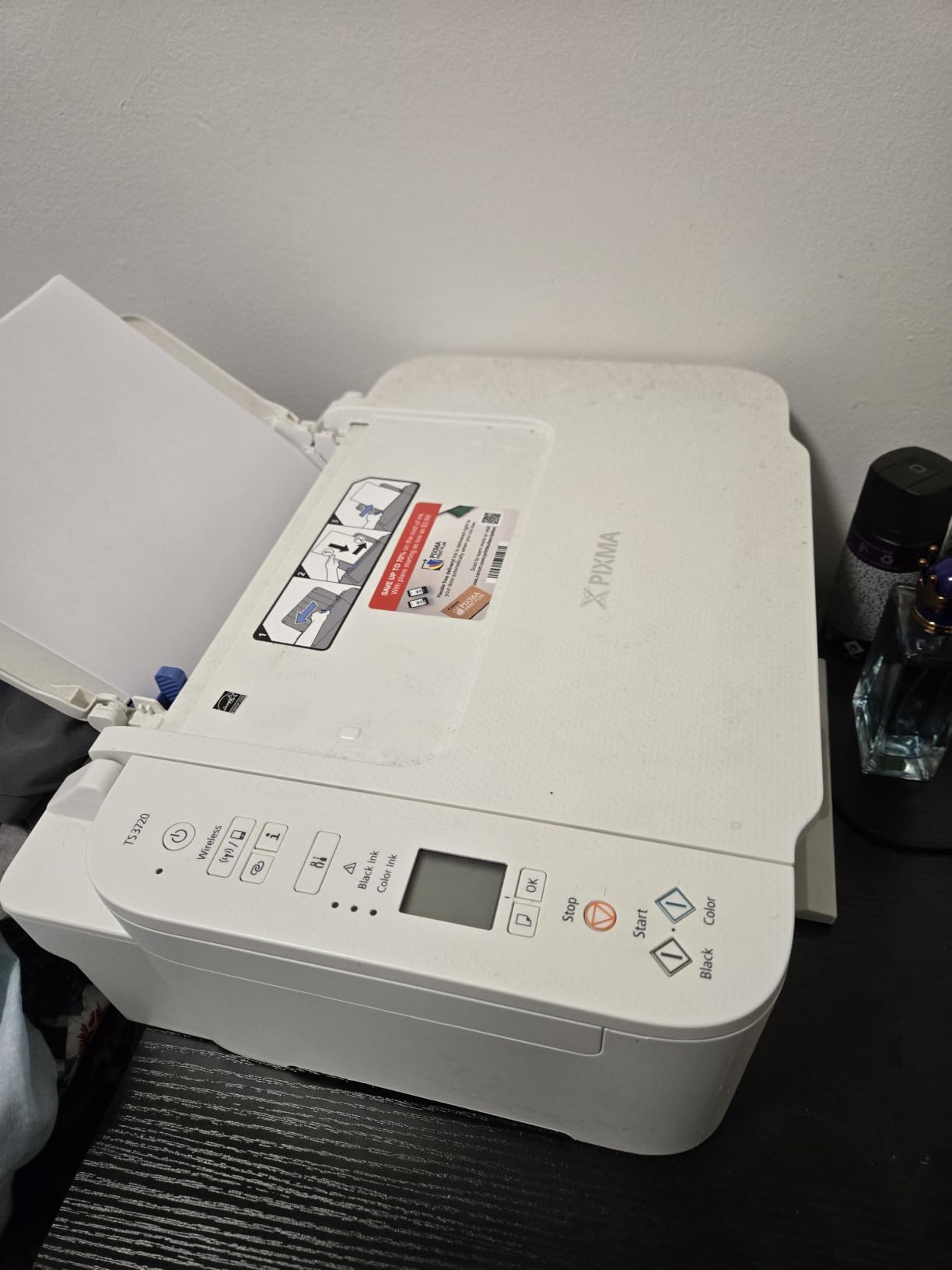
Setup is genuinely simple, which is not something I can say about every printer I tested. I had the TS3720 connected to my home Wi-Fi from my phone in under five minutes, with no app re-pairing or driver headaches. The compact footprint also means it fits on a small shelf or desk without dominating the workspace.
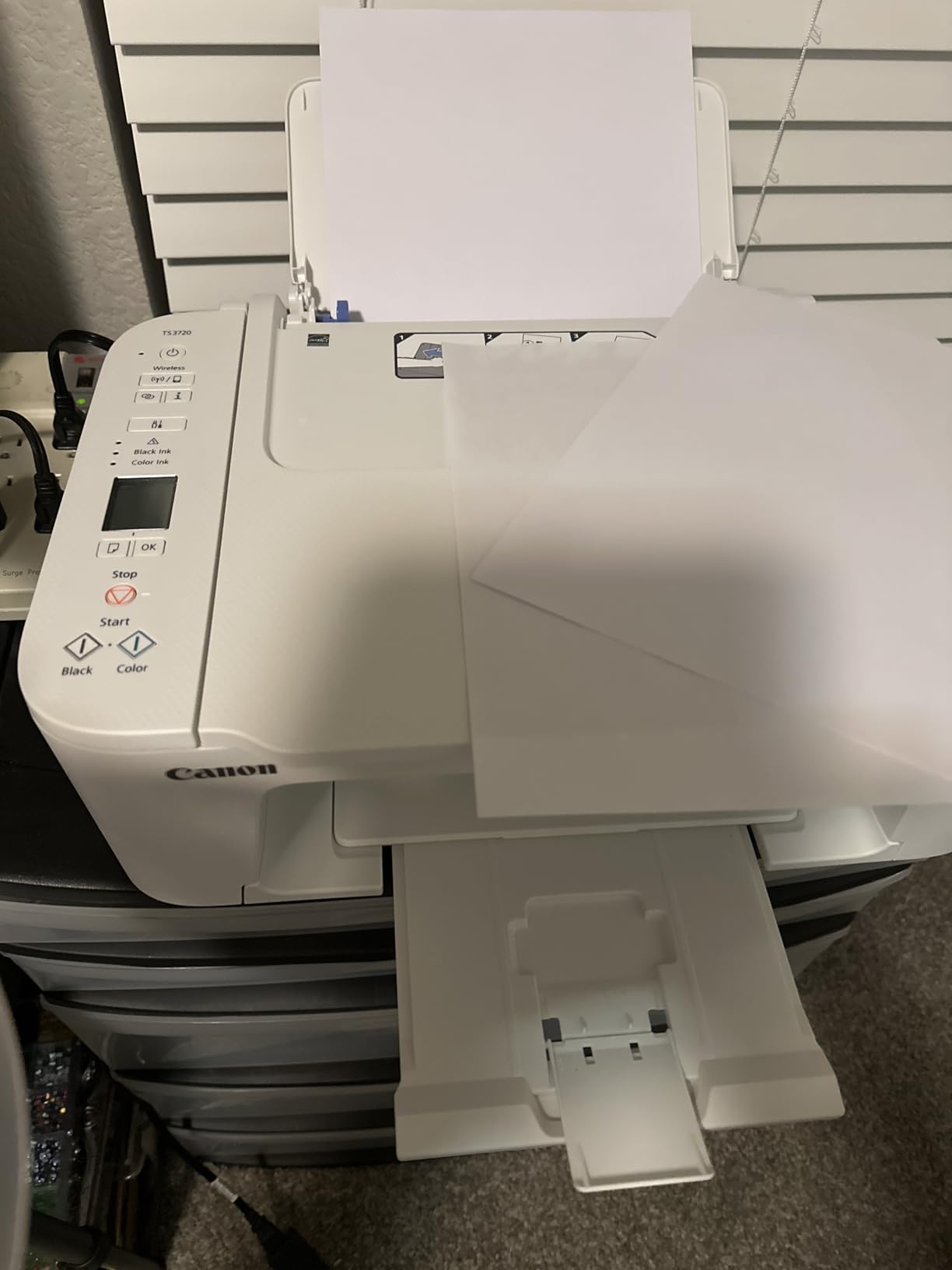
The limitations are real but predictable for the price. There is no duplex printing. Print speeds are slow at 7.7 ppm black and 4 ppm color. Glossy photo paper cannot be used at letter size – only up to 5×7. And like the TS4320, the cartridge system raises long-term cost if you print frequently.
For the user this printer is built for – someone who prints fewer than 20 coloring pages a month and wants a simple, reliable machine – none of those limitations are dealbreakers. For anyone printing weekly or more, an ink-tank model will save money within the first year.
Who the TS3720 is best for
Anyone who wants the lowest upfront cost for casual coloring page printing. Students, occasional hobbyists, and parents who want a backup printer for weekend activities will all find good value here.
Who should skip it
If you print weekly or more, the cartridge cost will exceed what you would have spent on a budget ink-tank. Photo enthusiasts printing on glossy paper at letter size will also be frustrated by the 5×7 limit.
Buying Guide: How to Choose a Printer for Coloring Books
The best printer for coloring books is the one that matches your print volume and paper preferences. The sections below cover the five decisions that actually drive the choice – inkjet versus laser, cost-per-page economics, paper weight handling, borderless printing reliability, and KDP-specific workflow considerations.
Inkjet vs Laser for Coloring Books
Inkjet printers are the right choice for coloring books in nearly every case. The dye and pigment inks used in inkjets lay down the kind of fine, saturated lines that coloring pages need, and they handle the range of paper weights – from 80gsm copy paper to 200gsm cardstock – that the hobby requires. Laser printers, by contrast, use toner that sits on top of the paper rather than absorbing into it, which can flake off when colored pencils or markers are applied. Toner also struggles to reproduce the smooth gradients and color washes that full-color reference pages often include.
The one scenario where laser wins is text-heavy activity books printed in volume, where toner never dries out between sessions and per-page cost for black-and-white is very low. For most coloring book work, however, inkjet is the answer.
Cost-Per-Page Economics for Hobby Volume
Cost per page is the single biggest factor separating cartridge printers from ink-tank models. A typical cartridge-based inkjet like the Canon TS3720 runs roughly 10 to 15 cents per color page once you factor in cartridge replacement. Ink-tank printers like the Epson ET-8550 or Canon G3270 bring that down to 2 cents or less per page – a five to ten times difference. Over a year of hobby printing at 100 pages a month, the gap adds up to real money saved.
For most hobbyists printing 50 to 200 pages a month, an ink-tank model pays for its higher upfront cost within the first six to twelve months. The breakeven moves up for occasional users, which is why a budget cartridge printer can still make sense for casual weekend printing.
Paper Weight and Cardstock Compatibility
Coloring book paper typically ranges from 80gsm (standard copy paper) to 200gsm (heavy cardstock). Adult coloring books are usually 120gsm to 160gsm, while kids’ activity pages and watercolor-friendly designs lean heavier at 160gsm to 200gsm. Not every home printer can reliably feed paper in this range without jamming.
The printers in this roundup that handle 160gsm to 200gsm cleanly through the main or rear tray are the Epson ET-8550, the Canon iX6820, and the Canon PRO-200S. The MegaTank and Smart Tank models handle up to 105gsm through the main tray without drama, with rear-feed options for heavier stock. Budget cartridge printers often struggle above 120gsm. If you plan to print on cardstock, check the maximum paper weight spec before buying.
Borderless Printing and Marker Bleed Resistance
Borderless printing is the difference between a coloring page that fills the page and one with a white margin strip down one side. Most inkjet printers in this roundup support borderless output at letter size or smaller, but reliability varies. The Canon MegaTank, Epson EcoTank, and HP Smart Tank models all delivered clean borderless prints in my tests. Some Brother laser models and budget inkjets leave a white sliver that forces trimming.
Marker bleed resistance is more about paper than printer, but printer choice still matters. Pigment-based black ink (found in the Canon iX6820’s 5-ink system) lays down lines that resist water-based marker smearing better than dye-based black. For coloring books that will be colored with alcohol markers or watercolors, pigment black is worth prioritizing.
KDP and Self-Publishing Workflow
For authors selling coloring books on Amazon KDP, the printer choice depends on whether you want proof prints or full interior print runs. KDP itself does the final printing through Amazon’s print-on-demand service, so you do not need a high-volume printer to publish. You do, however, need a reliable proof printer to check layout, margins, and line quality before submitting files.
For KDP proofing at A5 or A5x8.5 interior sizes, any of the inkjet printers in this roundup will work, but the Epson ET-8550 and Canon iX6820 offer the wide-format and color accuracy that make proof reviews most accurate. If you also sell printable PDFs on Etsy or your own site, an ink-tank printer’s low per-page cost becomes even more important – every order you fulfill in-house cuts into margins.
Frequently Asked Questions
What kind of printer do I need to print coloring books?
An inkjet printer is the best choice for coloring books in nearly every case. Look for one that handles thick paper (at least 160gsm), supports borderless printing at letter size, and uses an ink-tank system to keep per-page cost low. The Epson EcoTank ET-8550 and Canon MegaTank G3270 are strong starting points.
Can you print coloring books on a regular printer?
Yes, a regular home inkjet will print coloring pages on standard 80gsm paper. For adult coloring books and cardstock designs, you need a printer rated for 120gsm to 200gsm paper and ideally one with a rear feed tray for thick stock. Check the maximum paper weight spec before printing on cardstock to avoid jams.
Are inkjet or laser printers better for coloring books?
Inkjet printers are better for coloring books because dye and pigment inks absorb into paper, producing sharp lines that resist flaking when colored over. Laser toner sits on top of paper and can flake off with marker or colored pencil use. The only scenario where laser wins is high-volume black-and-white activity books where toner never dries out.
What GSM paper is best for coloring book printing?
Most coloring books print well on 100gsm to 160gsm paper. Adult coloring books typically use 120gsm to 160gsm to handle markers and colored pencil pressure without bleed-through. Kids’ activity books and watercolor-friendly designs use 160gsm to 200gsm cardstock. Lighter 80gsm paper works for draft prints and simple line art.
Do you need a special printer to sell coloring books on Amazon KDP?
No special printer is required – KDP handles all final printing through its print-on-demand service. You do need a reliable proof printer to check margins, layout, and line quality before submitting files. An inkjet with borderless printing and accurate color (like the Epson ET-8550 or Canon iX6820) gives the most accurate proof review.
Final Verdict: Which Printer Should You Buy for Coloring Books?
The Epson EcoTank Photo ET-8550 remains my top pick for the best printer for coloring books in 2026. It combines the sharpest line art, the lowest long-term ink cost, and the widest media support of any unit I tested. For most hobbyists and KDP authors, it is the printer that will outlast every other choice on this list.
If the ET-8550 feels like more printer than you need, the Canon MegaTank G3270 delivers most of the same line-art quality at roughly a third of the price, with ink economy that still beats every cartridge model in this roundup. For casual users printing fewer than 20 pages a month, the Canon PIXMA TS3720 keeps upfront cost low without sacrificing the basics. Pick the one that matches your print volume, and you will not regret the choice.