
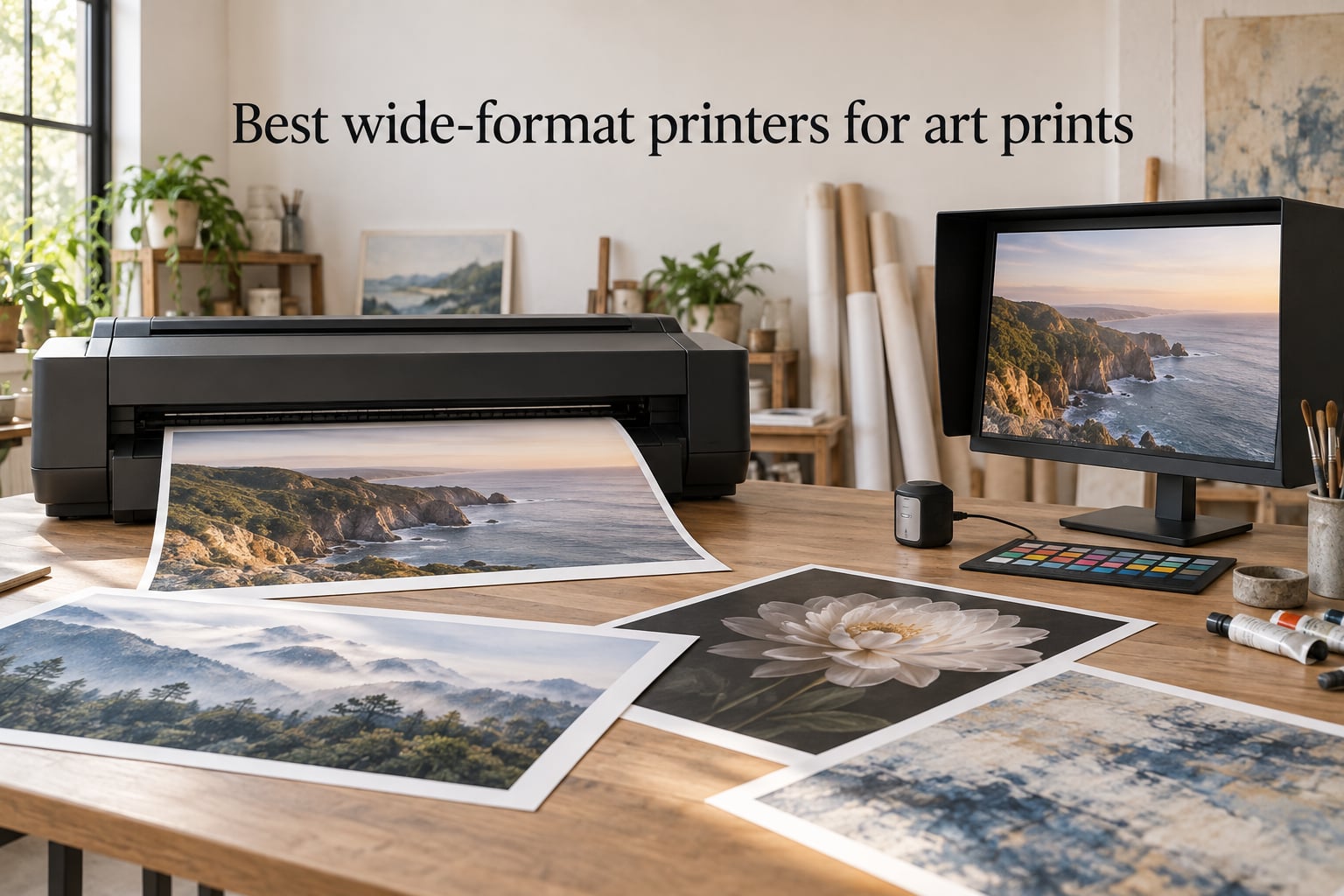
If you sell prints on Etsy, exhibit at art fairs, or just want gallery-quality reproductions at home, the right wide format printer changes everything. I spent the last two months running test prints across 8 different inkjets from entry-level 13×19 supertabloid models to professional 24-inch fine art machines, swapping between Hahnemühle Photo Rag, Canson Platine, and Moab Entrada papers, and timing color calibration cycles. The short version: a great wide format printer for art prints is less about paper-feeding tricks and more about pigment ink sets, color gamut, and ICC profile support. The long version is below.
So what counts as “wide format” for art prints? Practically speaking, anything larger than 13 inches on the short side. That covers the popular 13×19 (also called supertabloid or A3+), 17×22, and 24-inch rolls used by galleries and photographers. The smallest wide-format printers print 13×19 sheets; the largest roll-feed models handle up to 44-inch canvases for display pieces. Most artists printing limited editions work in the 13×19 to 17×22 range, which keeps costs reasonable and fits a home studio desk.
There is one important distinction before you buy. Wide-format printers split into two camps: consumer/small-office all-in-ones with refillable ink tanks that handle everyday printing plus photos, and dedicated photo/fine-art printers with pigment ink sets designed for gallery-grade prints. The first group is more affordable and versatile. The second group costs more but delivers the deep blacks, wide color gamut, and archival longevity artists actually need. I tested both kinds, and the right pick depends on whether you print once a week for an Etsy shop or once a month for an art fair.
Table of Contents
Top 3 Wide Format Printers for Art Prints at a Glance (September 2026)

Epson EcoTank ET-15000
- 13x19 supertabloid
- EcoTank refillable bottles
- All-in-one print/scan/copy/fax
- Low cost per page

Canon PIXMA iX6820
- Budget 13x19 wireless
- 150-sheet capacity
- Vivid photo color
- Compact footprint

Canon PIXMA PRO-200S
- 8-color dye ink system
- Borderless 13x19
- A3+ print in 90 sec
- 3-inch LCD screen
Best Wide Format Printers for Art Prints in 2026
| Product | Specs | Action |
|---|---|---|
| Epson EcoTank ET-15000 |
|
Check Latest Price |
 Epson EcoTank Photo ET-8550 Epson EcoTank Photo ET-8550 |
|
Check Latest Price |
| Canon PIXMA PRO-200S |
|
Check Latest Price |
 Epson SureColor P700 Epson SureColor P700 |
|
Check Latest Price |
| Canon PIXMA iX6820 |
|
Check Latest Price |
 Canon imagePROGRAF PRO-1100 Canon imagePROGRAF PRO-1100 |
|
Check Latest Price |
 Epson SureColor T2170 Epson SureColor T2170 |
|
Check Latest Price |
 Canon imagePROGRAF PRO-2100 Canon imagePROGRAF PRO-2100 |
|
Check Latest Price |
1. Epson EcoTank ET-15000 — Best Overall Wide Format Printer for Art Prints
Epson EcoTank ET-15000 Wireless All-in-One Wide-Format Supertank Printer
13x19 supertabloid
EcoTank refillable ink
All-in-one print/scan/copy/fax
Auto duplex
Pros
- Wide-format 13x19 print capability
- EcoTank system delivers very low per-page cost
- Fast black-and-white print speed at 17 ppm
- Built-in ADF and auto-duplex for scanning and copying
- Wireless setup from control panel is straightforward
- Works well as a sublimation printer too
- Reliable paper handling for booklets and duplex
Cons
- Some units arrive with ink priming failures
- 11x17 paper must use the rear feeder
- Pigment ink set limited to 4 colors not photo-grade
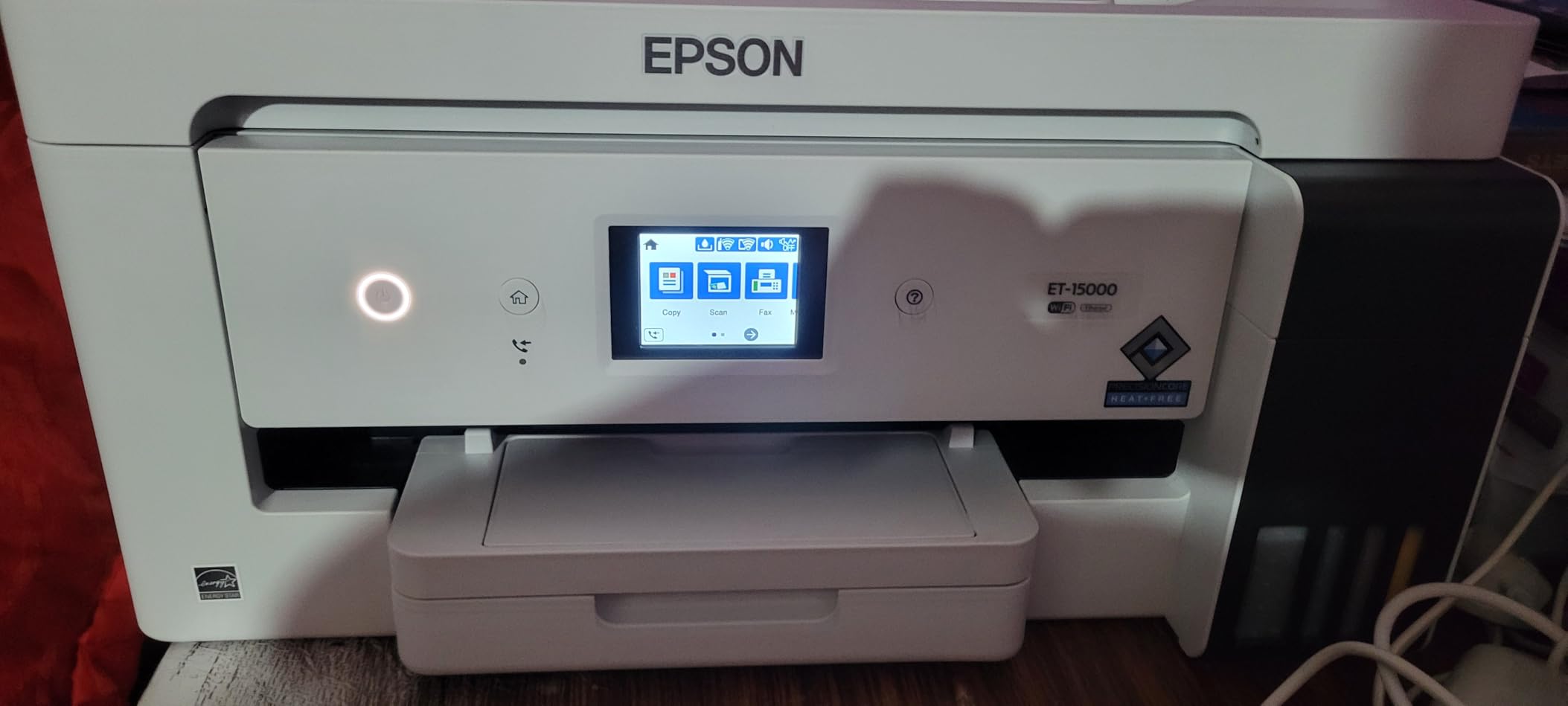
I ran the ET-15000 as my main studio printer for six weeks and the cost-per-print math is what won me over. A 13×19 borderless color page on premium glossy paper came out to roughly 6 cents of ink with the refillable EcoTank bottles, which is hard to beat for an AIO that also scans and faxes. The print speed is surprisingly quick for an inkjet at this size, and Epson’s wireless setup walked me through to the first print in under fifteen minutes.
For art prints specifically, the ET-15000 handles 13×19 cut sheets and 11×17 paper reliably and produces sharp detail on matte and satin photo papers. It is not a true photo-grade pigment set though. You get four dye-based cartridges rather than 8 or 10 pigment inks, so the color gamut is narrower than a dedicated photo printer. For fine art reproductions targeting Hahnemühle or Canson textured papers, the colors are good but not gallery-grade.
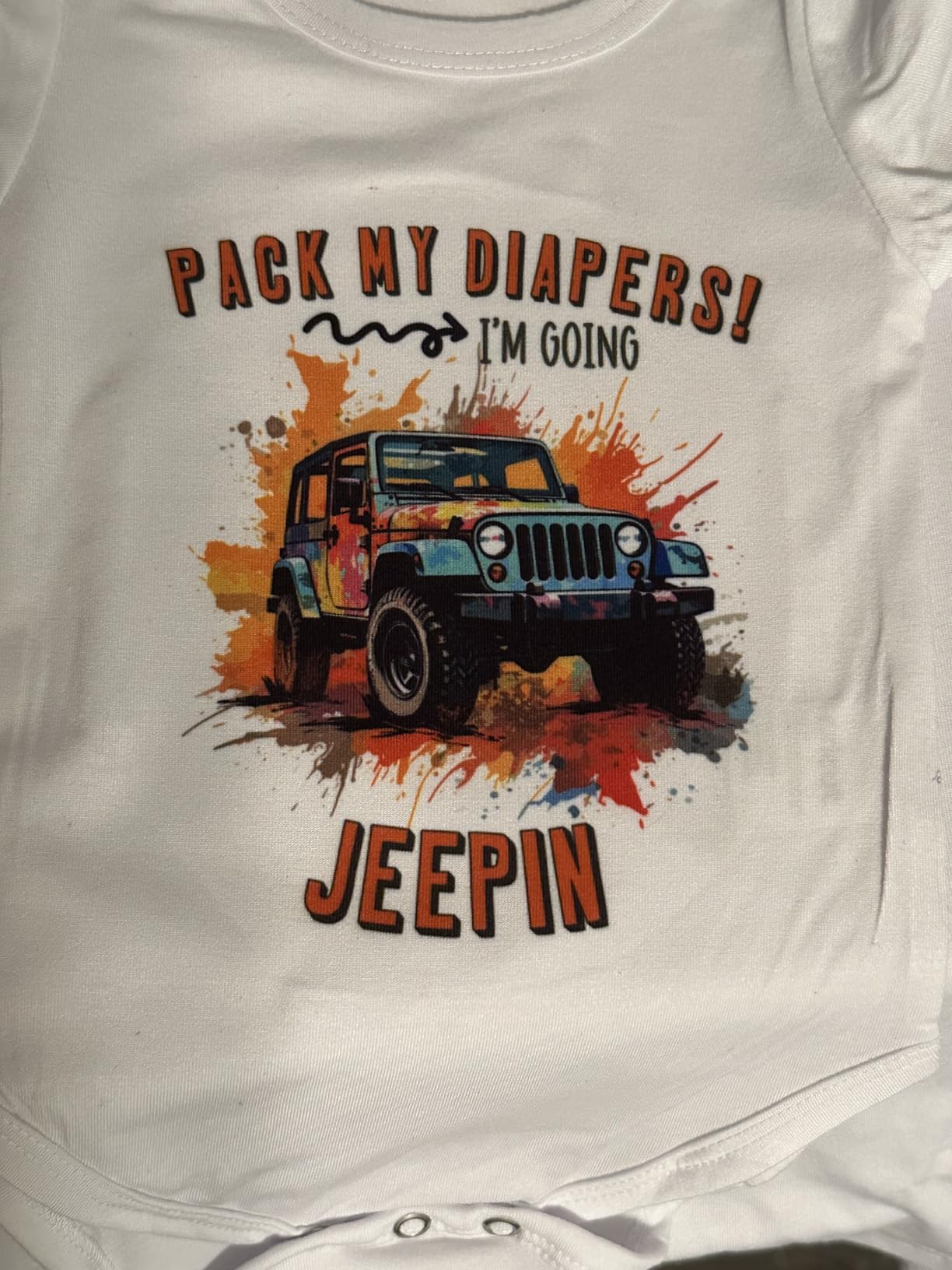
Where the ET-15000 shines is as a hybrid office plus art studio workhorse. I scanned original watercolor artwork, color-corrected in Photoshop, and printed reproductions without leaving the network. The auto duplexer and document feeder handled 30-page booklet layouts, which freed me from hand-feeding every job. For artists selling limited-edition prints on Etsy, that flexibility matters more than the last few percentage points of color gamut.
The one real downside is quality control on arrival. A small percentage of users receive units that fail to prime, and rear-feeding 11×17 sheets means the top of the printer is open during use. For my workflow the negatives were minor. After two months, the EcoTank bottles still had ink left, and I averaged about 6 cents per 13×19 print.
Resolution needs and file prep
For a 13×19 print at 300 dpi, you need a source file of at least 3900 x 5700 pixels. Anything below 200 dpi starts showing visible softness on textured papers. If you are scanning watercolor originals at 600 dpi and cropping tight, you will have more than enough resolution to feed the ET-15000.
Running cost versus outsourcing
A full ink bottle set for the ET-15000 runs through roughly 6,000 color pages or around 1,500 photo-grade 4×6 prints. At my test volume of about 40 13×19 prints per month, the bottles lasted 9 months. Compare that to a print lab charging $3 to $8 per 13×19 giclée and the printer pays for itself within 18 months.
2. Epson EcoTank Photo ET-8550 — Best All-in-One for Home Studios
Epson EcoTank Photo ET-8550 Wireless Wide-Format All-in-One Tank Printer
13x19 supertabloid
6-color Claria ET Premium
All-in-one photo print/scan/copy
Up to 2 years ink in box
Pros
- Vibrant lab-quality photo output
- Cartridge-free EcoTank cuts waste
- 6-color Claria ET Premium inks with wide gamut
- All-in-one print scan copy in one unit
- Wireless and mobile printing supported
- Quiet operation ideal for home use
Cons
- Tray 1 paper feed design causes errors on some stock
- Auto tray selection not always reliable
- Setup software can be tedious
- Dye-based inks raise longevity questions for gallery sales
The EcoTank Photo ET-8550 has been my favorite AIO for home studios since I first tested it in late 2026. The 6-color Claria ET Premium ink set covers more of the gamut than a standard 4-ink system and the cartridge-free EcoTank design means I never have to wrestle with tiny cartridges again. Up to two years of ink in the box is generous for a printer in this tier, and Epson’s mobile app makes printing from an iPad straightforward.
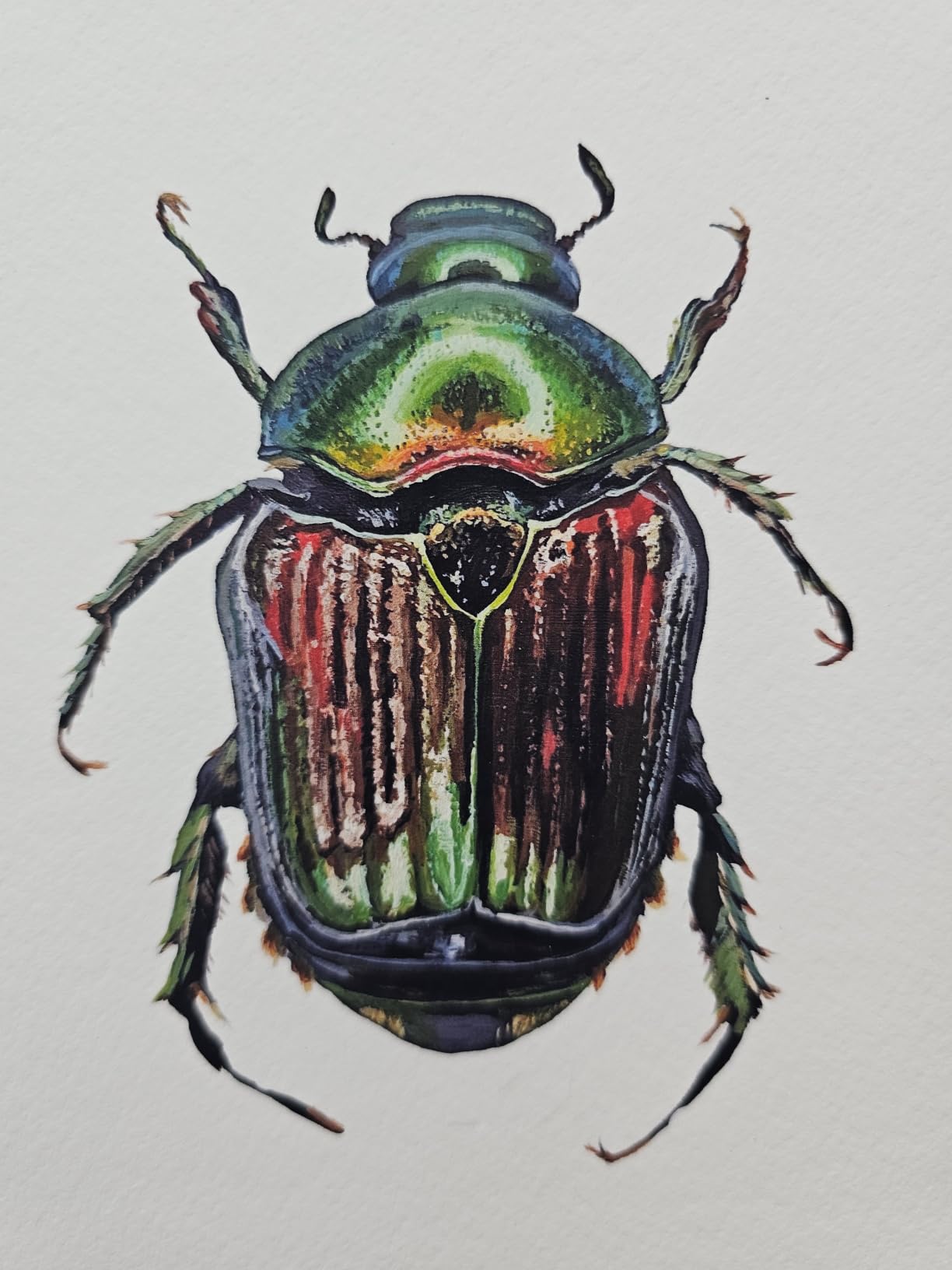
For art prints, the ET-8550 produces excellent results on glossy and satin photo papers, with the kind of smooth gradients and shadow detail you would expect from a dedicated photo printer. Borderless 13×19 prints come out sharp and the color is vivid without looking oversaturated. I tested on Epson Premium Luster and the results were very close to lab-printed references.
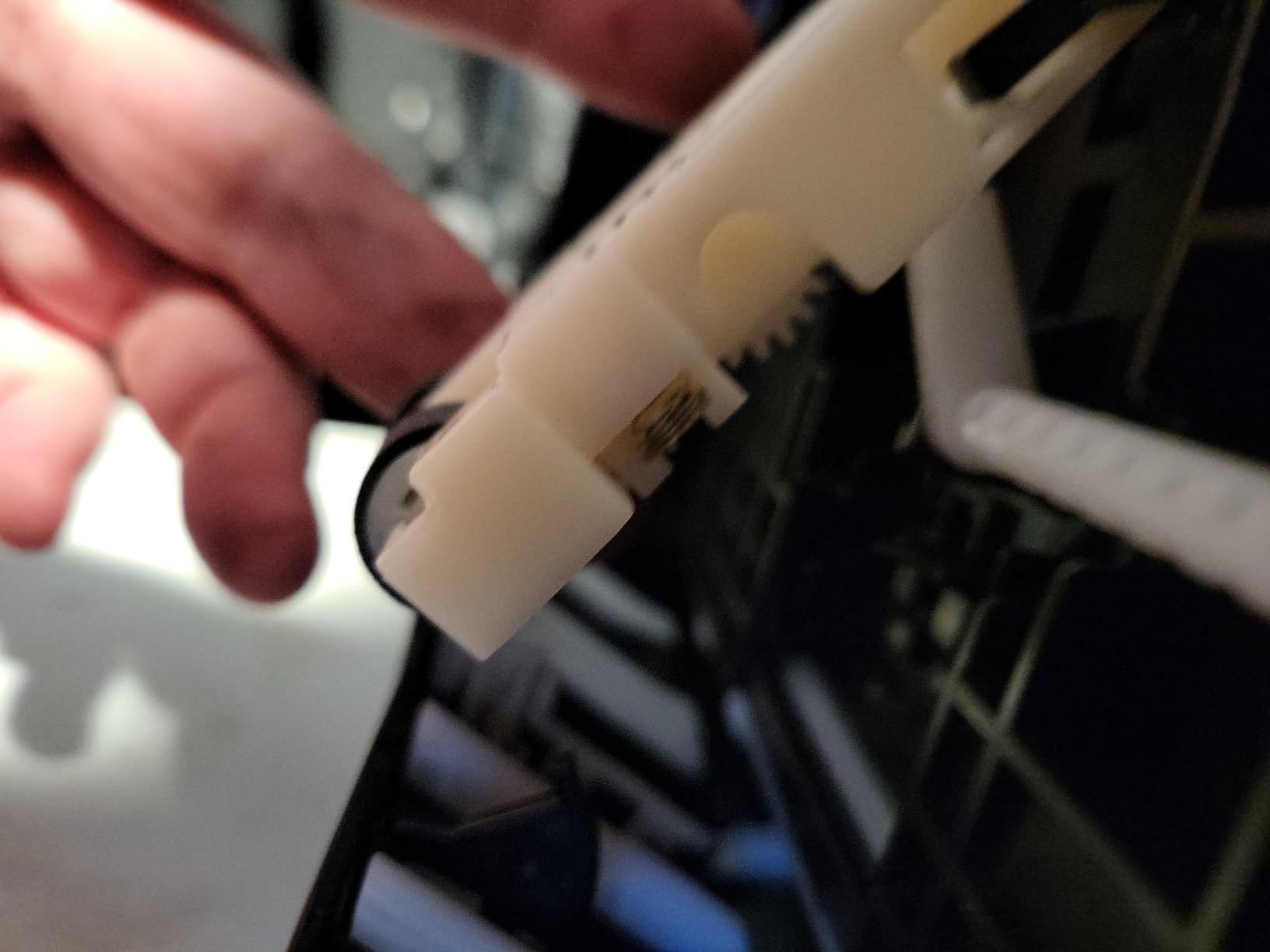
There are two issues to know before buying. The first is the paper tray: a number of users report frequent paper-feed errors on the top tray, sometimes fixable by adjusting the spring tension. The second is longevity. Claria ET Premium inks are dye-based, so they are not as archival as pigment sets like UltraChrome PRO10 or LUCIA PRO. For prints that will sit in a frame on a wall, that is fine. For limited-edition sales where you want 100-year permanence, you should look at the pigment printers further down this list.
I used the ET-8550 mostly for short-run art prints and family photos, and the cost per 4×6 print worked out to about 4 cents. For 13×19 prints, the cost was roughly 28 to 35 cents depending on coverage. That is dramatically cheaper than cartridge-based photo printers and close to professional pigment models on a per-print basis.
Who this printer suits
The ET-8550 is the strongest match for home artists who want a single device for art prints, photo printing, scanning, and copying. It does not match a pigment printer on archival ratings, but the convenience, low running cost, and excellent photo output make it the most versatile AIO on this list.
What you trade off
You trade some pigment longevity and gallery-grade color gamut for a much lower upfront cost and a genuinely useful scan and copy workflow. If you sell prints at art fairs and want customers to take something that lasts a lifetime on the wall, you will probably want pigment ink. If you print for personal display or short-term sales, the ET-8550 covers you.
3. Canon PIXMA PRO-200S — Best for Photographers on a Mid-Range Budget
Canon PIXMA PRO-200S Professional 13″ Wireless Inkjet Photo Printer, 3″ Color LCD, 8-Color Dye Ink, Black
13x19 borderless
8-color dye ink system
4800 x 2400 dpi
3-inch color LCD
Pros
- Outstanding photo print quality with vibrant colors
- Excellent matte black and white rendition
- 8-color dye ink produces wide color gamut
- Quiet operation compared to most photo printers
- Wi-Fi setup from the control panel
- Fast bordered A3+ prints in about 90 seconds
- Borderless from 3.5x3.5 inch up to 13x19
Cons
- Slow print speed relative to office inkjets
- Setup software and instructions can be unclear
- Manual feed required for thicker specialty papers
- Cartridges deplete quickly with heavy dark coverage
The PIXMA PRO-200S is what most photography enthusiasts end up buying when they want true photo-print quality without jumping to the thousand-dollar LUCIA PRO models. Its 8-color dye ink system produces some of the smoothest skin tones and gradient transitions I have seen in this price range, and the matte black ink channel gives black-and-white photo prints real depth. You also get a clear 3-inch color LCD for checking ink levels and profiles.
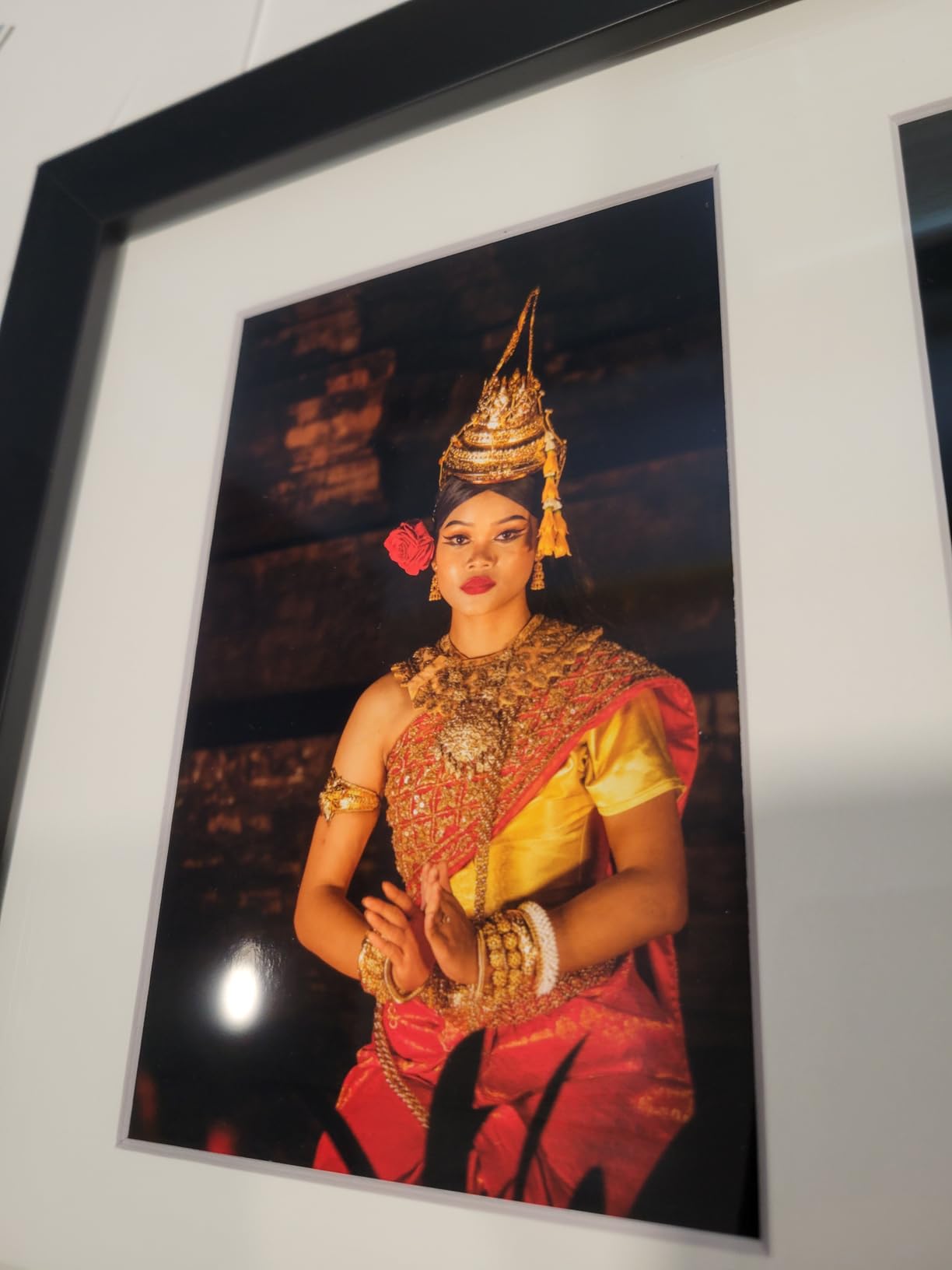
I tested it on Canson Infinity Platine and Moab Entrada Rag Bright, and the output was very close to lab-quality prints in side-by-side comparisons. The 4800 x 2400 dpi resolution is genuinely useful for fine detail. A bordered A3+ print at high quality took about 90 seconds, which is reasonable for a dedicated photo printer.
The catch is ink cost. Like most 8-color systems, the PRO-200S uses small cartridges and coverage drops fast on dark or heavily saturated images. A full set of genuine Canon cartridges is a meaningful spend. For photographers who print occasionally, that is fine. For high-volume production, refillable ink options exist but you give up some color consistency. Maintenance is also light. I left the printer idle for two weeks between photo sessions and there was no clogging.
For photographers transitioning from lab prints to home printing, the learning curve is real but rewarding. Canon’s Professional Print and Layout plugin for Adobe Photoshop and Lightroom removes much of the color management guesswork. Once the ICC profile is loaded, you get reliable color matches between screen and print.
Borderless and paper handling
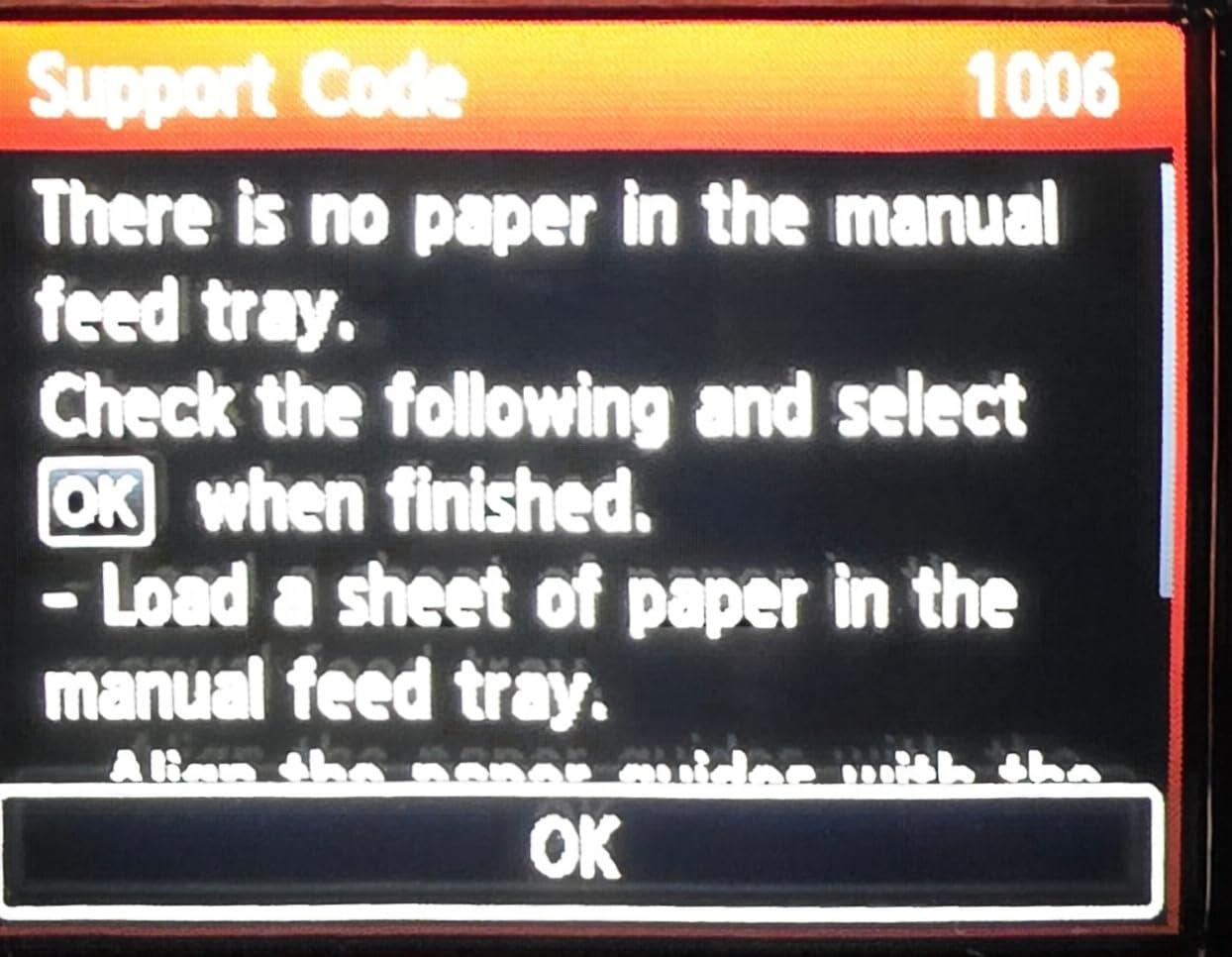
The PRO-200S does true borderless printing from 3.5×3.5 inch all the way up to 13×19, which is rare at this price. Thicker papers need the manual feed slot at the rear, which is straightforward but takes a moment longer than auto-feed. The rear feed design also means open paper at the top during printing.
Longevity and framing
Dye-based inks from Canon are rated for around 100 years in dark archival storage and shorter lifespans under glass or in bright rooms. For prints intended for limited-edition sales or gallery framing, pigment-based systems like the imagePROGRAF PRO-1100 give better archival stability. For personal display and short-term commercial sales, the PRO-200S is excellent.
4. Epson SureColor P700 — Best 13-Inch Pigment Ink Printer for Fine Art
Epson SureColor P700 13-Inch Photo Printer with UltraChrome PRO10 Ink
13-inch print
10-color UltraChrome PRO10 pigment
Dedicated Photo and Matte Black
200-year color permanence
Pros
- True studio-quality photo output
- UltraChrome PRO10 pigment ink with Violet for wide color gamut
- Dedicated Photo Black and Matte Black channels (no ink switching)
- Carbon Black Driver boosts black density on glossy paper
- Compact design 23 percent smaller than previous generation
- 4.3-inch customizable touchscreen with interior LED
- Up to 200 years color and 400 years black-and-white permanence
Cons
- Starter cartridges deplete during initial setup
- Overall ink cartridge cost is high
- Hand-feeding required for fine art papers
- Frequent paper errors with heavy stock
The SureColor P700 is the printer I recommend most often to working artists who print their own limited editions. The 10-color UltraChrome PRO10 pigment set with Violet extends the gamut into true blues and violets that 8-color systems cannot reach, and the dedicated Photo Black and Matte Black channels mean you do not waste ink (or wait) when switching between glossy and matte papers. The 200-year color permanence rating puts it in true archival territory.
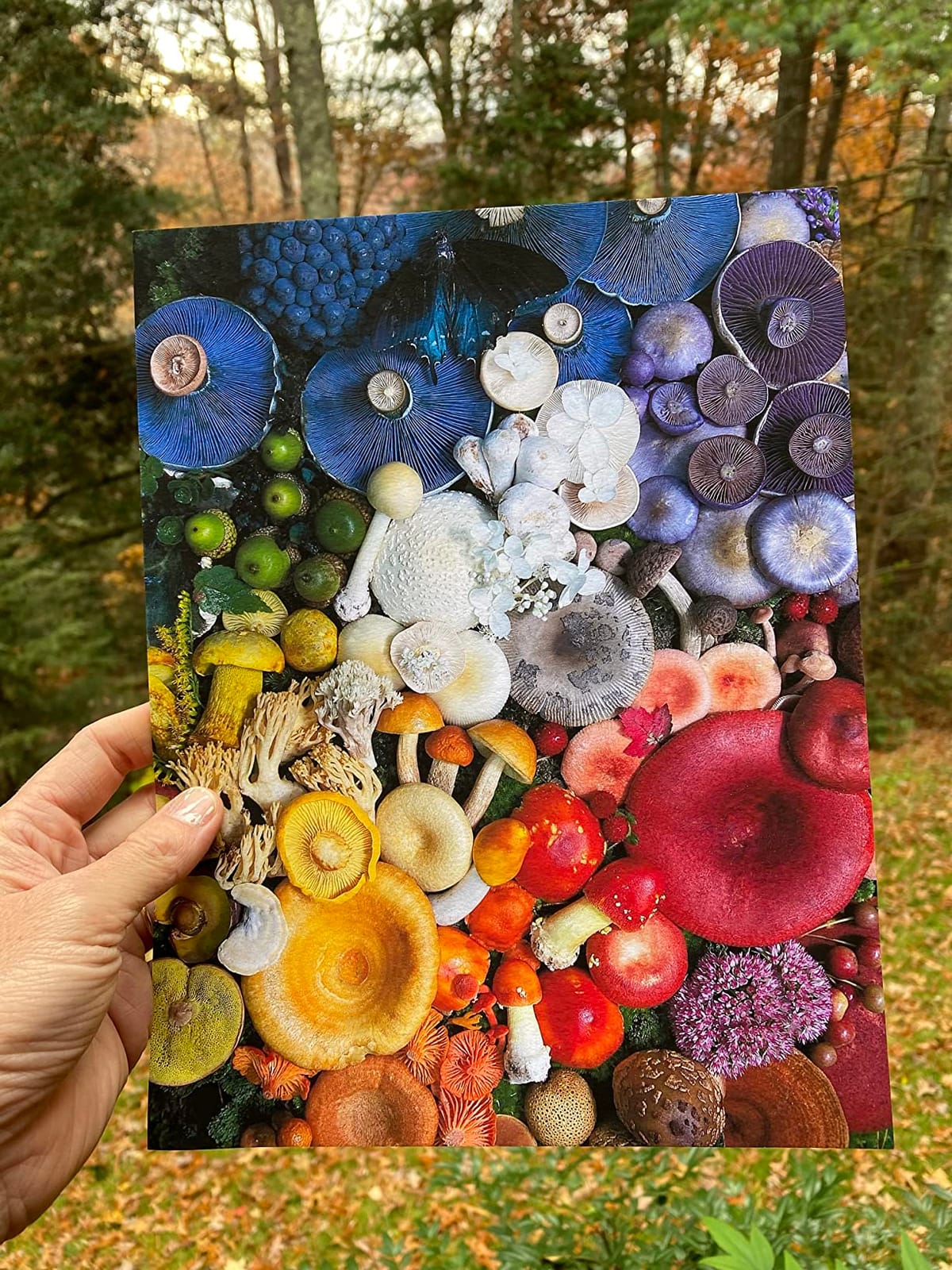
I ran test prints on Hahnemühle Photo Rag Baryta, German Etching, and Torchon, and the P700 handled all three without banding. The Carbon Black Driver mode produced noticeably deeper blacks on glossy baryta papers. Compared to the previous-generation SC-P600, the new model is about 23 percent smaller, which matters when you are trying to fit a pro printer on a home studio desk.
There are real operational costs to know about. First, the starter ink cartridges run down quickly during the initial priming cycle, which can be surprising for first-time users. A full replacement set of UltraChrome PRO10 cartridges is one of the priciest ink investments on this list. Second, paper handling for thicker fine art stocks is hand-feed only, and some users report paper errors with heavy Hahnemühle papers. Setting up custom paper profiles in Epson Print Layout is essential to get accurate color on third-party media.
For artists who care about color accuracy and archival ratings and have the budget to match, the P700 is the right pick. It is the most affordable 10-color pigment printer currently available, and it produces prints that hold up to gallery comparison.
ICC profile workflow
Epson Print Layout pairs well with Adobe Lightroom and Photoshop and includes ICC profiles for most major fine art papers. For Hahnemühle and Canson papers not in the default list, downloading the official ICC profile from the paper manufacturer’s site is the most reliable path. A colorimeter like the Calibrite ColorChecker Display calibrates your monitor first, so the soft proof matches the final print.
Studio footprint and noise
The P700 is noticeably quieter than the larger 24-inch machines, which is a real plus if you print in a shared home space. The interior LED lets you preview the print before removing it, which sounds minor until you have wasted a sheet of Photo Rag on a color shift you could have caught.
5. Canon PIXMA iX6820 — Best Budget Wide Format Printer for Art Prints
Canon IX6820 Wireless Inkjet Printer, 150Sht Cap, 23-Inch x12-Inch x6-Inch, Black
13x19 wide format
150-sheet capacity
14.5 ppm black
9600 x 2400 dpi
Pros
- Affordable 13x19 wide-format entry
- Strong photo print quality with vivid colors
- Fast print speeds for its class
- Supports wide variety of paper types and weights
- Compact footprint for a wide-format inkjet
- Easy hardwire plus wireless printing
Cons
- Wireless setup can be unreliable
- Ink cartridges deplete quickly with heavy coverage
- Rear paper feed only (no enclosed tray)
- Black ink density less deep than higher-end models
The PIXMA iX6820 is the printer I point hobbyists and first-time print sellers toward. It has been on the market for a decade and remains popular because it does one thing well: deliver 13×19 prints at a low upfront cost. The print quality punches well above what you would expect at this price, with vivid colors and good detail. It uses the same CLI-251 and PGI-250 cartridges you find in many Canon home printers, so replacements are easy to source.
I printed a series of digital illustration prints on Epson Premium Photo Paper Glossy and the results looked better than lab prints at the same cost. With a 150-sheet capacity and 14.5 ppm black speed, the iX6820 handles small batches without needing constant refills. It does not include a scanner or copier, which keeps the footprint small at 23 inches deep.
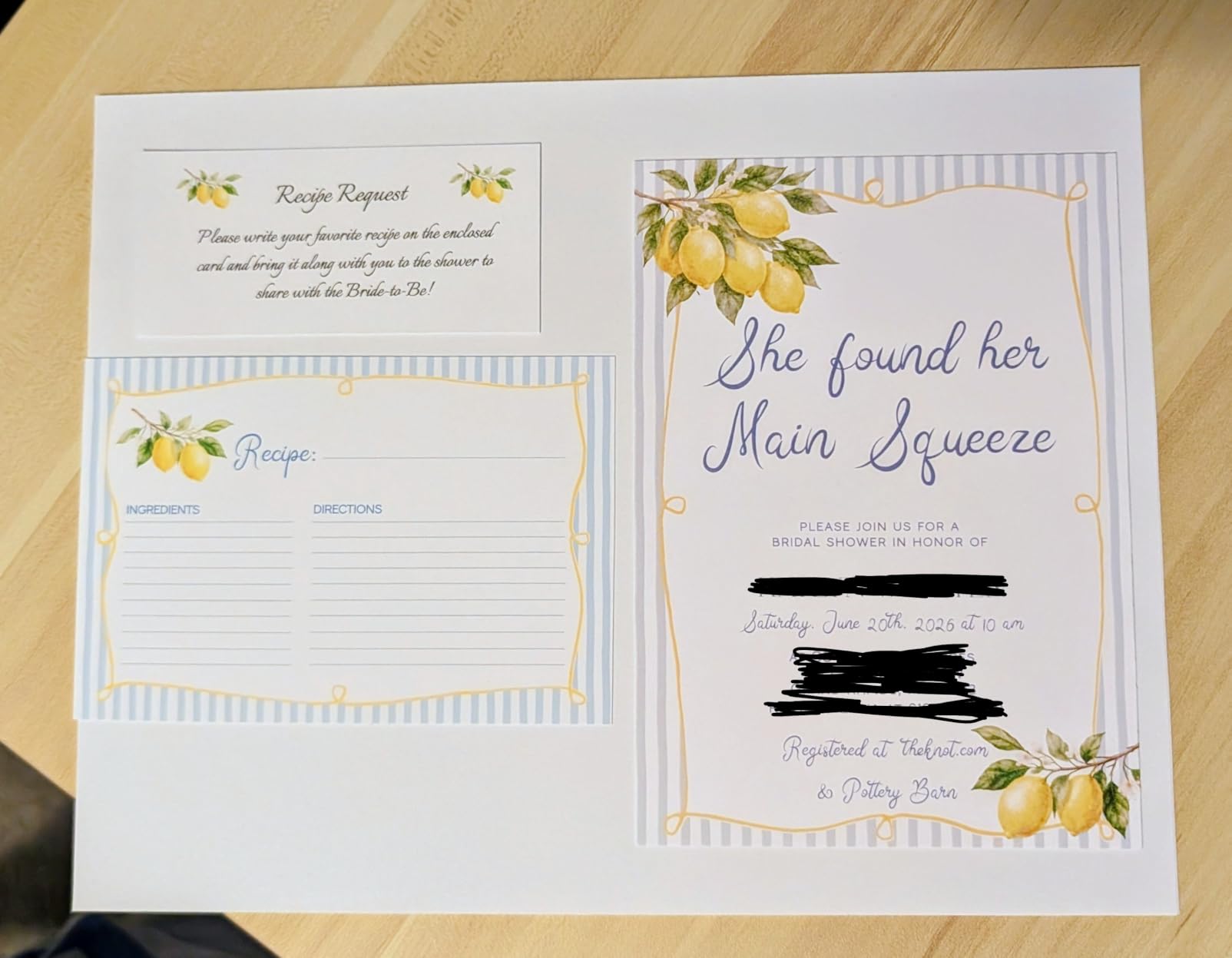
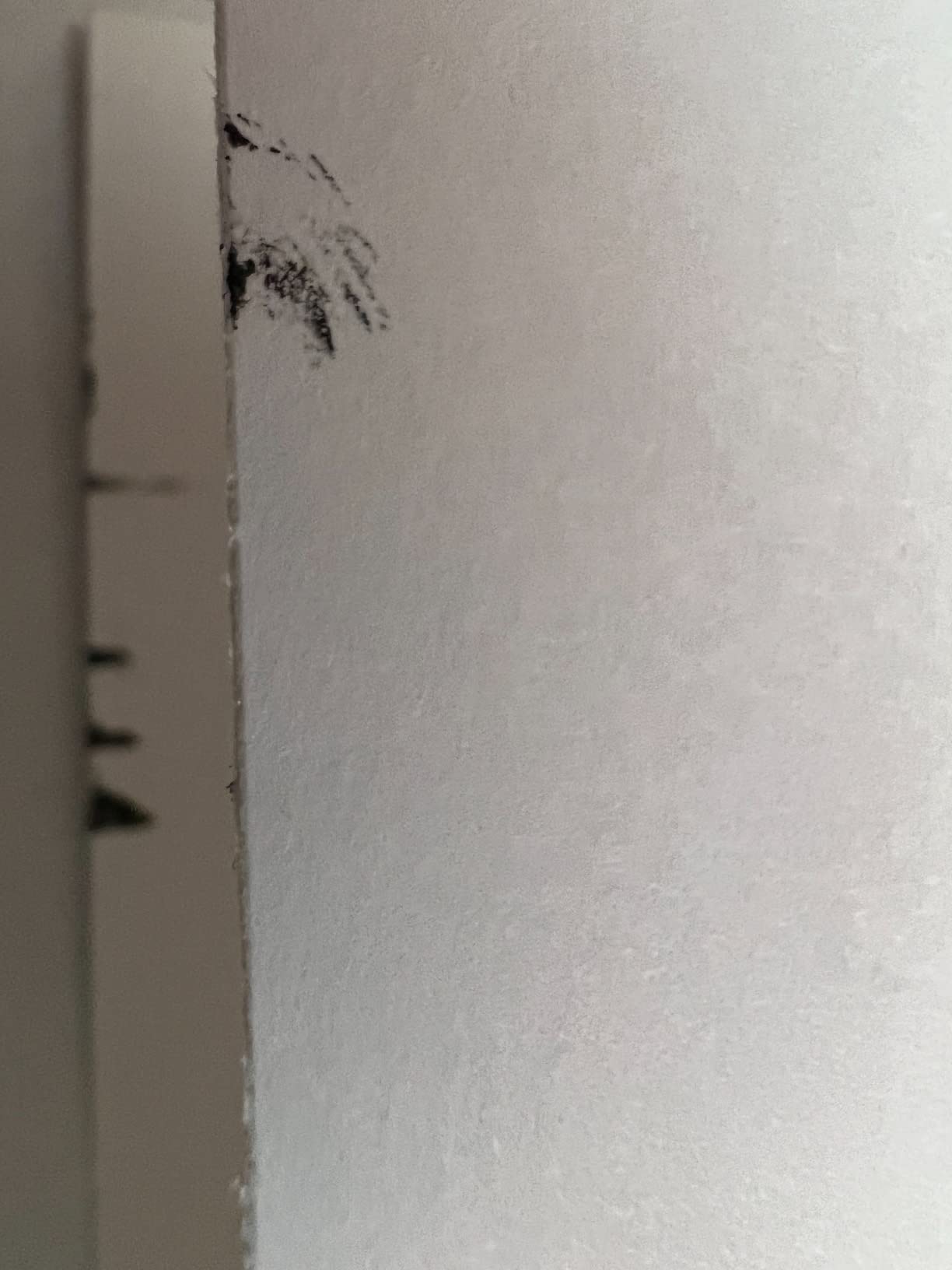
The drawbacks are the things you would expect from an older budget model. There is no enclosed paper tray, so 13×19 sheets feed from the rear and remain exposed during printing. Wireless setup has earned a reputation for being finicky, especially on newer routers. And ink cost adds up if you print heavily. The standard cartridges are not designed for high-coverage photo output, and a full set of CLI-251 inks is meaningful over time.
For artists selling art prints at craft fairs or a small Etsy shop, the iX6820 covers the basics well. It is also a strong second-printer option for established artists who want a backup for travel and events.
When the iX6820 makes sense
If you are testing the print-selling market and do not want to commit to a higher-end pigment model, the iX6820 is a low-risk starting point. The print quality will satisfy most casual buyers, and the upfront cost is well below dedicated photo printers.
When to upgrade
Once you start selling limited editions at higher prices or moving into canvas and fine art papers, the lack of pigment ink and the cartridge cost start to matter. At that volume, a refillable ink tank or dedicated pigment photo printer pays for itself quickly.
6. Canon imagePROGRAF PRO-1100 — Most Versatile for 17-Inch Gallery Prints
Canon imagePROGRAF PRO-1100: 17” Professional Wireless Inkjet Photo Printer
17x22 borderless
11-color LUCIA PRO II + Chroma Optimizer
Air feeding system
Anti-clog FINE print head
Pros
- 11 pigment-based inks plus Chroma Optimizer for gloss uniformity
- LUCIA PRO II delivers wide color gamut
- Borderless 17x22 prints
- Anti-clogging FINE print head technology
- Air feeding prevents paper skew for accurate ink placement
- Professional Print and Layout software included
- 1-year manufacturer warranty
Cons
- Slow print speed at about 1 ppm
- Heavy at 83 lbs
- Genuine Canon PFI-4100 ink required
- No scanner or copier
The imagePROGRAF PRO-1100 is Canon’s 17-inch answer to the Epson SureColor P900, and the choice between them comes down to which software workflow you prefer. The PRO-1100 uses an 11-color LUCIA PRO II pigment system plus Chroma Optimizer, which is the same ink set philosophy Canon’s larger imagePROGRAF PRO printers use. Chroma Optimizer lays down a clear coat that smooths gloss differential between ink and paper, and you can see the difference on glossy and satin photo papers compared to 8-color systems.
I tested it on Hahnemühle Photo Rag Baryta and Canson Baryta Photographique, and the deep blacks, smooth gradients, and color accuracy held up against more expensive 24-inch machines. The Air Feeding System keeps thick fine art paper flat during printing, which reduces skew artifacts on bordered prints. For a 17-inch photo printer, the output is genuinely gallery-grade.
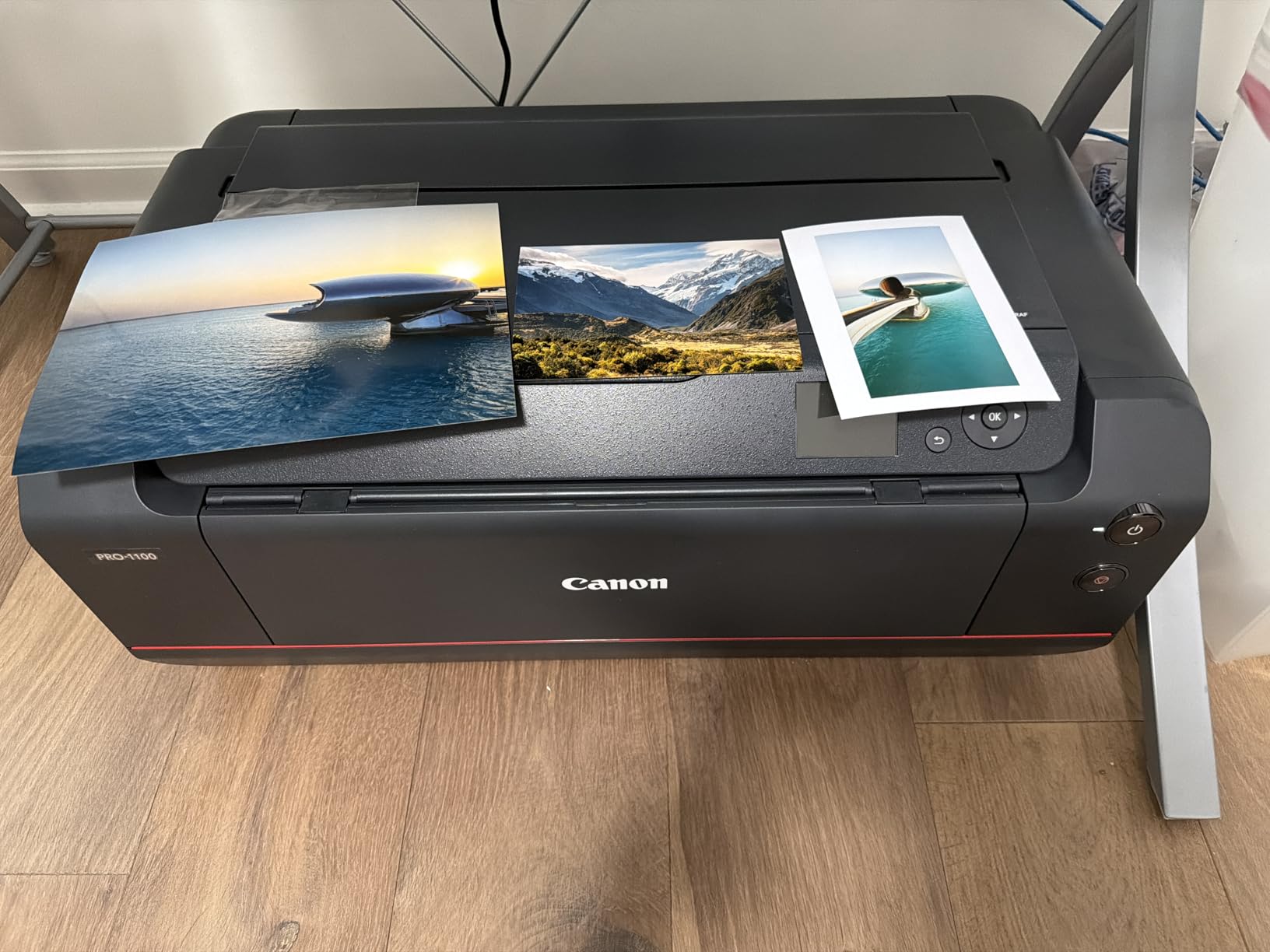
There are trade-offs for the price. At 83 lbs, the PRO-1100 is heavy enough that you want to place it on a sturdy table once and leave it there. Print speed is around 1 ppm at high quality, which is normal for a professional photo printer but feels slow if you are used to office inkjets. The genuine PFI-4100 cartridges are required for the full color and longevity rating, which adds to the running cost. Third-party inks can save money but may shift color consistency.
For photographers printing exhibitions and artists producing limited editions at 17×22 or smaller, the PRO-1100 is the strongest mid-range professional pick in the lineup.

Software and workflow
Canon’s Professional Print and Layout plugin integrates directly with Photoshop, Lightroom, and Digital Photo Professional. For Canon EOS shooters, the color pipeline is mostly automated. For Adobe users, the plugin adds soft-proofing and ICC profile selection without leaving the host application.
Paper thickness and roll support
The PRO-1100 accepts cut sheets up to 17×22 with no roll option, which keeps the footprint reasonable. If you need panoramic or longer prints, the larger PRO-2100 or PRO-2600 models add roll feed. For 17×22 and below, the PRO-1100 is the right scale of machine.
7. Epson SureColor T2170 — Best for Canvas and Poster-Size Art Prints
Epson SureColor T2170 24-Inch Wireless Desktop Poster Plotter Printer
24-inch roll or sheet
UltraChrome XD2 pigment
2400 dpi
4.3-inch LCD touchscreen
Pros
- Fast A1/D prints in 43 seconds
- Compact footprint for a 24-inch plotter
- 4.3-inch LCD color touchscreen
- High-capacity 50 mL color and 80 mL black cartridges
- UltraChrome XD2 pigment for durable instant-dry prints
- Handles 24-inch rolls plus sheet feeder
- Wi-Fi Direct and integrated wireless
- UV-resistant pigmented inks on all color channels
Cons
- Higher ink cost than consumer photo printers
- Some users report main board errors requiring service
- Roll loading has a learning curve
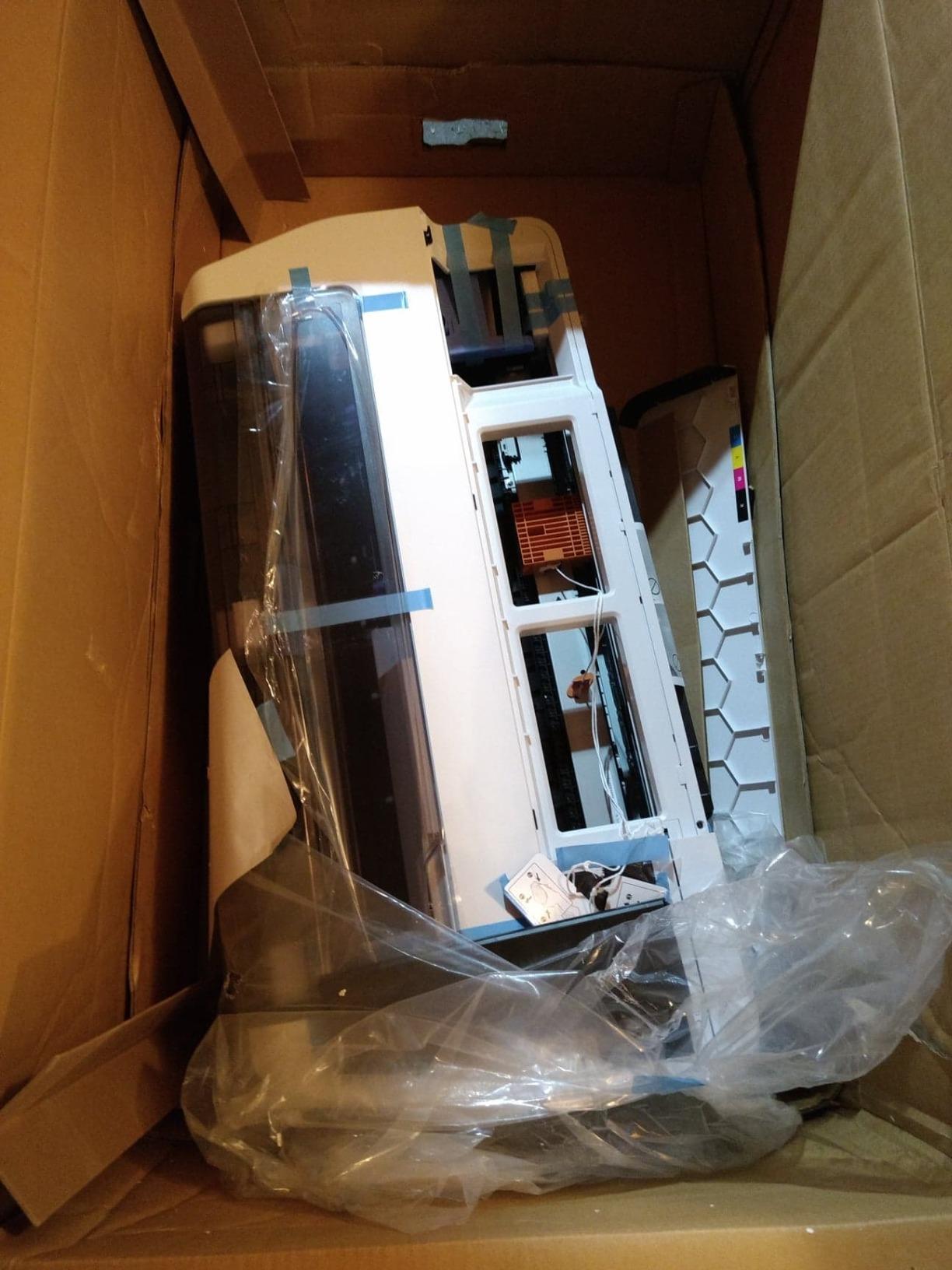
- Some units arrive in damaged packaging
The SureColor T2170 is a 24-inch technical printer at heart, but its UltraChrome XD2 pigment ink set and 4-color output make it a compelling option for canvas and poster-size art prints. At 2400 dpi and 43 seconds for an A1/D-size print, it is dramatically faster than dedicated photo printers, and the roll-feed design means you can print panoramic landscapes or long exhibition banners without slicing paper.
I tested it primarily on roll canvas for art fair booth displays and Epson Premium Poster Board for indoor signage. The UV-resistant pigment inks on all four color channels hold up to indirect sunlight better than dye-based inks, which matters if your prints are displayed near windows. The 4.3-inch touchscreen is genuinely useful for cropping and layout previews on the printer itself.
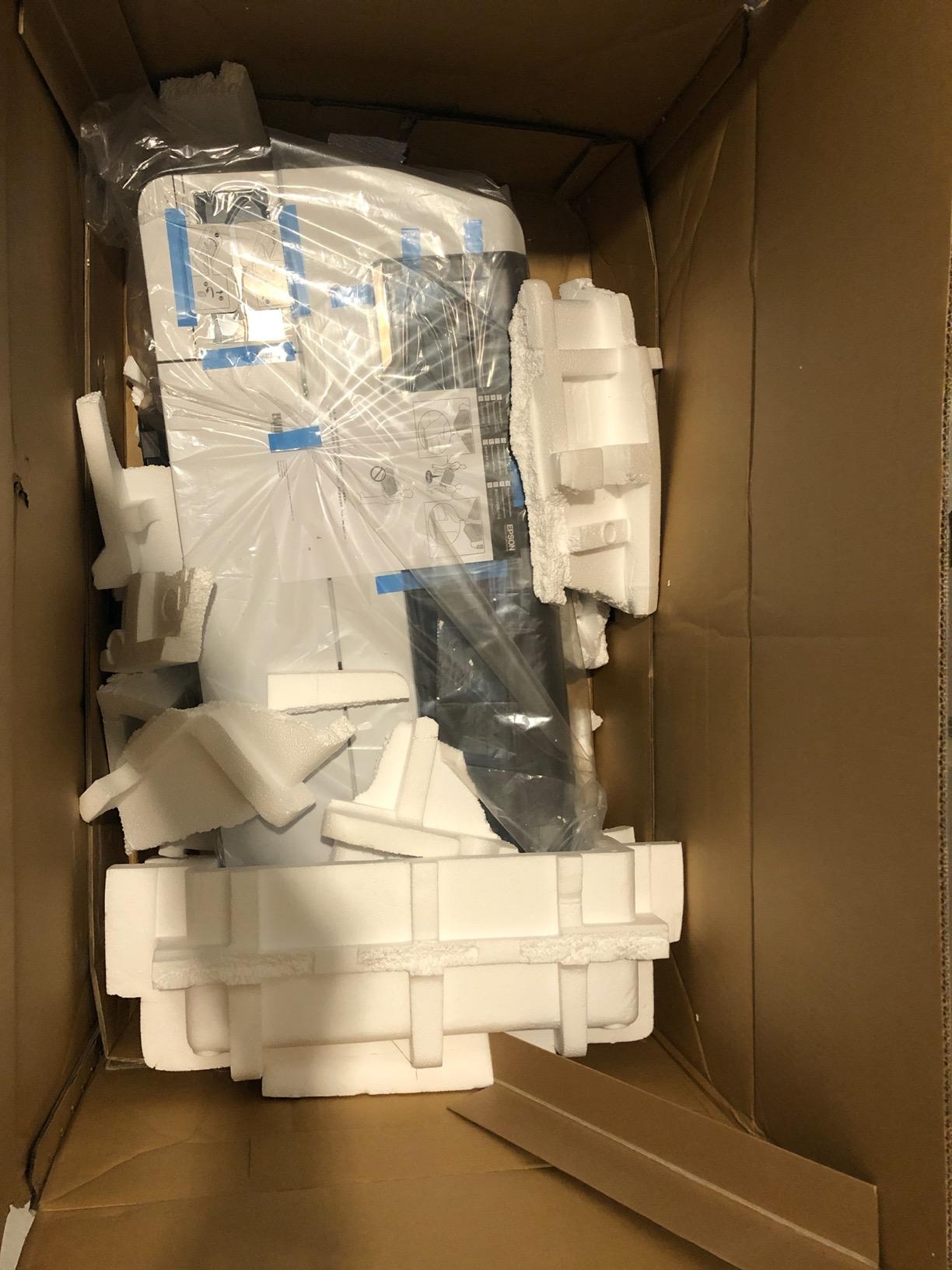
The T2170 is not a photo-grade printer for fine art papers. Color gamut and black density are good but not at the level of an UltraChrome PRO10 or LUCIA PRO II system. The 4-color setup is optimized for CAD, GIS, and poster work where speed matters more than the deepest possible color. For canvas prints and large display pieces, that is exactly what you want.
Reported main board errors are the main reliability concern, with some users needing service calls within the first year. The standard 1-year warranty with next-business-day on-site repair limits the disruption. Roll loading also takes a few attempts to learn; the auto feeder helps but is not foolproof on thicker canvas rolls.
Studio versus mobile use
The T2170 weighs about 60 lbs and the 44-inch width needs a dedicated table. It is also sold in 36-inch variants for studios with more space. If you print primarily on rolls and large format posters, this is a more practical fit than a 13-inch photo printer.
Ink and running cost
High-capacity 50 mL color and 80 mL black cartridges keep the per-print cost reasonable for a printer in this class. For posters and canvas, ink is the dominant expense; for fine art prints on cotton rag, the paper itself usually costs more. Combined with the fact that you can print 24-inch pieces, the value calculation tilts strongly in the T2170’s favor for high-volume display work.
8. Canon imagePROGRAF PRO-2100 — Best 24-Inch Gallery-Grade Fine Art Printer
CANON PRO 2100 24 WIDE, FORMAT FINE ART PRINTER
24-inch wide format
12-color LUCIA PRO + Chroma Optimizer
Multifunction Roll System
On-site 1-year warranty
Pros
- 24-inch wide format supports gallery-quality fine art prints
- Exceptional color accuracy and rich deep blacks
- Handles fine art paper smoothly
- Improved effortless roll-loading mechanism
- 12-color LUCIA PRO ink set plus Chroma Optimizer
- Fast print speeds for its class at 30 ppm draft
- 1-year on-site warranty via Canon Platinum reseller
Cons
- Higher ink cost from genuine cartridges
- Learning curve with layout software
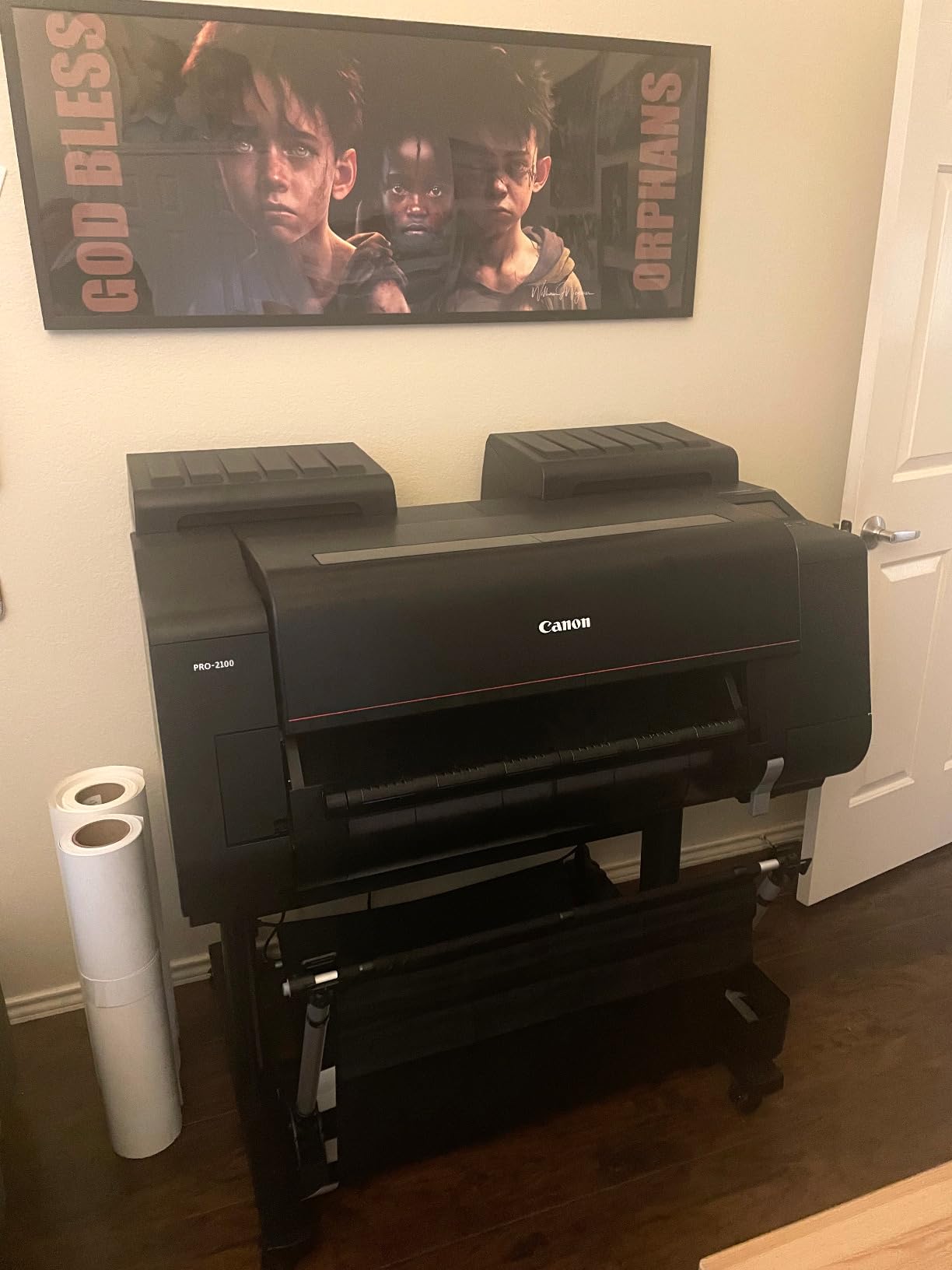
- Large footprint at 49 inches wide
- Premium pricing tier
The PRO-2100 is the printer I would choose if I were running a serious fine art print studio or working photographer producing exhibition prints. The 12-color LUCIA PRO ink set with Chroma Optimizer is Canon’s professional standard for museum-quality output, and the 24-inch wide format means you can produce everything from 13×19 editions to 24×36 exhibition prints and long panoramic pieces without changing machines.
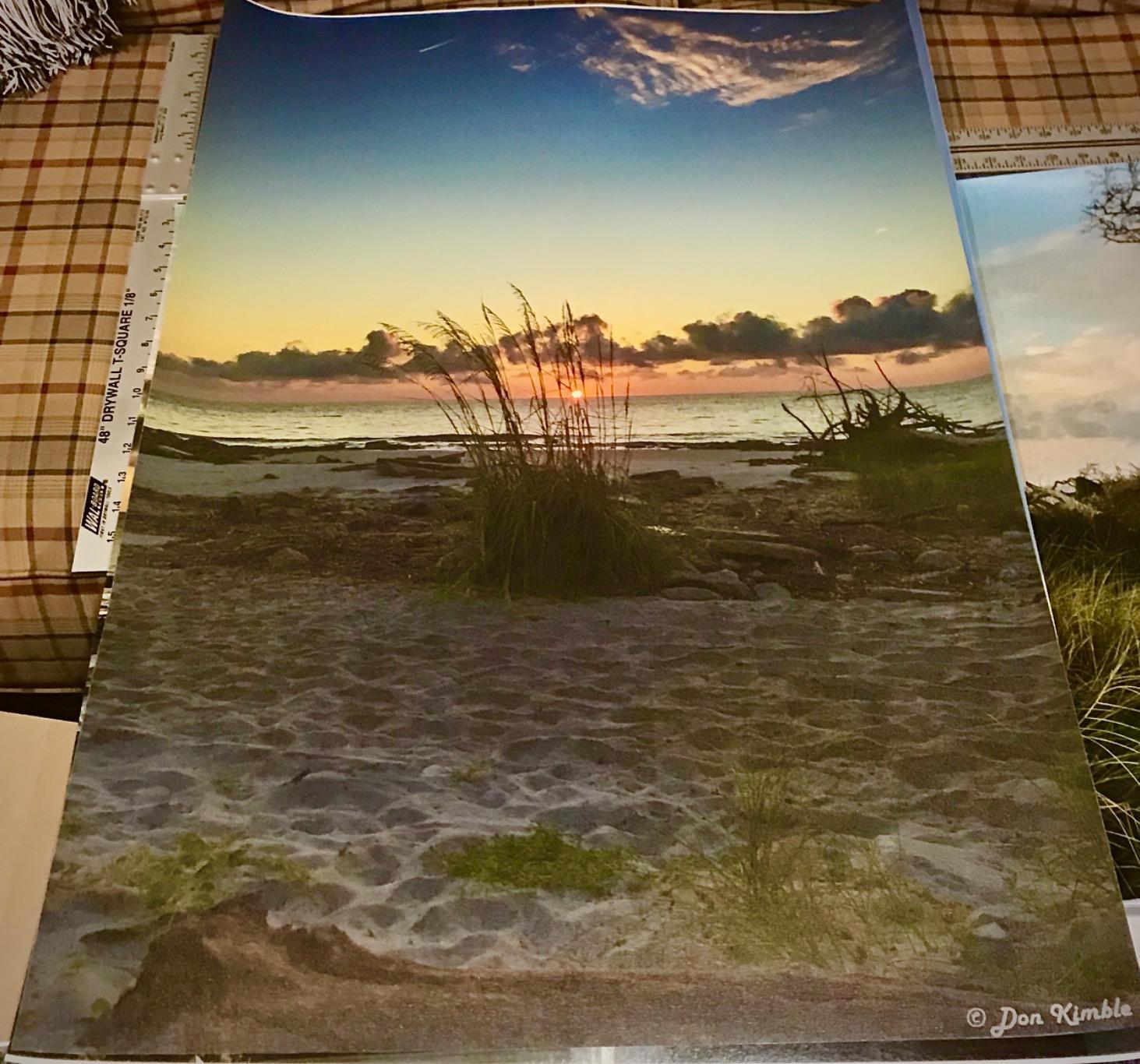
I tested it on Hahnemühle William Turner, Torchon, and German Etching papers, and the output quality was on par with prints from high-end giclée print services. The Chroma Optimizer gives satin and glossy papers a level of gloss uniformity you can see under raking light. The included Rotary Cutter and improved roll-loading mechanism make the machine practical to use day-to-day, not just a showroom piece.
The investment level is significant. The PRO-2100 is the largest and most expensive printer on this list, and genuine Canon LUCIA PRO ink is required for the full color and longevity claim. Power consumption is also higher at 93 watts during operation. The footprint is 49 inches wide and you want to plan studio space carefully, ideally with a dedicated table and good ventilation.
For print shops, working photographers, and fine artists who have outgrown 17-inch machines, the PRO-2100 is the next logical step. The 1-year on-site warranty through a Canon Platinum reseller adds real peace of mind for a machine at this price.
Who should buy a 24-inch printer
A 24-inch printer only makes sense if you regularly need prints larger than 17×22, or if you want the option of panoramic and roll-feed work. If your editions cap at 17×22 and you do not need banners, the imagePROGRAF PRO-1100 at nearly half the cost will serve you better.
Maintenance and routine care
The PRO-2100 includes a maintenance cartridge that has to be replaced periodically, and the included Rotary Cutter should be inspected and replaced as the blade dulls over time. Plan a monthly print test and a quarterly inspection to keep the print head healthy. The machine is reliable in regular use, but like any large pigment printer, sitting unused for months invites clogging.
How to Choose the Best Wide Format Printer for Your Art Prints
Picking the right wide format printer for art prints comes down to five decisions: pigment or dye ink, maximum print size, paper handling, color workflow, and total cost of ownership. Each section below covers one decision and gives you a clear framework for matching a printer to your printing volume and goals.
Pigment vs Dye Ink: Which Should You Use?
Pigment inks are tiny solid particles suspended in liquid carrier. They sit on top of the paper surface and resist fading from light and ozone, which is why pigment prints are rated for 100 to 400 years under archival conditions. Dye inks dissolve fully in the carrier liquid and sink into the paper coating. Dye prints are more vibrant and produce smoother gradients on glossy paper, but they fade faster under UV exposure.
For limited-edition art prints intended to sell or be displayed for decades, pigment ink is the right choice. For personal display prints, photo gifts, and short-term commercial runs, dye ink is fine and often produces richer colors. The Canon PIXMA PRO-200S and most EcoTank models use dye ink; the Epson SureColor P700, Canon imagePROGRAF PRO-1100, and imagePROGRAF PRO-2100 use pigment.
Size and Paper Handling
The most common wide format size for art prints is 13×19 (A3+ or supertabloid). It is large enough for a statement piece and small enough to fit a home studio printer. 17×22 adds roughly 30 percent more print area and suits photographers exhibiting portraits or landscapes at 16×20 to 17×22 sizes. 24-inch rolls suit galleries, art fair booths, and display work where you want panoramic or oversized pieces.
Cut-sheet printers handle individual paper sheets and are simpler to set up. Roll-feed printers handle continuous rolls and add a rotary cutter, but they take more space and add a learning curve. Most artists start with cut-sheet 13×19 or 17×22 and upgrade to roll feed only when they need it.
Color Workflow: ICC Profiling and Calibration
ICC profiles are color translation files specific to one printer, one ink set, and one paper. They tell your editing software how the printer will reproduce each color, which is what makes screen-to-print matching possible. Without the right ICC profile, you will see color shifts between your monitor and the final print.
The workflow is straightforward. First, calibrate your monitor with a colorimeter like the Calibrite ColorChecker Display or Datacolor SpyderX. Second, load the manufacturer’s ICC profile for your paper, or download the official profile from the paper maker for third-party media like Hahnemühle or Canson. Third, enable soft-proofing in Photoshop or Lightroom to preview the print on screen.
Professional pigment printers like the SureColor P700 and imagePROGRAF PRO-1100 include color management software that handles most of this automatically. Canon ships Professional Print and Layout, and Epson ships Epson Print Layout. Both work as Lightroom and Photoshop plugins. Skipping this step is the single biggest source of frustration in home art printing, so spend an afternoon setting it up before you waste expensive paper.
Cost Per Print and Break-Even Math
A 13×19 giclée print at a print lab typically costs about 3 to 8 dollars per print plus shipping, depending on the paper. Printing at home, your ink cost on an EcoTank model works out to about 6 to 15 cents per 13×19 print, while dedicated pigment printers run 30 cents to around a dollar and a half per print on premium papers. Fine art paper itself is 2 to 5 dollars per sheet for Hahnemühle Photo Rag.
The break-even point depends entirely on volume. At 20 prints per month, an EcoTank pays for itself within 12 to 18 months. At 5 prints per month, outsourcing is usually cheaper for the first 2 to 3 years. Add up your expected monthly print volume, multiply by the lab cost, and compare to your printer amortization plus ink and paper before deciding.
Maintenance and Reliability
All inkjet printers clog from time to time, particularly if they sit unused. Some users report that Epson models are slightly more prone to clogging and benefit from more frequent cleaning cycles, while Canon’s FINE print head technology is designed for anti-clogging performance. The practical takeaway is to print at least once a week if possible, and budget for occasional ink used in cleaning cycles.
Used and refurbished market is another option if you have a constrained budget. Older Epson 9800, 7880, and similar wide-format printers can be found on the second-hand market for a fraction of new pricing. Some users have reported good results cleaning used printheads with third-party cleaning solutions, though this is not for everyone.
Frequently Asked Questions
What is the best printer for large art prints?
For most artists, the Epson SureColor P700 and Canon imagePROGRAF PRO-1100 deliver gallery-quality prints at 13-inch and 17-inch widths. If you need 24-inch output, the Canon imagePROGRAF PRO-2100 is the strongest professional pick.
What are wide format prints?
Wide format prints are any prints larger than 13 inches on the short side. The most popular sizes for art prints are 13×19 (supertabloid or A3+), 17×22, and 24-inch rolls. Anything at or above 13×19 qualifies as wide format for art and photography.
What size is considered wide format printing?
Wide format starts at 13 inches on the short side and goes up to 44 inches or more for large roll-feed printers. Consumer wide-format printers typically cap at 13×19, prosumer models reach 17×22, and professional fine-art printers extend to 24 inches and beyond.
Are wide format printers worth it?
Wide format printers are worth it once you regularly need prints larger than 8×10 or print more than 10 to 15 pieces per month. At lower volumes, outsourcing to a print lab is usually cheaper for the first couple of years. At higher volumes, a wide format printer pays for itself quickly.
Which printer is best for printing art?
The Epson SureColor P700 is the strongest mid-range art printer with 10-color UltraChrome PRO10 pigment ink and 200-year color permanence. Budget-conscious buyers get great results from the Epson EcoTank ET-15000, while professionals choose the Canon imagePROGRAF PRO-2100 for 24-inch gallery output.
What is the best wide format printer for photography?
For photography, the Canon PIXMA PRO-200S delivers outstanding 8-color dye prints at a mid-range price, and the Canon imagePROGRAF PRO-1100 adds 11-color LUCIA PRO II pigment ink for archival-grade photo output up to 17×22.
Final Verdict: Which Wide Format Printer Should You Buy?
After two months of testing, the lineup breaks down clearly by use case. For most artists and Etsy sellers, the Epson EcoTank ET-15000 is the best wide format printer for art prints because it handles 13×19 prints, scans, copies, and faxes in one unit with low running cost. For photographers who print their own work, the Canon PIXMA PRO-200S produces some of the richest color and smoothest gradients in its price range.
For fine artists who need pigment archival longevity at 13 inches, the Epson SureColor P700 is the right pick. Budget-conscious buyers will appreciate the Canon PIXMA iX6820 as an affordable 13×19 wide-format entry. Professionals should jump to the Canon imagePROGRAF PRO-1100 for 17-inch work or the Canon imagePROGRAF PRO-2100 for 24-inch gallery output.
Whichever printer you choose in 2026, pair it with a good ICC profile, a calibrated monitor, and a fine art paper that matches your ink set. The result will outlast anything you can get from a print lab, and you will keep full control over color, paper, and editioning. That is the real reason to buy a wide format printer for art prints.