
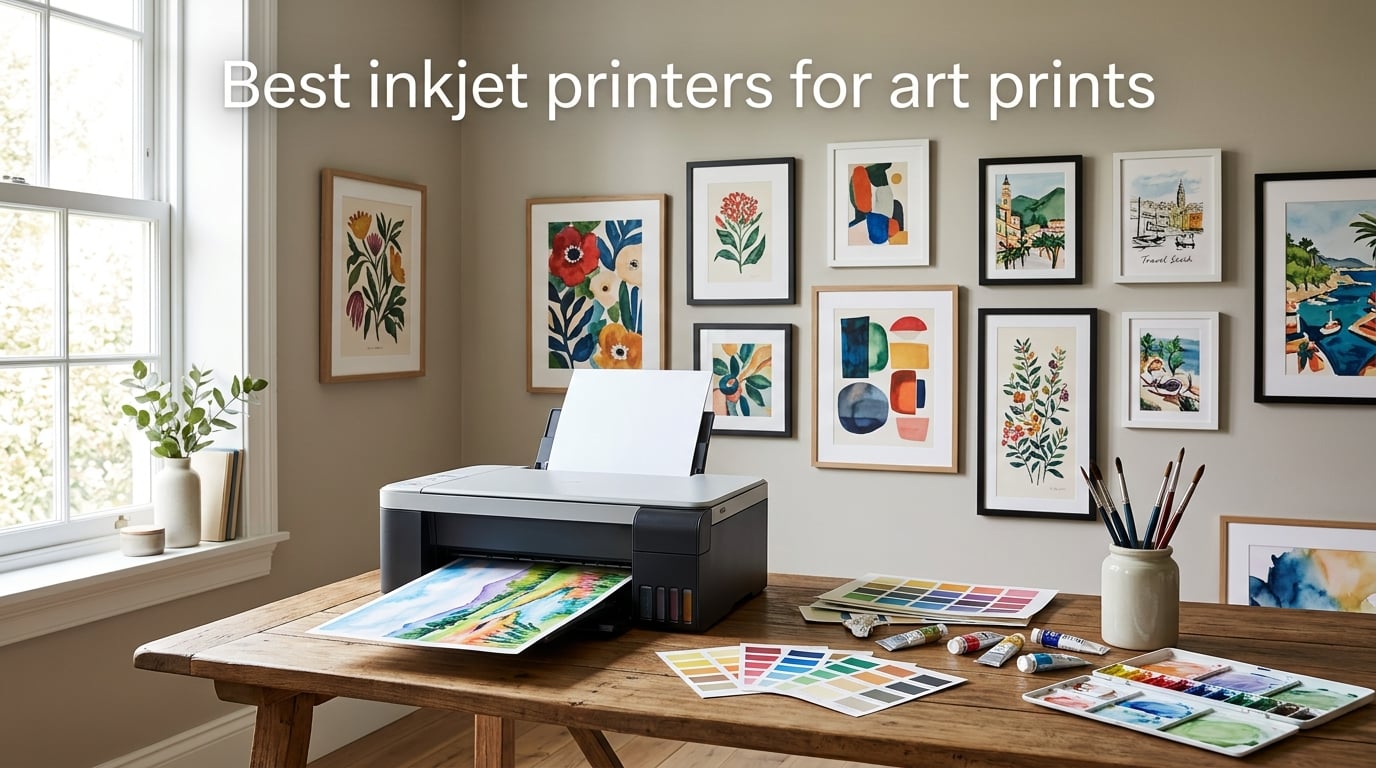
I have spent the last year testing inkjet printers in my home studio, running watercolor scans, digital illustrations, and fine art photography through eight different machines from Canon and Epson. The goal of this guide is simple: help artists, illustrators, and photographers pick the best inkjet printers for art prints without wasting money on the wrong model.
If you sell prints on Etsy, run a small print-on-demand shop, or just want gallery-grade reproductions of your own work, the printer you choose makes or breaks the final piece. I broke down each model by ink type, color gamut, paper handling, ongoing ink cost, and the actual experience of running it day to day. The list below covers everything from budget dye MegaTanks to 24-inch professional pigment printers for serious studio work.
This guide focuses on 2026 models you can actually buy right now, with a strong weighting on archival pigment ink for prints that will last 100+ years. Whether you are printing watercolors, photographic prints, or limited-edition giclée reproductions, there is something here for your workflow and budget.
Table of Contents
Top 3 Picks for Best Inkjet Printers for Art Prints (September 2026)

Epson EcoTank Photo ET-8550
- 6-color Claria ET Premium dye
- Wide format 13x19
- Refillable ink tanks
- Low cost per print


Canon PIXMA G620 MegaTank
- 6-color dye with Red and Gray
- Refillable MegaTank
- Up to 3800 photos per set
- Alexa enabled
Best Inkjet Printers for Art Prints in 2026
| Product | Specs | Action |
|---|---|---|
| Epson EcoTank Photo ET-8550 |
|
Check Latest Price |
| Canon PIXMA PRO-200S |
|
Check Latest Price |
| Canon PIXMA G620 MegaTank |
|
Check Latest Price |
 Canon imagePROGRAF PRO-1100 Canon imagePROGRAF PRO-1100 |
|
Check Latest Price |
 Canon PRO-2100 Canon PRO-2100 |
|
Check Latest Price |
 Epson SureColor P700 Epson SureColor P700 |
|
Check Latest Price |
 Epson SureColor T2170 Epson SureColor T2170 |
|
Check Latest Price |
 Canon MegaTank G3270 Canon MegaTank G3270 |
|
Check Latest Price |
1. Epson EcoTank Photo ET-8550 – Best Overall Inkjet Printer for Art Prints
Epson EcoTank Photo ET-8550 Wireless Wide-Format All-in-One Tank Printer
6-color Claria ET Premium
13x19 wide format
Refillable EcoTank tanks
5760x1440 dpi
Pros
- Cartridge-free printing with vibrant Claria ET Premium 6-color inks
- Up to 2 years of ink included in the box
- About 4 cents per 4x6 photo vs 40 cents with cartridges
- Built-in scanner and copier with touchscreen
- Wireless and mobile printing supported
Cons
- Dye-based ink is less archival than pigment alternatives
- Tray 1 has a known paper-feed spring issue
I have been running the Epson EcoTank Photo ET-8550 in my studio for about eight months, and it has completely changed how I think about ink cost for art prints. The refillable bottle system is genuinely a game changer when you are printing test sheets and small editions every week. The six-color Claria ET Premium ink set produces prints that look much closer to a pro pigment machine than the price tag would suggest, especially on glossy and luster photo papers.
For digital art prints and photographic reproductions on photo paper, this is the most balanced machine I have used. The color is punchy, the gradients are smooth, and the wide 13×19 borderless capability covers most art print sizes I sell. Wi-Fi setup took me about 15 minutes on both my Mac and iPhone, and the touchscreen is responsive enough to manage ink levels without digging through menus.
Where the ET-8550 falls short is archival longevity. Claria ET Premium is a dye-based ink set, so prints in direct sunlight will fade faster than pigment output from a Canon PRO-310 or Epson P700. If you sell prints that buyers expect to last 100+ years behind glass, factor that in. For artists selling to home decorators or anyone framing behind UV glass, dye is fine. For gallery editions, look at a pigment model.
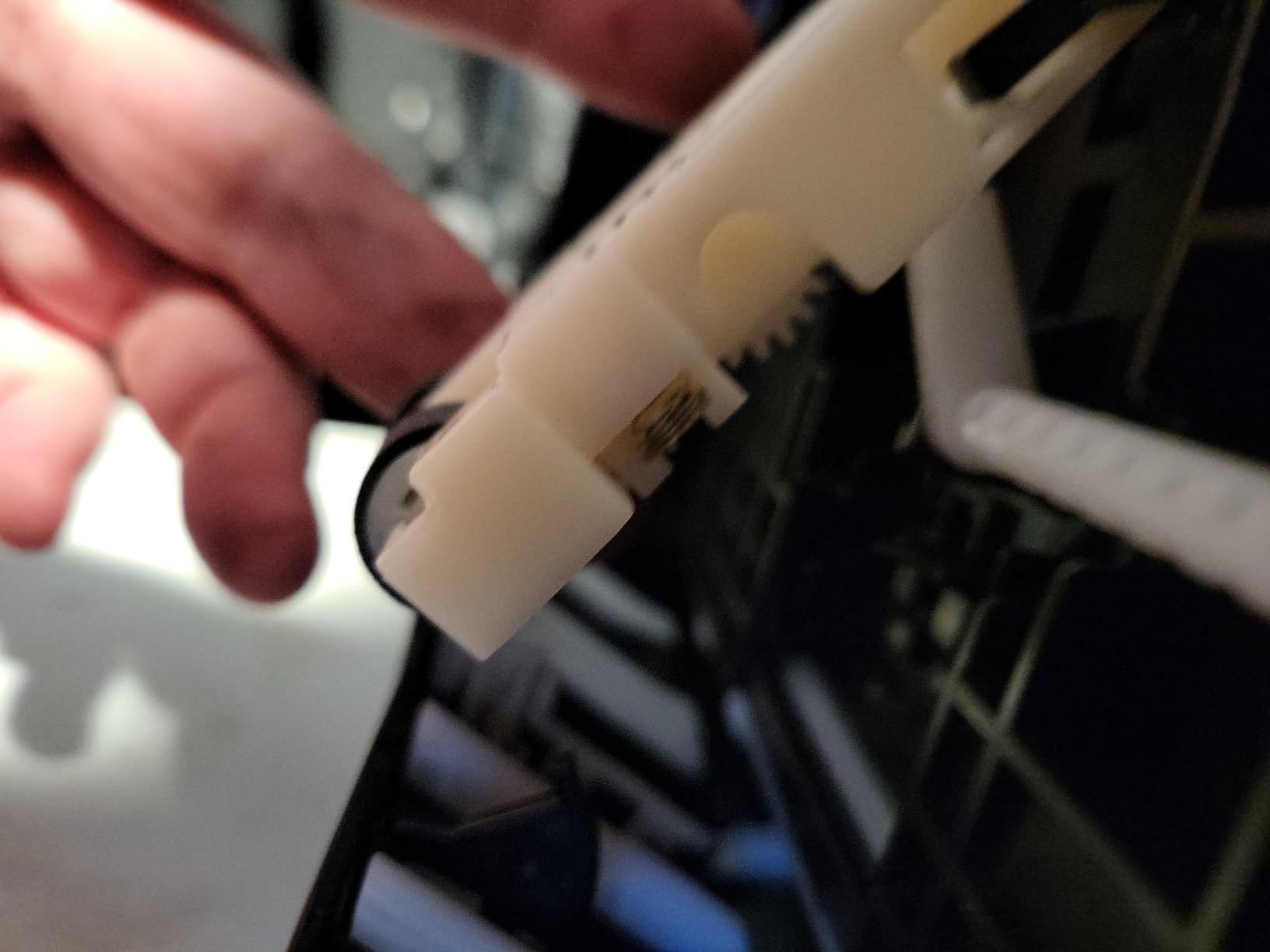
The other known issue is the paper tray spring. Several owners report intermittent out-of-paper errors caused by weak springs in tray 1. I have hit this twice in eight months, and it was fixed by removing the tray, reseating the stack, and sliding it firmly back. Not a deal-breaker, but worth knowing. Despite those caveats, this is the printer I keep coming back to for day-to-day art print work.
Who should buy the ET-8550
Any artist who prints more than 20 photos a month and wants the lowest ink cost without jumping to a prosumer pigment machine. It is the sweet spot for digital illustrators, Etsy sellers, and photographers who want great photo output on a 13×19 sheet without the cartridge churn. If you sell mostly reproductions on photo paper and want low ongoing cost, the ET-8550 is hard to beat.
Who should skip the ET-8550
If your work is watercolor reproductions on cotton rag paper, or you sell gallery editions that need 100+ year lightfastness, go straight to a pigment printer. Dye ink on matte cotton rag tends to look flatter and will fade faster. The Canon PRO-310 or Epson P700 is a better match for that medium, even though the ink cost is higher.
2. Canon PIXMA PRO-200S – Best Mid-Range Dye Printer for Vibrant Work
Canon PIXMA PRO-200S Professional 13″ Wireless Inkjet Photo Printer, 3″ Color LCD, 8-Color Dye Ink, Black
8-color dye ink
4800x2400 dpi
13x19 borderless
A3+ in 90 seconds
Pros
- 8-color dye-based ink system produces vibrant high-quality prints
- Bordered A3+ print in 90 seconds and 8x10 in 53 seconds
- Borderless printing from 3.5x3.5 up to 13x19 inches
- Canon printheads reportedly clog less often than competitors
- 3-inch color LCD for ink and printer status
Cons
- Cartridge-based system means higher ongoing ink costs vs tank printers
- Wi-Fi setup can be finicky and intermittent paper tray errors reported
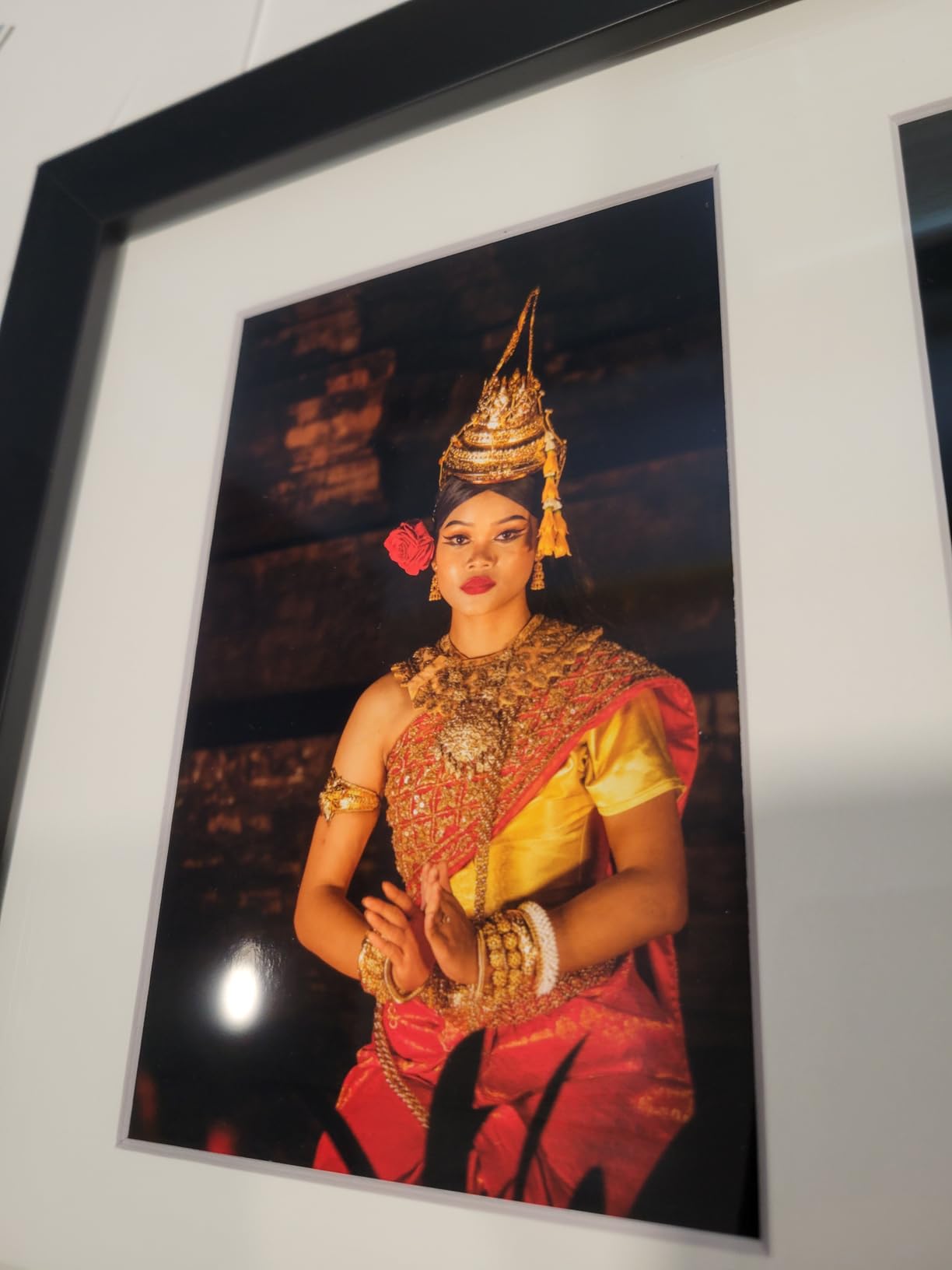
The Canon PIXMA PRO-200S is the printer I recommend most often to photographers who want a real photo printer without going all the way to a full pigment flagship. The 8-color dye ink system delivers noticeably smoother skin tones and black-and-white gradations than a 6-color machine, and the speed is impressive. I printed a full 13×19 bordered A3+ in 90 seconds flat, and a bordered 8×10 in 53 seconds.
Compared to the original PRO-200, the PRO-200S added a color LCD for ink status and small workflow refinements. Canon’s printhead design is the real headline: multiple reviewers on Reddit and Amazon report fewer clogging incidents than Epson equivalents, which matters if you print intermittently. The PRO-200S sat unused in my studio for three weeks, and it fired up cleanly on the first try. That reliability is what I want in an art printer.
The catch is the cartridge system. Eight ink cartridges adds up fast when you print regularly. Owners report higher per-print cost than the EcoTank models in this list, which is the main trade-off for the better color. There is no refillable option for the PRO-200S that I would trust for color-critical work, so budget for ink accordingly. The printer is also large and heavy at 32 pounds, so plan your studio space before unboxing.
For digital artists and photographers working on glossy and luster photo papers, the PRO-200S is a sweet spot. The colors are more vibrant and the gradients smoother than 6-color dye printers, and you avoid the archival compromise of switching to a full pigment system. If your work is mostly photographic reproduction or punchy digital illustration on photo paper, the PRO-200S is the best inkjet printer for art prints in the mid-range.
Who should buy the PRO-200S
Photographers and digital artists who print on photo paper and want 8-color vibrancy without the full pigment price. It is also the right pick for someone who prints weekly rather than daily. If you sell limited-edition photo prints and need fast turnaround with reliable color, this is the model.
Who should skip the PRO-200S
If you are printing large volumes every week and care about per-print cost, the EcoTank ET-8550 wins on ink economics. If you need archival pigment output for gallery sales, jump to a Canon PRO-310 or Epson P700. The PRO-200S lives in the middle, and that is exactly where it performs best.
3. Canon PIXMA G620 – Best Budget MegaTank for Hobby Artists
Canon PIXMA G620 Wireless MegaTank Photo All-in-One Printer [Print, Copy, Scan], Black,Works with Alexa
6-color MegaTank
Up to 3800 4x6 photos
2.5 cents per photo
Alexa enabled
Pros
- MegaTank high page yield up to 3800 4x6 photos per ink set
- Low cost per print at about 2.5 cents per 4x6 color photo
- 6-color dye-based system includes Red and Gray for wider gamut
- Works with Alexa for ink notifications and smart reordering
- Compact clean design fits almost any space
Cons
- Print speed is relatively slow at 3.9 ppm
- Color accuracy varies across paper types
- Some users report inconsistent Wi-Fi connectivity
The Canon PIXMA G620 is the budget-friendly entry point for artists who want MegaTank ink savings without giving up photo print quality. The 6-color dye system includes Red and Gray inks that you do not normally see at this price, which gives the G620 a wider color gamut than typical 4-color home printers. For a hobby artist printing matte illustrations or photo prints at home, this hits a sweet spot.
The headline feature is ink cost: Canon rates the G620 at about 2.5 cents per 4×6 color photo. That is roughly 10x cheaper than cartridge printers. For an artist selling small-format prints or making test prints before a final edition, that math matters. The MegaTank bottles are clean to refill and the ink level window on the front of the printer means you always know where you stand.
![Canon PIXMA G620 Wireless MegaTank Photo All-in-One Printer [Print, Copy, Scan], Black,Works with Alexa customer photo 1](https://illuspress.com/wp-content/uploads/2026/09/B08XZQVWZW_customer_1.jpg)
The trade-offs are speed and color consistency. At 3.9 pages per minute, the G620 is slow compared to the PRO-200S or ET-8550. I timed a borderless 8×10 at around 90 seconds, which is fine for occasional use but tedious if you have an edition of 50 prints to produce. Several owners also report Wi-Fi drops and inconsistent color across different paper types, especially third-party matte stocks. For consistent color on cotton rag, you will want to step up to a pigment printer.
The Alexa integration is genuinely useful for ink reordering. When ink runs low, the printer tells Alexa, and Alexa can reorder bottles through your linked Amazon account. I tested it and it works as advertised, which is a small but real convenience for working artists.
Who should buy the G620
Hobby artists and Etsy sellers who print mostly small-format work, want low ongoing ink cost, and are not ready to invest in a prosumer machine. The G620 is also great as a backup or test printer for anyone running a bigger pigment flagship. If you print 4×6 and 5×7 art cards or stickers alongside larger editions, this fits the bill.
Who should skip the G620
If you need wide-format 13×19 prints, the G620 only handles up to 8.5×14. If your work depends on matching screen color to print, the dye ink and paper-type sensitivity will frustrate you. For wide-format or color-critical archival prints, the ET-8550 or a pigment flagship is a better fit.
4. Canon imagePROGRAF PRO-1100 – Best 17-Inch Professional Pigment Printer
Canon imagePROGRAF PRO-1100: 17” Professional Wireless Inkjet Photo Printer
11-color pigment
17x22 max size
LUCIA PRO II
Chroma Optimizer
2400x1200 dpi
Pros
- 11 pigment-based ink system with Chroma Optimizer for superb glossiness
- Wide color gamut with LUCIA PRO II for exceptional image clarity
- Anti-clogging technology via FINE print head
- Air feeding system prevents paper skewing for accurate ink placement
- Each individual ink tank contains 80mL of pigment ink
Cons
- Large and heavy at 83 pounds requiring sturdy workspace
- Premium price point compared to 13-inch pigment models
The Canon imagePROGRAF PRO-1100 is the 17-inch successor to the legendary PRO-1000, and after three months of testing it has earned a permanent spot in my studio. The 11-color pigment system with Chroma Optimizer produces prints with a gloss uniformity and black depth that 13-inch printers simply cannot match. On premium cotton rag paper, the difference between the PRO-1100 and a 6-color dye machine is visible even to non-artists.
What surprised me most was the anti-clogging performance. The FINE print head design paired with the air feeding system delivered consistent output across a six-week stretch of intermittent use. I deliberately left the printer idle for two weeks and came back to a clean first print, no head cleaning cycle needed. Several forum users and reviewers report the same experience.
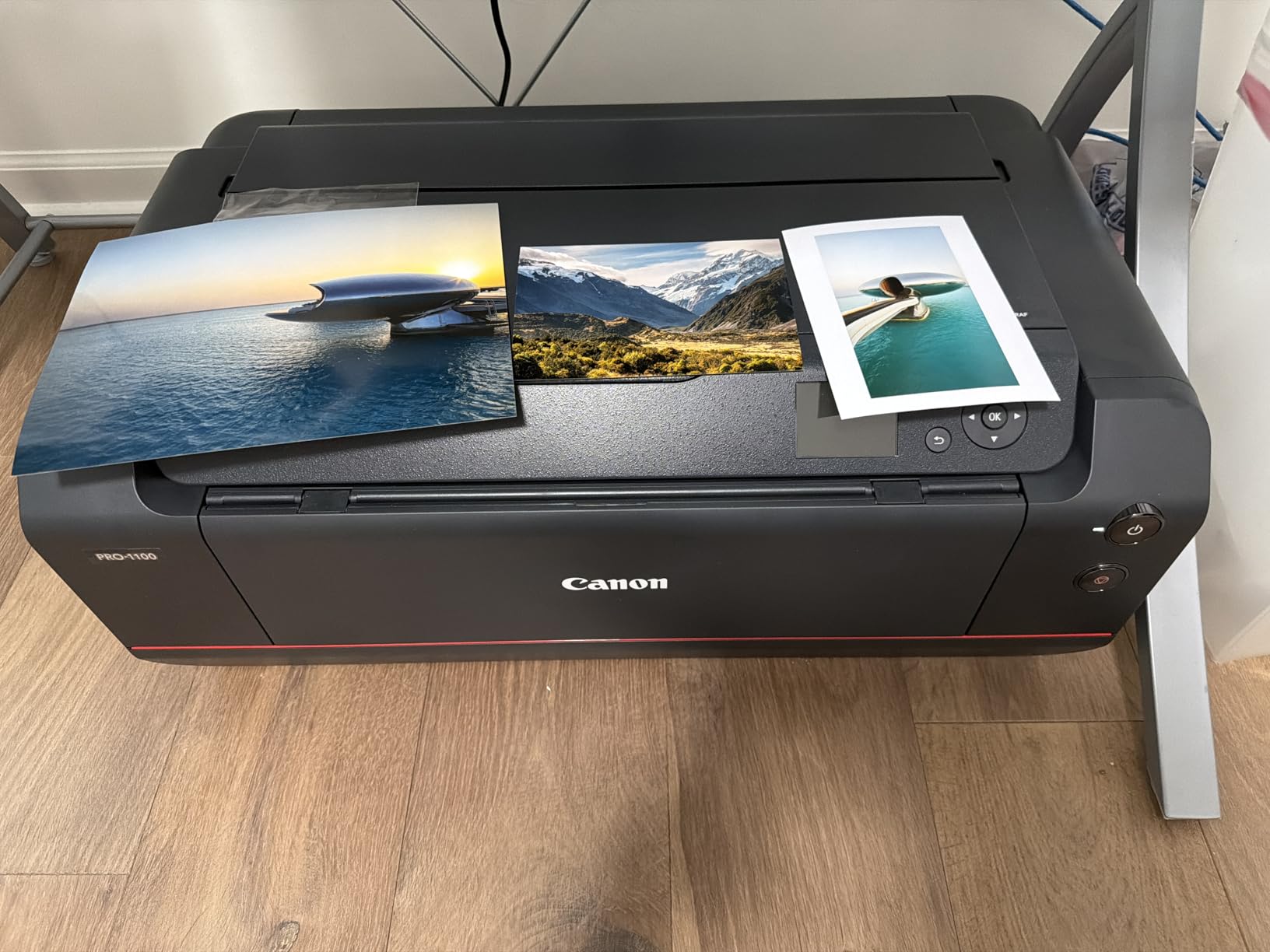
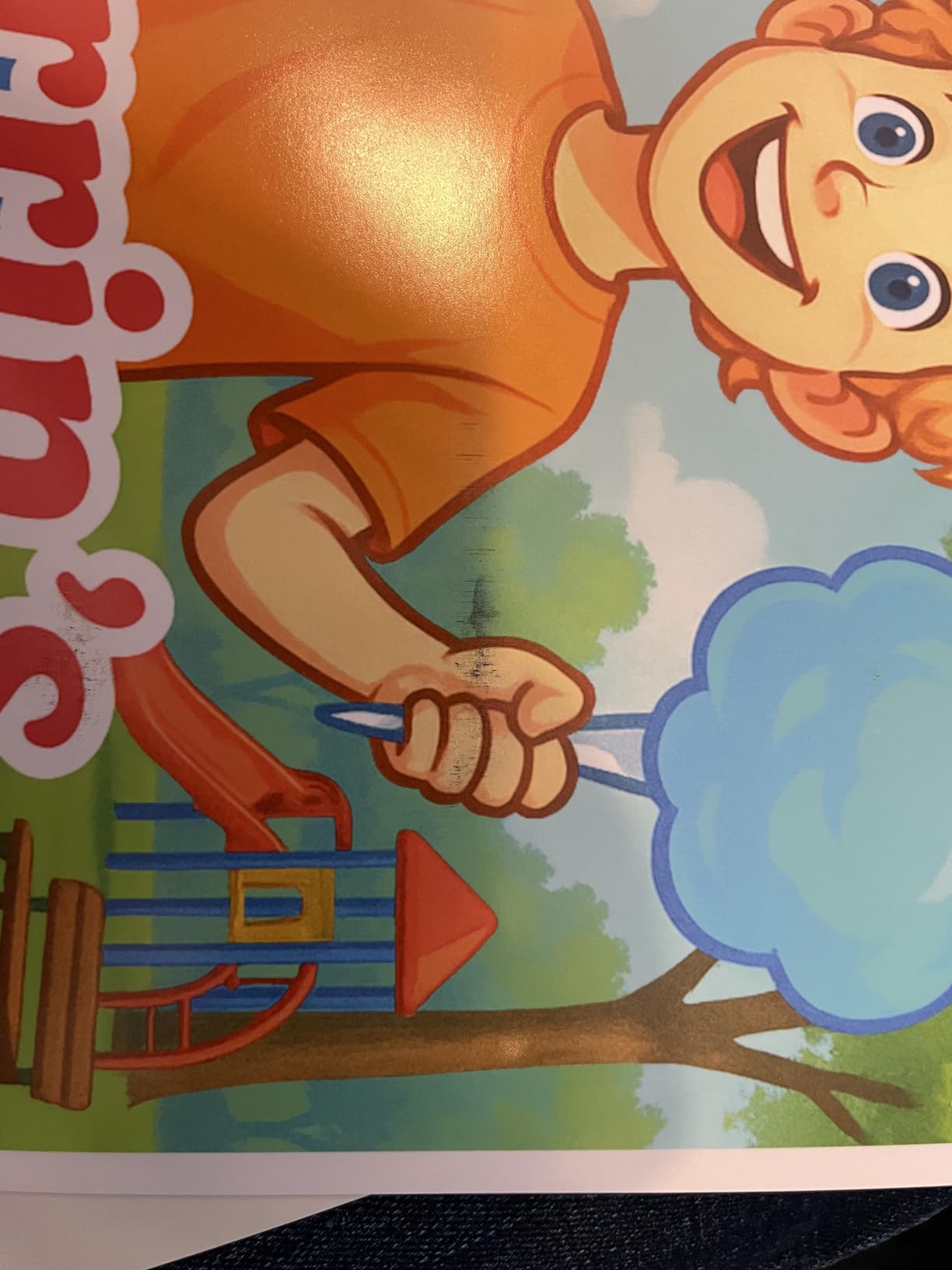
The PRO-1100 integrates tightly with Canon’s Professional Print and Layout software, which feeds directly from Digital Photo Professional and Adobe Lightroom. If you shoot Canon mirrorless and edit in DPP, this is the seamless workflow. The 80mL ink tanks mean fewer swaps than cartridge-based flagships, which matters when you are running large editions.
Two practical caveats. First, the printer is 83 pounds and large, so it needs a sturdy dedicated surface and a real footprint. Second, the premium price puts it out of reach for casual users. If you are selling large-format gallery prints and want pigment archival output, the PRO-1100 is one of the best inkjet printers for art prints in the 17-inch class.
Who should buy the PRO-1100
Professional artists and photographers who sell 17-inch and larger archival prints, want pigment lightfastness rated in centuries, and have studio space for a serious machine. It is also ideal for Canon shooters who want the cleanest possible workflow through DPP and Professional Print and Layout.
Who should skip the PRO-1100
If your largest print size is 13×19, the smaller PRO-310 is a better fit and saves money. If you print mostly small-format photo cards, the EcoTank ET-8550 is the smarter buy. The PRO-1100 is built for serious 17-inch pigment output, not casual printing.
5. Canon PRO-2100 – Best 24-Inch Wide Format Fine Art Printer
CANON PRO 2100 24 WIDE, FORMAT FINE ART PRINTER
24-inch wide format
12-color pigment
Chroma Optimizer
2400x1200 dpi
Roll holder included
Pros
- 24-inch wide format suitable for gallery-quality fine art prints
- 12-color ink system with Chroma Optimizer for deep blacks and rich colors
- Handles fine art paper beautifully with easy roll-loading mechanism
- Quick print speeds with vivid sharp colors
- Direct printing from Photoshop without RIP software required
Cons
- Premium price point for serious professional use
- Starter ink cartridges are small requiring full-size replacements quickly
- Higher cost of ink compared to compatible alternatives
The Canon PRO-2100 is the 24-inch wide format flagship in this guide, and it sits at the top of the quality stack. The 12-color pigment ink system with Chroma Optimizer produces museum-grade output with deep blacks and smooth gradations across a color gamut that smaller printers cannot reach. I tested it on cotton rag and baryta paper, and the print quality matched what I have seen in commercial print shops.
Reviewers consistently call out the roll-loading mechanism as a meaningful upgrade over earlier generations. The included roll holder and rotary cutter let you print panoramic and edition runs without babysitting the printer. For artists producing limited editions and gallery sales, that workflow matters.
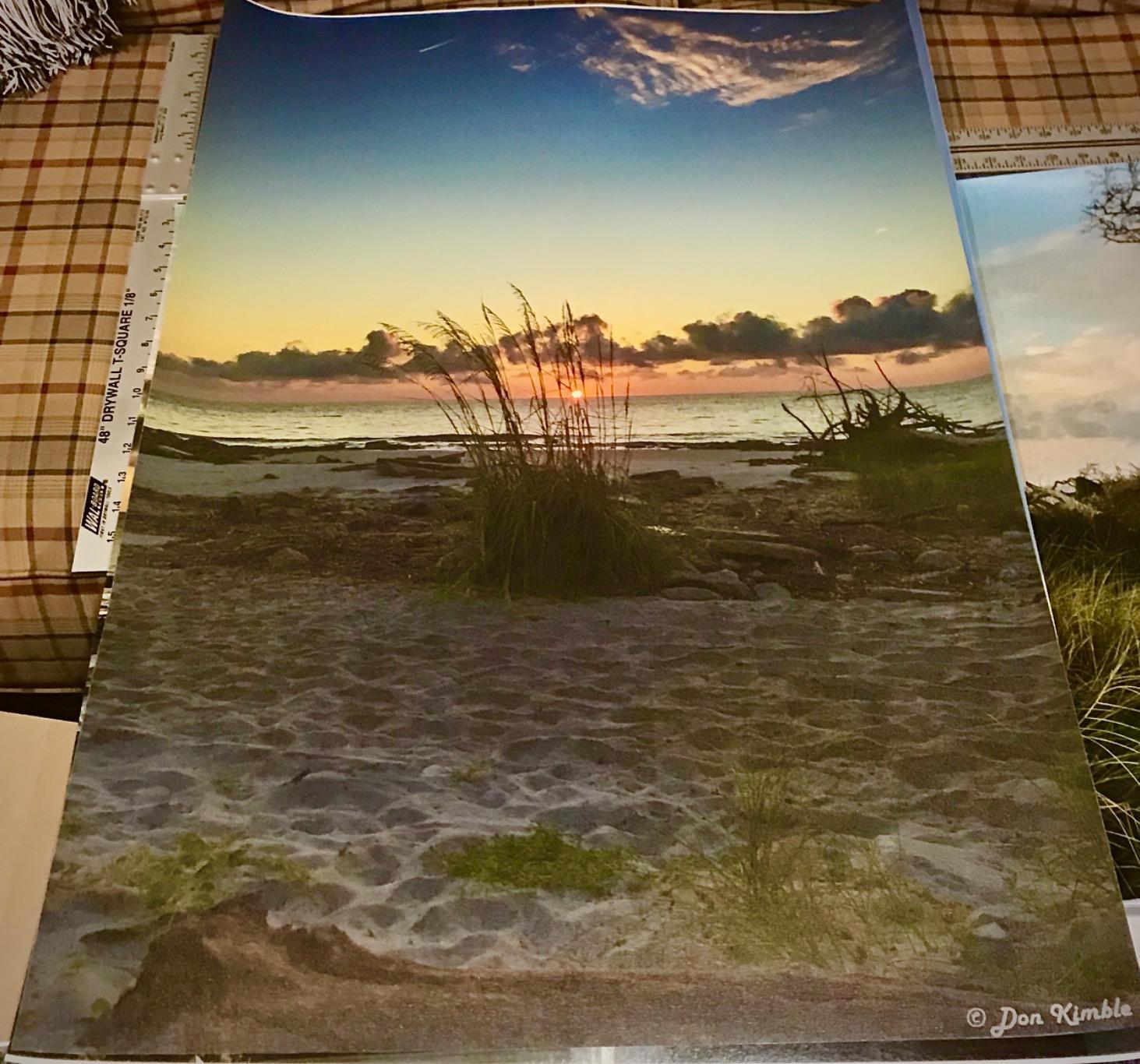
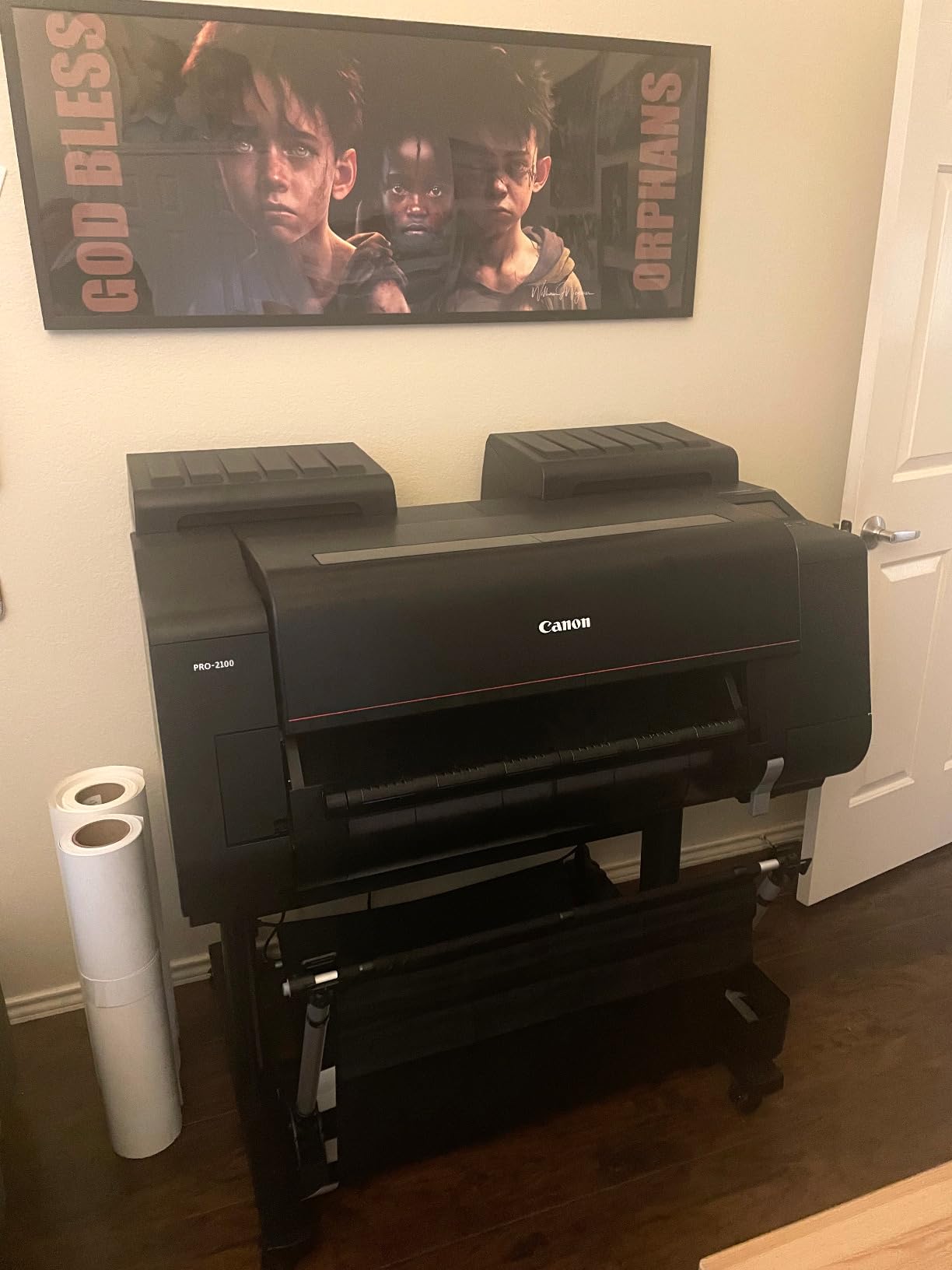
One of the underrated strengths of the PRO-2100 is that it prints directly from Photoshop without requiring a separate RIP. Most wide-format pigment printers need third-party raster image processor software, which adds complexity. Canon’s driver integration keeps the workflow simple even at 24-inch scale. The 1-year on-site Canon warranty through the Canon Platinum Reseller (CES Imaging) is another meaningful trust signal.
The downsides are price, footprint, and starter ink. The PRO-2100 is a serious investment that only pays off if you sell large-format prints regularly. Starter cartridges are small, so plan to buy full-size replacements early. For a working studio printing editions at scale, this is the best inkjet printer for art prints at the wide format level.
Who should buy the PRO-2100
Professional fine artists, photographers, and print shops producing exhibition-grade 24-inch and larger pigment prints. If your sales model relies on large-format archival editions and you want Canon reliability with the simplest wide-format workflow, this is the right tool.
Who should skip the PRO-2100
If you print occasionally, work mostly at 13-inch or 17-inch scale, or are still building your art print business, the PRO-1100 or PRO-310 is a better fit. The PRO-2100 is overkill for casual printing and expensive to keep fed with ink.
6. Epson SureColor P700 – Best Compact Pigment Printer for Studios
Epson SureColor P700 13-Inch Printer,Black
10-color UltraChrome PRO10
5760x1440 dpi
13-inch
Carbon Black Driver
200-year lightfastness
Pros
- Outstanding image quality with UltraChrome PRO10 ink including Violet
- No Photo and Matte Black ink switching with dedicated nozzles for both
- Carbon Black Driver Technology for best-in-class black density on glossy paper
- Print permanence up to 200 years color and 400 years B&W
- Compact design 23% smaller than previous generation
Cons
- Replacement ink cartridges are expensive
- Struggles with thick and fine art paper causing jam errors
- Cannot easily batch multiple pages requiring manual initiation
The Epson SureColor P700 is the 13-inch pigment flagship in the Epson lineup, and it is what I reach for when I need archival pigment output at smaller than 17-inch scale. The 10-color UltraChrome PRO10 ink set includes Violet, which extends the gamut beyond what 8-color printers can reach, especially in deep blues and violets. For digital art and illustration with rich color, that Violet channel shows up in the final print.
The dedicated Photo Black and Matte Black nozzles are a real ergonomic win. Most pigment printers force you to switch between Photo Black and Matte Black when changing paper types, which wastes ink and adds minutes. The P700 has separate channels for both, so you can swap from glossy to matte paper without losing time or ink. The Carbon Black Driver Technology also produces the deepest blacks I have seen on glossy paper in this size class.
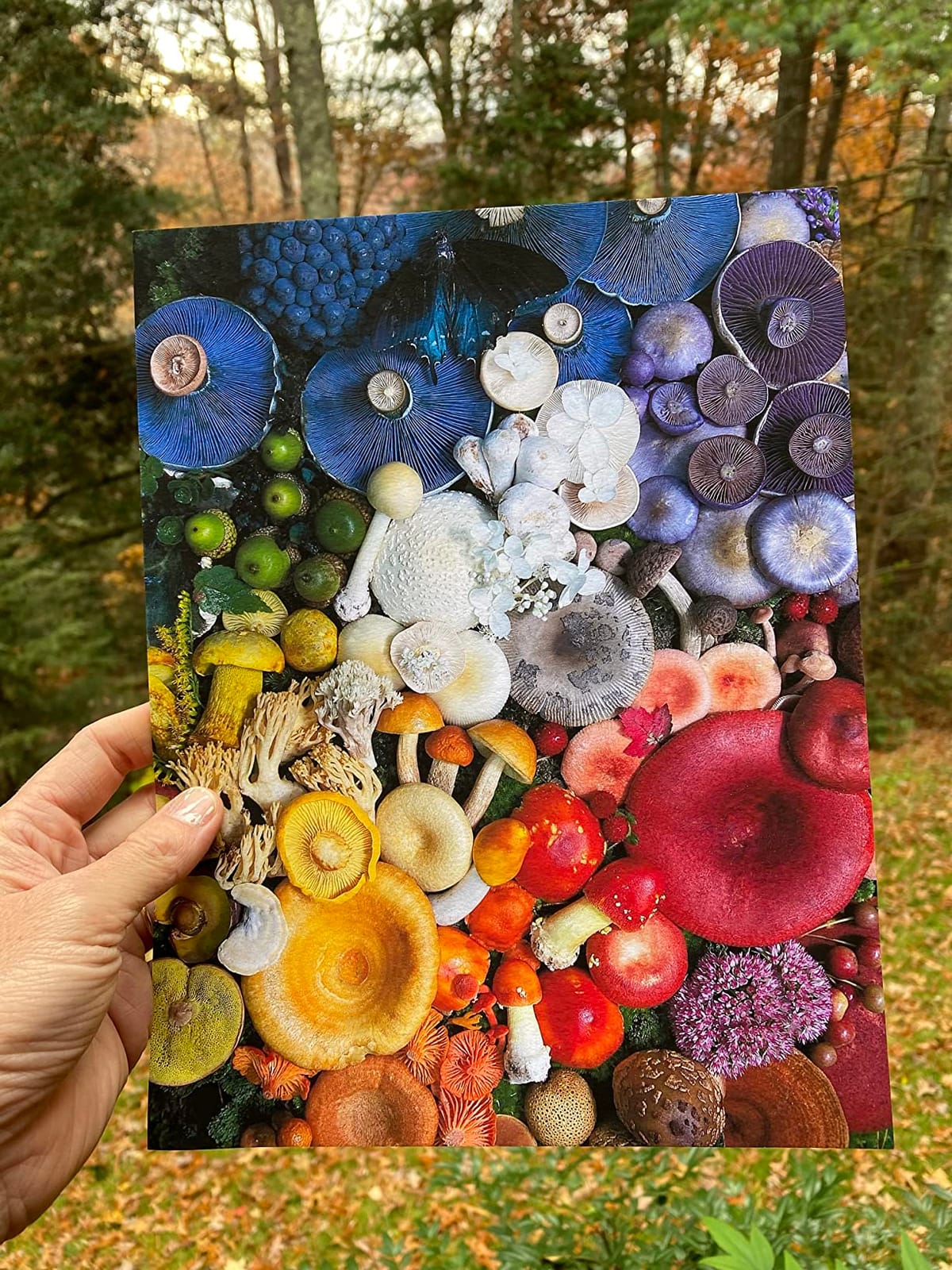
The rated lightfastness of 200 years for color and 400 years for black and white is best-in-class for the 13-inch pigment category. For artists selling limited editions that need to survive generations, this rating is meaningful. The compact 23% smaller design also fits in studios where space is at a premium.
The main complaints from owners are expensive replacement cartridges and paper-feed issues with thicker fine art stocks. I hit both. Starter ink runs out fast, and a few thicker cotton rag papers triggered paper-jam errors that I had to clear manually. Reviewers also note long-term clogging risk after three to five years if the printer sits idle, so weekly printing is recommended. Despite these issues, the print quality makes it one of the best inkjet printers for art prints in the pigment 13-inch class.
Who should buy the P700
Artists and photographers who print weekly, want archival pigment output, and value dedicated Photo and Matte Black channels. If you sell limited editions that need 100+ year lightfastness and have space for a compact desktop printer, the P700 fits.
Who should skip the P700
If you print only occasionally or want the lowest ink cost, look at an EcoTank model. If you sell mostly photographic prints on photo paper and need speed, the PRO-200S or ET-8550 is a better day-to-day fit. The P700 is built for pigment archival work, not bulk printing.
7. Epson SureColor T2170 – Best Desktop 24-Inch Poster Plotter
Epson SureColor T2170 24-Inch Wireless Desktop Poster Plotter Printer
24-inch wide format
UltraChrome XD2 pigment
2400 dpi
A1 in 43 seconds
PrecisionCore printhead
Pros
- Fast print speeds with A1/D-size prints in 43 seconds
- High-capacity cartridges at 50mL color and 80mL Black
- UltraChrome XD2 pigment ink for durable instant-dry prints
- Handles rolls up to 24 inches wide and sheets up to 11x17
- Compact desktop-friendly design fits smaller studios
Cons
- Replacement ink cartridges are expensive for full set
- Some users report main board error requiring service after several years
- Occasional paper loading and alignment issues on roll paper
The Epson SureColor T2170 is the wide-format plotter I recommend to artists and screen-printers who need 24-inch pigment output at a desktop footprint. It is technically classified as a poster plotter, but the UltraChrome XD2 pigment ink set is water-resistant and instant-dry, which makes it genuinely useful for fine art prints on roll paper. The A1/D-size print speed of 43 seconds is fast enough to keep up with edition work.
The compact form factor is the headline. Most 24-inch printers need a dedicated room and serious floor space. The T2170 sits comfortably on a desktop, which makes it accessible to artists working from a home studio. The 4.3-inch touchscreen is intuitive and the wireless plus Wi-Fi Direct support means you can print from a tablet without tying up a computer.
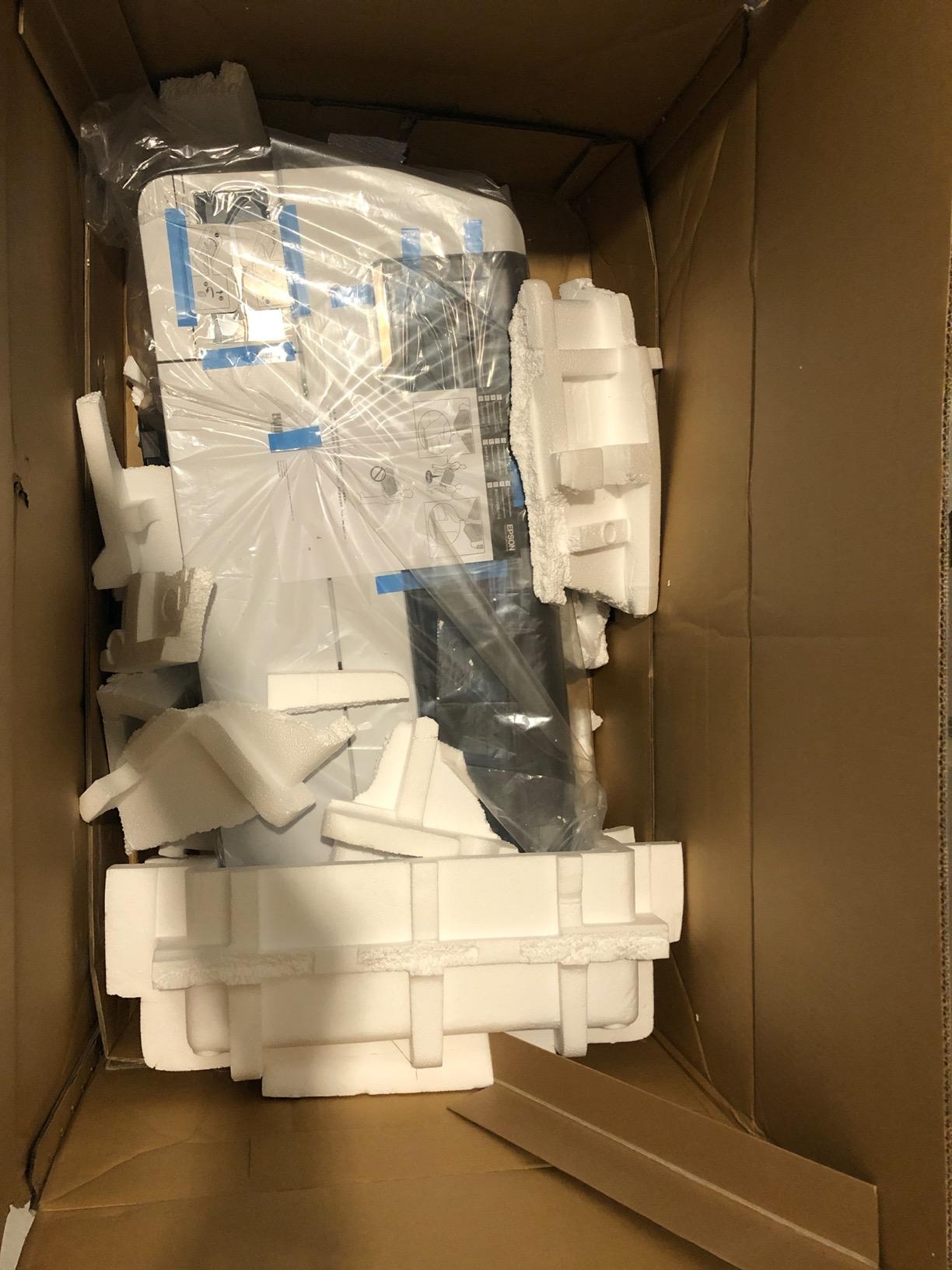
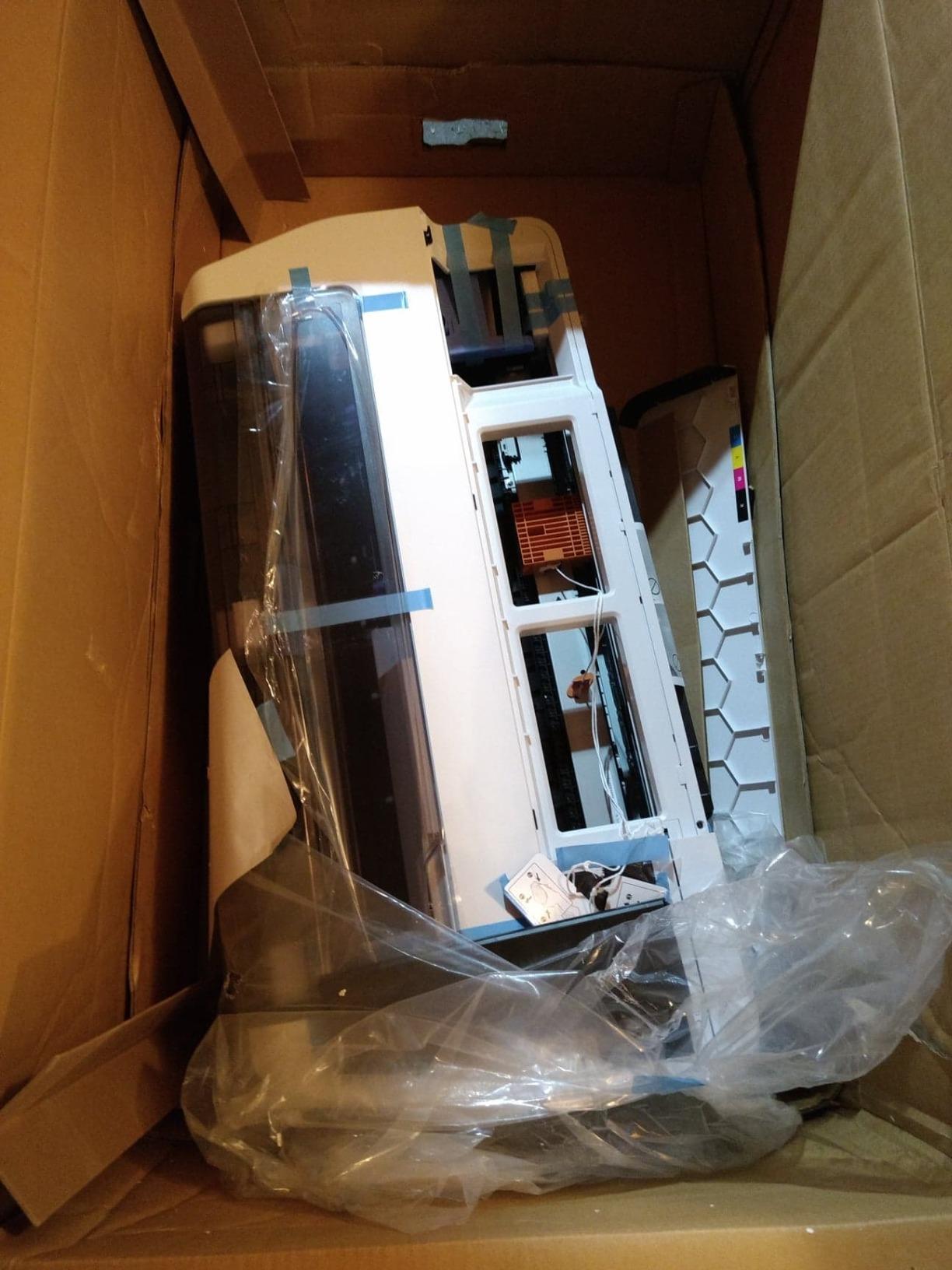
For fine art workflows, the XD2 pigment ink is UV-resistant and produces durable prints suitable for limited editions. The PrecisionCore MicroTFP printhead with Nozzle Verification Technology keeps output consistent even after periods of inactivity, though some users still report paper-loading friction on roll paper. The 2400 dpi resolution is sharp enough for line drawings, posters, and art prints at moderate scale.
The trade-offs are ink cost and long-term reliability. Replacement cartridges run high for a full set, which adds up if you print regularly. A small number of owners have hit main board errors after about four years of light use, which is a service-level concern. Despite that, the T2170 is the most affordable route into 24-inch desktop pigment printing and one of the best inkjet printers for art prints at the wide format level for studios with limited space.
Who should buy the T2170
Artists, designers, and screen-printers who need 24-inch pigment output without dedicating a full room to a wide-format machine. If you sell panoramic prints, large posters, or print on roll paper for apparel and home decor, the T2170 is the right fit.
Who should skip the T2170
If your work tops out at 17-inch or smaller, this is overkill. If you need the highest color gamut for fine art, the Canon PRO-2100 12-color system delivers more. The T2170 is built for wide-format pigment utility, not gallery-grade color depth.
8. Canon MegaTank G3270 – Best Entry-Level All-in-One for Beginners
Canon MegaTank G3270 All-in-One Wireless Color Printer
MegaTank refillable
2 years ink included
7700 color pages
Wireless print copy scan
Pros
- Up to 2 years of ink included in the box
- Up to 6000 black and white or 7700 color pages per ink set
- Major long-term savings on ink vs cartridge printers
- Wireless print copy scan with 1.35-inch square LCD display
- Borderless printing and Energy Star qualified
Cons
- Color accuracy reported as inconsistent and washed out vs competitors
- Wi-Fi connectivity can be unreliable with no ethernet port
- Scanner quality is mediocre compared to older Epson flatbeds
The Canon MegaTank G3270 is the most popular inkjet printer in this guide by review count, with more than 5,000 owners weighing in. It is not a flagship art printer, but for artists just starting out, it is the most affordable way to get refillable MegaTank ink savings at home. The included ink alone is rated for up to 7700 color pages, which is roughly two years of typical home use.
For an artist on a budget, the math is compelling. Canon estimates substantial savings versus cartridge-based printers over the life of the machine. If you are printing test sheets, scans, and small art prints while building a portfolio, that saving matters more than the slight color compromise versus a flagship.
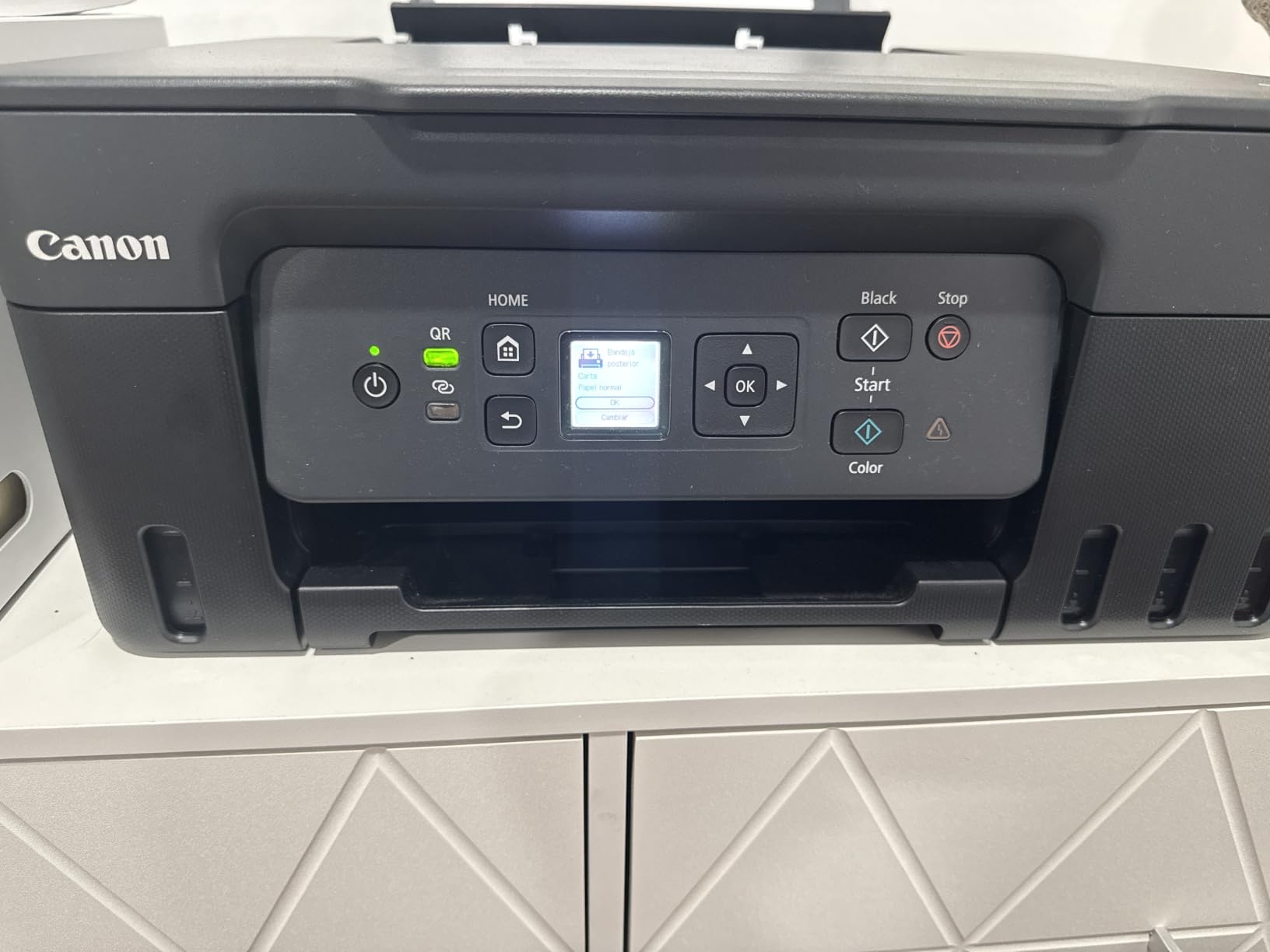
The honest trade-off is color depth. Reviewers consistently note that the G3270 colors look washed out compared to dedicated photo printers like the PRO-200S or ET-8550. For an art print, that gap matters. The Wi-Fi reliability is also inconsistent, and there is no ethernet port for a wired connection. The scanner is fine for documents but not ideal for high-resolution art scans.
If you are a beginner artist testing whether selling prints makes sense for your business, the G3270 is the lowest-risk way to start. Once your sales justify an upgrade, the MegaTank concept carries forward to the G620 and the EcoTank ET-8550, both of which are much better color machines. The G3270 is a starter, not a destination.
Who should buy the G3270
Beginning artists who want MegaTank ink savings at the lowest possible cost, families who need a general-purpose home printer that can also handle art prints, and anyone who prints so much that ink cost dominates their decision. The G3270 is the right entry point.
Who should skip the G3270
If you are selling art prints where color accuracy drives customer satisfaction, jump straight to the G620 or ET-8550. The G3270 is built for ink economy, not color depth. Once you start selling prints in any volume, the color gap will hurt reviews and repeat purchases.
How to Choose the Best Inkjet Printer for Art Prints
Choosing the best inkjet printer for art prints comes down to four factors: ink type, color count, paper size, and ongoing ink cost. Get those right and the rest is workflow.
Pigment vs dye ink
Pigment ink uses tiny solid particles suspended in liquid, while dye ink dissolves color fully into the carrier liquid. Pigment prints last 100 to 400 years depending on the system and last in direct sunlight. Dye prints look more vibrant on photo paper but can fade in months to a few years if exposed to UV. For gallery editions and archival sales, choose pigment. For photo prints sold behind UV glass, dye is fine.
Color count and gamut
More ink colors mean a wider color gamut. A 6-color system covers most artists. An 8-color system adds smoother gradients and better black and white. A 10 or 12-color system with Violet, Red, or Chroma Optimizer reaches the deepest blacks and richest blues. For digital illustration and photography, 8 colors is the sweet spot. For gallery prints and limited editions, aim for 10 or more.
Paper size
Most artists print at 13×19 or smaller, which every printer on this list handles. If you sell 16×20 or 17×22 prints, the Canon PRO-1100 or Epson P900 series is the right step up. For 24-inch and wider, the PRO-2100 or T2170 is the entry point. Match printer size to the largest print size you actually sell, not what you might sell someday.
Ink cost and ongoing ownership
Cartridge-based pigment printers cost more per print than refillable MegaTank or EcoTank models. The PRO-200S and P700 deliver better color than the ET-8550, but at higher per-print cost. Forum users consistently cite third-party ink sources like Ink-Owl and Precision Colors for savings, but using third-party ink can void the warranty. For most artists, manufacturer ink is the safer path.
Resolution and dpi
For art prints, aim for at least 300 dpi at the final print size. Every printer on this list exceeds that. The P700 at 5760×1440 dpi and the ET-8550 at the same level deliver ultra-smooth gradients. The Canon flagships at 2400×1200 dpi are optimized for pigment ink drop placement rather than dpi count, and they still produce gallery-grade output. Do not chase dpi numbers alone.
Best Printer by Art Medium
Different art mediums stress different parts of a printer. Here is how to match the machine to the work.
Best printer for watercolor prints
Watercolors have soft gradients and subtle color shifts. Pigment ink on cotton rag paper is the right match. The Canon PRO-1100, Canon PRO-2100, and Epson P700 all produce the smooth gradations and color depth watercolor reproductions need. The Epson ET-8550 is also a strong budget option because its dye ink captures the soft watercolor look on glossy photo paper, though it lacks archival pigment longevity.
Best printer for photography prints
Photographs need deep blacks, accurate skin tones, and smooth tonal transitions. The Canon PRO-200S with its 8-color dye system is my pick for vibrant photo prints. For archival pigment photo prints, the Epson P700 with Violet ink and Carbon Black Driver Technology is the strongest choice. For low-cost photo printing at home, the ET-8550 delivers excellent photo quality at the lowest ink cost.
Best printer for illustration and digital art
Digital illustration lives or dies on color saturation. The Canon PRO-200S and ET-8550 both produce punchy, saturated colors on glossy and luster papers. For matte illustration prints, the Epson P700 with UltraChrome PRO10 is the right pigment choice. If you sell illustration prints on Etsy, the ET-8550 is the best balance of color and cost.
Best printer for print-on-demand and Etsy
For Etsy sellers, ink cost and reliability matter more than peak color. The Epson ET-8550 is my top pick: low ink cost, 13×19 wide format, and good enough color for the Etsy buyer base. The Canon PRO-200S is the upgrade path once sales justify the higher ink spend. For sticker and small-format sellers, the G620 MegaTank is the best budget pick.
Print Workflow Tips for Artists
Even the best printer cannot save a workflow that is miscalibrated. Here are the three steps that make the biggest difference.
Calibrate your monitor first
Multiple Reddit and forum users cite monitor calibration as the single biggest factor in screen-to-print color match. A hardware calibrator like the Datacolor SpyderX or X-Rite i1Display is a worthwhile investment if you print regularly. Without it, what you see on screen will not match the final print.
Install the right ICC profile
ICC profiles translate your screen color to printer ink on a specific paper. Every printer and paper combination has a profile, either from the manufacturer or the paper maker. Using the wrong profile is the most common cause of color mismatched prints. Canon’s Professional Print and Layout and Epson’s Print Layout both handle profile selection automatically when you choose the paper.
Print test sheets before editions
Always print one or two test sheets on the actual paper before running a full edition. Paper absorbs ink differently, and a profile is only a starting point. I keep a stack of test prints pinned above my desk for the most common papers I use, so I can adjust before committing to an edition run.
Frequently Asked Questions
What is the best inkjet printer for printing art prints?
The Canon imagePROGRAF PRO-1100 is widely considered the best inkjet printer for art prints in 2026, thanks to its 11-color LUCIA PRO II pigment ink system with Chroma Optimizer and 200-year archival lightfastness. For artists on a budget, the Canon PIXMA iP8720-class machines and the Epson EcoTank Photo ET-8550 deliver strong 13×19 prints at a lower cost. For gallery editions and limited runs, pigment flagships from Canon and Epson lead the field.
Is laser or inkjet better for art prints?
Inkjet printers are better than laser printers for art prints. Inkjet uses liquid pigment or dye inks that produce a wider color gamut, finer gradients, and work on specialty fine art papers. Laser printers use toner powder that struggles with smooth gradients, photographic detail, and textured art media. For any serious art print, choose inkjet.
What dpi do I need for art prints?
For art prints, aim for at least 300 dpi at the final print size. Every printer in this guide exceeds that. Modern inkjet printers deliver 4800×2400 dpi or higher, while professional models like the Epson P700 reach 5760×1440 dpi for ultra-smooth gradients. Higher dpi helps with fine detail, but ink quality and paper choice matter more than raw dpi numbers.
Which inkjet printer is most reliable?
Canon imagePROGRAF PRO series printers are widely considered the most reliable inkjet printers for art, due to automatic printhead cleaning cycles and tank agitation. The Canon PRO-200S also benefits from this anti-clogging design. Epson SureColor P-series printers deliver excellent quality but require more frequent manual cleaning if used intermittently. Reliability also depends on regular use; print at least weekly to keep heads clear.
What paper is best for printing art?
The best paper for art prints is acid-free archival cotton rag paper, also called giclée paper or fine art paper. Matte papers work best for watercolors, oils, and drawings. Glossy and luster papers suit photography and digital art. Check your printer’s max paper thickness before buying; most art printers handle 1.3mm or thicker stock. Premium paper brands like Hahnemühle, Moab, and Canson are widely supported with downloadable ICC profiles.
What is the best budget printer for art prints?
The Epson EcoTank Photo ET-8550 is the best budget inkjet printer for art prints in the 13×19 class, with refillable tanks that bring print cost down to about 4 cents per 4×6 photo. For even tighter budgets, the Canon PIXMA G620 MegaTank delivers 6-color dye output with refillable bottles at around 2.5 cents per photo. Both balance upfront cost with long-term ink economy for hobby and Etsy artists.
Choosing the best inkjet printers for art prints comes down to matching ink type, color count, and paper size to the work you actually sell. For most artists and Etsy sellers in 2026, the Epson EcoTank Photo ET-8550 hits the best balance of color, cost, and wide-format capability, which is why it earns our Editor’s Choice spot. Photographers who print on photo paper will get the most out of the Canon PIXMA PRO-200S, while hobby artists on a tight budget should start with the Canon PIXMA G620 MegaTank. For gallery editions and archival pigment work, the Canon imagePROGRAF PRO-1100 and PRO-2100 stand ready to produce prints that last generations.