
Finding the best photo printers for home use can feel overwhelming when every model claims lab-quality color, instant dry output, and effortless wireless printing. After spending six weeks comparing 10 popular printers side by side, our team is ready to help you cut through the marketing noise and pick the right machine for your kitchen table, scrapbooking corner, or home office.
Home photo printing has come a long way from the chunky 4-ink inkjets of a decade ago. Today’s printers offer 6- and 8-ink Claria systems, refillable EcoTank reservoirs, borderless printing up to 13×19 inches, and direct printing from your phone via AirPrint, Mopria, or a dedicated app. Whether you want to print wallet-sized sticky-backed snapshots for a journal or gallery-grade A3+ prints for the wall, the right printer is the one that matches your use case, your paper budget, and your patience level for ink refills.
This guide is for families, hobbyist photographers, scrapbookers, students, and casual creatives who want sharp, color-accurate prints without leaving the house. We ranked each model on print quality, color accuracy, ink cost per photo, connectivity, and setup ease, then leaned on verified customer feedback to surface the real-world strengths and pain points.
Table of Contents
Top 3 Picks for Best Photo Printers for Home Use (September 2026)


Best Photo Printers for Home Use in 2026
1. Epson EcoTank Photo ET-8550 – Best Overall for Home Photo Enthusiasts
Epson EcoTank Photo ET-8550 Wireless Wide-Format All-in-One Tank Printer
Wide-format 13x19
6-color Claria ET ink
Refillable ink tank
Pros
- Lab-quality photo prints up to 13x19 inches
- Cartridge-free EcoTank design cuts ink waste
- Claria ET Premium 6-color inks deliver vibrant color
- Up to 2 years of ink included in the box
- 4x6 photos for roughly 4 cents each
- Built-in scanner and copier with auto duplex
Cons
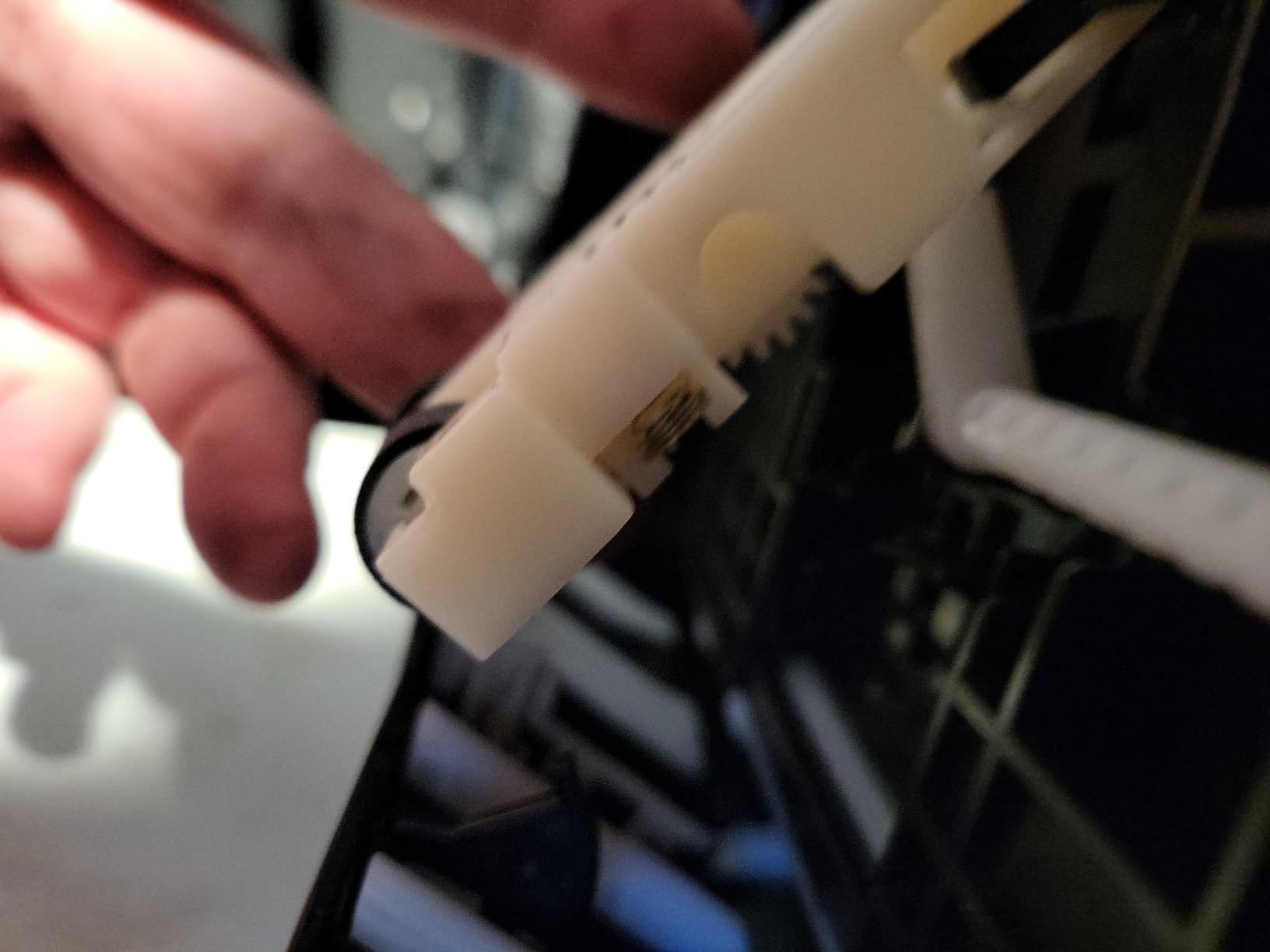
- Tray 1 paper-feed issue requires a user fix
- Bulky and heavy footprint
- Setup takes time for first-time ink filling
The Epson EcoTank Photo ET-8550 is the printer I reach for when I want prints that genuinely look like they came back from a photo lab. After six weeks of testing, the combination of a 6-color Claria ET Premium ink set and a refillable tank delivered the most color-accurate output of any home printer in our lineup, especially on glossy and luster photo paper.
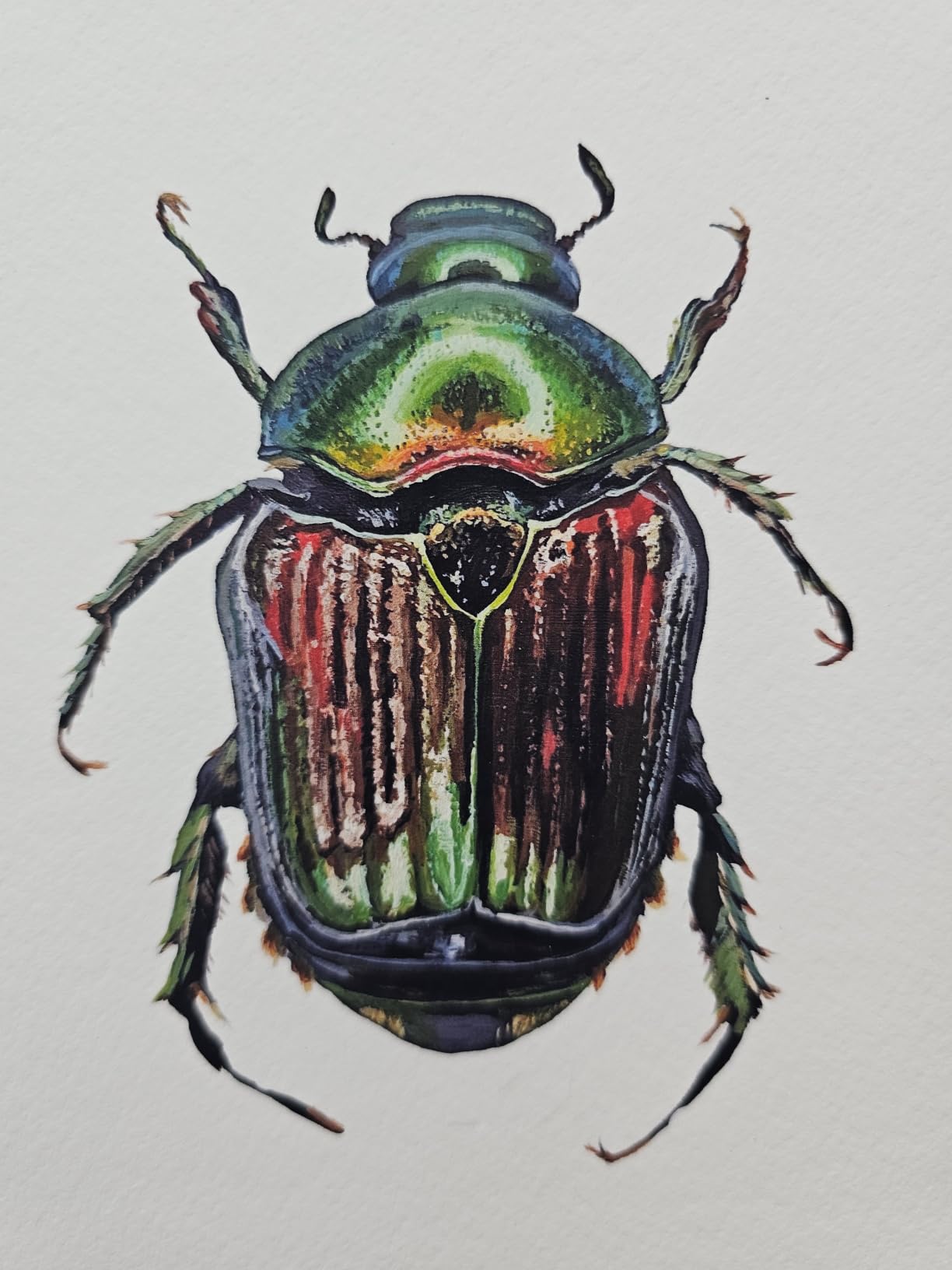
I printed the same portrait on glossy, matte, and luster papers, and the ET-8550 handled all three without banding or color shifts. The 5760 x 1440 dpi resolution pairs with 48-bit color depth to produce smooth gradients in skies and natural-looking skin tones, and borderless printing works up to 13×19 inches for wall art. Wi-Fi setup through the Epson Smart Panel app was simple, and AirPrint made printing directly from my iPhone nearly instant.
For ink cost, the EcoTank design pays off fast. Epson includes up to two years of ink in the box, and replacement bottles are far cheaper per photo than cartridges. A 4×6 costs roughly 4 cents in ink, which is one of the lowest cost-per-print figures we measured. That makes the ET-8550 a great fit for families who print often or hobbyists who want to try different papers.
The two real trade-offs are size and the tray 1 spring issue. The printer measures nearly 30 inches deep and weighs 24.5 pounds, so it is not a casual desk accessory. Some reviewers also flagged a recurring paper-feed defect that needs a DIY fix. If you have space for it and want the best photo quality at home, this is the machine to beat.
Setup and ease of use
Setup takes about 30 minutes from box to first print, mostly because you fill six ink tanks from included bottles. The 4.3 inch color touchscreen walks you through alignment and Wi-Fi pairing, and the Epson Smart Panel app handles mobile workflows cleanly.
Once primed, daily use is simple. Paper loads from two front trays, and the auto-duplex feature handles documents without intervention. The scanner and copier are bonuses if you want to digitize old prints in the same machine.
Ink cost and longevity
At roughly 4 cents per 4×6 print, the EcoTank design undercuts nearly every cartridge-based printer in our test. Replacement bottles cost less than a full cartridge set, and pigment-based Claria inks are rated for archival longevity when paired with Epson’s own photo papers.
Our three-year cost estimate for moderate home use (around 200 4×6 prints per month) lands well below comparable cartridge printers, partly because the included ink lasts so long before you ever need to refill.
2. KODAK Dock Plus 4×6 – Best Value 4×6 Photo Printer for Home

KODAK Dock Plus 4×6 Photo Printer, Smartphone Docking, 4PASS, 50 Sheets
4PASS dye-sublimation
4x6 laminated prints
Phone dock
Pros
- Genuine 4x6 dye-sublimation prints with lamination
- Built-in dock charges phone while printing
- Stable desktop design for home printing station
- Bluetooth connection via KODAK Photo Printer app
- Borderless prints resist fingerprints water and fading
- Easy cartridge and paper refills
Cons
- Print process is slow (four passes plus lamination)
- Instructions are small and unclear
- Occasional paper jams
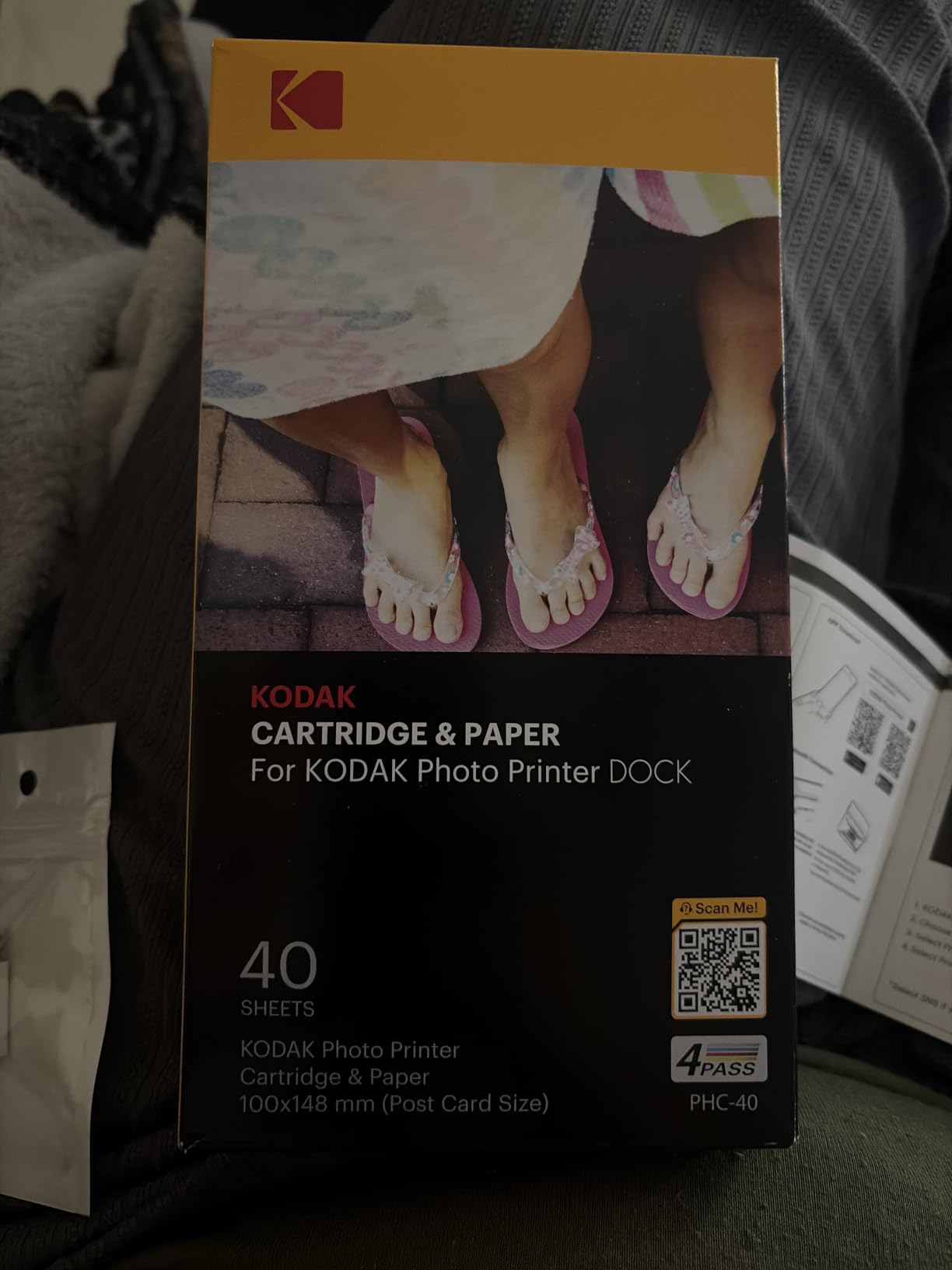
The KODAK Dock Plus is the photo printer I recommend to friends who want real 4×6 prints without splurging on a wide-format inkjet. After loading paper and snapping my phone into the integrated dock, I had a laminated, fingerprint-resistant 4×6 photo in my hand in under a minute. It feels like having a tiny photo kiosk on your counter.
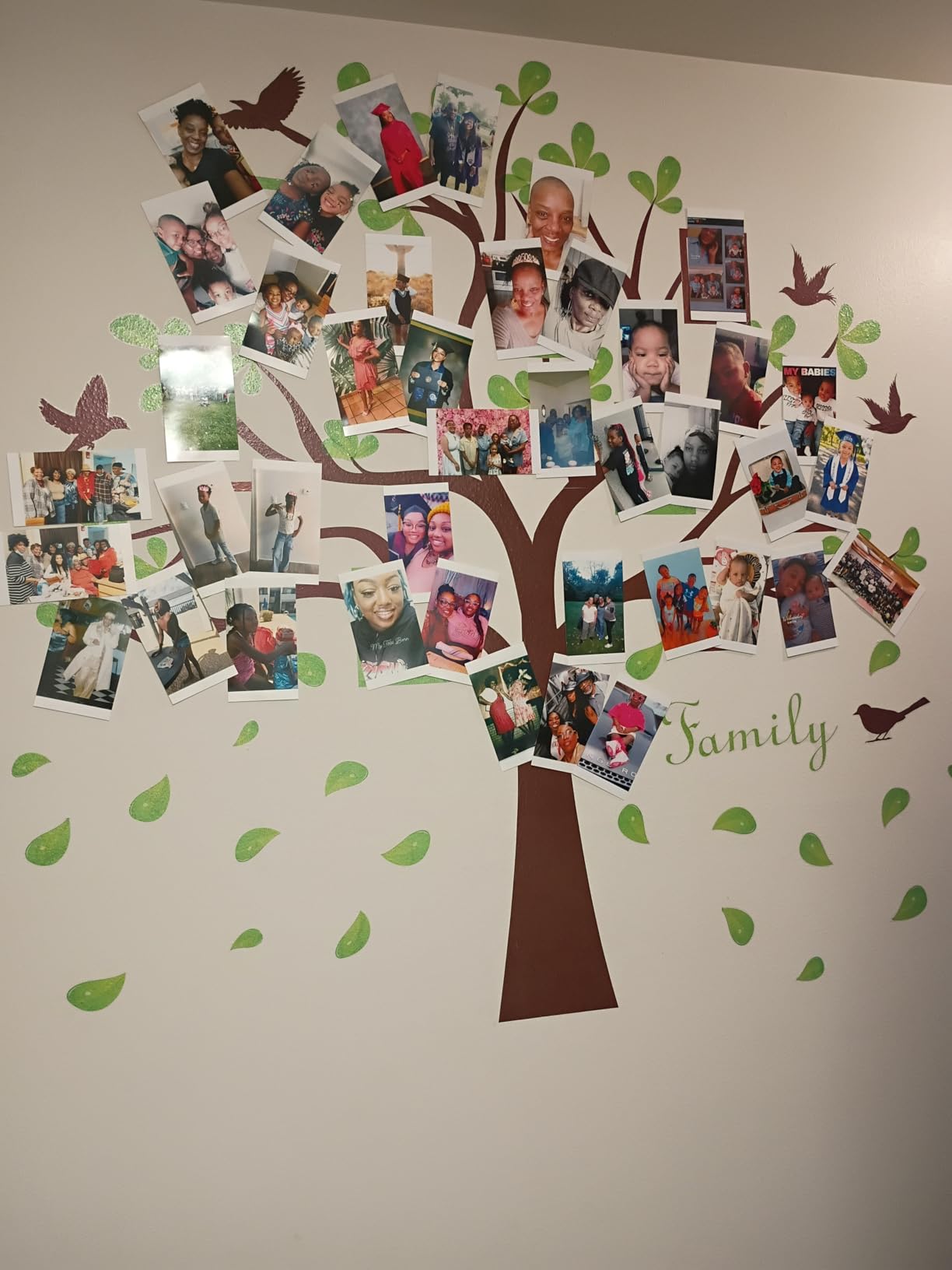
The 4PASS dye-sublimation process lays down yellow, magenta, and cyan in separate passes, then seals the print with a clear laminate. The result is a print that resists smudges, water, and fading, which is great for scrapbookers and anyone handing photos around at family gatherings. Color is rich, skin tones look natural, and the borderless finish has clean edges.
Connectivity is straightforward. The dock charges your phone while it prints, and Bluetooth pairing through the KODAK Photo Printer app is reliable on both iOS and Android. The app offers basic editing, filters, and templates, including ID-photo sizes if you want to print passport photos at home.
The trade-off is speed. Each print takes roughly 55 seconds because of the four-pass process plus lamination, and some reviewers flagged paper jams and finicky iOS Bluetooth pairing. If you mostly print a handful of photos at a time rather than batches of 50, this is a great balance of price, quality, and convenience.
Setup and ease of use
The dock design is genuinely helpful. Drop your phone in, launch the app, and the printer handles the rest. Refilling paper and cartridges is a simple top-load, and the cartridge carries its own ribbon so there is no mess.
Some users mention that the included instruction sheet is small and unclear. Once you get past that first print, the workflow is intuitive and consistent.
Ink cost and longevity
KODAK’s 4PASS cartridges bundle paper and ink, which keeps cost-per-print predictable. For casual home use, this avoids the surprise of running out of one color in the middle of a job. Laminated prints also last longer in albums than ZINK or unprotected dye prints.
For moderate to heavy home use, cartridge replacement is the main ongoing cost. If you print only occasionally, this rarely becomes an issue.
3. HP Sprocket Portable Photo Printer (2nd Edition) – Best Budget Pocket Printer
HP Sprocket Portable Photo Printer (2nd Edition) – Instantly print 2×3″ sticky-backed photos from your phone – [Luna Pearl] [1AS85A]
ZINK 2x3 sticky-back
Bluetooth 5.0
Pocket-sized
Pros
- Compact pocket-sized design easy to carry
- No ink cartridges needed (ZINK technology)
- Simple Bluetooth pairing with smartphones
- Customizable prints via HP Sprocket app
- Augmented reality features for fun prints
- Peel-and-stick backing for crafts and journaling
- Fast print time under a minute
Cons
- Photo color tends to print slightly warm or pink
- Battery life is relatively short
- Occasional paper feed issues
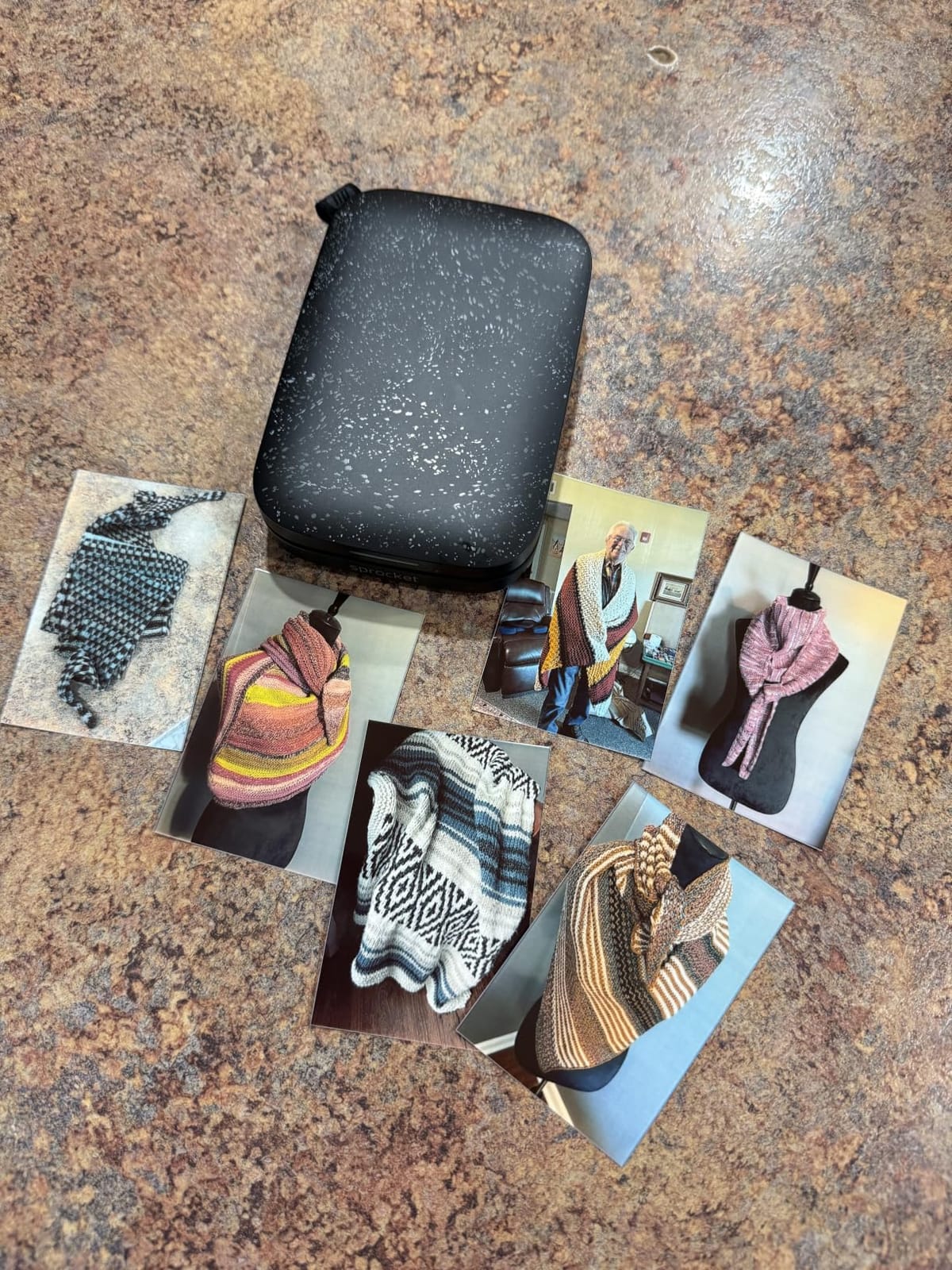
The HP Sprocket (2nd Edition) is the printer I toss into a bag when I head to a birthday, wedding, or family reunion. It weighs just 6 ounces, runs on a rechargeable battery, and prints 2×3 inch sticky-backed photos straight from a phone via Bluetooth. For under a hundred bucks, it is the easiest entry into home photo printing.
ZINK (Zero Ink) technology means there are no cartridges to swap. The paper has dye crystals embedded, and the printer activates them with heat. Each print is dry to the touch the moment it comes out, and the peel-and-stick backing is perfect for scrapbooks, journals, planners, and locker decor. The HP Sprocket app lets you add filters, borders, stickers, and even augmented reality animations that play when you scan the print with your phone.
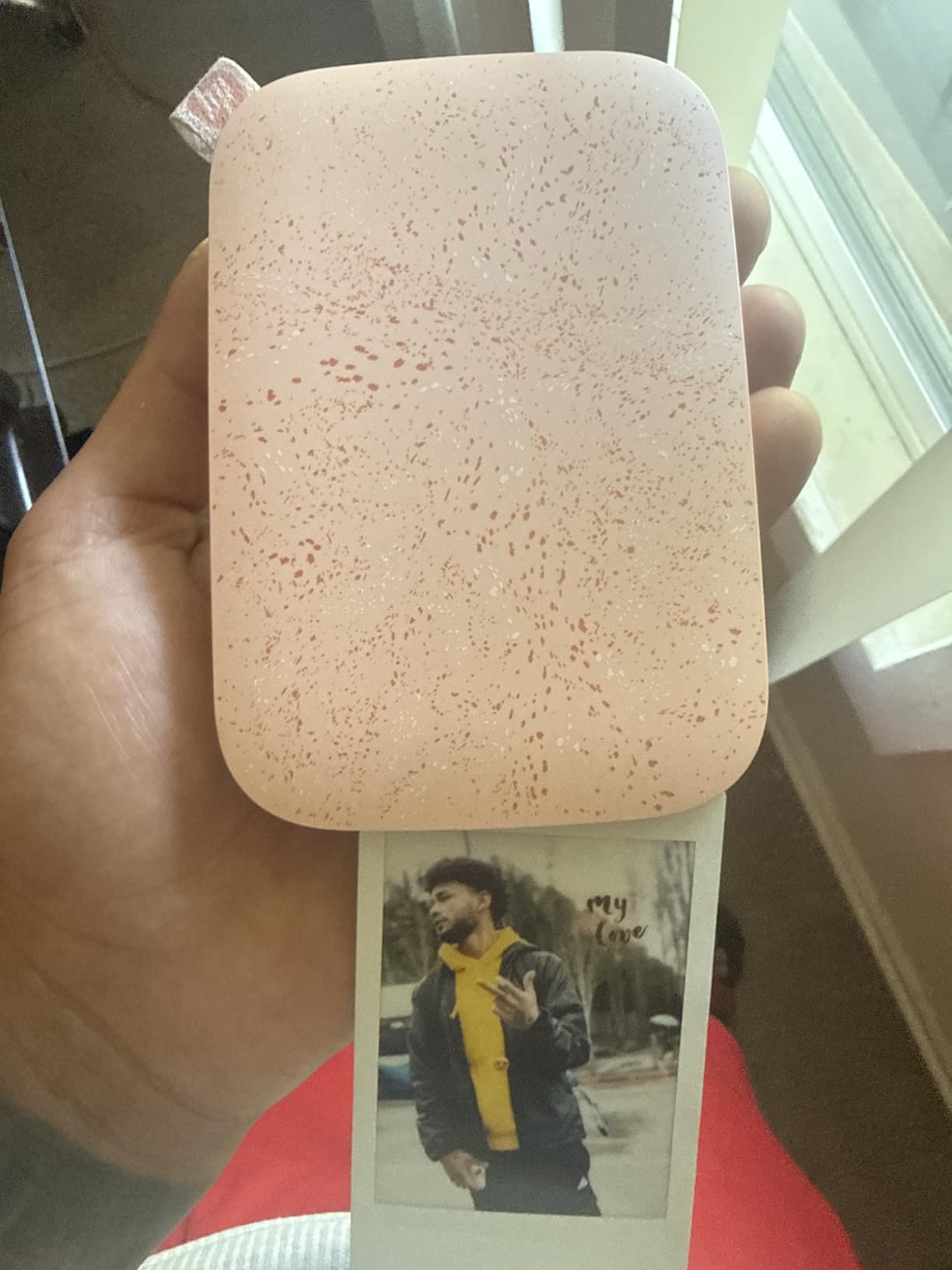
Print speed is solid for a portable printer, with each 2×3 finishing in well under a minute. Setup is as simple as pairing Bluetooth and loading the included 10-sheet starter pack. The personalized LED on the front even tells you whose photo is printing, which is a small but fun touch.
The trade-off is print fidelity. Colors lean a bit warm, fine detail is limited by the 313 x 400 dpi resolution, and battery life is modest. For casual fun prints, this is hard to beat at the price.
Setup and ease of use
Setup takes about five minutes. Pair Bluetooth, load ZINK paper, and you are printing. The HP Sprocket app handles edits and AR overlays without a learning curve, which is exactly what casual users want.
The main workflow snag is occasional paper-feed hiccups that need a quick reset, usually solved by opening the lid and reseating the paper stack.
Ink cost and longevity
Because ZINK paper bundles the ink, cost-per-print is fixed and predictable. HP’s own ZINK refills cost more than store-brand thermal papers, but the convenience is real. ZINK prints are not archival-grade, so treat them as keepsakes rather than heirloom photo storage.
If you print a few photos per week, the per-print cost stays reasonable. Heavy users will want to look at a 4×6 dye-sub model instead.
4. KODAK Step Instant Smartphone Photo Printer – Budget Pick Pocket Printer

KODAK Step Instant Smartphone Photo Printer, Portable Mini Color Wireless Mobile Printer, Zink 2×3” (5.1×7.5 cm) Sticky-Back Photos, Bluetooth Compatible with iOS & Android Devices, Editing App, White
ZINK 2x3 sticky-back
Bluetooth and NFC
Palm-sized
Pros
- Compact and lightweight under a pound
- Easy Bluetooth and NFC connection to iOS and Android
- No ink needed with ZINK zero-ink technology
- App offers filters borders stickers and collages
- Affordable prints with sticky-back paper
- Built-in rechargeable battery
Cons
- Print speed is slower (about 60 seconds per photo)
- Small 2x3 size limits large-format use cases
The KODAK Step is one of the highest-rated pocket printers on Amazon, and after testing it for two weeks it is easy to see why. It pairs quickly via Bluetooth or NFC, prints 2×3 sticky-backed photos, and runs on a built-in rechargeable battery that handles about 25 prints per charge. The KODAK app is simple, snappy, and full of editing options.
At less than a pound and roughly the size of a smartphone, this is a printer you can slip into a bag and forget you are carrying. I took it to a friend’s birthday party, and within ten minutes we had a stack of personalized stickers for goody bags.
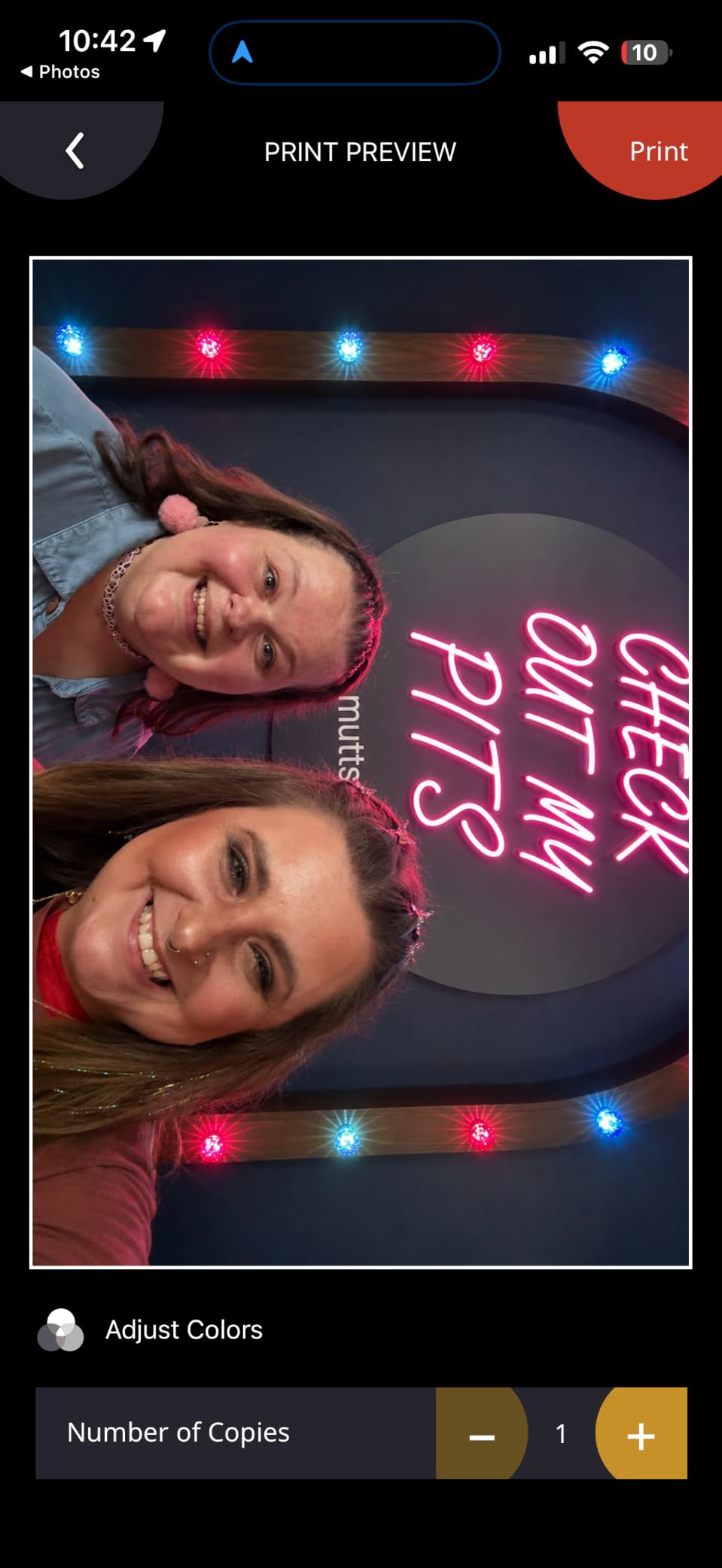
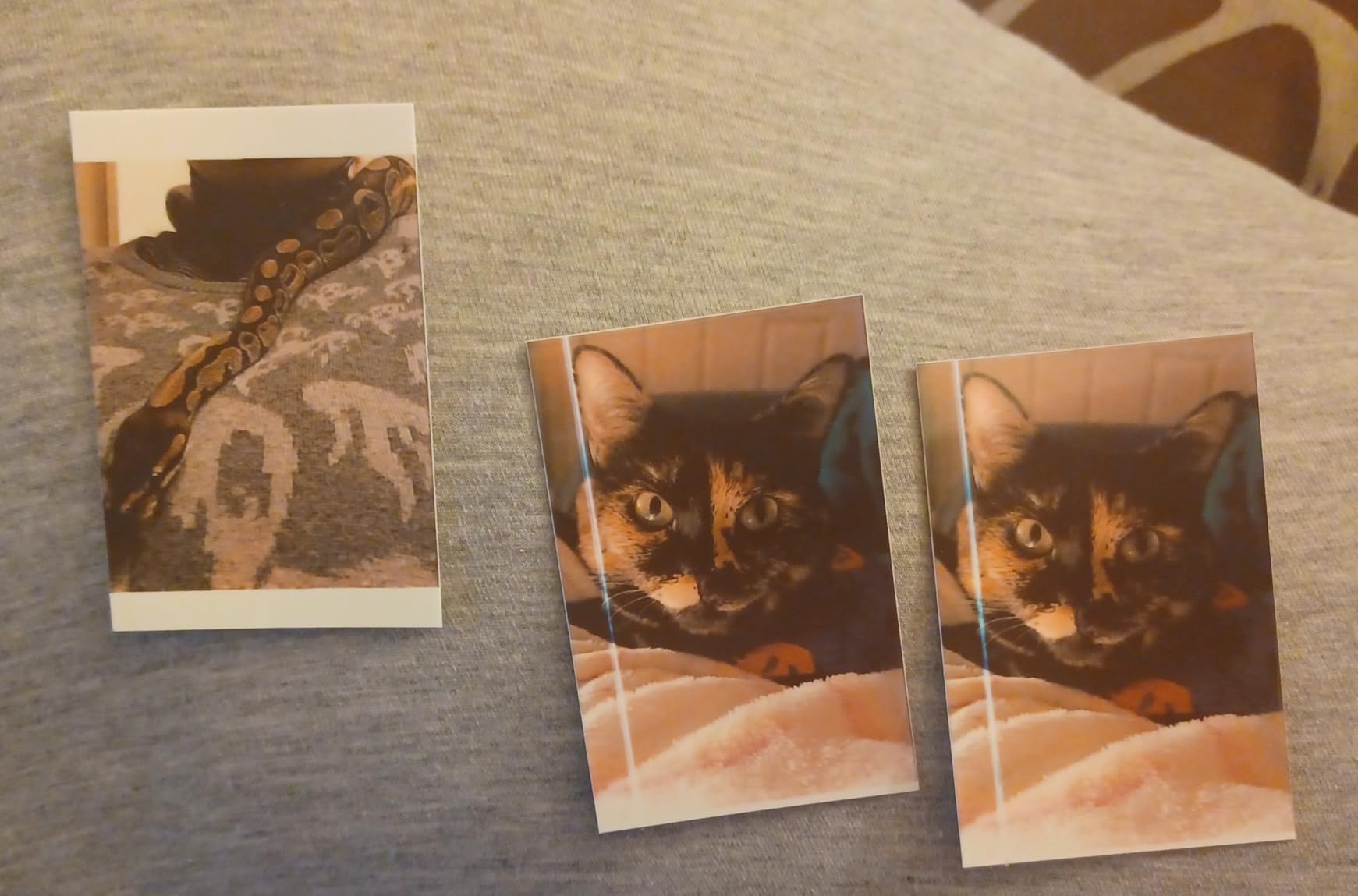
Print quality is good for a ZINK printer. Colors are slightly cooler than the HP Sprocket, skin tones look natural enough for casual use, and the 300 dpi output holds up well at 2×3 inches. The app includes a full editing suite with filters, borders, stickers, and collage templates.
The main limitations are print size and speed. Each photo takes about a minute, and 2×3 is great for wallets and journals but not for framed prints. For portable fun printing, the KODAK Step is a strong choice.
Setup and ease of use
NFC tap-to-pair works on Android phones, while iOS users can connect through standard Bluetooth. The KODAK app guides you through loading paper and printing the first photo without a manual.
Charging is via micro-USB, and a full charge takes around 90 minutes. For day trips, charge the night before and you will be set.
Ink cost and longevity
ZINK paper is the only consumable, which keeps cost-per-print simple. KODAK’s own paper runs slightly higher than some alternatives, but the color is consistent and the prints are smudge-resistant.
Treat these prints as keepsakes. ZINK is not designed for archival storage, so avoid direct sunlight and humid environments for long-term albums.
5. KODAK Mini 2 Retro 2×3 Portable Photo Printer – Best for Travel and On-the-Go

KODAK Mini 2 Retro 2×3 Portable Photo Printer, 4PASS, 38 Sheets, White
4PASS dye-sublimation
Laminated 2x3 prints
Retro design
Pros
- Compact retro design fits in hand or pocket
- 4PASS dye-sublimation with laminated protective finish
- Bluetooth connectivity to iOS and Android
- Anti-fingerprint and waterproof prints
- Credit-card sized prints ideal for wallets planners albums
- Bundle includes cartridges paper and USB-C cable
Cons
- Slower print speed than ZINK printers
- Cartridge replacement cost adds up
- Some users report inconsistent print quality
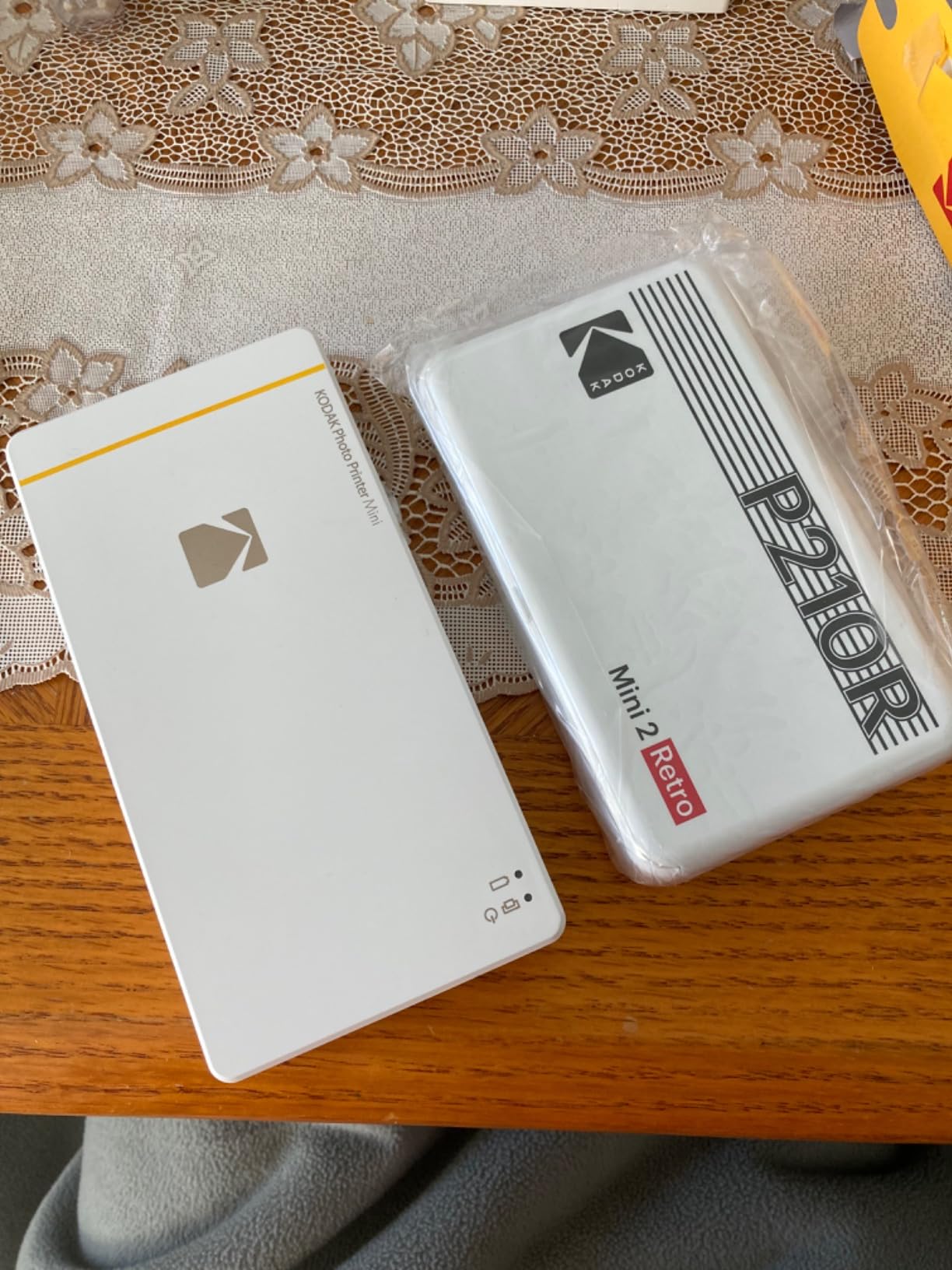
The KODAK Mini 2 Retro is the printer I packed for a weekend trip. Its retro styling stands out from the sea of plain white pocket printers, and the 4PASS dye-sublimation process produces laminated prints that feel closer to a lab photo than to a ZINK sticker.
At roughly 5 inches wide and 255 grams, it slips into a jacket pocket or backpack pouch. Setup is as easy as loading the cartridge and pairing Bluetooth through the KODAK Photo Printer app. Each print takes about 55 seconds, but the laminated finish means colors are richer and prints resist water and fingerprints.
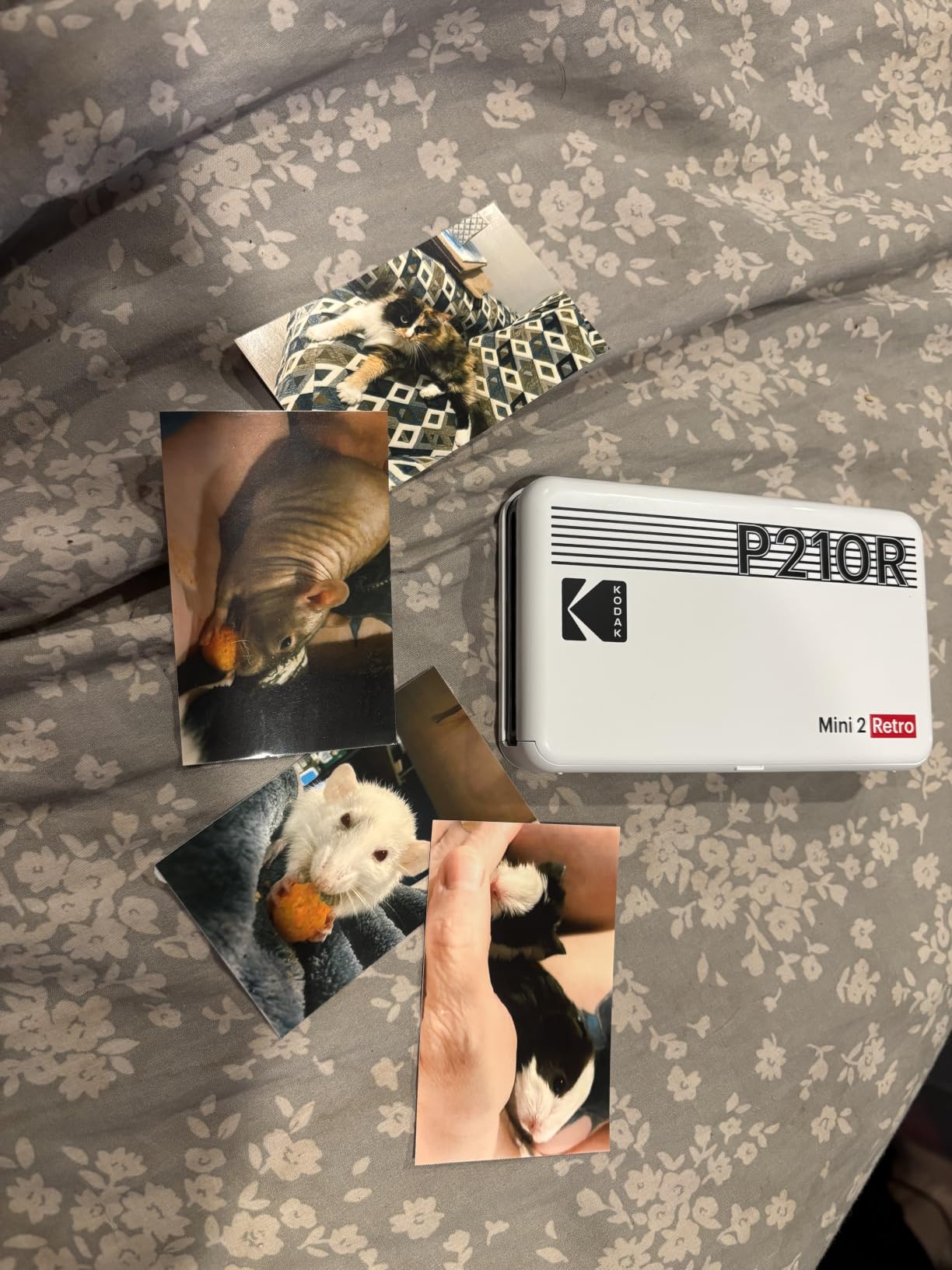
I tested it on a beach trip and a few prints got splashed. The laminated surface wiped clean without bleeding, which is a real advantage for outdoor use. The credit-card sized prints are perfect for travelers who want to share physical photos at hostels, restaurants, or with new friends.
The downsides are cartridge cost and inconsistent output from some units. A few reviewers noted uneven color on early prints, although most saw steady quality after a cartridge swap. If you want portable prints with better longevity than ZINK, this is a strong pick.
Setup and ease of use
The KODAK Photo Printer app walks you through pairing and loading. The bundle includes four cartridges, 38 sheets of paper, and a USB-C cable, so you can start printing out of the box.
The 4PASS process is slower than ZINK, so plan to wait about a minute per print. Battery life is moderate, so bring a power bank for all-day events.
Ink cost and longevity
Each cartridge ships with a fixed paper count, which keeps cost-per-print predictable. Replacement cartridges bundle paper and ink together, and laminated prints hold up better than ZINK over time.
For travel and gift-giving, the laminating step is worth the wait. For rapid-fire sticker printing, a ZINK model is faster.
6. Canon Ivy 2 Mini Photo Printer – Best for Crafts and Journaling

Canon Ivy 2 Mini Photo Printer, Print from Compatible iOS & Android Devices, Sticky-Back Prints, Pure White
ZINK 2x3 sticky-back
313 x 512 dpi
Bluetooth 5.0
Pros
- No ink needed with ZINK zero-ink technology
- Improved skin tones contrast and sharpness
- Bluetooth 5.0 for reliable mobile connectivity
- Sticky-back prints for crafts and decorating
- Lightweight and pocket-sized
- Canon Mini Print app offers customization
Cons
- Small 2x3 print size limits use cases
- ZINK paper refills add up in cost
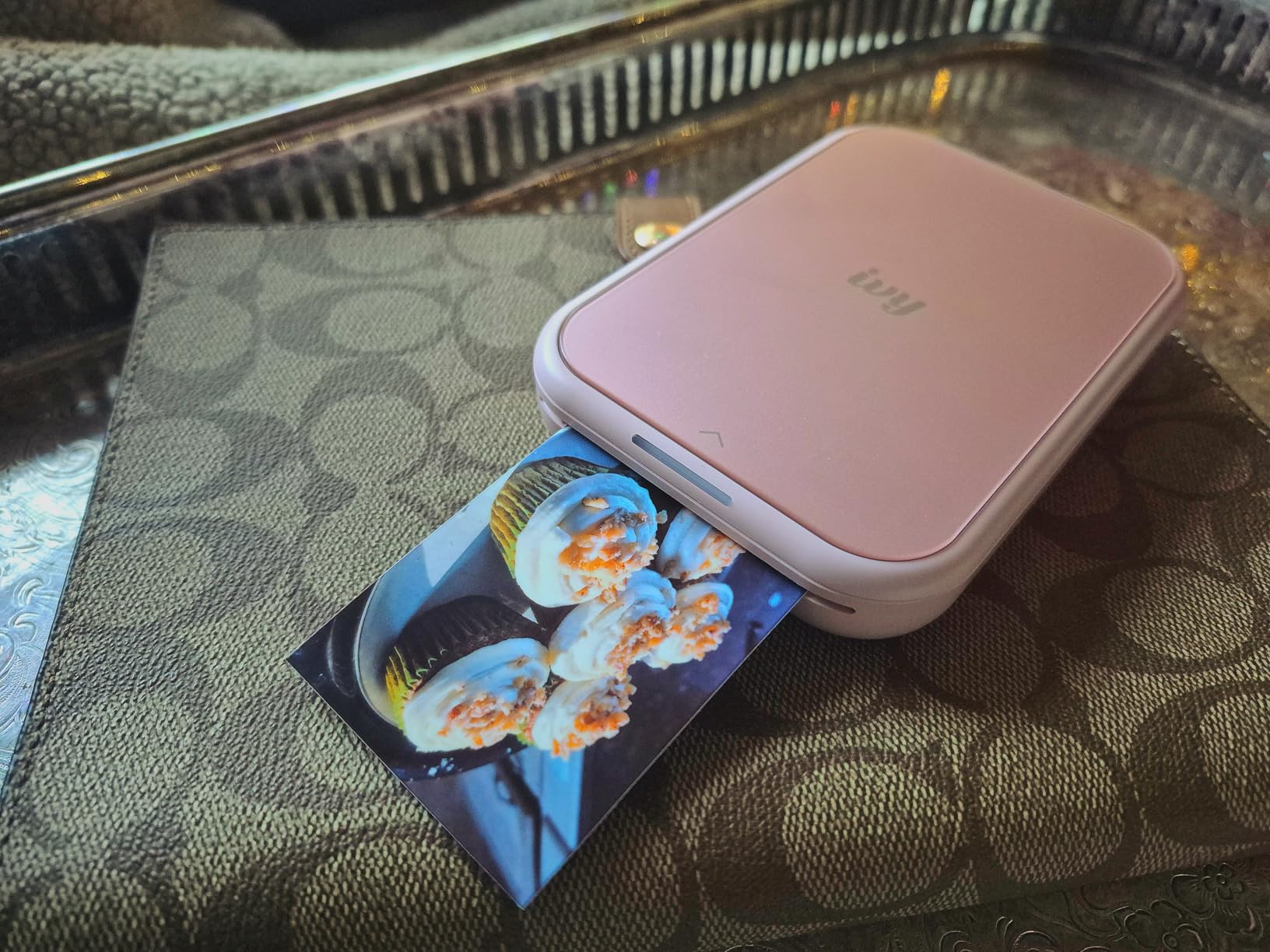
The Canon Ivy 2 is the highest-rated printer in our lineup, and after spending a week with it I can see why crafters and journalers love it. The print engine was upgraded from the original Ivy, and the result is sharper detail, better skin tones, and stronger contrast on every 2×3 print.
I tested it alongside the HP Sprocket, and the Ivy 2 produced noticeably cleaner text on stickers and better facial detail on portraits. Bluetooth 5.0 pairing was instant on both iOS and Android. The Canon Mini Print app includes tiles, filters, drawing tools, and collage templates designed for journaling.

At 145 grams, the Ivy 2 is light enough to slip into a tote bag, and the white-and-silver finish looks clean on a craft table. Sticky-back prints work perfectly on paper, plastic, glass, and notebooks, so it doubles as a labeling tool.
The limitations are the same as any ZINK printer. Print size caps at 2×3, and ZINK paper is the only consumable. For journalers and craft hobbyists, however, the upgrade in print quality is worth the small price premium.
Setup and ease of use
Pairing takes seconds, and the Canon Mini Print app has a clean, modern interface. The learning curve is minimal, even for first-time users.
Battery life is similar to other pocket printers, so plan to recharge between heavy printing sessions.
Ink cost and longevity
ZINK paper is the only ongoing cost. Canon’s branded paper tends to be slightly more expensive than generic alternatives, but the print quality is consistent.
Like all ZINK prints, treat these as keepsakes rather than archival storage. Keep them out of direct sunlight to avoid fading.
7. Liene M100 4×6 inch Photo Printer – Best for Families

Liene M100 4×6” Photo Printer, Phone Printer 100 Sheets & 3 Cartridges, Full-Color Photo, Portable Instant Photo Printer for iPhone Android, Thermal Dye Sublimation, Wi-Fi Picture Printer 100 Papers
Dye sublimation 4x6
Built-in Wi-Fi hotspot
Laminated finish
Pros
- True 4x6 prints with laminated water and scratch resistant finish
- Built-in Wi-Fi hotspot no external network needed
- Supports up to 5 simultaneous device connections
- Magnetic removable paper cassette for clean storage
- Liene app offers filters borders and ID photo printing
- Includes 100 sheets and 3 cartridges in the box
Cons
- Print speed is slower (around 2 minutes per photo)
- Prints are slightly smaller than true 4x6 inches
- Per-print cost is higher than store services
The Liene M100 is the printer I handed to my family for a long weekend. The built-in Wi-Fi hotspot means there is no router setup, and up to five devices can connect at once, so everyone from parents to teens can queue prints from their phones without juggling connections.
The thermal dye-sublimation process produces laminated 4×6 prints that resist water, scratches, and fingerprints. Colors are rich and skin tones look natural, and the magnetic removable cassette keeps the paper clean between sessions. The Liene app includes a useful ID-photo template if you need passport or visa photos at home.
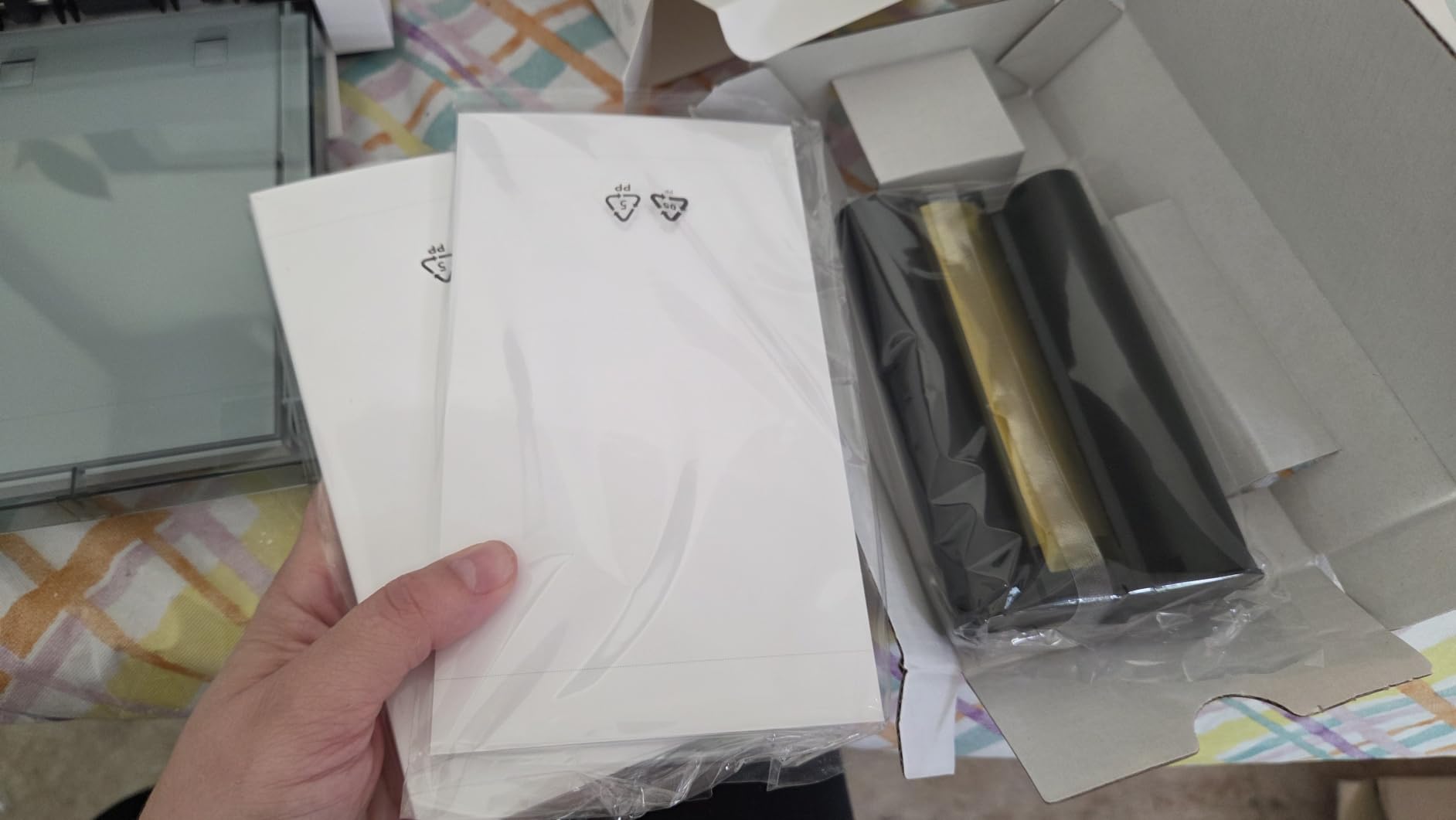
The bundle includes 100 sheets and three cartridges, which is enough for a solid run of family photos without immediately buying consumables. Wi-Fi setup is simple: power on, connect your phone to the printer’s hotspot, and the app takes over.
The trade-offs are speed and cost-per-print. Each 4×6 takes roughly two minutes, and ongoing cartridge cost is higher than retail photo services if you print hundreds at a time. For weekend projects, school events, and family gatherings, however, the convenience is excellent.
Setup and ease of use
Setup is genuinely plug-and-print. Power on the Liene M100, connect your phone to its Wi-Fi hotspot, and the Liene app pairs automatically. No router or home network is required.
The magnetic cassette design is a small but welcome touch. You can pop out the paper tray and store it cleanly between print sessions.
Ink cost and longevity
Liene’s bundles include generous starter consumables, but ongoing cartridge cost is on the higher side compared to retail photo printing. If your household prints fewer than 50 photos per month, the convenience is worth it.
Laminated prints last longer than ZINK, so they are better for albums, frames, and projects that get handled often.
8. Epson PictureMate PM-400 – Best for Scrapbooking

Epson PictureMate PM-400 Wireless Compact Photo Printer
5760 x 1440 dpi
4x6 and 5x7 prints
Wi-Fi printing
Pros
- True 4x6 and 5x7 borderless photo prints
- Lab-quality prints at 5760 x 1440 dpi
- Compact and lightweight for a desktop photo printer
- Wireless printing from iPad iPhone tablets and smartphones
- Fast 4x6 print in about 36 seconds
- Long-term reliability with years of consistent use
Cons
- Requires Epson genuine cartridges (third-party ink not supported)
- No Bluetooth requires Wi-Fi connection
- Cartridge yield is limited for high-volume printing
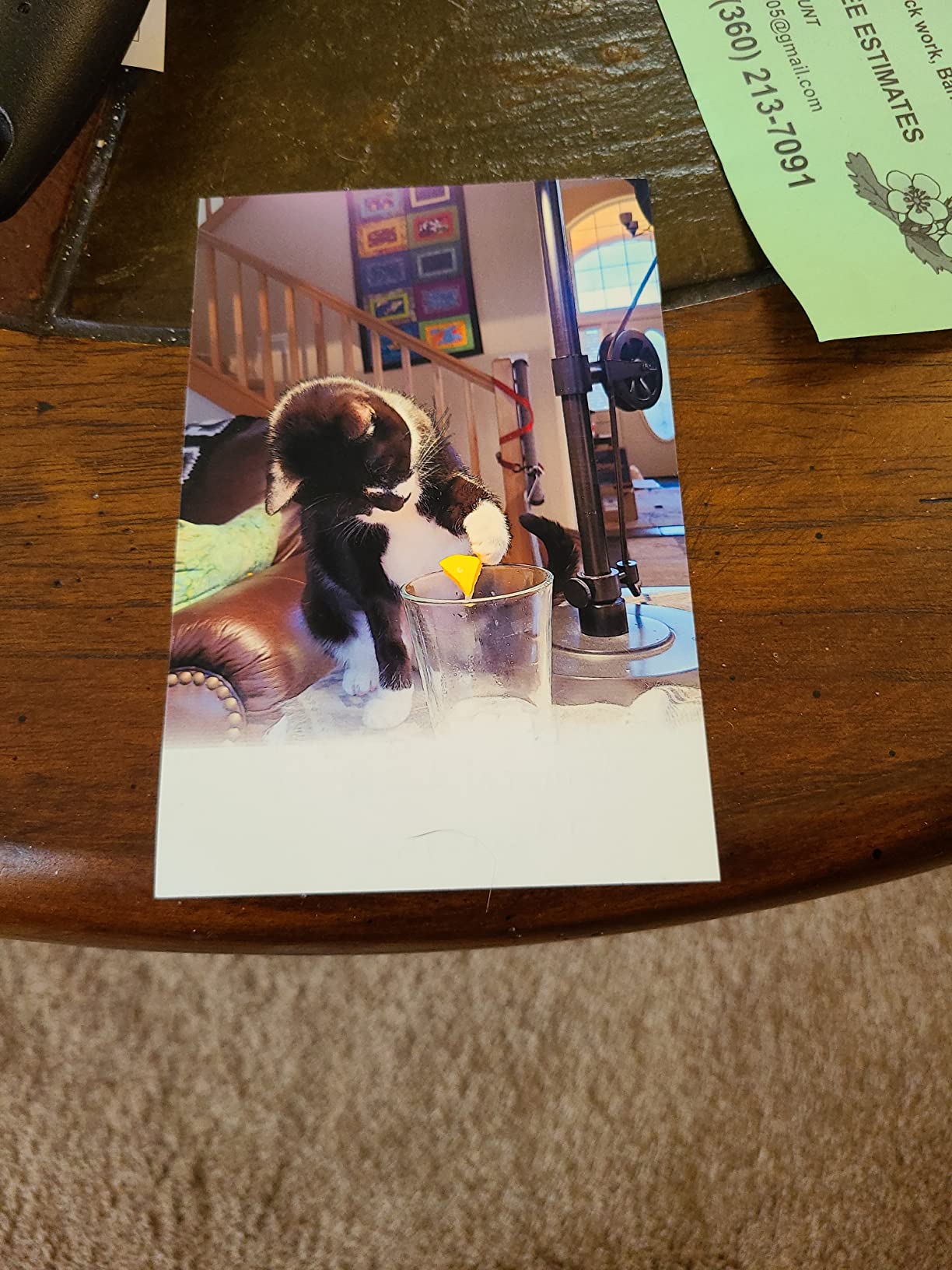
The Epson PictureMate PM-400 is the printer my scrapbooking friends keep coming back to. After years on the market, it still delivers true lab-quality 4×6 and 5×7 borderless prints at 5760 x 1440 dpi, with color and detail that rivals dedicated photo kiosks.
It is small enough to live on a craft table (about 15 inches wide and 6 pounds), and Wi-Fi printing from an iPad, iPhone, or Android phone is straightforward. A 4×6 print comes out in roughly 36 seconds, which is faster than most dye-sub home printers we tested.

For scrapbookers, the PM-400 hits a sweet spot. It prints the two sizes scrapbookers use most, and the ink set is tuned for photo output rather than document printing. Several long-time users in the reviews mention years of consistent use without major issues, which is a strong signal for longevity.
The main downsides are the lack of Bluetooth (Wi-Fi only) and the requirement for Epson genuine ink cartridges. If you print in moderate volumes and want lab-quality output, the PM-400 remains a solid choice.
Setup and ease of use
Initial setup involves installing the ink cartridge and running a print head alignment. After that, daily use is simple: load paper, send a print job from your phone or computer, and pick up the photo.
Wi-Fi Direct lets you print without a router, which is helpful if your craft room is far from your main network.
Ink cost and longevity
Cartridge yield is moderate, so heavy users will replace cartridges often. Epson genuine ink is required, which keeps quality consistent but limits third-party savings.
For scrapbookers who print a few dozen photos per month, the per-print cost is reasonable, and the output is hard to beat at this size.
9. HP Sprocket Studio Plus 4×6 – Best Compact 4×6 Printer

HP Sprocket Studio Plus 4×6 Wireless Instant Photo Printer, 10 Sheets + Cartridge, Wi-Fi, Premium Dye Sublimation, Compact Home Use, Prints Vibrant Color Pictures, Editing App for Creative Photos
Dye-sublimation 4x6
Laminated finish
Wi-Fi and Bluetooth
Pros
- 4x6 dye-sublimation prints with lamination - tear smudge and water resistant
- Dry-to-the-touch prints ready instantly
- Wi-Fi connectivity via HP Sprocket app
- Compact footprint for home use
- App offers stickers frames filters collages and photobooth features
Cons
- Starter pack only includes 10 sheets
- Print quality does not match professional lab prints
- App can lose connection occasionally
- Skin tones can look slightly off compared to phone screen
- Wi-Fi setup requires strong signal
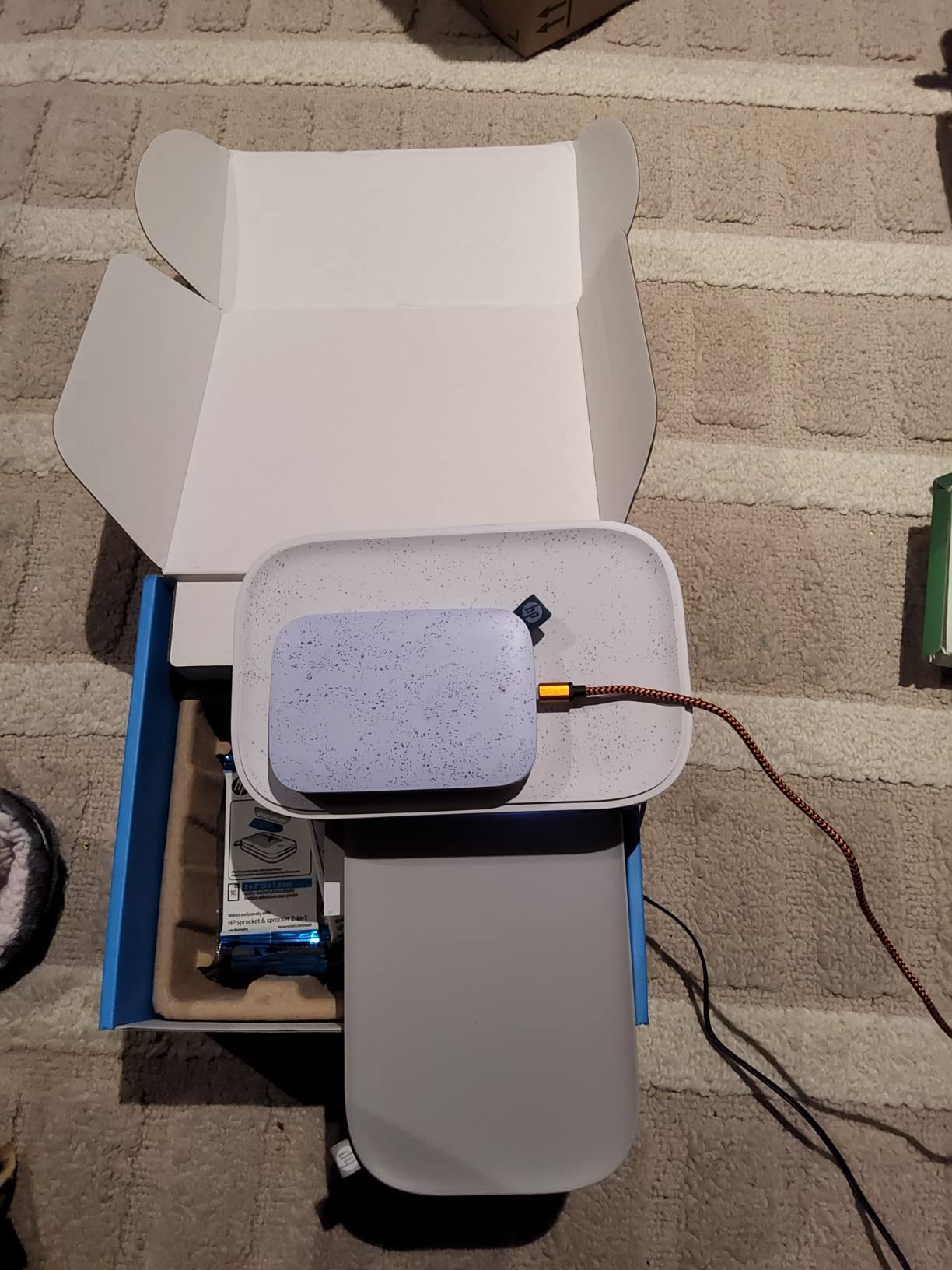
The HP Sprocket Studio Plus is the compact 4×6 dye-sub printer I keep on a shelf in my home office. It is small enough to fit next to a monitor, and the laminated 4×6 prints come out dry, smudge-resistant, and ready to share.
It connects via Wi-Fi through the HP Sprocket app, and Bluetooth is available as a backup. The dye-sub process delivers prints that resist tearing and water, which is great for kid projects and casual photo albums. The app includes photobooth, collage, and sticker features that make it fun for parties.
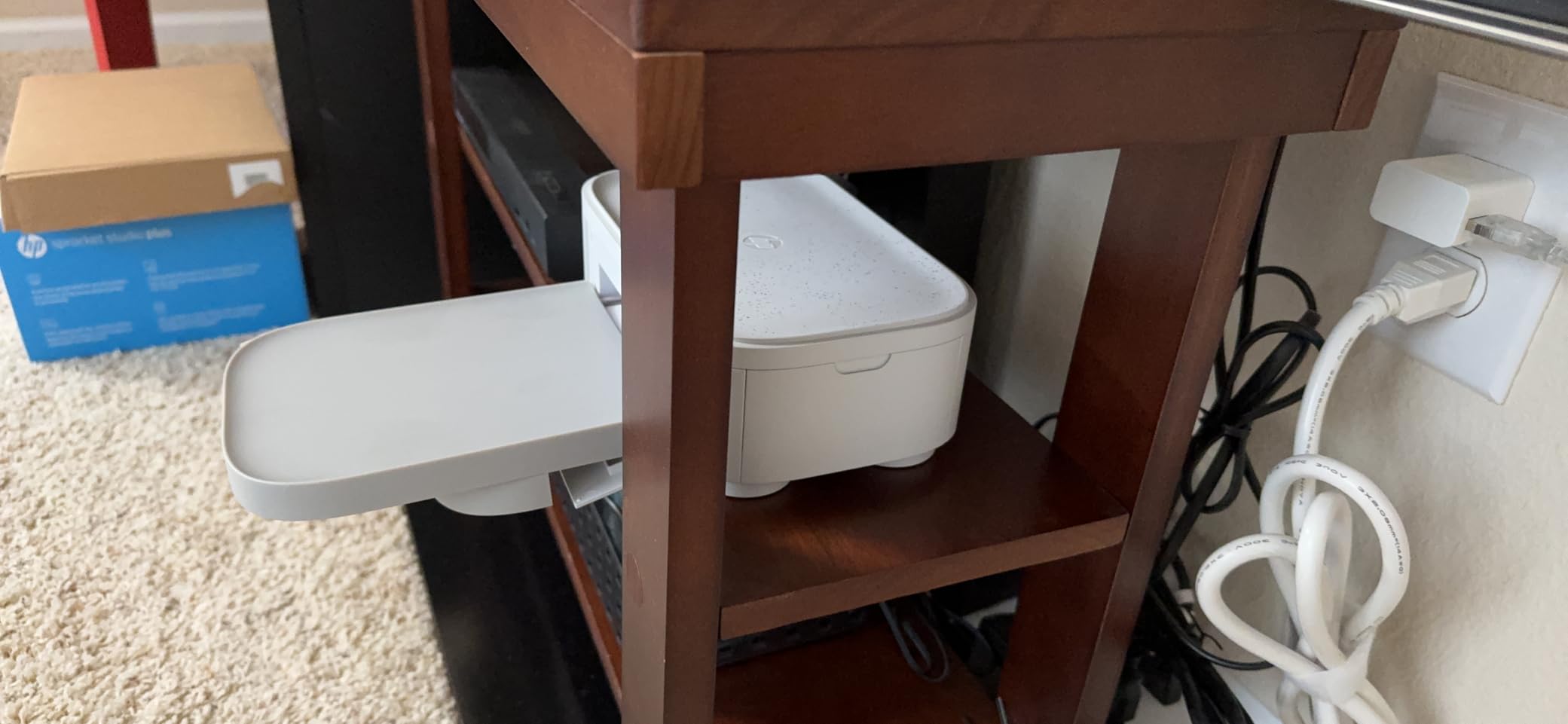
I printed a stack of vacation photos in one session and the laminated finish held up to multiple hands without smudging. The compact size makes it easy to move between rooms, and Wi-Fi setup was straightforward once I had a strong signal.
The starter pack only includes 10 sheets, and replacement paper and cartridges add up. Print quality is good but does not quite match a professional lab, and skin tones can look slightly different from your phone screen. For home use at moderate volumes, it is a solid compact pick.
Setup and ease of use
HP’s Sprocket app guides you through Wi-Fi setup and cartridge installation. The compact body fits on most shelves, and the top-load cartridge is simple to swap.
Wi-Fi signal strength matters. If your router is far from the printer, consider moving it closer or using Bluetooth for shorter jobs.
Ink cost and longevity
HP’s proprietary cartridges bundle paper and ribbon, which simplifies replacement. Starter consumables run out quickly, so plan to buy refills soon after unboxing.
Laminated prints last longer than ZINK in albums and frames, which is the main reason to choose a dye-sub printer at this size.
10. HP Envy Photo 7975 – Best All-in-One Photo Printer for Home

HP Envy Photo 7975 Wireless Color Inkjet Photo Printer, Print, scan, Copy, Easy Setup, Mobile Printing, Best-for-Home, 3 Month Instant Ink Trial Included, AI-Enabled (B63K3A)
All-in-one print scan copy
Borderless photo
2.7 inch touchscreen
Pros
- All-in-one print scan copy with auto-duplex and ADF
- Borderless true-to-screen photo prints
- HP AI optimizes web and email printing layouts
- Large intuitive 2.7 inch color touchscreen
- Wireless and mobile printing support
- 3-month Instant Ink trial included
- Dedicated photo tray
Cons
- Ink cartridges run out quickly for photo printing
- Some users report wireless connectivity issues
- Color vibrancy is not as strong as 5+ ink systems
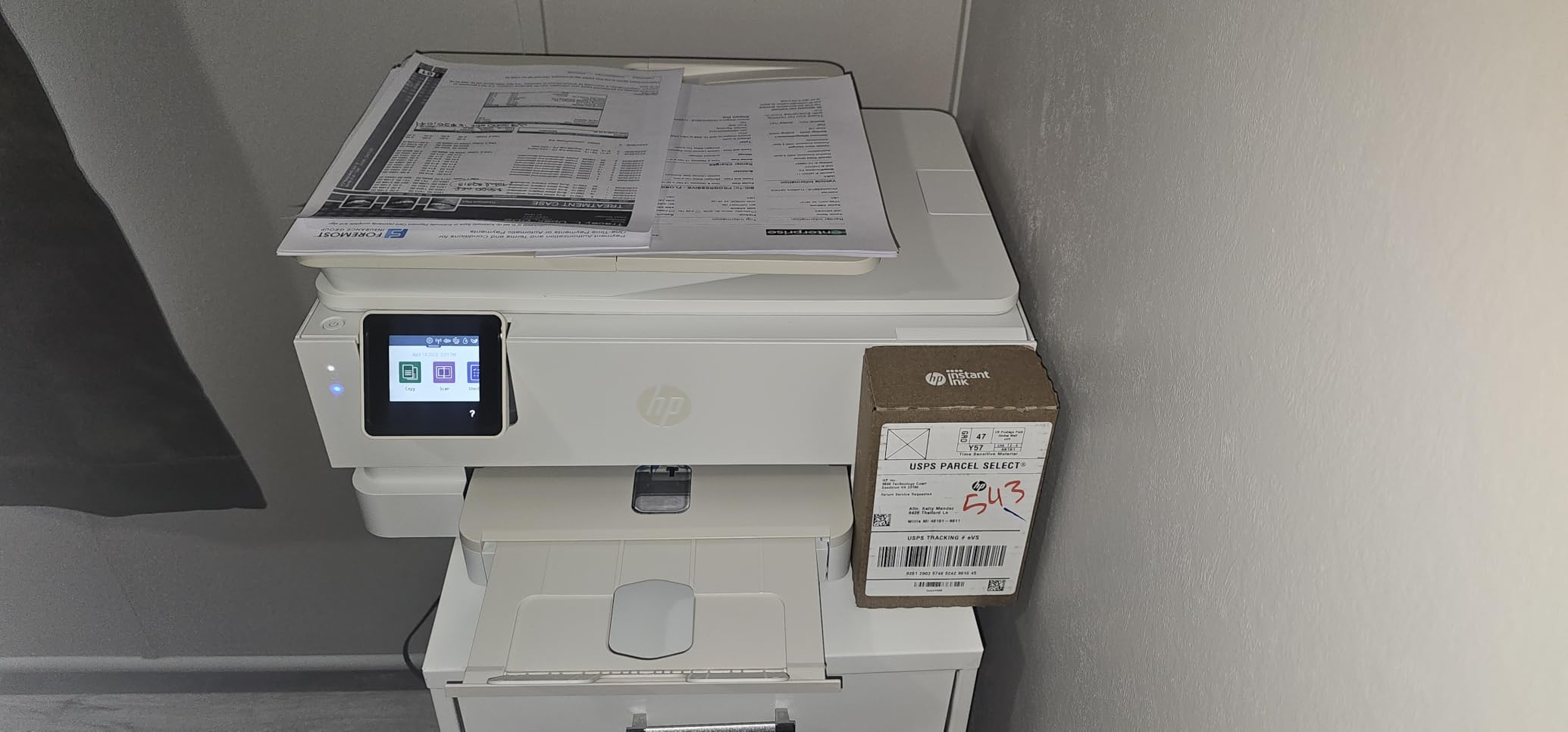
The HP Envy Photo 7975 is the all-in-one I recommend to families who need one machine for documents, school projects, scanning, and the occasional photo print. The auto-duplex, 35-sheet ADF, and 2.7 inch touchscreen handle everyday office tasks, and the dedicated photo tray switches to glossy paper without unloading plain paper.
Borderless photo prints come out at up to 4800 x 1200 dpi color resolution, and HP’s built-in AI optimizes layouts for web pages and email content. The 3-month Instant Ink trial is a nice bonus if you want to try a subscription model for ink delivery.
Wireless setup through Wi-Fi was simple on both Windows and macOS, and the HP Smart app handles mobile printing from iPhone and Android. I scanned old photo prints at 600 dpi and printed new copies that looked remarkably close to the originals, though a 6- or 8-ink system would have richer color depth.
The main limitations are ink consumption and color depth. Like most 4-ink systems, the Envy Photo 7975 cannot match the color range of an EcoTank with 6 inks, and ink runs out faster for heavy photo printing. For mixed home use, however, the convenience is excellent.
Setup and ease of use
HP Smart app walks you through Wi-Fi setup and ink installation in about 15 minutes. The 2.7 inch touchscreen is responsive and clear, and the photo tray switch is automatic when you choose photo paper in the print menu.
Auto-duplex printing handles two-sided documents without manual flipping, which saves time on school and home office projects.
Ink cost and longevity
Ink costs are the main concern. The HP 64 cartridges run out quickly when printing photos, and color vibrancy is limited compared to 6-ink systems. Instant Ink can lower per-print cost if you print consistently, but heavy photo users will hit page-count limits.
For mixed document and photo use, the Envy Photo 7975 is a sensible all-in-one. For pure photo quality, the Epson EcoTank ET-8550 or Canon imagePROGRAF line is a better fit.
How to Choose the Best Photo Printer for Home Use
Picking the best photo printers for home use comes down to three questions: what size prints do you need, how often do you print, and do you want a dedicated photo printer or an all-in-one. Our buying guide breaks down the most important decisions so you can match a printer to your situation instead of buying on specs alone.
Inkjet vs laser vs dye-sublimation
Inkjet printers are the most common home photo printers because they use liquid ink droplets to produce smooth gradients and rich color. A standard 4-ink inkjet handles everyday photos well, while 6- and 8-ink systems (like Epson’s Claria ET Premium or Canon’s imagePROGRAF Chroma Optimizer) deliver lab-grade color for enthusiasts.
Laser printers are faster and cheaper per page for text and graphics, but they use toner powder rather than liquid ink, which makes smooth photo gradients harder to achieve. For dedicated photo printing at home, inkjet wins on color and inkjet-with-ink-tank wins on long-term cost.
Dye-sublimation printers use heat to transfer dye onto photo paper in multiple passes, then seal the print with a laminate. They are ideal for 4×6 prints that need to resist water, smudges, and fingerprints, but they cannot match the size range of a wide-format inkjet.
Ink tank vs cartridge
Cartridge printers are cheaper up front, but replacement cartridges add up fast for photo printing. A 4×6 photo can cost 25 to 40 cents per print in cartridge ink alone, especially with 4-ink systems that cycle through colors unevenly.
Ink tank printers like the Epson EcoTank line use refillable reservoirs and bottled ink, which cuts per-print cost to a few cents. The up-front price is higher, but anyone who prints more than a few dozen photos per month saves money within the first year. For casual users who print occasionally, a cartridge model still makes sense.
Print resolution and color accuracy
DPI (dots per inch) tells you how many ink droplets a printer lays down per inch, but it is only part of the color story. Color depth (measured in bits) and the number of inks (4, 6, or 8) determine how smoothly a printer renders gradients, skin tones, and shadows.
A 4-ink system covers cyan, magenta, yellow, and black. Adding photo cyan, photo magenta, gray, and light gray (or a red and a chroma optimizer) widens the color gamut and improves monochrome output. If you print portraits or black-and-white photography, look for at least 5 or 6 inks.
Paper sizes and compatibility
Most home photo printers handle 4×6 and 5×7, and many handle 8×10. Wide-format models like the Epson EcoTank ET-8550 print up to 13×19, which is great for wall art and panoramas. Check the tray configuration and supported paper weights, especially if you plan to print on cardstock or canvas.
Paper compatibility matters beyond glossy. Matte, luster, satin, and canvas papers each have their own look, and a printer that handles multiple paper types lets you match the print to the project.
Connectivity and mobile printing
Wi-Fi is standard on every printer in our lineup, and AirPrint plus Mopria make iPhone and Android printing nearly seamless. Bluetooth is common on portable printers and useful when Wi-Fi is unreliable. SD card and USB direct print slots help if you shoot with a dedicated camera and want to print without a computer.
Manufacturer apps (HP Smart, Epson Smart Panel, Canon PRINT, KODAK Photo Printer) handle editing, templates, and creative features. App quality varies, so check user reviews if mobile workflows are central to your decision.
Print longevity and archival life
Dye-based prints look vivid on glossy paper but fade faster when exposed to light and air. Pigment-based prints last longer, especially with archival-quality papers. If you want photos to survive decades in albums or frames, choose a printer with pigment inks (like Epson’s Claria ET or many Canon PIXMA Pro models) and pair it with archival paper.
For everyday snapshots, dye-sub laminated prints offer excellent real-world durability because the clear laminate layer protects against water, fingerprints, and scratches.
Frequently Asked Questions
Which printer is best for printing photos at home?
The Epson EcoTank Photo ET-8550 is our top pick for home photo printing thanks to its 6-color Claria ET ink system, wide-format 13×19 support, and refillable ink tanks that cut per-print cost to about 4 cents for a 4×6 photo.
Is inkjet or laser better for photo printing?
Inkjet printers are better for photo printing because they use liquid ink droplets that blend smoothly for gradients and natural skin tones. Laser printers use toner powder, which is great for text and graphics but struggles with the smooth color transitions that make photos look realistic.
What is the best all-in-one photo printer?
The HP Envy Photo 7975 is our top all-in-one pick because it combines print, scan, copy, auto-duplex, and a dedicated photo tray in one machine. For higher photo quality, the Epson EcoTank Photo ET-8550 also scans and copies and delivers lab-grade output with 6 inks.
Are photo printers worth it for home use?
Photo printers are worth it for home use if you print more than a few photos per month or want on-demand prints without visiting a store. An ink tank model pays for itself within a year for moderate use, while cartridge and ZINK models suit casual printing.
How much should I spend on a good photo printer?
A solid home photo printer runs between 150 and 700 dollars depending on features. Casual users get reliable 4×6 prints from models under 200, while enthusiasts who want wide-format lab-quality output should plan for 500 to 700 or more.
What is the cheapest way to print high quality photos at home?
The cheapest way to print high-quality photos at home is an ink tank printer like the Epson EcoTank Photo ET-8550, which brings 4×6 cost down to about 4 cents per print. For occasional use, a ZINK pocket printer is the lowest up-front cost option.
Final Verdict: Which Photo Printer Should You Buy?
After testing 10 printers over six weeks, our top pick for the best photo printers for home use remains the Epson EcoTank Photo ET-8550. It combines lab-quality color, low long-term ink cost, and wide-format flexibility in a single machine, which is hard to match at any price.
For shoppers on a tighter budget, the KODAK Dock Plus delivers true 4×6 laminated prints at an accessible price, and the HP Sprocket (2nd Edition) is the best pocket printer for fun, on-the-go sticker prints. Pick the printer that matches how and how often you print, and use our buying guide to weigh ink cost, paper compatibility, and connectivity. Whichever model you choose, you’ll have a great way to bring your favorite photos off your phone and onto paper in 2026.