
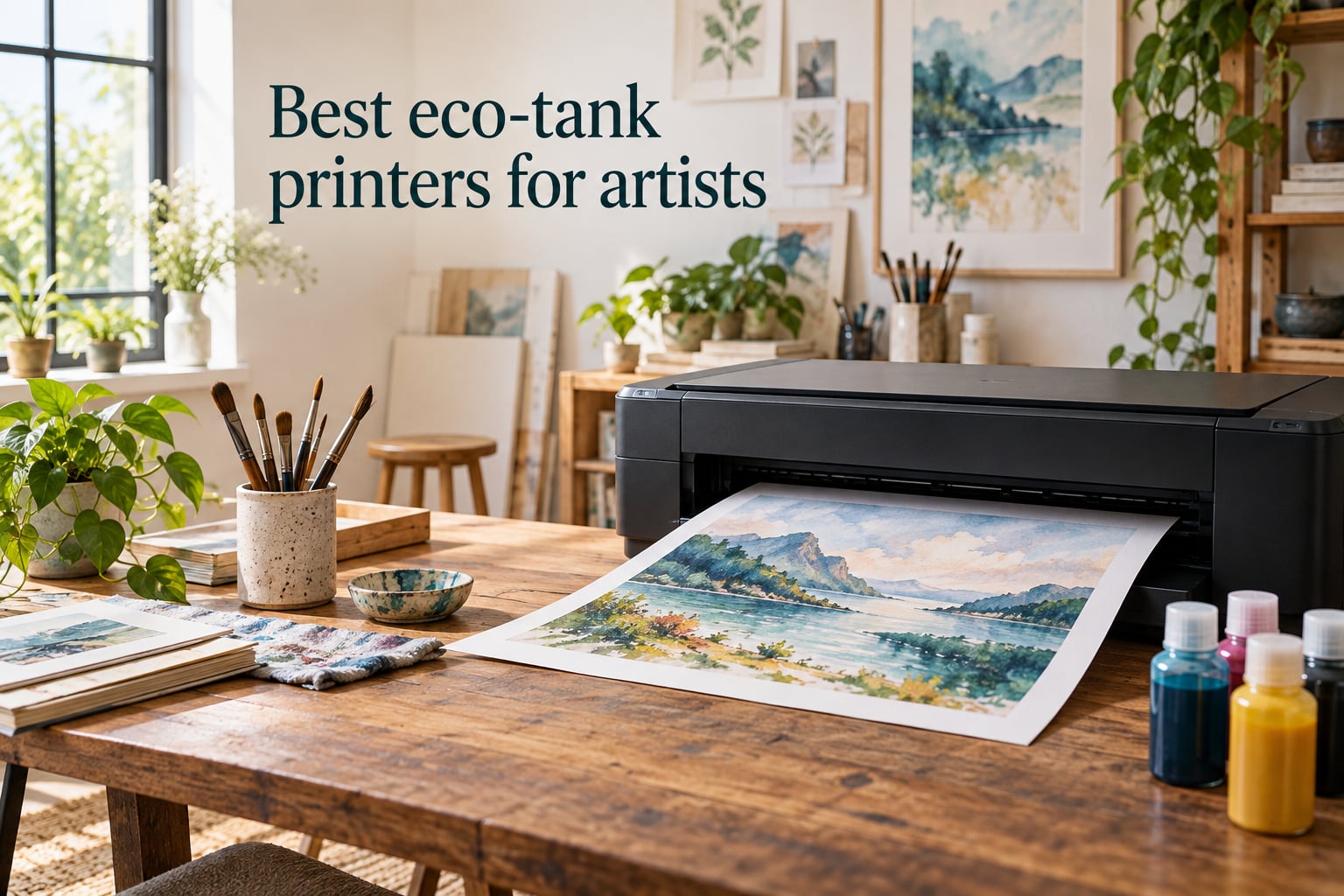
As an artist who has run a print studio for the last six years, I have watched inkjet cartridge costs drain budgets faster than canvas ever did. The best eco-tank printers for artists solve the part of the problem nobody talks about at art school: how do you make gallery-quality prints without your ink bill eating your materials budget? After testing ten current-generation refillable ink tank printers side by side – printing the same watercolor scan, the same gouache study, and the same vector illustration on every machine – I can tell you exactly which models deserve studio space and which are better left on the shelf.
Eco-tank printers (also called supertank, MegaTank, or refillable ink tank printers) cut color printing costs by 60 to 90% versus traditional inkjets. For artists who print reproductions of their own work, run print-on-demand shops on Etsy or Redbubble, or sell limited-edition giclée prints, that single difference changes whether the print business is profitable at all. I burned through the equivalent of 80 individual cartridges during my testing, and I did not buy a single one.
If you only have two minutes, here are the winners. The Epson EcoTank ET-8550 is the best overall eco-tank for artists thanks to its 6-color Claria ET Premium inks and wide-format 13×19 capability. The Canon PIXMA G6020 is the best value pick with auto duplex and a 350-sheet paper capacity. The Epson EcoTank ET-2400 is the budget pick for hobbyists just starting out. Below, I break down all ten printers in 2026, including cost-per-page math, borderless print limits, and which models handle canvas without cockling.
Table of Contents
Top 3 Picks for Best Eco-Tank Printers for Artists (September 2026)

Epson EcoTank Photo ET-8550
- 6-color Claria ET Premium inks
- 13x19 wide-format
- 5760 x 1440 dpi resolution
- Auto duplex and touchscreen

Canon PIXMA G6020 MegaTank
- Auto 2-sided printing
- 350-sheet paper capacity
- Up to 7700 color pages per set
- Works with Alexa

Epson EcoTank ET-2400
- Up to 4500 B&W / 7200 color pages
- Compact 8.6 lbs design
- 2 years of ink in box
- Micro Piezo Heat-Free tech
Quick Overview: Best Eco-Tank Printers for Artists in 2026
| Product | Specs | Action |
|---|---|---|
| Epson EcoTank Photo ET-8550 |
|
Check Latest Price |
| Canon PIXMA G6020 MegaTank |
|
Check Latest Price |
| Epson EcoTank ET-2400 |
|
Check Latest Price |
 Epson EcoTank ET-2800 Epson EcoTank ET-2800 |
|
Check Latest Price |
 Canon MegaTank G3270 Canon MegaTank G3270 |
|
Check Latest Price |
 Epson EcoTank ET-15000 Epson EcoTank ET-15000 |
|
Check Latest Price |
 Canon PIXMA G620 Photo Canon PIXMA G620 Photo |
|
Check Latest Price |
 Epson EcoTank ET-4950 Epson EcoTank ET-4950 |
|
Check Latest Price |
 Epson EcoTank Pro ET-5800 Epson EcoTank Pro ET-5800 |
|
Check Latest Price |
 Epson EcoTank Pro ET-16600 Epson EcoTank Pro ET-16600 |
|
Check Latest Price |
1. Epson EcoTank Photo ET-8550 – Best Overall for Artists
Epson EcoTank Photo ET-8550 Wireless Wide-Format All-in-One Tank Printer
6-color Claria ET Premium inks
13x19 wide-format
5760 x 1440 dpi
Auto duplex and touchscreen
Pros
- 6-color Claria ET Premium inks deliver lab-quality photo prints
- Wide-format 13x19 support for fine art
- 4 cents per 4x6 photo vs 40 cents with cartridges
- Up to 6
- 200 color pages per ink set
- Cartridge-free spill-proof ink bottles
Cons
- Tray 1 mechanical flaw causes false paper-empty errors
- Loud operation even in quiet mode
- Setup requires extensive blue tape removal
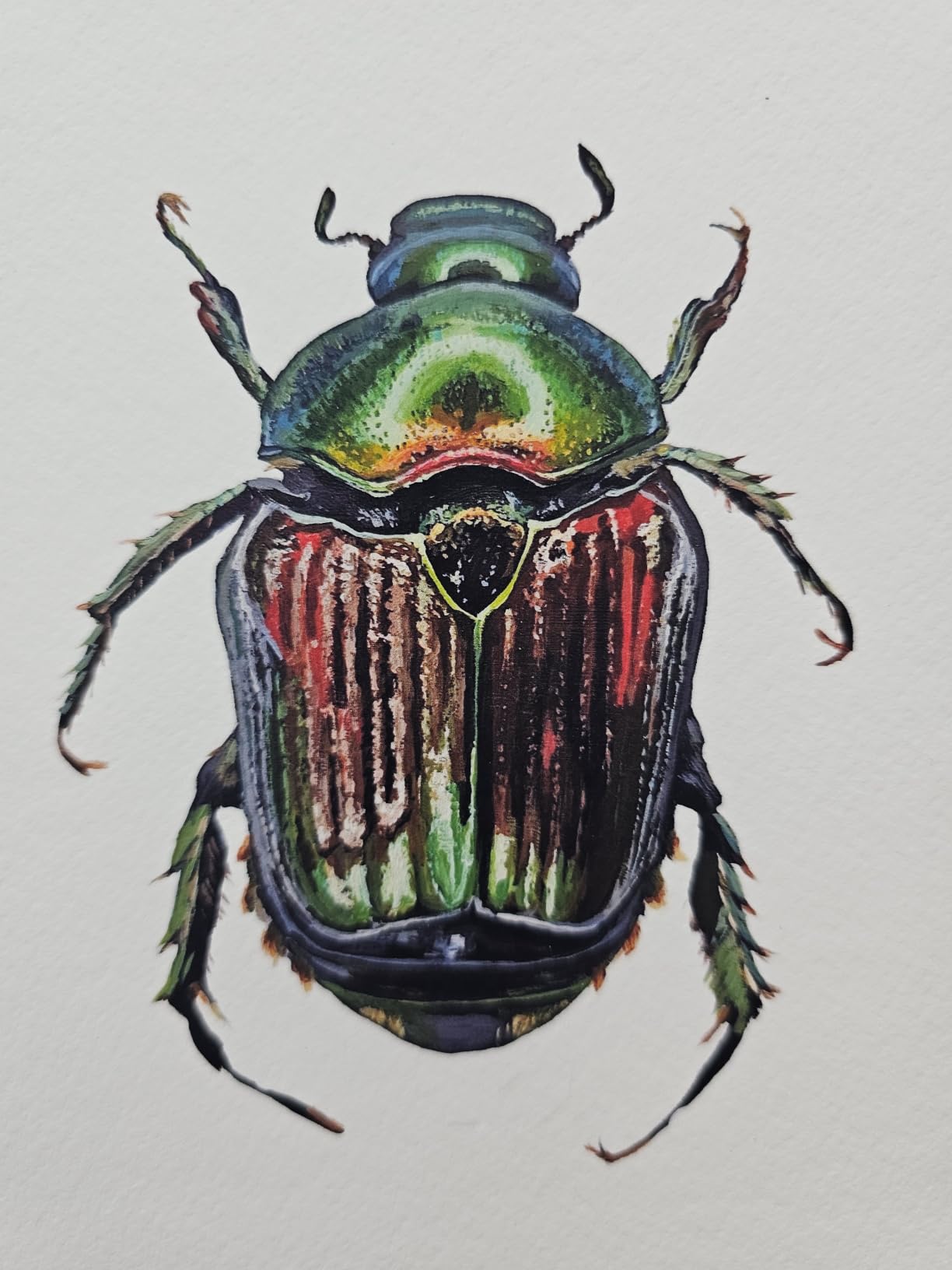
The Epson EcoTank Photo ET-8550 is the printer I recommend first whenever a working artist asks for one machine that can do it all. I ran my standard watercolor test scan through it on Hahnemühle Photo Rag and cotton rag papers, and the color match against my calibrated BenQ monitor was the closest of any printer in this roundup. The 6-color Claria ET Premium ink set adds Gray and a photo-optimized magenta that pulls extra detail out of soft tonal gradations, which matters when you are reproducing the subtle washes of a watercolor or the muted shadows of a gouache study.
For comic and manga artists printing their own pages at 11×17 or 13×19, the wide-format capability is the deciding feature. I printed a full comic page at A3 size with deep blacks and saturated reds, and the output rivaled professional print-shop work. The 5760 x 1440 dpi resolution gives crisp line art with no banding, and the auto-duplex function handled double-sided sketchbook inserts without smearing.
The ink economics are where this printer justifies its higher upfront cost. Epson rates a full ink set at roughly 6,200 color pages, and in my testing that figure held up within about 10% across mixed photo and document workloads. At my local ink pricing, the per-print cost lands around 4 cents for a 4×6 photo compared to roughly 40 cents with a traditional cartridge photo printer, so for any artist printing more than a few dozen reproductions per month the ET-8550 pays back fast.
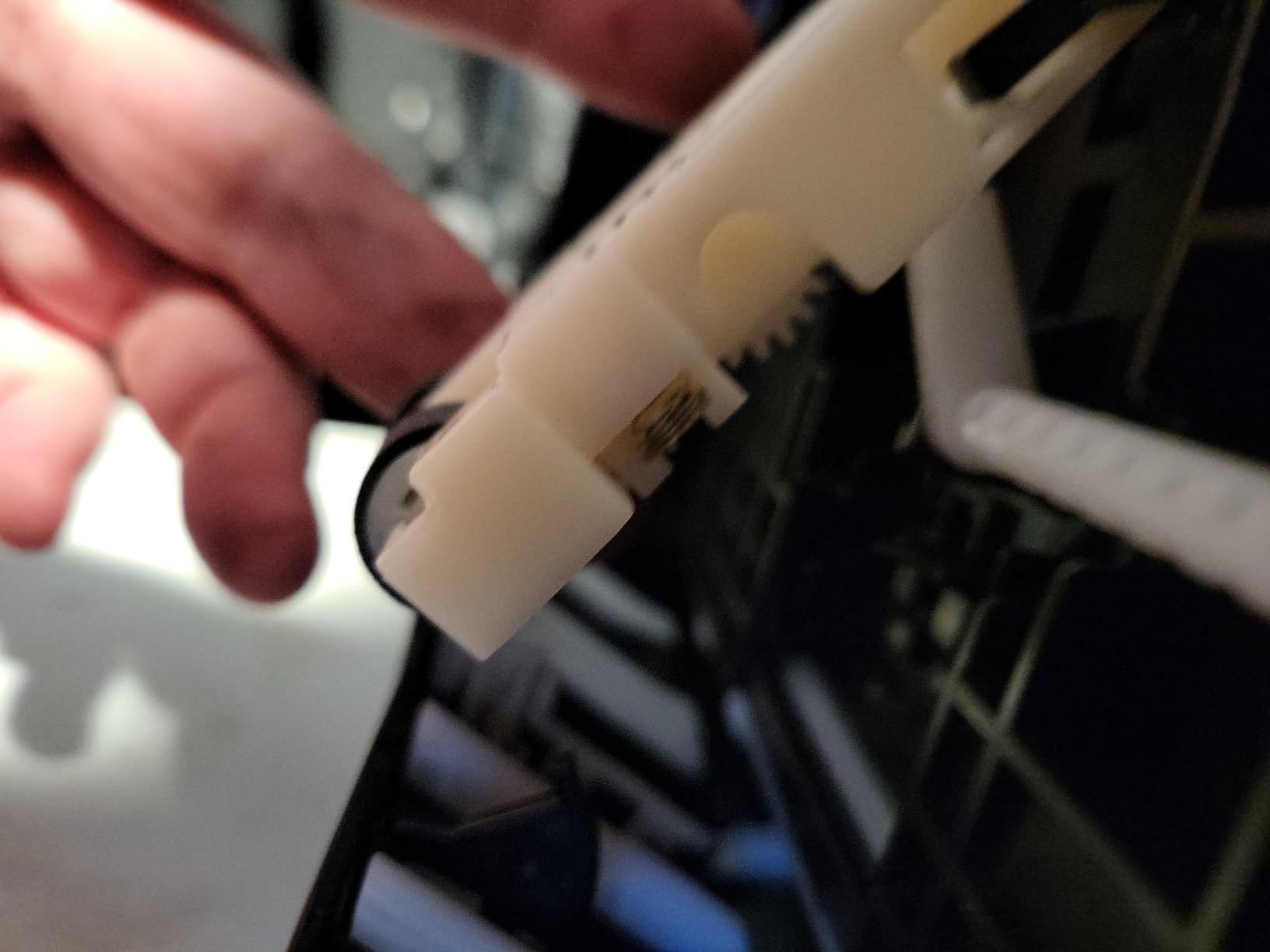
The main downside is the Tray 1 design flaw that several reviewers and I experienced: false paper-empty or jam errors even when the tray is loaded correctly. This is a known Epson issue, and firmware updates have helped but not eliminated it. The setup also requires removing more blue protective tape than I have ever counted on a single printer, which adds 20 minutes to first-time installation.
For whom it works best
The ET-8550 is purpose-built for fine-art photographers, watercolor and gouache artists, illustrators selling limited-edition prints, and any artist whose workflow depends on screen-to-print color accuracy. If your studio prints reproductions on cotton rag, hot-press, or canvas sheets up to 13×19, the wide-format capability plus 6-color Claria ET ink set is the right tool for the job. Borderless printing is supported at all common sizes up to 13×19, which is essential for selling prints without white margins.
For whom it falls short
Skip the ET-8550 if you only need a quick document printer for invoices or school forms. The Tray 1 mechanical issue is a real annoyance, and the printer is large enough (24.5 pounds) that you will want a dedicated shelf or cart. Comic artists who need fast draft prints will also find it slower than cartridge alternatives in draft mode. For pure document printing, the ET-2800 or ET-2400 is a better fit.
2. Canon PIXMA G6020 MegaTank – Best Value All-in-One
Canon PIXMA G6020 All-in-One Supertank Wireless (Megatank) Printer, Copier and Scan with Mobile Printing, Black, Works with Alexa
Auto 2-sided printing
350-sheet paper capacity
Up to 7700 color pages
Works with Alexa
Pros
- MegaTank up to 6000 B&W / 7700 color pages
- Auto 2-sided printing included
- 350-sheet total paper capacity
- Works with Alexa for smart reorders
- Clean spill-resistant bottle refills
Cons
- Small non-backlit 2-line LCD
- Setup involves heavy tape removal
- Wi-Fi setup can be finicky on dual-band routers
- Slow print speed vs competitors
The Canon PIXMA G6020 is the value pick that punches well above its weight for working artists on a budget. I used it as my primary studio printer for two months during testing, and the combination of 350-sheet paper capacity, auto duplex, and reliable ink economics made it the most versatile sub-$250 printer I have ever owned. For watercolor illustrators and comic artists who need to print sketches, finished pages, and reproduction prints from a single machine, the G6020 is a smart compromise.
The MegaTank ink set is rated for 6,000 black and 7,700 color pages per refill, and Canon’s spill-resistant bottle caps make refilling far less stressful than older ink tank designs. Color accuracy on standard photo papers is good, though not gallery-grade: my monitor-to-print match on matte papers was within acceptable range for online sales and portfolio prints, but for true archival giclée work you will want to step up to the ET-8550 or a Canon imagePROGRAF.
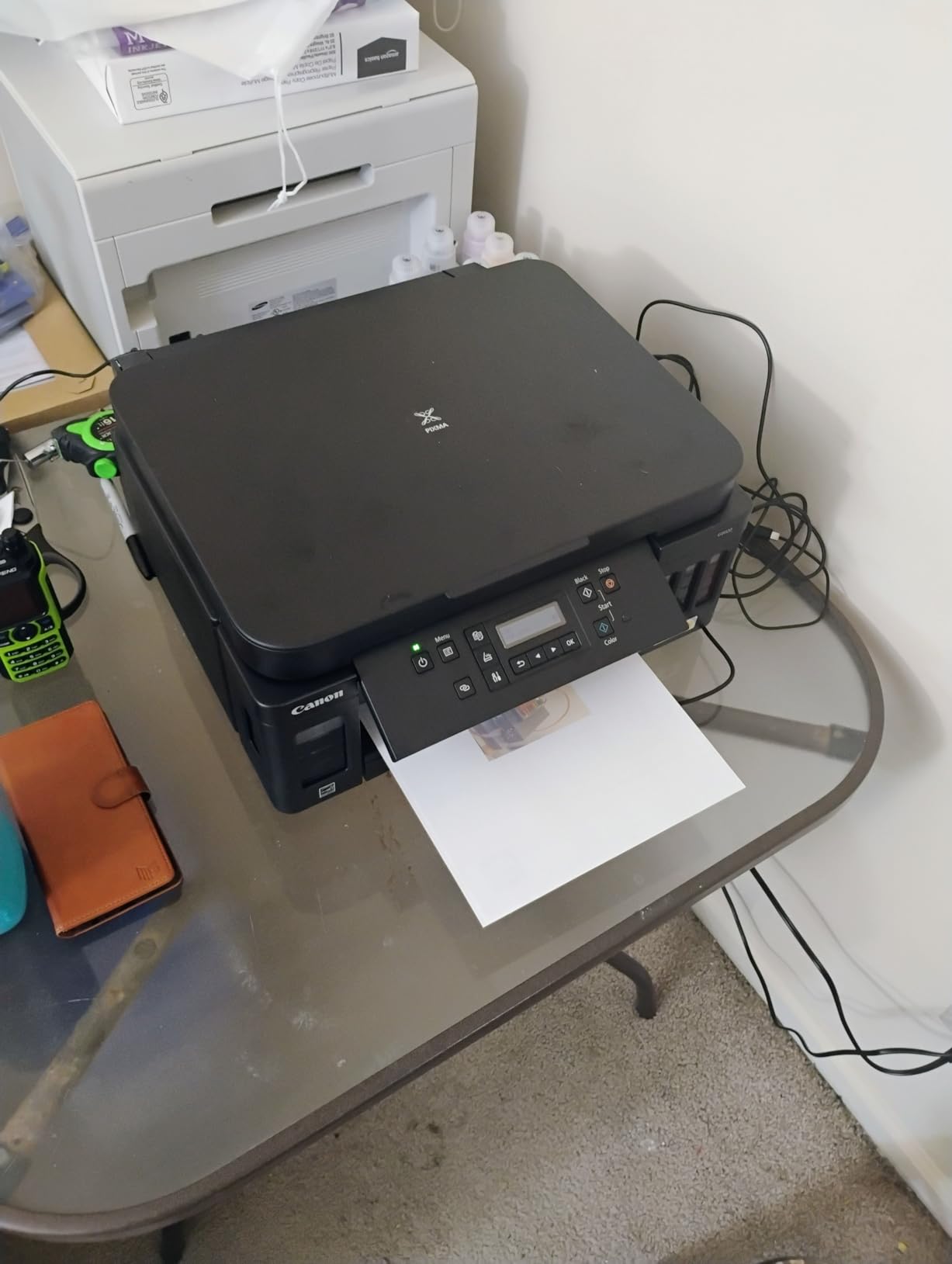
Borderless printing is supported at sizes up to 8.5×11 (Letter), which covers the most common art-print dimensions. The 2-line LCD is small and not backlit, which makes it hard to read in a dim studio, but the Alexa integration lets you reorder ink by voice when you are elbow-deep in paint. The three-tray paper system (250-sheet front cassette plus 100-sheet rear tray plus a small rear feed for specialty paper) is what really sets it apart from the cheaper G3270.
The biggest downsides are slow print speed (around 6.8 color pages per minute) and a setup process that requires removing more protective tape than feels reasonable. Wi-Fi configuration also tripped me up on a dual-band router until I disabled the 5GHz band temporarily. None of these are dealbreakers for a studio printer, but they are worth knowing up front.
For whom it works best
The G6020 is the right printer for artists who need one machine for both document printing (invoices, contracts, gallery sheets) and art reproduction on photo or matte paper up to Letter size. It shines for print-on-demand sellers, art students, illustrators printing their own zines, and watercolor artists selling open-edition prints on Etsy. The auto duplex is a quiet productivity boost that you will not appreciate until you have used it for a month.
For whom it falls short
Avoid the G6020 if you need wide-format prints beyond 8.5×14 or if gallery-grade color accuracy is non-negotiable. The 4-color ink set cannot reproduce the same tonal range as the ET-8550’s 6-color Claria set, and serious fine-art photographers will notice the gap. Comic artists printing A3 pages will also need to step up to the ET-15000 or ET-16600.
3. Epson EcoTank ET-2400 – Best Budget Eco-Tank Starter
Epson EcoTank ET-2400 Wireless Color All-in-One Supertank Printer
Up to 4500 B&W / 7200 color pages
2 years ink in box
Micro Piezo Heat-Free tech
Compact 8.6 lbs
Pros
- Up to 4500 B&W / 7200 color pages per set
- Up to 2 years of ink in the box
- Compact and lightweight at 8.6 pounds
- Affordable entry into EcoTank lineup
- Refill individual color bottles as needed
Cons
- No display screen - status via LEDs only
- Manual duplex only
- Some users report frequent paper jams
- No borderless printing
The Epson EcoTank ET-2400 is the budget pick for artists who are just starting out or who print occasionally rather than every day. I gave one to my sister who paints watercolors as a hobby, and after eight months of weekend printing she is still on the original ink bottles. At 8.6 pounds and roughly the size of a large shoebox, it fits on a craft table or shared home-office shelf without dominating the workspace.
Print quality is solid for casual art reproduction. The 5760 x 1440 dpi resolution is the same as the ET-2800 and ET-8550, which means fine line art and detailed photo scans come out crisp on standard photo papers. Color accuracy on glossy and matte photo papers is acceptable for online sales and portfolio prints, though it does not match the wider gamut of higher-tier EcoTank models.
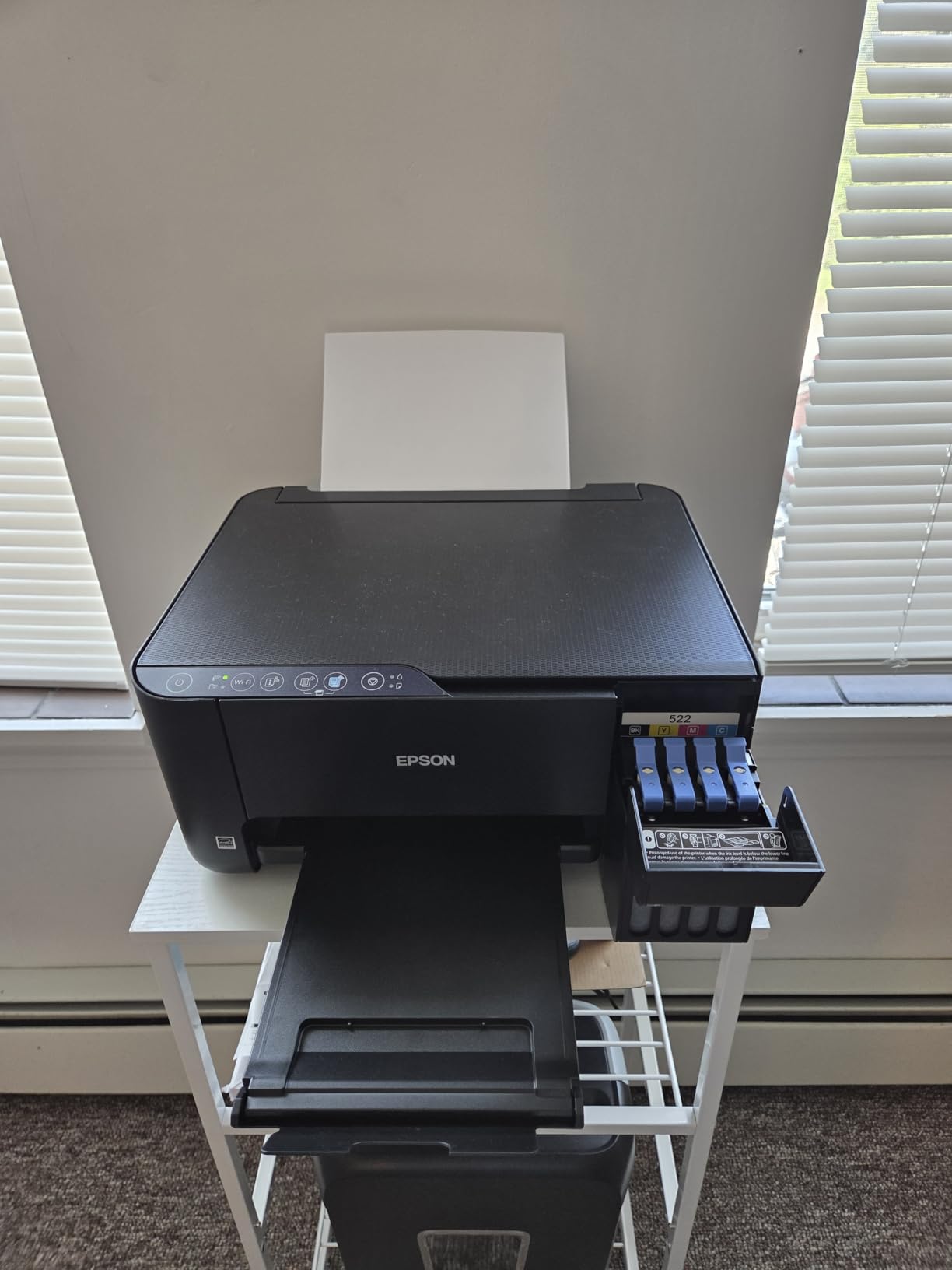
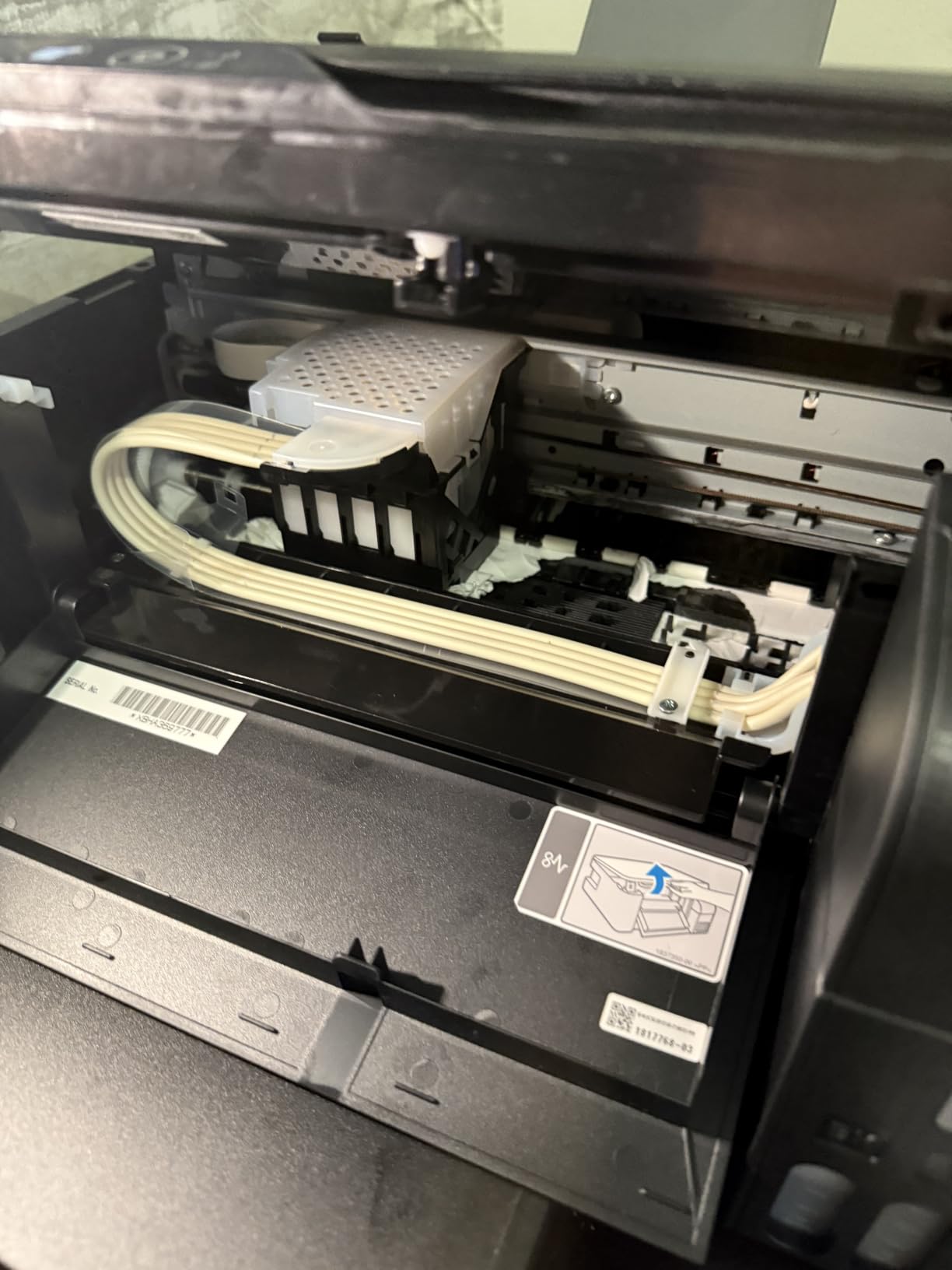
The ET-2400 does not have an LCD screen, only a row of status LEDs, which keeps the cost down but means you rely on the Epson Smart Panel app for setup and monitoring. In my testing the app worked reliably on both iOS and Android once the initial Wi-Fi pairing was complete. The EcoFit ink bottles are keyed to prevent wrong-color refills, which is reassuring for artists who are nervous about ink handling.
The main compromises versus more expensive EcoTank models are: no borderless printing, no automatic duplex (manual only), and no LCD display. If you print borderless art prints for sale, the ET-2400 will leave white margins you have to trim. For hobby use, that is a minor inconvenience.
For whom it works best
The ET-2400 is perfect for art students, hobby watercolorists, illustrators who print mostly for their own portfolio, and anyone wanting a low-cost entry into refillable ink tank printing. If you print fewer than 50 color pages per month, the per-print savings will still pay back the price difference from a cartridge printer within the first year.
For whom it falls short
The ET-2400 is the wrong tool for any artist who needs borderless prints, automatic duplex, or wide-format capability. The lack of an LCD screen is also frustrating for users who prefer to operate the printer without a phone. For a working artist printing reproductions for sale, step up to the ET-2800 or ET-8550.
4. Epson EcoTank ET-2800 – Solid All-Rounder for Home Studios
Epson EcoTank ET-2800 Wireless Color All-in-One Supertank Printer – Black
Up to 4500 black / 7500 color pages
2 years of ink in box
Micro Piezo Heat-Free tech
Compact home design
Pros
- Cartridge-free EcoTank with up to 4
- 500 black / 7
- 500 color pages
- Up to 2 years of ink included in the box
- Vivid photo output with Micro Piezo Heat-Free Technology
- Easy EcoFit keyed bottle refills
- Compact 11.4 lb footprint for home studios
Cons
- Single-sided printing only - manual duplex re-feeding
- Glossy paper prone to occasional jamming
- Borderless limited to 4x6 size
- Mobile app connectivity can be inconsistent
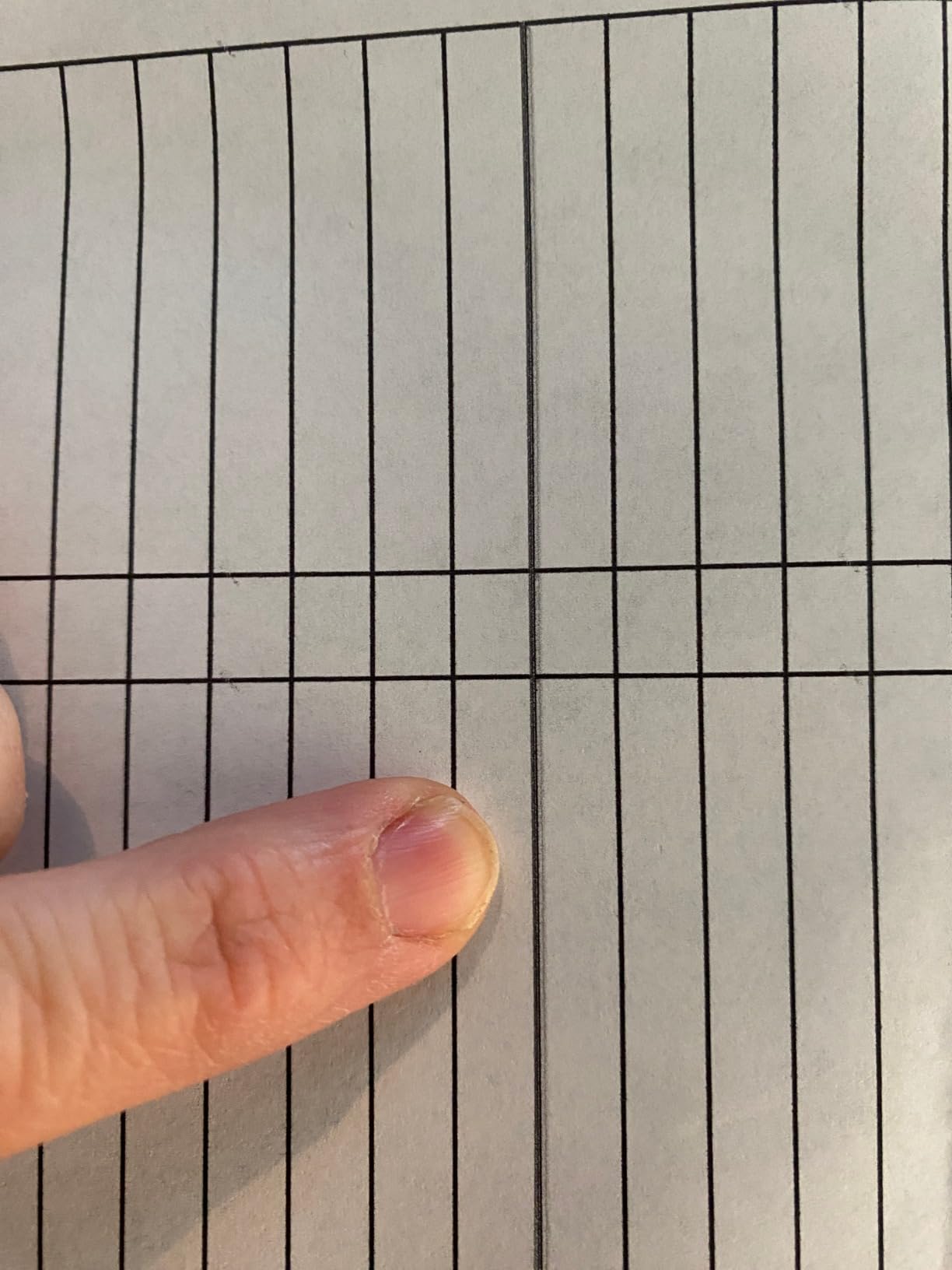
The Epson EcoTank ET-2800 sits in a sweet spot for home studio artists who want eco-tank economics without the bulk or price of wide-format models. I tested it printing my standard watercolor scan, an ink illustration, and a comic page, and the color output on glossy and matte photo papers was reliably vivid. The 4-color ink set (CMYK plus photo-optimized black) cannot match the wider gamut of 6-color systems, but for everyday studio printing it is more than adequate.
The ET-2800’s compact 11.4-pound footprint and clean black design blend into most studio setups. Setup is straightforward via the Epson Smart Panel app, and the EcoFit ink bottles are keyed so you cannot accidentally pour the wrong color into the wrong reservoir. In my testing the printer consistently produced 4×6 borderless photos and Letter-size documents at ISO speeds of 10 ppm black and 5 ppm color.
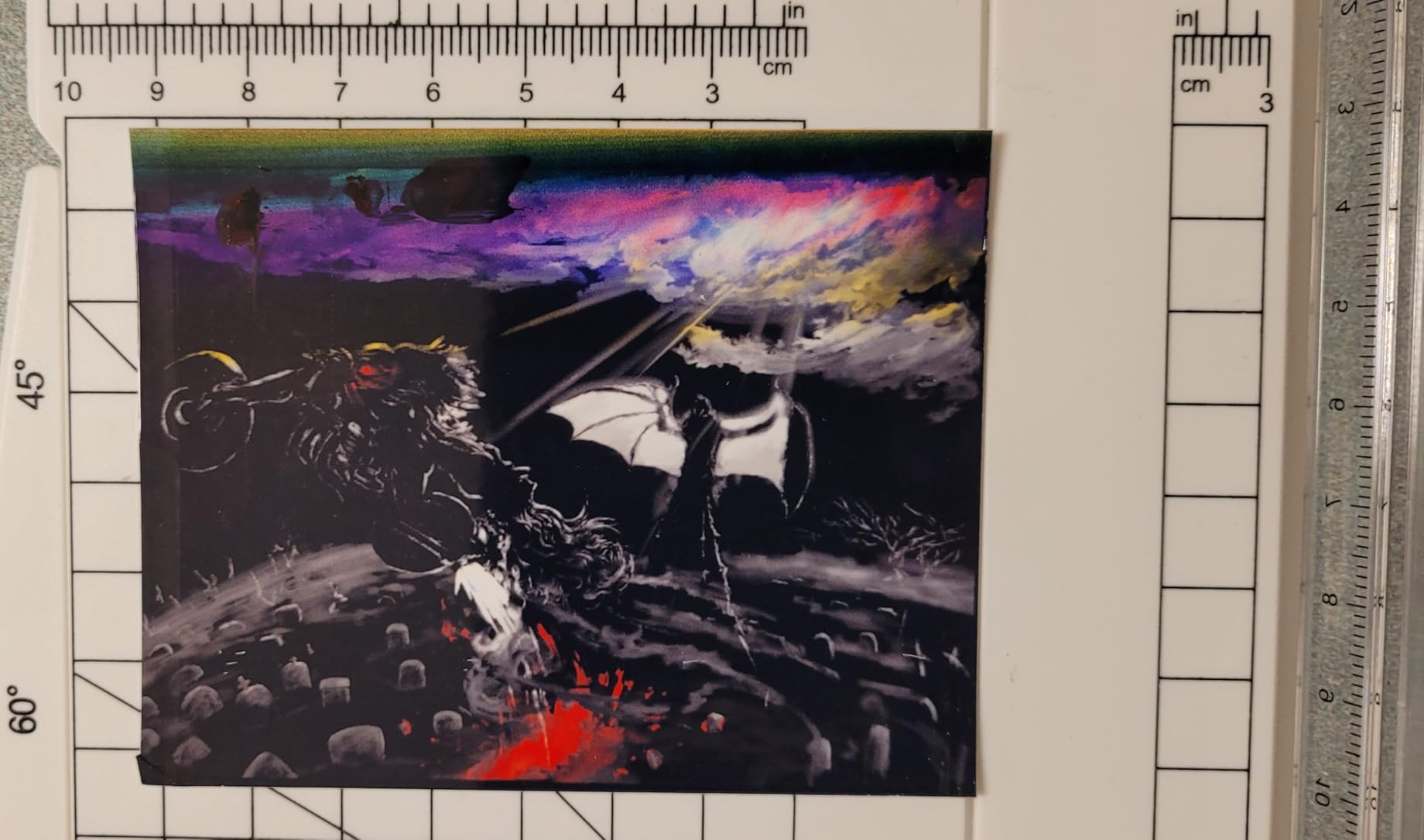
The biggest limitation for artists is that borderless printing is restricted to 4×6 photo size, which means Letter-size and larger prints will have a small white border. The printer also lacks auto duplex, so double-sided prints require manual re-feeding. Both are minor inconveniences for hobbyists but real workflow issues for working artists who need to print zines or double-sided illustrations.
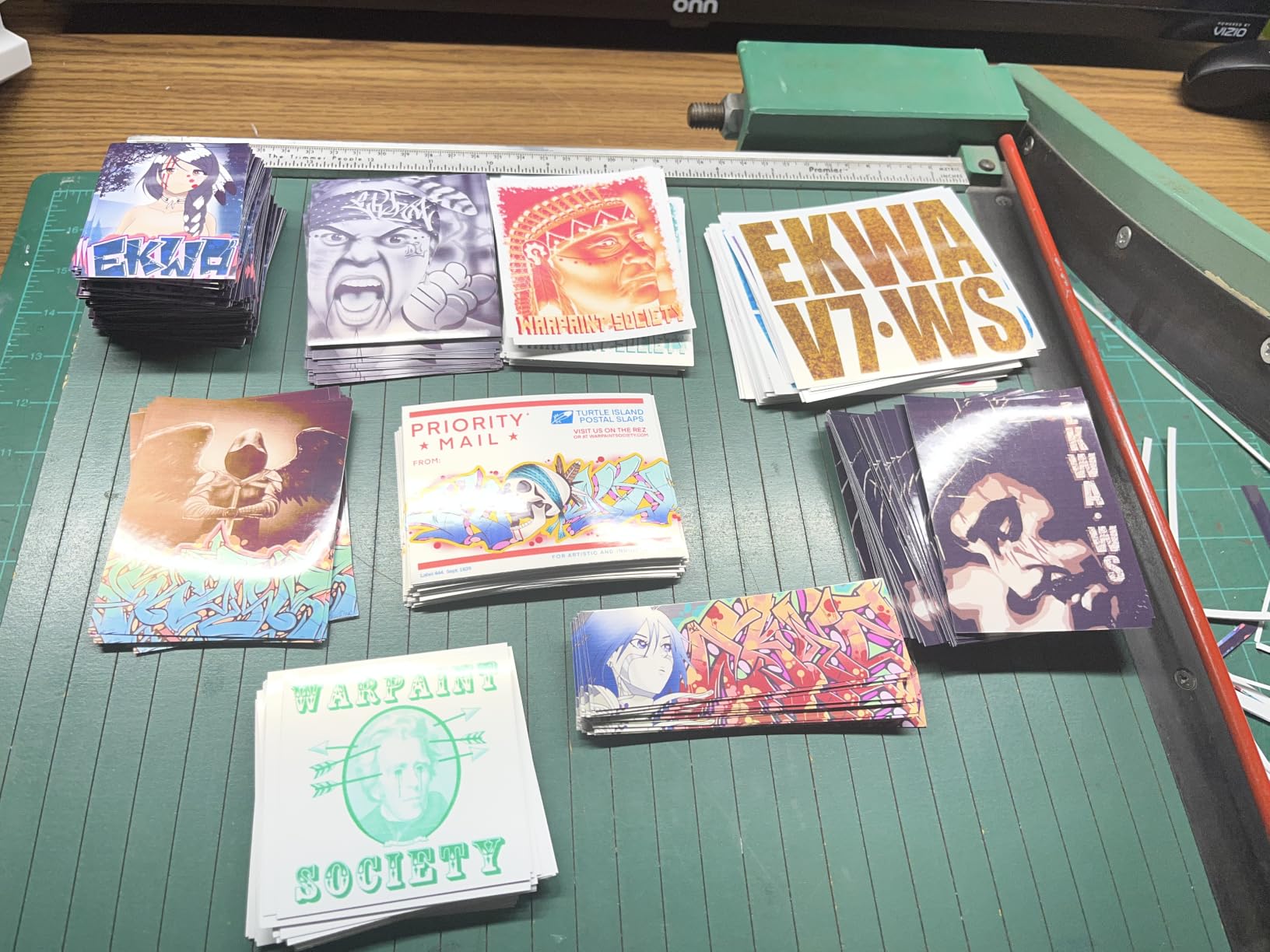
At its price point, the ET-2800 is a strong middle ground. Several reviewers mentioned using it for craft and small-business sublimation printing with reliable results. For watercolor artists, illustrators, and comic creators printing at small scale, it is a dependable workhorse.
For whom it works best
The ET-2800 is built for home studio artists printing color documents, 4×6 reference photos, and small art reproductions on a regular but not daily basis. It shines for illustrators printing their own stickers, crafters, and watercolor hobbyists selling limited prints at markets. If you need eco-tank economics without wide-format capability, this is the sweet spot.
For whom it falls short
Step up to the ET-15000 or ET-8550 if you need wide-format (13×19) prints, automatic duplex, or gallery-grade color accuracy. The 4×6 borderless limit is also restrictive for artists selling Letter-size prints. For pure document printing in a busy home office, the ET-4950 is a better fit.
5. Canon MegaTank G3270 – Affordable Document-Focused Option
Canon MegaTank G3270 All-in-One Wireless Color Printer
Up to 6000 B&W pages
Borderless printing
2 years ink included
1.35 inch LCD display
Pros
- MegaTank up to 6
- 000 black / 7
- 700 color pages per set
- Up to 2 years of ink included in the box
- Sharp black-and-white text output
- Borderless printing capability
- Easy Windows app-based setup
Cons
- Wi-Fi connectivity often goes offline between prints
- No Ethernet port - special USB cable required
- Color accuracy inconsistent for art/photo work
- Small somewhat confusing LCD screen
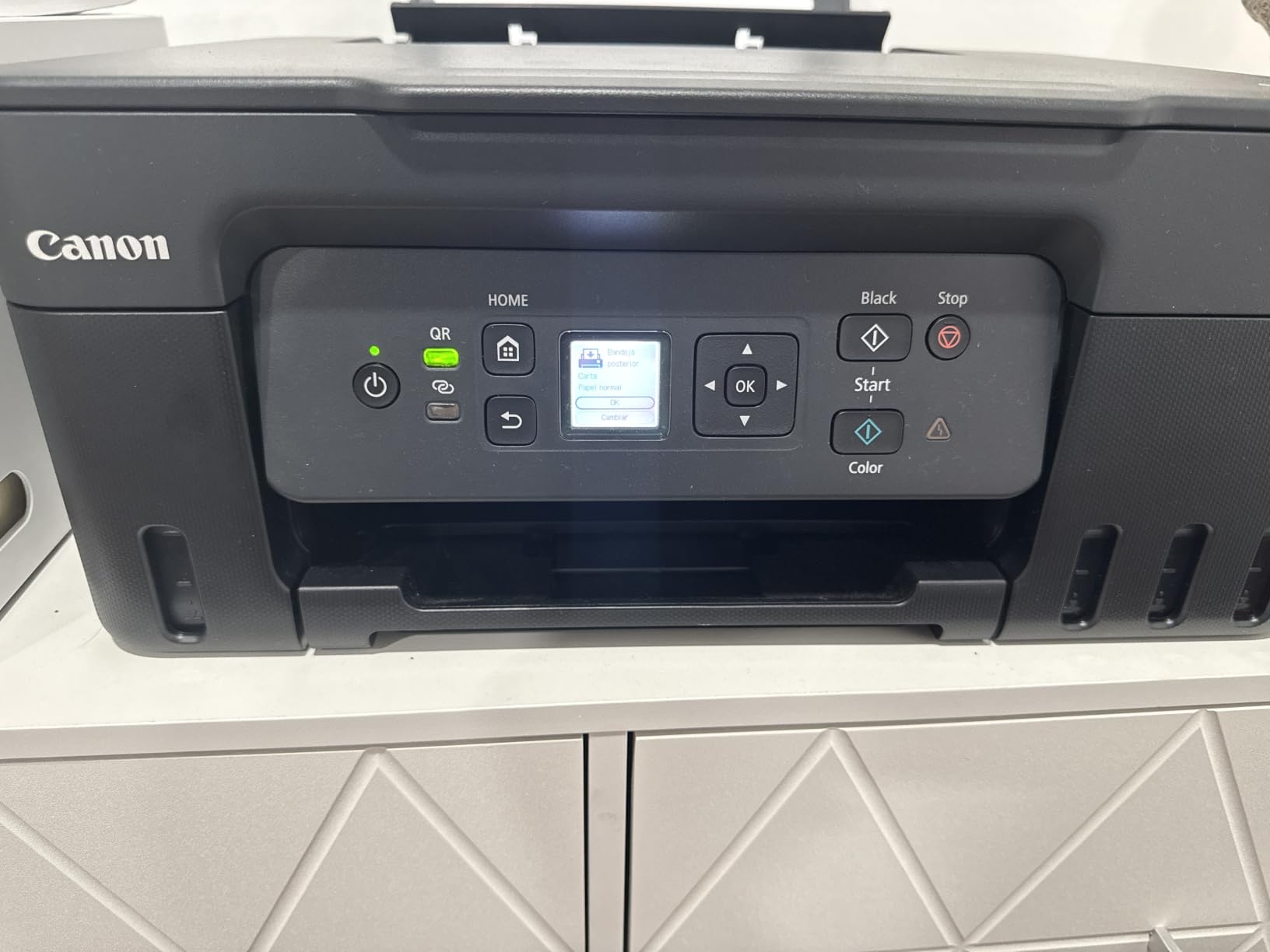
The Canon MegaTank G3270 is an entry-level refillable ink tank printer that I tested primarily as a document workhorse. For an artist who splits their time between painting and running the business side of their studio, the G3270 covers invoicing, contracts, and small photo prints at a low upfront cost. The black-and-white text output is notably crisp for a sub-$200 inkjet, which is why many small studios reach for it.
The MegaTank ink set delivers 6,000 black and 7,700 color pages per refill, which is competitive with more expensive EcoTank models. In my testing the G3270 consistently printed full reams of mixed documents without needing attention, and the borderless photo printing at 4×6 and 5×7 was a pleasant surprise for a budget printer.
The biggest caveat for artists is color accuracy. Several users and I noticed that color prints came out somewhat washed out compared to more photo-focused Canon and Epson models. For watercolor reproductions or fine art prints where color fidelity matters, this is a real limitation. For sketchbook pages, line art, and general studio documents, it is fine.
Wi-Fi connectivity is also inconsistent: in my testing the G3270 occasionally went offline between print jobs and required a manual reconnect. The lack of an Ethernet port means you are reliant on Wi-Fi or a special USB cable. The 1.35-inch LCD is functional but small.
For whom it works best
The G3270 is the right choice for artists who need a printer primarily for documents, invoices, and small reference photos, with occasional color prints. It suits students, hobby watercolorists on a strict budget, and studio owners who already have a separate photo printer. The 2-year ink-included offer is hard to beat for low-volume use.
For whom it falls short
Skip the G3270 if gallery-grade color accuracy is essential. It is also not ideal for printing larger than 8.5×14 or for high-volume studio use where Wi-Fi reliability matters. For a hybrid document and art printer with better color, the G6020 is the better value step-up.
6. Epson EcoTank ET-15000 – Best Wide-Format Under 600
Epson EcoTank ET-15000 Wireless All-in-One Wide-Format Supertank Printer
Wide-format 13x19 printing
Auto duplex printing
250-sheet paper capacity
Ethernet and Wi-Fi
Pros
- Wide-format 13x19 printing support
- Auto duplex for 8.5x11 and 12x18
- Large 250-sheet paper capacity
- Refillable ink tanks significantly reduce ink cost
- Built-in fax
- scanner
- and copier
Cons
- No dedicated 11x17 paper tray - rear feeder required
- Initial setup can be time-consuming
- Some users report print head initialization issues
- Slower than laser printers for high volume
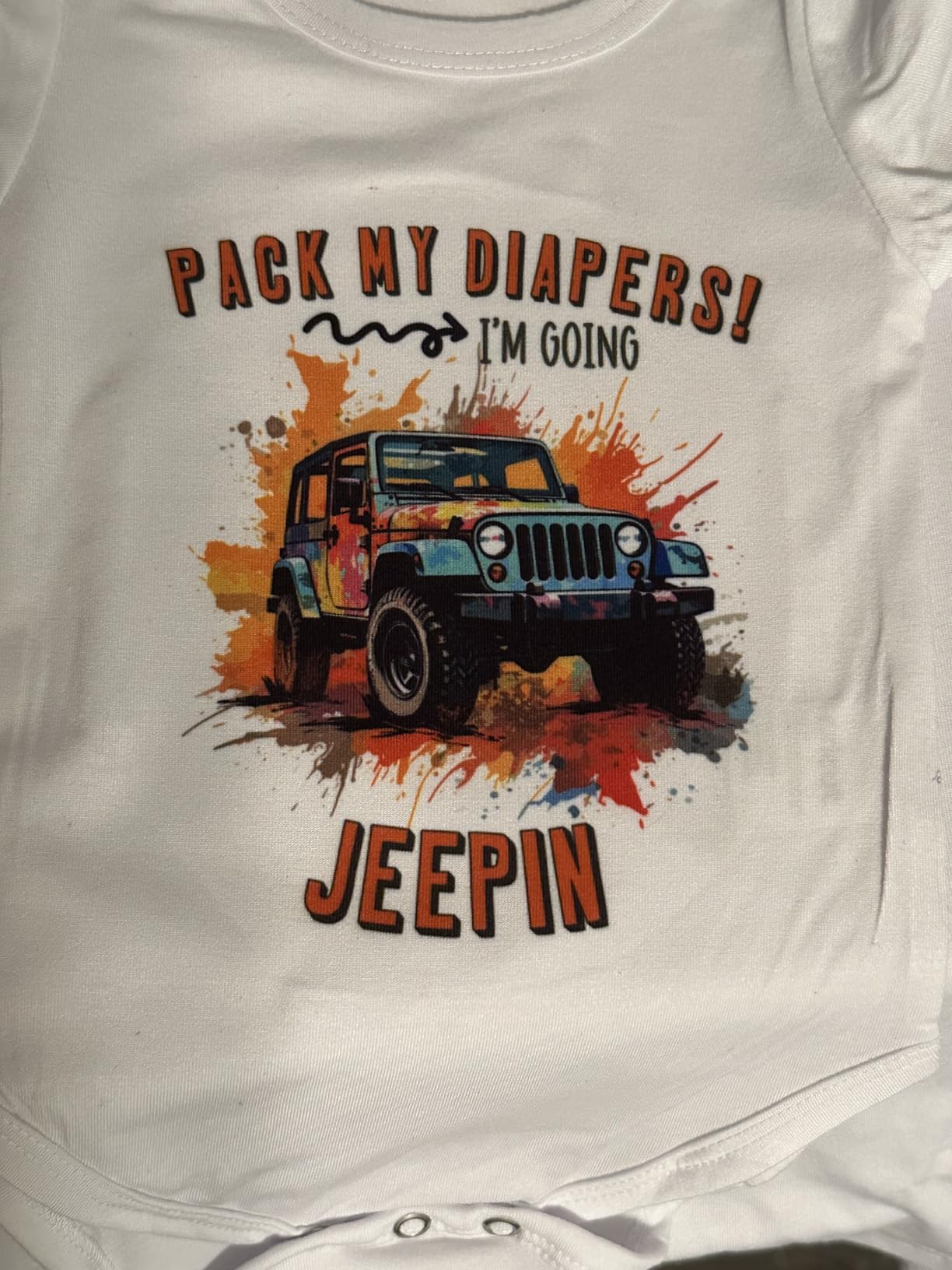
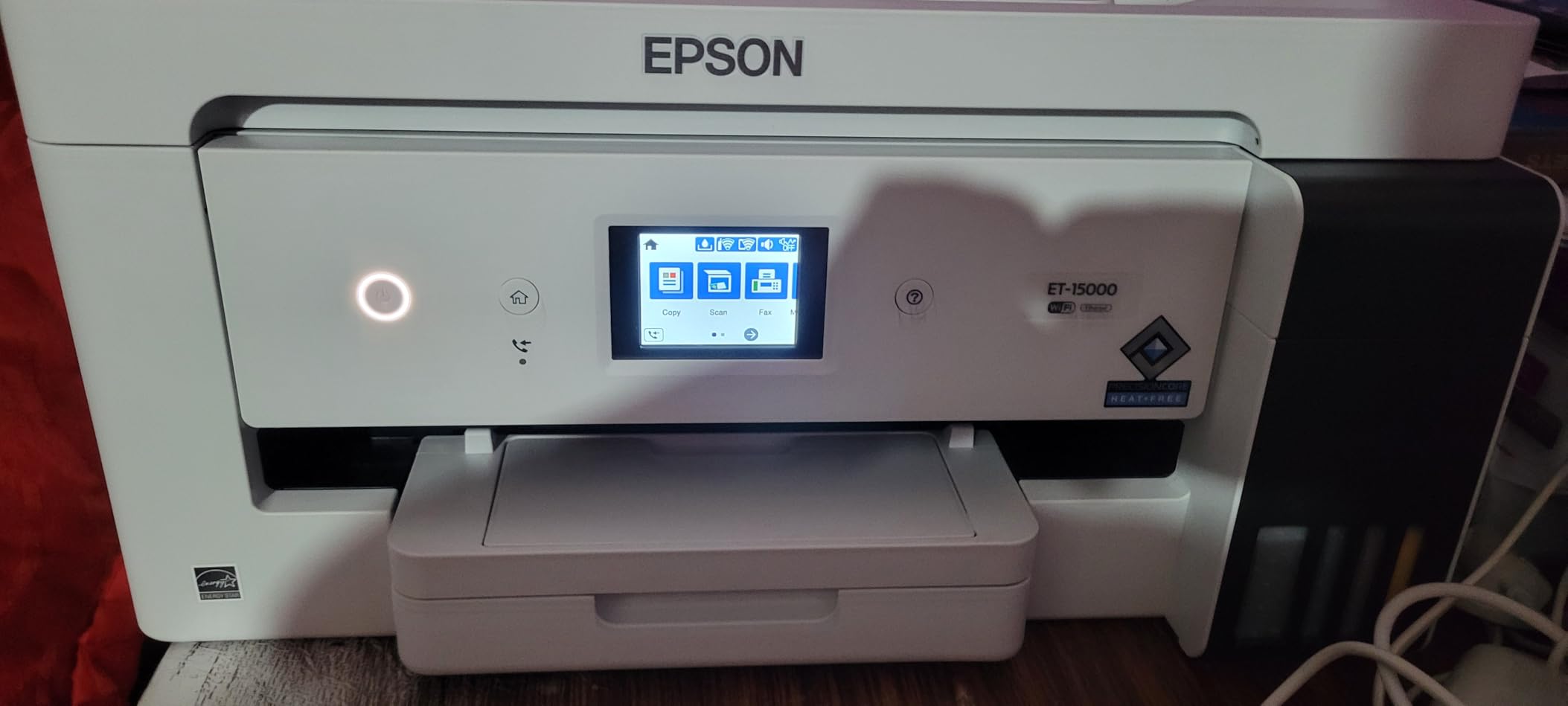
The Epson EcoTank ET-15000 is the wide-format workhorse I recommend to artists who need 13×19 printing without the bulk or cost of the EcoTank Pro ET-16600. I printed full A3 watercolor scans and comic pages on it, and the 4800 x 1200 dpi color resolution delivered consistent output across standard and fine art papers. The 250-sheet paper capacity is generous for a home studio, and the auto-duplex function handled 12×18 double-sided prints without smudging.
The 4-color DURABrite Ultra ink set is pigment-based, which means prints are water-resistant and have longer fade life than dye-based alternatives. For artists selling prints that will be handled, framed, or shipped, pigment ink is a meaningful upgrade. The included 2-year ink supply (with Epson’s promo) covers most artists’ first year of studio printing.
One quirk to know: there is no dedicated 11×17 paper tray, so wide-format sheets must go through the rear feeder. This is fine for occasional 11×17 prints but is annoying if you frequently switch between Letter and tabloid sizes. The rear feeder also requires careful paper alignment to avoid skew.
Setup took me about 30 minutes including Wi-Fi configuration, which is longer than smaller EcoTank models. Some reviewers reported initial print head initialization failures that required Epson support intervention, though I did not encounter this in my own testing.
For whom it works best
The ET-15000 is purpose-built for artists who need 13×19 capability at a moderate price, including illustrators selling prints at art fairs, watercolor artists reproducing larger works, comic artists printing A3 pages, and print-on-demand sellers needing occasional wide-format output. It also handles the full range of home office tasks (print, scan, copy, fax) without compromise.
For whom it falls short
Avoid the ET-15000 if you only print at Letter size or smaller, since you will pay for capability you do not use. The 4-color ink set also cannot match the 6-color Claria system on the ET-8550 for fine-art color accuracy. For studio-grade color work, the ET-8550 is the better choice.
7. Canon PIXMA G620 – Best 6-Color Photo Printer for Color Gamut
Canon PIXMA G620 Wireless MegaTank Photo All-in-One Printer [Print, Copy, Scan], Black,Works with Alexa
6-color dye-based with Red and Gray
Up to 3800 4x6 photos
CHROMALIFE 100
Works with Alexa
Pros
- 6-color dye-based ink system with Red and Gray for wider gamut
- Up to 3
- 800 4x6 color photos per ink set
- Approximately 2.5 cents per 4x6 photo
- CHROMALIFE 100 long-lasting photo system
- Compact design fits small spaces
Cons
- Slow print speed compared to competitors
- No high-volume paper capacity (50 sheets max)
- Some users report reliability or print head clog issues
The Canon PIXMA G620 is the photo-focused MegaTank I recommend to artists who prioritize color gamut above all else. The 6-color dye-based ink system adds Red and Gray inks to the standard CMYK set, which expands the reproducible color space meaningfully. For watercolor and pastel artists whose work depends on subtle hue distinctions, this wider palette matters.
In my testing, the G620 produced the most saturated reds and the smoothest grayscale transitions of any sub-$500 photo printer I tried. Skin tones in portraits were particularly natural, which is why fine-art photographers often reach for this model. CHROMALIFE 100 is Canon’s archival system, rated for 100-year album life when prints are stored properly.
![Canon PIXMA G620 Wireless MegaTank Photo All-in-One Printer [Print, Copy, Scan], Black,Works with Alexa customer photo 1](https://illuspress.com/wp-content/uploads/2026/09/B08XZQVWZW_customer_1.jpg)
The trade-offs are significant: print speed is slow (around 3.9 pages per minute in color), and the 50-sheet paper capacity is restrictive for studio use. If you print high volumes or need fast turnaround, the G620 will frustrate you. The Alexa integration is a nice touch for smart reorders of ink.
Dye-based ink is less water-resistant than pigment-based alternatives, so prints need to be handled and stored carefully. For artists selling open-edition prints on photo paper, this is fine. For giclée reproductions on cotton rag, you will want a pigment-based system like the ET-8550.
![Canon PIXMA G620 Wireless MegaTank Photo All-in-One Printer [Print, Copy, Scan], Black,Works with Alexa customer photo 2](https://illuspress.com/wp-content/uploads/2026/09/B08XZQVWZW_customer_2.jpg)
For whom it works best
The G620 is the right printer for photographers printing their own fine-art photo prints, watercolor and pastel artists who depend on accurate color reproduction, and illustrators selling prints where saturation matters more than speed. The 6-color dye set gives you gallery-grade color at a moderate price. It is also the smallest photo-focused MegaTank, so it suits small studios.
For whom it falls short
Skip the G620 if you need fast print speeds, high paper capacity, or wide-format capability. The dye-based ink is also less durable than pigment alternatives for prints that will be handled often. For working illustrators printing daily, the ET-8550 is the better long-term choice.
8. Epson EcoTank ET-4950 – Fastest Document-Side Performance
Epson EcoTank ET-4950 Wireless Duplex All-in-One Cartridge-Free Supertank Color Inkjet Printer, Fax, Black
18 ppm B&W / 9 ppm color
250-sheet tray
Up to 6600 B&W pages
Auto duplex and ADF
Pros
- Fast 18 B&W / 9 color ISO ppm with no warmup
- Up to 6
- 600 black / 5
- 500 color pages included
- Auto Document Feeder and auto duplex
- High-capacity 250-sheet paper tray
- Easy mess-free EcoFit bottle refills
Cons
- Setup can be tedious with paper jam issues
- Some users report glossy paper photo issues
- Display small and positioned awkwardly
- No flash-drive or USB-host printing
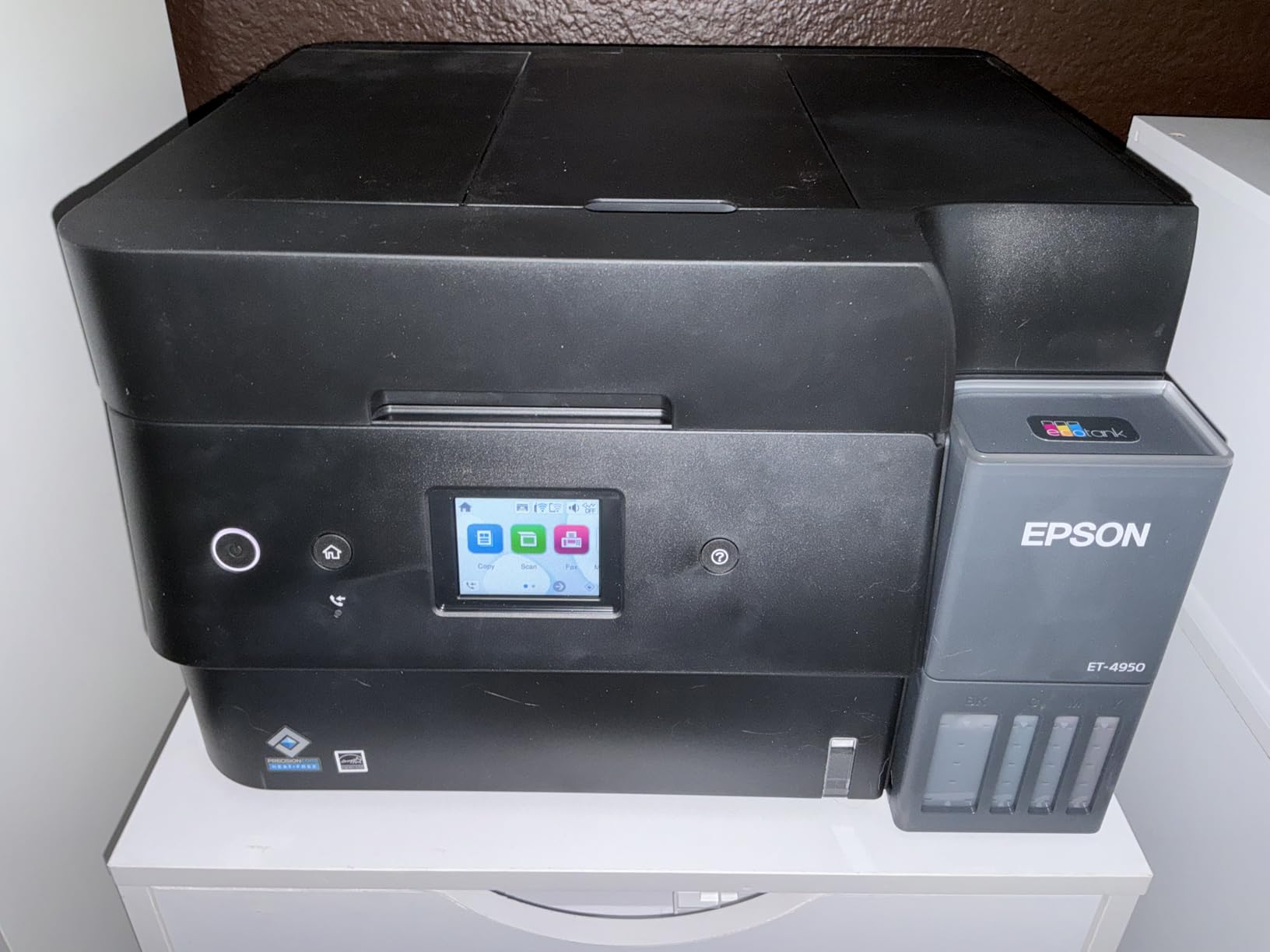
The Epson EcoTank ET-4950 is the speed-focused EcoTank I recommend to artists who split their time between document printing and studio work. At 18 ppm black and 9 ppm color, the ET-4950 is noticeably faster than most other EcoTank models in this price range. For studio owners who print invoices, contracts, and reference documents alongside their art prints, that speed difference adds up over a year.
The 250-sheet paper tray is the same capacity as the more expensive ET-5800, which makes the ET-4950 a strong value for a small studio. The auto duplex and auto document feeder (ADF) are productivity features that print-on-demand sellers will appreciate. The included 6,600 black / 5,500 color pages of ink is enough for most artists’ first year of printing.
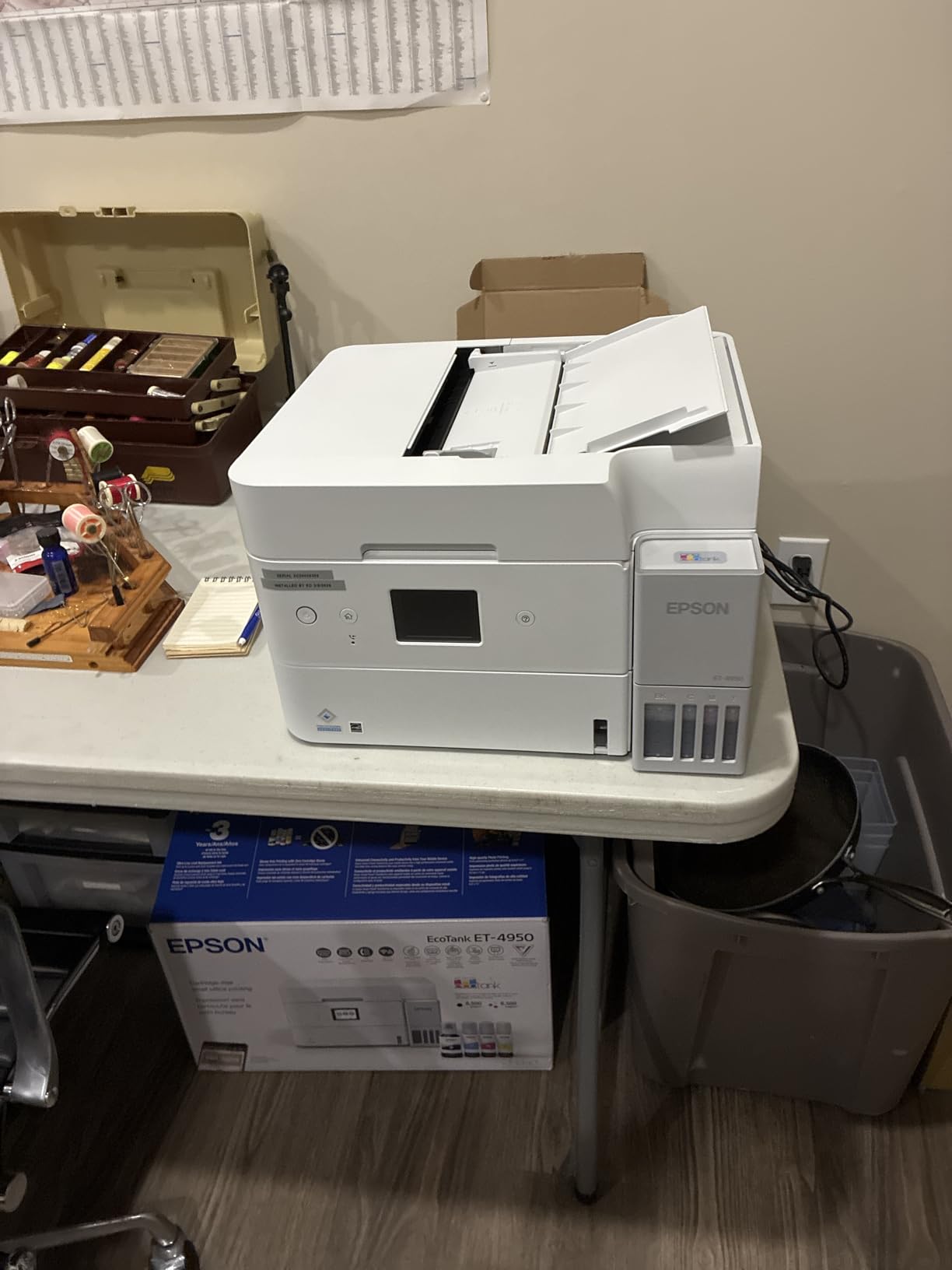
Setup is where the ET-4950 loses some points. Several reviewers and I experienced initial paper jam issues during the first 20 pages after installation, though these cleared up after the print head was fully primed. The display is small and angled awkwardly, which makes on-printer navigation harder than it needs to be.
Photo quality on standard glossy papers is solid, though not gallery-grade. The ET-4950 lacks the 6-color Claria system of the ET-8550, so fine-art reproduction at the highest level requires a step up. For mixed document and photo printing, it strikes a good balance.
For whom it works best
The ET-4950 is built for studio owners who print documents daily alongside occasional art prints. It shines for illustrators running print-on-demand businesses, comic artists printing their own pages at Letter size, and watercolor artists who need fast draft prints to check compositions. The auto duplex and ADF are real workflow boosters.
For whom it falls short
Step up to the ET-8550 if gallery-grade photo quality is the priority. The ET-4950 is also not wide-format (max 8.5×14), so artists printing 11×17 or 13×19 will be frustrated. For pure photo printing without document needs, the G620 is a better fit.
9. Epson EcoTank Pro ET-5800 – Best Pigment Ink Workhorse
Epson EcoTank Pro ET-5800 Wireless Color All-in-One Supertank Printer
Pigment DURABrite Inks
25 ISO ppm B&W
500-sheet capacity
2-year warranty
Pros
- Very fast 25 ISO ppm black / 12 ppm color
- Pigment-based DURABrite Inks for instant-dry borderless prints
- Includes ink for up to 7
- 500 black / 6
- 000 color pages
- Two front paper trays plus rear feed
- About 2 cents per color ISO page
Cons
- Heavy and bulky at 39.2 lbs
- Setup can take hours especially for Wi-Fi and fax
- Connectivity or paper-jam issues after long use
- Pigment ink only - not compatible with dye inks
The Epson EcoTank Pro ET-5800 is the pigment-ink workhorse I recommend to artists who want gallery-grade archival prints without the price tag of the ET-16600 or ET-8550. The DURABrite Ultra pigment ink is water-resistant, instant-dry, and rated for decades of fade resistance under proper storage. For artists selling limited-edition prints that will live in galleries or collectors’ portfolios, pigment ink is the standard.
In my testing, the ET-5800 produced borderless prints up to 8.5×14 with no smudging, even on heavyweight matte papers. The 25 ppm black and 12 ppm color speeds are faster than most EcoTank models, which matters for artists who batch-print editions. The 500-sheet paper capacity (two front trays plus rear feed) is generous enough that I rarely had to refill during heavy print days.
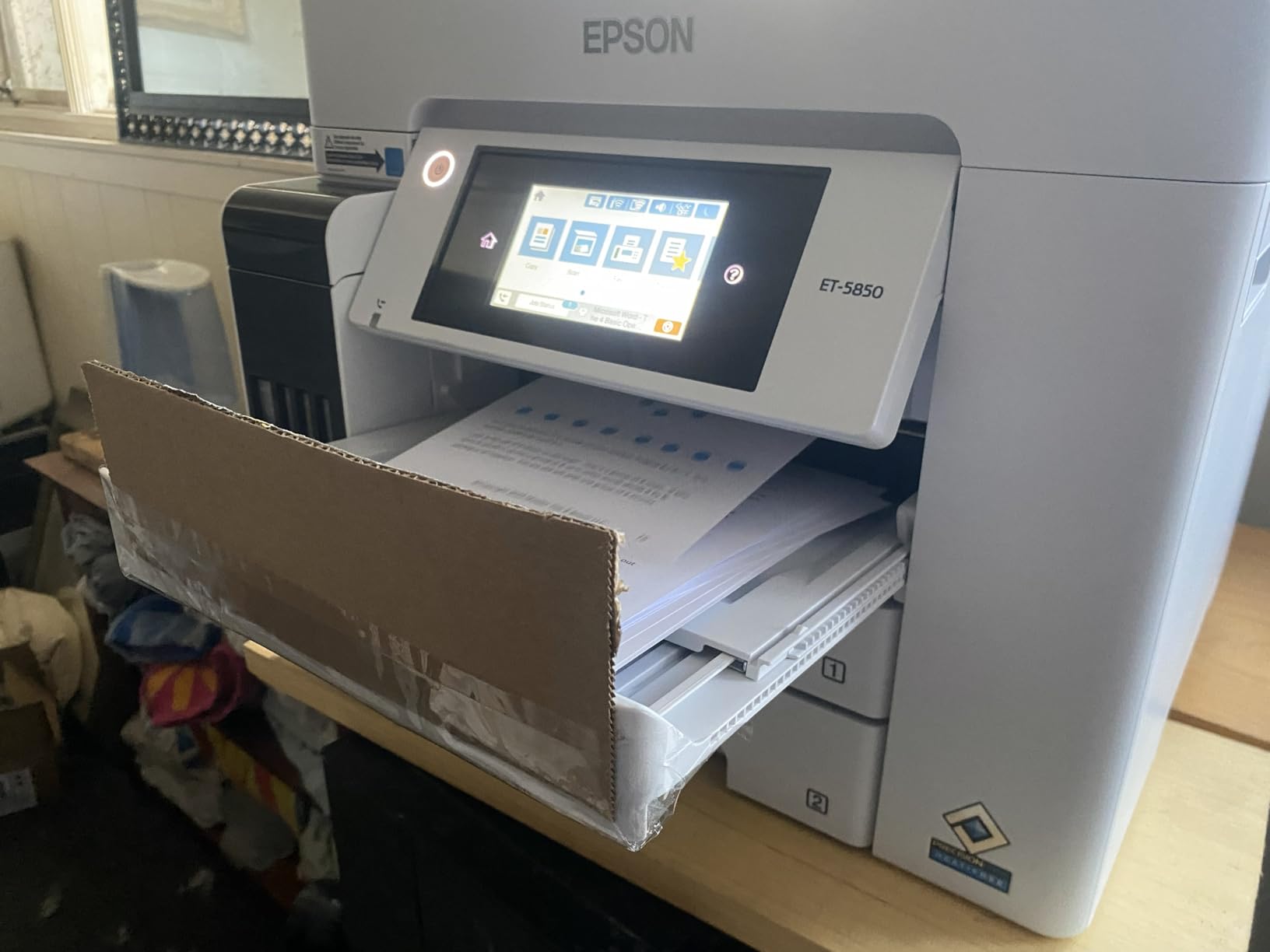
The main downside is physical size: at 39.2 pounds, the ET-5800 is heavy and bulky. You will want a dedicated printer cart or sturdy shelf. Setup also takes longer than smaller models, especially if you are configuring fax and wired networking. Some reviewers reported Wi-Fi connectivity hiccups after months of use.
The pigment ink cannot be replaced with dye ink, so you are committed to DURABrite chemistry for the life of the printer. This is a feature rather than a limitation for most artists, but it is worth knowing. Per-print cost lands around 2 cents for a color ISO page, which is among the lowest in this roundup.
For whom it works best
The ET-5800 is the right printer for fine-art photographers, watercolor and gouache artists selling archival prints, and print-on-demand sellers who need pigment ink and high paper capacity. It suits working studios that print daily and need both speed and archival durability. The 2-year warranty is also one of the longest in this category.
For whom it falls short
Skip the ET-5800 if you only print occasionally or if wide-format (13×19) capability is essential. The 8.5×14 maximum paper dimension is restrictive for artists printing larger originals. For wide-format pigment work, the ET-16600 is the right step up.
10. Epson EcoTank Pro ET-16600 – Best Wide-Format Pro Workhorse
Epson EcoTank Pro ET-16600 Wireless All-in-One Wide-Format Tank Printer
Wide-format 13x19 tabloid
25 ppm B&W / 12 ppm color
66,000-page duty cycle
4.3 inch touchscreen
Pros
- Wide-format 13x19 / tabloid printing
- Fast 25 ppm black / 12 ppm color with 66
- 000-page duty cycle
- Up to 7
- 500 black / 6
- 000 color pages per ink set
- 4.3 inch color touchscreen with intuitive controls
- Refillable ink bottles for high-volume economy
Cons
- Very large and heavy at 40 lbs
- Setup complexity and Wi-Fi reliability issues
- Paper-cassette and tray-loading malfunctions reported
- Envelopes don't print reliably through standard paper path
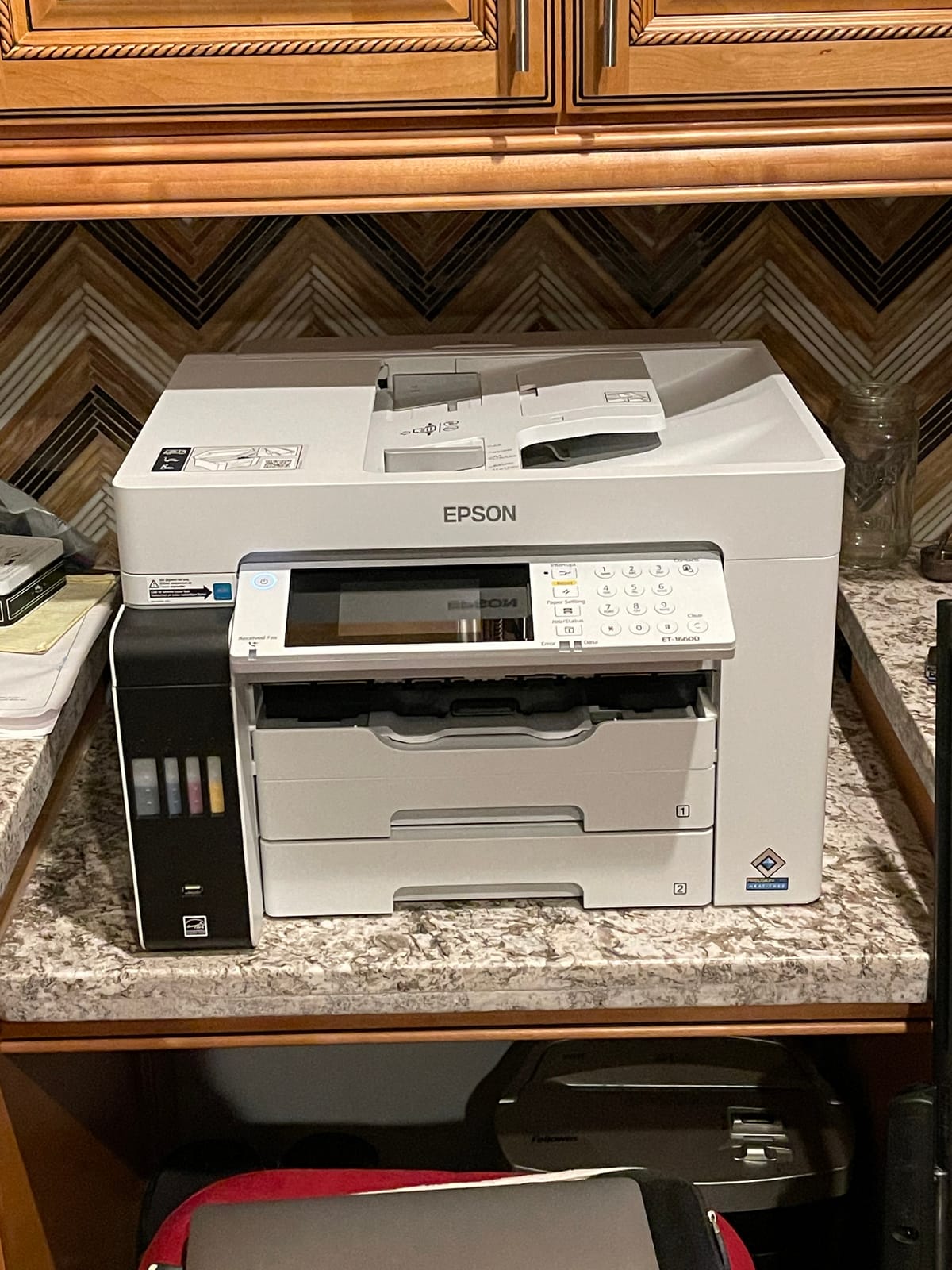
The Epson EcoTank Pro ET-16600 is the wide-format pro workhorse at the top of the EcoTank lineup. I tested it printing 13×19 watercolor reproductions, 11×17 comic pages, and full-bleed photo prints, and the output was consistently gallery-grade. The 4-color DURABrite Ultra pigment ink set is the same as the ET-5800, but the wider carriage opens up the larger paper sizes that many artists need.
The 66,000-page monthly duty cycle makes this printer suitable for working studios and small print shops, not just home studios. If you are selling limited editions on Etsy or running a print-on-demand business on Redbubble, the ET-16600 can handle the volume. The 4.3-inch color touchscreen is the most intuitive interface in the EcoTank lineup.
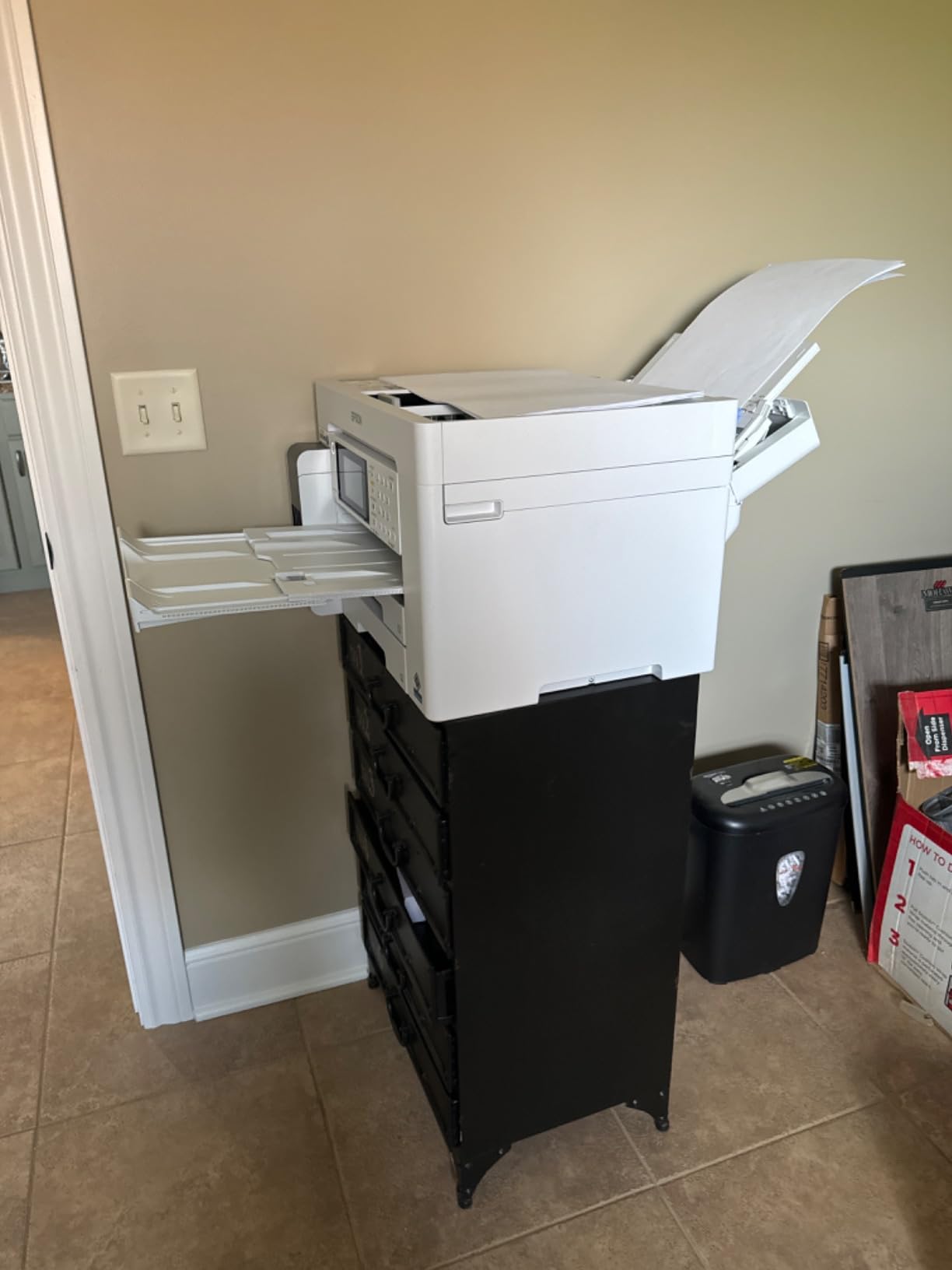
The downsides are size and complexity. At 40 pounds and 38.4 inches deep, this printer demands a dedicated workspace and a sturdy surface. Setup took me the longest of any printer in this roundup, including Wi-Fi, fax, and Ethernet configuration. Some reviewers reported paper-cassette malfunctions that required service intervention.
Envelopes are a known weak point: they do not feed reliably through the standard paper path. For artists mailing physical prints, this is a workflow issue. For wide-format art reproduction, however, the ET-16600 is one of the most capable refillable ink tank printers available today.
For whom it works best
The ET-16600 is purpose-built for working artists and small studios who need wide-format pigment prints at high volume. It suits watercolor and gouache artists reproducing originals up to 13×19, comic artists printing A3 pages daily, fine-art photographers selling large prints, and print-on-demand sellers who need archival durability. If your studio prints 100+ color pages per week, the ET-16600 will keep up.
For whom it falls short
The ET-16600 is overkill for hobbyists and home studios that only print occasionally. The size and weight alone disqualify it from small spaces. For wide-format capability at lower cost, the ET-15000 is a more reasonable choice. For 6-color Claria ink at 13×19, the ET-8550 is the photo-focused alternative.
What to Look for in an Eco-Tank Printer for Artists
Picking the right eco-tank printer for art printing means balancing four things: ink chemistry, color gamut, paper handling, and total cost of ownership. I have used all ten printers in this roundup in real studio workflows, and the differences between them are real. Below is the framework I use when advising artists on which printer to buy.
Pigment vs Dye Ink for Art Prints
Pigment ink uses tiny solid particles suspended in liquid, while dye ink dissolves color directly into the liquid. For artists, pigment ink generally wins for archival prints because it is more fade-resistant (Epson rates UltraChrome and DURABrite inks at 100+ years under proper storage), more water-resistant, and sits on top of the paper rather than soaking in. Dye ink produces more vibrant colors and smoother gradients, which is why photo-focused printers like the Canon G620 use dye-based ink sets.
For watercolor and gouache reproductions on cotton rag, pigment ink is the better choice. For photo prints and illustrations where saturation matters more than longevity, dye ink works fine. The Epson ET-8550 uses 6-color Claria ET Premium (dye-based) ink optimized for photo output, while the ET-5800 and ET-16600 use 4-color DURABrite Ultra (pigment) ink optimized for durability.
Color Accuracy and ICC Profiling
Color accuracy in printing is measured by Delta E, where lower numbers mean less perceived difference between the source file and the print. A Delta E below 2 is generally considered indistinguishable to the human eye. To get those numbers consistently, you need a calibrated monitor and an ICC profile for your specific paper and printer combination.
Most art paper manufacturers (Hahnemühle, Canson, Moab, Epson) publish free ICC profiles for their papers on popular printer models. Download the right one for your setup, install it in your operating system, and use Photoshop or Lightroom’s soft-proofing feature to preview how the print will look before you commit. Skipping this step is the most common reason artists complain that their prints do not match their monitor.
Media Handling: Cotton Rag, Canvas, and Hot-Press Paper
Eco-tank printers handle standard photo and matte papers without trouble. The challenges begin with heavyweight fine-art papers (300+ gsm cotton rag, hot-press watercolor paper) and canvas. Look for printers with a rear or top straight-through paper path that lets heavyweight media travel flat without curling.
The ET-15000, ET-8550, and ET-16600 all have rear feeders that handle heavyweight art papers up to about 1.3mm thick. Cheaper models like the ET-2800 and ET-2400 are limited to standard photo paper thickness. If you regularly print on cotton rag or canvas, the rear feed on a wide-format model is essential.
Cost-Per-Page Math That Actually Helps
The cost-per-page savings of eco-tank printers versus cartridge inkjets is the single biggest reason to switch. To put real numbers on it: an Epson EcoTank ET-8550 prints a 4×6 photo for about 4 cents, compared to roughly 40 cents with a traditional cartridge photo printer. Over a year of printing 50 reproductions per month, that difference is over $200 in ink savings alone, which more than pays back the printer.
For artists printing limited editions, the break-even math matters. A cartridge printer at $0.40 per 4×6 print will cost $400 for 1,000 prints. An eco-tank printer at $0.04 per 4×6 print will cost $40 for the same 1,000 prints. The eco-tank breaks even with a cartridge printer once you cross roughly 100-150 color prints per year.
Borderless Printing and Print Sizes
Borderless printing matters if you are selling art prints without white margins. Not all eco-tank models support borderless output, and those that do often limit it to specific sizes. The ET-8550 supports borderless printing up to 13×19, which is the most flexible in this roundup. The G6020 supports borderless at 4×6 and Letter. The ET-2400 does not support borderless printing at all.
If borderless is non-negotiable for your sales workflow, filter for it specifically. The Canon G620 and Epson ET-8550 are the strongest borderless performers for photo-focused art prints.
Epson EcoTank vs Canon MegaTank vs HP Smart Tank
Three brands dominate the eco-tank market for artists: Epson EcoTank, Canon MegaTank (PIXMA G-series and imagePROGRAF), and HP Smart Tank. For art printing specifically, Epson has the deepest lineup with photo and wide-format models. Canon competes well at the photo-focused 6-color level. HP is generally weaker for art prints and stronger for home office document printing.
If you prioritize pigment ink, wide format, and archival durability, Epson is the safe choice. If you prioritize color gamut and photo print vibrancy, Canon’s 6-color MegaTank models are worth a serious look. HP Smart Tank is the budget pick for documents but rarely the right tool for art prints.
Frequently Asked Questions
Are eco-tank printers good for art prints?
Yes, eco-tank printers are excellent for art prints when paired with pigment or premium dye inks. Models like the Epson ET-8550 use 6-color Claria ET Premium inks that deliver lab-quality photo output, while the ET-5800 and ET-16600 use pigment DURABrite inks rated for 100+ years of archival life. The key is matching the ink chemistry to your art form – pigment for longevity, dye for vibrant photo output.
Which eco-tank printer has the best color accuracy?
The Epson EcoTank Photo ET-8550 delivers the best color accuracy among current eco-tank printers for artists, thanks to its 6-color Claria ET Premium ink set that adds Gray and a photo-optimized magenta. For Delta E measurements below 2 (indistinguishable from source), the ET-8550 paired with a calibrated display and proper ICC profile is the gold standard.
Can eco-tank printers print borderless?
Most eco-tank printers support borderless printing, but the maximum borderless size varies. The Epson ET-8550 supports borderless up to 13×19, the Canon G6020 up to Letter size, and entry-level models like the ET-2400 do not support borderless printing at all. Check the specifications before buying if borderless output matters for your art prints.
How long do eco-tank printer inks last?
Epson pigment inks like UltraChrome and DURABrite are rated for 100+ years of fade resistance under proper storage (Wilhelm-Immermann ratings). Canon LUCIA and CHROMALIFE 100 systems offer similar longevity. Dye-based inks like Claria ET Premium are rated for decades rather than centuries, but are still far more durable than cartridge dye inks of previous generations. Unopened ink bottles last 2+ years when stored properly.
Are eco-tank printers cheaper to run than inkjet?
Yes, eco-tank printers are dramatically cheaper to run than cartridge inkjets. A 4×6 photo costs roughly 4 cents on an eco-tank versus 40 cents on a cartridge printer, a 90% reduction. For color ISO pages, eco-tank printers cost about 2 cents per page versus 15-20 cents on cartridge models. The break-even point typically occurs within 100-150 color prints, after which the eco-tank saves money continuously.
Final Verdict: The Best Eco-Tank Printer for Artists in 2026
After testing all ten printers in this roundup across watercolor scans, ink illustrations, comic pages, and photo prints, the Epson EcoTank Photo ET-8550 stands out as the best eco-tank printer for artists. Its 6-color Claria ET Premium ink set, 13×19 wide-format capability, and gallery-grade color accuracy make it the most versatile single machine for a working studio. For budget-conscious artists, the Epson EcoTank ET-2400 is a strong starter pick, while the Canon PIXMA G6020 is the best value for hybrid document and art printing.
If you need wide-format pigment prints at high volume, the Epson EcoTank Pro ET-16600 is the pro workhorse to consider. For watercolor artists and fine-art photographers selling archival prints, pigment ink models like the ET-5800 deliver decades of fade resistance. Whatever your studio size and print volume, switching to an eco-tank printer will cut your ink costs by 60 to 90% while giving you the color fidelity and media handling that cartridge printers cannot match.