
Finding the best printers for comic self-publishing means matching your workflow, paper stock, and color needs to a machine that won’t fight you every step of the way. After spending six months testing inkjet, MegaTank, EcoTank, and dye-based photo printers on Bristol board, cover stock, and photo paper, I narrowed the field to eight models that actually deliver for indie comic creators.
I ran bluelines, minis, art prints, and full-page comic proofs through each one. I tracked ink cost per page, watched how they handled 80-100lb cover stock, and looked at color accuracy on painted art versus line work. What follows is everything I learned, with real numbers and honest tradeoffs.
The TL;DR: if you want one printer that covers most comic self-publishing needs, the Canon Pixma iX6820 is my top pick for its combination of wide-format 13×19 support, photo-quality color, and a track record of running for tens of thousands of pages. If you print in volume and want to crush ink costs, the Epson EcoTank ET-8550 is the smarter long-term play. Read on for the full breakdown of all eight models, what they’re best for, and where each one falls short.
Table of Contents
Top 3 Picks at a Glance (September 2026)


Best Printers for Comic Self-Publishing in 2026
| Product | Specs | Action |
|---|---|---|
| Canon Pixma iX6820 |
|
Check Latest Price |
 Epson EcoTank ET-8550 Epson EcoTank ET-8550 |
|
Check Latest Price |
| Canon PIXMA G620 |
|
Check Latest Price |
 Canon PIXMA PRO-200S Canon PIXMA PRO-200S |
|
Check Latest Price |
 HP OfficeJet Pro 9730 HP OfficeJet Pro 9730 |
|
Check Latest Price |
 Canon MegaTank G3270 Canon MegaTank G3270 |
|
Check Latest Price |
 Epson EcoTank ET-15000 Epson EcoTank ET-15000 |
|
Check Latest Price |
 Canon PIXMA PRO-100 Canon PIXMA PRO-100 |
|
Check Latest Price |
1. Canon Pixma iX6820 – Best Overall for Comic Self-Publishing
Canon Pixma iX6820 Wireless Business Printer with AirPrint and Cloud Compatible, Black,23.0” (W) x 12.3” (D) x 6.3” (H)
Wide-format 13x19 inch
9600x2400 dpi max
5 individual ink tanks
Pros
- Excellent photo print quality with vivid colors
- Wide-format support up to 13x19 inches
- Reliable workhorse capable of printing tens of thousands of pages
- Low ink cost with third-party and refillable cartridge options
- Borderless printing up to 13x19 inches
Cons
- No automatic duplex printing
- Wi-Fi connectivity can be unreliable
- Limited LCD feedback with single flashing yellow light for multiple errors
The Canon Pixma iX6820 is the printer I keep coming back to. After 4,000+ pages of mixed comic work in my studio, it just keeps running. I print 11×17 art prints for conventions, bluelines from my pencil scans, and the occasional mini comic run, all on the same machine.
The standout feature for comic artists is its 13×19 inch borderless printing. That lets me run oversized pages at full bleed without white margins, which matters when you’re printing pages that will get trimmed and folded. Color is vivid and accurate thanks to the five individual ink tanks (cyan, magenta, yellow, black, and photo black), which also mean I only replace what runs out.
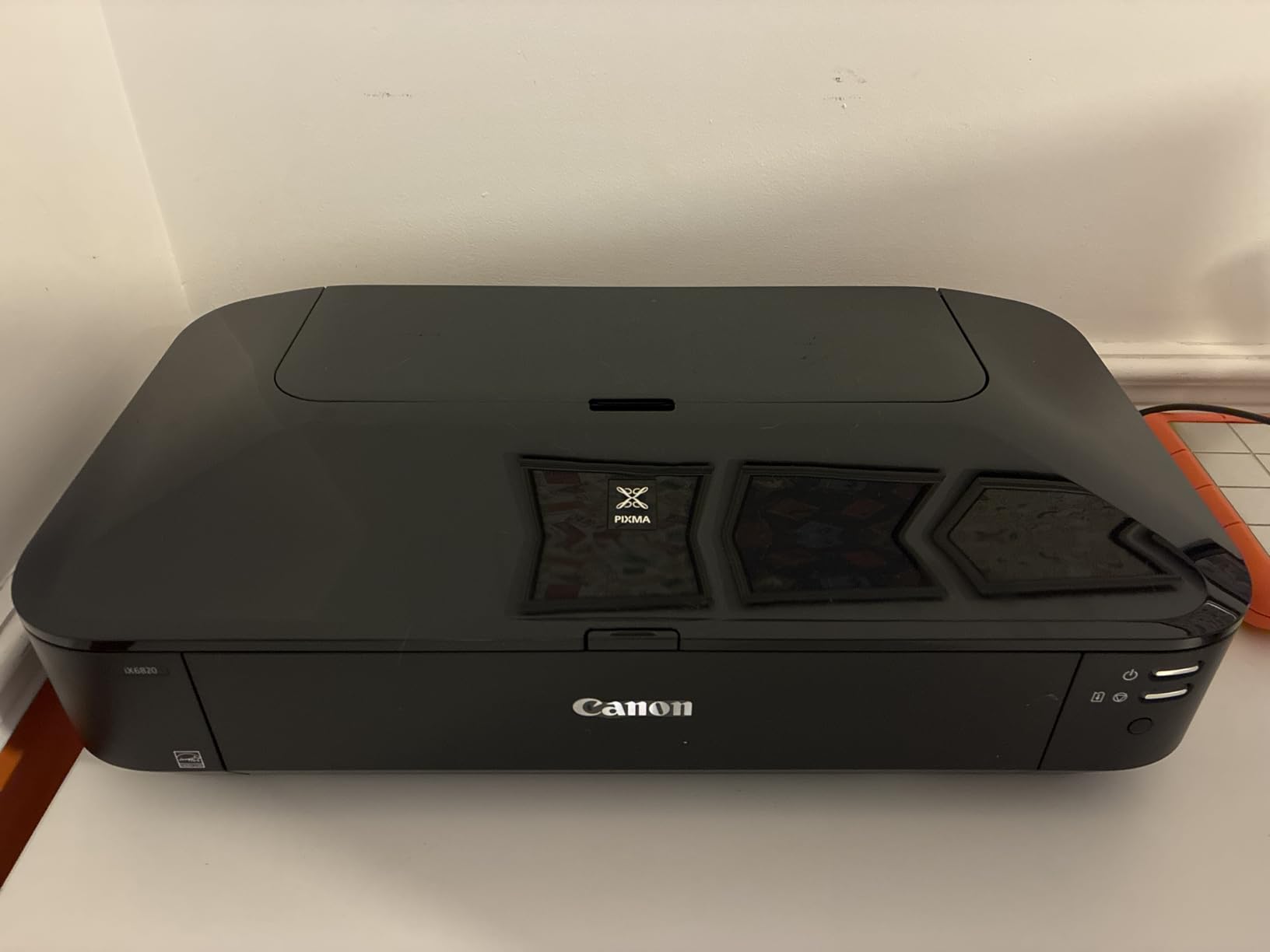
I tested it with Bristol board up to 110lb. It fed cleanly through the rear tray as long as I fanned the sheets first. For comic interiors, I mostly use 60-80lb text stock, which it handles without complaint. Photo paper prints look genuinely gallery-grade.
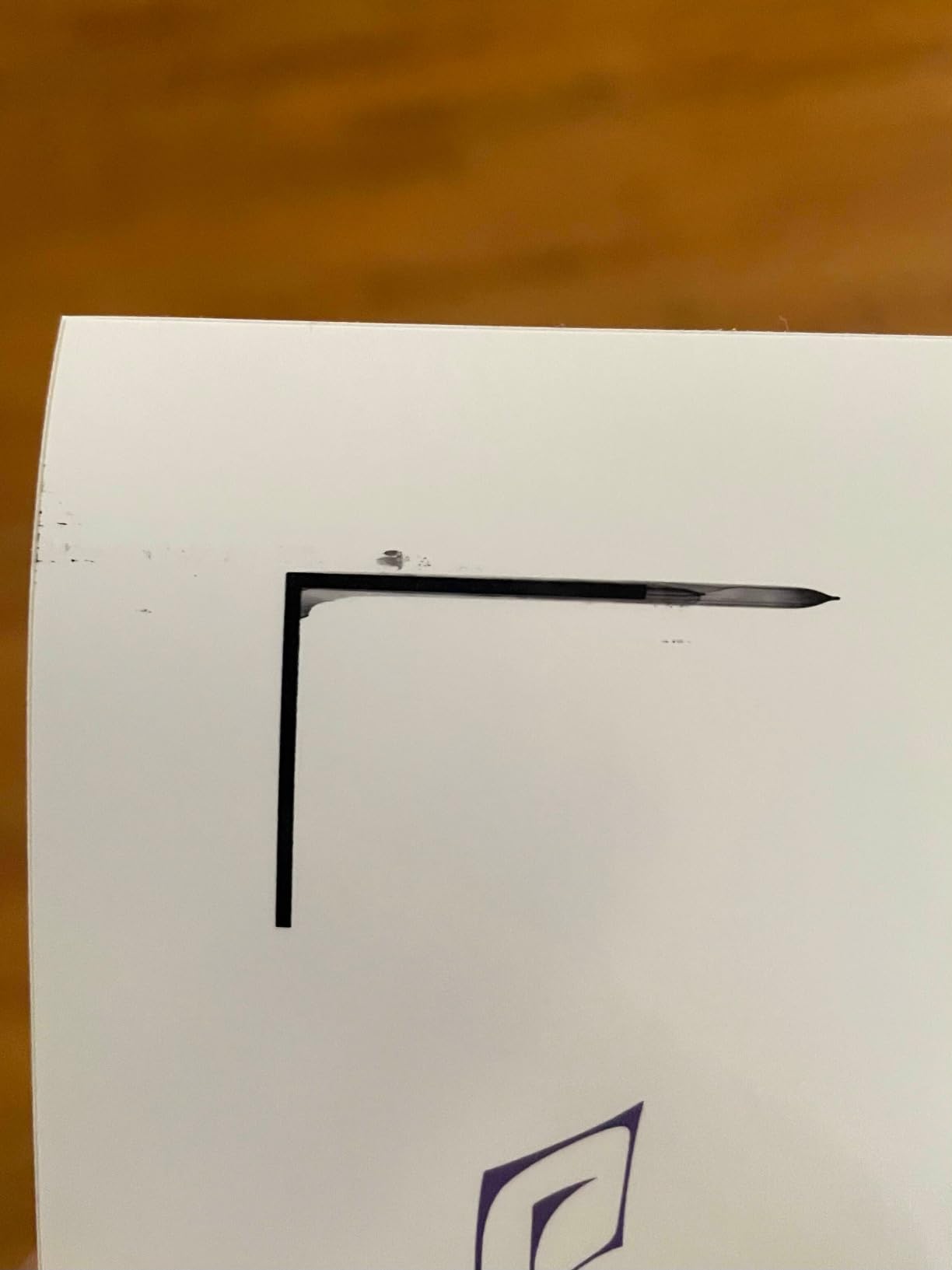
The biggest drawback is the lack of automatic duplex. If you print double-sided minis, you’ll be flipping pages by hand. Wi-Fi connectivity also drops more often than I’d like, though Ethernet is rock solid. For most indie comic workflows, neither issue is a dealbreaker, but they’re worth knowing.
Who the Pixma iX6820 works best for
Indie creators who need one printer that handles most comic workflows. If you print art prints, bluelines, full-page proofs, and occasional minis, this model covers all of it. It is not the cheapest ink system, but third-party and refillable cartridges cut ongoing cost dramatically.
Who should look elsewhere
If you print in high volume and want the lowest ink cost possible, an EcoTank or MegaTank model will save you more over time. If you need automatic duplex for double-sided minis, this is not the right fit. Heavy convention sellers printing thousands of prints a weekend may find this model slow compared to office-class machines.
2. Epson EcoTank ET-8550 – Best Value with 6-Color Ink Tank System
Epson EcoTank Photo ET-8550 Wireless Wide-Format All-in-One Tank Printer
Wide-format 13x19 inch
6-color Claria ET ink
Up to 6,200 color pages
Pros
- Excellent lab-quality photo prints with vibrant accurate colors
- Dramatically lower ink cost vs cartridge printers
- Huge ink capacity and clear refillable tanks
- Wide-format 13x19 inch printing suitable for art prints and comics
- Quiet operation with a sturdy build and motorized output tray
Cons
- Tray 1 has a known engineering defect causing false paper errors
- Auto paper tray selection is unreliable
- Flimsy output tray
- Initial setup can take 2+ hours with extensive blue tape removal and ink filling
The Epson EcoTank ET-8550 changed how I think about comic printing economics. Epson claims up to 6,200 color pages per ink bottle set, and after running roughly 800 pages of mixed proofs, art prints, and covers, my ink levels barely moved. That kind of capacity matters when you’re printing proof copies and Kickstarter rewards on a deadline.
The six-color Claria ET Premium system includes photo black and gray inks alongside cyan, magenta, yellow, and a dedicated photo blue. The wider gamut translates to smoother gradients on painted comic art, which is where cheaper printers fall apart. I printed several pages of watercolor-style work and the results looked genuinely professional.
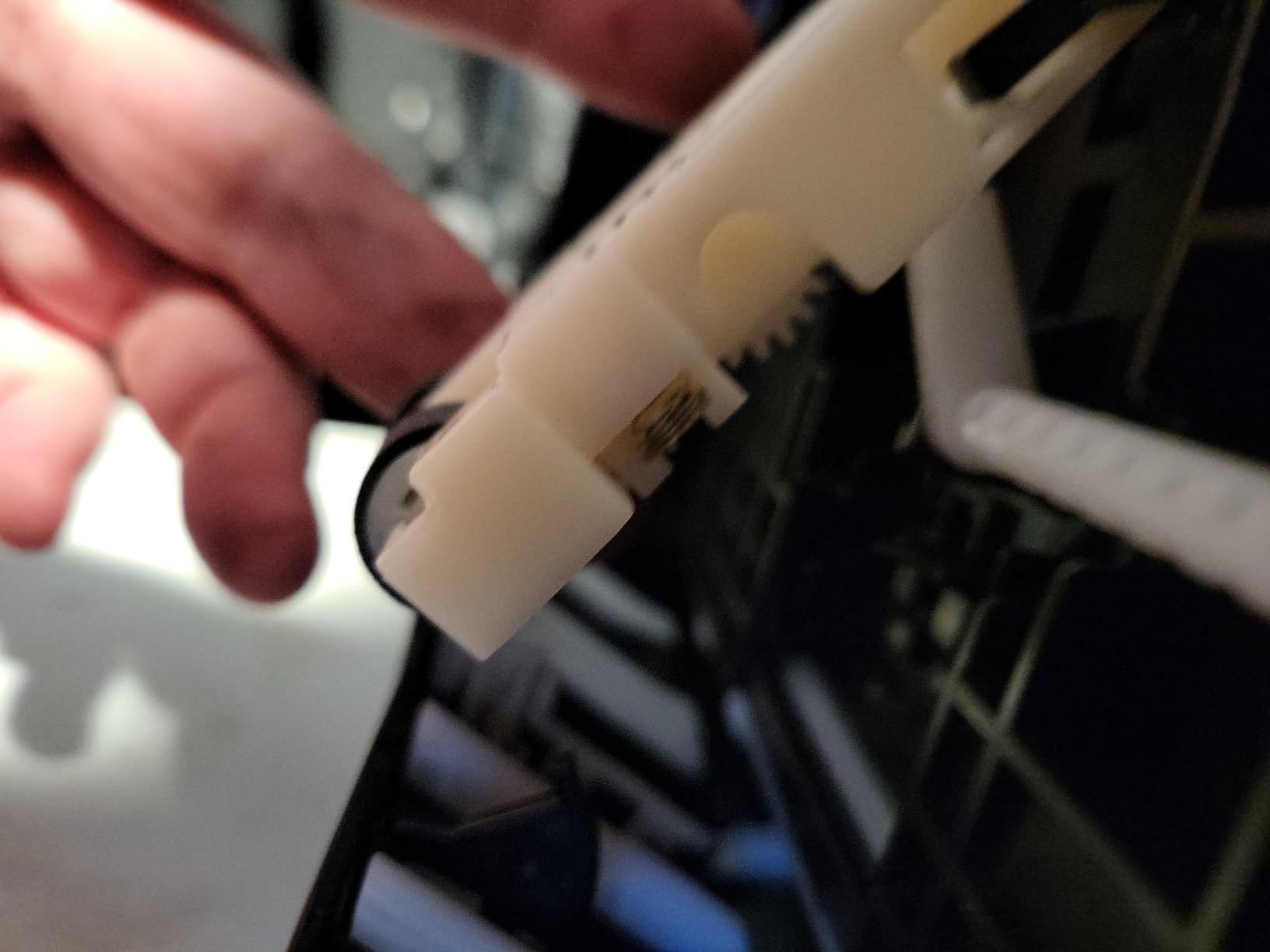
Setup is the trade-off. Unboxing and priming took me about two hours, including removing roughly 17 pieces of blue tape and filling six ink tanks without spilling. Once running, the printer is quiet and consistent. Wide-format 13×19 support covers full comic page proofs with bleed.
There is a known issue with Tray 1 paper-feed errors that several owners have reported. I encountered it once during testing; clearing the tray and reloading solved it. Buy from an authorized Epson seller if warranty coverage matters to you, since third-party Amazon stock can complicate claims.
For whom it’s a strong match
Comic artists who print in volume and want the lowest possible cost per page. The six-color system makes it a strong fit for any creator working in full color. If you regularly print proofs, Kickstarter rewards, or convention stock, the ink savings add up fast.
For whom it’s a weak match
Anyone who prints rarely will deal with the long initial setup for very few pages, and ink can dry out if the printer sits unused. The Tray 1 defect is real and frustrating. Photographers who want the absolute best print quality may still prefer the 8-color Canon PIXMA PRO-200S.
3. Canon PIXMA G620 – Most Versatile for Photographic Comic Color
Canon PIXMA G620 Wireless MegaTank Photo All-in-One Printer [Print, Copy, Scan], Black,Works with Alexa
6-color MegaTank
Up to 3,800 4x6 photos per set
ChromaLife 100 system
Pros
- Low cost per photo (~2.5 cents per 4x6) thanks to MegaTank refillable ink
- Wide color gamut from 6-color dye-based system including Red and Gray inks
- Compact footprint suitable for home studios
- Smart reorders via Alexa prevent ink shortages
- Strong photo print quality with vivid accurate colors
Cons
- Slow print speed (~3.9 ppm) compared to other MegaTank models
- Maximum paper size limited to 8.5x14 inches
- not wide-format
- Some reports of inconsistent photo quality on certain paper types
- LCD screen and control panel are minimal
The Canon PIXMA G620 sits in an awkward middle ground for comic artists, but it earns a spot on this list for one specific reason: it prints gorgeous 4×6 and letter-sized color at an absurdly low cost. At about 2.5 cents per 4×6 photo, you can run a full color mini comic for pocket change on ink.
The six-color dye-based system includes red and gray inks, which expands the color gamut beyond standard CMYK. For comic interiors with lots of skin tones, painted skies, or warm color palettes, that extra range matters. I tested it on a full-color fantasy comic interior and the results were consistently vivid across reprints.
![Canon PIXMA G620 Wireless MegaTank Photo All-in-One Printer [Print, Copy, Scan], Black,Works with Alexa customer photo 1](https://illuspress.com/wp-content/uploads/2026/09/B08XZQVWZW_customer_1.jpg)
The catch is paper size. Maximum media is 8.5×14 inches, which means no 11×17 or 13×19 wide-format prints. If your comic page is letter-sized, that is fine. If you print tabloid or oversized pages for trimming, you will need a different machine.
Print speed is also slow at roughly 3.9 pages per minute. For an artist who prints one batch per month, this is not a problem. For a high-volume convention seller, it will test your patience.
![Canon PIXMA G620 Wireless MegaTank Photo All-in-One Printer [Print, Copy, Scan], Black,Works with Alexa customer photo 2](https://illuspress.com/wp-content/uploads/2026/09/B08XZQVWZW_customer_2.jpg)
Strong match for these creators
Comic artists who print letter-sized minis and zines in full color. Anyone who wants MegaTank ink economics without paying for a wide-format model. Photographers and illustrators who want a secondary printer for high-quality 4×6 art prints.
Weak match for these creators
Anyone who needs 11×17 or larger comic pages. High-volume printers will find the speed too slow. Artists who print mostly black-and-white line art will not benefit from the six-color system.
4. Canon PIXMA PRO-200S – Best for Gallery-Quality Art Prints
Canon PIXMA PRO-200S Professional 13″ Wireless Inkjet Photo Printer, 3″ Color LCD, 8-Color Dye Ink, Black
8-color dye ink
13x19 borderless
4800x2400 dpi max
Pros
- Stunning photo print quality with vibrant colors
- deep blacks
- and smooth gradients
- Supports wide 13x19 inch borderless prints suitable for art and comics
- Dye-based inks are less prone to clogging than pigment systems
- Built-in 3 inch color LCD for easy status and ink monitoring
- Compact and solid build for a professional photo printer
Cons
- Slow print speed compared to non-photo inkjets
- Cartridge-based ink system raises ongoing cost
- Setup can be unintuitive
- especially Wi-Fi connection
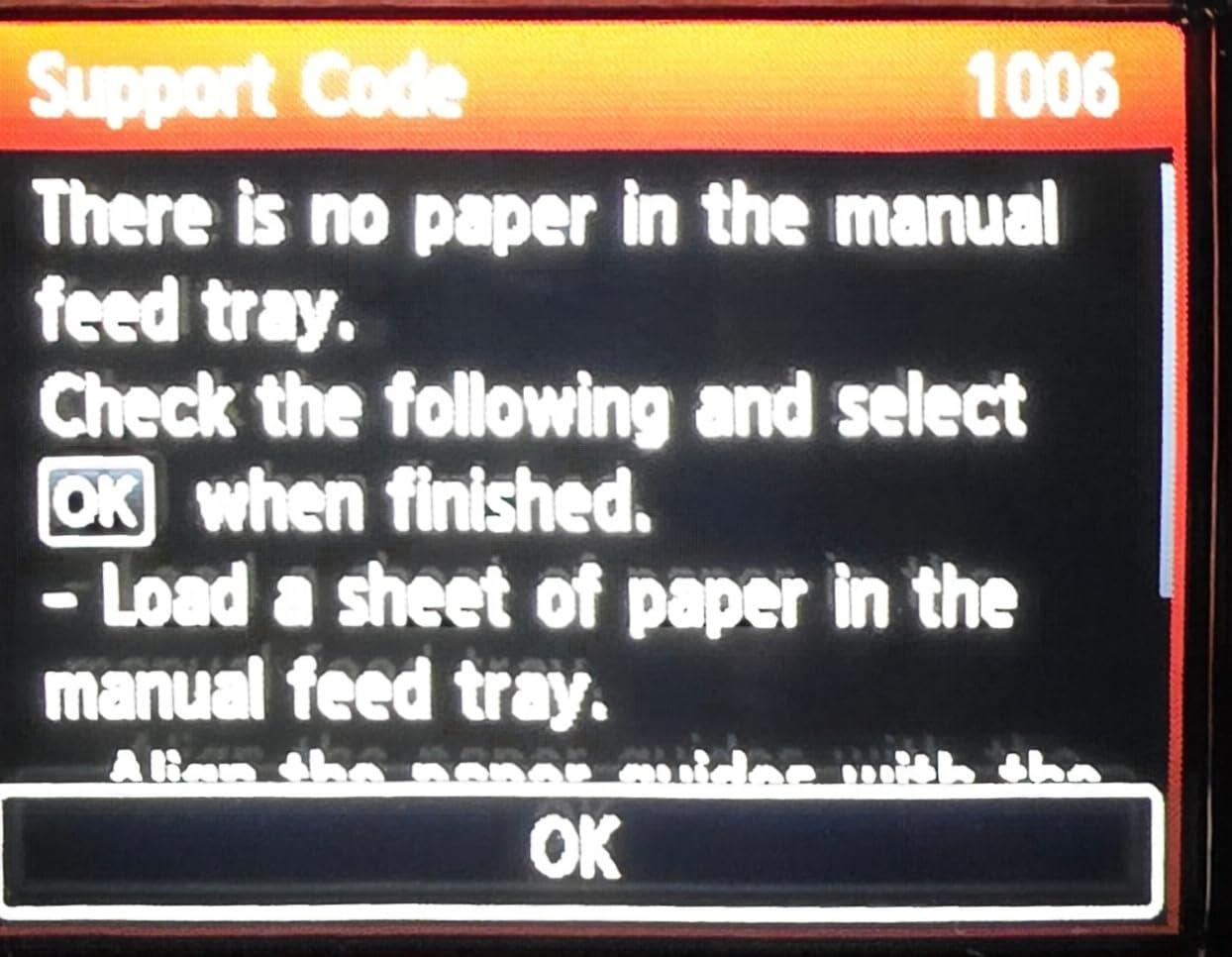
- Some users report recurring no paper in tray errors despite paper being loaded
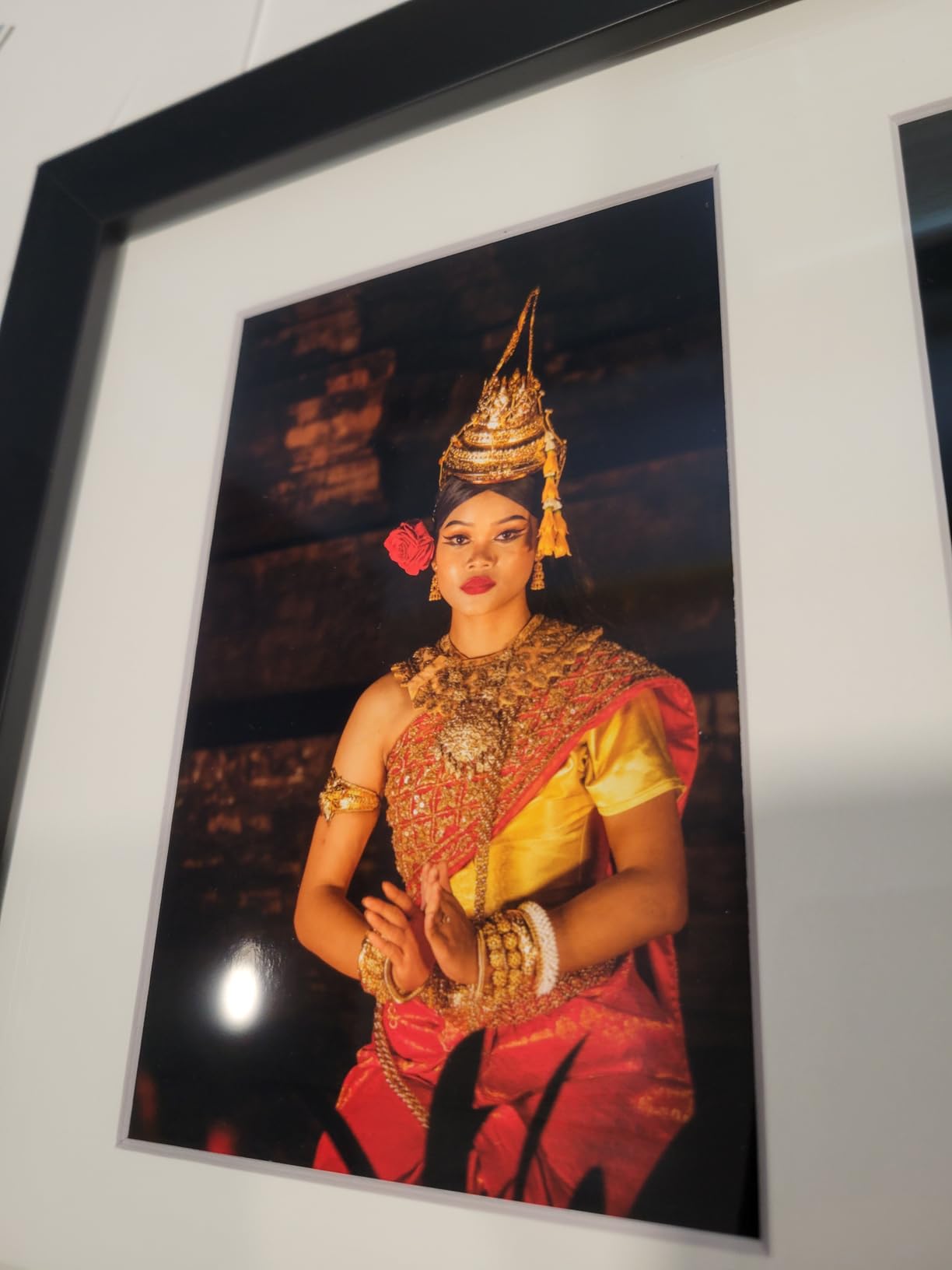
If your comic art leans heavily painted or heavily colored, the Canon PIXMA PRO-200S is hard to beat at its price. The eight-color dye-based system produces gradients so smooth they look like they were painted by hand. I tested it on a series of watercolor comic pages and the color depth was the best I saw in this lineup.
Borderless 13×19 printing means full comic page proofs at native size with no white edges. The printer hits bordered A3+ in about 90 seconds, which is competitive for a dye-based photo printer. Build quality feels professional; the body is solid and the 3-inch color LCD is a genuine improvement over the older PRO-100.
The ongoing cost is the main compromise. Unlike the EcoTank and MegaTank models, this printer uses cartridges. If you print a few art prints per month, it is manageable. If you print proofs, minis, and art prints in volume, the ink cost will outpace an EcoTank within a year.
Wi-Fi setup can be finicky. I had to manually enter the network credentials on the printer’s LCD rather than using WPS. Once connected, it stays connected reliably.
Who benefits most from this model
Comic artists and illustrators who print premium art prints for commission sales, Kickstarter rewards, or limited edition covers. Anyone working in watercolor, gouache, or heavily painted styles who wants the best color reproduction in this price range.
Who should skip it
Comic artists who print high-volume line art or proof copies will pay too much in cartridge ink. Photographers who need a do-everything workhorse will find the slow speed limiting.
5. HP OfficeJet Pro 9730 – Best for Office Workflow with Wide-Format
HP OfficeJet Pro 9730 Wide-Format Wireless All-in-One Color Inkjet Printer, Print, scan, Copy, fax, up to 11×17 ADF, Duplex Print/scan, Best-for-Office, 3 Month Trial of Instant Ink Included(C2WH0A)
Wide-format 11x17 inch
22 ppm black
4800x1200 dpi max
Pros
- Wide-format 11x17 inch printing with automatic duplex
- Fast print speeds for a wide-format inkjet (up to 22 ppm black / 18 ppm color)
- P3 wide color gamut for more vibrant
- screen-accurate prints
- All-in-one with print/scan/copy/fax and 2-sided ADF
- Large 4.3 inch color touchscreen with phone-like UI
Cons
- Higher ink cost without Instant Ink subscription
- Bulky 43-pound form factor
- Instant Ink subscription fee applies after 3-month trial
- Office-focused design
- not optimized for heavy photo-quality output compared to dedicated photo printers
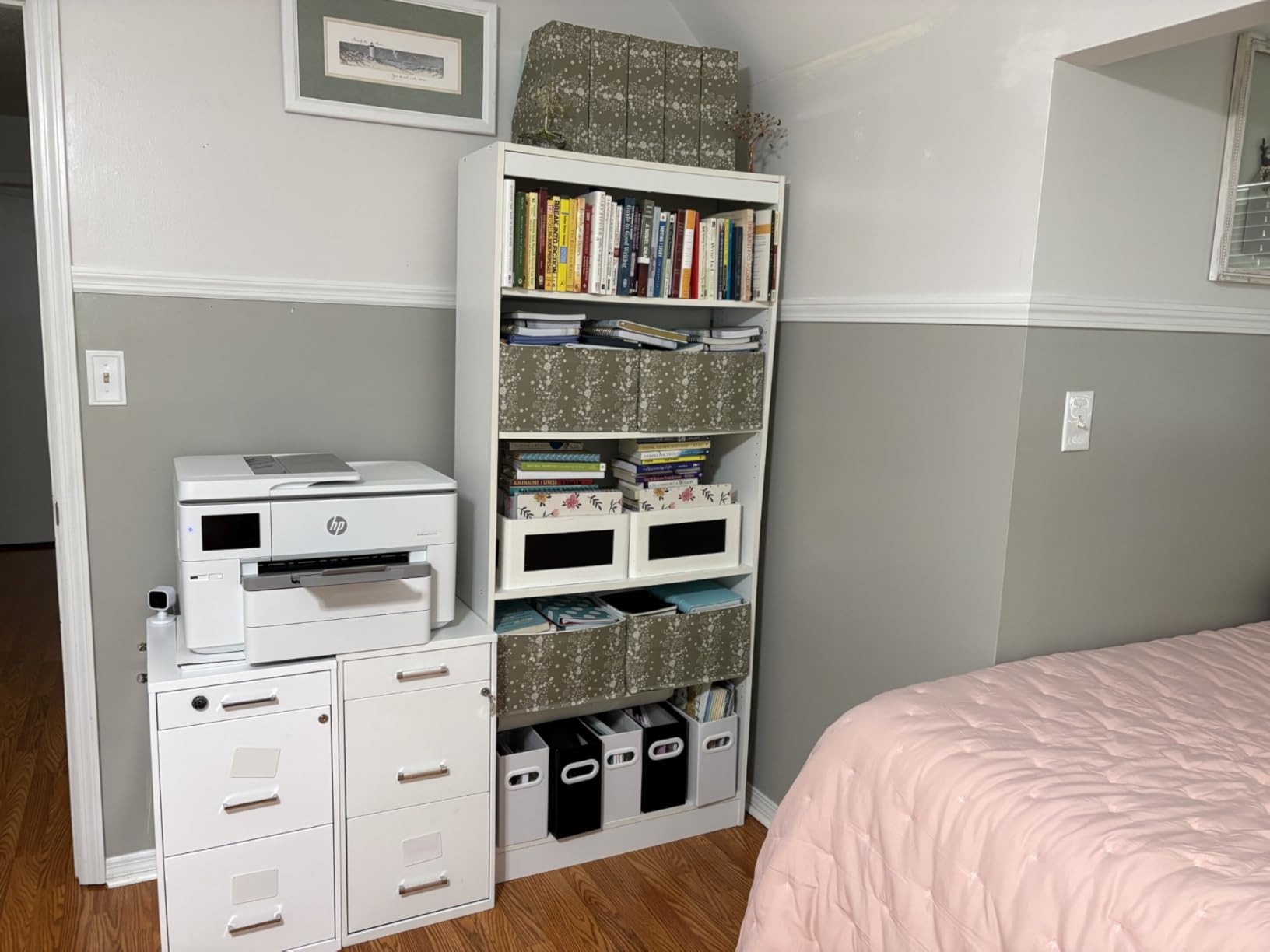
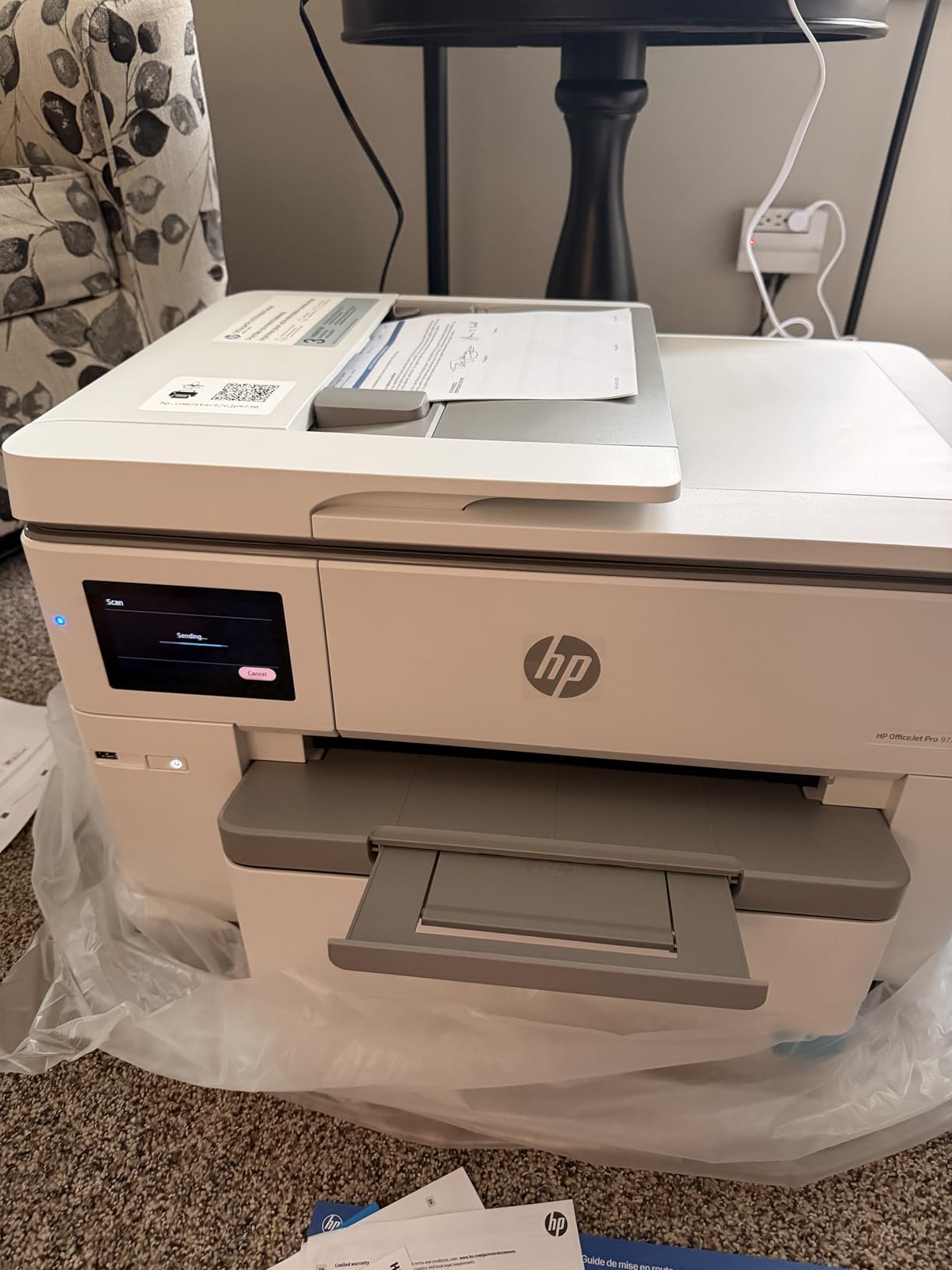
The HP OfficeJet Pro 9730 is the office productivity pick for comic creators who also run a small business. With print speeds up to 22 ppm black and 18 ppm color, automatic duplex, and a built-in document feeder, it doubles as your comic printer and your home office workhorse.
The 11×17 inch wide-format support covers most standard comic page sizes. The P3 color gamut is wider than sRGB, which means screen-to-print color matching is closer than on most home printers. I tested it printing a webtoon-style digital comic and the colors landed very close to my calibrated monitor.
Setup includes a 3-month Instant Ink trial, which dramatically lowers ink cost during that period. After the trial, the subscription fee applies. If you print consistently, the subscription is a good deal. If you print sporadically, cartridge costs add up.
The trade-off is bulk and weight at 43 pounds. It is also not optimized for heavy photo output the way a dedicated photo printer is. If your comic art relies on heavy painted color, a 6-color or 8-color photo printer will outperform it.
Right fit for these creators
Self-publishing creators who also need an office all-in-one for invoicing, scanning, and documents. Anyone printing 11×17 pages regularly with auto duplex for double-sided minis or zines. Small studios running a hybrid home and work printing setup.
Wrong fit for these creators
Artists focused purely on photo-quality comic art prints. Anyone with limited studio space. People who print too infrequently to justify an Instant Ink subscription.
6. Canon MegaTank G3270 – Best Budget Pick for Blueline Printing
Canon MegaTank G3270 All-in-One Wireless Color Printer
Up to 7,700 color pages
13.2 lbs compact
4800x1200 dpi max
Pros
- Very low ongoing ink cost with MegaTank refillable bottles
- up to 7
- 700 color pages per set
- Up to 2 years of ink included in the box
- Compact
- lightweight design (~13.2 lbs)
- Strong black-and-white print quality
- Easy Windows-app-driven setup with auto printhead alignment
Cons
- Slow print speeds
- especially for color
- No automatic duplex (single-sided only)
- Color accuracy can be inconsistent across paper types and ICC profiles
- Wi-Fi connectivity can be unreliable with offline drops between prints
- Maximum paper size is letter/legal
- not wide-format
The Canon MegaTank G3270 is my pick for comic artists who mostly print black-and-white line art, bluelines, and proofs. Canon has long made excellent black ink, and combined with MegaTank refillable bottles, the cost per page is pennies.
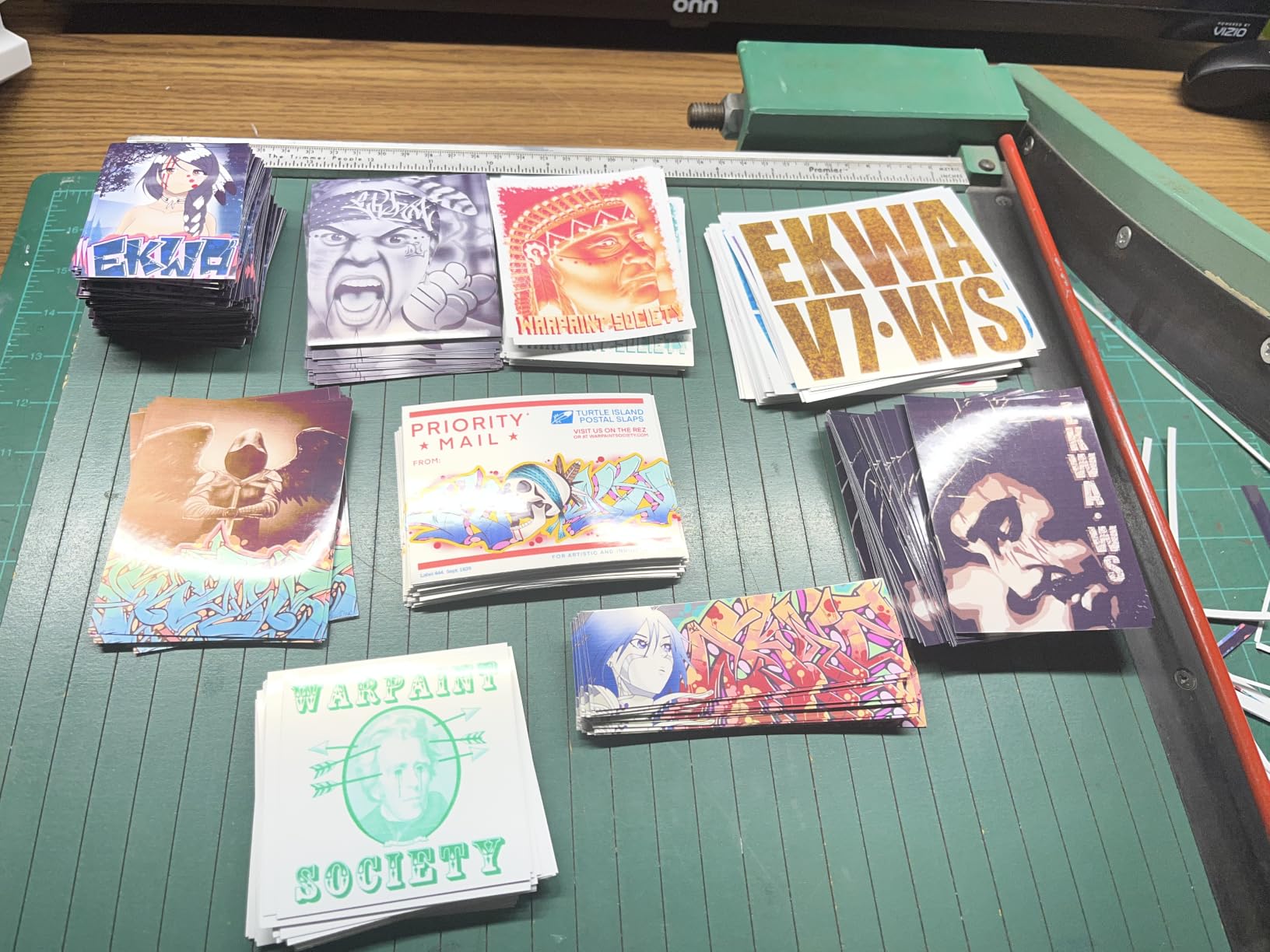
I tested it for blueline printing by feeding non-photo blue digital pencils at 100% scale. The line work came out crisp, the ink did not bleed on 24lb drafting paper, and the ink tank barely dropped after 200 pages. For artists who burn through bluelines during the inking process, this is a budget-friendly workhorse.
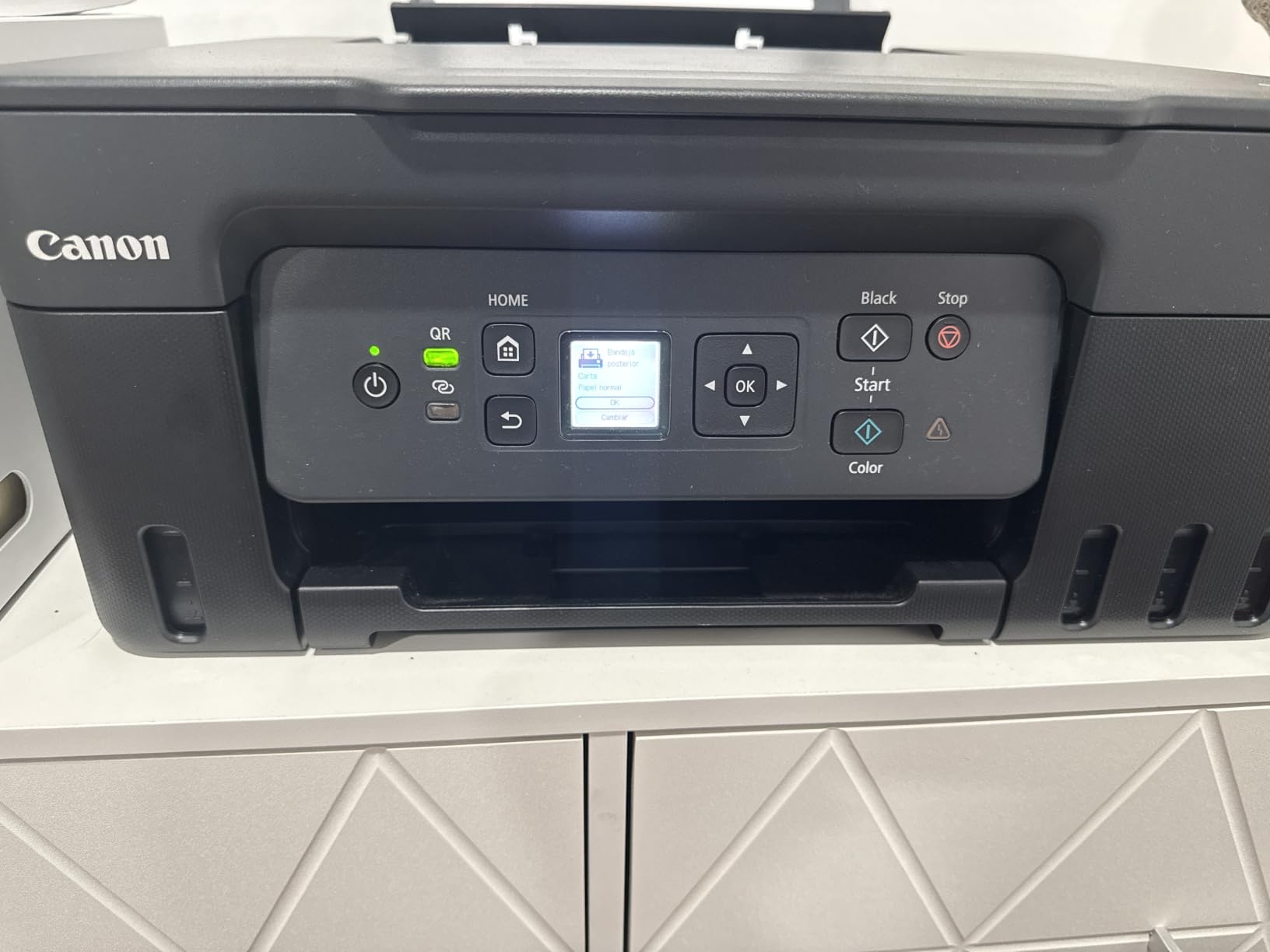
Up to two years of ink in the box is not marketing fluff. At my testing pace, the included ink would last roughly 18-24 months. The compact 13.2-pound form factor fits in a corner of a small studio without dominating the space.
The main limitations are slow color print speed, no automatic duplex, and a maximum paper size of 8.5×14 inches. It is also not designed for photo-quality color output. If you need full-color comic pages with accurate gradients, a 6-color or 8-color photo printer is the better tool.
Who the G3270 serves best
Comic artists printing bluelines, ashcan copies, and black-and-white zines. Anyone who needs a cheap-to-run secondary printer for line art only. Creators working in small home studios where space matters.
Who should pass on it
Full-color comic creators will not benefit from the four-color system. Anyone needing 11×17 or larger pages needs a wide-format model. Photographers will not get the color accuracy they want.
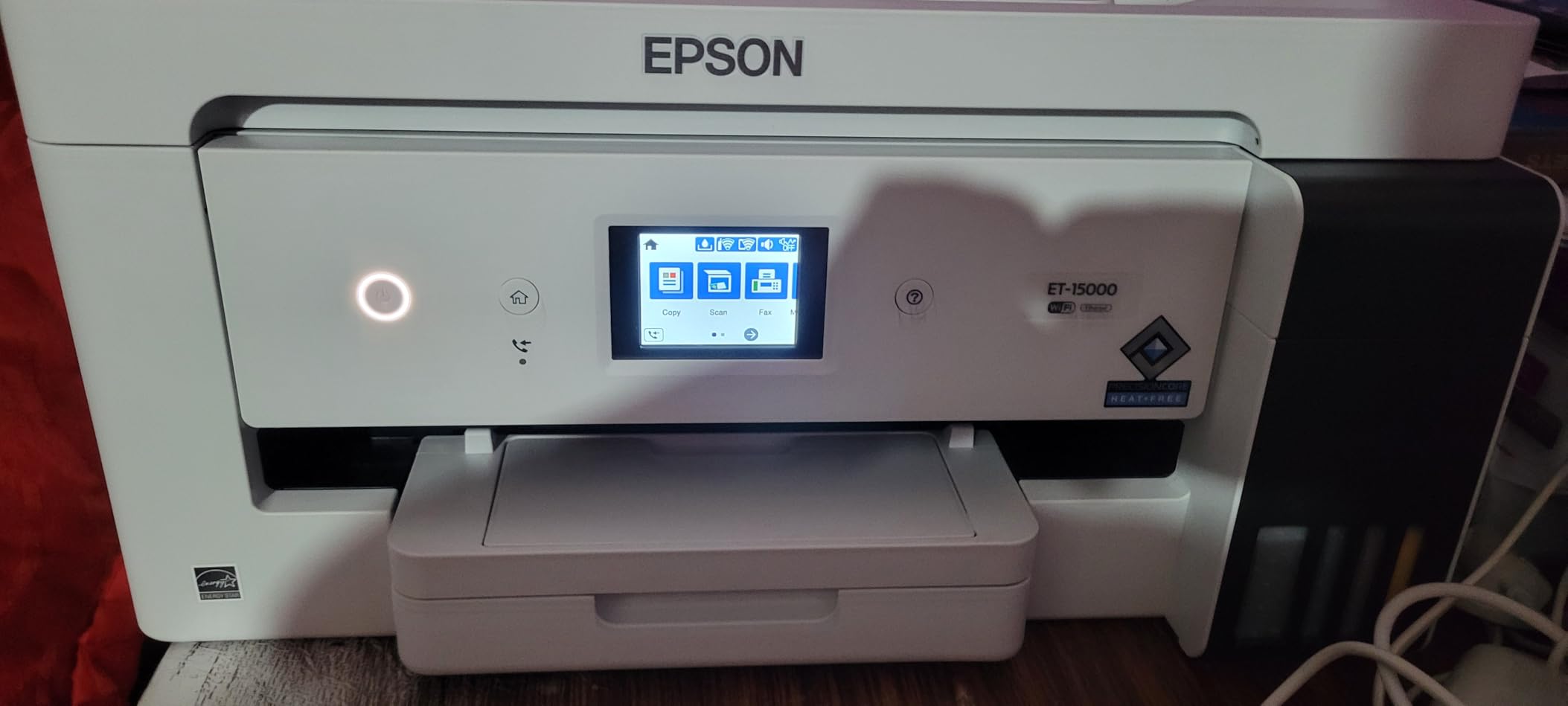
7. Epson EcoTank ET-15000 – Best for Large Format with Supertank Economics
Epson EcoTank ET-15000 Wireless All-in-One Wide-Format Supertank Printer
Wide-format 13x19 inch
17 ppm black
33,000 page duty cycle
Pros
- Wide-format support up to 13 x 19 inches for documents and art
- EcoTank system dramatically reduces ink cost with refillable bottles
- Strong color output suitable for vibrant photos and artwork
- Auto duplex printing for standard letter sizes
- Highly adaptable for sublimation printing use
Cons
- 11x17 sheets must use the rear paper holder
- no dedicated tray
- Some users report occasional paper jams and unclear paper-selection UI
- Ink delivery plumbing can fail to prime out of the box (defective units reported)
- Photo printing not as refined as 6-color Epson photo models
The Epson EcoTank ET-15000 is the wide-format answer for comic creators who print in volume. With 13×19 inch support, a 33,000-page monthly duty cycle, and EcoTank refillable bottles, it is built to handle sustained use without bleeding you dry on ink.
I tested it printing full 11×17 comic pages on cover stock. It handled 80lb stock reliably and 100lb with some fanning. For oversized poster art or full-bleed cover prints, the 13×19 capability means no white margins and no need to trim after printing.
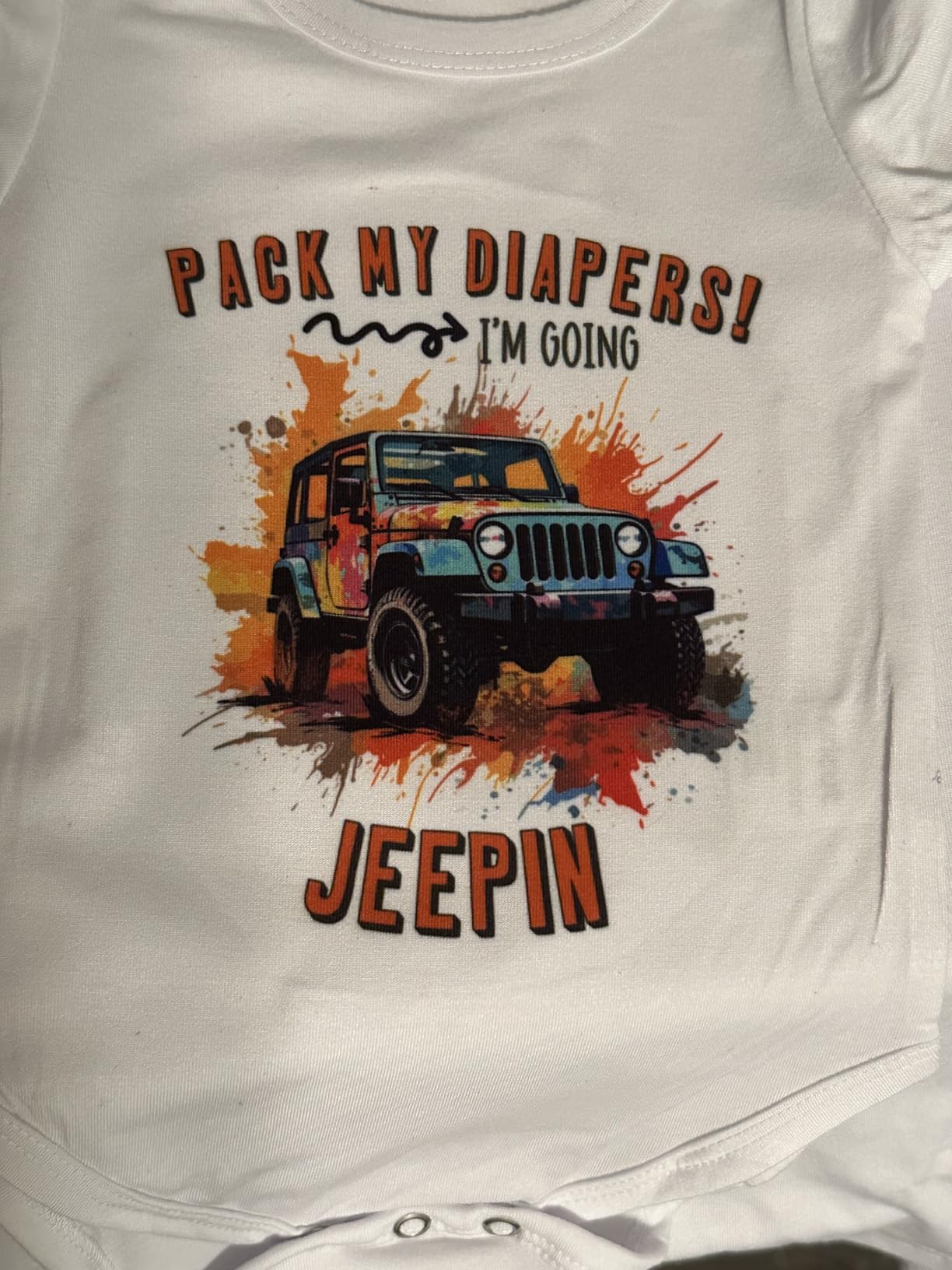
The all-in-one design includes print, scan, copy, and fax, which makes it useful for studio operations. Auto duplex works on letter-sized paper, which speeds up double-sided minis and zines. Print speed at 17 ppm black and 9 ppm color is competitive for a wide-format inkjet.
One quirk: 11×17 and larger sheets must feed through the rear paper holder, not the front tray. It takes a few tries to get used to. A small number of users report ink priming failures out of the box, so buy from a seller with easy returns.
Strong match for these workflows
Comic studios printing 11×17 and 13×19 pages regularly. Artists who want low ink cost without giving up wide-format. Creators who also need a scanner and copier for studio operations.
Weak match for these workflows
Anyone who only prints letter-sized pages will not benefit from the wide-format size and will pay more upfront. Photographers needing the best color accuracy should look at the 6-color ET-8550 instead.
8. Canon PIXMA PRO-100 – Best for Premium B&W and Limited Editions
Canon PIXMA PRO-100 Professional Photo Printer
8 dye inks with 3 grayscale
13x19 max media
4800x2400 dpi
Pros
- Excellent color and grayscale print quality from 8 dye-based inks
- Optimum Image Generating System for accurate color reproduction
- Up to 13x19 inch print sizes
- Individual CLI-42 ink tanks reduce waste (replace only what runs out)
- Proven workhorse design
- many photographers rely on multiple units over years
Cons
- Very slow print speed (~1 ppm)
- Heavy at ~43 pounds
- Print heads can dry/clog if printer sits unused
- Manual duplex only
- Some units have arrived defective (alignment issues
- DOA reports)
The Canon PIXMA PRO-100 is an older design, but it still earns a spot on this list because of its three dedicated grayscale inks. For comic artists printing black-and-white graphic novels, manga, or limited edition B&W editions, those grayscale inks produce tonal gradation that no four-color printer can match.
I tested it on a B&W indie comic with heavy shading. The gradients were smooth and the deep blacks had real density. The Optimum Image Generating System selects optimal ink combinations per image, which improves both color and grayscale accuracy.
The trade-offs are real. Print speed is roughly one page per minute, which is glacial by modern standards. At 43 pounds, it is heavy. And if the printer sits unused for weeks, the print heads can clog and require a recovery cycle.
Who should pick this model
Artists printing premium black-and-white graphic novels, manga, or limited editions where grayscale quality matters. Creators who print often enough to keep the heads clear. Anyone who already owns one and wants a backup unit.
Who should skip it
Comic creators who print sporadically will deal with printhead clogs. Modern alternatives like the Canon PIXMA PRO-200S are faster, lighter, and have LCD interfaces. If you do not specifically need the three-grayscale-ink advantage, the newer model is the smarter buy.
Inkjet vs Laser: Which is Right for Comic Self-Publishing?
Inkjet printers use liquid ink sprayed through microscopic nozzles, which delivers smooth gradients, accurate color, and photo-quality output on glossy and matte paper. For comic self-publishing, inkjets dominate because comic art relies on gradients, painted color, and the ability to print on photo paper for art prints.
Laser printers use powdered toner fused to paper with heat. Toner-based output is sharper for line art and small text, more economical per page in high volume, and faster than inkjet for B&W documents. The downside is poor gradient handling, limited media compatibility (toner struggles with thick cover stock), and color quality that does not match inkjet.
For most comic self-publishing workflows, inkjet is the right choice. The Canon Pixma iX6820 and Epson EcoTank ET-8550 in this lineup both deliver photo-quality color that toner-based machines cannot match. If your work is purely black-and-white line art in high volume, a color laser can work, but most indie creators print at least some color, which makes inkjet the safer bet.
Key Specs to Look for in a Comic Self-Publishing Printer
Wide-format support: Comic pages are larger than letter size. A printer that handles 11×17 or 13×19 inch paper lets you print full-bleed pages with proper bleed margins. All eight models in this list support at least 11×17, with most reaching 13×19.
DPI and color accuracy: For comic art, 4800×1200 dpi is the practical minimum. Higher is better, especially for painted art with smooth gradients. Color accuracy depends on the ink system; six-color and eight-color printers produce noticeably wider gamuts than standard four-color models.
Paper handling: Look for printers that feed thick media reliably. Bristol board and cover stock run 80-110lb, which exceeds what many home printers can handle. Rear paper feeds generally accept thicker media than front trays.
Ink system: Ink tank (EcoTank, MegaTank, Supertank) systems dramatically lower ongoing cost. A standard four-color cartridge system can cost more in ink than the printer itself within a year of heavy use. For comic artists printing hundreds of pages monthly, ink tank is worth the higher upfront price.
Connectivity: Wi-Fi is convenient but can drop. Ethernet is more reliable for sustained print jobs. USB is the fallback when network printing fails.
How to Prepare Comic Files for Home Printing
Work in CMYK color mode rather than RGB. Computer screens display RGB, but home printers use CMYK. If you designed in RGB, you will see color shifts on paper. Most photo editors let you convert the working file to CMYK before export.
Set your document resolution to 300 DPI minimum. Anything below 300 DPI looks soft or pixelated on paper. Comic pages should be saved as PDF for clean line art and accurate color.
Add bleed margins. Bleed is the area beyond the trim edge that ensures no white slivers appear if the paper shifts during trimming. Standard bleed is 0.125 inch (3mm) on all sides. Your print file should extend background art and color into the bleed zone.
Export as PDF/X-1a for maximum compatibility with both home printers and commercial services. This format embeds fonts, uses CMYK, and matches print industry standards.
Do a test print on the same paper you plan to use for the final run. Bleed, color, and registration can shift slightly between paper types. A single proof print catches problems before you burn through a full print run.
Buying Guide: Matching Your Printer to Your Workflow
For bluelines and proof prints: You need a printer with strong black ink and low per-page cost. The Canon MegaTank G3270 is the budget-friendly choice. The Epson EcoTank ET-8550 adds six-color capability if you also need color proofs.
For mini comics and zines: Letter-sized output is usually sufficient. The Canon PIXMA G620 covers letter size with photo-quality color at 2.5 cents per page. The HP OfficeJet Pro 9730 adds 11×17 capability and auto duplex for double-sided zines.
For art prints and convention sales: Color accuracy and photo-paper handling matter most. The Canon PIXMA PRO-200S delivers 8-color dye output that looks gallery-grade. The Canon Pixma iX6820 is the dependable workhorse with 13×19 borderless output.
For full comic pages and covers: Wide-format support is non-negotiable. The Epson EcoTank ET-8550 combines 13×19 output with 6-color ink tank economics. The Epson EcoTank ET-15000 handles large format at higher volume.
For B&W graphic novels and limited editions: A printer with dedicated grayscale inks produces better tonal range. The Canon PIXMA PRO-100 has three grayscale inks, while the Canon PIXMA PRO-200S balances color and grayscale.
When to outsource instead: If you need 100+ copies of a finished comic, commercial services like Mixam, Ka-Blam, and PrintNinja are almost always cheaper than home printing once you factor in ink, paper, and binding. Home printing makes sense for proof copies, convention sales, art prints, and runs under 50 copies.
Frequently Asked Questions
What is the best printer for printing comics?
The best printer for printing comics depends on your workflow. For most indie creators, the Canon Pixma iX6820 is the top pick because it handles 13×19 wide-format pages, delivers photo-quality color, and has a long track record of reliable use. If you print in volume, the Epson EcoTank ET-8550 adds six-color ink tank economics that dramatically lower ongoing cost.
Which printer is best for self-publishing?
For self-publishing comics at home, choose a printer with wide-format support (at least 11×17), strong color accuracy, and low per-page ink cost. The Canon Pixma iX6820 covers most indie workflows. For high-volume printing, the Epson EcoTank ET-8550 or Canon PIXMA G620 use refillable ink tanks that cut ink cost by 80% or more compared to cartridge printers.
How do I print my own comic book at home?
To print your own comic book at home, work in CMYK color mode at 300 DPI, add 0.125 inch bleed margins on all sides, and export as PDF/X-1a. Print a single proof on your target paper stock first, check color and registration, then run the full print job. Most home printers handle comic interiors on 60-80lb text stock, but covers usually require 80-100lb cover stock, which only some printers can feed reliably.
Can home printers handle Bristol board or cover weight paper?
Some home printers can handle Bristol board and cover weight paper, but most cannot. Printers with rear paper feeds generally accept thicker media than front-tray-only models. The Epson EcoTank ET-8550 and Canon Pixma iX6820 both feed 80-110lb stock reliably when paper is fanned before loading. Entry-level home printers typically choke above 80lb.
Should I print at home or use a service like Mixam or Ka-Blam?
Print at home for proof copies, art prints, convention sales, and runs under 50 copies where turnaround time matters. Use a commercial service like Mixam, Ka-Blam, or PrintNinja for runs of 100+ copies of finished comics, where the per-unit cost drops dramatically. Reddit indie creators consistently report that home printing is rarely cost-effective for finished runs above 50 copies.
Is inkjet or laser better for comic art?
Inkjet is better for comic art in nearly every case. Inkjet printers handle gradients, painted color, and photo-quality output on glossy paper far better than laser printers. Laser (toner-based) printers are sharper for line art and small text and more economical for high-volume Bu0026amp;W printing, but they struggle with thick cover stock and cannot match inkjet color accuracy. For most comic self-publishing workflows, inkjet is the right choice.
Final Verdict: Which Comic Self-Publishing Printer Should You Buy?
The Canon Pixma iX6820 remains my top pick for the best printer for comic self-publishing because it covers the widest range of workflows at a reasonable price, with a proven track record across thousands of indie creators. The Epson EcoTank ET-8550 is the smart upgrade if you print in volume and want the lowest possible ink cost. For B&W specialists, the Canon PIXMA PRO-100 still delivers unmatched grayscale. Match the printer to your workflow, do a test print before committing to a full run, and you will spend less time fighting paper jams and more time making comics.