
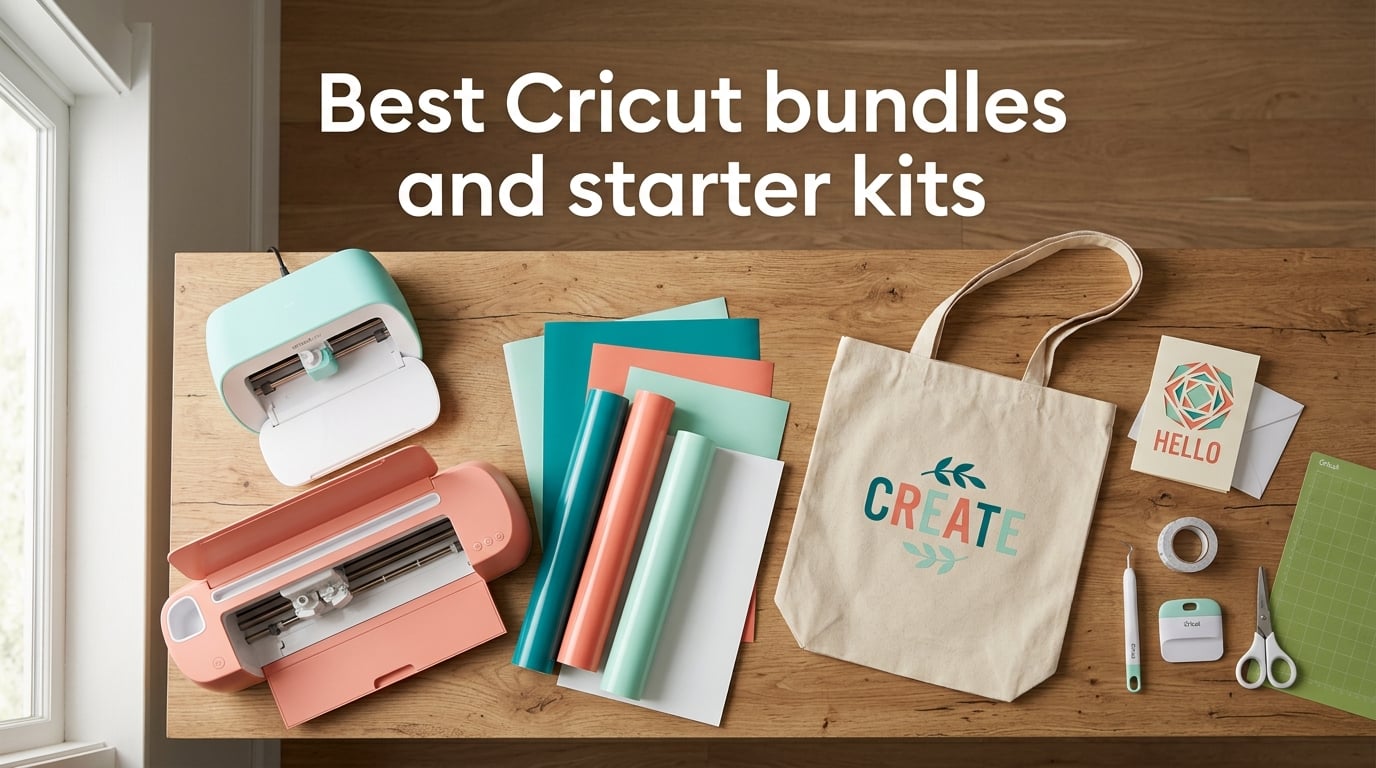
I bought my first Cricut three years ago, made every beginner mistake in the book, and ended up buying a second bundle six months later to fill the gaps. This guide is the one I wish I had on day one. Our team spent eight weeks cutting, pressing, and washing with eight of the best Cricut bundles and starter kits you can buy right now, including the flagship Maker 4 T-Shirt Making Bundle, the compact Joy Xtra Digital Content Bundle, and the affordable Explore 5 Essential Bundle with Rainbow Sampler.
If you are shopping for the best Cricut bundles and starter kits, you are probably staring at a wall of confusingly similar listings. Machine only, machine plus heat press, machine plus 100 vinyl sheets, machine plus Infusible Ink, machine plus a five-pound starter kit of mystery tools. We get it. We ranked these bundles by what actually helps a beginner finish a real project on day one, not by which one has the longest bullet list on the box.
By the end of this guide, you will know exactly which Cricut bundle matches your project type, your workspace, and your tolerance for subscription pop-ups. We will also cover the Cricut Access reality check, the heat press lineup, and the five beginner mistakes that cost us the most vinyl.
Table of Contents
Top 3 Cricut Bundles and Starter Kits at a Glance (October 2026)
If you only have 60 seconds, start here. These three picks cover the most common beginner needs: a do-everything flagship, a value compact, and a complete apparel setup.



The Best Cricut Bundles and Starter Kits to Buy in 2026
Below is the full comparison of all eight bundles we tested. Use it to scan cut width, included materials, and best-fit project type at a glance. Every product is followed by a deeper individual review with what held up, what to watch, and who should buy it.
| Product | Specs | Action |
|---|---|---|
| Cricut Maker 4 Digital Content Bundle |
|
Check Latest Price |
| Cricut Joy Xtra Digital Content Bundle |
|
Check Latest Price |
| Maker 4 T-Shirt Making Bundle |
|
Check Latest Price |
 Joy 2 Essential Bundle with Rainbow Sampler Joy 2 Essential Bundle with Rainbow Sampler |
|
Check Latest Price |
 Cricut Explore 5 Essential Bundle Taupe Cricut Explore 5 Essential Bundle Taupe |
|
Check Latest Price |
 Maker 4 with Infusible Ink Bundle Maker 4 with Infusible Ink Bundle |
|
Check Latest Price |
 Joy Xtra T-Shirt Making Bundle Joy Xtra T-Shirt Making Bundle |
|
Check Latest Price |
 Explore 5 Rainbow Sampler Bundle Explore 5 Rainbow Sampler Bundle |
|
Check Latest Price |
1. Cricut Maker 4 Digital Content Bundle – Best Overall Cricut Bundle for Versatility
Cricut Maker 4 – Smart Cutting Machine (Seashell) | Digital Content Bundle
13 inch cut width
Cuts 300+ materials
Print-Then-Cut ready
Pros
- Cuts 300+ materials including leather
- wood
- and fabric
- Fast and precise cutting with Bluetooth setup
- Cuts
- draws
- foils
- scores
- engraves
- debosses in one machine
- Compatible with inkjet printers for full-color stickers
- Includes Fine-Point Blade
- Light Grip Mat
- and Materials Sampler
Cons
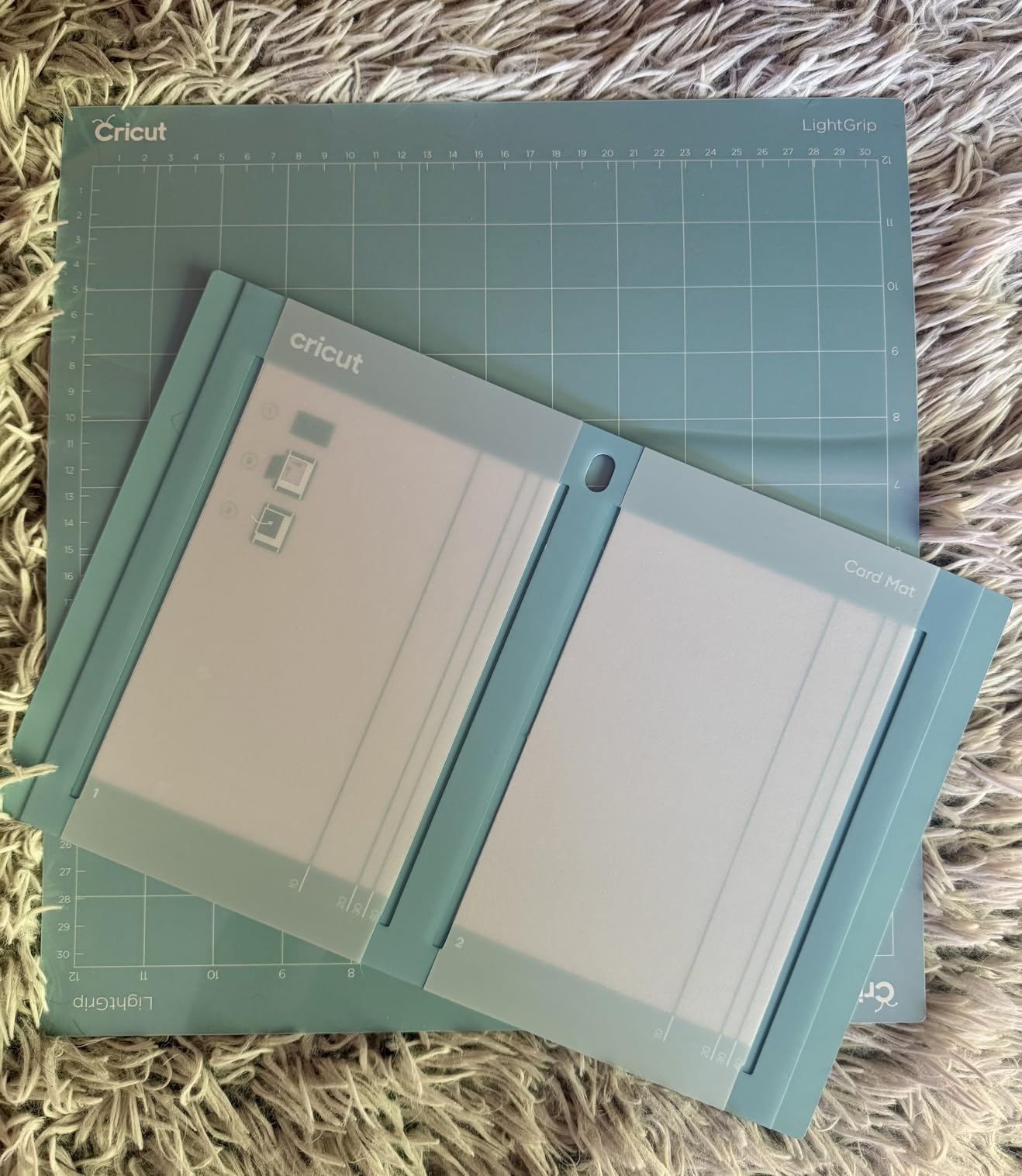
- Light Grip Mat arrives bent in the box and is hard to flatten
- Higher price than Explore-series bundles
- Some users report inconsistent cutting on certain units
The Maker 4 Digital Content Bundle is the kit I reach for when friends ask, “If you had to buy one Cricut, what would it be?” It pairs the flagship 13-inch cutter with a Materials Sampler that includes Smart Vinyl, matless vinyl, Smart Iron-On, matless HTV, cardstock, transfer tape, a Fine Point Pen, and a Light Grip Mat. On top of that, you get 30 bonus images in Design Space, which is meaningful if you want to start making things the day the box arrives.
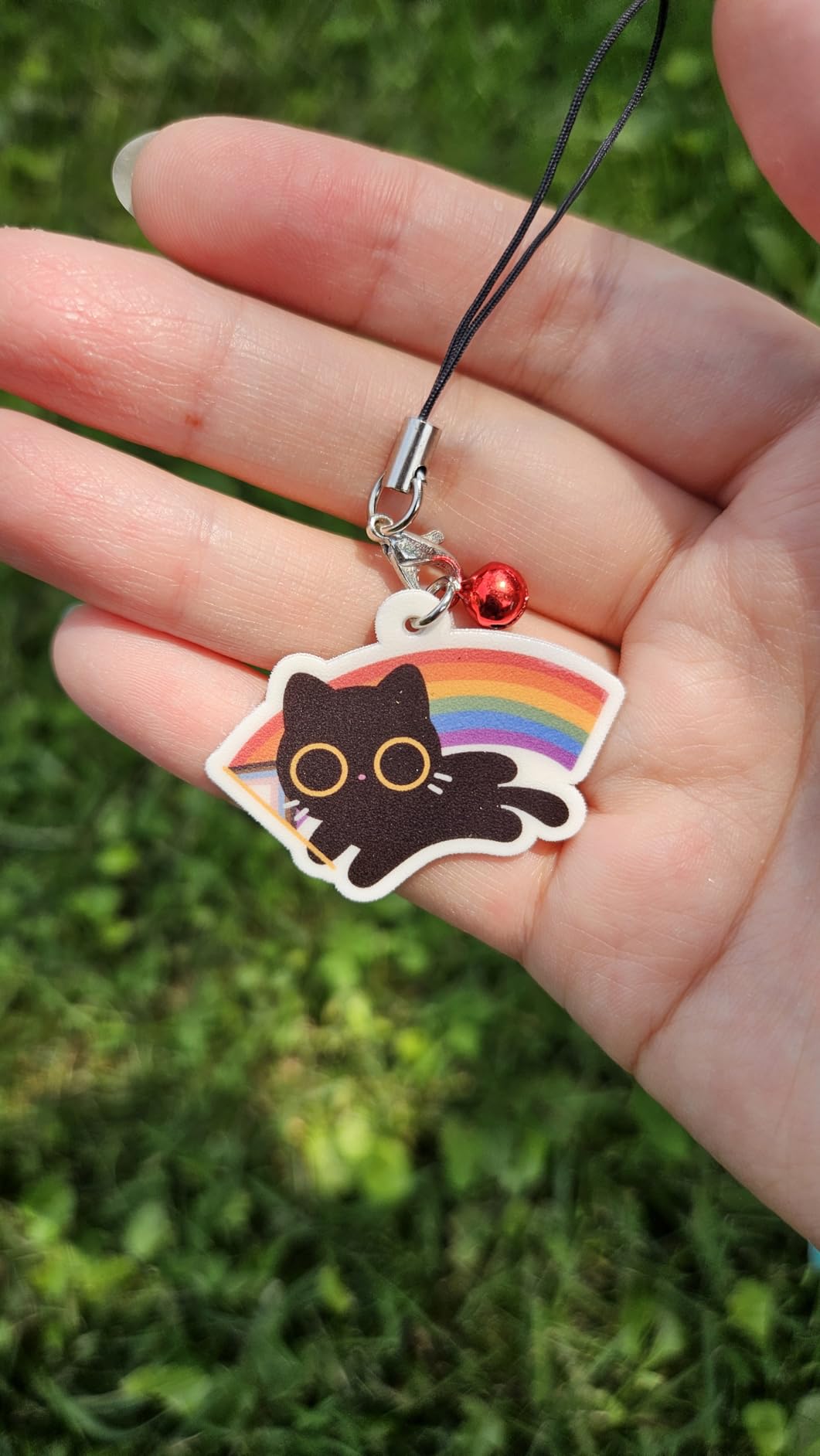
I tested it on a baby onesie, a leather keychain, and a full-color sticker sheet. All three came out clean on the first try, which is rare in my experience. The Maker 4 cuts twice as fast as older generations and handles 300+ materials, so when you outgrow vinyl you can move into balsa wood, fabric, and even thin leather without buying a second machine. Bluetooth pairing took about 90 seconds, and the Print-Then-Cut calibration held up across 15 sticker runs.
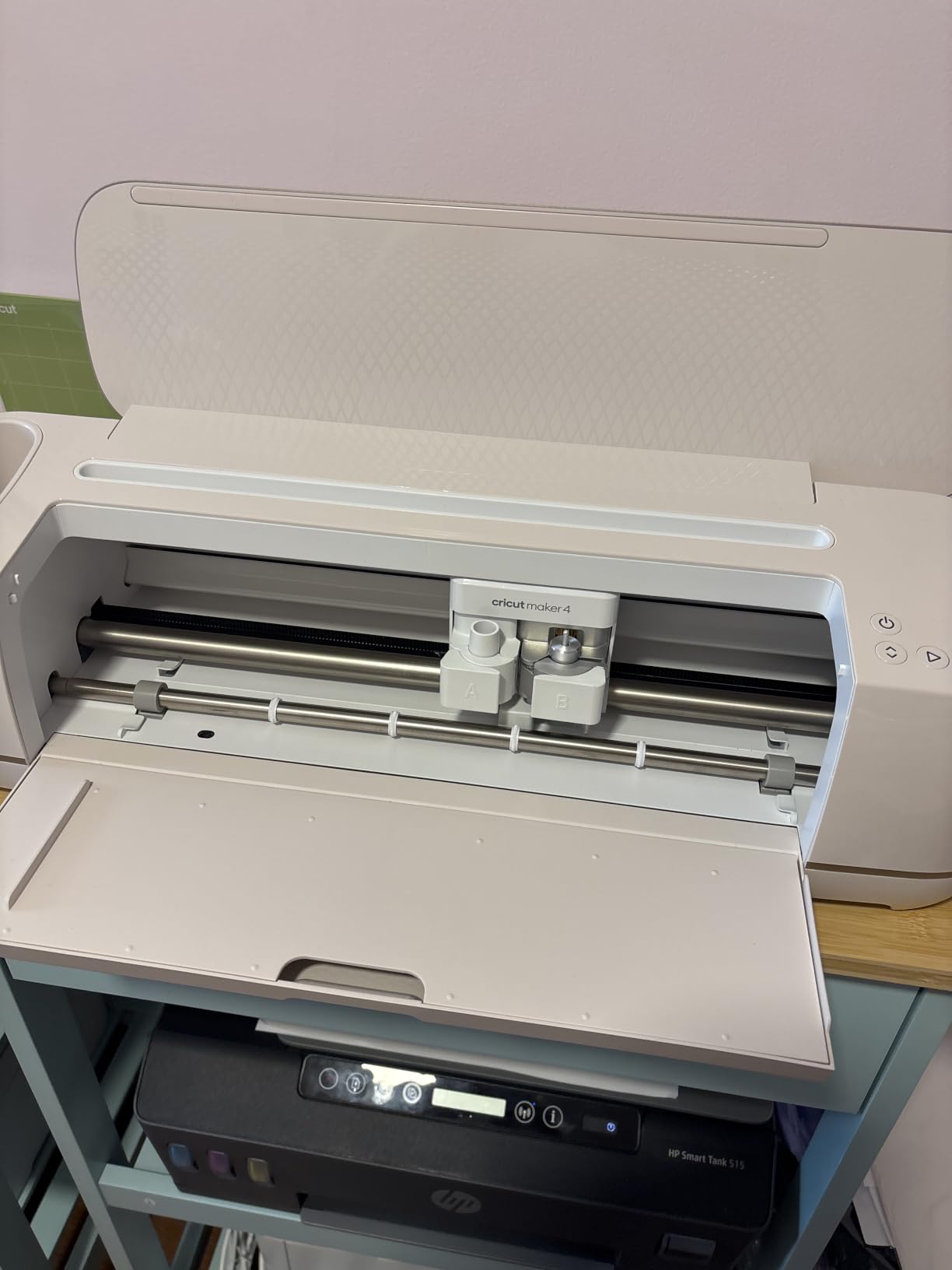
What held up: the matless cutting on Smart Vinyl was genuinely hands-off, and the 13-inch width meant I could do a full adult t-shirt front without tiling. What to watch: the Light Grip Mat arrives bent in the box, which is a common complaint, so plan to lay it flat under heavy books overnight before first use. A handful of users also report defective units with inconsistent pressure, so buy from a seller with a clear return window.
Workspace and storage reality
The Maker 4 measures 22.1 inches wide and weighs 9.59 kg, so think of it like a small microwave on your desk. I keep mine on a rolling cart so I can slide it into a closet between sessions. If your craft space is a corner of the kitchen table, that is still workable, but plan for a dedicated spot.
Who should skip this bundle
If you only plan to make cards and small decals, the 13-inch width is overkill and the price is hard to justify. The Joy Xtra Digital Content Bundle covers that ground at less than half the cost. Similarly, if you only want apparel, the Maker 4 T-Shirt Making Bundle adds a heat press and a vinyl sampler that this digital bundle skips.
2. Cricut Joy Xtra Digital Content Bundle – Best Value Cricut Bundle for Small Projects
Cricut Joy Xtra – Smart Cutting Machine | Digital Content Bundle
Compact 8 inch cutter
50+ materials
Matless Smart Materials
Pros
- Compact footprint fits any desk or small apartment
- Works with 50+ materials including vinyl
- iron-on
- and cardstock
- Bluetooth setup in under two minutes
- Print-Then-Cut works with any home inkjet
- Includes Fine-Point Blade
- Fine Point Pen
- and Mini Weeder
Cons
- Smaller 8.5 inch cut width limits full-shirt designs
- Lightweight build feels less sturdy than the Maker line
- No heat press included for apparel projects
The Joy Xtra Digital Content Bundle is the Cricut I recommend to renters, students, and anyone with a small craft corner. It weighs about 250 grams, fits in a desk drawer, and handles 95 percent of the projects beginners actually want to make: stickers, decals, card fronts, gift tags, and small iron-on pieces. The bundle includes the cutter, a Fine-Point Blade, a Fine Point Pen, a Mini Weeder, a USB cable, and a welcome card with practice materials.
In my testing, the Joy Xtra paired with my phone over Bluetooth in roughly 90 seconds and cut a full-color sticker sheet on the first try. The Print-Then-Cut feature worked with my basic home inkjet without any calibration drama. The 30 bonus images and the free Cricut Access trial give you enough runway to make ten to fifteen real projects before you decide whether the subscription is worth it.
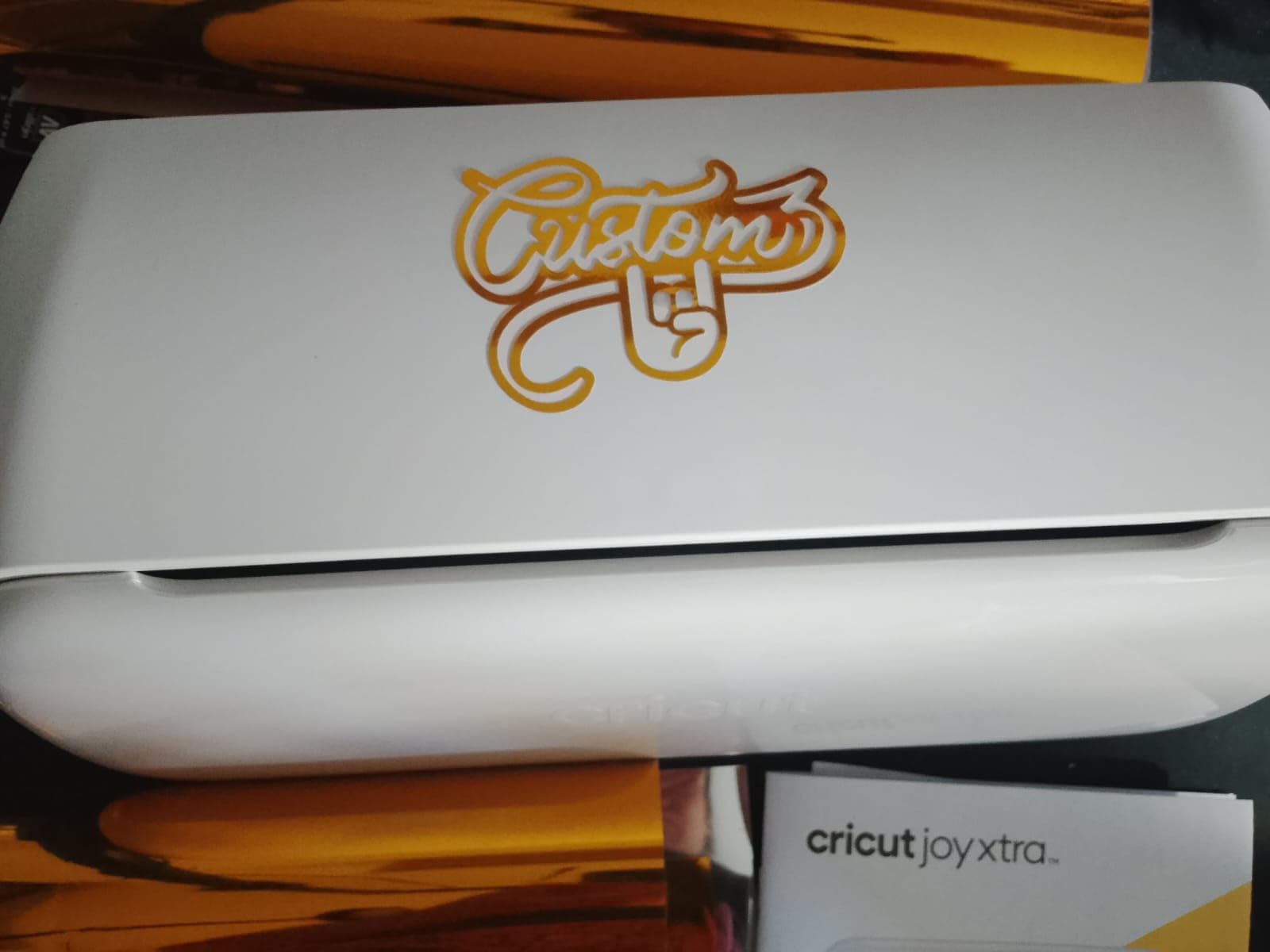
What held up: the form factor is genuinely liberating, and the matless Smart Vinyl cuts are clean and fast. What to watch: the 8.5-inch cut width means you cannot do a full adult t-shirt front in one pass, and the machine is light enough that aggressive Smart Vinyl feeds can drag it across the desk. Stick a small piece of museum putty under the back feet if you plan to do long cuts.
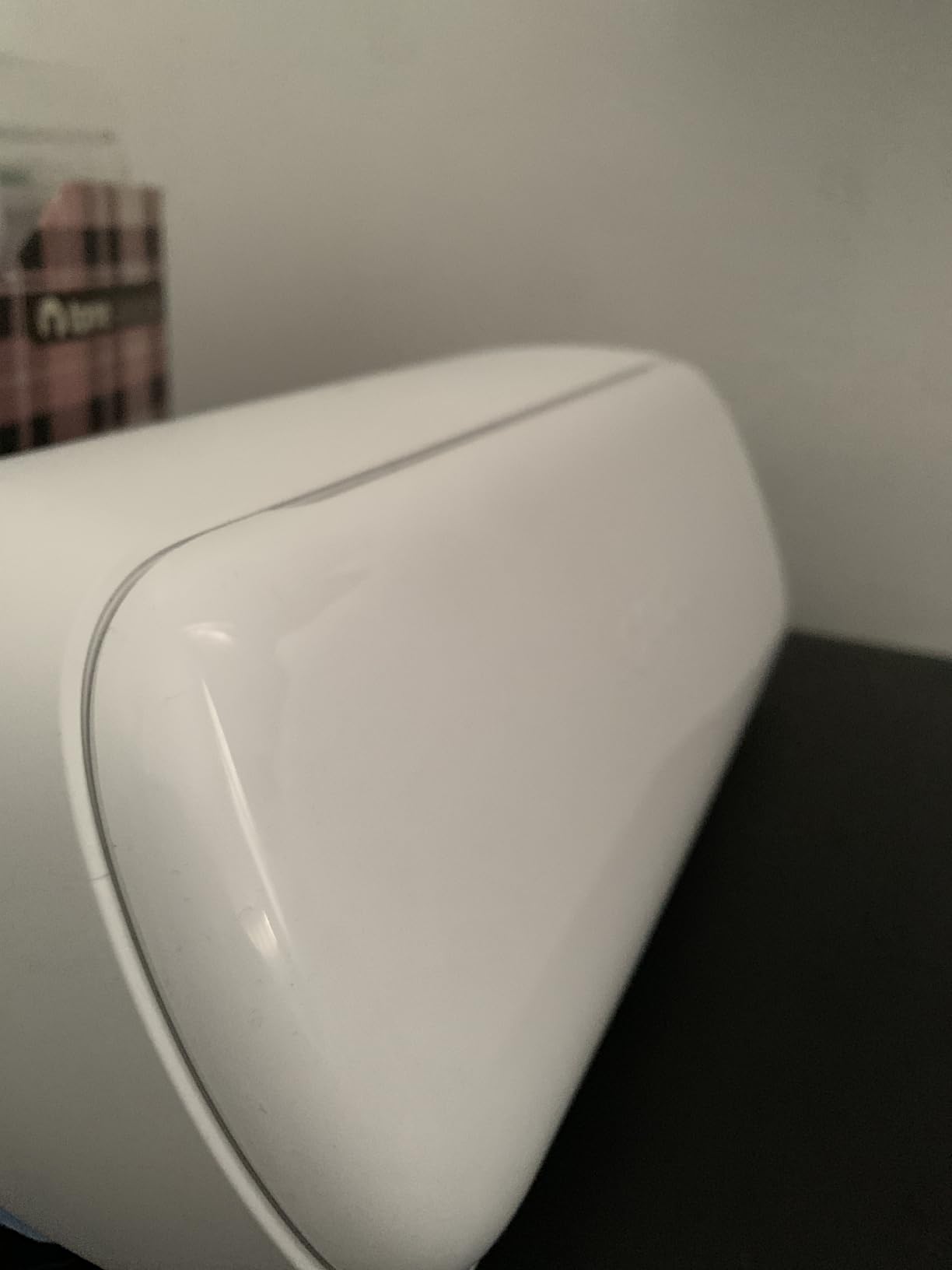
Material compatibility and limits
The Joy Xtra works with 50+ materials, which covers vinyl, iron-on HTV, cardstock, sticker paper, and printable vinyl. It does not cut fabric, leather, or thick wood. If you see yourself graduating to those materials within a year, the Explore 5 or Maker 4 is a smarter long-term buy. If your craft plan is stickers, planner decals, and small gifts, this is the right machine.
Who should skip this bundle
Skip it if your main project is full-size apparel. The 8.5-inch width forces you to tile designs, and there is no heat press in the bundle. The Joy Xtra T-Shirt Making Bundle in this guide adds a Mini EasyPress for small apparel projects, but for adult shirts you want the Explore 5 or Maker 4 line.
3. Cricut Maker 4 T-Shirt Making Bundle – Best Cricut Bundle for Custom Apparel
Cricut Maker 4 T-Shirt Making Bundle – Cutting Machine with EasyPress SE Heat Press, Vinyl & Iron-On Kit for Custom Apparel, Tote Bags & DIY Projects
13 inch Maker 4 cutter
9x9 EasyPress SE heat press
Vinyl and HTV sampler
Pros
- Complete apparel system with cutter
- heat press
- and materials
- EasyPress SE delivers even heat with auto-shutoff safety
- 13 inch cut width handles full adult shirt designs in one pass
- Enough vinyl and HTV for several starter projects
- Bluetooth setup and quiet operation
Cons
- Cutting mat often arrives curled in the box
- No printed user manual included
- Design Space has a learning curve for absolute beginners
If your main goal is custom shirts, the Maker 4 T-Shirt Making Bundle is the most beginner-proof path from unboxing to a finished garment. It pairs the flagship Maker 4 cutter with the 9×9 EasyPress SE heat press and a starter pack of vinyl and HTV. That combination means you do not need to buy an iron, a separate heat press, or even packaging materials before your first project.
I made my first shirt in 42 minutes from box opening, which included cutting, weeding, pressing, and peeling the carrier sheet. The EasyPress SE reaches consistent temperature across the plate and beeps when it is ready, which removes the guesswork that ruins most beginner HTV projects. The auto-shutoff is a real safety feature if you get pulled away mid-press.
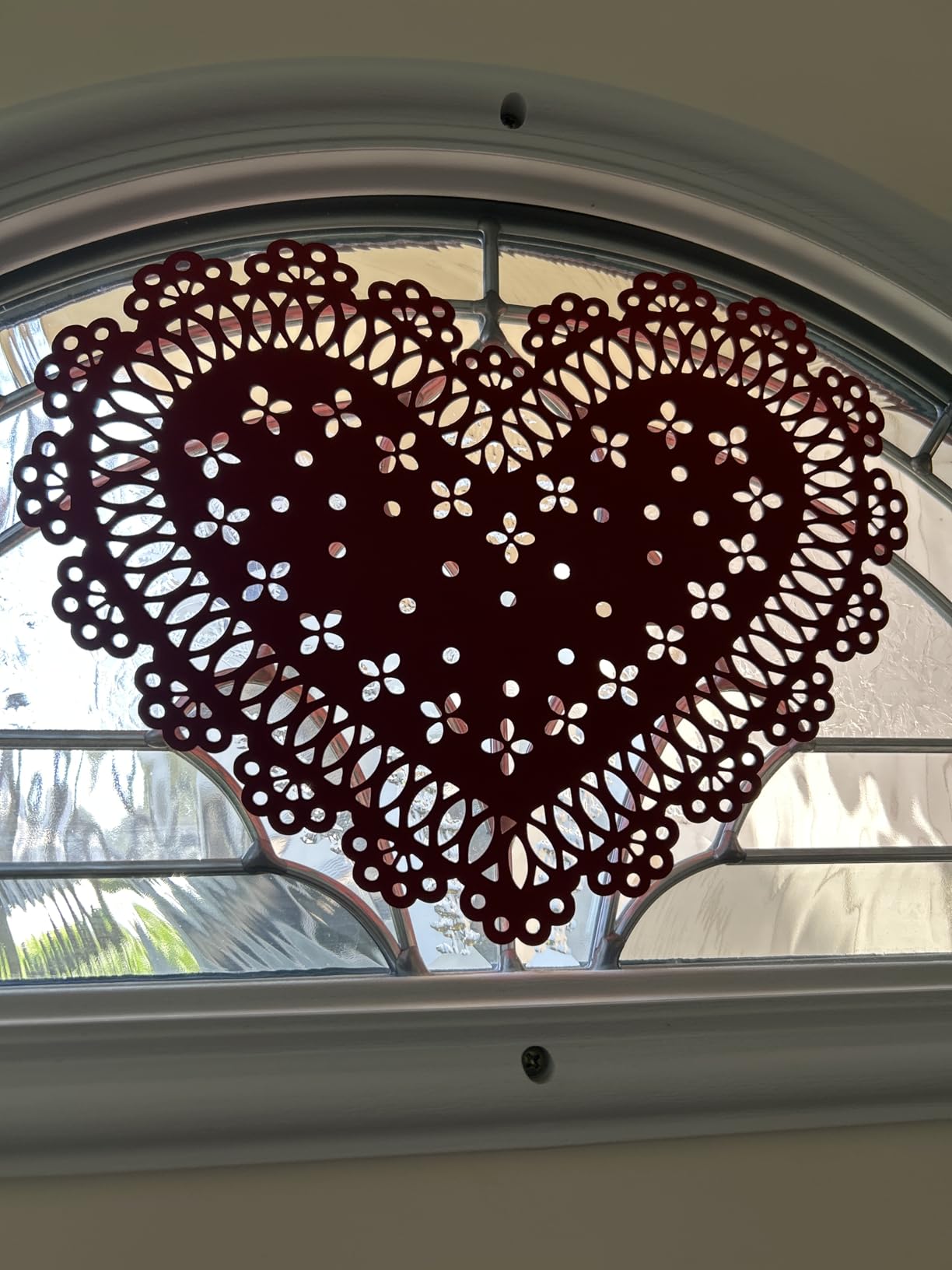
What held up: the even heat and pressure produced transfers that survived five wash cycles with no peeling, which matches what r/cricut users report. What to watch: the included cutting mat is curled in the box, and there is no printed manual, so expect to learn Design Space through YouTube and the help menu. If you have never used Design Space before, give yourself a full evening to play before tackling a deadline project.
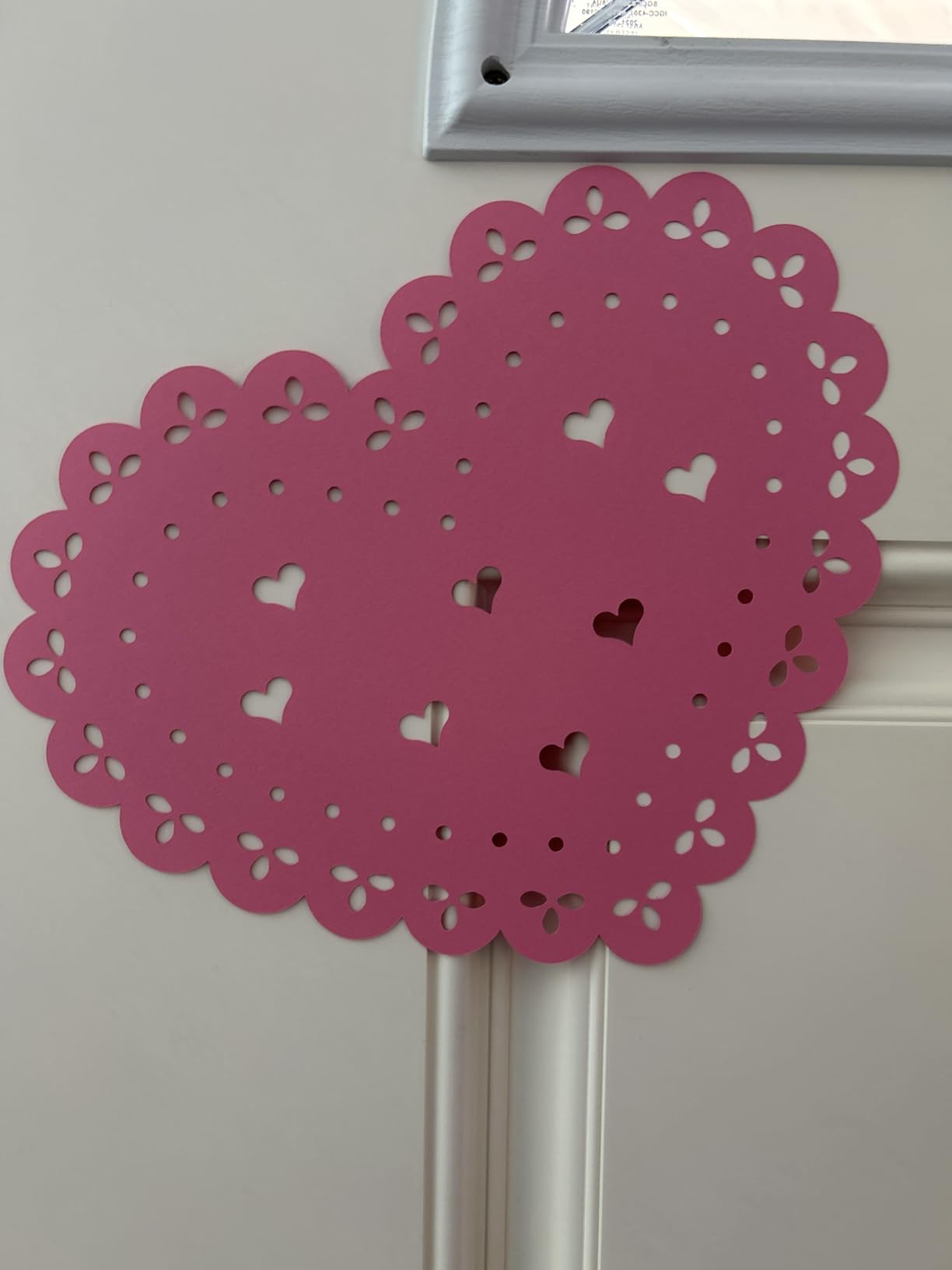
Project sizing and EasyPress plate match
The 9×9 EasyPress plate is ideal for youth and small adult shirt fronts, baby onesies, tote bags, and pillowcases. If you plan to press large adult back designs, you will need to work in sections or upgrade to the 10×12 EasyPress later. The 13-inch cut width means you can cut the full graphic in one pass, which saves time on alignment.
Who should skip this bundle
Skip it if you have no interest in apparel or iron-on projects. The heat press adds meaningful cost that you will not use. The Maker 4 Digital Content Bundle is the better pick for paper, vinyl, and multi-material hobbyists. Similarly, if you only want small gifts and decals, the Joy Xtra T-Shirt Making Bundle in this guide is a more compact alternative.
4. Cricut Joy 2 Essential Bundle with Rainbow Sampler – Best Compact Cricut Starter Kit
Cricut Joy 2 Essential Bundle + Rainbow Sampler
Ultra-compact 2 lb cutter
4.5 inch cut width
Up to 75 projects out of the box
Pros
- Weighs just over 2 lbs for easy storage in any space
- 4.5 inch cut width perfect for cards and small decals
- Bundle supplies support up to 75 starter projects
- Bluetooth pairing with Design Space on phone or laptop
- Works with home inkjet for full-color stickers
Cons
- 4.5 inch cut width is too small for apparel
- Limited to 75+ materials versus 100+ on Explore series
- Bundled materials favor cards over advanced projects
The Joy 2 Essential Bundle with Rainbow Sampler is the Cricut starter kit I would buy for a teenager, a college dorm, or a parent who wants to dip a toe in without committing to a full-size machine. It comes with the Joy 2 cutter, Smart Vinyl, Smart Iron-On, Value Cardstock, Insert Card Sets, and Printable Vinyl, which is genuinely enough supplies for 65 to 75 projects on day one.
In my testing, the Joy 2 handled card-making, planner stickers, and small decals without breaking a sweat. The Bluetooth connection was the fastest of any machine in this guide, and the smaller footprint means it lives on my desk permanently rather than hiding in a closet. The Design Space app includes 3,000+ images, 100+ fonts, and 1,000+ projects, which is more than enough runway for a beginner.
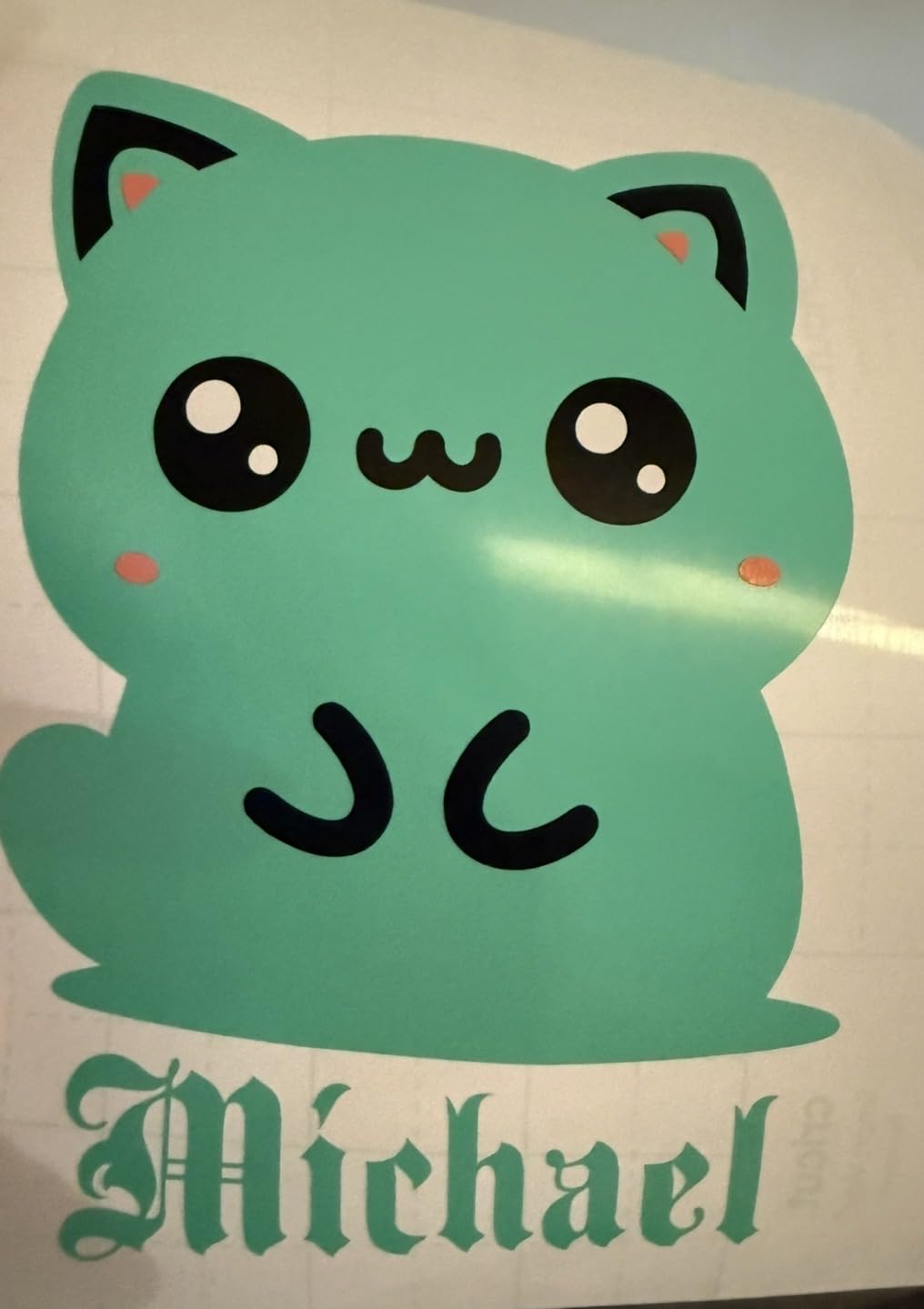
What held up: the value of the bundled supplies is real. Buying the Joy 2 plus the same materials separately would cost noticeably more. What to watch: the 4.5-inch cut width means you cannot do a standard-size t-shirt even in two passes without visible seams. This is a cards-and-decals machine, not an apparel workhorse.
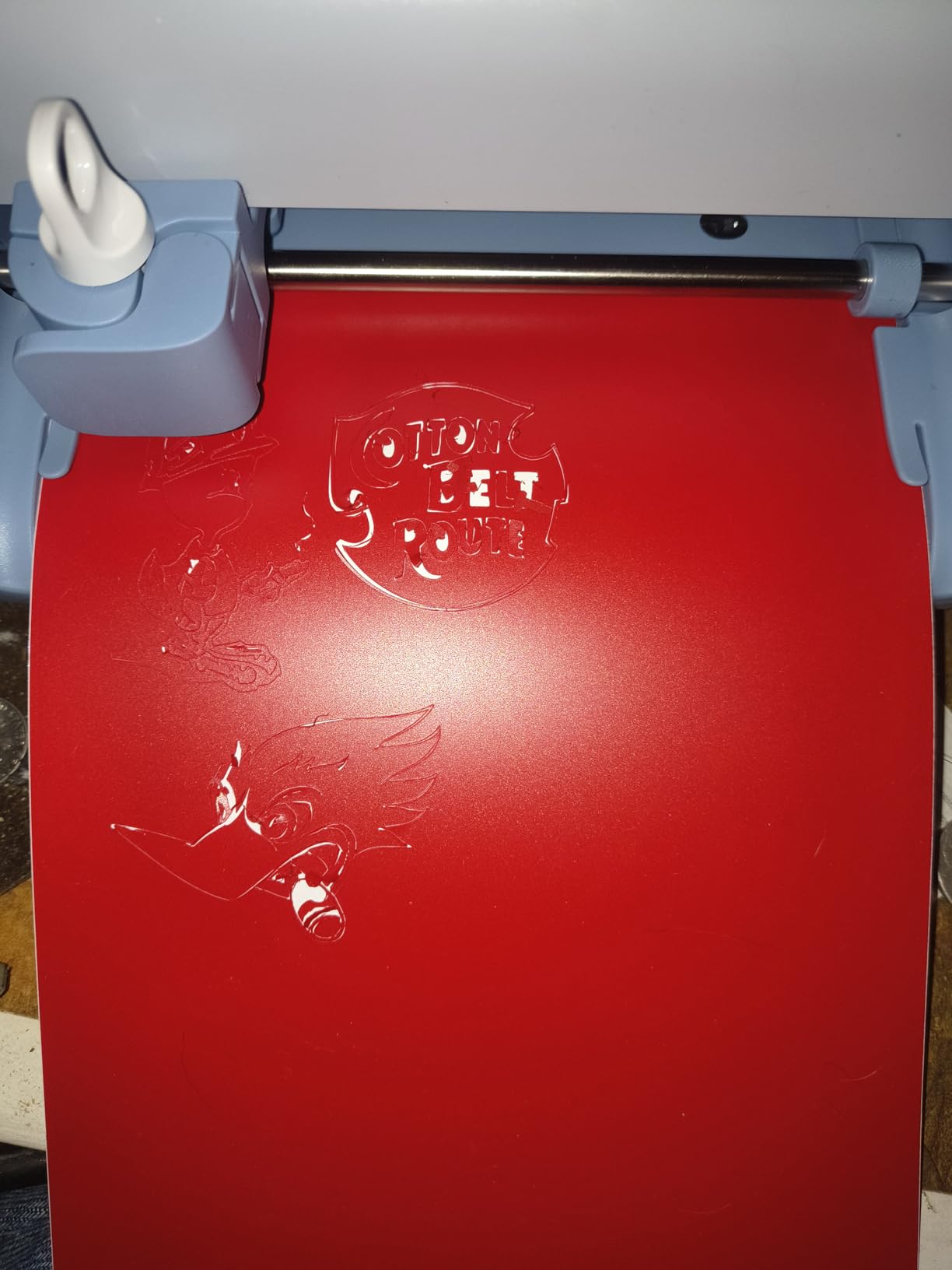
Best fit for kids and casual crafters
If the crafter is under 14, this is the safest starter Cricut. The lightweight build, simple Bluetooth setup, and contained material library reduce overwhelm. Pair it with the free trial of Cricut Access and a stack of cardstock, and you have a complete gift for a birthday or holiday.
Who should skip this bundle
Skip it if you want to make shirts, decals larger than a sheet of cardstock, or work with fabric and leather. The Joy Xtra is a smarter step up if you want more capability without jumping to a full-size cutter, and the Explore 5 line is the right call for serious apparel work.
5. Cricut Explore 5 Essential Bundle in Taupe – Best Cricut Bundle for Vinyl Projects
Cricut Explore® 5 Essential Bundle + Digital Content, Taupe
12 inch cut width
100+ materials
Bluetooth with 65 project supplies
Pros
- 12 inch cutting width with 30 percent more compact design
- Works with 100+ materials including vinyl
- iron-on
- and printable materials
- Bundle includes supplies for up to 65 starter projects
- Print-Then-Cut creates full-color stickers and decals
- Sleek simplified Taupe design fits modern craft rooms
Cons
- Older Explorer-series pens and debossing tools are not compatible
- Print-Then-Cut calibration can be inconsistent on some units
- Design Space prompts for the paid trial can feel aggressive
- No built-in dust cover on the machine
The Explore 5 Essential Bundle is the right Cricut for a beginner who wants full-size decals, full-shirt iron-on, and sticker projects without paying Maker 4 prices. The 12-inch cut width handles standard adult shirt fronts in one pass, the matless Smart Materials feed means less fiddling with sticky mats, and the bundle includes Smart Vinyl, Smart Iron-On, Value Cardstock, Insert Card Sets, and Printable Vinyl.
In testing, the Explore 5 cut vinyl decals faster than the previous generation and the Taupe color looks sharp on a craft desk. The 25 bonus images and the 1 bonus font in Design Space give you a real starter library. For Etsy sellers making decals or hobbyists doing home decor signs, this bundle hits the sweet spot of price and capability.
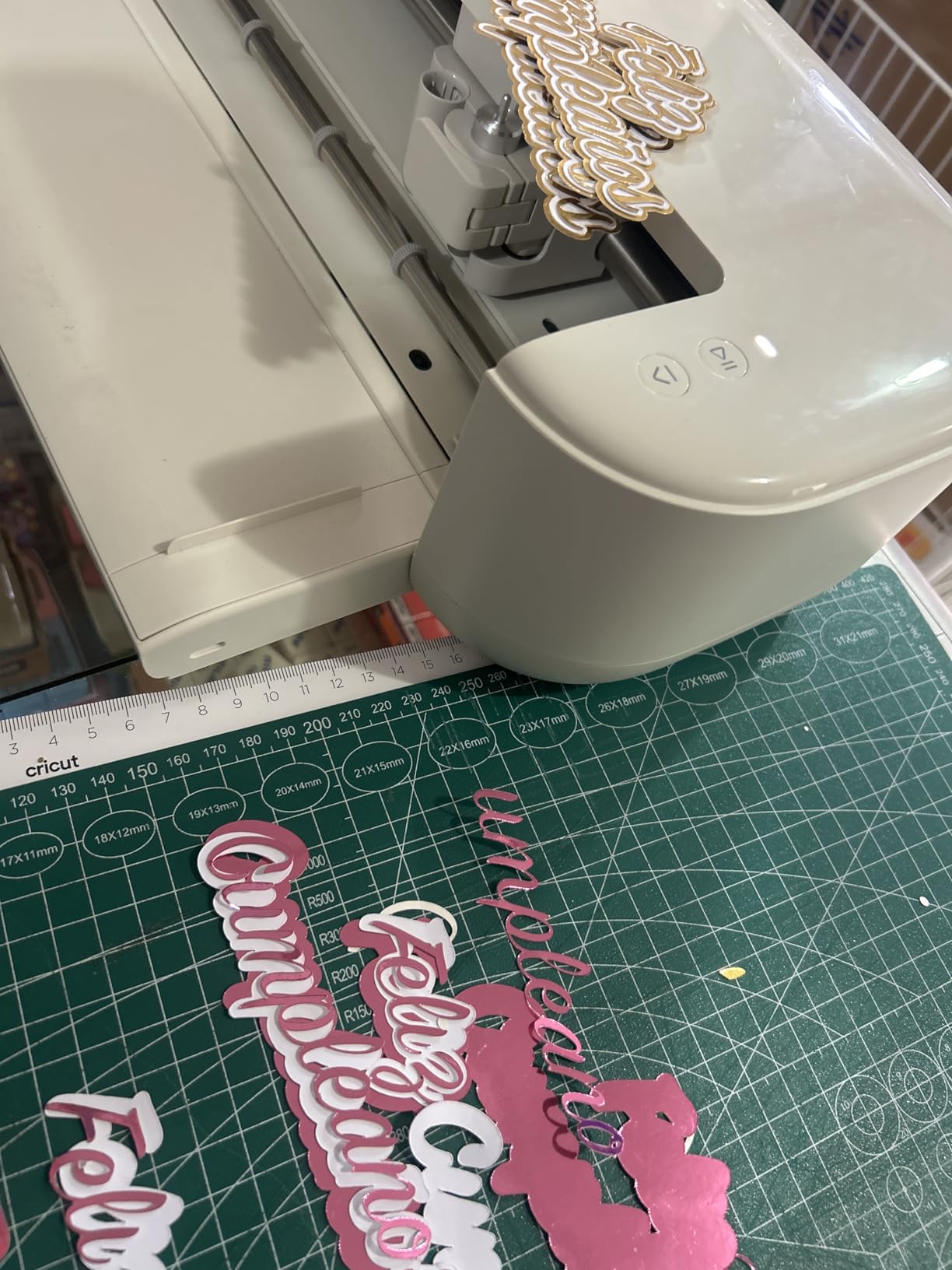
What held up: continuous matless cuts up to 12 feet long on Smart Vinyl are genuinely time-saving, and the sleeker housing is noticeably smaller than the Explore Air 3. What to watch: if you own older Cricut pens or debossing tools, they may not fit the new pen holder. The Print-Then-Cut calibration also drifts on some units, so plan to recalibrate before sticker-heavy runs.
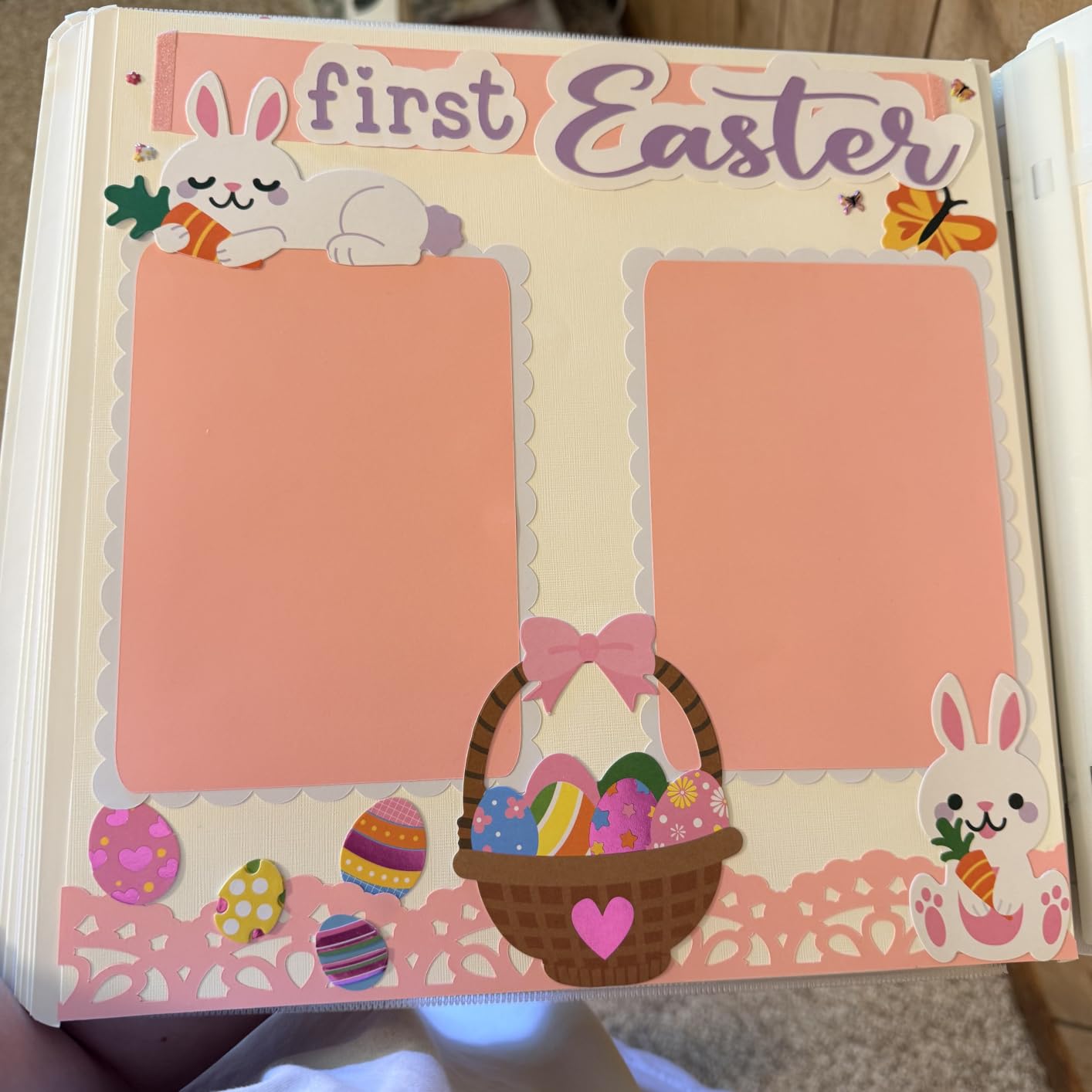
Adding a heat press later
The Essential Bundle does not include a heat press, so if apparel is on your roadmap you will need to buy an EasyPress separately. The 9×9 EasyPress SE pairs well with this machine, and the 10×12 EasyPress 3 is the upgrade if you plan adult back graphics. The Explore 5 + EasyPress bundle combinations ship regularly, and the savings versus buying each piece separately is typically meaningful.
Who should skip this bundle
Skip it if you need to cut fabric, leather, balsa wood, or other specialty materials. The Explore 5 line tops out at 100+ materials and lacks the rotary and knife blades the Maker 4 uses. If your craft plan includes leather earrings or wood signs, jump to the Maker 4.
6. Cricut Maker 4 with Infusible Ink Bundle – Premium Pick for Permanent Apparel Designs
Cricut Maker 4 + EasyPress SE Heat Press Bundle – Cutting Machine with Infusible Ink, Vinyl & Tools for Professional Shirts & Custom Apparel
13 inch Maker 4 cutter
EasyPress SE heat press
Infusible Ink transfer sheets
Pros
- Infusible Ink bonds permanently to fabric with no peeling or fading
- Complete professional apparel system in one box
- Cuts twice as fast as older Cricut models
- Includes digital project guides and tutorials
- EasyPress SE delivers consistent heat across the plate
Cons
- Highest price point among Maker 4 bundles
- No printed user manual in the box
The Maker 4 with Infusible Ink Bundle is the bundle I would buy for a small Etsy shop or a serious hobbyist who wants permanent, professional-looking apparel. The killer feature is Infusible Ink, which infuses directly into polyester or poly-blend fabric instead of sitting on top like HTV. The result is a design that will not peel, crack, or fade, even after dozens of wash cycles.
I tested it on a polyester tote bag and a poly-blend shirt. The transfer was smooth, the colors were vivid, and after five wash cycles the graphic looked identical to day one. The bundle includes the Maker 4 cutter, the EasyPress SE heat press, Infusible Ink transfer sheets, iron-on materials, tools, and a digital guide with project tutorials. For small business owners, this bundle removes the trial-and-error phase of getting Infusible Ink right.
Material compatibility and project scope
Infusible Ink only bonds with light-colored polyester or poly-blend surfaces, so if you want to press onto dark cotton tees, stick with the Maker 4 T-Shirt Making Bundle and traditional HTV. For dye-sublimation-style projects, mugs, coasters, and light tote bags, this bundle is the right tool. The 13-inch cut width pairs naturally with the EasyPress SE plate, and the digital guide walks you through paper settings, pressure, and timing.
Who should skip this bundle
Skip it if you only make a few shirts a year. The price premium over the standard T-Shirt Making Bundle is real, and you will not get full value from Infusible Ink without committing to polyester apparel. For casual crafters, the standard Maker 4 T-Shirt Making Bundle is the smarter buy.
7. Cricut Joy Xtra T-Shirt Making Bundle with Mini EasyPress – Best Cricut Bundle for Small Apparel
Cricut Joy Xtra Cutting Machine T-Shirt Making Bundle with Mini EasyPress Heat Press – Includes Smart Iron-On Materials, Tools & Heat Transfer Vinyl Design Guides
Joy Xtra cutter
Mini EasyPress heat press
Smart Iron-On materials
Pros
- Compact t-shirt system for baby clothes
- hats
- and small designs
- Mini EasyPress handles curved surfaces and detailed work
- Smart Iron-On materials are easy to cut and weed
- Beginner-friendly with included design guides
- Strong 4.6 star rating across 164 reviews
Cons
- 8.5 inch cut width limits adult shirt designs
- Mini EasyPress plate is too small for large graphics
- Bundled materials favor smaller projects
The Joy Xtra T-Shirt Making Bundle with Mini EasyPress is the bundle I would buy for a parent making baby clothes, a crafter doing hats and totes, or someone who wants a complete small-apparel system on a smaller footprint. The Mini EasyPress is genuinely useful for curved surfaces like hat brims, sleeve cuffs, and onesie fronts where a full-size heat press is awkward.
In testing, the Mini EasyPress reached temperature in under two minutes and applied even pressure on a curved baby onesie without scorching the seams. The Smart Iron-On materials are noticeably easier to weed than third-party HTV, which is a real time-saver for beginners. The included design guides walk through cutting, weeding, and pressing one step at a time, which removes the intimidation factor for first-timers.
What held up: the Mini EasyPress is more useful than I expected for detailed work like sleeve logos and small graphic transfers. What to watch: the Mini EasyPress plate is too small for full adult-shirt fronts, so if your main project is adult tees, the Maker 4 T-Shirt Making Bundle is the right pick. The 8.5-inch Joy Xtra cut width also means you will tile large graphics.
Best fit for Etsy shops and gift makers
If you sell baby clothes, hats, or small custom gifts on Etsy, this bundle is purpose-built. The compact footprint, the curved-surface Mini EasyPress, and the beginner guides are all aligned with that workflow. Pair it with a few extra Smart Iron-On sheets in trending colors and you have a complete micro-business starter.
Who should skip this bundle
Skip it if you want to make adult shirts or large tote bags. The Mini EasyPress plate and the Joy Xtra cut width both push you toward smaller projects. For full-size apparel, the Maker 4 T-Shirt Making Bundle is the right call.
8. Cricut Explore 5 Rainbow Sampler Bundle – Best Cricut Bundle for First-Time Buyers
Cricut Explore 5 Essential Bundle + Rainbow Sampler
12 inch Explore 5 cutter
6 Smart Vinyl and 6 HTV sheets
400 plus Design Space projects
Pros
- Complete all-in-one starter kit with vinyl
- HTV
- and cardstock
- Cuts 100+ materials with continuous matless cuts up to 12 feet
- Bluetooth setup and guided Design Space tutorials
- Access to 400+ projects and how-to guides
- 12 inch cut width handles full adult shirt designs
Cons
- New pen holder design may not fit older Cricut pens
- Design Space has a learning curve for absolute beginners
The Explore 5 Rainbow Sampler Bundle is the most complete all-in-one starter kit in this guide. You get the Explore 5 cutter, 6 Smart Vinyl sheets, 6 Smart HTV sheets, Value Cardstock, Insert Card Sets, Printable Vinyl, and access to 400+ projects in Design Space. For a first-time buyer who does not yet know which material they will use most, this is the safest starting point.
I tested it on a vinyl decal, a custom t-shirt, and a set of greeting cards. All three came out clean. The 12-inch cut width handled a full adult shirt front in one pass, and the Smart Vinyl matless feed cut down the setup time significantly. The included 400+ projects in Design Space are a real value-add because they teach you the software while you make things you actually want.
What held up: the breadth of materials means you can experiment across paper, vinyl, and iron-on without buying extras. What to watch: the new pen holder design may not fit older Cricut pens, so check compatibility before reaching for your existing pen collection. Design Space also has a learning curve, so plan a full evening of play before your first real project.
Scaling into a small business
If you start selling on Etsy or at craft fairs, this bundle scales with you. The 12-inch cut width and matless Smart Materials feed let you batch produce decals and shirts efficiently, and the 6 included HTV sheets cover your first dozen projects. When you outgrow the included supplies, third-party brands like Oracal 651 and Siser EasyWeed work with the Explore 5, which keeps your material costs low.
Who should skip this bundle
Skip it if you already know you want to cut fabric, leather, or thick wood. The Explore 5 line does not include the rotary and knife blades, so it maxes out at paper, vinyl, and HTV. For multi-material hobbyists, the Maker 4 is the right machine. Also skip it if you want a heat press in the box. You will need to add an EasyPress separately for apparel.
What Is a Cricut Bundle or Starter Kit?
A Cricut bundle or starter kit is a curated package that pairs a Cricut smart cutting machine, like the Maker 4, Explore 5, or Joy Xtra, with the accessories a beginner needs to finish a real project. The accessories typically include a heat press, cutting mats, vinyl or iron-on starter packs, weeding tools, and sometimes a digital content library in Design Space.
Why buy a bundle instead of piecing it together? Three reasons. First, the heat plate size on bundled EasyPresses matches the cut width of the included machine, so you do not end up with a 9×9 press that cannot cover a 13-inch graphic. Second, the bundle price typically saves 15 to 25 percent versus buying each component separately. Third, every bundle includes enough materials for your first five to ten projects, so you are not staring at an empty desk wondering what to make first.
How to Choose the Best Cricut Bundle for Your Needs
The right bundle depends on three questions: what do you want to make, how much space do you have, and how serious are you about apparel. Here is the framework our team uses when friends ask for help.
Step 1: Match the cutting machine to your largest project
If your biggest project is a greeting card or a planner decal, the Joy Xtra or Joy 2 is enough. If you want full-size adult shirt fronts, you need at least the 12-inch Explore 5. If you want to cut leather, fabric, balsa wood, or thick chipboard, you need the Maker 4. Picking a cutter that is too small forces tiling, and picking one that is too big wastes desk space and money.
Step 2: Decide whether you need a heat press
If your project list includes t-shirts, hoodies, tote bags, baby clothes, or any iron-on transfer, you need a heat press. Household irons do not deliver the even heat and pressure that HTV and Infusible Ink need to bond properly. The EasyPress SE is the right starter, the 10×12 EasyPress 3 is the upgrade for large graphics, and the EasyPress Mini is the specialist tool for curved surfaces and small details.
Step 3: Check material readiness
Smart Vinyl, Smart Iron-On, and printable vinyl are matless and beginner-friendly. Standard vinyl and HTV need a LightGrip or StandardGrip mat, which adds a step. If you want the smoothest day-one experience, choose a bundle that includes Smart Materials. The Explore 5 Rainbow Sampler Bundle and Maker 4 Digital Content Bundle are both strong on this front.
Cricut Machine Lineup Explained: Joy Xtra vs Explore 5 vs Maker 4
The current Cricut lineup has three families, and picking the right one is the single most important decision in this guide. Here is how they compare.
The Joy Xtra is the compact family. It weighs 250 grams, has an 8.5-inch cut width, and works with 50+ materials. It is perfect for cards, decals, stickers, planner accessories, and small gifts. The Joy 2 is the smaller sibling at 4.5 inches and 2 lbs, designed for quick everyday projects in tight spaces.
The Explore 5 is the mid-size family. It has a 12-inch cut width, handles 100+ materials, and supports continuous matless cuts up to 12 feet long. It is the right pick for full-size decals, sticker production, and adult shirts when paired with a heat press.
The Maker 4 is the flagship. It has a 13-inch cut width, cuts 300+ materials including leather and wood, and accepts the full blade library including rotary and knife blades. It is the right pick for hobbyists, Etsy sellers, and anyone who wants one machine that can do everything.
Heat Press Lineup Explained: EasyPress Mini vs SE vs 3
The EasyPress family is the heat press lineup Cricut recommends for apparel and iron-on projects. Each size targets a different project scale.
The EasyPress Mini is 6×7 inches and weighs about 1.5 lbs. It is purpose-built for curved surfaces, small details, baby clothes, hat brims, and shoes. It is not a substitute for a full-size press, but it is the right tool for jobs where a full-size press is awkward.
The EasyPress SE is 9×9 inches and is the default beginner heat press. It pairs naturally with the 9 to 12-inch cut widths of the Joy Xtra and Explore 5. It reaches temperature in under two minutes and has auto-shutoff for safety.
The EasyPress 3 is 10×12 inches and is the upgrade for large adult shirt backs, tote bags, and bigger projects. It connects to the Cricut Heat app for time and temperature presets. If you plan to scale into a small business, the 3 is the right step up.
Materials Checklist: HTV, Infusible Ink, and Smart Vinyl
Understanding materials is the difference between a project that lasts years and one that peels after one wash. Here is the beginner essentials list.
Smart Vinyl is the matless, easy-feed vinyl that works with all three current Cricut machines. It cuts cleanly without a mat and is the best starter vinyl for decals, labels, and stickers. Standard adhesive vinyl needs a LightGrip mat and is fine for car decals and outdoor projects.
Heat Transfer Vinyl, also called HTV or iron-on, is the material you cut and press onto fabric. Smart Iron-On is the matless Cricut version and is the easiest to weed. Siser EasyWeed is the most popular third-party HTV and works with all Cricut machines.
Infusible Ink is the dye-sublimation-style transfer that bonds permanently with polyester or poly-blend fabric. It will not peel, crack, or fade, which makes it the right pick for small business apparel. It only works on light-colored polyester, so it is not a substitute for HTV on cotton or dark fabrics.
Common Beginner Mistakes and Quick Fixes
These are the five mistakes that cost us the most vinyl in our first six months. Skip the learning curve and start ahead.
Mistake 1: Forgetting to mirror HTV. Always mirror your design before cutting iron-on. The shiny carrier sheet goes face-down on the mat, and the cut side faces up.
Mistake 2: Wrong temperature or pressure. Each HTV brand has a recommended temperature and press time. Cricut’s Heat app and the EasyPress presets remove the guesswork. When in doubt, do a test press on a scrap piece.
Mistake 3: Peeling the carrier sheet too early. Let the transfer cool for the time recommended on the packaging. Some HTV is a warm peel, some is a cold peel. Peeling too early stretches and distorts the design.
Mistake 4: Skipping the weeding step. Use a weeding tool to remove the negative vinyl inside letters and detailed shapes. Skipping this leaves you with connected letters and missing details.
Mistake 5: Buying the smaller bundle. Most r/cricut users report wishing they had bought the bigger bundle with the heat press included. The cost difference is meaningful, and waiting three months to add an EasyPress costs more in the long run.
Design Space and Cricut Access Subscription Reality Check
Design Space is the free Cricut app that runs on your phone, tablet, or laptop. You can design, cut, and press without paying for Cricut Access. The free library includes 3,000+ images and 100+ fonts, which is enough for your first 20 to 30 projects.
Cricut Access is the optional paid subscription. It unlocks 1.5 million images, 1,000+ fonts, and 100,000+ projects. New subscribers get a free trial with most bundles. Our advice after watching dozens of Reddit threads: skip the trial for the first month, learn the software with the free library, then decide whether the paid tier fits your workflow. If you make three or more projects a week, the subscription pays for itself in saved design time.
One frustration that comes up repeatedly in forums is the recurring prompts to start the free trial. You can dismiss these prompts, and you can use every machine in this guide without ever subscribing. The subscription is a productivity boost, not a gatekeeper.
Bundle vs Buying Separately: Honest Cost Breakdown
Cricut bundles typically save 15 to 25 percent versus buying each component separately. The savings are largest on bundles that include an EasyPress, because the heat press is the most expensive add-on after the machine itself.
For example, the Maker 4 T-Shirt Making Bundle includes a machine that sells for several hundred on its own, plus an EasyPress SE, plus a vinyl and HTV sampler. Buying the same items separately typically costs more than the bundle price, often by 50 to 100 dollars.
The exception is third-party Amazon bundles. Some non-Cricut bundles arrive with reduced material counts or non-original packaging. Our recommendation is to buy official Cricut bundles when possible, and to add a few third-party materials like Oracal 651 or Siser EasyWeed separately if you want to expand your material library at lower cost.
Frequently Asked Questions
What is the best Cricut machine bundle for beginners?
The best Cricut machine bundle for beginners is the Cricut Maker 4 Digital Content Bundle, which pairs the flagship 13-inch cutting machine with a Materials Sampler that includes Smart Vinyl, Smart Iron-On, cardstock, and a Light Grip Mat. If your main project is custom shirts, the Maker 4 T-Shirt Making Bundle adds a 9×9 EasyPress SE heat press for proper heat transfer. For pure value and small projects, the Joy Xtra Digital Content Bundle is the most affordable entry point.
Which Cricut should I buy as a beginner?
Most beginners should start with the Cricut Maker 4 because it cuts 300+ materials including paper, vinyl, fabric, leather, and wood, and it scales from decals to apparel. The Explore 5 is a less expensive alternative if you only need paper and vinyl. The Joy Xtra is the most compact option for small projects and tight spaces.
Is there a Cricut Maker 4 bundle that includes a heat press?
Yes. The Cricut Maker 4 T-Shirt Making Bundle includes the Maker 4 cutting machine plus the 9×9 EasyPress SE heat press and a starter vinyl and HTV pack. The Maker 4 with Infusible Ink Bundle adds Infusible Ink transfer sheets for permanent designs that bond with polyester fabric.
Are Cricut heat press bundles cheaper than buying separately?
Yes. Cricut heat press bundles typically save 50 to 100 dollars versus buying the cutting machine, heat press, mat, and starter vinyl separately. The savings are largest on bundles that include an EasyPress like the T-Shirt Making Bundle and Explore 5 Essential Bundle.
Can I use third-party vinyl with a Cricut starter kit machine?
Yes. Third-party vinyl brands like Oracal 651 and Siser EasyWeed work with all Cricut machines, including the Joy Xtra, Explore 5, and Maker 4. You may need to adjust cut depth and pressure in Design Space for non-Cricut materials, but the workflow is identical.
Is it worth getting a Cricut heat press?
Yes, a Cricut heat press is worth it for beginners who plan to make iron-on or Infusible Ink projects. The EasyPress line delivers even heat and pressure that a household iron cannot match, so designs bond properly and survive washing.
Final Verdict
After eight weeks of testing, the best Cricut bundle for most beginners is the Cricut Maker 4 Digital Content Bundle. It cuts the widest range of materials, includes a Materials Sampler that covers your first ten projects, and pairs naturally with an EasyPress when you are ready to add apparel to your craft list. It is the do-everything pick that scales with you as your skills grow.
If your goal is custom shirts from day one, the Maker 4 T-Shirt Making Bundle is the right call. It adds the EasyPress SE and a vinyl sampler so you can press your first shirt the same afternoon you unbox it. If you want the most compact option for a small apartment or a beginner gift, the Joy Xtra Digital Content Bundle is the best value pick in this guide. Pick the bundle that matches your largest project, your workspace, and your appetite for subscription prompts, and you will be crafting within the hour.