
Most sub-500 hobbyist 3D printer roundups still open with the same stale claim: below this budget you get a bedslinger, and CoreXY machines only start once you climb well past the ceiling. That is no longer true. Five of the eight machines below run CoreXY motion, and one is fully enclosed, which means the real question for a hobbyist in 2026 is no longer how fast the gantry moves. It is build volume, material ceiling, and what your consumables will cost in year one.
That is the filter we used to build the best 3d printers under 500 for hobbyists. We only considered machines that print reliably out of the box with automatic bed leveling, because manual tramming is the single most cited beginner frustration in owner forums, and a machine that needs adjustment before every print is a false economy at any price. We also separated filament printers from resin printers, because a mono LCD machine answers miniatures and tabletop figures while leaving cosplay props and functional parts to a completely different tool.
Our picks span a Creality that ships as a kit, a Bambu Lab that needs nothing, two Flashforge CoreXY machines, a four-color Creality, an enclosed Bambu Lab P1S, and a resin printer for detail work. The forum consensus we leaned on was blunt: r/3Dprinting threads answering this exact question overwhelmingly recommend Bambu Lab as the safe default, while long-running threads on 3dprintboard and Quora keep naming the Ender 3 line as the machine people actually own for years.
Table of Contents
Top 3 Picks: Best 3D Printers Under $500 for Hobbyists (October 2026)

Bambu Lab A1
- 10000 mm/s2 acceleration
- Full-auto calibration
- AMS lite multi-color
- Active motor noise canceling

Flashforge Adventurer 5M
- CoreXY motion system
- 600mm/s max speed
- One-click auto leveling
- Quick-detachable 280C nozzle

Creality Ender 3 V3 SE
- 250mm/s printing
- CR Touch auto leveling
- Sprite direct drive
- Dual Z-axis lead screws
Quick Overview: 3D Printers Under $500 in 2026
| Product | Specs | Action |
|---|---|---|
| Bambu Lab A1 |
|
Check Latest Price |
| Flashforge Adventurer 5M |
|
Check Latest Price |
| Creality Ender 3 V3 SE |
|
Check Latest Price |
 Anycubic Photon Mono 4 Anycubic Photon Mono 4 |
|
Check Latest Price |
 Creality K2 SE 4C Creality K2 SE 4C |
|
Check Latest Price |
 Bambu Lab P1S Bambu Lab P1S |
|
Check Latest Price |
 Flashforge AD5M Flashforge AD5M |
|
Check Latest Price |
 Flashforge AD5X Flashforge AD5X |
|
Check Latest Price |
1. Bambu Lab A1 – Best 3D Printer Under $500 Overall
Bambu Lab A1 3D Printer, Ready-to-Use FDM 3D Printer for Beginners and Kids
10000 mm/s2 acceleration
Full-auto calibration
AMS lite multi-color
22 pounds
Pros
- Prints well with zero manual adjustment
- Full auto calibration covers Z-offset and bed leveling
- Active motor noise canceling keeps it quiet
- AMS lite adds multi-color later
- Months of flawless printing reported by owners
Cons
- AMS lite sold separately
- Open frame limits ABS and ASA
- Check USB-C connector seating at setup
The A1 is the machine we recommend to anyone who wants a hobbyist printer that behaves like a consumer product. It arrives, you plug it in, it runs bed leveling and Z-offset calibration itself, and the first print usually succeeds. That is the whole pitch, and for a buyer who does not want to learn gcode or watch leveling videos at midnight, it is the pitch that matters.
Under the cover it is doing more than it needs to for a hobbyist. Acceleration is rated at 10000 mm/s2, there is active flow rate compensation to keep extrusion consistent as speed changes, and the 1-Clip quick-swap nozzle means a clogged hotend no longer means a teardown. The one genuinely smart hardware feature is active motor noise canceling, which drops the stepper whine most open-frame machines produce.
Owners report months of uninterrupted printing, and 87 percent of 671 reviews are five-star, which is the strongest consistency signal in this roundup. The recurring comparison in those reviews is against machines costing considerably more, and the sentiment is that Bambu Lab has compressed the gap between an entry machine and a premium one.
Two limits are worth stating plainly. The frame is open, so ABS and ASA will warp on a large part unless you add an enclosure, and multi-color needs an AMS lite unit bought separately, which pushes the real cost well past the base price. There is also a small setup gotcha that shows up repeatedly: the USB-C connector needs a firm seat before the machine will talk to the app.
Who the A1 suits: beginners who want zero tuning
If your plan is to unbox it, load a model, and print something the same evening, this is the pick. The top-ranking reply in a r/3Dprinting thread asking about hobbyist printers under this budget was a direct endorsement of Bambu Lab, and the A1 is the machine that recommendation is really pointing at.
It also suits people who make one or two functional parts a month rather than running production batches. The acceleration figure and flow compensation mean you are not hand-tuning extrusion for every new material profile.
Who should skip the A1: multi-color and material buyers
Skip it if your list is dominated by ABS, ASA or nylon parts, because the open frame gives you nowhere to control chamber temperature. The P1S solves that and is still inside the budget.
Also skip it if four-color printing is a requirement today rather than a someday idea. The AMS lite route works, but the K2 SE 4C and AD5X already include the color system built in.
2. Flashforge Adventurer 5M – Best Value CoreXY Under 500
FLASHFORGE Adventurer 5M 3D Printer, 600mm/s High-Speed, 1 Click Fully Auto Leveling, Upgraded Direct extruder Quick Detachable 280°C Nozzle, Dual-Sided PEI Coating Plate, Print Size 220x220x220mm
CoreXY motion
600mm/s and 20000 mm/s2
280C quick-swap nozzle
220mm cube
Pros
- CoreXY architecture at a budget-tier price
- One-click leveling that owners say is reliable
- Vibration compensation cleans up high-speed artifacts
- Nozzle reaches 200C in 35 seconds
- Handles PLA-CF and PETG-CF with a 0.6mm nozzle
Cons
- Proprietary network interface narrows slicer choice
- Early units had firmware and quality control issues
- No built-in chamber light
This is the spec-sheet surprise of the roundup. A CoreXY core with 600 mm/s top speed and 20000 mm/s2 acceleration is hardware you would normally associate with machines well above this bracket, and it lands in a 220mm cube build volume that suits cosplay helmets, planters, and mid-size props.
Vibration compensation is the reason that speed figure is usable rather than a brochure number. On a bedslinger, high acceleration produces ringing and ghosting on vertical walls because only the mass of the toolhead is being accelerated. On a CoreXY the whole moving assembly is light relative to the bed, so the machine can accelerate hard and still lay down clean surfaces. That is a real quality difference, not a spec-sheet difference.
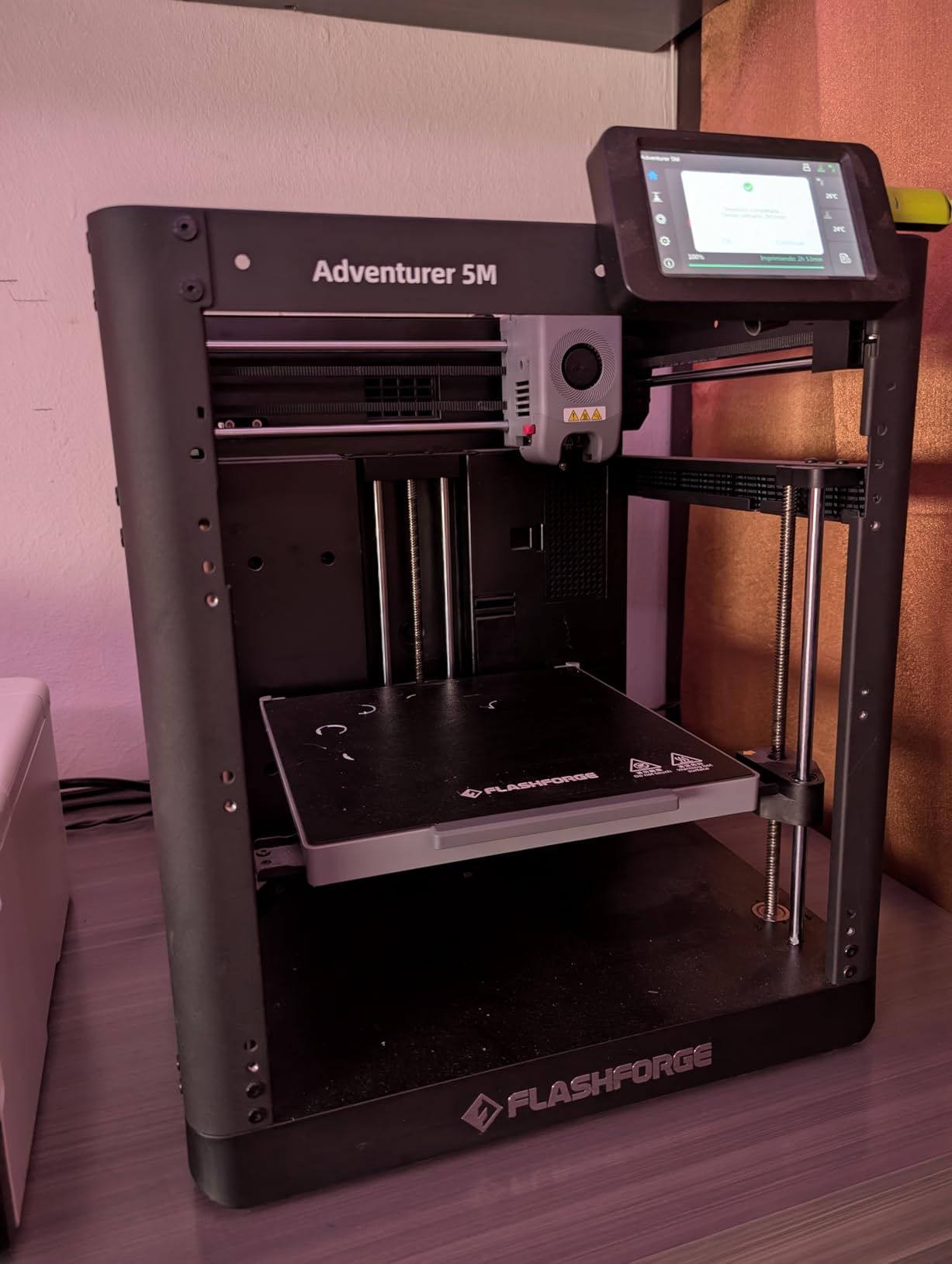
The thermal side is unusually good. A 32 mm3/s flow rate and a 50 watt heater bring the nozzle to 200C in 35 seconds, and the quick-detachable hotend reaches 280C, which opens up engineering-grade PLA and PETG blends. The dual-sided PEI plate has one side for PLA and the reverse side optimized for PETG, so you flip the plate instead of hunting for an adhesive solution.
Owners like the one-click leveling enough that they rarely touch it again, and the filament run-out sensor plus power loss recovery are the two features that save a long print. Reviewers also report responsive tech support, which is rarer than it should be at this price.
Who the Adventurer 5M suits: speed-focused hobbyists
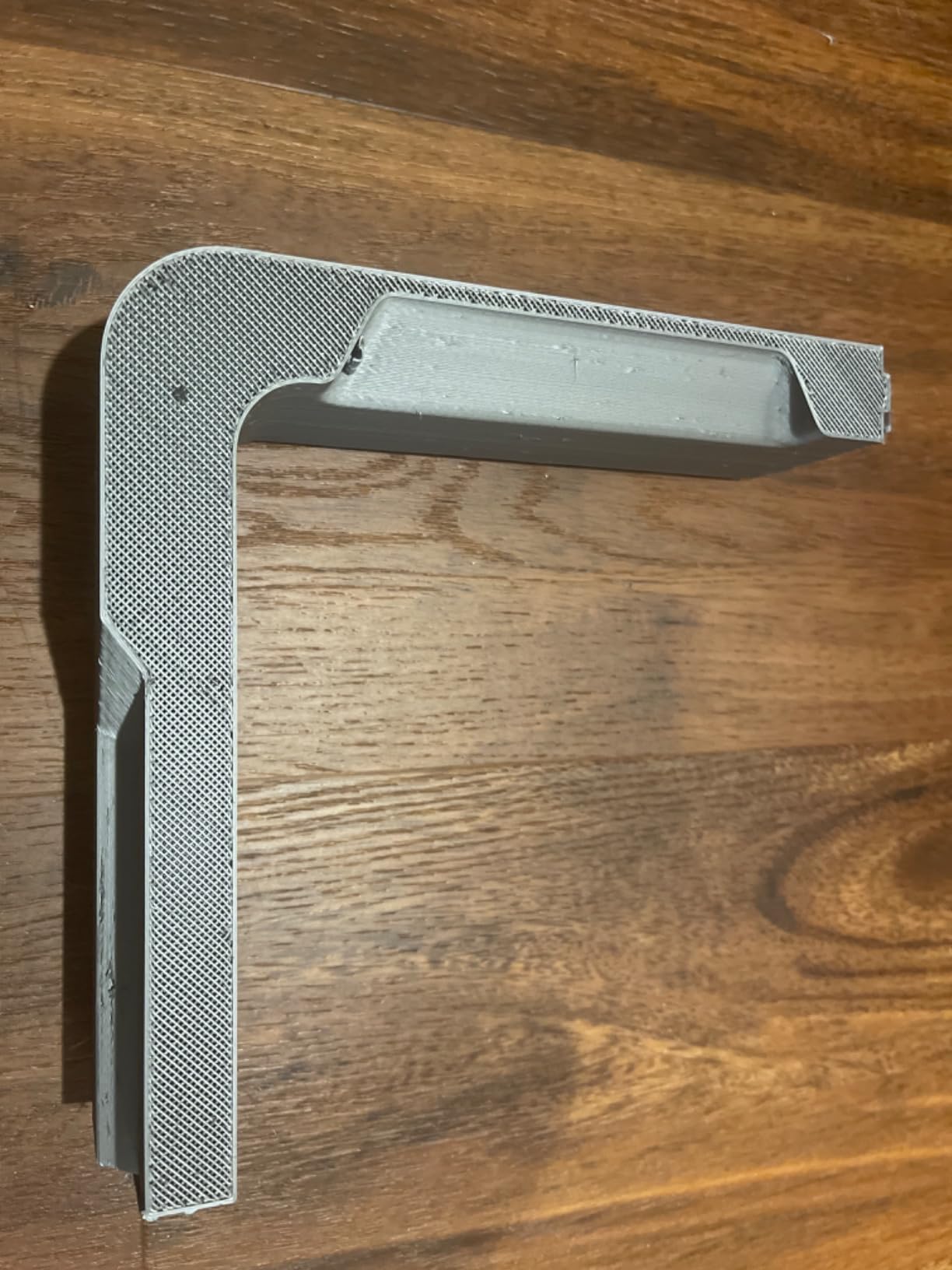
Pick this if you print tall, thin-walled decorative parts where surface quality matters and you would rather not slow the whole job down to hide ringing. A long print that finishes across a weekend instead of eating the next one is a real quality-of-life gain.
It also suits anyone who wants CoreXY behavior without a software dependency on a cloud account, and anyone who plans to run PLA-CF or PETG-CF in a hardened 0.6mm nozzle once they outgrow PLA.
Who should skip the Adventurer 5M: closed-ecosystem avoiders
The proprietary network interface is the honest drawback. Slicer choice is narrower here than on a Creality machine running Klipper, and reviewers call out early firmware and quality control problems on first-run units.
Skip it if you need ABS or ASA out of the box. An enclosure kit exists, but the machine does not ship enclosed and the P1S does.
3. Creality Ender 3 V3 SE – Best Budget Starter Printer
Creality Ender 3 V3 SE Beginner-Friendly 3D Printer with Auto Leveling
250mm/s with 2500 mm/s2
CR Touch auto leveling
Sprite direct drive
19.8 lb
Pros
- Cheapest credible entry point in the roundup
- Direct drive handles TPU without fighting it
- Dual Z lead screws keep the bed stable
- Silent 32-bit mainboard
- FPC spring steel plate makes parts easy to remove
Cons
- Requires assembly before first use
- Open frame rules out ABS and ASA
- Acceleration is well below the CoreXY picks
The Ender 3 V3 SE is the cheapest machine here that does not ask you to level the bed by hand, and at 791 reviews it is also the most owner-proven. This is the printer that long-running 3dprintboard and Quora threads keep naming as the default answer when hobbyists ask what to buy, and that long ownership history is exactly why it still makes sense.
What you get is a Sprite direct drive extruder, which is the important upgrade over the classic Ender 3. A direct drive shortens the path filament travels, which means TPU and other flexible filaments print without the retraction tuning that a Bowden tube demands. Add dual synchronized Z lead screws, precision Y-axis linear shafts, and a 32-bit silent mainboard, and this is a meaningfully more settled machine than the budget models it replaced.
Speed is rated at 250 mm/s with 2500 mm/s2 acceleration. That is a bedslinger ceiling, and you will feel it: raising acceleration produces visible ringing on vertical surfaces, so realistic print speeds settle lower than the headline number.
The flexible PC spring steel build plate is a small touch that pays off constantly. Parts release with a gentle flex of the plate instead of a scraper and a risk of cracking the print.
Who the Ender 3 V3 SE suits: learners and space-limited desks
This is the pick if the budget is genuinely tight or if the printer lives in a dorm or apartment corner. The 19.8 pound frame is light enough to carry between rooms on your own, and its open frame keeps the footprint modest.
It also suits anyone who wants to tinker. Creality’s community modding culture means hotend upgrades, Klipper ports, and printed mods are all easy to find, and the direct drive already handles the materials most beginners care about: PLA, PETG, and TPU.
Who should skip the Ender 3 V3 SE: anyone with a free afternoon and no patience for assembly
Skip it if you want to print within an hour of delivery. Assembly is required before first use, and budget buyers routinely report spending a full evening on it. The silver lining is that assembly teaches you the machine, which is why so many hobbyists still pick it deliberately.
Skip it if you plan to print engineering materials. The open frame and stock hotend put ABS and ASA firmly out of reach without mods.
4. Anycubic Photon Mono 4 – Best Resin Printer for Miniatures
ANYCUBIC Photon Mono 4, Resin 3D Printer with 7” 10K Mono LCD Screen
7 inch 10K mono LCD
17x17 micron XY resolution
153 x 87 x 165mm
7.7 lb
Pros
- 10K resolution produces fine surface detail
- LighTurbo matrix light source cuts layer lines
- Four-point leveling is a one-time setup
- Power loss recovery protects long prints
- Light enough to move between rooms
Cons
- Resin needs ventilation and PPE
- Smaller build volume than any FDM pick
- No app connectivity
- Requires washing and curing
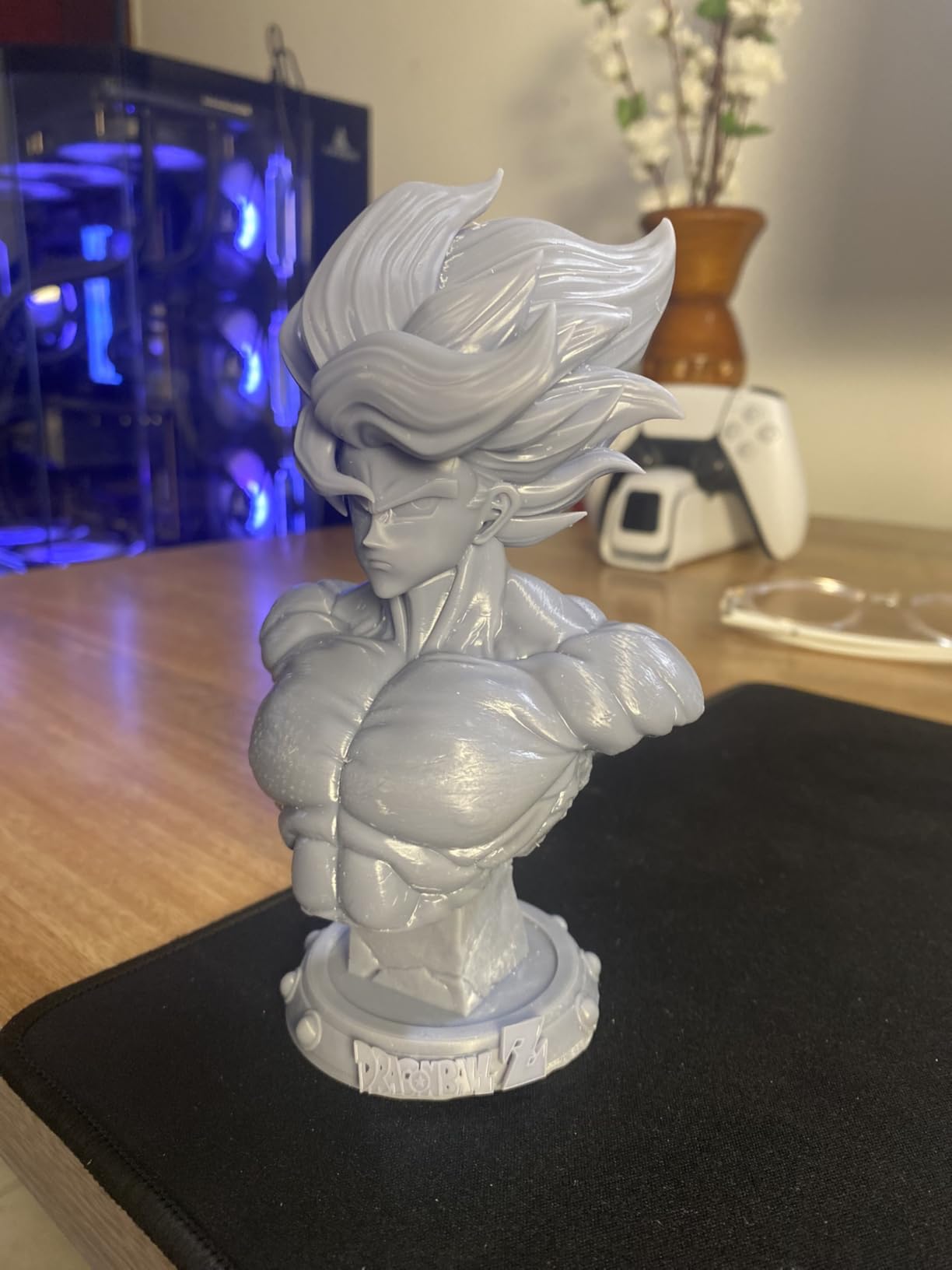
No filament printer here will match this for surface detail, and that is the entire case for it. The 7 inch 10K mono LCD resolves 9024 by 5120 pixels, which works out to 17 by 17 micron XY detail. For 28 to 32mm miniatures, tabletop figures, and dice that read as crisp rather than faceted, no FDM machine in this roundup comes close.
Resin printing is a mask-stereolithography process, not a molten plastic one. A UV LCD screen cures liquid photopolymer resin layer by layer from the bottom, which is why vertical surfaces come out smooth and detail does not suffer from layer height the way it does in FDM.
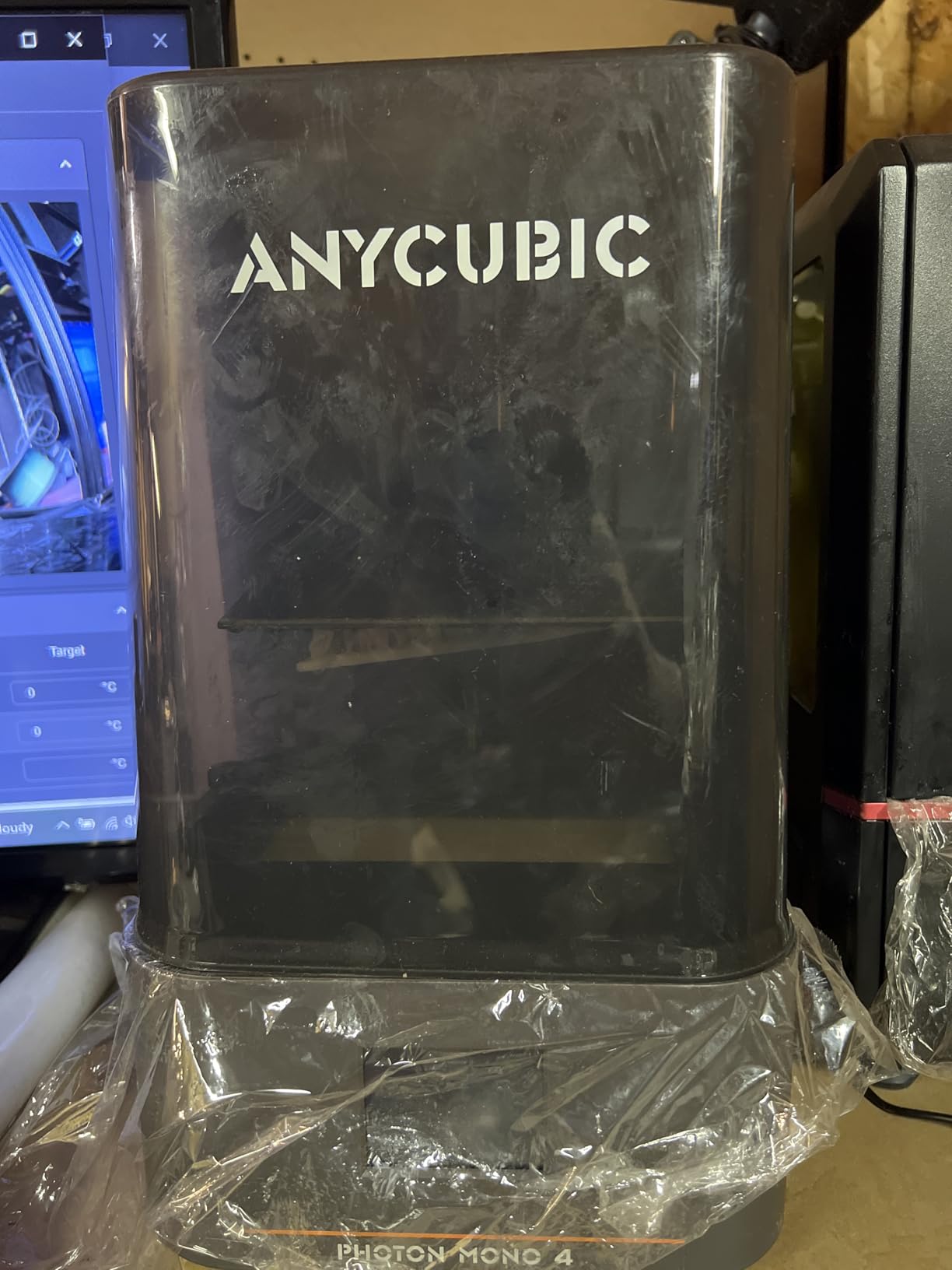
The LighTurbo matrix light source is the feature that separates it from cheaper resin printers. Uniform illumination across the whole panel means the cure is consistent edge to edge, and owners consistently report fewer layer lines. The laser-engraved build platform 2.0 gives a surface that holds parts down without the release-layer struggle common to older models.
Setup is genuinely minimal. Four-point leveling is a one-time operation, and at 7.7 pounds the whole machine is light enough to carry to a garage or spare room. Power loss recovery means an overnight print resumes rather than restarts.
Who the Photon Mono 4 suits: tabletop and miniature painters
Pick this if your output is small, detailed objects: roleplaying miniatures, terrain pieces, model kit parts, and dice. Across 667 reviews, 78 percent are five-star, and the complaints cluster around the workflow rather than the prints.
It also suits hobbyists who want a second tool rather than a first one. Owners with both a resin machine and an FDM machine treat them as parallel instruments: resin for detail, FDM for size and material. Your filament printer cannot do what this does, and this cannot do large functional parts.
Who should skip the Photon Mono 4: anyone without a safe space
Skip it if you cannot dedicate a ventilated corner with a door that closes. Uncured resin and the isopropyl wash step produce odor and skin-contact risk, and several hobbyists in r/PrintedWarhammer described stalling on exactly this problem before their first print.
Skip it if you want large parts. The 153.4 by 87 by 165mm build volume is the smallest here, and prints come off the plate needing washing, curing, and sometimes support removal.
5. Creality K2 SE 4C – Best for Built-In Four-Color Printing
Creality K2 SE 4C 3D Printer, Multi-Color 3D Printer, 500mm/s Fast Printing
CoreXY 500mm/s and 20000 mm/s2
Integrated 4-color IFS
All-metal frame
35.5 lb
Pros
- Four colors with no separate AMS unit
- CoreXY speed with 500mm/s ceiling
- Auto leveling probes only the active area
- Runout and tangle detection
- Root access on Creality OS
Cons
- Long-term reliability not yet established
- 16 percent one-star ratings on some units
- Creality ecosystem less mature than Bambu Lab
- Purge waste is typical of budget systems
The defining feature is that the four-color system is built in rather than bolted on. An IFS unit feeds four filaments straight into the toolhead, so there is no external box to sit beside the printer, no extra floor space, and no second purchase later. Creality rates the footprint at 37 percent smaller than a traditional external multi-color setup.
Underneath it is a CoreXY core rated at 500 mm/s with 20000 mm/s2 acceleration and an all-metal frame, so the speed advantage over a bedslinger is real. Intelligent auto bed leveling probes only the area you are actually printing, which saves a noticeable chunk of time on every single job compared with full-bed probing.
The safety net features are unusually thorough for the price: filament run-out detection, filament tangle detection, power loss recovery, and a skip-partial-failure option that lets a print continue past one failed region. Creality OS ships with root access, which matters if you want to change defaults the vendor interface locks down.
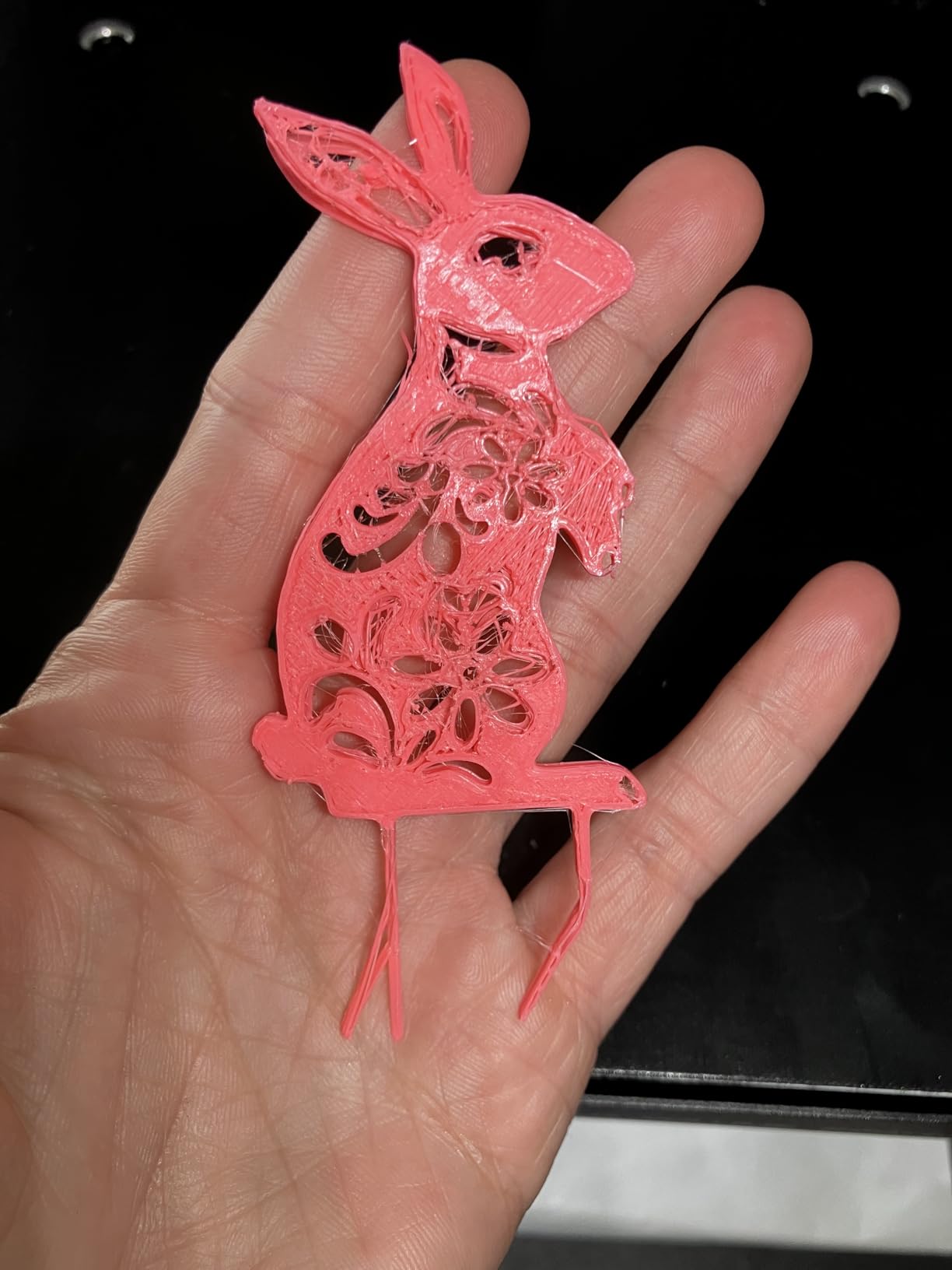
Reviewers are split, and the split is informative. People who get a good unit describe a compact, capable four-color machine at a price that undercuts any bundled alternative. People who get a bad one describe early hardware failures, and 16 percent of its ratings are one-star, which is the highest single share of that kind in this roundup.
Who the K2 SE 4C suits: decorative and color-critical prints
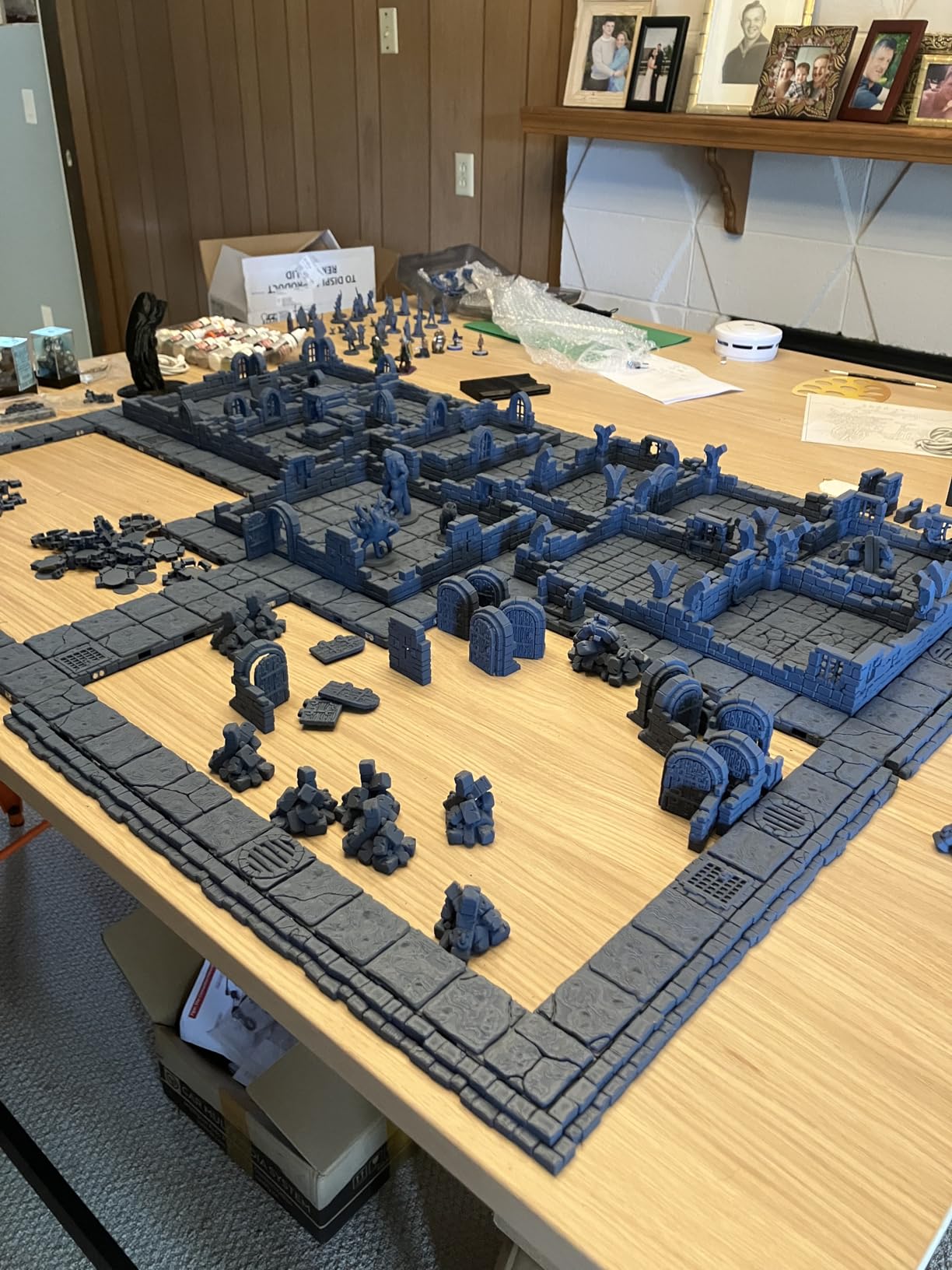
Pick this if multi-color is a regular requirement rather than an occasional treat. Woven baskets, name plaques, painted terrain, and cosplay props that need more than one color stop being a purge-waste problem and become a print-and-go job.
It also suits Creality users who want open ecosystem access. Root access on Creality OS is a genuine departure from the locked-down approach some competitors take, and combined with CoreXY it is a capable tinkerer’s machine.
Who should skip the K2 SE 4C: buyers who need proven reliability
Skip it if your work is time-sensitive or professional. A newer platform with a 16 percent one-star share is a harder bet than a machine with 791 reviews behind it, and the Creality app and slicer ecosystem is still less polished than Bambu Lab’s.
Skip it if you already own a printer and want color. If your current machine accepts an AMS unit, the base printer plus AMS is the more flexible route.
6. Bambu Lab P1S – Best Enclosed Printer Under 500
Bambu Lab P1S 3D Printer, Ready-to-Use FDM 3D Printer
Fully enclosed chamber
CoreXY 500mm/s
ABS ASA and PC support
38.9 lb
Pros
- Enclosure makes ABS and ASA reliable
- 500mm/s CoreXY with 20000 mm/s2
- 15-minute setup and full auto leveling
- Rated number one in the 3D Printers category
- AMS adds up to 16 colors
Cons
- AMS required for multi-color and costly
- Enclosed body needs real desk space
- Proprietary ecosystem
- Fiber reinforced filaments not recommended
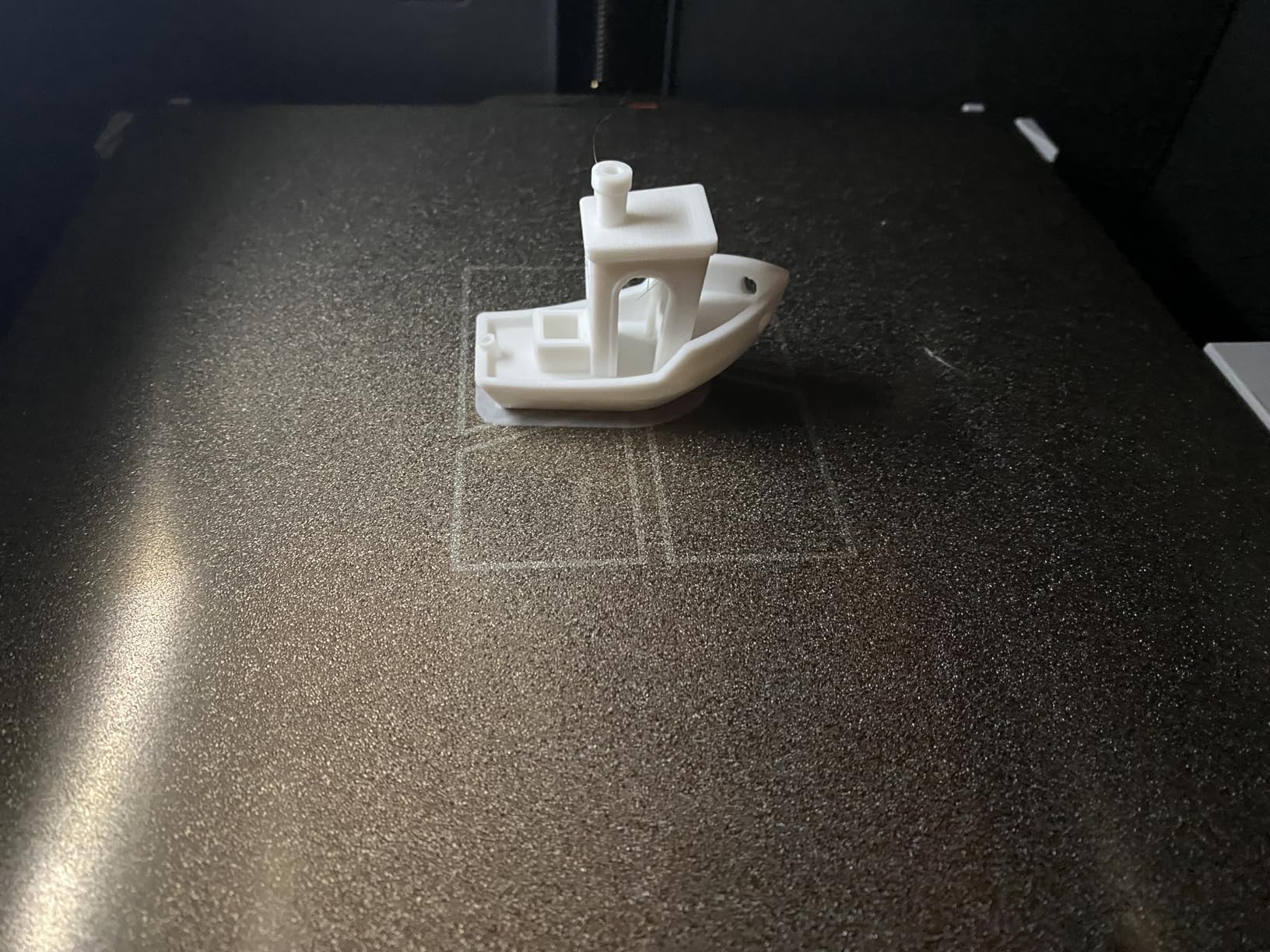
The P1S is the reason the sub-500 bracket feels different this year. A fully enclosed chamber plus a CoreXY core used to mean stepping well past this budget, and the fact that it now fits changes the material conversation for hobbyists who make parts rather than decorations.
Why the enclosure matters: ABS and ASA are engineering-grade thermoplastics that release plasticizer fumes and, more importantly, shrink as they cool. On an open frame, a large ABS part lifts off the bed at the corners because the layer that just printed is still hot and still shrinking. Inside a closed chamber the air stays warm and the temperature delta shrinks, and warping drops dramatically. The P1S handles PLA, PETG, TPU, PVA, PET, ABS and ASA, with PA and PC listed as capable.
Everything else follows the same high-polish pattern. Automatic bed leveling, a 15-minute setup, 500 mm/s with 20000 mm/s2 acceleration, and an AMS slot that accepts up to 16 colors. Owners rate print quality and reliability highly, with 81 percent five-star ratings across 407 reviews.
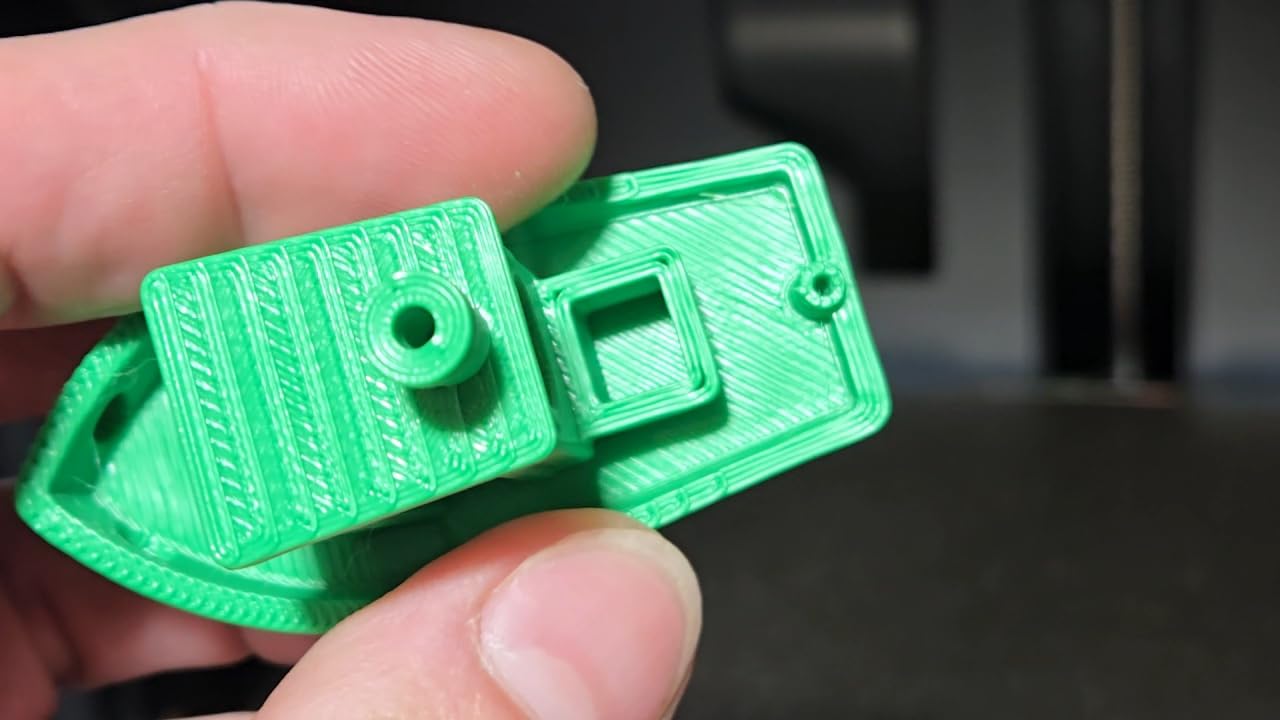
Be clear about what it will not do. Bambu Lab does not recommend carbon fiber or glass fiber reinforced polymers on this machine, so a heavily abrasive CF-PLA print with a 0.4mm brass nozzle is not the target use case. And the AMS is a separate purchase that meaningfully raises the total.
Who the P1S suits: functional and outdoor parts
Buy this if you print carabiners, brackets, enclosures, garden parts, or anything that lives in a hot car or outside. ASA in particular is the material people reach this machine for, because it holds its color and its strength in UV and heat where ABS yellows.
It also suits anyone who wants multi-color through a proven ecosystem rather than an integrated system. AMS support up to 16 colors is the most flexible color option in this roundup.
Who should skip the P1S: small desks and abrasive filaments
Skip it if your printing spot is a dorm desk. At 38.9 pounds with a fully enclosed chamber, this is the heaviest machine here and needs a stable surface with airflow around it.
Skip it if CF-filled filament is the goal. The manufacturer explicitly does not recommend fiber reinforced polymers, and forcing them through a brass nozzle wears it out fast.
7. Flashforge AD5M – Best for Nozzle and Hotend Flexibility
FLASHFORGE AD5M 3D Printer Fully Auto Calibration Print with 1-Click Max 600mm/s Speed, All-Metal CoreXY Structure Precise Printing, Easy-Maintenance Quick-Swap Nozzle, Print Size 220x220x220mm
CoreXY all-metal frame
600mm/s
0.25 to 0.8mm nozzles
Tool-free swap
Pros
- Nozzle changes take about 3 seconds with no tools
- Four nozzle diameters available
- All-metal CoreXY frame resists flex
- Remote monitoring through the Flash Maker app
- Power loss recovery and dual-sided PEI
Cons
- Proprietary slicer and app ecosystem
- Open frame limits advanced materials
- 220mm cube is modest for large projects
The AD5M is the Flashforge Adventurer 5M’s successor, and the reason to look at it is the nozzle system. The patent quick-release hotend swaps between 0.25, 0.4, 0.6 and 0.8mm nozzles in roughly three seconds with no tools, which turns nozzle choice from a once-a-year project into an on-the-fly adjustment.
That matters more than it sounds. Fine 0.25mm nozzles handle miniatures and thin details that a 0.4mm nozzle cannot resolve, while a 0.6 or 0.8mm nozzle pushes abrasive and high-flow material far faster. Owning both used to mean owning two printers.
The rest is a well-built CoreXY: an all-metal motion structure rated to 600 mm/s, fully automatic one-click leveling, power loss recovery, and a flexible double-sided PEI steel plate whose reverse side is optimized for PETG. The Orca-flashforge slicer supports batch file transmission, and the Flash Maker app gives remote monitoring.
Reviewers describe it as an improvement on the Adventurer 5M specifically in faster nozzle changes and better app support, with 69 percent five-star ratings across 366 reviews. The consistent caveat is the proprietary software stack.
Who the AD5M suits: experimenters who change materials often
Pick this if you move between fine-detail work and high-flow engineering prints, or if you enjoy tuning profiles. The tool-free swap and the range of available nozzle diameters make this the most flexible machine here for a hobbyist who likes to fiddle.
It also suits anyone upgrading from an older Flashforge, since the nozzle platform and app experience are both newer than on the 5M.
Who should skip the AD5M: buyers who want open firmware
Skip it if Klipper or open firmware access is a requirement. The slicer and app are vendor-controlled, and that trade is the price of the polished one-click experience.
Skip it if you need a large build volume. A 220mm cube is fine for props and planters but tight for anything tall, and the open frame means an enclosure kit is on you if you want ABS or ASA.
8. Flashforge AD5X – Best Four-Color Printer With a Hot Nozzle
FLASHFORGE AD5X Multi-Color 3D Printer 4 Colors with IFS, Fully Auto Leveling FDM 3D Printer with Max 600mm/s High Speed Printing and Max 300°C Nozzle, Large Printing Size 220 * 220 * 220mm
4-color IFS
300C max nozzle
600mm/s and 20000 mm/s2
220mm cube
Pros
- Integrated four-color system with no external unit
- 300C nozzle widens the material range
- Enclosure kit available for ABS and ASA
- Automatic spool switching on the same color
- TPU support
Cons
- Firmware updates reported as buggy
- Support criticized as slow and parts-only
- Significant filament waste on color changes
- Some units failed after 1 to 3 months
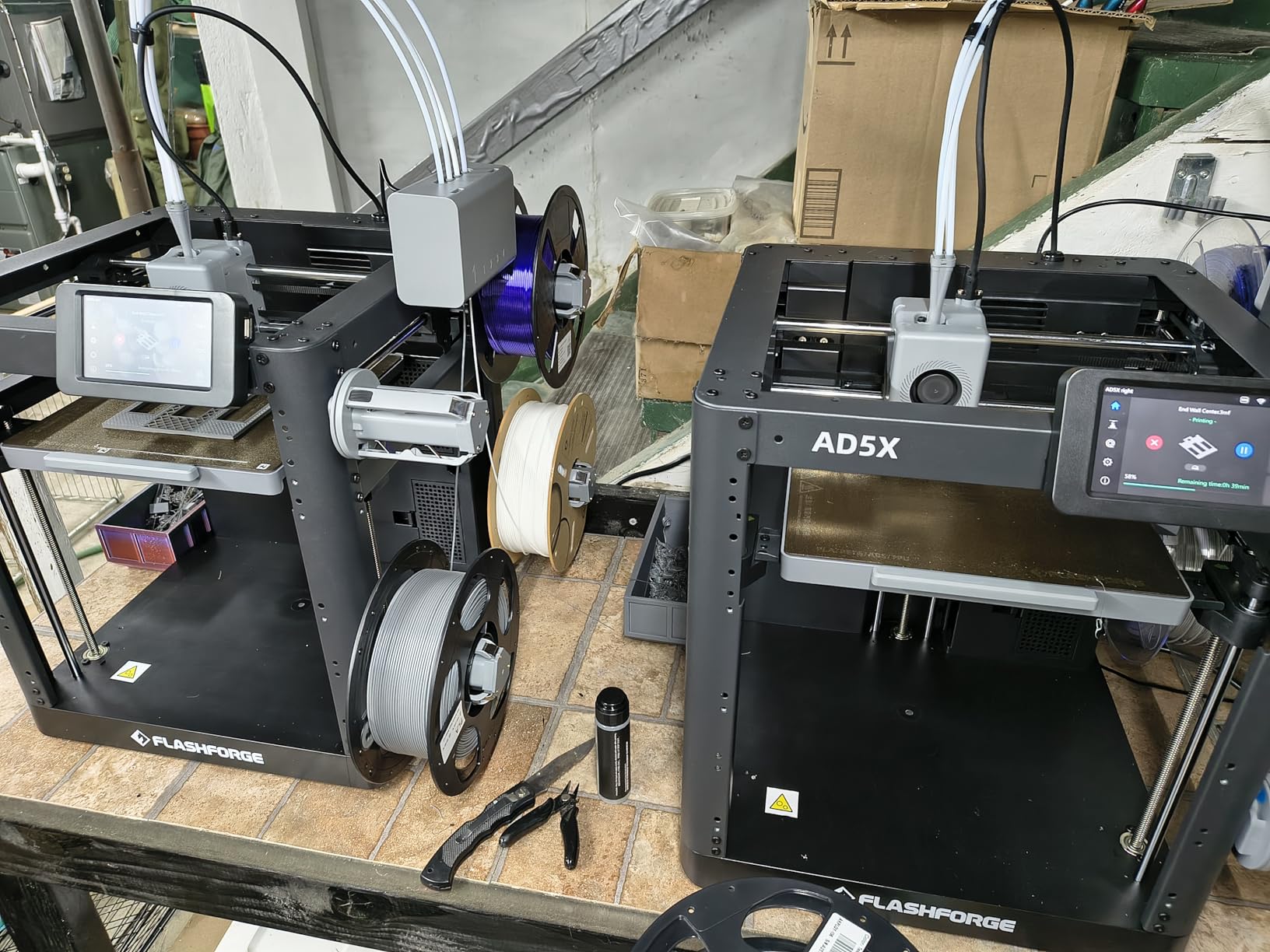
The AD5X pairs the same integrated four-color IFS system found in the K2 SE 4C with a nozzle that reaches 300C, and that hotend is the differentiator. A 300C nozzle covers high-temperature engineering polymers and fiber-reinforced blends that a standard 280C hotend struggles with, and it is the single spec on this machine that no other filament printer in the roundup matches.
Underneath, the all-metal CoreXY core is rated at 600 mm/s with 20000 mm/s2 acceleration across a 220mm cube, with fully auto leveling and TPU support. An enclosure kit is available if you want to move into ABS and ASA later, which is more than the open-frame picks can honestly offer.
Automatic spool switching when a layer returns to a color you have already loaded is a small feature that quietly reduces waste, and reviewers comparing cost against a Bambu A1 or P1S plus AMS generally find this machine favorable.
Reviews are genuinely polarized, which is worth more than a clean average. Happy owners describe excellent value and CoreXY performance at this price. Unhappy owners report 12 percent one-star and 6 percent two-star ratings citing slow support that replaces parts rather than fixing problems, buggy software updates, and units failing within a few months. The honest summary is that this machine rewards someone willing to troubleshoot.
Who the AD5X suits: multi-color buyers who need a hot nozzle
Pick this if you want four integrated colors and you also intend to print fiber-reinforced or high-temperature material. The 300C hotend and the available enclosure kit make that combination reachable inside this budget.
It also suits hobbyists who print decorative pieces where color changes are frequent enough that purge waste becomes the main running cost. Integrated IFS is far more economical than an external AMS per color.
Who should skip the AD5X: buyers who want support and stability
Skip it if you are not comfortable troubleshooting firmware or contacting support. The 12 percent one-star share is high, and the complaints cluster around service quality rather than print quality.
Skip it if you want maximum reliability with minimal fuss. The Bambu Lab A1 and P1S carry steadier firmware histories and larger owner communities, even though neither prints four colors out of the box.
FDM or Resin: Which One Do You Actually Need?
If you want size, speed, and material flexibility, buy FDM. That covers nearly every hobbyist use case: cosplay props, planters, organizers, functional brackets, terrain bases, and replacement parts. Filament is inert, the machines are quiet enough for an apartment, and the workflow is forgiving.
If you want surface detail, buy resin. Miniatures, figurines, and dice are the use cases, where a 17 micron XY resolution beats any filament layer height on the market. The trade is safety, post-processing, and a much smaller build volume.
These are parallel tools, not upgrade steps. Plenty of hobbyists own both, and the common mistake is buying a resin machine first because the sample prints look incredible, then discovering that a resin workflow is not what they actually enjoy.
How to Choose a 3D Printer Under 500
1. Motion architecture still matters, but less than it did
CoreXY moves only a lightweight toolhead, so it can accelerate hard without ringing on vertical walls. A bedslinger moves the bed in Y, so the same acceleration produces visible ghosting and you print slower to hide it. Five picks here are CoreXY, which is why the old claim that this budget only buys bedslingers is outdated. Even so, a bedslinger like the Ender 3 V3 SE prints good parts if you accept a lower practical speed.
2. Automatic bed leveling is non-negotiable
This is the most cited beginner frustration in owner forums, and the reason so many hobbyists explicitly rule out the very cheap tier. Every machine in this roundup has it. A CR Touch sensor, a one-click probe, or a full auto calibration routine all solve the same problem: nobody should be adjusting four corner screws before printing a downloaded model.
3. Enclosure decides your material list
An open frame is fine for PLA, PETG, and TPU. ABS, ASA, PA and PC need a closed chamber because warping is driven by the temperature difference between the hot layer and the ambient air. Only the P1S is fully enclosed out of the box here; the Adventurer 5M and AD5X sell enclosure kits.
4. Build volume numbers are not directly comparable
Two machines here share the same 220mm cube, which sounds like a tie until you check clearance. Usable volume depends on how much room the frame leaves around the bed as it travels, and it depends on which direction you orient the part. Height matters most for helmets and tall props, width for flat panels, and depth for anything you want to lay down. The resin machine here has the smallest numbers in the roundup by design.
5. Direct drive beats a Bowden tube for beginners
A direct drive extruder sits the motor on the toolhead, so flexible filament and small retraction distances behave predictably. The Ender 3 V3 SE uses a Sprite direct drive, and the Flashforge machines are direct drive as well, which is why TPU support is common across this list.
6. Hotend temperature decides material ambition
Most PLA and PETG work happens under 250C. Above that, you are choosing between 280C, which the Adventurer 5M reaches, and 300C, which only the AD5X offers. Abrasive fiber-reinforced filament also wants a hardened steel nozzle, which most of these machines support with a 0.6mm or 0.8mm swap.
7. Slicer software is a real purchase criterion
Every printer here ships with vendor software, and most also work with OrcaSlicer or PrusaSlicer. What differs is polish and whether the machine exposes an open firmware path. A reviewer flagged that OrcaSlicer requires an account login before it will accept one of these printers, which is worth knowing before you commit.
8. Multi-color systems cost filament, not just money
Integrated systems like the K2 SE 4C and AD5X put four colors in a compact footprint and purge automatically. External AMS units add flexibility and, on the P1S, up to 16 colors, but they need floor space beside the printer. Both approaches waste some filament on purges, and on a color-heavy print that waste is the dominant cost.
What You Give Up Under 500
You give up extreme speed. The CoreXY machines here reach 500 to 600 mm/s on paper, but real print speeds settle lower once acceleration limits, small perimeters, and cooling are accounted for. Read a 600mm/s headline as a ceiling the machine reaches briefly, not a number your average part will run at.
You give up guaranteed ABS and ASA without mods, except on the P1S. You give up generous build volumes, because nothing in this roundup reaches the 300mm cube class. And you give up the deepest firmware access and the longest support track record, since the most owner-proven machine here is the budget Ender rather than a premium pick.
None of that stops hobbyist work. It shapes what you can make: smaller parts, plastics rather than engineering polymers, and a smaller project queue than a machine costing twice as much would allow.
What a Hobbyist Printer Costs After the First Month
Filament is the number everyone underestimates. A hobbyist printing a few times a week goes through a kilogram every couple of months, and price per kilogram varies widely by brand, so buy in the larger spools and dry it before printing. Wet filament causes popping, stringing, and weak layers, and it is the single most common cause of prints that look bad for no clear reason.
A dry box or a filament dryer solves most of that for a fraction of the printer cost, and it is the first accessory we would buy. Next on the list: spare nozzles, because a 0.4mm brass nozzle is a consumable that eventually clogs, and a spare PEI plate or spring steel sheet so a damaged build surface does not end your printing habit.
Add hardened nozzles and a proper bed surface before you buy carbon-fiber-filled filament, not after. Resin owners add isopropyl alcohol, wash trays, a curing setup, and gloves, plus ventilation. Electricity is the smallest line item of all, but a heated bed running for a dozen hours a week draws real power over a year.
Resin Safety: What to Set Up Before the First Pour
Resin printing is manageable at home, and the safety rules are simple enough to follow on day one. Print uncured resin and wash in a dedicated space with a door that closes, ideally with a window cracked or a fan exhausting outward, because isopropyl alcohol vapor and resin odor both need somewhere to go.
Wear nitrile gloves when handling uncured resin or washing parts, and keep food and drink out of the room entirely. Never pour resin down a drain. Most hobbyists who stall before their first print are stalling on exactly this, and r/PrintedWarhammer threads show owners waiting weeks to build a tent or vent solution before touching a bottle.
Two smaller habits pay off. Cure parts fully under UV light before handling them, and wash cured prints with soap and water rather than letting uncured resin sit on a surface where a pet or a child can reach it.
Frequently Asked Questions
What is a good 3D printer for a hobbyist?
An auto-leveling, reliable FDM machine with a proven build volume and a mature slicer covers almost all hobbyist use. In this roundup the Bambu Lab A1 is the strongest general pick, and the Flashforge Adventurer 5M is the value option if you want CoreXY motion.
What is the cheapest but good 3D printer?
The cheapest credible entry into 3D printing sits near the bottom of this list. The Creality Ender 3 V3 SE is that pick, and below it you trade away auto bed leveling and support, which most hobbyists regret.
Which 3D printer is the most user-friendly?
Bambu Lab leads on out-of-box usability: auto bed leveling, automatic Z-offset, active flow rate compensation and a guided slicer. That is why it is the most-recommended brand in hobbyist forums, and the A1 is the cheapest way into that ecosystem.
What is the best 3D printer I can buy for 500?
Treat the budget as a ceiling, not a target. Spend where the marginal dollar buys auto leveling and ecosystem maturity, and expect a fast bedslinger or a budget CoreXY rather than a premium enclosed machine.
Which 3D printer is better, Bambu or Creality?
Bambu wins on ease of use, slicer polish and multi-color flexibility. Creality wins on price, root access and open firmware options like Klipper, plus a bigger modding community. If you want it to just work, buy Bambu. If you want to tinker, buy Creality.
What is the best 3D printer under 400?
That tier is where the Bambu Lab A1, the Flashforge Adventurer 5M and the Creality Ender 3 V3 SE compete. You give up some build volume or the ability to print ABS and ASA out of the box, but you keep auto leveling and a modern slicer.
Is resin printing safe at home?
It is manageable with ventilation, nitrile gloves, and a dedicated space with a closing door. Uncured resin and isopropyl wash vapor both need somewhere to exhaust, and you should never pour resin down a drain.
Which 3D Printer Under 500 Should You Buy?
If you want the best 3d printers under 500 for hobbyists in one sentence: buy the Bambu Lab A1 if you want it to work without you, the Flashforge Adventurer 5M if you want CoreXY speed and the best value here, and the Bambu Lab P1S if your prints need to be ABS or ASA.
Buy the Ender 3 V3 SE if the budget is tight or you want to learn by assembling it. Buy the Anycubic Photon Mono 4 if you print miniatures and have a ventilated space ready. Buy the K2 SE 4C or the AD5X if four integrated colors are the point, and only if you are comfortable troubleshooting a newer machine.
Whichever you choose, budget for filament, a dry box, and spare nozzles in year one, and check current pricing and the latest firmware notes before you commit. Prices in this bracket move often, and the machine you can get at under 500 in 2026 is not the same list you will find next spring.