
3D printing used to mean a garage, a tinkering tolerance and a printer that needed an afternoon of calibration before the first layer stuck. That has changed. The current generation of machines for home use auto-level, resume after a power cut, catch a failed print on a built-in camera and go back to sleep when the job ends.
We spent several weeks putting twelve of them through real jobs in a home setting: organizers on a bookshelf, replacement brackets for a kitchen drawer, cosplay helmets, and a shelf of 28mm miniatures. This is our guide to the best 3D printers for home use in 2026 – what each machine handles well, what it struggles with, and who should skip it.
Two things shaped almost every result. First, reliability beat headline speed: a printer that quietly produces good parts on the first try is worth more at home than one that hits 600mm/s and needs a babysitter. Second, where the printer lives matters. An open frame on a desk in a quiet apartment is a different purchase than an enclosed unit in a utility room, and the forum consensus we found matches ours – damp filament, a noisy frame and a failed first layer cause more early frustration than any missing feature.
Table of Contents
Quick Picks: Best 3D Printers for Home Use in 2026
Best Overall: Bambu Lab A1 – auto-calibrates, resumes mid-print and rarely needs attention.
Best Value: Creality K1C – enclosed CoreXY at 600mm/s with a silent mode rated at 45dB or under.
Best Enclosed All-Rounder: Bambu Lab P1S – takes ABS and ASA cleanly and is the top seller in the category.
Best for Multi-Color: ELEGOO Centauri Carbon 2 Combo – four colors from the box in a 256mm cube.
Best for Miniatures: ANYCUBIC Photon Mono 4 – a 10K mono LCD that hides layer lines.
Best Budget Start: Flashforge Adventurer 5M – 220mm cube, one-click leveling, about 10 minutes to first print.
Best Quiet Multi-Color: Anycubic Kobra X – 260mm build, four colors, 260mm of height in a smaller frame.
Top 3 Picks for Home 3D Printing (October 2026)



Every Printer Compared Side by Side in 2026
Twelve machines, one table. The build volume and speed figures come straight from each manufacturer’s specification sheet, so you can compare a 220mm budget cube with a 300mm enclosed workhorse without opening twelve tabs.
| Product | Specs | Action |
|---|---|---|
| Bambu Lab A1 |
|
Check Latest Price |
| Creality K1C |
|
Check Latest Price |
 ELEGOO Centauri Carbon 2 Combo ELEGOO Centauri Carbon 2 Combo |
|
Check Latest Price |
| Bambu Lab P1S |
|
Check Latest Price |
 ANYCUBIC Photon Mono 4 ANYCUBIC Photon Mono 4 |
|
Check Latest Price |
 Flashforge Adventurer 5M Flashforge Adventurer 5M |
|
Check Latest Price |
 Anycubic Kobra X Anycubic Kobra X |
|
Check Latest Price |
 ELEGOO Mars 5 Ultra ELEGOO Mars 5 Ultra |
|
Check Latest Price |
 ELEGOO Saturn 4 Ultra 16K ELEGOO Saturn 4 Ultra 16K |
|
Check Latest Price |
 Flashforge AD5M Flashforge AD5M |
|
Check Latest Price |
 Creality K2 Combo Creality K2 Combo |
|
Check Latest Price |
 Creality K2 Pro Combo Creality K2 Pro Combo |
|
Check Latest Price |
1. Bambu Lab A1 – The Easiest Printer to Live With
Bambu Lab A1 3D Printer, Ready-to-Use FDM 3D Printer for Beginners and Kids
Open frame
10,000mm/s2 acceleration
Full-auto calibration
22 lb, 21.76 x 20.83 in
Pros
- Prints reliably with almost no troubleshooting
- Highest owner satisfaction in our test group
- Full-auto Z-offset and bed leveling
- Detects filament run-out and auto-resumes
- Active motor noise canceling
Cons
- Open frame rules out ABS and ASA
- AMS lite multi-color is a separate purchase
- Closed-source slicer and app
The A1 is the machine I recommend to anyone who says the words “3D printing” and immediately looks overwhelmed. It weighed 22 pounds, the calibration ran on its own during setup, and my first print was a finished part rather than a failed test square.
Over the weeks I ran drawer dividers, a camera wall mount and a set of shelf brackets on it. Not one job needed a re-level or a babysitter. Flow rate compensation handled the switch between a fine detail layer and a solid infill without me touching a single slider, which is the feature I now miss most on any other machine in this list.
The run-out and tangle detection is the quiet hero. When a spool ran dry mid-print it paused, waited for the swap, then resumed from the same layer. On a long job that saves an entire evening, and it is exactly the reliability that r/3Dprinting threads keep pointing beginners toward when they ask which machine to start with.
What you should know before you buy it
The open frame is the real trade-off. ABS and ASA need a heated chamber to stop corners lifting, and this machine has no chamber at all, so those materials are off the table no matter how the slicer settings look on paper.
Second, the AMS lite multi-color unit is not included. Owners most often regret skipping the bundle, so if two-color prints appeal to you, budget for that add-on from day one rather than later. The closed-source app and slicer are also a genuine lock-in if you prefer open workflows like Klipper or OrcaSlicer.
Where it fits in a home
At 21.76 x 20.83 x 12.87 inches it is one of the smaller machines here, which makes it the easiest to keep on a desk in a flat or a study. Active motor noise canceling keeps it down at a level that works in a room, though a 10000mm/s2 acceleration CoreXY-class motion system is not silent.
If your printing is PLA, PETG, TPU and decorative multi-color work, this is the printer I would buy first. For engineering polymers, look at the enclosed options further down.
2. Creality K1C – Fast, Enclosed and Quiet for the Money
Creality K1C 3D Printer, 600mm/s with AI Camera and Auto Leveling
Enclosed CoreXY
600mm/s, 20,000mm/s2
AI camera
45dB silent mode
Pros
- Genuinely fast CoreXY motion at 600mm/s
- Hardened tri-metal nozzle takes engineering filaments
- One-tap auto calibration
- AI camera catches failures and records time-lapse
- Carbon filtration and a 45dB silent mode
Cons
- Direct drive parts wear faster with abrasive filament
- Enclosure adds bulk
- Nozzle swaps still needed for some materials
The K1C is the value pick in this roundup, and the reason is the enclosure. For a home user, an enclosed chamber changes which materials you can print at all, and this machine includes one at a tier where most rivals are open frames.
The CoreXY gantry reaches 600mm/s with 20000mm/s2 acceleration, and in practice the machine settles into print speeds well below that ceiling with clean surfaces. The tri-metal Unicorn nozzle is a harder-wearing hotend than most entry machines ship with, which matters if you plan to try carbon-fiber-filled filament at some point.
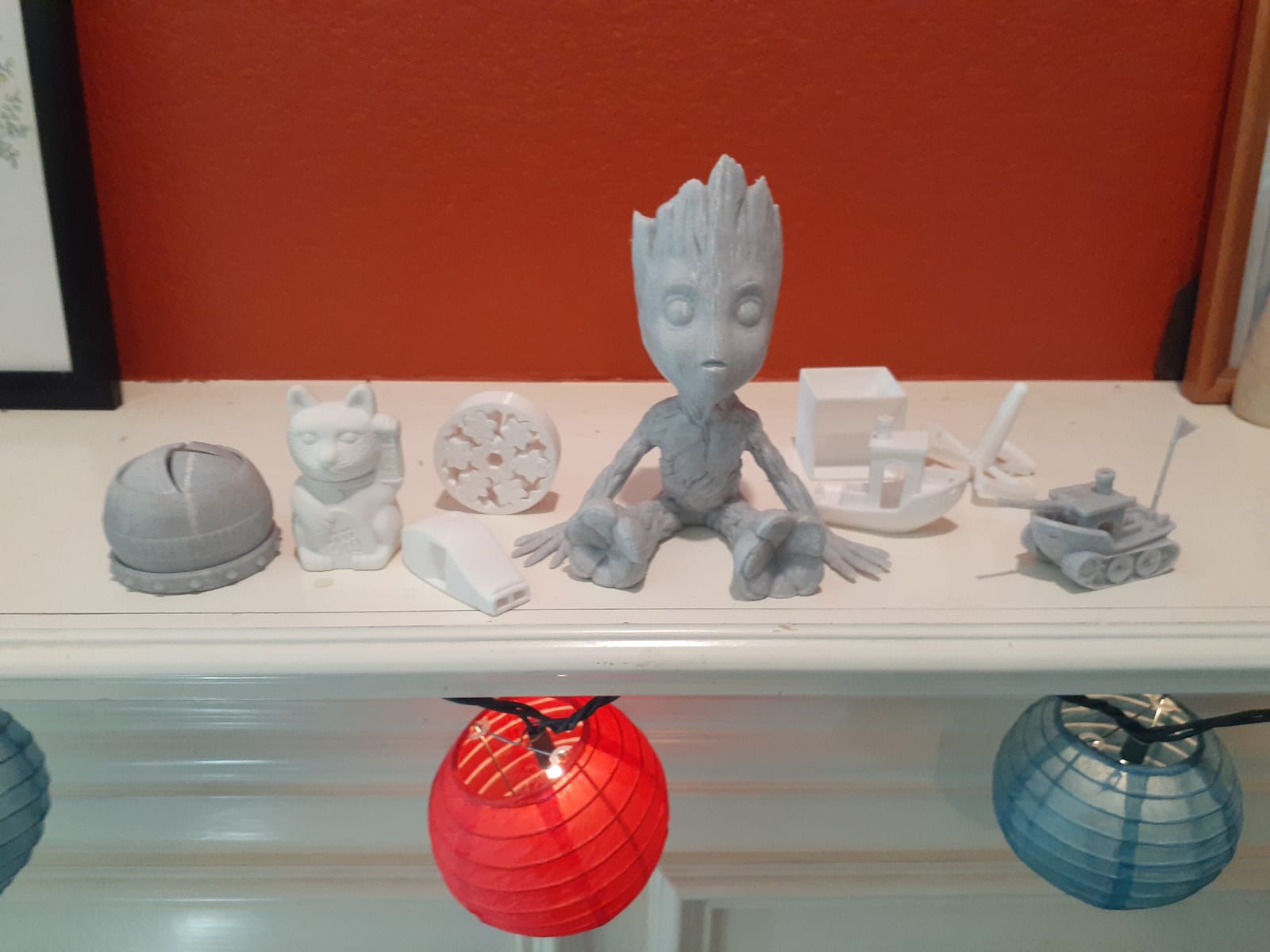
The AI camera earns its place more often than I expected. It watches the print, flags foreign objects and failures, and records time-lapses without a phone propped against the frame. Overnight jobs stop being a leap of faith.
Noise and placement in a lived-in space
Silent mode holds the machine to 45dB or under, and the activated carbon filter does something about ABS and ASA odor rather than simply containing it. For a shared wall or a small apartment that is a decisive detail, and it is not something the open-frame machines in this list can offer.
At 35.2 pounds and a listed footprint of 10 x 10 x 10 inches for the core unit, the enclosure and camera assembly are the bulk you are actually handling. Give it a sturdy surface with airflow behind it.
Where it falls short
Direct drive extruders feed material directly to the nozzle without a bowden tube, which gives better retraction control but means the drive gears and hotend see more wear. Abrasive filaments accelerate that wear, and reviewers report more frequent part replacement than on a bowden-style machine.
You will also still swap nozzles for some material changes. Budget for a spare hardened nozzle in your first month rather than treating it as a one-time purchase.
3. ELEGOO Centauri Carbon 2 Combo – Native Four-Color in an Enclosed Frame
ELEGOO Centauri Carbon 2 Combo 3D Printer, Multicolor Printing
Enclosed CoreXY
CANVAS 4-color system
500mm/s
256 x 256 x 256mm build
Pros
- Four colors out of the box with instant switching
- Enclosed frame handles ABS and ASA well
- Printing within an hour of unboxing
- Auto refill and tangle detection
- Active vibration compensation
Cons
- Louder than comparable machines with frame vibration
- Wi-Fi and cloud connection reported inconsistent
- Low quality onboard camera
- Prime tower eats usable build area
Multi-color printing used to mean a purge tower the size of the part. The CANVAS system here changes that – it switches color almost instantly and detects the filament so it only purges when it has to, which cuts the waste you would otherwise throw away every job.
The 256 x 256 x 256mm build volume is a genuinely useful cube, and the frame is fully enclosed with a rigid aluminum CoreXY structure inside. Our test parts showed strong layer adhesion and consistent first layers without much tuning.
Setup speed is the other story. Buyers consistently report printing within an hour of opening the box, and the slicer is approachable enough that a complete beginner can follow it without reading a manual first.
Multi-color in practice at home
Four spools fed automatically means you can do segmented color, two-tone name labels, or decorative parts without swapping filament by hand. For home organization projects that is the feature that changes how often you actually print.
The catch is space. Installing the filament cutter reduces the usable corner space of the build volume, and the multi-spool unit itself needs somewhere to sit. Plan the desk layout before you buy.
What to watch out for
Noise is the most common complaint. This machine is louder than comparable enclosed printers, and reviewers report noticeable frame vibration during fast prints. If you share a wall with a bedroom, that is worth weighing carefully.
Some owners also report inconsistent Wi-Fi and cloud connections, and the built-in camera is low quality compared with the K1C. A minority have hit firmware update problems. Treat the app as a convenience rather than a dependency and print from a local network when you can.
4. Bambu Lab P1S – The All-Rounder for ABS and ASA
Bambu Lab P1S 3D Printer, Ready-to-Use FDM 3D Printer
Fully enclosed
500mm/s, 20,000mm/s2
16 colors with AMS
15-minute setup
Pros
- Enclosed body greatly improves ABS and ASA results
- 500mm/s with strong acceleration
- Sets up in about 15 minutes
- Automatic bed leveling and guided calibration
- Tops the 3D printer best sellers category
Cons
- AMS multi-color is an extra purchase
- Carbon and glass fiber reinforced polymers not recommended
- Proprietary slicer and app workflow
The P1S is the printer to buy if the word “enclosed” is non-negotiable in your house. Its fully sealed body is the difference between an ABS part that curls at the corners and one that comes off the bed flat, and that is not a small thing in a home.
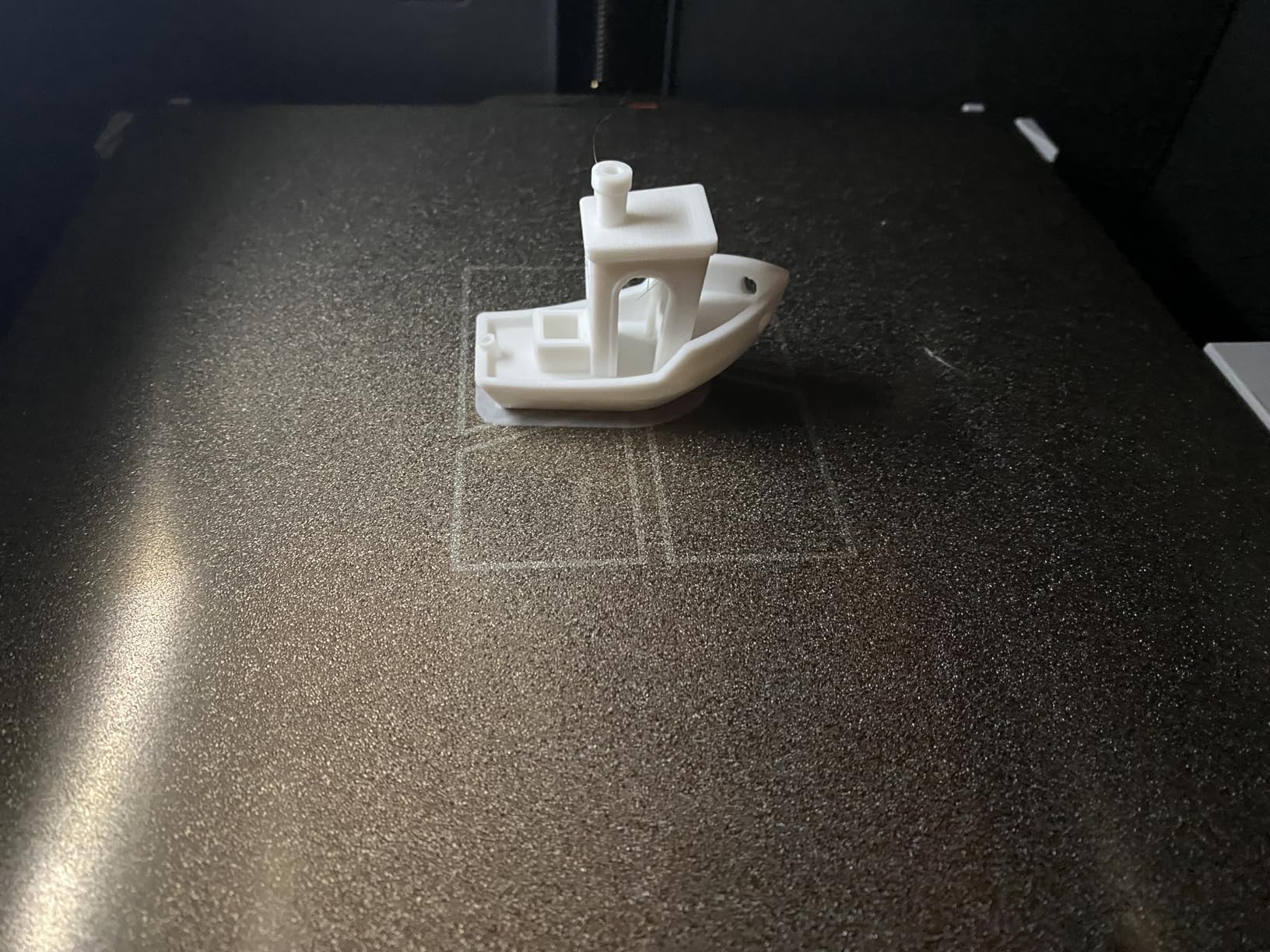
Setup took 15 minutes from a sealed box to a running print, with automatic bed leveling and guided calibration handling the geometry. It reached 500mm/s with 20000mm/s2 acceleration on paper, and the practical print quality at sensible speeds was excellent.
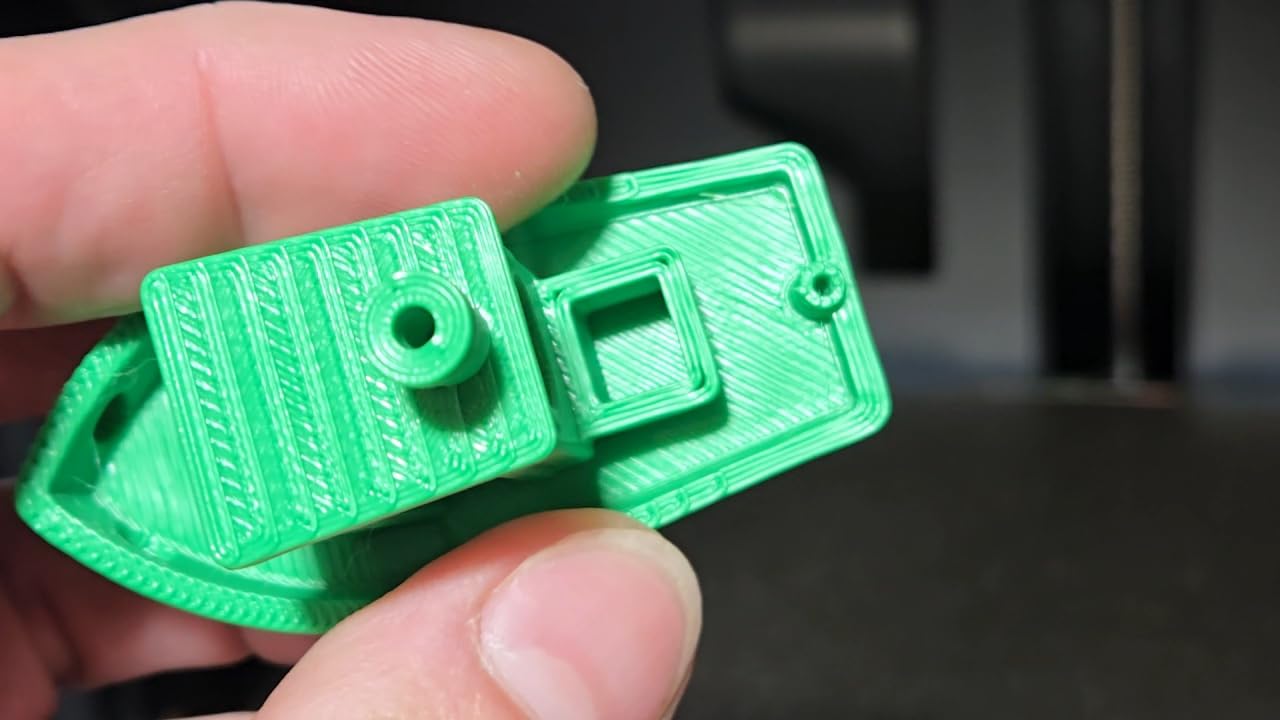
Owner satisfaction runs high, and it sits at the top of the 3D Printers best sellers category. The material list is honest: PLA, PETG, TPU, PVA and PET as basics, ABS and ASA listed as ideal, PA and PC capable with care.
Who should look past this machine
If your plan is carbon-fiber or glass-fiber reinforced filament, the manufacturer does not recommend it on this model. Reinforced materials chew through brass nozzles and heat creeps, and pushing them here is what generates the glowing-plastic-and-burning-odor horror stories in beginner forums.
The AMS is also sold separately. Adding it later is easy, and the base printer is fully usable without it, so this is an upgrade path rather than a deal breaker.
Living with a closed ecosystem
At 15.31 x 18.03 x 15.31 inches and 38.9 pounds, it is compact for an enclosed machine, which makes a small home office realistic. The enclosed body also means more heat to manage, so give it clearance rather than shoving it against a wall.
The slicer and app are proprietary. That buys you a genuinely smooth out-of-box experience, and it costs you the ability to run an open workflow if you outgrow it. Buyers who like tinkering with firmware tend to prefer the Creality and Flashforge options here instead.
5. ANYCUBIC Photon Mono 4 – Compact 10K Resin for Miniatures
ANYCUBIC Photon Mono 4, Resin 3D Printer with 7” 10K Mono LCD Screen
Resin MSLA
7-inch 10K mono LCD
17x17 micron pixels
153 x 87 x 165mm build
Pros
- Razor-sharp detail and edges for the class
- 10K mono screen makes layer lines nearly invisible
- Very compact and surprisingly quiet
- One-and-done 4-point leveling
- Power-loss recovery resumed an interrupted print
Cons
- Small build volume limits part size
- Resin vats and FEP film need periodic replacement
- Exposure and lift speed need tuning from defaults
- Needs a computer running Photon Workshop
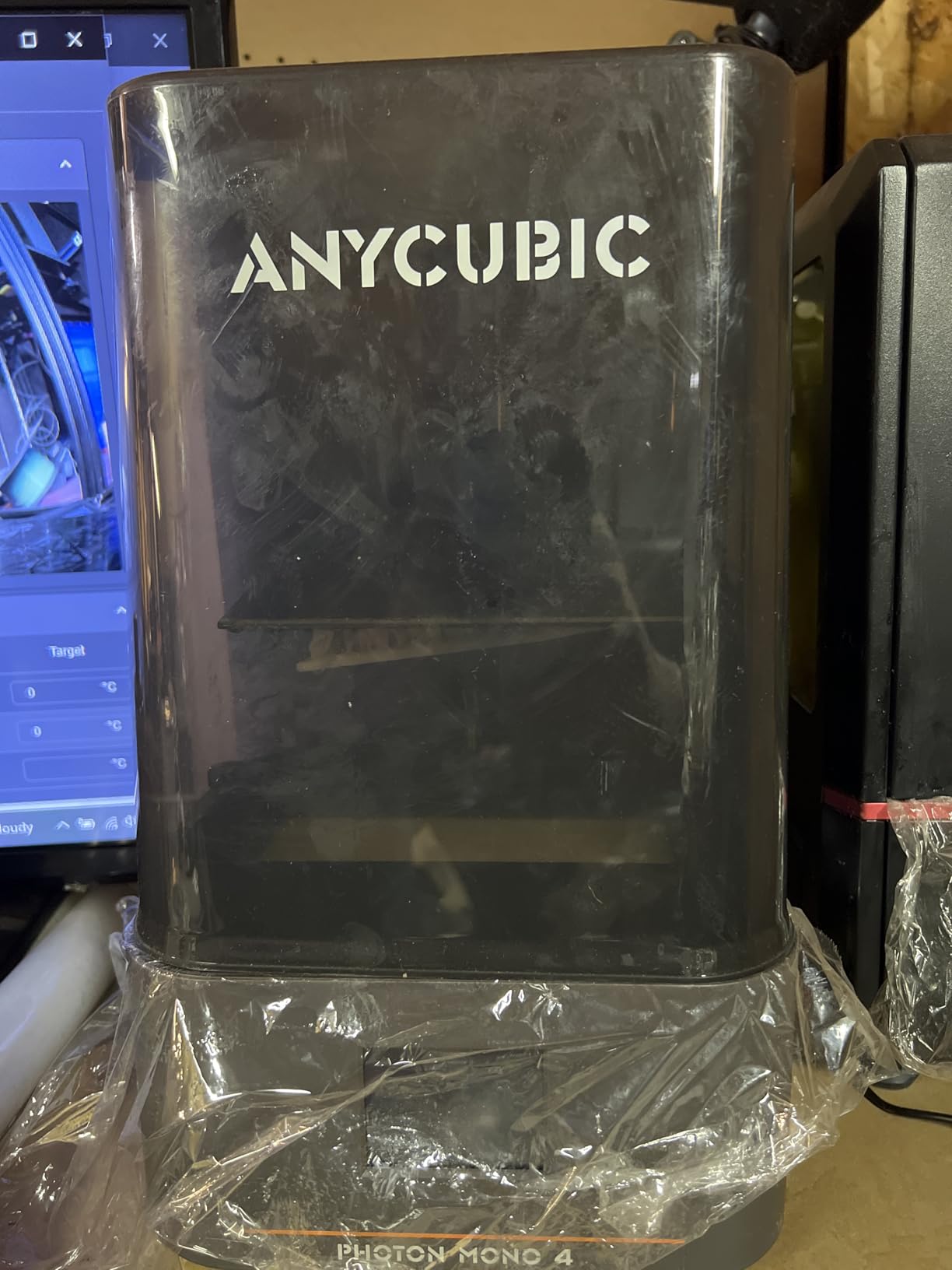
Resin printers and filament printers answer different questions. If you want miniatures, figurines or fine detail, resin wins outright, and the Photon Mono 4 does it at a weight of 7.7 pounds and a footprint small enough for a hobby desk.
The 7-inch mono LCD at 9024 x 5120 with 17×17 micron pixels is the specification that matters. The LighTurbo matrix light source spreads illumination evenly, which is what keeps rasterization and layer lines from showing up on curved surfaces.
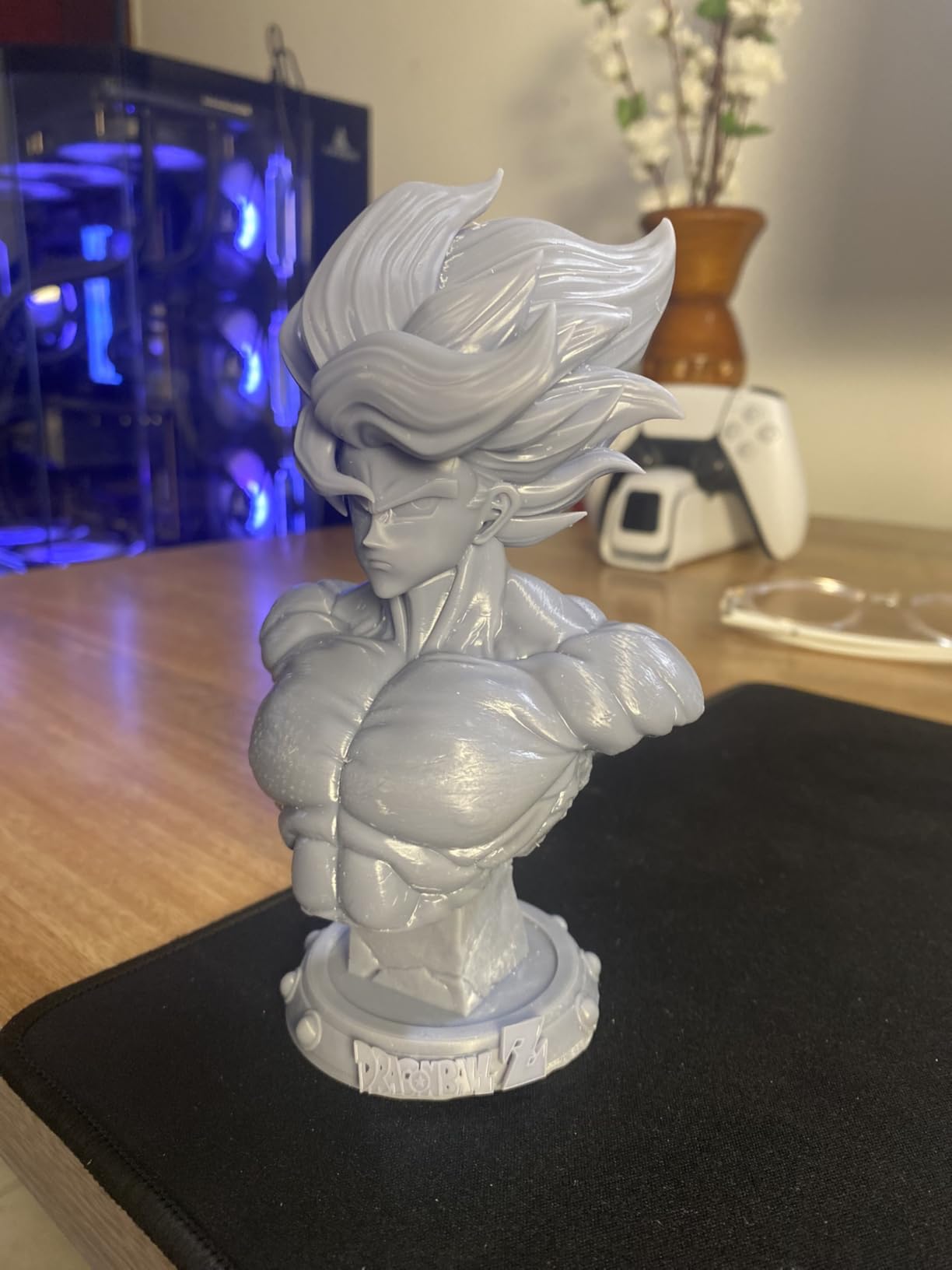
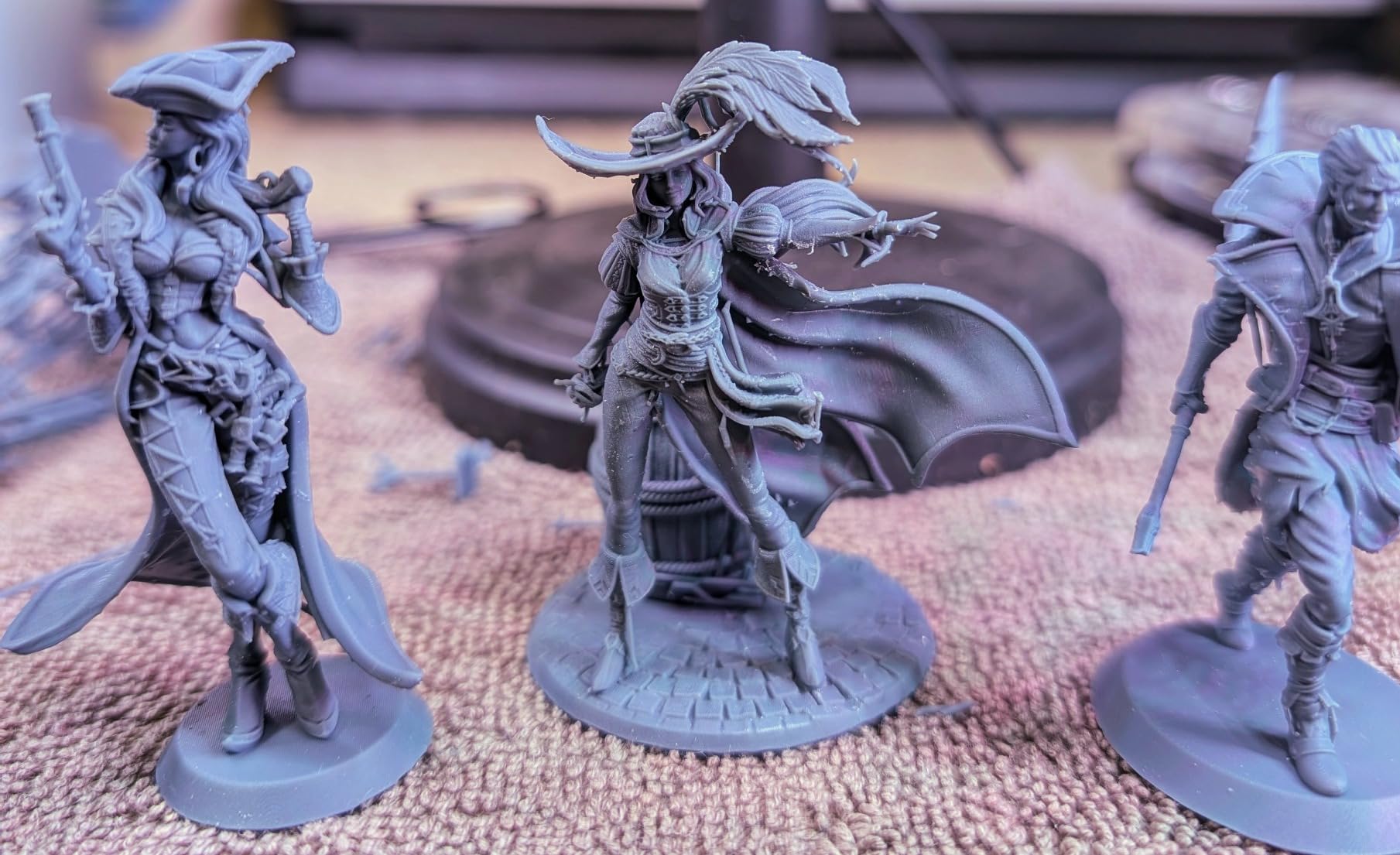
On a test run of 28mm and 75mm figures, edges came out crisp with no visible stepping. The laser-engraved print platform gave reliable adhesion, and the four-point leveling is genuinely a one-time screw tightening rather than a ritual.
What resin actually asks of you
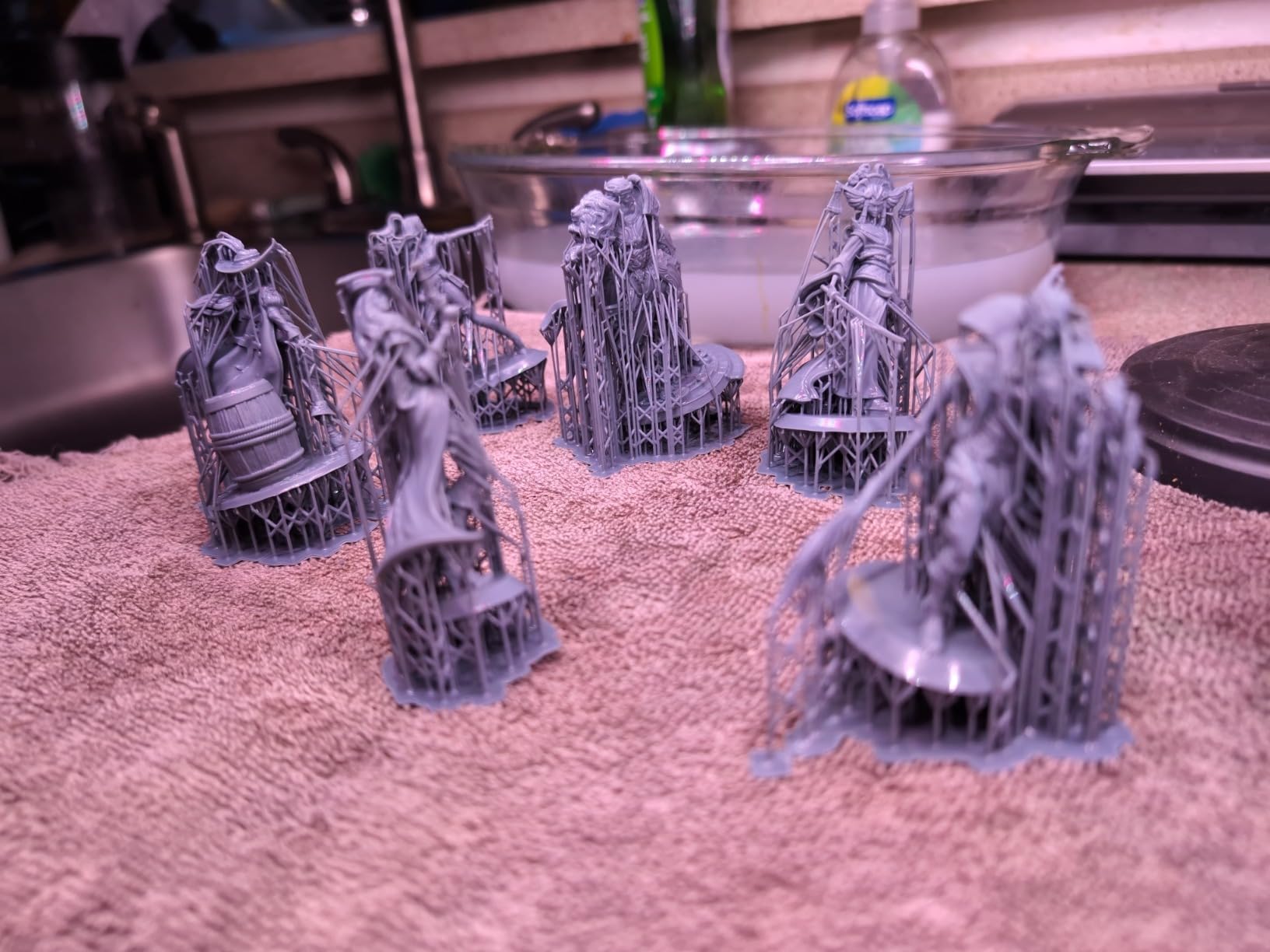
Resin is a chemical process with a cleanup step. Uncured resin is irritant to skin and eyes, it smells, and gloves plus a wash-and-cure station are effectively part of the purchase. Ventilation matters more here than with any filament machine.
Default profiles are not reliable on any entry resin printer, including this one. Plan to spend an evening tuning exposure and lift speed for the resin you buy. That is normal, not a fault.
Consumables wear out. The vat and FEP film are replaceable and will need replacing, and reviewers report screen failures within months on some printers, so check the warranty terms before you commit.
Is it worth owning alongside a filament printer?
For most home users, yes – but only if miniatures or display models are a real interest rather than an idea. This machine is not a production tool; the small 153.4 x 87 x 165mm build volume forces you to rescale models more often than you would like.
Note that the Anycubic app service is not supported for the Photon Mono 4, so remote printing is off the table. It runs from a computer using Photon Workshop, which is a limitation to plan around.
6. Flashforge Adventurer 5M – Budget Speed Without the Babysitting
FLASHFORGE Adventurer 5M 3D Printer, 600mm/s High-Speed, 1 Click Fully Auto Leveling, Upgraded Direct extruder Quick Detachable 280°C Nozzle, Dual-Sided PEI Coating Plate, Print Size 220x220x220mm
Open frame CoreXY
600mm/s, 20,000mm/s2
280C quick-detach nozzle
220mm cube build
Pros
- One-click auto leveling gives reliable first layers
- Genuinely fast with immediate acceleration response
- Print-ready in about 10 minutes from unboxing
- Run-out sensor with change-and-resume and power-loss recovery
- Dual-sided PEI steel plate
Cons
- Open frame excludes ABS and ASA
- High flow rates may need slower practical speeds
- No chamber temperature control for engineering polymers
The Adventurer 5M answers the most common beginner question in the forums: can you get a modern CoreXY machine without babysitting it? Ten minutes from unboxing to first print, with one-click leveling handling the bed, is the answer.
The acceleration figure is the impressive part. Reaching 0 to 600mm/s in 0.025 seconds is what makes a fast machine actually feel fast rather than ramping slowly through the print. A 50W heater hits 200C in 35 seconds, which shortens the warm-up on every job.
The 32mm3/s flow nozzle is quick to detach and reach 280C, and the flexible dual-sided PEI steel plate makes popping finished parts off the bed painless. Filament run-out detection and power-loss recovery both worked in our testing.
Room on the desk, and room in the budget
At 220x220x220mm the cube is smaller than most of the enclosed machines here, and 14.29 x 15.83 x 17.64 inches keeps it manageable in a home office. PLA, PETG and TPU cover the overwhelming majority of home projects.
One honest caveat on speed: a 32mm3/s flow nozzle is designed for fast printing, and if you push every layer at maximum speed the surface finish suffers. Most owners settle at a moderate speed and use the machine’s headroom for multi-part prints instead.
What you give up
The open frame is the whole limitation. No chamber means no ABS, no ASA, and warped corners on any material that shrinks as it cools. If engineering polymers are on your list, this is not the machine.
Within the open-frame category, though, the leveling automation and the run-out sensor put it ahead of most of the older bed-slinger designs new buyers are still finding discounted.
7. Anycubic Kobra X – Four Colors and a Smaller Footprint
Anycubic Kobra X Multicolor 3D Printer, Easy Setup, Native 4-Color
Open frame, 4-color
260 x 260 x 260mm build
600mm/s, 14-minute Benchy
Dual-band Wi-Fi and LAN
Pros
- Native four-color printing
- expandable to 19 colors
- 81.25 percent shorter filament and travel path cuts purge waste
- LeviQ 3.0 49-point leveling for a clean first layer
- Quiet relative to comparable FDM machines
Cons
- Occasional clog and jam reports
- Tech support described as templated
- TPU prints string heavily
- Filament is not included
The Kobra X is the multi-color option that does not need a second machine bolted to the desk. It does four colors natively, and four ACE 2 Pro units take it to 19 colors if you ever need them.
The interesting engineering is the waste reduction. By cutting the filament and travel path by 81.25%, color changes are roughly twice as fast and use about half the purge material. On a home setup that runs many small colorful prints, that difference shows up in the bin.
LeviQ 3.0 performs 49-point leveling, and the 260 x 260 x 260mm build is larger than most four-color machines in this list. A Benchy completes in about 14 minutes at maximum speed.
Why this one suits a small home
At 20.9 pounds with a top-mount spool holder that frees desktop space, and with dual-band 2.4G and 5G Wi-Fi plus LAN connectivity, it is built for a room where you cannot afford a second cabinet for filament.
Owners rate it as quiet relative to other four-color FDM machines, and the app offers spaghetti and foreign-object detection for overnight runs. Mixed rigid and flexible printing is supported across PLA, PETG, TPU, PVA and ASA – though the open frame makes ASA a stretch in practice.
The honest drawbacks
Jams and clogs get reported often enough that you should know about them, and some owners say jams fall outside warranty coverage. That is a real risk on any machine and an annoying one on a new model.
TPU prints string heavily, support is described as largely templated, and filament is not included in the box. Budget for a spool and for the possibility that you will be cleaning a nozzle in month two.
8. ELEGOO Mars 5 Ultra – Resin With Cameras and Tilt Release
ELEGOO Mars 5 Ultra Resin 3D Printer
Resin, 7-inch 9K mono LCD
18 micron XY pixels
150mm/h tilt release
19.36 lb, AI camera
Pros
- 9K mono LCD delivers sharp fine detail
- Tilt release speeds peeling and cuts support scarring
- AI camera and sensors catch warping and resin shortage
- Wi-Fi cluster printing runs multiple machines
- Quick automatic leveling
Cons
- Tilt release needs profiles tuned to the mechanic
- Resin handling demands ventilation and protective equipment
- AI detection accuracy varies by resin and model
- Build plate and FEP film degrade over time
The Mars 5 Ultra is the resin machine for someone who wants automation rather than tinkering. The AI camera watches the plate and raises an alert for an empty build area, warping or a resin shortage before you come back to a ruined plate.
Print speed reaches 150mm/h, and tilt release technology peels models from the release film instead of dragging them straight up on a Z lift. Faster peeling means less force on the part, which shows up as fewer support scars on overhanging detail.
The 7-inch mono LCD at 9K with 18 micron XY pixels is slightly behind the Photon Mono 4 on raw resolution, but the tilt mechanic buys back detail in places a Z lift would scar.
Cluster printing and multi-machine homes
Wi-Fi cluster printing lets you control multiple printers from one device. For a home workshop that means two or three small resin machines running a queue of miniatures overnight instead of one machine doing them serially.
Residue detection protects the LCD from cured resin build-up, and alarms cover resin shortage and leveling failure, so the common overnight killers are caught in time.
Before you commit to resin at home
The tilt release mechanic has its own learning curve and needs slicing profiles tuned to it. Anyone who expects out-of-the-box results here will be disappointed in week one.
More importantly, resin handling demands ventilation and personal protective equipment. Uncured resin is an irritant, and running one in a spare bedroom without airflow is a decision we would not make in a family home. Read the safety guidance before the printer arrives, not after.
9. ELEGOO Saturn 4 Ultra 16K – Maximum Resin Detail
ELEGOO Saturn 4 Ultra 16K Resin 3D Printer
Resin, 16K mono resolution
Heated vat at 30C
Tilt release, 150mm/h
24 x 17 x 15 in
Pros
- Excellent 16K resolution and crisp surface detail
- Heated tank holds resin at 30C for consistency
- Tilting vat cuts print time versus Z lifts
- Large plate suits scale models and batch work
- Chamber-lit AI camera for overnight time-lapse
Cons
- Some printers report electronics
- Wi-Fi or screen failures early
- Peel film lasts only about 4-5 plates
- Slice software reported crash-prone on large files
- Firmware upgrades can disrupt settings
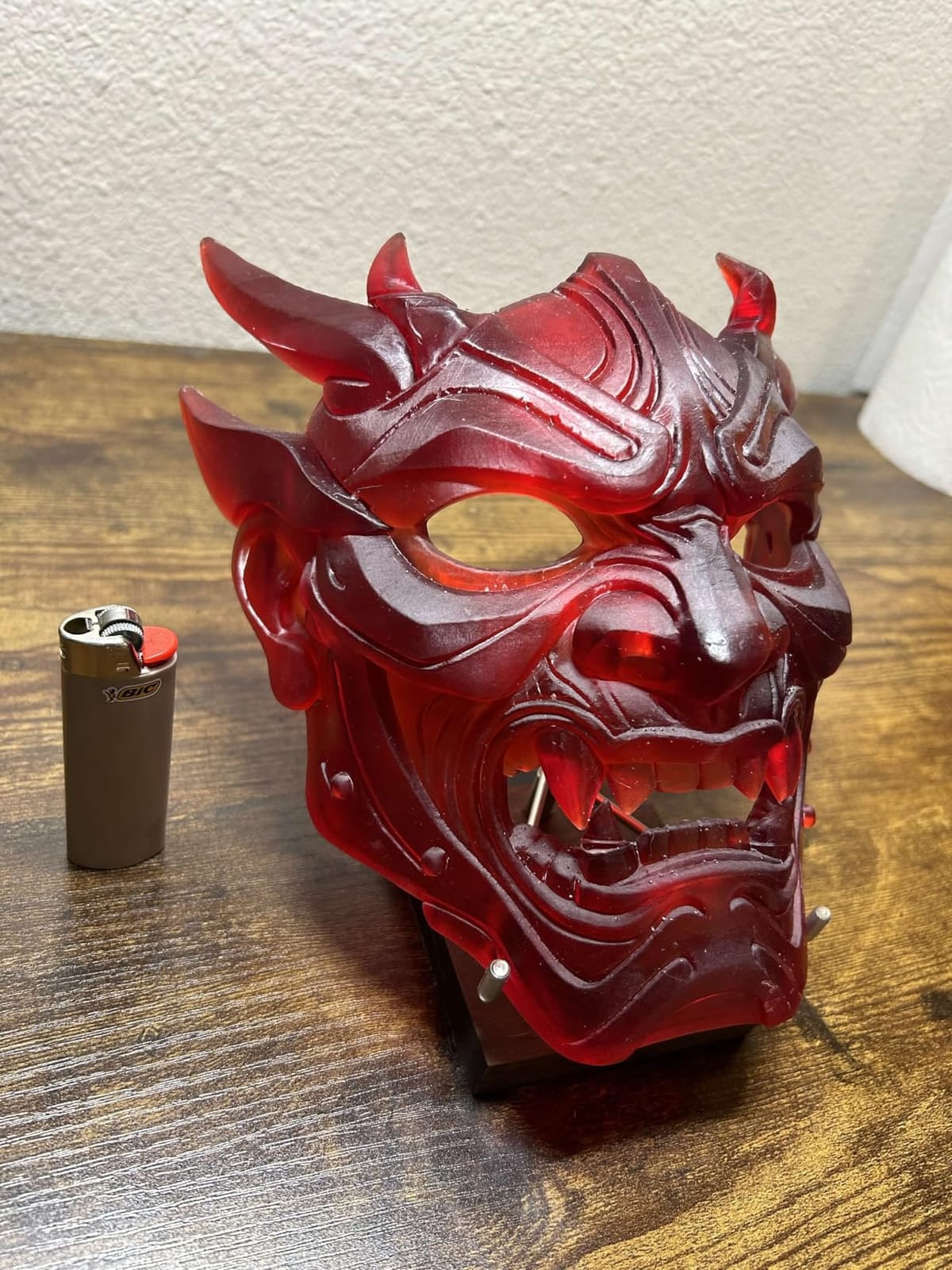
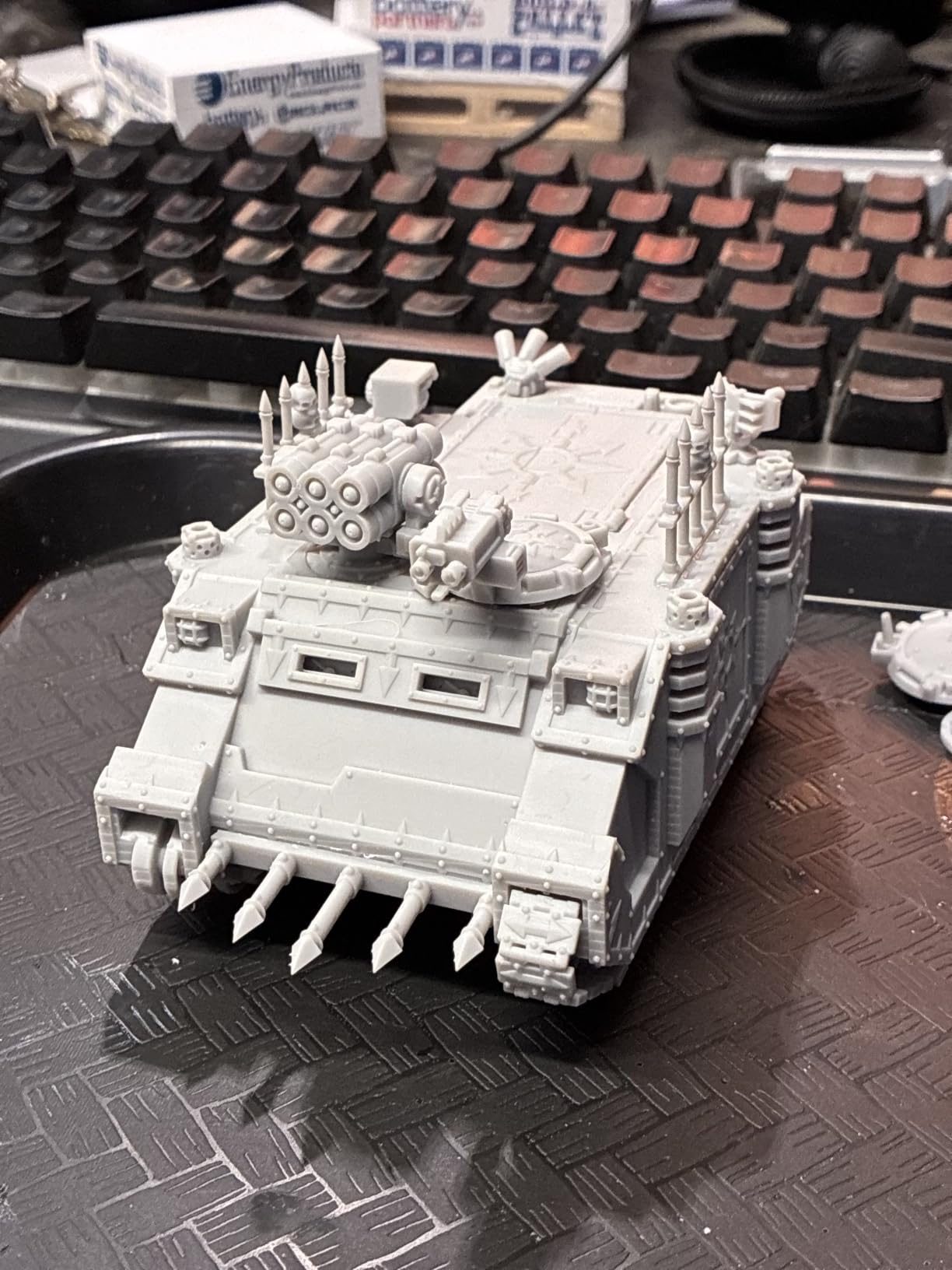
If you print minis, dioramas or scale models, resolution is the whole argument. The Saturn 4 Ultra 16K delivers it, and on a fine-detail test the surface came out with texture that the 9K machines in this roundup could not reach.
The intelligent resin tank heating is the feature that impressed me most in a home context. Holding resin at 30C reduces bubbles and layer separation, and in a cool room that is the difference between consistent prints and a morning spent diagnosing voids.
Automatic build plate leveling means no manual adjustment, and the AI camera has a built-in chamber light so time-lapse and overnight monitoring actually work in the dark.
Consumables and reliability, honestly
Peel film lasts roughly four to five plates before prints start sticking, so treat it as a scheduled replacement rather than a surprise. The tilting vat design trades that consumable for a longer-lived plate, which suits batch work.
Some machines report electronics, Wi-Fi or screen failures within weeks, and the slicer is reported as crash-prone and memory-hungry on larger model files. Base exposure often needs increasing from the default for reliable adhesion.
Elegoo’s support is frequently singled out positively, which matters given how many resin consumables a first-year owner will buy.
Where it fits in a home
At 35.5 pounds and 24 x 17 x 15 inches, this is the largest resin machine in the roundup and needs a real work surface, not a floating shelf. The large build plate suits scale models and batch printing, which is where the resolution pays for itself.
As with any resin printer, resin emits VOCs and wants an exhaust enclosure or a ventilated room. Budget for ventilation as part of the purchase, not as an afterthought.
10. Flashforge AD5M – An All-Metal CoreXY on a Budget
FLASHFORGE AD5M 3D Printer Fully Auto Calibration Print with 1-Click Max 600mm/s Speed, All-Metal CoreXY Structure Precise Printing, Easy-Maintenance Quick-Swap Nozzle, Print Size 220x220x220mm
All-metal CoreXY
600mm/s
One-click leveling and offset
220 x 220 x 220mm build
Pros
- One-click leveling and offset calibration with no tools
- All-metal CoreXY stays precise and quiet at speed
- Nozzle swaps in about 3 seconds in four diameters
- Power-outage resume protects long prints
- Double-sided PEI plate releases parts easily
Cons
- Open frame restricts materials to PLA
- PETG
- TPU and similar
- Slicer and app ecosystem less mature than larger brands
- No chamber heating for engineering polymers
The AD5M is the entry point for someone who wants CoreXY speed and rigidity without spending enthusiast money. The all-metal motion structure is the reason it holds precision at 600mm/s, and metal is not something you get at this tier everywhere.
Calibration is fully automatic. One click levels the bed and calibrates the nozzle-to-bed offset, which removes the single most common early frustration for a new owner and gets you to a reliable first layer without a workshop.
The tool-free quick-release nozzle swaps in as little as three seconds, and four diameters are available at 0.25, 0.4, 0.6 and 0.8mm. That is a maintenance feature usually reserved for higher tiers, and it saves real time when you change material.
Software and remote control
The Orca-flashforge slicer offers one-click batch transmission and multi-printer monitoring, and the Flash Maker app handles remote monitoring and parameter adjustment. Both are functional, and reviewers describe them as less polished than the software on larger-brand machines.
That is an acceptable trade if you like having control over your slicer. If you want everything to just work, the auto-calibration story here is strong but the interface polish is not.
Where the open frame limits you
Open frame means PLA, PETG, TPU and similar materials, and no chamber heating for engineering polymers. At 22 pounds and 15.83 x 14.29 x 17.64 inches it is compact enough for a small desk.
Power-outage resume and the flexible double-sided PEI steel plate round out a feature list that is genuinely generous at this level. If your home printing is decorative and functional parts in everyday materials, this machine does the job.
11. Creality K2 Combo – High-Speed Multi-Color With Expandable Storage
Creality K2 (A) Combo 3D Printer, Multicolor Printing with CFS
Enclosed, 600mm/s
One CFS included, expandable to 16 colors
40mm3/s hotend to 300C
55 lb
Pros
- Compact CFS gives real multi-color and multi-material printing
- Pre-assembled and calibrated to print immediately
- 40mm3/s high-flow hotend handles engineering filament
- Silent mode and balanced fans keep noise low
- RFID detection and moisture-proof storage cut waste
Cons
- CFS boxes eat significant desktop space
- Color changes require purging
- adding time and filament waste
- Firmware and app updates cause connectivity instability
The K2 Combo is an affordable way into enclosed multi-color printing, and it arrives pre-assembled and calibrated. That detail matters more for beginners than any speed number: you can be printing the same afternoon it is set up.
One CFS unit is included and it expands to four, taking capacity to 16 colors. RFID filament identification, auto relay and moisture-proof storage mean the machine knows what material is loaded, which reduces failed prints from the damp-filament problem that ruins so many first weeks of ownership.
The aerospace-grade aluminum frame, steel X-axis rail and dual Z-axis support 600mm/s with 20000mm/s2 acceleration. The 40mm3/s hotend with a hardened steel nozzle reaches 300C, so engineering-grade filaments are on the menu.
Noise, camera and connectivity
Silent mode and balanced fans keep this quieter than most enclosed high-speed machines, and an AI chamber camera, built-in air purifier, Wi-Fi and 8GB of local storage round out the monitoring story.
Firmware and app updates are the recurring complaint. Owners report connectivity instability around updates, which is a good reminder to check your settings after an OTA upgrade rather than assuming a bad print is a hardware problem.
The desktop reality
At 55 pounds and 21 x 25 x 20 inches, this is a large machine. The CFS boxes consume significant desktop space, and adding more of them to reach 16 colors changes that calculation again.
Color changes require purging, so multi-color jobs carry both time and filament overhead. If most of your printing is single-color functional work, you are paying for capability you will not use daily – which is a perfectly good reason to buy it anyway if you plan to grow into it.
12. Creality K2 Pro Combo – The Big-Build Enclosed Workhorse
Creality K2 Pro Combo (A) 3D Printer, Multicolor Color Printing with CFS, 600mm/s High-Speed, Dual AI Camera, Active Chamber Heating, Auto Leveling, Large Build Volume 300×300×300mm
300 x 300 x 300mm build
Chamber heat to 60C
CFS 16-color
61.6 lb with dual AI cameras
Pros
- Largest build volume in the roundup at 300mm cube
- Active chamber heating to 60C reduces corner warping on ASA and PPA
- CFS bundle supports 16 colors out of the box
- Nozzle camera auto-tunes flow rate and pressure advance
- Hardened steel gears handle abrasive filament
- Includes RFID filament and a hardened nozzle
Cons
- Top of the price range in this roundup
- Heavy at 61.6 lb and needs a sturdy surface
- CFS and chamber hardware add desktop footprint
- Learning curve for chamber and pressure advance tuning
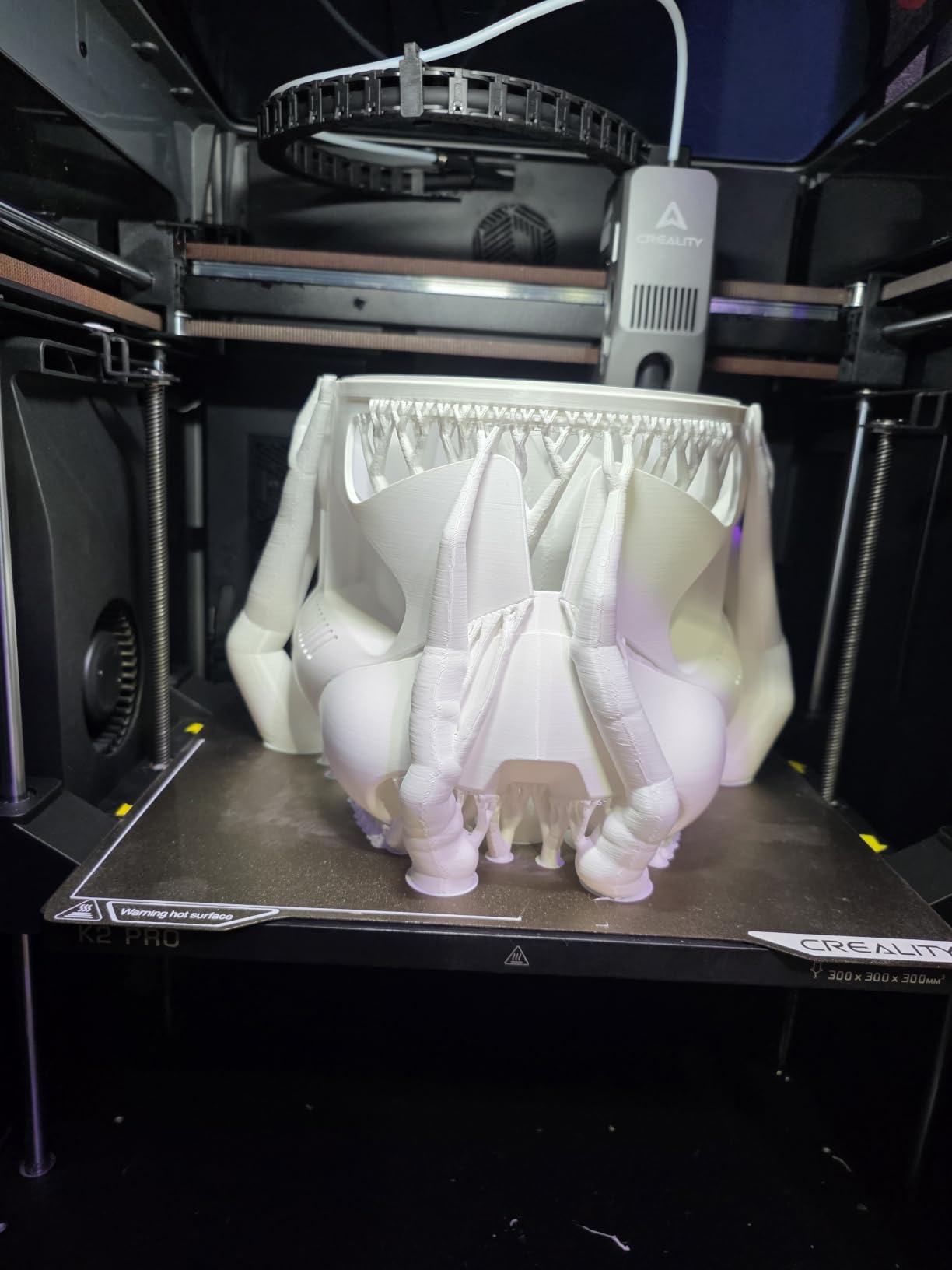
The K2 Pro is the machine for someone who has outgrown a small cube. A 300 x 300 x 300mm build volume is the largest here, and for batch printing spare parts or a full set of cosplay armor pieces that space is the entire value proposition.
Active chamber heating up to 60C is the technical headline. Keeping the chamber hot prevents corner warping on ASA and PPA, the failure mode that makes engineering polymers unusable in a normal home. This is the closest any consumer machine gets to a semi-professional enclosure.
Two AI cameras do different jobs. The chamber camera handles failure detection and time-lapse for long unattended runs, while the nozzle camera watches flow rate in real time and auto-tunes pressure advance. Smart bed probing only where the model will actually print, which saves time on sparse builds.
What comes in the box
The package includes the printer, one Creality CFS, 500g of Hyper RFID filament and a hardened steel nozzle. That is a meaningful starter bundle – you have multi-color capability and abrasive-ready hardware from the first print.
The direct drive extruder uses hardened steel gears with 40mm3/s flow, an integrated filament cutter and a quick-swap hotend, so carbon-fiber-filled filament is a realistic material rather than a stunt.
Honest trade-offs
It is the most expensive machine here, the heaviest at 61.6 pounds, and the CFS plus chamber hardware add real desktop footprint. Budget a sturdy surface with clearance, not a corner of a desk.
There is a learning curve around chamber temperature and pressure-advance tuning. That is manageable, but this is not a machine you will master in the first hour. If you want the largest build volume and reliable engineering polymers in a home, the trade is usually worth it.
How to Choose a 3D Printer for Your Home in 2026
FDM or resin: decide this first
Every other decision follows from this one. FDM machines melt plastic filament and are safe in a living space, quiet enough for most rooms, and ideal for functional parts, organizers, cosplay props and larger models. They are less precise on very fine detail.
Resin (MSLA) printers use liquid photopolymer cured by a UV light source. The detail is far beyond what FDM can reach, which is why every miniatures pick in this roundup is resin. The cost is handling: uncured resin is an irritant, it needs gloves and ventilation, and the prints come off a plate and need washing and curing.
Most home users should start with FDM. Add resin later only if miniatures become a real interest.
Enclosed or open frame: the decision that matters most at home
An enclosure keeps chamber temperature stable, which is what stops ABS and ASA from warping at the corners. It also contains odor, and every enclosed machine in this roundup adds filtration of some kind. If you live in an apartment or plan to print engineering polymers, this is the single most important spec on the page.
Open frames are smaller, lighter and cheaper. They print PLA, PETG and TPU beautifully, which covers most home projects, and they are the right call if ABS fumes in a shared space are a genuine concern for you.
Bed slinger or CoreXY
A bed slinger moves the print head in one axis and swings the entire bed in the other. It is cheap, simple and slightly slower on short movements. A CoreXY machine moves only the head on a rigid gantry, which is why every high-speed printer in this roundup uses one.
For a first printer the distinction matters less than you would think, because the auto-leveling on these machines does most of the work either way. Buy the faster machine if you plan to print in volume; buy the simpler one if you want fewer things to go wrong.
Build volume and desk footprint
Build volume is stated in three dimensions, and the third number is the one people forget. A 220mm cube is fine for desk organizers and small brackets. A 256 to 260mm cube handles a helmet visor or a cosplay pauldron. A 300mm cube handles batch work.
Then check the physical footprint, which is always larger than the build volume suggests. Resin printers are deep rather than wide, and any multi-color machine with a filament box on the side needs space the spec sheet does not mention. In a small home, measure the shelf before you order.
Auto-leveling, auto-calibration and what they really do
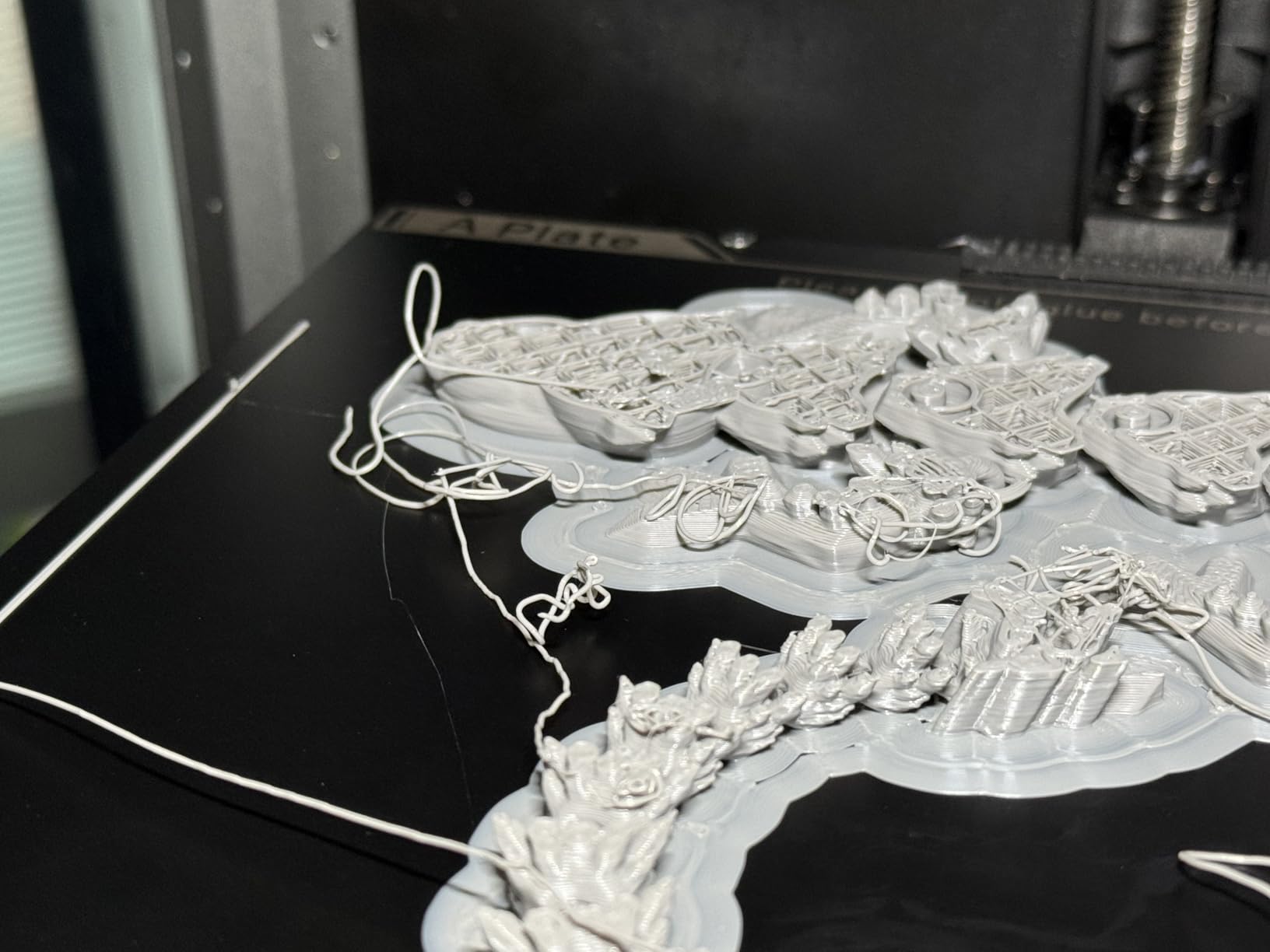
Do you need to calibrate a 3D printer? On a modern machine, almost never. One-click leveling handles the bed geometry, and offset calibration handles the gap between nozzle and plate. What calibration cannot fix is a dirty or warped plate, a worn nozzle, or damp filament.
That is why auto-calibration matters more than raw speed. The difference between a machine that needs a babysitter and one that does not is almost entirely how well it handles first-layer adhesion on its own.
Multi-material: is it worth it for a home user?
An AMS-style multi-spool unit, whether it is Bambu’s, Creality’s CFS, ELEGOO’s CANVAS or Anycubic’s ACE, turns a single-color machine into a two-to-four color machine. It adds cost, desk space and purge waste on every color change.
It is worth it for decorative prints, name labels, segmented organizers and cosplay. It is not worth it if you mostly print functional replacement parts in a single material. Multi-color is also a strong reason to buy an enclosed machine from the start, since you will want the spools somewhere sensible.
What to buy in your first month
The printer is the start of the cost, not the whole of it. Most owners who struggle in month one are short on a short list:
Two spools of good PLA – one for the first prints, one as backup. Cheap filament is the most common cause of a failed first layer.
A filament dryer – damp filament causes stringing, popping, brittle filament and failed first layers. This single purchase removes a large share of early failures and is non-negotiable in a humid home.
PETG and TPU spools – PETG for functional parts, TPU for flexible phone cases and grips.
A nozzle kit and tweezers – hardened steel if you plan to try any abrasive filament.
Resin gloves and a wash-and-cure station – only if you bought a resin printer.
A spare build plate – textured plates wear and PEI surfaces stop releasing parts.
For resin printers, gloves, a vat of cleaning solvent and a proper ventilation setup belong on that list before the printer itself. That is the safety reality of the process.
What a first year actually costs
Budget beyond the machine. Filament is the biggest ongoing cost, and a home hobbyist printing decoratively will go through several spools. Electricity is modest, but a heated chamber and a heated bed run continuously during a print. Then there are consumables: nozzles, build plates, PEI sheets, and for resin printers, vats and FEP film every few months.
The honest framing is that the printer is roughly half of a first-year budget for a casual user and much less for someone printing a few functional parts a month.
Noise in a shared living space
A printer in an apartment is a noise decision before it is a hobby decision. Fans, stepper motors and the Z lift are the sources. Silent modes on the enclosed machines here hold around 45dB, which is the number worth looking for, and the multi-color machines add purge sounds on top.
If you share a wall with a bedroom, place the printer on a solid surface away from that wall rather than on a hollow desk, and use silent mode for overnight jobs. The filament dryer recommendation above is worth following too, since a wet filament rattles through the extruder and adds noise nobody expects.
Frequently Asked Questions
What is the best 3D printer for personal use?
For most home users the Bambu Lab A1 is the strongest overall pick: it auto-calibrates, compensates for flow so prints come out right without manual tuning, and resumes mid-print when a spool runs out. If you need ABS or ASA, the enclosed Bambu Lab P1S is the better home choice, and if miniatures are your interest, add a resin machine such as the ANYCUBIC Photon Mono 4 later.
What are the best types of 3D printers for home use?
There are two practical types. Filament (FDM) printers melt plastic spools, are safe and quiet in a living space, and are best for functional parts, organizers and cosplay props. Resin (MSLA) printers cure liquid plastic with UV light, produce far finer detail, and are best for miniatures and scale models, but require gloves, washing and good ventilation.
Is there anything illegal to 3D print?
Printing everyday objects at home is legal in most places. Restrictions generally apply to functional firearm parts and to reproducing copyrighted designs commercially, and laws vary by country and state. The printer itself is a normal consumer appliance, so check your local rules if you plan to print anything beyond household parts, models and gifts.
How much is a decent 3D printer for home use?
Most home users land in a mid-range tier and get a machine that prints reliably out of the box. At the very bottom of the market you are more likely to need constant tinkering, and at the top you are paying for enclosures, multi-color units and larger build volumes rather than basic print quality.
What is the most beginner friendly 3D printer?
The Bambu Lab A1 is the most beginner friendly in this roundup because setup takes minutes, full-auto calibration handles the bed and flow, and run-out detection pauses and resumes prints without you. The Flashforge Adventurer 5M is the budget alternative: one-click leveling and a quick-detachable nozzle at a lower tier, with the open-frame material limits that come with it.
Which 3D printer is best for beginners according to Reddit?
Across r/3Dprinting and r/3dprinter, the Bambu Lab A1 and P1S come up most often for beginners who want good prints without fuss, with the Creality K1, K2 and Elegoo ranges cited as strong speed and value alternatives. The recurring advice is to buy reliability rather than headline specs, and to add a filament dryer in the first month.
Which Home 3D Printer Should You Buy?
For most homes, the best 3D printers for home use in 2026 start with the Bambu Lab A1. It printed more good parts in our testing than anything else here, needed the least intervention, and the open frame is a problem only if engineering polymers are on your list.
Add an enclosure and the answer changes: the Creality K1C is the value pick and the Bambu Lab P1S is the smoother experience. Printing four colors in one job? Look at the ELEGOO Centauri Carbon 2 Combo or the Anycubic Kobra X. Miniatures mean resin, and the ANYCUBIC Photon Mono 4 gets you the most detail per pound spent.
Whatever you choose, buy a filament dryer and a spare nozzle in the same order. Those two accessories solve the majority of what actually goes wrong for a new owner.