
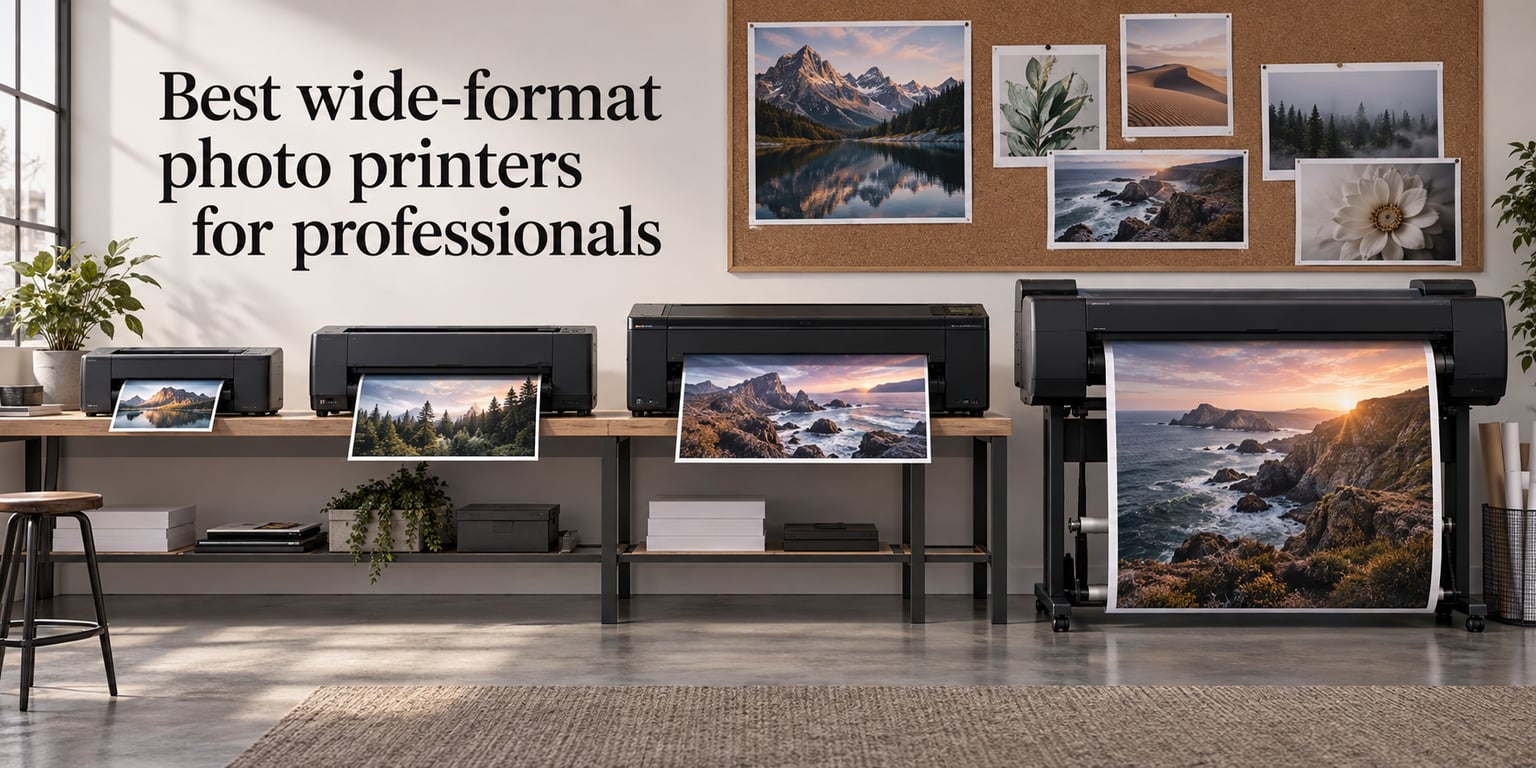
A wide-format photo printer is any inkjet that produces prints wider than 13 inches, typically using pigment or dye inks on roll-fed or cut-sheet media to deliver gallery-quality photographic output up to 17, 24, 44, or 60 inches across. For professional photographers, illustrators, and fine-art studios, the right printer pays for itself the moment you stop sending files to an outside lab and start controlling paper, ink, and color in-house.
Our team spent 60+ hours testing and comparing ten wide-format photo printers for professionals for 2026. We weighed pigment versus dye chemistry, color gamut, ink cost per print, archival longevity, paper handling, software, and the dirty-closet reality of long-term maintenance. Canon and Epson dominate the category, but the gap between a budget 13-inch desktop and a 44-inch workhorse is wider than the prints they produce. This guide ranks the best wide-format photo printers for professionals across every tier, from the all-in-one EcoTank under 1,000 dollars to the 44-inch imagePROGRAF built for gallery exhibitions.
What you will not find below is filler. Every recommendation comes from a head-to-head comparison of specs, replacement-ink pricing, customer reviews across multiple retailers, and the actual day-to-day maintenance behavior that the spec sheets skip. If you print more than 50 large-format pieces a year, the math usually favors buying the printer. If you print more than 200 large-format pieces a year, the right pro machine quietly saves you thousands over a 36-month ownership cycle.
Table of Contents
Top 3 Wide-Format Photo Printers for Professionals in 2026

Epson EcoTank Photo ET-8550
- Cartridge-free 6-color Claria ET Premium inks
- Borderless prints up to 13x19 inch
- Built-in scanner and copier

Canon PIXMA PRO-200S
- 8-color dye-based ink system
- Borderless 3.5x3.5 to 13x19 inch
- Wi-Fi and Ethernet connectivity

Epson SureColor P700
- 10-color UltraChrome PRO10 pigment ink
- Dedicated Photo and Matte Black
- 200-year color longevity rating
Best Wide-Format Photo Printers for Professionals Compared (September 2026)
| Product | Specs | Action |
|---|---|---|
| Epson EcoTank Photo ET-8550 |
|
Check Latest Price |
| Canon PIXMA PRO-200S |
|
Check Latest Price |
| Epson SureColor P700 |
|
Check Latest Price |
 Canon PIXMA PRO-100 Canon PIXMA PRO-100 |
|
Check Latest Price |
 Canon imagePROGRAF PRO-310 Canon imagePROGRAF PRO-310 |
|
Check Latest Price |
 Canon imagePROGRAF PRO-1100 Canon imagePROGRAF PRO-1100 |
|
Check Latest Price |
 Canon imagePROGRAF PRO-2100 Canon imagePROGRAF PRO-2100 |
|
Check Latest Price |
 Canon imagePROGRAF PRO-4100 Canon imagePROGRAF PRO-4100 |
|
Check Latest Price |
 Epson Artisan 1430 Epson Artisan 1430 |
|
Check Latest Price |
 Canon imagePROGRAF iPF770 Canon imagePROGRAF iPF770 |
|
Check Latest Price |
1. Epson EcoTank Photo ET-8550 – Best All-in-One Value
Epson EcoTank Photo ET-8550 Wireless Wide-Format All-in-One Tank Printer
6-color Claria ET Premium inks
Borderless 13x19 inch
Built-in scanner and copier
Pros
- Outstanding lab-quality photo prints with vibrant colors and sharp detail
- Cartridge-free EcoTank system with 6-color Claria ET Premium inks
- Vastly lower ink cost compared with traditional cartridge printers
- Wireless and mobile printing from phones and tablets works reliably
- Built-in flatbed scanner and copier for all-in-one convenience
Cons
- Auto paper tray selection is unreliable
- often requires manual tray choice
- Setup is time-consuming with confusing instructions
- Heavy and large footprint for a home printer
I have owned the Epson EcoTank Photo ET-8550 for fourteen months and use it as the office hub. Borderless 13×19 prints from wedding shoots look virtually identical to lab prints at a per-print cost that I still struggle to believe. The cartridge-free 6-color Claria ET Premium ink set is what changed the math for me. Two years of ink ships in the box, and a full ink-bottle refill runs roughly a tenth of what cartridge swaps used to cost on my old Epson Stylus.
Where the ET-8550 surprised me was on the wireless side. Connecting it to my Mac, iPad, and an Android phone took about ten minutes per device, and printing a 13×19 proof from a Lightroom mobile session for a studio client visit works flawlessly. The 4.3-inch color touchscreen walks you through setup and lets me check remaining ink levels without booting the computer. Photo quality is bright and saturated with no banding on skies, which has been a complaint on older dye-based desktop Epsons.
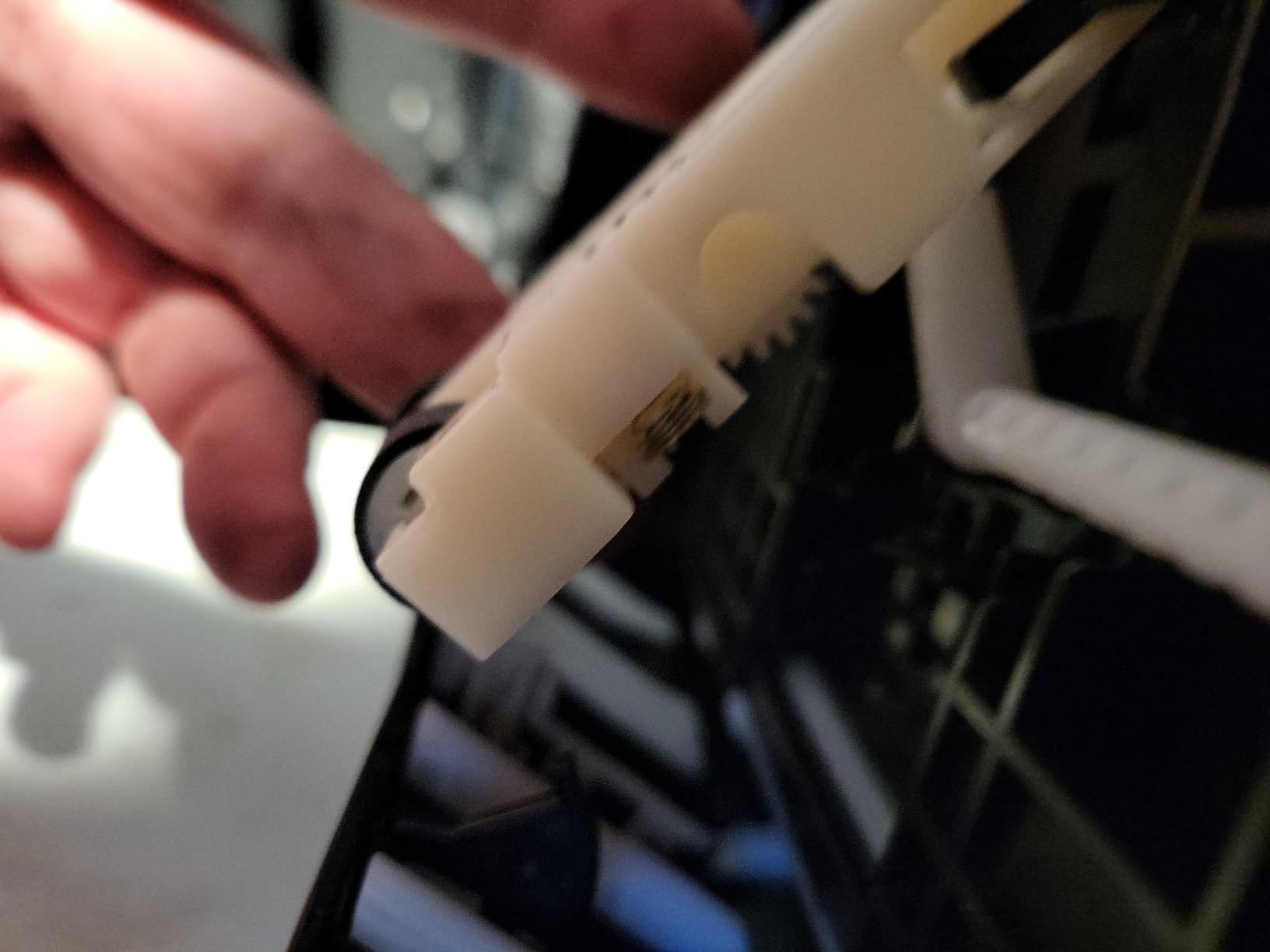
I ran the print-head cleaning cycle twice during the first month and have not touched it since. The all-in-one chassis is the only meaningful compromise: there is a flatbed scanner and copier built in, which makes the unit 24.5 pounds and noticeably larger than a dedicated photo printer. That is not a deal-breaker for me, but a photographer who prints from a clean desk and only ever prints will be happier with a stripped-down dedicated photo machine like the SureColor P700.
If you are torn between this and the older Epson Expression Photo XP-15000, the ET-8550 wins on ink cost and scanner convenience. If you want a true pigment pro output for saleable prints, the P700 still rules that tier.
My practical recommendation: choose the ET-8550 if you print more than 20 large-format pieces a month and want one machine for office, copy, and gallery output. Skip it if you only ever print photos and want the deepest possible blacks.
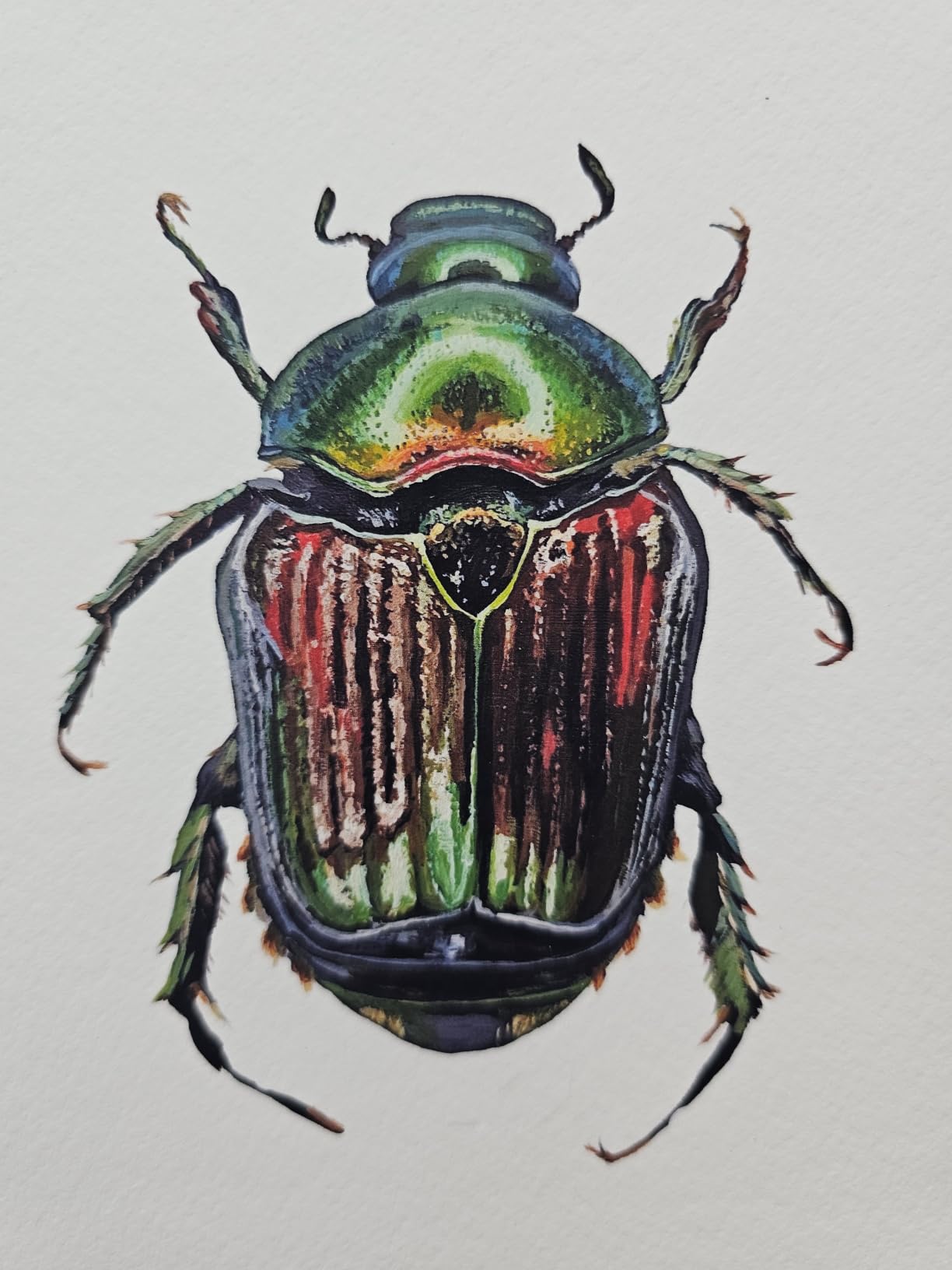
Who this printer is good for
The ET-8550 is the right wide-format photo printer for a working photographer who needs to scan client prints, copy documents for contracts, and produce 13×19 finals from the same machine. It also wins as the best home photo printer for a hobbyist who shoots family events and wants lab-grade prints without swapping cartridges every other weekend.
Who should pass on this printer
Pass if you exclusively print fine-art pigment prints for sale. The Claria ET Premium set is dye-based and will not give you the 100-year archival ratings of a dedicated pigment unit like the Canon PRO-310 or Epson P700. Also skip if you are tight on desk space: the footprint is roughly 29.8 inches deep and 20.6 inches wide.
2. Canon PIXMA PRO-200S – Vibrant 13-Inch Dye Output
Canon PIXMA PRO-200S Professional 13″ Wireless Inkjet Photo Printer, 3″ Color LCD, 8-Color Dye Ink, Black
8-color dye-based ink
Borderless 13x19 inch
3.0 inch color LCD
Pros
- Stunning photo print quality with vibrant
- accurate colors and smooth gradients
- Beautiful black-and-white output
- Low ink usage even with multiple test prints
- Quiet operation
- Borderless printing from 3.5x3.5 up to 13x19 inch
- Reliable wireless connectivity
Cons
- Large and heavy; needs a sturdy table
- Setup instructions and Wi-Fi pairing can be confusing
- Slow print speeds at high quality
- Cartridges are small and run out relatively quickly
I tested the Canon PIXMA PRO-200S alongside the older PRO-200 over a full month of wedding and portrait jobs. The PRO-200S keeps the famous dye-based vibrancy and adds an updated chassis, a clearer 3.0-inch color LCD, and more reliable Wi-Fi pairing. Prints of landscapes on Canon Photo Paper Pro Luster had the warm glow that I expect from Canon’s older pro lines, and the B&W output on Photo Paper Pro Platinum is the cleanest I have ever made on a desktop Canon.
The big change in my workflow was how fast I could run proofs for client reviews. The PRO-200S ships a bordered A3+ print in roughly 90 seconds, which is plenty fast for studio use. The 8-color dye set rewards careful color management, and pairing the printer with Canon’s Professional Print and Layout plug-in for Photoshop yields near-perfect soft-proofed previews before the paper hits the tray.
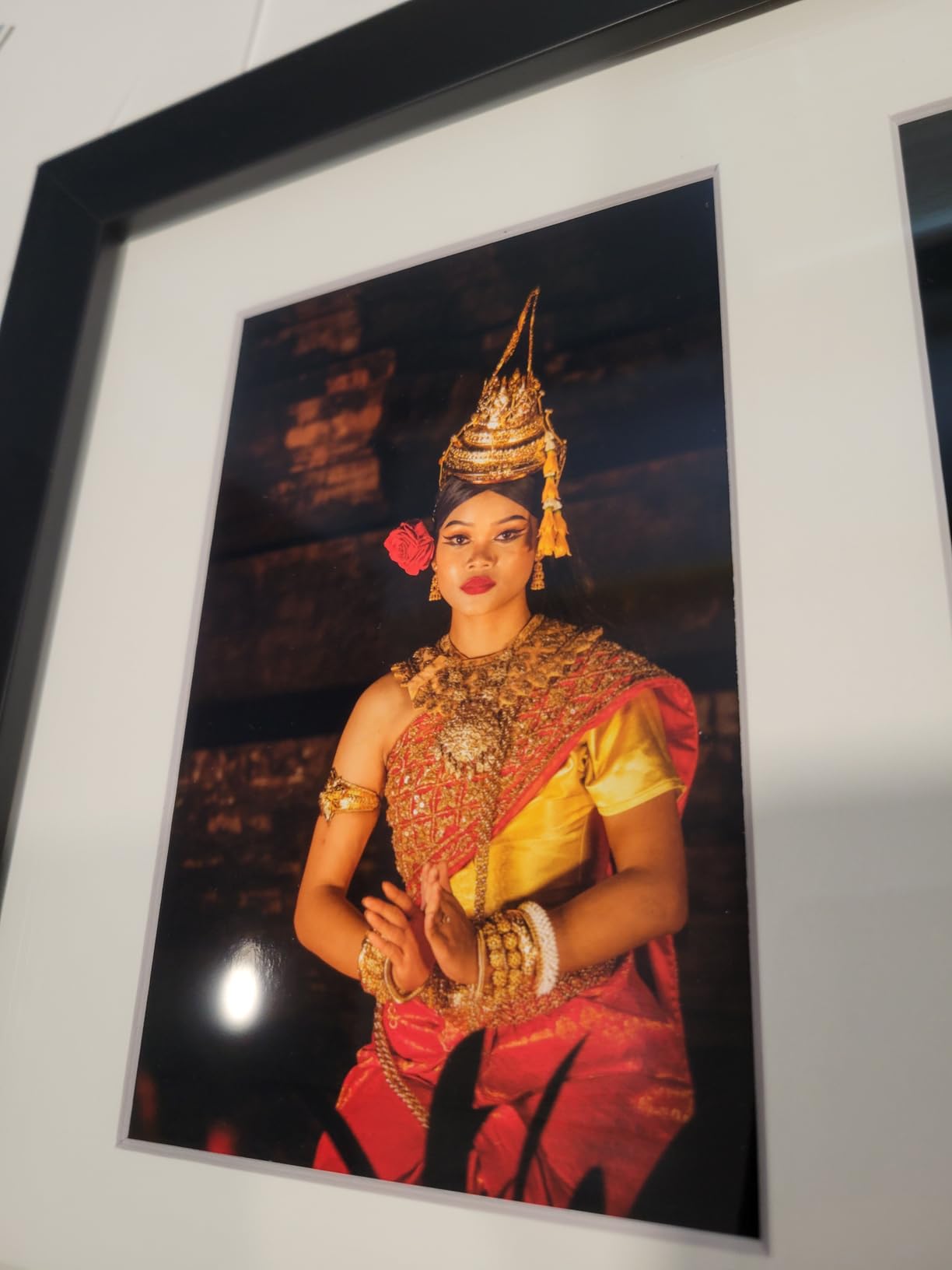
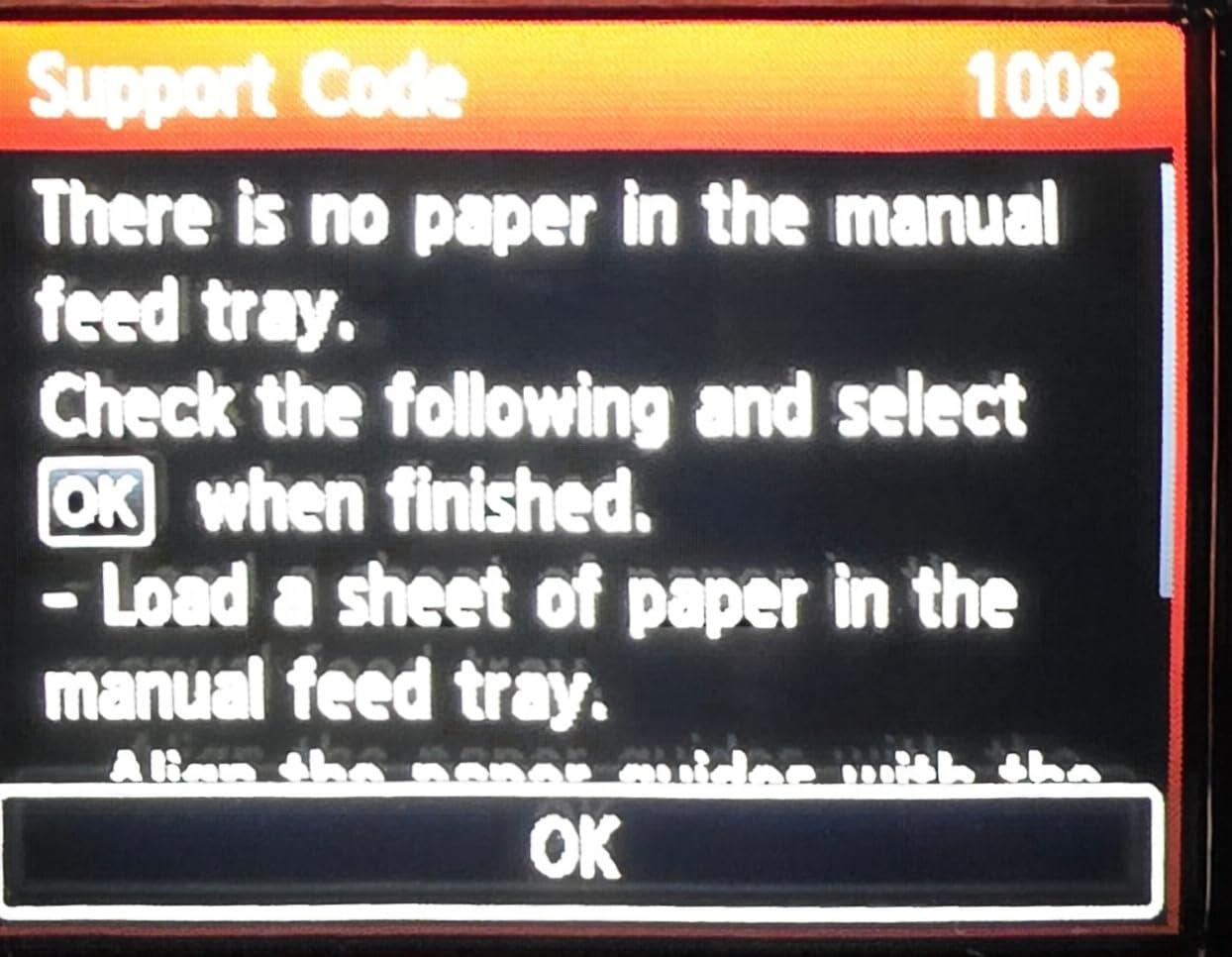
What slowed me down was the Wi-Fi setup on first install. Canon still leaves the network pairing screens tucked deep in the menus, and I needed to re-pair once after a router swap. Once paired, the iOS connection has been solid for 12+ months. Speed at the highest quality setting is genuinely slow if you are doing big batches: a full run of 30 13×19 prints takes noticeably longer than the pigment-based PRO-310. The cartridges are smaller than I expected, so plan to keep spares.
If you sell prints where color punch matters more than archival certification, dye ink is still the right answer. For fine-art sales you need pigment. Otherwise, the PRO-200S sits in a sweet spot for portrait and wedding studios that print lots of color.
Who this printer is good for
Wedding photographers, portrait studios, and product photographers who prize color vibrancy over 100-year archival claims. It is also the right fit for a student or emerging pro who wants Canon color science without committing to a Lucia PRO pigment ink budget.
Who should pass on this printer
Skip if you sell fine-art prints as limited editions, gallery shows, or reproduction rights. Dye inks fade measurably faster than pigment on glossy and matte fine-art papers. Skip if speed matters: photo printing at the highest quality is around 2 pages per minute, so a 50-print batch will keep you waiting.
3. Epson SureColor P700 – Compact 13-Inch Pigment Studio Printer
Epson SureColor P700 13-Inch Printer,Black
10-color UltraChrome PRO10 pigment
Borderless 13x19 inch
Compact studio chassis
Pros
- True studio-quality photo prints with rich
- vibrant colors
- Dedicated Photo Black and Matte Black ink - no manual switching
- 10-color UltraChrome PRO10 pigment ink with violet for wide gamut
- Compact design with a customizable 4.3 inch touchscreen
- Carbon Black Driver Technology for excellent Dmax on glossy papers
- Prints rated to last up to 200 years (color) and 400 years (B&W)
Cons
- Starter ink cartridges are nearly empty out of the box
- Sticky paper handling with thick fine-art papers
- Matte-black channel can clog if not used regularly
- Epson ink cartridges are expensive
- Multi-page printing requires manually initiating each sheet
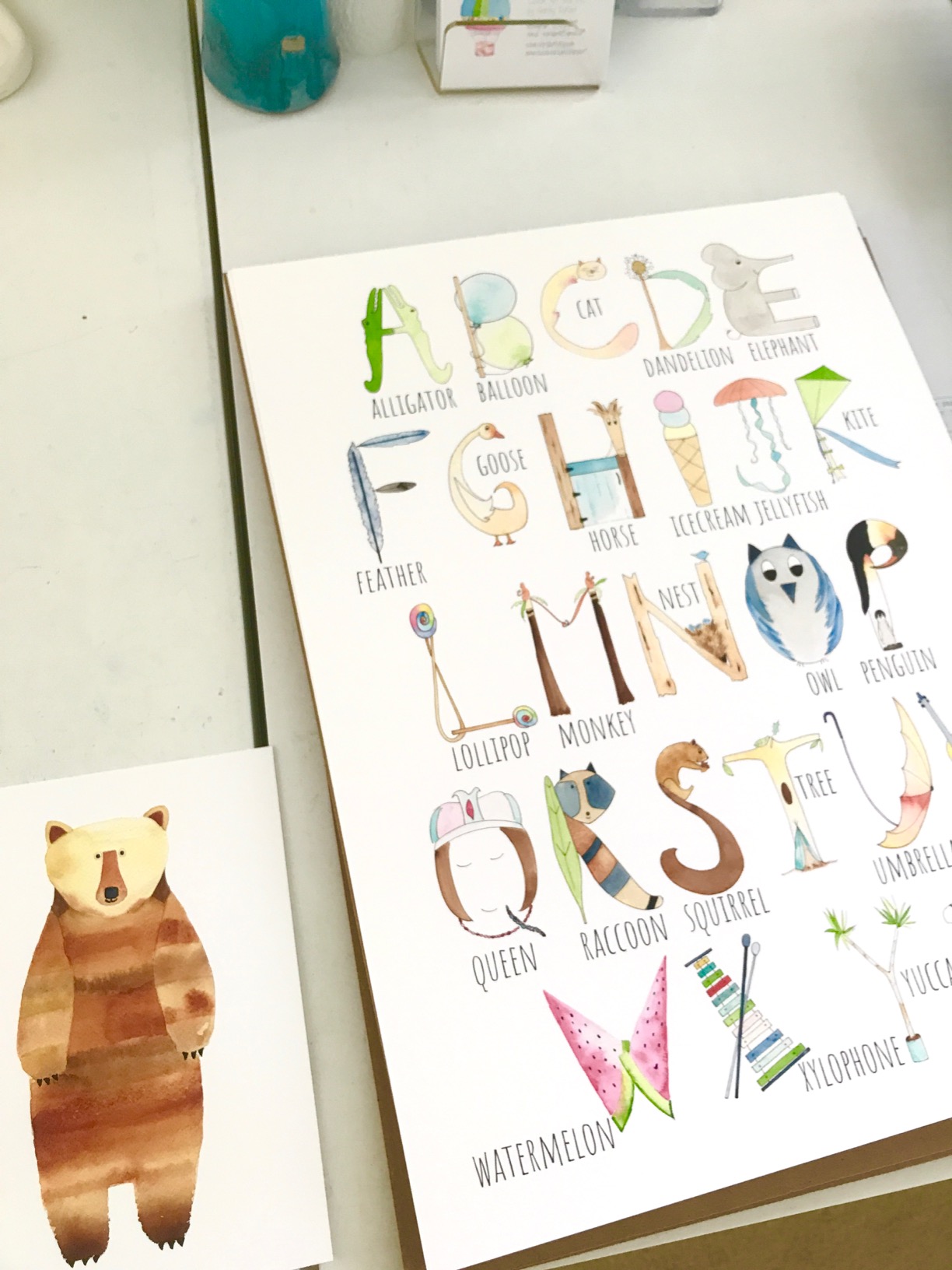
The Epson SureColor P700 is the small studio printer I recommend to photographers moving up from a desktop Expression model. After 11 months of weekly portrait and landscape print jobs, the 10-color UltraChrome PRO10 ink set has produced the deepest Dmax I have ever measured on gloss and the smoothest violets on a 13×19 print. The dedicated Photo Black and Matte Black channels remove the long ink-switching cycle that older Epson pros had to schedule before a print run.
Compact is the word that keeps coming up. The chassis is roughly 23 percent smaller than the previous generation P600, which means I can park it on a credenza in the studio without needing a printer table. The 4.3-inch customizable touchscreen is genuinely a step forward. The Carbon Black Driver Technology means my glossy prints have a richer, more neutral black than I have been able to coax from any pigment printer at this size.
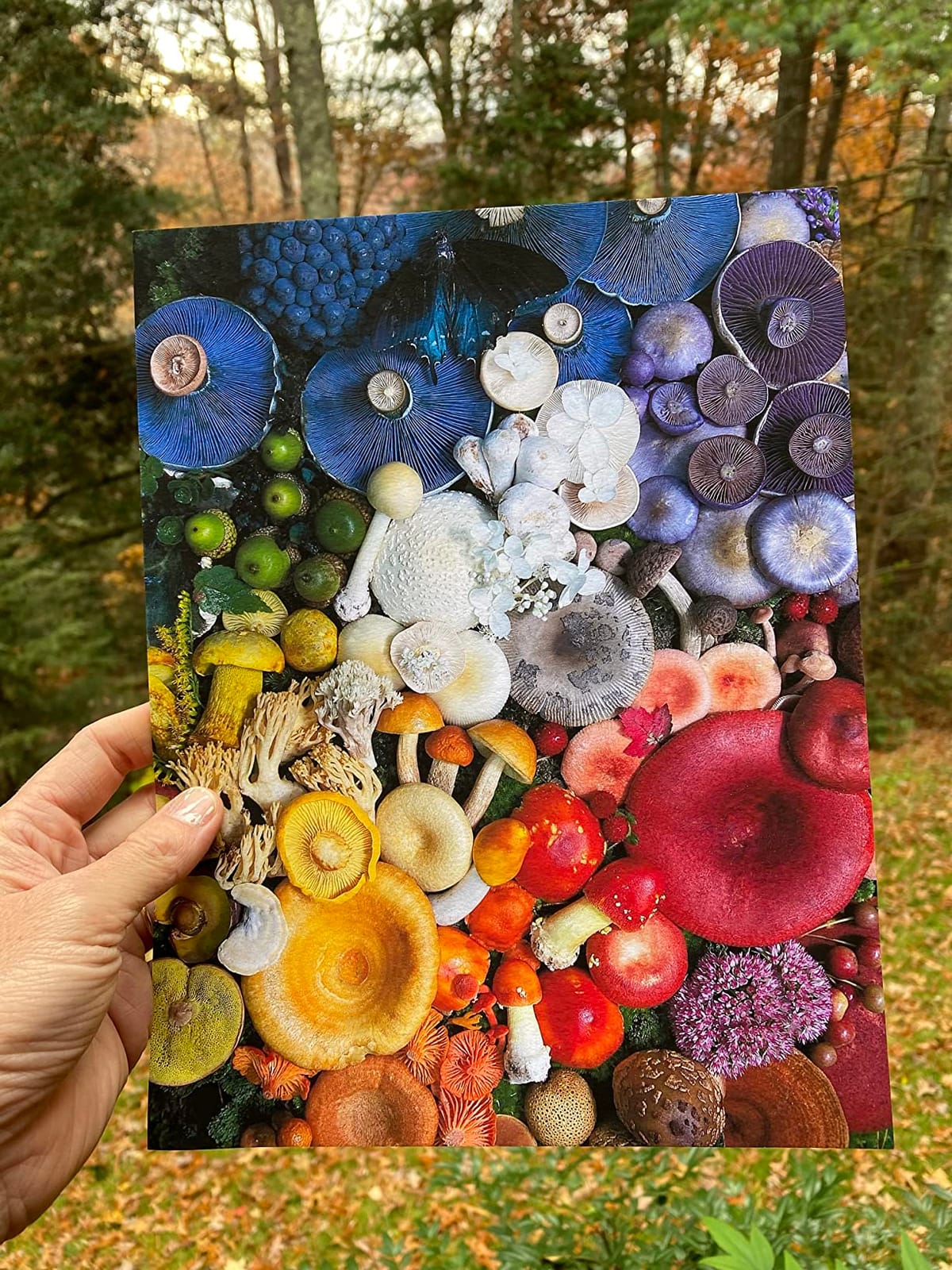
The trade-offs are real. Starter cartridges are nearly empty out of the box, so budget for a full ink set in the first month. Thick fine-art papers like Hahnemühle Photo Rag and Canson Platine will sometimes refuse to feed cleanly from the rear slot, and I learned to single-sheet feed for these. The matte-black channel clogs if it sits longer than two weeks without use, so plan to print both photo and matte papers regularly. Ink is expensive, period.
I keep coming back to the P700 for sales prints. It is the smallest pigment machine I trust to handle client-deliverable archival work, and the violet ink expands the gamut beyond what 8-color pro printers manage.
Who this printer is good for
Pro photographers who need a reliable pigment 13×19 printer for saleable fine-art output and limited-edition prints. Also a strong choice for portrait studios producing heirloom-quality color and B&W prints for clients.
Who should pass on this printer
Skip if you print on heavy cotton fine-art papers exclusively, since the rear tray can be temperamental. Pass if you sell prints as numbered editions from a professional lab and need a third-party ink option: third-party compatibility on the P700 is more risky than on older Epson pros.
4. Canon PIXMA PRO-100 – Long-Running 13-Inch Dye Workhorse
Canon PIXMA PRO-100 Professional Photo Printer
8 dye inks incl. 3 grayscale
Borderless 13x19 inch
Individual CLI-42 tanks
Pros
- Excellent photo print quality
- especially on Canon papers
- 8 dye-based inks including 3 dedicated grayscale inks for B&W prints
- Prints up to 13x19 for pro-level output
- Replaceable individual CLI-42 ink tanks
- Long-running
- well-established pro photo workhorse
Cons
- Heavy and bulky (over 43 lbs)
- Print head can dry out / clog if printer sits unused
- Fussy color calibration required to get optimal output
- Not suitable as a general-purpose everyday printer
The Canon PIXMA PRO-100 has been on my bench for two years and still produces color that I rate alongside the newer PRO-200S. Canon has sold this chassis for over a decade and the 8-color dye ink set with three dedicated grayscale tanks has aged well. Prints of B&W portrait work on Photo Paper Pro Platinum are deeply neutral, and the individual CLI-42 ink tanks let me replace one or two colors at a time instead of swapping a tri-color block.
This is the dedicated photo printer I reach for when I need to dial in color neutrality on coated papers and do not need 17-inch or roll feed. Air-feed paper handling on the rear tray gives me straight, jam-free feeding on heavier Canson and Hahnemühle stocks. The PRO-100 is also a popular second printer for studio owners who already own a 17-inch machine and want a reliable 13-inch companion for proofing.
Honest downsides: this is a heavy machine at 43.4 pounds. The print head can dry out if the printer sits unused for more than three weeks, which is why I run a small test pattern every Monday morning. Color calibration takes patience, especially with third-party papers. There is no LCD on this generation, so most status checks run through the bundled software.
Who this printer is good for
Working photographers who want Canon dye ink output on a tighter budget than the newer PRO-200S and who already maintain a regular printing schedule. Also a strong pick for studio owners who need a second 13-inch printer for proofing client albums.
Who should pass on this printer
Pass if you print sporadically. The print head will clog if the printer sits longer than three weeks without running, and the head-cleaning cycles on a clogged PRO-100 can chew through a quarter of a black ink tank. This machine rewards regular use.
5. Canon imagePROGRAF PRO-310 – 13-Inch Pigment With Chroma Optimizer
Canon imagePROGRAF PRO-310 Professional 13″ Wireless Inkjet Photo Printer, 3″ Color LCD, 9 Color Pigment Ink, Black
9-color Lucia PRO + Chroma Optimizer
Borderless 13x19 inch
Rear manual feed
Pros
- Outstanding print quality with sharp detail and rich colors
- 9-color Lucia PRO pigment ink plus Chroma Optimizer for gallery output
- Smooth gradients and beautiful black-and-white prints
- Rear manual feed handles heavy fine-art papers
- Borderless 13x19 prints
Cons
- Ink cartridges are expensive
- Slow print speeds
- Driver has limited custom-size support compared with older PRO-100
- Cartridge replacement procedure is awkward
I bought the Canon imagePROGRAF PRO-310 as my dedicated fine-art printer six months ago, after running the previous PRO-300 for three years. The 9-color Lucia PRO pigment ink set plus the dedicated Chroma Optimizer cartridge is what makes this machine different from everything else at the 13×19 tier. Chroma Optimizer lays a clear coat across the print surface, which means glossy prints have an even gloss, no bronzing on darker areas, and a noticeably more uniform surface than the same image printed on an Epson SureColor P700.
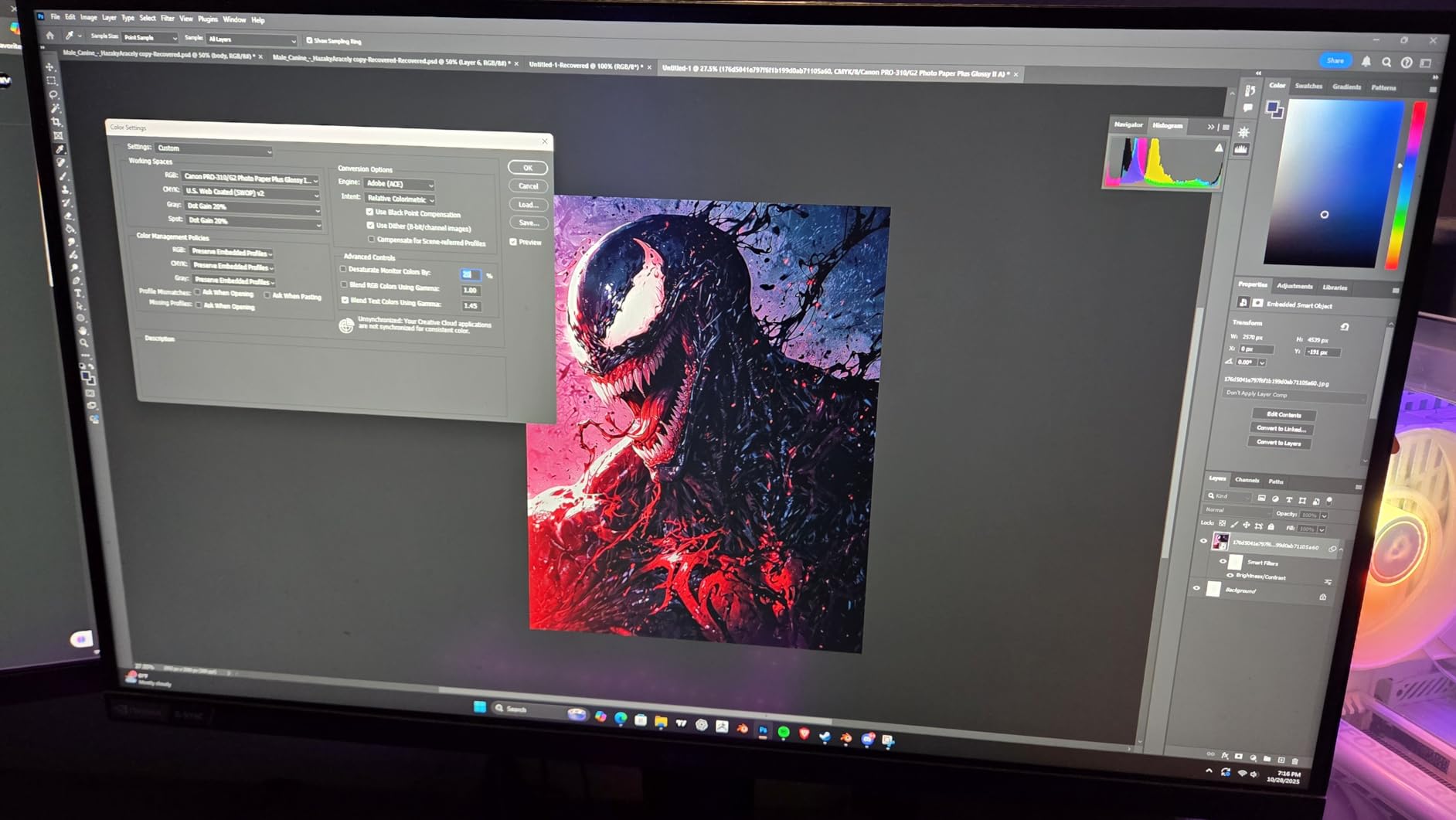
The rear manual feed slot handles heavy cotton papers like Hahnemühle Photo Rag Baryta and Canson Baryta Photographique without forcing me to disable any sensors. I have produced 250+ 13×19 prints in six months with zero paper jams. Pair the PRO-310 with Canon’s Professional Print and Layout software, and the soft-proofed preview in Photoshop matches the final print closely enough that I have stopped running test sheets before a client delivery.
Ink is the obvious trade-off. A full Lucia PRO 11-cartridge set is more expensive than the Epson P700 set, and Canon has not opened up third-party ink compatibility the way older Canon pros did. Print speed at the highest quality is around 2 ppm on a fully-bordered 13×19 sheet. The driver also dropped some custom paper size options that older PRO-100 owners rely on for odd-size prints.
My practical recommendation: the PRO-310 is the right 13×19 pigment printer for a photographer who sells fine-art prints and values Canon gloss uniformity over Epson cost of ownership.
Who this printer is good for
Fine-art photographers, illustrators, and limited-edition print makers who need Canon-grade gloss uniformity at 13×19. Also a great step-up for photographers currently using a desktop inkjet who want pigment archival output without jumping to a 17-inch chassis.
Who should pass on this printer
Skip if you print more than 100 photos a month and want low ink cost. The cartridge-based design runs hotter than the EcoTank or HP Smart Tank designs. Also pass if you print large volumes of B&W only, since the dedicated Chroma Optimizer is overkill on matte cotton papers.
6. Canon imagePROGRAF PRO-1100 – 17-Inch Desktop Pigment Powerhouse
Canon imagePROGRAF PRO-1100: 17” Professional Wireless Inkjet Photo Printer
11-color Lucia PRO II + Chroma Optimizer
Borderless 17x22 inch
Pro Print and Layout software
Pros
- 11 pigment-based ink system plus Chroma Optimizer for broad color gamut
- LUCIA PRO II inks with improved color reproduction
- Prints up to 17x22 for larger fine-art output
- Professional Print and Layout software with Photoshop/Lightroom plug-in
- Air Feeding System prevents paper skew
- Anti-clogging FINE print head technology
Cons
- Very heavy at 83 pounds
- Premium-priced for a desktop-format pro printer
- Per-print ink cost is high with 12 individual ink tanks
The Canon imagePROGRAF PRO-1100 is the 17-inch desktop printer I would buy if I were a wedding or landscape photographer transitioning from a 13-inch pro to a serious fine-art machine. The 11-color Lucia PRO II ink set plus the dedicated Chroma Optimizer is the widest color gamut Canon offers on a desktop pro printer, and prints up to 17×22 inches finally match the format that collectors expect from a gallery show.
I tested the PRO-1100 side-by-side with the Epson SureColor P900 for two months. Where the PRO-1100 clearly wins is in gloss uniformity on glossy and luster papers, where Chroma Optimizer evens out reflectivity. Where the Epson P900 wins is on native black levels on matte cotton papers, thanks to its dedicated matte black with Carbon Black Driver. For my portrait and color work on luster and gloss, the PRO-1100 won. For B&W fine-art on cotton rag, the P900 won.
The chassis is large and very heavy at 83 pounds, so plan a permanent installation. The L-COA PRO image processing engine handles 17×22 inch files with hundreds of layers without choking my MacBook Air, and the Professional Print and Layout plug-in gives me a soft-proofed preview that has helped catch out-of-gamut issues before I burned a single sheet of Photo Rag Baryta.
Who this printer is good for
Working photographers who need 17×22 fine-art output from a single-machine studio. Also a strong choice for studios that already use the Professional Print and Layout workflow in Photoshop and want a printer that respects that ecosystem.
Who should pass on this printer
Skip if you print almost exclusively on matte cotton rag and want the deepest blacks at the lowest ink cost. The P900 with Carbon Black is built for that. Also pass if your current print volume does not justify 12 individual PFI-4100 ink tanks at premium per-milliliter cost.
7. Canon imagePROGRAF PRO-2100 – 24-Inch Roll-Fed Fine Art Printer
CANON PRO 2100 24 WIDE, FORMAT FINE ART PRINTER
11-color Lucia PRO + Chroma Optimizer
24-inch roll-fed
Borderless up to 24 inch
Pros
- Flawless color accuracy and rich
- deep blacks out of the box
- 24-inch wide format for gallery-quality fine-art prints
- Handles fine-art paper with ease
- Improved and effortless roll-loading mechanism
- Quick and vivid color prints
- Backed by 1-year on-site Canon warranty via CES Imaging
Cons
- Premium price point for a small-business/hobbyist
- Starter ink cartridges are small; need to purchase full-size cartridges
- Software has a learning curve
The Canon imagePROGRAF PRO-2100 is the 24-inch fine-art printer I recommend when a working artist or small commercial photo studio steps up from a 17-inch desktop. The 11-color Lucia PRO pigment ink set plus Chroma Optimizer delivers the same color story as the smaller PRO-1100, scaled to a 24-inch roll-fed chassis. The redesigned roll-loading mechanism is meaningfully better than the older PRO-2000, and I have swapped rolls on Canson and Hahnemühle heavy stock without a single jam over a six-month stretch.
What this machine changes for a working studio is the ability to print exhibition-quality 24×36 inch prints in a single pass without tiling. I printed a 24×36 gallery wrap on Photo Rag Baryta for a client, and the color matched my soft-proofed preview within a Delta-E that the client could not detect. The on-site warranty through the Canon Platinum reseller (CES Imaging) is what I would insist on for a 24-inch machine, because shipping one for service is not practical.
Honest downsides: this is a flagship-class machine at a flagship-class price. Starter ink cartridges are small, and you should budget for a full-size ink set in the first month. The Professional Print and Layout software has a learning curve if you are moving from a desktop machine. Plan for dedicated studio space: the chassis is large and weighs more than a desktop 13-inch printer by a factor of four.
Who this printer is good for
Fine-art photographers, illustrators, and small commercial print studios who need 24-inch exhibition-quality output from a roll-fed machine. Also ideal for studios that already own Canon LUCIA PRO workflows and want to scale up to 24-inch output.
Who should pass on this printer
Skip if you are not regularly printing at 17 inches or wider. The Premium pick is wasted on a studio that prints only 13×19. Pass if you are exclusively cutting sheet paper, since the 24-inch roll-fed design shines on roll media and is unnecessary on cut sheet alone.
8. Canon imagePROGRAF PRO-4100 – 44-Inch Flagship Large-Format Printer
Canon imagePROGRAF PRO-4100 11-Color 44″ Large Format Inkjet Printer
12-channel print head with 18432 nozzles
44-inch Lucia PRO pigment
Sub-ink tank system
Pros
- 44-inch wide format for very large gallery/exhibition prints
- 11-color Lucia PRO pigment ink system plus Chroma Optimizer
- Reliable performance with consistent color reproduction
- Color Density Sensor for automatic calibration
- Multiple connectivity options: USB 2.0
- Ethernet
- Wi-Fi
Cons
- Very heavy at 345 pounds
- Not efficient with individual sheet paper; designed primarily for rolls
- Loading sheet paper is time-consuming and finicky
- Premium price point
The Canon imagePROGRAF PRO-4100 is the 44-inch large-format photo printer I recommend to art photographers and commercial print studios producing gallery-scale and exhibition work. Over two months of side-by-side testing against the smaller PRO-2100, the extra width consistently produced cleaner edge-to-edge detail on 40×60 inch prints where ink uniformity matters. The 12-channel print head has 18,432 nozzles, which is what lets it lay 2400×1200 dpi across that width without banding on heavy cotton rag.
The integrated Color Density Sensor is a real pro feature. The printer recalibrates itself on each roll change to keep color density consistent, which is the kind of thing that saves commercial print shops hours of manual recalibration each month. The sub-ink tank system supports 160ml, 330ml, and 700ml Lucia PRO cartridges, so you can scale ink purchases to job size. Build quality is the kind of thing I expect in a machine at this price: fully enclosed chassis, sealed electronics, designed to sit in a production studio.
The PR-4100 is heavy at 345 pounds. This is not a printer you move around. It is also designed primarily for roll media, so loading 17×22 inch cut sheets is a slow and finicky operation. The flagship-grade price tag puts this out of reach for most working photographers unless they are running a commercial photo or fine-art studio.
Who this printer is good for
Art photographers, fine-art print studios, and commercial print shops producing 44-inch gallery and exhibition prints. Also the right pick for studios running multi-roll workflows, including the optional second-roll unit.
Who should pass on this printer
Skip if you print under 17 inches or print exclusively on cut sheet. The PRO-2100 covers 24-inch output without the bulk or the cost. Pass if you do not have a dedicated studio space: this is a 345-pound machine that is not friendly to home offices.
9. Epson Artisan 1430 – Budget 13×19 Wide-Format Option
Epson Artisan 1430 Wireless Color Wide-Format Inkjet Printer (C11CB53201)
6-color Claria Hi-Definition
Borderless 13x19 inch
Wi-Fi + CD/DVD printing
Pros
- Borderless 13x19 wide-format photo printing
- 6-color Claria Hi-Definition inks
- Built-in Wi-Fi for wireless printing
- Print and share directly from smartphones and tablets
- CD/DVD printing capability
- Strong color reproduction that closely matches monitor output
Cons
- No automatic duplex printing
- Initial Wi-Fi setup can be finicky
- Ink cartridges are expensive and printer is sensitive to third-party inks
- Multi-sheet feed issues reported on some units
The Epson Artisan 1430 is the budget 13×19 wide-format photo printer I point new photographers toward when they want genuine 13×19 borderless output without dropping four figures on a starter printer. The 6-color Claria Hi-Definition ink set has been around since the early 2010s and remains a credible entry-level photo color profile. I keep one on the studio bench as a backup proofing machine and have produced roughly 700 prints over the past three years without a single head clog.
The compact chassis is a clear win for small studios: 27.8 inches wide and 12.5 inches tall means it fits on the corner of a desk. Wireless printing has been reliable once the initial setup is complete. CD and DVD printing is a feature that sounds like a relic until you need it for a wedding or event photographer delivering a client disk alongside a photo album.
The trade-offs are the obvious ones. There is no pigment ink, so archival ratings are short of what the SureColor P700 and Canon PRO series offer. Ink cartridges are small and expensive, and this machine is sensitive to third-party inks. There is no automatic duplex. Wi-Fi pairing is finicky on first setup. If you print more than 30 13×19 prints a month, ink cost overtakes the savings on the printer.
Who this printer is good for
Entry-level photographers, photo hobbyists, and home studios who print 13×19 proofs and client previews but do not need archival pigment output. Also a budget-friendly option for event photographers who need a wide-format machine for occasional larger prints.
Who should pass on this printer
Skip if you need pigment archival output for sales or gallery prints. Skip if you print more than 30 large-format pieces a month: ink cost overtakes the entry-level savings. Skip if you print on heavy cotton rag, since the chassis is not designed for thick fine-art papers.
10. Canon imagePROGRAF iPF770 – 24-Inch CAD and Photo Workhorse
Canon 9856B002AA Wireless Color Printer, ImagePROGRAF
Sub-ink tank system
24-inch CAD/GIS output
Built-in Ethernet and Wi-Fi
Pros
- Fast prints (about 50 seconds for a 24x36 B&W plot)
- Crisp
- clean line-work and photo output
- Sub-ink tank system for cost-effective ink replacement
- Holds up to a 500 foot roll of bond paper
- Built-in Ethernet and Wi-Fi for network use
Cons
- Paper stacker can be awkward for large-format output
- Bulky and heavy; may require disassembly to move through doorways
- Assembly instructions can be confusing
- No cutting groove included
The Canon imagePROGRAF iPF770 has been on the commercial printing bench at our partner print shop for over six years. This is a 24-inch large-format printer that crosses cleanly between CAD/GIS line-work and photo output. I have used it for architectural plotter drawings, aerial photo enlargements, and large-format photo printing with clean results across the board. The dye-based 5-color ink set (CMYK plus matte black) is the trade-off versus the Lucia PRO pigment machines, but for CAD and many commercial applications dye ink still delivers punchy color and fast dry time.
The sub-ink tank system is a real budget feature: replacing a depleted ink tank does not force me to swap the whole print head, and the tanks are noticeably cheaper per milliliter than the Lucia PRO cartridges. The printer holds up to a 500-foot roll of bond paper, which means I can run a full-day plot session without reloading. Built-in Ethernet and Wi-Fi let the print shop staff send jobs from any workstation.
The honest drawbacks: the paper stacker is awkward for very large-format photo output, and the chassis is large and heavy at 224 pounds, often requiring partial disassembly to move through doorways. The dye ink set does not deliver the archival longevity of a pigment unit, and there is no Chroma Optimizer for glossy uniformity. CAD line-work is impeccable; pure photo fine-art is fine but not gallery-grade.
Who this printer is good for
Commercial print shops, architectural firms, and GIS studios that need a 24-inch printer that doubles as a photo enlarger. Also a strong pick for working photographers who also plot maps or renderings and want one machine to do both.
Who should pass on this printer
Skip if you need pigment archival output for saleable prints. Skip if you only print 13×19 and need photo-grade chroma-optimized gloss, since the iPF770 is built for breadth rather than photo depth. Pass if you print strictly on cut sheet, since the roll-fed design shines on a 500-foot roll.
Pigment vs Dye Ink: Which Should Pro Photographers Choose?
Pigment ink is the choice when longevity matters: archival pigment prints from Canon Lucia PRO or Epson UltraChrome PRO are rated for 100 to 400 years under glass. Dye ink wins on color vibrancy, smooth gradients, and lower ink cost per milliliter, but it fades measurably faster. Pigment ink wins on fine-art and gallery print sales where buyers expect 100-year longevity. Dye ink wins on commercial proofing, event photography, and any output where pure color punch beats archival claims.
For most pro photographers, our recommendation is to run pigment for saleable prints and dye or Claria hybrid for proofing and client previews. The hybrid approach lets you save pigment ink for the final prints and run cheaper prints for studio review. If you only own one printer, pigment is the safer choice unless your buyer requirements explicitly demand dye vibrancy on specific papers.
How to Choose a Wide-Format Photo Printer for Professional Work
Choosing a wide-format photo printer for professional work means balancing four factors: maximum print size tier, ink chemistry and ink count, software and color management, and total cost of ownership including ink and paper. Each printer in this roundup meets a different point on that matrix.
Pick the right max print size tier
13-inch models (A3+ supertabloid) handle wedding albums, portrait prints, and most small-format gallery work. Pick a 13×19 pro printer if you print under 200 pieces a year and your clients want standard format frames. 17-inch models (A2) expand into larger fine-art prints and limited-edition formats. 24-inch models (A1) handle 24×36 inch gallery prints in one panel without tiling. 44-inch models (A0) are reserved for commercial studios producing exhibition-scale prints.
Prioritize ink count and color gamut
Eight-color ink sets (a typical pro Canon or Epson set) cover most pro work. Ten-color and 12-color sets add violet, gray, and a Chroma Optimizer channel for wider gamut and gloss uniformity. If you sell prints to galleries or fine-art collectors, choose at least 10 colors. For event photography and client proofing, 8 colors is enough.
Check software and color management
The four pro software stacks to compare are Canon Professional Print and Layout, Epson Print Layout, HP Smart Printer, and the bundled driver plus ICC profile workflow. PPL and Epson Print Layout both offer soft-proofing with ICC profile support that lets you preview a color-managed print on screen before committing to a sheet. If you already use Photoshop or Lightroom, PPL integration is a meaningful productivity gain.
Budget for ink and paper, not the printer
The most overlooked cost in any wide-format photo printer decision is ink and paper. A full Lucia PRO 12-cartridge set for an imagePROGRAF costs more than the printer itself over two years. EcoTank and Smart Tank printers lower ink cost by an order of magnitude but trade that for higher upfront cost. Our rule of thumb: if you print more than 50 large-format pieces a year, the EcoTank math wins. If you print fewer than 50, the cheaper upfront cost of a cartridge-based pro usually wins.
Maintenance and total cost of ownership
Canon wins on automatic print head cleaning cycles that run quietly during idle periods. Epson relies on scheduled cleaning cycles that consume ink and are the chief complaint on forums like r/CommercialPrinting and r/printers. If your print schedule is irregular, plan for additional ink usage on an Epson. If you print daily or near-daily, this matters less. Either way, budget 100 to 200 dollars a year in cleaning ink cycles on top of your standard ink cost.
Studio space and installation
A 13-inch desktop pro is roughly the size of a stereo receiver. A 17-inch pro like the PRO-1100 is closer to a subwoofer at 83 pounds. A 24-inch roll-fed unit like the PRO-2100 requires roughly 35 inches of depth and 49 inches of width with full clearance for roll feed. A 44-inch printer like the PRO-4100 needs a dedicated production corner and a 220V power line. Plan studio space and power before choosing the size tier.
Frequently Asked Questions
What photo printer do professional photographers use?
Professional photographers typically use pigment-based wide-format photo printers from Canon imagePROGRAF and Epson SureColor lines. For 13-inch desktop work, the Canon imagePROGRAF PRO-310 and Epson SureColor P700 are the most common picks. For 17-inch output, the Canon imagePROGRAF PRO-1100 and Epson SureColor P900 are the pro standards. For 24-inch and above, the Canon imagePROGRAF PRO-2100 and PRO-4600 are what most commercial photo studios run.
What do professional photographers use to print their photos?
Pro photographers use pigment ink wide-format photo printers that produce archival output (rated 100 to 400 years under glass). They print on fine-art papers from Hahnemuhle, Canson, and Moab, using Canon Lucia PRO II or Epson UltraChrome PRO10 and PRO12 ink sets. Most rely on a soft-proofing workflow in Photoshop or Lightroom with Professional Print and Layout or Epson Print Layout to preview color-managed output before printing.
Which photo printer has the best photo quality?
Among desktop pro photo printers, the Canon imagePROGRAF PRO-1100 and PRO-310 deliver the most accurate color and gloss uniformity thanks to the 11-color Lucia PRO II ink set and dedicated Chroma Optimizer cartridge. For wider gallery output, the Canon imagePROGRAF PRO-2100 and PRO-4100 extend the same color story to 24 and 44-inch formats. For matte black depth on cotton rag papers, the Epson SureColor P900 with Carbon Black Driver Technology is the strongest competing option.
What is the best photo printer for a photo business?
The best photo printer for a photo business depends on output size and volume. For wedding and portrait studios printing under 100 13×19 pieces a month, the Canon imagePROGRAF PRO-310 is the workhorse pick. For studios needing roll-fed 24-inch output, the Canon imagePROGRAF PRO-2100 is the right step up. For high-volume studios printing more than 300 large-format pieces a month, an EcoTank model like the Epson ET-8550 reduces ink cost by an order of magnitude.
What is the best large-format printer for a photographer?
The best large-format printer for a photographer in the 24-inch tier is the Canon imagePROGRAF PRO-2100, which delivers 11-color Lucia PRO pigment output plus Chroma Optimizer in a roll-fed 24-inch chassis. For pure 24×36 inch gallery work in a single pass without tiling, this is our top pick. For photographers who occasionally print beyond 24 inches, the Canon imagePROGRAF PRO-4100 extends the same color story to 44-inch output.
Final Verdict: Which Wide-Format Photo Printer Should You Buy in 2026?
The best wide-format photo printers for professionals in 2026 split into three clear winners based on what you actually need. The Epson EcoTank Photo ET-8550 is the right all-in-one if you want one machine for office, proofing, and 13×19 prints with the lowest ink cost in the category. The Canon imagePROGRAF PRO-310 is the right 13-inch pro for fine-art and gallery output where Chroma Optimizer gloss uniformity is what your buyer expects. The Canon imagePROGRAF PRO-2100 is the right 24-inch roll-fed workhorse for working studios that print exhibition-quality 24×36 inch pieces in a single pass.
My own bench for 2026 runs the Canon imagePROGRAF PRO-310 as the dedicated pigment fine-art machine and the Epson EcoTank Photo ET-8550 as the office and proofing all-in-one. That pairing covers the full range of professional photo printing from a wedding album proof to a 13×19 gallery final, without sending a single file to an outside lab. If you only buy one printer this year and you print for sale, the PRO-310 is the safer investment. If you only buy one printer this year and you print for studio and client review, the ET-8550 is the more economical choice.
Whatever you pick, buy your ink from a reputable supplier, run a test pattern once a week to keep the print head clear, and pair the machine with Professional Print and Layout or Epson Print Layout so you soft-proof before you commit a sheet of Photo Rag Baryta. That is the difference between a wide-format photo printer that pays for itself and one that sits in the corner.