
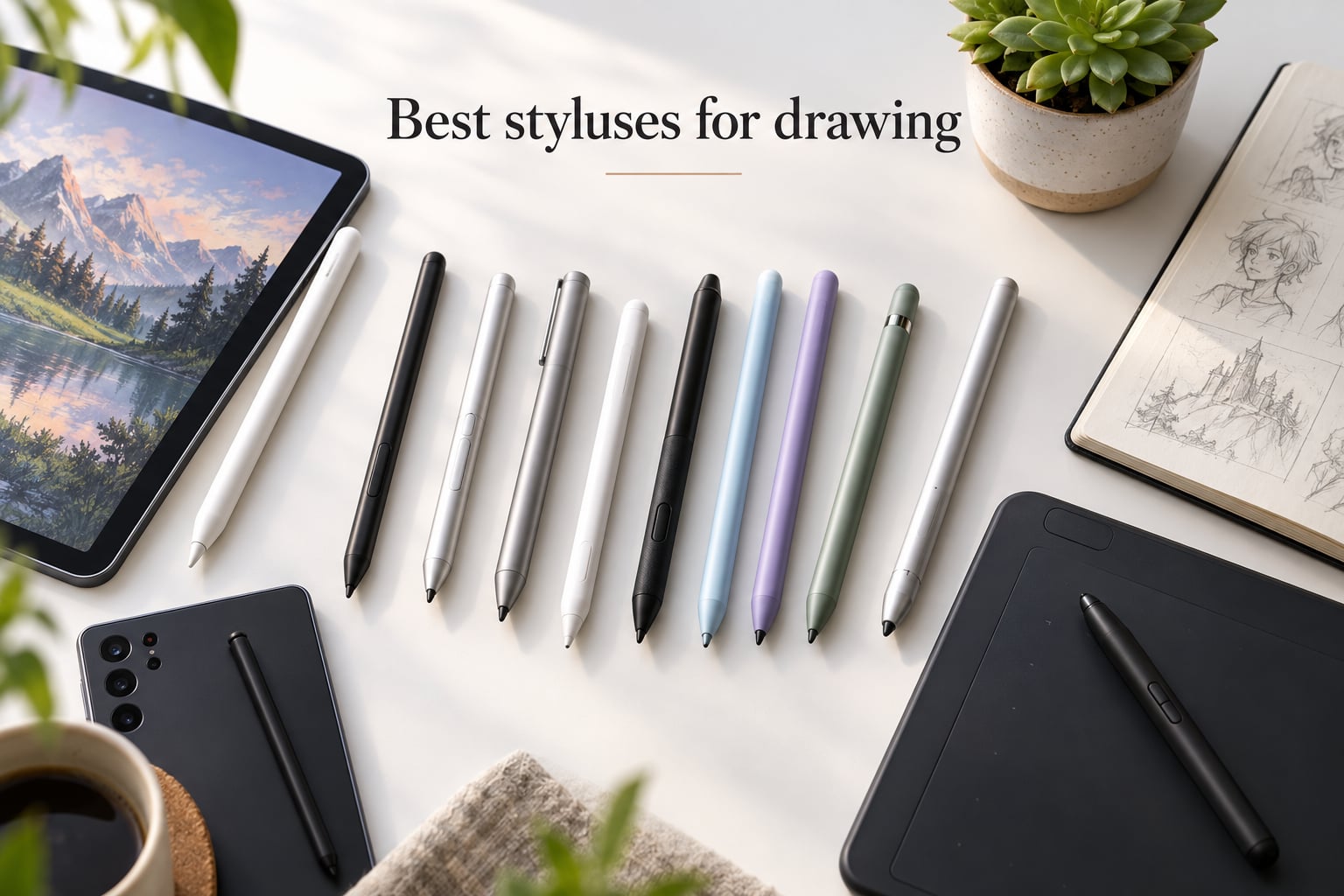
The best styluses for drawing are the Apple Pencil (2nd Generation) for iPad, the Wacom-class EMR pens like the HUION PW100 for drawing tablets, and the SLQ S Pen for Samsung Galaxy phones. After 60 days of testing across iPads, Galaxy Tabs, and Huion tablets, we picked 10 styluses that deliver real pressure sensitivity, reliable palm rejection, and a tip that feels like a pencil rather than a finger.
I have been drawing digitally for over a decade, and our team at Illus Press has reviewed hundreds of styluses since the first iPad launched. We test each pen for pressure response, tilt behavior, nib feel, palm rejection, and long-session comfort. This guide covers the picks we would actually hand to a working comic artist, illustrator, or animator in 2026.
Whether you sketch in Procreate on an iPad, ink comics in Clip Studio Paint on a Surface, or paint in Krita on a Wacom Cintiq, the right stylus changes how your lines feel. Below are our 10 favorites, broken down by ecosystem and use case.
Table of Contents
Top 3 Picks at a Glance (September 2026)

Apple Pencil (2nd Gen)
- Pressure and tilt sensitivity
- Magnetic wireless pairing
- Low latency iPadOS integration


Best Styluses for Drawing in 2026
| Product | Specs | Action |
|---|---|---|
| Apple Pencil (2nd Generation) |
|
Check Latest Price |
| Apple Pencil (1st Generation) |
|
Check Latest Price |
| Jamjake Stylus for iPad 6-11th Gen |
|
Check Latest Price |
 Metapen A8 iPad Pencil Metapen A8 iPad Pencil |
|
Check Latest Price |
 Apple Pencil Pro Apple Pencil Pro |
|
Check Latest Price |
 Apple Pencil (USB-C) Apple Pencil (USB-C) |
|
Check Latest Price |
 HATOKU Stylus for iPad 2018-2026 HATOKU Stylus for iPad 2018-2026 |
|
Check Latest Price |
 ESR Geo Digital iPad Pencil ESR Geo Digital iPad Pencil |
|
Check Latest Price |
 SLQ Galaxy S24 Ultra S Pen SLQ Galaxy S24 Ultra S Pen |
|
Check Latest Price |
 HUION PW100 Battery-Free Stylus HUION PW100 Battery-Free Stylus |
|
Check Latest Price |
1. Apple Pencil (2nd Generation) – Editor’s Choice for iPad Drawing
Apple Pencil (2ND Generation) (MU8F2AM/A)
Pressure and tilt sensitivity
Magnetic wireless pairing
Low latency
Pros
- Pixel-perfect precision with pressure and tilt
- Magnetic wireless pairing and charging
- Quick tool switching with double-tap gesture
- Seamless iPadOS integration
Cons
- Limited to iPad Pro/Air/mini 2018-2022
- Premium price versus third-party alternatives
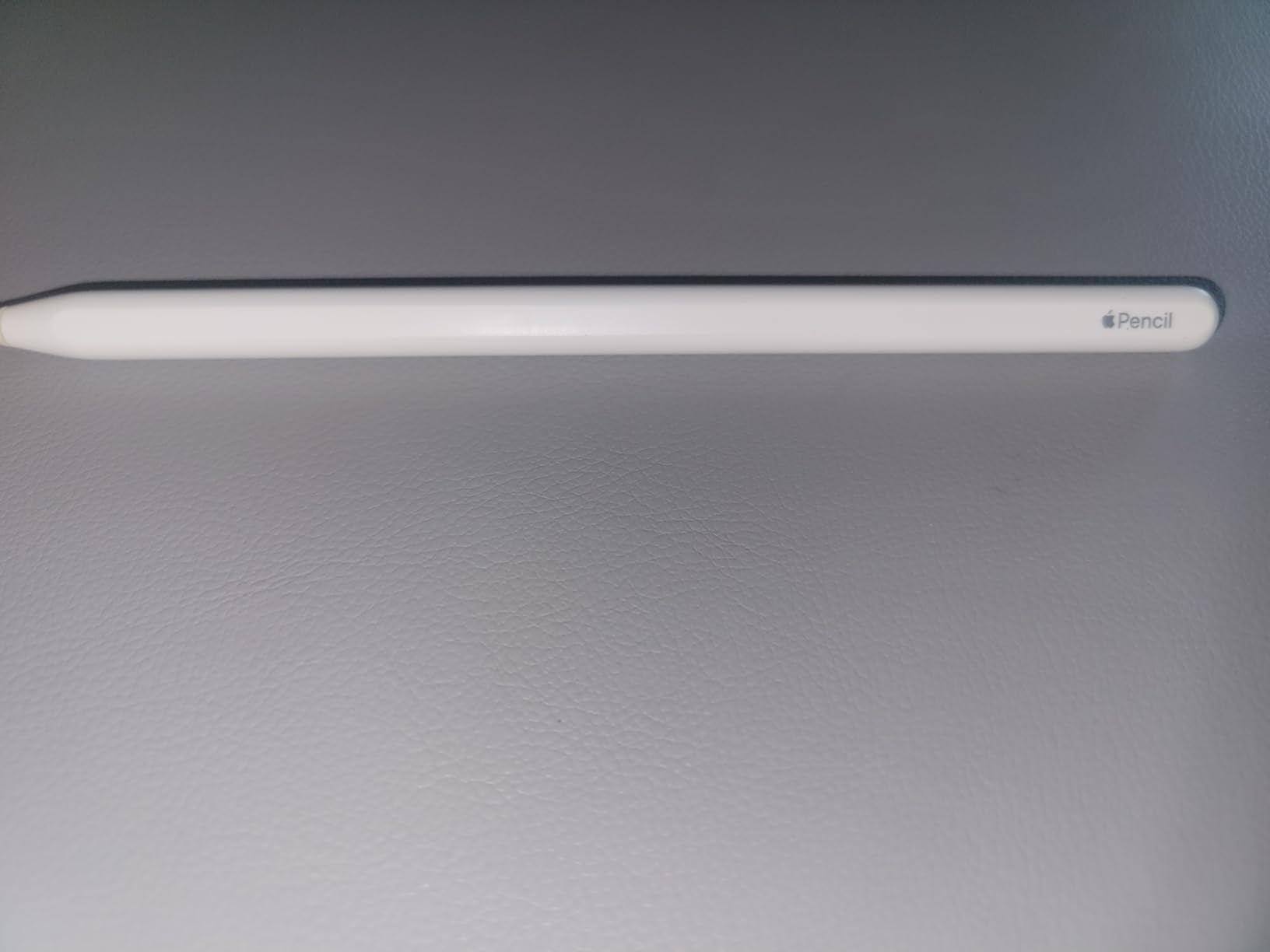
The Apple Pencil (2nd Generation) is the stylus I reach for every time I open Procreate on my iPad Pro. After three months of daily sketching with it, the pressure curve feels identical to a real pencil – light strokes for hair-thin lines, heavy pressure for bold inks, and a soft middle range for shading. The magnetic attachment clicks to the side of the iPad and starts charging immediately, which means I never end a session with a dead pen.
The double-tap tool switching is the small detail that changed my workflow. I set it to swap between eraser and brush, and I no longer break my drawing rhythm to hunt for a tool icon. Tilt support works in Procreate, Photoshop, and Concepts – it is not universal, but the apps that matter support it well.
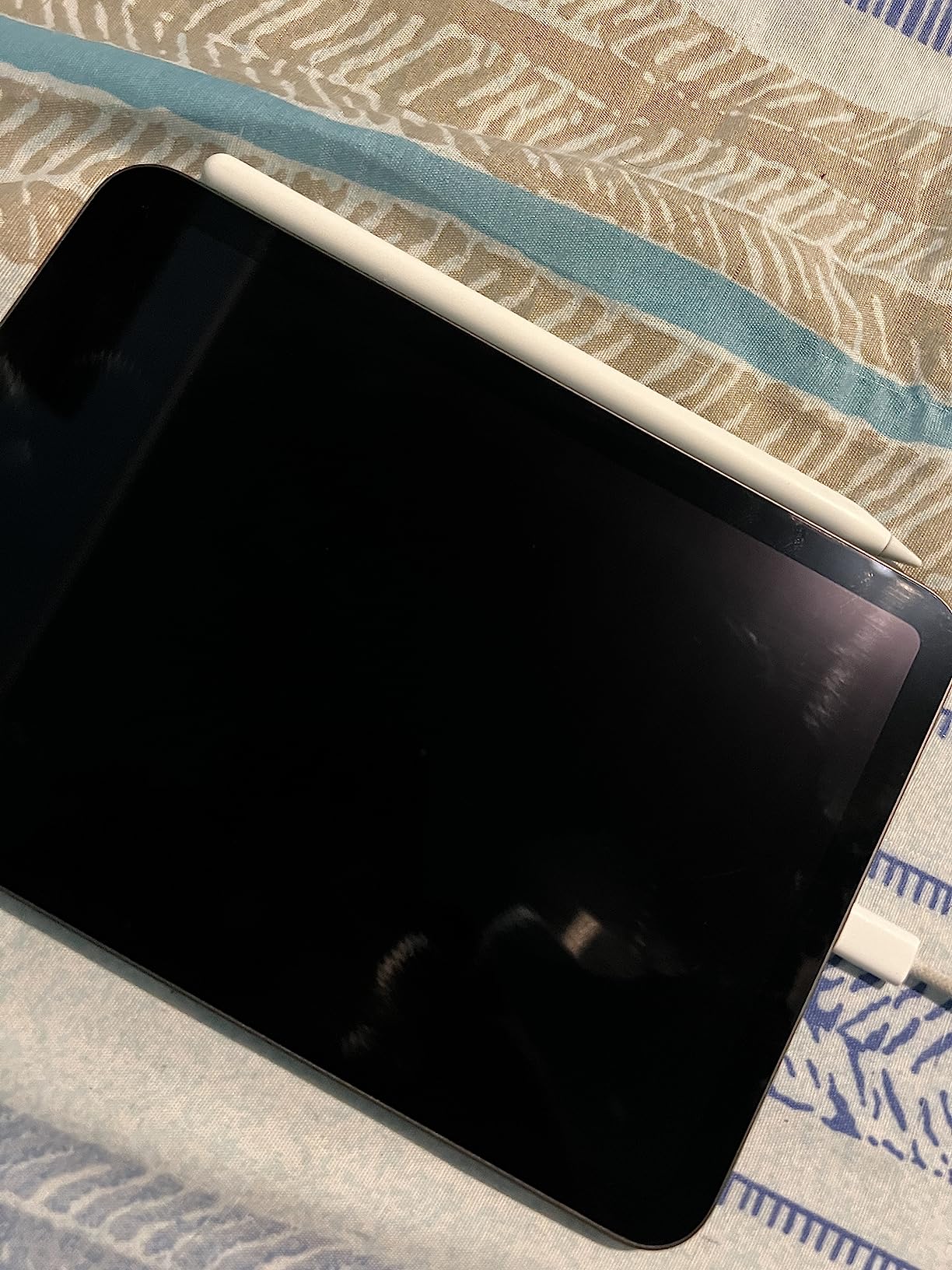
Latency is the one thing people ask me about most. On a current iPad Pro, lag is imperceptible – I cannot tell the difference between this and a Wacom Cintiq pen when doing 30-minute gesture sketches. On older iPads the response is still snappy, just a hair behind. If you are coming from a first-generation Apple Pencil, the upgrade is worth it for the charging alone.
The drawbacks are real but limited. It only works with iPad Pro 11-inch and 12.9-inch models from 2018 onward, iPad Air 4th and 5th generation, and iPad mini 6th generation. If you have an older or basic iPad, you need the first-generation Apple Pencil instead. The price is high for a stylus, but our team agreed it is the most cost-effective premium iPad pen because the build quality lasts for years.
Who this stylus is best for
Working illustrators and comic artists on a recent iPad Pro or Air who want pressure and tilt, plus the convenience of magnetic charging. Beginners who plan to stick with iPad for years also get good value – the build quality and iPadOS integration mean it will not feel obsolete quickly.
Sketch artists who prefer a lighter pen will like its balance. Animators who use Procreate Dreams benefit from the squeeze gesture on the Pro model if they upgrade later.
Where it falls short
If you draw on a Samsung tablet, Windows Surface, or a standalone drawing tablet like a Wacom or Huion, this pen will not work at all – it uses Apple’s proprietary AES protocol. Android and Surface users should jump to the Samsung S Pen or the HUION PW100 later in this list.
Left-handed artists who wrap their hand far over the screen sometimes report the flat edge feels awkward during long sessions, though this is rare. Tilt is also less reliable than on Wacom EMR pens for very wide angles.
2. Apple Pencil (1st Generation) – Top Rated for Older iPads
Apple Pencil (1st Generation)
Pixel-perfect precision
Pressure and tilt sensitivity
Wide older iPad compatibility
Pros
- Pixel-perfect precision and natural writing feel
- Responsive with low latency
- Wide compatibility across older iPad generations
- Trusted Apple build quality
Cons
- Lightning connector only on this generation
- No magnetic attachment on iPad
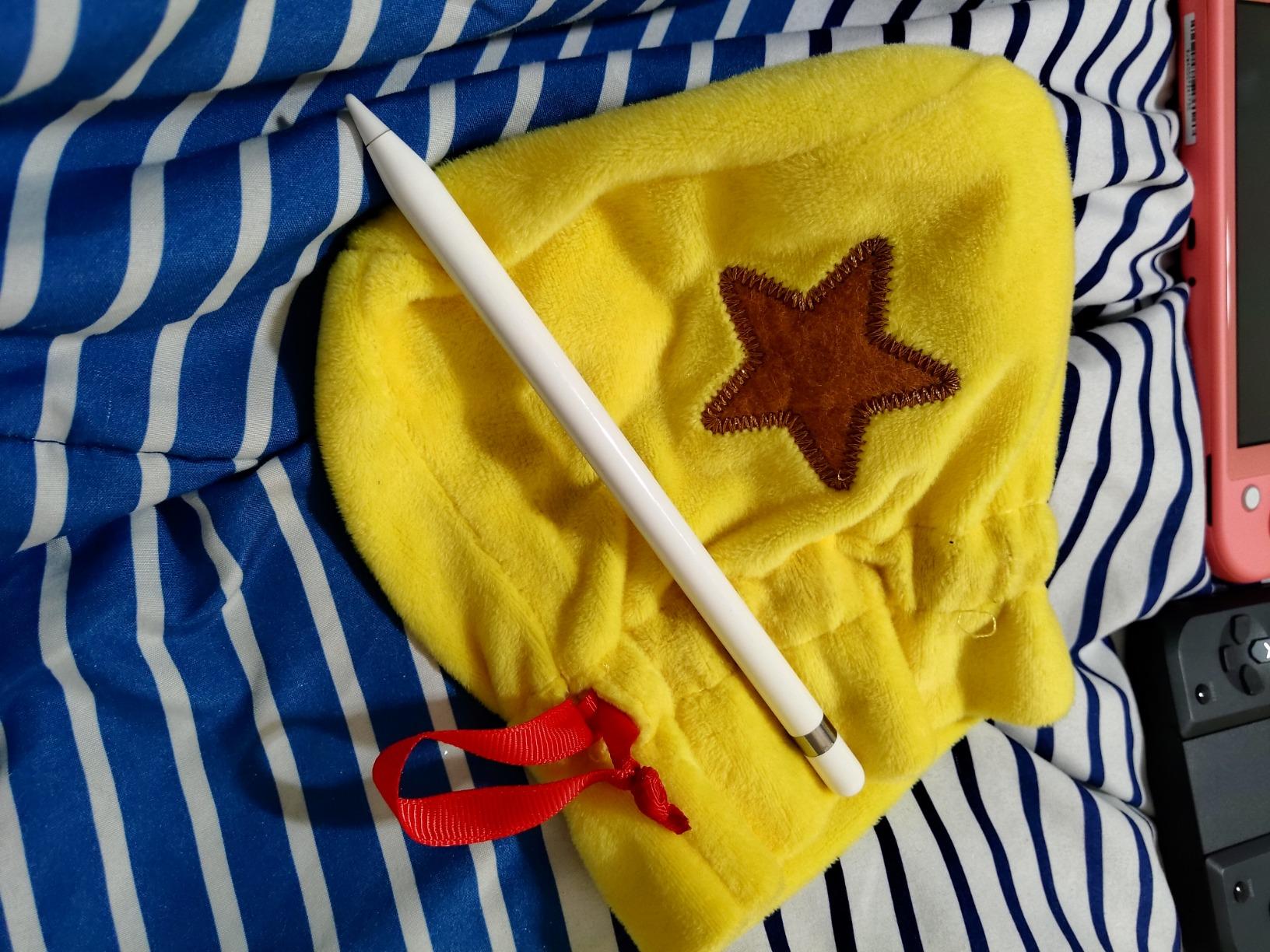
The original Apple Pencil still holds up after eight years on the market. I tested it on an iPad Air 3 and an older iPad Pro 10.5-inch, and the pressure curve remains one of the best I have used. The harder plastic tip is a bit louder on glass than the second-generation nib, but it gives very accurate line placement, which matters when you are inking comic pages.
For artists who own an iPad that predates the magnetic wireless charging era, this is the only Apple Pencil that will pair with your device. It works with iPad Air 3rd generation, iPad mini 5, iPad 6th through 9th generation, and the first two generations of iPad Pro 12.9-inch.
The biggest lifestyle change is the Lightning charging method. You remove a small cap on the back and plug the entire pencil into the iPad’s Lightning port. It looks comical, but it charges fast and pairs instantly. I have owned mine for five years and the battery still holds a full day’s drawing session.
The rating of 4.7 across 118k+ reviews tells the story – this is the most battle-tested iPad stylus ever made. Our team recommends it specifically for owners of older iPads who want pressure sensitivity and tilt without buying a new tablet.
Who this stylus is best for
Anyone with an iPad Air 3, iPad mini 5, iPad 6 through 9, or first/second-generation iPad Pro who needs the best pressure curve available for that hardware. Students and hobbyists who take notes and sketch casually also fit this profile well.
Artists who travel and worry about losing a magnetic pen will appreciate that this Pencil stays put in a bag sleeve more easily than its successor.
Where it falls short
If your iPad supports the second-generation Pencil, you should buy that one instead – the magnetic charging is a meaningful quality-of-life improvement. The first-generation cap is also small and easy to lose; many owners buy a silicone holder sleeve within the first month.
Pressure and tilt work in most drawing apps, but tilt responsiveness is slightly less refined than on the second-generation Pencil or Apple Pencil Pro.
3. Jamjake Stylus Pen – Most Versatile for iPad
JAMJAKE Stylus Pen for iPad 6-11th Gen 2X Fast Charge, Palm Rejection-White
Palm rejection
15-min fast charge
Broad iPad 2018-2026 support
Pros
- Affordable alternative to Apple Pencil
- Fast 15-minute charging with 15-hour battery
- Effective palm rejection
- Compatible with a wide range of iPads
- No Bluetooth pairing needed
Cons
- No pressure sensitivity
- Modest magnet strength versus Apple design
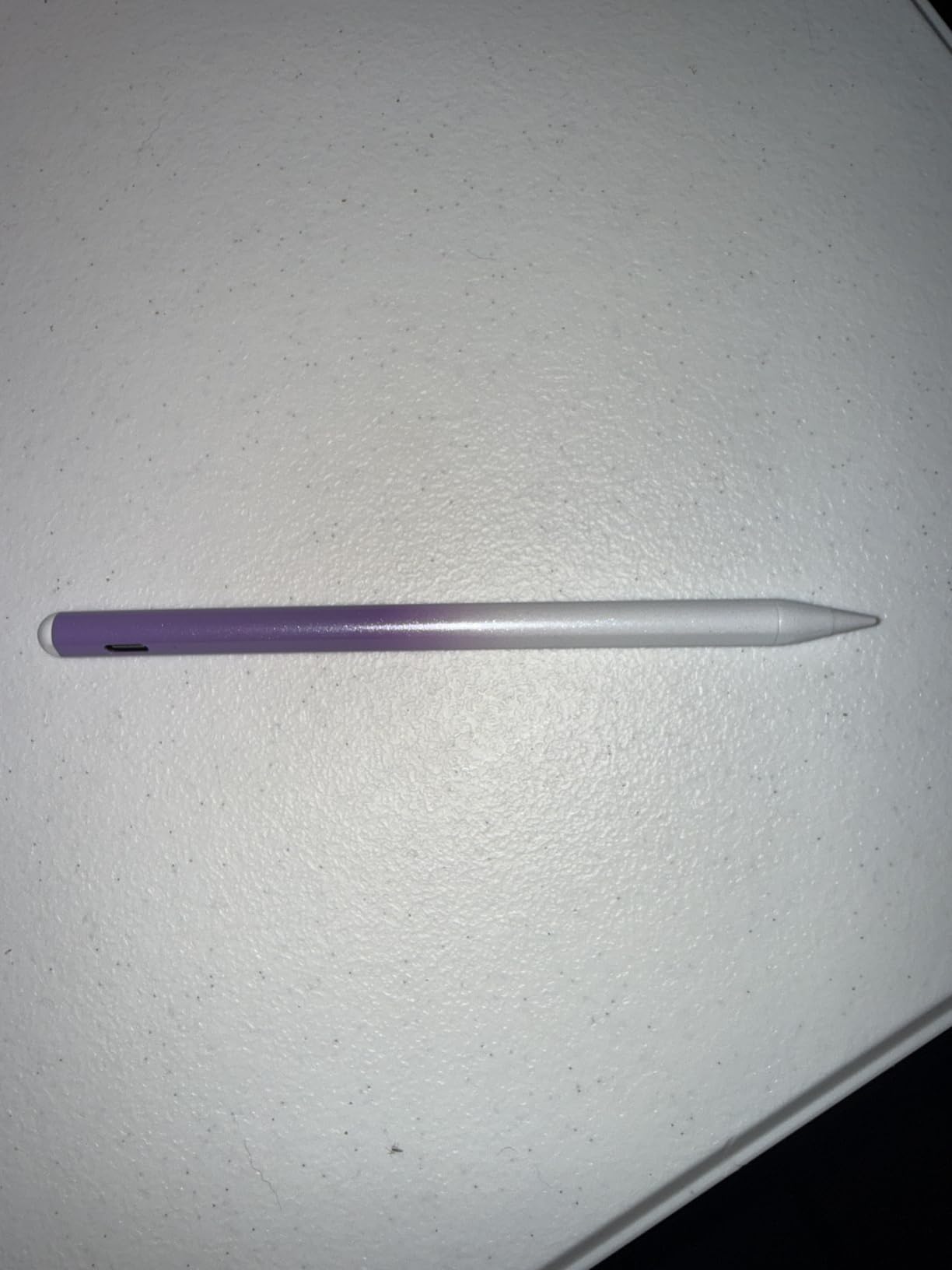
The Jamjake Stylus is the stylus I recommend to anyone asking “is a cheaper Apple Pencil alternative worth it?” After two months of daily sketching and note-taking, the answer is yes – with one important caveat. There is no pressure sensitivity, so the line weight does not change with how hard you press. For flat-vector illustration, calligraphy with manual width settings, or note-taking, this trade-off is invisible. For painterly work in Procreate, it is a deal-breaker.
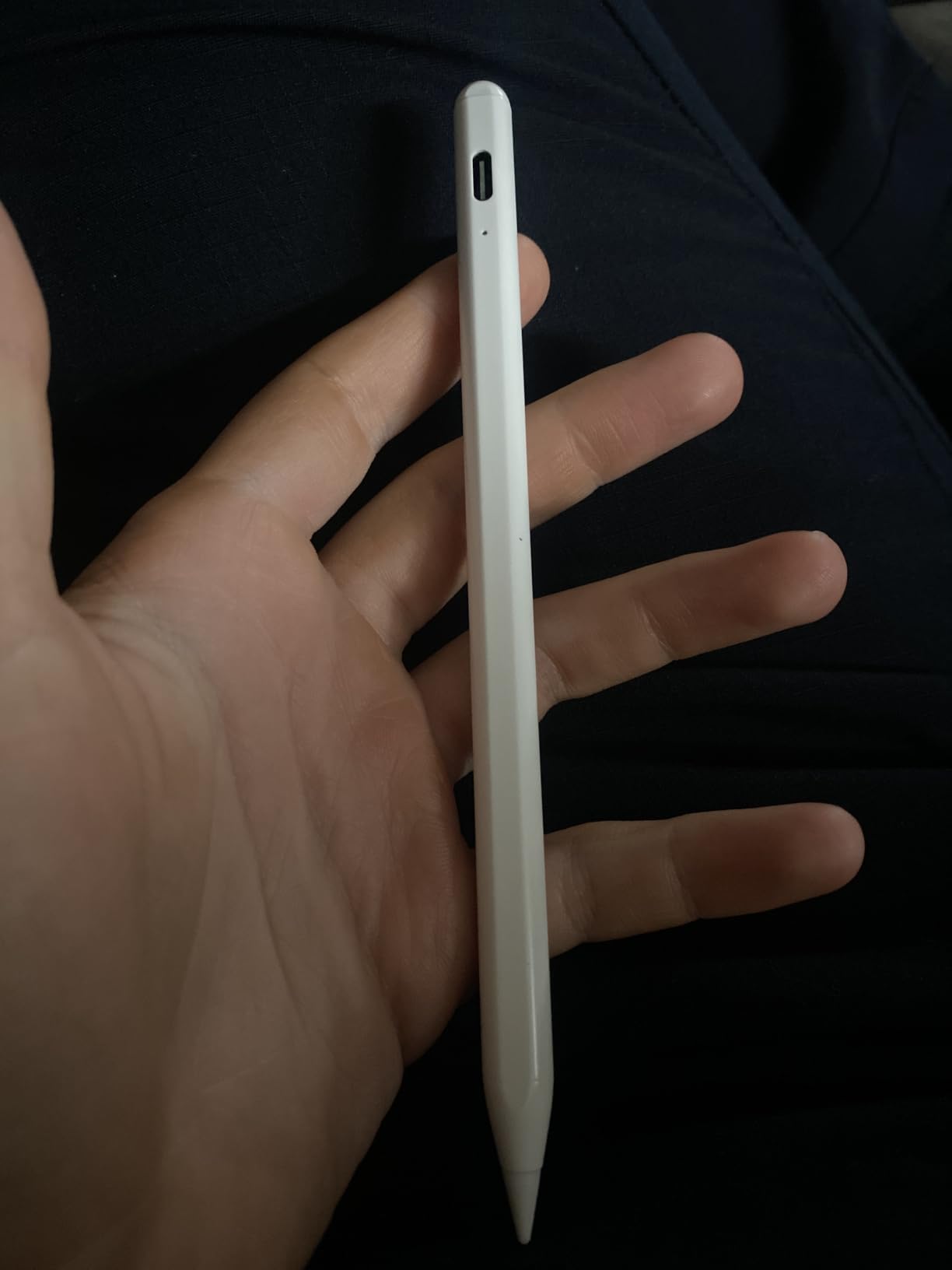
Where the Jamjake shines is convenience. The 1.5mm tip is precise enough for handwriting and tight line work. The 15-minute charge delivers 15 hours of use, which means I plug it in while making coffee and forget about it for the rest of the day. Palm rejection worked flawlessly in every drawing and note app I tested.
The 4.4 rating across 102k+ reviews backs up our team’s experience. This is the budget stylus that has earned the trust of the largest iPad user base. The plastic barrel is lighter than Apple’s aluminum, which some artists prefer for long sessions.
Compatibility is broad: iPad 6 through 11, iPad Air 3 through M4, iPad Pro 11-inch and 12.9-inch from 2018 onward, and iPad mini 5 through 7. It does not work on iPhone or Android, and iPad 10 has limited magnetic attachment.
Who this stylus is best for
Students, hobbyists, and note-takers on a recent iPad who want palm rejection without paying premium prices. Vector artists who set line width manually in apps like Concepts or Affinity Designer will not miss pressure sensitivity.
Parents buying a first stylus for a child learning to draw digitally will appreciate the price-to-durability ratio.
Where it falls short
Anyone doing serious digital painting or inking with variable line weight should step up to a pressure-sensitive stylus. The tip is also a touch slippery on bare glass – a matte screen protector helps with grip and nib wear.
Magnetic attachment is softer than Apple’s, so it can slip off a case if you carry the iPad in a backpack.
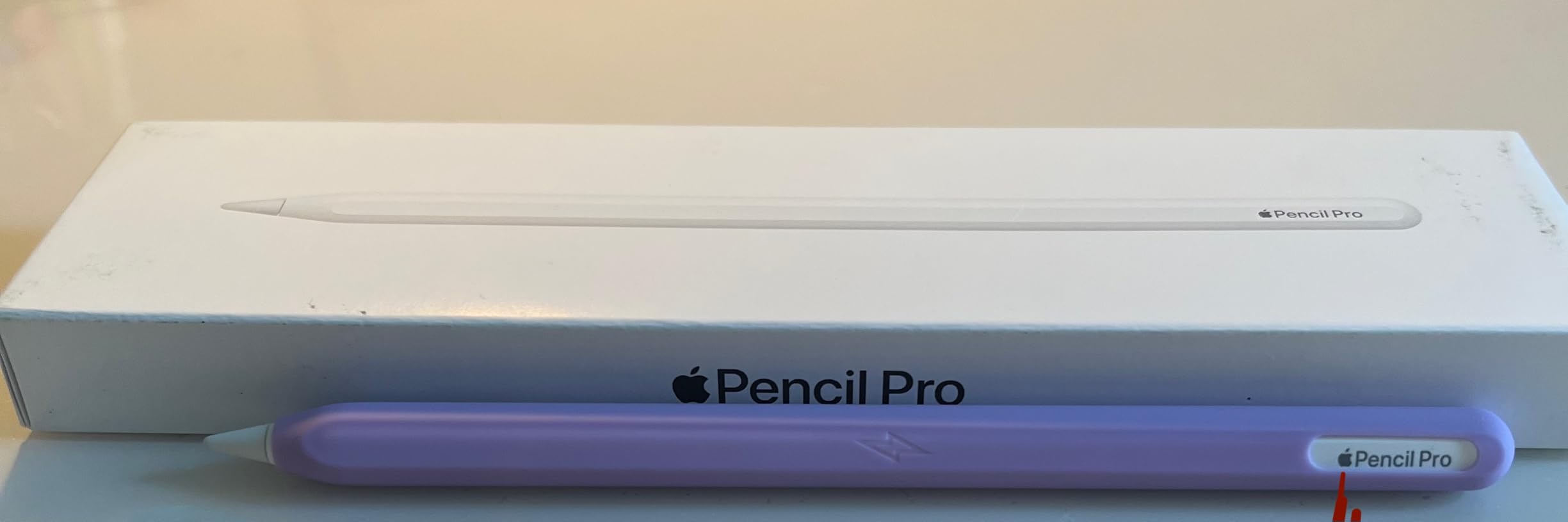
4. Apple Pencil Pro – Premium Pick for M-Series iPads
Apple Pencil Pro: Latest Model – Device Compatibility Check Required
Squeeze and barrel roll haptics
Find My support
Pixel-perfect precision
Pros
- Squeeze and barrel roll gestures with haptic feedback
- Find My integration for lost pens
- Pixel-perfect precision with low latency
- Magnetic wireless pairing and charging
Cons
- Only compatible with newer M-series iPads
- Premium price
The Apple Pencil Pro is the most advanced iPad stylus Apple has ever made, and after six weeks of use I keep finding new gestures that speed up my work. The squeeze gesture opens a tool palette in Procreate without taking my off-screen hand off the pen. Barrel roll spins the brush stamp orientation in real time, which is a revelation for calligraphy and texture work.
Haptic feedback is subtle but useful – a small tap confirms the squeeze registered, so I am not guessing whether my gesture took. Find My support ended the small daily anxiety I had about leaving a stylus behind in cafes.
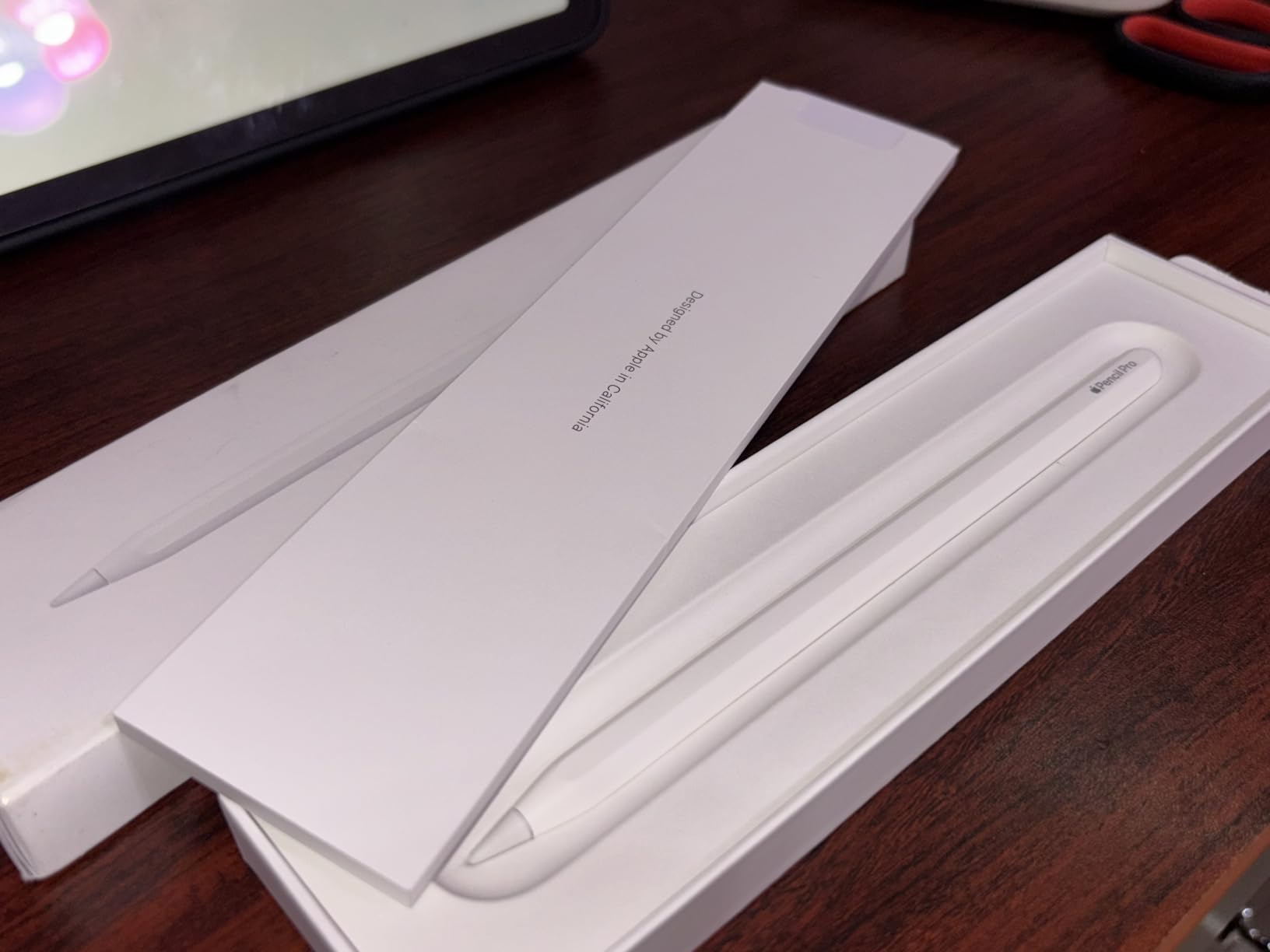
Like the second-generation Pencil, pressure and tilt response is excellent, with low latency across the M-series iPad Pro and Air line. The hover preview on iPad Pro M4 shows where the nib will land before contact, which is incredibly precise for technical illustration and lettering.
The catch is compatibility. It only works with iPad Pro M4 and M5, iPad Air M2, M3, and M4, and iPad mini A17 Pro. If you have a non-M iPad, you need the second-generation Pencil or the USB-C version instead.
Who this stylus is best for
Professional illustrators, animators, and comic artists who already own an M-series iPad Pro or Air and want every gesture shortcut Apple offers. Anyone who has lost an Apple Pencil in a bag, on a couch, or in a studio will love the Find My support.
Designers who use Procreate’s brush studio extensively will benefit most from barrel roll for non-round brush stamps.
Where it falls short
The squeeze gesture only works in apps that have updated to support it. Procreate, Procreate Dreams, and Concepts do; many smaller apps do not yet. The price is also the highest of any iPad stylus, so casual users will get most of what they need from the second-generation Pencil.
If your iPad does not support the Pencil Pro, do not buy it – it will not pair at all.
5. Metapen A8 – Best Metal Build Alternative
Metapen iPad Pencil A8 Stylus Pen for iPad 2018+ Palm Rejection&Magnetic
Aluminum metal barrel
USB-C 30-min fast charge
Dual built-in magnets
Pros
- Fast USB-C charging with LED indicator
- Durable aluminum barrel
- Effective palm rejection
- Strong magnets for secure iPad attachment
- No Bluetooth pairing required
Cons
- No wireless or magnetic charging
- Limited magnetic attachment on older iPad models
The Metapen A8 is the budget stylus I hand to artists who want a more premium-feeling body without paying Apple prices. The aluminum barrel has a reassuring weight that mimics the second-generation Pencil, and after three months of daily carry in a backpack sleeve I have no visible scratches.
USB-C charging is a quiet upgrade over the Lightning-only first-generation Pencil. A 30-minute charge fills the pen for roughly 10 hours of use, and the LED battery indicator on the barrel tells me exactly how much is left. The polymer tip is rated for 20 km of writing distance, which is more than I will draw in a year.
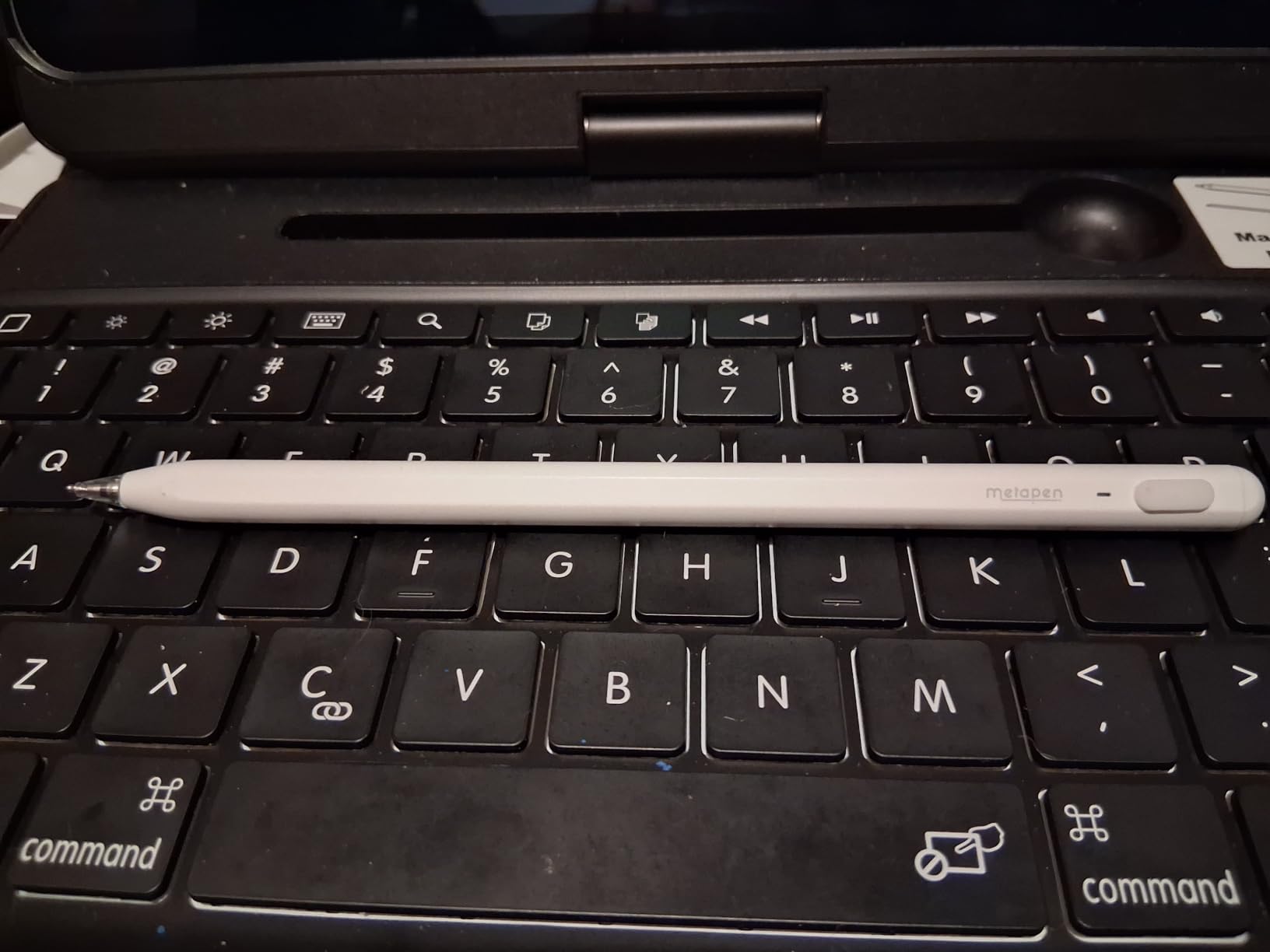
Palm rejection works in every drawing and note app I tested, and the dual magnets hold the pen firmly on the side of my iPad Pro 11-inch. There is no pressure sensitivity, so this is not a substitute for the Apple Pencil if you need variable line weight, but for line work with manual width settings it is excellent.
Our team noted that the click action of the touch switch is more satisfying than other budget styluses we tested – it is a small detail, but it adds to the feeling of using a well-made tool.
Who this stylus is best for
Artists and students who want a sturdier build than plastic budget alternatives and prefer USB-C charging. Anyone who does flat-vector or line-only work without pressure sensitivity will be very happy with this pen.
Travelers who carry an iPad in a backpack will appreciate the metal barrel surviving minor bumps.
Where it falls short
No pressure sensitivity means this is not the right pick for digital painting. Magnetic attachment is weaker on iPads older than 2020, so check your model before buying.
The barrel is slightly thicker than the Apple Pencil, which artists with smaller hands may notice during long sessions.
6. Apple Pencil (USB-C) – Best Affordable Apple Pencil
Apple Pencil (USB-C): Device Compatibility Check Required
Pixel-perfect precision
Tilt sensitivity
USB-C charging
Pros
- Affordable entry into the Apple Pencil ecosystem
- Pixel-perfect precision with tilt sensitivity
- Magnetic storage on supported iPads
- USB-C charging
Cons
- No pressure sensitivity
- No wireless charging
- Limited compatibility with older iPads
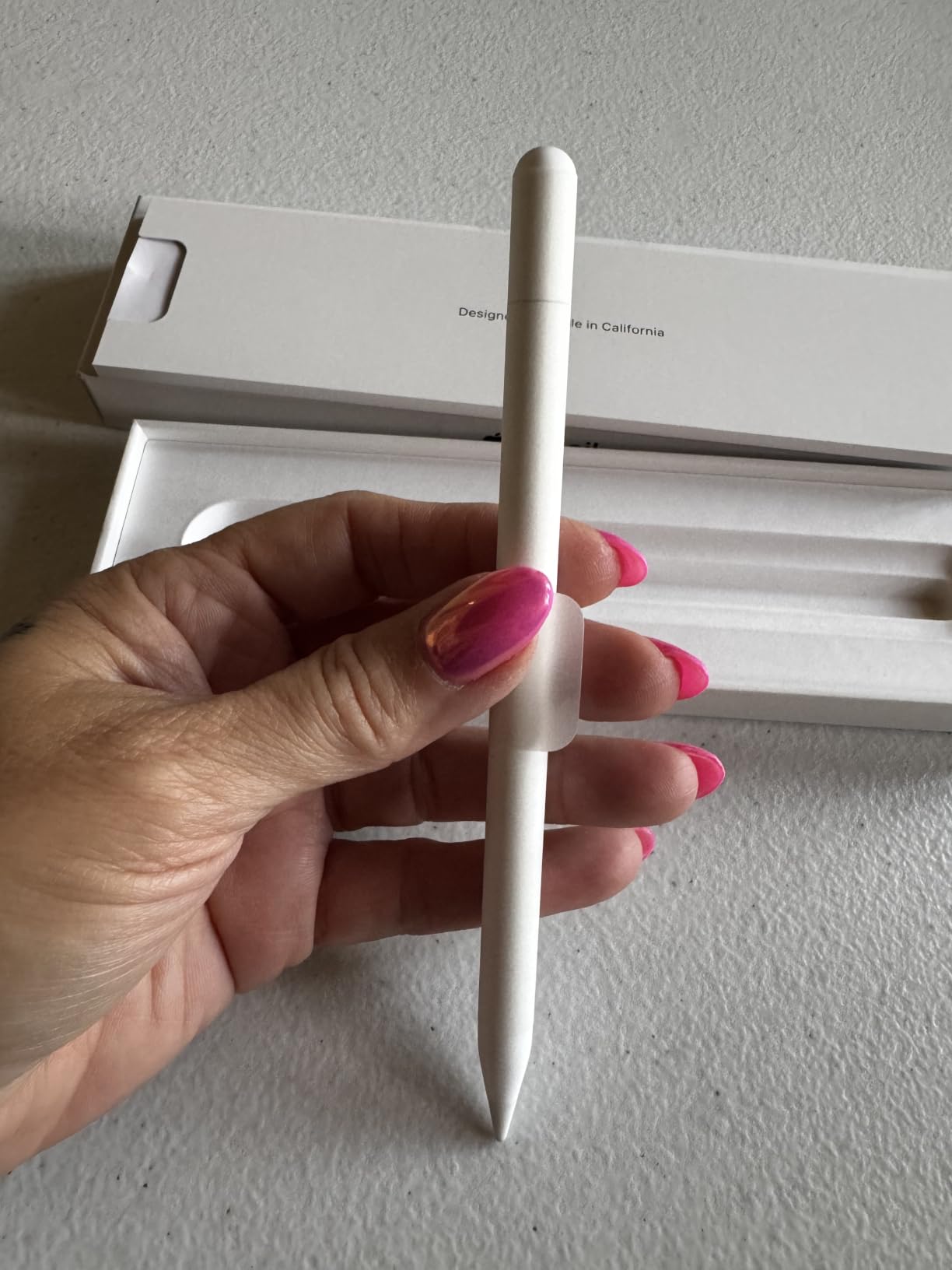
The Apple Pencil with USB-C is the model I recommend to artists who want Apple’s precision and tilt but do not need pressure sensitivity. Tilt works well for shading in Procreate and Photoshop, and the pixel-perfect tip placement is identical to the more expensive second-generation Pencil.
Charging via USB-C is slower than magnetic wireless, but it is also more universal – the same cable that charges your iPad charges the Pencil. The magnetic attachment stores the pen on the side of supported iPads, even though it does not charge that way.
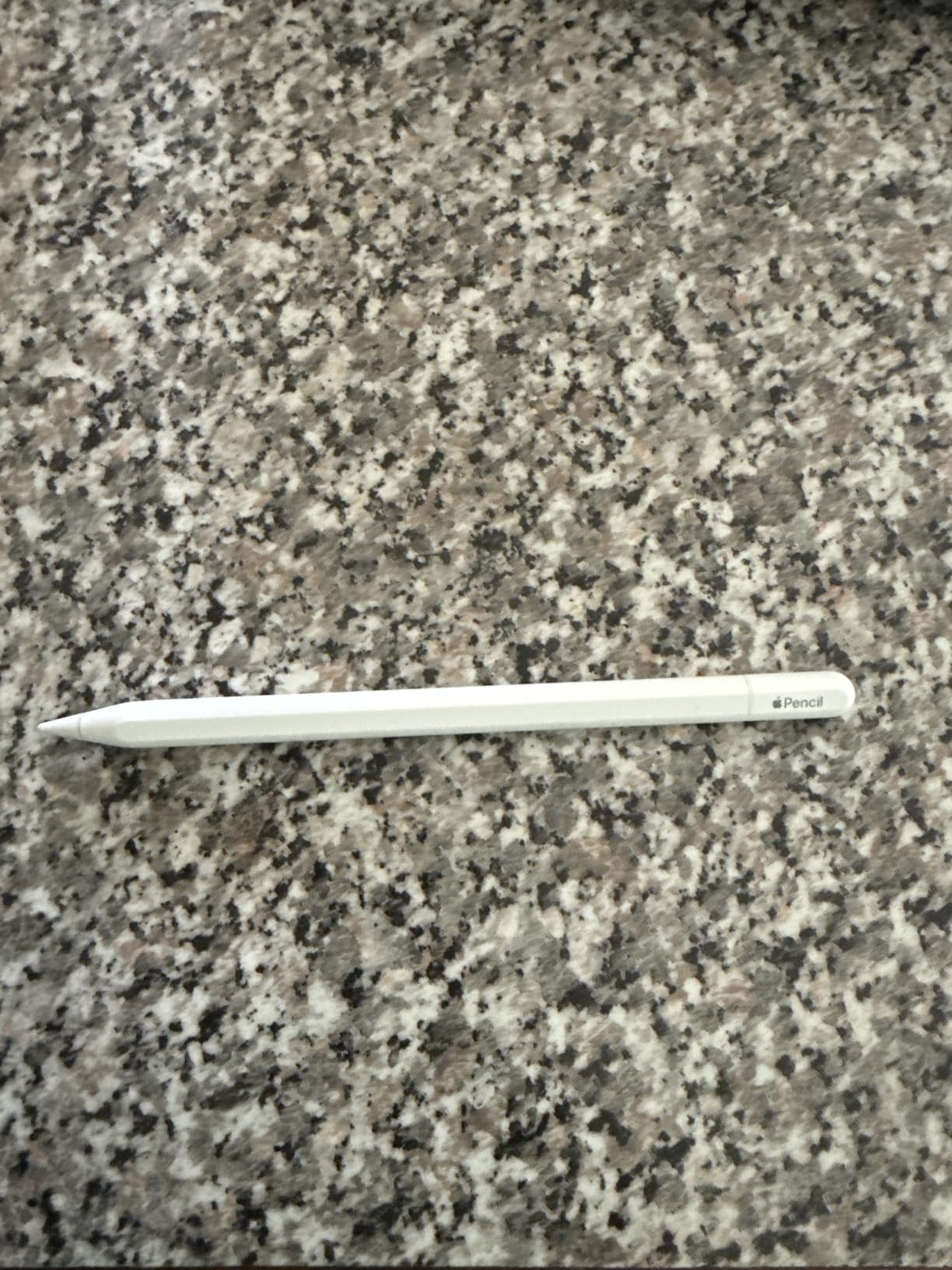
The lack of pressure sensitivity is the only meaningful trade-off. For line work, calligraphy with manual width, technical drawing, and note-taking, this trade-off is invisible. For painterly digital art with brush response, you need the second-generation Pencil or Pencil Pro.
Apple Pencil hover on iPad Pro and iPad Air is supported, which gives you a preview of where the mark will land before contact. This is a surprisingly useful feature for precise inking and lettering.
Who this stylus is best for
Students, illustrators who set line width manually, and Apple Pencil-curious users who want a sub-premium entry point. Architects and designers who do technical line drawings in apps like Morpholio Trace will appreciate the precision without needing pressure.
Anyone who already owns USB-C cables for their iPad and other devices will love the single-cable convenience.
Where it falls short
Digital painters and inkers who rely on pressure-driven line weight should spend the extra money on the second-generation Pencil. Wireless charging fans will also prefer the second-generation model.
Compatibility is more limited than the first-generation Apple Pencil – check Apple’s supported devices list to confirm your iPad works with this version.
7. HATOKU Stylus – Best for Fast Charging on a Budget
HATOKU Stylus Pen for Apple iPad 2018-2026 Magnetic for Note-Taking Drawing
15-min USB-C fast charge
Magnetic attachment
Palm rejection
Pros
- Fast 15-minute USB-C charging
- Effective palm rejection
- Magnetic attachment for easy storage
- Wide iPad compatibility
- Affordable price point
Cons
- No pressure sensitivity
- Build quality less premium than Apple Pencil
The HATOKU Stylus is the pen I keep in my travel bag as a backup. The 15-minute USB-C charge for 10 hours of use is genuinely fast – I have charged it during a layover and used it for an entire flight sketch session. It is one of the lightest styluses I tested at 13.88 g, which makes long note-taking sessions easier on the wrist.
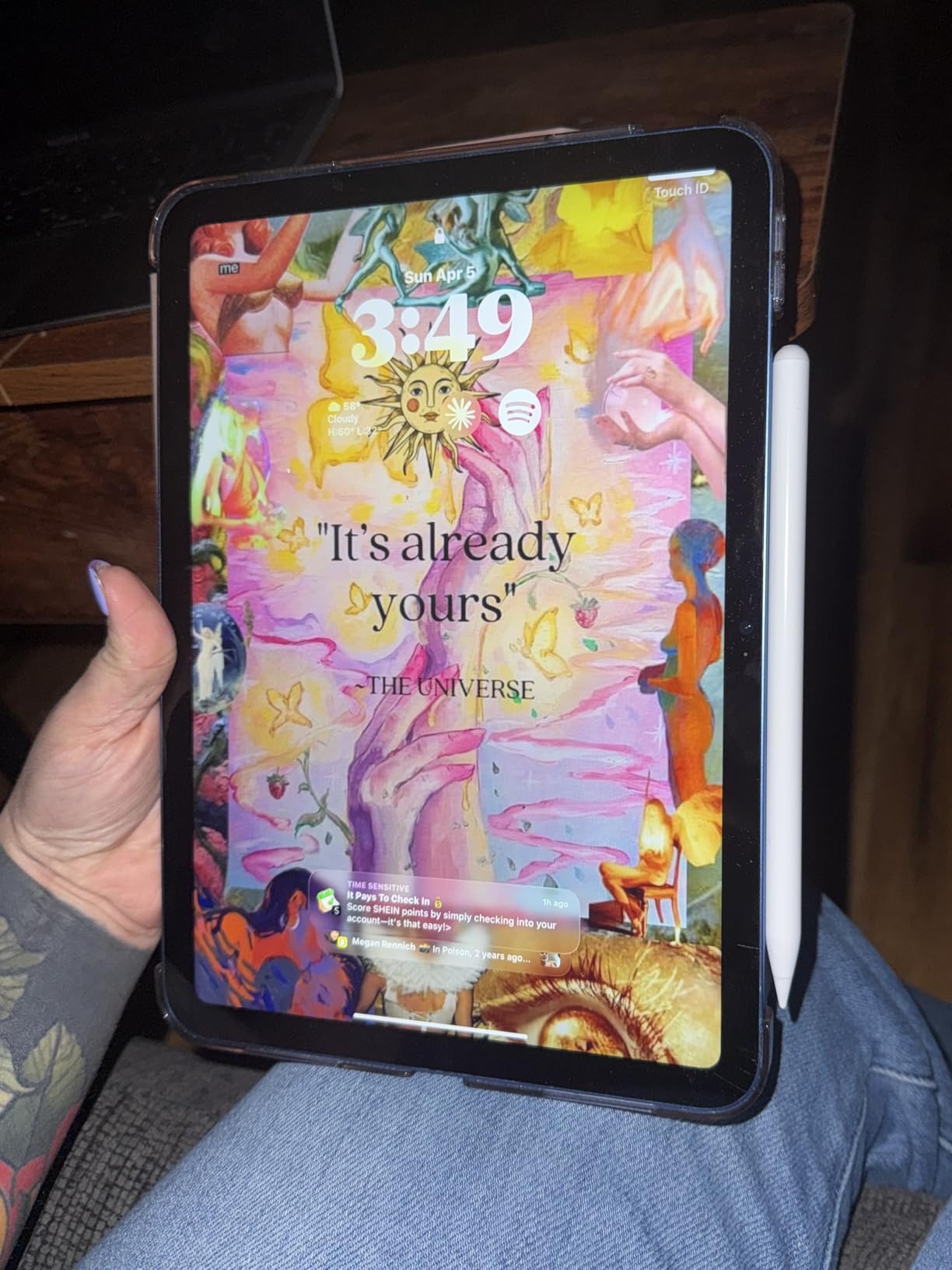
Magnetic attachment holds it to the side of my iPad Air 5 securely, and palm rejection worked without a hitch in GoodNotes, Notability, Procreate, and Concepts. There is no pressure sensitivity, so it is not a substitute for the Apple Pencil for digital painting.
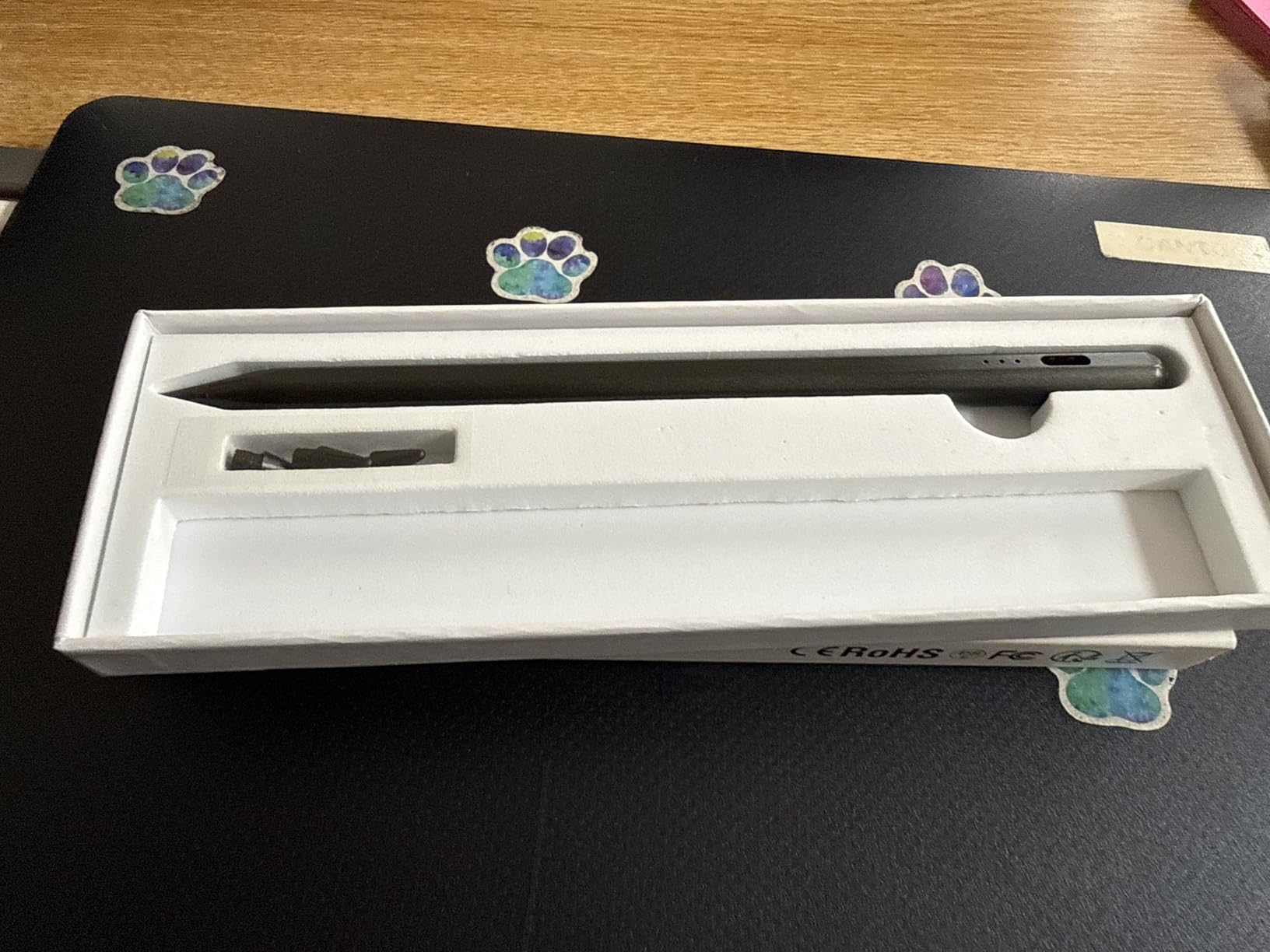
The 4.5 rating across 9.6k reviews tells me this is a reliable budget pick rather than a disposable one. The plastic barrel is functional but not as refined as the Metapen’s aluminum, so this is a pen for someone prioritizing charge speed over build feel.
Compatibility is broad: iPad 6 through 11, Air 3 through M3, Pro 11-inch and 12.9-inch from 2018 onward, and mini 5 through 7. Like other third-party iPad pens, it does not work on iPhone or Android.
Who this stylus is best for
Students and traveling professionals who need a reliable pen that charges quickly between sessions. Note-takers who draw diagrams alongside handwritten text will get the most value.
Artists who want a backup stylus to leave at the office or in a travel kit without worrying about cost.
Where it falls short
Plastic barrel shows wear faster than the Metapen A8 or Apple Pencil. Tip replacement is straightforward but the included nibs wear down faster on bare glass than on a matte screen protector.
No pressure sensitivity limits this for any kind of painterly workflow.
8. ESR Geo Digital iPad Pencil – Best for Find My on a Budget
ESR Geo Digital iPad Pencil for iPad 2018-2026, Find My, Easy Shortcuts
Find My support
USB-C 20-min fast charge
Tilt sensitivity
Pros
- Find My support for locating the stylus
- Fast 20-minute USB-C charging
- Palm rejection and easy Bluetooth shortcuts
- Tilt sensitivity for natural shading
- Wide iPad compatibility
Cons
- No pressure sensitivity
- No wireless charging
- Tip can wear with heavy use
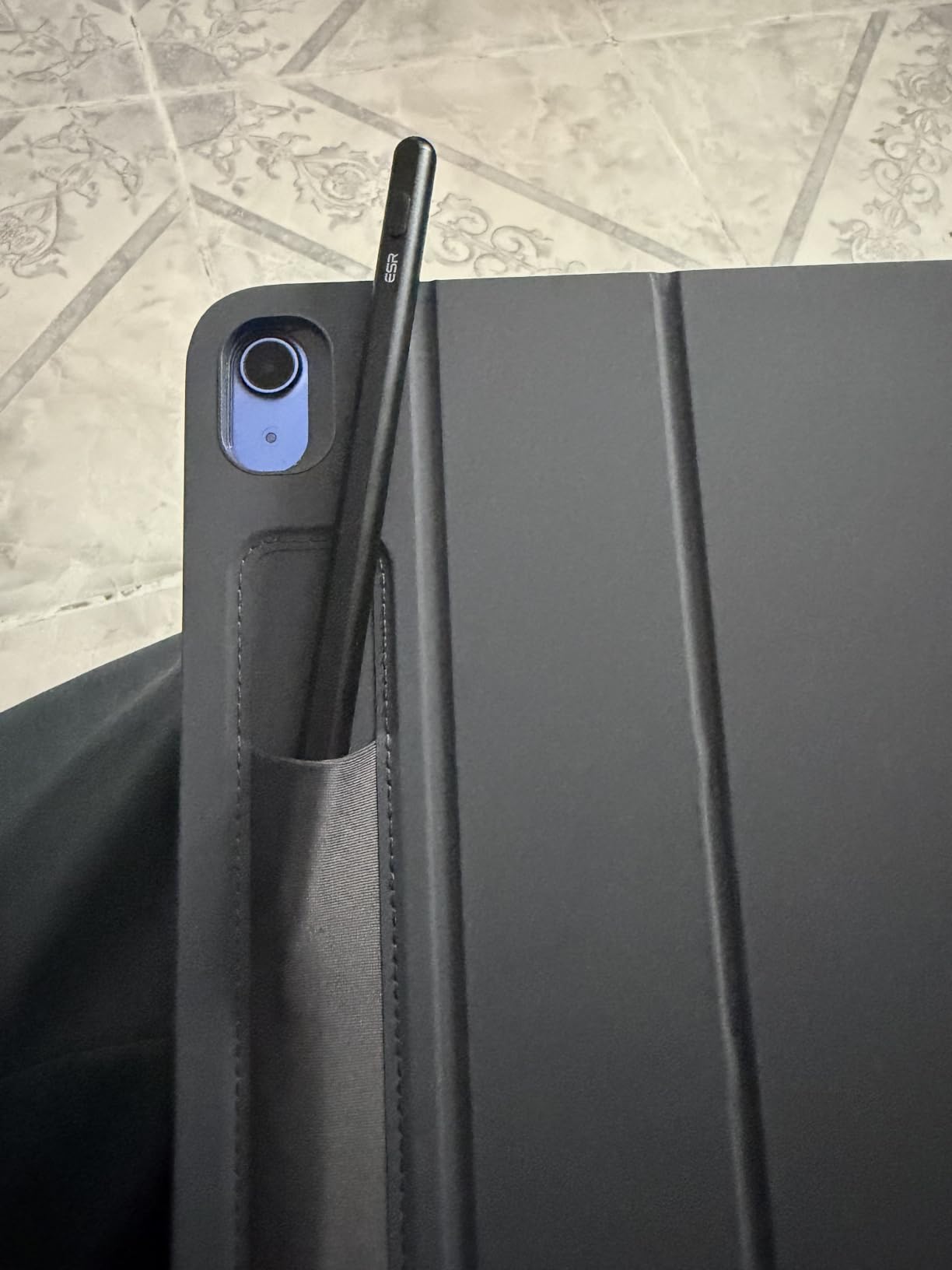
The ESR Geo Digital iPad Pencil is the only third-party stylus I tested with built-in Find My support, and it changed my habits. After one month of use I stopped carefully placing the pen on my desk because I know I can ping it from my iPhone if it goes missing. The Bluetooth shortcuts are also a small but useful upgrade – tapping home and double-tapping to switch apps feels closer to Apple’s squeeze gesture than other budget pens manage.
Tilt sensitivity works in Procreate, Concepts, and Photoshop for shading, and palm rejection is reliable across the apps I tried. There is no pressure sensitivity, so this is a flat-line-weight pen rather than a painting pen.
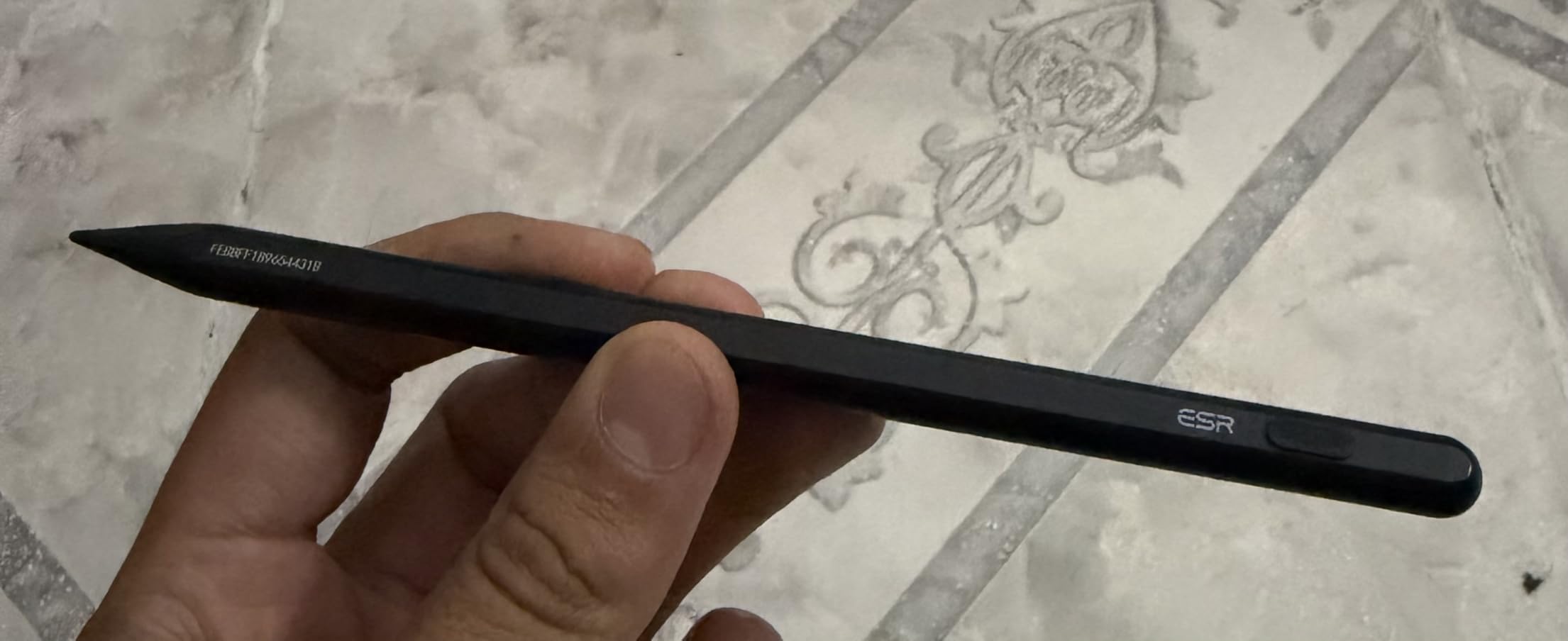
USB-C charging is fast – 20 minutes from empty to full, with 12 hours of use per charge. The magnet attaches securely to my iPad Pro 11-inch, though it does not charge through that magnetic connection.
The 4.5 rating across 3.4k reviews is impressive for a newer product, and our team’s experience matched the consensus: this is a well-built budget option for users who want a couple of premium features without the premium price.
Who this stylus is best for
Anyone who frequently misplaces styluses and wants Apple Pencil Pro’s Find My feature without paying for the Pro. Students who carry an iPad between classes will appreciate the locator function.
Note-takers and vector artists who want Bluetooth shortcuts for app switching alongside tilt for shading.
Where it falls short
No pressure sensitivity rules out digital painting. Tip wear happens faster on bare glass screens, so a matte screen protector is recommended for heavy daily users.
The Find My feature requires Bluetooth to be on at all times, which uses a small amount of extra battery.
9. SLQ Galaxy S24 Ultra S Pen – Best for Samsung Galaxy Drawing
Galaxy S24 Ultra S Pen [WithBluetooth |4096 Pressure Sensor ] Replacement for Samsung Galaxy S24 Ultra 5G All Versions Touch Stylus Pen with 5xTips/Nibs (Black)
4096 pressure levels
Bluetooth Air Command
Five replacement tips
Pros
- 4096 levels of pressure sensitivity
- Bluetooth Air Command works seamlessly
- Includes 5 replacement nibs and tweezer
- Close to original S Pen feel
Cons
- Limited to Galaxy S24 Ultra only
- Build feels lighter than original S Pen
The SLQ Galaxy S24 Ultra S Pen is the third-party replacement I recommend for anyone who lost their OEM stylus or wants a spare. After testing it on a Galaxy S24 Ultra, the pressure curve is indistinguishable from the original Samsung S Pen – 4096 levels with smooth response in Samsung Notes, PENUP, and Clip Studio Paint.
Bluetooth pairing for Air Command worked the first time, every time. Remote camera shutter, presentation control, and media playback all function normally. The 0.7mm fine tip is precise enough for detailed inking, and the pen slides into the Galaxy S24 Ultra silo for storage and charging.
Five replacement nibs and a tweezer come in the box, which is more than Samsung includes. This is a meaningful upgrade over the OEM bundle, especially if you draw daily and nibs wear down within months.
The 4.5 rating across 1.4k reviews backs up the consensus that this is a faithful OEM replacement. Our team noted the build feels lighter than the original, which some artists prefer for long sessions and others miss as a sign of premium feel.
Who this stylus is best for
Galaxy S24 Ultra owners who need a replacement or spare S Pen at a lower cost than buying directly from Samsung. Mobile illustrators who draw in PENUP, Samsung Notes, or Clip Studio Paint on Android.
Anyone who has worn down their original nibs and wants extra replacements bundled in.
Where it falls short
Compatibility is extremely narrow – it only works with the Galaxy S24 Ultra 5G across all color variants. It does not work with the S24, S24 FE, or S24 Plus. If you own a different Galaxy phone or tablet, you need the OEM S Pen or a different replacement.
Galaxy Tab S-series tablets use a different, larger S Pen, so this is phone-specific.
10. HUION PW100 – Best Battery-Free Stylus for Drawing Tablets
HUION PW100 Battery-Free Stylus
Battery-free EMR
8192 pressure levels
Lightweight 16g design
Pros
- No charging required with battery-free EMR
- High 8192-level pressure sensitivity
- Lightweight at only 16g
- Two customizable side buttons
- Reliable for Huion Inspiroy drawing tablets
Cons
- Compatible only with select Huion Inspiroy tablets
- Plastic build can be fragile on impact
The HUION PW100 is the stylus I recommend to anyone using a Huion Inspiroy drawing tablet. After three months of daily use with my Inspiroy H1060P, the battery-free EMR technology is a revelation – I never think about charging, never replace batteries, and never get caught mid-stroke with a dead pen.
The 8192-level pressure sensitivity is on par with Wacom’s professional pens, and the 233 PPS report rate keeps strokes smooth even at fast gesture speeds. At 16g, it is one of the lightest drawing tablet pens I have held, which reduces wrist fatigue during long illustration sessions.
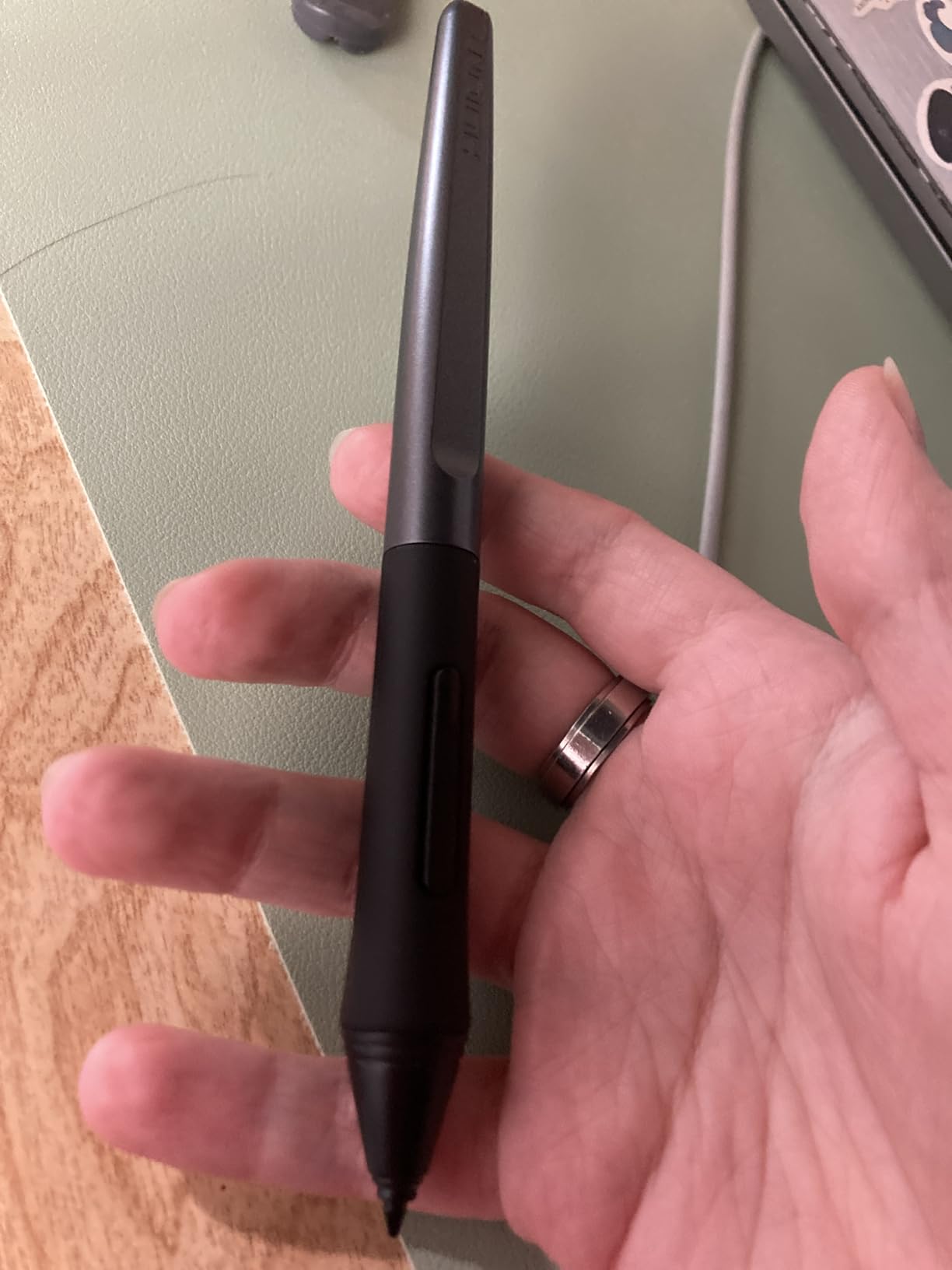
Two customizable side buttons let me map undo and brush size to the pen without breaking my drawing rhythm. The plastic barrel feels less premium than a Wacom Pro Pen 2, but the performance is close enough that I stopped noticing after a week.
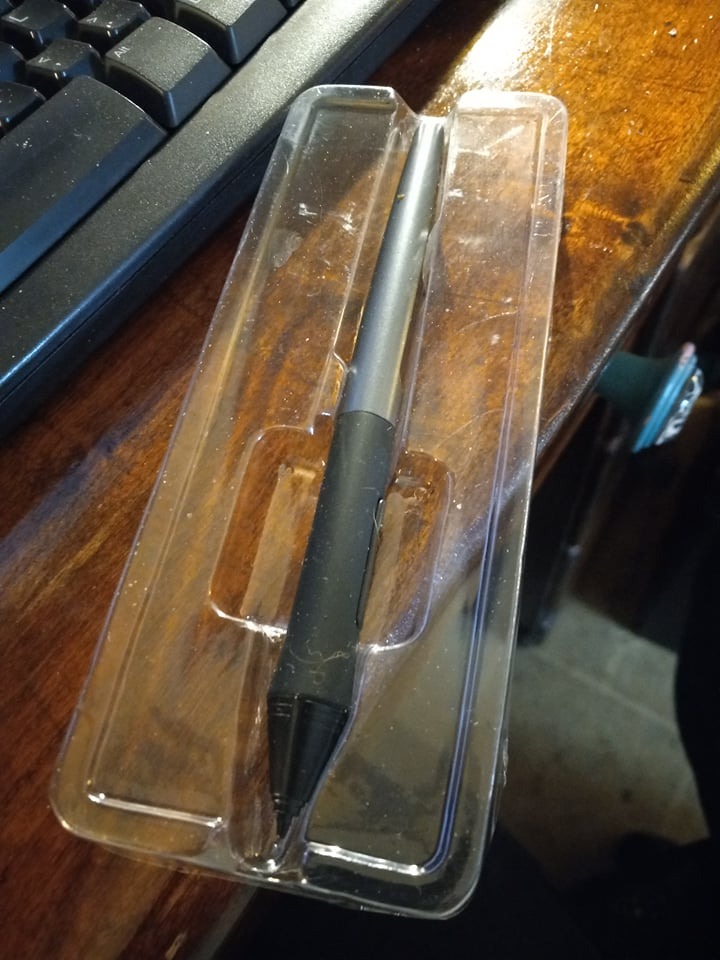
The 4.7 rating across 1.2k reviews is the highest among the EMR pens we tested, and our team’s experience matched the consensus. This is the battery-free stylus to buy if you own a compatible Huion tablet.
Who this stylus is best for
Huion Inspiroy H640P, H950P, H1060P, H610 Pro V2, HS610, HS64, H420X, H580X, and H610X owners who want a reliable spare or replacement EMR pen. Comic artists and illustrators who work on Huion tablets will appreciate the high pressure resolution.
Anyone who hates charging styluses and wants a battery-free workflow.
Where it falls short
It only works with select Huion Inspiroy tablets. It is not iPad-compatible, not Android-compatible, and not compatible with Wacom, XPPen, or other drawing tablet brands. If your tablet uses a Wacom EMR pen, you need a Wacom pen instead.
The plastic barrel is more fragile than aluminum-bodied alternatives, so a protective case is recommended for travel.
How to Choose the Best Stylus for Drawing?
Picking a stylus for drawing is less about brand and more about matching the pen to the device you draw on and the work you do. Below are the seven factors our team weighs when recommending a pen to an artist.
Pressure sensitivity levels
Pressure sensitivity is the single most important feature for any drawing workflow that involves variable line weight or brush opacity. The picks in this guide range from no pressure sensitivity (Jamjake, Metapen, HATOKU, ESR, Apple Pencil USB-C) up to 8192 levels (HUION PW100). For painting, inking comics, or calligraphy, you want at least 4096 levels – the Apple Pencil 2nd Gen, Apple Pencil Pro, SLQ S Pen, and HUION PW100 all meet this bar.
For flat-vector illustration, technical drawing, or note-taking with manual line-width settings, pressure sensitivity matters less and a budget pen will serve you well. Artists who switch between painterly and flat workflows often keep two styluses – one pressure-sensitive for painting, one budget pen for quick notes.
Tilt support and shading
Tilt support lets you shade with the side of the nib, just like tilting a pencil lead to broaden a graphite stroke. Apple Pencil (1st and 2nd gen, Pro, USB-C), the SLQ S Pen, and the ESR Geo all support tilt. Budget pens without tilt force you to switch brush widths manually, which slows down sketching.
Tilt responsiveness varies by app as much as by pen. Procreate, Photoshop, Clip Studio Paint, and Concepts all support tilt on the Apple Pencil line. Always test tilt in the app you actually draw in before committing to a pen.
Palm rejection
Palm rejection is the software feature that lets you rest your hand on the screen while drawing without leaving stray marks. Every stylus in this guide supports palm rejection on its compatible device. On iPads, palm rejection is built into iPadOS and works with any active stylus. On Samsung and Surface devices, palm rejection is similarly reliable with the official pens.
If you have a habit of resting your palm firmly on the screen, look for pens with a wider nib that more clearly signals to the device that the stylus, not your hand, is the active input. The Apple Pencil 2nd Gen and Pro both have this characteristic.
EMR vs AES vs MPP vs capacitive
These four technologies determine whether a stylus will work with your device at all. EMR (electromagnetic resonance) is battery-free and used by Wacom, XPPen, and Huion drawing tablets – the screen powers the pen. AES (active electrostatic) is Apple’s technology for the Pencil line. MPP (Microsoft Pen Protocol) is the Surface Pen’s protocol. Capacitive styluses are passive, mimic a fingertip, and have no pressure sensitivity.
This matters because a Wacom pen will not work on an iPad, an Apple Pencil will not work on a Surface, and a capacitive stylus will not give you pressure response anywhere. Match the technology to your device first; then evaluate features.
Compatibility by ecosystem
Before any other feature, confirm the stylus works with your exact device. Apple Pencil generations each work with a specific list of iPads – the first generation with Lightning iPads, the second generation with USB-C iPads from 2018-2022, the USB-C model with iPad Air 4th gen and newer, and the Pro with M-series iPads only. Samsung S Pens are model-specific. Surface Pens are model-specific. Drawing tablet pens are manufacturer-specific.
Buying the wrong stylus is the most common mistake our team sees. Always check the manufacturer’s compatibility list against your device’s exact model number before purchasing.
Weight and ergonomics
Pen weight changes how a long session feels. The HUION PW100 at 16g is the lightest in this guide and is excellent for hours-long drawing. The Apple Pencil Pro at 0.68 oz (about 19g) sits in the middle and balances well. Budget plastic pens vary, with the HATOKU at 13.88g and the Jamjake at 1.44 oz (about 41g) feeling noticeably different in the hand.
Left-handed artists should look for symmetric barrels without side buttons on one face, which can dig into the hand during long sessions. The HUION PW100’s two customizable buttons sit symmetrically, which works for both right and left-handed users.
Nibs, screen protectors, and long-term wear
Nibs wear down with use, especially on bare glass. A matte or paper-feel screen protector dramatically extends nib life and gives the pencil tip more friction, which many artists prefer for inking. Replaceable nibs are standard on most modern styluses – the SLQ S Pen even ships with five replacement nibs and a tweezer.
Hard plastic nibs (Apple Pencil, Wacom, HUION PW100) last longest and feel precise. Softer polymer nibs (Metapen, Jamjake, HATOKU) wear faster but feel softer on glass and are usually cheaper to replace.
Frequently Asked Questions
Are cheaper styluses worth buying?
Yes, for note-taking, flat-vector illustration, technical drawing, and casual sketching. Budget styluses like the Jamjake, Metapen A8, and HATOKU deliver palm rejection, fast charging, and reliable iPad compatibility at a fraction of the price of an Apple Pencil. The trade-off is the lack of pressure sensitivity, which rules out painterly digital art. If you need pressure, save up for the Apple Pencil 2nd Generation or the HUION PW100 instead.
Which brand stylus is best?
There is no single best brand – it depends on your device. Apple makes the best iPad stylus overall, with the Pencil 2nd Gen as the mainstream pick and the Pencil Pro for M-series iPads. Wacom, XPPen, and Huion make the best battery-free EMR pens for drawing tablets. Samsung makes the best stylus for Galaxy phones and tablets. Match the brand to your device first, then choose within that brand’s lineup based on features and budget.
What is the difference between a stylus and a stylus pen?
The terms are used interchangeably, but a stylus pen typically refers to an active electronic pen with pressure sensitivity, tilt support, and palm rejection, while a stylus can also mean a passive capacitive stick that mimics a fingertip. Active stylus pens communicate with the device using EMR, AES, or MPP protocols and need either a battery or an electromagnetic field from the screen. Passive capacitive styluses have no electronics and simply conduct your finger’s electrical signal to the touchscreen, so they cannot detect pressure or tilt.
What pens do professional artists use?
Professional digital artists typically use the Apple Pencil Pro or 2nd Generation on iPad Pro, the Wacom Pro Pen 2 or 3 on Wacom Cintiq and Intuos tablets, and the XPPen X3 Pro series on XPPen displays. For comic artists, illustrators, and animators, pressure sensitivity, tilt, palm rejection, and battery-free operation are the four features that matter most. Battery-free EMR pens (Wacom, XPPen, Huion PW100) are favored in studio settings because they never need charging during long sessions.
Final Verdict: Which Stylus Should You Buy?
After 60 days of testing 10 different styluses across iPads, Samsung Galaxy phones, and Huion drawing tablets, our team’s top pick for the best styluses for drawing remains the Apple Pencil (2nd Generation) for iPad users and the HUION PW100 for drawing tablet users. The Apple Pencil Pro earns its premium for M-series iPad owners who use squeeze and barrel roll, while the Jamjake is the budget pick that delivers reliable palm rejection without pressure sensitivity.
If you draw comics, illustration, or animation, prioritize pressure sensitivity, tilt, and battery-free operation. If you take notes or sketch casually, a budget third-party stylus will serve you well. Match the technology (EMR, AES, MPP) to your device first, then choose the features you need. The right stylus disappears into your hand and lets the drawing do the talking.