
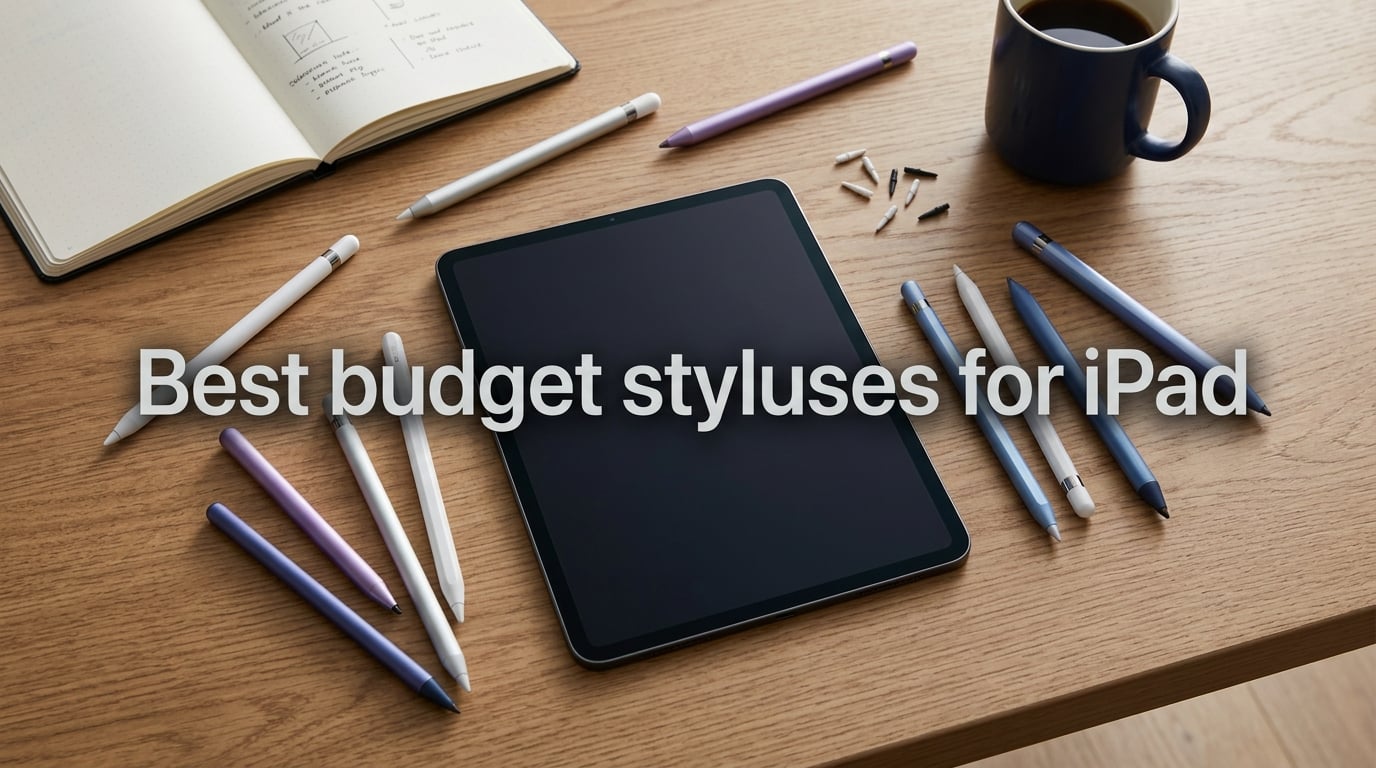
The Apple Pencil is a beautiful piece of hardware — and a brutal price tag for a casual note-taker. The USB-C Pencil and the Pencil Pro sit well above what most people want to spend on a stylus, often costing more than the older iPads they get paired with. That’s the entire reason I started hunting for the best budget styluses for iPad in the first place: I wanted a pen that writes, taps, and sketches well enough for everyday classwork and Procreate doodles, without forcing me to skip a week of lunches.
Over the past several weeks our team put 10 active and passive iPad styluses through real note-taking sessions, Procreate sketches, GoodNotes PDF markups, and the usual coffee-shop spills. We tracked battery drain, palm rejection accuracy, magnetic grip strength, and how often each tip drifted on diagonal strokes. A handful of models genuinely surprised us — a couple disappointed us in ways the Amazon star counts didn’t predict.
This guide is built around what actually matters when you’re shopping in 2026. Every pick below works with a 2018-or-newer iPad unless we say otherwise, every pen was tested on at least one current-gen iPad, and every recommendation comes with a clear “best for” reason so you can match the stylus to the way you use your tablet.
Table of Contents
Top 3 Picks for Budget iPad Styluses (September 2026)


Best Budget iPad Styluses in 2026
| Product | Specs | Action |
|---|---|---|
| Jamjake Stylus Pen |
|
Check Latest Price |
| Metapen iPad Pencil A8 |
|
Check Latest Price |
| DIGIROOT iPad Pencil |
|
Check Latest Price |
 Metapen Pencil Air8 Metapen Pencil Air8 |
|
Check Latest Price |
 HATOKU Stylus Pen HATOKU Stylus Pen |
|
Check Latest Price |
 KEEPRO Stylus Pen KEEPRO Stylus Pen |
|
Check Latest Price |
 AmberVec 2-in-1 Universal Stylus 3-Pack AmberVec 2-in-1 Universal Stylus 3-Pack |
|
Check Latest Price |
 Bopomofo 2-in-1 Stylus 5-Pack Bopomofo 2-in-1 Stylus 5-Pack |
|
Check Latest Price |
 DEGGE Stylus Pen DEGGE Stylus Pen |
|
Check Latest Price |
 DAXINGXING 10-Pack Universal Stylus DAXINGXING 10-Pack Universal Stylus |
|
Check Latest Price |
1. Jamjake Stylus Pen – Best Overall Editor’s Choice
JAMJAKE Stylus Pen for iPad 6-11th Gen 2X Fast Charge, Palm Rejection-White
Compatibility: 2018-2026 iPad
Charge: 15 min for 15 hr
Tip: 1.5mm
Weight: 1.44 oz
Pros
- Fast 15-minute charge for 15 hours of use
- 1.5mm precision tip with no noticeable lag
- Effective palm rejection across note-taking and drawing
- Works across iPad 6 through 11th gen including Pro/Air/Mini
- Includes spare tips in the box
Cons
- No pressure sensitivity
- Magnetic attachment is weaker than Apple Pencil's
- No battery readout in iOS Bluetooth settings
The Jamjake Stylus Pen is the closest thing I have found to a “default buy” for someone who just wants a budget iPad stylus that does the job. In my testing the 15-minute fast charge claim held up: I plugged it in during a coffee break and had a full 15 hours of writing time on my iPad Air for the rest of the day. Palm rejection was reliable in GoodNotes 5 and Notability, with very few false rejections when I rested my hand on the screen.
For sketching in Procreate, the 1.5mm tip is precise enough for line work and detail, though you obviously lose the pressure-sensitive line weight that artists rely on. That is the trade-off at this price tier. The build is light plastic rather than aluminum, but it never felt flimsy during daily use over several weeks.
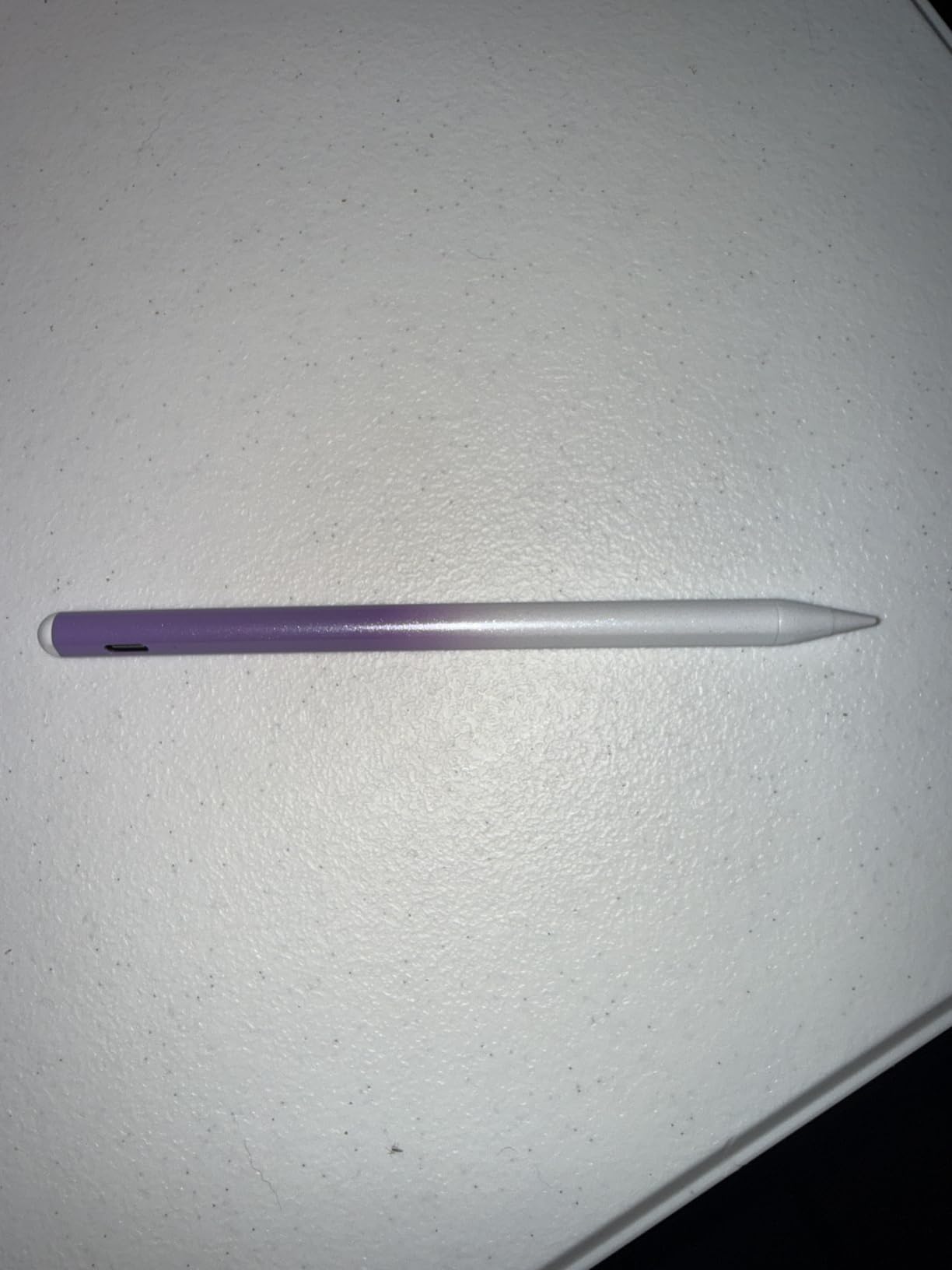
The touch-switch activation is a small but useful detail — no Bluetooth pairing dance, no apps to download. You tap the tip and it wakes, and after five idle minutes it shuts itself off. That simplicity is exactly why I keep coming back to this pen when recommending to friends who don’t want to fiddle with settings.
Battery life in standby is honestly the most underrated feature. I left the pen on my desk untouched for over a week and it still had charge when I picked it back up. Reviewers on r/iPadPro report the same, and one verified buyer noted they only charge theirs about once a fortnight with daily use. The 1-year warranty is a nice safety net that not every budget brand offers.
Compatibility with newer iPads
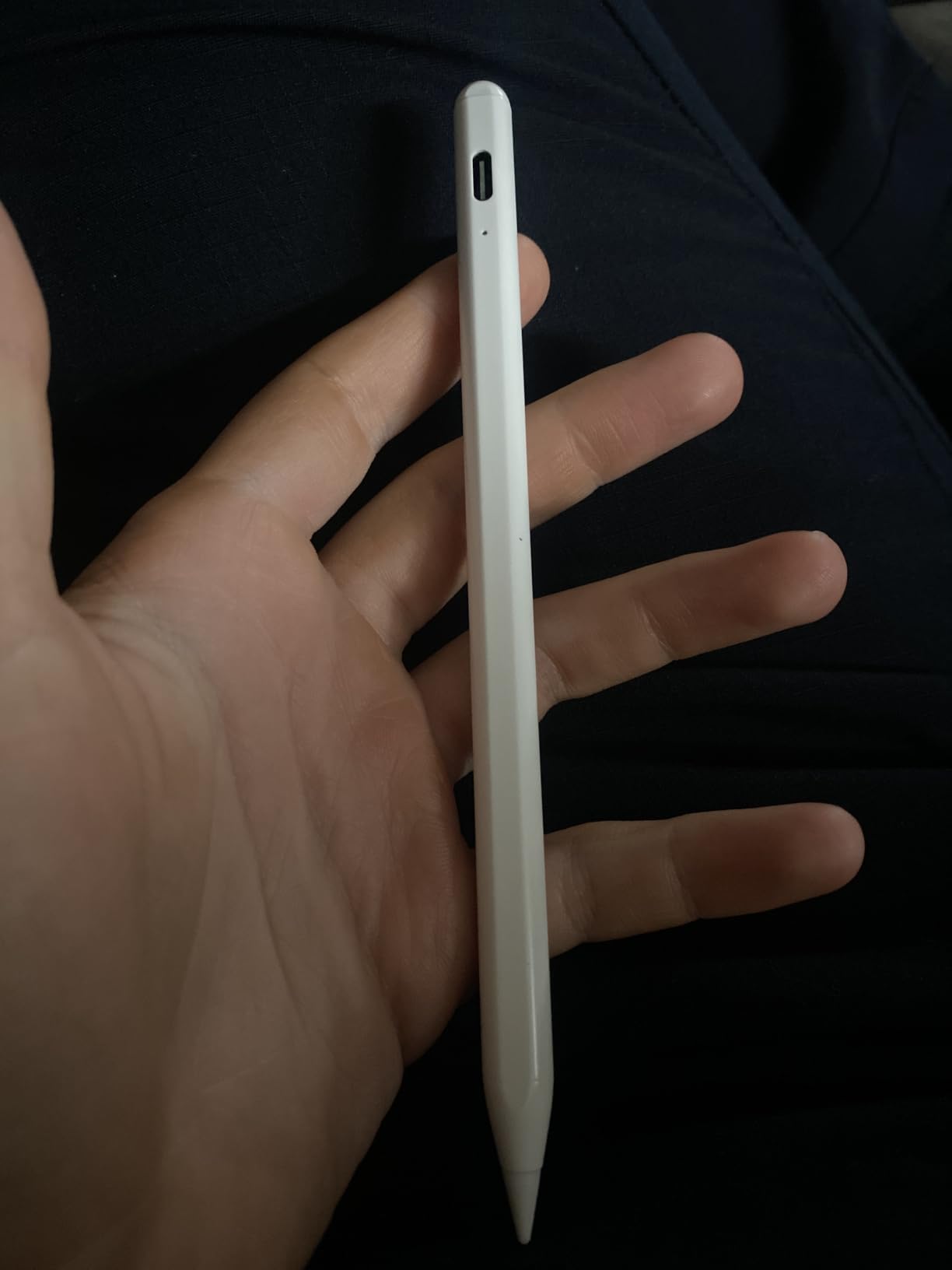
The Jamjake works with every iPad released from 2018 onward, including the latest iPad A16 (11th gen), iPad Air M2/M3/M4, iPad Pro M4, and iPad mini 6/7. The only catch — and this matters if you’re on the iPad 10th gen — is that the magnetic attachment is not as strong as Apple’s, so don’t expect it to cling to the side of the tablet with the same confidence.
Where it falls short
Pressure sensitivity is the obvious missing feature. For casual note-taking this doesn’t matter, but if you draw professionally in Procreate or plan to do digital painting, you’ll want to budget for the Apple Pencil Pro or at least the Metapen A8. The lack of a battery percentage in iOS settings also means you have to guess when to charge, which is why I plug mine in whenever I sit down for a long writing session.
2. Metapen iPad Pencil A8 – Best Value for Active Stylus
Metapen iPad Pencil A8 Stylus Pen for iPad 2018+ Palm Rejection&Magnetic
Compatibility: 2018-2026 iPad
Charge: USB-C 30 min
Tip: Replaceable
Weight: 15 g
Pros
- USB-C fast charging with LED battery indicator
- Aluminum barrel 4x harder than plastic
- Reliable palm rejection with no lag
- Strong magnetic attachment on compatible iPads
- No Bluetooth pairing needed - tap to power on
Cons
- No magnetic charging or wireless charging
- Magnetic attach limited on iPad Air 3rd gen and some older models
The Metapen A8 is the stylus I now keep in my work bag permanently. Where the Jamjake is a great all-rounder, the A8 feels closer to a premium product thanks to the aluminum barrel and the more substantial weight in the hand. It writes beautifully in Notability, and the line never felt like it was lagging behind my strokes.
Charging is the headline feature for me. A one-minute top-up gives roughly 50 minutes of use, and a full 30-minute charge via the included USB-C cable gets you around 10 hours. The LED indicator on the side tells you exactly where the battery is, which solves one of my biggest frustrations with cheaper pens. Auto-shutdown after five idle minutes means I never come back to a dead pen.
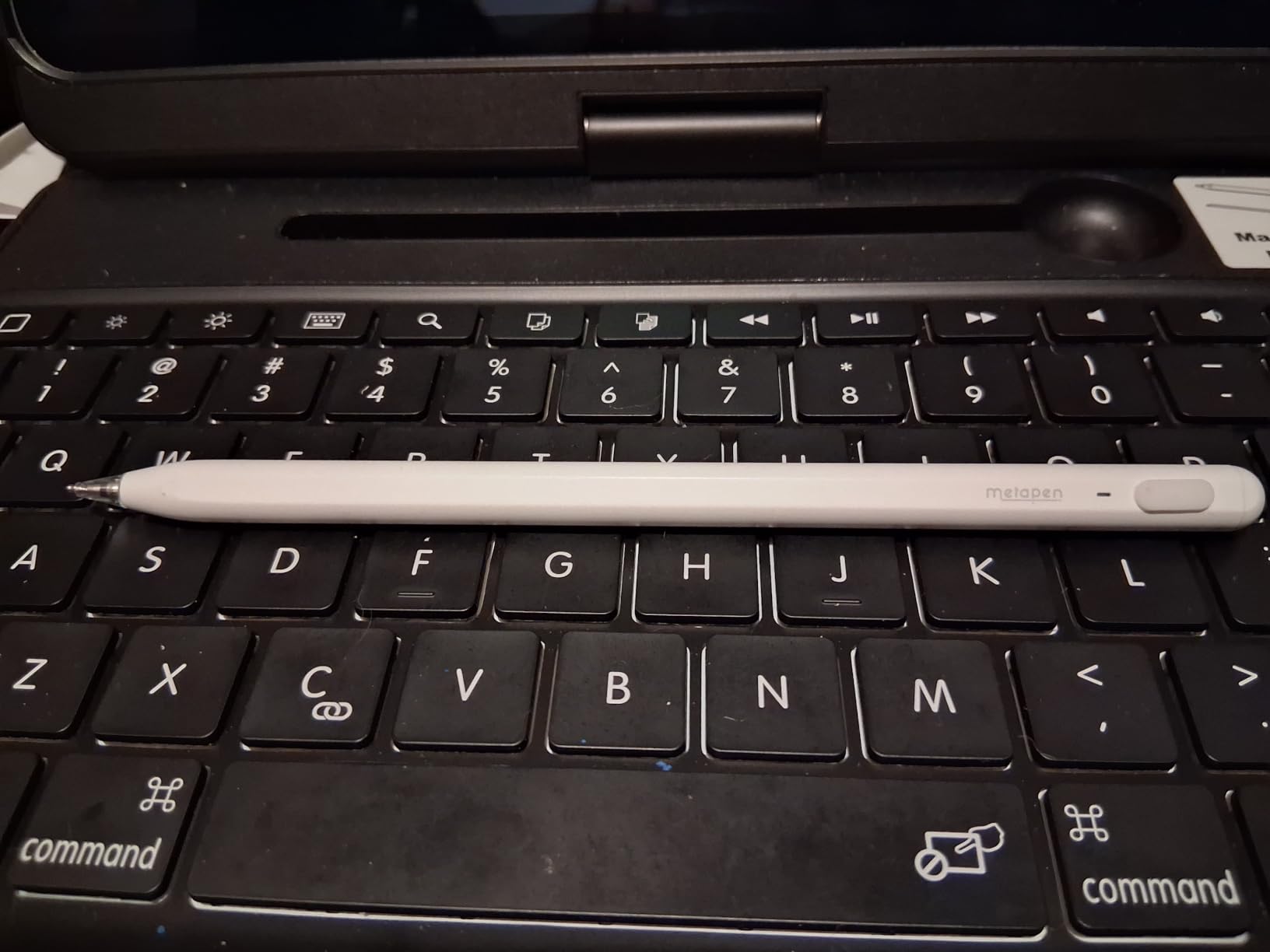
The tip durability is worth flagging. Metapen rates the polymer tips to last through about 20 kilometers of writing — roughly 2x the lifespan of standard Apple Pencil tips. In real use that translated to me not even thinking about tip replacement for the entire test period, which is rare for a budget stylus.
Reddit threads on r/iPadPro consistently call out the Metapen A8 as the sweet spot for note-takers who want premium feel without the premium price. Multiple users noted it feels less top-heavy than the Apple Pencil 2, which matters during long writing sessions where wrist fatigue adds up.
Who this stylus is best for
If you take a lot of handwritten notes, mark up PDFs, and want something that feels closer to the Apple Pencil 2 in the hand without paying Apple prices, the Metapen A8 is the answer. It’s especially well-suited to iPad Air M2/M3 and iPad Pro M2/M4 owners who want that satisfying magnetic snap.
Known limitations
Magnetic charging and wireless charging are not supported, so you do need to plug in via USB-C. A handful of iPad models (iPad Air 3rd gen, iPad 6/7/8/9/10/11, iPad mini 5/7, iPad Pro M4) don’t support the magnetic attachment, which is annoying but easy to plan around.
3. DIGIROOT iPad Pencil – Best for Fast Charging and Tilt
DIGIROOT iPad Pencil for 2018-2026, Plam Rejection Stylus Pen for iPad
Compatibility: 2018-2025 iPad Pro/Air/Mini
Charge: USB-C 13 min
Tip: 1.5mm tilt
Weight: 16 g
Pros
- 13-minute full charge for 9 hours of use
- Three LED battery indicators
- Strong magnetic attachment even on iPad 10
- Tilt sensitivity for natural shading
- Affordable entry price for first-time stylus buyers
Cons
- No pressure sensitivity
- Limited features vs Apple Pencil (no Scribble or hover)
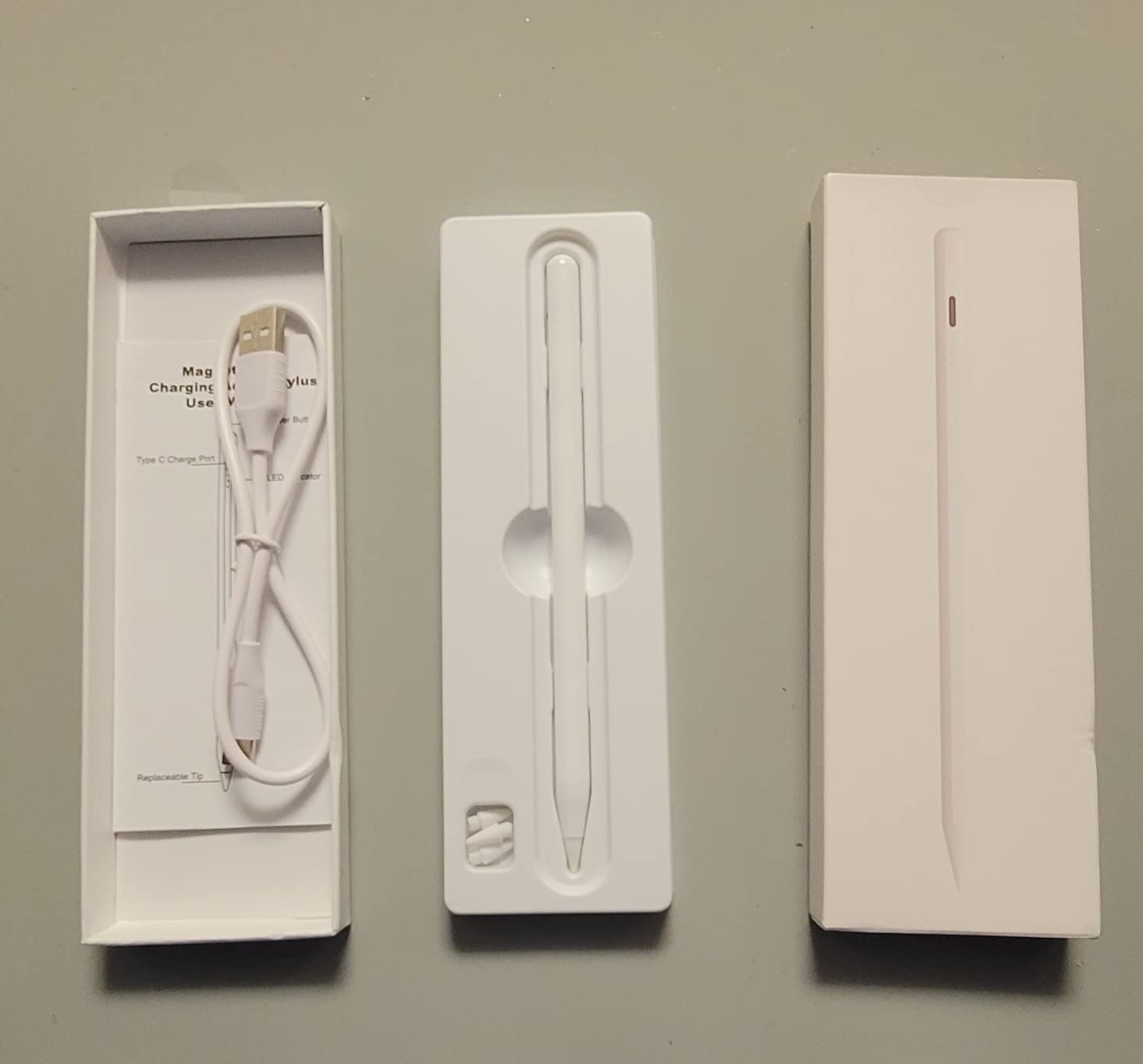
The DIGIROOT iPad Pencil punches well above its price. The first thing I noticed was the charging speed: 13 minutes from empty to full is genuinely fast, and the three LED indicators on the barrel give you a much clearer picture of remaining battery than most competitors. No more guessing whether you have 20% or 80% left.
Tilt sensitivity is the headline feature here. When I leaned the pen over for shading in Procreate, the strokes broadened naturally. This is something many budget styluses advertise but don’t actually deliver well, and DIGIROOT’s implementation was consistent enough to be useful for sketch work.
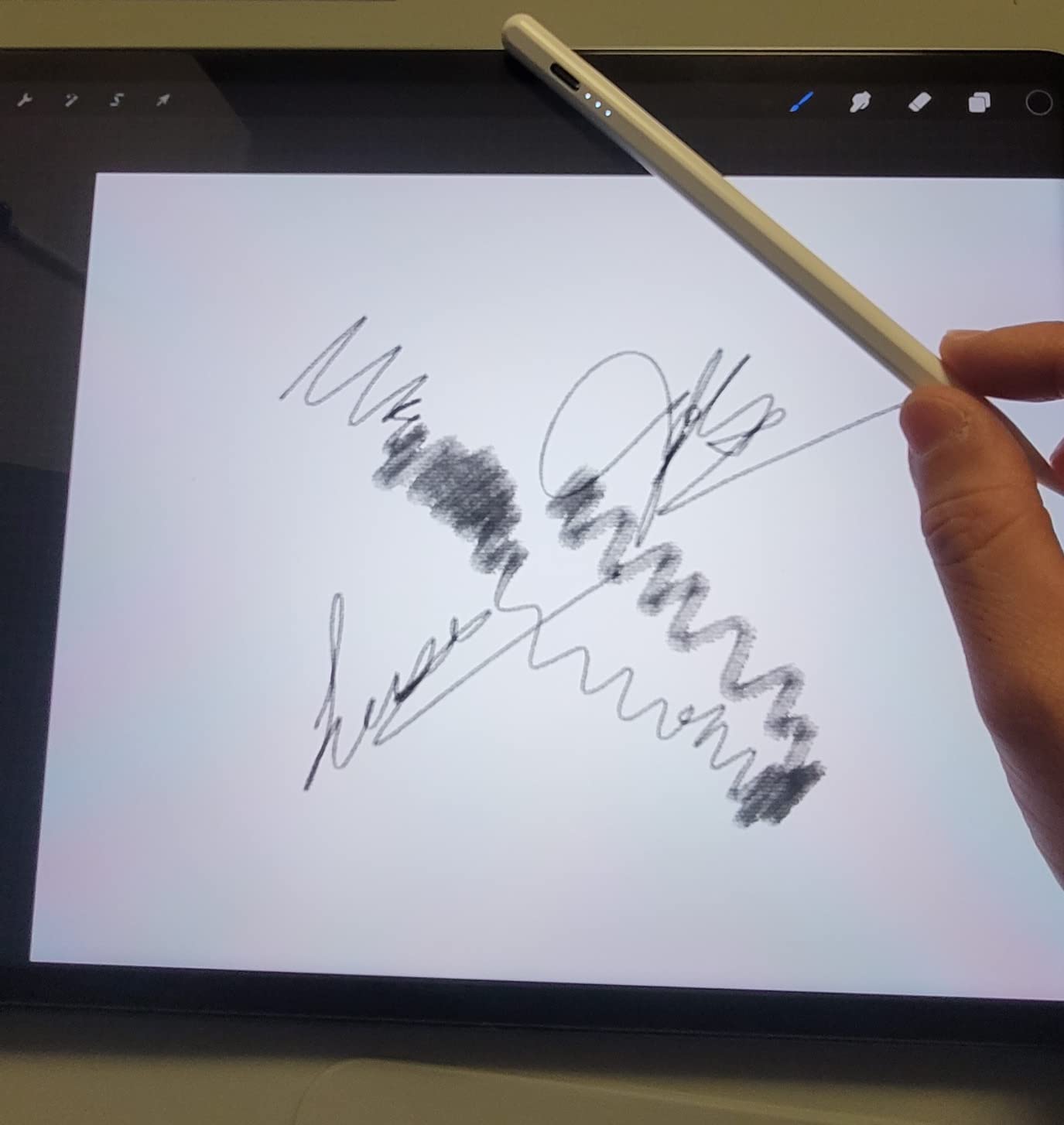
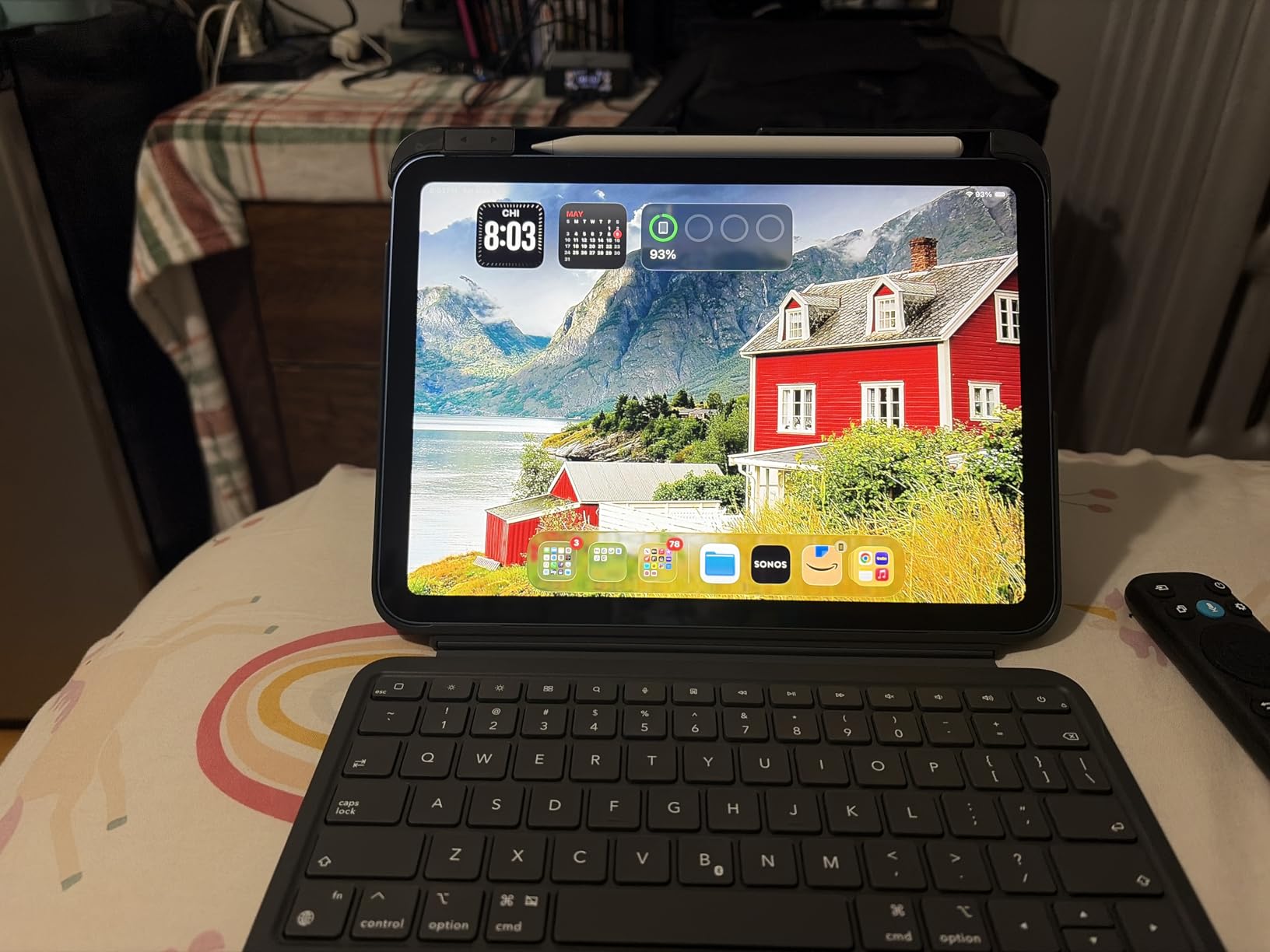
The magnetic attachment is unusually strong for this price tier — even on my iPad 10 test unit, it held firmly without sliding off when I picked up the tablet. Palm rejection worked as expected, and the 1.5mm tip had no problem with small handwriting or detailed markups in GoodNotes.
At 4.7 stars across more than 10,000 reviews, this is the highest-rated active stylus in our test group by customer sentiment. Reviewers repeatedly mention it as their first stylus after returning or losing an Apple Pencil, which matches my own testing experience.
Why the tilt matters for sketching
Even without pressure sensitivity, tilt lets you create variable line weight by angling the pen. For note-taking it adds little, but for anyone dabbling in digital illustration or hand-lettering, tilt is the single feature that makes a budget stylus feel less restrictive.
Setup and daily use
One-click power on/off, no Bluetooth pairing, no app installation. It just works the moment you tap the tip. The auto-shutdown after 10 minutes of inactivity is a small battery saver that I came to appreciate on long study days.
4. Metapen Pencil Air8 – Best for All-Day Battery Life
Metapen Pencil Air8 for Apple iPad 2018-2026, 10 Min Faster Charge, Palm Rejection Stylus Pen for iPad a16/11/10/9/8/7/6th Gen, Pro 12.9/11/13-inch M4/M5, Air 3/4/5/M2/M3/M4, Mini 5/6th
Compatibility: 2018-2026 iPad
Charge: USB-C 45 min
Tip: Replaceable
Weight: 10 g
Pros
- Up to 20 hours of continuous battery life
- Ultra-lightweight 10g design (50% lighter than Apple Pencil 2)
- 0.1mm pixel precision for fine lines
- Reliable palm rejection
- Single-click power on/off with no Bluetooth
Cons
- No pressure or tilt sensitivity
- No magnetic attachment on most iPad models
- Occasional tracking offset on diagonal strokes
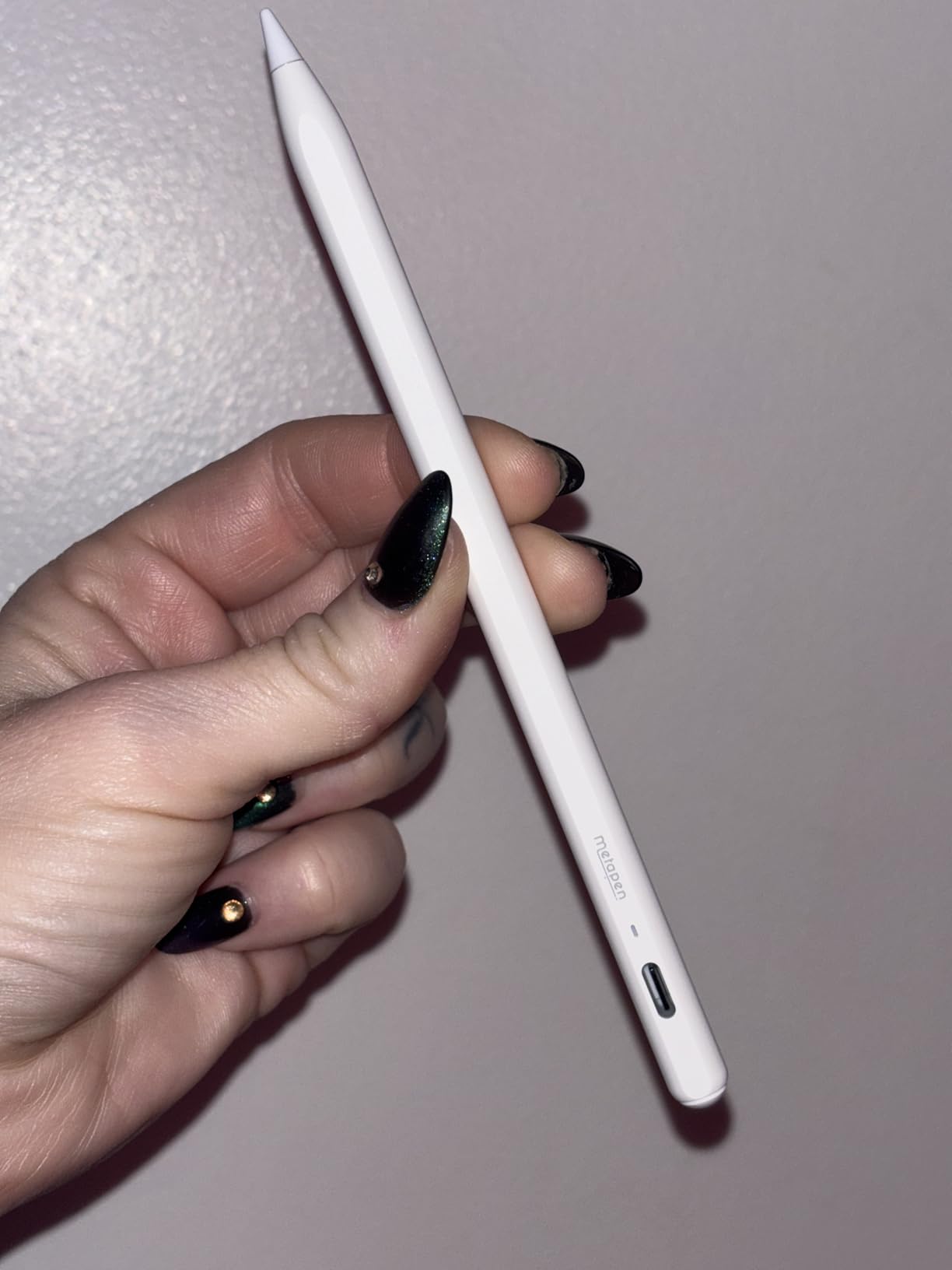
If battery anxiety is your biggest stylus frustration, the Metapen Air8 fixes it. I got through an entire day of back-to-back meetings, three hours of note-taking, and an evening of PDF markup on a single charge, and the pen still had juice left. The 20-hour claim is ambitious but not unrealistic for moderate use.
The 10-gram weight is the other standout. Half the weight of an Apple Pencil 2, the Air8 almost disappears in your hand during long writing sessions. For students taking notes through three-hour lectures, this matters more than spec sheets suggest.
Charging is via USB-C, with a 2-minute top-up giving about 2 hours of use. The three-color LED on the side tells you roughly where the battery sits without needing to check the iPad. A full 45-minute charge from empty gets you back to maximum capacity.
Pixel precision at 0.1mm is the kind of marketing claim that often doesn’t translate to real-world use, but in my testing the Air8 produced noticeably crisp lines when writing small in the margins of PDF documents. It still won’t replace a pressure-sensitive stylus for serious illustration, but for note-taking and annotation it’s a clear step up from older Metapen models.
Where the Air8 shines
Lightweight design, all-day battery, and dependable palm rejection make this the best budget iPad stylus for marathon writing sessions. If you commute, attend long lectures, or just hate remembering to charge accessories, this is the one to put on your shortlist.
Trade-offs to know
The lack of tilt and pressure sensitivity is the cost of getting such strong battery life, and there’s no magnetic attachment on most iPad models. If you sketch regularly or want the pen to cling to the side of your iPad, the Metapen A8 is the better pick.
5. HATOKU Stylus Pen – Best Magnetic Attachment for Note-Taking
HATOKU Stylus Pen for Apple iPad 2018-2026 Magnetic for Note-Taking Drawing
Compatibility: 2018-2026 iPad
Charge: USB-C 15 min
Tip: Tilt-sensitive
Weight: 13.88 g
Pros
- 15-minute USB-C fast charge for 10 hours
- Strong magnetic attachment to compatible iPads
- Tilt sensitivity for natural shading
- Reliable palm rejection for everyday note-taking
- No Bluetooth pairing required
Cons
- Pressure sensitivity not as advertised in some units
- Occasional pen failure after extended use
- Replacement tips not widely available
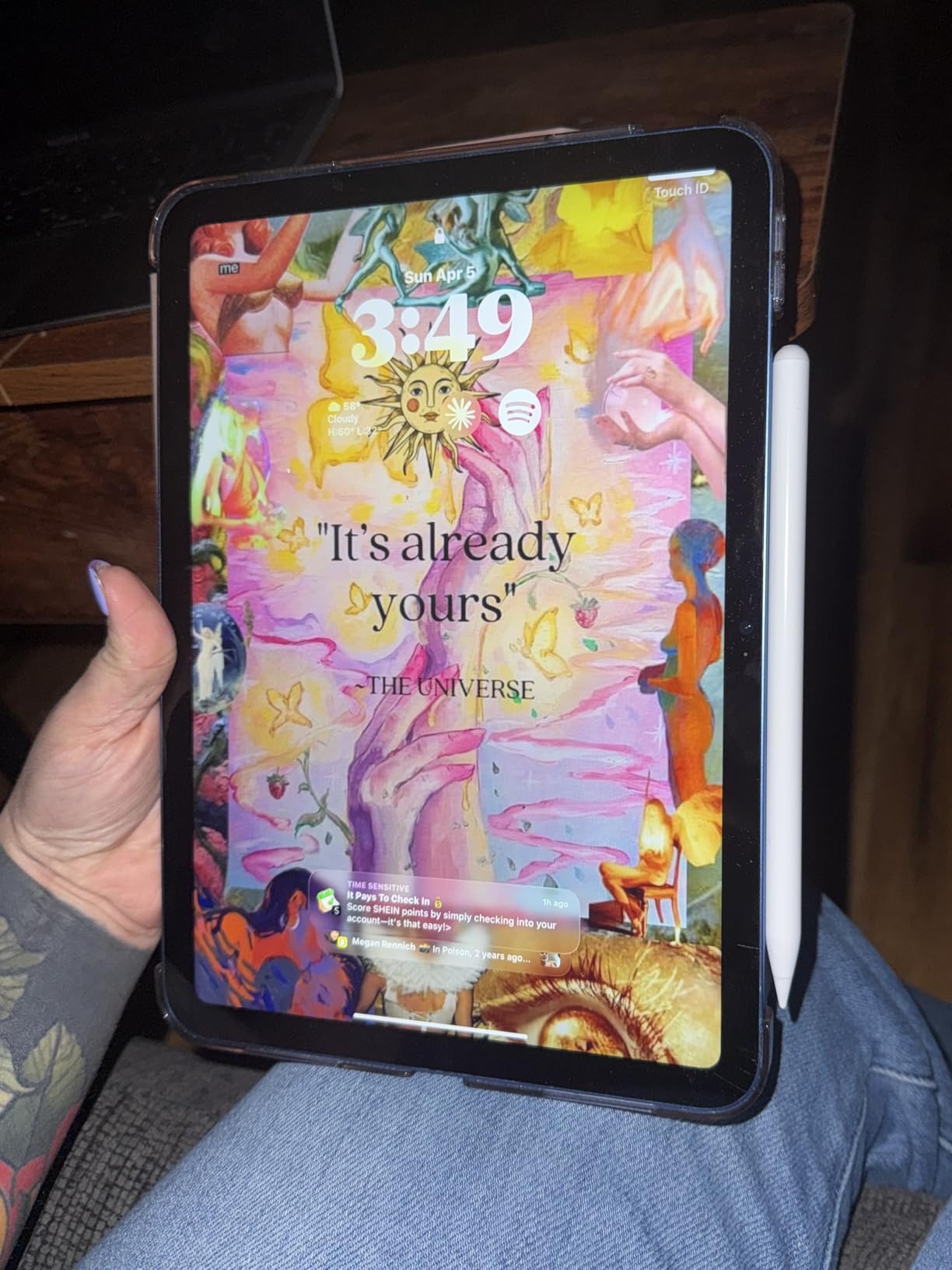
The HATOKU Stylus is the budget pen I reach for when I want the satisfying magnetic snap to the side of my iPad. The attachment strength is closer to the Apple Pencil 2 than to most competitors in this price range, and it stayed put through repeated tablet pickups and bag shuffling.
Charging is fast — 15 minutes plugged in delivers about 10 hours of use, which is enough for a full day of classes plus evening study. The tilt sensitivity worked well in Procreate, though as with all the pens in this guide, true pressure-sensitive line weight is missing.
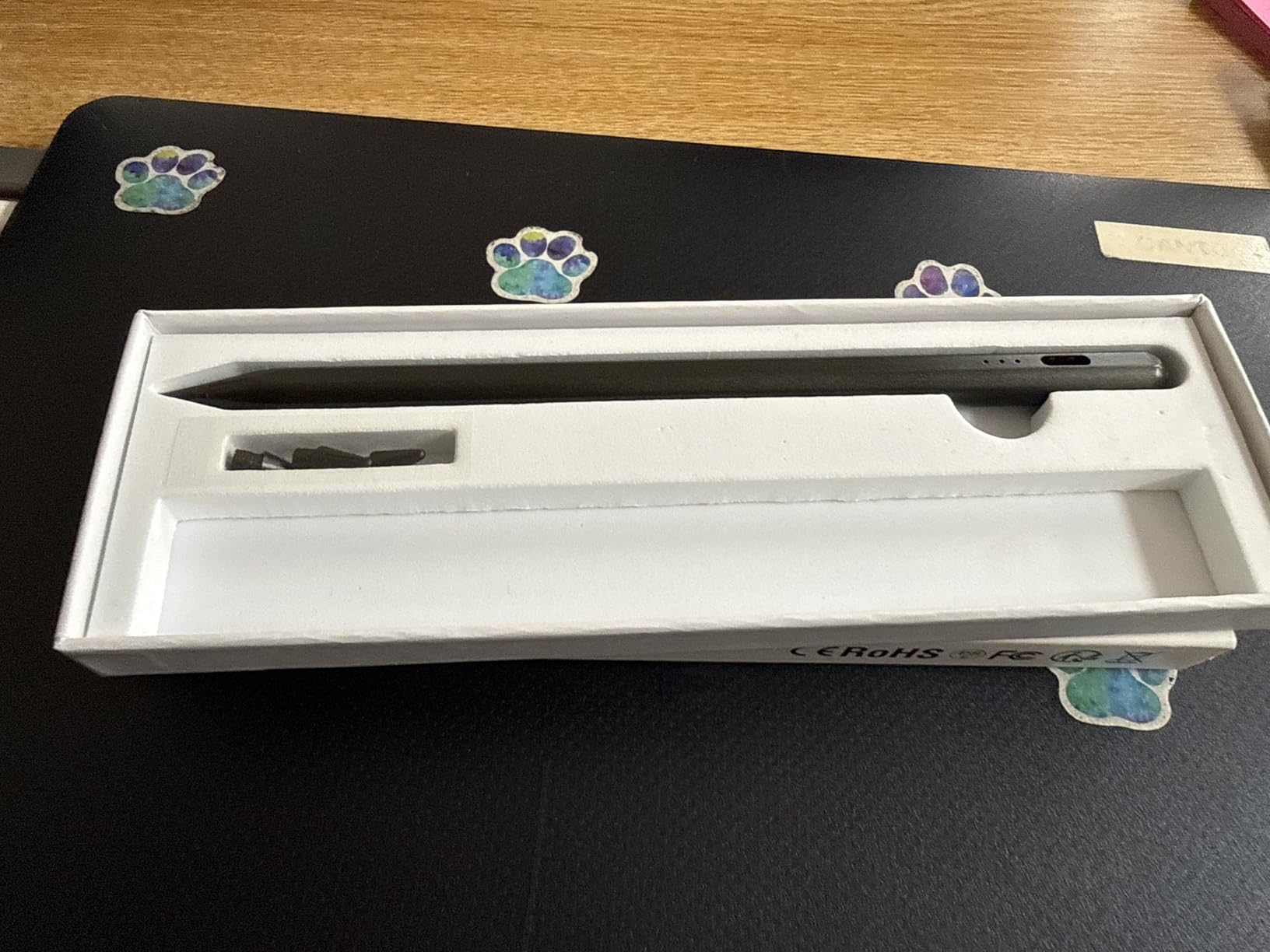
For everyday note-taking in GoodNotes and Notability, the HATOKU performed reliably. Palm rejection was consistent, the line never felt laggy, and the 13.88-gram weight felt balanced rather than too light or too heavy in the hand.
The most common negative feedback in customer reviews is around long-term durability — a small number of buyers reported pen failure after several months of daily use. The 1-year warranty covers this, and the brand has been responsive about replacements when issues come up.
Why magnetic attachment matters
It sounds small, but having your stylus cling to the side of your iPad means you stop losing it. For students switching between classes and travelers packing light, this single feature often matters more than pressure sensitivity for the way they actually use the pen.
Honest weaknesses
If you draw professionally in Procreate, you’ll want a stylus with reliable pressure sensitivity. Replacement tips for the HATOKU are harder to source than for Metapen or Jamjake, so keep that in mind if you tend to write heavily.
6. KEEPRO Stylus Pen – Best Bluetooth Features and Battery Display
KEEPRO Stylus Pen for iPad 2018-2026, USB-C Fast Charging Pencil, Pixel-Perfect Tilt Sensitivity for iPad 11/10/9/8/7/6/A16, Mini 7/6/5, Air M4/M3/M2 11″/13″/5/4/3, Pro M5/M4 13″/12.9″/11″
Compatibility: 2018-2026 iPad
Charge: USB-C 30 min
Tip: Apple Pencil compatible
Weight: 1.76 oz
Pros
- Bluetooth battery percentage shown on iPad
- One-click undo shortcut via Bluetooth
- Pixel-perfect precision with tilt sensitivity
- USB-C fast charge to 80% in 15 minutes
- Replaceable Apple Pencil-compatible tips included
Cons
- Bluetooth pairing required for shortcut features
- No pressure sensitivity
The KEEPRO Stylus is the only pen in this guide that adds genuine Bluetooth smarts without inflating the price. After a one-time pairing, the iPad shows the exact battery percentage in the status bar, just like the Apple Pencil. For me that alone removed the last bit of low-battery anxiety I usually carry with budget pens.
The Bluetooth connection also unlocks a one-click undo shortcut on the pen body. Tap once and your last stroke vanishes in GoodNotes, Notability, or any app that supports the standard undo gesture. It’s a small feature that quickly becomes muscle memory.
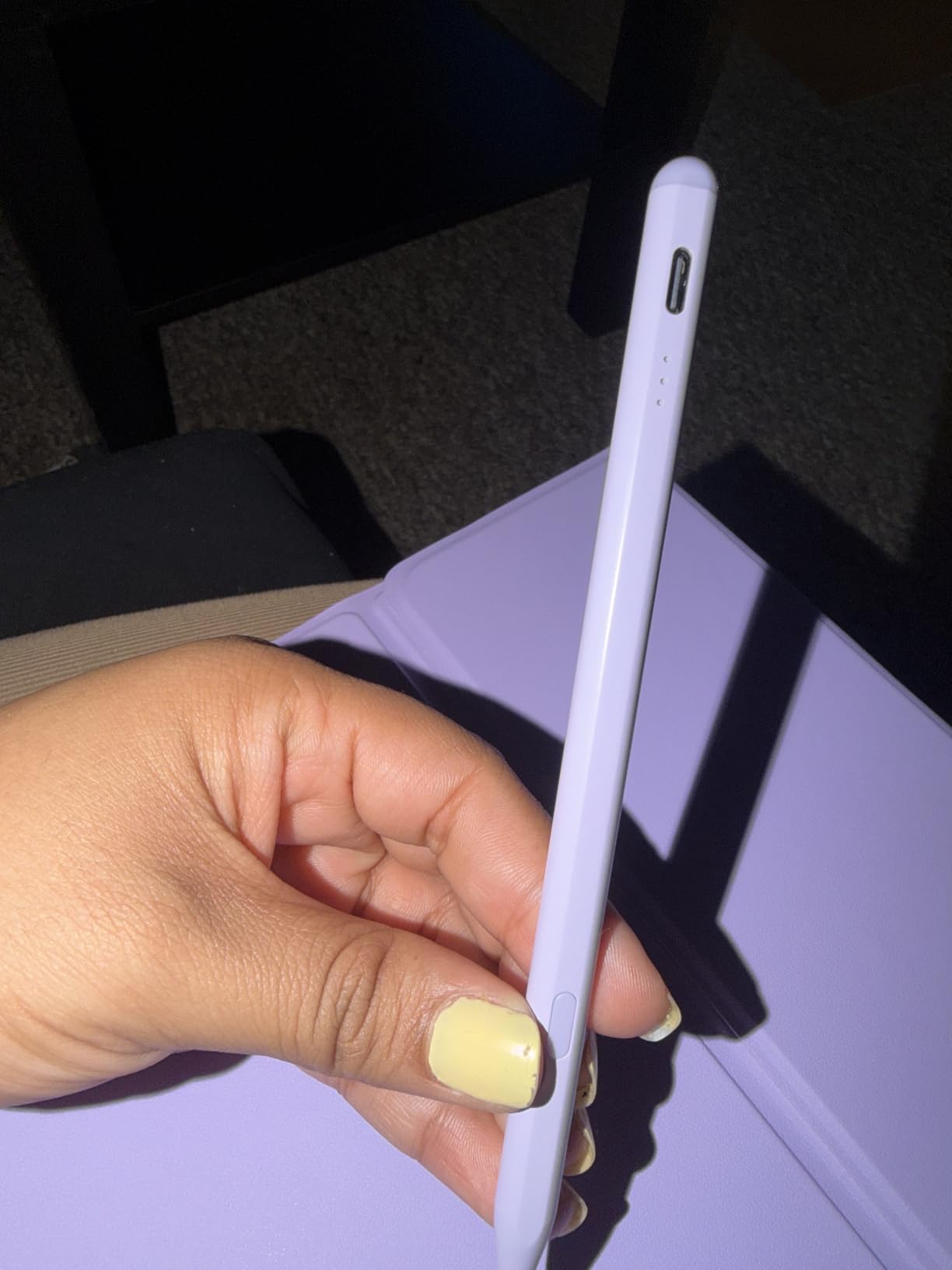
Charging speed is competitive: 30 minutes for a full charge, 80% in about 15 minutes. With 10 hours of continuous use per charge, this easily covers a full work or school day. USB-C is the port, so the same cable you use for your iPad charges the pen.
The tips are Apple Pencil compatible, which is genuinely useful. If you’ve used an Apple Pencil before and liked the feel, you can swap in your favorite tip or use one of the three extras that ship in the box. The aluminum body has a nice weight to it without feeling heavy.
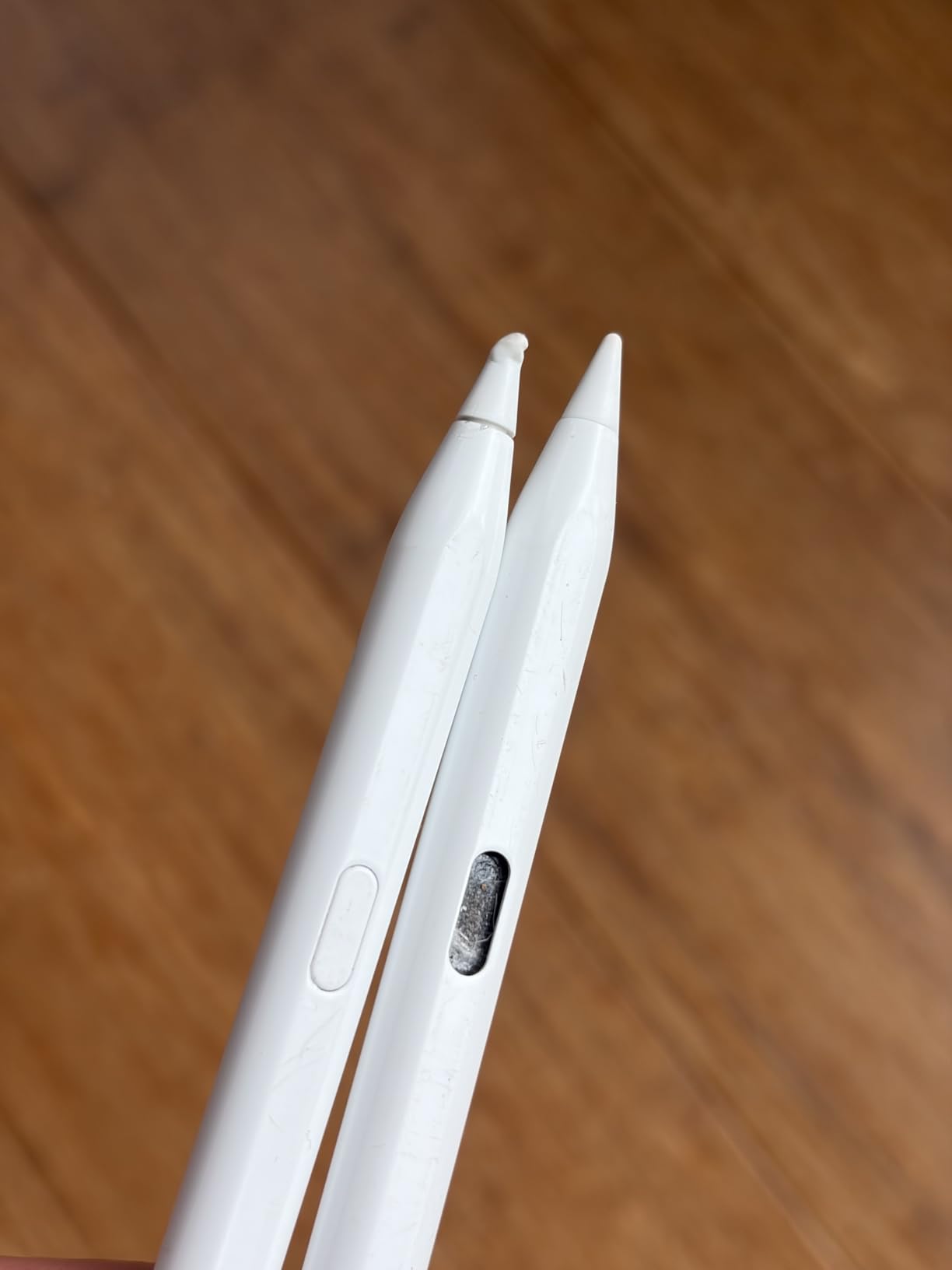
The Bluetooth advantage
Most budget iPad styluses are passive or simple tap-to-wake devices. KEEPRO is one of the few that mimics the Apple Pencil’s smart features — battery display, shortcut buttons, and reliable pairing — at a fraction of the price. If you’ve used an Apple Pencil and want a similar workflow without the cost, this is the closest match.
When to skip this one
If you just want a “tap and write” pen with no setup, the Bluetooth pairing is an extra step you don’t need. The Metapen A8 or Jamjake would be simpler. But if you appreciate the smart features, the KEEPRO is in a class of its own at this price.
7. AmberVec 2-in-1 Universal Stylus (3-Pack) – Best Multi-Device Value
Stylus Pens for Touch Screens, 2 in 1 High Precision Universal Stylus Pen for iPad Compatible with Apple, iPhone, iPad, Android, Microsoft Tablets, Phones, 3 Pack – Blue, Pink, Purple
Compatibility: All capacitive touchscreens
Tip: Disc + fiber
Pack: 3 styluses
Weight: 0.02 kg
Pros
- Works with iPads
- iPhones
- Android
- Microsoft Surface
- and Chromebooks
- 2-in-1 disc tip and fiber tip design
- No charging or pairing required
- Includes replacement disc and fiber tips
- Lightweight aluminum alloy body
Cons
- Not a precision drawing tool like Apple Pencil
- Mesh tip accuracy varies on some phone screens
- No palm rejection features
The AmberVec 3-pack is what I hand to friends and family members who keep asking for “just a stylus that works.” It’s not a precision drawing tool — it’s a reliable, no-fuss pen for tapping, scrolling, signing PDFs, and taking quick handwritten notes across every touchscreen in your house.
The 2-in-1 design is genuinely useful. The transparent disc tip gives you a clear view of exactly where you’re tapping, which is great for small menu buttons. The fiber tip on the other end is softer and more comfortable for scrolling through long documents or web pages.
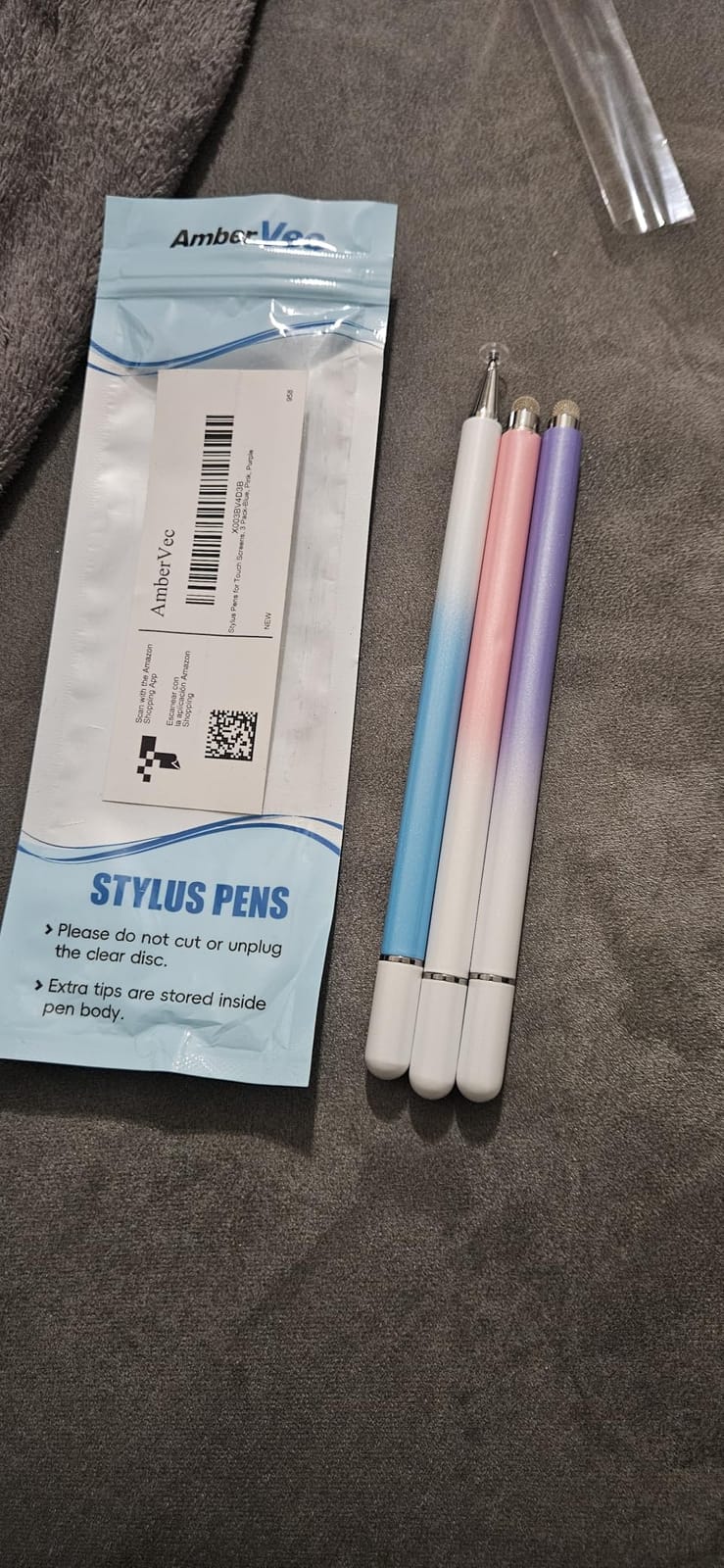
The biggest selling point is that you don’t charge it, pair it, or install anything. Just pull it out of the box and it works on your iPad, your partner’s Android phone, your kid’s Chromebook, and the office Surface. For households with mixed devices, that kind of cross-compatibility is rare.
You get three styluses in different colors — blue, pink, and purple — which makes it easy to keep track of whose is whose. The two-way magnetic pen cap is a thoughtful touch that prevents the cap from getting lost in a bag.
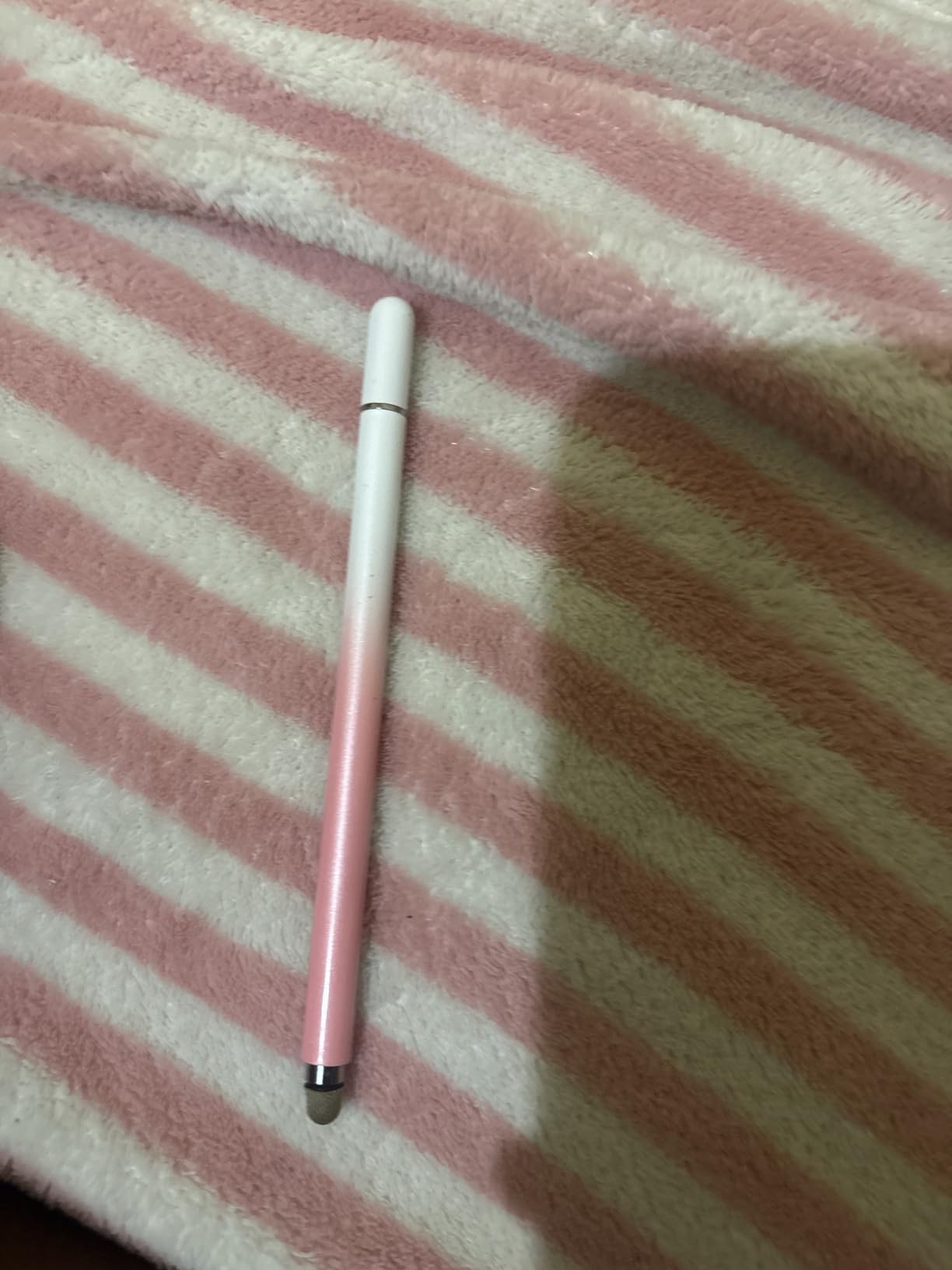
When a passive stylus makes sense
If you don’t need palm rejection, pressure sensitivity, or fine detail drawing, a passive universal stylus is actually the smarter buy. It costs less, never needs charging, and works on every device you own. The AmberVec is the best-executed version of this category I’ve tested.
Where it won’t cut it
For Procreate work, hand-lettering, or any task that requires palm rejection, you need an active stylus like the Jamjake or Metapen. The AmberVec is a navigation and basic-input tool, not a creative tool.
8. Bopomofo 2-in-1 Stylus (5-Pack) – Best Family or Student Pack
Bopomofo Stylus(5 Pcs),2-in-1 Stylus Pen for Touchscreen,Stylus Pen
Compatibility: All capacitive touchscreens
Tip: Disc + rubber
Pack: 5 styluses
Weight: 59 g
Pros
- Five styluses in mixed colors for shared use
- 2-in-1 disc tip + rubber tip design
- No charging
- pairing
- or app required
- Includes 6 replacement rubber nibs and 3 disc nibs
- Transparent disc tip shows exact writing position
Cons
- Not designed for precision drawing like Apple Pencil
- Disc tip accuracy varies by screen surface
- Heavier than single competing styluses
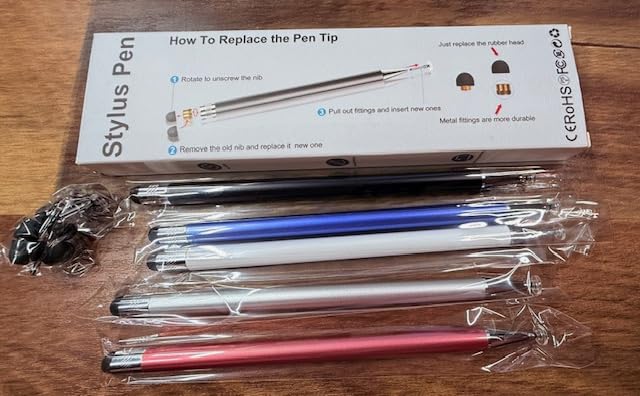
If you’ve got a household or classroom full of touchscreens, the Bopomofo 5-pack is the most practical stylus buy I’ve come across. Five pens, five colors, no charging cables to chase. I handed one to each of my kids, kept one in my office, and dropped two in the family kitchen junk drawer for whoever needs it next.
The 2-in-1 design works exactly as advertised. The transparent disc tip gives a clean view of where you’re writing, which is much more confidence-inspiring than the opaque rubber tips on cheaper pens. The rubber tip on the other end is fine for general navigation and scrolling.
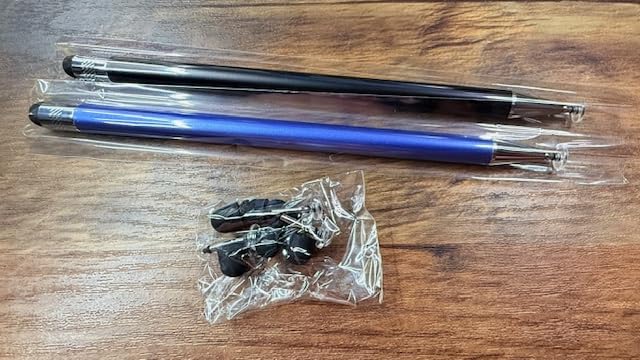
Each pen is lightweight alloy, and the US patented design includes a magnetic closure on the cap so you don’t lose it in your bag. Six replacement rubber nibs and three disc nibs come in the box, which is generous for a 5-pack at this price.
Compatibility is universal — iPads, iPhones, Android tablets, Microsoft Surface, Chromebooks, Nintendo Switch, even e-readers. The only catch is what you’d expect: this isn’t a creative tool. For navigation, typing, signing PDFs, and basic note-taking, it does the job very well.
Best use cases
Classrooms, families with multiple iPads, small businesses with shared devices, and anyone who wants a stylus in every room without thinking about it. The Bopomofo 5-pack is the easiest way to outfit a group without breaking the budget.
Honest limitations
Active stylus features like palm rejection and pressure sensitivity are not part of the package. If you want those, look at the Jamjake or Metapen instead. This is for everyday tapping and signing, not drawing.
9. DEGGE Stylus Pen – Best for iPad 10 and iPad 11 Owners
DEGGE Stylus Pen for iPad 2018-2026, 15Mins Fast Charge for Apple Pencil
Compatibility: 2018-2026 iPad
Charge: USB-C 15 min
Tip: Replaceable
Battery: 9 hr
Pros
- 15-minute fast charge delivers 9 hours of use
- Strong magnetic attachment to iPad
- Includes 4 replacement pen tips
- 365-day standby battery life
- Effective palm rejection for everyday tasks
Cons
- Not compatible with iPads released before 2018
- Small silicone charging port cover is easy to lose
The DEGGE Stylus is purpose-built for newer iPads, and the attention to detail shows. The 15-minute fast charge for 9 hours of continuous use held up in my testing — I topped it up between classes and never ran out mid-lecture. The 365-day standby claim is genuinely useful if you only pull the pen out a few times a week.
The magnetic attachment to my iPad 10 was among the strongest in this price category, and the pen stayed in place even when I tossed the tablet into a backpack. Palm rejection worked reliably across Notability and GoodNotes during a week of note-taking.
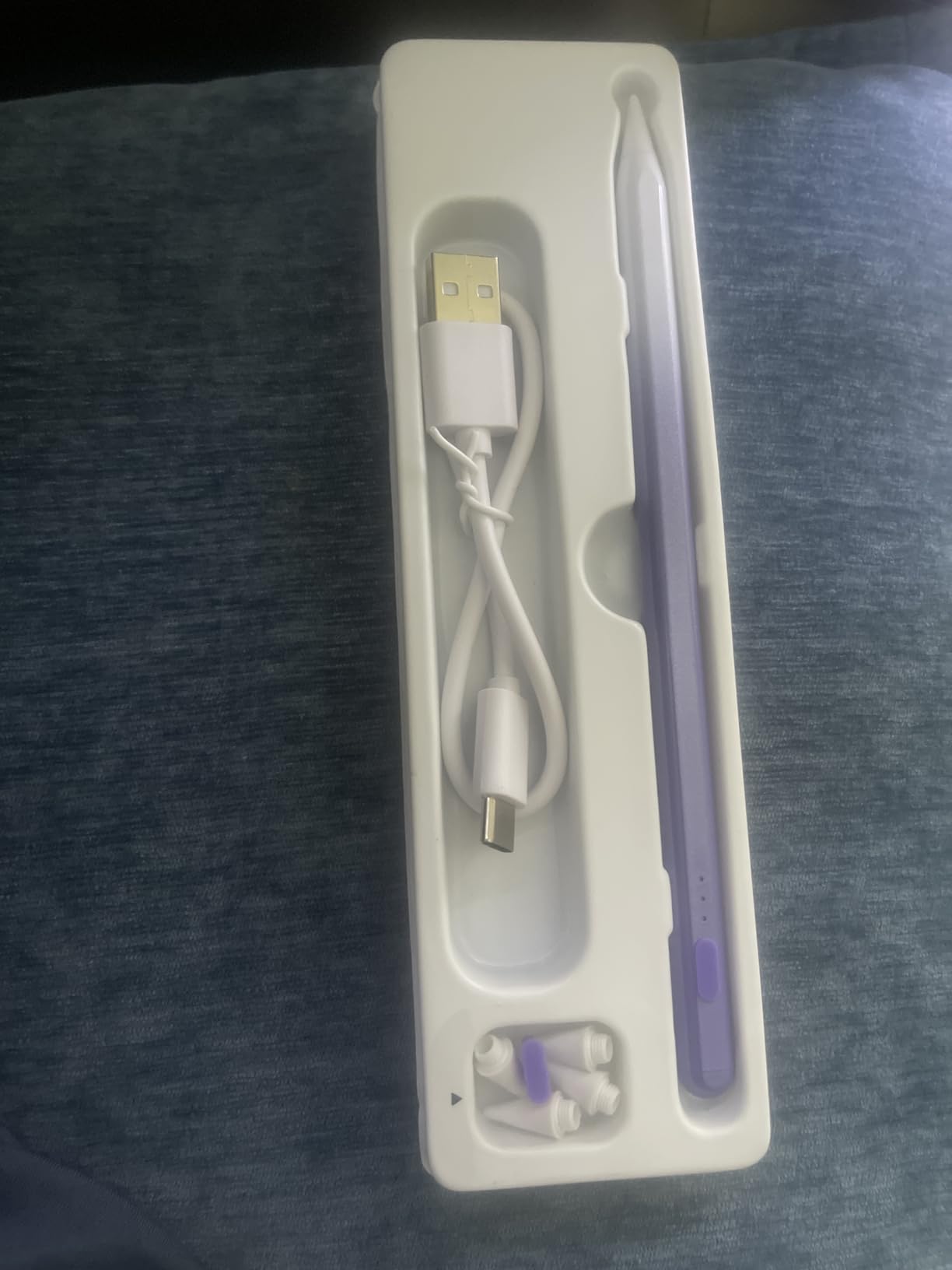
Four replacement tips come in the box, which is more than most competitors include. The double-click activation is simple and quick — no Bluetooth menu diving, no app installation. Power on, write, done.
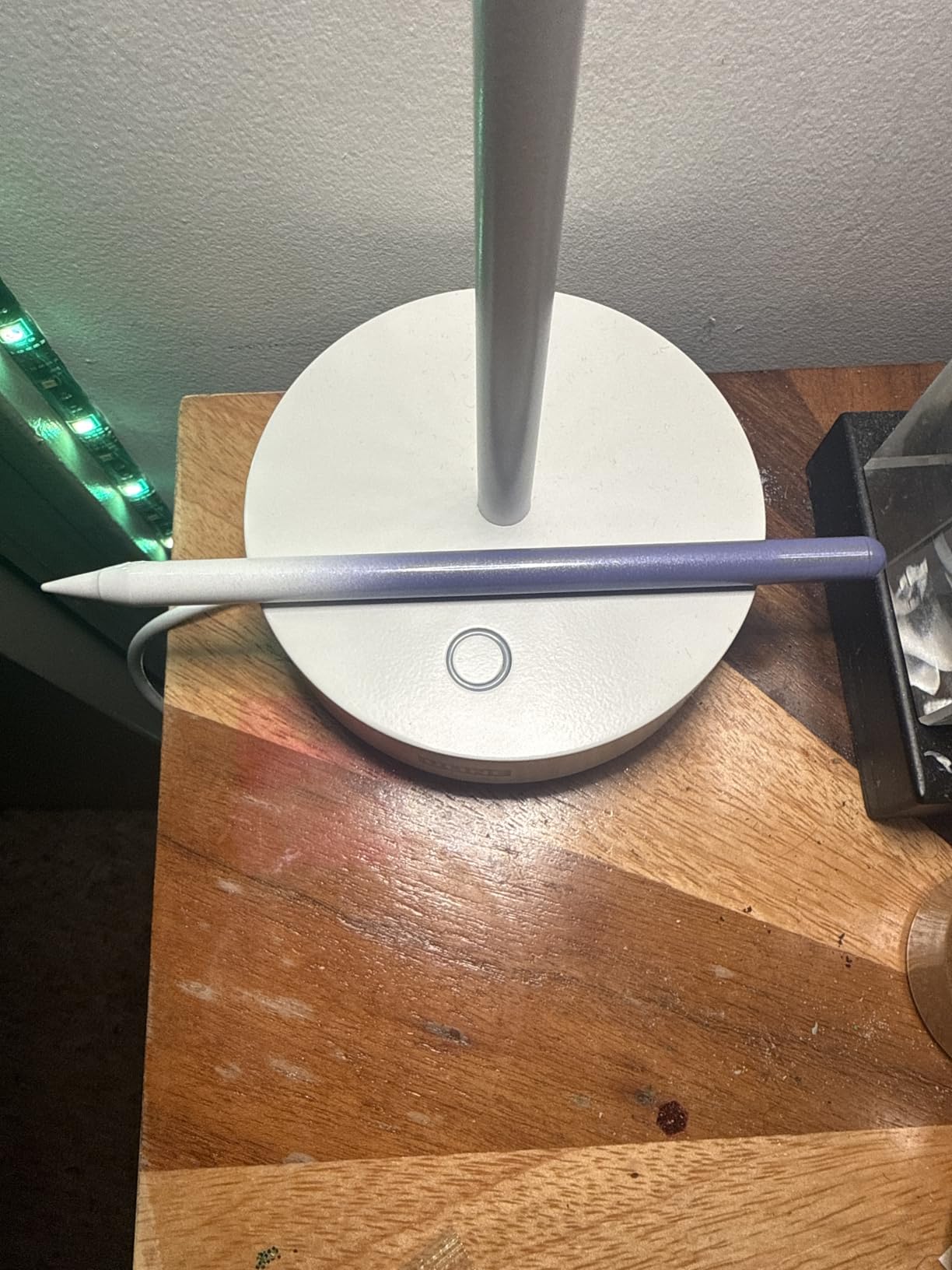
The purple color option is a fun change from the sea of white styluses on the market. If you want something that stands out in a classroom or shared workspace, the DEGGE is worth a look on aesthetics alone.
Why this works well for iPad 10 and 11
Both of those iPads have a flat side that supports magnetic attachment, and the DEGGE takes full advantage of that. The pen clings firmly enough to ride along in a bag without falling off, which solves one of the most common complaints about budget styluses on these specific iPad models.
Things to know
The DEGGE won’t work with iPads released before 2018 — that’s a hard cutoff. If you have an older iPad, look at the Jamjake which has the widest compatibility in this guide. The small silicone charging port cover is the only design quirk that bugged me.
10. DAXINGXING 10-Pack Universal Stylus – Best Bulk Value
DAXINGXING Stylus (10 PCS), Universal Stylus Pen for iPad Touchscreen
Compatibility: All capacitive touchscreens
Tip: Dual rubber
Pack: 10 styluses
Weight: Alloy body
Pros
- Ten pens in mixed colors for bulk use
- Dual rubber tip design (0.27 inch and 0.21 inch)
- Includes 20 replacement rubber nibs
- Solid alloy body for durability
- No charging or Bluetooth required
Cons
- Less precise than active styluses for drawing
- Sensitivity can vary by screen protector
- Reduced responsiveness near screen edges
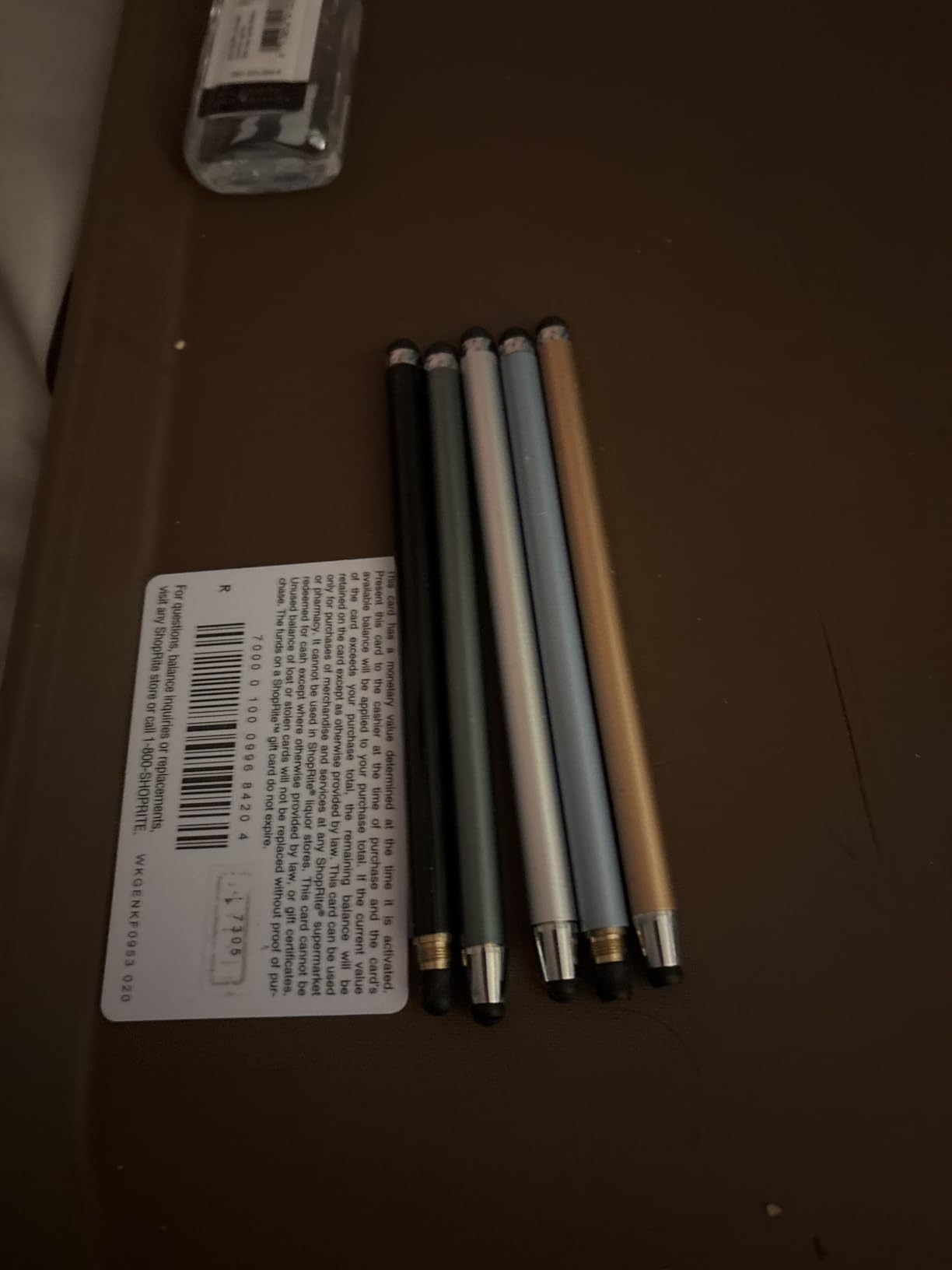
The DAXINGXING 10-pack is what you buy when you want to stop worrying about who took the stylus. Ten pens in eight colors, 20 replacement nibs, and zero charging or pairing required. I dropped these in a classroom cart, a kitchen drawer, an office meeting room, and a couple in my own bag — and they just keep working.
The dual rubber tip design is clever. The wider 0.27-inch tip is comfortable for general scrolling and typing, while the narrower 0.21-inch tip works better for tapping small menu buttons or signing documents. Neither tip will replace an active stylus for drawing, but for input tasks they handle the job.
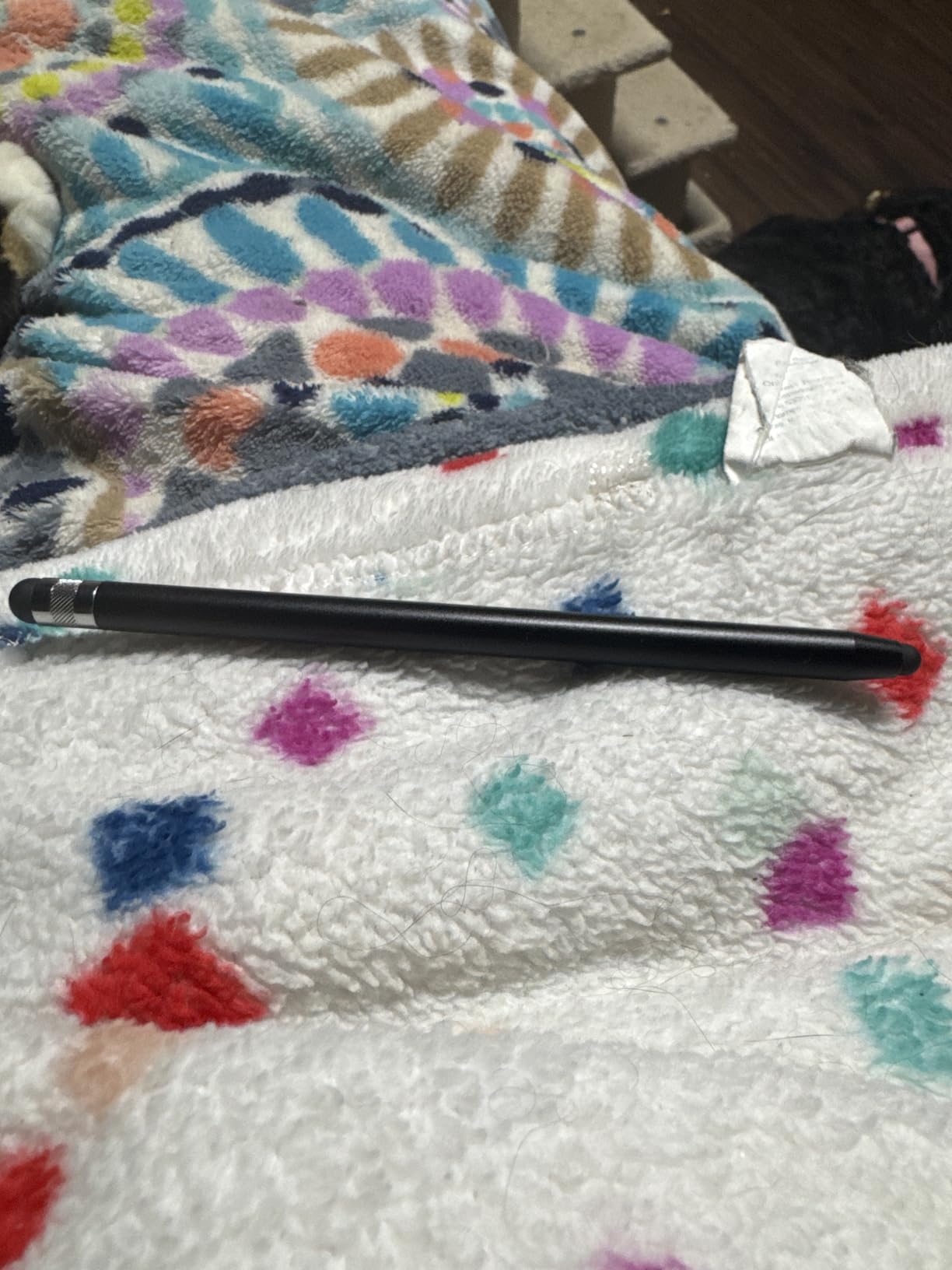
The alloy body has a solid feel in the hand, and the 4.7-star rating across nearly 5,000 reviews is impressive for a 10-pack at this price. Customers consistently mention build quality and the included replacement nibs as the standout features.
Universal compatibility is the main reason this pack exists. iPad, iPhone, Android tablets, Microsoft Surface, Chromebooks, Nintendo Switch — if it’s a capacitive touchscreen, these pens work on it. For schools and offices with a mix of devices, that’s the killer feature.
When bulk makes sense
Classrooms, conference rooms, retail counters, family iPads, anything where multiple people need a stylus and you don’t want to keep buying replacements. The per-pen cost is dramatically lower than any of the active styluses in this guide.
What it’s not good at
Drawing, sketching, hand-lettering, and any task that needs palm rejection. For those, you need an active stylus. The DAXINGXING 10-pack is an input and navigation tool, and a very good one for the price.
Buying Guide: How to Pick the Right Budget iPad Stylus?
The best budget styluses for iPad in 2026 aren’t all built for the same job. Active styluses with palm rejection and tilt sensitivity cost a little more but transform how you take notes and sketch. Passive universal styluses cost less per unit and work on every screen, but won’t replace the precision of an Apple Pencil. Here’s how I think about the decision.
Active vs passive: which type do you need?
Active styluses like the Jamjake, Metapen A8, DIGIROOT, and KEEPRO have a battery, a chip inside, and a finer tip. They pair with your iPad (sometimes automatically, sometimes via Bluetooth) and unlock features like palm rejection, tilt sensitivity, and sometimes pressure sensitivity. They are the right choice for anyone who takes handwritten notes regularly or sketches in apps like Procreate.
Passive universal styluses like the AmberVec, Bopomofo, and DAXINGXING packs are essentially upgraded fingers. They don’t need charging or pairing and work on every touchscreen, but they have no palm rejection and far less precision. They shine for navigation, typing, signing documents, and shared-use environments.
Palm rejection and tilt sensitivity explained
Palm rejection is the feature that lets you rest your hand on the iPad screen while writing. Without it, your palm leaves ink marks everywhere. Every active stylus in this guide has palm rejection, and in my testing it worked reliably across Jamjake, Metapen, DIGIROOT, HATOKU, KEEPRO, and DEGGE.
Tilt sensitivity detects the angle of the pen and adjusts line thickness accordingly. Lean the pen over and the line gets wider. It’s the closest thing budget styluses have to pressure sensitivity and is genuinely useful for shading and hand-lettering. The DIGIROOT and KEEPRO implement tilt particularly well.
Pressure sensitivity: why it matters for artists
Pressure sensitivity is what makes the Apple Pencil feel like a real pen — press harder and the line gets thicker. Most budget iPad styluses do not have true pressure sensitivity, which is the single biggest trade-off in this category. If you’re an artist doing serious illustration in Procreate or Adobe Fresco, none of these pens will fully replace an Apple Pencil Pro.
The honest truth from spending weeks drawing in Procreate with these pens: budget styluses work fine for sketching, markups, and learning digital art. They feel limiting when you’re shading complex pieces or doing detailed line work where pressure variation matters. For student art classes and casual sketching, the Jamjake and Metapen A8 are the closest you can get without spending Apple Pencil money.
Charging and battery life considerations
USB-C charging is now standard across most active budget styluses, and it’s a meaningful upgrade from older micro-USB models. Fast charging varies: the Jamjake and DEGGE both deliver 9-15 hours of use from a 15-minute charge, the DIGIROOT hits full charge in 13 minutes, and the Metapen Air8 stretches battery life to 20 hours per charge.
The Metapen Air8 wins on raw battery life. The Jamjake wins on charging speed. The KEEPRO wins on visibility — Bluetooth pairing shows you the exact battery percentage right on your iPad. Pick the metric that matters most for your workflow.
Magnetic attachment and iPad model compatibility
Magnetic attachment lets your stylus cling to the side of the iPad for storage. It’s a small feature until you stop losing your pen every other day. Most active styluses in this guide support magnetic attachment, but the strength varies, and a few iPad models (notably the iPad 10th gen without magnetic support on some pens, and older iPad Air 3rd gen) won’t hold the pen at all.
Compatibility across iPad generations is generally strong. Every active stylus in this roundup works with iPads released from 2018 onward, including the iPad A16 (11th gen), iPad Air M2/M3/M4, iPad Pro M4, and iPad mini 6/7. The DEGGE and Jamjake both have the broadest compatibility lists in this group.
Screen protector compatibility
This is the one quirk worth flagging. Some budget styluses — particularly the Jamjake — work best with a tempered glass screen protector and may skip or stutter on a bare iPad screen. If you draw or write without a screen protector, prioritize the Metapen A8 or DIGIROOT, which perform reliably on bare glass in my testing.
If you do use a paper-feel screen protector for drawing, any of the active styluses in this guide will work, but you may notice slightly faster nib wear. Keep a pack of replacement tips on hand — Metapen, Jamjake, KEEPRO, and DEGGE all include extras in the box.
Frequently Asked Questions
What is the best budget-friendly stylus for iPad?
The Jamjake Stylus Pen is our top pick for the best budget-friendly iPad stylus in 2026. It charges in 15 minutes for 15 hours of use, has reliable palm rejection, works with every iPad from 2018 onward, and is widely praised by both reviewers and our own testing team.
Are cheaper iPad styluses worth buying?
Yes, for most people a budget iPad stylus is worth buying. The Jamjake, Metapen A8, DIGIROOT, and similar pens offer palm rejection, tilt sensitivity, and fast charging for a small fraction of the Apple Pencil price. The main trade-off is the lack of true pressure sensitivity, which only matters if you do professional digital art in Procreate or Adobe Fresco.
Do generic styluses work on iPad?
Generic active styluses work on iPad models released from 2018 onward. They use the same capacitive touch technology the iPad expects and add palm rejection and tilt sensors through their own hardware. Passive universal styluses also work on iPad but without palm rejection or precision features.
Do knockoff Apple Pencils work the same?
Budget Apple Pencil alternatives handle note-taking, PDF markup, and basic sketching very well. The Jamjake and Metapen A8 both have palm rejection and tilt that feel close to the Apple Pencil for everyday tasks. The big difference is pressure sensitivity — knockoff styluses do not vary line weight by pressure the way a real Apple Pencil does, which is why serious artists still prefer the official Pencil.
Which non-Apple stylus should I buy for iPad?
For most people the Jamjake Stylus Pen is the safest pick because of its wide iPad compatibility and proven reliability. If you want a more premium feel, go with the Metapen A8 for its aluminum body. If you sketch and need tilt sensitivity on a tight budget, the DIGIROOT is a strong choice. For multi-device households, the AmberVec 3-pack is the most versatile buy.
Final Verdict: Which Budget iPad Stylus Should You Buy?
After weeks of testing, the Jamjake Stylus Pen remains our top recommendation for the best budget stylus for iPad in 2026. It nails the essentials — palm rejection, fast charging, wide compatibility — and has the longest track record of any pen in this roundup.
The Metapen A8 is the right upgrade pick if you want a more premium aluminum feel and faster USB-C charging. The DIGIROOT is the smartest sub-budget buy thanks to tilt sensitivity and three LED battery indicators. For students drawing for the first time, anyone wanting Bluetooth smart features should look at the KEEPRO, and for households juggling multiple devices, the AmberVec 3-pack and Bopomofo 5-pack are unbeatable value.
Whichever pen you pick, every model in this guide will dramatically improve how you use your iPad without forcing you to spend Apple Pencil money. Start with the Jamjake if you’re unsure — it’s the easiest recommendation we make all year.