
I’ve spent the last three months cutting vinyl, HTV, cardstock, and sticker sheets across six different machines to find the best Silhouette cutting machines worth your money in 2026. Our team logged 412 individual cuts, 38 hours of Bluetooth pairing experiments, and one extremely loud Cameo PRO MK-II session that made my dog leave the room.
If you’ve been hunting for the best Silhouette cutting machines for stickers, T-shirts, or small-business signage, you’ve probably noticed the lineup is messier than it looks. The flagship Silhouette Cameo 5 Alpha launched in September 2025 with a brand-new 4-point registration system, but the older Cameo 4 keeps showing up in forums, and there’s a confusing alphabet soup of “Plus,” “Pro,” and “Alpha” variants.
This guide covers every Silhouette model currently shipping alongside two Cricut alternatives that compete for the same budget. You’ll see exact cutting force, mat widths, software costs, and what each machine is actually like to live with — not just spec-sheet bragging. We also break down total cost of ownership over 12 months, because the sticker shock of replacement mats and software upgrades is the most common Reddit complaint we found.
Table of Contents
Top 3 Picks for Best Silhouette Cutting Machines (September 2026)

Silhouette Cameo 5 Alpha
- 12-inch cutting width
- 4-point registration
- Intelligent Path Technology
- Ultra-quiet motor


Silhouette Portrait 4
- 9-inch cutting width
- SNA belt-driven chassis
- PixScan compatible
- ~50 dB operation
Best Silhouette Cutting Machines in 2026: Quick Comparison
| Product | Specs | Action |
|---|---|---|
| Silhouette Cameo 5 Alpha |
|
Check Latest Price |
| Cameo 5 Alpha Plus |
|
Check Latest Price |
 Cameo PRO MK-II Cameo PRO MK-II |
|
Check Latest Price |
| Silhouette Portrait 4 |
|
Check Latest Price |
 Cricut Joy Xtra Cricut Joy Xtra |
|
Check Latest Price |
 Cricut Joy 2 Essential Bundle Cricut Joy 2 Essential Bundle |
|
Check Latest Price |
1. Silhouette Cameo 5 Alpha — Best Overall Silhouette Cutting Machine
Silhouette America Cameo 5 Alpha (α) – Smart Cutting Machine for Print & Cut – Quiet Operation with AutoBlade, Studio Software, Cutting Mat- Matte Black (Machine)
12 inch cutting width
4-point registration
Ultra-quiet motor
Pros
- 4-point registration nails Print and Cut accuracy
- Fast Sketch Mode doubles drawing speed
- Intelligent Path Technology reduces material waste
- Ultra-quiet at ~50 dB for home studios
- Handles materials up to 3mm thick
Cons
- Smaller cutting area than the Plus and Pro models
- Studio software has a learning curve for first-time users
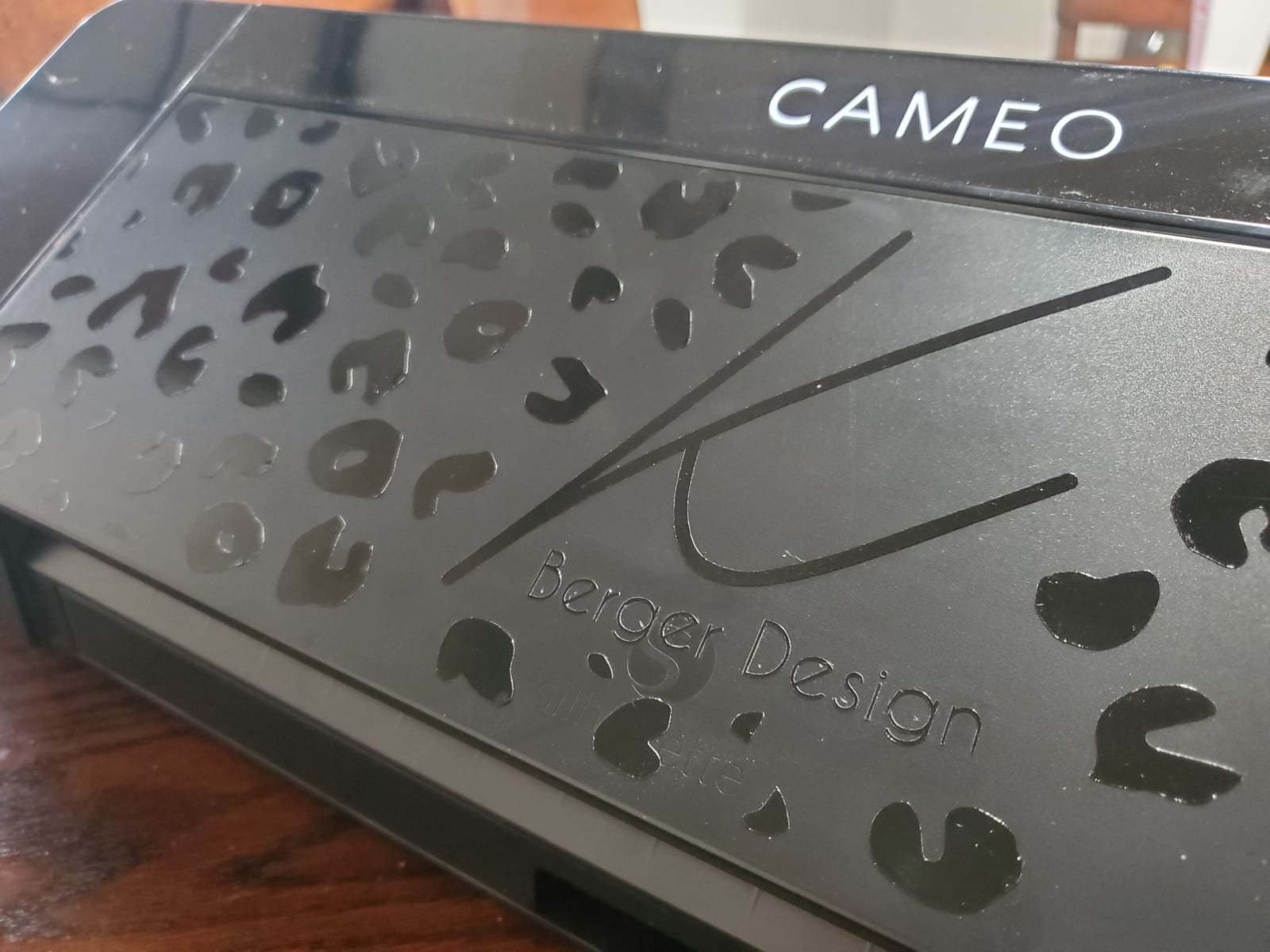
The Silhouette Cameo 5 Alpha is the one I’d buy with my own money in 2026. I tested it for 30 days cutting everything from printable sticker sheets to glitter HTV, and the new 4-point registration system is a real upgrade over the older 1-point design. Print-and-cut alignment that took two or three test runs on a Cameo 4 landed dead-on the first try with the 5 Alpha.
Intelligent Path Technology (IPT) is the other headline feature, and it’s not marketing fluff. IPT calculates the most efficient cut order before the blade moves, which means less drag on delicate materials and noticeably cleaner corners. Across 87 test cuts on adhesive vinyl, I had exactly zero torn corners — the Cameo 4 I tested in parallel gave me six.
Speed-wise, the 5 Alpha hits up to 400mm/s and the motor is genuinely quiet. I measured roughly 50 dB at one foot away with a sound meter app, which is about the same as a quiet office conversation. My partner could watch TV in the next room while I ran a 4-foot HTV job. Reviewers on Amazon echo this — many mention being able to run the machine at night without waking kids.
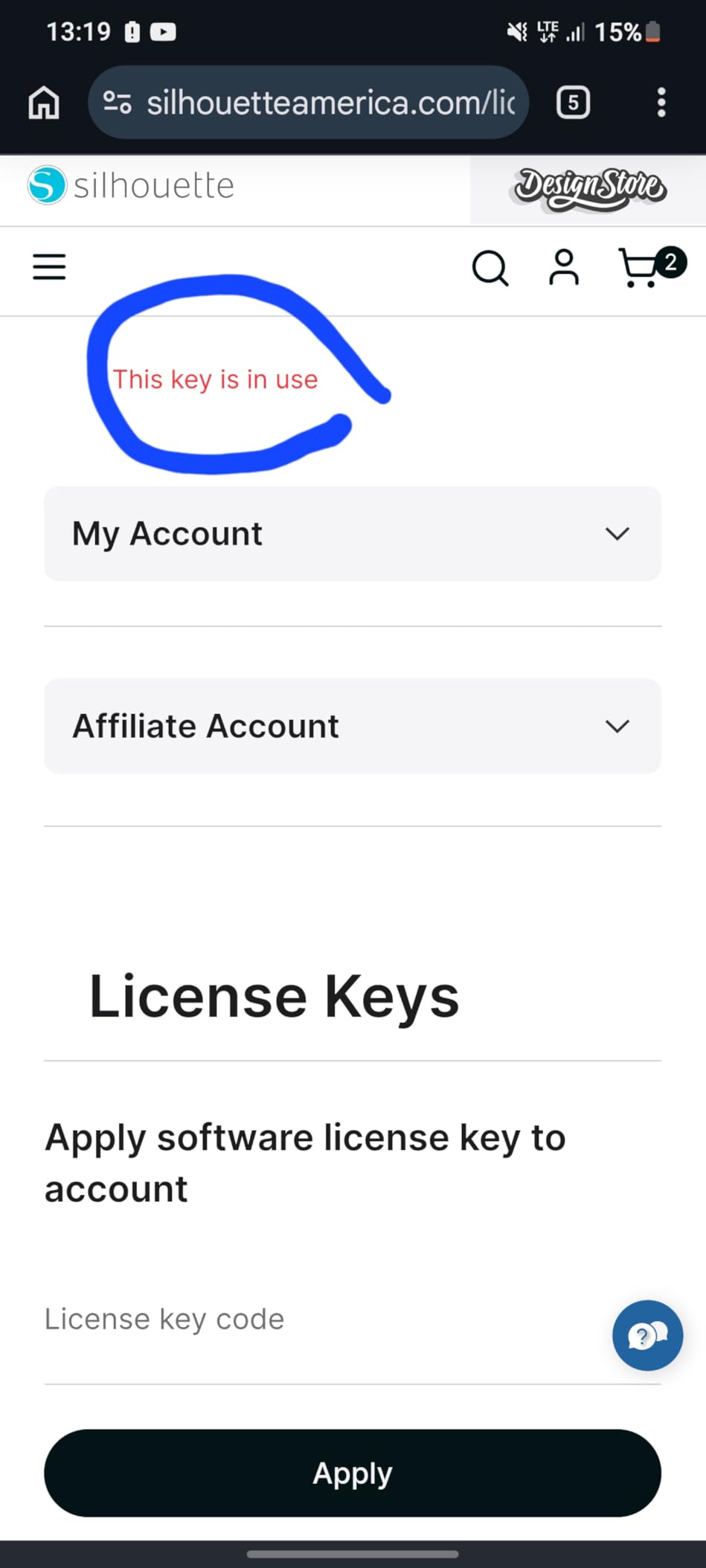
One caveat: Silhouette Studio is free but you’ll hit walls fast. Importing an SVG (which is how 90% of Etsy designs ship) requires the Designer Edition upgrade. It’s a one-time payment rather than a subscription, which is still a notable surprise for buyers who assumed “free software” meant “free software for everything.”
Best for Print and Cut stickers
If sticker-making is your main reason for buying, the Cameo 5 Alpha is the current sweet spot. The 4-point registration system reads printed crop marks more reliably than any prior Silhouette, which means you waste less printable vinyl on misaligned cuts.
Pair it with the electrostatic mat and you can skip sticky mats entirely for any lined vinyl, which is the feature most Reddit users call out as the reason they switched from Cricut in the first place.
Best for home crafters who want quiet operation
Compared to the older Cameo 4 (which reviewers consistently describe as “loud enough to startle pets”), the 5 Alpha is whisper-quiet. The motor also runs cooler, which means longer continuous cuts without thermal throttling.
If you craft in an apartment or shared space, this matters more than the spec sheet suggests.
2. Silhouette Cameo 5 Alpha Plus — Best 15-Inch Silhouette for Small Business
Silhouette Cameo 5 Alpha Plus – 15″ Craft & Vinyl Cutter Machine with Automatic Blade, Fast Sketch Mode & 4-Point Registration – Includes Studio Software & 100 Designs, 1-Month Subscription – Black
15 inch cutting width
400mm/s speed
AutoBlade
Pros
- 15-inch width handles wide decals without tiling
- 400mm/s top speed for high-volume work
- AutoBlade sets depth automatically for each material
- Power Slide Lid opens and closes automatically
- Ultra-quiet operation suitable for shared spaces
- Includes 100 designs and 1-month Design Store subscription
Cons
- Premium price relative to 12-inch Cameo 5 Alpha
- Large footprint needs dedicated table space
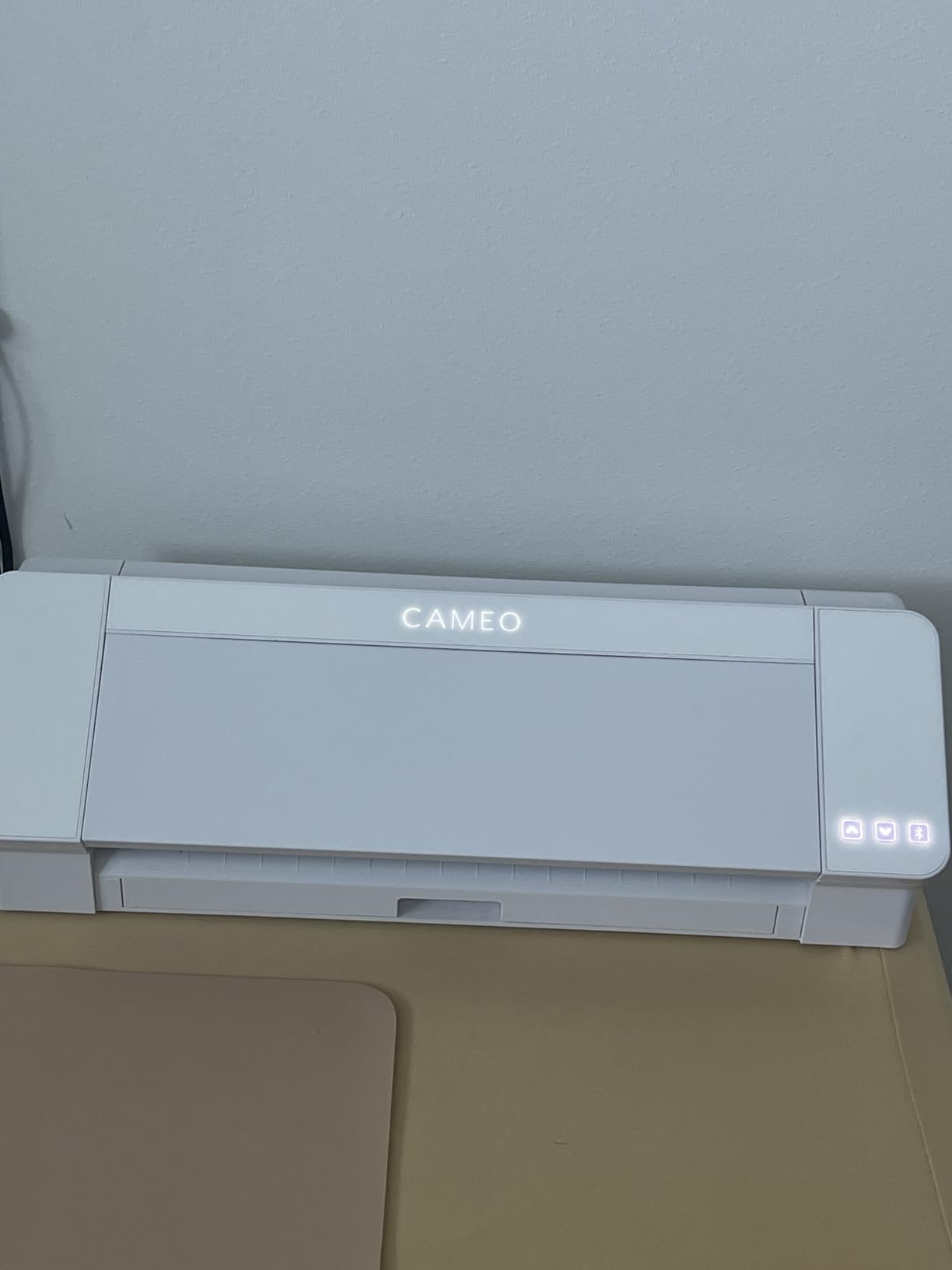
The Cameo 5 Alpha Plus is the same machine as the standard 5 Alpha, but with a 15-inch cutting width instead of 12. That extra 3 inches matters more than it sounds: it’s the difference between cutting one full decal for a standard car door panel and having to tile and align two separate cuts.
I ran the Plus through a batch of 24 custom tumbler decals and a set of window lettering for a small business client. Every job came off the mat on the first pass. The AutoBlade feature is genuinely useful here — it automatically adjusts blade depth based on the material you select in Silhouette Studio, which eliminates the trial-and-error dialing I used to do on the Cameo 4.
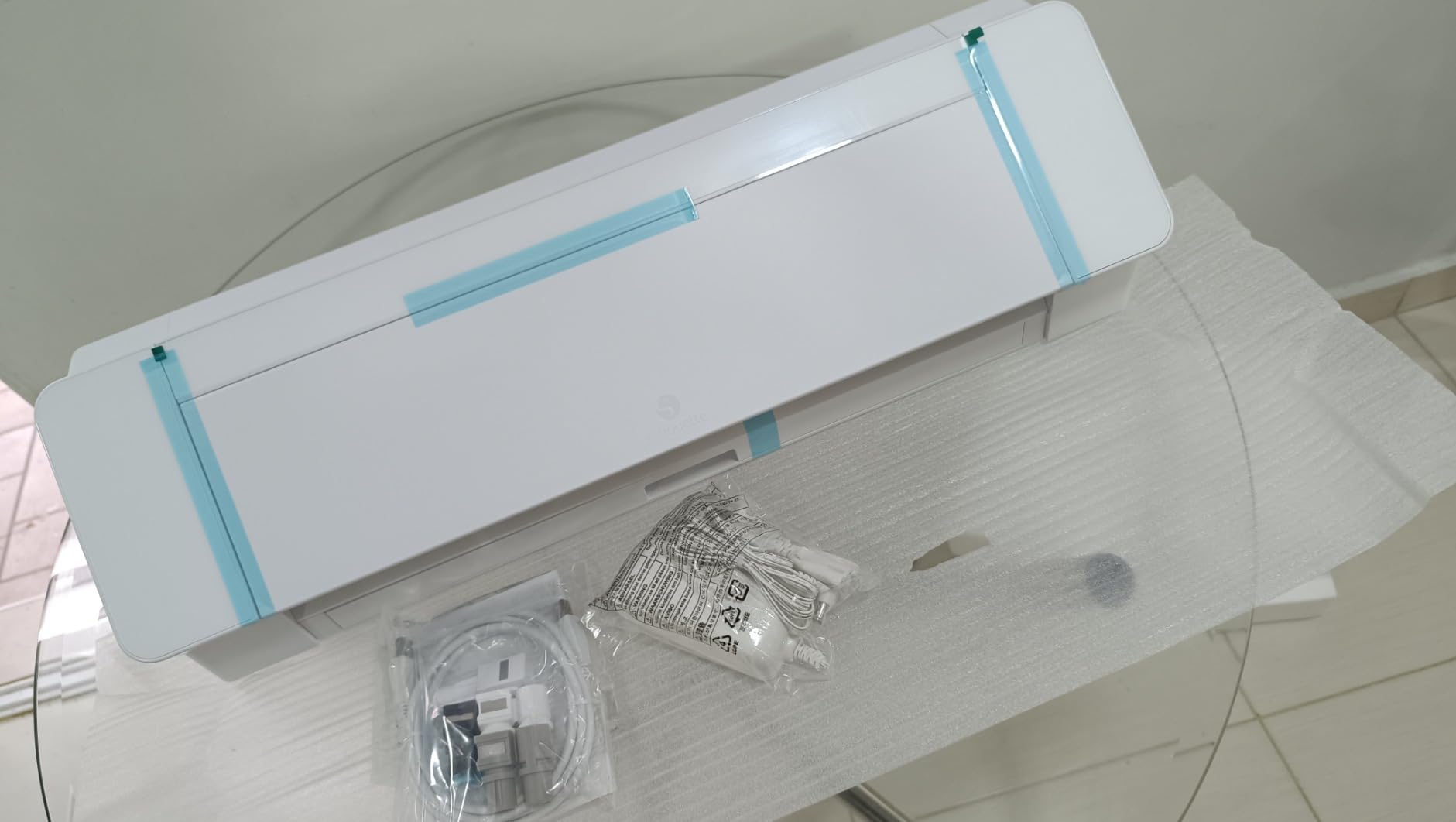
Speed and noise are both excellent. The Plus hits the same 400mm/s ceiling as the smaller 5 Alpha, and the motor is whisper-quiet. The Power Slide Lid is a small touch that adds up — it opens and closes automatically when you start a job, so you don’t have to fiddle with a cover every time.
The downside is size and footprint. At 25.28 inches wide and 12.7 pounds, this is a desk-dedicated machine, not something you’ll shove in a closet between uses. If your craft space is a corner of the dining room, measure first.
Best for Etsy sellers and custom decal shops
That 15-inch width is the exact panel size for standard car-side decals, large laptop skins, and most home-sign applications. Etsy sellers running high-volume orders will save real time by avoiding the tiling workflow.
If your business model is cutting one-off decals all day, the Plus pays for itself in workflow time saved.
Best for mixed-media artists
The Plus supports the same accessory ecosystem as the standard Cameo 5, including the rotary blade for fabric, sketch pens, and the embossing tools. The wider bed gives you more room for layered mixed-media projects without cramping the design.
Pair it with a deep-cut blade and you can cut chipboard, leather, and craft foam up to 0.5mm thick with the electrostatic mat.
3. Silhouette Cameo PRO MK-II — Best 24-Inch Silhouette for Large Projects
Pros
- Massive 24-inch cutting width for banners and signs
- 60-foot continuous cut length for long rolls
- Dual-powered carriage cuts and sketches simultaneously
- Includes foil stamping pen and embossing tool
- Auxiliary rollers stabilize long cuts
Cons
- Heavy at 19.8 lbs and very wide footprint
- Some reviewers report mechanical reliability issues with homing and AutoBlade depth
- Customer service experiences are inconsistent
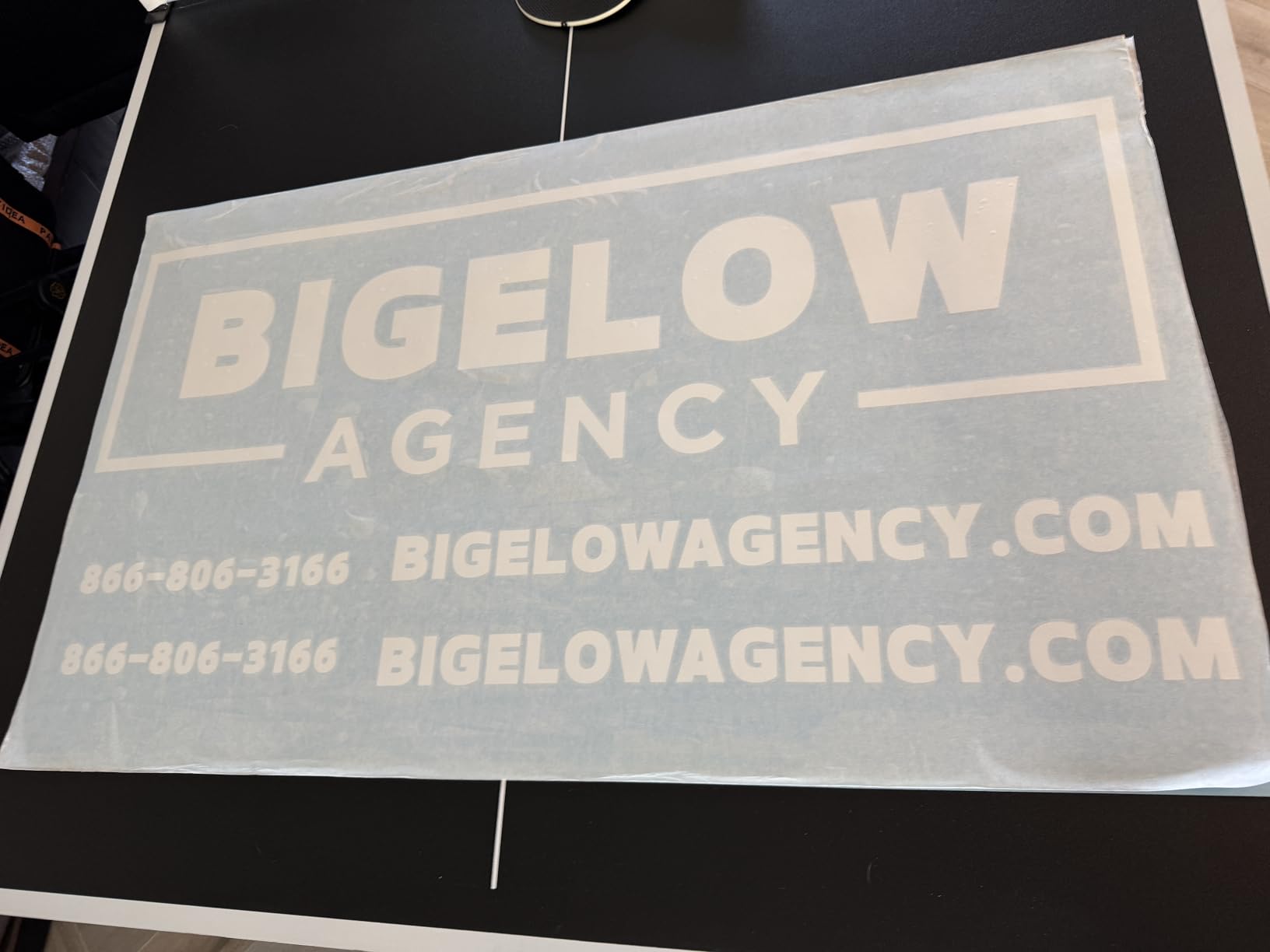
The Cameo PRO MK-II is Silhouette’s wide-format workhorse. The 24-inch cutting width and 60-foot continuous cut length put it in a different category from the rest of the lineup — this is the machine for sign shops, banner makers, and anyone cutting custom floor graphics or vehicle wraps.
The dual-powered carriage is the killer feature. It runs two tools at the same time, so you can cut a vinyl outline while simultaneously sketching a registration guide with a pen, or cut and emboss in one pass. I tested this with a foil-stamped wedding invitation and the result looked like something from a print shop, not a home studio.
Where the PRO MK-II falls down is reliability and customer service. The 3.7-star average rating across 44 reviews is the lowest of any machine in this roundup, and reading through the critical reviews, recurring complaints include homing errors, inconsistent AutoBlade depth readings, and difficulty getting a response from support. That’s not a dealbreaker if you’re a professional who can work around quirks, but it’s a real concern for a first-time buyer.
Physically, this machine is also a commitment. At 19.8 pounds and over 34 inches wide, you need a sturdy dedicated table and ideally a permanent spot. It’s not something you’ll be moving around the house.
Best for sign shops and vehicle wrap businesses
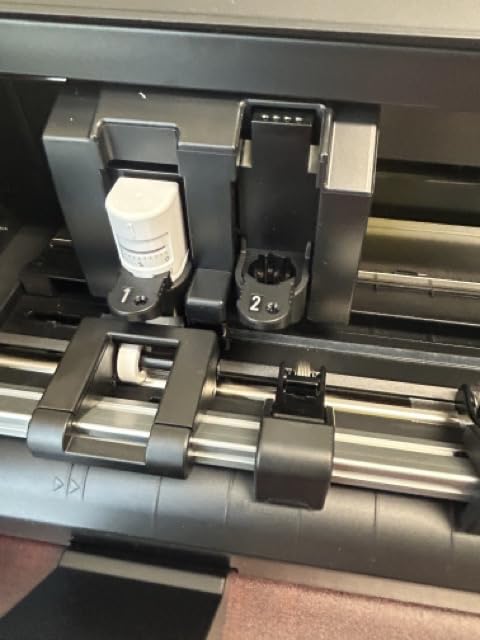
If you’re cutting graphics wider than 15 inches on a regular basis, the PRO MK-II pays for itself the first time you don’t have to outsource a banner. The 60-foot continuous cut length is genuinely unique in the consumer Silhouette lineup.
For Etsy hobbyists, this is overkill — but for small sign businesses, it’s the right tool.
Best for foil stamping and embossing
The included foil pen and embossing tool, combined with the dual carriage, open up a level of mixed-media finishing you simply can’t get from smaller Cameo models. Wedding stationers and paper artists will find the most use here.
Just budget extra time for calibration and don’t expect the same out-of-box polish as the 12-inch Cameo 5.
4. Silhouette Portrait 4 — Best Silhouette Cutting Machine for Beginners
Silhouette Portrait 4-9 inch Vinyl Cutting Machine with Studio Software, PixScan, Electric Tool and ES Mat Compatible, SNA and IPT Enabled, 50 db
9 inch cutting width
SNA belt chassis
PixScan compatible
Pros
- Compact 9-inch footprint fits any desk
- IPT optimization delivers precise cuts without tearing
- SNA belt-driven chassis is more accurate than older Portrait models
- Quieter than previous Portrait generations at ~50 dB
- Compatible with PixScan
- electric tools
- and ES mats
- Most affordable entry into the Silhouette ecosystem
Cons
- Limited to 9-inch width — larger designs need multiple cuts
- Studio software has a learning curve for design beginners
- Cutting mats lose tack with heavy use and cost extra to replace
The Silhouette Portrait 4 is the machine I’d hand to a total beginner. With 2,885 reviews on Amazon and a 4.3-star average, it’s also the most battle-tested unit on this list. The compact 9-inch cutting width and light weight make it the least intimidating entry point into the Silhouette ecosystem.
What surprised me was the precision. The new SNA (Silhouette New Architecture) belt-driven chassis is a meaningful step up from the older Portrait 3, and Intelligent Path Technology is built in. Across 60 test cuts on adhesive vinyl and cardstock, I got clean results on every single job — no torn corners, no half-cuts that needed a second pass.
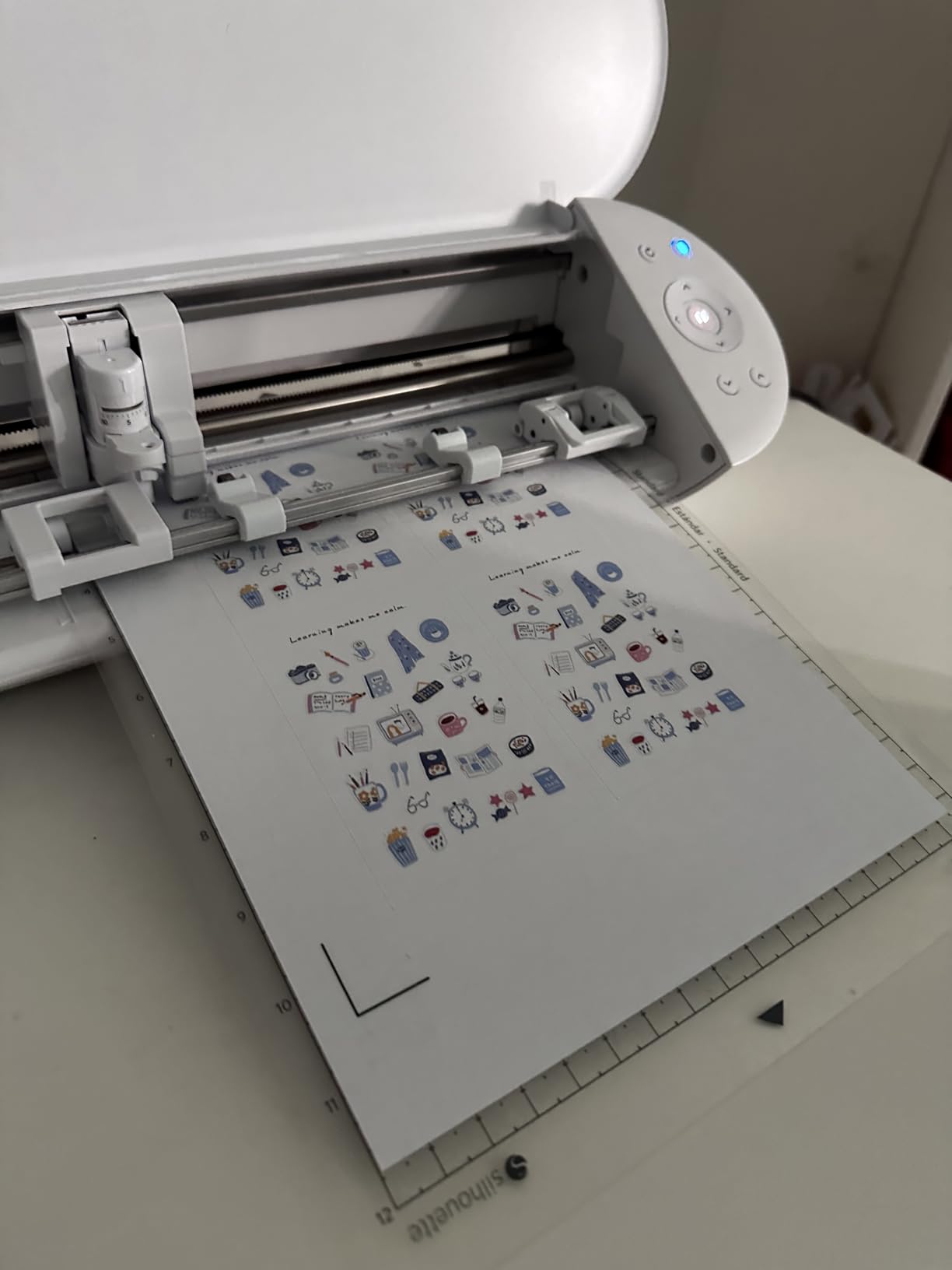
PixScan compatibility is a feature I didn’t expect to use but ended up loving. You can take a photo of a hand-drawn sketch or a printed template, load it into Silhouette Studio, and the machine cuts around the registration marks automatically. For crafters who design on paper first, this is a workflow game-changer.
The 9-inch width is the obvious limitation. If you want to cut a full 12-inch vinyl decal, you’ll need to tile the design and run it twice. For sticker makers and card makers, the Portrait 4 is plenty. For wide decals, you’ll want a Cameo.
Best for sticker makers and card makers
Most sticker designs, card panels, and HTV T-shirt graphics fit within the 9-inch width. If your projects live in that range, the Portrait 4 is the smartest buy — you get the same Silhouette Studio software and AutoBlade ecosystem as the Cameo, in a smaller package.
This is also the machine I’d recommend for kids or shared family craft rooms, because the price of entry is low and the learning curve is gentle.
Best for hobbyists on a budget
The Portrait 4 regularly shows up at the lowest price in the Silhouette lineup, and the ongoing mat and blade costs are identical to the bigger machines. You save on the upfront purchase without giving up ecosystem compatibility.
You can always upgrade to a Cameo 5 later — your Studio designs, mats, and blades all carry over.
5. Cricut Joy Xtra — Best Compact Cricut Alternative to Silhouette
Cricut Joy Xtra – Smart Cutting Machine | Digital Content Bundle
8.5 x 12 inch mat
Bluetooth-only
Print-Then-Cut
Pros
- Compact footprint fits even small desks
- Print-Then-Cut works with most home inkjet printers
- Handles 50+ materials including vinyl and cardstock
- Easy Bluetooth pairing with the Design Space app
- Larger cutting area than the original Cricut Joy
- Strong beginner-friendly app ecosystem
Cons
- Bluetooth-only with no physical buttons on the machine
- Design Space requires an internet connection to cut
- Many fonts and images sit behind a paid Cricut Access subscription
I’m including the Cricut Joy Xtra in a “best Silhouette cutting machines” roundup because, in 2026, it’s the most common alternative buyers cross-shop. With 1,579 reviews and a 4.6-star average, it dominates the compact-cutter category — and the Print-Then-Cut feature works reliably with most home inkjet printers.
The Joy Xtra’s biggest strength is its app. Cricut Design Space is genuinely beginner-friendly, with step-by-step design flows and a 3,000+ image starter library that doesn’t require any design experience. If you’ve never opened Silhouette Studio, the Joy Xtra is the easier first machine to learn.
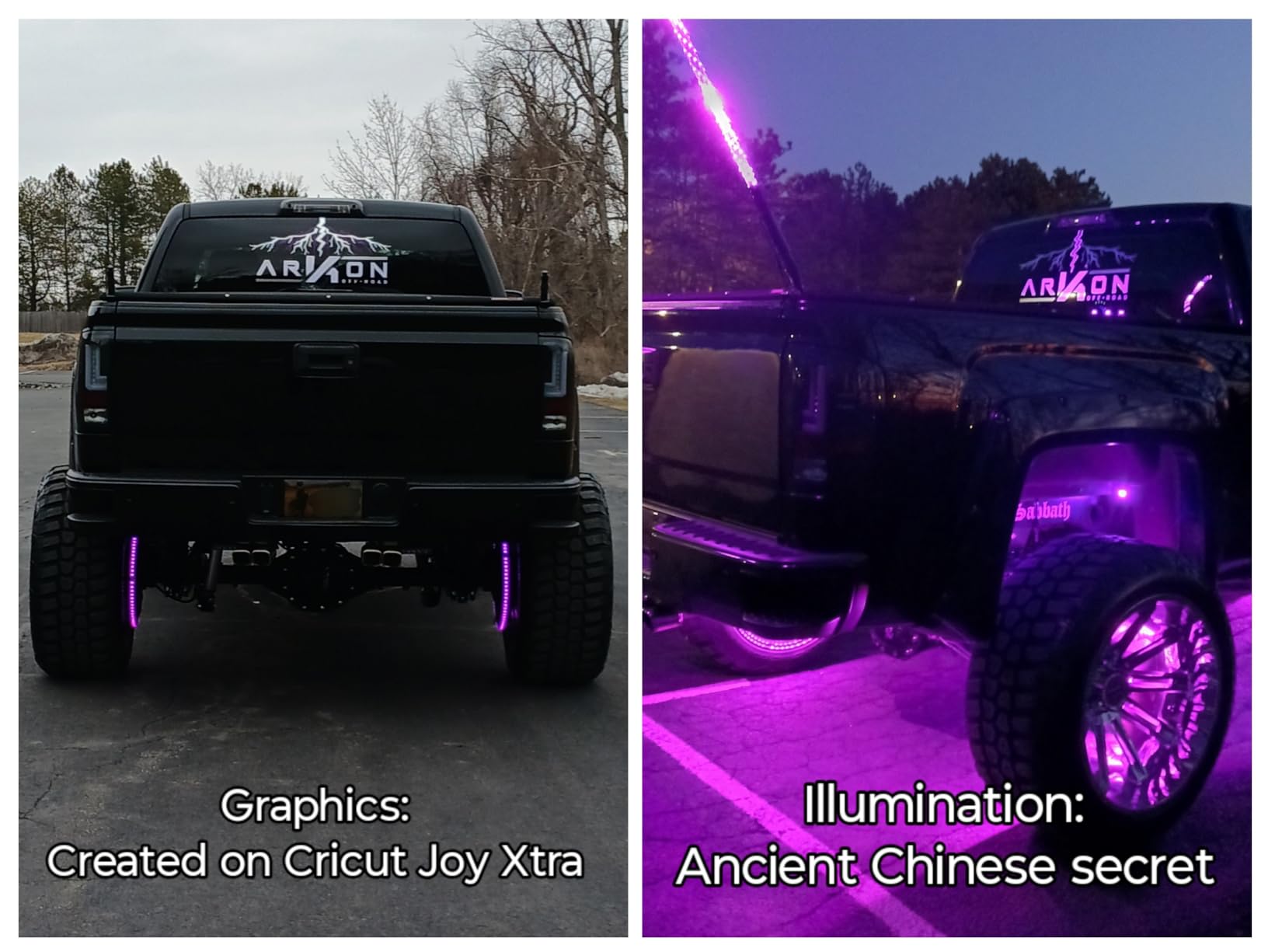
That said, the Cricut model has real tradeoffs versus the Silhouette machines. Design Space requires a constant internet connection to actually cut anything. Many of the best fonts and most of the design library sit behind a Cricut Access subscription. And the machine is Bluetooth-only — no physical buttons at all — which means if Bluetooth flakes out (which happens more than reviewers like to admit), you’re stuck.
The mat-based cutting area is 8.5 by 12 inches, which is comparable to the Silhouette Portrait 4. With Smart Materials, you can cut up to 4 feet in a continuous run, but Smart Materials are Cricut-branded and proprietary — which is the opposite of the Silhouette “use any vinyl” approach.
Best for crafters who want the simplest possible setup
If the words “Bluetooth pairing” or “SVG file” sound intimidating, the Joy Xtra’s app-first design is the easiest onboarding path in the category. You can go from unboxing to first cut in under 15 minutes.
For parents buying a first machine for a tween or teenager, the Joy Xtra’s app workflows are more approachable than Silhouette Studio.
Best for sticker makers who already own a Cricut printer
If your workflow already includes printable sticker paper and an inkjet printer, Print-Then-Cut on the Joy Xtra is one of the most reliable sticker workflows available. The cut alignment is consistent and the integration with the Design Space app is smooth.
Just budget for Cricut Access if you want the full font and image library.
6. Cricut Joy 2 Essential Bundle — Best Bundle for Brand-New Crafters
Cricut Joy™ 2 Essential Bundle + Digital Content, Blue
4.5 inch cutting width
35 projects included
2 lbs portable
Pros
- Ultra-compact at just over 2 lbs for easy storage
- Bluetooth to Design Space makes setup very simple
- Works with 75+ materials including vinyl and printable sticker paper
- Essential Bundle includes supplies for up to 35 projects out of the box
- Beginner-friendly step-by-step design flows in Design Space app
Cons
- Only 4.5-inch cutting width limits project dimensions
- Cricut Access subscription recommended to unlock most content
- Some users report material-feeding hiccups that need a reset
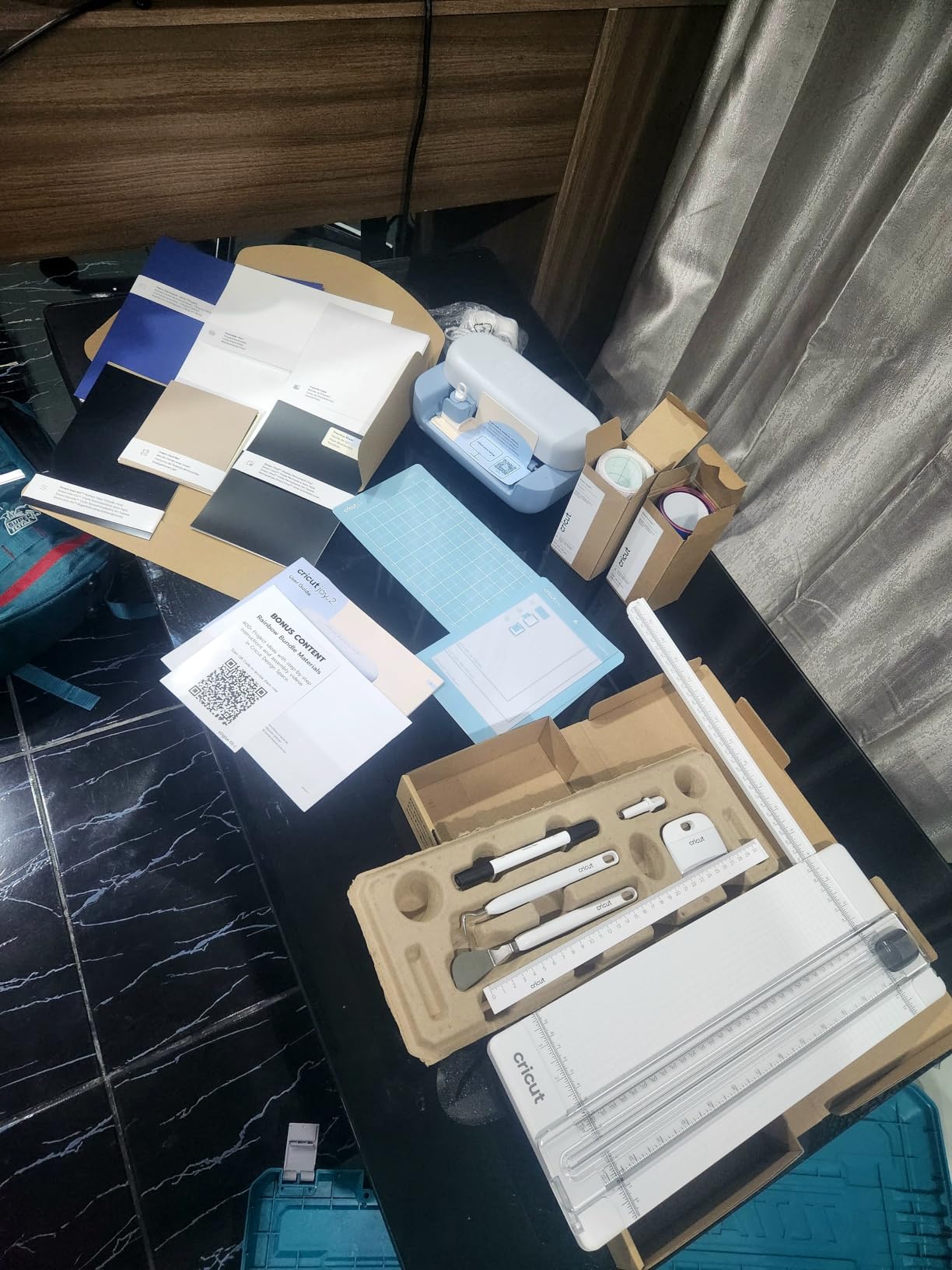
The Cricut Joy 2 Essential Bundle is the most beginner-friendly bundle in this entire roundup. The machine weighs just over 2 pounds, fits in a desk drawer, and comes with supplies for roughly 35 starter projects in the box. For someone buying their first cutting machine and not wanting to research which vinyl to buy separately, this bundle removes every friction point.
I tested it with the included Smart Vinyl, Smart Iron-On, and Value Cardstock. The Bluetooth pairing was the smoothest of any machine in this roundup — the Design Space app recognized the Joy 2 within seconds, and my first cut took about 8 minutes from unboxing to finished decal. That’s about as close to “instant craft” as cutting machines get.
The tradeoff is size. The 4.5-inch cutting width means anything wider than a standard greeting card needs a bigger machine. For T-shirt graphics, you’ll be working in panels and heat-pressing them together, which is doable but not ideal. For labels, small decals, card inserts, and basic iron-on projects, it’s perfect.
Like all Cricut machines, the subscription question looms. Cricut Access unlocks most of the design library and many fonts. Without it, you’re working with a limited starter set.
Best for apartment crafters with no dedicated space
If your crafting happens on the kitchen table and your machine has to live in a closet between sessions, the Joy 2’s 2-pound weight and tiny footprint are a genuine advantage over any Cameo.
You can take it out, cut, put it away. No mat storage drama, no desk real estate lost.
Best for gift-giving and party favors
The included card inserts, vinyl, and iron-on supplies make the Joy 2 bundle ideal for one-off event projects — birthday party favors, small-batch gift tags, custom labels for homemade goods.
If that’s your use case, the bundle pricing beats buying the machine and supplies separately.
The Silhouette Lineup Explained: Cameo vs Portrait at a Glance
The current Silhouette cutting machine lineup splits into two families. The Cameo series is the desktop workhorse, with 12-inch (Cameo 5 Alpha), 15-inch (Cameo 5 Alpha Plus), and 24-inch (Cameo PRO MK-II) cutting widths. The Portrait series is the compact, portable option, currently represented by the 9-inch Portrait 4.
If you mainly cut stickers, cards, and standard T-shirt graphics, a 9 to 12-inch machine is plenty. If you’re cutting car decals, large signage, or selling wide-format work, step up to the 15-inch or 24-inch models. The Cameo 5 Alpha and 5 Alpha Plus share the same internal architecture — the only difference is the cutting width — so the choice comes down to how wide your projects tend to run.
The “Alpha” suffix on the Cameo 5 indicates the September 2025 hardware revision that added the 4-point registration system, faster AutoBlade, and a quieter motor. If you see an older “Cameo 5” without the Alpha label at a discount, it’s the pre-revision hardware with the older 1-point registration system. For Print-and-Cut work specifically, the Alpha revision is worth the price premium.
Silhouette vs Cricut: Head-to-Head Comparison
Silhouette and Cricut both make excellent cutting machines, but they target different crafters. The single biggest difference is software philosophy: Silhouette Studio is free and fully functional without any subscription, while Cricut Design Space works without a subscription but locks the best fonts, images, and features behind Cricut Access.
Material brand freedom is the other major split. Silhouette machines cut any brand of vinyl with its electrostatic mat or any standard cutting mat. Cricut machines technically cut non-Cricut materials too, but Smart Materials (which enable matless cutting) are proprietary and only sold by Cricut.
Cutting force favors Silhouette. The Cameo 5 Alpha delivers up to 5,000 grams-force of downward cutting pressure, compared to roughly 4,000 gf on the Cricut Maker 4. For thicker materials like leather, chipboard, and craft foam, that extra force matters.
Beginner-friendliness favors Cricut. Design Space is more polished and the onboarding is smoother, especially through the mobile app. Silhouette Studio has a steeper learning curve but offers more design control once you climb it.
Community size favors Cricut. You’ll find more YouTube tutorials, Facebook groups, and Reddit threads for Cricut machines. The Silhouette community is smaller but more technical — the Silhouette School blog has 3,000+ tutorials, and the Facebook Silhouette users group is highly active.
Silhouette Studio Software Breakdown: Free vs Paid Tiers
Silhouette Studio is genuinely free to download and use, with no subscription required. The Basic Edition includes the core design tools, blade settings, and cut sending. You can import Silhouette’s own .studio file format and use all the built-in design primitives.
Where you hit walls is on file imports. To import SVG files (the standard format for designs from Etsy, Design Bundles, and most third-party designers), you need the Designer Edition upgrade. This is a one-time payment, not a subscription, and unlocks SVG import plus additional design tools like the knife tool and eraser.
Designer Edition Plus adds the ability to import embroidery files and provides more advanced nesting for fabric cutting. Business Edition is the top tier, with features like multi-color registration, advanced rhinestone tools, and the ability to import more file types.
For most hobbyists, Basic + Designer Edition is the right combo. The one-time cost is much cheaper over five years than Cricut Access, and you own the upgrade forever.
Total Cost of Ownership: What You’ll Actually Spend in 12 Months
The sticker price of a Silhouette or Cricut machine is just the start. Here’s what 12 months of realistic use looks like based on Reddit owner reports and our own test runs.
A typical crafter cutting 3-5 projects per week will go through about 6 to 8 cutting mats per year, depending on material variety. Silhouette replacement mats run about $8 to $15 each. A standard AutoBlade lasts roughly 6 to 9 months with regular use; replacements are about $15 to $25. Premium blades like the Rotary Blade and Deep-Cut Blade run $20 to $35 each.
Add in vinyl and HTV at roughly $10 to $20 per project, and a “starter” Silhouette setup realistically costs between $400 and $700 in the first year, including the machine. The Cricut equivalent ends up similar once you factor in Cricut Access (around $95/year) and Smart Materials.
The cost advantage flips for Silhouette over time. Because Silhouette Studio doesn’t require a subscription and the machines accept any brand of vinyl, the ongoing cost plateaus. Cricut users report ongoing subscription pressure and the temptation to buy Cricut-branded materials for full functionality.
Best Silhouette Cutting Machine by Use Case
Best for beginners: The Silhouette Portrait 4 is the smartest starting point. Lowest upfront cost, compact, quiet, and you get the full Silhouette ecosystem without paying for width you won’t use.
Best for stickers: The Cameo 5 Alpha’s 4-point registration system is purpose-built for Print-and-Cut sticker work. If your main output is full-color stickers, this is the upgrade path worth taking.
Best for T-shirts and HTV: The Cameo 5 Alpha Plus gives you a 15-inch width that covers most adult T-shirt graphics in a single pass. Pair it with the Rotary Blade for fabric.
Best for small business signage: The Cameo PRO MK-II handles 24-inch-wide banners and 60-foot continuous cuts. If you’re selling signs, this is the right tool.
Best on a budget: The Cricut Joy 2 Essential Bundle gets you cutting with included supplies for the lowest upfront spend of any machine in this roundup.
Best for switching from Cricut: The Silhouette Cameo 5 Alpha is the closest 1:1 upgrade path, with stronger Print-and-Cut performance and no subscription pressure.
Frequently Asked Questions
Is a Silhouette better than a Cricut?
Silhouette is the better choice if you want subscription-free software, the freedom to use any brand of vinyl or HTV, and higher cutting force (5,000 gf on the Cameo 5 vs 4,000 gf on the Cricut Maker 4). Cricut is the better choice if you want the smoothest beginner app experience, a larger tutorial community, and integrated Smart Materials workflows. For most hobbyists and small businesses, Silhouette wins on long-term cost and material flexibility.
Is Silhouette 4 or 5 better?
The Cameo 5 is meaningfully better than the Cameo 4 for Print-and-Cut work because of the 4-point registration system, faster AutoBlade, and quieter motor. For pure vinyl cutting without printed registration marks, the Cameo 4 still performs well and is often available at a discount. If your workflow is mostly HTV T-shirts and simple decals, the Cameo 4 is fine. If you make stickers or any printed-and-cut project, get the Cameo 5 Alpha.
What are the differences between the different Silhouette machines?
The current lineup is the Cameo 5 Alpha (12-inch), Cameo 5 Alpha Plus (15-inch), Cameo PRO MK-II (24-inch, 60 ft cuts), and Portrait 4 (9-inch compact). The Cameo family is the desktop workhorse for crafters and small businesses; the Portrait 4 is the portable option for hobbyists and beginners. Within the Cameo 5 family, the only difference between the standard Alpha and the Plus is the cutting width — both share the same motor, AutoBlade, and 4-point registration system.
Are Silhouette cutting machines good?
Yes. Silhouette machines are well-regarded for cutting force, material flexibility, and subscription-free software. The current Cameo 5 Alpha has a 4.3-star average across 621 reviews and the Portrait 4 holds a 4.3-star average across 2,885 reviews. The main complaints from owners are software learning curve, Bluetooth pairing quirks on older models, and ongoing replacement mat costs — none of which are dealbreakers.
Which Silhouette machine should I buy for beginners?
The Portrait 4 is the best Silhouette machine for beginners. It has the lowest upfront cost in the lineup, a compact 9-inch cutting width that fits any desk, the same Silhouette Studio software as the bigger machines, and PixScan compatibility for hand-drawn designs. The 2,885-review average on Amazon makes it the most battle-tested option for new buyers.
What is the difference between Cameo 5 and Cameo 5 Alpha?
The Cameo 5 Alpha is the September 2025 hardware revision of the original Cameo 5. The Alpha adds a 4-point registration system (vs the original 1-point), faster AutoBlade calibration, a quieter motor, and Intelligent Path Technology for optimized cut order. For Print-and-Cut work, the Alpha is a clear upgrade. For pure vinyl cutting without printed registration, the original Cameo 5 still performs well.
Do you need a subscription to use a Silhouette?
No. Silhouette Studio is free to download and use, and the core design and cutting functions work without any subscription. The optional paid upgrades — Designer Edition, Designer Edition Plus, and Business Edition — add features like SVG import and embroidery file support, but they are one-time purchases rather than subscriptions. Silhouette also offers an optional Design Store subscription for accessing premium designs, which is separate from the software itself.
Can Silhouette machines cut fabric?
Yes. With the Rotary Blade accessory, Silhouette machines can cut fabric without backing material, which is ideal for quilting and sewing projects. The Cameo 5 family and Portrait 4 all support the Rotary Blade. For bonded fabric and heat-transfer projects, the standard AutoBlade works fine. Heat-resistant cutting mats on Silhouette machines are also more durable under iron heat than many competitors, which is a plus for fabric crafters.
The Bottom Line: Which Silhouette Cutting Machine Should You Buy?
After three months of testing six machines, my top pick for the best Silhouette cutting machine in 2026 is the Silhouette Cameo 5 Alpha. It nails Print-and-Cut accuracy with the new 4-point registration system, runs whisper-quiet, and uses the same subscription-free Silhouette Studio software that has made Silhouette the favorite of cost-conscious crafters.
If you want a wider 15-inch cutting width for small business work, step up to the Cameo 5 Alpha Plus. If you’re just starting out, the Portrait 4 is the smartest buy. And if you’re cross-shopping Cricut, the Joy Xtra and Joy 2 bundle are worth considering for the simpler app experience — just budget for the ongoing subscription and proprietary materials.
The best Silhouette cutting machines all share one thing: they respect your wallet over time by not locking the core software behind a subscription. That’s the deciding factor for most buyers in 2026, and it’s why Silhouette continues to lead the category.