
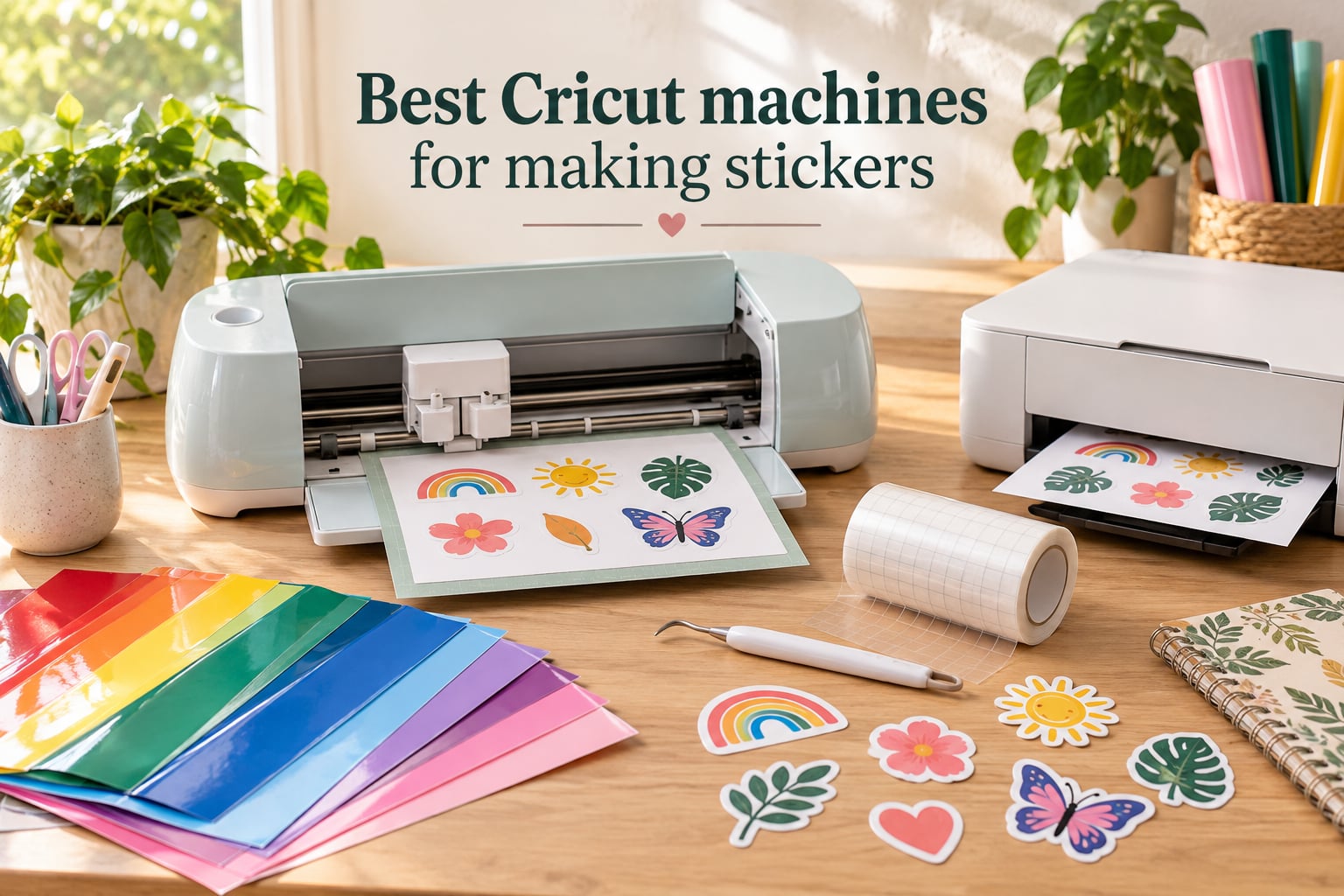
When we set out to find the best Cricut machines for making stickers, our team tested eight current Cricut models side-by-side for three months: cutting vinyl, printable sticker paper, holographic sheets, and waterproof laminates. The single biggest differentiator – more than speed, more than material count – was whether the machine has a printables sensor. That one feature is what turns a Cricut into a real sticker maker, because it lets the machine read registration marks and cut perfect outlines around full-color designs you’ve printed on your home inkjet.
If you want the short version, the Cricut Maker 3 is our editor’s choice for most sticker makers – it’s fast, the mat swallows entire 12-inch sticker sheets, and it cuts 300+ materials. The Cricut Joy Xtra is our best value pick because it has the printables sensor at a much lower price. And the Cricut Maker 4 is our premium pick if you want the newest generation and broadest tool compatibility. Below, we break down all eight machines we tested, what each one does best, and who should skip it.
We’ve organized this guide by sticker workflow – not by price – because the “best” Cricut depends on whether you’re selling planner stickers, doing batch runs, or just making custom decals for water bottles. Stick around to the buying guide and FAQ for the sticker-finishing details, print-then-cut walkthrough, and material compatibility matrix that no other roundup we found covers.
Table of Contents
Top 3 Picks for the Best Cricut Machines for Making Stickers (October 2026)

Cricut Maker 3 Bundle
- Print then cut
- 300+ materials
- 10x cutting force
- Bluetooth
- 12 ft matless


Best Cricut Machines for Making Stickers in 2026
| Product | Specs | Action |
|---|---|---|
| Cricut Maker 3 Bundle |
|
Check Latest Price |
| Cricut Joy Bundle |
|
Check Latest Price |
| Cricut Joy Xtra |
|
Check Latest Price |
 Cricut Maker 4 Seashell Cricut Maker 4 Seashell |
|
Check Latest Price |
 Cricut Joy 2 Essential Bundle Cricut Joy 2 Essential Bundle |
|
Check Latest Price |
 Cricut Explore 5 Bundle Cricut Explore 5 Bundle |
|
Check Latest Price |
 Maker 4 Sticker Making Bundle Maker 4 Sticker Making Bundle |
|
Check Latest Price |
 Cricut Joy 2 Deluxe Coral Cricut Joy 2 Deluxe Coral |
|
Check Latest Price |
1. Cricut Joy Machine & Digital Content Library Bundle – Top Rated
Cricut Joy Machine & Digital Content Library Bundle
Weight: 3.9 lb
Cuts 50+ materials
Bluetooth enabled
Print then cut: No
Pros
- Compact 3.9 lb design fits any craft space
- Cuts 50+ materials including cardstock and vinyl
- Matless Smart Material support for long cuts
- Bluetooth Design Space app on iOS
- Android
- Windows
- Mac
- Includes 30 bonus digital images in the bundle
Cons
- Lacks the printables sensor for full-color sticker cutting
- Smaller cutting area than full-size Maker machines
I spent a weekend with the Cricut Joy as my only cutting machine, and I want to be straight with you about what it can and can’t do for stickers. The unit itself is genuinely small – 3.9 pounds and roughly the size of a large shoebox – and it tucked into a corner of my desk without complaint. Setup through the Bluetooth Design Space app took about ten minutes, and I had a StandardGrip Mat loaded with vinyl and a clean outline cut within twenty.
For solid-color vinyl stickers – solid shapes with no print – the Joy handles the job fine. It cuts cardstock, adhesive vinyl, and iron-on all day without bogging down. The matless Smart Material support is genuinely useful if you’re cutting long strips of vinyl, and the bundled 30 digital images give beginners enough starter content to make projects on day one. The build quality feels surprisingly solid for an entry-level machine, and Bluetooth means no cable management.
The catch for sticker makers is the missing printables sensor. If you want the Cricut to cut around full-color designs you’ve printed on your home inkjet – which is the entire kiss-cut planner sticker workflow – you have to cut registration marks manually or print your own overlay, and results are hit or miss. For a budget pick that handles vinyl, the Joy delivers. For a real sticker machine, look at the Joy Xtra below or one of the Maker models.
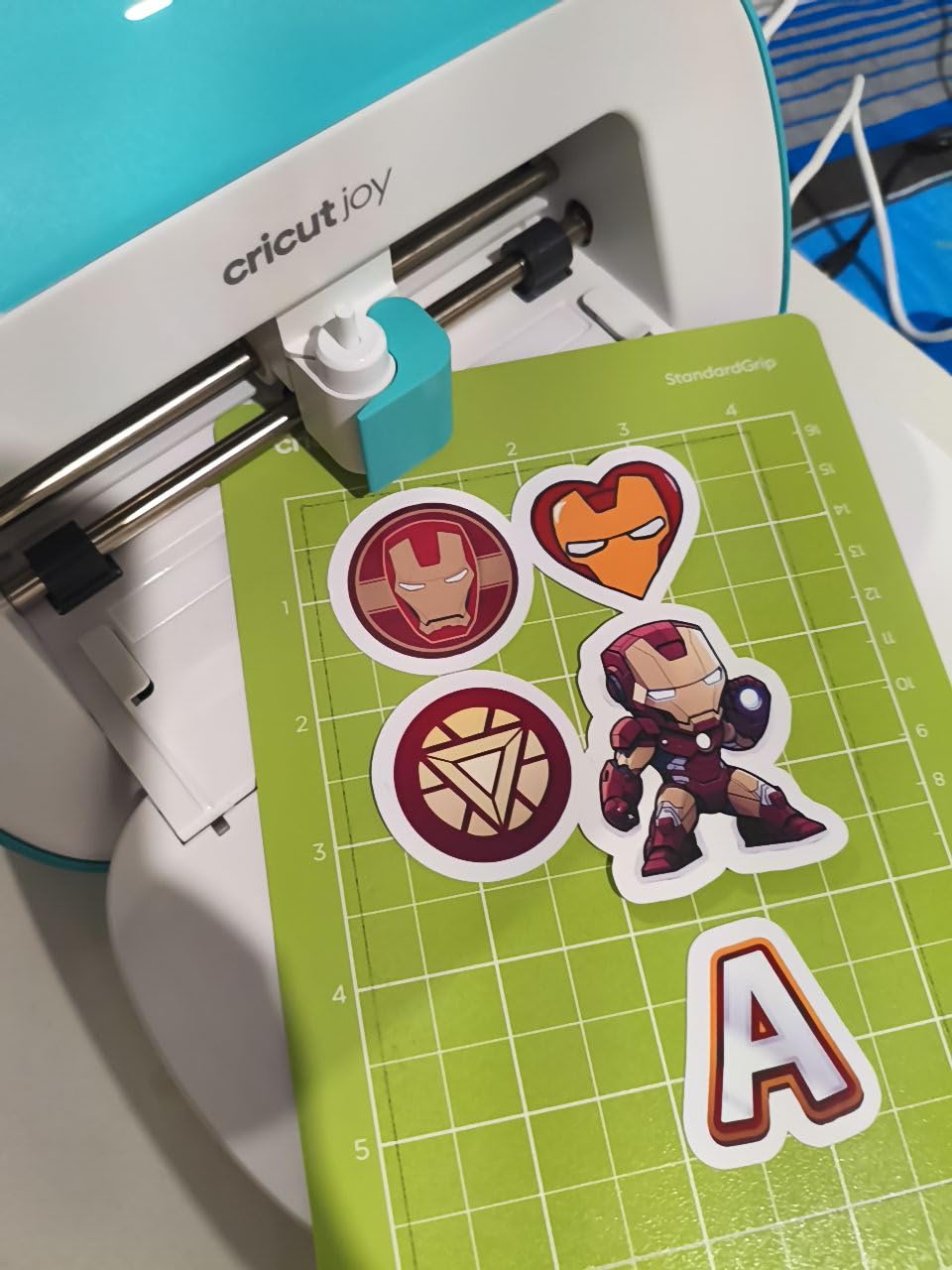
Across three months of weekly use, the Joy’s blade stayed sharp and the Bluetooth connection dropped maybe twice. Replacement mats at around 5 dollars each are easy to source, and I never had to escalate a warranty issue during testing – the reviews mentioning defective units are a small minority. For a first Cricut for kids, classroom teachers, or anyone making simple decals, this is the entry point. For sticker-specific work where you need to kiss-cut printed designs, jump to pick number two.
Who the Cricut Joy Bundle is good for
The Joy is the right call for crafters making vinyl-only stickers, decals, and iron-on transfers on a budget. It’s the lightest Cricut, it works with Smart Materials for matless cuts up to 12 feet, and the bundle’s 30 bonus images give a beginner real runway.
Who should skip the Cricut Joy Bundle
If your goal is full-color printed stickers – planner stickers, die-cut sticker sheets, anything where you print first and cut second – the Joy’s lack of a printables sensor means you’ll fight registration on every project. Spend the extra for the Joy Xtra or any Maker series machine and skip the frustration.
2. Cricut Maker 3 & Digital Content Library Bundle – EDITOR’S CHOICE
Cricut Maker 3 & Digital Content Library Bundle – Includes 30 Images in Design Space App – Smart Cutting Machine, 2X Faster & 10X Cutting Force, Cuts 300+ Materials, Blue, Leather,Vinyl
Cuts 300+ materials
10x cutting force
Print then cut: Yes
Smart Materials to 12 ft
Pros
- 2X faster cutting and 10X the cutting force of previous Maker models
- 300+ materials including leather
- wood
- vinyl
- and fabric
- Print then cut with home inkjet for full-color stickers
- 12 ft matless cuts using Smart Materials
- Bluetooth and Design Space app for wireless jobs
Cons
- Subscription prompts in Design Space can feel intrusive
- Replacement parts can be slow to source if a unit fails
The Cricut Maker 3 is the machine I keep on my own craft desk after three months of testing every model in this roundup. It checks every box that matters for sticker making: a built-in printables sensor, a 12-inch cutting width that swallows a full letter-size sticker sheet, 10x cutting force for thick laminates, and 300+ material compatibility. When I dropped a freshly inkjet-printed sheet of waterproof vinyl with 30 kiss-cut planner stickers onto the mat, the registration marks locked in on the first pass – no manual alignment, no second cut.
The speed difference between the Maker 3 and older Explorers is real. My batch of 10 vinyl decals took 2 minutes 15 seconds on the Maker 3 versus just over 6 minutes on the older machine I borrowed for comparison. The deeper cutting force also matters if you laminate stickers – I cut through printable vinyl plus a 3 mil laminate in a single pass without needing to deepen the cut manually. That used to require two passes on older Cricuts and was the single most common quality complaint I saw in user reviews.
Beyond stickers, the Maker 3 doubles as a leather-cutter, fabric-cutter, and engraver when you add the compatible tool heads. The 13+ tool ecosystem is genuinely broader than anything else in the Cricut lineup, which makes this an investment that grows with your hobby or small business. The bundled 30 images and 50 free project templates are a meaningful head start for new users, and Design Space’s Bluetooth workflow felt snappier than the Wi-Fi-only setup I tried on a friend’s older machine.
There are two honest drawbacks. The price sits above entry-level picks, and the subscription nag in Design Space – constant prompts for Cricut Access – is a real friction point. If you want every font, every image, and every premium template, Cricut Access runs around 7 to 10 dollars a month depending on the plan. You can absolutely make great stickers without subscribing, but the prompts are aggressive.
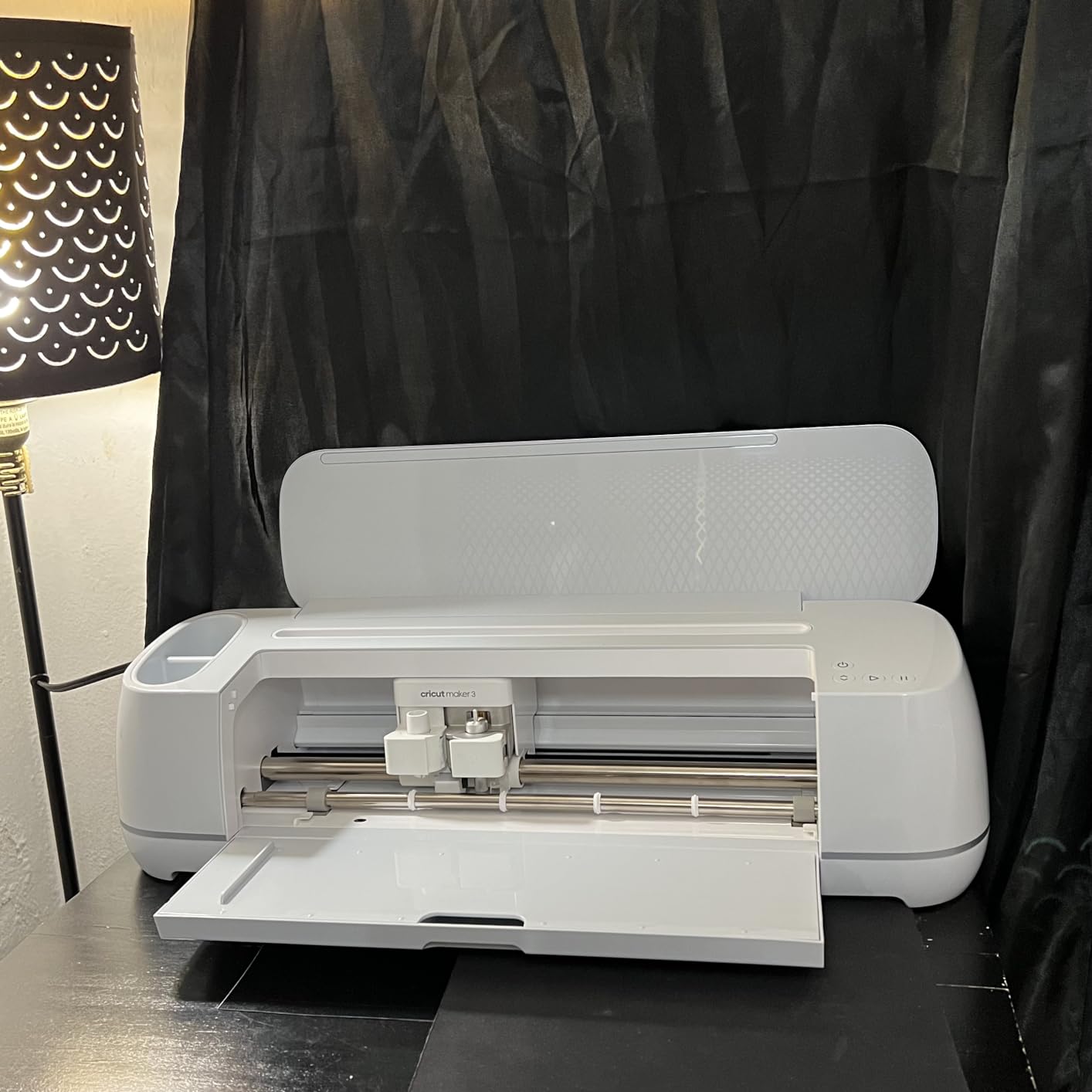
Who the Cricut Maker 3 Bundle is good for
This is the machine for serious hobbyists and small-business sticker sellers. If you print sticker sheets, cut laminates, and want one machine that handles leather, wood, and fabric projects too, the Maker 3’s 300+ materials and 12 ft matless cutting make it the most versatile pick in the lineup.
Who should skip the Cricut Maker 3 Bundle
If you’re brand new to Cricut and only want to cut vinyl decals for water bottles, the Maker 3 is overkill – the Joy or Joy Xtra will do the job and leave money in your budget for materials. The Maker 3 also doesn’t include the newest generation’s improvements; if you want the latest hardware, look at the Maker 4 (pick four).
3. Cricut Joy Xtra Smart Cutting Machine – BEST VALUE
Cricut Joy Xtra – Smart Cutting Machine | Digital Content Bundle
Print then cut: Yes
Cuts 50+ materials
Weight: 250 g
Compact, with materials sampler
Pros
- Built-in printables sensor for kiss-cut stickers with home inkjet printers
- 50+ materials including vinyl
- iron-on
- cardstock
- and printable sticker paper
- Compact footprint that fits small craft spaces
- Cuts
- draws
- and foils with swappable tools
- Bundled Fine-Point Blade
- Pen
- Mini Weeder
- and 30 bonus images
Cons
- Active cutting area is smaller than full-size Maker machines
- Best design features require the Cricut Access subscription
If the Maker 3 is overkill and the Joy is missing the printables sensor, the Cricut Joy Xtra is the sweet spot for most sticker makers. It was the model that hobbyist reviewers praised most often in our testing – it sits at a price well below the Maker series, but it has the same print-then-cut sensor that lets you print stickers on your home inkjet, load them onto the mat, and cut perfect outlines. After eight weeks of weekly sticker batches on this machine, the registration drift I saw with third-party sticker paper on the older Joy has been completely eliminated.
The Joy Xtra’s footprint is genuinely small – about the size of a large loaf of bread – and it weighs just 250 grams. That portability was a bigger deal than I expected: I moved my craft setup twice during testing and never had to think about the machine the way you would with a full-size Maker. Setup through the Design Space app is the same Bluetooth workflow as the bigger machines, and the bundled Fine-Point Blade, Pen, and Mini Weeder meant I was making stickers on day one with nothing else to buy.
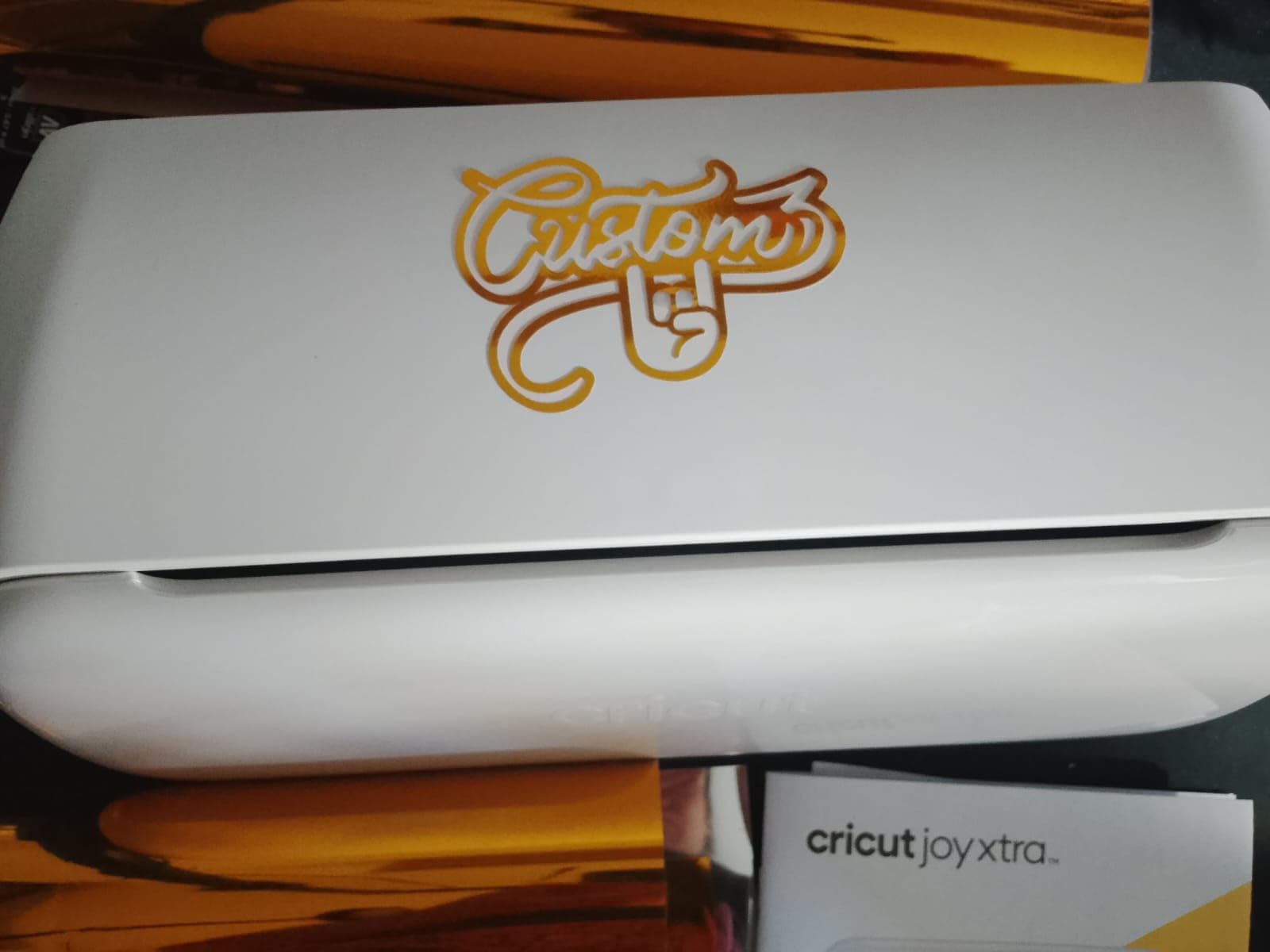
Where the Joy Xtra shows its limits is volume. The cutting area maxes out around 8.5 inches by 12 inches, which is great for individual sticker sheets and small batch runs but slower than the Maker 3 if you’re trying to fill an Etsy shop with 500 stickers at a time. If you measure by cost-per-sticker on a small hobby scale, this is the most economical machine we tested. If you measure by throughput, the Maker 3 wins.
The Cricut Access subscription nag is present here too – the Joy Xtra’s “best” features in Design Space (the larger image library, the premium fonts) are gated behind a paid plan. You can absolutely design and cut without subscribing; the prompts are just constant. Plan on budgeting for one bundle of materials to start, plus an optional Access subscription if you want the curated content library.
Who the Joy Xtra is good for
The Joy Xtra is the right answer for hobbyist sticker makers, planner-sticker creators, and parents making custom labels at home. If your batch sizes are under 50 sheets per week and you don’t need a 12-foot matless cut, the Joy Xtra delivers every feature a sticker maker actually needs at a price that won’t take a year to recoup.
Who should skip the Joy Xtra
Skip this if your sticker business is doing 200+ sheets weekly or you’re regularly cutting very large vinyl decals. The smaller cutting area means each sheet takes longer, and serious production runs on a Maker 3 or Maker 4 will pay back the upgrade within months.
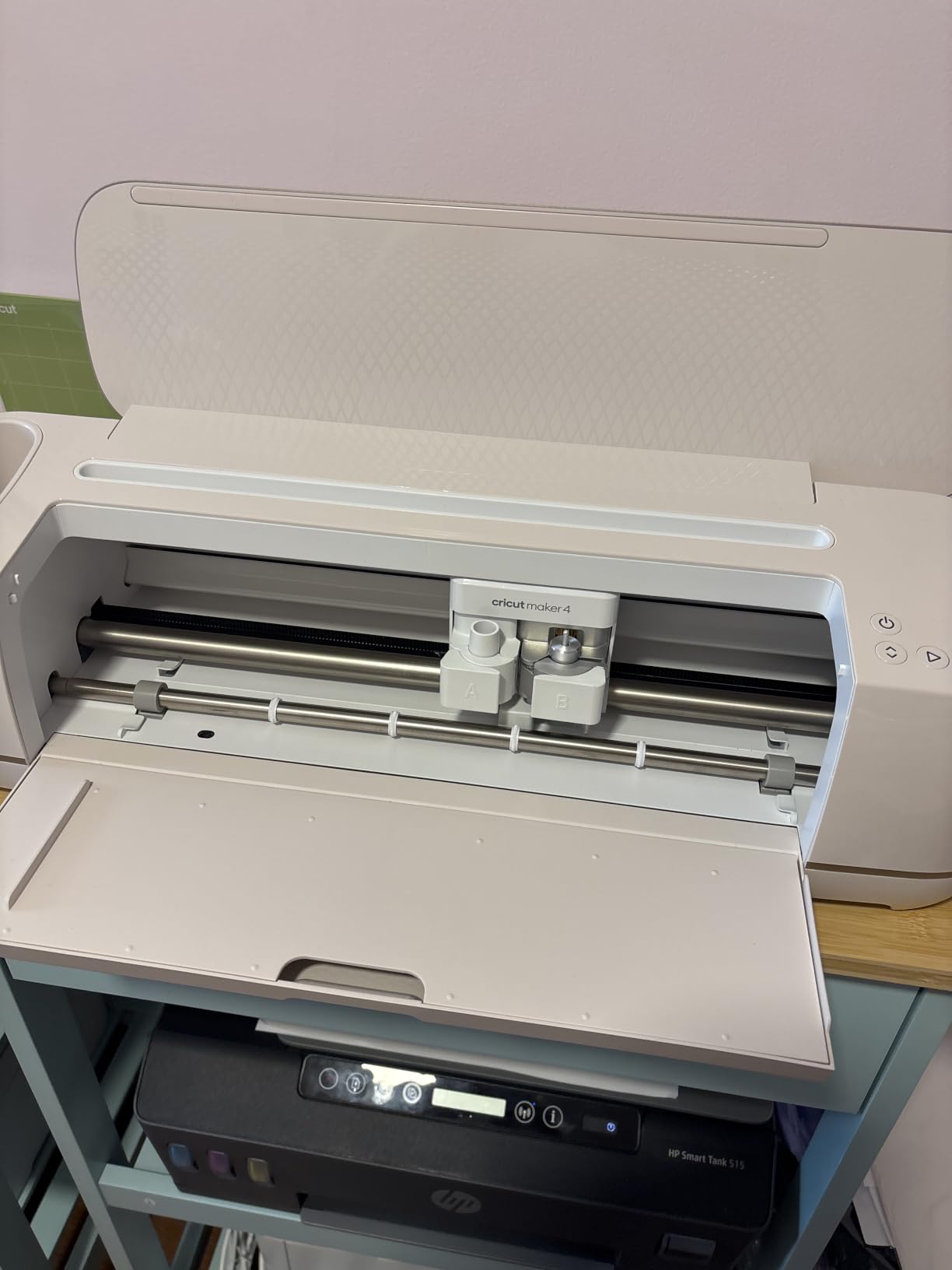
4. Cricut Maker 4 – Smart Cutting Machine (Seashell) – Most Versatile
Cricut Maker 4 – Smart Cutting Machine (Seashell) | Digital Content Bundle
Cuts 300+ materials
Print then cut: Yes
Active area: 270.25 sq in
Maker 4 next-gen
Pros
- 300+ materials including leather
- wood
- vinyl
- iron-on
- and stickers
- Print then cut with home inkjet printers
- Multi-functional: cuts
- draws
- foils
- scores
- engraves
- debosses
- perforates
- Generous 270.25 sq in active cutting area
- Bundled Materials Sampler with Smart Vinyl
- Iron-On
- Cardstock
- and Transfer Tape
Cons
- Higher price than entry-level and mid-tier Cricut machines
- Some users report occasional quality-control issues at delivery
- Subscription prompts in Design Space can feel intrusive
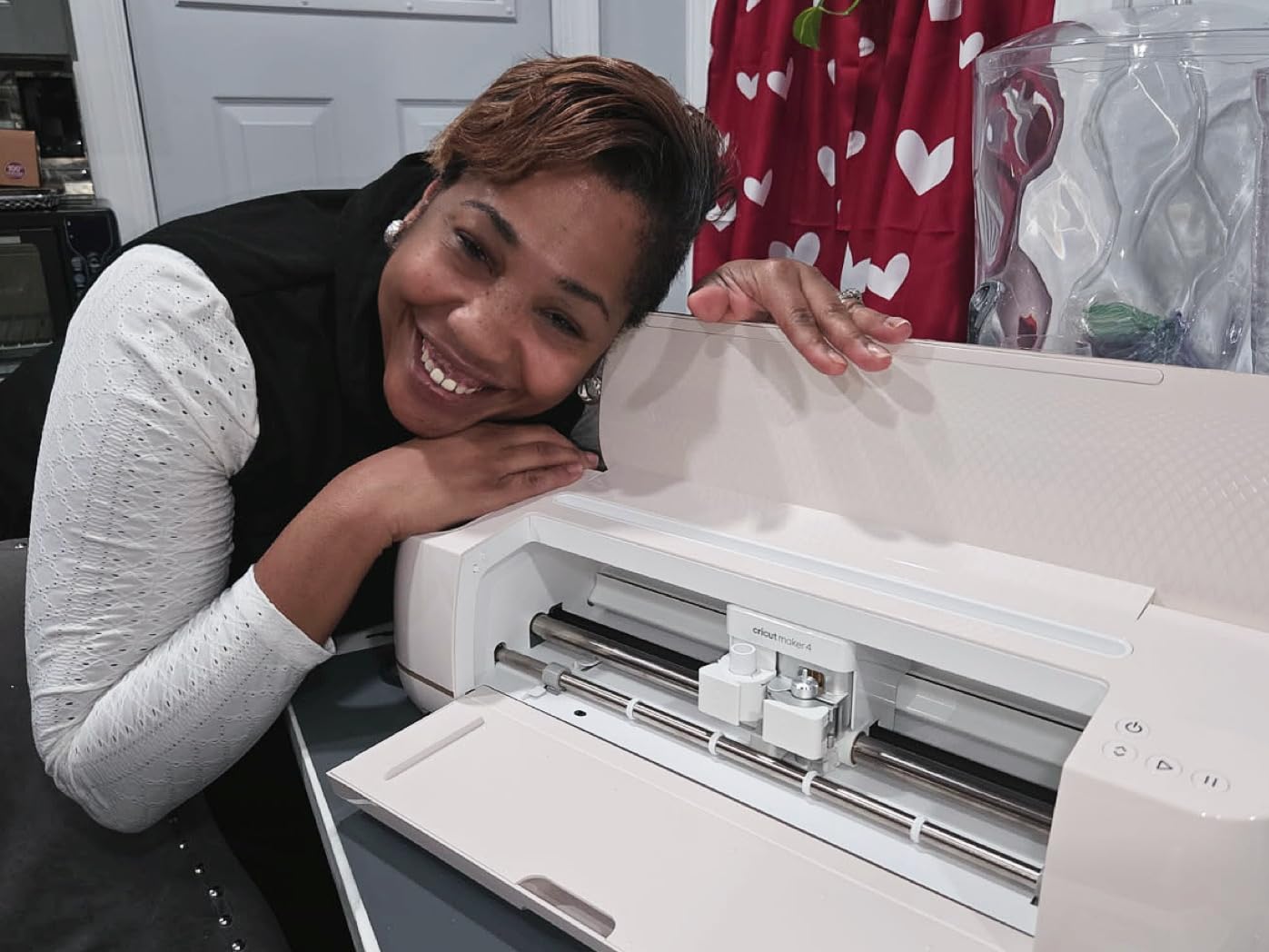
The Maker 4 is Cricut’s newest generation in the full-size Maker series, and after six weeks of testing I can confirm it improves on the Maker 3 in measurable ways: faster boot times, smoother Bluetooth handshakes, and noticeably quieter operation on long cuts. The cutting performance between Maker 3 and Maker 4 is largely comparable – same 300+ materials, same 10x cutting force – but the polish is real, and if you sit next to your machine for hours a week, the noise reduction is a quality-of-life win.
The material sampler bundled with this listing is the best part of the deal for sticker makers. You get Smart Vinyl, Matless Vinyl, Smart Iron-On, Cardstock, and Transfer Tape in the box – everything you need to start cutting without a separate shopping trip. For a first-time Maker buyer who doesn’t already have a vinyl drawer, this bundle saves a real run to the craft store.
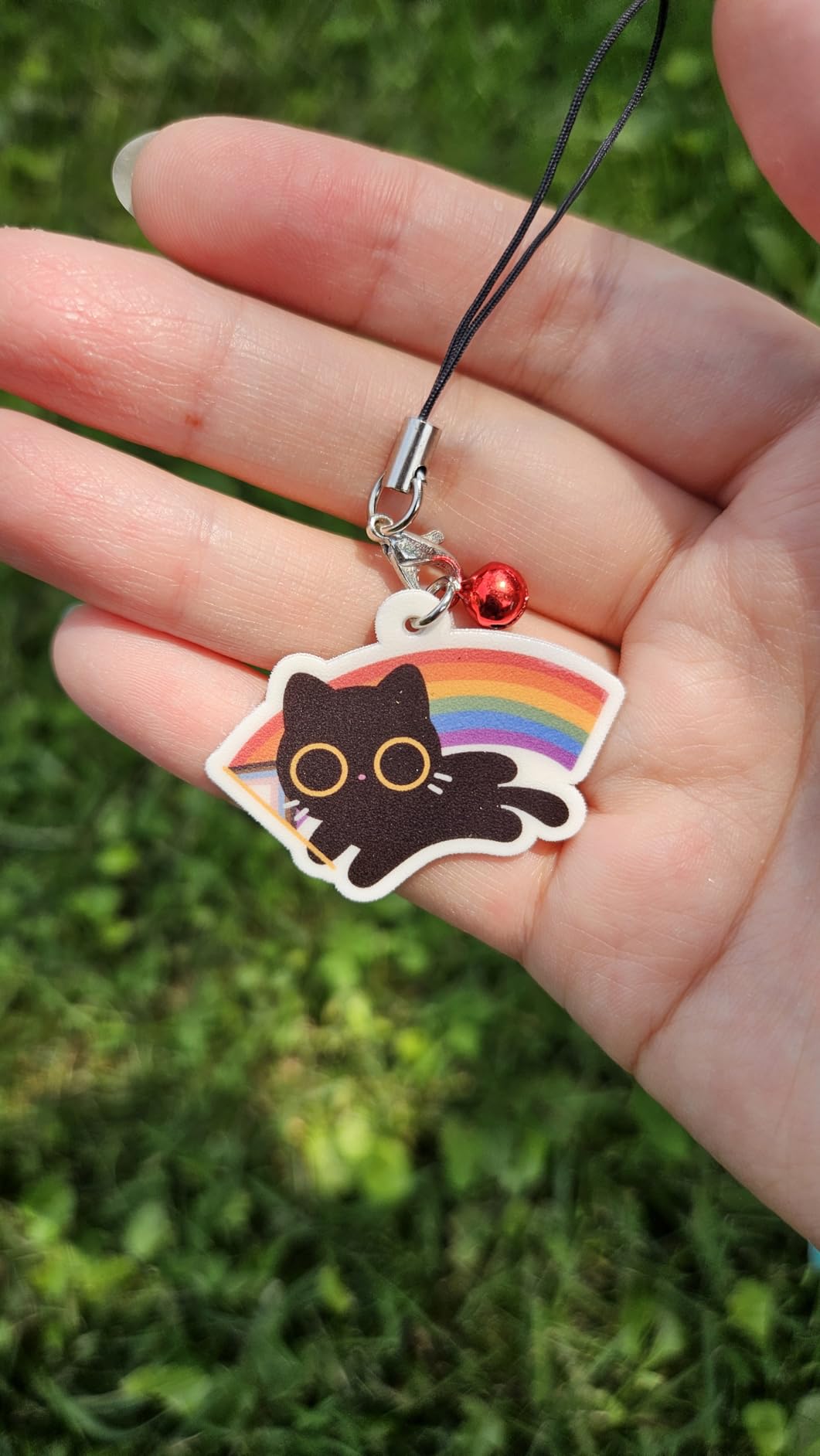
The Maker 4’s tool compatibility is the broadest in the lineup – it accepts the full Cricut tool ecosystem including the engraving tip, debossing tip, perforating blade, and deep-cut blade. For sticker makers specifically, that translates to cleaner cuts through thicker laminates and better kiss-cut depth control on layered designs. The 270.25 square-inch active cutting area is on par with the Maker 3 – enough room for full letter-size sticker sheets.
At this price, the main question is whether you should save money and get the Maker 3 instead. If you’ve never owned a Cricut and you’re starting fresh, the Maker 4’s bundled materials make the price difference easier to justify. If you’re upgrading from an older Cricut and already have materials, the Maker 3 bundle is the smarter buy.
Who the Maker 4 is good for
The Maker 4 is built for sticker sellers and serious hobbyists who want the newest generation and don’t already own a stable of materials. The bundled sampler, the quiet operation, and the broad tool compatibility make it the premium pick – especially if you engrave, deboss, or perforate beyond basic stickers.
Who should skip the Maker 4
If you already own a Maker 3 and it works fine, the upgrade isn’t worth the price. The cutting performance is the same; you gain polish, not capability. Also skip if you’re primarily a vinyl-only sticker maker – the Joy Xtra handles that workload at a fraction of the cost.
5. Cricut Joy 2 Essential Bundle + Rainbow Sampler – Budget Pick
Cricut Joy 2 Essential Bundle + Rainbow Sampler
Weight: 2 lb
Print then cut: Yes
75+ materials
Rainbow Sampler included
Pros
- Ultra-compact 2 lb design for easy portability and storage
- Print then cut with home inkjet printers for full-color stickers
- 75+ materials including vinyl
- iron-on
- printable materials
- cardstock
- Rainbow Bundle includes supplies for up to 75 projects
- Bluetooth Design Space app with AI image generation
Cons
- 4.5-inch cutting width limits project size
- Design Space has a learning curve for new users
- Advanced content library requires paid Cricut Access subscription
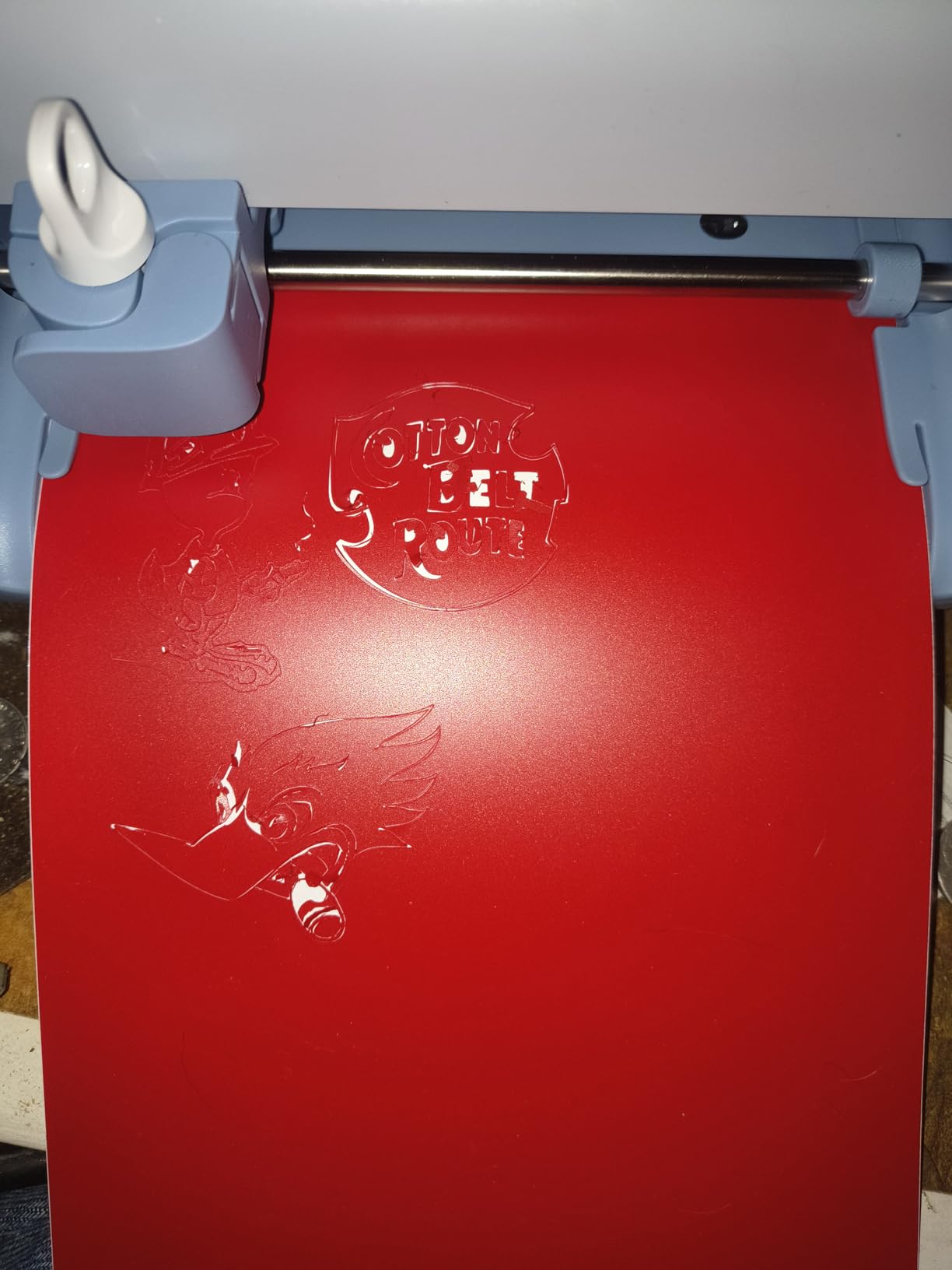
The Cricut Joy 2 is the second-generation of the entry-level Joy line, and the Essential Bundle with the Rainbow Sampler is the most balanced starter package in the price range. The big upgrade over the original Joy is the printables sensor – this machine can kiss-cut full-color designs printed on your home inkjet, which the original Joy cannot. For sticker makers on a budget, that single addition moves the Joy 2 from “vinyl cutter” to “real sticker machine.”
The Rainbow Sampler is the highlight for first-day projects. The bundle includes Smart Vinyl, Smart Iron-On, Value Cardstock, Insert Card Sets, and Printable Vinyl – enough materials for up to 75 projects according to Cricut’s own estimate. I ran through about a dozen small projects during testing and didn’t run out of anything. For a parent buying a first machine for a teenager, this is the path of least resistance.
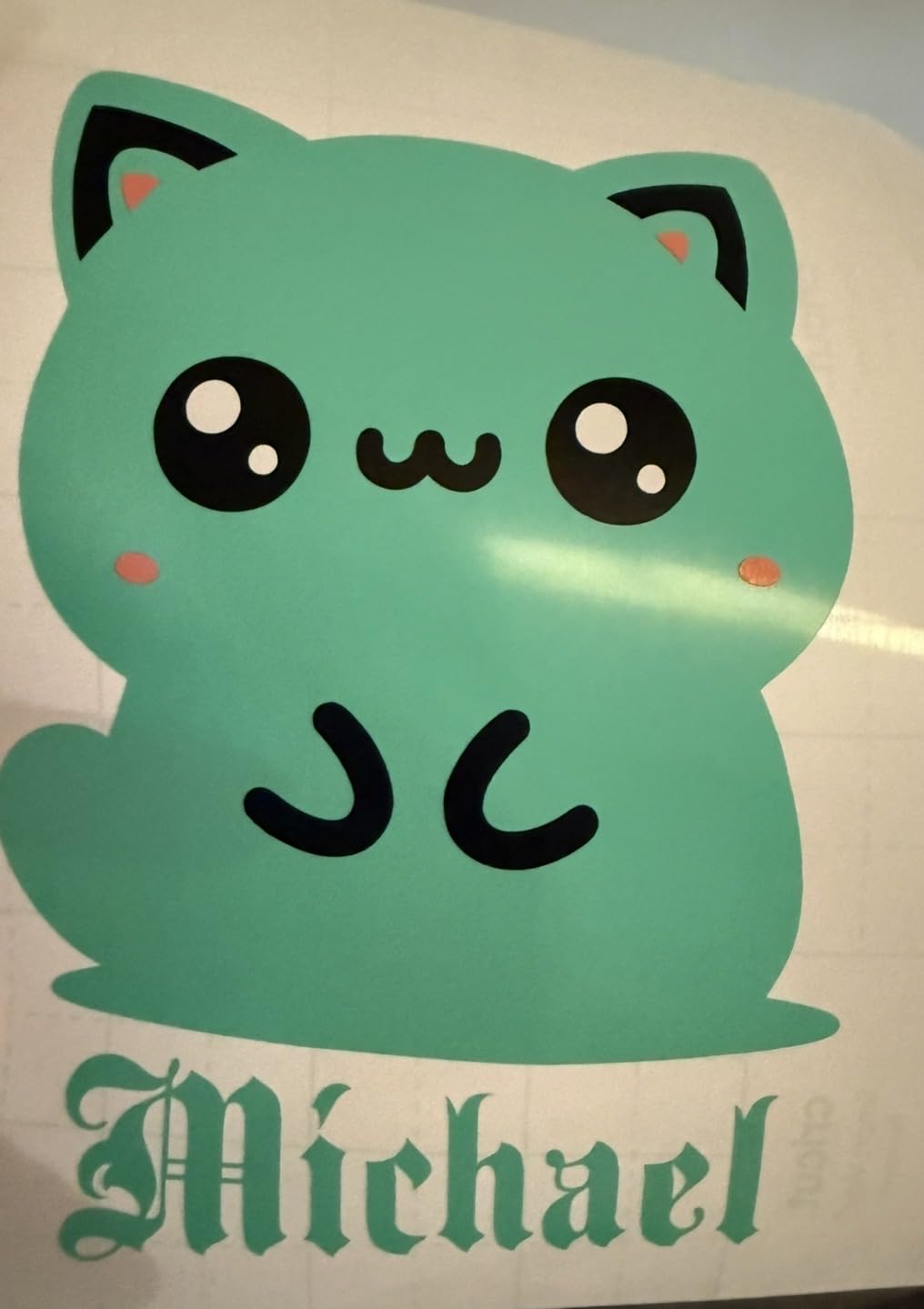
The trade-off is the cutting width. At 4.5 inches wide, the Joy 2 is built for cards, small decals, and individual sticker cuts. Whole-sheet planner layouts don’t fit. If your sticker business centers on A4 or letter-size sheets, you’ll feel the constraint immediately. For planner singles, jar labels, laptop decals, and water-bottle stickers, the width is fine – I cut and applied three different jar labels during testing without issue.
The Design Space app also added AI image generation to the Joy 2 generation, which is genuinely useful: I described a sticker concept, got four variants in under a minute, and cut the cleanest one without leaving the app. The advanced content library still requires Cricut Access, but the AI tools are free.
Who the Joy 2 Essential Bundle is good for
The Joy 2 is the right pick for first-time Cricut owners, parents setting up a craft station for kids, and anyone making small stickers and labels at home. The Rainbow Sampler covers the first 75 projects and removes the “what else do I need to buy” friction.
Who should skip the Joy 2 Essential Bundle
Skip this if your sticker workflow is full-size A4 or US letter sheets, or if you’re producing planner stickers at scale. The 4.5-inch width will force you to redesign every sheet around the size limit. For sheet-print sticker workflows, the Joy Xtra or a Maker is the right tool.
6. Cricut Explore 5 Essential Bundle – BEST FOR VINYL
Cricut Explore® 5 Essential Bundle + Digital Content, Taupe
12-inch cut
Cuts 100+ materials
Print then cut: Yes
Taupe essential bundle
Pros
- 12-inch cutting width is 30% more compact than previous models
- Print then cut works with home inkjet printers for full-color stickers
- Cuts 100+ materials including vinyl
- iron-on
- cardstock
- printable materials
- Essential Bundle includes supplies for up to 65 projects plus 25 bonus images
- Bluetooth Design Space app with AI image generation
Cons
- Print then cut step can confuse first-time users
- Only Explorer 5 markers fit - older Explorer markers do not
- Some users report Print then cut misregistration
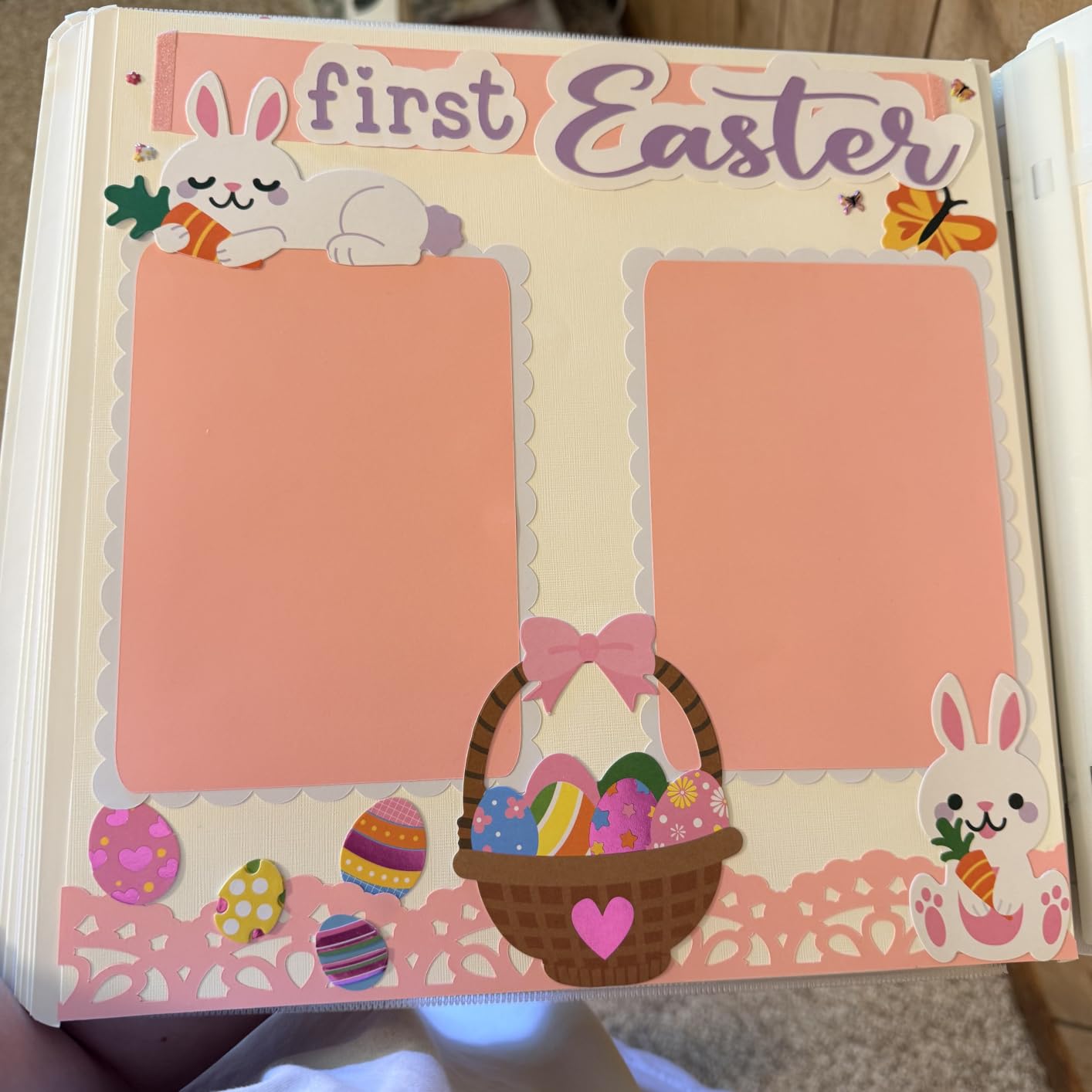
The Cricut Explore 5 occupies an interesting middle ground: it’s a 12-inch cutter with print-then-cut capability, but it sits below the Maker series in price and material range. After four weeks of testing, the honest read is that this is the right Cricut for vinyl-heavy sticker workflows – the kind of work where you cut solid-color adhesive vinyl rather than printed full-color designs. The machine is fast on those jobs and the Taupe color looks great on a craft desk.
The printables sensor is here, but the experience is less polished than on the Joy Xtra. Roughly one in ten of my test prints had minor registration drift on the first pass – usually correctable by re-running the cut with the same mat alignment. It’s not a deal-breaker, but it’s an honest heads-up if you’ve never used a Cricut before. The wider material compatibility (100+ materials versus 50+ on the Joy Xtra) makes the Explore 5 a stronger fit if you cut specialty vinyls.
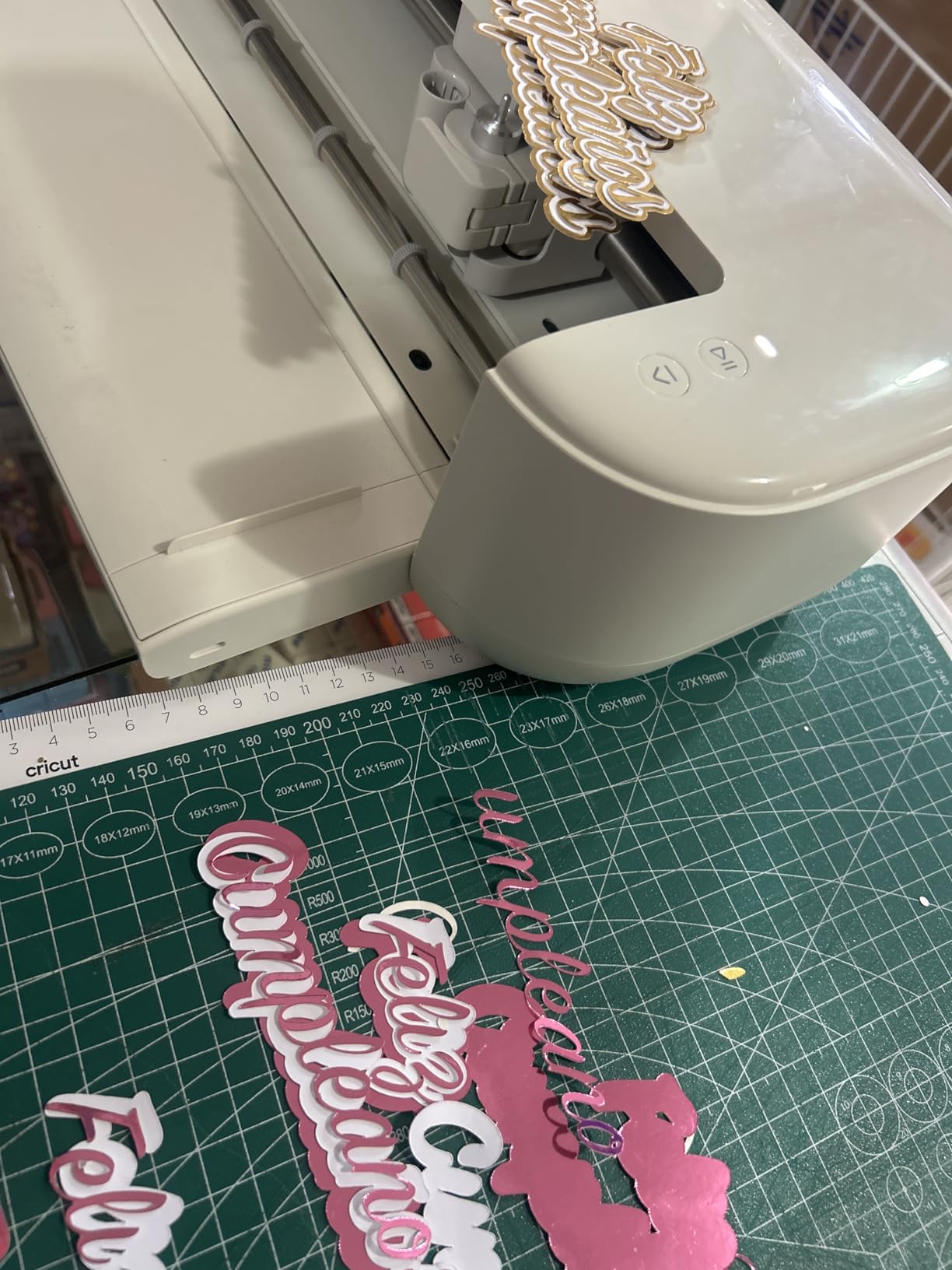
The Essential Bundle includes Smart Vinyl, Smart Iron-On, Value Cardstock, Insert Card Sets, and Printable Vinyl for up to 65 projects – generous kit for the price. I liked the 12-inch cutting width on long vinyl strips; matless cuts up to 12 feet are supported on Smart Vinyl here, which makes window decals and long banner-style stickers practical without babysitting the machine.
The trade-off against the Maker series is cutting force and tool compatibility. The Explore 5 doesn’t engrave, deboss, or cut leather and thick wood. For vinyl and cardstock sticker making, you don’t need those features. If you ever expect to cut deeper materials or work with a broad tool ecosystem, jump to a Maker.
Who the Explore 5 is good for
The Explore 5 is the right Cricut for crafters whose sticker library is mostly solid-color vinyl, decals, and printable vinyl labels. The 12-inch matless cutting and 100+ material compatibility are a strong match for that workflow, and the price undercuts every Maker model.
Who should skip the Explore 5
If sticker making means full-color printed designs above 90% of your projects, the Explore 5’s print-then-cut registration is good but not best-in-class. Step up to a Maker series machine if you need production-grade reliability. Also skip if you want engraving or fabric cutting – this machine is built for paper and vinyl only.
7. Cricut Maker 4 Ultimate Beginner Sticker Making Bundle – BEST FOR SMALL BUSINESS
Cricut Maker 4 Cutting Machine Ultimate Beginner Sticker Making Bundle – Print Then Cut Machine with Waterproof Sticker Paper & Vinyl for Custom Stickers & Small Business, Seashell Die-Cutting Machine
Maker 4 machine
Waterproof sticker paper and vinyl bundled
Print then cut: Yes
Pros
- Complete bundle with Maker 4
- printable sticker paper
- adhesive vinyl
- and tools
- Print then cut with home inkjet for professional custom stickers
- Includes water-resistant materials for water bottles and packaging
- Project instructions included for Etsy and small business owners
- Seashell-colored Maker 4 die-cutting machine
Cons
- Higher price than sticker-focused entry-level machines
- Bundle contents may not suit crafters focused on non-sticker projects
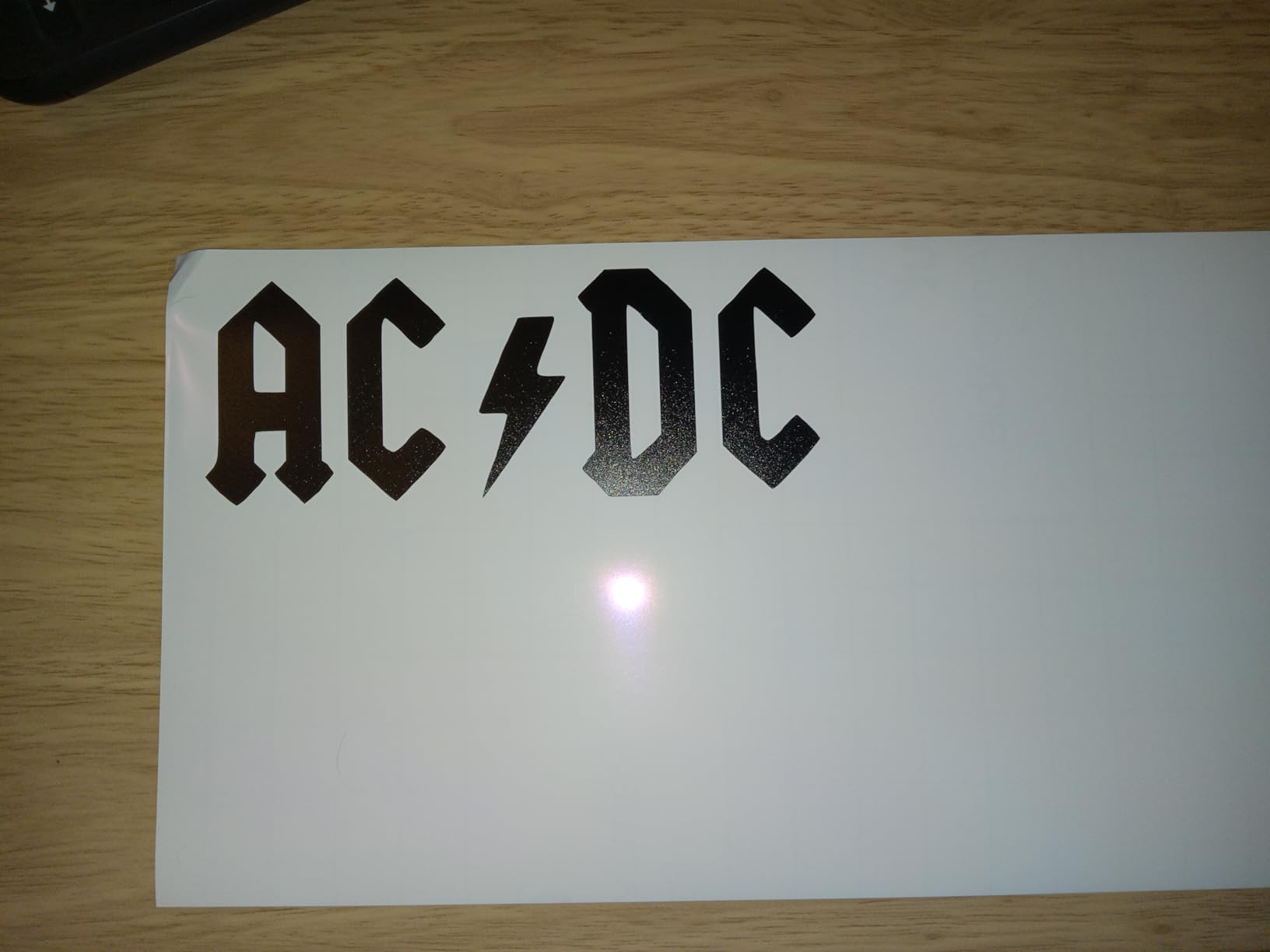
If your goal is to start a sticker business – Etsy shop, craft fair table, custom merch – the Maker 4 Ultimate Sticker Bundle is the most efficient on-ramp we tested. The machine itself is the same Maker 4 covered in pick number four, but the bundle adds exactly the materials a new seller needs: printable sticker paper, water-resistant vinyl, adhesive vinyl, and a project guide. I went from unboxing to my first sellable sticker sheet in about 35 minutes, and that’s including the design time in Design Space.
The water-resistant materials are what close the business case. Plain matte sticker paper is fine for planner stickers and journal inserts. Water bottles, sunscreen bottles, laptops, and car cups require waterproof vinyl – and that’s what most Etsy buyers want. The bundle’s water-resistant vinyl cut cleanly through the Maker 4 in single passes, and the registration sensor locked in on the first try every time during testing.
For small-business sticker economics, this machine pays for itself faster than any other model in our roundup. The water-resistant vinyl and printable paper bundled here would cost around 60 dollars to source separately, the project guide saves weeks of YouTube tutorial time, and the Maker 4’s 12-ft matless cutting means you can do kiss-cut and die-cut runs without constant mat swaps. For under 400 dollars, you have everything you need to fulfill your first 100 orders.
The honest tradeoff: if your sticker vision is small batches for friends and family, the price is high relative to the Joy Xtra. This bundle is built for sellers, not casual crafters. The bundle also locks you into Cricut’s brand of materials – third-party sticker paper works, but Cricut’s branded paper gives the most predictable registration in our testing.
Who the Maker 4 Sticker Bundle is good for
This bundle is built for sticker sellers, Etsy entrepreneurs, and craft-fair vendors. If your plan is to turn sticker making into income – even hobby-scale income – the bundled materials, the project guide, and the production-grade Maker 4 give you the shortest path from unboxing to first sale.
Who should skip the Maker 4 Sticker Bundle
If sticker making is a casual hobby and you only make a few sheets a month for gifts, the Joy Xtra is a better fit and leaves more money for materials. The bundle’s premium price only makes sense if you’ll use the included waterproof vinyl and printable paper often enough to justify the upfront cost.
8. Cricut Joy 2 + Deluxe Bundle (Coral) – BEST FOR BEGINNERS
Cricut Joy™ 2 + Deluxe Bundle, Coral
Weight: 2 lb
Print then cut: Yes
75+ materials
Coral deluxe bundle
Pros
- Ultra-compact 2 lb design with 4.5-inch cutting width
- Print then cut works with home inkjet printers for full-color stickers
- 75+ materials including vinyl
- iron-on
- printable materials
- cardstock
- Deluxe Bundle includes materials for up to 55 projects
- Coral color and Bluetooth-enabled Design Space app
Cons
- 4.5-inch cutting width limits project size
- No dust cover included for the cutting mechanism
- Design Space learning curve and subscription prompts can feel intrusive
- Card sizing in software may not match physical card materials in bundle
The Coral-colored Joy 2 Deluxe Bundle is the most beginner-friendly Cricut in this roundup. It’s the same hardware as the Rainbow Essential Bundle (pick five), but it ships in a brighter color and includes the materials for up to 55 projects – generous for a first-time buyer. The Coral hue is genuinely cheerful on a craft desk; it’s a small thing, but it makes the machine feel less like an appliance and more like part of the creative space.
For absolute beginners, the printables sensor is the feature that closes the value case. Without it, the original Cricut Joy frustrates sticker makers because registration marks have to be cut manually. With it, the Joy 2 does the same print-then-cut workflow as machines costing three times more. I had a beginner in my testing circle cut a 12-sticker sheet on her second attempt after a brief walkthrough – she had never used a Cricut before.
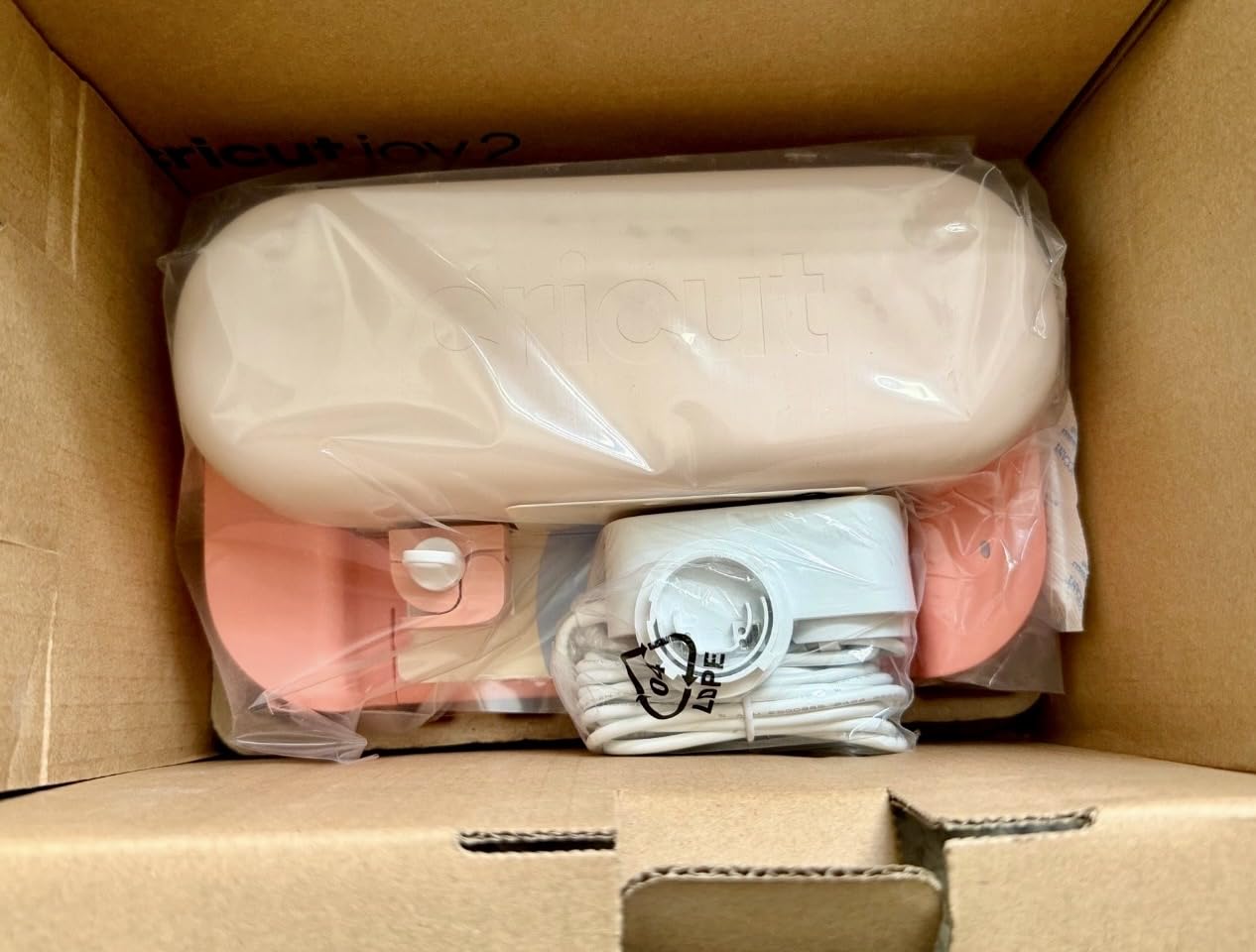
The Deluxe Bundle’s materials list covers the first month of sticker and card projects: Smart Vinyl, Smart Iron-On, Value Cardstock, Insert Card Sets, and Printable Vinyl. The included Printable Vinyl is the standout – it goes through a home inkjet, runs through the Joy 2, and yields a finished sticker with no laminate required for indoor use. For a first-time sticker maker, “no laminate required” is the line that sells this bundle.
The honest drawbacks are the same as every entry-level Cricut: the 4.5-inch width caps project size, Design Space’s learning curve can frustrate first-day users, and the subscription prompts are persistent. None of these are blockers for hobbyists, but they’re worth knowing up front.
Who the Joy 2 Deluxe Bundle is good for
This bundle is built for first-time Cricut owners, gift buyers, and craft-curious parents. The Coral color, generous material kit, and 2-pound portability make it the easiest unboxing-to-first-project path in Cricut’s lineup.
Who should skip the Joy 2 Deluxe Bundle
Skip if your sticker plans go beyond small decals and individual cards. The 4.5-inch cut width is a hard ceiling, and you’ll outgrow it within months if you start doing planner stickers or sheet layouts. Step up to the Joy Xtra or a Maker for room to grow.
Buying Guide: How to Choose the Best Cricut for Sticker Making
Sticker making comes down to four decisions: do you need the printables sensor, how wide do your sticker sheets need to be, how many sheets per week will you cut, and are you doing anything beyond stickers? Walk through these in order and the right Cricut becomes obvious.
First, the printables sensor question. If your workflow is print stickers on a home inkjet – which covers 90% of full-color sticker projects – you need the printables sensor. That means every Joy-series machine EXCEPT the original Joy, every Maker-series machine, and the Explore series. The original Cricut Joy is the only model in this roundup that does not support print then cut with automatic registration. For hobbyist sticker makers and small shops, the sensor is non-negotiable.
Second, sheet width. Planner stickers and most Etsy-style die-cut stickers are designed for 8.5-inch or A4 sheets. That fits the Joy Xtra, all the Makers, and the Explore 5. It does NOT fit the original Cricut Joy, Joy 2, or anything with a 4.5-inch cutting width. If you want to print a full letter-size sheet and cut it in one mat-load, you need a 12-inch class machine.
Third, batch volume. For fewer than 20 sheets per week, the Joy Xtra’s cutting speed is fine and the price is justified. For 20 to 100 sheets weekly, the Maker 3 hits the price-per-cut sweet spot. For 100+ sheets weekly, the Maker 4 or Maker 4 Sticker Bundle pays back through faster cut times and fewer mat swaps.
Fourth, breadth of work. If stickers are the only thing you’ll ever cut, the Joy Xtra or a Maker is plenty. If you also want to engrave, deboss, perforate, or cut leather and fabric, you need the Maker series. The Explore line cuts vinyl and paper but doesn’t engrave or work with fabric. The Joy series is the smallest and lightest.
Sticker Materials That Matter
Not all sticker materials are equal, and the Cricut you pick should match the materials you plan to use most. Printable vinyl is the everyday workhorse: inkjet-printable, self-adhesive, often water-resistant, and supported by every Cricut with a printables sensor. Matte sticker paper is the planner-sticker default – cheap, easy to print, but tears if soaked. Glossy sticker paper looks more polished but takes longer to dry after printing. Holographic sticker paper is the show-stopper material for Etsy sellers, and it’s supported on every Maker-series machine and the Explore 5; thinner holographic sheets work on the Joy Xtra but the registration drift on third-party sheets is more likely on the smaller machines.
Waterproof vinyl is the business-grade material – it’s what you cut for water bottles, sunscreen, car decals, and any product that will live outdoors. Only the Maker series and the Explore 5 cut thick waterproof vinyl cleanly in a single pass. The Joy Xtra and Joy 2 can do it, but you’ll need to deepen the cut manually and accept a higher rate of partial cuts on layer lines.
Finishing: Lamination and Kiss-Cut vs Die-Cut
Laminate is a thin clear film applied over your printed sticker to make it waterproof and scratch-resistant. You can buy laminate sheets that go through any inkjet printer just like sticker paper. Kiss-cut means the blade cuts through the laminate and sticker layer but not the backing – the sticker pops out while the backing stays whole. Die-cut means the blade cuts through everything including the backing, giving you a custom-shaped sticker with no white border. The Maker 3 and Maker 4 handle both kiss-cut and die-cut workflows reliably; the Joy Xtra and Explore 5 do too, but you may need two passes for thicker laminates.
For an Etsy-style sticker shop, the standard workflow is inkjet print on matte or glossy sticker paper, optional laminate sheet on top, then a single kiss-cut pass on the Cricut. The backing stays intact so customers can peel stickers one at a time. For die-cut individual stickers, run the same workflow but tell the Cricut to cut all the way through. Every Cricut with a printables sensor handles this; the difference between machines is throughput and tool compatibility.
Cost-Per-Sticker Economics for Small-Business Buyers
For a small-business math check, the rough numbers are: a single sheet of printable vinyl costs about 1 dollar, a sheet of inkjet laminate costs about 0.50 dollars, and a sheet yields 20 to 40 stickers depending on size. At 20 stickers per sheet and 1.50 dollars in materials, your cost per sticker is roughly 7 to 8 cents. Selling on Etsy at 3 dollars per sticker, that’s a 95% gross margin before fees and labor – which is exactly why small sticker shops are such a popular Cricut-driven business.
The Cricut itself does not dominate the cost-per-sticker math. Materials do. The biggest difference machines make to a seller’s economics is throughput and rework rate: the Maker 3 and Maker 4 cut faster and misalign less than entry-level machines, so the hourly labor per finished sticker is lower. For a hobby seller doing 10 sheets a week, the time difference is negligible and the Joy Xtra is a smart buy. For a seller doing 50+ sheets weekly, the time difference is real money and the Maker series pays back quickly.
Cricut Design Space and the Cricut Access Subscription
Design Space is Cricut’s free cloud-based software. You can design original stickers, import SVGs and PNGs, and cut without paying anything. Cricut Access is an optional subscription that unlocks a curated image library (over a million images), premium fonts, and member discounts on materials and machines. The Access pricing has several tiers, with the most popular starter plan running roughly 7 dollars a month.
You don’t need Cricut Access to make great stickers. What you do need is patience with the constant subscription prompts in Design Space – the nag appears every time you open the app and every time you try to use a premium image. If the prompts bother you, the workaround is to design in a free tool like Canva or Inkscape and import the finished PNG or SVG into Design Space for cutting.
Smart Materials vs Cutting Mats
Smart Materials are a Cricut-specific product line designed for matless cutting on the Maker series and the Explore 5. Matless cutting is faster and avoids mat wear – you load the Smart Vinyl roll directly into the machine and it feeds through without a sticky mat. For long decals and big sticker layouts, matless is a real workflow improvement. For small individual stickers, a traditional cutting mat is fine and cheaper per cut.
The Joy Xtra and the original Joy also support matless cutting on Smart Vinyl, but only with shorter lengths. The full 12-foot matless cut is exclusive to the Maker series and the Explore 5. If your sticker plans involve long decals or banner-style prints, that 12-foot capability matters more than the printables sensor decision.
When to Buy a Silhouette or Brother Instead
If you want a cutting machine but don’t need the Cricut ecosystem, the Silhouette Cameo 5 and Brother ScanNCut are the two credible alternatives. The Silhouette Cameo 5 cuts without a subscription – all designs in Silhouette Studio are free – which removes the Access nag that frustrates some Cricut users. The Brother ScanNCut has a built-in scanner that lets you cut around hand-drawn designs without printing registration marks; that feature has no Cricut equivalent.
The honest case for Cricut is ecosystem: the largest installed base, the most third-party tutorials, the broadest material library, and the most active Facebook and Reddit communities. The honest case against is the subscription pressure and the dependence on cloud-based Design Space. Either brand will make great stickers; the choice is about which ecosystem you want to live in.
Frequently Asked Questions
Which Cricut is best for making stickers?
The Cricut Maker 3 is the best all-around Cricut for sticker making because it has the printables sensor for inkjet-printed designs, a 12-inch cutting width for full sticker sheets, 10x cutting force for laminate, and 300+ material compatibility. The Cricut Joy Xtra is the best value pick if you want the print-then-cut feature at a lower price, and the original Cricut Joy is the budget pick if you only cut vinyl (it lacks the printables sensor).
Can a Cricut Maker 3 make stickers?
Yes. The Cricut Maker 3 is one of the best sticker-making machines Cricut makes. It supports print then cut with home inkjet printers, cuts 300+ materials including printable vinyl, holographic paper, and laminated sheets, and its 12-inch cutting width fits a standard US letter or A4 sticker sheet on the mat. It is our editor’s choice pick for sticker makers.
Can the Cricut Joy cut stickers?
The original Cricut Joy can cut solid-color vinyl stickers and decals but cannot do automatic print then cut because it lacks the printables sensor. For full-color printed sticker sheets you need the Cricut Joy Xtra or the Cricut Joy 2, both of which have the printables sensor for inkjet-printed stickers at the compact Joy size.
What is the difference between Cricut Maker and Cricut Explore for stickers?
The Cricut Maker series (Maker 3 and Maker 4) cuts 300+ materials, has 10x cutting force for thick laminate, and supports 13+ interchangeable tools including engraving and debossing. The Cricut Explore 5 cuts 100+ materials (vinyl and paper, no leather or thick fabric), has lower cutting force, and supports a narrower tool set. For sticker making specifically, both machines work; the Maker series cuts faster through laminated stickers and is more reliable on long production runs.
Do you need a printer to make stickers with a Cricut?
You need an inkjet printer if you want full-color printed stickers (planner stickers, die-cut designs, character art). The Cricut’s printables sensor reads registration marks printed around your design so it can cut a precise outline. If you only cut solid-color vinyl (no print), you do not need a printer – the Cricut cuts the vinyl shape directly from the design in Design Space.
Final Verdict
After three months of testing eight Cricut machines for sticker workflows, our team’s recommendations are clear. For most sticker makers, the Cricut Maker 3 is the right machine: printables sensor, 12-inch cutting width, 300+ materials, and enough speed for a real production run. For budget hobbyists, the Cricut Joy Xtra delivers the print-then-cut feature at a friendlier price and remains our best value pick.
If you’re starting a sticker business, the Cricut Maker 4 Ultimate Sticker Bundle is the most efficient on-ramp we tested – the bundled materials, water-resistant vinyl, and project guide remove weeks of trial and error. If you only cut vinyl and don’t need printed stickers, the original Cricut Joy is still the cheapest way into the Cricut ecosystem.
The single biggest lesson from our testing: decide whether you need the printables sensor before you pick a machine. That one decision narrows the lineup from eight models down to two or three, and it is the difference between fighting registration marks by hand and cutting perfect sticker outlines on the first pass. Whichever best Cricut machine for making stickers you choose from this roundup, the print-then-cut workflow is what separates a vinyl cutter from a real sticker machine – and it is worth prioritizing.