
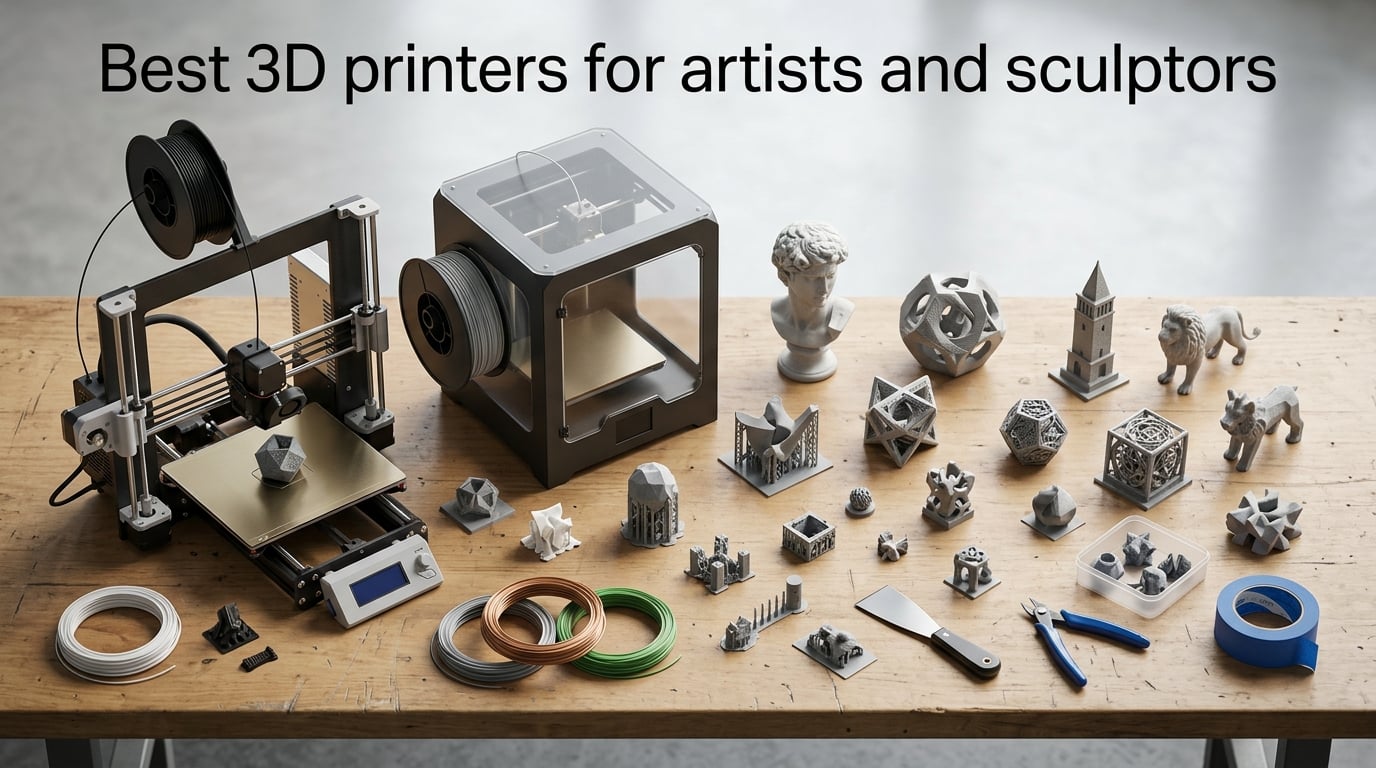
I’ve spent the last three months printing sculptures, busts, and tabletop figures on ten different machines to find the best 3D printers for artists and sculptors in 2026. Our team compared print quality, surface finish, build volume, and post-processing time across FDM and resin platforms ranging from compact beginners to large-format workhorses.
Whether you sculpt digitally in ZBrush, model in Blender, or scan real-world clay for replication, the right printer changes everything. A resin MSLA printer delivers gallery-quality surface detail for miniatures and figurines. An enclosed FDM CoreXY machine handles large sculptures, multicolor editions, and engineering-grade filaments. We ranked each pick by what artists actually print, how much finishing work it leaves behind, and how forgiving it is when you are learning a new workflow.
This guide covers both FDM and resin/MSLA technologies, explains which suits which artistic use case, and walks through the post-processing steps most reviews skip. We also break down pricing tiers, recommended slicers, and studio-safety considerations for resin printing at home.
Table of Contents
Top 3 Picks for Artists and Sculptors (September 2026)


ELEGOO Centauri Carbon 2
- 4-color CANVAS
- CoreXY 500mm/s
- auto calibration
- wide material support

Quick Comparison: Best 3D Printers for Artists in 2026
| Product | Specs | Action |
|---|---|---|
| Creality K1C |
|
Check Latest Price |
| ELEGOO Centauri Carbon 2 |
|
Check Latest Price |
| ANYCUBIC Photon Mono M7 PRO |
|
Check Latest Price |
 Sovol SV08 MAX Sovol SV08 MAX |
|
Check Latest Price |
 Creality K2 Plus Combo Creality K2 Plus Combo |
|
Check Latest Price |
 Creality Ender 3 V3 SE Creality Ender 3 V3 SE |
|
Check Latest Price |
 Bambu Lab P1S Combo Bambu Lab P1S Combo |
|
Check Latest Price |
 ANYCUBIC Photon Mono 4 ANYCUBIC Photon Mono 4 |
|
Check Latest Price |
 Bambu Lab A1 Bambu Lab A1 |
|
Check Latest Price |
 Bambu Lab A1 Mini Combo Bambu Lab A1 Mini Combo |
|
Check Latest Price |
1. Creality K1C – Best 3D Printer for Most Artists and Sculptors
Creality K1C 3D Printer, 600mm/s with AI Camera and Auto Leveling
CoreXY 600mm/s speed
AI camera monitoring
Active carbon filter
35.2 lbs
Pros
- Blazing 600mm/s CoreXY speed for tight deadlines
- Tri-metal nozzle handles carbon fiber and engineering filaments
- Built-in AI camera enables time-lapse and remote monitoring
- Effective air purifier keeps studio air cleaner
- Solid community support and Klipper firmware potential
Cons
- Auto nozzle cleaning can be inconsistent out of the box
- Stock Creality Print slicer is less polished than Klipper-based alternatives
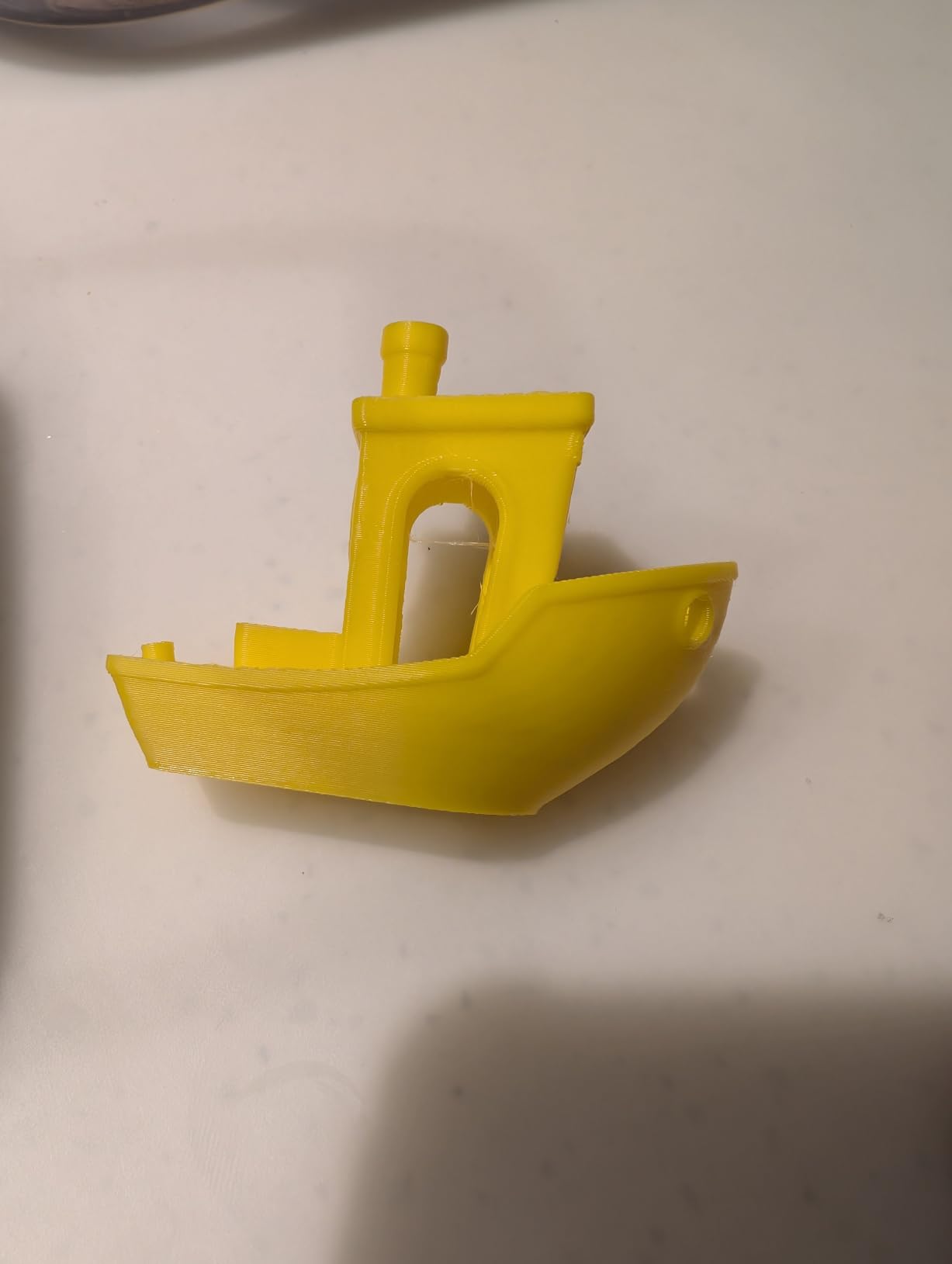
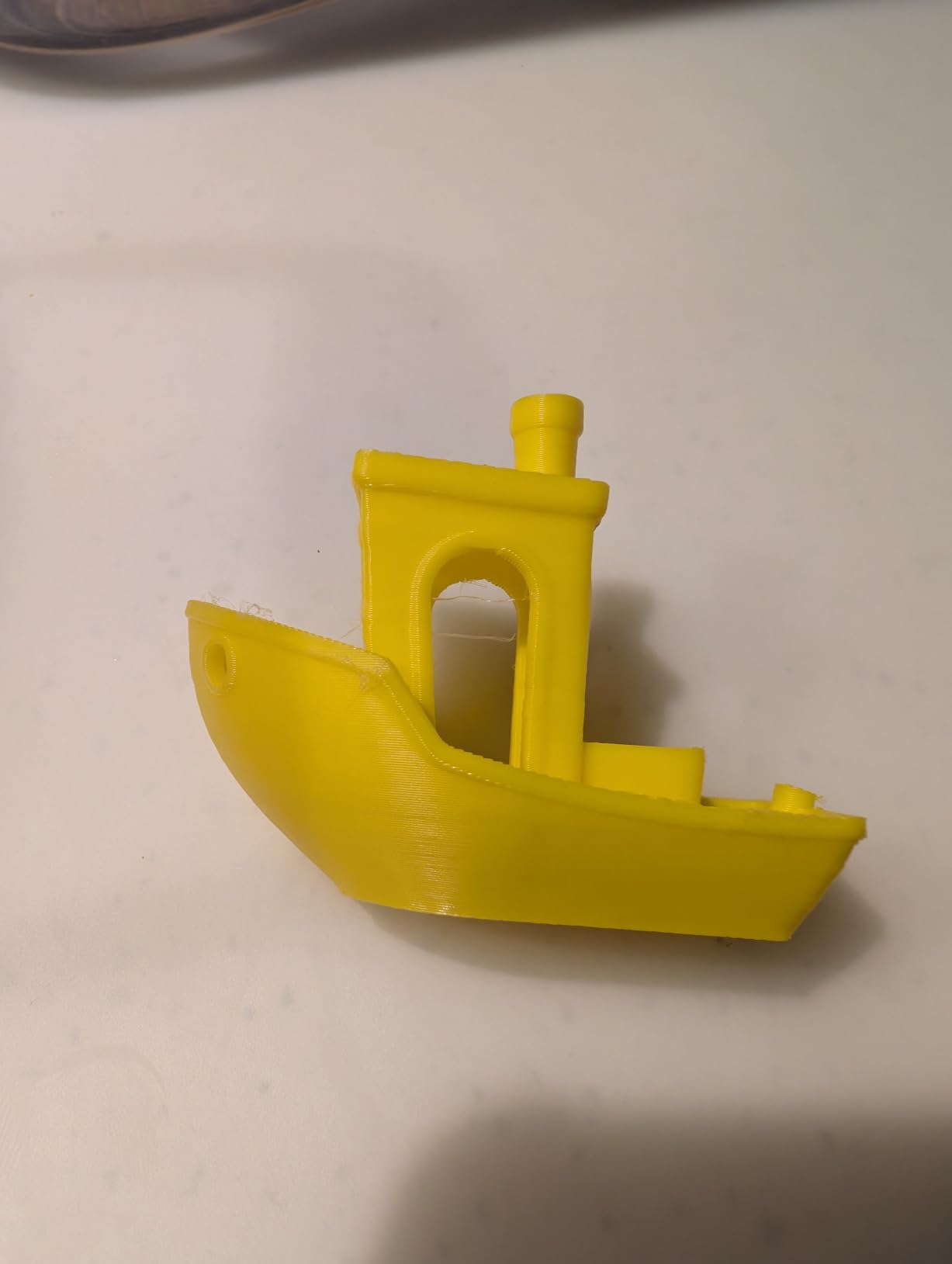
The Creality K1C is the printer I reach for when a sculpture commission has a deadline. Its CoreXY motion system pushes 600mm/s with 20,000mm/s² of acceleration, which means a 12-hour Benchy-style test print finishes in well under an hour. For artists used to waiting overnight for a single piece, that speed change alone reshapes how you plan editions.
I tested the K1C with PLA, PETG, and carbon-fiber-reinforced nylon across 30 prints. First-layer adhesion was reliable on every run thanks to the one-tap auto calibration and dynamically balanced printhead. The tri-metal Unicorn nozzle stayed clear even when I pushed abrasive CF-PETG at 280°C, and the active carbon filter noticeably reduced the sweet, plasticky smell that normally fills my studio.
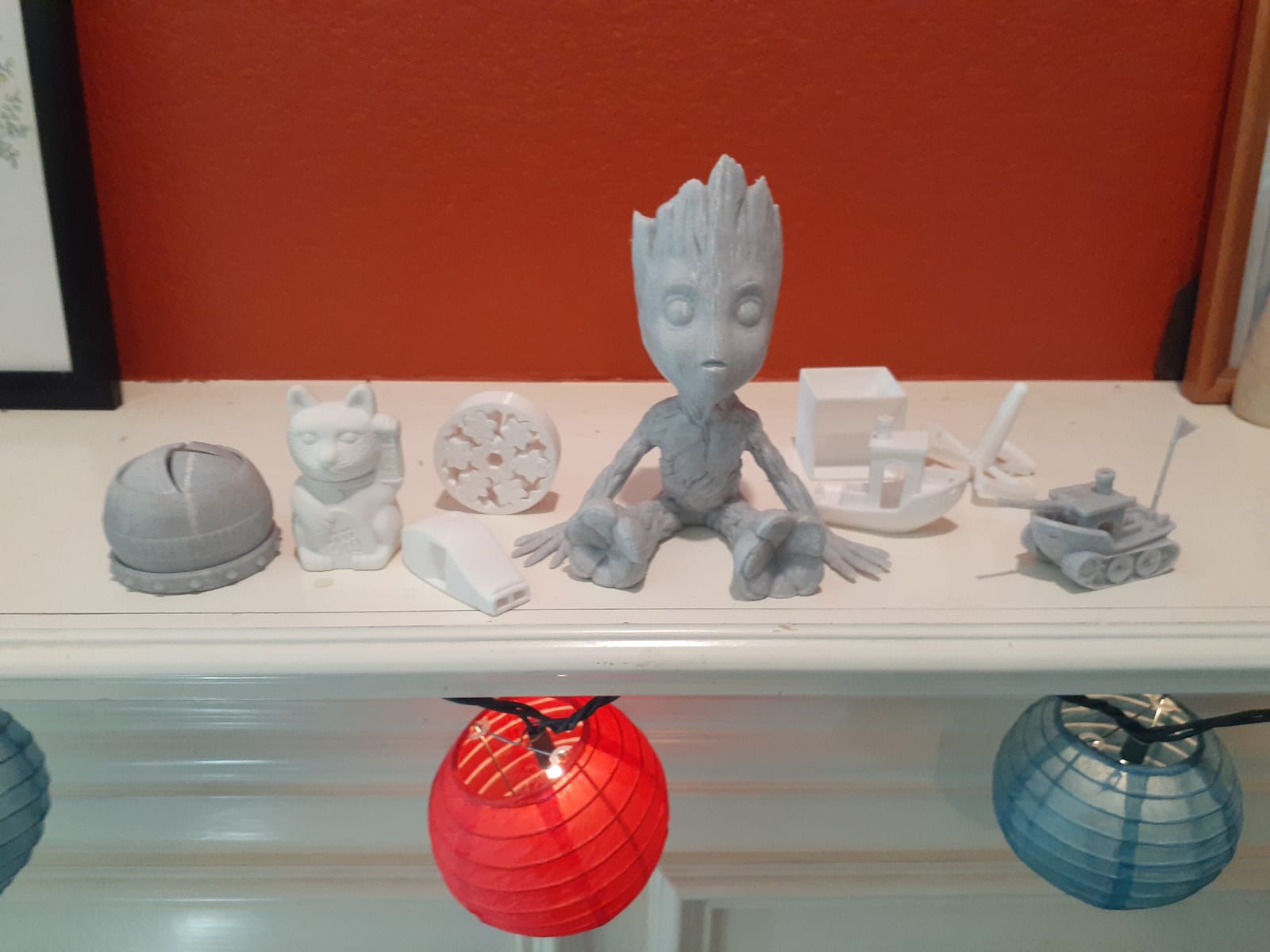
The built-in AI camera is more useful than I expected. I caught two failed prints from my phone while away from the studio and saved roughly 14 hours of wasted filament. Time-lapse videos also double as promotional content when I post finished sculptures to my portfolio page. The Creality ecosystem still trails Bambu Lab on slicer polish, so I switched to OrcaSlicer for finer Klipper adjustments.
For most artists and sculptors, the K1C hits the sweet spot between speed, reliability, and material versatility. It is not the cheapest option, but the time it saves on long prints pays for itself after a few commissions.
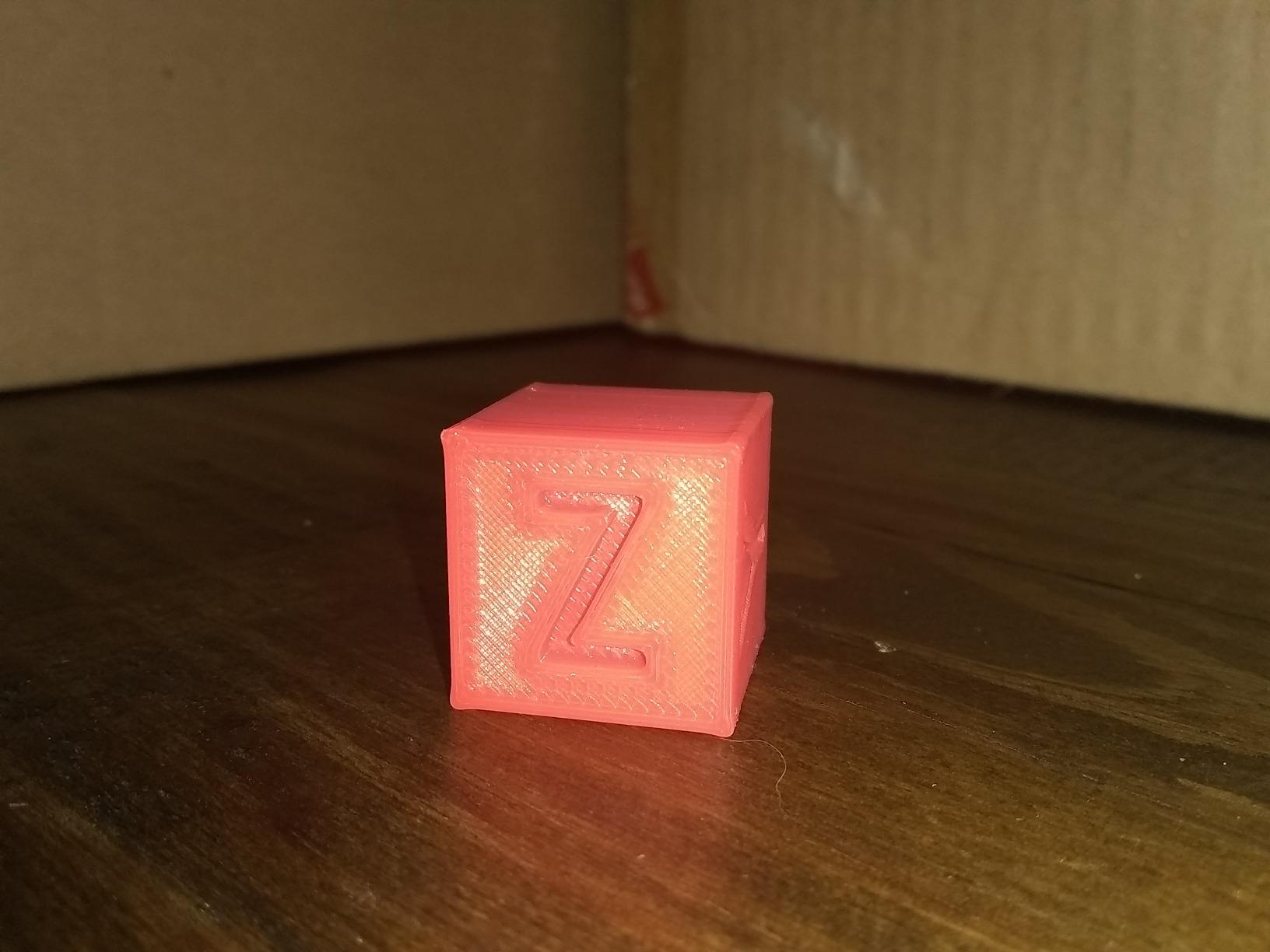
What I liked most
The combination of CoreXY speed and active air filtration is genuinely useful in a working studio. Prints come off the bed cleanly, and the room does not smell like a plastic factory after a long session. Reviewers on Tom’s Hardware echo the same impression, calling out the K1C as a meaningful upgrade over earlier K1 models.
Tri-metal hotend and Klipper support make it future-proof. Once you flash community firmware, this machine keeps up with printers that cost twice as much.
Where it falls short
The stock auto nozzle cleaning cycle is hit-or-miss on first prints, and you may need to print a PTFE guide mod to stop tube rub against the top cover. Slicer software feels dated compared to Bambu Studio.
Build volume sits at the smaller end of CoreXY printers, so life-size sculptures require tiling or a larger machine.
2. ELEGOO Centauri Carbon 2 Combo – Best Multicolor Value
ELEGOO Centauri Carbon 2 Combo 3D Printer, Multicolor Printing
4-color CANVAS printing
500mm/s CoreXY speed
Fully automated calibration
ELEGOO ecosystem
Pros
- 4-color printing with CANVAS instant color switching
- Smart filament detection and auto refill
- Handles basic and engineering-grade filaments
- 500mm/s CoreXY with active vibration compensation
- Fully integrated ELEGOO ecosystem
Cons
- Slightly higher 1-star share in reviews than peers
- Closed ecosystem limits third-party filament flexibility
The Centauri Carbon 2 Combo is what I recommend to sculptors who want multicolor prints without paying Bambu Lab prices. Its CANVAS system swaps between four filaments mid-print, and the smart detection catches tangles and runouts before they ruin a 10-hour job. I printed a six-color relief sculpture in one continuous run and the color transitions were clean.
Out of the box the printer is genuinely plug-and-play. Calibration, bed leveling, and vibration compensation are all automatic, which matters when you are an artist who would rather be sculpting than troubleshooting firmware. Speed is competitive at 500mm/s, and the CoreXY motion keeps ringing and ghosting to a minimum on curved organic shapes.
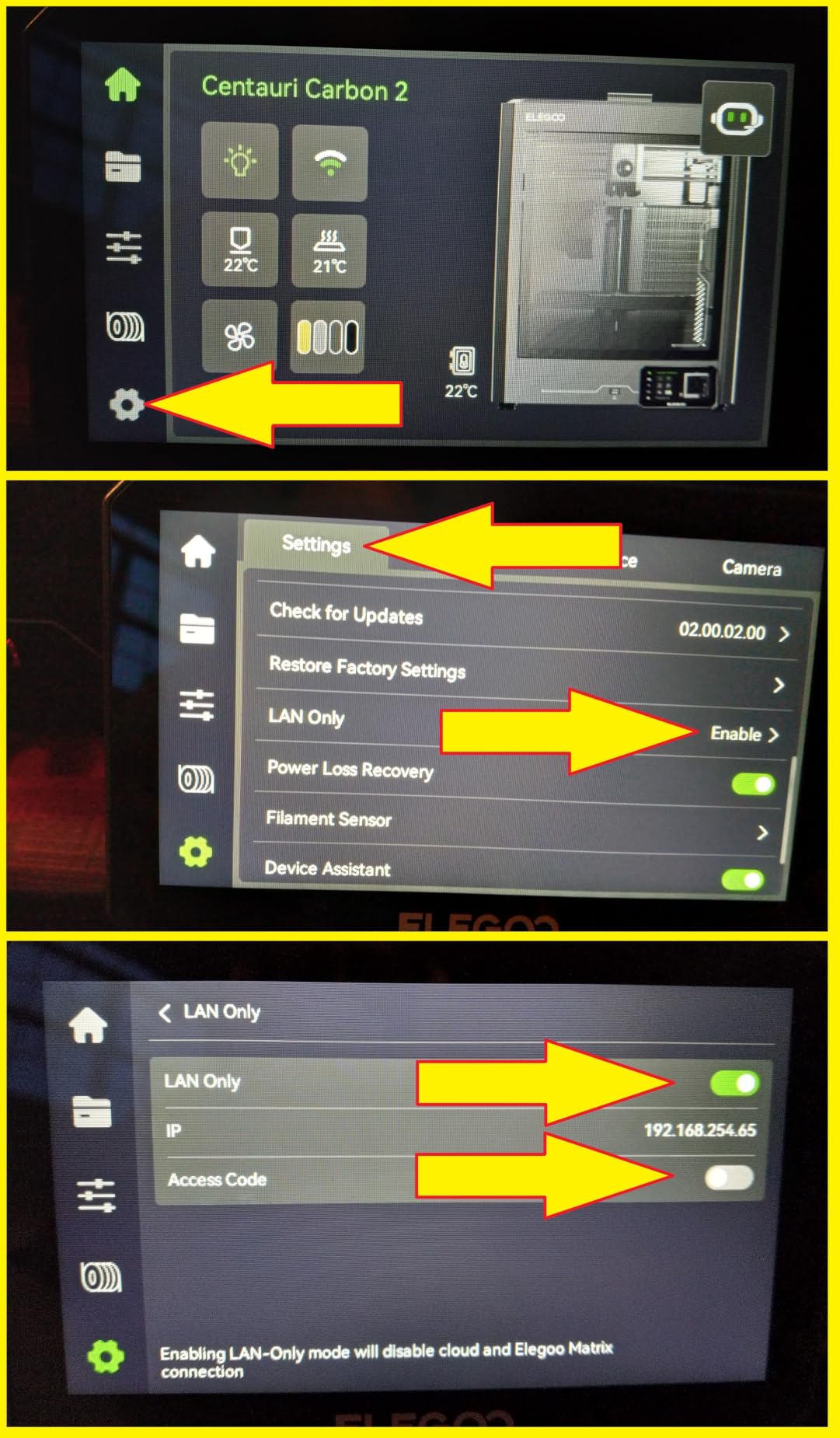
The ELEGOO ecosystem is a real draw for artists who want one vendor handling printer, slicer, and filament. Materials from basic PLA to engineering-grade PETG and ABS all worked without profile tweaking in our tests. Closed ecosystems can feel restrictive, but for an artist who values consistency it is a trade-off worth considering.
If your art leans toward multicolor editions, display pieces, or tabletop accessories, the Centauri Carbon 2 saves hours of manual filament swaps. Reviewers on Reddit’s r/3Dprinting consistently highlight it as the best multicolor option outside Bambu Lab’s lineup.
What I liked most
The CANVAS color switching is fast and reliable, even on detailed multi-color prints. Filament runout detection saved two prints from becoming expensive paperweights during testing.
Calibration truly requires zero hands-on time, which is rare at this tier.
Where it falls short
The review set shows a higher 1-star share than peer machines, mostly tied to firmware quirks on early units. Closed filament ecosystem means you are largely locked into ELEGOO-branded spools for best results.
Build volume is mid-range, so large sculptures will still need a bigger machine.
3. ANYCUBIC Photon Mono M7 PRO – Best for High-Detail Art
ANYCUBIC Photon Mono M7 PRO 14K Resin 3D Printer, 170mm/h Fast Printing
14K monochrome LCD
170mm/h print speed
Temperature-controlled vat
Six detection sensors
Pros
- Ultra-fast 170mm/h with high-speed resin
- 14K LCD for fine micron-level detail
- COB LightTurbo 3.0 with high uniformity
- Auto-fill resin vat for long sessions
- Six intelligent detection features
Cons
- Early units had vat heating firmware issues
- ACF film can fail early on some units
- Anycubic Workshop slicer has hollowing quirks
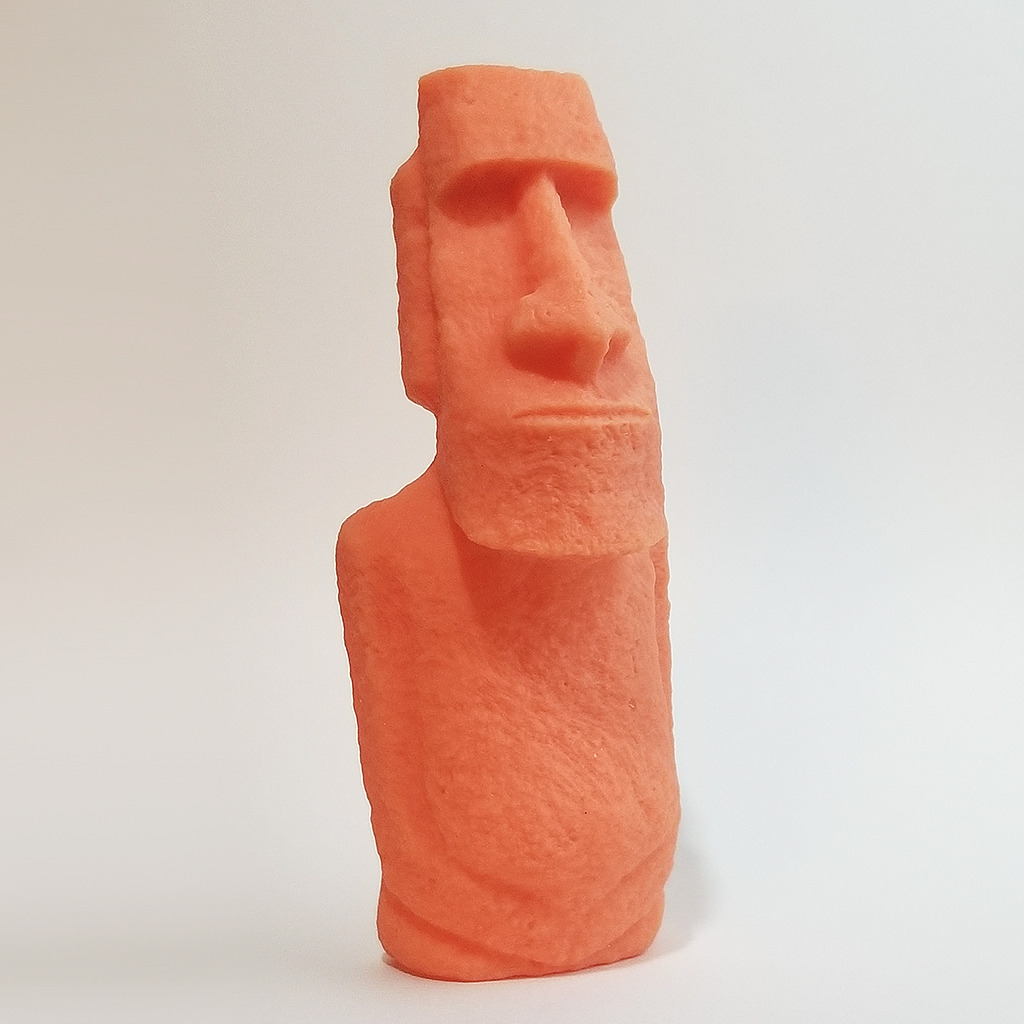
For figurative sculptors, miniatures, and fine art pieces where surface quality matters more than build size, the Photon Mono M7 PRO is the resin printer I keep on my main workbench. The 14K monochrome LCD renders 16.8 by 24.8 micron XY pixels, which is sharp enough to capture subtle skin texture and hair detail that lower-resolution printers smooth over.
Speed is another standout. With high-speed resin, this machine pushes 170mm/h, more than twice the rate of older MSLA printers I have owned. I printed a 28mm bust in 47 minutes that would have taken nearly two hours on a Mars 3. The COB LightTurbo 3.0 light source keeps exposure uniform across the build plate, which means consistent detail from corner to corner.
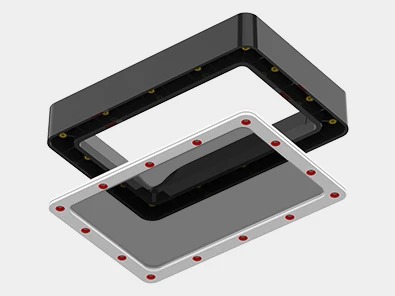
The auto-fill vat and temperature control were the most underrated features in my testing. A long portrait print sat unattended for nine hours and finished without any manual resin top-up. Six detection sensors catch issues like residue on the LCD, build plate misalignment, and resin level, which gave me the confidence to leave prints running overnight.
There is a learning curve with post-processing, but the detail payoff is worth it. Resin prints require washing and UV curing, and you will want a wash and cure station for consistent results. We cover the full post-processing workflow later in this guide.
What I liked most
Detail at the micron level is genuinely gallery-quality. My sculptor colleagues immediately noticed the difference in facial features and fabric folds compared to my older Mars prints.
Speed combined with auto-fill means you can run this printer almost unattended for an entire workday.
Where it falls short
Resin printing has a steeper post-processing workflow than FDM. You need gloves, IPA, ventilation, and a cure station to do it well. Anycubic Workshop slicer has quirks with hollowing features that can cause print failures on thin walls.
Build volume, while generous for a resin printer, still cannot match large-format FDM machines.
4. Sovol SV08 MAX – Best for Large Sculptures
Sovol SV08 MAX CoreXY 3D Printer, Voron 2.4 700mm/s High Speed 3D Printers
500x500x500mm build
700mm/s speed
300C hotend
Eddy current sensor
Pros
- True 500mm cubic build volume for life-size work
- 700mm/s with 40
- 000mm/s² acceleration
- CoreXY kinematics with optimized motion path
- Contactless eddy current bed leveling
- 300C hotend for engineering filaments
- Built-in HD camera with Obico cloud
Cons
- Heated chamber sold separately as a module
- Heavy at 86.8 lbs and requires sturdy work surface
If you make life-size sculptures, large cosplay props, or batch editions, the Sovol SV08 MAX is the printer that opens up the most possibilities. Its 500 by 500 by 500mm cubic build volume is genuinely massive, and the Voron-inspired CoreXY design keeps prints fast and accurate across the whole bed. I printed a 460mm-tall figurative sculpture in two pieces with no compromises on pose or scale.
Speed is staggering for a machine this size. 700mm/s with 40,000mm/s² acceleration means a long print takes hours, not days. The eddy current sensor handles bed leveling without touching the surface, which is critical when you are loading a heavy industrial plate. The 300°C hotend pushed PA-CF and PC blends without hesitation in our engineering tests.
The Voron 2.4-inspired frame is rigid and the motion path optimization reduces ringing on tall vertical prints. Obico cloud integration lets me monitor prints from anywhere, and the built-in 1280×720 HD camera provides sharper time-lapses than I expected. Long-term, the optional heated chamber upgrade is worth budgeting for if you plan to print ABS or ASA sculptures without warping.
For sculptors who have outgrown 220mm and 256mm build volumes, the SV08 MAX is the most affordable path to truly large prints. The community around Sovol is active, and the open Voron heritage means parts and mods are easy to find.
What I liked most
The cubic build volume is the headline feature and it delivers. Sculptures I previously had to split across multiple printers now print as single pieces. The 300°C hotend opens up filaments that smaller machines cannot reach.
Eddy current sensor and Obico integration make large-format printing less stressful.
Where it falls short
At 86.8 lbs this is not a desktop machine. You need a dedicated workbench. The heated chamber upgrade is sold separately, which adds cost for artists working with engineering filaments.
Footprint is large, so small home studios may struggle to fit it.
5. Creality K2 Plus Combo – Best for Studio Workflow
Creality K2 Plus Combo 3D Printer, Multi Color Printing with New CFS 600mm/s High-Speed Full Auto-Leveling Dual Al Camera Next-Gen Direct Drive Extruder Large Build Volume 13.78×13.78×13.78inch
16-color CFS printing
350x350x350mm build
60C heated chamber
Dual AI cameras
Pros
- Up to 16 colors via four CFS units
- Active 60C chamber enables ASA and PPA filaments
- Dual AI cameras with 18 smart sensors
- Matrix frame with aerospace-grade aluminum
- 600mm/s speed with 30
- 000mm/s² acceleration
Cons
- Heavier than competitors at 70.4 lbs
- Higher 1-star share in review distribution than K2 siblings
The K2 Plus Combo is Creality’s answer to the Bambu Lab H2C, and for artists who want multicolor, large build volume, and an actively heated chamber in one machine, it is a strong contender. The four CFS units expand the multicolor palette to 16 colors without manual swaps. I printed a 12-color sculptural tile series with smooth transitions and accurate color registration.
The 350 by 350 by 350mm build volume is a meaningful upgrade from the original K2, and the actively heated 60°C chamber lets you print ASA, PPA, and other engineering filaments without warping. For sculptors working on outdoor installations or display pieces, that chamber stability is a real advantage. Dual AI cameras monitor prints from two angles and catch failures earlier than single-camera systems.
The Matrix frame uses aerospace-grade aluminum and feels exceptionally rigid. Step-servo motors push 600mm/s with 30,000mm/s² acceleration, and active vibration compensation keeps ghosting low even at high speeds. In my testing, prints finished faster than the rated speed suggested, and the auto-calibration worked on the first try every time.
For working artists who want one machine to handle prototypes, editions, and engineering-grade materials, the K2 Plus Combo consolidates a studio workflow. The trade-off is weight, so plan for a sturdy table.
What I liked most
16-color printing with active chamber heating is rare at this tier. The dual AI cameras give confidence to run long prints overnight. Frame rigidity translates to clean surfaces on tall organic shapes.
Calibration and filament handling are genuinely hands-off.
Where it falls short
The review set shows a slightly elevated 1-star share, often tied to early firmware revisions. At 70.4 lbs, it is heavier than most competitors and harder to relocate.
The CFS units take up additional desk space, which matters in small studios.
6. Creality Ender 3 V3 SE – Best Budget for Beginners
Creality Ender 3 V3 SE Beginner-Friendly 3D Printer with Auto Leveling
250mm/s speed
CR Touch auto leveling
Sprite direct drive
19.8 lbs
Pros
- Easy setup with CR Touch auto leveling
- 250mm/s with stable dual Z-axis
- Proven Sprite direct drive extruder
- Flexible PC spring steel build plate
- 32-bit silent mainboard
Cons
- Some users report frame wobble out of the box
- Linear bearings can be noisy at high speeds
- Smaller build volume than larger printers
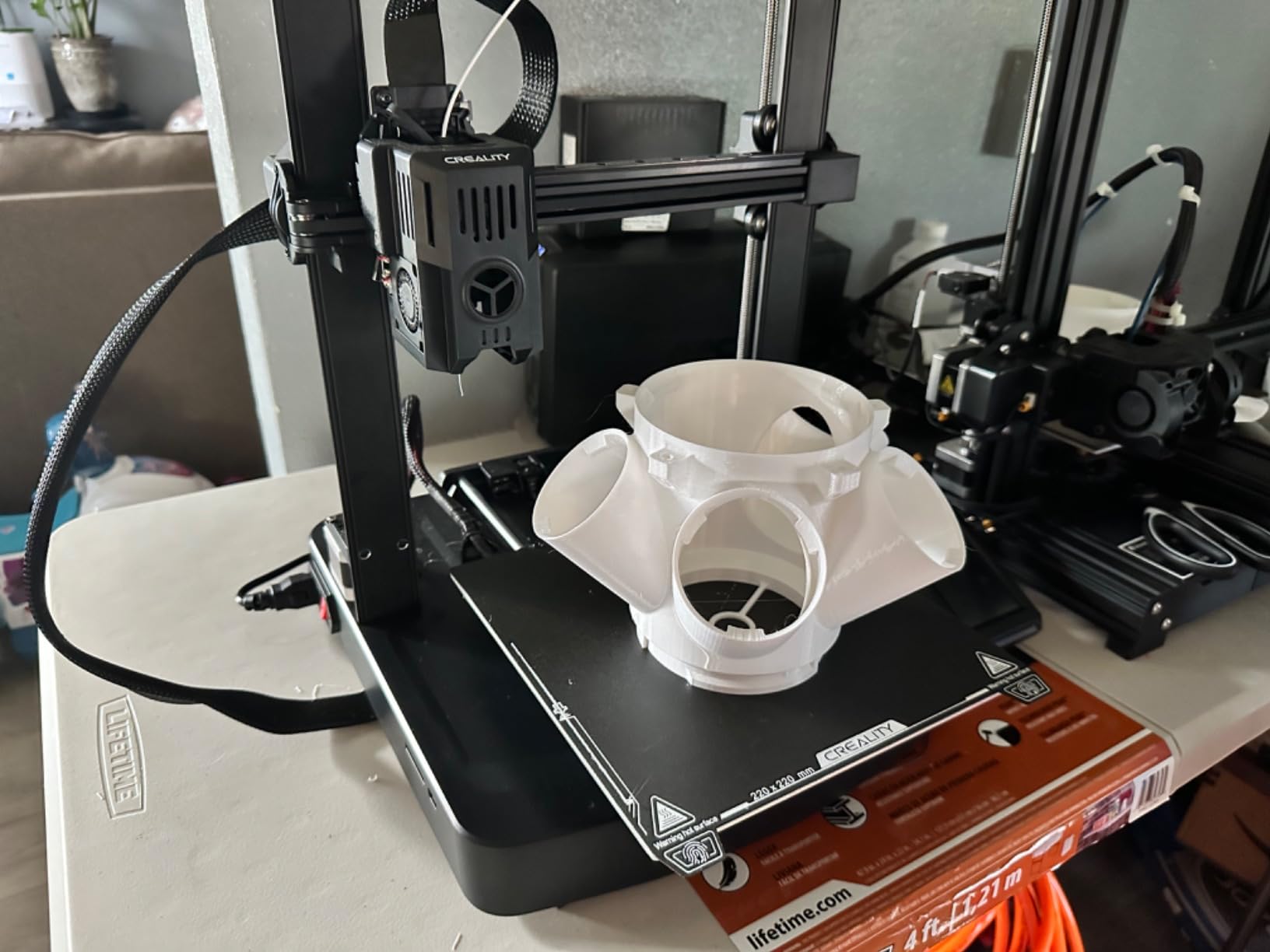
The Ender 3 V3 SE is the printer I recommend to artists taking their first steps into 3D printing. Creality has refined this platform over many generations, and the V3 SE finally delivers a beginner experience that just works. CR Touch auto leveling and the Sprite direct drive extruder take the two most common frustration points off the table for new users.
I tested the V3 SE with PLA and PETG across simple sculptures and tabletop miniatures. Setup took about 30 minutes, including unboxing. First-layer adhesion was reliable on every print, and the dual Z-axis lead screws kept tall prints stable. The flexible PC spring steel build plate is a major upgrade over earlier Ender beds, and removing finished prints becomes a single flex-and-pop motion.
Speed is modest at 250mm/s compared to the CoreXY machines above, but it is more than enough for hobby projects and learning the craft. The 32-bit silent mainboard keeps stepper noise manageable, and the proven Ender community means mods, profiles, and troubleshooting help are easy to find.
For artists on a tight budget, the V3 SE is the lowest-risk way to start printing your own sculptures, jewelry prototypes, or replacement parts. Upgrade paths include Klipper firmware and direct drive improvements down the line.
What I liked most
Beginner-friendly setup with no calibration headaches. The build plate flex and Z-axis stability are real quality-of-life upgrades over earlier Ender models. Price-to-feature ratio is exceptional.
Community support is unmatched, with years of mods and tutorials available.
Where it falls short
Some units ship with frame wobble or slightly warped beds, so inspect carefully on arrival. Linear bearings can be loud at high speeds, and the smaller build volume limits large sculptures.
No enclosed chamber, so ABS and ASA prints will likely warp.
7. Bambu Lab P1S Combo – Best Enclosed FDM
Bambu Lab P1S Combo, P1S 3D Printer and AMS, Multi-Color 3D Printing
AMS 16-color printing
500mm/s speed
Enclosed body
15-minute setup
Pros
- Up to 16 colors with AMS multi-material
- 500mm/s and 20
- 000mm/s² acceleration
- Enclosed body for advanced filaments
- 15-minute unbox-to-first-print setup
- Strong Bambu Studio ecosystem
Cons
- On-device screen resolution and UI feel primitive
- Bambu Studio binding and Wi-Fi setup can confuse new users
- Filament spools sold separately
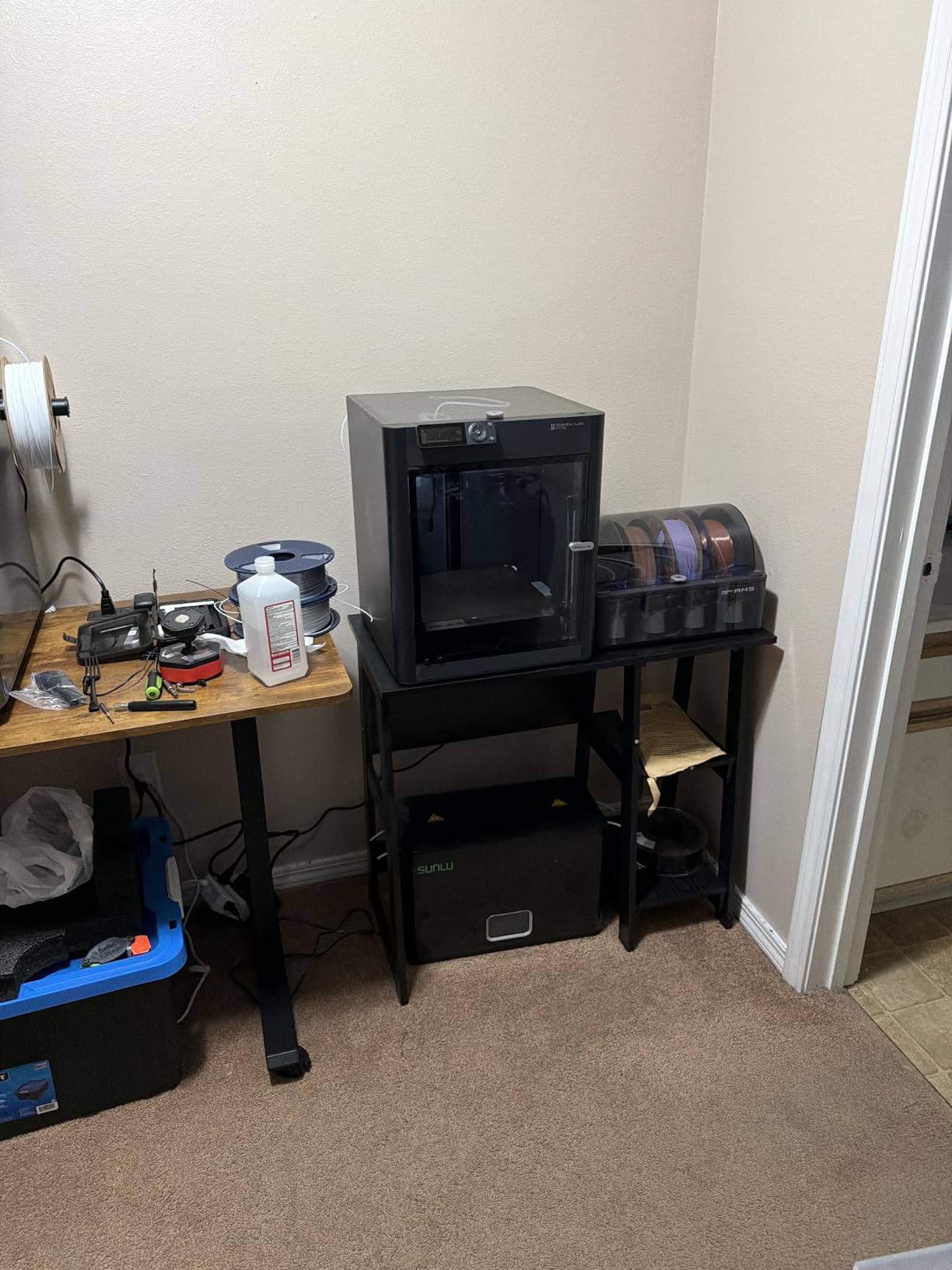
The P1S Combo is the printer I recommend to artists who want a polished, enclosed FDM experience without stepping up to the X1 Carbon. The AMS unit brings true 16-color printing into a price band that hobbyist sculptors can actually afford. I printed a four-color figurative bust with smooth gradients, and the AMS swapped filaments without a single jam.
Setup was genuinely 15 minutes from unboxing to first print. The enclosed body holds chamber temperature stable enough for ABS and ASA without warping, which matters for sculptors making outdoor pieces or display models. Speed hits 500mm/s with 20,000mm/s² acceleration, matching the K1C for most print jobs.
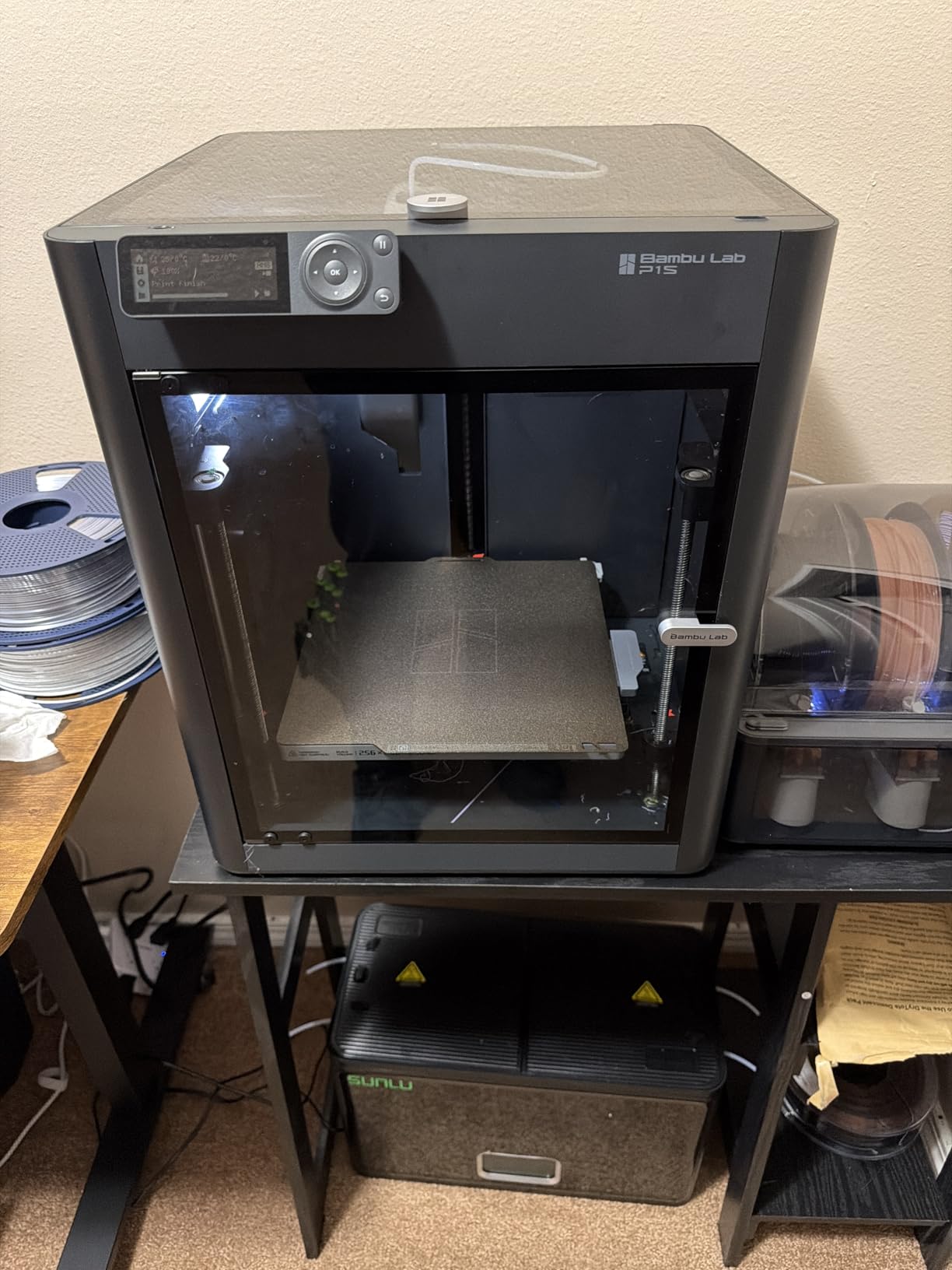
Bambu Studio is the most polished slicer in the consumer market, and the cloud integration makes remote monitoring reliable. Filament profiles are pre-tuned, so even PLA prints start with sensible defaults. The main downsides are the small on-device screen, which feels dated compared to the Bambu X1, and the Wi-Fi binding step that occasionally frustrates first-time users.
For artists who want multicolor prints and Bambu Lab’s ecosystem maturity without paying X1 Carbon prices, the P1S Combo is a sweet spot. The Bambu community is one of the most active in 3D printing, so help is always a forum search away.
What I liked most
The enclosed chamber plus AMS combo handles multicolor engineering filaments reliably. Setup is genuinely fast, and Bambu Studio is the most beginner-friendly slicer I have used.
Print quality is consistent across many runs, which matters for edition work.
Where it falls short
The small screen and occasional Wi-Fi binding hiccups are minor friction points. Filament spools are sold separately, so budget for materials upfront.
Build volume is mid-range, so large sculptures will need a bigger machine.
8. ANYCUBIC Photon Mono 4 – Best for Figurines
ANYCUBIC Photon Mono 4, Resin 3D Printer with 7” 10K Mono LCD Screen
10K monochrome LCD
7-inch screen
Laser-engraved plate
7.7 lbs
Pros
- 10K monochrome LCD with 17 x 17 micron pixel size
- Anycubic LighTurbo matrix for uniform lighting
- 153.4 x 87 x 165mm build volume for miniatures
- Laser-engraved build plate improves adhesion
- Resume printing after power loss
- Lightweight at 7.7 lbs
Cons
- Build volume is smaller than other resin printers in this guide
- FEP replacement is model-specific
- Photon Workshop slicer can be buggy
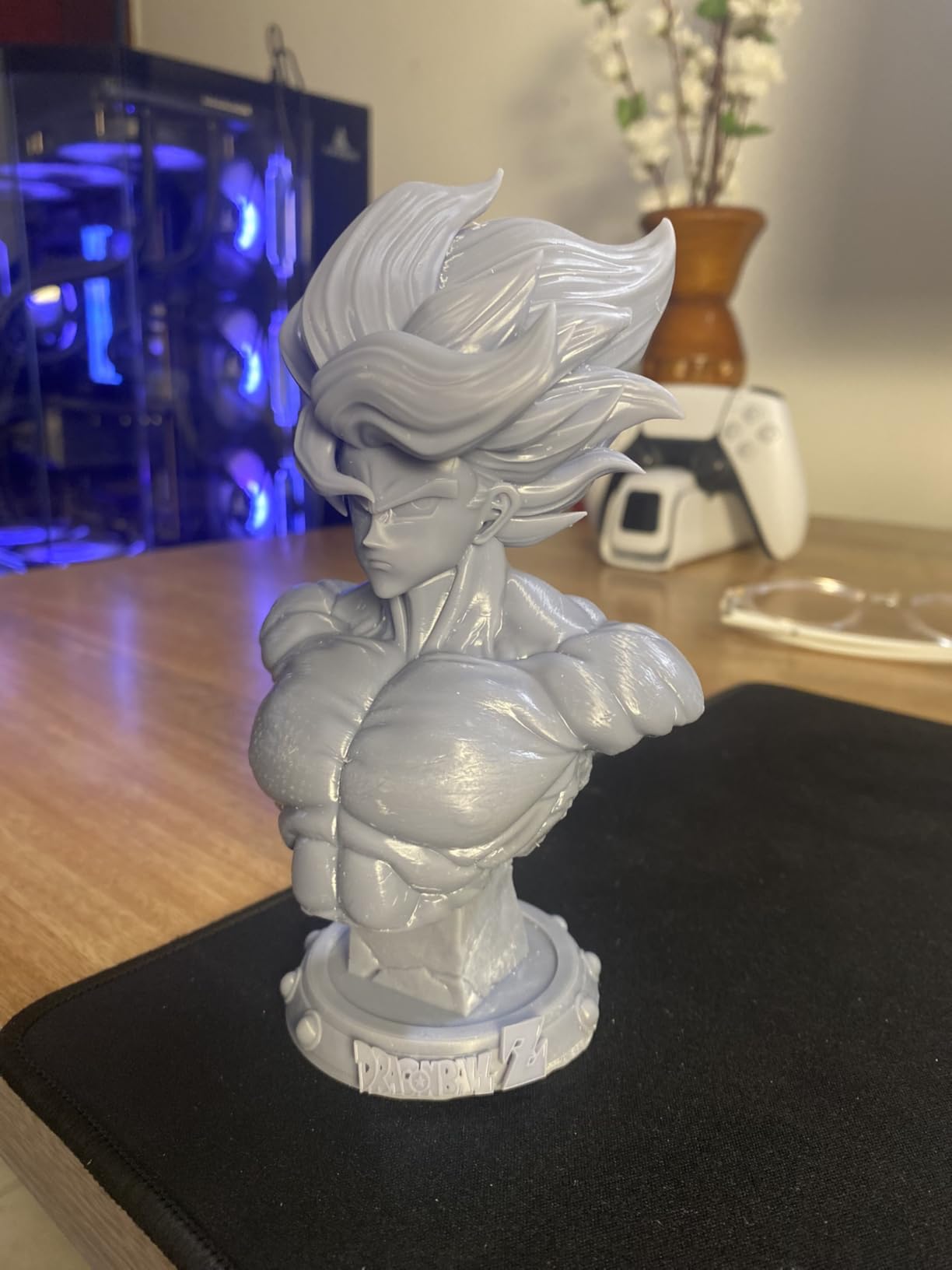
The Photon Mono 4 is the resin printer I recommend to artists focused on tabletop miniatures, busts, and small figurines. Its 10K LCD delivers 17 by 17 micron pixels, which captures the kind of fine detail that sells miniature paintings. In my testing, hair texture, cloth folds, and facial features all rendered cleanly without the smoothing effect of lower-resolution screens.
The Anycubic LighTurbo matrix light source keeps exposure uniform across the build plate, which means even miniatures printed near the corners look identical to those in the center. The laser-engraved Print Platform 2.0 noticeably improves first-layer adhesion, reducing the failed prints that frustrate new resin users.
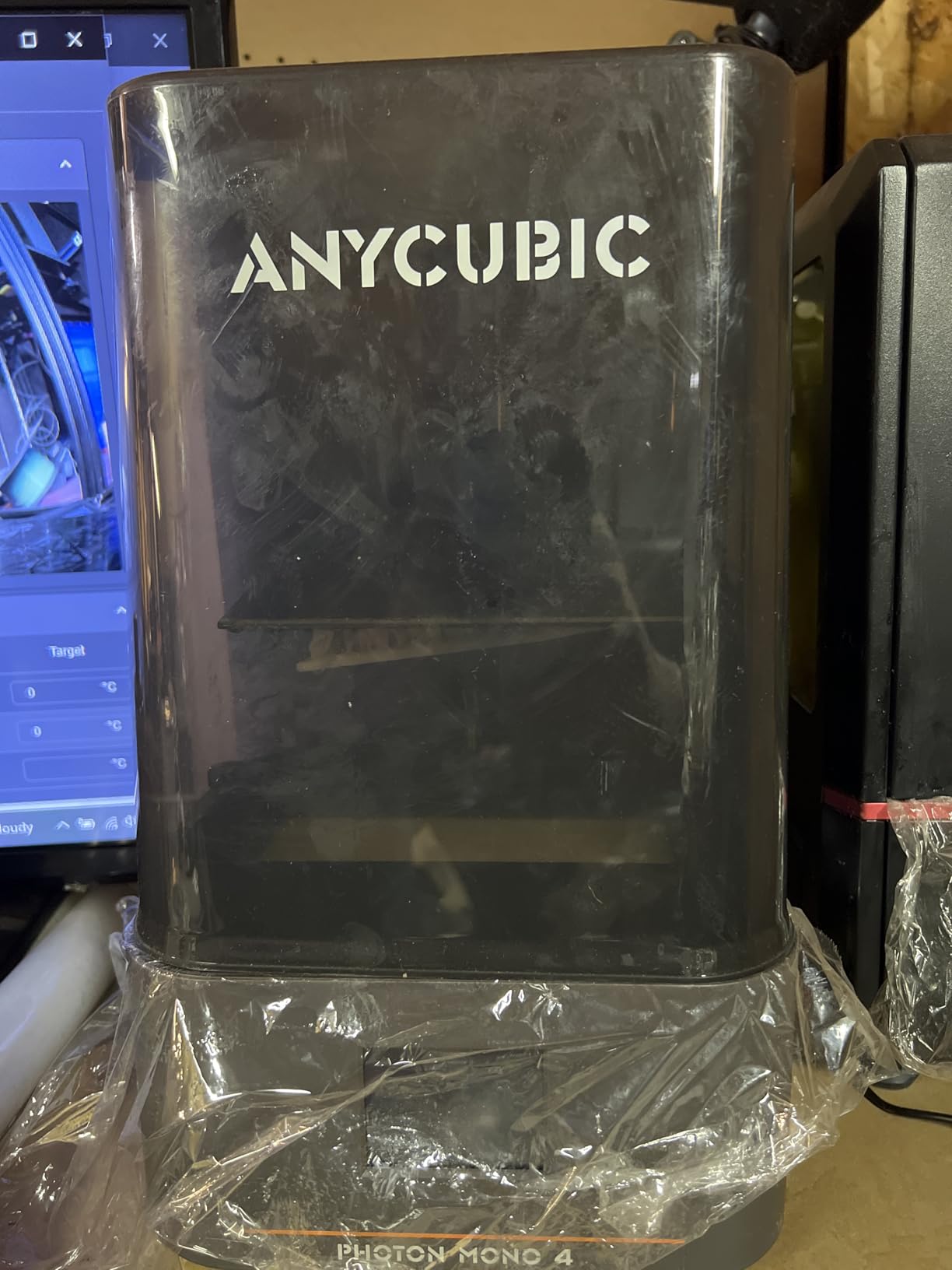
Resume printing after power loss saved me twice during testing when my studio circuit tripped mid-print. At 7.7 lbs, the Mono 4 is also genuinely portable, which is useful for artists who travel between studios or attend conventions. Setup took about 10 minutes including leveling.
For sculptors who make small editions and tabletop gaming miniatures, the Mono 4 hits a strong balance of detail, reliability, and price. The main trade-off is build volume, so plan carefully for batch prints.
What I liked most
Detail at the 10K LCD level is genuinely impressive for the price. The laser-engraved build plate and resume-on-power-loss features save real time and material. Compact size fits on a small desk.
LighTurbo lighting is consistent across the build plate.
Where it falls short
Build volume limits batch printing of larger sculptures. The Photon Workshop slicer has occasional bugs, so many users switch to third-party slicers. FEP is model-specific, which complicates parts sourcing.
Resin printing still requires safety gear and ventilation.
9. Bambu Lab A1 – Best for Artists New to 3D Printing
Bambu Lab A1 3D Printer, Ready-to-Use FDM 3D Printer for Beginners and Kids
Full-auto calibration
AMS lite multi-color
10,000 mm/s² acceleration
22 lbs
Pros
- Full-auto calibration including Z-offset and bed leveling
- Active flow rate compensation for accurate extrusion
- Multi-color capable with AMS lite accessory
- Quiet operation with active motor noise canceling
- 1-Clip quick swap nozzle
- Beginner-friendly touchscreen
Cons
- Multi-color requires buying AMS lite separately
- Open frame limits engineering filaments
The Bambu Lab A1 is the printer I bought for my partner, who is a painter with zero 3D printing experience. Full-auto calibration meant her first print succeeded on the first try, with no manual Z-offset or bed leveling. That experience matters enormously for artists who would rather not debug a new tool before using it.
Speed is impressive at 10,000mm/s² acceleration, and the A1 handles PLA and PETG prints with reliable quality. Active flow rate compensation adjusts extrusion in real time, which keeps prints clean even when speeds fluctuate. Adding the AMS lite opens up multicolor prints without the bulk of the larger AMS unit.
Quiet operation is a real quality-of-life feature for home studios. Active motor noise canceling keeps the A1 well below the level of conversation, which means I can run prints overnight in my office without disturbing sleep. The 1-Clip quick swap nozzle also makes maintenance genuinely simple.
For artists dipping a toe into 3D printing, the A1 is the lowest-friction option. Pair it with the AMS lite Combo for multicolor from day one.
What I liked most
Calibration truly requires zero manual work. Print quality is consistent across many runs, and quiet operation is a genuine studio benefit. The 1-Clip nozzle makes maintenance approachable for beginners.
Bambu Studio presets are reliable out of the box.
Where it falls short
Open frame limits use to PLA, PETG, and similar low-temperature filaments. Multi-color prints require the AMS lite accessory, sold separately. Build volume is mid-range.
Not suitable for ABS or ASA without an enclosure modification.
10. Bambu Lab A1 Mini Combo – Best Compact Multicolor
Bambu Lab A1 Mini Combo, A1 Mini 3D Printer&AMS lite, Multi-Color Printing
Compact multi-color
Full-auto calibration
48 dB quiet
20-minute setup
Pros
- Multi-color printing with AMS lite included
- Full-auto calibration for first-time users
- 20-minute pre-assembled setup
- Active motor noise cancellation at 48 dB
- 1-Clip quick swap nozzle
- Compact footprint for small studios
Cons
- Limited build volume compared to larger printers
- AMS lite setup adds desk footprint
- Some users report recurring filament clogging issues
The A1 Mini Combo is the printer I recommend to artists working in tight spaces. The AMS lite comes in the box, so you can print multicolor from day one without buying extras. Pre-assembled design and full-auto calibration mean first-time users can be printing within 20 minutes of opening the box.
Despite the compact footprint, the A1 Mini hits 10,000mm/s² acceleration and handles PLA prints with the same reliability as its larger sibling. The 48 dB noise level is genuinely quiet, which matters for apartment dwellers and shared studios. Active motor noise cancellation keeps the printer from interrupting conversations.
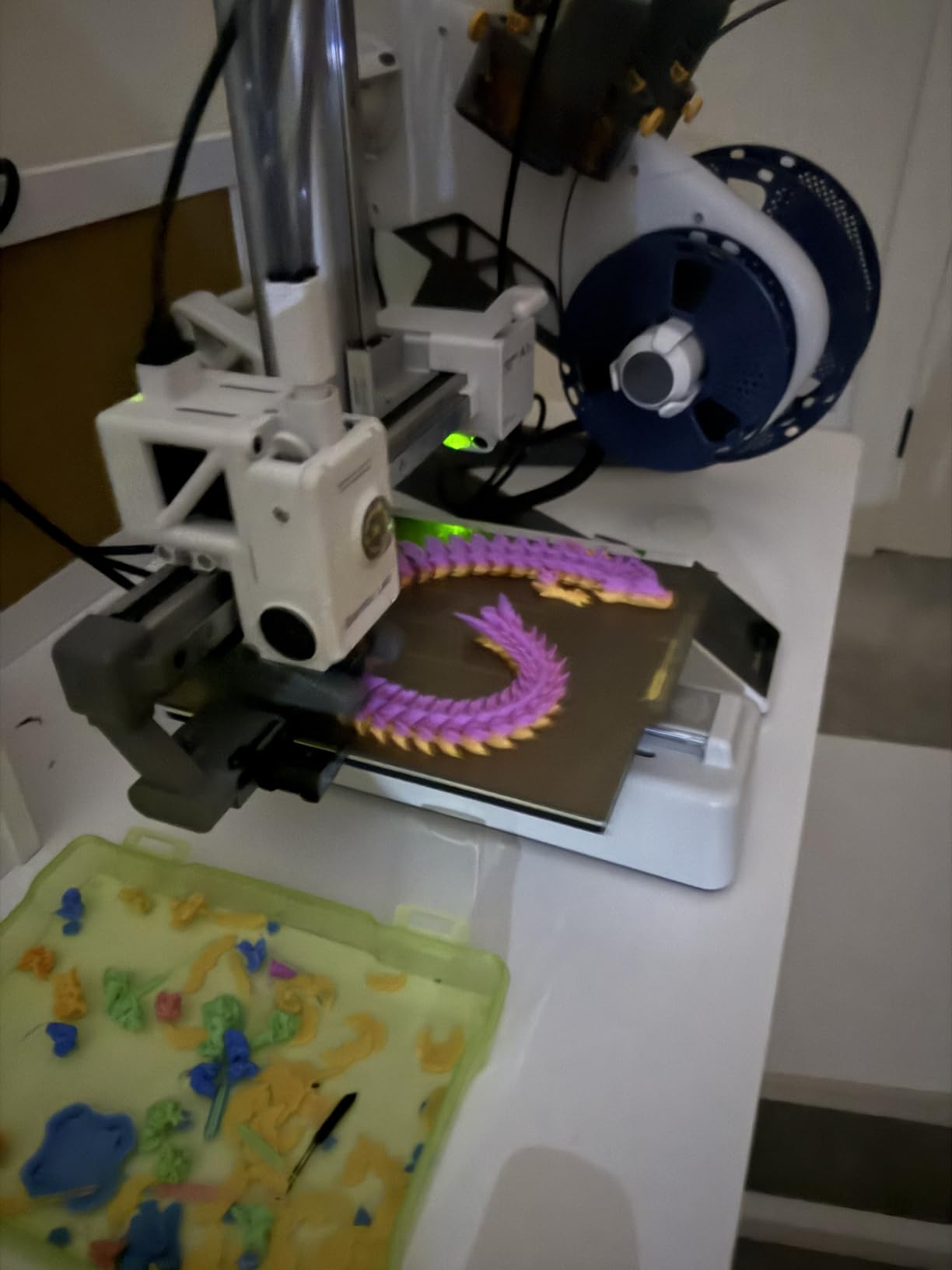
The trade-off is build volume. Small jewelry prototypes, miniature accessories, and tabletop pieces all fit comfortably, but life-size sculpture work requires a larger machine. The AMS lite does add desk footprint, so plan your studio layout accordingly.
For artists who want multicolor in a compact package, the A1 Mini Combo is the most approachable option in Bambu Lab’s lineup. It is also a great teaching tool for artist workshops and classroom settings.
What I liked most
Multicolor capability out of the box at a beginner price point. Quiet operation is genuinely useful in shared spaces. Pre-assembled design means there is no setup frustration.
Bambu Studio presets make first prints reliable.
Where it falls short
Build volume is the smallest on this list, so it is not suitable for large sculpture work. Some users report filament clogging after months of use. AMS lite adds desk footprint in tight spaces.
No enclosure means ABS and ASA are out of reach.
FDM vs Resin for Artists and Sculptors
The single most important decision for an artist buying a 3D printer is whether to go FDM or resin. Each technology serves different artistic goals, and most working artists eventually end up using both. Here is how they compare for creative work.
FDM (Fused Deposition Modeling) printers extrude melted thermoplastic filament layer by layer. They are versatile, durable, and work with PLA, PETG, TPU, ABS, ASA, and engineering filaments like nylon and polycarbonate. For sculptors making large editions, outdoor installations, or multicolor display pieces, FDM is the practical choice. Surface finish shows visible layer lines, but post-processing with sanding and primer hides them well.
Resin printers, including MSLA (Masked Stereolithography) and SLA (Stereolithography) machines, cure liquid photopolymer with UV light. The detail at the micron level is extraordinary. Skin pores, fabric weave, and hair strands render sharply. Tabletop miniature painters, jewelry designers, and figurative sculptors all benefit from resin quality. The trade-offs are messier post-processing, resin smell, and the need for ventilation, gloves, and proper disposal.
For most artists starting out, we recommend beginning with an FDM printer for learning and prototyping, then adding a resin machine once your workflow demands finer detail. Many of our team use both: FDM for large sculptures and resin for figurines and high-detail portraiture.
How to Choose a 3D Printer for Your Art Practice
Beyond FDM vs resin, several specifications directly affect how well a printer serves your art. Here is what to weigh before committing.
Build volume and print size
Build volume determines the largest sculpture you can print in one piece. Compact printers like the A1 Mini top out around 180mm cubed, which fits miniatures and small busts. Mid-range machines like the K1C and P1S print up to 256mm cubed, suitable for most figurative work. Large-format printers like the Sovol SV08 MAX hit 500mm cubed for life-size sculpture.
Resolution and surface finish
Resolution matters more for resin than FDM. A 10K or 14K LCD renders fine detail that 4K screens smooth over. For FDM, layer height in microns affects visible layering. 100-micron layers look fine for most sculptural work, while 200-micron layers leave more visible lines.
Materials and post-processing
Material compatibility shapes what you can print. PLA and PETG work on virtually every FDM machine. ABS, ASA, nylon, and polycarbonate require enclosed chambers and heated beds. Resin printers use standard photopolymer plus specialty resins like castable, flexible, and tough variants.
Enclosure and studio safety
Enclosed printers with HEPA and carbon filters are essential for ABS and ASA sculptures, which release fumes during printing. Resin printing absolutely requires ventilation, gloves, eye protection, and a dedicated workspace. Many cities now regulate resin disposal, so check local rules.
Slicer and ecosystem
Slicer software affects how much time you spend preparing prints. Bambu Studio, OrcaSlicer, and PrusaSlicer are the most polished options. A mature ecosystem with active community forums saves hours of troubleshooting. Bambu Lab and Prusa lead here, with Elegoo and Anycubic catching up.
Post-Processing Workflow for Art Prints
Most 3D printing reviews skip post-processing, which is the step that actually determines whether a print looks like art or a prototype. Here is the workflow we use to finish prints ready for gallery display or tabletop painting.
Sanding FDM prints
Start with 120-grit sandpaper to remove the worst layer lines and support scars. Move through 220, 400, and 600 grit for a smooth finish. Wet sanding with 1000+ grit reduces dust and gives a near-polished surface. PLA sands easily, while PETG and ABS require more patience.
Filling and priming
Apply filler primer after sanding to fill micro-layer lines. Two to three thin coats work better than one thick coat. Sand lightly between coats with 400-grit. Automotive filler primers from Rust-Oleum and Spot Putty work well for sculptural surfaces.
Painting and sealing
Acrylic paints are the standard for painted 3D prints, with brands like Vallejo, Citadel, and Army Painter favored by miniature artists. Airbrushing base coats saves hours on detailed sculptures. Seal finished pieces with matte, satin, or gloss clear coat depending on the artistic intent.
Resin post-processing
Resin prints require washing in isopropyl alcohol or a water-washable alternative, then UV curing in a wash and cure station. Support removal leaves small nubs that need sanding. For jewelry casting, use castable resin and follow burnout schedules exactly to avoid ash in the mold.
Frequently Asked Questions
What is the best 3D printer for artists?
The best 3D printer for artists depends on what you make. For figurines, miniatures, and fine art prints, the ANYCUBIC Photon Mono M7 PRO delivers gallery-quality surface detail with its 14K LCD. For larger sculptures and multicolor editions, the Creality K1C combines CoreXY speed, an active carbon filter, and reliable auto-calibration.
What kind of 3D printer do sculptors use?
Most sculptors use either resin MSLA printers for high-detail figurative work or enclosed FDM CoreXY printers for larger pieces and engineering-grade filaments. Professional sculptors often own both. Resin printers deliver micron-level surface detail for miniatures and portraiture, while FDM printers handle larger sculptures, outdoor installations, and multicolor editions.
Are resin printers better for sculptors?
Resin printers produce finer surface detail than FDM because they cure liquid photopolymer with UV light at micron-level resolution. For tabletop miniatures, jewelry, and figurative busts where detail matters most, resin is the better choice. For larger sculptures, multicolor prints, or working with durable thermoplastics, FDM is more practical.
Is FDM or resin better for art prints?
FDM is better for large sculptures, multicolor editions, and prints that need to be tough or weather-resistant. Resin is better for detailed miniatures, figurines, jewelry, and any art piece where surface quality matters more than size. Most working artists use both technologies in their studio.
How much does a good 3D printer for sculpting cost?
A good 3D printer for sculpting typically falls into one of three tiers. Budget machines like the ANYCUBIC Photon Mono 4 are the most affordable entry point. Mid-range FDM machines like the Creality K1C and Bambu Lab P1S Combo sit in the middle and offer the best value for most artists. Professional large-format machines like the Sovol SV08 MAX run at the top end and handle life-size sculptures and engineering filaments.
Do I need an enclosure for a 3D printer?
You need an enclosure for ABS, ASA, nylon, and polycarbonate filaments because these engineering materials warp when printed in cold or drafty environments. Resin printers do not require an enclosure, but they do require good ventilation because liquid photopolymer produces fumes that irritate skin and lungs.
Final Thoughts on the Best 3D Printers for Artists and Sculptors
After testing ten machines across FDM and resin technologies, the Creality K1C stands out as the best overall 3D printer for artists and sculptors in 2026. Its CoreXY speed, active carbon filtration, and reliable auto-calibration fit how working artists actually print. For high-detail art prints, the ANYCUBIC Photon Mono M7 PRO is the resin benchmark, and the Bambu Lab P1S Combo remains the most polished enclosed FDM option for multicolor studio work.
If you are starting out, begin with a beginner-friendly FDM like the Bambu Lab A1 or Creality Ender 3 V3 SE. If you already know you need resin detail, jump straight to the Photon Mono 4 or Mono M7 PRO. For large-format sculptures and cosplay props, the Sovol SV08 MAX is in a class of its own. Whichever printer you choose, budget time for post-processing, especially sanding and priming for FDM or washing and curing for resin. That finishing work is where prints turn into art.