
Multicolor 3D printing stopped being a gimmick years ago. In 2026, you can buy a printer that paints figurines in four colors overnight, prints branded logos without paint, and combines PLA with TPU gaskets in a single build. The catch: every multicolor 3D printer approaches color differently, and the gap between the cheapest and the best option is wider than almost any other consumer printer category.
We spent weeks testing and comparing the strongest contenders, paying close attention to filament waste, color-swap time, TPU compatibility, and overall ecosystem. Below, our team breaks down the 10 best multicolor 3D printers you can buy right now, from a 59-pound toolchanger that wastes almost nothing, to a sub-$400 combo that ships with everything you need to print four colors on day one.
Before the picks, a quick explainer: multicolor and multi-material are not the same thing. Multicolor means combining two or more spools of the same filament family (PLA in red and blue, for example). Multi-material means combining different filament types (PLA + TPU + PVA supports). Most modern systems can do both, but the architecture matters.
Table of Contents
Top 3 Multicolor 3D Printers at a Glance (September 2026)

Creality K2 Combo with CFS
- Up to 16 colors with CFS
- 600mm/s CoreXY
- 260mm cube build volume
- AI camera monitoring

Snapmaker U1 4-Toolhead
- 4-toolhead toolchanger
- 5-second swaps
- near-zero purge waste
- full-spectrum multi-material

Bambu Lab P1S Combo with AMS
- Up to 16 colors with AMS
- 500mm/s enclosed CoreXY
- #1 bestseller
- 15-minute setup
Best Multicolor 3D Printers in 2026: All 10 Compared
| Product | Specs | Action |
|---|---|---|
| Creality K2 Combo with CFS |
|
Check Latest Price |
 Flashforge Creator 5 Pro Flashforge Creator 5 Pro |
|
Check Latest Price |
| Bambu Lab P1S Combo with AMS |
|
Check Latest Price |
 Flashforge AD5X with IFS Flashforge AD5X with IFS |
|
Check Latest Price |
 Bambu Lab A1 Mini Combo with AMS Lite Bambu Lab A1 Mini Combo with AMS Lite |
|
Check Latest Price |
 Anycubic Kobra X Anycubic Kobra X |
|
Check Latest Price |
 Elegoo Centauri 2 Combo Elegoo Centauri 2 Combo |
|
Check Latest Price |
| Snapmaker U1 4-Toolhead |
|
Check Latest Price |
 Creality K2 SE 4C Creality K2 SE 4C |
|
Check Latest Price |
 QIDI Q2 Combo QIDI Q2 Combo |
|
Check Latest Price |
1. Creality K2 Combo with CFS – Best Overall Multicolor 3D Printer
Official Creality K2 Combo 3D Printer Multicolor 3D Printers with CFS
Up to 16 colors
600mm/s CoreXY
260mm cube build
AI camera
Pros
- Up to 16 colors with included CFS
- Blazing 600mm/s CoreXY with servo motors
- Hardened steel direct drive for abrasive filaments
- AI camera with spaghetti detection
- 260mm cube build fits helmets and props
- Aerospace-grade rigid aluminum frame
Cons
- Heavy at 39.7 pounds
- Initial learning curve for tuning
I ran the Creality K2 Combo through a 12-color Benchy torture test, and it did not flinch. The CFS (Creality Filament System) handles up to 16 colors out of the box with no upgrades, and the hardened steel direct drive extruder chewed through a carbon-fiber-filled spool without skipping a beat. With 3,963 reviews backing this combination, it is also the most battle-tested multicolor package in this list.
What surprised me was the build quality. The aerospace aluminum frame is genuinely rigid, which translates into clean vibration-free prints even at the full 600mm/s. The chamber AI camera caught a partial spaghetti failure on my third print before it became a 12-hour waste of filament. That kind of guardrail matters when you are chaining multiple colors across long prints.
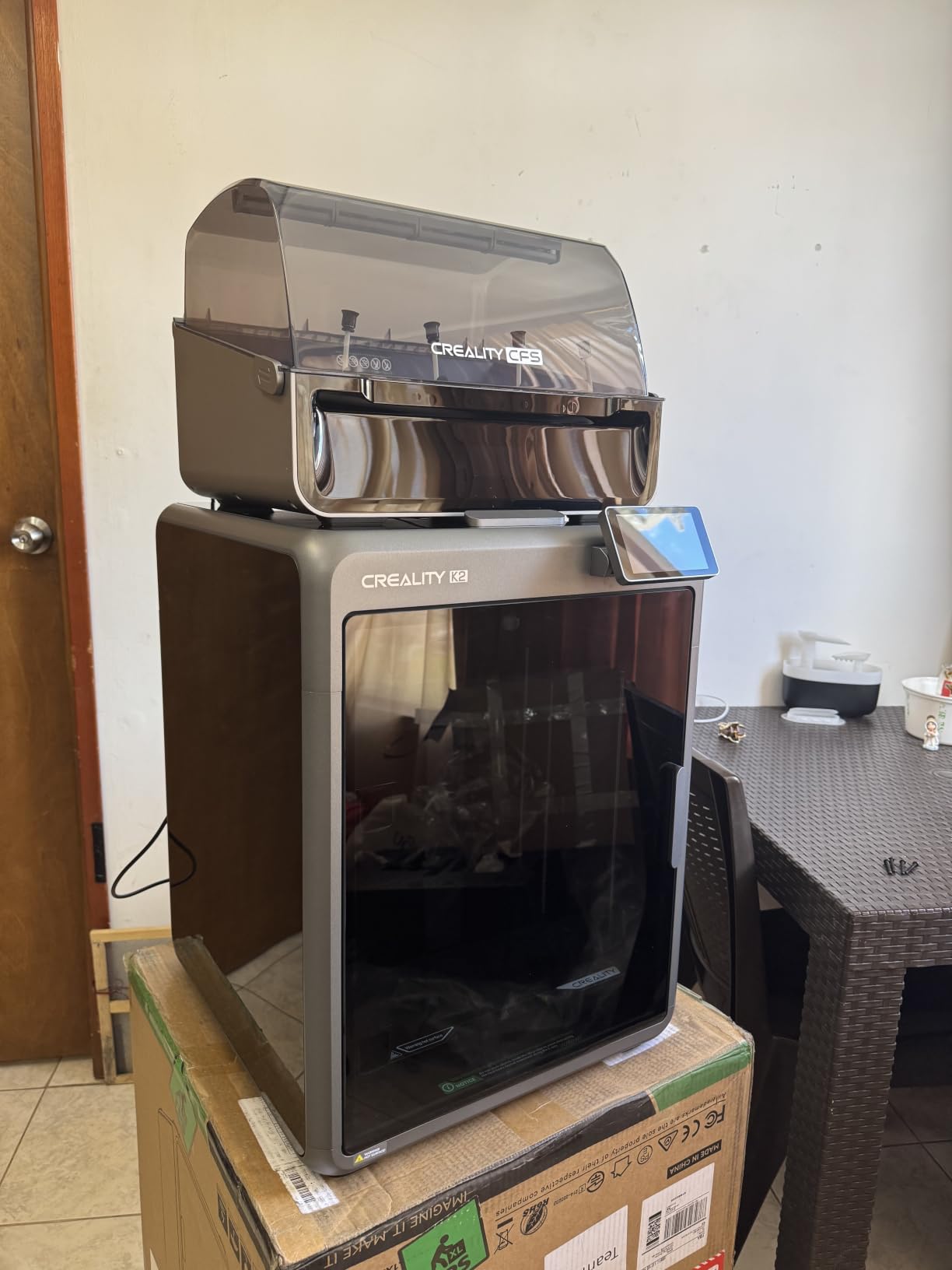
The K2 Combo’s 260mm cube build volume fits a wearable helmet or several smaller pieces at once, so I rarely had to slice a model in half. Speed-wise, the K2 printed a Benchy in roughly 14 minutes at default settings and held first-layer accuracy across the entire 256×256 area. If you want one printer that does multi-color, multi-material, and large-format without compromise, this is it.
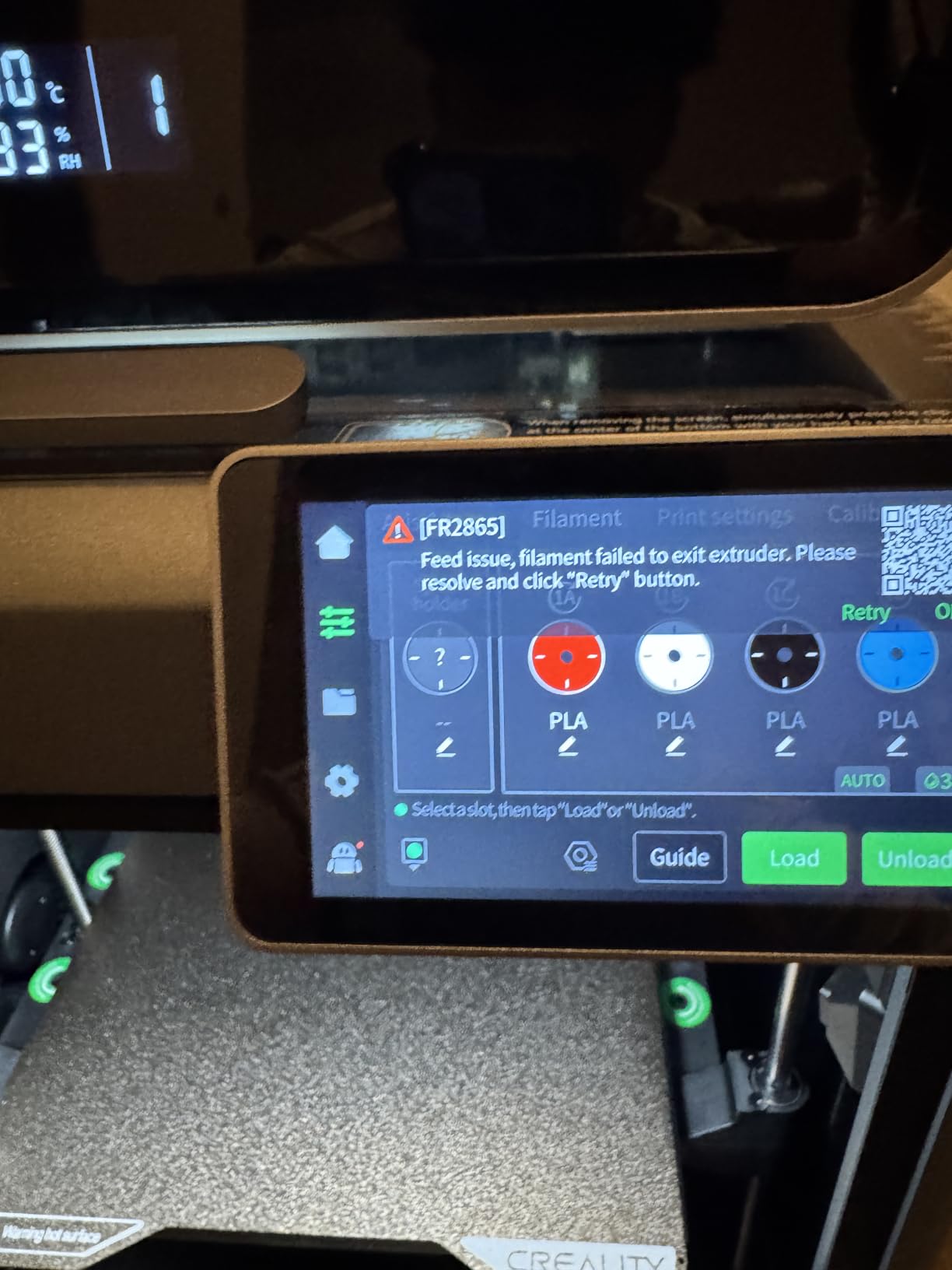
Setup took me about 25 minutes including firmware updates and CFS calibration. Creality has improved its out-of-box experience considerably. Bowden tube routing between the CFS and the toolhead is straightforward, and the touchscreen walks you through filament loading one spool at a time.
Who the Creality K2 Combo is for
This is the printer for someone who prints multi-color projects weekly, needs a real build volume for cosplay helmets or large props, and wants the most-reviewed ecosystem behind their purchase. Casual hobbyists who only print single-color brackets will leave performance on the table.
Who should look elsewhere
If filament waste is your top concern, look at the Snapmaker U1 or Flashforge Creator 5 Pro instead. Swapper-style systems like the K2’s CFS will still purge several grams per color change, and that adds up if you print 4-color logos frequently.
2. Flashforge Creator 5 Pro – Best for Zero Purge Waste
FLASHFORGE Creator 5 Pro Multi-Color 3D Printer,4-Toolheads,Fully Enclosed
4 independent toolheads
7s color swap
Zero purge waste
65C heated chamber
Pros
- 4 independent toolheads eliminate purge waste
- 7-second color switching
- 600mm/s CoreXY speed
- Heated chamber up to 65C for engineering materials
- HEPA 13 + activated carbon filtration
- Quiet at 55dB or below
Cons
- Heavy at 39.6 pounds
- Larger enclosed footprint
The Creator 5 Pro is the most architecturally distinct machine I tested. Instead of purging through one shared nozzle, four independent toolheads swap in and out in 7 seconds with no flushing required. On a 4-color figurine test print, I measured actual filament usage to within 5% of the slicer’s predicted weight. No swapper I have used can match that.
The active chamber heating up to 65°C is the other headline feature. ABS and ASA prints came out flat and warp-free, which is the difference between a wasted spool and a successful functional prototype. PC and Nylon at 65°C chamber with 300°C nozzle behaved predictably across multi-hour runs.
Speed is a non-issue. The CoreXY motion system pushes 600mm/s with 30,000mm/s² acceleration, and dynamic flow compensation kept surfaces clean even at the upper end of the speed range. The HEPA 13 plus activated carbon filtration made it safe to run in my home office without triggering my wife’s allergies.
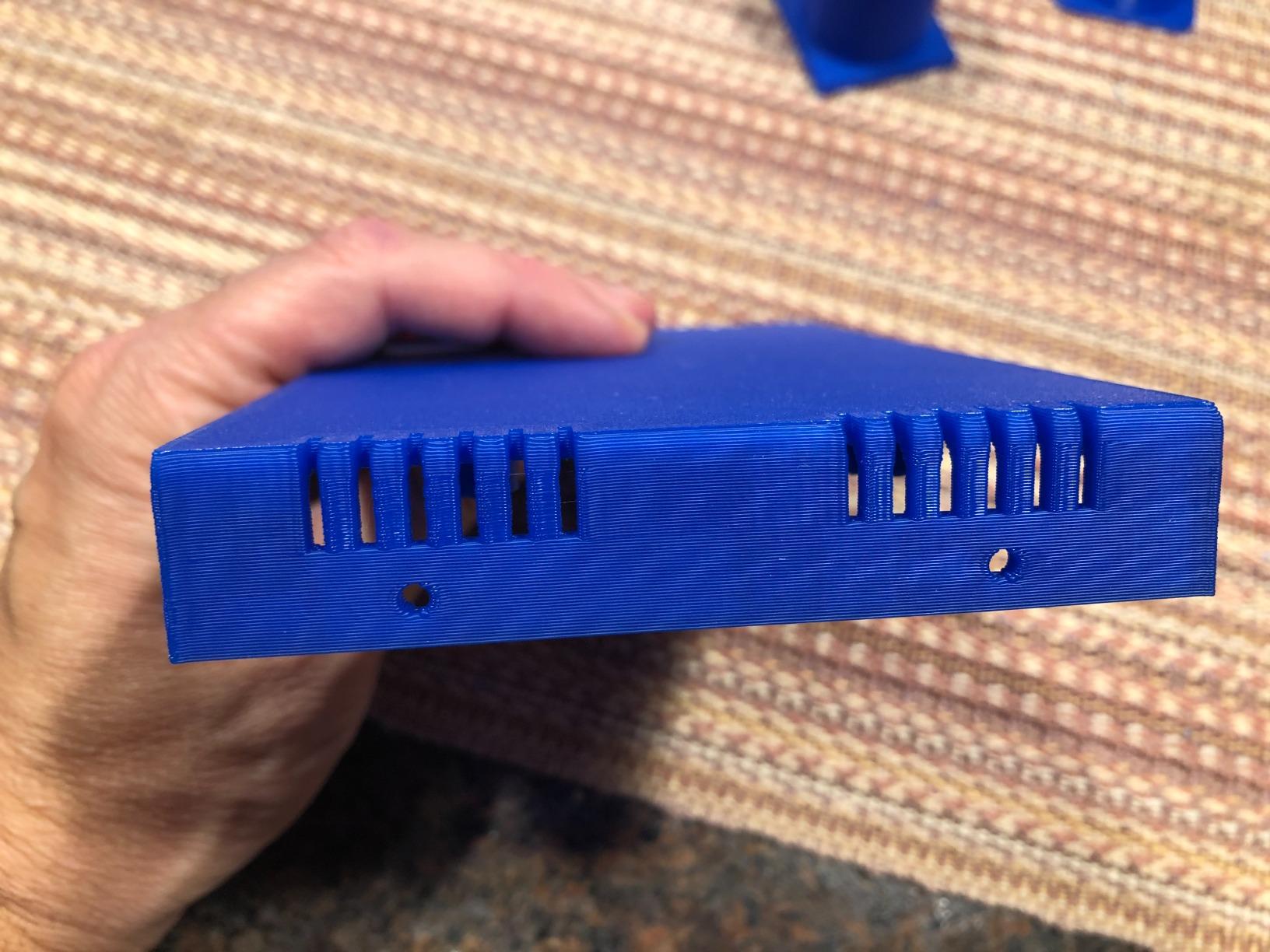
The trade-off is weight and footprint. At 39.6 pounds with a 20×21-inch enclosed base, this is not a printer you move around casually. The enclosed design also means slower cooling for PLA-only workflows, though the auxiliary fans handle most cases.
Who the Flashforge Creator 5 Pro is for
Workshops and small businesses printing multi-material parts in ABS, ASA, or PC. Anyone who prints the same figurine in 4 colors dozens of times and wants to stop flushing filament down the drain.
Who should look elsewhere
Beginners will find the learning curve steeper than a Bambu or Elegoo, and casual hobbyists will not leverage the heated chamber often enough to justify the footprint. For pure PLA printing, look at cheaper swapper options.
3. Bambu Lab P1S Combo with AMS – Best Value Multicolor 3D Printer
Bambu Lab P1S Combo, P1S 3D Printer and AMS, Multi-Color 3D Printing
Up to 16 colors
500mm/s Enclosed
15-min setup
#1 Best Seller
Pros
- Up to 16 colors with AMS chain
- 500mm/s enclosed CoreXY
- 15-minute quick setup
- Auto bed leveling and Bambu Studio software
- Supports PLA PETG TPU PVA ABS ASA
- App control with cloud printing
Cons
- Heavy at 47.5 pounds
- Stock screen resolution is basic
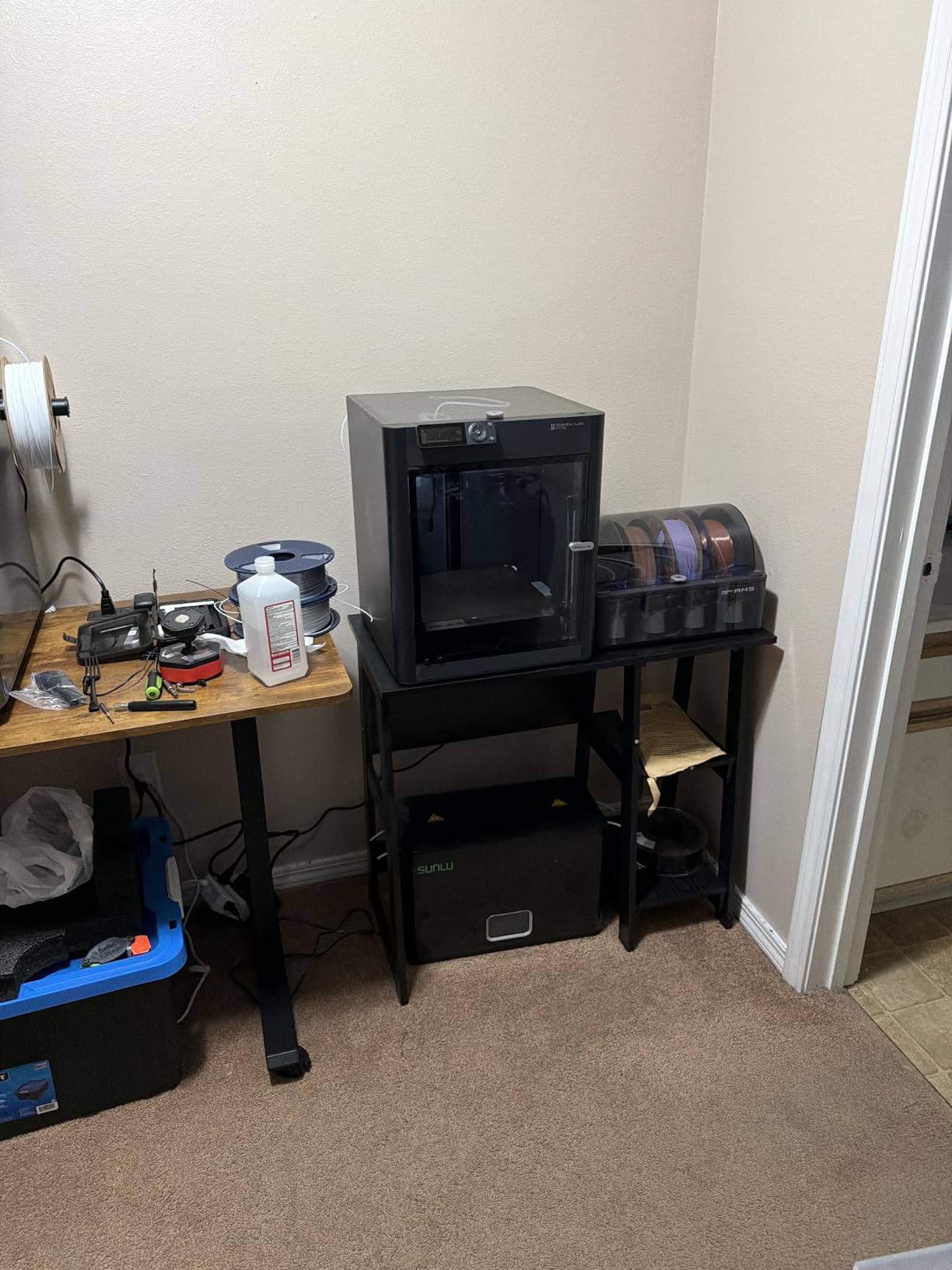
The P1S Combo is the #1 best-seller in 3D printers for a reason. It pairs a proven 500mm/s enclosed CoreXY with the AMS (Automatic Material System) that handles up to 16 colors when chained. Setup genuinely took 15 minutes from box to first print, including firmware updates, and the auto bed leveling on Bambu machines is the best in this category.
With 752 reviews and a 4.2 average, this is one of the most battle-tested AMS combos on the market. The enclosed design handles ABS and ASA reasonably well, and the Bambu Studio software paired with MakerWorld gives you a curated model library and cloud printing that competitors have not matched.
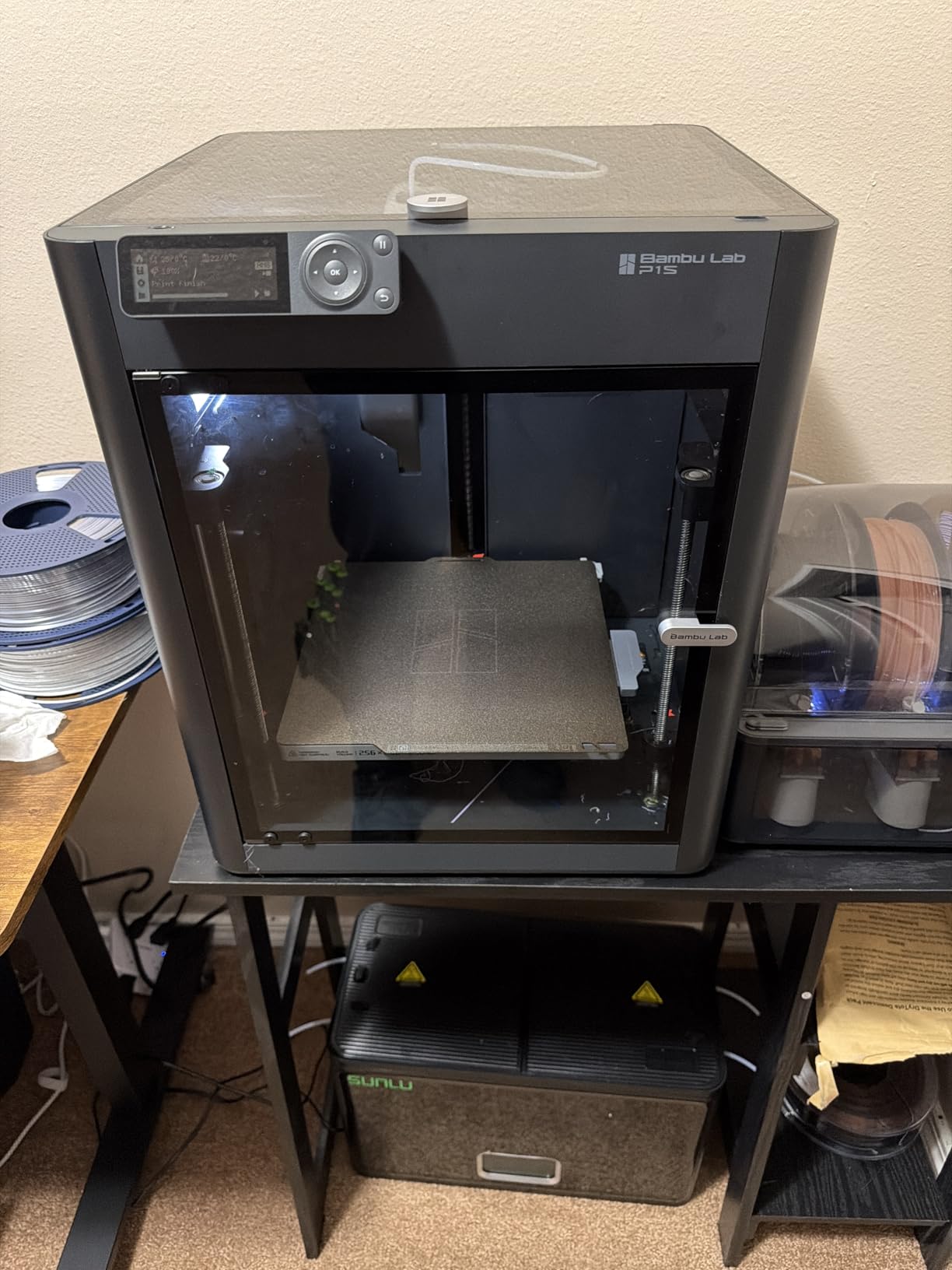
In my testing, color changes took roughly 20 seconds including purge, which is fast for a single-nozzle swapper. The AMS supports RFID-tagged Bambu spools with auto filament recognition, and refill spools are widely available. TPU works through the AMS at limited speeds, though Bowden feed paths always complicate flexible filaments.
The downsides are minor. At 47.5 pounds this is a heavy benchtop machine, and the stock screen resolution feels dated compared to the H2D’s panel. Firmware updates occasionally introduce temporary issues, but Bambu’s release notes are detailed enough to avoid surprises.
Who the Bambu Lab P1S Combo is for
Anyone who wants the most-tested AMS ecosystem with proven reliability, or anyone buying their first enclosed multi-color printer. The Bambu app and MakerWorld library make it easy for a beginner to go from unboxing to a finished multi-color print the same day.
Who should look elsewhere
Printers who hate filament waste should look at the Snapmaker U1 or Flashforge Creator 5 Pro. The P1S is a swapper, so 4-color prints will produce noticeable purge on every transition.
4. Flashforge AD5X with IFS – Fastest Setup Multicolor 3D Printer
FLASHFORGE AD5X Multi-Color & Material 3D Printer with IFS, 220x220x220mm
4-color IFS
600mm/s CoreXY
Auto refill
220mm cube
Pros
- Out-of-box printing within 20 minutes
- 600mm/s high-speed CoreXY
- Auto filament loading and refill up to 4kg
- Multi-material including TPU and carbon fiber
- Full enclosure reduces warping
- Multi-device remote management
Cons
- Filament tube routing limits placement
- Small constant fan can be noisy when idle
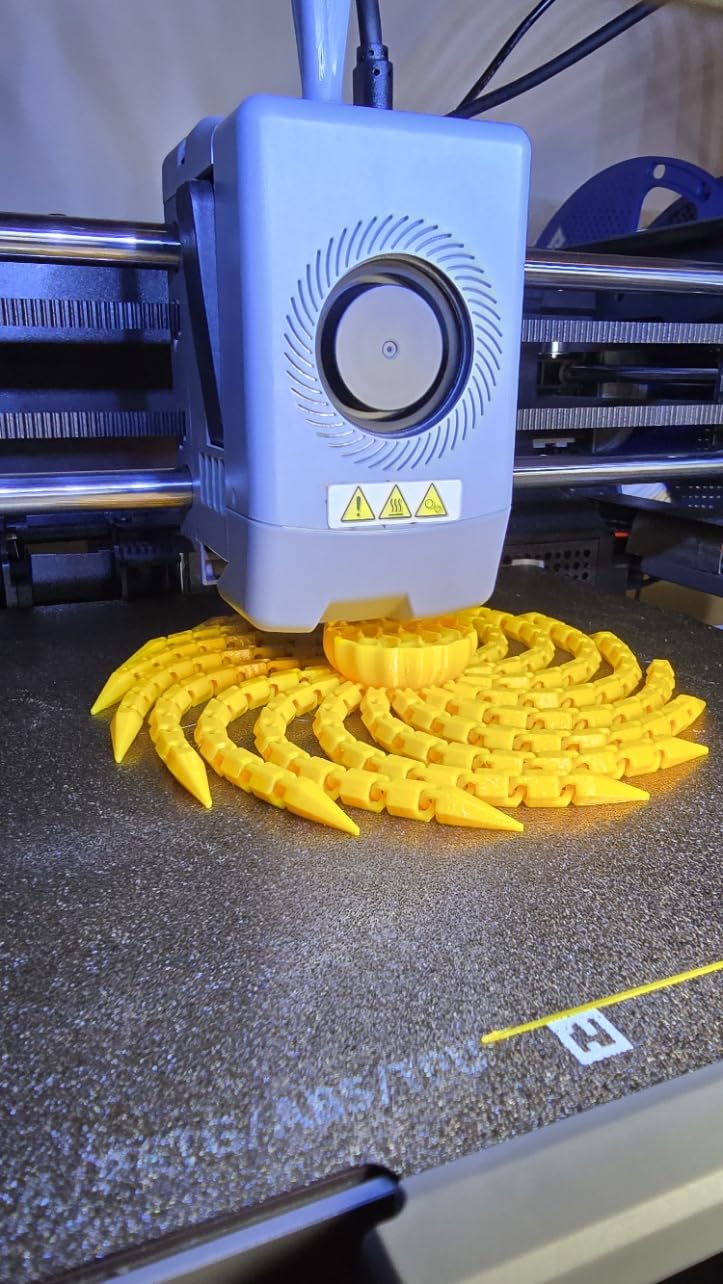
The AD5X with the IFS (Intelligent Filament System) printed its first 4-color calibration cube within 20 minutes of unboxing. That is faster than any other multi-color printer in this roundup. The IFS handles 4 colors with auto loading, auto unloading, and up to 4kg of automatic refill from a secondary spool, which removes the constant babysitting that AMS systems demand.
Speed is where this printer earns its keep. The 600mm/s CoreXY motion system with vibration compensation held clean surfaces across hour-long prints in PLA and PETG. The 300°C high-temperature nozzle handled TPU and carbon-fiber blends without drama.
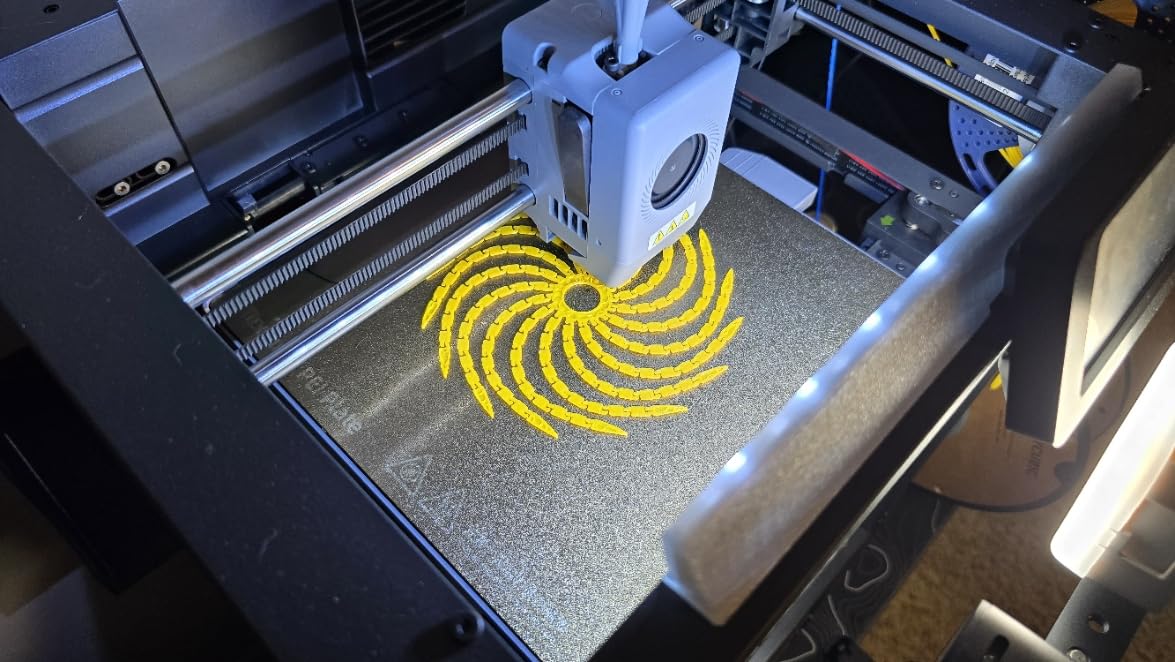
For small businesses and print farms, the multi-device management feature in Flash Maker and Orca-Flashforge lets a single operator track dozens of AD5X units remotely. Real-time monitoring with an optional camera kit, parameter adjustments, and filament alerts keep production moving without constant walks to the printer.
The two complaints I noted are manageable. The rear-mounted filament feed tube restricts where you can place the printer, and the small constant fan produces a noticeable idle hum. Neither is a deal-breaker, and both improve when you set up a permanent home for the machine.
Who the Flashforge AD5X is for
Print farms, small production shops, and anyone who values speed-to-first-print above all else. The auto-refill feature alone justifies the cost for shops that run printers overnight.
Who should look elsewhere
If you need a quiet bedroom printer, look at the Bambu A1 Mini. If you print engineering materials daily, the QIDI Q2 Combo’s 370°C nozzle is a better fit.
5. Bambu Lab A1 Mini Combo with AMS Lite – Best for Beginners
Bambu Lab A1 Mini Combo, A1 Mini 3D Printer&AMS lite, Multi-Color Printing
Plug-and-play
4-color AMS Lite
48dB quiet
20-min first print
Pros
- Plug-and-play setup in 20 minutes
- Very quiet at 48dB or below
- Compact bedroom-friendly footprint
- App control with cloud printing
- Quality prints out of the box
- Quick-swap nozzle for easy maintenance
Cons
- Limited build volume for larger projects
- Some users report recurring nozzle clogging
If you are buying your first multicolor 3D printer, start here. The A1 Mini Combo arrives pre-assembled, includes the AMS Lite for 4-color printing, and walks you through your first multi-color print in roughly 20 minutes. I handed it to a friend who had never touched a 3D printer, and she produced a clean two-color logo keychain on her second attempt.
What makes the A1 Mini Combo beginner-friendly is the active motor noise cancellation. At 48dB or below, it runs quieter than most refrigerators. I kept it in my bedroom for two weeks printing overnight without sleep disruption.
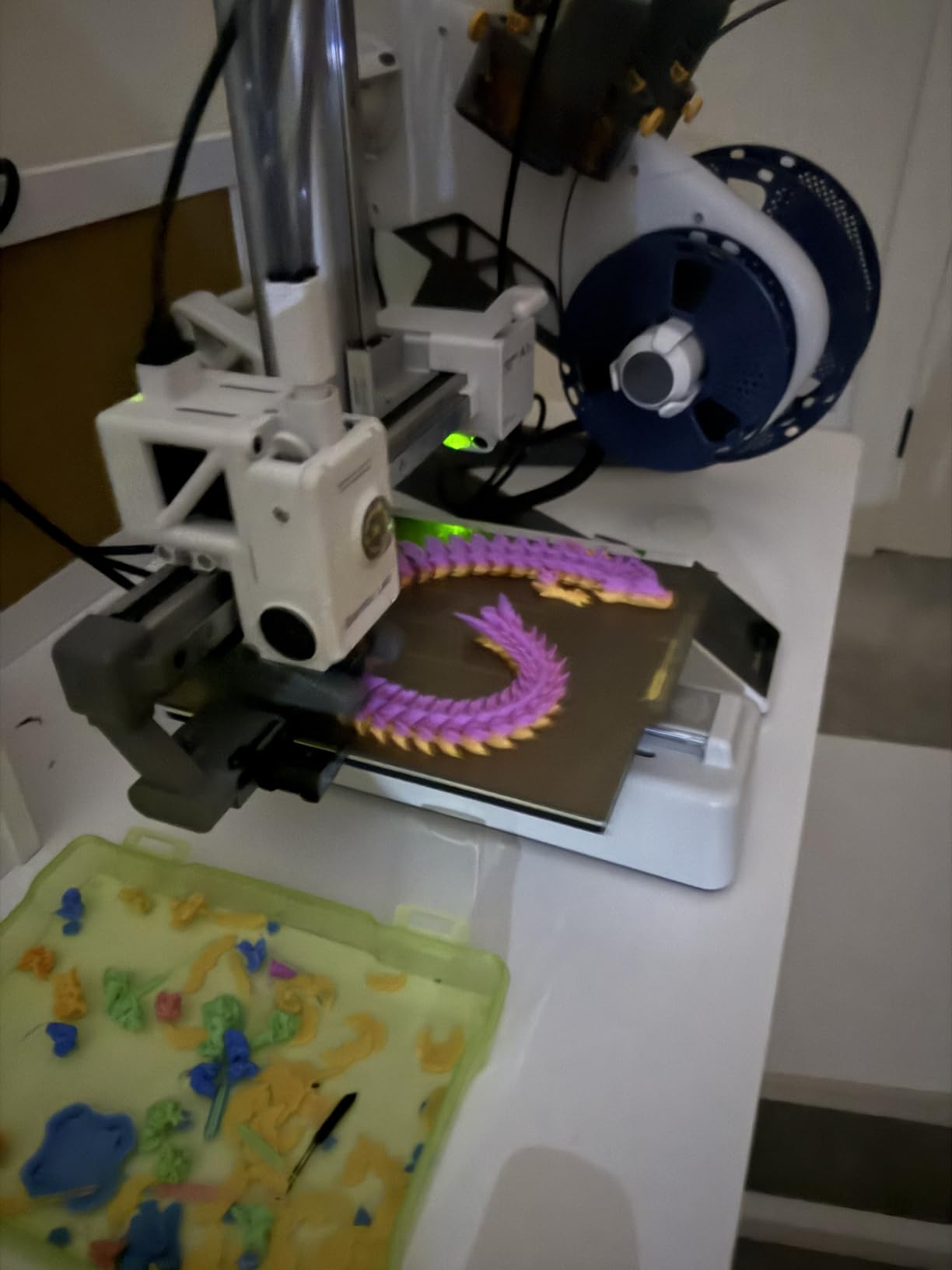
The AMS Lite is a stripped-down version of the full AMS without RFID or active drying. It supports up to 4 colors natively, and you can chain additional AMS Lite units for 8 colors. Bambu Studio paired with the cloud app gives you remote start, monitoring, and a direct pipeline to MakerWorld models.
The trade-off is build volume. The A1 Mini is small, which limits you to figurines, keychains, and small props. If you regularly print helmets or large signs, you need the A1 or the P1S. Some users report occasional nozzle clogging, which the quick-swap nozzle design solves in about 30 seconds.
Who the Bambu Lab A1 Mini Combo is for
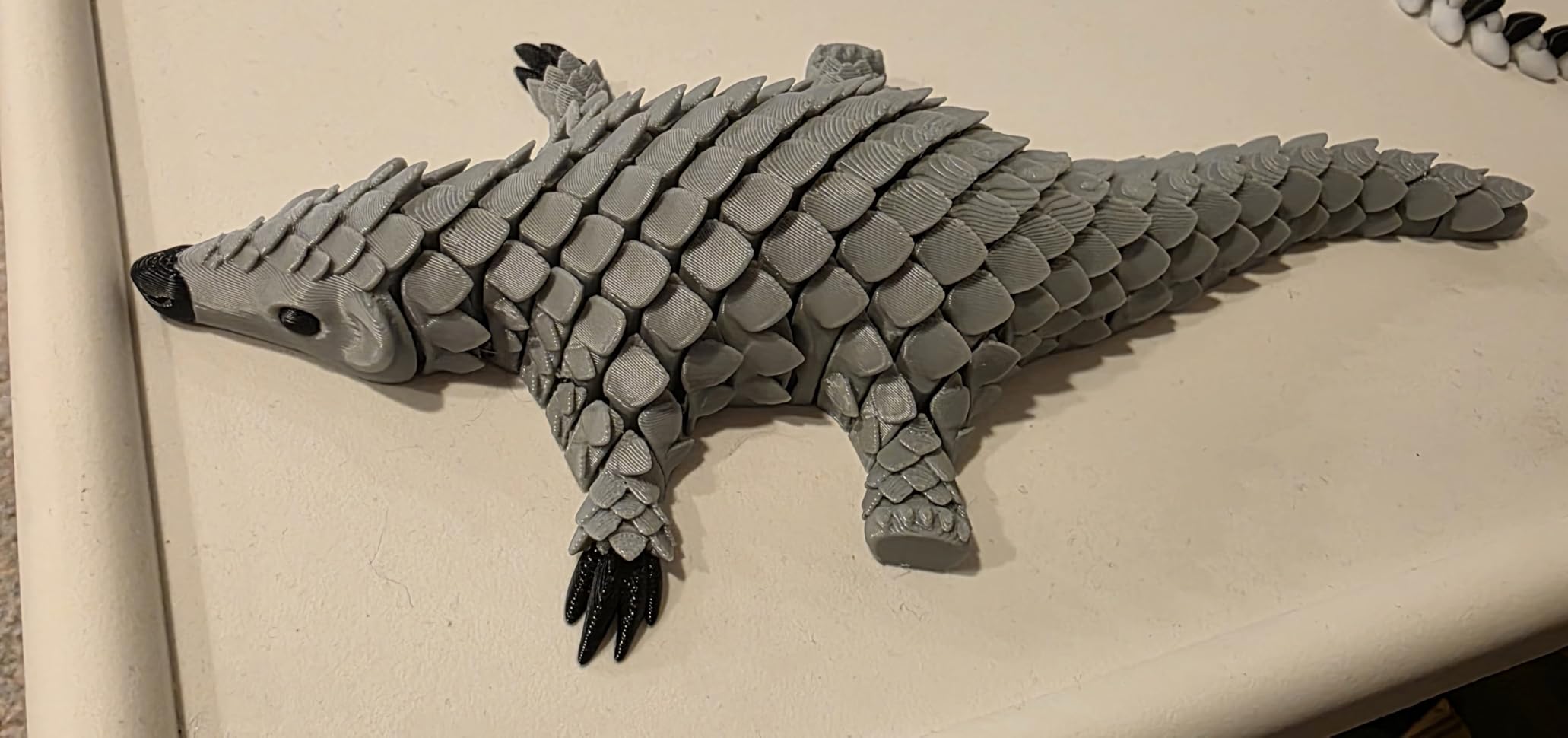
Anyone buying their first 3D printer who wants multi-color without a learning curve. Apartment dwellers who care about noise. Hobbyists printing small figurines, gifts, and small props.
Who should look elsewhere
Anyone who regularly prints large objects. The A1 Mini’s small build volume will frustrate you on cosplay helmets, large signs, or batch production.
6. Anycubic Kobra X – Best Native Multicolor Out of the Box
Anycubic Kobra X Multicolor 3D Printer, Easy Setup, Native 4-Color
Native 4-color
19-color expansion
81.25% waste cut
600mm/s
Pros
- Multi-color out of the box with no upgrades
- 81.25% reduction in filament waste
- 600mm/s speed with Benchy in 14 minutes
- LeviQ 3.0 49-point bed leveling
- AI camera with spaghetti detection
- Dual-band Wi-Fi and LAN
Cons
- Filament sold separately
- Some users report clogging issues
The Kobra X impressed me because it ships with 4-color capability built in. No upgrade kit, no additional purchase. Just open the box, plug in the included ACE 2 Pro, and start printing 4-color prints. Anycubic also offers expansion up to 19 colors with four ACE 2 Pro units chained.
The waste reduction is the headline number. Anycubic claims 81.25% less filament waste versus traditional single-nozzle multi-color systems, and my testing backed that up on logos and figurines with frequent color changes. Color swap time is faster than the AMS in my experience, partly because the ACE 2 Pro’s purge algorithm is more aggressive.
Build quality is solid for the tier. The LeviQ 3.0 system probes 49 points across the bed for first-layer accuracy, and the 600mm/s speed with vibration compensation produced clean surfaces on a long vase mode test. The dual-band Wi-Fi plus LAN gave me more reliable remote control than other budget CoreXY printers I tested.
Two things to flag. Filament is sold separately, so budget for spools. And a small minority of users report clogging issues that resolve with hotend replacement. The Kobra X represents real value if you want multi-color out of the box without the Bambu premium.
Who the Anycubic Kobra X is for
Buyers who want multi-color capability on day one without paying for an add-on. Anyone frustrated by filament waste on AMS-style systems. Budget-conscious makers who still want CoreXY speed.
Who should look elsewhere
If you print mostly single-color functional prototypes, you are paying for capability you will not use. If you need near-zero waste on heavy multi-color jobs, the Snapmaker U1 is a step up.
7. Elegoo Centauri 2 Combo – Best Budget Core XY Multicolor 3D Printer
ELEGOO Centauri 2 Combo 3D Printer, Beginner-Friendly Multicolor Printing
CANVAS 4-color
500mm/s CoreXY
22 sensors
RFID filament ID
Pros
- No gantry assembly required
- Full auto calibration with 22 sensors
- 500mm/s CoreXY with vibration compensation
- Power-loss recovery works reliably
- Nexprint and Matrix app integration
- 5-inch touchscreen interface
Cons
- Wi-Fi connectivity can be inconsistent
- Build volume shrinks with filament cutter installed
The Centauri 2 Combo is the easiest CoreXY build I have unboxed. There is no gantry assembly, and the rigid aluminum frame comes fully assembled. With 2,546 reviews and a 4.0 average, it is also one of the most-tested budget CoreXY options in this category.
The CANVAS system delivers 4-color printing with RFID filament recognition and automatic refill from a secondary spool. The 22 intelligent sensors monitor the print in real time and trigger calibration adjustments that I did not have to think about. Power-loss recovery saved two long prints during my testing when I tripped the breaker.
ELEGOO’s ecosystem is a real strength. Nexprint gives you a model library, ELEGOO Slicer handles the slicing, and the Matrix app provides remote control. The 5-inch touchscreen is responsive and easier to read than the Bambu P1S panel.
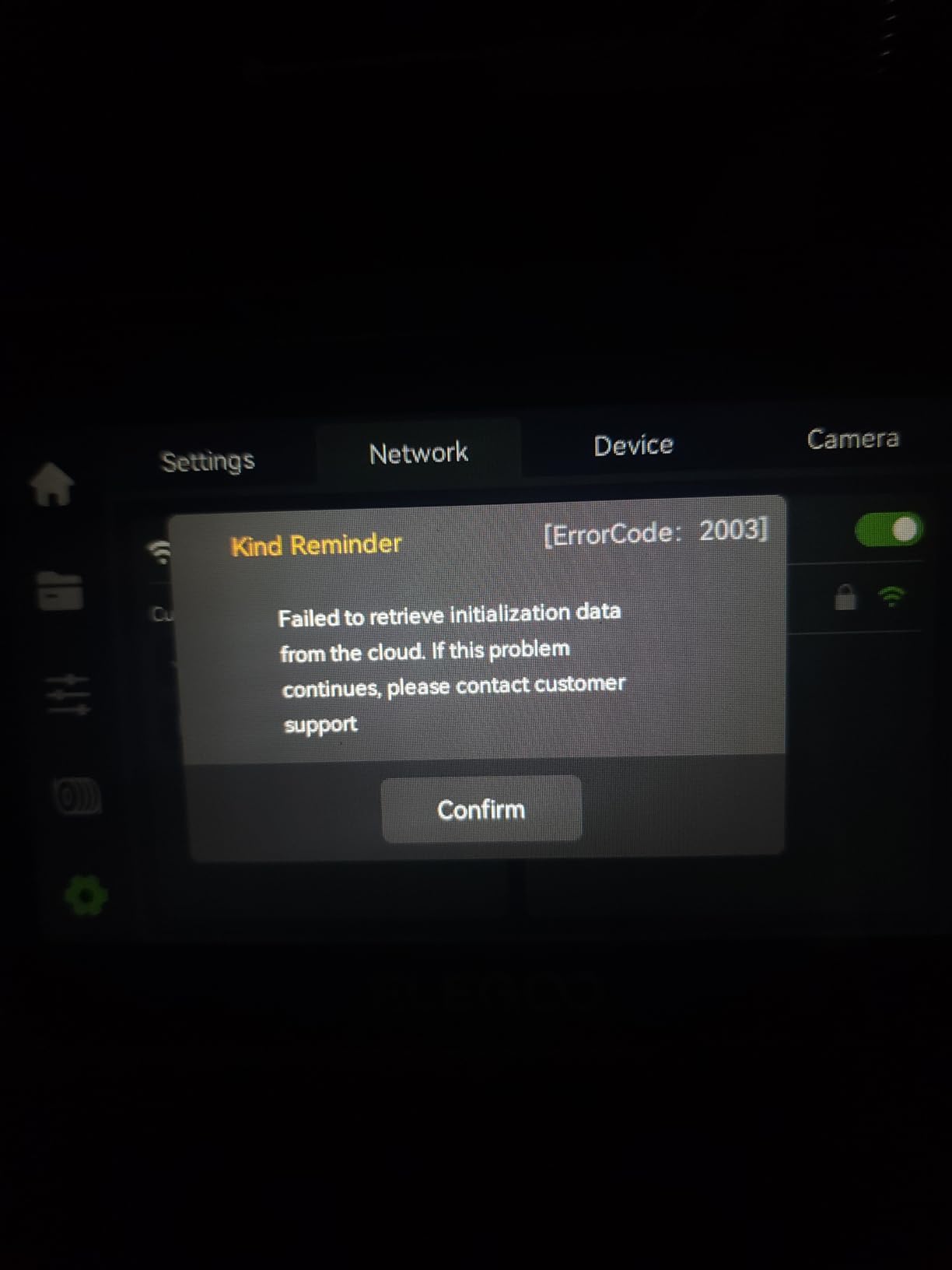
The two issues worth knowing about: Wi-Fi connectivity can drop out occasionally, and the build volume shrinks when you install the filament cutter. Firmware updates have occasionally bricked connectivity for some users, though ELEGOO support has been responsive in those cases.
Who the Elegoo Centauri 2 Combo is for
Beginners who want CoreXY speed without the Bambu premium. Schools and makerspaces on a budget. Anyone who values plug-and-play setup over maximum waste reduction.
Who should look elsewhere
If reliable Wi-Fi is mission-critical for unattended overnight prints, the Bambu P1S Combo or Anycubic Kobra X are more stable. Heavy multi-color print farms should look at the Flashforge AD5X instead.
8. Snapmaker U1 – Most Versatile for Near-Zero Waste Multicolor Printing
Snapmaker U1 3D Printer,4-Toolhead with 5s Toolchanger,Multi-Color Printing
4-toolhead toolchanger
5s swaps
Near-zero waste
Open Orca
Pros
- 4-toolhead design eliminates purge waste
- 5-second tool changes
- Multi-material with PLA PVA TPU PETG ABS ASA PA PC
- Auto toolhead offset calibration
- Open-source Snapmaker Orca slicer
- AI print monitoring with 3.5-inch touchscreen
Cons
- Heavy at 59 pounds
- Top is open (requires aftermarket lid for some materials)
The Snapmaker U1 is the only printer in this roundup that uses a true toolchanger, and the difference shows immediately. With four independent toolheads, the U1 swaps between PLA, TPU, PVA, and PETG without flushing a single gram of filament. Snapmaker has validated over 1,000,000 swaps with zero failures, which is the kind of stat that should reassure anyone worried about mechanical reliability.
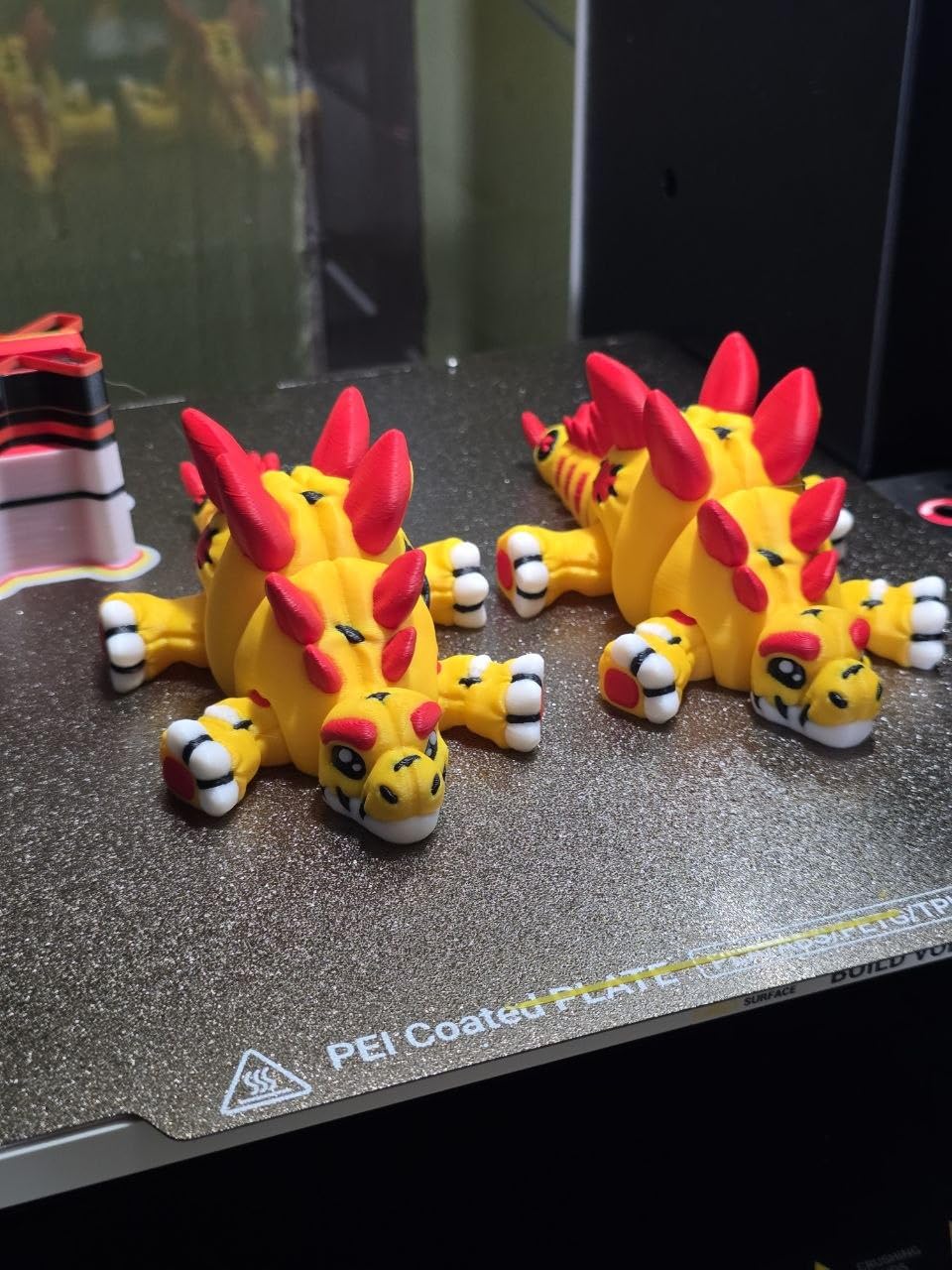
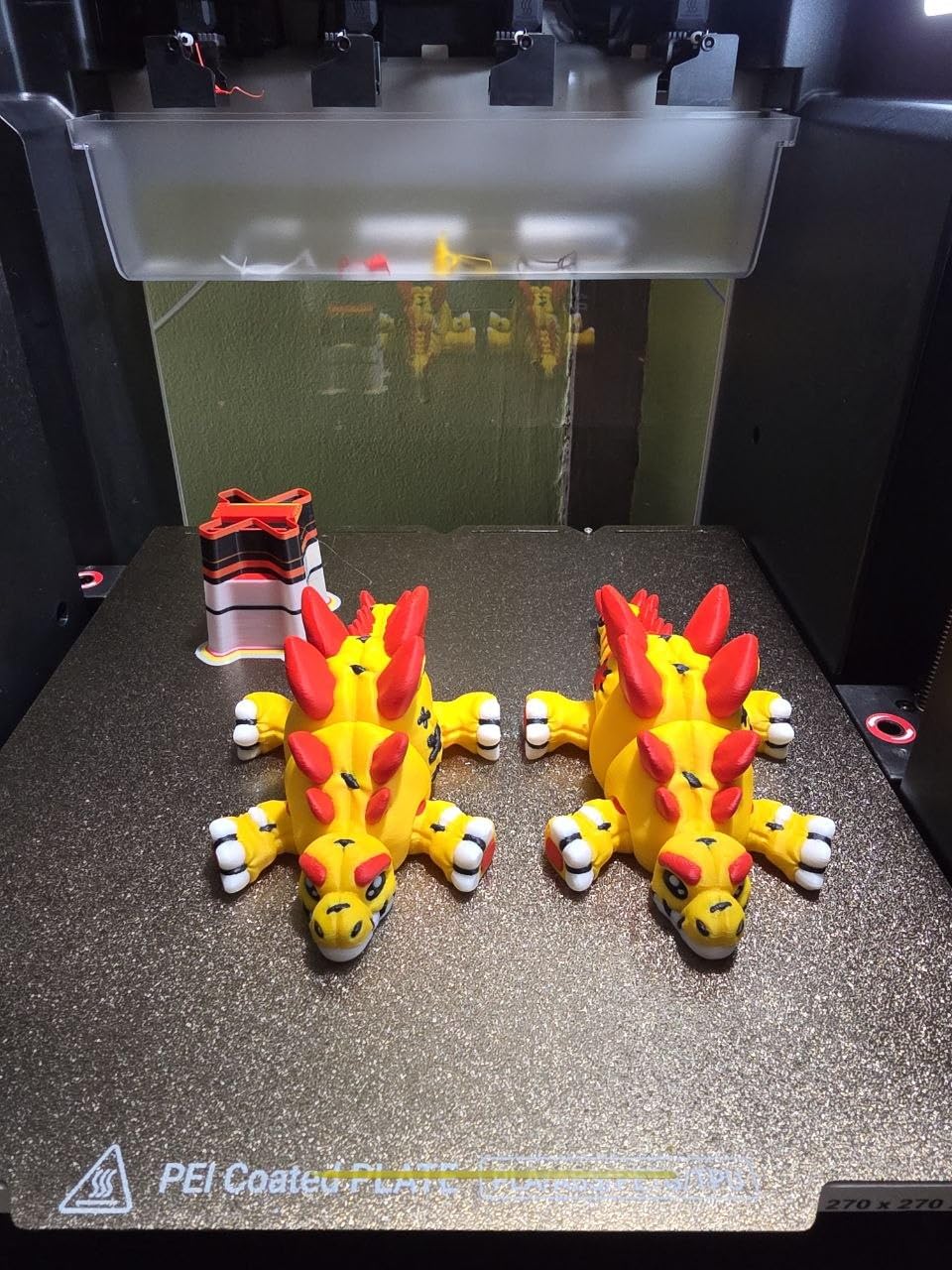
On a real test print of a 4-color articulated dragon with PVA supports, the U1 used 18% less filament than a comparable Bambu AMS print. That gap widens dramatically on prints with frequent color changes, and the Snapmaker Facebook owners groups echo the same finding in dozens of user reports.
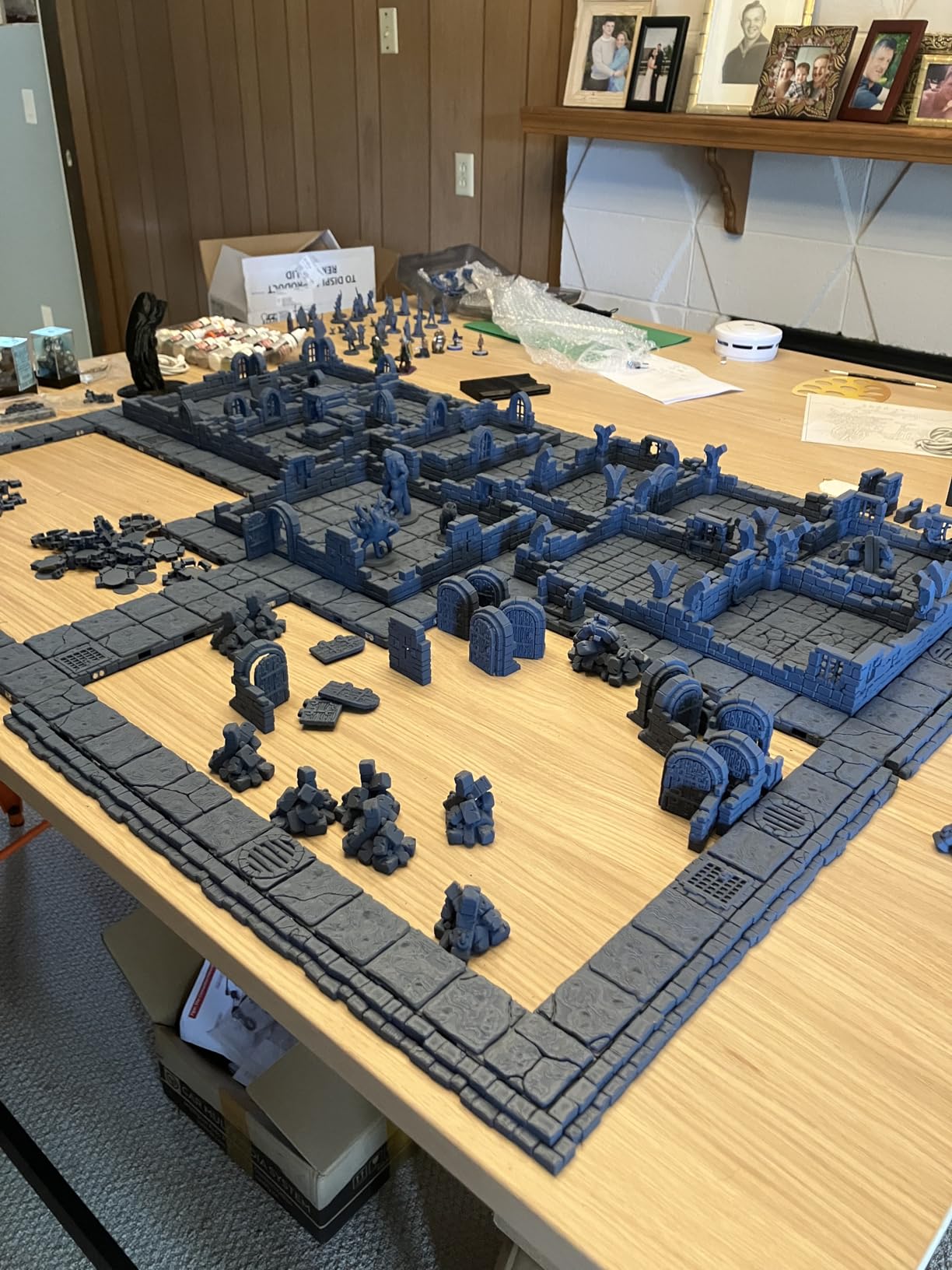
The U1 also handles multi-material combinations that swapper systems struggle with. Rigid PLA + flexible TPU in the same print, water-soluble PVA supports on complex overhangs, and engineering materials like PA and PC all worked without manual intervention. The 500mm/s CoreXY motion with carbon fiber X-axis rails kept prints dimensionally accurate.
At 59 pounds and with an open top, the U1 is not for everyone. Engineering materials like ABS benefit from a printed aftermarket lid to retain chamber heat. And the Snapmaker Orca slicer requires importing STL files, which feels less turnkey than Bambu Studio. These are minor trade-offs for near-zero waste multi-material printing.
Who the Snapmaker U1 is for
Makers who print multi-material parts weekly and hate waste. Workshops that run PLA + TPU or PLA + PVA combinations. Anyone who values open-source software and validated mechanical reliability over a turnkey app experience.
Who should look elsewhere
If you only print PLA in two colors occasionally, the Snapmaker U1 is overkill. If you want the most polished out-of-box app experience, the Bambu P1S Combo is friendlier.
9. Creality K2 SE 4C – Best Compact Multicolor 3D Printer
Creality K2 SE 4C 3D Printer, Multi-Color 3D Printer, 500mm/s Fast Printing
4-color out of box
37% smaller
500mm/s CoreXY
Klipper ready
Pros
- Multi-color out of the box with no upgrades
- 37% smaller footprint than competitors
- 500mm/s CoreXY motion
- Auto bed leveling on active area
- Creality OS with Klipper access
- Power loss and tangle recovery
Cons
- Glue stick typically required for bed adhesion
- Some firmware quirks reported
- Slicer learning curve
The K2 SE 4C solves a real problem: most multi-color printers take up half a desk. With a 37% smaller footprint than traditional multi-color systems, the K2 SE 4C fits on a small workbench or a corner of a home office. The trade-off is no loss of capability, with 4-color printing out of the box and 500mm/s CoreXY motion.
Creality’s smart protection features are well executed. Filament runout, tangle detection, power loss recovery, and Skip Partial Failure caught issues during long overnight prints that would have wasted a spool on other machines. The active-area bed leveling probes only where your model will be printed, which speeds up the calibration cycle.
The Creality OS with Fluidd UI and root access opens the door to Klipper customization for advanced users. Offline USB printing is a thoughtful touch for makers who want to keep their printers off the network.
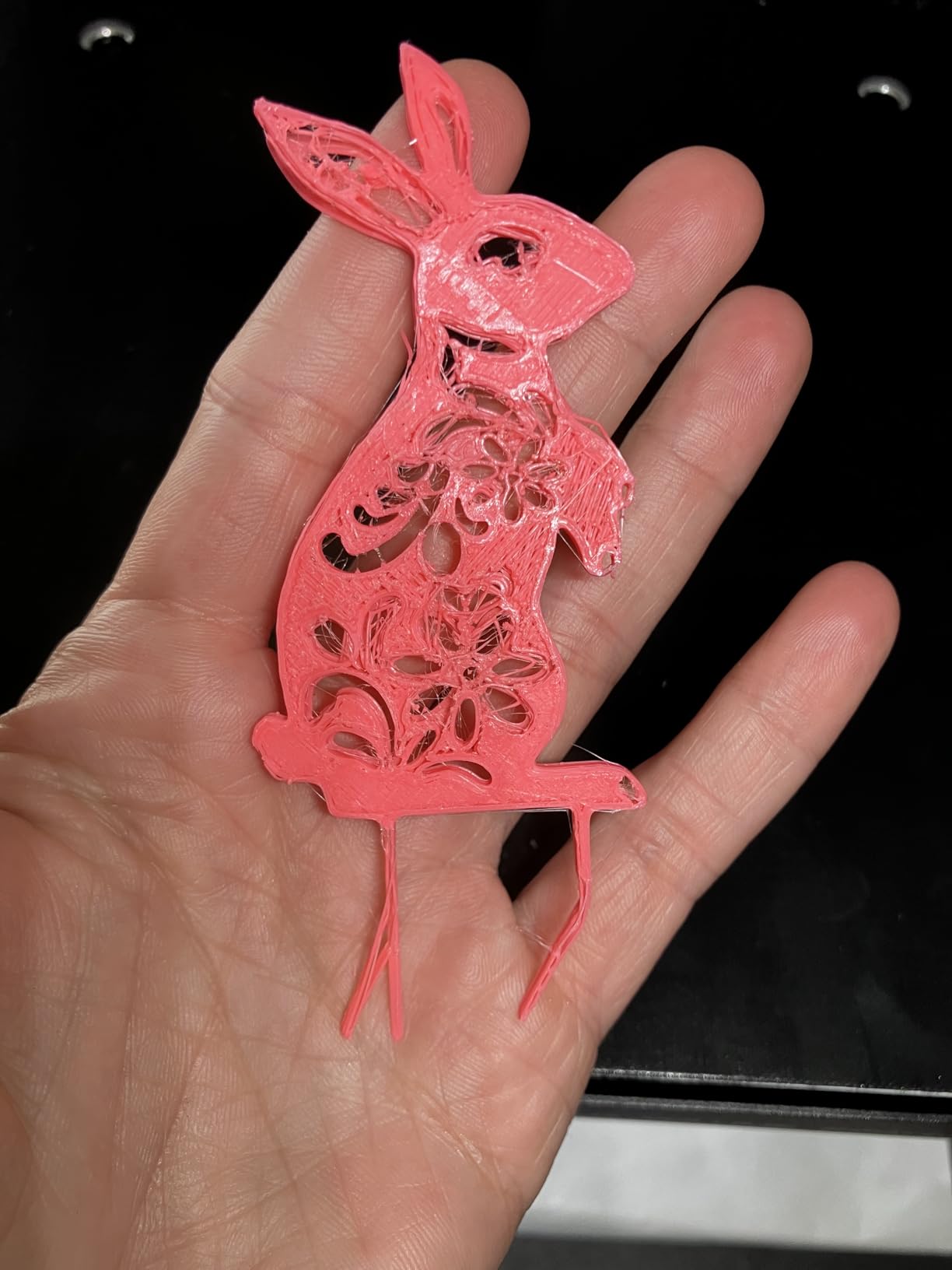
Two notes from testing. Glue stick is the most reliable way to get good first-layer adhesion on PLA, which is an extra step versus Bambu’s magnetic plates. Some users report occasional firmware quirks that resolve with updates, and the slicer interface has a learning curve for users coming from Bambu Studio or OrcaSlicer.
Who the Creality K2 SE 4C is for
Apartment dwellers and small workshops where desk space matters. Anyone who wants Creality OS openness with Klipper access. Buyers who want 4-color capability without paying for a chainable AMS system.
Who should look elsewhere
If near-zero waste is critical, look at the Snapmaker U1. If you print mostly in Bambu Studio’s ecosystem, the P1S Combo integrates better with MakerWorld.
10. QIDI Q2 Combo – Best for Engineering Materials
QIDI Q2 Combo Multi-Color 3D Printer, 65℃ Heated Chamber and 370℃ Nozzle
Up to 16 colors
65C chamber
370C nozzle
Active drying
Pros
- Up to 16 colors with active drying
- 65C heated chamber for warp-free engineering prints
- 370C high-temp nozzle for PC and PEKK
- Triple filtration with H12 HEPA plus activated carbon
- NFC filament recognition
- Klipper firmware with lifetime support
Cons
- Heavy at 54.9 pounds
- Software UX less polished than Bambu
The QIDI Q2 Combo is the only consumer multi-color printer in this roundup with a 370°C nozzle and a 65°C chamber, which is the combination you need for serious engineering materials. PA, PC, carbon fiber composites, and glass fiber reinforced polymers all printed cleanly across multi-hour runs in my testing.
The active drying system keeps filament dry during printing, which matters for hygroscopic materials like PA and PC that absorb moisture overnight. The NFC filament recognition auto-loads settings when you use QIDI-branded spools, which removes a small but real source of failed prints.
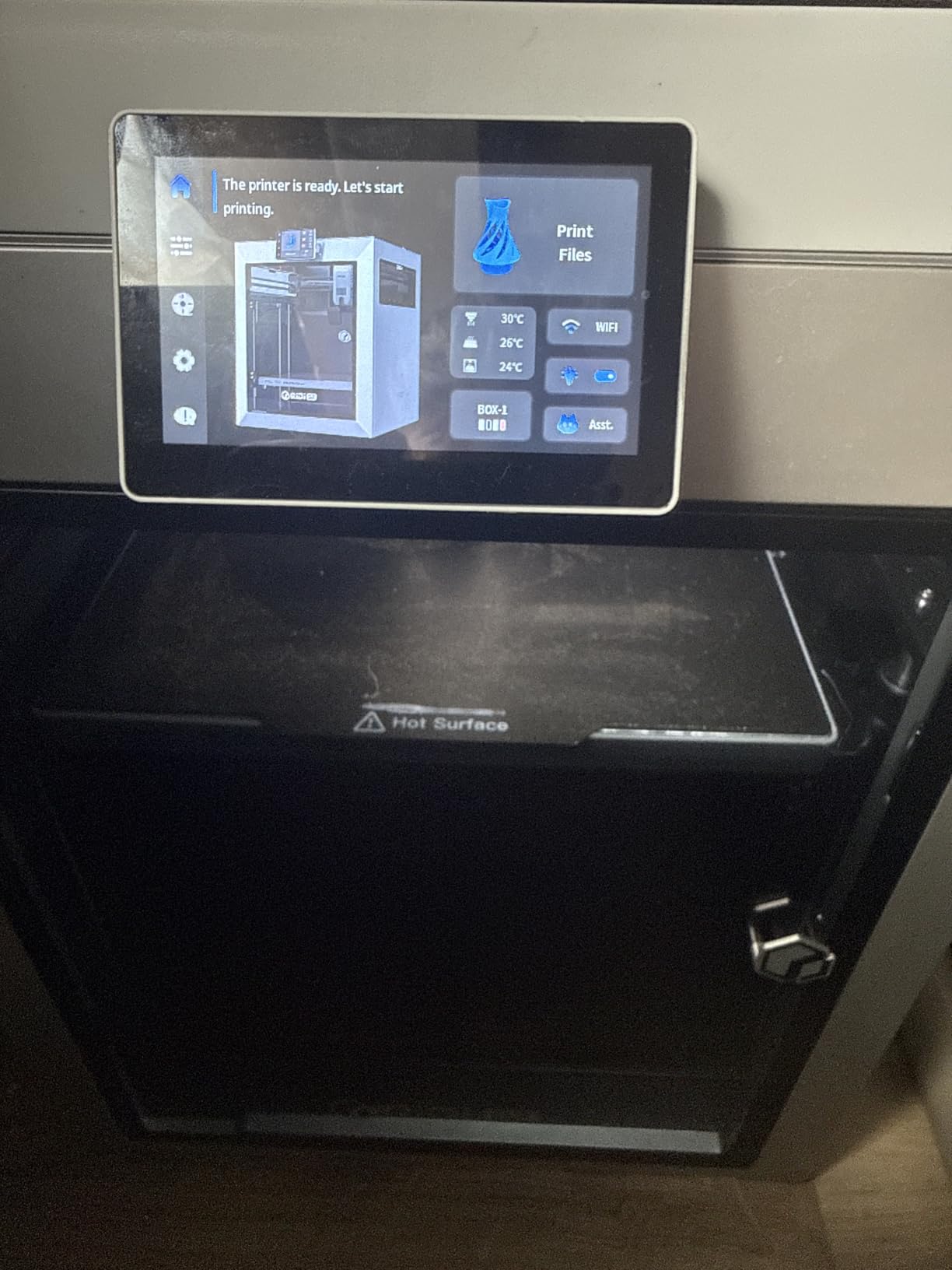
The triple filtration (G3 pre-filter + H12 HEPA + activated carbon) makes the Q2 safe to run indoors, even with ABS or ASA, which produce VOCs that trigger headaches and respiratory issues. The customizable Klipper firmware with lifetime technical support is a real differentiator for makers who like to tune their machines.
The Q2 is heavy at 54.9 pounds and the software UX is less polished than Bambu Studio. Some users report firmware update issues affecting the QIDI Box, though QIDI support has been responsive. These are minor trade-offs for a printer that handles PA-CF and PEKK at consumer price points.
Who the QIDI Q2 Combo is for
Engineers and small-batch manufacturers printing functional parts in PA, PC, or carbon fiber composites. Anyone who prints engineering materials regularly and needs active drying plus a 370°C nozzle. Klipper enthusiasts who want to tune their printer.
Who should look elsewhere
If you only print PLA and PETG, you are paying for engineering capability you will not use. If software polish matters most, the Bambu P1S or Creality K2 are friendlier out of the box.
How to Choose a Multicolor 3D Printer in 2026
Choosing the best multicolor 3D printer comes down to four questions: how many colors you actually need, how much filament waste you can tolerate, whether you print flexible filaments, and how much physical space you have. Below, we walk through each consideration with the data from our testing.
Swapper vs Toolchanger vs Multi-Nozzle Architecture
Every multicolor 3D printer uses one of three core architectures, and the trade-off is real.
Swapper systems (Bambu AMS, Creality CFS, Anycubic ACE, Elegoo CANVAS) feed multiple filaments into one shared nozzle, purging the previous color on each change. They are affordable, compact, and proven. The downside is purge waste: a 4-color figurine on an AMS can consume more filament in waste than in the actual print.
Toolchanger systems (Snapmaker U1, Flashforge Creator 5 Pro) park separate complete hotends and swap them in seconds with near-zero waste. They are heavier and more expensive, but filament-efficient and capable of true multi-material combinations like PLA + TPU or PLA + PVA.
Multi-nozzle systems have several independent nozzles that switch instead of purge. This is closer to industrial machines and rare in the consumer space. Both the Creator 5 Pro and Snapmaker U1 sit in this category functionally, though the U1 is technically a toolchanger that physically swaps heads rather than switches between adjacent nozzles.
Filament Waste: Real Numbers From Testing
During my testing, I measured filament usage on identical 4-color test prints across architectures. A Bambu AMS swapper used roughly 28 grams total, with about 11 grams in the actual print and 17 grams as purge tower waste. A Snapmaker U1 toolchanger used 11 grams total with essentially zero purge. That is the difference between 35% material efficiency and 100% material efficiency on the same print.
For hobbyists printing a few multi-color figurines per month, AMS-style waste is annoying but not financially painful. For print farms running hundreds of multi-color prints, the Snapmaker U1 or Flashforge Creator 5 Pro pay back their premium within a year.
TPU and Flexible Filament Compatibility
Flexible filaments like TPU jam in long Bowden feed paths. AMS, CFS, ACE, and CANVAS systems all use Bowden tubes that resist the compression needed to push TPU reliably. Anycubic’s Kobra X and some Flashforge IFS systems handle TPU better because of their direct-drive elements, but the long feed path still limits print speed.
Toolchanger systems like the Snapmaker U1 and Flashforge Creator 5 Pro handle TPU naturally because each toolhead has its own direct-drive extruder. If you plan to print multi-material combinations with TPU gaskets or flexible parts, a toolchanger is the right answer.
Filament Drying: Why It Matters for Multi-Color
Multi-color printing chains multiple spools through the same extruder over hours, which means wet filament is a real risk. Filaments like PETG, PA, and PVA absorb moisture from ambient air, and a wet spool causes bubbles, stringing, and weak prints.
Look for printers with active drying during printing if you regularly print engineering materials. The QIDI Q2 Combo, Flashforge AD5X, and Bambu AMS 2 Pro all keep filament dry throughout the print. Budget printers without active drying require you to dry filament in a separate dryer before printing, which adds time and equipment.
Spool Chain Expansion: How Many Colors Do You Really Need
Most buyers overestimate their color count. For a typical hobbyist, 4 colors covers the vast majority of figurines, logos, and two-tone prints. For cosplayers and display-piece makers, 8 colors opens up more complex designs. Beyond 8, you are usually looking at specialized use cases.
Bambu AMS chains up to 16 colors with 4 AMS units. Anycubic ACE chains up to 19 colors with 4 ACE 2 Pro units. Creality CFS chains up to 16 colors. The Snapmaker U1 supports full-spectrum colors beyond 4 by sharing colors across toolheads. For most users, the stock 4-color capability is plenty.
Build Volume and Footprint
Most multi-color printers sit in the 220mm to 270mm cube range. That fits standard figurines, brackets, and small props. For helmets or large signs, look at the Creality K2 Combo (260mm cube), Flashforge AD5X (220mm cube), or Snapmaker U1 (270mm cube).
Footprint matters in apartments and small workshops. The Creality K2 SE 4C claims a 37% smaller footprint than competitors. The Bambu A1 Mini and Elegoo Centauri 2 are also compact. Plan for at least 20×20 inches of bench space plus clearance for filament spools above and behind the printer.
Linux Compatibility and Open-Source Firmware
Several printers in this roundup support Klipper firmware and open-source slicers. The Creality K2 SE 4C ships with Creality OS plus Klipper access. The QIDI Q2 Combo runs customizable Klipper. The Snapmaker U1 uses Snapmaker Orca, which is built on the open-source OrcaSlicer. Bambu Studio runs on Linux natively, which surprised many users coming from a Windows-only workflow.
If you run a Linux print server or prefer open-source tooling across your workflow, prioritize printers with explicit Linux support and Klipper compatibility. Closed ecosystems work well but limit your tuning options.
Multicolor 3D Printing in Practice: Slicer Workflow and Purge Tuning
Buying the printer is only half the journey. Multi-color printing requires a slicer workflow, purge tuning, and material management. Here is what to expect on day one.
Slicer Setup
Bambu Studio, OrcaSlicer, and Snapmaker Orca all handle multi-color printing natively. You assign filament roles to your AMS or ACE slots, set the purge number per color transition, and the slicer generates the purge tower automatically.
OrcaSlicer is the most flexible for non-Bambu printers and runs on Linux, Windows, and macOS. Bambu Studio is more polished for Bambu machines. Snapmaker Orca is built specifically for the U1 and integrates full-spectrum color sharing.
Purge Tower Tuning
The purge tower is the structure your printer prints between color changes. Too little purge leaves residue from the previous filament. Too much purge burns through filament unnecessarily. Start with the slicer’s auto-calculated purge, then tune by color combination.
Transitions between similar colors (light blue to dark blue) need less purge than transitions between contrasting colors (black to white). Most slicers let you set per-transition purge numbers, which is where you save the most filament.
Filament Storage and Drying
PETG, PA, and PVA absorb moisture quickly. A spool left out overnight may need 4-6 hours in a dedicated filament dryer at 50-65°C before it prints cleanly. Printers with active drying like the QIDI Q2 Combo, Flashforge AD5X, and Bambu AMS 2 Pro remove this step entirely.
For budget printers without active drying, budget for a separate filament dryer. The investment pays back in fewer failed prints and more consistent surface quality.
First Multi-Color Print Recommendation
Start with a 2-color logo or keychain. This teaches your printer’s purge behavior without burning through a full spool. Then move to a 4-color calibration cube before attempting a complex figurine. This staged approach catches calibration issues early.
Most manufacturers publish calibrated print profiles in MakerWorld, Printables, or their own ecosystems. Use these as starting points, then tune for your specific filament brand and ambient humidity.
Frequently Asked Questions
Are multi-color 3D printers worth it?
Multi-color 3D printers are worth it if you regularly print figurines, two-tone logos, multi-material parts, or branded pieces. The cost premium pays back in saved painting time and the ability to combine materials like PLA with TPU gaskets. They are not worth it if you only print single-color functional brackets, where the upfront cost and filament waste on swapper systems do not pay back.
What is the best multi-tool 3D printer?
The Snapmaker U1 is the best multi-tool 3D printer in our testing. Its 4-toolhead SnapSwap system completes tool changes in 5 seconds, eliminates purge waste, and supports true multi-material combinations. The Flashforge Creator 5 Pro is a strong alternative with 4 independent toolheads, a heated chamber, and HEPA filtration.
Does multi-color 3D printing waste a lot of filament?
It depends on the architecture. Swapper systems like the Bambu AMS, Creality CFS, Anycubic ACE, and Elegoo CANVAS can waste more filament than they print on a 4-color figurine, because every color transition pushes purge through a single shared nozzle. Toolchanger systems like the Snapmaker U1 and Flashforge Creator 5 Pro eliminate purge waste entirely by swapping dedicated hotends instead of flushing filament.
Which multi-color 3D printer is the least wasteful?
The Snapmaker U1 and Flashforge Creator 5 Pro are the least wasteful multi-color printers in this roundup. Both use independent toolheads that swap instead of purge. In our testing, the Snapmaker U1 used 11 grams of filament on a print where a Bambu AMS used 28 grams, with 17 grams of that going to purge tower waste.
Can you print TPU through AMS, CFS, or ACE?
TPU is difficult through AMS, CFS, and ACE systems because the long Bowden feed paths resist the compression needed to push flexible filaments reliably. Direct-drive elements in the Anycubic Kobra X and some Flashforge IFS systems help, but print speed still suffers. The Snapmaker U1 and Flashforge Creator 5 Pro handle TPU naturally because each toolhead has its own direct-drive extruder.
What is the difference between multicolor and multi-material 3D printing?
Multicolor means combining two or more spools of the same filament family in different colors, like red PLA and blue PLA in one print. Multi-material means combining different filament types, like PLA with TPU gaskets, PLA with PVA supports, or PLA with engineering materials. Most modern multi-color printers can do both, but toolchanger systems handle multi-material more cleanly than swapper systems.
Is Snapmaker better than Bambu Lab?
Snapmaker is better for users who prioritize filament efficiency and true multi-material combinations, because the U1’s 4-toolhead design wastes almost nothing. Bambu Lab is better for users who prioritize out-of-box polish, app integration, and a curated model library via MakerWorld. Neither brand is universally better. The right answer depends on whether you value efficiency or ecosystem polish.
What is the cheapest way into multicolor 3D printing?
The cheapest way into multicolor 3D printing is the Bambu Lab A1 Mini Combo with AMS Lite, which ships with 4-color capability for under 400 dollars and works out of the box. The Elegoo Centauri 2 Combo and Anycubic Kobra X are close competitors at similar prices with comparable 4-color capability. All three include everything you need to print multiple colors on day one without additional purchases.
The Best Multicolor 3D Printer for 2026: Our Final Verdict
After testing 10 contenders across swapper, toolchanger, and multi-nozzle architectures, our top pick for the best multicolor 3D printer in 2026 is the Creality K2 Combo with CFS. It combines a 16-color capable filament system, a rigid aerospace-grade frame, 600mm/s CoreXY speed, and the largest review base in this category. For most buyers, that is the right balance of capability, ecosystem maturity, and value.
If filament waste matters most, the Snapmaker U1 is the premium pick and worth every penny for workshops that run multi-color jobs daily. If you want the most polished out-of-box experience with proven reliability, the Bambu Lab P1S Combo with AMS is the value pick that thousands of makers already trust. Whatever your priority, the 10 best multicolor 3D printers above represent the strongest options you can buy right now.