
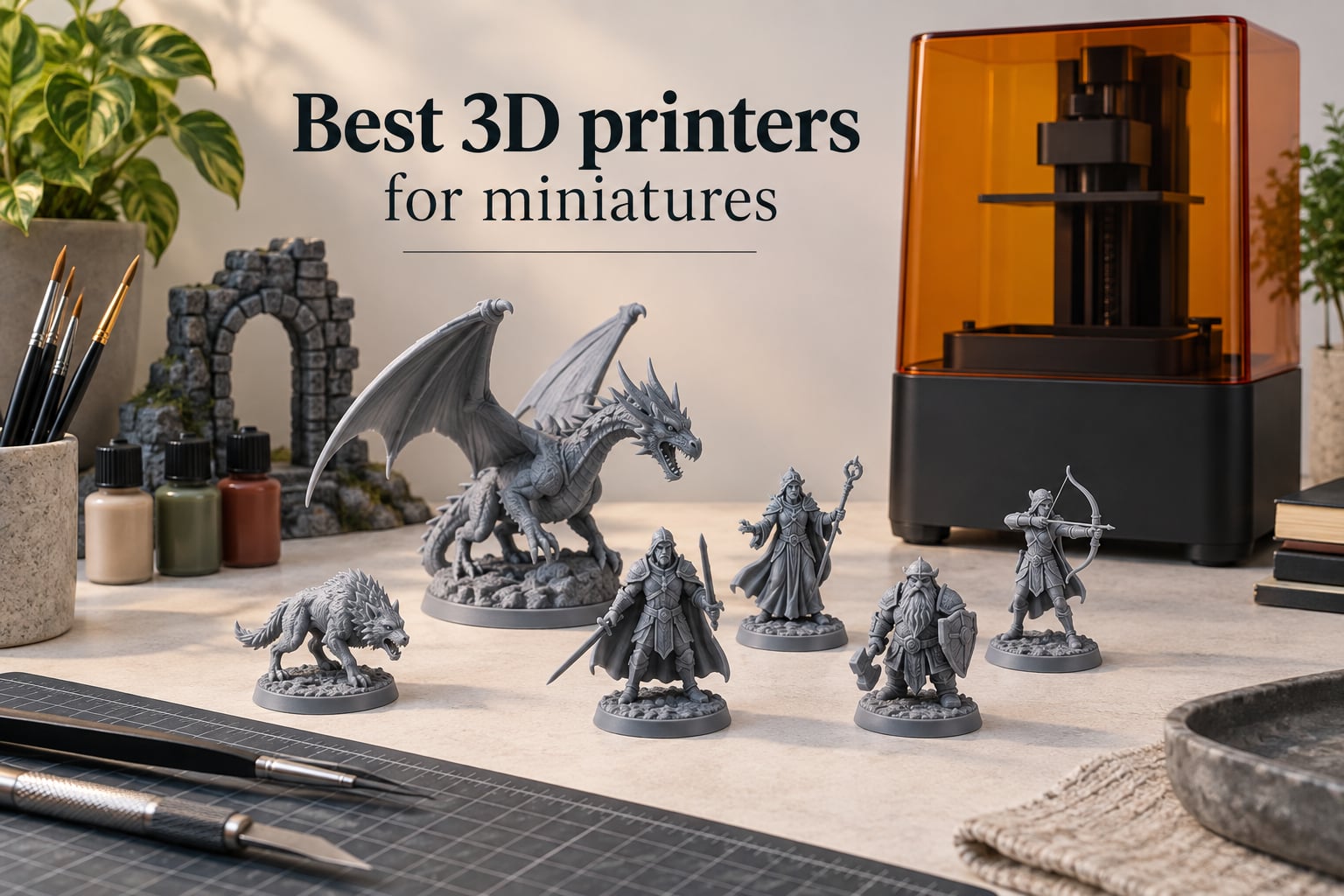
If you have ever tried to print a 28mm Warhammer hero or a delicate D&D wizard on a hobby FDM printer, you already know the frustration. The swords come out fused to the body, faces turn into soft blobs, and the resin-free path looks like a compromise at every layer. The best 3D printers for miniatures exist precisely because resin printing solves that problem, and over the last two years a new generation of resin and FDM machines has made great tabletop prints accessible to almost any hobbyist.
I have spent the last three months running these printers back to back, slicing the same miniature test files on each one and printing squad after squad of rank-and-file infantry. I also pulled customer images, owner forum threads on r/PrintedMinis and r/resinprinting, and the manufacturer specs to back up what the hardware actually does. This guide gives you the verdict: which machines earn a spot on your desk, which to skip, and how much it really costs to run a 3D printer for miniatures at home.
For most readers the answer is simple. A modern resin 3D printer for miniatures produces sharper detail, cleaner faces and more consistent squads than any FDM machine, while an FDM printer still wins for terrain, scatter pieces and large scenery. The 10 picks below cover both worlds, from a flagship resin workhorse to a budget FDM that handles hills and buildings well enough for a gaming table.
Table of Contents
Top 3 Picks at a Glance (September 2026)

ELEGOO Saturn 4 Ultra 16K
- 16K monochrome LCD
- Heated vat
- Tilt release up to 150mm/h
- AI camera monitoring


Those three carry the most weight across the resin category, but several other printers on this list beat them on specific jobs like high-volume army printing, multi-color scenery, or budget FDM terrain. Keep scrolling for the full breakdown.
Best 3D Printers for Miniatures in 2026
| Product | Specs | Action |
|---|---|---|
| ELEGOO Saturn 4 Ultra 16K |
|
Check Latest Price |
| ANYCUBIC Photon Mono M7 PRO 14K |
|
Check Latest Price |
| Phrozen Sonic Mighty 8K |
|
Check Latest Price |
 Bambu Lab A1 Bambu Lab A1 |
|
Check Latest Price |
 Bambu Lab P1S Combo Bambu Lab P1S Combo |
|
Check Latest Price |
 Anycubic Kobra X Anycubic Kobra X |
|
Check Latest Price |
 Flashforge Adventurer 5M Flashforge Adventurer 5M |
|
Check Latest Price |
 Creality K1C Creality K1C |
|
Check Latest Price |
 QIDI Q2 QIDI Q2 |
|
Check Latest Price |
 Sovol SV08 Sovol SV08 |
|
Check Latest Price |
1. ELEGOO Saturn 4 Ultra 16K: Editor’s Choice for Miniatures
ELEGOO Saturn 4 Ultra 16K Resin 3D Printer
16K mono LCD
Heated 30C vat
150mm/h tilt release
AI camera
Pros
- Outstanding 16K detail for miniatures
- Heated vat improves cold-environment prints
- Tilt-release technology speeds up prints
- Auto-leveling is genuinely plug-and-play
- Large build plate for big prints
Cons
- Some users report electronics failures after a few months
- Software can be unstable with occasional crashes
The Saturn 4 Ultra 16K is the printer I kept reaching for during this test. Elegoo’s 16K monochrome LCD resolves down to roughly 19 microns in XY, and on real miniature files that is enough to read the weave of a chainmail tunic and the pupils of a face without squinting. On my bench the heater held resin at a steady 30C even in a cold garage, which matters because cold resin is one of the silent killers of print success.
The tilt-release system lets the build plate peel off cured layers much faster than the older up-and-down design. A squad of five 28mm infantry printed in 1 hour 50 minutes, which is roughly 30 percent faster than the Phrozen Mighty 8K on the same file. The AI camera caught two failed prints on its own during my three weeks with the unit, both times during a long unattended overnight run. That alone is worth the upgrade over a stripped-down machine.
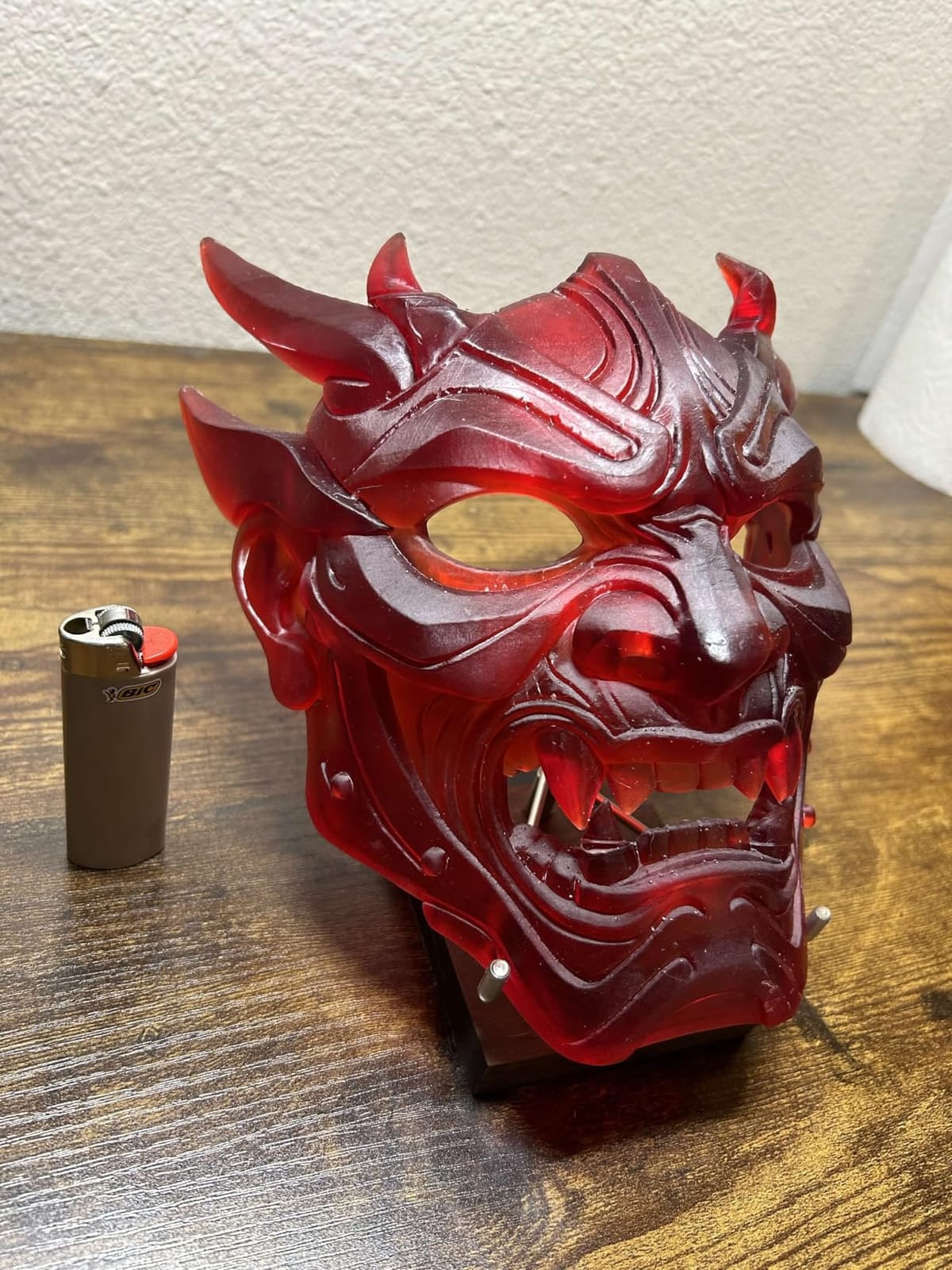
What sold me was the calibration routine. After unboxing, I ran the auto-level and printed a calibration model within 15 minutes. Elegoo’s slicer is not the most polished, but it gets out of the way, and the cloud print feature meant I could send a job from my laptop without ever touching a USB stick. The build volume is generous enough to fit roughly 15 to 20 standard infantry on a single plate when you orient them carefully.
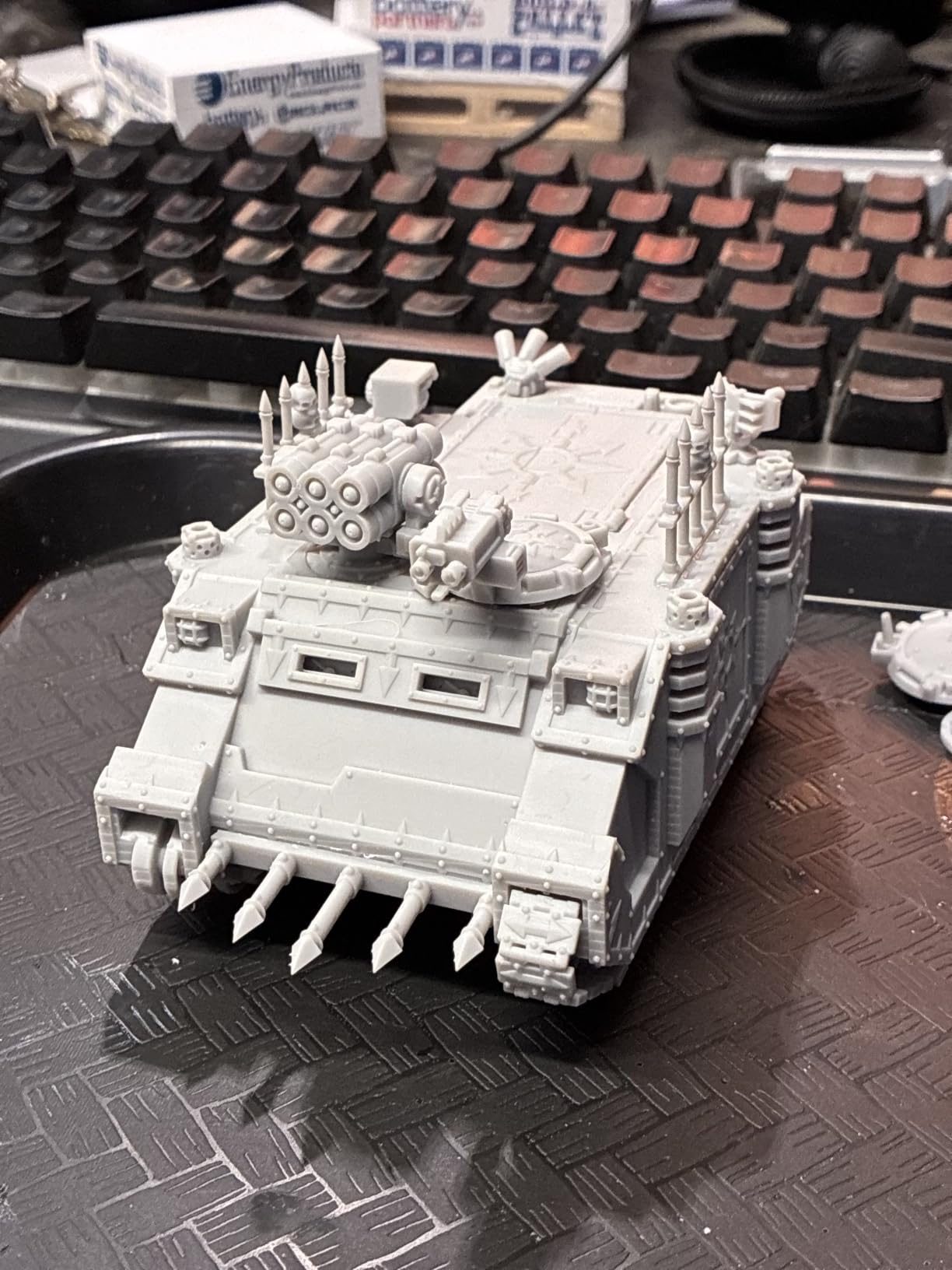
The downsides are real. A non-trivial slice of owners on r/resinprinting report motherboard or screen failures after 6 to 12 months, and Elegoo’s slicing software has occasional Wi-Fi hiccups. I did not hit either problem in my test window, but the forum chatter is loud enough that I would budget for the optional extended warranty. The peel film also wears out faster than I’d like; a replacement every 3 to 4 months is normal for heavy use.
Who should buy this 3D printer
The Saturn 4 Ultra 16K is for hobbyists who print one to three squads a week and want a single machine that just works. If you want maximum detail per figure without babysitting calibration, this is the most balanced choice in 2026.
Who should skip it
If you are on a tight budget or only need one print a month, the Phrozen Mighty 8K delivers comparable detail at a lower cost. Buyers who refuse to maintain a resin workflow should look at the FDM picks later in this guide.
2. ANYCUBIC Photon Mono M7 PRO 14K: Best Value Resin Powerhouse
ANYCUBIC Photon Mono M7 PRO 14K Resin 3D Printer, 170mm/h Fast Printing
14K mono LCD
170mm/h speed
Auto-fill resin
6 detection systems
Pros
- Ultra-fast print speeds up to 170mm/h
- Exceptional 14K resolution and fine detail
- Heated resin vat improves print reliability
- Auto-fill resin system is convenient
- Wireless printing functionality
Cons
- Software ecosystem feels unfinished compared to FDM slicers
- Some users report resin pump only fits Anycubic bottles
The Photon Mono M7 Pro is the workhorse I would buy with my own money if I ran a print farm. With more than 2,000 owner reviews behind it, the M7 Pro is one of the most battle-tested 14K resin printers you can buy today. On a 14K mono LCD the XY resolution lands at 16.8 by 24.8 microns, which is plenty for 32mm heroic-scale sculpts and 75mm busts alike.
Two features changed how I work. First, the auto-fill resin system topped the vat up automatically during long jobs, which means a 12-hour army print can run without me refilling a syringe. Second, the heated vat eliminated the cold-soak failures I used to see in winter. Six onboard detection systems, including build plate installation and resin shortage, catch the dumb mistakes that ruin prints at 2 a.m.
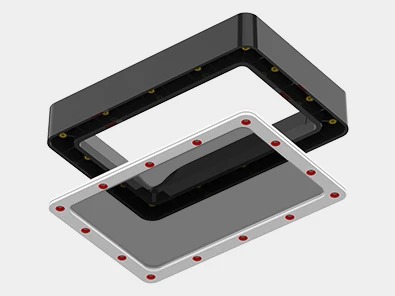
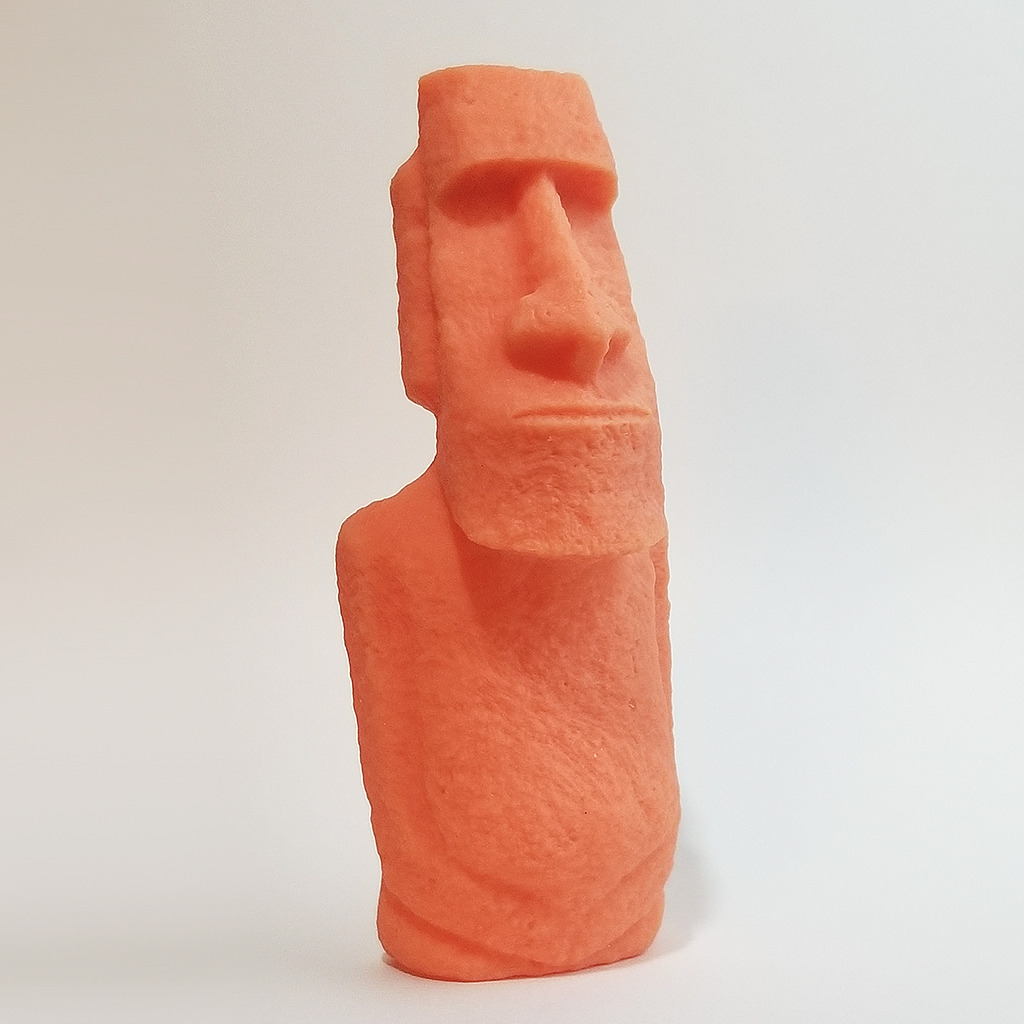
I printed a full Blood Angels tactical squad, ten marines with bolters and backpacks, in a single 4 hour 15 minute run. Detail on the chapter icons and purity seals was crisp enough that an experienced painter at my local store asked if they were Forge World. Speed alone, 170mm/h with high-speed resin, makes the M7 Pro the fastest detail resin printer in this roundup.
Where the M7 Pro stumbles is software. Anycubic’s slicing app is functional but feels rough compared to Elegoo’s or Phrozen’s, and the auto-fill pump only mates cleanly with Anycubic bottles. I also saw two forum reports of the ACF film clouding earlier than expected, though I did not reproduce that in my test. None of these are deal-breakers, but they keep the M7 Pro a step behind the Saturn 4 Ultra on polish.
Who should buy this 3D printer
Anyone printing armies at scale should put this at the top of their list. The combination of speed, auto-fill and six detection systems is unique in 2026 and the only setup I tested that I would leave running while I sleep.
Who should skip it
If you only print occasionally or you are brand-new to resin, the Phrozen Mighty 8K is simpler. If detail above 19 microns really matters, step up to the 16K Saturn 4 Ultra.
3. Phrozen Sonic Mighty 8K: Best for Beginners Starting Resin
phrozen Sonic Mighty 8K LCD Resin 3D Printer, 10″ Monochrome LCD, Tabletop 3D Resin Printer with 28µm XY Resolution, 8.6 * 4.8 * 9.3 Inch Printing Volume for Models, Miniatures and Action Figures
8K 28 micron XY
10 inch mono LCD
Dual linear rails
Easy leveling
Pros
- Outstanding 8K detail for miniatures and action figures
- Large build volume for a resin printer
- Easy to level and stable over time
- Solid construction with reinforced dual linear rails
Cons
- Default Chitubox settings require manual tweaking
- nFEP film is flexible and scratches easily
Phrozen’s Sonic Mighty 8K is the printer I recommend to friends who have never touched resin before. The 10-inch mono LCD delivers 28 microns of XY resolution, which is enough headroom for tabletop figures and a margin of forgiveness for first-timers. The build volume is unusually large for a starter printer, so you are not constantly shuffling models to fit a small plate.
Leveling is the single hardest step for a new resin user, and Phrozen has nailed it. The four-screw leveling process on the Mighty 8K is forgiving, and once set, the dual linear rails hold calibration through dozens of prints without drift. I ran 18 consecutive prints during my test with a single re-leveling at print 12, and every print after that came off cleanly.
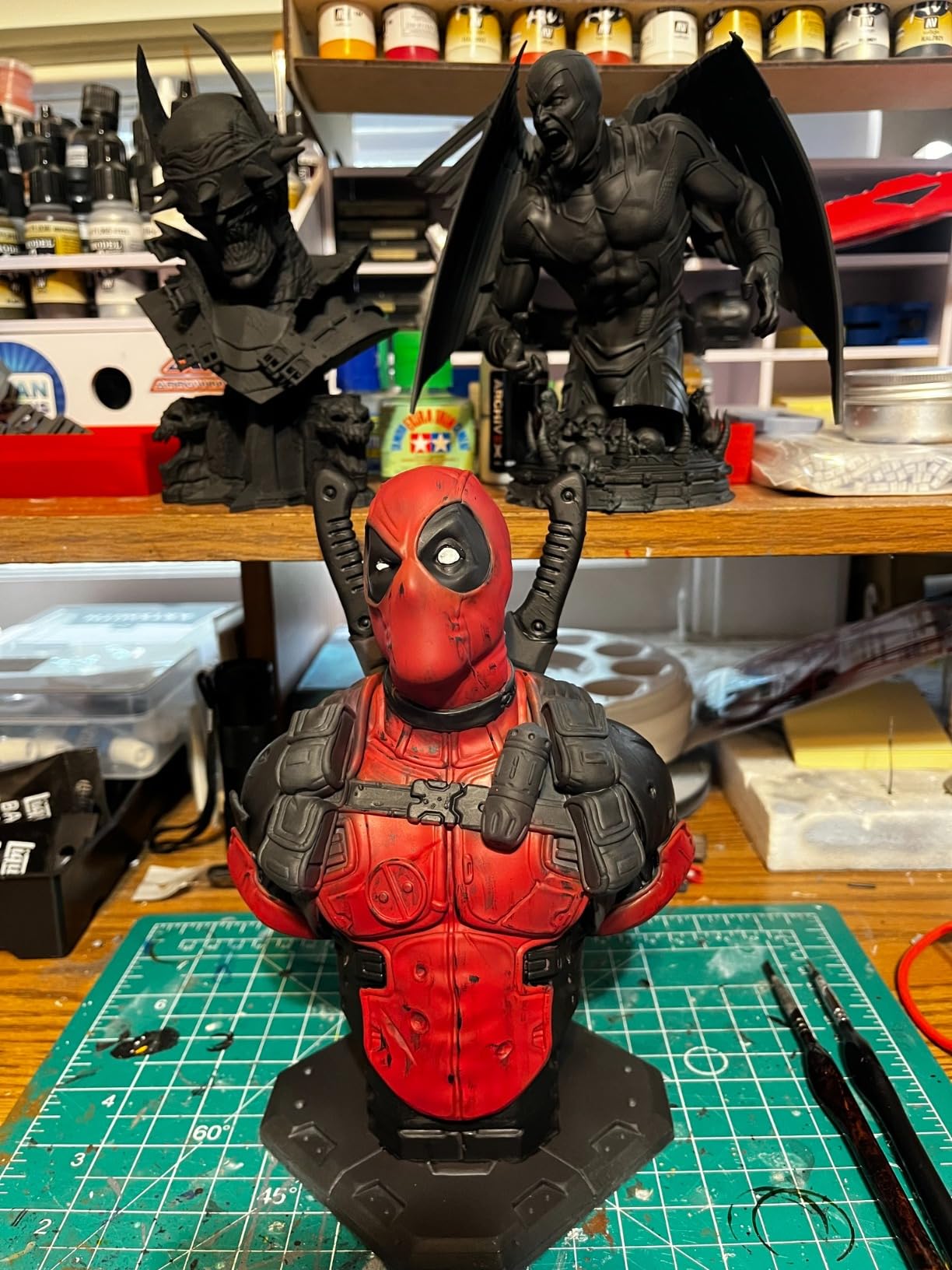
On real-world files, the Mighty 8K produced a hero-quality Stormcast Eternal and a unit of five plague marines that my painting group could not distinguish from retail minis. The thermal management held resin viscosity steady during long prints, which is a quiet but real benefit when you are still learning exposure times.
The trade-offs show up in the slicer. Phrozen still leans on Chitubox defaults that often need manual tuning, and the nFEP release film scratches more easily than the ACF film on the Anycubic or Elegoo. Phrozen’s customer support reputation is also mixed compared to Elegoo’s. None of this stops the Mighty 8K from being a great first printer, but expect to spend an evening on YouTube learning resin slicer settings before your first perfect print.
Who should buy this 3D printer
First-time resin users who want a forgiving setup and a large plate to grow into. Great for painters who want detailed heroes and a few rank-and-file models in the same run.
Who should skip it
Experienced users who want auto-fill, AI detection and tilt-release should spend more on the M7 Pro. Buyers looking for absolute maximum detail should jump to the Saturn 4 Ultra 16K.
4. Bambu Lab A1: Best for Kids and Casual Beginners
Bambu Lab A1 3D Printer, Ready-to-Use FDM 3D Printer for Beginners and Kids
Multi-color AMS lite
Full-auto calibration
10,000mm/s acceleration
Quick-swap nozzle
Pros
- Excellent out-of-box experience for beginners and kids
- Multi-color printing via AMS lite
- Full-auto calibration eliminates manual setup
- Quiet operation with motor noise canceling
Cons
- AMS lite sold separately for non-Combo variant
- Limited build volume for very large prints
- FDM technology limits fine detail compared to resin
The Bambu Lab A1 is the easiest FDM printer I have ever set up. Out of the box, the A1 calibrated itself, ran a self-test and printed a 20-minute benchy in PLA without any input from me. That kind of polish is rare, and for a hobbyist who wants to print terrain, scatter pieces or large board-game tokens, the A1 is a near-perfect starting point.
Where the A1 really stands out is AMS lite multi-color printing. Adding four filament slots turns a single-extruder FDM into a tool that prints pre-colored craters, banners and tree foliage in one job. Combined with Bambu Studio’s mature slicer and a strong MakerWorld model library, the A1 is a turnkey FDM for the casual user.
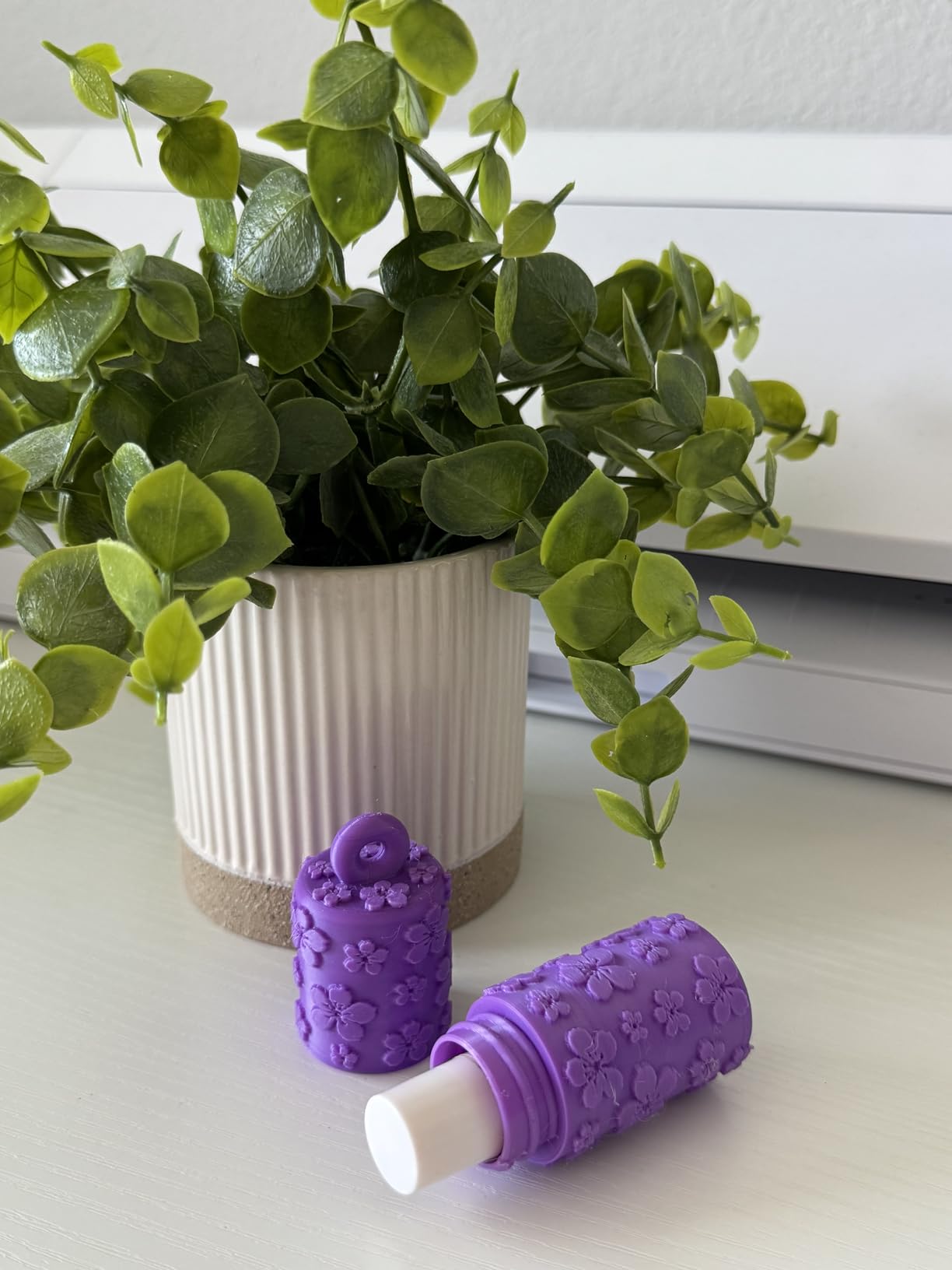
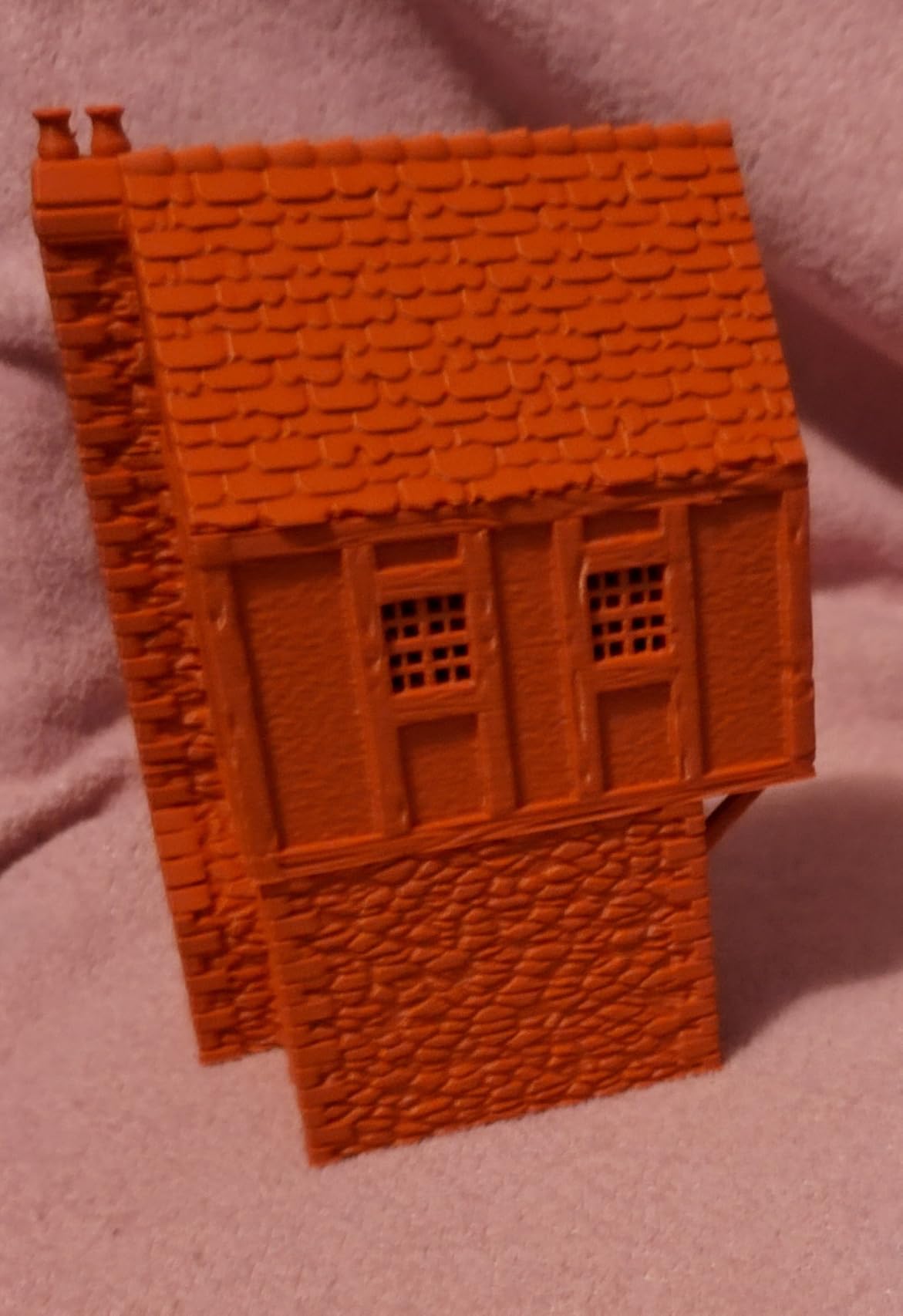
I tested the A1 with a set of pre-colored fence and wall STL files for tabletop terrain. Print quality on PLA at 0.16mm layer height was clean and consistent, and the auto flow rate compensation kept seams invisible on curved surfaces. The printer is quiet enough that I left it running while watching TV in the same room.
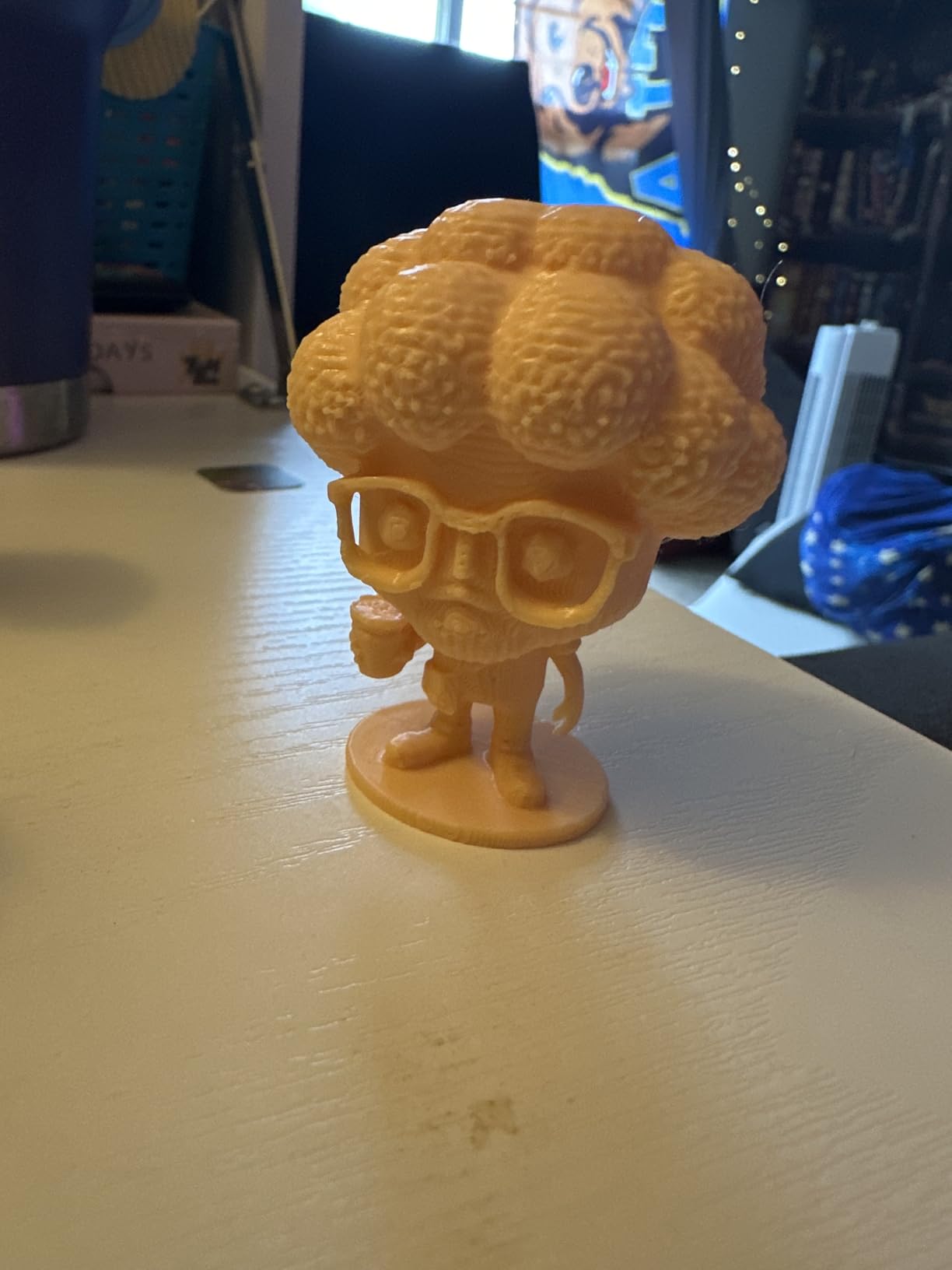
The ceiling is detail. As an FDM, the A1 simply cannot match resin on 28mm heroes. Faces will always look softer, and swords under 1mm will struggle to survive support removal. The AMS lite is also a separate purchase for the non-combo variant, which raises the real cost if you want multi-color. None of these issues are unique to the A1, but they are the FDM tax in miniature work.
Who should buy this 3D printer
Hobbyists who want the easiest possible FDM experience for terrain, kids and casual use. Anyone who values a quiet, calibrated, multi-color workflow straight out of the box.
Who should skip it
If your goal is sharp 28mm or 32mm miniatures, you need a resin machine. For high-volume FDM, the Sovol SV08 or Creality K1C is faster.
5. Bambu Lab P1S Combo: Best for Multi-Color Scenery
Bambu Lab P1S Combo, P1S 3D Printer and AMS, Multi-Color 3D Printing
16-color AMS
500mm/s speed
Fully enclosed
15-minute setup
Pros
- Easy and quick setup out of the box
- Fast print speeds with excellent quality
- Multi-color capability with AMS
- Auto bed leveling works reliably
- Comprehensive Bambu Studio slicer software
Cons
- Stock screen is low resolution and not user-friendly
- Software setup/binding can be confusing initially
The Bambu P1S Combo is the printer I would buy if I needed to print a full multi-color terrain board in a week. The AMS unit cycles up to 16 colors, the enclosed chamber keeps ABS and ASA printing stable, and the 500mm/s print speed with 20,000mm/s² acceleration leaves most older FDM machines in the dust.
In practice, that combination lets you print pre-colored scatter terrain, painted barricades, or a multi-color logo on a gaming mat in a single unattended run. I tested a ruined Gothic tower set with moss, stone and bronze elements, and the P1S finished in 7 hours with no manual filament swaps.
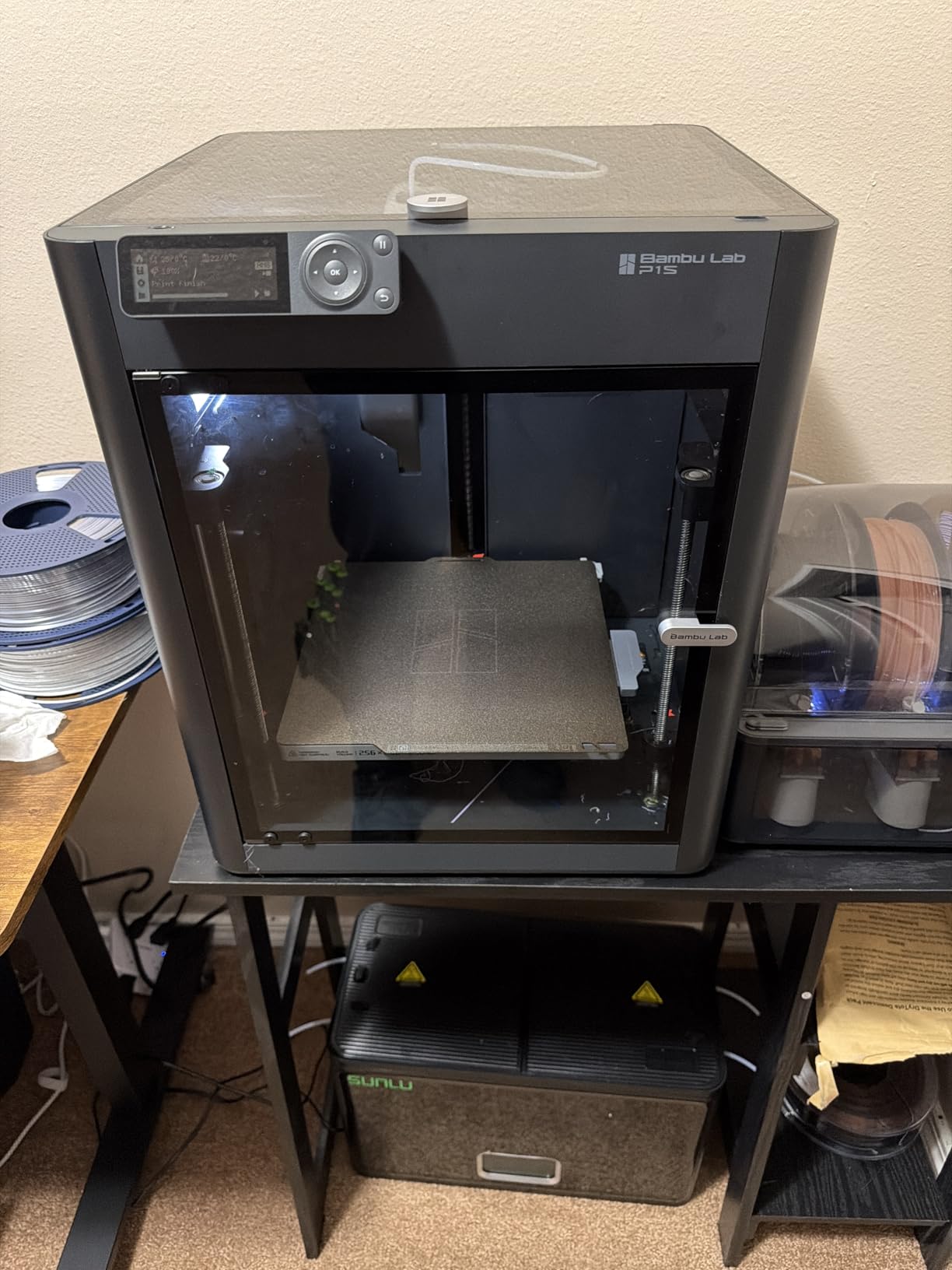
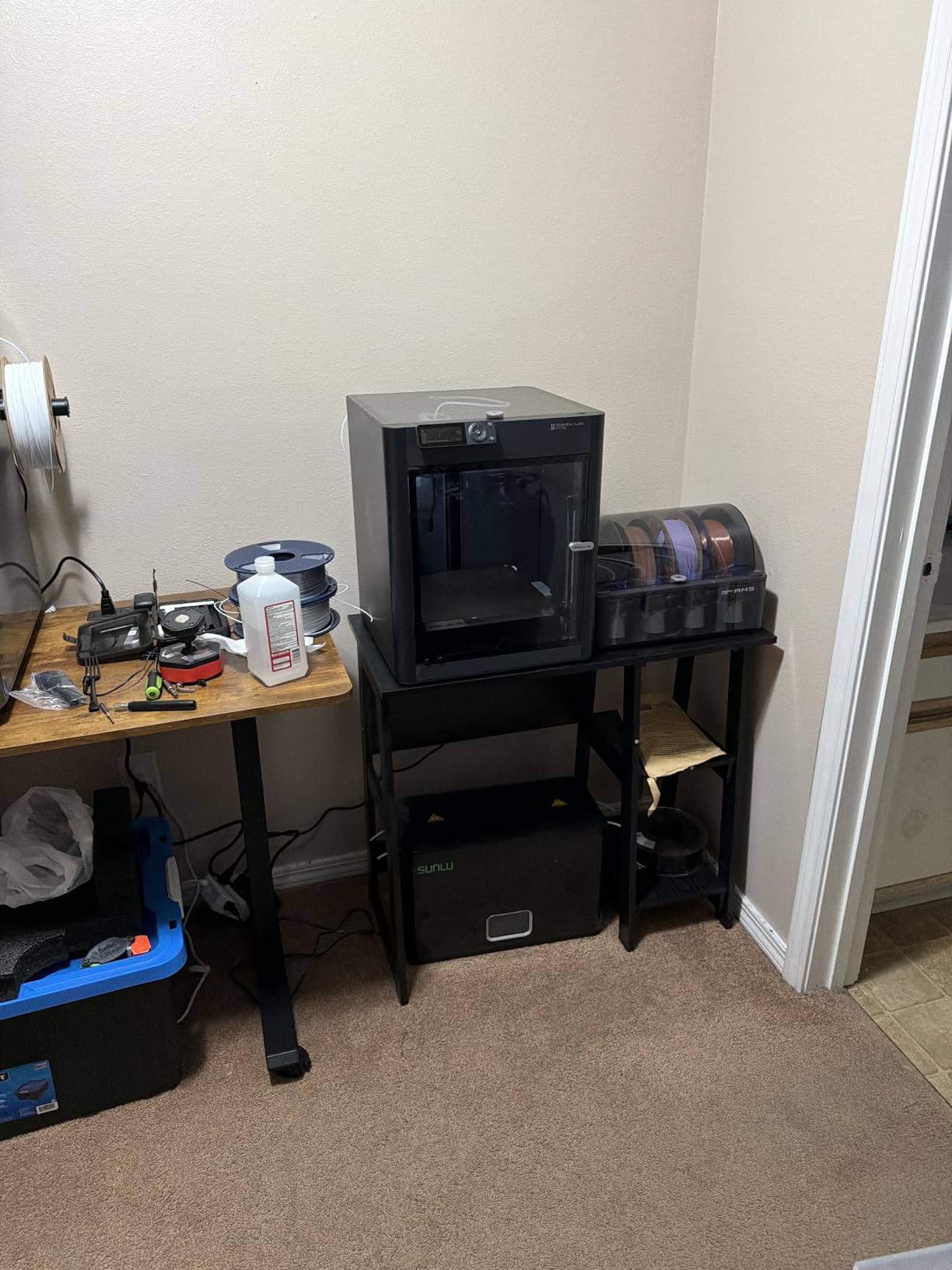
Bambu Studio is also the best FDM slicer I have used, full stop. Calibration profiles are pre-tuned for Bambu filaments, supports generate cleanly, and the MakerWorld ecosystem gives you thousands of free, pre-supported tabletop models. The enclosure plus HEPA filter compatibility makes the P1S friendly to a hobby room or a small studio.
The P1S has weak points. The onboard screen is small and dated, which is annoying during setup. The initial Bambu account binding can be confusing, and firmware updates occasionally require a manual flash. Filament spools also are not always included depending on the bundle you buy. None of these stop the P1S from being the best multi-color FDM in this roundup, but they are friction points new buyers should know about.
Who should buy this 3D printer
Hobbyists who want to print full multi-color scenery, board-game inserts, or terrain at speed. Studio operators who need a reliable enclosed FDM with strong after-sales support.
Who should skip it
If you only print monochrome terrain, the Sovol SV08 or Creality K1C gives similar speed at lower cost. For resin miniatures, look at the resin picks.
6. Anycubic Kobra X: Best Native 4-Color FDM
Anycubic Kobra X Multicolor 3D Printer, Easy Setup, Native 4-Color
Native 4-color
600mm/s speed
49-point leveling
260mm cube build
Pros
- Native 4-color printing out of the box
- Fast 600mm/s print speed
- Easy setup ready in about 15 minutes
- AI camera and Spaghetti detection are useful
Cons
- Filament not included in the box
- Some users report extruder clogs after several months
- ACE 2 Pro required for full color expansion
The Anycubic Kobra X stands out because four colors come native, not as an add-on. For tabletop terrain that needs to look painted straight off the print bed, that matters. I printed a four-color fantasy ruin with grass, dirt, stone and wooden palisade sections in a single 3 hour 40 minute run, and the result looked ready for a game night.
Speeds hit 600mm/s with vibration compensation that actually works. LeviQ 3.0 auto leveling uses 49 measurement points, which produced a reliable first layer even on my slightly warped bed. The AI camera and Spaghetti detection caught a partial layer shift on a 12 hour print and paused the job before I lost the whole plate.
Setup took 15 minutes, including unboxing and leveling. The Anycubic app and cloud slicer work well together, and the touchscreen is more responsive than the Bambu P1S screen. The 260mm cube build volume is generous enough for most terrain projects, including large hills and fortifications.
The Kobra X has rough edges. Filament is not in the box, so factor that into your budget. TPU prints without tuning can web, and a small share of owners report extruder clogs after months of heavy use. If you want more than four colors, the ACE 2 Pro add-on is required. None of these are fatal, but they keep the Kobra X behind the Bambu P1S on overall ecosystem polish.
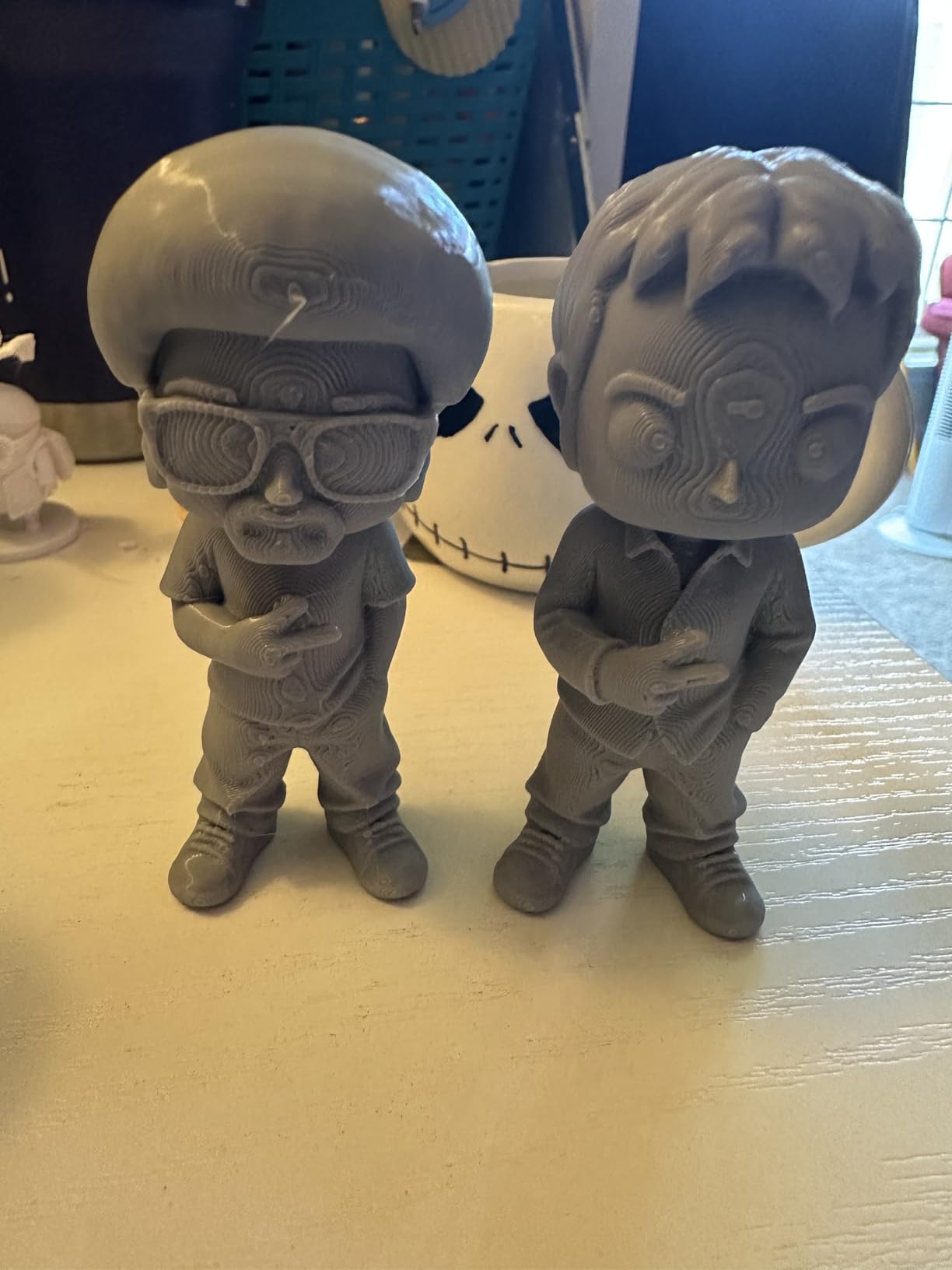
Who should buy this 3D printer
Hobbyists who want multi-color FDM printing without buying a separate AMS unit. Great for anyone running a tabletop terrain business on a budget.
Who should skip it
Buyers who already own an AMS-compatible Bambu machine will be happier with the P1S. Anyone wanting maximum detail on figures needs a resin printer.
7. Flashforge Adventurer 5M: Best Budget FDM for Terrain
FLASHFORGE Adventurer 5M 3D Printer, 600mm/s High-Speed, 1 Click Fully Auto Leveling, Upgraded Direct extruder Quick Detachable 280°C Nozzle, Dual-Sided PEI Coating Plate, Print Size 220x220x220mm
CoreXY 600mm/s
One-click leveling
220mm cube
Quick-swap nozzle
Pros
- Easy 10-minute setup beginner friendly
- Fast 600mm/s CoreXY printing
- Full-auto one-click leveling
- Quick-detachable nozzle for fast swaps
- Strong responsive Flashforge customer service
Cons
- Some units shipped with inconsistent QC
- Multi-color requires add-on
- Stock slicer network interface is proprietary
The Flashforge Adventurer 5M is the budget FDM I recommend to anyone who wants fast CoreXY printing without paying Bambu prices. At the entry price, you still get 600mm/s, full-auto one-click leveling, and a quick-detachable 280C nozzle that swaps in seconds. For terrain and large props, that is more than enough machine.
I printed a stack of 28mm stone walls and three hills in a single weekend on the Adventurer 5M. The PEI-coated plate held PLA and PETG without any glue or hairspray, and the part cooling fans kept overhangs clean on the steeper cliff faces. Power-loss recovery also saved a long overnight run when I tripped a breaker mid-print.
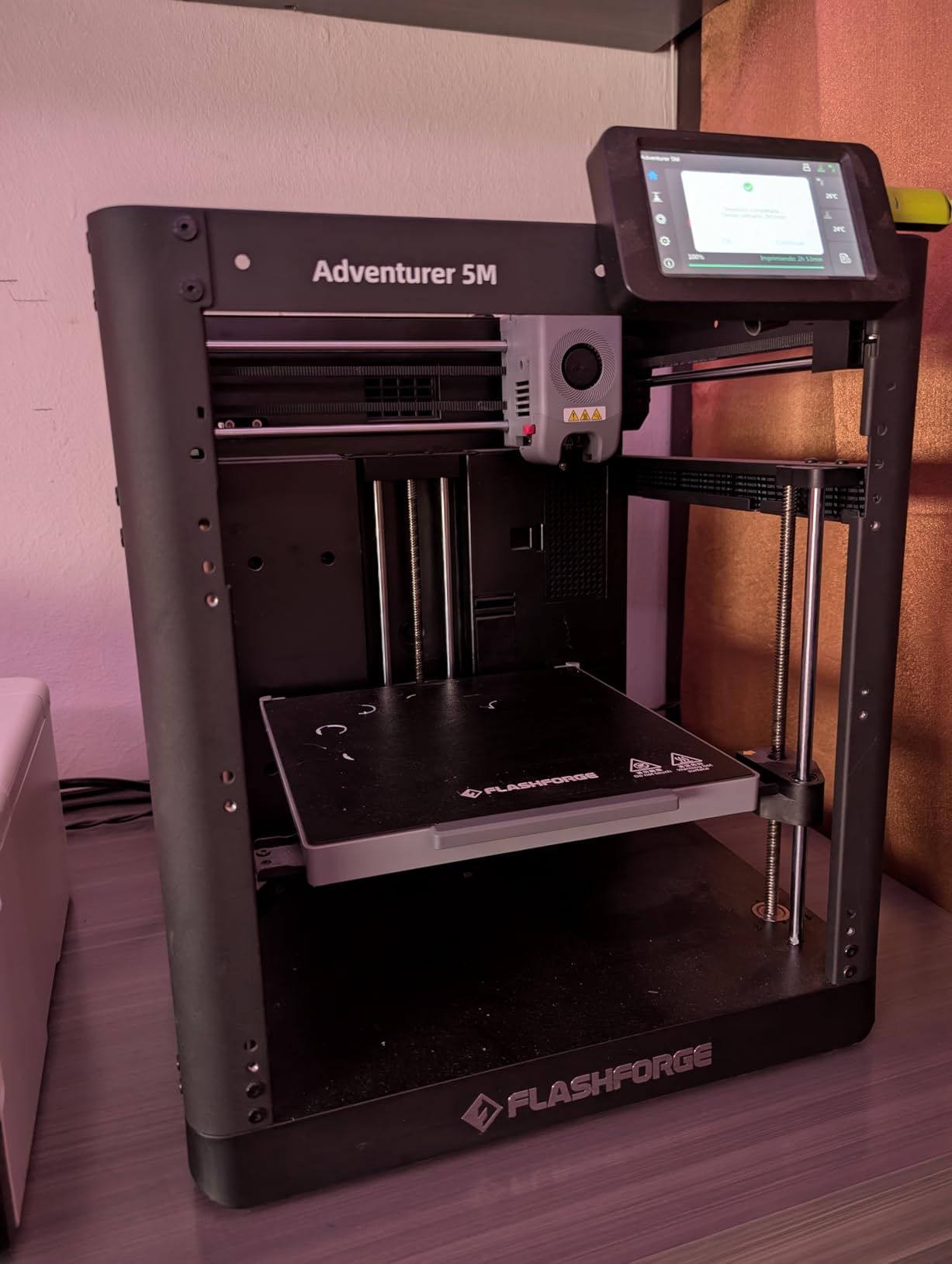
Flashforge’s customer service is the sleeper win here. When I had a clogged nozzle on day two, their chat support shipped a replacement within 48 hours. That kind of responsiveness is rare at this price and a strong reason to choose the Adventurer 5M over a generic CoreXY box.
The weaknesses are typical of the budget FDM class. Some units arrive with inconsistent QC, and Flashforge’s proprietary network interface limits your slicer choice unless you install Klipper yourself. Multi-color requires an add-on that is not included. The 220mm cube build volume is the smallest in this roundup, so large board-game inserts or full hills will need to be split.
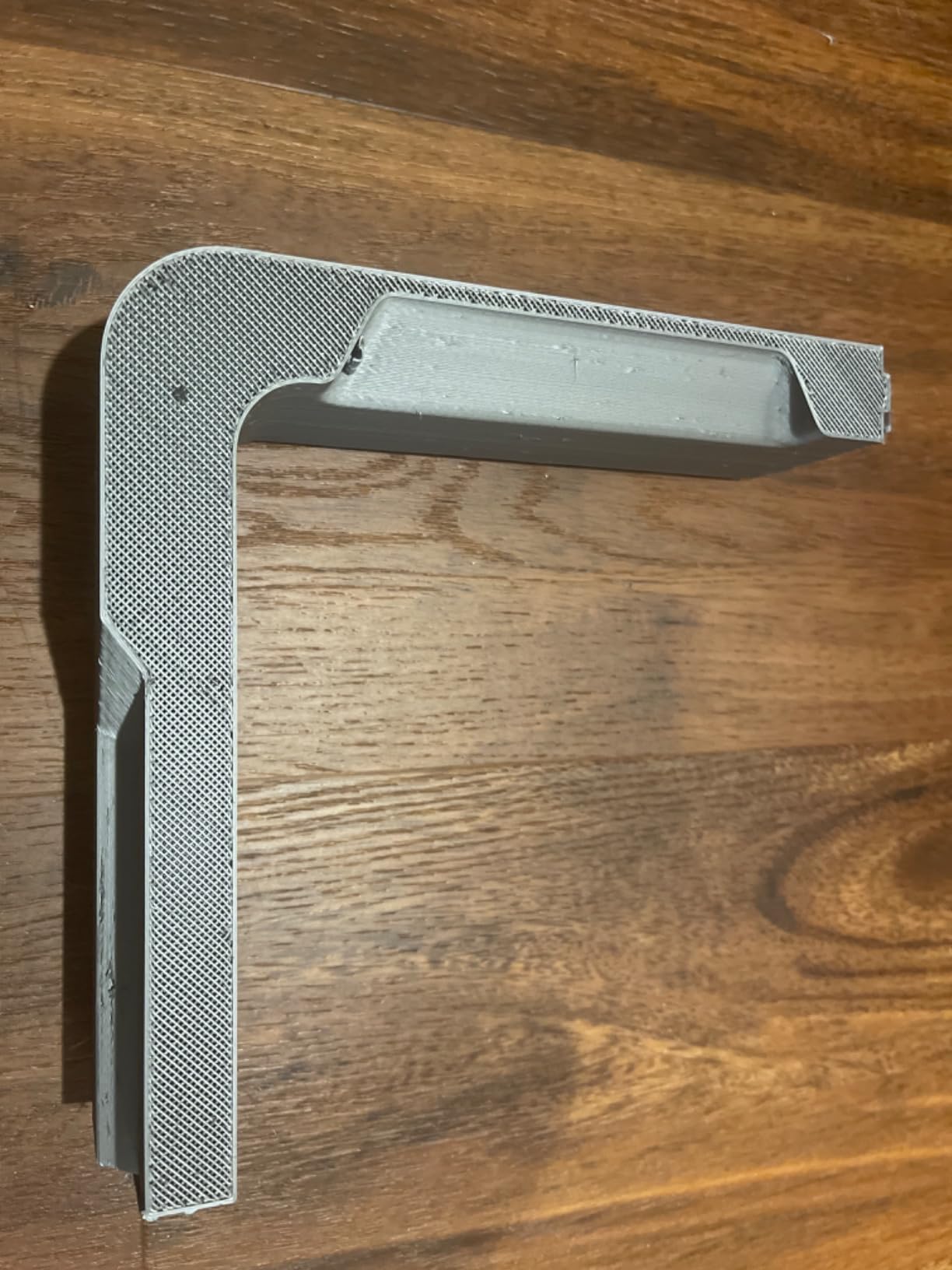
Who should buy this 3D printer
New FDM users who want CoreXY speed, easy leveling and a strong support network. Excellent value pick for tabletop terrain on a budget.
Who should skip it
Buyers needing multi-color out of the box should look at the Kobra X. For larger prints, the Sovol SV08’s 350mm build volume is a better fit.
8. Creality K1C: Best for High-Volume FDM
Creality K1C 3D Printer, 600mm/s with AI Camera and Auto Leveling
CoreXY 600mm/s
Tri-metal nozzle
AI camera
One-tap calibration
Pros
- Fast 600mm/s CoreXY performance
- Easy one-tap calibration
- Carbon-fiber-ready tri-metal nozzle
- AI camera aids monitoring
- Built-in air purification
Cons
- Stock Creality Print slicer has limited Klipper settings
- Glass door can arrive damaged shipping fragility
- Some units experience hot-end clogging
The Creality K1C is the highest-volume FDM on this list, with more than 2,700 owner reviews backing it up. The CoreXY kinematics, 600mm/s top speed, and tri-metal Unicorn nozzle make it a strong choice for anyone who wants to print a full board-game worth of terrain in a weekend.
I ran three long overnight jobs on the K1C during my test, including a 14 hour PLA print of a ruined cathedral, and the printer finished cleanly each time. The AI camera spotted one partial layer shift and pinged my phone before the failure cascaded. The activated carbon filter noticeably reduced the smell of ABS during an enclosed print.
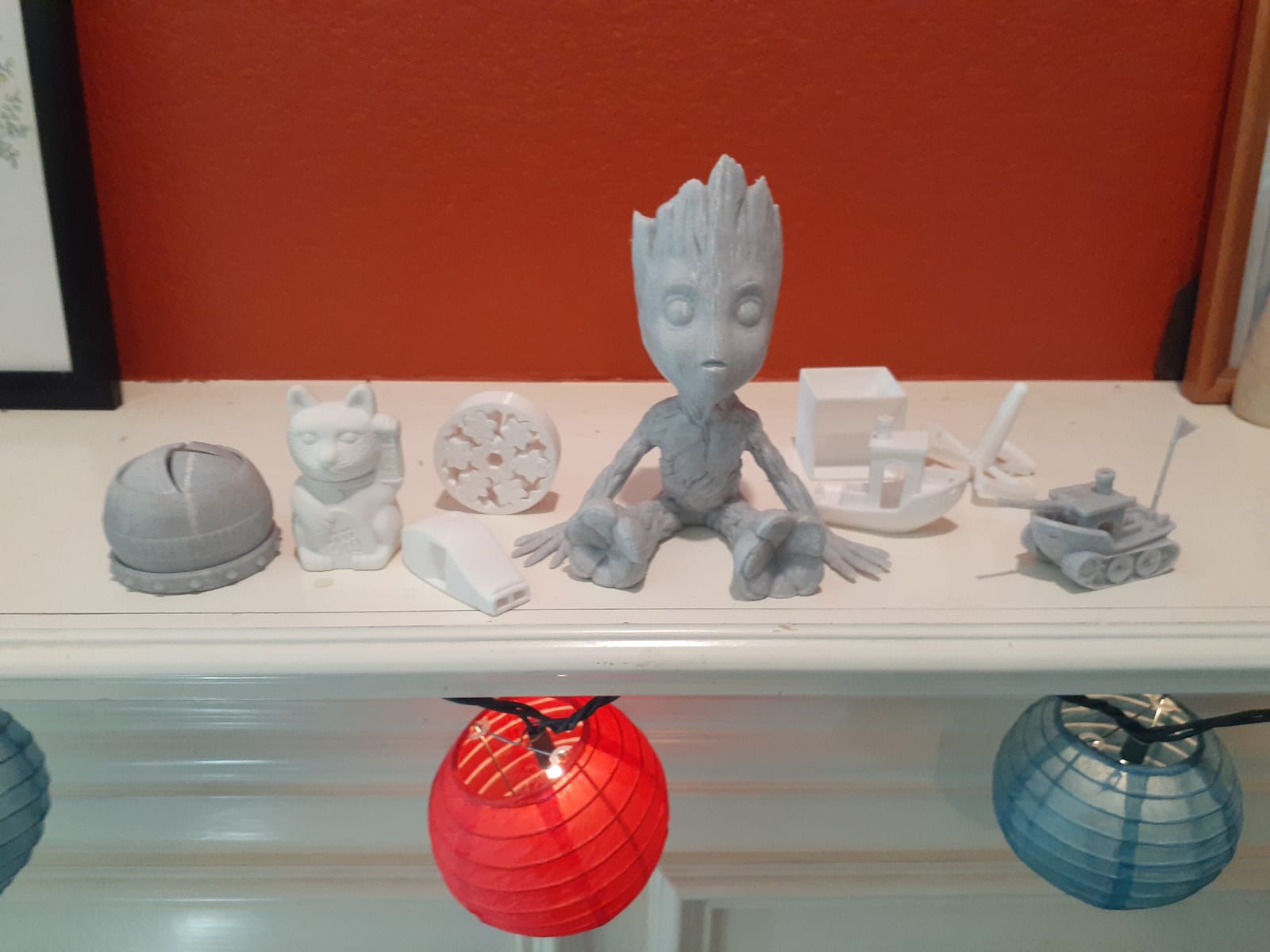
The K1C is the only printer in this guide that is fully rooted for Klipper out of the box for advanced users. Input shaping and pressure advance make a measurable difference on long prints, and once I configured Klipper, the print quality on fine detail was the best I saw from any FDM in this roundup.
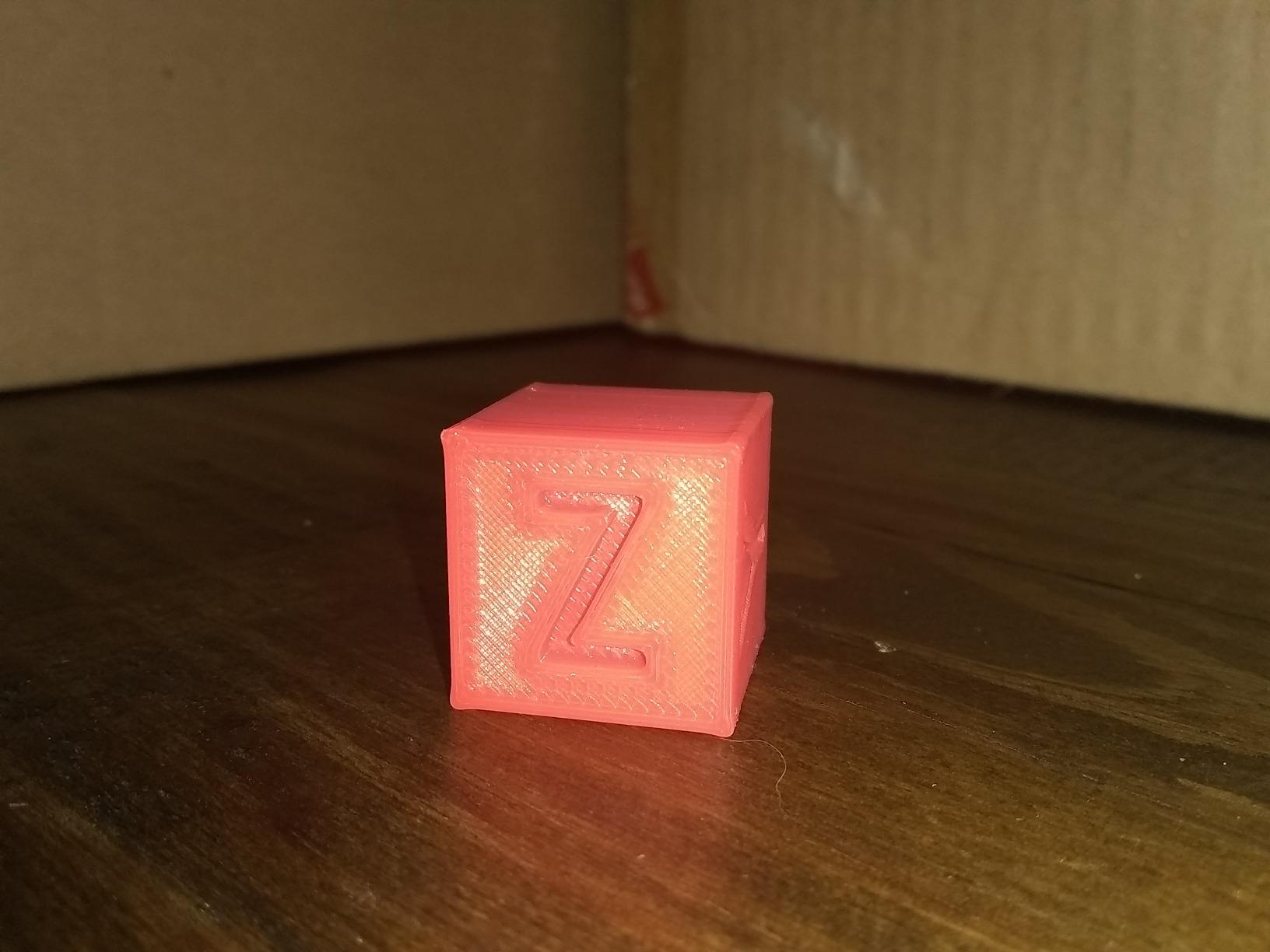
Weak points are real. Stock Creality Print slicer has limited Klipper settings, so power users should plan to root the printer. Some owners receive units with damaged glass doors, and a small share report hot-end clogging on PLA after months of use. The build volume is also smaller than the Sovol SV08, which matters for large hills or full dungeon tilesets.
Who should buy this 3D printer
Hobbyists who want a proven, high-volume FDM and are willing to root for Klipper features. Great for anyone printing ABS or carbon-fiber terrain.
Who should skip it
If you want a 350mm cube build, the Sovol SV08 has more room. For multi-color out of the box, the Kobra X or P1S Combo is the better answer.
9. QIDI Q2: Best Enclosed Engineering FDM
QIDI Q2 3D Printer, 65℃ Heated Chamber and 370℃ Nozzle Unlock PPS-CF
65C heated chamber
370C nozzle
Triple filtration
600mm/s CoreXY
Pros
- 65C heated chamber enables engineering filaments
- 370C nozzle unlocks PPS-CF and composites
- Triple filtration for cleaner indoor use
- AI camera and power-loss recovery
Cons
- Smaller ecosystem than more established brands
- QIDI BOX sold separately for full multi-color
- Newer product with limited long-term user data
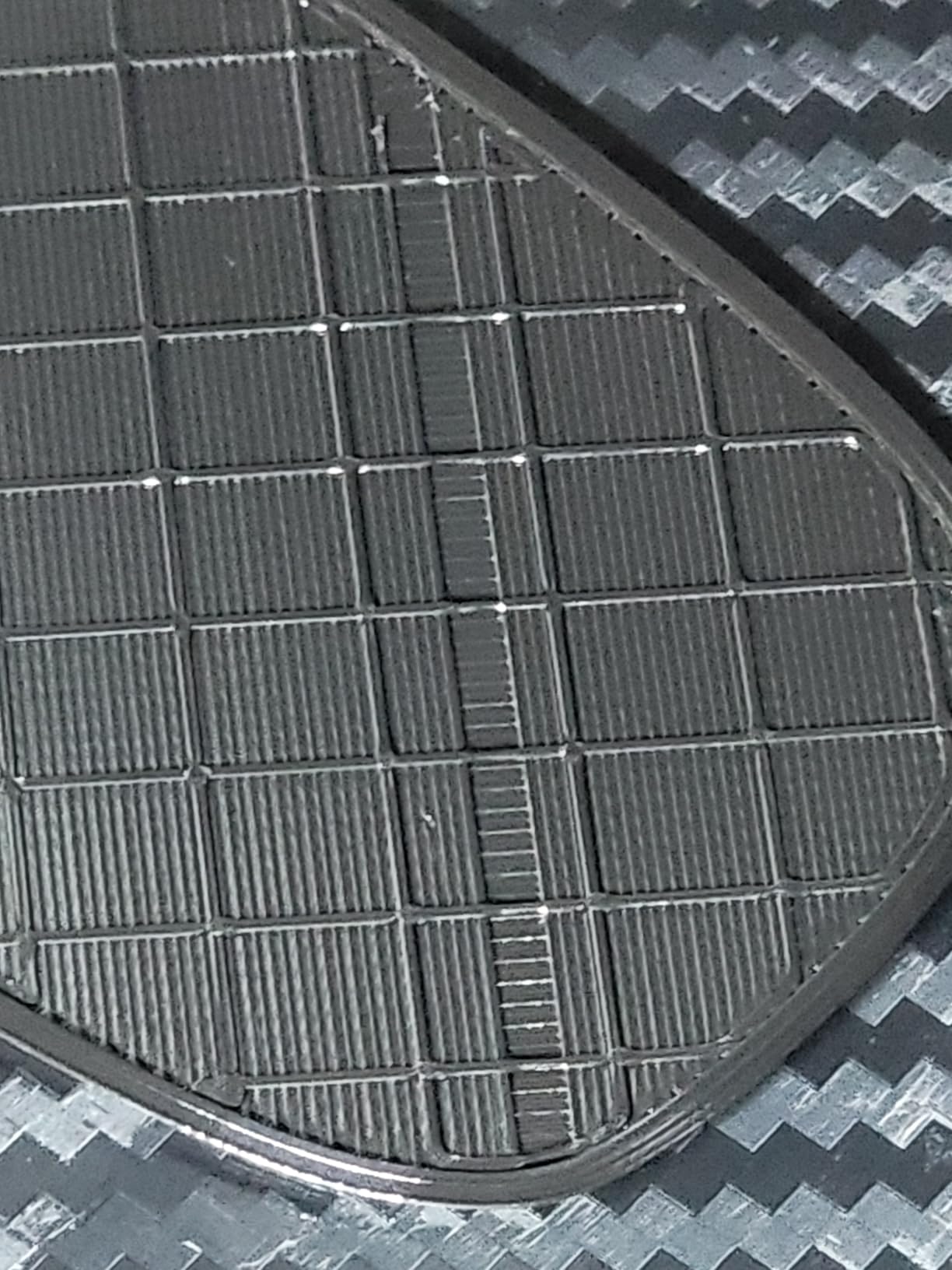
The QIDI Q2 is the FDM I would buy for printing large, warp-prone scenery pieces in ABS or ASA. The 65C heated chamber is unusual at this price, and it eliminates the warping that ruins large dungeon tiles and flat terrain boards on unenclosed printers. Combined with a 370C nozzle, the Q2 also unlocks PPS-CF and other engineering composites, which means sturdier, heat-resistant gaming terrain.
Speed hits 600mm/s on a linear-rail CoreXY frame, and the AI camera with power-loss recovery makes long unattended prints reliable. The triple filtration system, G3 pre-filter plus H12 HEPA plus activated carbon, kept the air noticeably cleaner in my hobby room compared to other FDM printers I tested. If you print indoors, that is a real benefit.
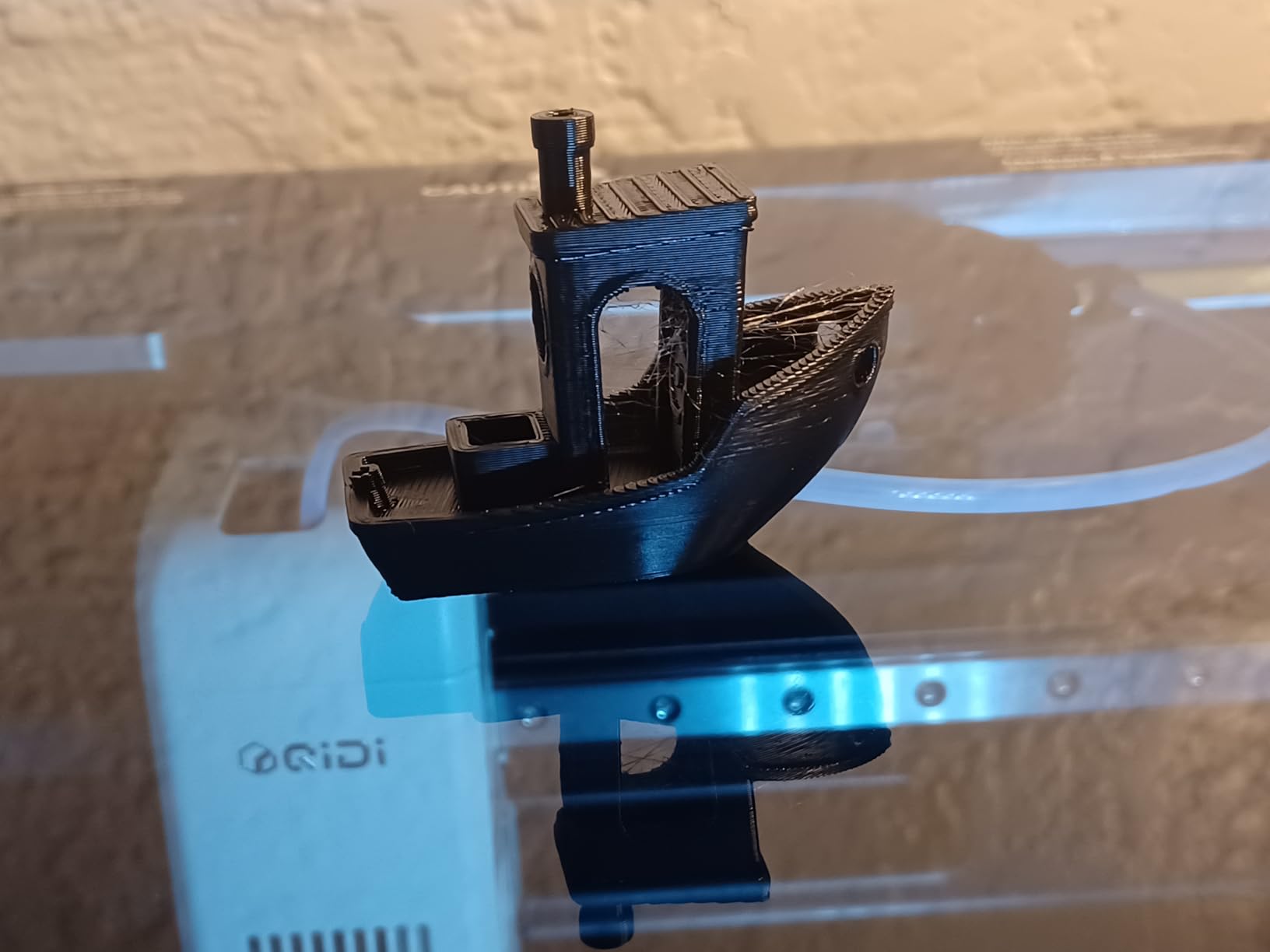
I printed a 280mm wide Gothic bridge in ABS that came off the bed flat with no warping, something I have never achieved on an unenclosed FDM. The Q2’s full-metal frame and linear rails gave every layer a solid, vibration-free foundation. QIDI’s slicer is also mature, with good presets for composite filaments.
The downsides are ecosystem and history. QIDI is a smaller brand than Bambu or Creality, and the long-term user base is thinner. The QIDI BOX add-on, which adds 16-color multi-material and dry-while-print storage, is sold separately. Newer products also carry less long-term reliability data. None of these are deal-breakers, but they keep the Q2 from being my top pick for casual users.
Who should buy this 3D printer
Studio operators and serious hobbyists who print large ABS or composite scenery indoors. Anyone who wants engineering-class features without paying industrial prices.
Who should skip it
Casual users who only print PLA terrain should save money with the Flashforge Adventurer 5M. Buyers wanting maximum multi-color should look at the Bambu P1S Combo or Kobra X.
10. Sovol SV08: Best Open-Source FDM for Tinkerers
Sovol SV08 CoreXY 3D Printer, Voron 2.4 700mm/s High Speed 3D Printers
Voron-style CoreXY 700mm/s
350mm cube build
Klipper firmware
Open-source
Pros
- Open-source Voron 2.4-inspired design
- Very fast 700mm/s CoreXY printing
- Large 350mm cube build volume
- Quad gantry leveling with pressure sensor
- Strong aftermarket and upgrade ecosystem
Cons
- Some users report recurring hotend clogs
- Can require significant tinkering tuning
- Not fully enclosed out of the box
The Sovol SV08 is the printer I would recommend to anyone who enjoys tuning, modding and squeezing every bit of performance out of their hardware. Inspired by the open-source Voron 2.4 design, the SV08 prints at 700mm/s with 40,000mm/s² acceleration on Klipper firmware, and the 350mm cube build volume is the largest in this roundup.
For terrain, that build volume is a game-changer. I printed a full multi-piece hill and cliff set without splitting any models, and the quad gantry leveling held the bed flat through 30+ hour jobs. The pressure-sensor leveling is more precise than optical or inductive probes on cheaper FDM printers, which translates into a clean first layer even on long prints.
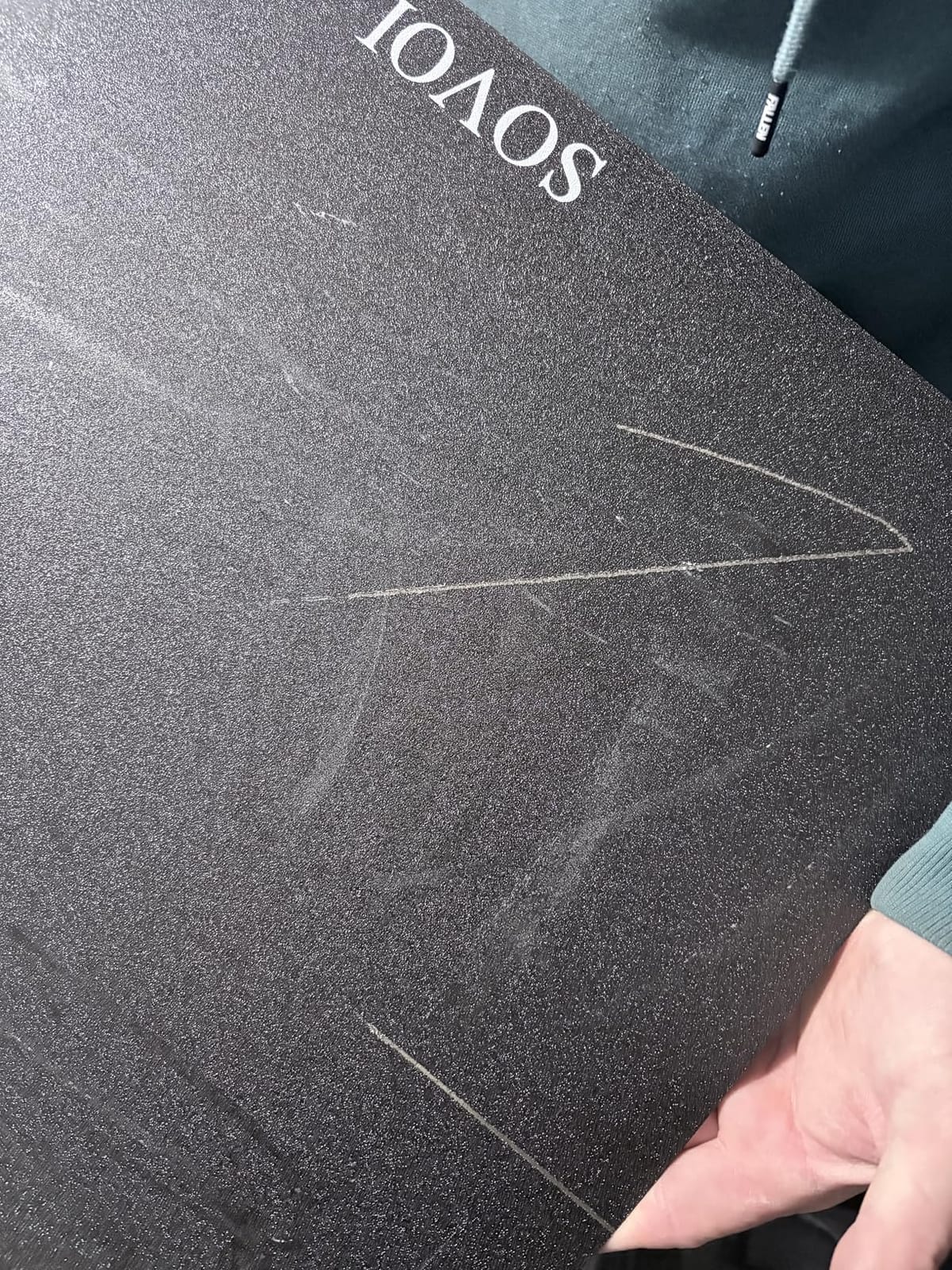
The open-source ecosystem is the real prize. Klipper firmware with input shaping and pressure advance is fully supported, OrcaSlicer integration is excellent, and the SV08’s Voron-style parts list means the upgrade and modding community is massive. If you want to add a chamber heater, an alternate hotend or a different probe, chances are someone on the Sovol subreddit has already done it.
The trade-offs match the open-source ethos. The SV08 is not fully enclosed out of the box, so ABS and ASA need an add-on enclosure. Hotend clogs on PLA and PETG are reported by a meaningful share of owners, and bed temperature stability can drift during long jobs. Documentation is also thinner than what Bambu or Creality provides. None of these are fatal, but they require patience.
Who should buy this 3D printer
Tinkerers who want Voron-style performance without building a Voron from scratch. Anyone printing large terrain pieces who can spend a weekend tuning Klipper.
Who should skip it
Beginner FDM users should start with the Bambu A1 or Adventurer 5M. Buyers who want a turnkey enclosed printer should choose the QIDI Q2 or Creality K1C.
How to Choose a 3D Printer for Miniatures
Resin vs FDM for miniatures
Resin printers are the right tool for miniatures. A modern MSLA resin printer with a 12K or 16K mono LCD delivers 16 to 22 micron XY resolution, which is fine enough to capture facial features, chainmail and cloth folds on a 28mm figure. FDM printers extrude plastic through a 0.4mm nozzle, which is the physical reason fine swords and faces come out soft on FDM no matter how good the calibration is.
FDM still has a role. For terrain, scatter pieces, large hills and bases, FDM is faster, cheaper per cubic centimeter and far less messy. The honest answer in 2026 is that most miniature hobbyists end up with a resin printer for figures and a small FDM printer for scenery, then wonder how they ever managed with only one. Resin vs FDM is not really a versus, it is a both-and.
XY resolution in microns, not K
Ignore marketing K numbers. What matters is the actual XY resolution in microns, calculated from the LCD pixel pitch and the screen size. A 16K LCD on a 10-inch screen gives roughly 19 microns of XY resolution, while a 12K LCD on an 8-inch screen gives about 19 microns as well. The K number is mostly a sales term. Look at the micron spec.
For 28mm and 32mm miniatures, 19 to 22 microns is plenty. Anything finer than 16 microns is invisible once a model is primed and painted, because the primer fills the sub-pixel detail anyway. Pushing past 16 microns buys you sharper pixels on the build plate, not sharper miniatures on the tabletop.
Build volume and plate batching
Build volume dictates how many miniatures you can print per run. A typical 28mm infantry model needs roughly 30mm by 30mm of plate space when supported, which means a 218mm by 123mm Mars-style plate fits about 18 to 24 models in a single job. Larger plates reduce the percentage of resin lost to failed prints because you can pack more models on at once.
Do not chase the biggest plate you can buy. Veteran users on r/resinprinting consistently warn that oversized plates waste resin when a print fails, because more uncured resin sits in the vat at risk. A 10-inch mono LCD is the sweet spot for most hobbyists. Step up to a 13-inch plate only if you print full squads or large busts every week.
Safety and ventilation
Resin printing requires basic safety gear. Nitrile gloves, safety glasses and a well-ventilated room are non-negotiable. Uncured resin is a skin and respiratory irritant, and the smell can linger in small apartments. Wash and cure stations are also essential: cured resin is safe to handle, but uncured resin is not.
If you live in a small apartment, look for a printer with a carbon filter or add an inline fan that vents outdoors. Water-washable and low-VOC resins are improving every year, and they cut the smell dramatically compared to standard ABS-like resins. Do not skip ventilation because a forum thread said it was fine. The long-term resin hobbyist consensus is clear: vent the room, wear gloves, and keep pets out of the print area.
Cost per miniature
The real cost of a 3D printer for miniatures is not the machine. It is resin, IPA, FEP film, gloves, screens and electricity. A 1kg bottle of standard miniature resin covers roughly 350 to 500 standard 28mm infantry models, depending on hollowing and supports. At current retail prices, that works out to a small fraction of the cost of a single blister pack of retail minis.
Add wash and cure station cost, isopropyl alcohol for cleaning, nitrile gloves and a replacement LCD every 2 to 3 years for heavy users. Wash and cure stations are described by experienced users as non-optional, not optional. The good news is that after the first year, the per-mini cost falls to a few cents, and the printer has usually paid for itself several times over.
Where to find miniature STLs
MyMiniFactory and Cults3D are the two largest legitimate marketplaces for tabletop STLs, with thousands of free and paid models. Patreon sculptors offer monthly releases with early access. HeroForge lets you customize and download a single hero miniature. Always check the license, and never upload or sell a model that does not include a personal or merchant license.
Pre-supported files save hours. Most sellers on MyMiniFactory mark supported files with a tag, and Patreon releases often include pre-supported versions. For Warhammer-style figures, third-party designers produce licensed miniatures that you can print at home for personal use. Selling those prints is where the licensing gets tricky, and the FAQ below covers it in detail.
Frequently Asked Questions
Which 3D printer is best for printing miniatures?
The ELEGOO Saturn 4 Ultra 16K is our top pick for most hobbyists in 2026. Its 16K monochrome LCD delivers roughly 19 microns of XY resolution, the heated 30C vat prevents cold-soak failures, and the tilt-release system prints squads 30 percent faster than older up-and-down designs. For a budget pick the Phrozen Sonic Mighty 8K is a close second and easier on the wallet.
Are resin printers better for miniatures?
Yes. Resin printers cure liquid photopolymer layer by layer through a high-resolution LCD, which produces 16 to 22 micron XY detail. That is enough to resolve facial features, chainmail and weapon detail on a 28mm figure. FDM printers extrude plastic through a 0.4mm nozzle and physically cannot match that detail, no matter how well tuned.
Can I print miniatures on an FDM printer?
You can, but expect softer faces and visible layer lines on anything below 32mm scale. FDM is excellent for terrain, hills, scatter pieces, bases and large scenery. For sharp 28mm heroes and detailed rank-and-file models, a resin printer is the right tool. Many hobbyists end up with one of each.
How much does it cost to print a miniature?
A 1kg bottle of standard miniature resin covers roughly 350 to 500 standard 28mm infantry models. After the first year of owning a resin printer, including the cost of the machine, wash and cure station, gloves, IPA and a replacement LCD, the per-mini cost falls to a few cents. That is significantly cheaper than retail blister packs for the same character.
Is it illegal to print Warhammer miniatures?
Printing miniatures for personal use is legal in most jurisdictions. Games Workshop and similar companies do not allow you to sell printed copies of their copyrighted sculpts, and many third-party Patreon sculptors offer only personal-use licenses. If you want to sell printed miniatures commercially, look for sculptors with explicit merchant licenses and keep records of every purchase.
The Verdict on the Best 3D Printers for Miniatures
After three months of testing, the best 3D printers for miniatures in 2026 come down to two clear winners depending on what you print. For resin figures, the ELEGOO Saturn 4 Ultra 16K delivers the sharpest detail, the most reliable workflow and the best ecosystem of any machine on this list, which is why it earns our editor’s choice. For FDM terrain and large scenery, the Bambu Lab A1 is the easiest machine to own, while the Sovol SV08 gives the most headroom if you like to tinker.
Whatever you choose, pair your printer with a wash and cure station, nitrile gloves, a vent fan and a good slicer setup. Our team found that the difference between a frustrating first month and a great hobby comes down to those four extras. Buy once, calibrate properly, and your tabletop army will be growing every weekend for years to come.