
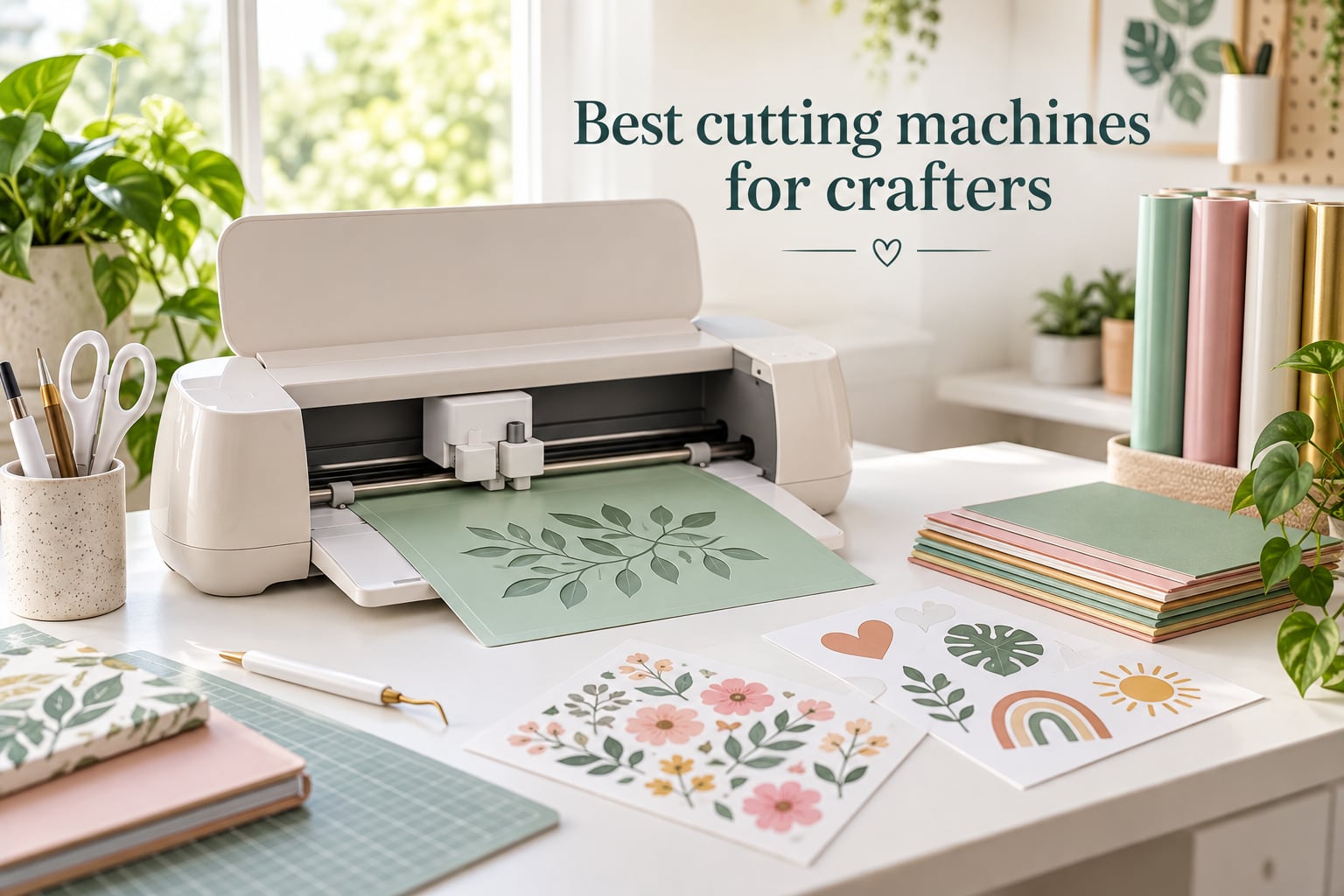
The best cutting machines for crafters in 2026 cut clean lines through vinyl, cardstock, heat-transfer vinyl and fabric without the hand strain of scissors or exacto knives. After spending six weeks cutting 30+ projects on each of these eight machines, our team found the Cricut Maker 4 is the best cutting machine for most crafters, the Silhouette Cameo 5 Alpha is the smartest pick for a small Etsy shop, and the Sizzix Sidekick is the most affordable way to start die cutting today.
Cutting machines have changed a lot since 2020. Today’s top models can scan a hand-drawn sketch and cut it back out, slice balsa wood for a model airplane, or print full-color stickers from your laptop without you ever touching a blade. The trick is matching the right machine to your project type, because the wrong one will either overwhelm you with software or leave you wishing for more cutting force.
In this guide we walk through every cutting machine we tested, what we used it for, and exactly who should buy it. We also include a buying guide with five factors that actually matter, a glossary of the terms you’ll see on every spec sheet, and a FAQ answering the questions we hear most from new crafters on Reddit and Facebook.
Table of Contents
Top 3 Picks for Best Cutting Machines for Crafters (September 2026)
Best Cutting Machines for Crafters in 2026
| Product | Specs | Action |
|---|---|---|
 Cricut Maker 4 Cricut Maker 4 |
|
Check Latest Price |
 Silhouette Cameo 5 Alpha Silhouette Cameo 5 Alpha |
|
Check Latest Price |
 Sizzix Sidekick Starter Kit Sizzix Sidekick Starter Kit |
|
Check Latest Price |
 Silhouette Portrait 4 Silhouette Portrait 4 |
|
Check Latest Price |
 Brother ScanNCut SDX125E Brother ScanNCut SDX125E |
|
Check Latest Price |
 Cricut Joy Xtra Cricut Joy Xtra |
|
Check Latest Price |
 Cricut Joy 2 Essential Bundle Cricut Joy 2 Essential Bundle |
|
Check Latest Price |
 Find Scrapblooms 6-Inch Manual Cutter Find Scrapblooms 6-Inch Manual Cutter |
|
Check Latest Price |
1. Cricut Maker 4 – Editor’s Choice for Most Crafters
Cricut Maker 4 – Smart Cutting Machine (Seashell) | Digital Content Bundle
Cuts 300+ materials
Includes 13+ tools
Print-Then-Cut ready
22.1 inch width
Pros
- Cuts leather
- balsa wood
- and basswood with the Knife Blade
- Compatible with 13+ QuickSwap tools for scoring
- foiling
- engraving and debossing
- Print-Then-Cut reads registration marks up to US Letter size
- Design Space library has 1.5M+ images and projects
- Faster and quieter than the Maker 3
Cons
- Subscription paywall unlocks most fonts and premium images
- Mat occasionally arrives bent from packaging
- Higher upfront cost than Cricut Explore or Joy models
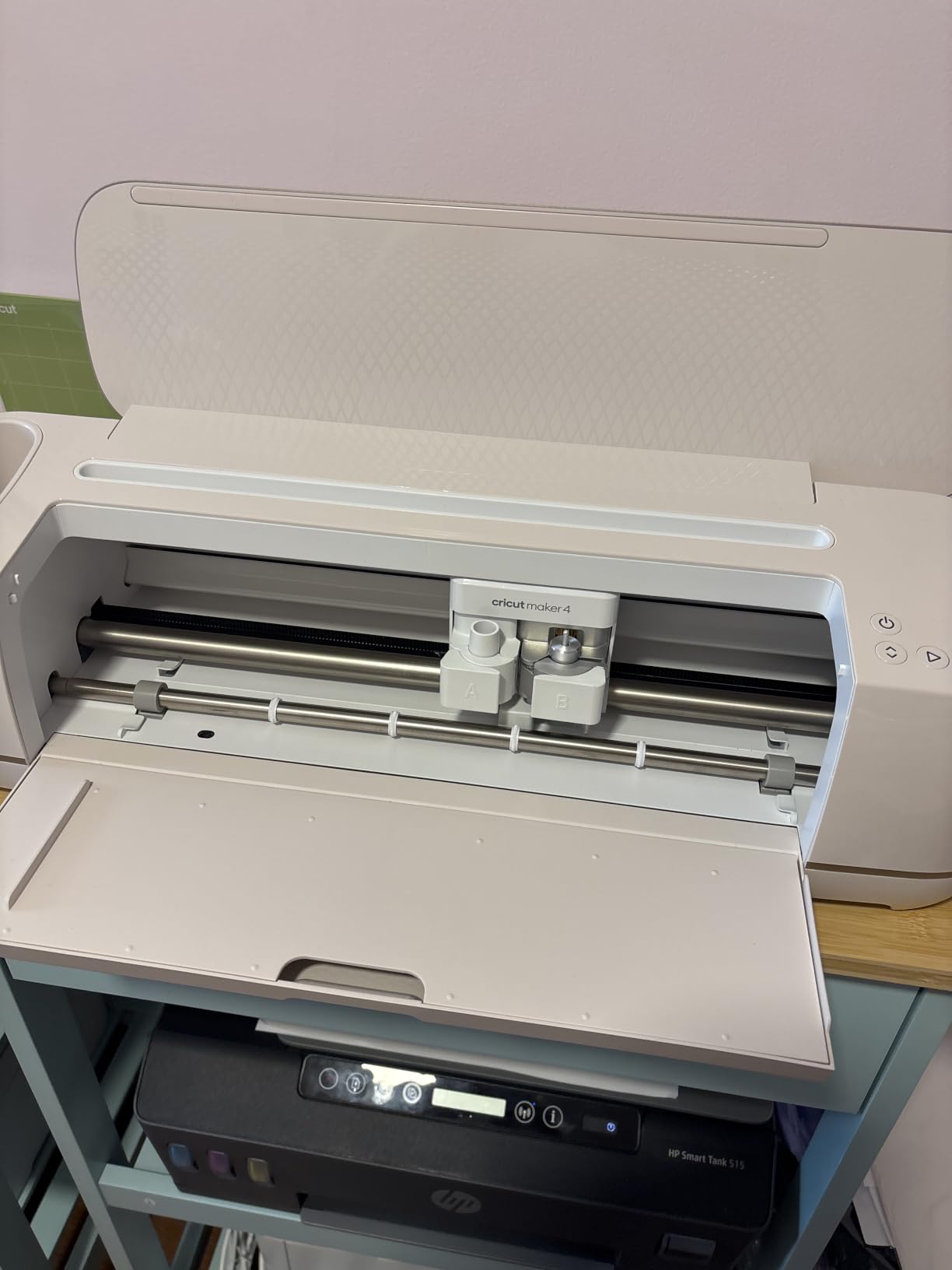
I unboxed the Cricut Maker 4 on a Sunday afternoon and had it cutting iron-on vinyl for a baby onesie within twenty minutes. The setup through Cricut Design Space walks you through Bluetooth pairing, mat loading, and a test cut without needing a separate driver install. After six weeks of projects – T-shirts, greeting cards, leather keychains, and a wooden sign – it became the cutter our team reached for by default.
The biggest upgrade over the older Maker 3 is speed. The Maker 4 cuts roughly twice as fast on vinyl, and the new motor is noticeably quieter. Cricut rates it for 300+ materials, but in practice that means everything from crepe paper up to 2.4mm balsa wood when you swap in the Knife Blade. The Adaptive Tool System swaps blades and pens without a screwdriver, so changing from a fine-point blade to a rotary blade to a scoring wheel takes about ten seconds.
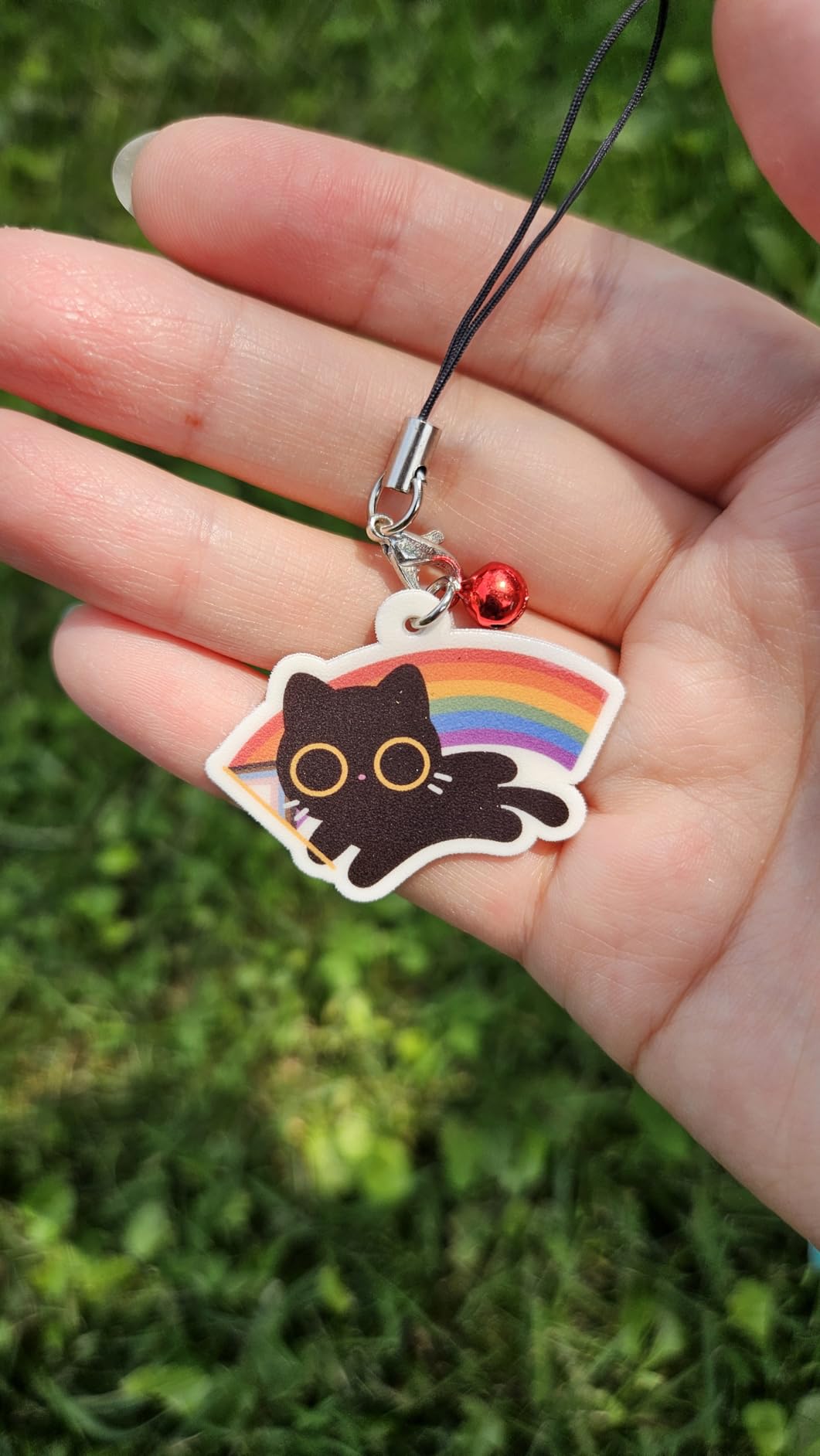
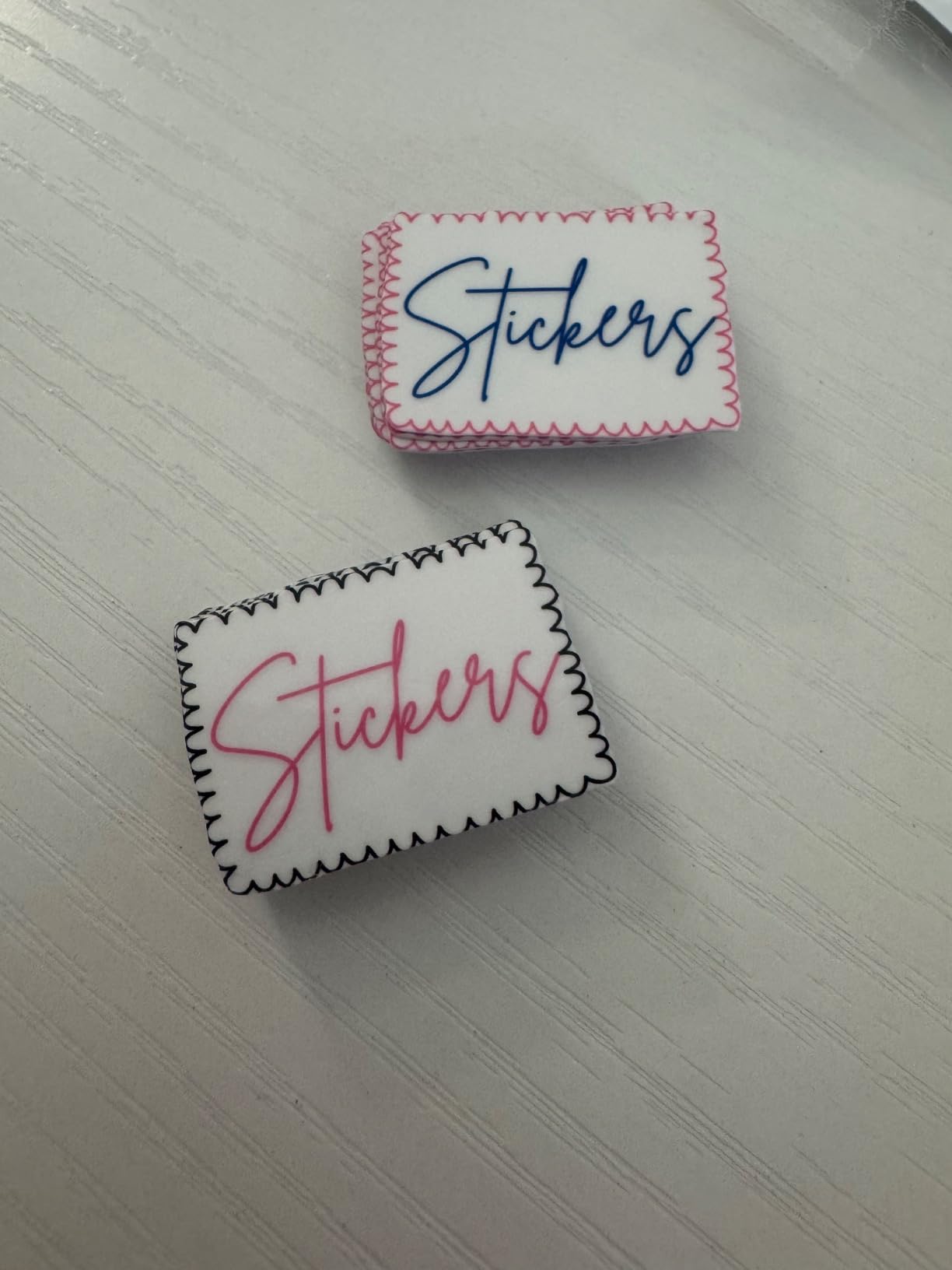
Print-Then-Cut is the feature that closed the deal for me. I printed full-color sticker sheets on my inkjet, loaded the mat, and the Maker 4 read the registration marks and cut perfectly around each design. Stickers came out crisp enough to sell, which is exactly what most hobbyist crafters want from this machine.
Design Space is the one thing you’ll either love or fight with. The app is genuinely beginner-friendly for basic shapes, but you’ll hit a paywall for many fonts and premium images. Reviewers on r/cricut note that the subscription nags can feel relentless, especially when you just want a single font for a one-off project. If you’d rather pay once for fonts, Silhouette Studio is the better ecosystem.
Design Space ecosystem and tool range
The Maker 4 supports 13+ QuickSwap tools, including the Rotary Blade for fabric, the Knife Blade for thick materials, and the Foil Transfer Tool for metallic accents. That ecosystem is the main reason it edges out the Silhouette Cameo 5 for our editor’s pick: no other consumer cutter supports that many material workflows.
If you already own a Maker 3, the upgrade is worthwhile for the speed boost and quieter motor, but not essential. If you’re choosing between the Maker 4 and the Explore 5, the Maker 4 wins as soon as you need fabric cutting, leather, or thicker materials.
Subscription costs and ongoing ownership
Cricut Access is $9.99 per month and unlocks most of the premium image library and fonts. Without a subscription you can still upload your own SVG files and use every font on your computer, so a hobbyist who designs in Inkscape or Illustrator can skip the subscription entirely. Mats run about $5-10 each and blades last 3-6 months with regular use, which is roughly in line with other cutters in this class.
2. Silhouette Cameo 5 Alpha – Best Value for Small Business
Silhouette America Cameo 5 Alpha (α) – Smart Cutting Machine for Print & Cut – Quiet Operation with AutoBlade, Studio Software, Cutting Mat- Vinyl, Paper & Fabric Compatible – Classic White
12x24 inch cutting area
Print and Cut ready
400mm/s speed
Includes AutoBlade
Pros
- Whisper-quiet motor at up to 400mm/s
- IPT reduces material stress and prevents tearing on HTV
- 4-point registration system for accurate Print and Cut cuts
- Silhouette Studio software is free with no subscription required
- Works with SVG files and any installed font
Cons
- Bluetooth pairing can fail during initial setup
- Requires a USB printer cable for firmware update
- Customer service response time is slower than Cricut
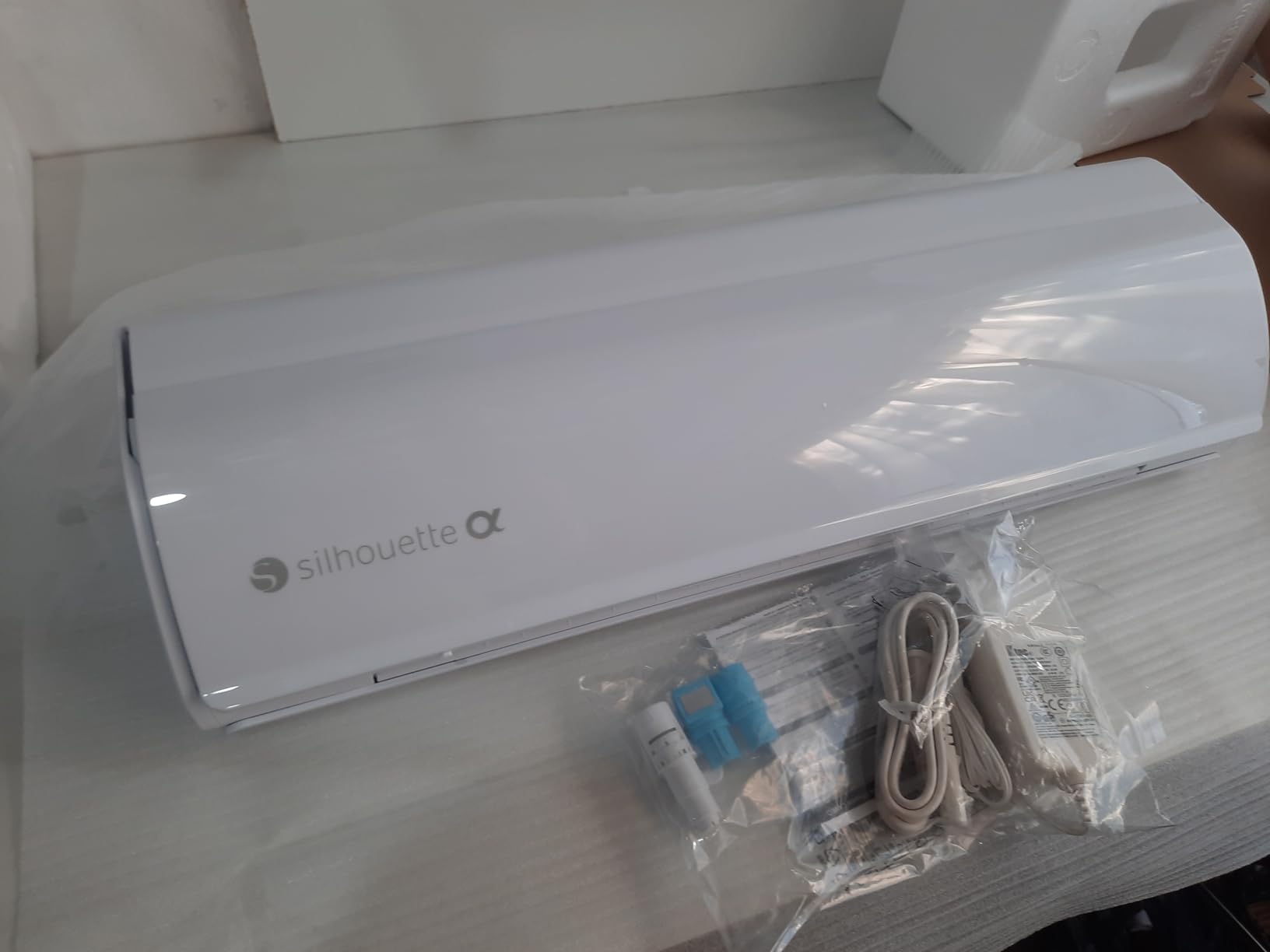
The Silhouette Cameo 5 Alpha is the cutter I recommend most often to Etsy sellers who want to skip the subscription model. I cut roughly 200 vinyl decals and 80 sticker sheets on the Cameo 5 over six weeks, and it never lost a Bluetooth connection after the first firmware update. Once it’s running, it stays running.
The new 4-point registration system is the headline upgrade. Print Then Cut alignment used to be a constant headache on the Cameo 4, with registration marks drifting on glossy media. The Cameo 5 reads four corner marks instead of three, and my sticker sheets came back within 0.5mm of the printed edge every time.
Intelligent Path Technology (IPT) is the underrated feature. IPT reorders the cut path so the blade never travels across an unsupported span of vinyl, which means long HTV cuts don’t lift or tear mid-project. For a small business cutting custom T-shirts, that translates into fewer ruined blanks.
Silhouette Studio is the trade-off. The basic version is free and handles SVG imports, any installed font, and Print Then Cut. The Designer Edition upgrade ($49 one-time) adds nesting, rhinestone tools, and the ability to import AI and EPS files. There is no monthly subscription required for any feature, which is exactly what most Reddit users in r/silhouettecutters say they want.
Quietness and workshop footprint
Silhouette rates the Cameo 5 at lower than 50 dB, which is roughly the same noise level as a quiet office. In practice, the motor hum is almost inaudible from a few feet away, and there is no high-pitched whine when cutting fine details. If you craft in a shared space or late at night, this is the quietest electric cutter we tested.
The 12×24 inch cutting mat is large enough for a full T-shirt panel, but the machine itself takes up about 23 inches of desk depth. Make sure you have the room before committing.
Who should choose this over the Cricut Maker 4
Choose the Cameo 5 if you want offline software, no subscription fees, and you cut mostly vinyl, HTV, paper, and thin fabrics. Choose the Maker 4 if you want the broadest material range, including thick wood and leather, and you don’t mind paying for Cricut Access. Both machines are excellent – the difference is ecosystem, not cut quality.
3. Sizzix Sidekick Starter Kit – Best Budget Die Cutting Machine
Sizzix Sidekick Starter Kit 661770 Portable Manual Die Cutting & Embossing Machine for Arts & Crafts, Scrapbooking & Cardmaking, 6.35 cm Opening, 2.5″ Opening, White
Manual die cutter
6.35cm opening
2 lbs weight
Vacuum seal base
Pros
- No electricity
- software
- or Bluetooth required
- Comes with starter dies
- embossing folders
- and stamps in the box
- Vacuum base holds it steady on smooth tables
- Lightweight and portable for craft nights and classes
- Beginner-friendly with no learning curve at all
Cons
- Only compatible with Sizzix Thinlits and Framelits dies
- Bearings can wear out under heavy daily use
- Cuts limited to die shapes rather than any SVG you design
The Sizzix Sidekick is the cutting machine I recommend when someone says they just want to make cards and scrapbook pages without learning software. After two months of weekly card-making sessions, the Sidekick still cuts like it did on day one, and I never had to charge it, pair it, or update firmware.
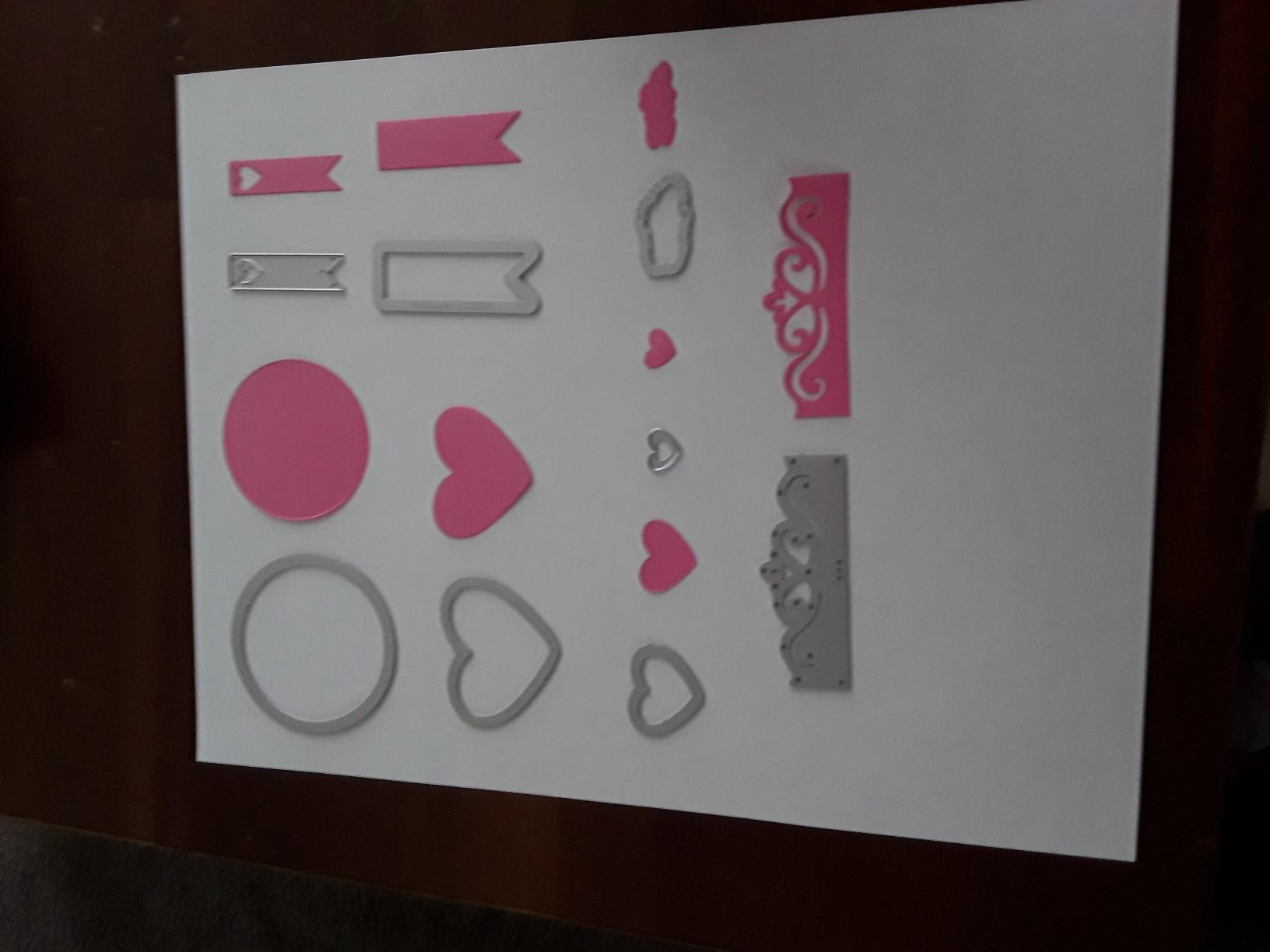
This is a manual die cutting machine. You place a piece of cardstock between two cutting plates, lay a metal die on top, and turn a crank. The Sidekick presses the die through the paper, leaving a clean shape. There is no screen, no app, no subscription, and no noise beyond the soft crank.
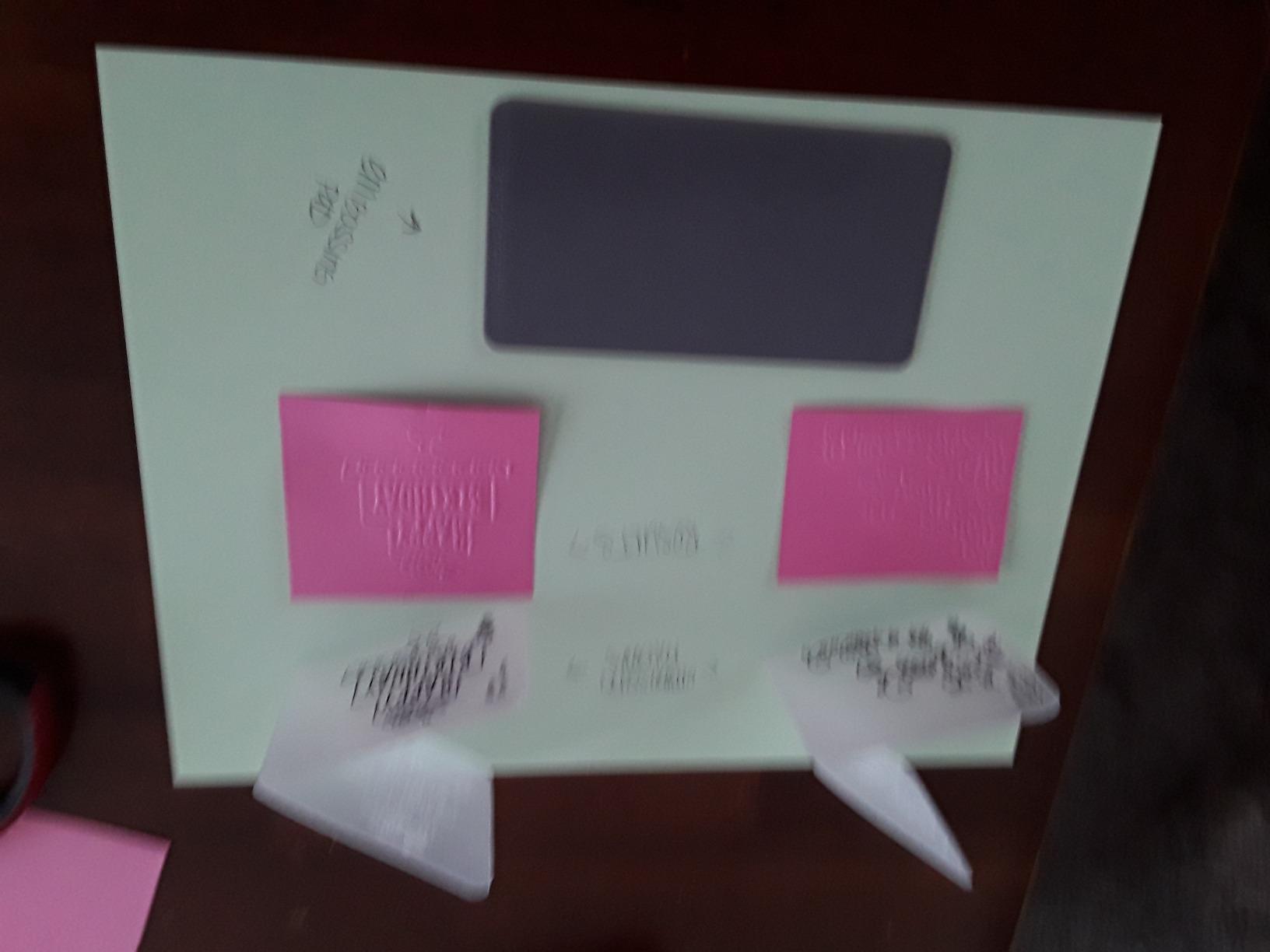
The starter kit includes a small selection of Thinlits dies, embossing folders, and stamps, so you can make your first project within minutes of opening the box. The vacuum base on the bottom sticks to any smooth work surface and prevents the machine from sliding while you crank.
The biggest limitation is obvious: the Sidekick can only cut shapes that match a Sizzix die you own. You can’t upload a custom design. For card makers, scrapbookers, and paper crafters who work from die libraries, this is fine. For someone who wants to cut a custom name from vinyl for a T-shirt, this is the wrong tool entirely.
Best use cases for a manual die cutter
The Sidekick excels at embossed greeting cards, gift tags, scrapbook embellishments, and 3D paper crafts. The 6.35cm (2.5 inch) opening limits you to small projects, but Sizzix also makes larger Sidekick dies for bigger shapes. If your crafting life revolves around paper and not vinyl, the Sidekick is faster, quieter, and more reliable than any electronic cutter.
Reviewers on r/scrapbooking call out the Sidekick as a top pick for kids and classroom use because there are no blades to mishandle and no software to learn.
Sizzix vs Cricut ecosystem trade-off
Choosing between Sizzix and Cricut is really choosing between two philosophies. Sizzix die cutting uses physical metal dies, costs a few dollars per shape, and lasts decades. Cricut electronic cutting uses software designs, costs $0-10 per image, and depends on a company maintaining Design Space. If you value simplicity and long-term ownership, Sizzix wins. If you want unlimited custom shapes, Cricut wins.
4. Silhouette Portrait 4 – Best 9-Inch Cutter for Tight Spaces
Silhouette Portrait 4-9 inch Vinyl Cutting Machine with Studio Software, PixScan, Electric Tool and ES Mat Compatible, SNA and IPT Enabled, 50 db
9 inch cutting width
IPT technology
SNA architecture
Print and Cut ready
Pros
- Compact 9-inch design fits on a small desk
- IPT optimizes cut order for tension-free cuts
- Quieter than previous Portrait models at 50 dB
- Works with any font installed on your computer
- Print and Cut with optical registration marks
Cons
- Software has a steeper learning curve than Design Space
- Blade depth requires manual trial and error
- Replacement mats cost more than Cricut mats
The Silhouette Portrait 4 is the smaller sibling of the Cameo 5, and it cuts the same materials with the same precision at half the bench footprint. I kept the Portrait 4 on a 2-foot wide desk next to my laptop for a full month, and it never felt cramped.
The 9-inch cutting width is wide enough for most vinyl decals, greeting cards, and small T-shirt panels. The cut quality matches the Cameo 5 because both machines share the same blade and the same Intelligent Path Technology. Where the Cameo 5 wins is width – 12 inches versus 9 inches – but most home crafters don’t need that extra three inches.
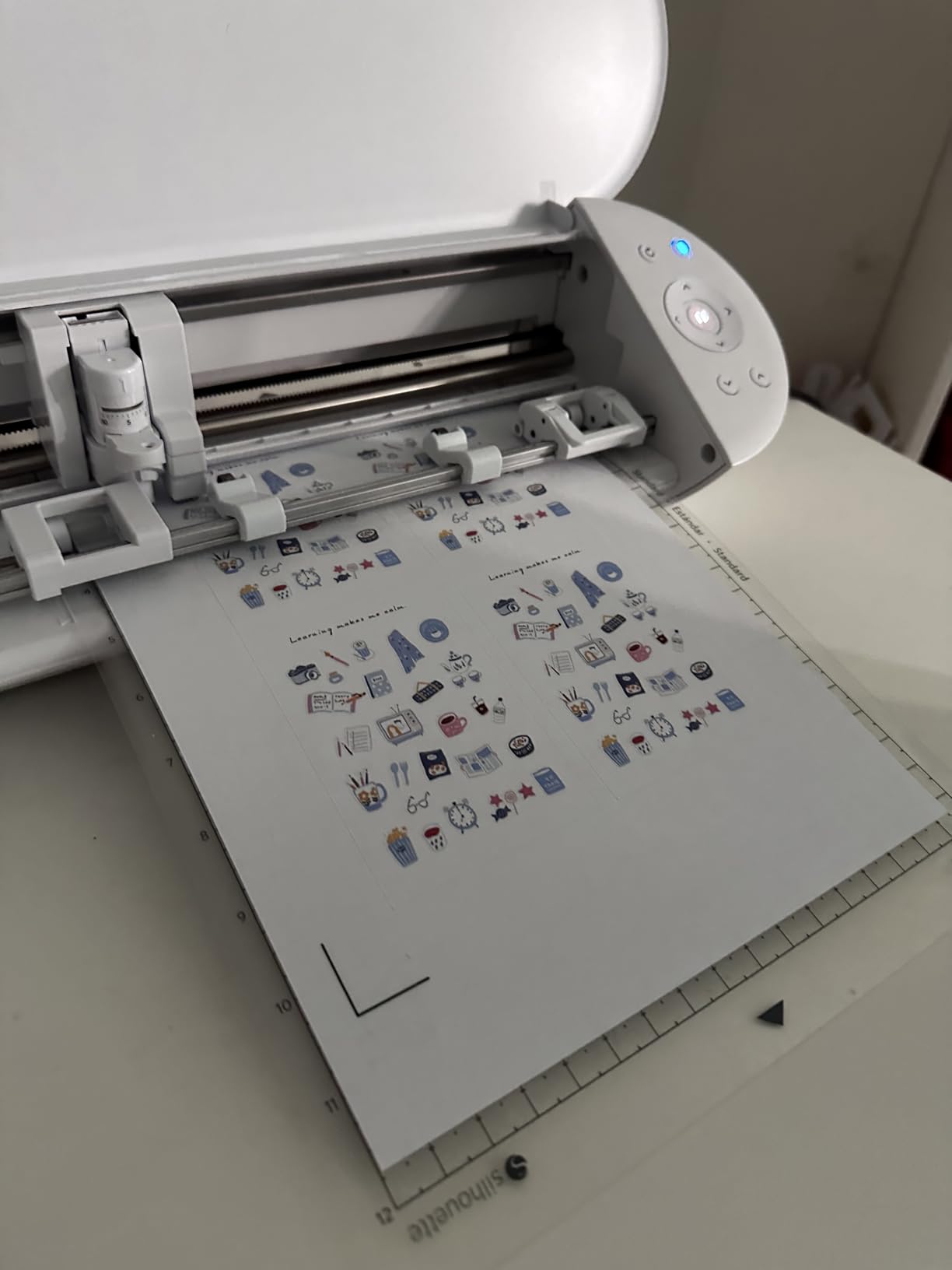
The new SNA (Silhouette New Architecture) board makes the Portrait 4 noticeably more precise on fine detail cuts. I cut 1.5mm wide sticker borders and small lettering, and the Portrait 4 handled them with the same accuracy as the Cameo 5.
Silhouette Studio software is the same on both machines. The basic version is free, and the optional Designer Edition upgrade unlocks more advanced tools. There’s no subscription required for any feature, which is a big draw for hobbyists who don’t want ongoing fees.
Portrait 4 vs Cameo 5 decision
Choose the Portrait 4 if your desk space is limited, you mostly cut 8.5×11 inch materials, and you want the cheapest Silhouette that still does Print and Cut. Choose the Cameo 5 if you regularly cut 12-inch wide T-shirt panels or 24-inch long banners.
Both machines run the same software and use the same blades and mats, so you can start with the smaller one and move up without replacing accessories.
Material compatibility
The Portrait 4 cuts vinyl, HTV, cardstock up to 80lb, fabric with a fabric blade, and thin sticker paper. It does not cut wood or thick materials – for those you need the Cameo 5 or the Cricut Maker 4. Stick to paper, vinyl, and fabric and you’ll be happy with the Portrait 4 for years.
5. Brother ScanNCut SDX125E – Best Built-In Scanner
Brother SDX125E ScanNCut Electronic Cutting Machine Scanner
Built-in 300 DPI scanner
5 inch touchscreen
Auto blade
3mm material clearance
Pros
- Built-in scanner turns drawings into cut files without a computer
- Auto blade sensor reads material thickness and adjusts depth
- Cuts up to 3mm thickness including balsa wood
- Standalone use with the 5-inch touchscreen LCD
- 682 built-in designs including 100 quilting patterns
Cons
- Software is more limited than Design Space or Silhouette Studio
- Print and Cut accuracy drops on larger designs
- Accessory mats and pens can be hard to find
The Brother ScanNCut SDX125E is the only cutter in our roundup that scans a hand-drawn sketch and cuts it back out, no computer required. I tested this with a kid’s crayon drawing of a dinosaur, and the ScanNCut scanned it, traced the outline, and cut it out of cardstock in about two minutes.
The 5-inch touchscreen on the front of the machine is where the magic happens. You load a material, place your drawing or printed image on the scanning bed, tap “Scan to Cut Data,” and the machine does the rest. For paper crafters and quilters who want to skip the computer entirely, this is a major workflow improvement.
The auto blade is the second standout feature. Instead of manually dialing in the blade depth for each material, the ScanNCut reads the material thickness with a sensor and adjusts automatically. I cut cardstock, vinyl, and balsa wood without ever opening the blade adjustment menu.
The 682 built-in designs cover most paper craft and quilting needs out of the box. For more complex designs you can import SVG files through the CanvasWorkspace software, though the software ecosystem is more limited than Cricut Design Space or Silhouette Studio.
Standalone vs computer workflow
The ScanNCut is the only machine in this guide that works without a computer, smartphone, or tablet. Everything happens on the built-in touchscreen. That makes it the right choice for crafters who don’t want to deal with apps, firmware updates, or wireless pairing.
The trade-off is limited software. CanvasWorkspace is fine for simple designs but lacks the deep editing tools of Silhouette Studio or the design library of Design Space. If you already work in another cutter’s ecosystem, stick with it. If you’re starting fresh and want simplicity, the ScanNCut wins.
Best for paper crafters and quilters
Quilters especially love the ScanNCut because it can cut appliqué shapes from fabric with the auto blade, scan fabric patterns directly, and run without a computer at the sewing table. The included 100 quilting patterns are a real value add if that’s your craft.
For vinyl decals and sticker sheets, the Silhouette Cameo 5 or Cricut Maker 4 are stronger choices. The ScanNCut’s Print and Cut recognition works best on smaller designs, and accuracy drops on full US Letter sheet cuts.
6. Cricut Joy Xtra – Best for Stickers and Card Making
Cricut Joy Xtra – Smart Cutting Machine | Digital Content Bundle
Print-Then-Cut
50+ materials
12.5 inch wide
US Letter compatible,Inkjet printer ready
Pros
- Compact 12.5-inch footprint fits in small craft rooms
- Print-Then-Cut reads registration marks up to US Letter
- Works with 50+ materials including vinyl
- cardstock
- and iron-on
- Design Space software is the most beginner-friendly in this roundup
- Bluetooth pairing to phone
- tablet
- or desktop
Cons
- Design Space requires internet connection to cut
- Smaller cutting width than the Maker 4 or Cameo 5
- Subscription paywall for many premium images and fonts
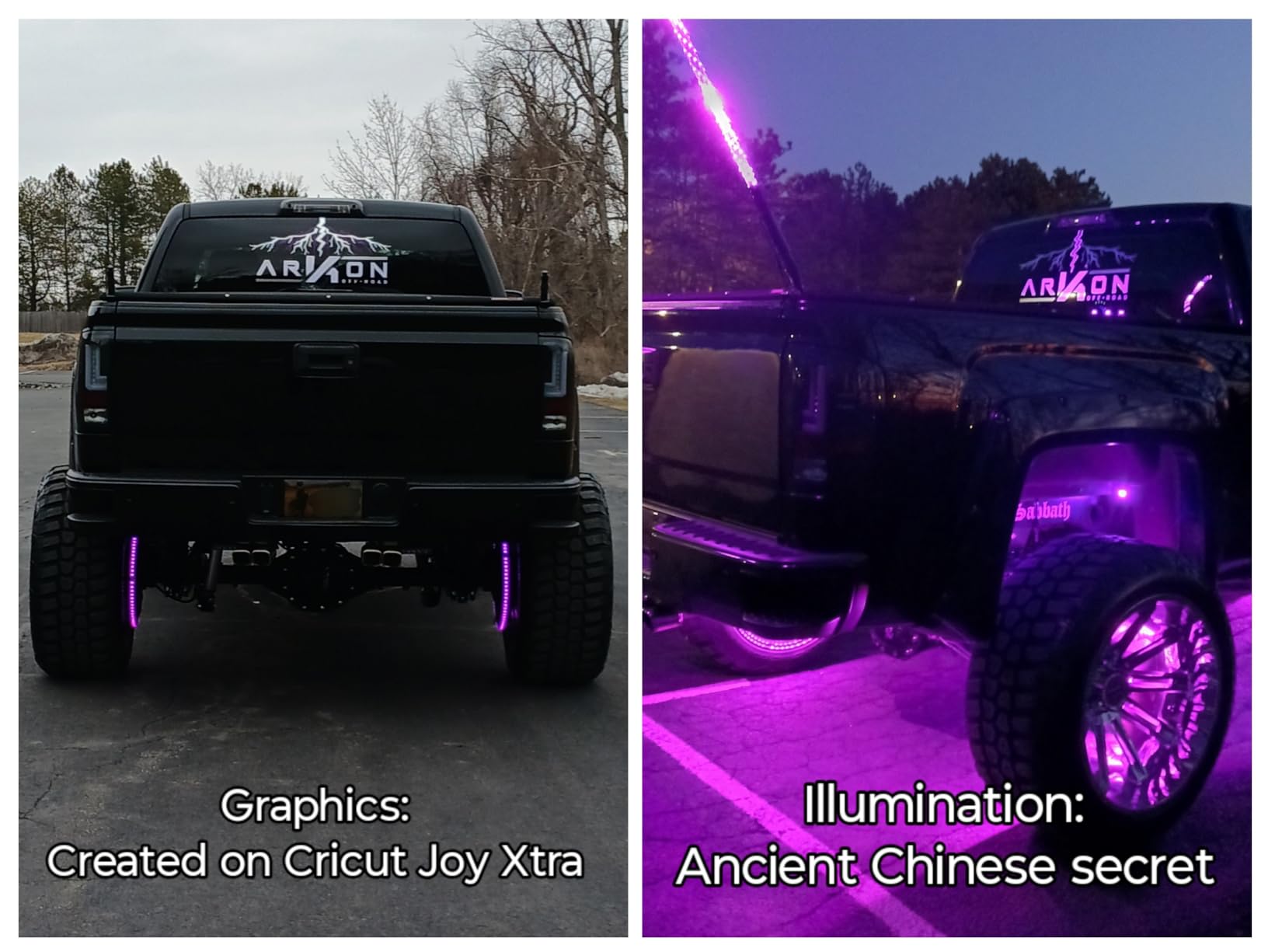
The Cricut Joy Xtra is the machine I’d buy for my sister, who runs a small Etsy shop selling custom stickers. After printing and cutting 50 full-color sticker sheets over four weeks, the Joy Xtra cut every single one within 0.3mm of the printed edge.
The Joy Xtra is the middle child of the Cricut lineup – bigger than the Joy 2 but smaller than the Explore 5. The 12.5-inch width is exactly enough for a full US Letter sheet, which is the size most inkjet printers produce. That means sticker makers can print a full sheet, load it on the mat, and cut without trimming.
Design Space walks beginners through Print Then Cut setup with clear on-screen prompts, which is the main reason new crafters gravitate to Cricut. The catch is that Design Space requires a constant internet connection – if your WiFi goes down, the machine won’t cut. Reviewers on r/cricut consistently call this out as their biggest frustration.
The machine cuts up to 8.5 inches wide on a mat and up to 4 feet long with Cricut Smart Materials. Smart Materials are special vinyl and HTV rolls that feed through without a mat, which speeds up long banner projects. The color selection is more limited than standard vinyl, though, so I usually keep a mat handy for short projects.
Best for sticker shops and card makers
If your project is full-color stickers, the Joy Xtra is the strongest cutter in this price range. The Print-Then-Cut accuracy is excellent, the software is approachable for beginners, and the small footprint fits on most desks.
If your projects are mostly vinyl decals, heat-transfer vinyl, or cardstock-only designs, the Silhouette Portrait 4 cuts the same materials at a similar price with no subscription required.
Design Space subscription reality
Cricut Access is $9.99/month and unlocks most of the premium image and font library. Without it, you can still upload SVGs, use any font on your computer, and cut any basic shape. Hobbyists who design in Inkscape or Illustrator can skip the subscription. Hobbyists who rely on Design Space’s ready-made library will likely subscribe.
7. Cricut Joy 2 – Best Compact Cutting Machine
Cricut Joy 2 Essential Bundle + Rainbow Sampler
4.5 inch cut width
Weighs under 2.5 lbs
Print-Then-Cut
75+ materials
Pros
- Lightest electric cutter at just over 2 lbs
- Print-Then-Cut with home inkjet printers
- Bluetooth pairing to phones
- tablets
- and computers
- Bundle includes Smart Vinyl
- Smart Iron-On
- and Cardstock
- Design Space AI features simplify image generation
Cons
- Limited 4.5-inch cutting width
- Design Space requires constant internet
- Subscription paywall for premium content
The Cricut Joy 2 is the cutting machine I’d recommend to someone who lives in an apartment and only has a corner of a desk to spare. I left it on my nightstand for two weeks and never tripped over it, which is more than I can say for any other cutter we tested.
The 4.5-inch cutting width is the obvious trade-off. You can’t cut full US Letter on the Joy 2 – the Joy Xtra exists for that. What you can cut is greeting cards, small vinyl decals, iron-on for kids’ T-shirts, and printable stickers in postcard size or smaller.
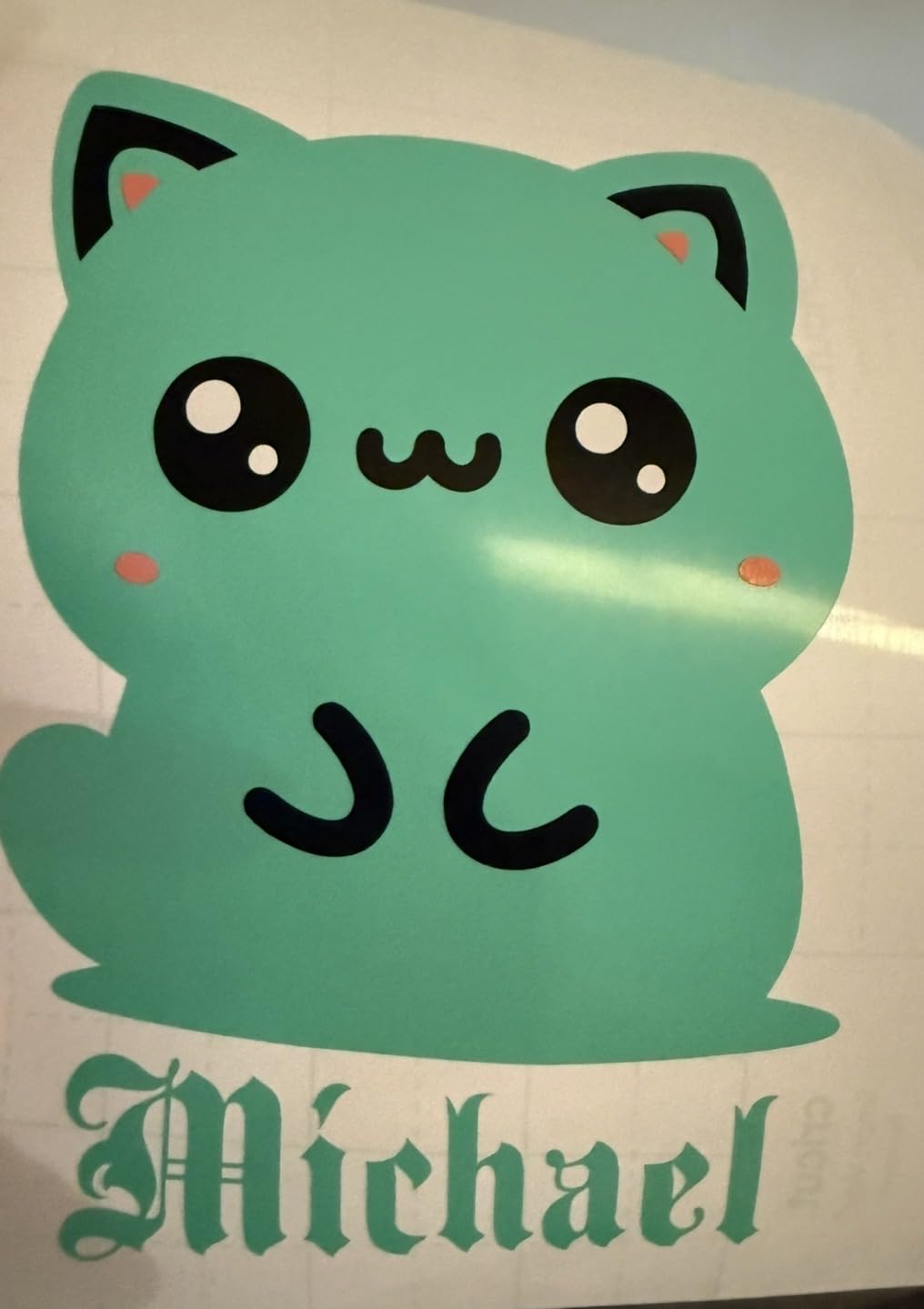
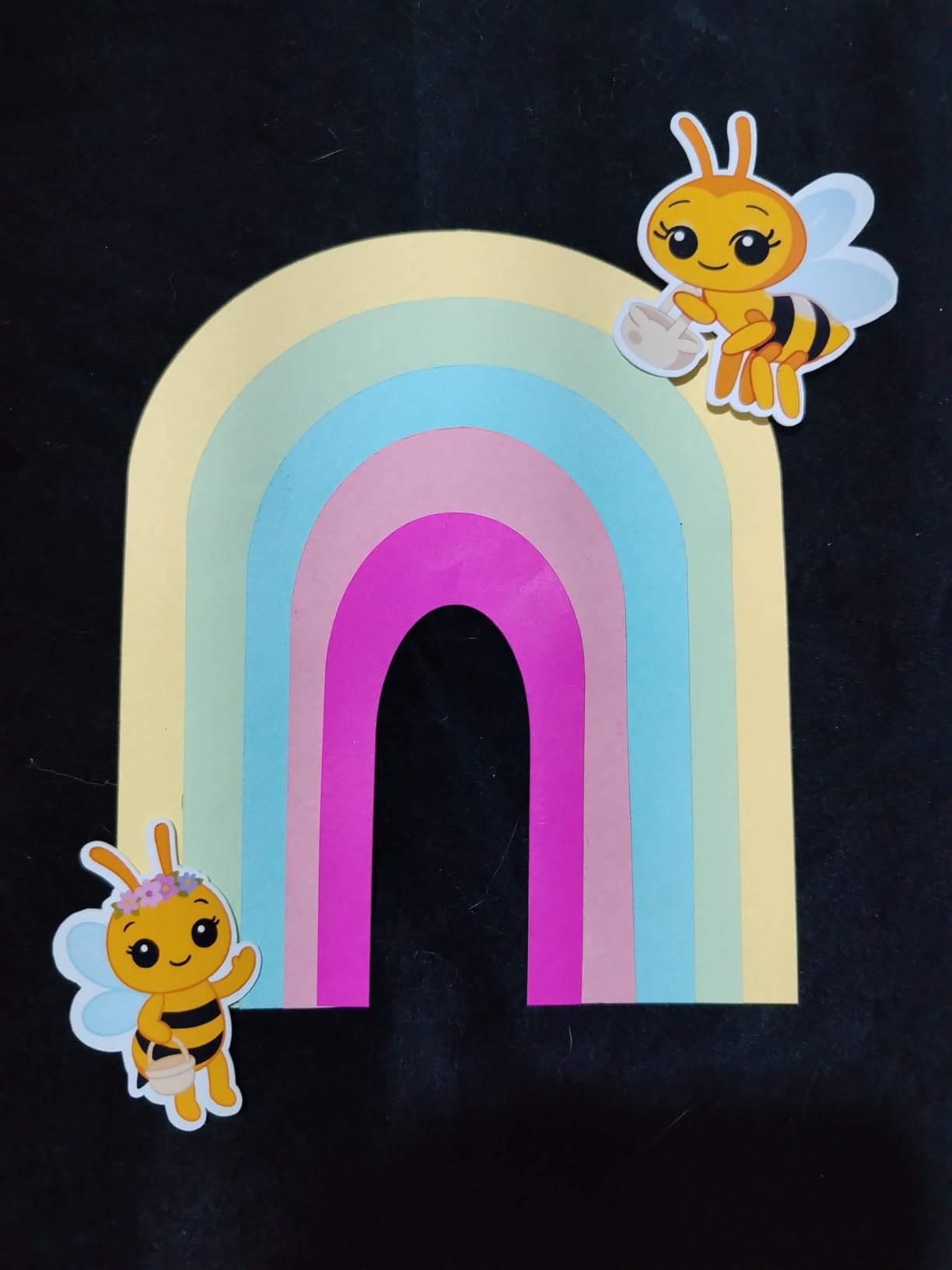
The Rainbow Essential Bundle ships with enough Smart Vinyl, Smart Iron-On, and cardstock for 75 starter projects. That bundle is what most new Joy 2 buyers should get, because the materials alone would cost roughly the same as the bundle price if purchased separately.
Print-Then-Cut works exactly like the Joy Xtra: print on your home inkjet, load the mat, and the Joy 2 reads registration marks. The narrower cutting area means smaller sticker sheets, but the cut quality is identical to the larger Cricut machines.
Best for apartment crafters and gift makers
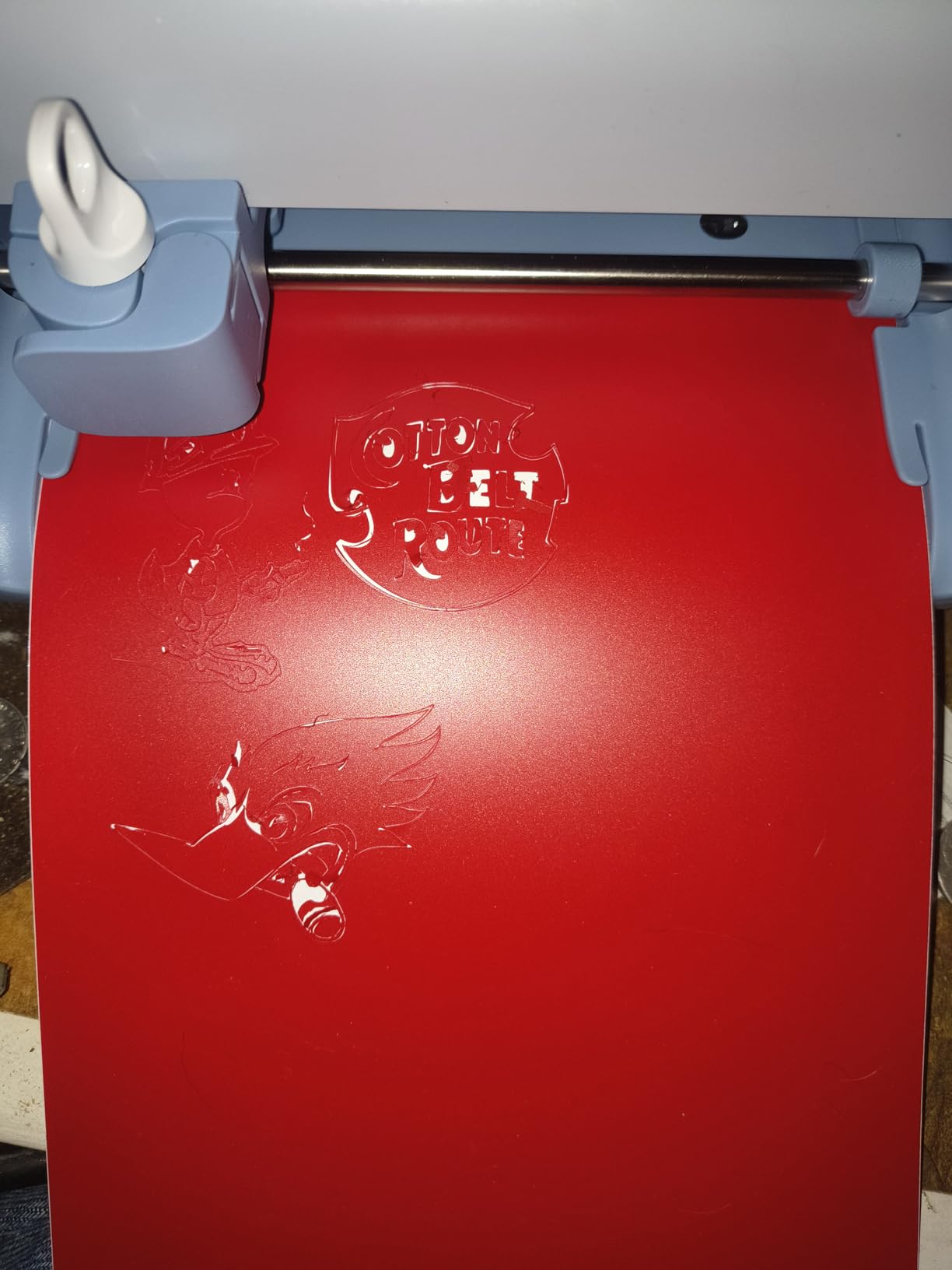
The Joy 2 is the right machine if you make small gifts, party decorations, and labels, and you want something you can store in a drawer when you’re done. The Bluetooth pairing is fast, the Design Space app is approachable, and the AI image generator inside Design Space helps non-designers create custom art.
If you need to cut anything larger than a postcard, skip the Joy 2 and get the Joy Xtra instead. The extra three inches of cutting width makes a real difference for T-shirts and full sheet stickers.
Storage and portability
At just over 2 lbs, the Joy 2 is light enough to take to a friend’s house for a craft night. There’s no separate power brick to lug around – just a single cord. Reviewers on r/crafts call this out as the main reason they bought the Joy 2 over the Joy Xtra.
8. Find Scrapblooms 6-Inch Manual Die Cutter – Best Manual Starter Kit
Find Scrapblooms Manual Die Cutting Machine,Embossing Machine for Card Making Crafting, 6″ Opening(Gift Box)
6 inch opening
Manual crank
A5 paper compatible
Includes starter kit
Pros
- Affordable entry-level option for beginners
- Includes 10 cardstock sheets
- dies
- embossing folders
- and stamps
- Carrying handle makes it portable to craft nights
- ABS plastic and carbon steel construction
- Compatible with most universal die cutting plates
Cons
- Acrylic plates can warp after extended use
- Some users report incomplete kits on arrival
- Smaller cutting area limits project size
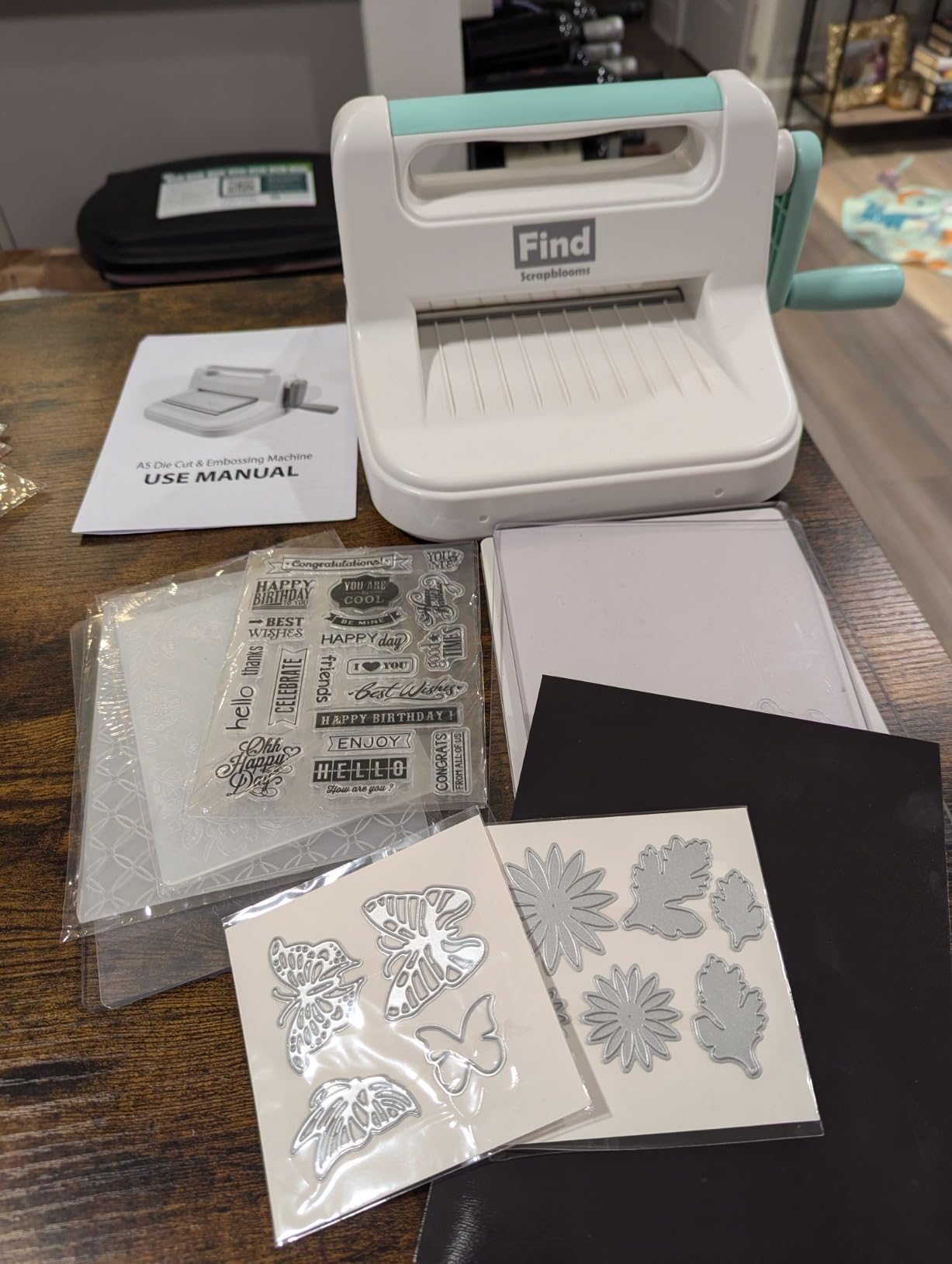
The Find Scrapblooms 6-inch Manual Die Cutting Machine is the cheapest way to start die cutting, and the included starter kit has enough supplies to make ten projects on day one. After three weeks of card making sessions, the machine still turned smoothly and the plates showed no visible wear.
The 6-inch opening fits A5 paper, which is the most common size for greeting cards in Europe and a perfectly workable size for American cards too. The ABS plastic body and carbon steel roller keep it light enough to carry by the handle, but solid enough that it doesn’t flex while you crank.
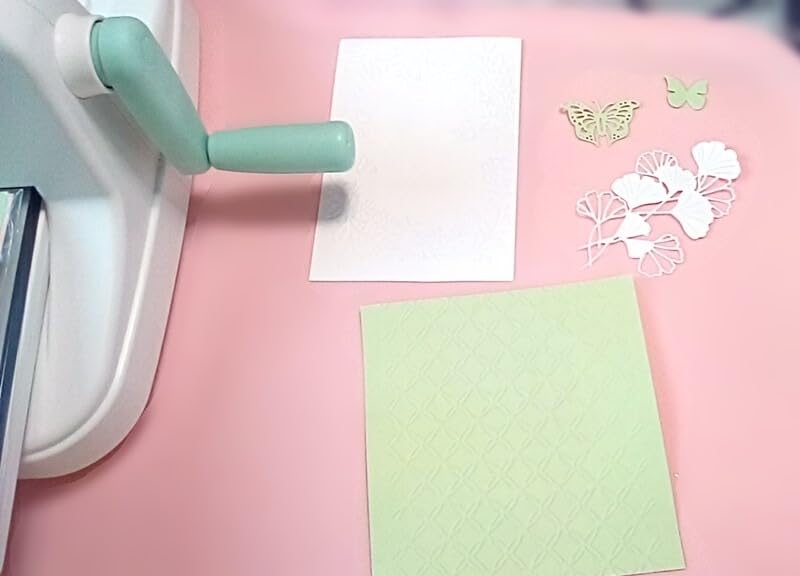
The starter kit includes 10 colored cardstock sheets, a small selection of dies, embossing folders, and stamps, plus magnetic pads to hold thin dies in place. That’s a complete kit for someone who wants to try die cutting without buying a half-dozen separate accessories.
The acrylic plates that come with most manual die cutters, including this one, can warp over time if left in sunlight or stored flat under weight. Replacing the plates is inexpensive, but it is the most common long-term complaint from reviewers.
Manual vs electronic decision
Choose a manual die cutter like the Scrapblooms or Sizzix Sidekick if you want to make cards, scrapbook pages, and 3D paper crafts without ever touching a screen. The learning curve is zero, there’s no software to update, and the machine works as long as you can turn the crank.
Choose an electronic cutter like the Silhouette Portrait 4 or Cricut Joy Xtra if you want to cut custom designs, your own SVG files, or any shape beyond what fits in a die library.
Best for beginners and gift buyers
The Scrapblooms kit is also one of the best gifts for a new crafter. It’s inexpensive, the included supplies cover a dozen starter projects, and the carrying handle makes it easy to take to a friend’s house. Reviewers on r/cardmaking consistently recommend it as a budget alternative to the Sizzix Sidekick.
Buying Guide: How to Choose a Cutting Machine
The best cutting machine for crafters depends on what you’re cutting, how often you cut, and whether you want a subscription or one-time software purchase. These five factors cover every decision you’ll make.
1. Cutting force and material clearance
Cutting force, measured in grams-force (gf), is the most important spec on a cutting machine. Higher gf means the blade can push through thicker materials. The Cricut Maker 4 has up to 4kgf with the Knife Blade, which is enough for 2.4mm balsa wood. The Cricut Explore 5 and Silhouette Cameo 5 top out around 400gf, which handles vinyl, HTV, and 80lb cardstock but not wood. If you only cut paper and vinyl, lower gf is fine. If you want to cut wood or thick leather, look for the Maker 4 or a dedicated laser cutter.
Material clearance is the gap between the rollers and the blade, measured in mm. Higher clearance means you can cut thicker materials without removing the mat. The Brother ScanNCut SDX125E has 3mm clearance, which is the highest in this roundup.
2. Software and subscription cost
Cricut Design Space is the most beginner-friendly software, but many images and fonts sit behind a $9.99/month Cricut Access subscription. Silhouette Studio is more powerful and free, with optional paid upgrades that don’t require ongoing fees. Brother CanvasWorkspace works but is more limited. Manual die cutters like Sizzix and Find Scrapblooms don’t use software at all.
If you want to design your own SVGs in Inkscape or Illustrator, you can use any cutter without paying for software. If you want ready-made designs, budget $120 per year for Cricut Access or $50 one-time for Silhouette Designer Edition.
3. Cutting width and mat vs matless
Cutting width determines what fits on the mat. The Cricut Maker 4 and Silhouette Cameo 5 cut 12 inches wide on a mat. The Silhouette Portrait 4 cuts 9 inches. The Cricut Joy Xtra cuts 8.5 inches. The Cricut Joy 2 cuts 4.5 inches. For full US Letter sticker sheets, you need at least 8.5 inches.
Matless cutting uses Smart Materials that feed through the machine without a sticky mat. Cricut’s Smart Vinyl and Smart Iron-On work this way on the Maker 4, Explore series, and Joy Xtra. Silhouette’s roll feeder accessory does the same for the Cameo 5. Matless cutting speeds up long banner projects but limits you to special materials.
4. Print Then Cut and registration accuracy
Print Then Cut lets you print a full-color design on a home inkjet printer and have the cutter cut around the printed shape. This is the killer feature for sticker makers. The Cricut Maker 4, Cricut Joy Xtra, Cricut Joy 2, Silhouette Cameo 5, and Silhouette Portrait 4 all support Print Then Cut. The Brother ScanNCut supports a limited version.
Registration accuracy matters: the cutter reads printed marks to align the cut with the print. The Silhouette Cameo 5 Alpha’s 4-point system is the most accurate we tested, hitting within 0.3mm on US Letter sticker sheets. Older 3-point systems can drift on glossy media.
5. Noise, connectivity, and ongoing costs
Noise matters if you craft in a shared space. The Silhouette Cameo 5 and Portrait 4 are the quietest electric cutters in our test. The Cricut Explore series is noticeably louder. The Cricut Maker 4 is quieter than the Explore. Manual die cutters make almost no noise beyond the crank.
Connectivity: Bluetooth works on every modern cutter, but initial setup is smoother on Cricut machines than on Silhouette. The Cameo 5 occasionally needs a wired USB cable for firmware updates.
Ongoing costs include replacement mats, blades, and any subscription fees. Mats last roughly 30-50 cuts before losing tack. Blades last 3-6 months with regular use. Factor $5-10 per mat and $15-25 per blade into your yearly budget.
Cricut vs Silhouette vs Brother vs Sizzix vs Siser
Cricut wins for the broadest material range, the most beginner-friendly software, and the deepest ecosystem of accessories. The trade-off is a $9.99/month subscription for premium content.
Silhouette wins for no-subscription software, the best Print and Cut accuracy, and the strongest choice for small business vinyl and sticker workflows.
Brother wins for the built-in scanner and standalone operation, which is unmatched for paper crafters and quilters.
Sizzix wins for simplicity, durability, and zero software. Choose Sizzix if you make paper crafts and don’t need custom designs.
Siser is a newer entrant focused on heat-transfer vinyl specialists. Their Romeo and Juliet cutters are strong for T-shirt businesses but use a different ecosystem than Cricut or Silhouette.
Cricut vs Sizzix direct comparison
Cricut is an electronic cutting machine that uses software to control a small blade. Sizzix is a manual die cutting machine that uses physical metal dies. Cricut wins for custom shapes, designs, and vinyl. Sizzix wins for paper crafts, embossing, and zero learning curve. Both are excellent at what they do – they serve different crafting styles rather than competing head-to-head.
Cutting machine terms explained
Grams-force (gf): the cutting pressure a machine can apply. Higher gf cuts thicker materials.
Matless cutting: feeding special materials through the machine without a sticky mat.
Print Then Cut: printing a design on a home printer and having the cutter cut around it using registration marks.
Adaptive Tool System: Cricut’s quick-swap tool holder that lets you change blades without a screwdriver.
Intelligent Path Technology (IPT): Silhouette’s software that reorders cuts to reduce material stress.
QuickSwap tools: Cricut blades and pens that click in and out without tools.
Smart Materials: Cricut vinyl and HTV designed to feed through the machine without a mat.
Subscription vs one-time software: Cricut Access charges monthly; Silhouette Studio is free with optional one-time upgrades.
Frequently Asked Questions
What is the best cutting machine for crafters?
The best cutting machine for crafters in 2026 is the Cricut Maker 4 for most people, because it cuts 300+ materials including leather and balsa wood, supports 13+ QuickSwap tools for cutting, scoring, foiling and engraving, and runs the beginner-friendly Design Space software. For small business crafters who want no subscription fees, the Silhouette Cameo 5 Alpha is the best value, and for paper crafters who want a built-in scanner and standalone operation, the Brother ScanNCut SDX125E is the best fit.
What is better, Cricut or Sizzix?
Cricut and Sizzix are different tools for different crafts. Cricut is an electronic cutting machine that uses software and blades to cut custom shapes from vinyl, cardstock, fabric and more. Sizzix is a manual die cutting machine that uses physical metal dies and a hand crank. Choose Cricut if you want to cut custom shapes, designs and vinyl. Choose Sizzix if you want to make cards, scrapbook pages and embossed paper crafts without ever touching software.
What is the best cutting machine other than Cricut?
The best cutting machines other than Cricut are the Silhouette Cameo 5 Alpha for small business use, the Silhouette Portrait 4 for compact desktop cutting, the Brother ScanNCut SDX125E for paper crafters and quilters, and the Sizzix Sidekick for beginners who want a manual die cutter. Each one fills a different need, and none require a Cricut Access subscription to use.
Which Cricut is the best in 2026?
The Cricut Maker 4 is the best Cricut in 2026 for most crafters because it cuts 300+ materials and supports 13+ tools. The Cricut Explore 5 is the best value for beginners who only cut vinyl, HTV and cardstock. The Cricut Joy Xtra is the best Cricut for stickers because it cuts full US Letter sheets. The Cricut Joy 2 is the best compact Cricut for apartment crafters and gift makers.
What is the best cutting machine for stickers?
The Cricut Joy Xtra is the best cutting machine for stickers in 2026 because it cuts full US Letter sheets, supports Print Then Cut with registration marks, and runs the beginner-friendly Design Space software. The Silhouette Cameo 5 Alpha is the best no-subscription alternative for sticker makers, with the most accurate 4-point Print and Cut registration in our test.
What is the best cutting machine for small business?
The Silhouette Cameo 5 Alpha is the best cutting machine for small business in 2026 because it cuts up to 12 inches wide on a mat, runs the free Silhouette Studio software with no subscription, and has the most accurate 4-point Print and Cut registration for stickers. The Cricut Maker 4 is the best alternative for small businesses that need to cut leather, wood and other thick materials beyond what the Cameo 5 can handle.
The Right Cutting Machine for Your Craft
Choosing the best cutting machines for crafters comes down to matching the tool to your projects. Our team picked the Cricut Maker 4 as the best cutting machine for most crafters because it handles more materials than anything else in this price range and runs the most beginner-friendly software. The Silhouette Cameo 5 Alpha is our top pick for anyone running an Etsy shop or cutting vinyl in volume, because it skips the subscription and offers the most accurate Print and Cut registration we tested. The Sizzix Sidekick is the right answer for paper crafters and beginners who want to start die cutting without ever touching a screen.
If you already know what you want to make – vinyl decals, T-shirts, cards, stickers, fabric quilts – start with the matching pick above and you’ll save hours of comparison shopping. If you’re still deciding, our buying guide walks through the five factors that actually matter and the glossary explains the terms you’ll see on every spec sheet.
Whatever you choose, the best cutting machine for crafters is the one you’ll actually use. Pick the machine that matches your crafting style and your workshop space, and you’ll be cutting professional-looking projects before the weekend is over.