
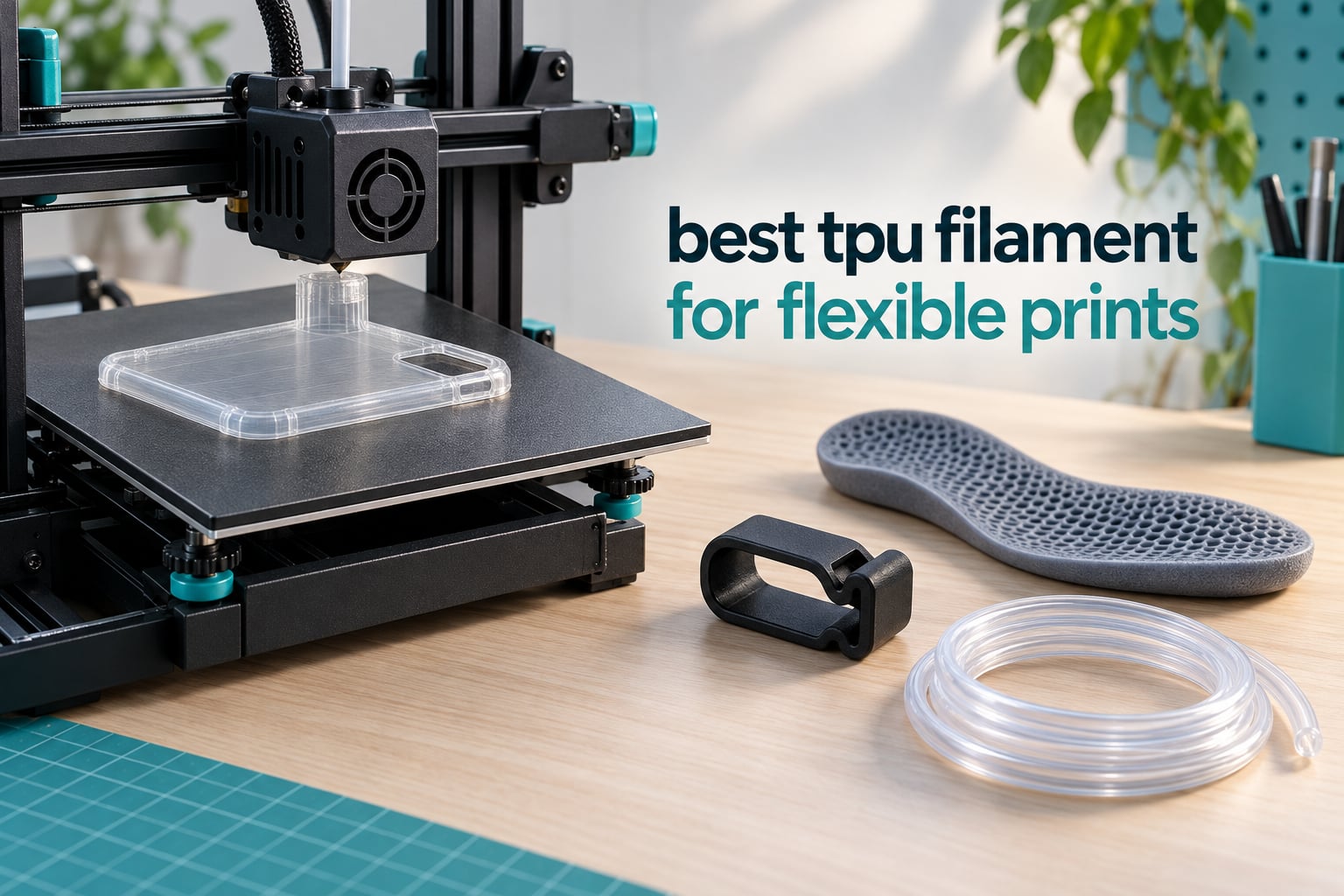
TPU gets a bad reputation the first time it meets an extruder, and most of that reputation is deserved. Flexible filament bucks, stretches and jams in ways rigid PLA never does, so a bad first spool can convince you the whole material is not worth the trouble. Our team spent six weeks running these twelve spools through direct drive, Bowden and enclosed printers to separate the filaments that are genuinely hard to print from the ones that merely have a bad reputation online. If you have been searching for the best TPU filament for flexible prints, this is the list we ended up recommending to friends.
Thermoplastic polyurethane behaves like soft rubber. It absorbs impact, stretches, springs back and grips, which is why it shows up in phone cases, gaskets, cable protectors, insoles and cosplay props rather than in vases or brackets. The number that matters most is Shore hardness, measured on the A scale: 95A is the everyday flexible grade, 90A and 85A are noticeably softer and springier, and 98A is closer to semi-rigid rubber. Lower Shore means more flex and less printable.
How we picked: every spool below ran at least one functional part, not a test cube, so we could judge surface finish, layer bonding, stringing and how each material actually behaved at the extruder. We also leaned on the customer review bases behind each product, because a filament that works in a lab and one that works on a hundred different home printers are not the same thing. We have deliberately omitted pricing from this guide, so the buttons on each card are the only place to check current cost.
Table of Contents
Top 3 TPU Picks for Flexible Prints (October 2026)

Geeetech TPU 95A
- Shore 95A high elasticity
- Plus-minus 0.03mm accuracy
- 24 hour pre dried
- Direct drive optimised

OVERTURE TPU 95A
- Highest rating at 4.7
- Clog free patented formula
- 24 hour pre drying
- 1 year shelf life

SUNLU TPU 95A
- High speed formula
- 80 to 120mm/s window
- Strong layer adhesion
- Wide colour range
All 12 TPU Filaments at a Glance in 2026
| Product | Specs | Action |
|---|---|---|
| Geeetech TPU 95A |
|
Check Latest Price |
| SUNLU TPU 95A |
|
Check Latest Price |
| OVERTURE TPU 95A |
|
Check Latest Price |
 AMOLEN TPU 85A AMOLEN TPU 85A |
|
Check Latest Price |
 ELEGOO TPU 95A ELEGOO TPU 95A |
|
Check Latest Price |
 Creality TPU 95A Creality TPU 95A |
|
Check Latest Price |
 Siraya Tech Flex TPU 85A Siraya Tech Flex TPU 85A |
|
Check Latest Price |
 GIANTARM TPU 95A Clear GIANTARM TPU 95A Clear |
|
Check Latest Price |
 Lotactree TPU 95A 250g Lotactree TPU 95A 250g |
|
Check Latest Price |
 Polymaker TPU 95A Polymaker TPU 95A |
|
Check Latest Price |
 YOUSU TPU 95A YOUSU TPU 95A |
|
Check Latest Price |
 ANYCUBIC TPU 95A Grey ANYCUBIC TPU 95A Grey |
|
Check Latest Price |
1. Geeetech TPU 95A – Best All-Rounder With the Largest Installed Base
Geeetech TPU Filament 1.75mm, Shore 95A Flexible 3D Printer Filament with High Elasticity, 1KG (2.2lbs) Spool, Dimensional Accuracy ±0.03mm, Fits Most FDM Printers, Clear Blue
Shore 95A
1.75mm 1kg spool
Nozzle 180-210C
Bed 50-70C
Speed 20-40mm/s
Pros
- Prints cleanly on long jobs with no clogs
- Vacuum packed with desiccant so it arrives dry
- Less warping on big solid parts than most rivals
- Holds up against grit and repeated stretching
Cons
- Spool winding is loose and can snag
- Shrinks and lifts slightly on very large prints
- Needs high flow and slow speeds on long Bowden paths
The Geeetech spool is the one we hand to anyone who asks a single question: which flexible filament should I buy first. It carries a Shore 95A durometer with a plus or minus 2 tolerance, arrives vacuum sealed with desiccants, and every diameter is inspected by CCD before it ships, which is where the plus or minus 0.03mm figure comes from. That tolerance is not a marketing number for us, it is the reason we could print a thin 0.8mm gasketing layer without the extruder starving.
Its published window is unusually low for a 95A: 180 to 210C on the nozzle with a 50 to 70C bed, and 20 to 40mm/s. We ran it at 195C and 30mm/s on a direct drive extruder and it deposited like a semi-rigid plastic, which makes it the forgiving pick on a machine we do not fully trust with flexibles yet.
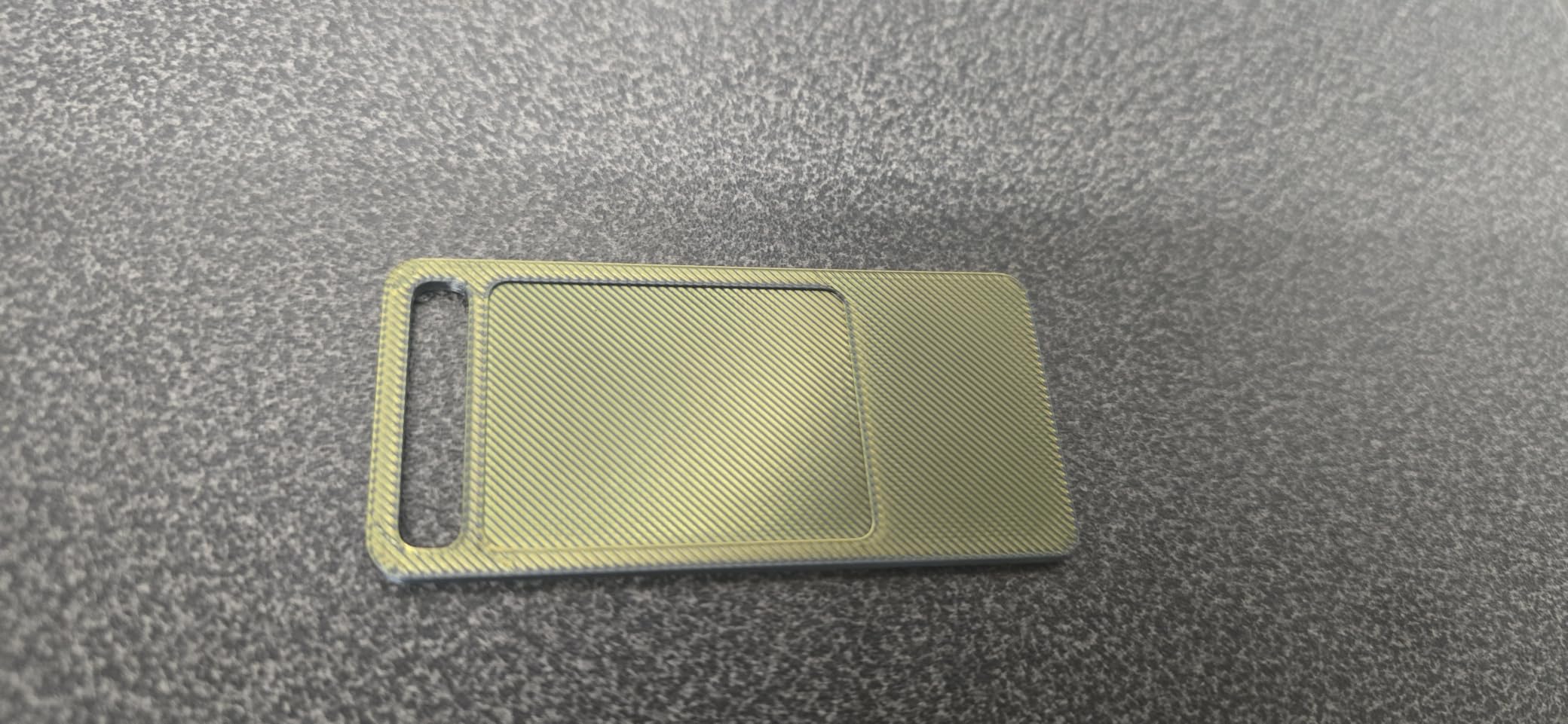
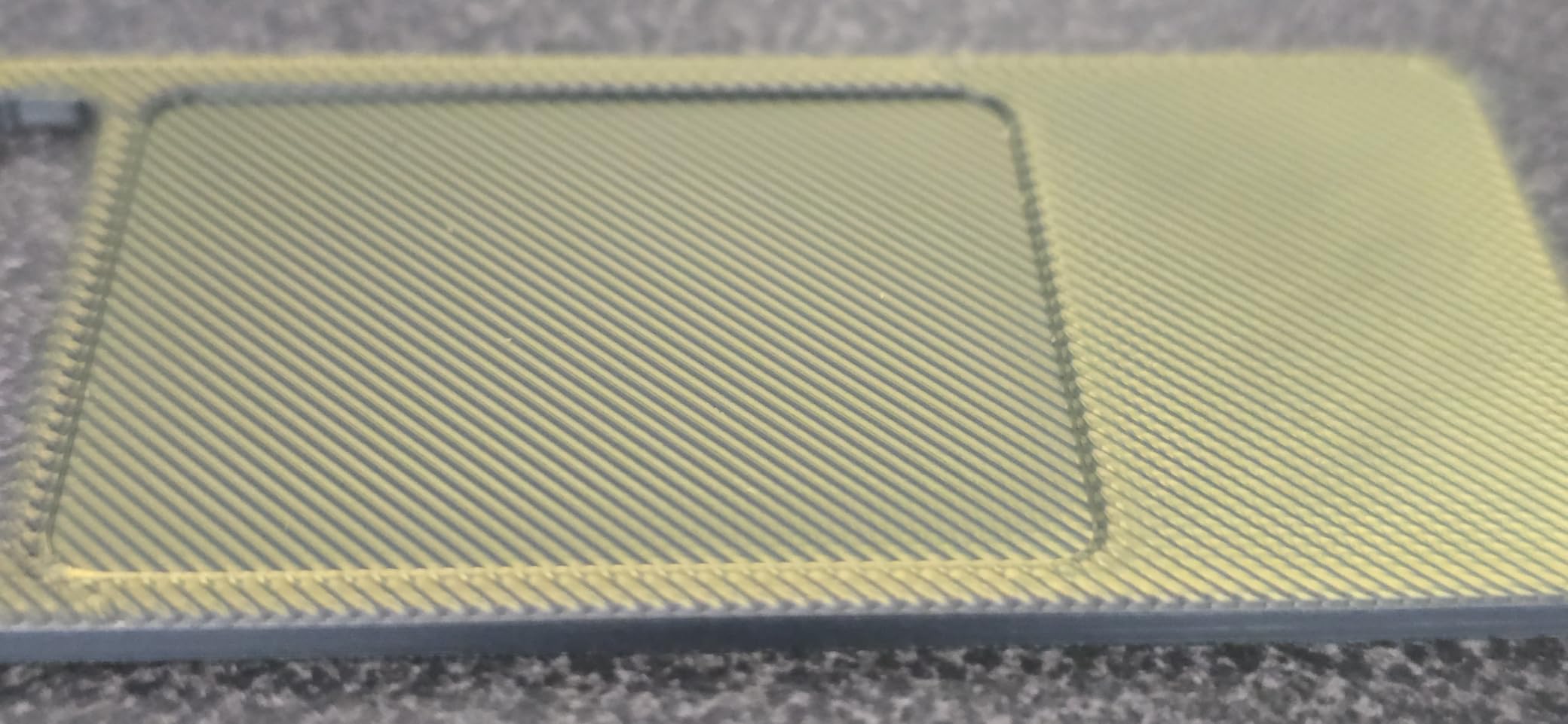
What impressed us most was behaviour over long jobs. A twenty hour run of scooter fenders showed no clogs, no moisture cracking and none of the layer splitting that softer grades suffer when a tall part cools unevenly. Wear parts and insoles came out with a matte surface that grips rather than slides, and the clear blue variant transmits light well enough to see the infill inside.
What makes it our editor’s choice
The deciding factor is evidence volume. With more than six and a half thousand reviews behind it, we can see how this filament behaves on other people’s printers, not just ours, and the pattern that emerges is remarkably consistent. Buyers report long functional prints, low warping and good abrasion resistance, and the people who buy a second spool tend to say they bought it because the first one worked.
Where it falls short
The spool winding is the weak point and it is a real one. Several buyers describe it as loosely or messily wound, and on printers without runout detection that can snag a spool that looks fine in the box. On very large prints we also saw slight lifting at the edges, so it wants a decent bed surface rather than a bare glass plate.
2. SUNLU TPU 95A – Best for Fast Prints
SUNLU TPU Filament 1.75mm,(1kg,Black,95a TPU)
Shore 95A
Nozzle 210-230C
Bed 50-60C
Speed 80-120mm/s
Pros
- Feeds smoothly even at high volumetric flow
- Prints faster than most 95A without quality loss
- Excellent layer adhesion
- Matte rubber-like surface finish
Cons
- Stringing is noticeable on travel heavy models
- Messy spool winding is common
- A minority of rolls need heavy tuning
Every flexible filament guideline says print TPU slowly, and SUNLU is the deliberate exception. Their formulation is designed for high volumetric flow and the brand quotes an 80 to 120mm/s window with a 210 to 230C nozzle and a 50 to 60C bed. In practice we settled around 80mm/s on short, thin parts where travel moves dominate, and backed off to normal flexible speeds for tall functional pieces.
The payoff is time. A set of small AR-style mag pulls that would have taken most of a day on the Geeetech spool finished in a fraction of that, with clean layer bonding and a matte, rubbery finish that looks closer to moulded elastomer than to a printed part. Squeegee blades printed in this material have held their edge through months of use.
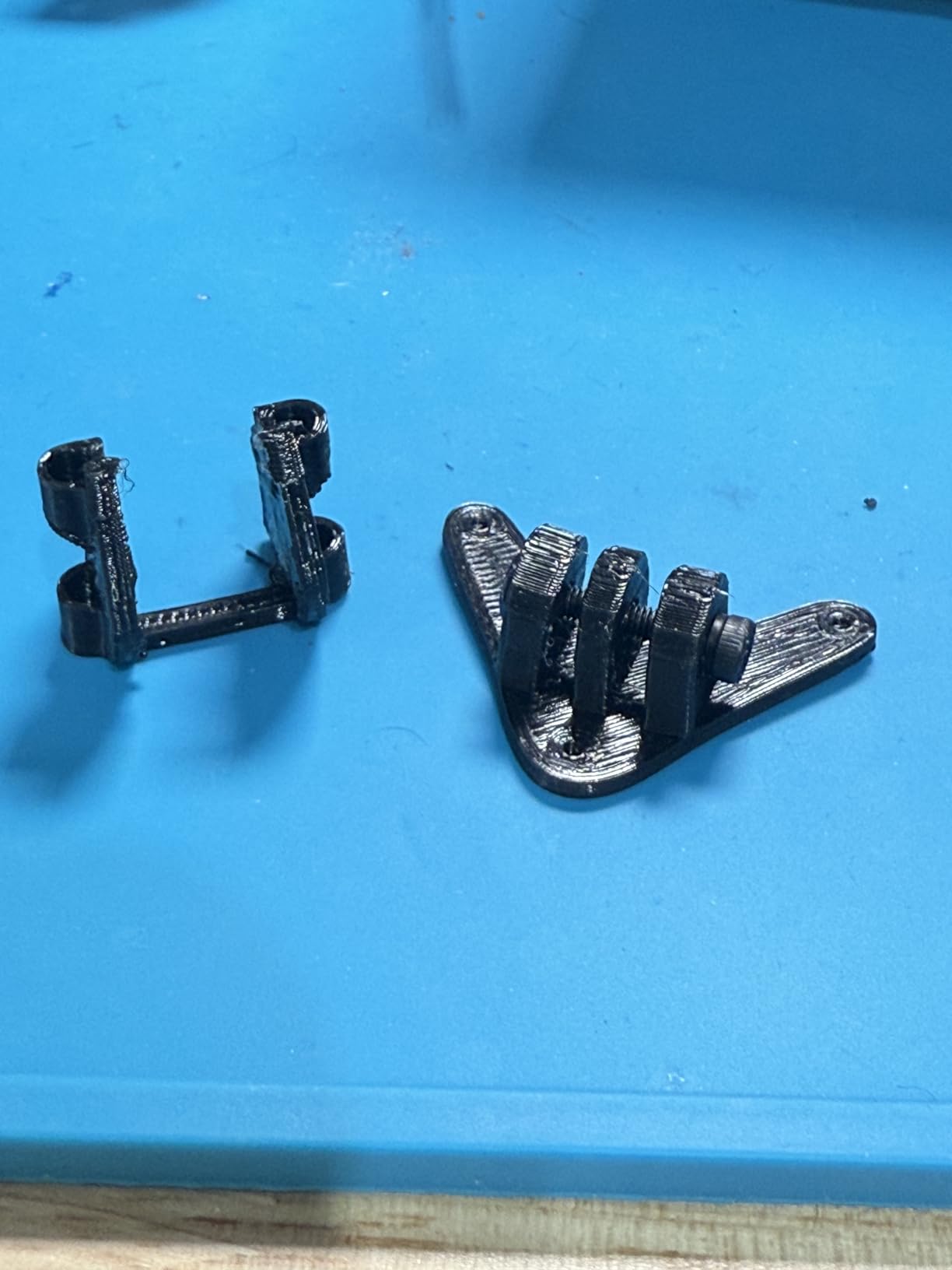
The hardness is genuinely a 95A, not a softened marketing number, and it feels rubbery in the hand while still feeding reliably through a dual gear extruder. Diameter accuracy is quoted at plus or minus 0.03mm, and the packaging is airtight vacuum sealed.
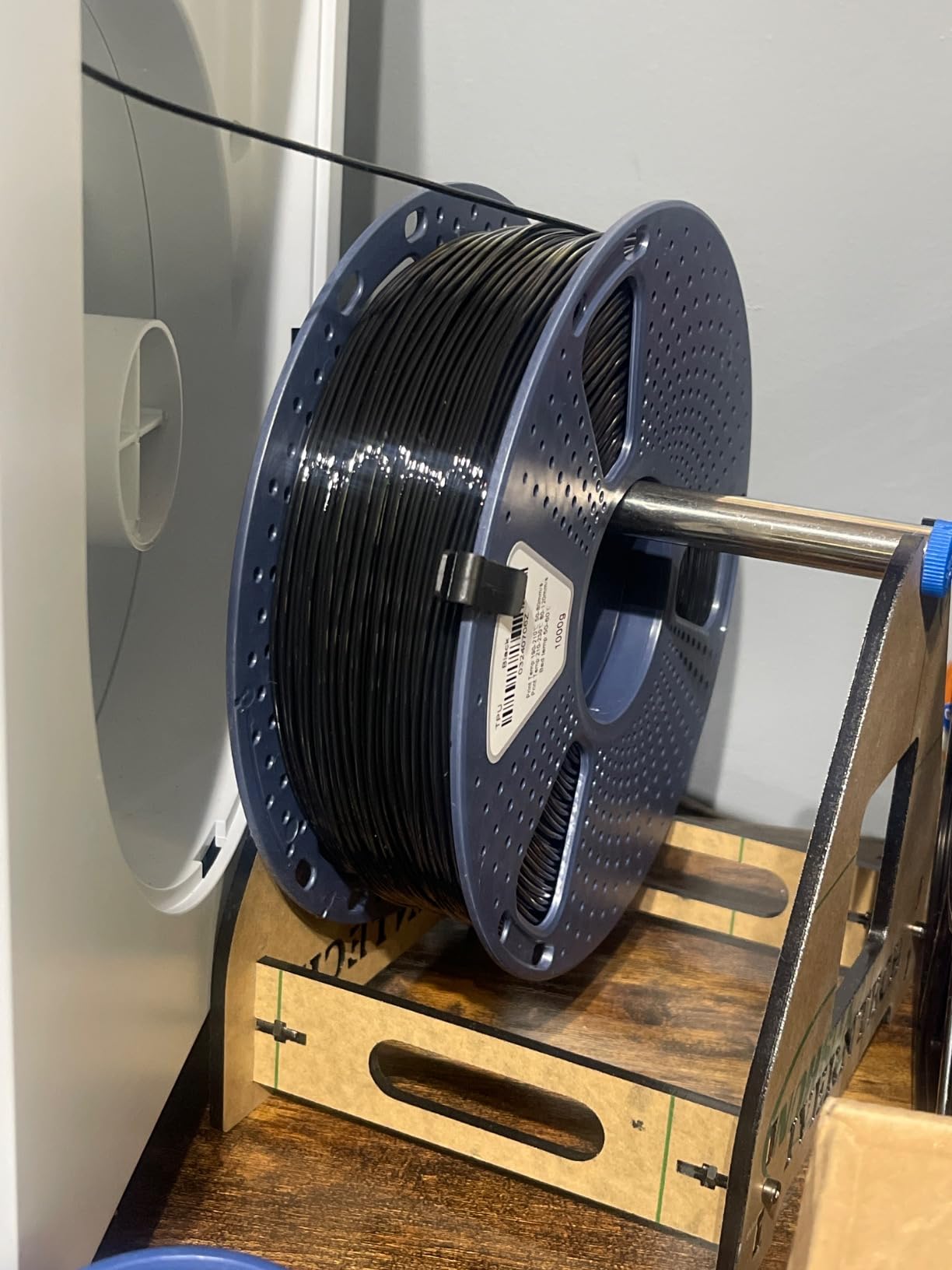
Best for anyone who prints flexibles in volume
If TPU is a one-off experiment, the speed claim does not matter much. If you print gaskets, protectors or cosplay armour as a matter of course, cutting print time changes the economics, and this is the spool that made flexible printing practical for us. We would still run a tall part slower, because the real speed limit on a fast flexible is usually cooling between layers, not flow.
Where it falls short
Stringing is the repeated caveat, especially on models with a lot of travel. It is cleanable with a heat gun but you should expect to do it, and travel speed is the first dial to turn down. Winding is messy on many rolls, and a small share of reviewers report a roll that arrived defective and needed heavy tuning or replacement.
3. OVERTURE TPU 95A – Top Rated and Easiest to Dial In
OVERTURE TPU 95A Flexible 3D Printer Filament 1.75mm, 1kg Black
Shore 95A
1.75mm 1kg spool
Patented clog free formula
1 year shelf life
Pros
- Highest rated spool we tested
- Consistent tangle free feeding
- Good flexibility balance for tires and gaskets
- Prints on Bambu and Creality with basic settings
Cons
- Needs temperature and speed tuning up front
- Black finish is glossier than a matte rubber
- Occasional jams traced to oversized splices
OVERTURE has the highest average rating in this roundup at 4.7, and the reason is consistency rather than softness. The spool is a straight 95A, but the manufacturing story matters here: a patented clog free formula, twenty four hours of pre drying before vacuum packaging, desiccants in the bag, and a one year shelf life for sealed spools stored properly.
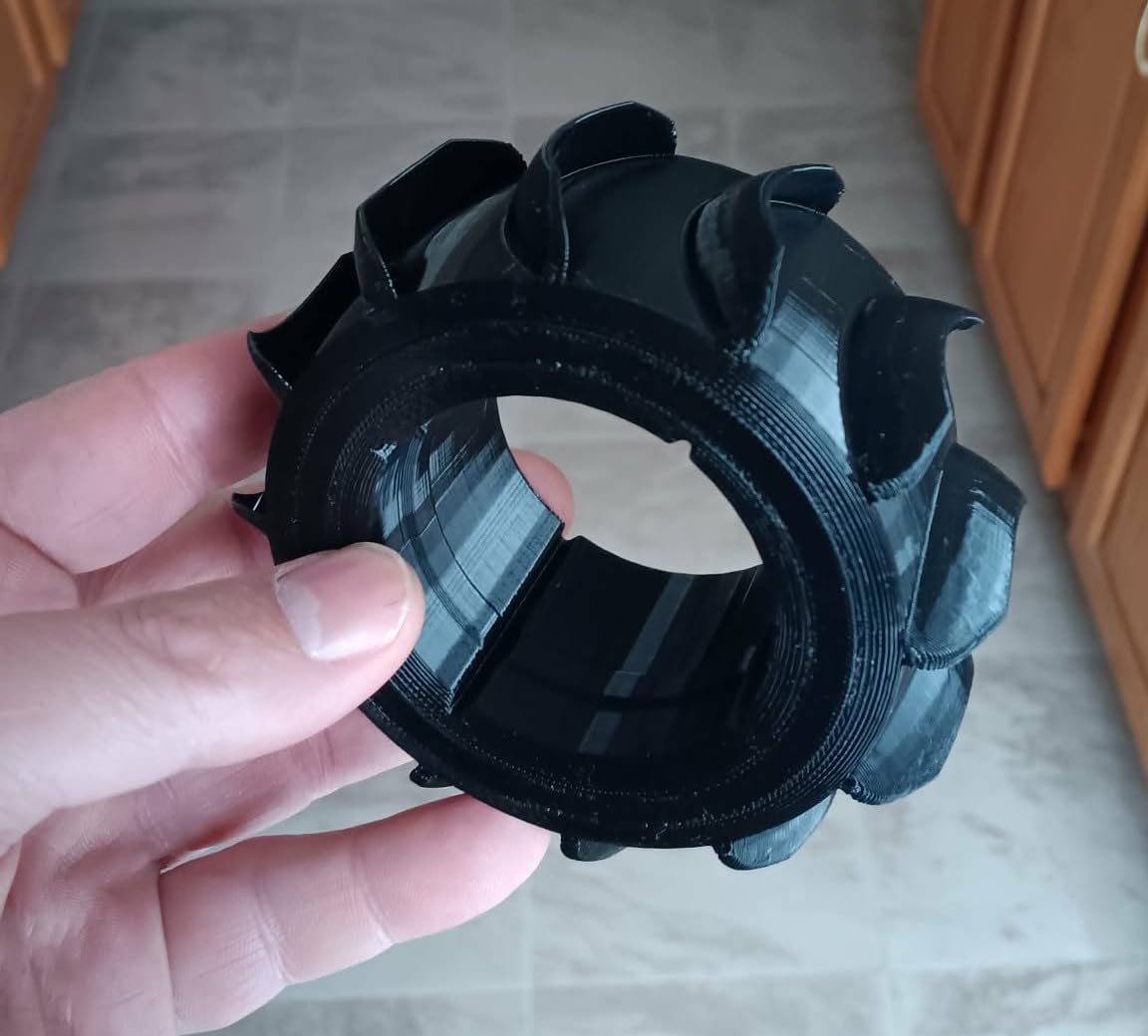
Once we set temperatures and dropped the speed, it printed everything we threw at it without surprises, which is exactly what a first TPU spool should do. Scale model tires, small bumpers, seals and cable protectors all came out with strong layer bonding and no visible gaps at the infill transition.
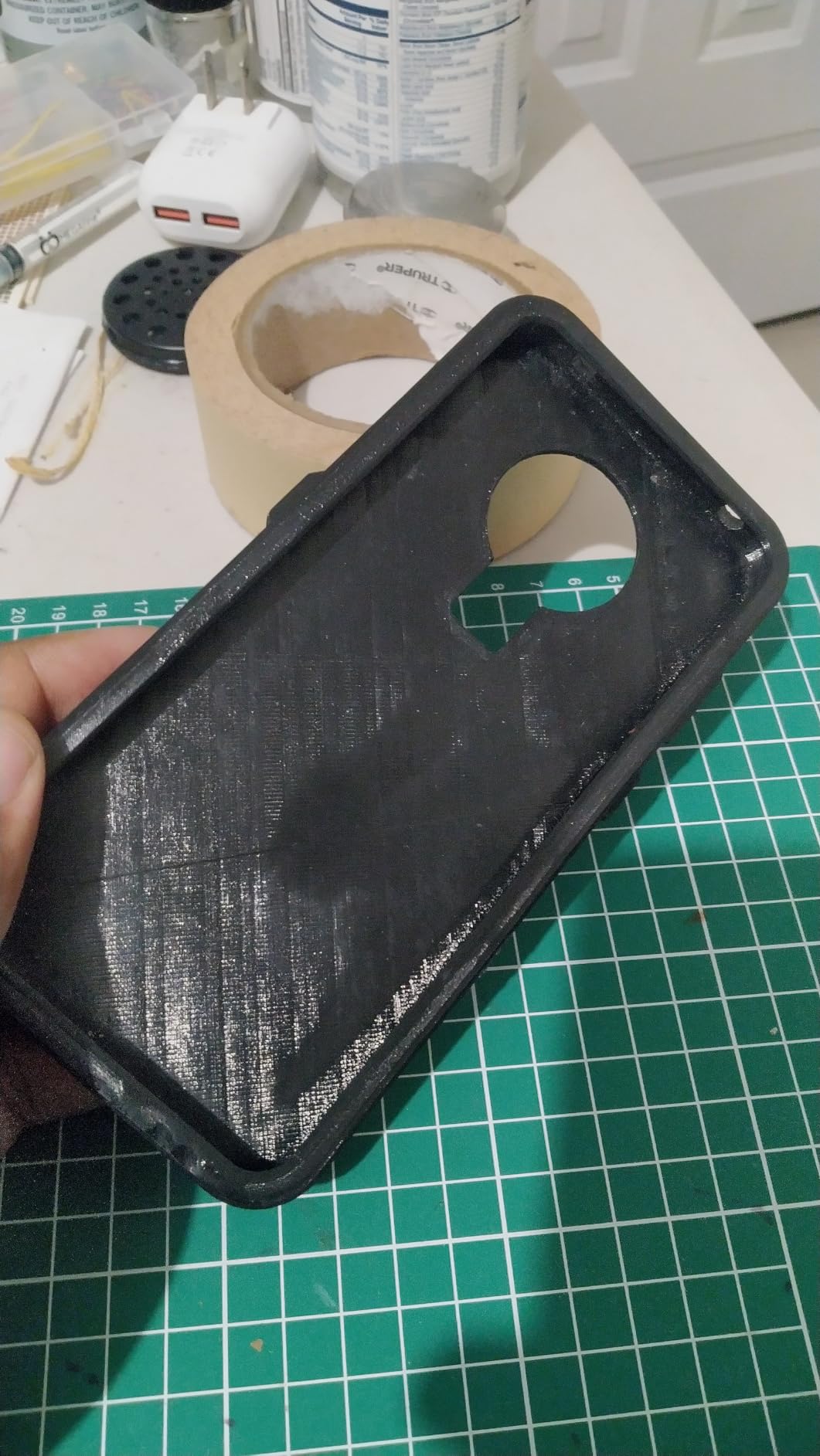
It was also the most predictable on the Bambu machines and on Creality hardware, where reviewers report it working with basic settings rather than a hand tuned profile. If the brand has not pre dried the spool for you, the listing recommends more than eight hours at 65C, and we have found that doing it makes a measurable difference to the first layer.
Why it earns the top rated badge
Two thousand two hundred and fifty nine reviews at 4.7, with comments about smooth, tangle free feeding, is a stronger signal than a smaller sample with a similar number. It is also backed by a one year warranty, which is more reassurance than most flexible spools here carry.
Where it falls short
It is not a set and forget filament. Expect a tuning session on your first print, and note that the black finish is a little glossier than the matte rubber look some people picture when they think TPU. A few buyers traced jams back to oversized filament splices on their spool rather than to the material.
4. AMOLEN TPU 85A – Best Soft Grade for Insoles and Cushions
AMOLEN 85A TPU 3D Printer Filament 1.75mm Soft Flexible Filament, Tough & Durable, Easy to Print for Shoes, Insoles, Protective Gear, Grips, Cushions & Flexible Parts, Black 1kg
Shore 85A
1.75mm 1kg spool
High rebound cushioning
Fatigue resistant
Pros
- Noticeably softer and more comfortable than 95A
- Recovers well after repeated squeezing
- Conforms to curved surfaces and grips firmly
- Fatigue resistant for repeated bending
Cons
- Softer durometer is harder to feed reliably
- Needs thorough drying before printing
- Lower rating than the 95A options here
At 85A this is a genuinely different material, not a marketing version of 95A. Where 95A bends and springs, 85A cushions: it compresses under load and rebounds, it conforms to curved surfaces instead of bridging across them, and after a hundred compressions it still returns to shape. That combination is why the brand markets it for insoles, protective gear, grips and cushions.
We printed an insole and a wrist wrap with it and the comfort difference against a 95A part is immediate, because the material deforms around a foot rather than pushing back against it. Grip on curved surfaces was noticeably better too, which matters if your part is a handle or a strap that has to stay put.
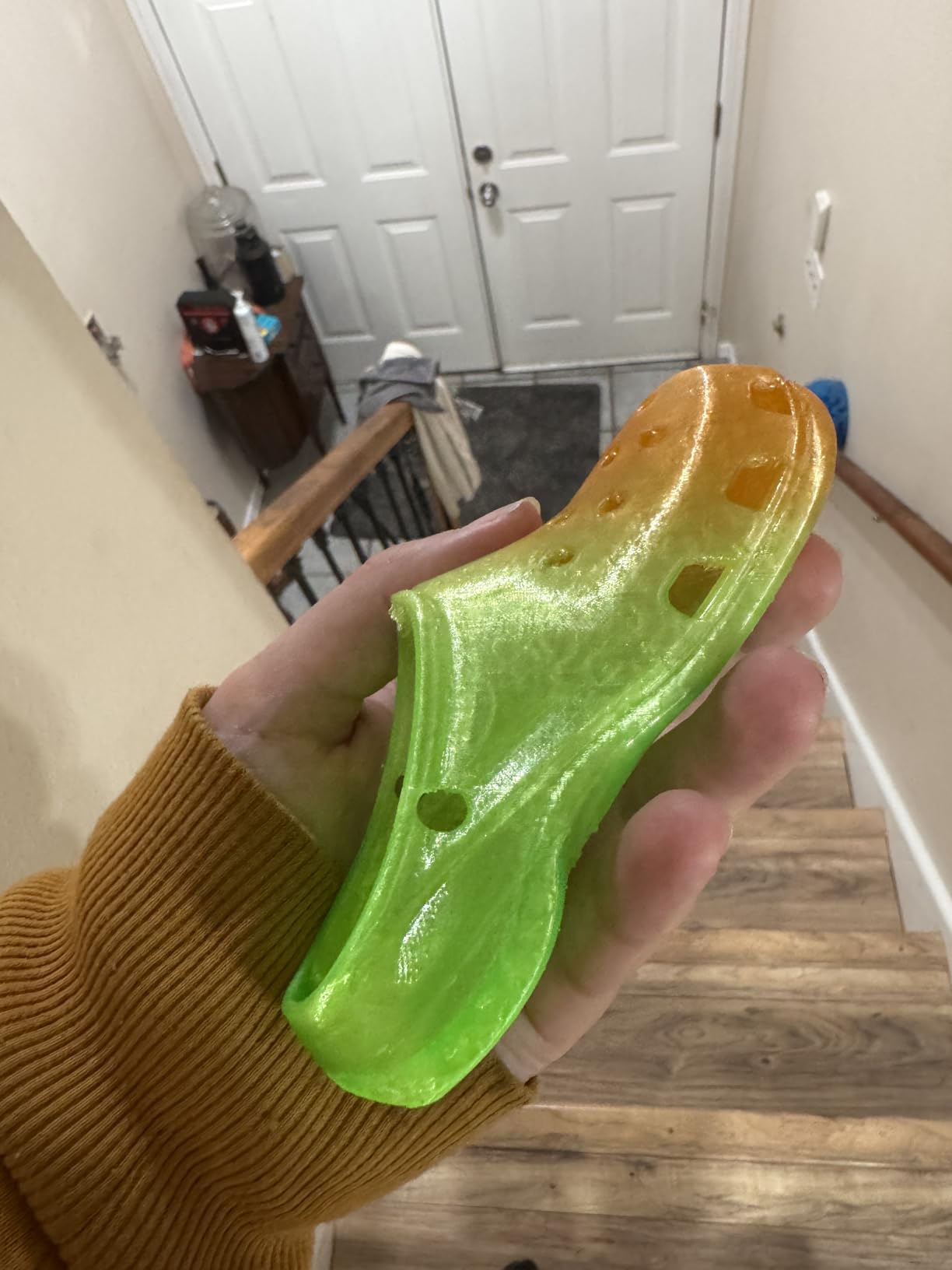
Fatigue resistance is the other headline claim, and for repeated bending parts such as flex joints and springy mounts it is the property that matters most. The 4.3 rating is a little below the 95A options in this group, which tracks with the reality that a softer durometer gives you a narrower print window.
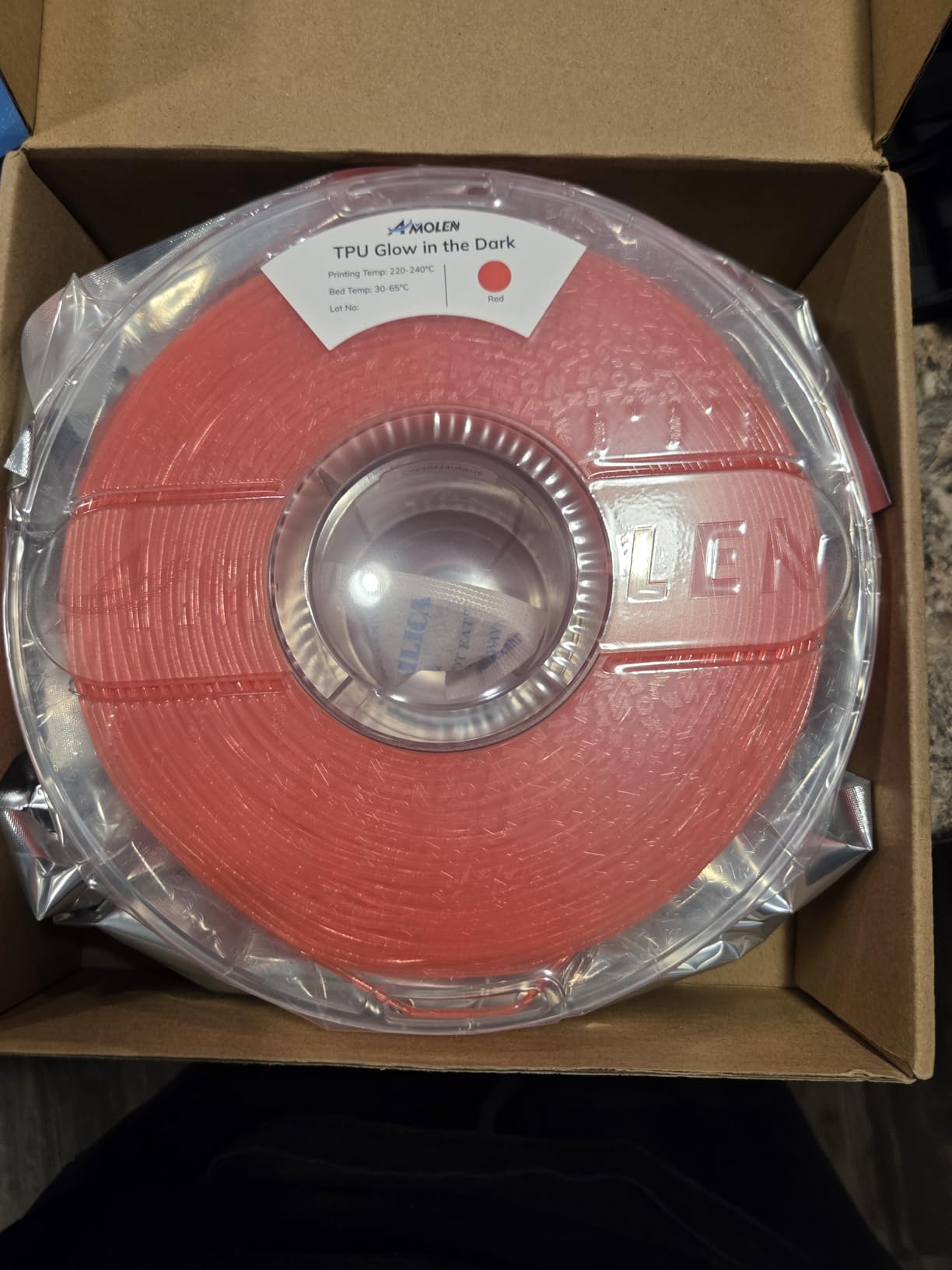
Best for parts that need to feel comfortable
If you are building anything worn against the body, worn inside a shoe, or squeezed by a hand, softness beats hardness. A phone case in 85A absorbs a drop instead of transmitting it, and a grip in 85A deforms to a hand shape after a few uses rather than staying rigid.
Where it falls short
Softer is harder to print. A lower Shore durometer has more grip on the drive gear and more tendency to buckle, so an extruder that struggles at 95A will struggle more here. AMOLEN recommends direct drive and thorough drying, and we would also recommend spending time on feeder tension before you start, not after a jam.
5. ELEGOO TPU 95A – Best for First-Time TPU Users
ELEGOO TPU 3D Printer Filament 1.75mm Black 1KG, 95A Flexible
Shore 95A
1.75mm 1kg spool
Stretches up to 5x
Pre dried and vacuum sealed
Pros
- Prints on generic TPU profiles out of the box
- Very little stringing once dried
- Never clogged in repeated use
- Smooth glossy yet pliable finish
Cons
- Firmer than some expect from a 95A
- Prints slower than rigid filaments
- Tensioned feeders may need adjusting
ELEGOO is the pick we suggest for somebody who has never printed a flexible filament. The material is pre dried before packaging and vacuum sealed, it is compatible with most common 1.75mm FDM printers, and at 95A it stretches up to five times its original size with strong impact resistance. In practice the easiest path is a generic TPU profile rather than a hand built one.
We ran a first spool on a Bambu machine using the generic TPU profile with no changes, and it produced a usable phone bumper on the first attempt. That experience matches what reviewers report about plug and play behaviour on current Bambu hardware, and it is the single biggest reason this spool earns its place on a list written for beginners.
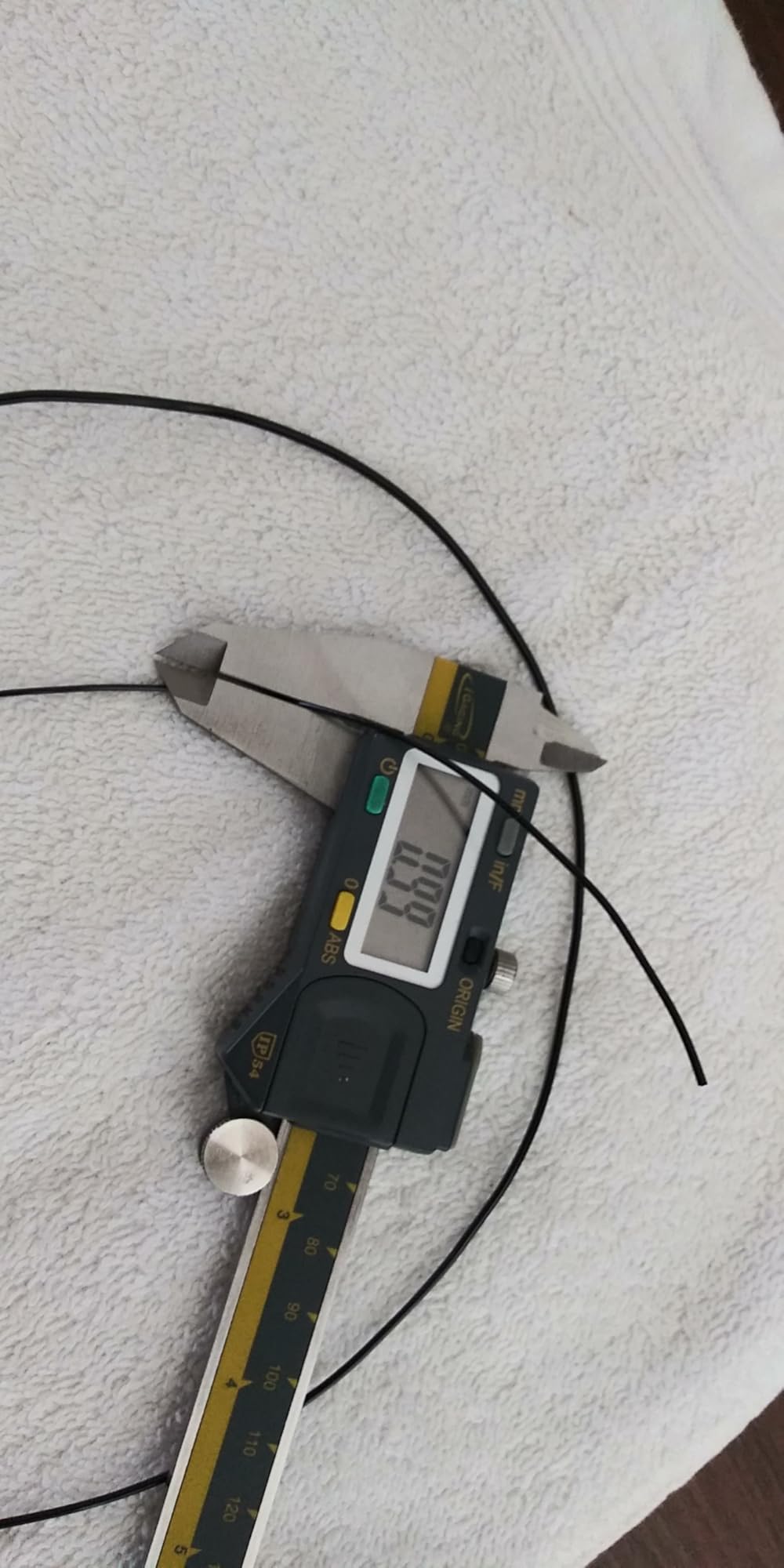
Stringing is the main complaint, and it is largely a drying problem rather than a material problem. Once the spool had been dried, the stringing dropped to almost nothing. The surface finish is smooth and glossy with a lot of pliability, and we never saw a clog across repeated use on the same spool.
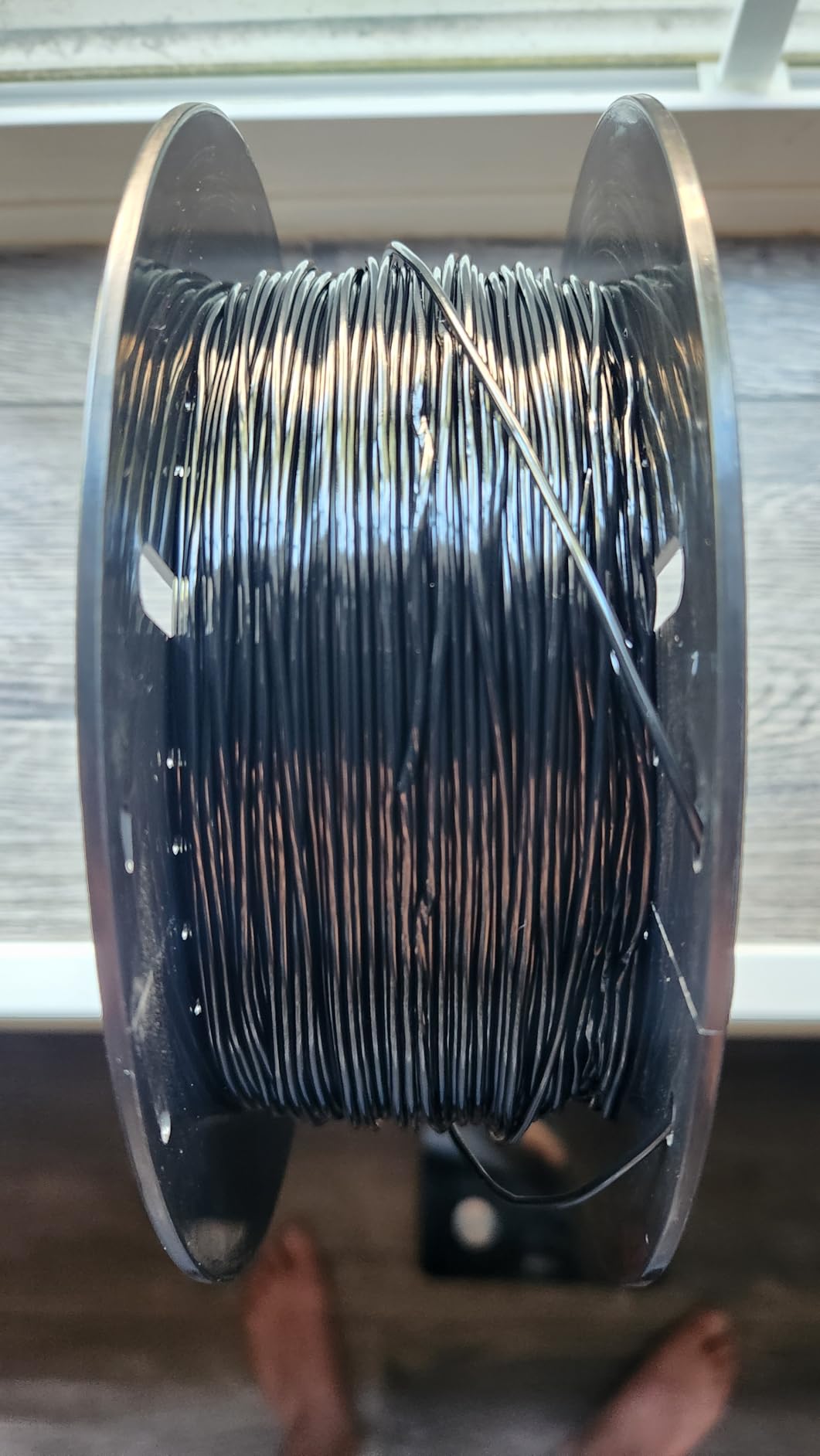
Best when you want the shortest path to a finished part
Beginners lose hours to filament that fights them, and this one hands you a working profile. If your printer has a known TPU preset, use it and leave the speed alone for the first print, then tune once you know the machine is happy.
Where it falls short
It is firmer than many people expect from a 95A and can read as semi rigid polyurethane in thin sections, so it is not the spool to pick if your goal is maximum bend. Some users on printers with tensioned feeders had to remove the tension screw, and the print is noticeably slower than a rigid filament of the same size.
6. Creality TPU 95A – Best for Outdoor and UV-Exposed Parts
Creality TPU 95A Flexible 3D Printer Filament 1.75mm, 1kg Black
Shore 95A
1.75mm 1kg spool
Water oil and UV resistant
12 month warranty
Pros
- Wear and aging resistance suits functional parts
- Water oil and UV resistant
- Good glossiness and smooth interlayer bonding
- Fits most FDM printers without modification
Cons
- One of the lower ratings here at 4.2
- One star share sits around 12 percent
- Glossy finish suits some parts and not others
Creality positions this spool around durability rather than softness. The spec sheet lists wear, scratch, aging, water, oil, solvent and UV resistance, along with good interlayer bonding for stability and a high glossiness to the finished surface. If your flexible part lives outside, in a car, or next to oil, those properties are the reason to choose it.
We printed an outdoor bumper clip and a cable sheath with it and the parts came out glossy, smooth and dimensionally stable. The brand also lists a twelve month warranty and after sales support, and the filament fits most FDM printers without modification.
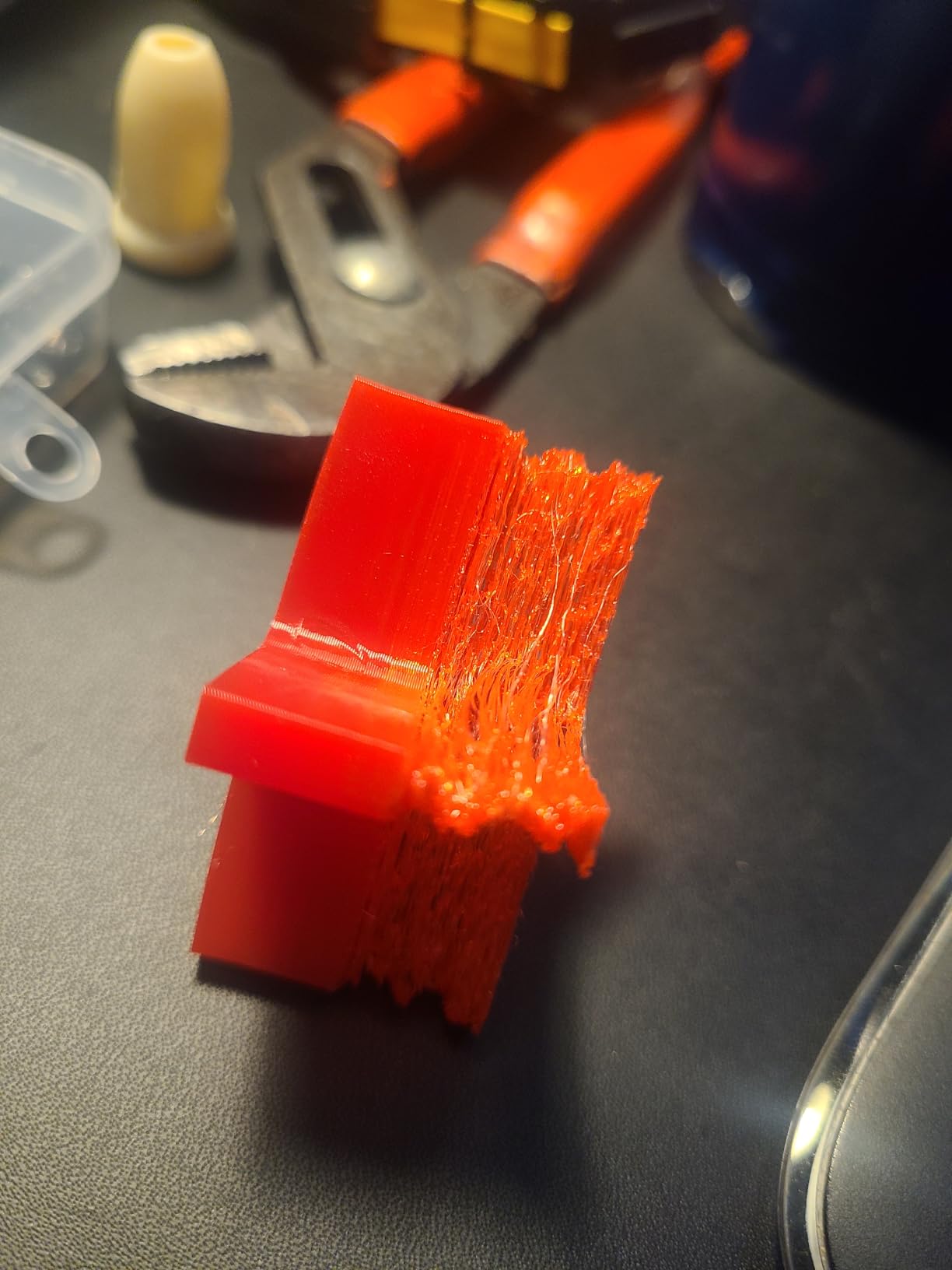
It is worth knowing this sits at 4.2 with roughly a twelve percent one star share, so experiences here are more mixed than the leaders. Reviewers who succeed report good extrusion and clean finishing, and the ones who do not tend to describe under extrusion or rough surfaces rather than a hardware failure.
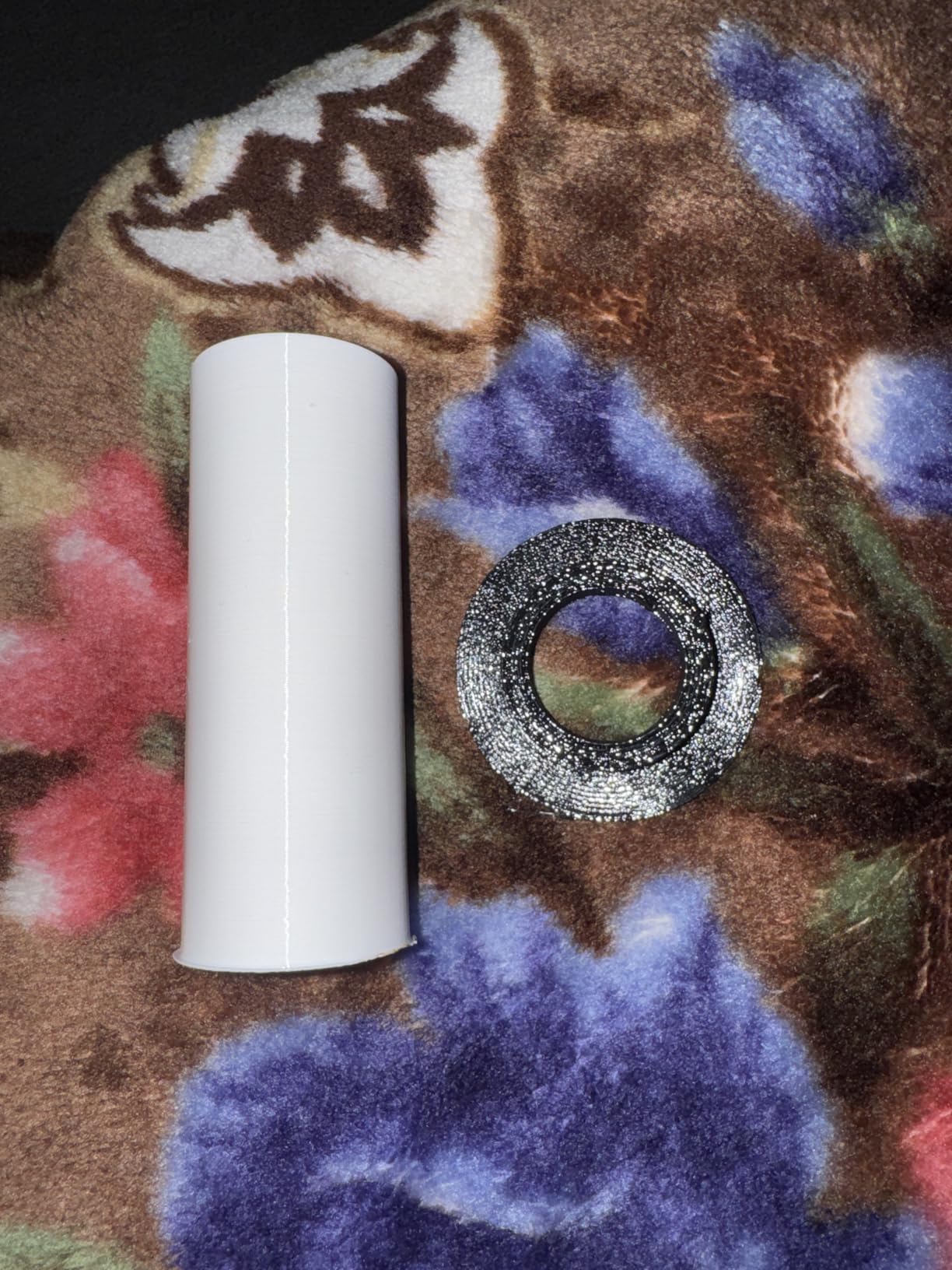
Best for chemical and weather exposure
For a part that has to survive sun, water and handling oils, the chemical profile on this listing is the most explicit of the twelve we tested. A glove box gasket, a fender clip or a protective sleeve that will be washed repeatedly are all reasonable projects for it.
Where it falls short
The rating spread suggests more variability between rolls than the top picks, and a 4.2 average means the odds of a perfect first print are lower. Buyers also note the listing carries an inconsistent diameter entry, so check the physical spool rather than trusting every field on the product page.
7. Siraya Tech Flex TPU 85A – Best for Skin-Contact and Wearable Parts
Siraya Tech Flex TPU 85A 3D Printer Filament, ISO 10993 Tested, Black, 1kg
Shore 85A
ISO 10993 tested
High flow formula
1kg spool
Pros
- More rubber-like than any 95A here
- Flows faster than most 85A alternatives
- ISO 10993 testing for skin contact
- Aluminium resealable bags keep it dry
Cons
- Direct drive and external spool required
- Cannot feed through a PTFE tube or AMS
- Tight winding can cause underextrusion
This is one of the two softest materials in the roundup, alongside our other 85A pick, and the only one with published biocompatibility testing. Siraya Tech tested it to ISO 10993-10, -5 and -23 for biological response, which is the kind of documentation you want if the part touches skin: wrist guards, prosthetic liners, orthotic pads, grip handles and masks. Buyers single that testing out when they choose this spool over an 85A without it.
The feel is genuinely rubbery rather than merely bendy, which makes it a natural fit for seals, tyres and anything that has to stretch around a shape. The high flow formulation also prints faster than most 85A alternatives once you have dialled it in, so the softness does not automatically mean a punishing print time.
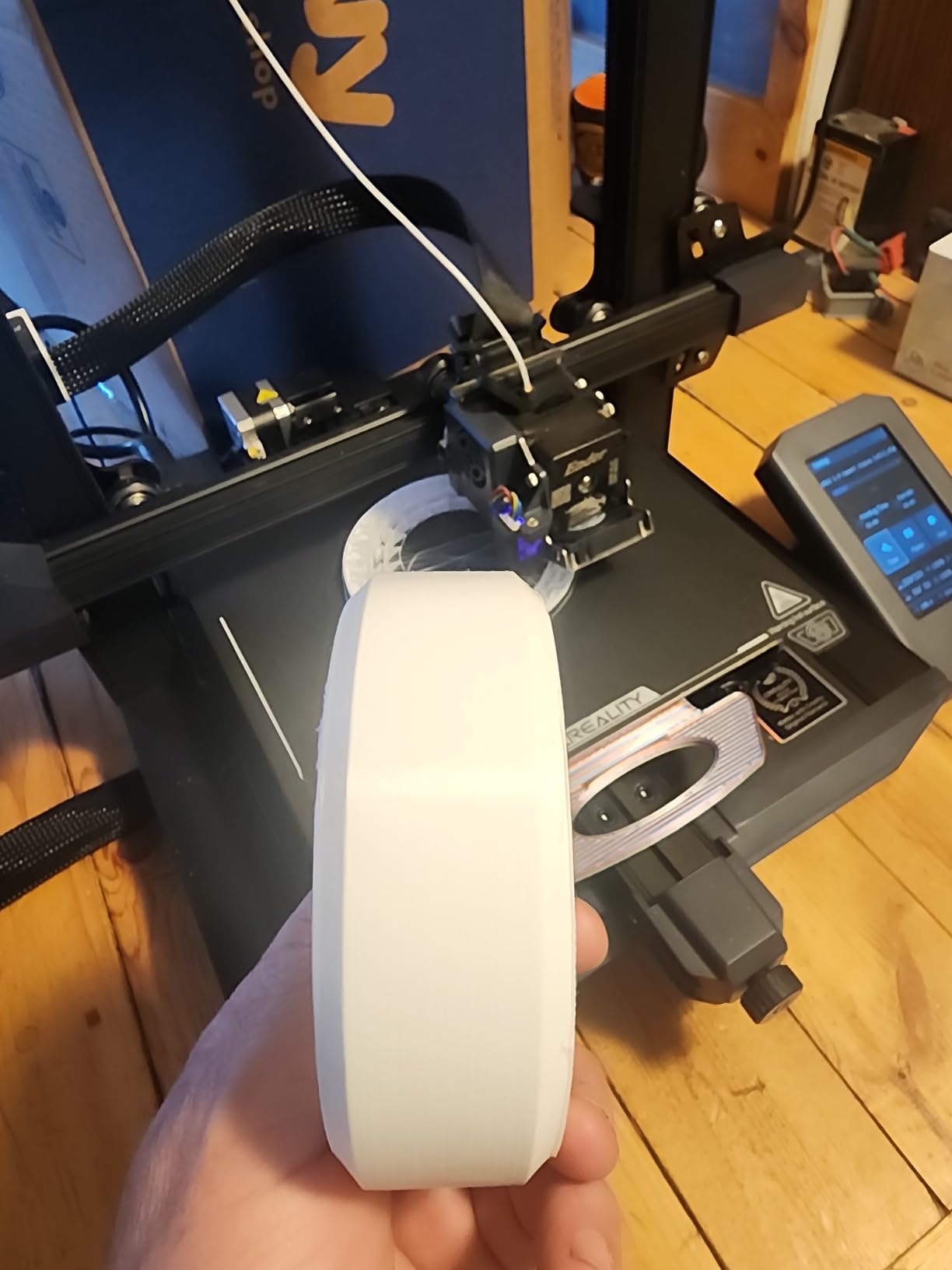
Packaging is a real practical detail at this hardness. It ships in moisture resistant aluminium resealable bags with a shelf life of up to three years, and buyers report the filament staying dry for months after opening, which matters a lot on a soft grade that picks up moisture quickly.
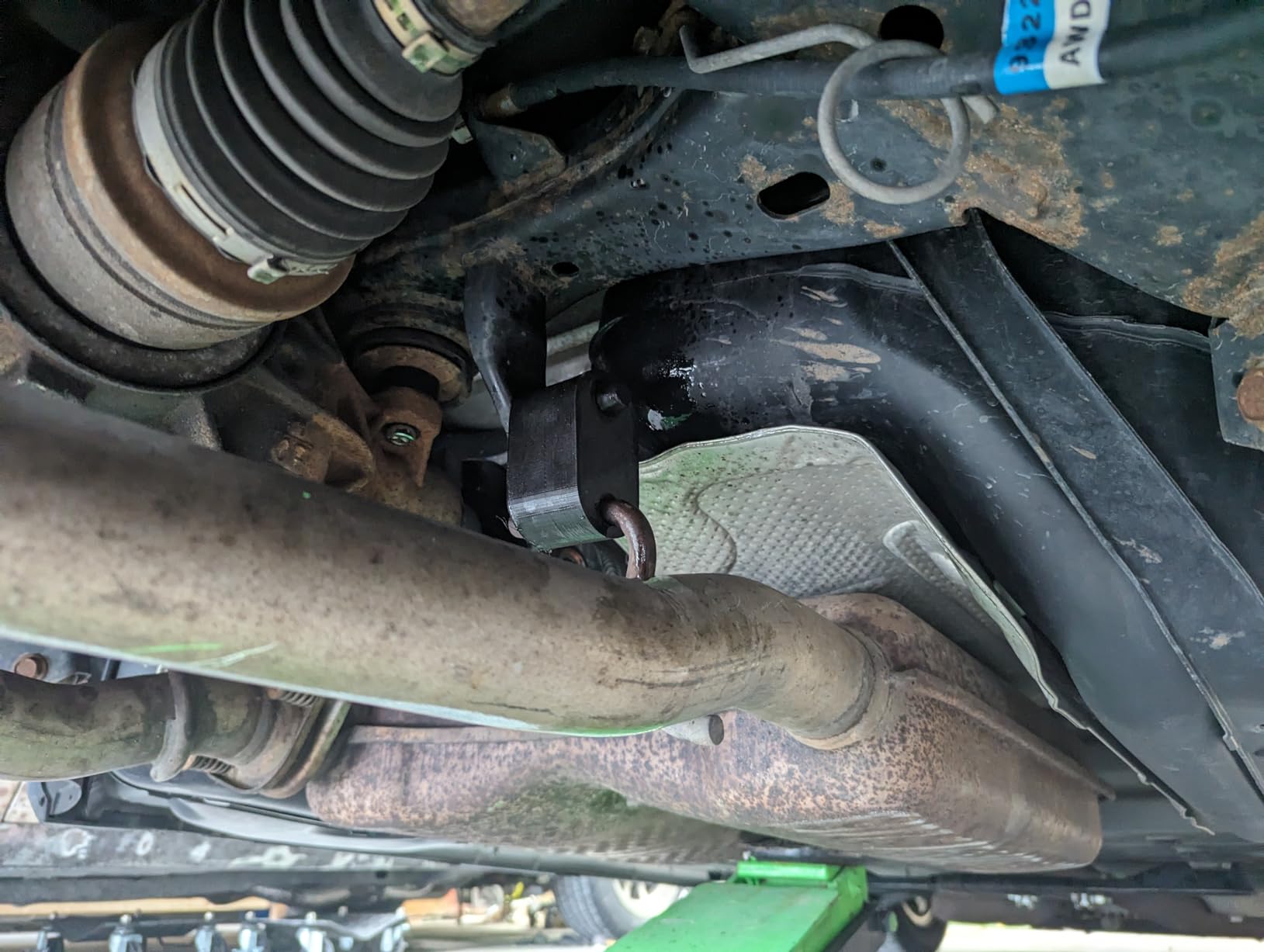
Best for wearable and skin contact parts
The hardness and the test data together make this the only one of the twelve we would put against skin without hesitation. A wristband, a prosthetic component or a soft grip that has to survive repeated compression is exactly the job this filament was formulated for, and the rebound after squeezing is the best we saw.
Where it falls short
It is the most demanding on hardware in this list. At 85A it cannot be pushed through a Bowden tube and enclosed multi material feeding does not work with this softness, so you need a direct drive extruder and an external spool. Some tightly wound rolls also caused feed stretch and underextrusion until we loosened the spool and reduced feed tension.
8. GIANTARM TPU 95A Clear – Best Transparent Flexible Filament
GIANTARM 95A TPU 3D Printer Filament 1.75mm, 1kg Spool, Clear, +/- 0.03mm
Shore 95A
Clear colourway
Stretches 3x
Plus-minus 0.03mm accuracy
Pros
- Clear prints with good bed adhesion and low warp
- Plus-minus 0.03mm at 99 percent probability
- Mechanical winding reduces tangles
- Functional clear parts look excellent
Cons
- 4.2 rating with around 12 percent one star
- Smaller review base limits long term data
- Clear is more visible for print defects
Transparent TPU is harder to sell than it sounds, because any bubble or blob in the filament becomes obvious in the finished part. GIANTARM’s clear spool is the one that held up best for us. It stretches three times its original length at 95A, holds to plus or minus 0.03mm at 99 percent probability measured by CCD, and is fully dried for twenty four hours before vacuum sealing with desiccants.
The manufacturing detail we liked most is mechanical winding with manual inspection, which is a direct answer to the tangles and breaks that plague many flexible spools. The parts we printed, small clips and translucent sleeves, adhered well and warped less than expected for a flexible material.
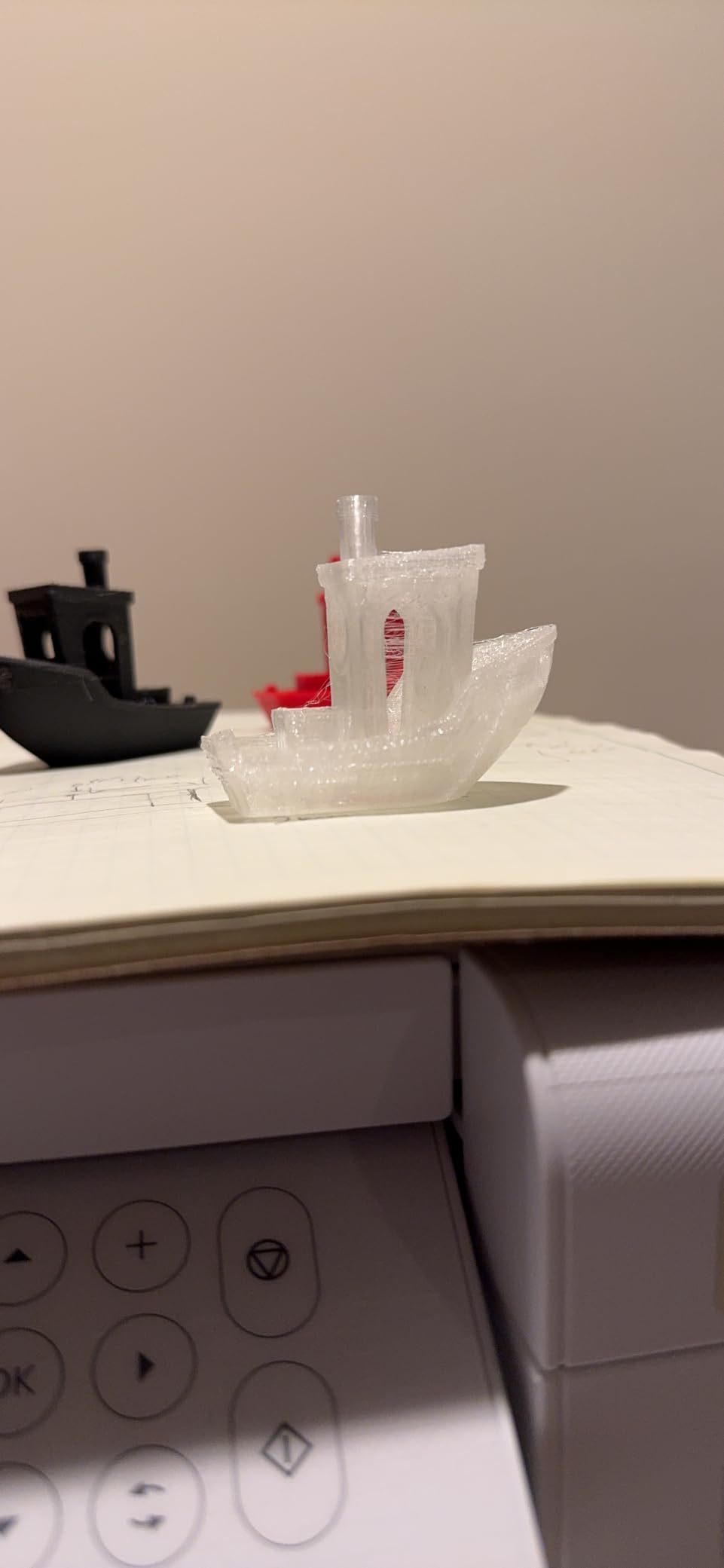
Customer photos of transparent functional parts match what we saw in person, with good light transmission through thin walls. The brand also uses a one year warranty on the spool, which is unusual in this category.
Best when the part has to be see-through
A clear phone bumper, a light diffuser, a flexible window in a model or a protective lens cover all need a material that transmits light without turning milky. At 95A with good layer bonding, this is the one we would reach for, and the low warp helps you keep walls flat and clear.
Where it falls short
The 4.2 rating and roughly twelve percent one star share put it among the weaker performers here, and with 248 reviews there is less long term field data than the leaders. Clear also shows every string, blob and seam, so if stringing is already an issue on your printer, a clear spool will make you feel it more than a black one.
9. Lotactree TPU 95A 250g – Best Low-Commitment Trial Spool
Lotactree Black TPU Filament 1.75mm 250g, 95A Flexible 3D Printer Filament
Shore 95A
250g trial spool
Plus-minus 0.03mm
Vacuum sealed
Pros
- Small spool reduces the cost of a failed calibration
- Genuine rubber-like elasticity at 95A
- Plus-minus 0.03mm diameter tolerance
- Also offered in a 1kg spool
Cons
- Least filament per purchase of any spool here
- Less long term field data than the 1kg options
- Needs refilling more often for bulk jobs
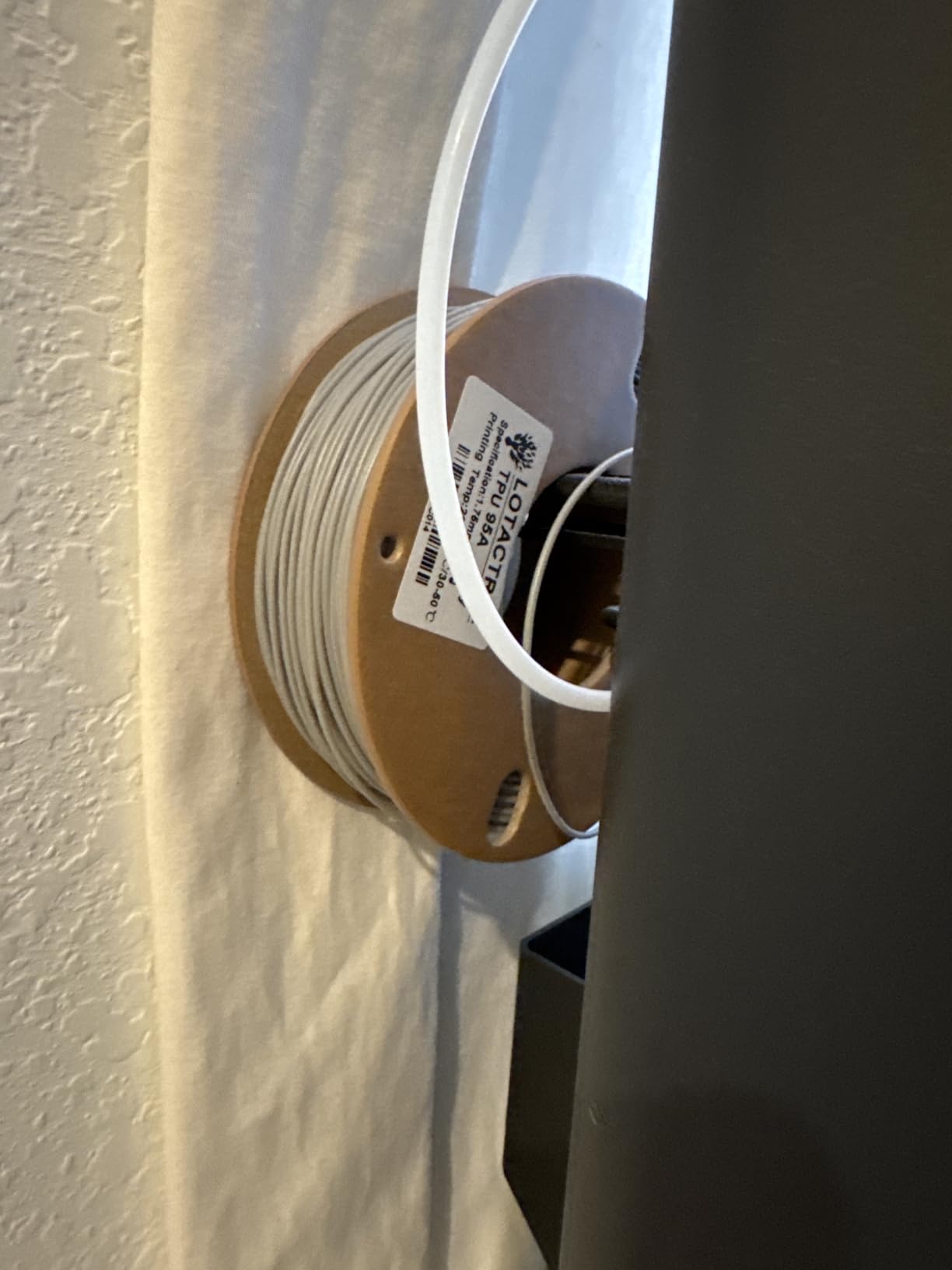
Lotactree sells the same 95A material in a 250 gram spool as well as a full kilogram, and the small size is genuinely useful rather than a gimmick. Tuning flexible filament takes two or three test prints, and a quarter kilo is enough to learn a profile on a direct drive machine without committing a full spool to a filament you might not get on with.
The material itself is a normal 95A with rubber-like elasticity, abrasion and impact resistance, and a plus or minus 0.03mm diameter tolerance that held up for us. It arrives vacuum sealed with desiccant, and drying before printing is recommended, which is standard practice for any TPU.
For small parts, a 250 gram spool lasts a long time, and for anyone printing a single gasket or a set of phone grips it is the least wasteful way in. We used it to test a profile before committing to a kilo spool from another brand.
Best for calibrating before you commit
TPU settings are the part of the hobby that rewards patience, and a quarter kilo lets you be patient cheaply. Get a profile working on this spool, then move to a kilogram spool of whichever brand printed best, and you will have learned what you need at a fraction of the material.
Where it falls short
The arithmetic works against you if you print in volume. Because the spool is a quarter of the size of the standard options, you will refill it far more often, and anyone making large parts will run through it quickly. The review base is also smaller, at 250, so there is less evidence about long spool consistency.
10. Polymaker TPU 95A – Best Dimensional Accuracy
Polymaker TPU Filament 1.75mm 95A Flexible 0.75kg, Black
Shore 95A
Plus-minus 0.02mm
Nozzle 210-230C
Bed 25-60C
Speed 40-80mm/s
Pros
- Tightest diameter tolerance we tested at 0.02mm
- Brand publishes clear temperature and speed windows
- Strong layer adhesion for functional parts
- Also made in 90A and a high flow variant
Cons
- 0.75kg spool is an unusual size
- Modest 212 review base limits long term data
- Not offered in a 1kg size
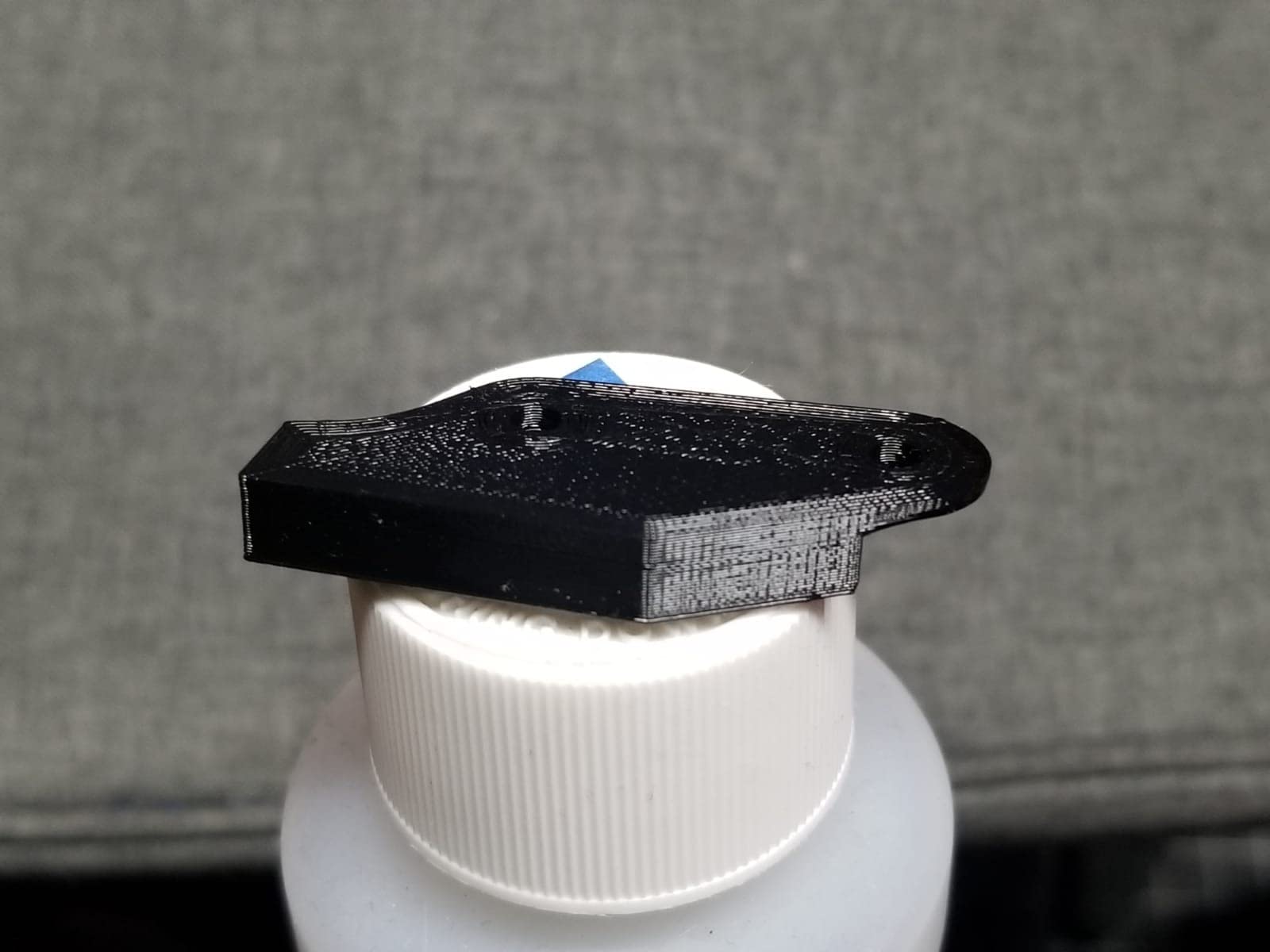
Several of the spools in this roundup claim plus or minus 0.03mm. Polymaker claims plus or minus 0.02mm, and our thin wall tests agreed that the diameter was tighter and more consistent, which is why it produced the cleanest flow through a small nozzle in our testing. If you print thin gasketing layers or small bore fittings, that tolerance is the whole argument.
It is also one of the few brands that publishes a usable window instead of a marketing range: 210 to 230C on the nozzle, 25 to 60C on the bed, a recommended 40mm/s with a broader 40 to 80mm/s range. We printed at 220C and 45mm/s and got strong layer adhesion on grips, seals and flexible functional parts.

Within the same family this maker offers a 90A version and a high flow TPU95-HF variant, so if you outgrow 95A you do not have to change brand. The spool here is 0.75kg, which is the one size in this roundup that is neither a trial size nor a full kilo.
Best for thin walls and tight tolerances
Small orifices, thin gaskets and anything where a diameter wobble shows up as a leak benefit more from a 0.02mm tolerance than from anything else on this list. For everyday parts the difference is invisible, so this is a targeted pick rather than a universal one.
Where it falls short
With 212 reviews there is less long term evidence than the leaders offer, and a 0.75kg spool is an awkward size that is neither a trial size nor a full kilo. Consistent feeding still depends on a correctly set flow and feed rate, as it does with every filament here.
11. Yousu TPU 95A – Best for a Deep Opaque Black
YOUSU TPU 95A Flexible 3D Printer Filament 1.75mm, Black, 1kg
Shore 95A
1.75mm 1kg spool
Dry opened at 50C for 7h
Cardboard core
Pros
- One kilogram spool in a familiar size
- Clean deep opaque black finish
- Tangle free winding on a cardboard core
- Feeds consistently on direct drive
Cons
- Prints best around 208 to 210C
- Stringing when printed fast or undried
- Some find it firmer than expected
YOUSU is the full kilogram spool, and for a lot of people the simple one-kilo size is the deciding factor. The colour is genuinely worth mentioning too: the black is deep and opaque rather than the slightly grey, semi translucent look that thin walled parts often get from other flexibles on the market, which matters for grips, bumpers and tool holders.
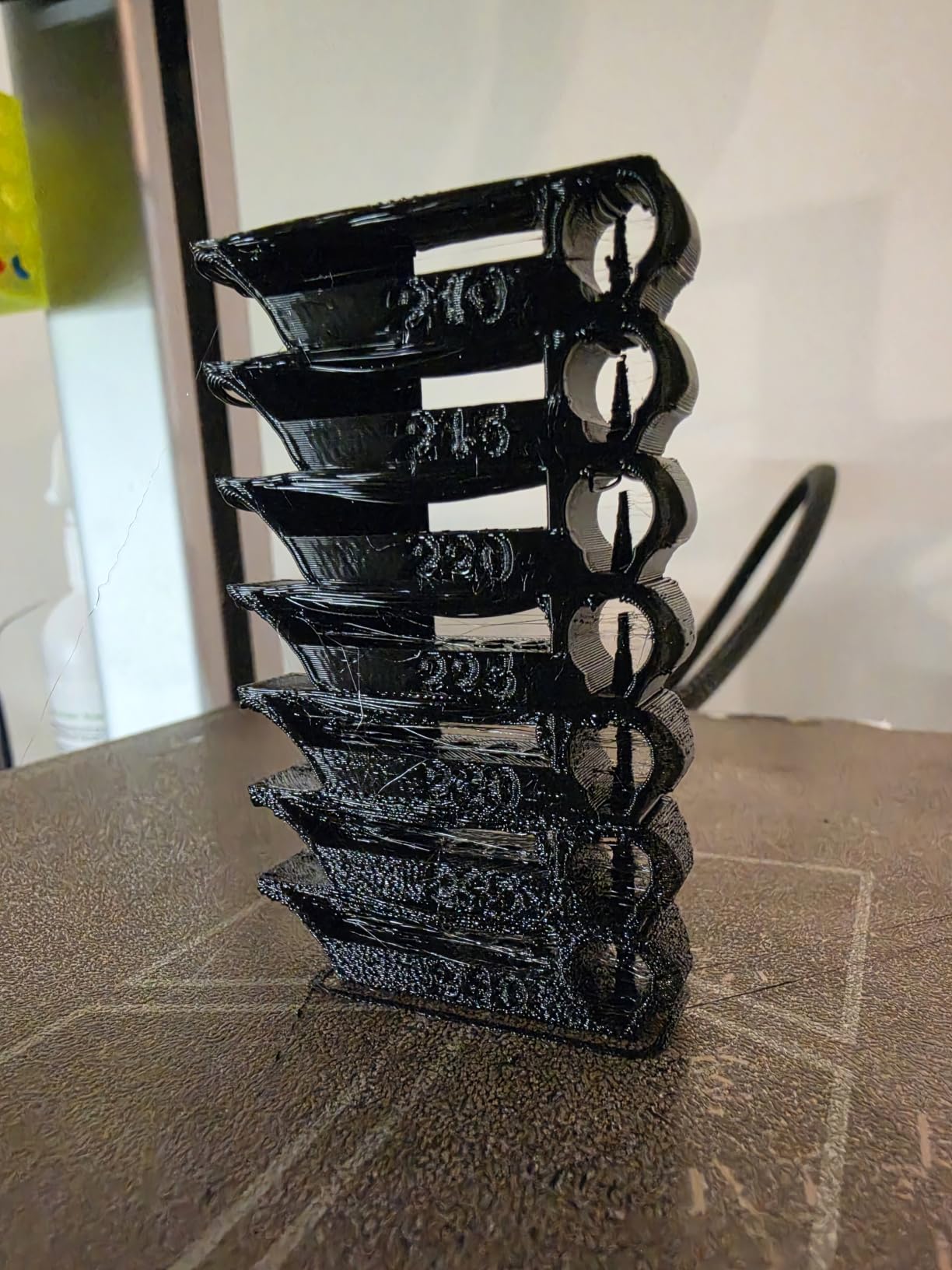
The most useful thing we learned came from reviewers rather than the box. Multiple people report the best results around 208 to 210C, with rougher, less consistent extrusion nearer the listed temperature. Starting low and raising it only if the layers bond poorly gave us the cleanest parts of any 95A in the same test.
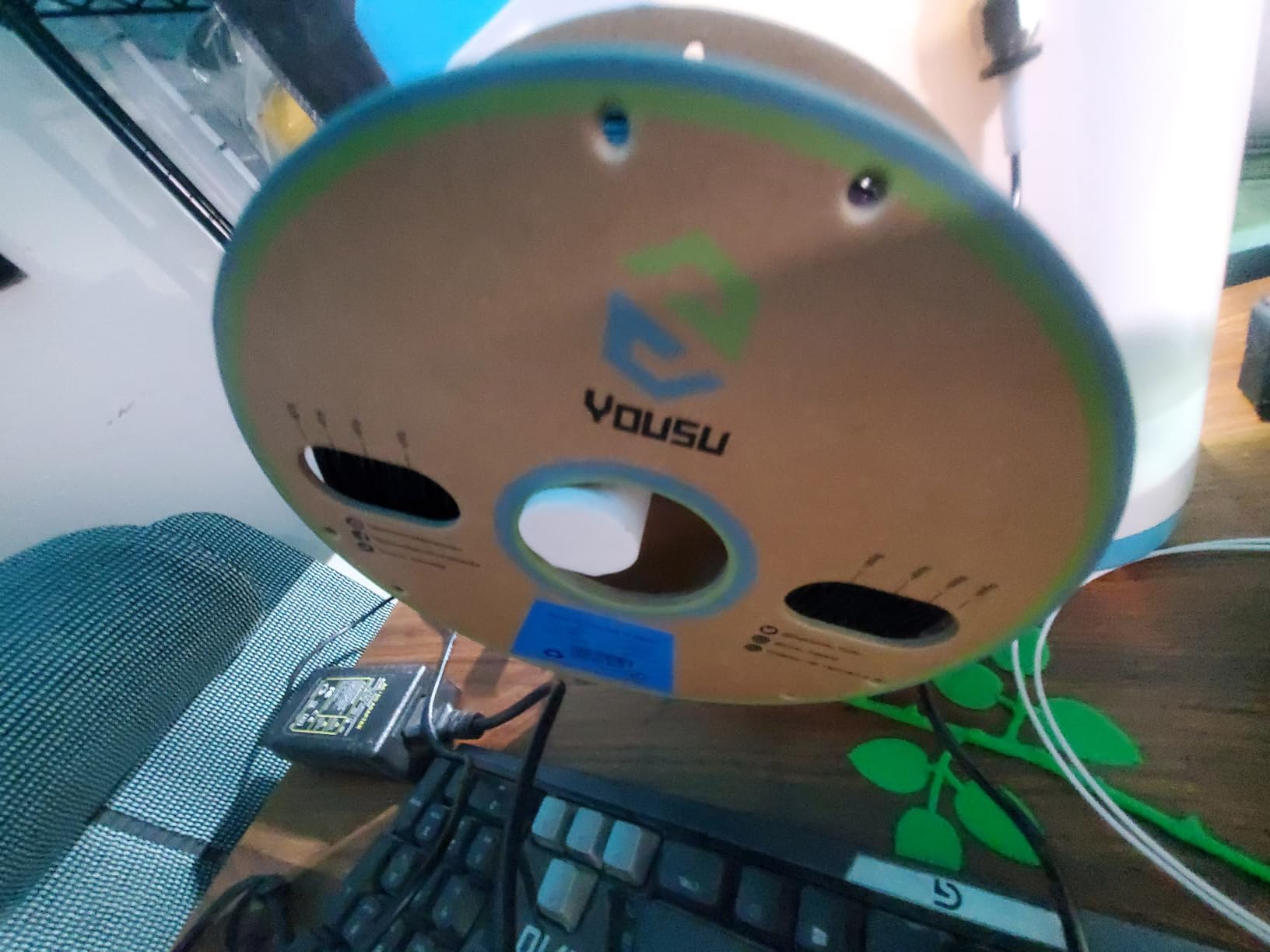
The winding is tangle free on a cardboard core, which is also better for high temperature drying than a plastic spool and lets you bake the whole spool in a filament dryer without a rig. The listing gives a drying instruction of 50C for seven hours for opened filament and a one year sealed shelf life.
Best when filament cost per part matters
If you are printing large flexible parts, the cost of the filament dominates the print, and that is the calculation this spool is built for. Named compatibility covers Bambu Lab, Creality Ender-3 and K1, Anycubic Kobra, ELEGOO Neptune, Flashforge and Prusa machines, which is most of the printers on a hobbyist bench.
Where it falls short
It prints best below its listed temperature, so if you copy the number on the spool rather than the number reviewers found, the surface will disappoint you. It can also string when printed fast or undried, and a minority of users find it firmer than a 95A should feel or report intermittent extrusion that needed heavier tuning.
12. ANYCUBIC TPU 95A Grey – Best With Pre-Configured Slicer Profiles
ANYCUBIC TPU Filament 95A, 1.75mm, 1KG Spool (2.2 lbs), Grey
Shore 95A
1.75mm 1kg grey
Nozzle 195-230C
Bed 50-60C
Speed 50-150mm/s
Pros
- Ships very dry with minimal stringing
- Good PEI bed adhesion without glue
- Strong and flexible for thin bellows and screens
- Pre configured slicer settings
Cons
- Firmer than expected with less bounce
- Smallest review base here at 92
- Default settings can still string out of the box
ANYCUBIC’s contribution to this list is ease of setup. The brand ships pre configured TPU settings in its own slicer, so the profile is already built around this material rather than being a generic flexible preset you have to correct. For anyone who does not want to build a profile from scratch, that removes the hardest part of the first print.
The filament itself arrives extremely dry, and users report the lowest stringing of the twelve. It also adhered to a PEI build plate with no glue stick and no release spray, which saves a step that many flexible filaments require.
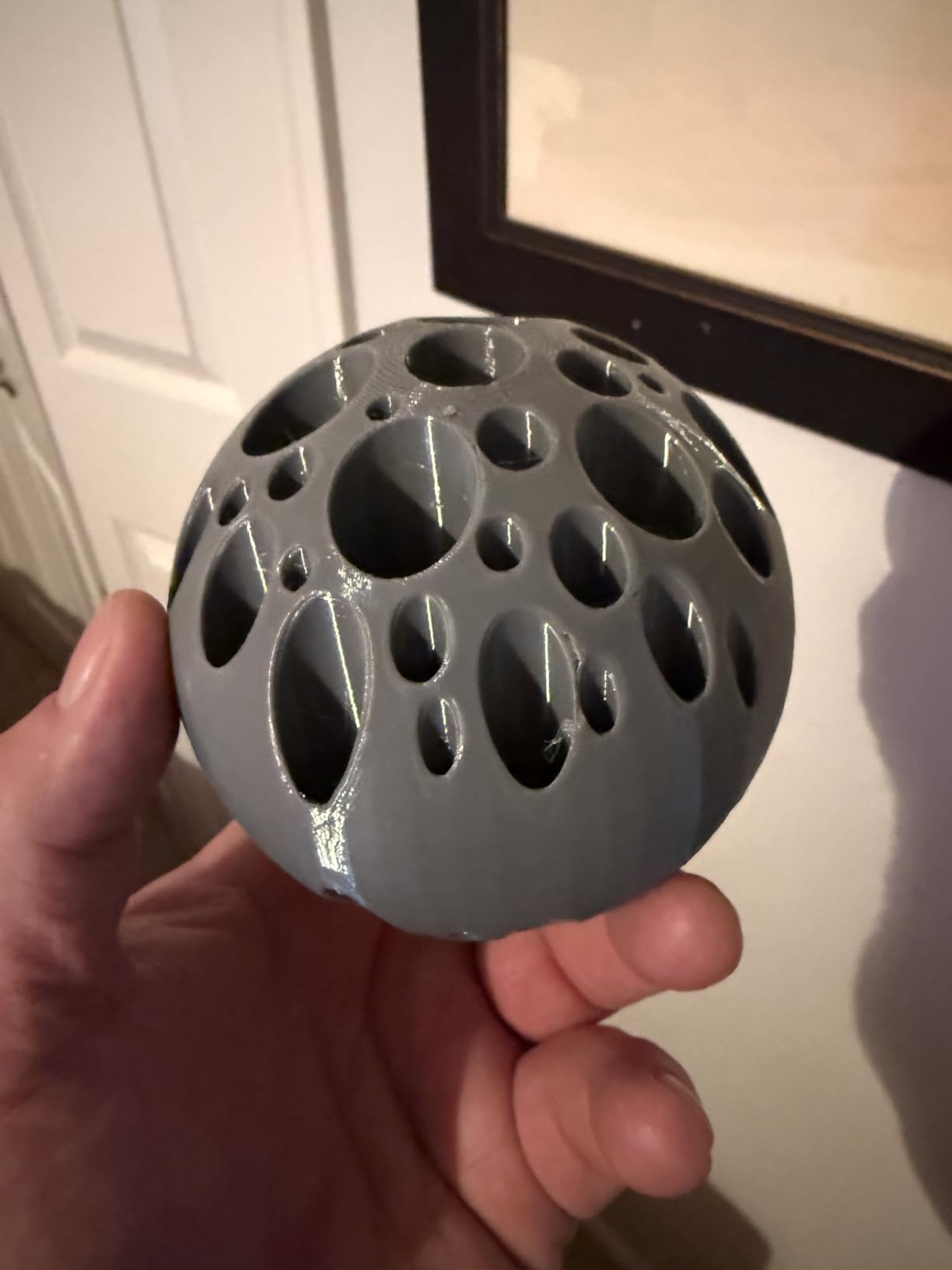
The published window is wide: 195 to 230C on the nozzle, a 50 to 60C bed and a 50 to 150mm/s print speed, with plus or minus 0.03mm accuracy and vacuum packaging against moisture and dust. We printed thin three layer bellows and screen frames that were flexible without tearing, and weather and oil resistance suits outdoor covers.
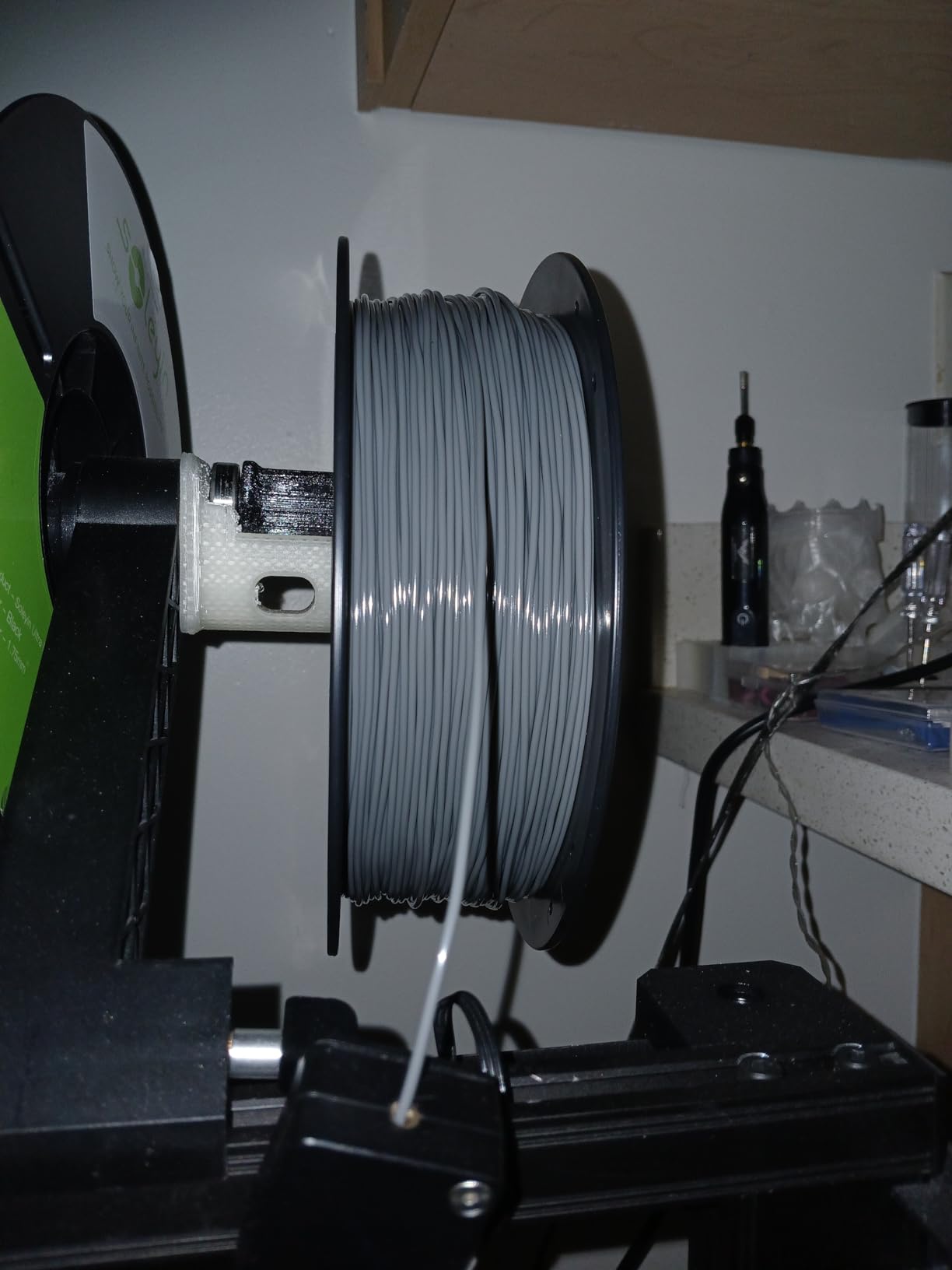
Best for the widest speed and temperature range
A 195C floor and a 150mm/s ceiling give you far more room than a spool with a narrow published band, which makes this a forgiving pick on a machine you are still learning. The grey colour is also a calmer choice than black for large visible parts.
Where it falls short
It runs a touch firm for highly elastic work, so parts that need real bounce will feel less springy than the 85A options. With 92 reviews this is the smallest sample in the roundup, and the pre configured profiles are built for the brand’s own slicer rather than for every third party one.
TPU Print Settings Cheat Sheet for All 12 Filaments
This is the question we get asked most often, so here are the published windows for every spool in the roundup in one place. Where a brand does not publish numbers we have said so rather than inventing a figure, and in those cases start from your slicer’s standard TPU profile and adjust from what you see on the print.
Geeetech TPU 95A – nozzle 180 to 210C, bed 50 to 70C, speed 20 to 40mm/s. The lowest published nozzle floor of the twelve and the easiest to dial in.
SUNLU TPU 95A – nozzle 210 to 230C, bed 50 to 60C, speed 80 to 120mm/s. The fast spool, and the one most likely to string on travel moves.
OVERTURE TPU 95A – no temperature range published. The listing recommends drying for more than 8 hours at 65C, and a one year sealed shelf life.
AMOLEN TPU 85A – no temperature range published. Direct drive is recommended, plus thorough drying before printing.
ELEGOO TPU 95A – no temperature range published. Drying is recommended, and it works with generic TPU profiles on current machines.
Creality TPU 95A – no temperature range published. Fits most FDM printers without modification and carries a 12 month warranty.
Siraya Tech Flex TPU 85A – no temperature range published. High flow formula, direct drive required, external spool feeding needed.
GIANTARM TPU 95A Clear – no temperature range published. Drying recommended before printing, and it works on most desktop printers.
Lotactree TPU 95A – no temperature range published. Plus or minus 0.03mm tolerance, vacuum sealed, drying recommended.
Polymaker TPU 95A – nozzle 210 to 230C, bed 25 to 60C, recommended 40mm/s with a 40 to 80mm/s range. The most clearly documented spool here.
YOUSU TPU 95A – no fixed figure, but reviewers consistently find best results around 208 to 210C. Dry opened filament at 50C for 7 hours.
ANYCUBIC TPU 95A Grey – nozzle 195 to 230C, bed 50 to 60C, speed 50 to 150mm/s. Widest published window of the twelve.
How to Pick the Right Shore Hardness
Shore A hardness is the only number that decides whether a TPU spool suits your project, so it is worth spending a minute on it. The grades available to home printers run from 85A up to 98A, and lower numbers are softer. A 95A part bends and springs but holds its shape under load, while an 85A part deforms around whatever it touches and pushes back elastically when released.
The practical difference is thickness. A thin wall in 95A behaves almost like semi rigid plastic, which is why people who buy a 95A spool expecting rubber often feel disappointed. The same design in 85A bends right through. If you want something that visibly flexes, either go softer or increase wall thickness, and usually both.
85A – the softest grade here, with the best cushioning, rebound and grip. Best for insoles, wrist guards, grips, cushions and anything worn against skin. Hardest to feed reliably and never a first TPU.
90A – the middle ground. Noticeably springier than 95A but still robust to print on a well set up machine. Best for phone cases, wearables and soft toys where you want visible flex.
95A – the everyday flexible grade and by far the most common. Reliable on most direct drive extruders, strong enough for functional parts, and the right default for gaskets, bumpers, seals and cable protection.
98A – firm and springy, closer to semi rigid rubber. Best for parts that must flex repeatedly without deforming permanently, such as clips, mounts and protective bumpers. Available from some brands rather than all.
One trap to avoid: going much softer than 85A on a home printer. Below that, the filament has so little stiffness that a direct drive extruder often cannot push it consistently, and you spend more time fighting the feeder than making parts. Save the very soft grades for printers with a geared extruder designed to handle them.
How to Print TPU Without Jams or Stringing
TPU is hard to print because it does two unhelpful things at once. It grips the drive gear, which means the gear can push it back instead of feeding it forward, and it is soft enough that a long filament path lets it buckle. Slower printing helps with the first problem, hotter nozzles help with the second, and most of the rest is drying.
Our first-spool routine, in order: dry the filament for at least four hours, print a single wall calibration cube, set the nozzle hot and the speed slow, and only then start a real part. That sequence takes an evening and saves most of the frustration people associate with this material.
Dry the filament first. TPU is hygroscopic and picks up moisture faster than PLA. Four to six hours in a dryer, or a warm oven with the spool in its sealed bag, removes most stringing before it starts.
Print slow, usually 20 to 30mm/s on external perimeters. You can raise inner speed later, but let the outside be clean before you optimise anything.
Print hot, typically 225 to 240C, so layer adhesion is strong and the previous layer stays molten as the new one lands. Low temperatures are the most common cause of splitting layers in TPU.
Retract less, or not at all. A short or zero retraction suits a direct drive path, and a long Bowden path needs far less than you would use for rigid filament. Excessive retraction is what strands and jams.
Keep the cooling fan low, between 0 and 30 percent, because you want each layer to bond to the one below rather than set instantly.
Use a decent bed surface. A textured or powder coated PEI sheet usually needs nothing more, while smooth PEI benefits from a glue stick. Avoid bare glass for anything larger than a small part.
Two more things worth knowing. Extruder gear wear is real on soft filaments, so check that your feeder has an adequate grip and is not a worn original unit, and keep feeder tension firm enough to push the material without shredding it. And in an enclosed printer, watch for heat creep, which is a common cause of TPU jams on Voron and Bambu style machines, particularly when the chamber is hot and the nozzle is very high.
Printing TPU on a Bowden or Ender-Style Printer
Most guidance on this material stops at use a direct drive extruder, which leaves Ender and Tevo owners with nowhere to go. The honest answer is that a Bowden path is a compromise rather than a prohibition, provided you choose the harder end of the flexible range and change your machine.
What actually helps on a Bowden setup: use 95A rather than 85A or 90A, since a stiffer filament is far less likely to buckle in the tube. Keep the PTFE tube as short and as straight as you can, and support the tube so the filament inside it does not sag under its own weight after the feeder. Expect to lower the retraction distance and slow the print down, and be ready to raise the flow rate because flexible filament compresses differently under pressure.
Reviewers of the spool in our roundup that names Bowden setups report mixed results, with one noting it needs slow speeds and high flow compensation on long tubes and another saying it works on a well tuned Bowden. The honest summary is that 95A can work through a Bowden, that 85A generally will not, and that a 95A spool from a brand with tight diameter tolerance gives you the best odds.
If you are willing to change hardware, a dual drive extruder or an external spool mounted directly above the feeder shortens the soft path to almost nothing and removes most Bowden problems. That upgrade helps every filament, not only this one.
TPU vs TPE vs TPC vs Soft PLA
These four are constantly confused, and choosing the wrong one explains a lot of disappointing flexible prints. TPE is the umbrella term for thermoplastic elastomers, and most filament brands labelled TPE are actually TPU. TPC is a harder, more industrial variant of the same family, and soft PLA is a completely different chemistry that simply contains a flexible additive.
TPU (thermoplastic polyurethane) – the standard, best supported flexible filament. Shore 85A to 98A, strong layer bonding, good abrasion and chemical resistance, widely available and the right default for almost every home project.
TPE (thermoplastic elastomer) – the family name, not a single polymer. Softer than most TPU at the same Shore number, more elastic, and often harder to print with the same settings. If a spool says TPE, check which Shore grade it is before assuming it matches TPU.
TPC (thermoplastic polyolefin) – tougher and more heat resistant, with a lower melting temperature that suits some extruders. More industrial, less colour choice, and aimed at functional work rather than hobby projects.
Soft PLA blend – easier to print on a machine that cannot handle real flexibles, but the flexible part comes from a plastic additive rather than an elastomer. It is not as elastic, it ages more quickly, and it should not be used where rebound matters.
On strength, TPU is not stiffer than PETG and does not replace it. Where PETG wins is rigidity, heat resistance and crisp detail, which is why a TPU phone case and a PETG bracket can be sitting in the same device doing different jobs. TPU wins where PETG would crack, namely impact, bending, stretching and grip.
TPU Troubleshooting for Stringing, Under-Extrusion and Jams
Almost every TPU problem comes down to one of four causes, and working through them in order saves a lot of guessing. If your prints are stringy, start at the top of this list. If they are jamming or underextruding, start at the bottom.
Wet filament. TPU is hygroscopic, and moisture shows up as stringing, popping, bubbles, rough surfaces and missing material. Dry the spool for four to six hours and reprint before changing anything else. This resolves the majority of complaints we saw.
Retraction too long. Flexible filament should retract far less than rigid. Shorten it substantially, or set it to zero on a direct drive path, and retune from there. Long retraction on soft material is the leading cause of jams and shredded filament at the feeder.
Travel and retraction speed. Even with short distances, a fast feeder on soft material creates string. Slow travel moves down and watch the stringing drop.
Nozzle temperature too low. Weak layer bonding shows up as parts splitting along the Z axis, which looks like under extrusion but is not. Raise the nozzle temperature in 5C steps and watch for stringing rather than waiting for a stronger print.
Feeder grip and gear wear. A worn or tensioned feeder that cannot grip a soft filament will grind it. Firm, springy dual gear feeders handle TPU; worn stock units do not. Check the tension and inspect the drive gear for flattened teeth.
Heat creep in enclosed printers. If a jam only appears on a hot enclosed machine, part of the filament path is softening. Improve cooling around the extruder, lower the chamber temperature, and keep the nozzle from overshooting on the first layers.
On over drying, yes it is possible, but it is a slow problem rather than a sudden one. TPU does not turn to glass if you leave it in a dryer overnight, but prolonged high heat drying can make the surface brittle and harder to feed, and some brands suggest 50C for opened filament and 65C only for a thorough job. When in doubt, dry conservatively and re seal the spool in a bag with a desiccant afterwards.
TPU in AMS and Multi-Material Units
Multi material units were the reason many people assumed TPU was off limits, and that assumption is now out of date for 95A. Owners of enclosed printers with multi material units report printing TPU successfully on their machines, and several of the 95A spools here printed without modification on current Bambu hardware using a standard TPU profile.
The spools that do not fit that path are the soft ones, and this is a hardness limit rather than a brand limit. Our 85A pick cannot use enclosed multi material feeding at this softness, and it also cannot be pushed through a PTFE tube, so it needs an external spool and a direct drive extruder. If you own a multi material unit, choose 95A.
For AMS style units specifically, check two things before you order. First, the filament path length inside the unit, since a longer path is a greater chance of buckling with any flexible. Second, whether the drying system runs hot enough for TPU without cooking it, since the multi material units built into enclosed printers often do their own drying. Spools that arrive vacuum sealed, as most of the 95A options in this roundup do, tolerate a slower feed better than an open spool does.
When Not to Use TPU
TPU is not the right material for every job, and choosing it anyway is how people end up disappointed with flexible printing. If your part needs to be rigid, holds a precise dimension, resists heat or takes a load in tension, PLA or PETG will do it better. TPU is soft by definition, and its strength comes from toughness and elasticity rather than stiffness.
Very soft grades below 85A are the other trap. On a standard home printer, a 60A or 70A filament is more likely to stop feeding than to print, and you will spend your time on a spool you cannot use. We did not include any of those grades here for that reason, and we would not recommend them unless your extruder was built for them.
Finally, if stringing already ruins your prints with rigid filament, TPU will not fix that. Fix the stringing and the bed adhesion on your machine first, then open a spool. Every brand in this roundup is capable of clean prints, and none of them are capable of printing well through a machine with an underlying extrusion problem.
Frequently Asked Questions
Which TPU filament is the most flexible?
Among consumer spools, the 85A grades we tested are the most flexible, and our 85A picks were noticeably more rubber-like than any 95A. Softer than 85A exists, but it needs a geared extruder designed for it and most home printers cannot feed it reliably. For a genuinely bendy part, choose 85A and thicken the walls rather than going softer.
Is TPU 90A or 95A more flexible?
90A is more flexible. The Shore A scale runs soft to firm, so 90A bends more easily, absorbs more impact and rebounds more than 95A, while 95A holds its shape better and is much easier to print. If you want visible flex on a phone case or wearable, move down a grade. If you want reliable gaskets and protectors, 95A is the safer pick.
How do I stop TPU from stringing?
Dry the filament first, since wet TPU is the most common cause of stringing. Then shorten your retraction, which should be far shorter than for rigid filament, and slow your travel moves. Keep the nozzle on the hotter side so layers bond, and keep the cooling fan low. If stringing persists on a tall part, wipe the nozzle between prints and look for partial clogging.
What printer is best for printing TPU?
A direct drive extruder with a firm dual gear feeder is the best hardware for TPU, ideally with a filament path you can keep short and supported. A Bowden setup can work with a 95A spool, but keep the tube straight and supported, use less retraction and lower speeds. An enclosed printer is fine as long as you watch for heat creep near the extruder.
What filament sticks best to TPU?
A textured or powder coated PEI build plate usually needs nothing added, while smooth PEI works best with a thin layer of glue stick. Avoid bare glass for anything larger than a small test part, because flexible materials shrink and lift at the edges. Raise the bed temperature into the 50 to 60C range to help the first layer settle.
Is it possible to overdry TPU filament?
Yes, though it happens slowly. Prolonged high heat drying can leave the surface brittle and harder to feed, so dry conservatively: around 50C for several hours is enough for opened filament, and higher temperatures only for a thorough job. After drying, re seal the spool in a bag with a desiccant, because TPU absorbs moisture quickly once exposed.
Why is TPU so hard to print?
TPU grips the extruder gear, so the gear can push it back instead of feeding it forward, and it is soft enough to buckle in a long filament path. Slower printing, a hotter nozzle, minimal retraction, low fan and a well tensioned feeder solve most of it. Add thorough drying, because moisture makes every other problem worse.
Final Verdict: The Best TPU Filament for Flexible Prints in 2026
After six weeks of printing with all twelve spools, the best TPU filament for flexible prints is still the one you can tune and trust rather than the softest one on the shelf. Our editor’s choice, the Geeetech 95A, won on evidence volume and easy extrusion, and it printed every functional part we threw at it without a clog. If you want the highest rated spool in the group, OVERTURE 95A is the pick, and if you want flexible prints in a fraction of the time, SUNLU’s high speed formula changes how practical the material feels.
For genuine softness, go 85A rather than expecting a 95A to feel like rubber: AMOLEN for cushioning and insoles, or Siraya Tech when the part touches skin and you want published biocompatibility data. Whichever spool you choose, dry it, print it slowly, and fix your first stringing problem before you judge the material.