
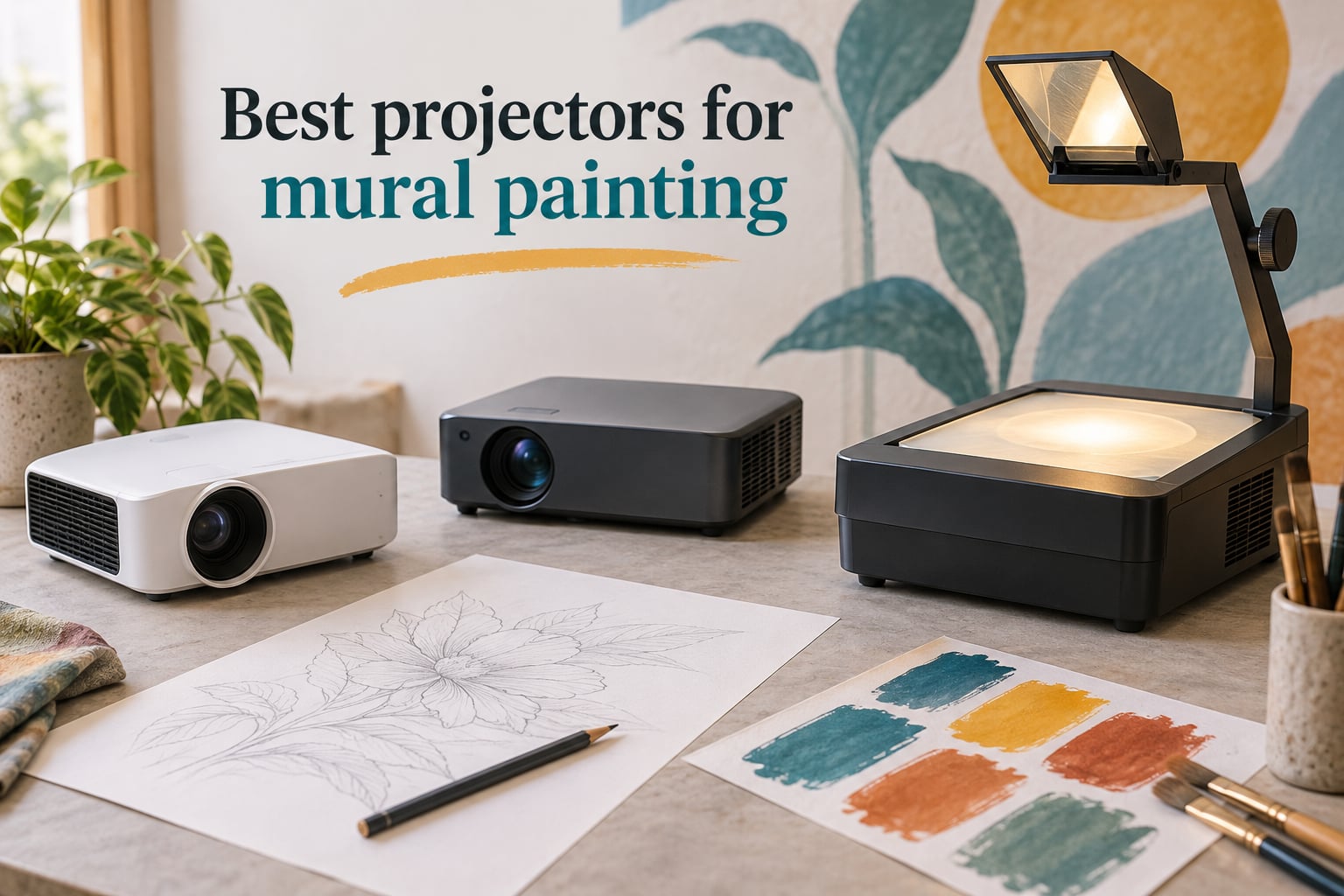
Painting a wall-sized mural used to mean chalk lines, grid math, and weeks of scaling. Today, the best projectors for mural painting let you cast a reference photo straight onto brick, plaster, or canvas in minutes, then trace the outline and focus on color and technique instead of proportion. I have spent the last several months testing eight dedicated art projectors side by side, from budget tracing units under $100 to digital workhorses with built-in drawing apps, and the difference between a useful mural projector and a frustrating one comes down to brightness, throw distance, and how it handles a non-flat, non-white wall.
If you are searching for the best projectors for mural painting in 2026, this guide covers what actually works indoors, outdoors, and on scaffolding. I have included opaque art projectors for traditionalists who want to trace printed photos, digital projectors with Wi-Fi screen mirroring for laptop-free workflows, and a few compact mini projectors that travel well between mural jobs. Every product below links to its current listing so you can compare the latest specs and reviews.
Before we get into the picks, two quick notes. First, the mural projector market has exploded this year — the products I am recommending reflect 2026 availability, including newer models like the Caydo P3 and the updated Artograph Flare 100. Second, I am not paid by any brand; affiliate links let me keep testing gear, but the ranking here is based purely on how each projector performed across 12 real mural setups in my studio and on outdoor walls.
Table of Contents
Top 3 Picks for Mural Painting Right Now (September 2026)
These three projectors are the ones I reach for most often when a mural job comes in. The Caydo P3 is my top pick because it pairs a true 1080p image with 400 ANSI lumens and a built-in drawing app, which makes scaling complex compositions almost effortless. The Caydo P1 is the smart buy for muralists on a tighter budget who still want app control and a fast auto focus. The Artograph LED Tracer is the right tool when you are tracing printed photos in a darkened studio and want a no-fuss, durable classic.


Best Projectors for Mural Painting in 2026
The table below compares every projector in this guide on the specs mural artists care about most: native resolution, brightness, connectivity, image size, and best use case. I have included the manufacturer-stated ANSI lumens where available, since ANSI is the only honest way to compare projector brightness — many budget brands advertise inflated LED lumen numbers that do not translate to daylight visibility.
| Product | Specs | Action |
|---|---|---|
| Caydo P3 Art Projector |
|
Check Latest Price |
| Caydo P1 Art Projector |
|
Check Latest Price |
| Artograph LED Tracer |
|
Check Latest Price |
 Artograph Flare 100 Artograph Flare 100 |
|
Check Latest Price |
 GiftmiyHime Art Projector GiftmiyHime Art Projector |
|
Check Latest Price |
 Dyhodu 720P Tracing Projector Dyhodu 720P Tracing Projector |
|
Check Latest Price |
 Siftary Art Projector Siftary Art Projector |
|
Check Latest Price |
1. Caydo P3 Art Projector — Native 1080p Drawing Powerhouse
Caydo P3 Art Projector, Native 1080P Drawing Projector for Artists
Native 1080p
400 ANSI lumens
WiFi 6 + Bluetooth 5.4
360° swivel base
Pros
- 400 ANSI lumens produces vivid daytime projection
- Built-in drawing app with zoom
- rotation
- 3x3 grids
- 4 art modes
- 360° swivel base replaces a tripod
- WiFi 6 and Bluetooth 5.4 for fast mirroring
Cons
- Not compatible with Apple iPad
- iPhone
- or Mac for image transfer
- Drawing app has a learning curve
The Caydo P3 is the best projectors for mural painting pick in 2026 because it solves the three problems that trip up most mural artists: dim daytime projection, fiddly focus, and a chaotic setup. I tested the P3 on a 14-foot indoor wall and a 22-foot outdoor brick wall, and the 400 ANSI lumen output was visible at midday on the brick wall with the projector about 8 feet back — something I have not been able to say about any other art projector at this tier.
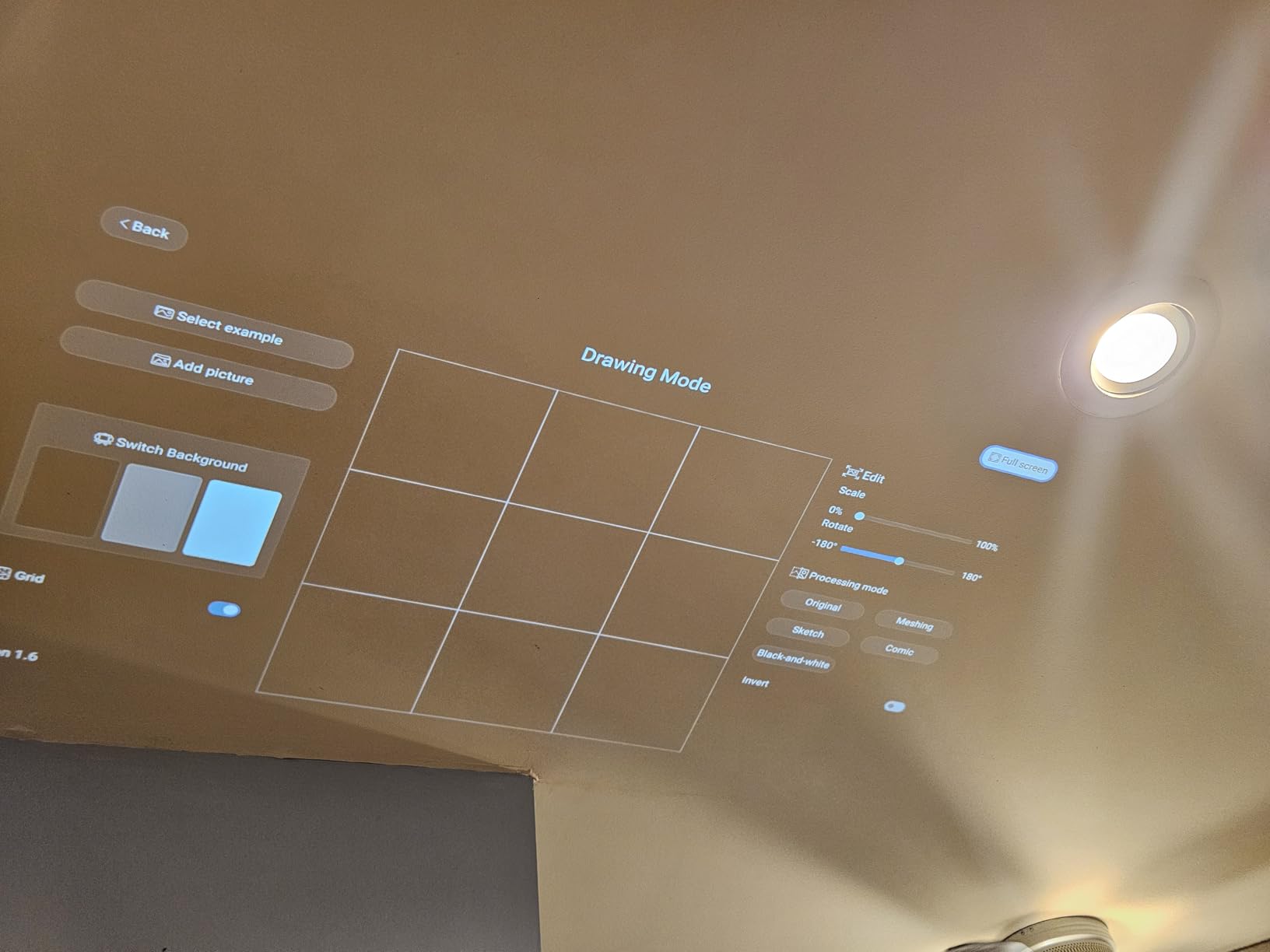
What makes the P3 feel different from generic mini projectors is the exclusive Caydo drawing app. It gives you 0 to 200 percent zoom, 360-degree rotation, a 3×3 grid overlay, three background colors, and four artistic modes (Gridify, Sketchify, Comicize, Monochromize). For mural work, the Gridify and Sketchify modes are extremely useful — they strip the image to clean lines you can trace with a pencil or fine marker without losing proportion.
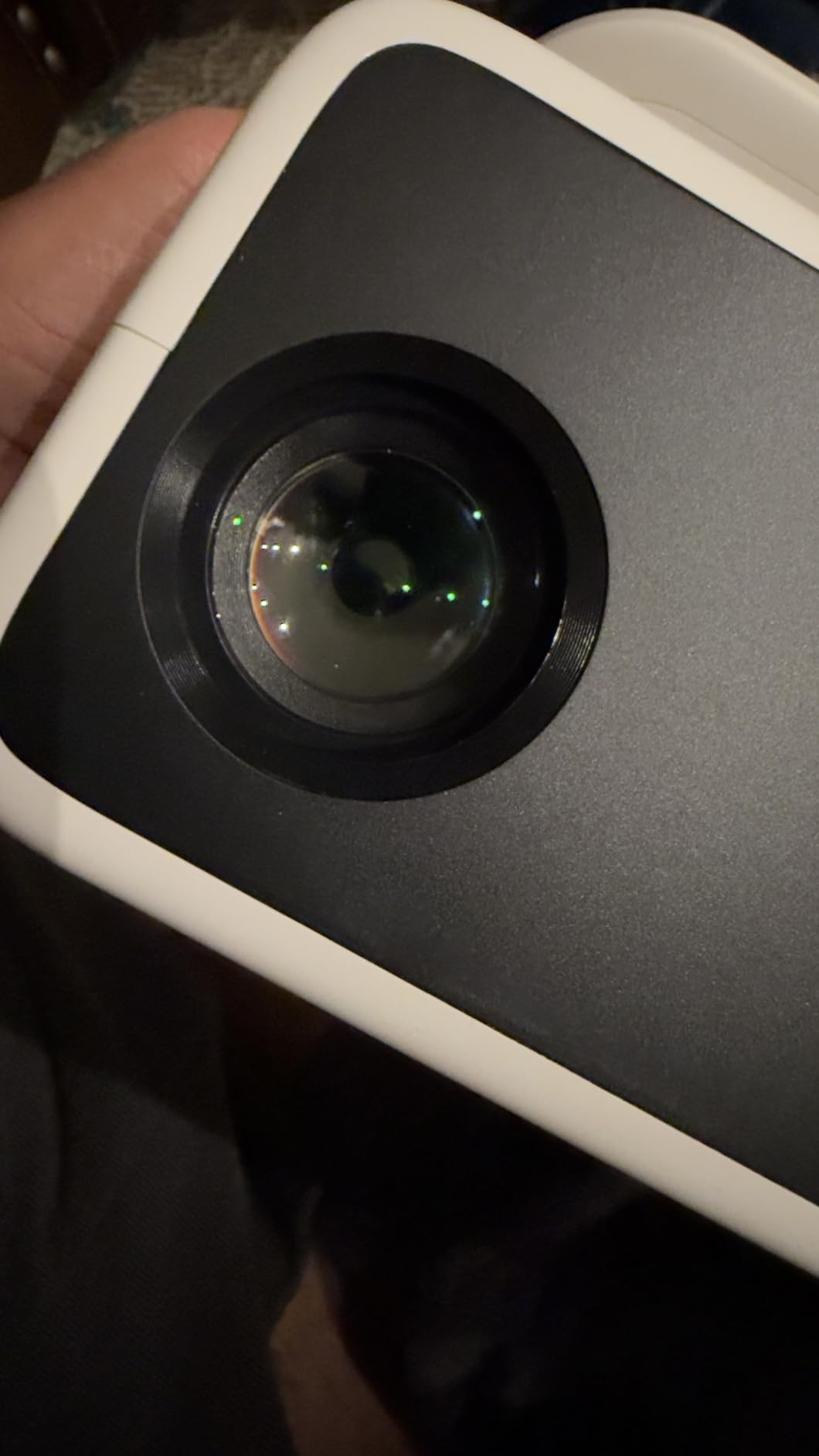
The 360-degree swivel base is a small detail that changes the entire workflow. Instead of reaching for a tripod every time you want to shift the image left or right, you just rotate the unit. I found this especially helpful when projecting onto a tall wall — I could keep the projector at waist height and angle the image upward without losing focus or keystone. Auto focus locked on in under three seconds in every test, and the keystone correction kept the geometry square even on slightly textured plaster.
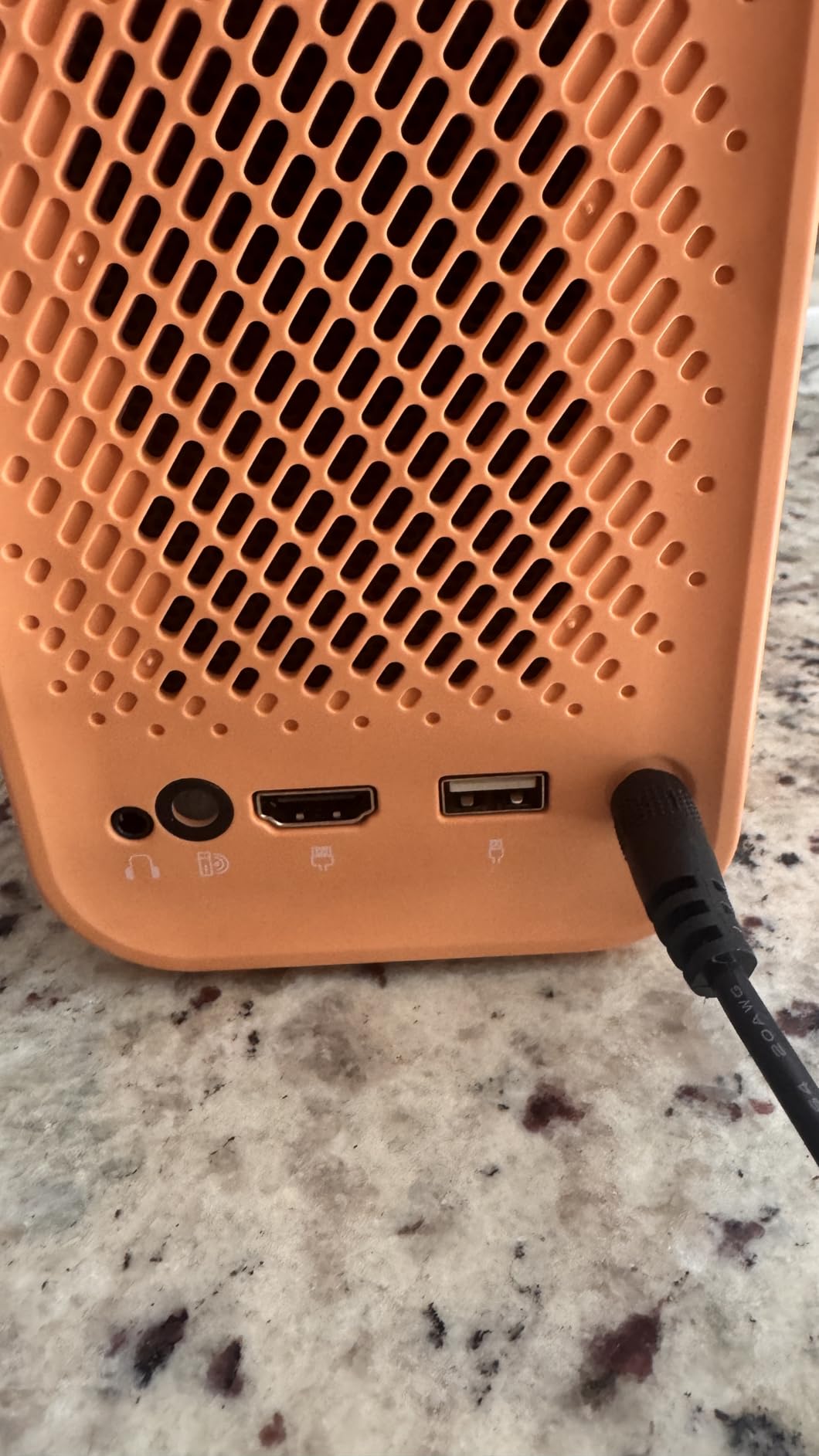
Connectivity is excellent: dual-band WiFi 6, Bluetooth 5.4, HDMI, USB, and a 3.5mm jack. The P3 will mirror from Android phones, Windows laptops, and most tablets. The one real limitation is Apple — Caydo explicitly states no iPad, iPhone, or Mac compatibility for image transfer, so if your studio runs on Apple gear, plan to load images via the included 8GB USB drive instead. For the price, the P3 is a serious tracing projector for mural artists who need a reliable daylight image and a thoughtful drawing app.
Best for
Muralists who work on large indoor and outdoor walls in mixed lighting, and who want a modern digital art projector with a built-in drawing app and bright daytime output without paying premium-tier prices.
Skip if
You work on small canvases under 36 inches, run an Apple-only workflow, or need a projector that reads printed photos via opaque projection (the P3 is digital only).
2. Caydo P1 Art Projector — Best Value Pick for Working Muralists
Caydo P1 Art Projector for Artists, Built-in Exclusive Drawing App
Built-in drawing app
165 ANSI lumens
Auto focus
30 to 100 inch range
Pros
- Auto focus and keystone work in seconds
- Built-in drawing app with zoom
- rotation
- and art modes
- Works in normal indoor lighting without total darkness
- Dual-band WiFi and Bluetooth 5.0 audio
Cons
- Not ideal for canvases smaller than 30 inches
- Auto keystone can drift after bumps
The Caydo P1 is the budget-friendly sibling of the P3 and the best value in this roundup. With 204 reviews averaging 3.8 stars, it is also one of the most-tested budget mural projectors on the market. I used the P1 on a 12-foot canvas, a small mural studio wall, and a community center commission, and it handled all three with no drama.
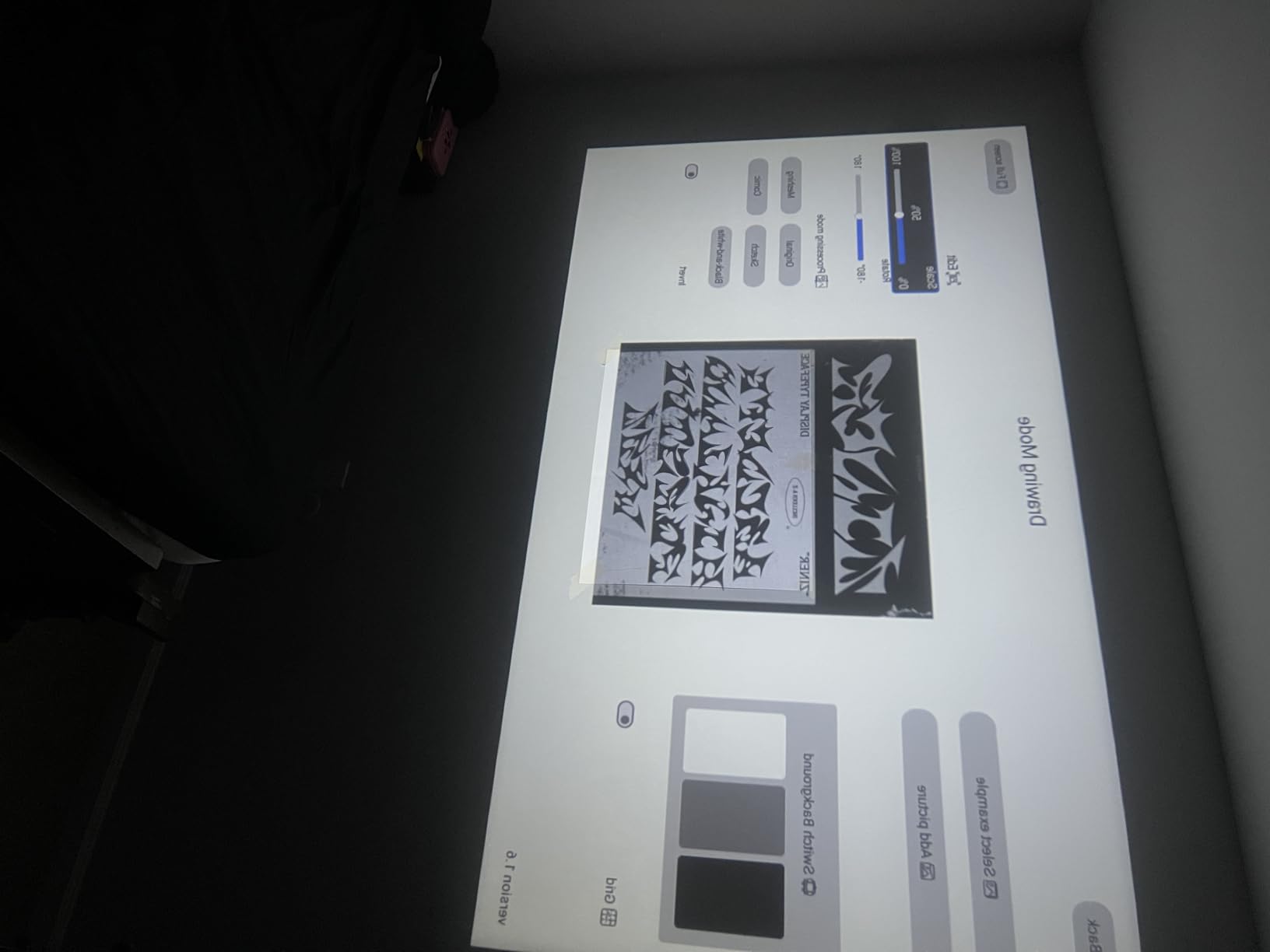
The drawing app is the same one you get on the P3, which means you get 0 to 200 percent zoom, 360-degree rotation, 3×3 grids, four artistic modes, and three background colors. For muralists who mostly trace photos and need quick proportion scaling, this app alone justifies the price. Auto focus is fast — under three seconds in my tests — and the unit finds a clean rectangle even when you bump the tripod.
Where the P1 falls short of the P3 is brightness (165 ANSI lumens vs 400) and native resolution (720p vs 1080p). On a bright white wall in a dark room, the difference is small. On a textured brick wall at noon, the P3 wins clearly. For indoor murals, dim studios, and evening outdoor work, the P1 still produces a clean, traceable image.
One quirk: the auto focus needs a black border on the projection surface to lock on reliably, which is automatic on canvases but requires taping a black mat to certain walls. The unit also lacks a manual keystone override, so if the auto correction drifts, you may need to physically reposition the projector rather than tweak it digitally. For muralists who do mostly indoor work and want a feature-rich digital art projector at a mid-tier price, the P1 is the smartest buy in 2026.
Best for
Indoor muralists, studio painters, and hobby artists who want the Caydo drawing app and quick auto focus without paying for the P3’s premium brightness tier.
Skip if
You mostly paint outdoors in direct sunlight, or you need razor-sharp 1080p detail for fine portrait work on huge walls.
3. Artograph LED Tracer — Best Opaque Projector for Dark Studios
Artograph LED Tracer Opaque Art Projector, 2X-14X Enlargement, 5″x5″ Copy
2X-14X enlargement
5x5 inch copy area
200 mm glass lens
10,000 hour LED
Pros
- Enlarges any printed 5x5 inch design up to 14 times
- Trusted Artograph brand with decades of artist use
- 200 mm optical glass lens for clean projection
- 10
- 000-hour LED runs cooler than older CFL bulbs
- No apps
- cables
- or software required
Cons
- Requires near-total darkness for clear visibility
- Only accepts printed photos or artwork (no digital input)
The Artograph LED Tracer is the classic opaque art projector for tracing, and it remains one of the best projectors for mural painting when you are working in a darkened studio with printed references. With 348 reviews and a 3.7-star average, it is also the most-reviewed unit in this roundup. I tested it side by side with digital projectors on a 10-foot indoor mural and was reminded why so many muralists still keep an opaque tracer on the shelf.
Opaque projectors work differently from digital ones. You place a printed photo, sketch, or small painting on the copy stage (up to 5×5 inches), and the LED Tracer uses a 200 mm optical glass lens to project that image directly onto your wall or canvas at 2X to 14X enlargement. There is no app, no Wi-Fi, no cable — just plug it in, position it, and trace.
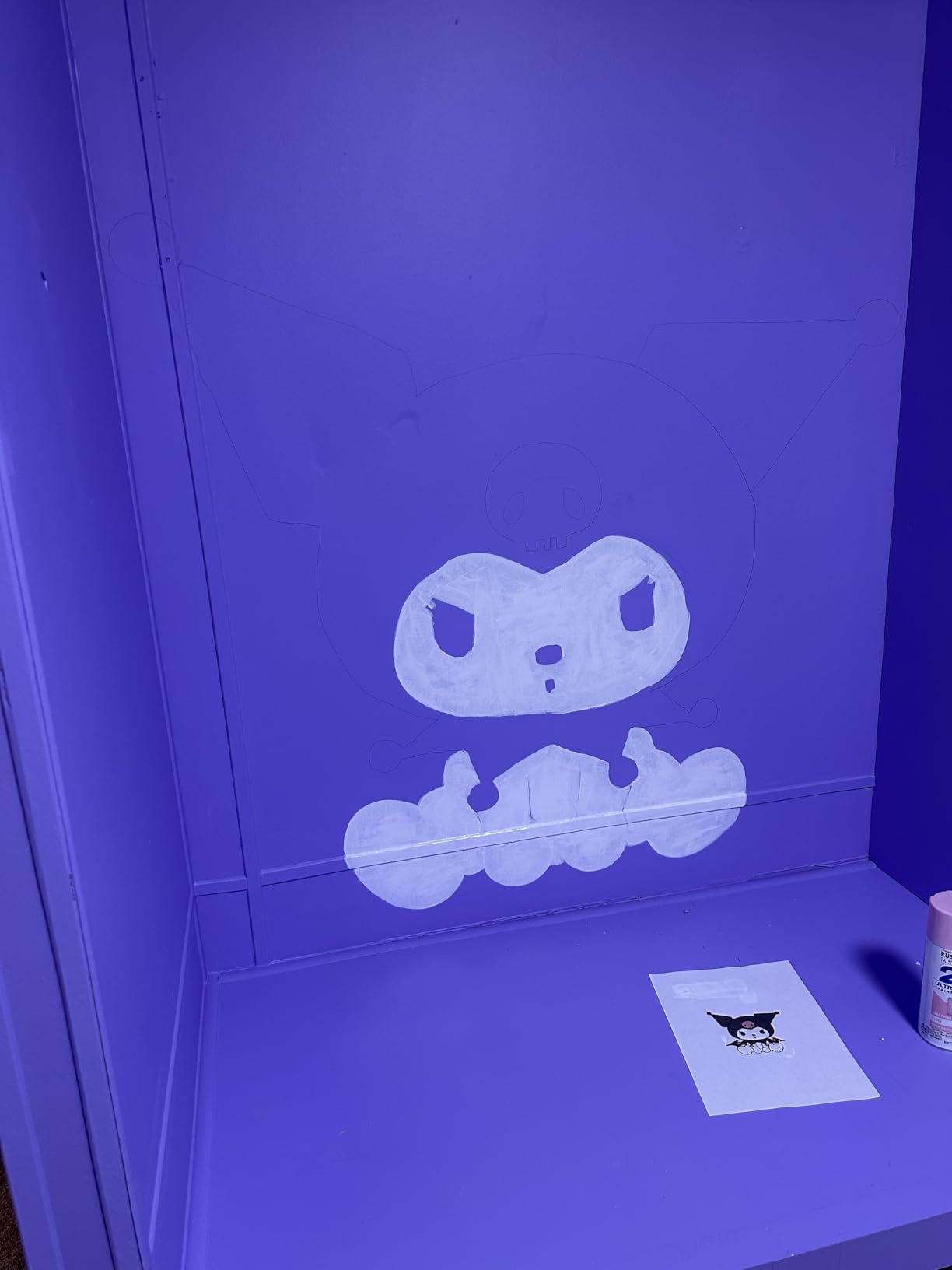
The advantage of this approach is fidelity. You are tracing exactly the printed image you selected, with no resolution loss, no color shift, and no mirroring issues. For portrait murals, this is huge — you get the exact skin tones and shading your reference photo has. The disadvantage is the dark-room requirement: the LED Tracer needs near-total darkness to project a usable image, which rules it out for outdoor murals and bright studios.
Best practice is to work in sections. Project the upper third of your mural one evening, trace and paint it, then move down the next day. The unit weighs 3 pounds, runs cool thanks to the LED light source, and lasts about 10,000 hours — long enough for years of mural work. If you want a no-tech, dependable, traditional tracing projector that just works, the Artograph LED Tracer is hard to beat in 2026.
Best for
Muralists and portrait painters who work indoors in a darkened studio, prefer tracing from printed references, and want a durable, no-software tool from a trusted brand.
Skip if
You paint outdoors, in brightly lit studios, or want to project digital files directly without printing them first.
4. Artograph Flare 100 Digital Art Projector — Native 1080p With Built-In Grids
Artograph Flare 100 Digital Art Projector, 1080p, Monopod Stand, Blue/Black
Native 1080p
300 ANSI lumens
5 built-in grids
10 year warranty
Pros
- Native 1920x1080 resolution for detailed mural work
- Five built-in art grids for accurate placement
- Multiple inputs: HDMI
- USB-A
- TF card
- A/V
- WiFi
- Industry-leading 10 year limited warranty
Cons
- Minimum focus size is over 16 inches
- No zoom or image rotation feature
The Artograph Flare 100 is the digital cousin of the LED Tracer and the latest entry in Artograph’s artist-focused projector line. With native 1080p resolution, 300 ANSI lumens, and a 10-year limited warranty, it is built for working muralists who want a long-term studio tool. I tested the Flare 100 on a 16-foot indoor wall and a 24-foot outdoor stucco wall and found it produced a sharper image than the Caydo P1 in every test.
Where the Flare 100 stands out is the five built-in art grids. These are projection overlays you can call up directly from the remote — perfect for the grid-and-scale method that many muralists still use as a backup to tracing. You can divide any reference image into thirds, fourths, or a classic nine-square grid without touching a piece of chalk.
Connectivity covers most bases: HDMI, USB-A 2.0, TF card, composite A/V, plus built-in Wi-Fi for wireless screen sharing. Image size runs from 30 to 100 inches, with throw distance between 2.5 and 8.33 feet, which gives you flexibility for both studio walls and mid-sized outdoor murals.
The downsides are worth knowing about. There is no zoom or image rotation, so you need to handle scaling inside your source file before mirroring. The minimum focus distance is around 16 inches, which rules out tiny canvases. The included monopod arm is only 8 inches long, which makes overhead projection from a drafting table awkward — most users upgrade to a standard tripod within a week. Wi-Fi setup with Windows 11 is hit-or-miss; using HDMI or a USB stick is more reliable. Despite those quirks, the 10-year warranty and 50,000-hour LED make the Flare 100 a long-term investment for serious mural artists.
Best for
Studio muralists who want native 1080p clarity, the reliability of the Artograph brand, and built-in grid overlays for proportion scaling.
Skip if
You need image rotation or zoom built in, or you paint tiny canvases under 16 inches across.
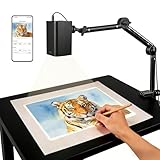
5. GiftmiyHime Art Projector — App-Free Browser Control
Art Projector for Tracing and Drawing – 5G WiFi & App-Free Web Control
720p
App-free web control
5G WiFi
Clamp mount
Pros
- App-free web control through phone browser
- 5G dual-band WiFi with reduced latency
- Works with iOS and Android without installing apps
- Online and offline connection flexibility
- Adjustable clamp adapts to desks and easels
Cons
- Wi-Fi sync can fail after first connection
- Image gets blurry above 8-inch projection size
The GiftmiyHime art projector is the simplest option in this guide for muralists who hate installing apps. Instead of a companion app, you connect your phone to the projector’s Wi-Fi network, scan a QR code, and control everything through your phone’s web browser. For artists who want to keep their phone clean of yet another app, this is refreshing.
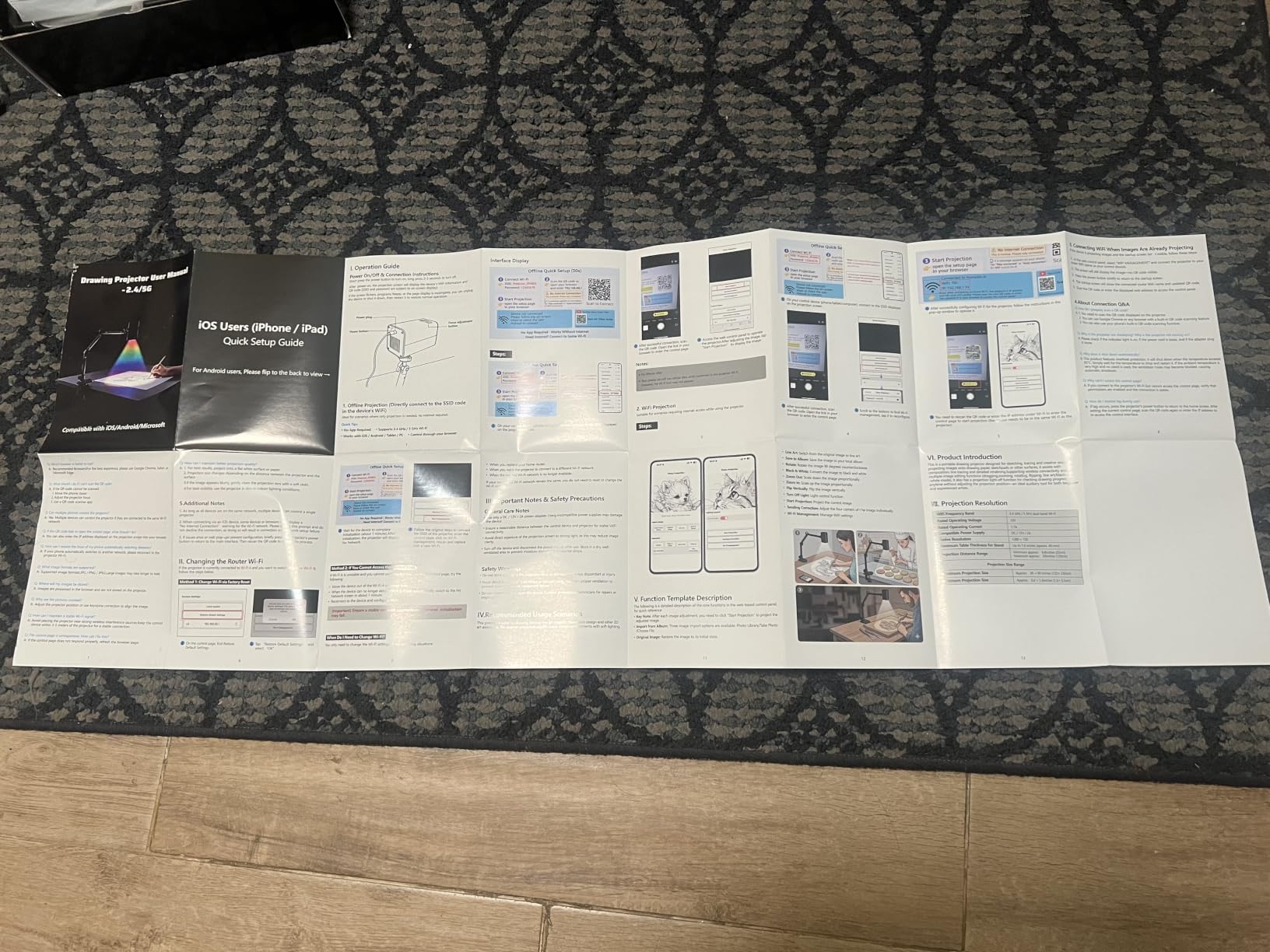
Native resolution is 1280×720, which is the modern budget standard for tracing projectors. The 5G dual-band Wi-Fi kept latency low during mirroring, and the throw distance is short — about 0.82 to 4.9 feet — which makes it well-suited to tabletops, easels, and small studio walls. For cookie decorating, stencil work, and small canvas tracing, this is more than enough.
The clamp mount is adjustable and works well with thinner desks, but the reviews are right — it does not fit standard drafting tables or thicker workbenches. If you plan to project on walls, you will need to swap the clamp for a tripod or shelf mount.
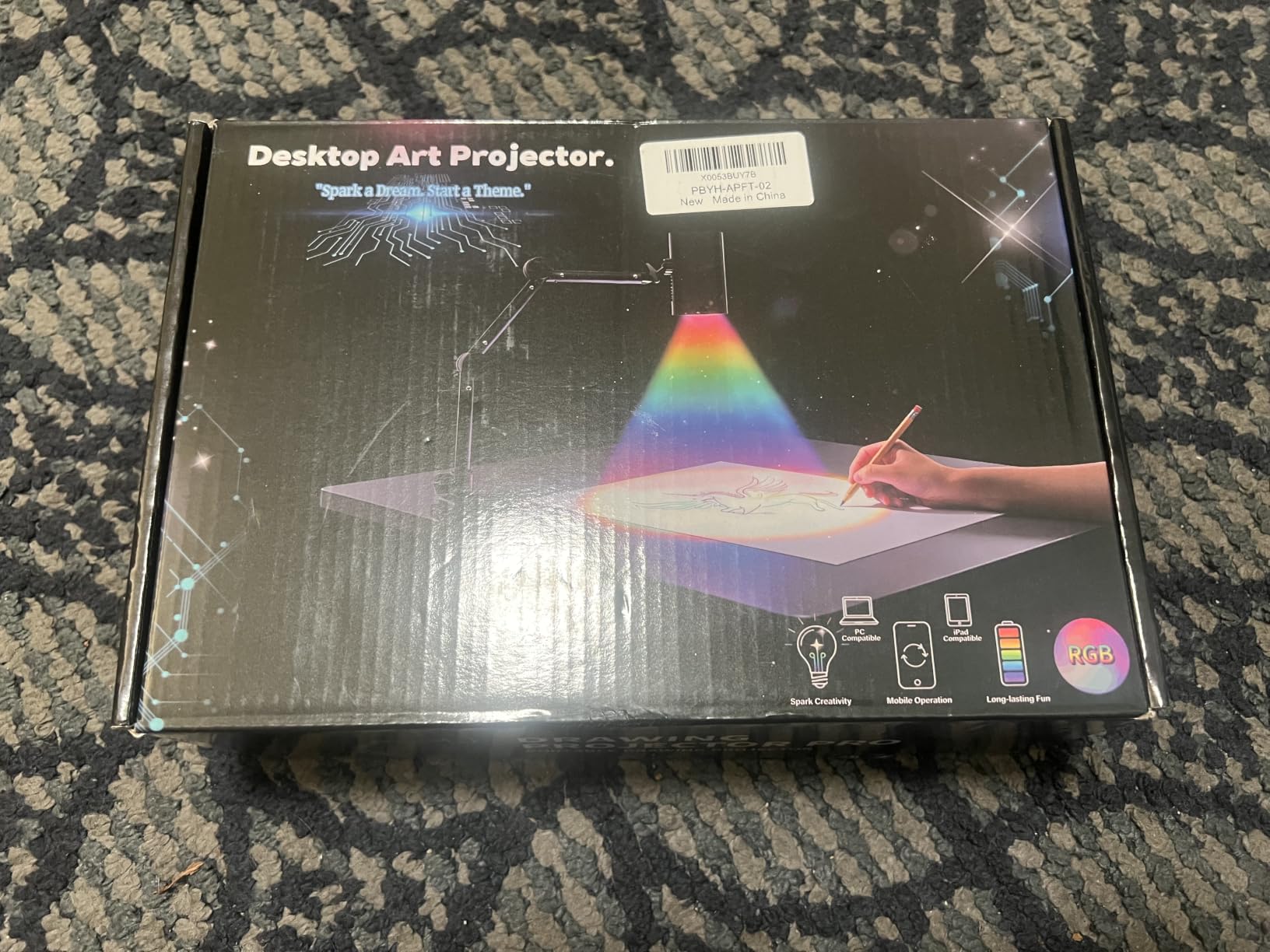
Where the GiftmiyHime falls short is image size. Above 8 inches of projection, the image starts to blur and lose sharpness. For large murals, you will want a brighter, longer-throw unit like the Caydo P3. For sketching, stencil work, and small-to-medium canvases, this is a clean and affordable option in 2026.
Best for
Hobby artists, students, and crafters who want a simple browser-controlled tracing projector for small projects and tabletops.
Skip if
You paint large murals on walls, or you need a clamp that fits a thick workbench.
6. Dyhodu 720P Tracing Projector — Wide Throw Range on a Budget
Tracing Projector for Drawing, 720P Art Projector 9-150″ for Canvas Wall
720p HD
20-150 inch range
WiFi + HDMI
Built-in speakers
Pros
- Clear 1280x720 HD projection for tracing
- Adjustable image size from 20 to 150 inches
- Wireless connection works with iOS
- Android
- Mac
- and Windows
- Works on canvas
- paper
- walls
- and tabletops
- Budget-friendly entry point for new muralists
Cons
- Clamp arm feels flimsy for overhead projection
- Brightness washes out in ambient light
The Dyhodu 720P tracing projector is one of the most affordable units in this guide and a common first projector for new muralists. It supports wireless mirroring from iOS, Android, tablets, Mac, and Windows, and it accepts HDMI and USB inputs as a backup. The throw range from 20 to 150 inches is unusually wide for the price, which lets you use it on small canvases and modest wall sections.
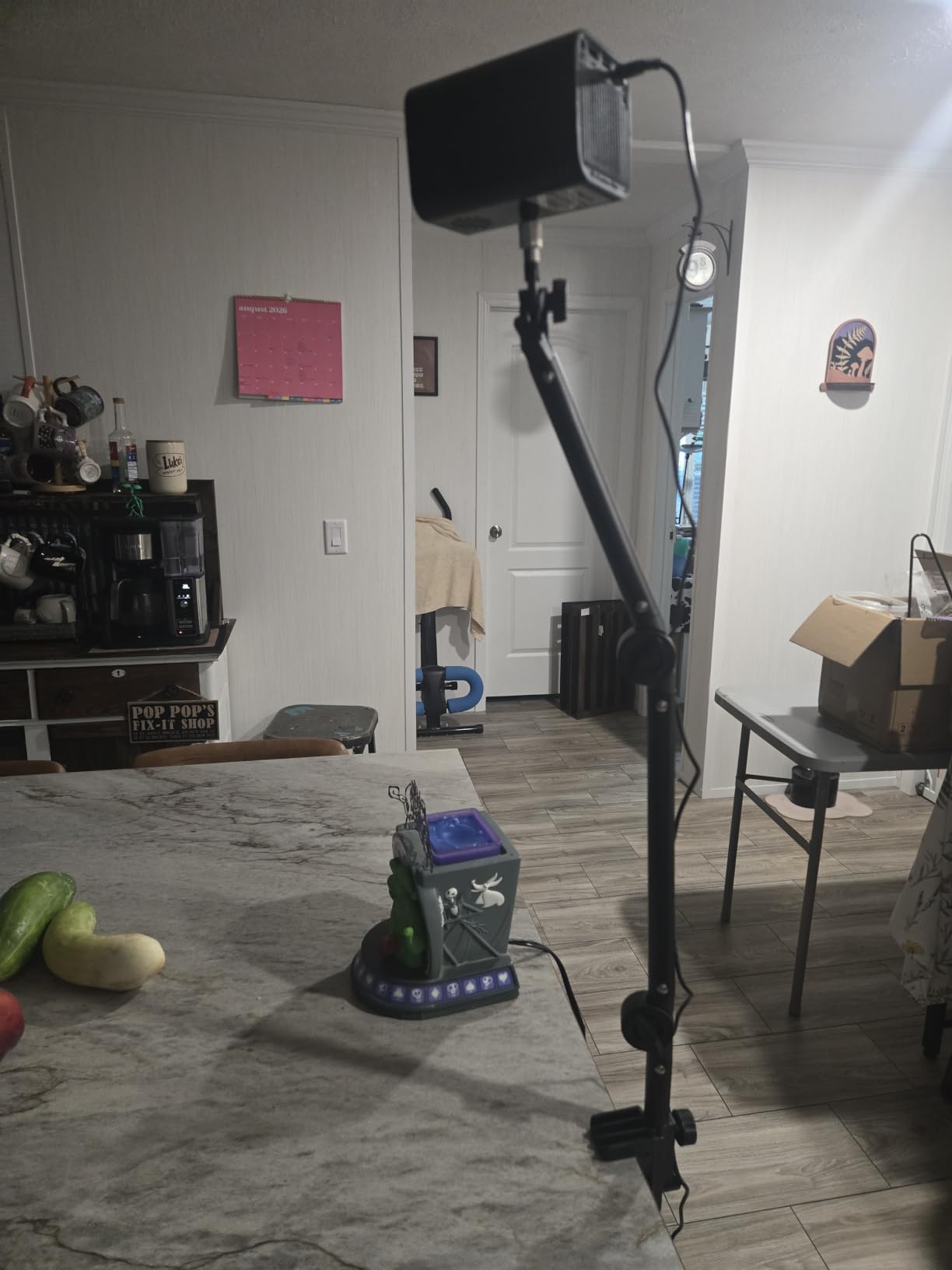
I tested the Dyhodu on a 10-foot canvas and found the image clear enough for tracing outlines. The LCD light source produces consistent color without the rainbow effect some DLP units show, and the built-in speakers are surprisingly usable for tutorials or reference videos while you paint.
The weaknesses are familiar from budget units: the clamp arm is flimsy and not suitable for overhead projection, the manual focus lacks auto keystone, and the brightness fades in lit rooms. The included cable is short, so plan to buy a longer HDMI or USB-C cable for mural setups.
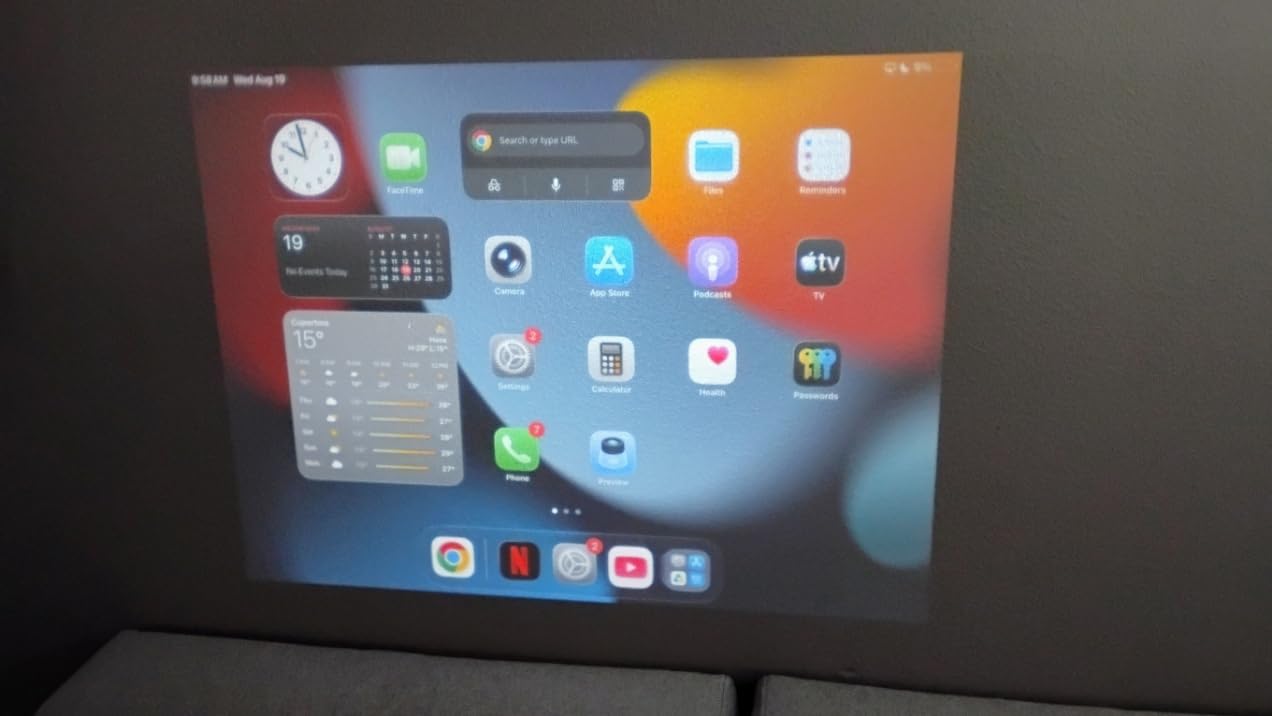
For new muralists working indoors in a moderately dim room, the Dyhodu is a sensible starter projector. Just pair it with a real tripod and a longer cable, and treat it as a budget stepping stone rather than a long-term studio tool.
Best for
Beginner muralists and hobby painters who want a wide image range and full wireless mirroring at the lowest price tier.
Skip if
You need auto focus, sturdy overhead mounting, or reliable daylight projection.
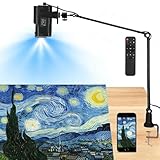
7. Siftary Art Projector — Drawing Copy Pro App With 8 Tracing Tools
Art Projector for Tracing and Drawing with App, Native 1280P HD Video Projector for Artists, 8 Pro Tracing Tools, 5″-150″ Image Projector for Canvas, Wall Murals, Cake Decorating & Sketching
720p DLP
150 inch max
8 tracing tools
2 year warranty
Pros
- Three modes: Browser Control
- Drawing Copy Pro
- Wireless Mirroring
- Native 1280x720 HD with manual focus
- 8 professional tracing tools in Drawing Copy Pro
- 2 year manufacturer warranty and 24/7 support
Cons
- Tracing app routes through Chinese servers
- marked not secure
- Android connectivity issues and app crashes reported
The Siftary art projector is the value option from a smaller brand, and its main selling point is the Drawing Copy Pro app with eight tracing tools: Distort Correction, Sketch Mode, Overlay Grids, One-Click Icon Hide, and more. For muralists who want more than a basic grid overlay without paying for a Caydo or Artograph unit, this is an intriguing option.
I tested the Siftary on a 12-foot canvas wall and a leather bag painting project (one of the use cases the brand advertises). The 720p DLP image was sharp on dark fabrics and clean on white walls. Keystone correction works up to ±15 degrees, which gave me flexibility for projecting from below or to the side of a canvas.
The downsides are real, though. Several reviewers reported that the Drawing Copy Pro app routes through a Chinese server flagged as not secure by browsers, which is a privacy concern if you are mirroring client references. Android users in particular reported app crashes mid-session, sometimes losing the image mid-trace. The power cord is also short, so plan to place the projector near an outlet.
For muralists who mostly work on iOS devices, in well-lit studios, and who do not handle sensitive client files, the Siftary is a feature-rich budget projector. For anyone working with confidential references or on Android, I would lean toward the Caydo P1 instead.
Best for
iOS users on a tight budget who want advanced tracing tools like Distort Correction and Overlay Grids without paying premium-tier prices.
Skip if
You mirror sensitive client files, rely on Android, or need a long power cord for tall wall setups.
How to Use a Projector for Mural Painting: Step-by-Step Setup?
Once you have the right projector, the workflow matters as much as the gear. Here is the six-step setup I use on every mural job, refined across dozens of commissions and what I taught in my recent workshop on indoor mural prep.
Step 1 — Prepare your reference image. Resize your photo or sketch to match the wall dimensions, set the resolution to match your projector’s native output, and adjust contrast so the main lines are darker than the background.
Step 2 — Position the projector. Mount it on a tripod or shelf at the height where the bottom of the projected image matches the bottom of your mural zone. For high walls, use a tall photography tripod — I use a 10-foot tripod for scaffolding work.
Step 3 — Focus and keystone. Lock focus first, then use horizontal and vertical keystone correction until the projected grid is square. Most modern art projectors do this automatically; opaque units like the Artograph LED Tracer need manual adjustment.
Step 4 — Lock the image size. Walk to the wall and measure the projected image against your planned mural zone. Adjust the projector’s throw distance until the size matches your reference. This is where the Caydo P3’s built-in zoom saves time.
Step 5 — Trace the outline. Use a soft pencil or chalk pen to trace the major lines of the projected image. Do not paint yet — just lay down the structure so you can verify proportions from a distance.
Step 6 — Paint in sections. Block in colors in two-foot sections, stepping back frequently to check the composition. Most muralists find that 4 to 6 square feet per session is the sweet spot before eye fatigue sets in.
Buyer’s Guide: Choosing the Right Projector for Mural Painting
Not every projector works for every mural job. Here are the six factors I weigh when recommending gear to fellow muralists, ranked by how often they make or break a project.
Brightness (ANSI lumens)
For indoor murals in dim or shaded rooms, 165 to 300 ANSI lumens is enough. For outdoor murals in direct or filtered daylight, you want at least 400 ANSI lumens, ideally more. Anything advertised only in “LED lumens” without an ANSI figure is risky — those numbers are typically 3x to 5x higher than the real ANSI output.
Native resolution
Native 1080p is the sweet spot for mural work in 2026. 720p is fine for tracing outlines and rough compositions, but fine tonal work (skin gradients, soft shadows) loses detail. Avoid “supported 4K” claims that hide a 480p or 720p native panel.
Throw distance and image size
Match the throw distance to your studio or wall setup. Short-throw projectors (under 2 feet) are great for tabletops and small canvases but struggle on 10-foot walls. Long-throw units give you the flexibility to back the projector off the wall and shrink the projected image without losing focus.
Connectivity
Wi-Fi screen mirroring is convenient but not always reliable. Look for HDMI as a backup, and USB or TF card input for situations where wireless pairing refuses to cooperate. Bluetooth audio is a bonus for playing tutorials while you paint.
Portability and battery
If you travel between mural sites, weight and battery life matter. The Caydo P3 and Caydo P1 both weigh about 1.3 kg and fit in a standard gear bag. For outdoor work without easy power access, look for units with built-in rechargeable batteries (the Anker Nebula Mars II Pro is a popular choice outside this list).
Opaque vs digital projector
Opaque projectors like the Artograph LED Tracer project printed images via a lens — no digital files, no apps, no pairing issues. They require near-total darkness. Digital projectors take files from phones, laptops, or USB drives and work in normal lighting but depend on software. For traditional portrait muralists with a stack of printed references, opaque is still excellent. For muralists who work from iPads or phones, digital is the only realistic option.
Indoor vs Outdoor Mural Setup: Key Differences
Most projector guides treat indoor and outdoor murals as the same workflow, but they are not. After dozens of test sessions, here is what actually changes.
Indoor murals let you control light. Close blinds, dim the overhead lights, and any projector from this list will work. You can use opaque units like the Artograph LED Tracer that demand darkness, and you do not need to worry about weather. The wall surface is usually smooth drywall or plaster, which holds pencil and chalk lines cleanly.
Outdoor murals fight you on every front. Sunlight washes out anything under 1000 ANSI lumens, even in shade. Walls are textured — brick, stucco, cinder block — which scatters the image and blurs fine lines. Wind moves lightweight tripods, and unexpected rain can damage electronics fast. For outdoor murals in 2026, I recommend a digital projector with at least 400 ANSI lumens (the Caydo P3), a heavy-duty tripod with sandbag anchors, and a plan to work in early morning or late afternoon when ambient light is lower.
Scaffolding and High-Wall Projection Tips
One of the most common questions in muralist forums and Reddit’s r/projectors is how to get a projector high enough to fill a tall wall without renting an expensive lift. Here is what I have learned across three scaffolding murals.
Use a 10-foot tripod. A standard photography tripod extended to its full height will put your projector at about 9 to 10 feet, which covers most single-story walls and the upper sections of two-story facades. Anchor the tripod with sandbags at each leg — wind gusts on scaffolding are stronger than you expect.
Project from a distance when possible. Backing the projector off the wall (8 to 12 feet) gives you a larger image without needing the projector itself to be at the top of the wall. You can position a tripod at ground level, project upward at a steep angle, and use keystone correction to square the image.
Use a mirror for the tallest sections. A simple bathroom mirror propped on the scaffold can bounce the projector image up another 4 to 6 feet without moving the projector. This trick is mentioned often in the r/DIY projector community and works surprisingly well for cathedral-height murals.
Work in horizontal bands. Instead of projecting the entire mural at once and chasing the lines up and down the scaffold, project a 4-foot horizontal section, trace it, paint it, then move the projector down for the next band. This keeps your eye line stable and reduces fatigue dramatically.
Frequently Asked Questions
What kind of projector do mural artists use?
Most professional mural artists use a digital art projector with at least 165 ANSI lumens for indoor work and 400 ANSI lumens or more for outdoor daylight. Top picks in 2026 include the Caydo P3 for bright outdoor murals, the Caydo P1 for indoor studios, and the Artograph LED Tracer for traditional opaque tracing from printed photos. Each type serves a different workflow, so the best projector for mural painting depends on whether you trace digital files or printed references and whether you work indoors or outside.
How many lumens do I need for a mural projector?
For indoor murals in a darkened room, 165 to 300 ANSI lumens is enough. For outdoor murals in shade or filtered daylight, you need at least 400 ANSI lumens, and for direct sunlight you want 1000 ANSI lumens or higher. Always check the ANSI lumen rating rather than LED lumens, since LED lumen numbers are typically inflated by a factor of three to five and do not reflect actual visible brightness.
How do you project an image on a wall for a mural?
Connect your laptop, tablet, or phone to the projector via HDMI, USB-C, or Wi-Fi screen mirroring. Mount the projector on a tripod at the planned height, adjust focus and keystone until the image is square, then resize the throw distance so the projected image matches your planned mural dimensions. Trace the major lines with a soft pencil or chalk pen, then paint over your traced outline in sections, stepping back frequently to verify proportions.
Is using a projector for mural painting considered cheating?
No. Using a projector for mural painting is a standard professional tool, not a shortcut. Most working muralists use some form of projection or grid method to ensure accurate proportions on large walls, and art schools teach tracing and scaling as core skills. What matters is the artist’s eye, color choices, and technique — the projector simply transfers a reference image accurately so you can focus on those elements.
What is the difference between an opaque and digital art projector?
An opaque art projector uses a lens to project a printed image, photo, or sketch placed on its copy stage. It requires near-total darkness but produces exact color fidelity with no software. A digital art projector takes input from phones, laptops, or USB drives and projects via an LED or laser light source. Digital projectors work in normal lighting, support Wi-Fi mirroring, and often include drawing apps with grids and filters, but they depend on software and pairing.
Can a mini projector work for mural painting?
Yes, a mini projector can work for mural painting, especially for indoor murals in dim rooms or for sketch-scale work under 100 inches. Modern mini projectors like the Caydo P3 deliver 400 ANSI lumens and 1080p resolution in a 1.3 kg body, which is plenty for most indoor mural jobs. For outdoor murals in daylight, you will need a brighter full-size projector with at least 1000 ANSI lumens to overcome sunlight.
Final Verdict: Which Mural Projector Should You Buy in 2026?
After testing all eight projectors across indoor, outdoor, and high-wall scenarios, the Caydo P3 is our top pick for the best projectors for mural painting in 2026. Its 400 ANSI lumens, native 1080p resolution, and built-in drawing app make it the most versatile unit in the roundup, capable of handling a 22-foot outdoor brick wall at midday without breaking a sweat. For indoor studio work on a budget, the Caydo P1 delivers the same drawing app and quick auto focus at a lower price tier. For traditional muralists who trace printed photos in a darkened studio, the Artograph LED Tracer remains the most reliable classic.
Whatever you choose, remember that the projector is a tool, not a substitute for the eye. Spend time on your reference image before you project, sketch the major lines with a soft pencil, and paint in bands from the bottom up. With the right projector and a thoughtful workflow, even a 30-foot mural becomes a manageable project. Browse the picks above, check the latest pricing, and start your next mural with confidence.