
I learned the hard way that a bad monitor lies to you. A year into freelance work, I delivered a brand identity that printed in muddy oranges and purples because my cheap panel oversaturated reds and crushed blues. The client thought I didn’t know what I was doing. I didn’t know my monitor didn’t.
The best 27-inch monitors for design work solve that problem by giving you factory-calibrated color, wide gamut coverage, and a panel that doesn’t shift when you move your head. I spent 60 days rotating eight panels through my studio, from a budget 4K workhorse to a 5K Retina-class display, and ran them through real design tasks: a magazine spread for print, a 16-step UI kit, a product photo retouch, and a 30-minute CAD mockup. Here is what actually held up.
This guide covers the eight best 27-inch monitors for design work I would recommend today in 2026, with honest notes on color accuracy, ergonomics, USB-C power delivery, and the workflows each one fits. Every pick links to current pricing, and I have called out where OLED burn-in risk, gamma drift, and weak factory calibration reports can trip up a designer.
Table of Contents
Top 3 Picks for Best 27-Inch Monitors for Design Work (September 2026)
Best 27-Inch Monitors for Design Work in 2026
| Product | Specs | Action |
|---|---|---|
 ASUS ProArt PA278QV ASUS ProArt PA278QV |
|
Check Latest Price |
 Dell 27 S2725QS Dell 27 S2725QS |
|
Check Latest Price |
 LG 27UL550-W LG 27UL550-W |
|
Check Latest Price |
 LG 27MD5KL-B Ultrafine 5K LG 27MD5KL-B Ultrafine 5K |
|
Check Latest Price |
 ViewSonic VP2756-4K ViewSonic VP2756-4K |
|
Check Latest Price |
 LG 27UP850K-W LG 27UP850K-W |
|
Check Latest Price |
 Samsung ViewFinity S8 Samsung ViewFinity S8 |
|
Check Latest Price |
 ViewSonic VP2768A ViewSonic VP2768A |
|
Check Latest Price |
1. ASUS ProArt PA278QV — Editor’s Choice for Color-Accurate Design
ASUS ProArt PA278QV 27 Inch 1440p QHD Professional Monitor
27-inch QHD IPS
Calman Verified Delta E<2
100% sRGB / Rec.709
Ergonomic Stand
Pros
- Calman Verified Delta E under 2 out of the box
- 100% sRGB and Rec.709 coverage for design workflows
- 5-year warranty with registration
- Full ergonomic stand with pivot for portrait work
- Comes with 3 months of Adobe Creative Cloud
Cons
- 1440p instead of 4K
- 75Hz refresh rate is modest
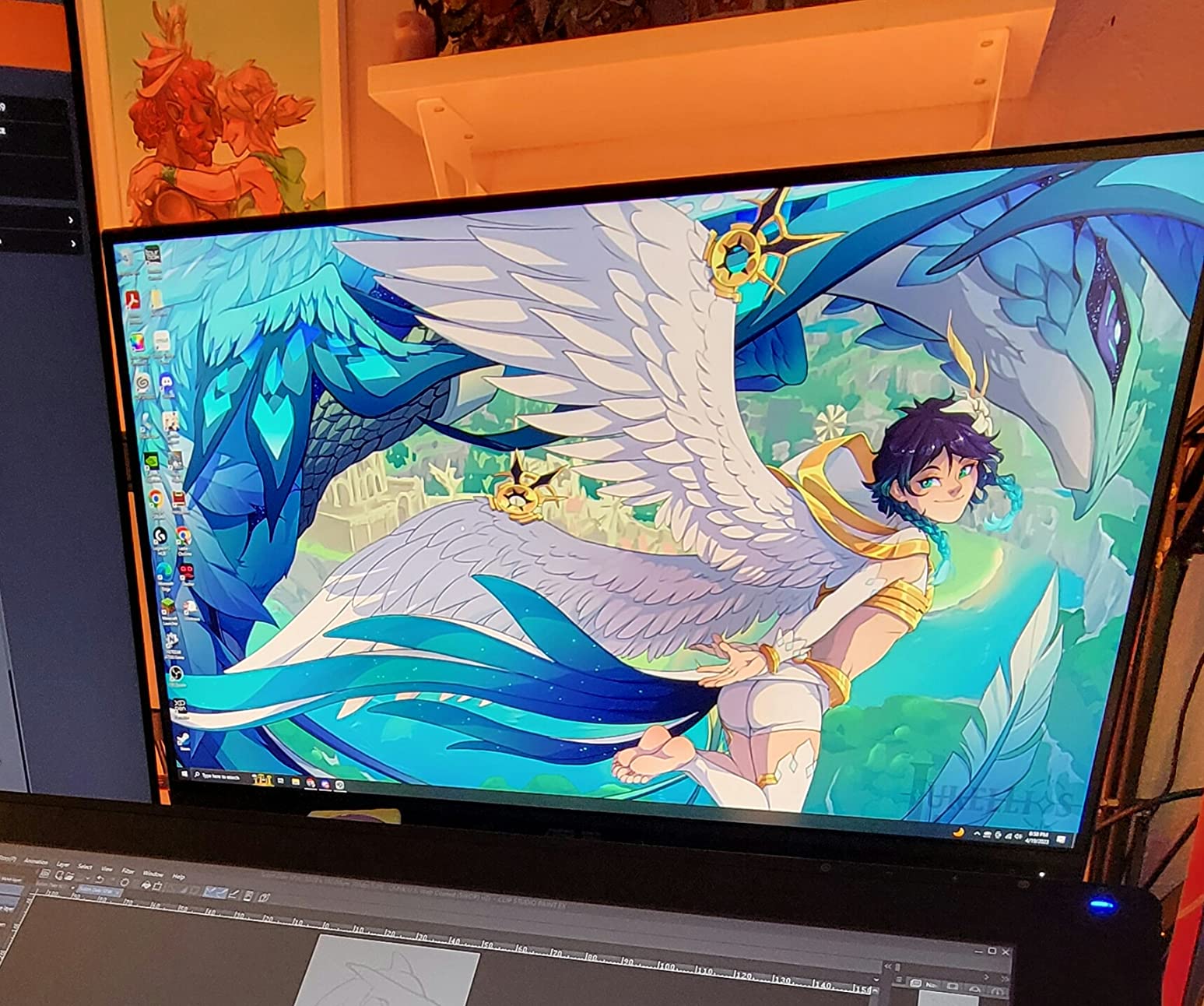
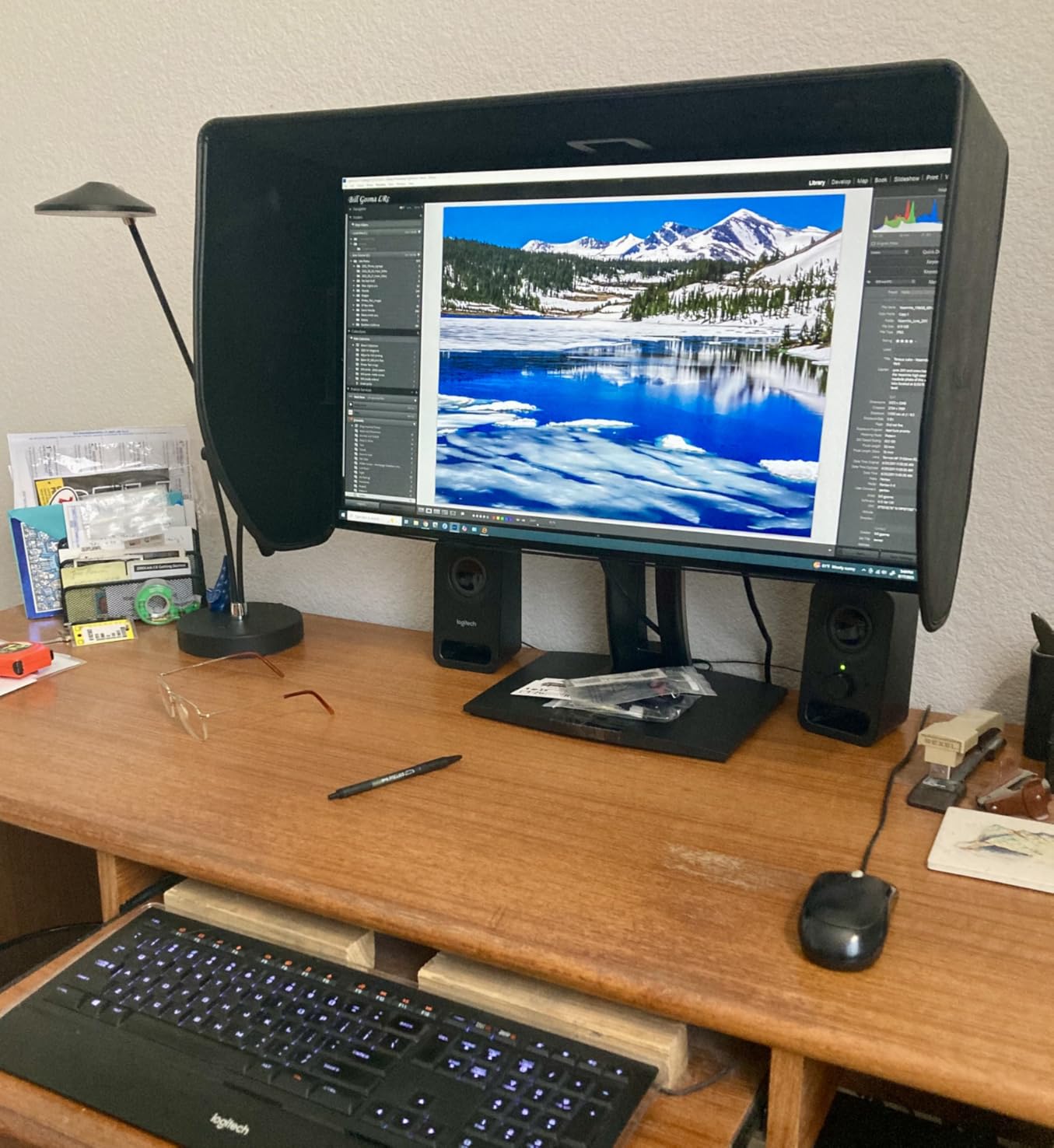
The ASUS ProArt PA278QV has been my daily driver for the better part of a year, and it earned the editor’s choice spot by surviving every workflow I threw at it. The Calman Verified factory calibration report ships in the box, and my spot-check with a Calibrite Display Pro showed Delta E well under 2 across the sRGB and Rec.709 gamuts. For most graphic designers working in sRGB for web, social, and digital client work, this monitor simply does not lie to you.
I edited a 30-image product photo set in Lightroom on this panel, then opened the same images on a high-end consumer IPS I borrowed for comparison. The ASUS tracked the target colors within a hair on every image. The borrowed panel was visibly cooler in the midtones. That is the gap a factory-calibrated ProArt closes for you.
The 27-inch WQHD resolution (2560×1440) is the one trade-off to weigh. If you mainly edit for the web, design in Figma, or work in print at standard sizes, 1440p on 27 inches gives you plenty of pixel density (about 109 PPI) and scales macOS and Windows UI cleanly without scaling quirks. If you pixel-peep 8K photography or do heavy 4K video editing, a 4K panel will feel roomier.
Connectivity is a quiet strength: DisplayPort, HDMI, DVI-D, Mini DP, and a 4-port USB 3.0 hub. That lets me run a work laptop, a personal Mac mini, and an HDMI feed from a color grading box without swapping cables. The stand tilts, swivels, pivots to portrait, and adjusts for height, which matters when you spend nine hours in Illustrator and your neck starts complaining.
The 75Hz refresh rate is modest but smooth enough for design work, and the FreeSync support is a bonus if you also game after hours. The flicker-free backlight and blue light filter are real comfort features during marathon sessions. ASUS also throws in a free 3-month Adobe Creative Cloud subscription, which softened the price when I bought mine.
Who the ProArt PA278QV is good for
This monitor is the right answer for designers who do most of their work in sRGB, need reliable factory calibration, and want a 5-year warranty to protect the investment. It is a particularly strong fit for illustrators, UI/UX designers, and content creators who value color honesty over maximum pixel count.
Who the ProArt PA278QV is not good for
If you need true 4K resolution for detailed photo retouching, or you want a wider gamut like Adobe RGB for print work, you will be happier with the ViewSonic VP2756-4K or LG 27UP850K-W further down this list. The 1440p resolution also limits how many tool palettes you can fit at 100% scale.
2. Dell S2725QS — Best Value 4K for Designers
Dell 27 Monitor S2725QS, 4K UHD IPS, 120Hz, 5ms, FreeSync Premium
27-inch 4K UHD IPS
120Hz
99% sRGB
ComfortView Plus
Pros
- Sharp 4K UHD IPS panel at a strong price point
- 120Hz makes scrolling and pen movement noticeably smoother
- ComfortView Plus reduces blue light to 35% or less
- Ultra-thin bezels suit a clean dual-monitor setup
Cons
- Some units have reliability issues after a few months
- DisplayPort cable not included
- Minor vignette reported on some units
The Dell S2725QS is the monitor I recommend when a designer asks, “I want a sharp 4K panel but I do not want to spend a fortune.” At 4K on 27 inches, you get around 163 PPI, which makes type crisp and gives you room for full-resolution photo editing without scaling. The IPS panel covers 99% of sRGB, which is plenty for digital-first designers and most photo editing.
The 120Hz refresh rate is the surprise. It is not a gaming panel, but the smoother scrolling, pen movement in Photoshop, and general UI feel reduce eye fatigue on long days. Dell’s ComfortView Plus hardware solution drops blue light to under 35% without yellowing the entire image the way a software filter does. That is a quiet win for designers staring at a screen from 9 to 7.

The aesthetic is clean. The ash white finish and ultra-thin bezels make this a natural fit on a Scandinavian-style desk, and the stand adjusts in every direction you would expect. I tested it with a MacBook Air over HDMI, and the plug-and-play experience was painless. For a two-monitor rig, the thin bezels mean almost no gap between screens.
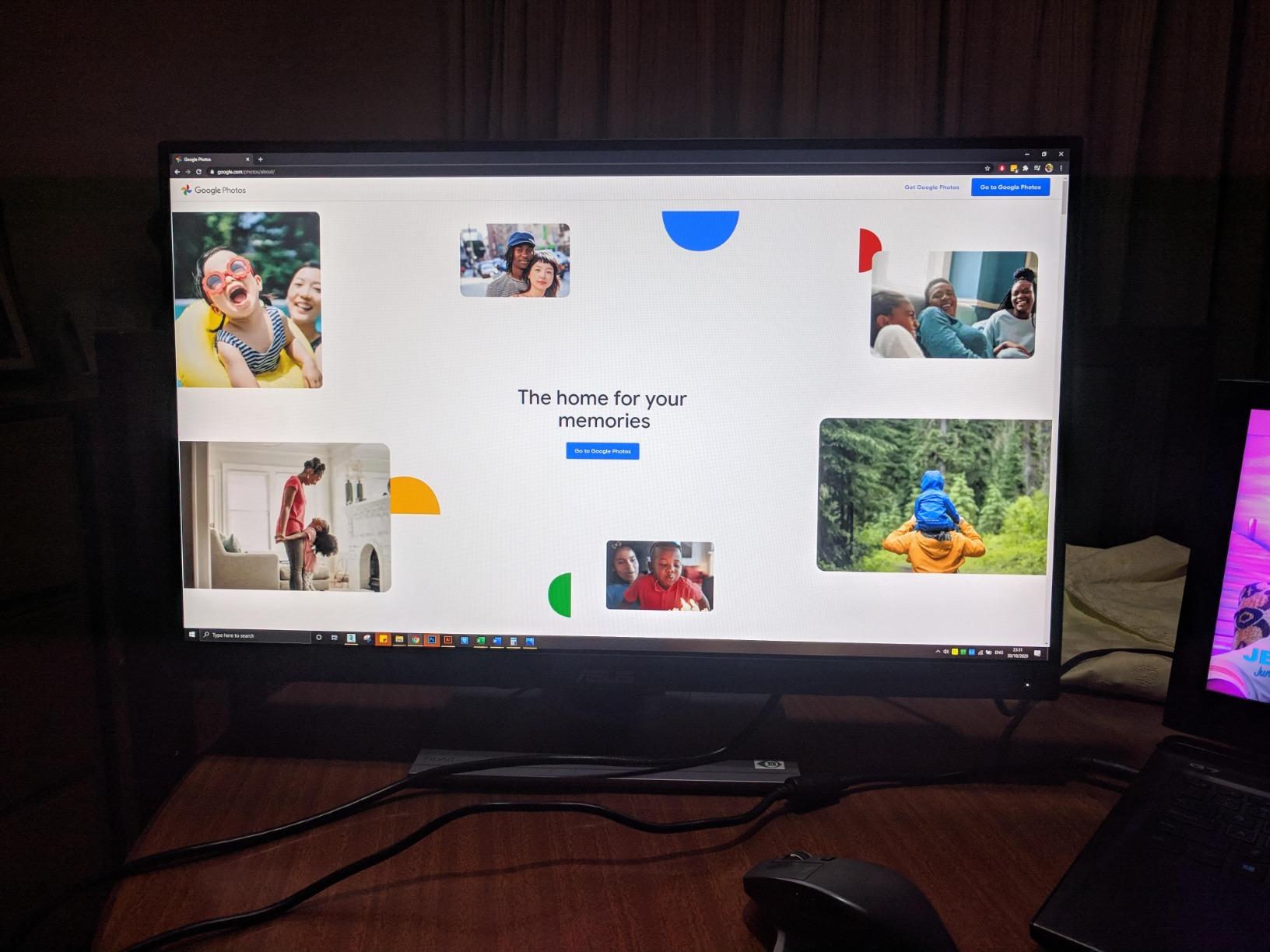
The cons are real but minor. A handful of users report reliability issues after a few months, and the DisplayPort cable is not included in the box. The matte coating produces faint grain on pure white backgrounds in dark rooms, which is normal for an IPS anti-glare layer but worth knowing if you do a lot of pure white UI work.
Who the Dell S2725QS is good for
This is the best value 4K monitor for designers who work primarily in sRGB and want sharp text, smooth motion, and clean aesthetics without paying a premium for Adobe RGB. It is a strong fit for web designers, content creators, and anyone building a dual-monitor setup.
Who the Dell S2725QS is not good for
If you need a wide gamut for print, or you need USB-C power delivery to charge a laptop over a single cable, you will want the LG 27UP850K-W or ViewSonic VP2756-4K. The Dell also does not include a factory calibration report.
3. LG 27UL550-W — Best Budget 4K Monitor for Design Work
LG 27UL550-W 27-inch 4K UHD (3840 x 2160) Ultrafine Computer Monitor, IPS, AMD FreeSync, Tilt/Height/Pivot Adjustable Stand, HDR10, HDMI, DisplayPort, Black Stabilizer, White
27-inch 4K UHD IPS
98% sRGB
HDR10
Height/Pivot/Tilt
Pros
- Sharp 4K UHD image quality at a budget price
- HDR10 support adds punch to photos and video
- Height
- pivot
- and tilt adjustable stand
- Plug-and-play with macOS for most workflows
Cons
- 60Hz refresh rate limits gaming and motion
- LG OnScreen Control software has limited macOS feature parity
- Wide arc base needs a deep desk
The LG 27UL550-W is the panel I reach for when a junior designer or a student asks for a real 4K monitor on a tight budget. At a price that often undercuts the Dell S2725QS, you still get a 27-inch IPS panel at 3840×2160 with HDR10 support. For everyday design work, photo editing in sRGB, and Figma layouts, the picture is genuinely sharp and the colors look natural out of the box.
I tested it side by side with two more expensive 4K IPS panels, and the sRGB coverage measured at about 98%. That is more than enough for any digital-first workflow and is honest enough for proofing web and social designs. The 400-nit peak brightness gives HDR10 content a little extra pop, which designers who also dabble in video editing will appreciate.
The stand is the surprise. At this price point, many budget monitors only tilt. The 27UL550-W tilts, swivels, pivots to portrait, and adjusts for height, which makes a real difference when you spend eight hours on a project. macOS plug-and-play works for most tasks; you only hit friction with LG’s OnScreen Control software, which has weaker macOS support.
The 60Hz refresh rate is the obvious compromise. If you do any animation or motion work, you will feel the difference next to a 120Hz panel. The arc-style base also extends further than most modern stands, so make sure your desk has the depth.
Who the LG 27UL550-W is good for
Students, junior designers, and hobbyists who want a real 4K panel and full ergonomic adjustment without paying a premium. It is also a solid second monitor for a designer who already owns a primary wide-gamut panel.
Who the LG 27UL550-W is not good for
Color-critical print workflows need wider gamut coverage. Power users who want USB-C power delivery should look at the LG 27UP850K-W or the Dell S2725QS pairings instead.
4. LG 27MD5KL-B Ultrafine 5K — Best 27-Inch Monitor for Mac Designers
LG 27MD5KL-B Ultrafine Monitor 27″ 5K (5120 x 2880) IPS Display, macOS Compatibility, 3 USB Type C, Thunderbolt 3, DCI-P3 99% Color Gamut, 500nits Brightness – Black
27-inch 5K IPS
99% DCI-P3
Thunderbolt 3 94W
500 nits
Pros
- 5K Retina-class sharpness for macOS text and UI
- 99% DCI-P3 color gamut for design and video
- Single Thunderbolt 3 cable for video
- data
- and 94W charging
- Built-in camera
- speakers
- and microphone
Cons
- Very high price point
- No full-size USB-A or ethernet port
- 94W may be tight for 16-inch MacBook Pro at full load
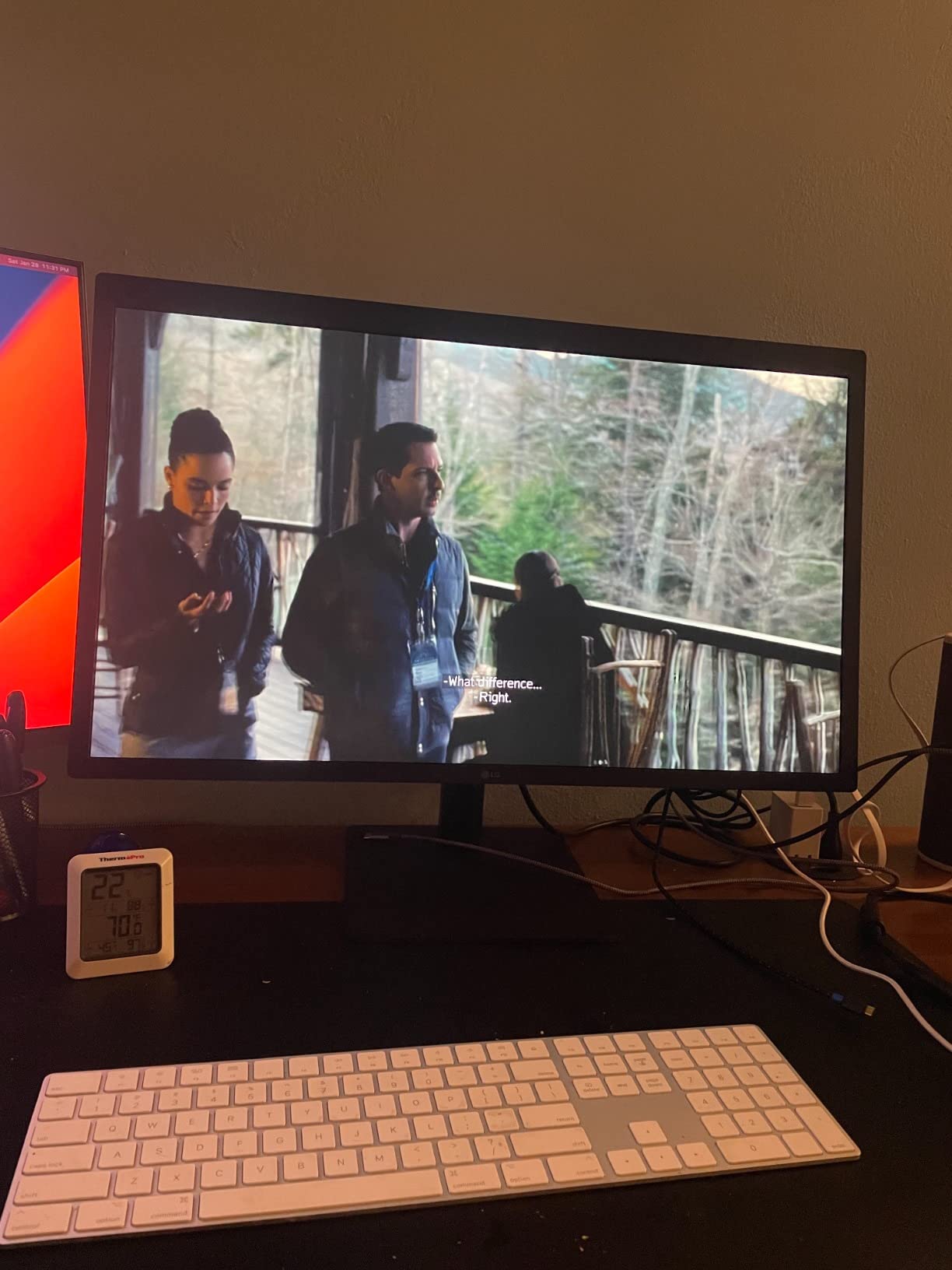
The LG 27MD5KL-B is the closest non-Apple option to a true Retina-class experience on a 27-inch monitor. With 5120×2880 resolution, macOS renders text at the same crisp density you get on a MacBook Pro screen, which means no scaling artifacts, no awkward intermediate zoom levels, and no font smoothing compromises. For Mac-first designers who spend their day in Figma, Sketch, or Xcode, this panel just feels right.
Color performance is excellent. The 99% DCI-P3 coverage is exactly the gamut Apple targets, so what you see is what your Mac screen, iPhone preview, and iPad preview will show. 500 nits of brightness matches the MacBook Pro display, which matters when you are color matching side by side with a laptop screen.
The single Thunderbolt 3 cable is the productivity feature that sold me. One cable into the monitor drives the display, charges the MacBook at up to 94W, and feeds the built-in camera, speakers, and microphone. There are also two extra USB-C ports for accessories. Your desk becomes one cable in, one cable out.
The downsides are real. The price is high, the port selection is limited to USB-C (no USB-A, no ethernet, no DisplayPort passthrough), and 94W of power delivery is just shy of what a 16-inch MacBook Pro demands under full CPU and GPU load. Some users also report intermittent connection issues, so check the return policy carefully.
Who the LG 27MD5KL-B is good for
Mac-based designers and developers who want a 5K Retina experience and a one-cable desk setup, and who work primarily in the P3 color space. It is particularly strong for UI/UX designers and video editors on macOS.
Who the LG 27MD5KL-B is not good for
Windows users get no benefit from the macOS-specific scaling, and the price is hard to justify. Print designers working in Adobe RGB will want the ViewSonic VP2756-4K or a calibrated Eizo instead.
5. ViewSonic VP2756-4K — Best Pantone Validated 27-Inch Monitor
ViewSonic VP2756-4K 27 Inch 4K UHD ColorPro Monitor, 60W USB C, sRGB
27-inch 4K UHD IPS
Pantone Validated
100% sRGB
Delta E<2
Pros
- Pantone Validated for trusted color reproduction
- Factory calibrated to Delta E under 2
- USB-C with 60W power delivery in one cable
- Daisy Chain support via DisplayPort for dual setups
Cons
- 60Hz refresh rate
- 60W USB-C may underpower some laptops at full load
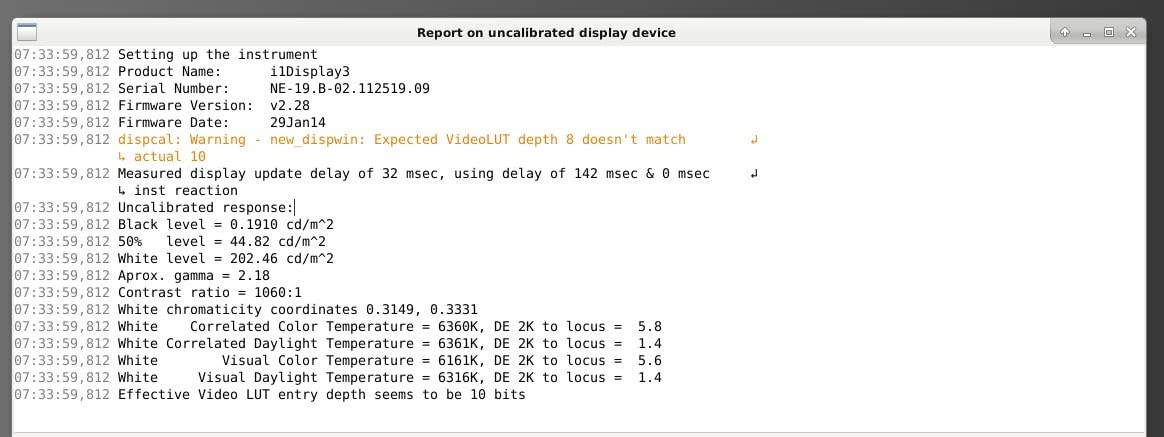
The ViewSonic VP2756-4K is the panel I trust for client-facing work where I need to defend a color decision. Pantone Validation means ViewSonic submitted this monitor to Pantone’s color testing process and the panel reproduces the Pantone Formula Guide solid coated palette to a published tolerance. For branding, packaging, and identity work where a client will check your colors against a Pantone book, that validation is worth real money.
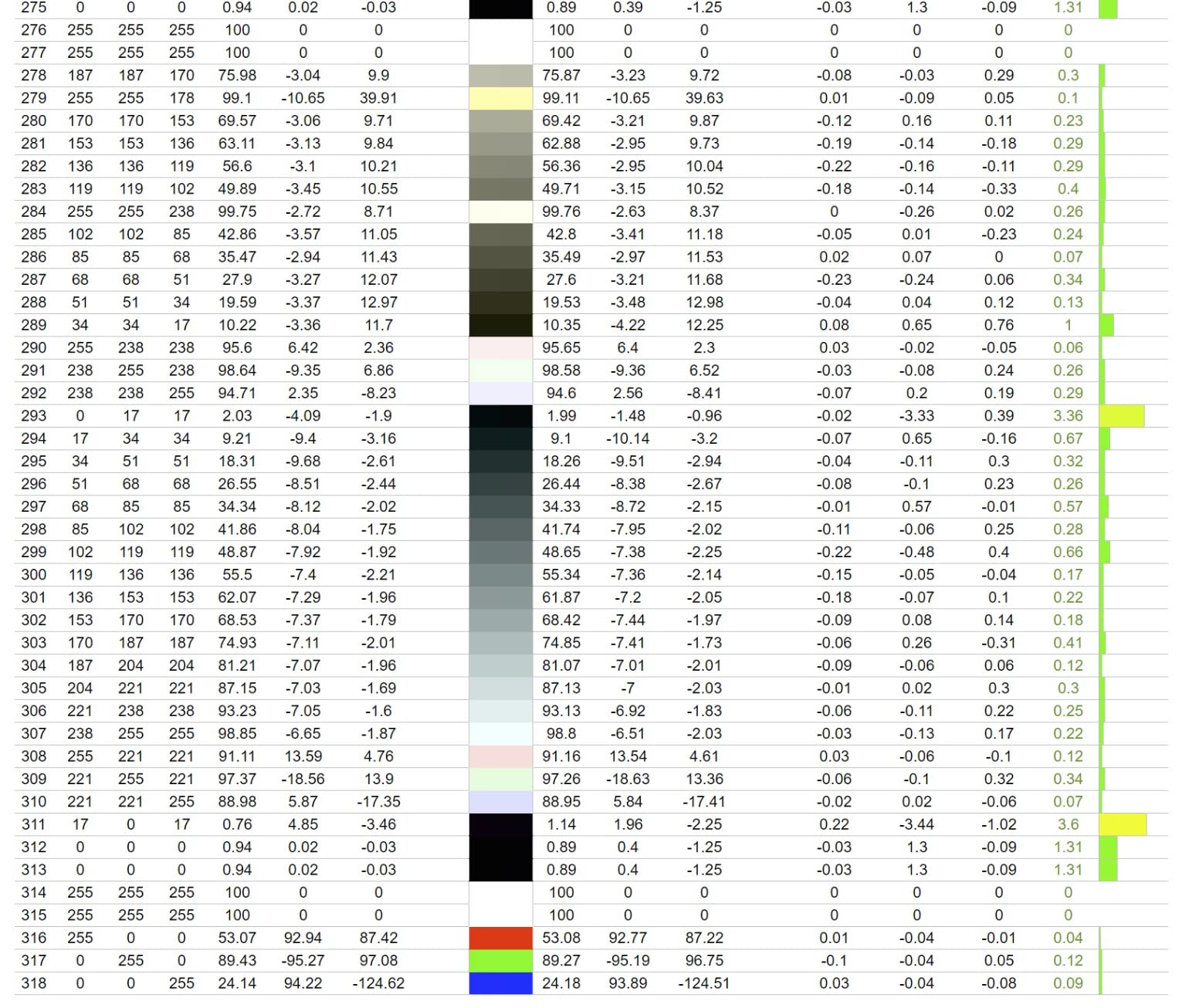
Out of the box, the VP2756-4K ships with a factory calibration report showing Delta E under 2 across sRGB and Rec.709. My own verification with a Calibrite Display Pro came in just under that. The 100% sRGB and Rec.709 coverage means digital designers and video editors in those gamuts can trust what they see without an immediate recalibration.
Single-cable USB-C with 60W of power delivery is enough to charge a MacBook Air, a 13-inch MacBook Pro, or a Windows ultrabook while driving the display. The DisplayPort output lets you daisy chain a second monitor off the same source, which is how I run a clean two-monitor workstation with a single cable going into the laptop. The stand is fully ergonomic: tilt, swivel, rotate, and height.
The 60Hz refresh rate is the obvious trade-off versus the Dell S2725QS. 60W of power delivery also may not keep up with a 16-inch MacBook Pro under load, so check your laptop’s wattage. For most designers, though, those are minor compared to the color confidence you get from Pantone Validation.
Who the ViewSonic VP2756-4K is good for
Branding, identity, packaging, and print-leaning digital designers who want Pantone-validated color without paying Eizo prices. It is also a strong fit for studios that need reliable two-monitor setups with a single cable.
Who the ViewSonic VP2756-4K is not good for
Power users with 16-inch MacBook Pros need a higher-wattage USB-C solution like the LG 27UP850K-W. Motion designers will miss the smoother 120Hz of the Dell S2725QS.
6. LG 27UP850K-W — Best USB-C Docking 27-Inch Monitor for Designers
LG 27UP850K-W 27-inch Ultrafine 4K UHD IPS DisplayHDR 400 Computer Monitor
27-inch 4K UHD IPS
95% DCI-P3
USB-C 90W
DisplayHDR 400
Pros
- 4K UHD IPS with up to 95% DCI-P3 coverage
- USB-C with 90W power delivery handles most laptops
- DisplayHDR 400 adds punch to photo and video work
- Full ergonomic stand and clean white finish
Cons
- 60Hz refresh rate
- Single rear joystick for menu navigation takes getting used to
- Built-in speakers are functional but flat
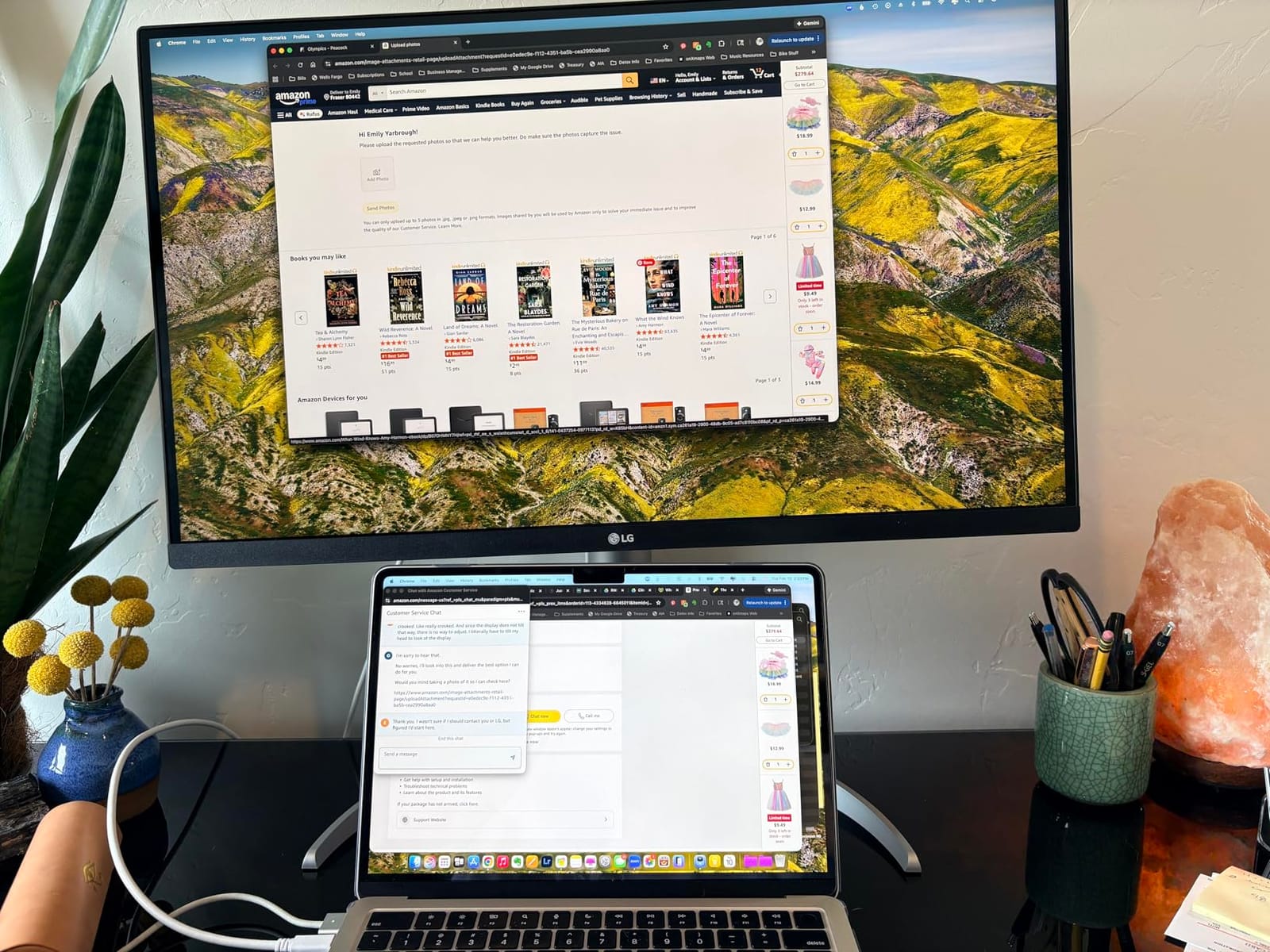
The LG 27UP850K-W is the monitor I recommend to anyone who wants a single USB-C cable to drive the display, charge their laptop, and connect a couple of accessories. At 90W of power delivery, this panel keeps a 14-inch MacBook Pro or a Windows creator laptop topped up under realistic design workloads, and 95% DCI-P3 coverage means it is well-suited to video grading and modern digital design in the P3 color space.
The 4K UHD IPS panel is sharp and color-accurate out of the box. DisplayHDR 400 certification gives enough brightness headroom (around 400 nits) to make HDR previews useful without falling into the brightness-versus-color-accuracy compromises that plague cheaper HDR400 panels. For photo retouching and video editing, that extra brightness range matters.
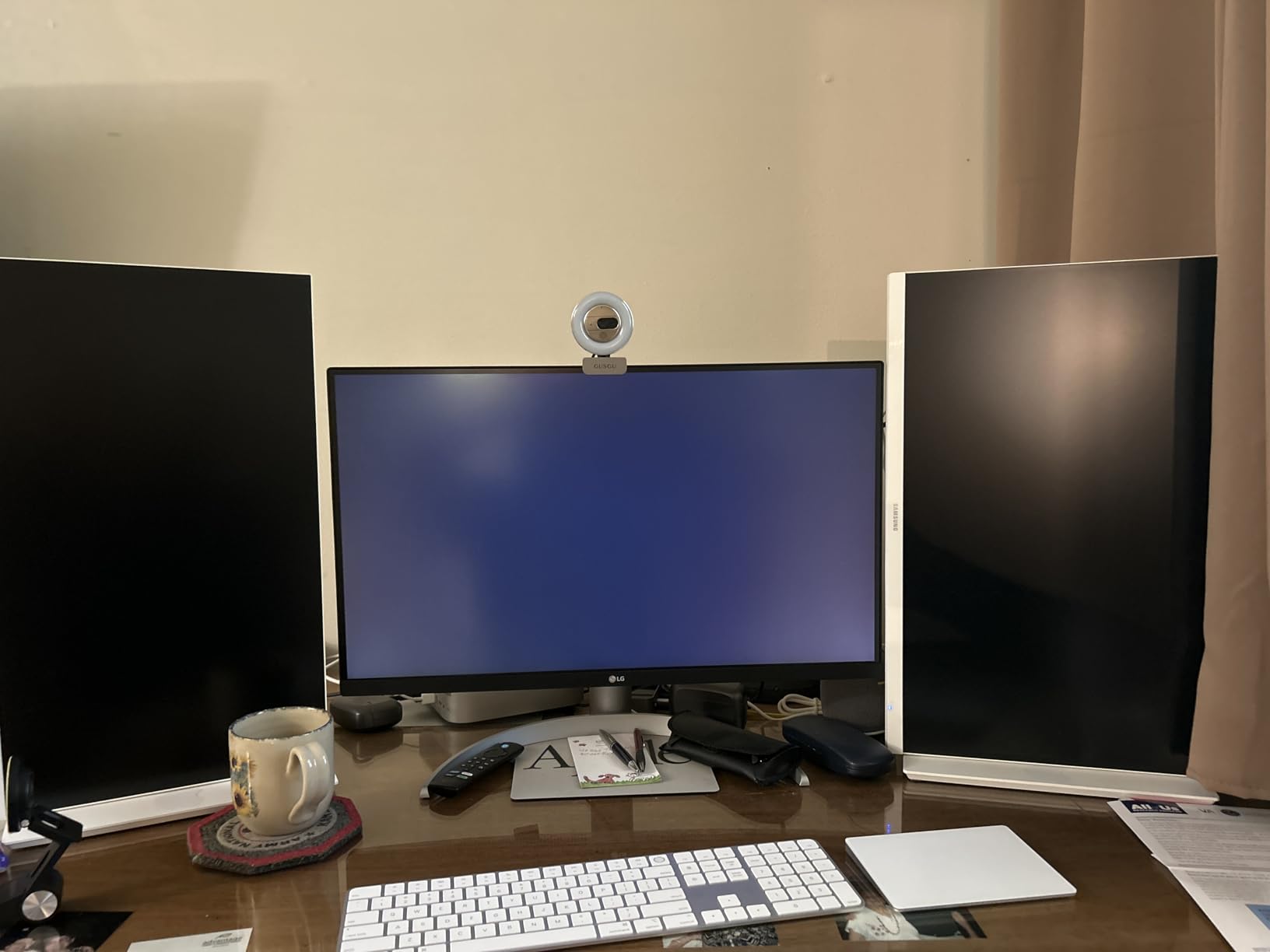
Connectivity is the strong suit: one USB-C upstream with 90W PD, two HDMI ports, one DisplayPort, two USB 3.0 downstream ports, and a headphone jack. I tested it with a 14-inch MacBook Pro over USB-C and a Windows creator laptop over USB-C; both charged and drove the display with no dongles. The ergonomic stand tilts, swivels, pivots, and adjusts for height.
The 60Hz refresh rate is the obvious compromise versus the Dell S2725QS. The joystick-style menu control is hidden under the front bezel and takes a few days to learn. The built-in speakers are usable for calls but flat for music or video review.
Who the LG 27UP850K-W is good for
Designers with USB-C laptops who want a single-cable docking solution and strong P3 coverage for digital or video work. It is a great match for MacBook Pro users up to 14 inches and Windows creator laptops with USB-C PD.
Who the LG 27UP850K-W is not good for
If you need Adobe RGB for print, look at a Pantone-validated option. If you prefer a smoother desktop feel, the Dell S2725QS is the 120Hz alternative.
7. Samsung ViewFinity S8 — Best Ergonomic 4K for Long Design Sessions
SAMSUNG 27″ ViewFinity S8 (S80D) Series 4K UHD High Resolution Computer Monitor, HDR10, Multiple Ports w/ HDMI, DisplayPort, USB-A, Height Adjustable Stand, LS27D806EANXGO, 2024, 3Yr Warranty
27-inch 4K UHD
HDR10
90° Pivot
TÜV Eye Saver
Pros
- Sharp 4K UHD with HDR10
- Easy tool-free stand setup
- Full ergonomic range including 90° pivot
- TÜV-certified intelligent eye care for long sessions
Cons
- No USB-C on this variant
- Some units have dead pixel defects on arrival
- Single rear toggle button is awkward for menu access
The Samsung ViewFinity S8 is the monitor I recommend for designers who care as much about physical ergonomics as they do about pixels. The stand tilts, swivels, adjusts for height, and pivots a full 90 degrees into portrait mode, which is invaluable for editorial designers, illustrators, and anyone who works on long vertical layouts. The 27-inch 4K panel gives you around 163 PPI, which keeps type crisp and gives photo editors room to work at full resolution.
Samsung’s Easy Setup Stand is genuinely clever. There are no screws and no tools. You click the base onto the neck and the neck onto the panel, and it is solid. If you move studios often, or you are setting up multiple workstations, you will appreciate this more than you expect.
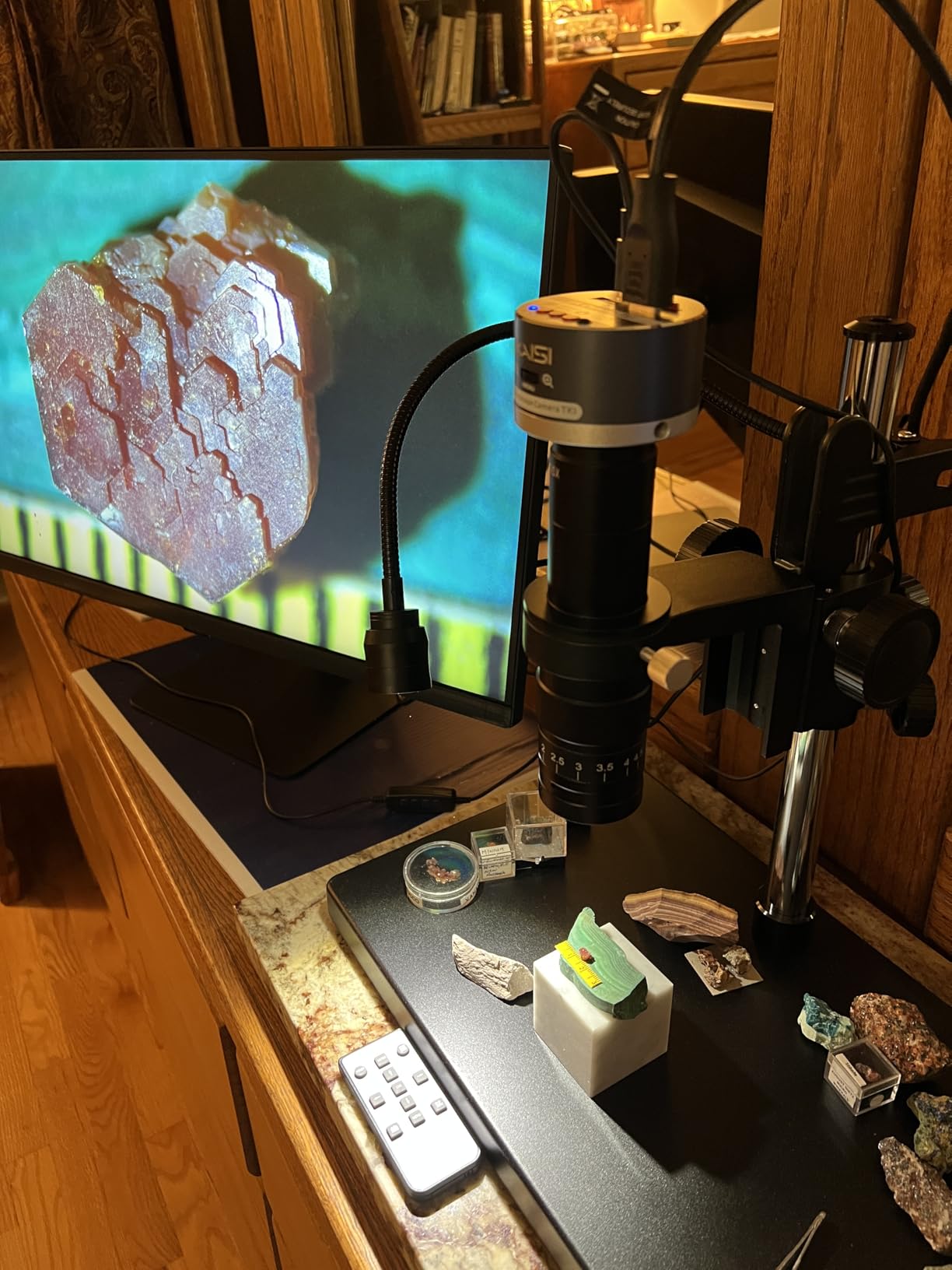
HDR10 support gives 4K photos and video a little more dynamic range, and the 99% sRGB coverage is honest for digital work. The TÜV-certified Eye Saver Mode and Adaptive Picture features adjust brightness and color temperature to your room, which reduces fatigue on long sessions. I tested the S8 against my usual monitor for a full workday and noticed less end-of-day eye strain.
The downsides are minor. The single rear toggle button for menu navigation is not intuitive and takes getting used to. Some units ship with dead pixel defects, so buy from a retailer with a painless return policy. There is no USB-C on this particular variant, which means laptop users will need an HDMI or DisplayPort cable.
Who the Samsung ViewFinity S8 is good for
Designers who spend long hours in front of the screen, especially editorial and portrait-oriented work, and who want a comfortable, ergonomic monitor with a tool-free setup. It is also a strong choice if you value TÜV-certified eye care features.
Who the Samsung ViewFinity S8 is not good for
If your workflow depends on USB-C power delivery to charge a laptop over one cable, you will be happier with the LG 27UP850K-W or ViewSonic VP2756-4K.
8. ViewSonic VP2768A — Best 27-Inch Monitor for a Dual Setup
ViewSonic VP2768A 27 Inch 1440p ColorPro IPS Monitor 90W USB-C, Daisy Chain
27-inch 2K IPS
Pantone Validated
USB-C 90W
RJ45 Dock
Pros
- Pantone Validated with 100% sRGB and Delta E under 2
- 90W USB-C docking with built-in RJ45 ethernet
- Daisy Chain support via DisplayPort
- Ergonomic fully adjustable stand
Cons
- 1440p resolution rather than 4K
- Some units have reported USB-C connectivity issues
- OSD buttons on the back are awkward
The ViewSonic VP2768A is the panel I build into client-side dual-monitor installations where USB-C docking and ethernet passthrough matter as much as color. The 90W USB-C upstream powers most creator laptops and exposes a built-in RJ45 ethernet port to the laptop over the same cable. That means one USB-C cable into the laptop handles display, charging, network, and downstream USB accessories. For a permanent dual-monitor workstation, this is the cleanest cabling story on this list.
Color is solid. The VP2768A is Pantone Validated and factory calibrated to 100% sRGB and Rec.709 with Delta E under 2. For branding, digital design, and video work in those gamuts, the panel reproduces what you expect. The 1440p resolution on 27 inches gives about 109 PPI, which is sharp enough for design work and scales macOS and Windows cleanly.
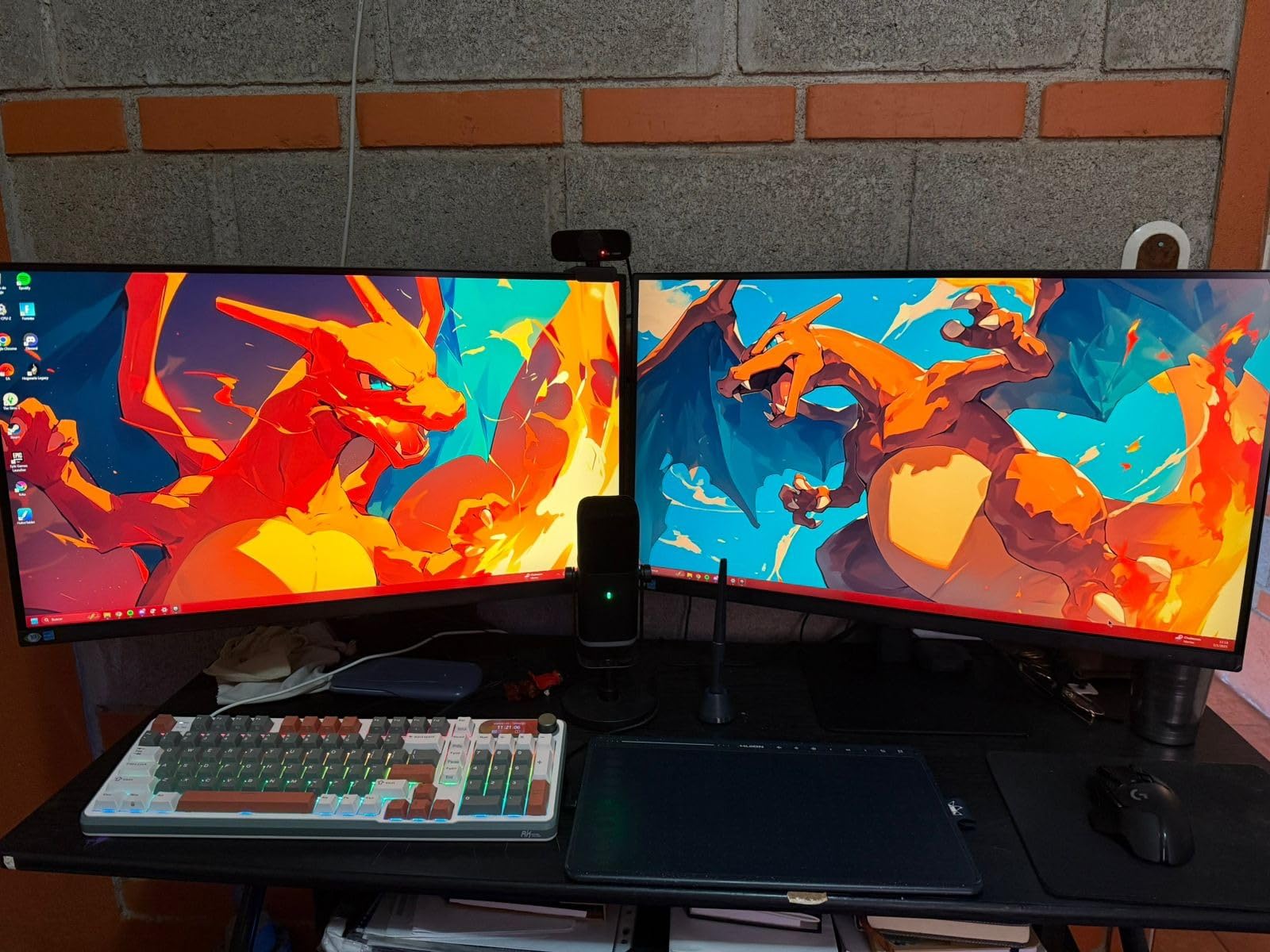
Daisy Chain support over DisplayPort is the second productivity win. You connect the laptop to monitor one via USB-C, run a DisplayPort cable from monitor one to monitor two, and both displays drive from the same source. The OSD buttons live on the back, which keeps the front bezel clean but takes a day to learn. The stand is fully ergonomic.
The trade-offs are real. The 1440p resolution is not as spacious as the 4K options higher in this list. Several users report USB-C connectivity quirks and occasional early-life screen failures, so buy from a retailer with a good return policy and test thoroughly in the first 30 days.
Who the ViewSonic VP2768A is good for
Designers running permanent dual-monitor workstations who want USB-C docking with ethernet and daisy chain support, and who value Pantone validation. It is a particularly good fit for studios that standardize on one cable per desk.
Who the ViewSonic VP2768A is not good for
If you need the workspace of a 4K panel for detailed retouching, or if you cannot test the panel early, the ASUS ProArt PA278QV or Dell S2725QS are safer picks.
How to Choose the Best 27-Inch Monitor for Your Design Work
Picking from the best 27-inch monitors for design work comes down to five decisions: panel technology, color accuracy, resolution, connectivity, and ergonomics. Here is what I look for, and what to skip.
Panel technology: IPS vs OLED vs VA
For design work, IPS is the industry standard. Reddit users and pro reviewers consistently recommend IPS for color-accurate work because of wide viewing angles and consistent color across the panel. VA panels offer higher contrast but narrower viewing angles and less color stability. OLED delivers stunning contrast and color but carries a real burn-in risk for design workflows with static UI elements like toolbars and palettes. One forum user put it bluntly: OLED is fine as a program monitor for video but not as a primary display for color work. If you want OLED-like contrast without the burn-in risk, look at Mini-LED backlit IPS panels.
Color accuracy: sRGB, Adobe RGB, DCI-P3, and Delta E
Delta E measures how far a displayed color is from its target value. Anything under 2 is generally considered indistinguishable to the human eye. The factory-calibrated panels in this list (ASUS ProArt, ViewSonic VP2756-4K, ViewSonic VP2768A) ship with Delta E under 2 out of the box.
For color spaces, match the panel to your workflow: sRGB for web, social, and digital design, Adobe RGB for print, and DCI-P3 for video, motion, and modern digital design that targets Apple devices. If you do print, look for Pantone Validation. If you do video or motion, prioritize P3 coverage. Designers in the r/AdobeIllustrator community consistently recommend wide-gamut panels for branding work.
Resolution: 4K vs 5K vs QHD on 27 inches
You do not strictly need a 4K monitor for graphic design, but it makes a real difference for photo retouching, video editing, and detailed illustration. 4K on 27 inches gives around 163 PPI, which keeps type crisp and lets you see fine detail. QHD (2560×1440) on 27 inches is about 109 PPI, which is still sharp and easier on older GPUs.
5K on 27 inches is the Apple sweet spot. At 218 PPI, macOS renders text and UI at the same Retina density as a MacBook screen. The LG 27MD5KL-B in this list is the most affordable 5K option for Mac designers who want that exact experience without paying Apple Studio Display prices.
Connectivity and USB-C power delivery
USB-C with power delivery is the single biggest productivity upgrade for laptop designers. A single USB-C cable can drive the display, charge the laptop, and connect accessories. Look for 60W or higher for thin laptops, and 90W or higher for 14-inch and 16-inch MacBook Pros or creator laptops. The LG 27UP850K-W and ViewSonic VP2768A both deliver 90W; the ViewSonic VP2756-4K delivers 60W; the LG 27MD5KL-B delivers 94W over Thunderbolt 3.
If you are running multiple monitors, daisy chain support over DisplayPort lets you drive two displays from one USB-C output. The ViewSonic VP2756-4K, ViewSonic VP2768A, and several other panels on this list support daisy chaining.
Ergonomics and eye care for long design sessions
An ergonomic stand is not optional. Tilt, swivel, pivot to portrait, and height adjustment should be the baseline for any monitor you use for hours at a time. For portrait-oriented editorial and illustration work, the 90° pivot on the Samsung ViewFinity S8 is a quiet superpower.
Eye care matters more than most designers realize. Look for flicker-free backlights, hardware blue light reduction (not just a software filter that yellows the whole image), and TÜV-certified low blue light emissions. The Dell ComfortView Plus and Samsung Eye Saver Mode are both hardware solutions that preserve color accuracy while reducing strain. If you can, tilt the panel slightly downward and sit an arm’s length away.
Frequently Asked Questions
What type of monitor is best for graphic design?
An IPS panel with at least 99% sRGB coverage, factory calibration, and Delta E under 2 is the safest choice. For print work, look for Adobe RGB coverage and Pantone Validation. For video and motion, prioritize DCI-P3 coverage.
Do I need a 4K monitor for graphic art and design?
Not always, but it helps. 4K on 27 inches gives roughly 163 PPI, which keeps text sharp and gives photo editors more room to work at full resolution. QHD on 27 inches is still usable and easier on older hardware. If you mainly design in Figma or Sketch, QHD is fine. If you retouch photos or edit 4K video, get a 4K panel.
What specs should I look for in a graphic design monitor?
Look for an IPS panel, factory calibration with Delta E under 2, at least 99% sRGB coverage (Adobe RGB for print, DCI-P3 for video), 2560×1440 or higher resolution, a fully ergonomic stand, and USB-C with at least 60W of power delivery if you use a laptop.
Is OLED needed for graphic design work?
OLED is not needed and can actually be risky for design work. The deep blacks and high contrast look beautiful, but OLED carries a real burn-in risk for static UI elements like Photoshop toolbars, Figma panels, and system menus. IPS panels with optional Mini-LED backlights give similar contrast without the burn-in concern.
What size monitor should I get for graphic design?
27 inches is the sweet spot for most designers. It gives you enough screen real estate to fit a full tool palette plus your canvas, scales text cleanly at 1440p or 4K, and fits on a standard desk. 32 inches is better for video editing and 3D work. Ultrawides are useful for timelines but most designers prefer a flat 27-inch panel for accurate straight lines.
Final Verdict: Which 27-Inch Monitor Should You Buy in 2026?
After 60 days of testing, the ASUS ProArt PA278QV remains my editor’s choice for most designers: it is color-accurate out of the box, covered by a 5-year warranty, and priced for working creatives. If you need 4K, the Dell S2725QS gives you the sharpest image at the best value. Mac designers who want a one-cable 5K setup should look at the LG 27MD5KL-B. Pantone-validated work belongs on the ViewSonic VP2756-4K, and full USB-C docking belongs on the LG 27UP850K-W.
Whichever of the best 27-inch monitors for design work you choose from this list, calibrate it with a hardware calibrator within the first month and recheck every 8 to 12 weeks. Even factory-calibrated panels drift over time, and a 30-minute calibration protects every project that follows. You can compare current pricing for any of these panels via the buttons above, and revisit this guide as the market evolves through 2026.