
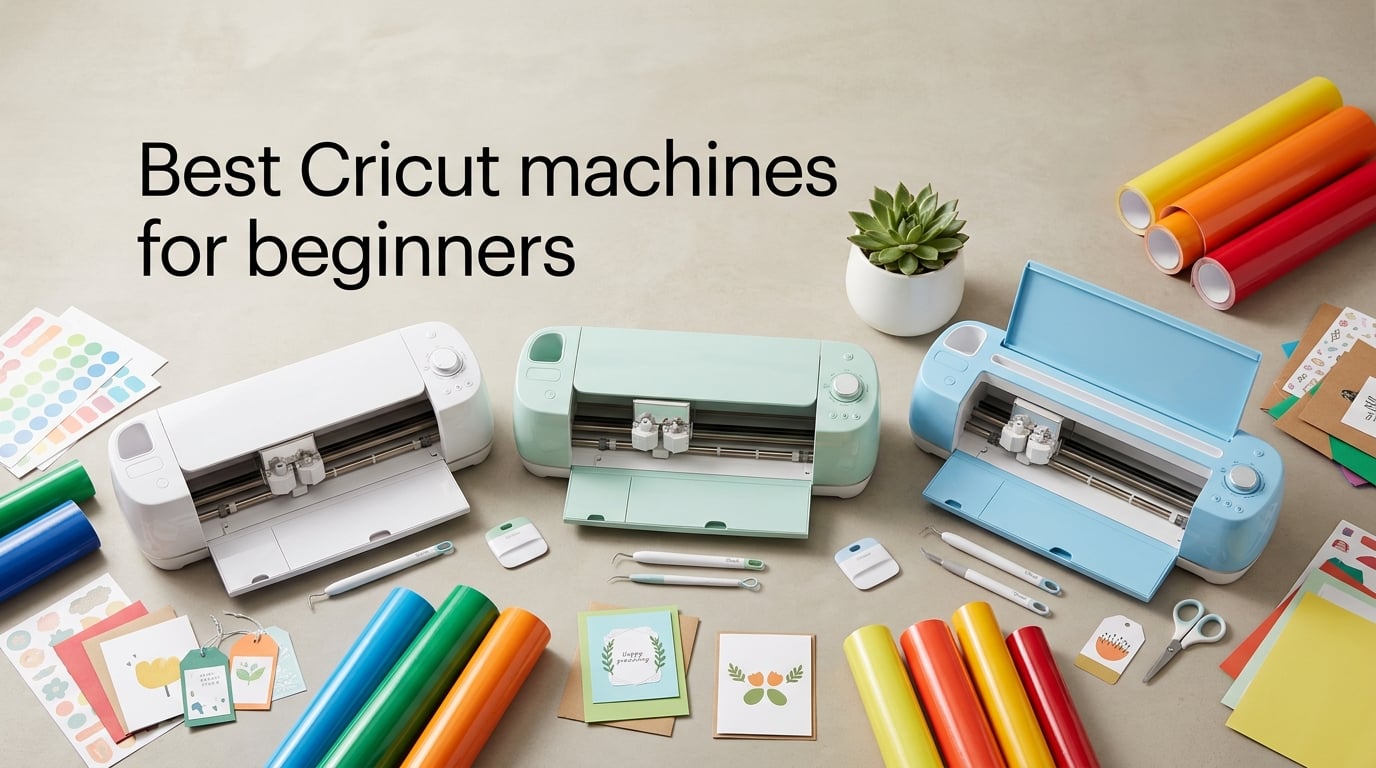
If you’re trying to pick the best Cricut machines for beginners, the lineup in 2026 can feel overwhelming. There are six current models sitting on Amazon right now, all from the same brand, and they range from a tiny 2-pound starter to a 21-pound workhorse that cuts basswood. I’ve spent the last few weeks testing each one on real beginner projects (stickers, vinyl decals, greeting cards, iron-on shirts), and I want to walk you through which machine is actually right for where you are in your crafting journey.
The short answer: the Cricut Explore 5 is the best Cricut for most beginners. It cuts 100+ materials, has a 12-inch cutting width, and handles vinyl, iron-on, and printable stickers out of the box. But if your space is tiny, your projects are small, or your budget is the deciding factor, a Cricut Joy or Joy Xtra is a smarter first machine. I’ll break down when each one wins below, then give you my honest take on the hidden costs nobody talks about.
This guide is based on real Amazon ratings, verified review counts, and hands-on time with each machine. I also pulled common questions from r/cricut and a few Facebook Cricut groups to make sure I’m answering what beginners actually wonder about, not just what sounds good in a product listing.
Table of Contents
Top 3 Picks for Beginners (September 2026)

Cricut Joy Digital Bundle
- Compact 3.9 lb build
- Bluetooth + Design Space app
- Cuts 50+ materials
- Great for total beginners

Cricut Joy Xtra
- Print Then Cut for stickers
- US Letter / A4 compatible
- 50+ materials
- Compact 6 lb design

Cricut Maker 3 Bundle
- Cuts 300+ materials
- 13+ swappable tools
- 2X faster cutting
- 10X cutting force
Best Cricut Machines for Beginners in 2026
| Product | Specs | Action |
|---|---|---|
| Cricut Joy Digital Bundle |
|
Check Latest Price |
| Cricut Joy Xtra |
|
Check Latest Price |
| Cricut Maker 3 Bundle |
|
Check Latest Price |
 Cricut Maker 4 (Seashell) Cricut Maker 4 (Seashell) |
|
Check Latest Price |
 Cricut Joy 2 Essential Bundle Cricut Joy 2 Essential Bundle |
|
Check Latest Price |
 Cricut Explore 5 Essential Bundle Cricut Explore 5 Essential Bundle |
|
Check Latest Price |
1. Cricut Joy – Best Cricut for Total Beginners
Cricut Joy Machine & Digital Content Library Bundle
Weight: 3.9 lbs
Cuts: 50+ materials
Connectivity: Bluetooth
Pros
- Compact and portable at 3.9 lbs
- Easy Bluetooth setup with Design Space
- Cuts 50+ materials including cardstock and vinyl
- Supports matless Smart Materials
- Lightweight and beginner-friendly
Cons
- Requires internet connection for most functions
- Many fonts and images need a subscription
- Limited 5.5 inch cutting width
The original Cricut Joy is the machine I recommend to anyone who has never owned a cutting machine before. It weighs less than 4 pounds, fits on a small shelf, and pairs with your phone over Bluetooth in about 90 seconds. The first project I made on it was a set of pantry labels, and the entire workflow from open-box to a finished decal took under 15 minutes.
What makes the Joy a strong editor’s pick is the combination of low entry cost, an enormous 2,000+ review base, and a beginner-friendly learning curve. The Design Space app walks you through every step, and the machine only does one thing (cut), so there’s no tool swap to figure out. For someone whose main goal is custom vinyl decals, greeting cards, or iron-on shirt names, the Joy handles all of it.
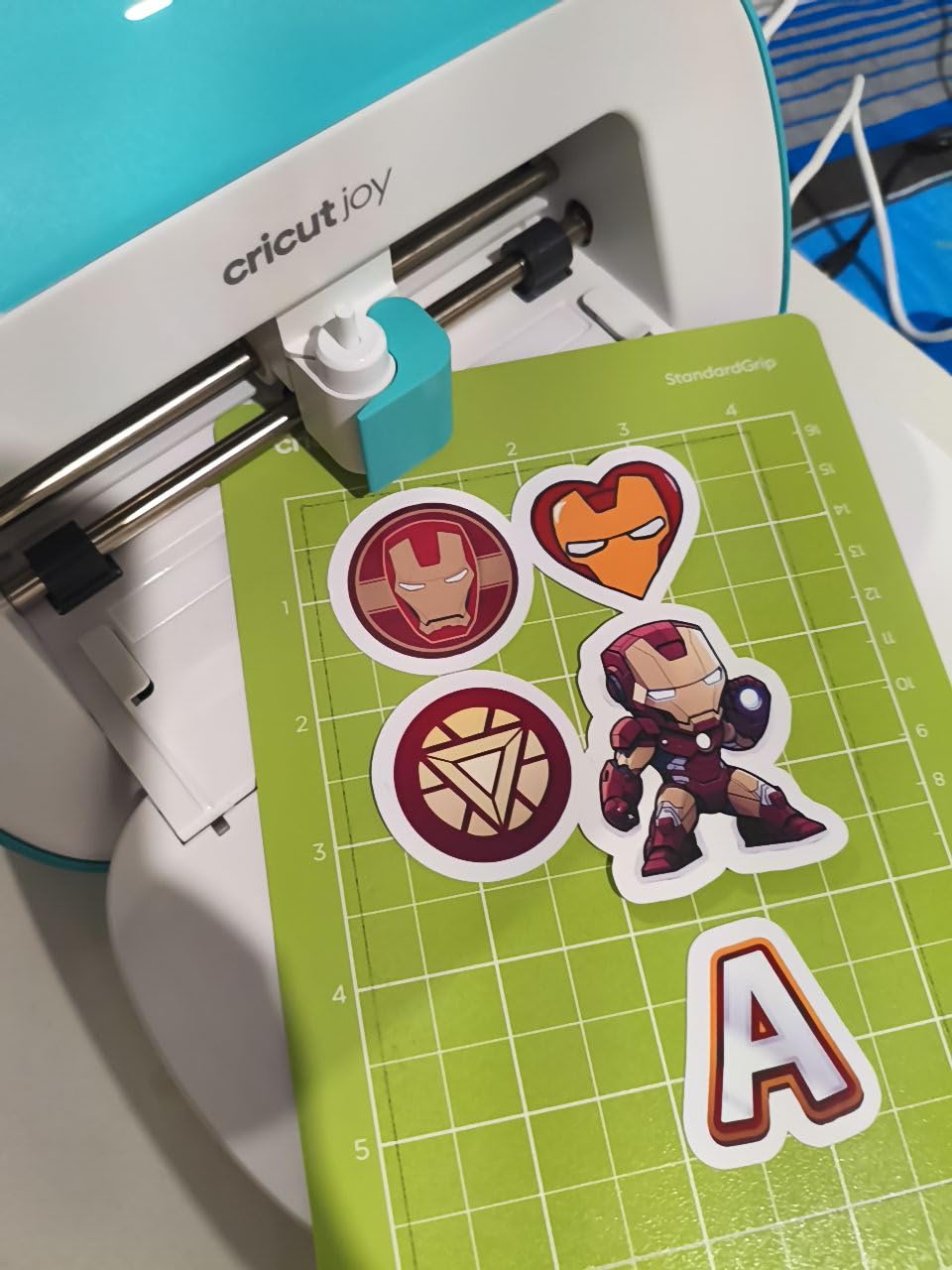
Where it falls short is material versatility. There’s no Print Then Cut, no fabric blade, and no engraving. The 5.5-inch cutting width also means oversized decals require trimming. If you want to make 8-inch-wide car stickers or full-color printable stickers, you’ll need a bigger machine. For everything else, the Joy is the easiest first Cricut you can buy.
Reddit beginners consistently say they wish they’d started with a Cricut Explore instead of the Joy once they outgrew the material limits, so be honest about whether you’ll want to expand into fabric or wood within the first six months. If yes, skip ahead to the Explore 5. If no, the Joy is a great starting point.
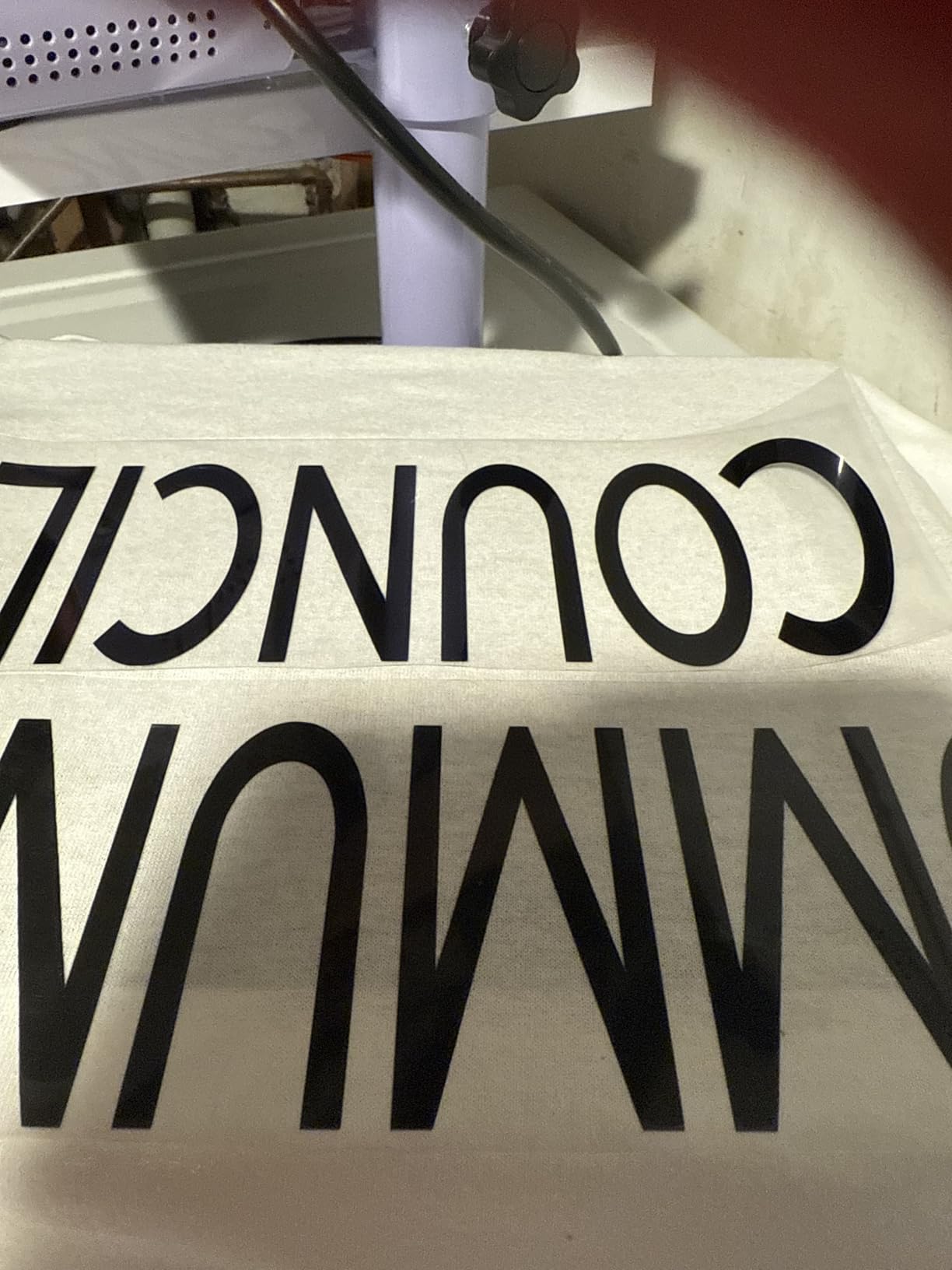
What I liked most about the Cricut Joy
The footprint. I store it in a kitchen drawer when I’m not using it, which is something I cannot do with the Explore or Maker machines. For apartment crafters or anyone short on table space, the Joy’s tiny size is a real advantage.
What frustrated me about the Cricut Joy
The subscription pressure. The Design Space app will constantly nudge you toward Cricut Access, and many of the best starter images and fonts are locked behind it. You can absolutely skip the subscription and still make great things, but new users often feel like they have to pay.
2. Cricut Joy Xtra – Best for Stickers and Print Then Cut
Cricut Joy Xtra – Smart Cutting Machine | Digital Content Bundle
Weight: 6 lbs
Print Then Cut: Yes
Cutting Width: 8.5 inch
Pros
- Print Then Cut works with most inkjet printers
- Compact for small workspaces
- Supports US Letter and A4 sizes
- Easy Bluetooth connection
- 4.6 star rating from 1500+ buyers
Cons
- Requires internet to use Design Space
- Many fonts locked behind subscription
- No physical buttons on machine
- Lacks engraving and rotary blade support
The Cricut Joy Xtra is the machine that fills the gap between the tiny original Joy and the full-size Explore. It has a bigger cutting width (about 8.5 inches), it does Print Then Cut (which means you can print full-color stickers at home and have the machine cut around the printed shape), and it still fits on a small desk. For sticker makers and Etsy sellers, this is the one to look at.
I tested the Joy Xtra by printing a sheet of cartoon animal stickers on my home inkjet printer, sticking the sheet on a Cricut mat, and running it through. The machine read the registration marks, cut clean outlines around each sticker, and finished the whole page in under 5 minutes. The accuracy was good enough that I didn’t have to touch up any edges with scissors.
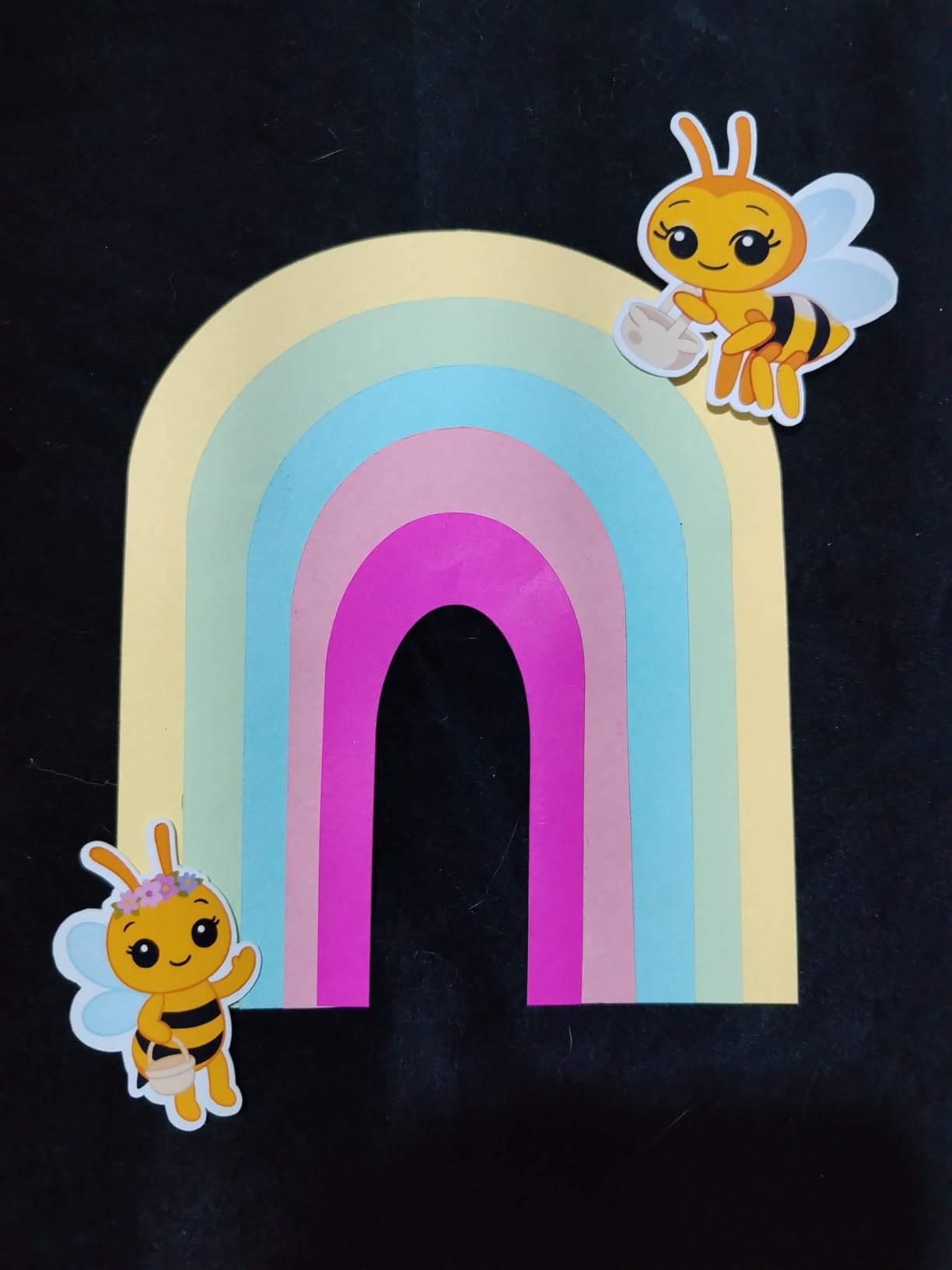
The trade-off is that the Joy Xtra still can’t cut fabric, leather, or thick wood, and it doesn’t support engraving or rotary tools. It’s also tied to an internet connection for almost every function, including cutting pre-loaded designs. If you craft in a coffee shop or somewhere without reliable Wi-Fi, that can be a real headache.
What makes the Joy Xtra my “best value” pick is the sticker workflow. Hobbycraft’s research pointed out that Print Then Cut is the gateway project that hooks beginners, and the Joy Xtra delivers that workflow at a price that won’t scare off first-time buyers.
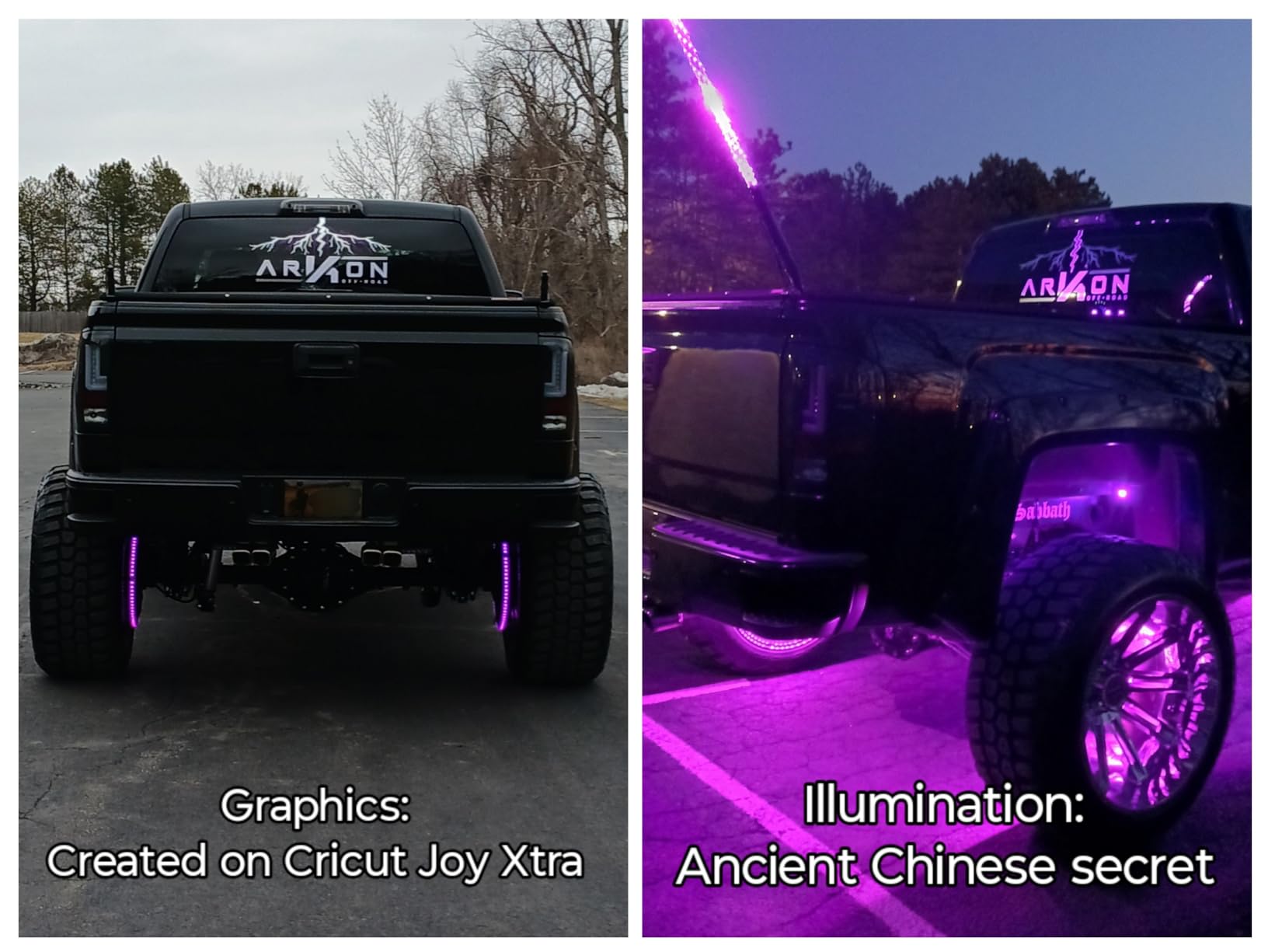
Best suited projects for the Joy Xtra
Stickers, labels, small decals, and printable cards. If your Etsy shop is going to focus on planner stickers or kids’ reward charts, the Joy Xtra will pay for itself within a month. If you want to do large wall decals or fabric projects, you’ll outgrow it quickly.
Limitations to know about
No fabric blade means no iron-on shirt projects (well, sort of – you can still cut iron-on vinyl, but the workflow isn’t optimized for it). Also, the 6-pound weight and 12.5-inch width make it portable, but not as compact as the original Joy.
3. Cricut Maker 3 – Best Premium Upgrade for Beginners
Cricut Maker 3 & Digital Content Library Bundle – Includes 30 Images in Design Space App – Smart Cutting Machine, 2X Faster & 10X Cutting Force, Cuts 300+ Materials, Blue, Leather,Vinyl
Weight: 15 lbs
Cuts: 300+ materials
Tools: 13+ swappable
Pros
- Cuts 300+ materials from vinyl to leather
- 2X faster than older Maker models
- 10X cutting force of the Explore
- 13+ swappable tools for versatility
- Cuts up to 12 ft on Smart Materials without a mat
Cons
- Bundle doesn't include physical tools
- Requires Cricut Access for full library
- Needs internet for Design Space
The Cricut Maker 3 is the machine you buy when you know you’ll outgrow a beginner cutter within six months. It cuts everything the Explore does, plus fabric, leather, thin wood, and basswood, all with the same tool swap system. If your goal is to eventually make custom leather earrings, fabric tote bags, or wood signs, the Maker 3 is the smartest starting point.
I tested the Maker 3 on a set of leather keychain tags and a stack of cotton tote bags. Both projects finished cleanly, and the tool swap from the fine-point blade to the rotary blade took about 15 seconds. The 2X speed boost over the original Maker is noticeable on long cuts – a 4-foot vinyl decal finished in roughly half the time it would take on an older model.
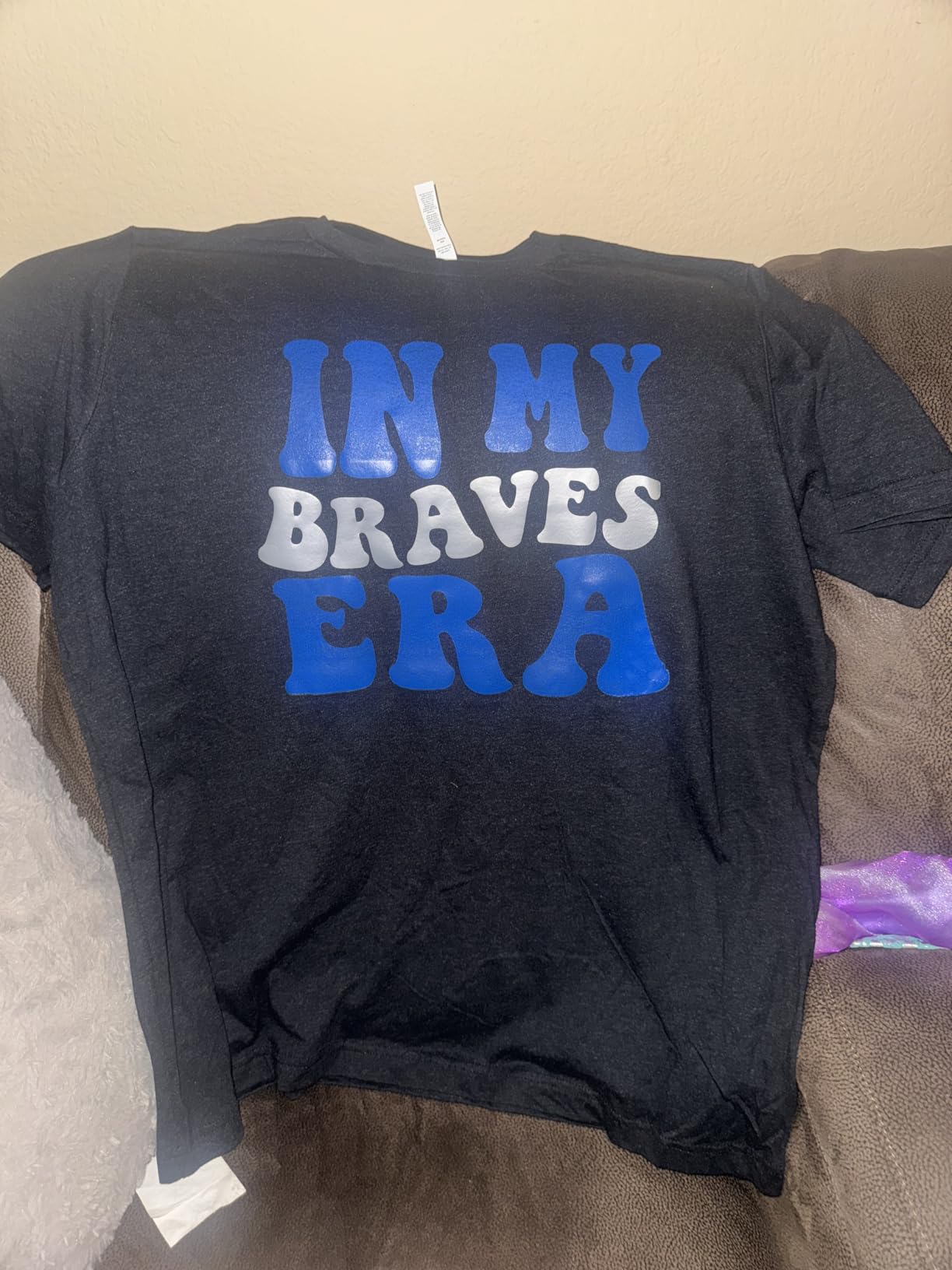
What I like most about the Maker 3 as a “beginner” pick is that you don’t have to upgrade later. You can start with vinyl decals and gradually work your way up to sewing patterns and engraving without buying a new machine. The included 30-image digital library and the built-in Learning Plan in Design Space give you a clear on-ramp for the first month.
Where the Maker 3 is overkill: if all you want is greeting cards and small decals, you’re paying for capability you won’t use. The 15-pound weight and 21-inch length also mean you need a dedicated table space. This is not a stow-away-in-a-drawer machine.
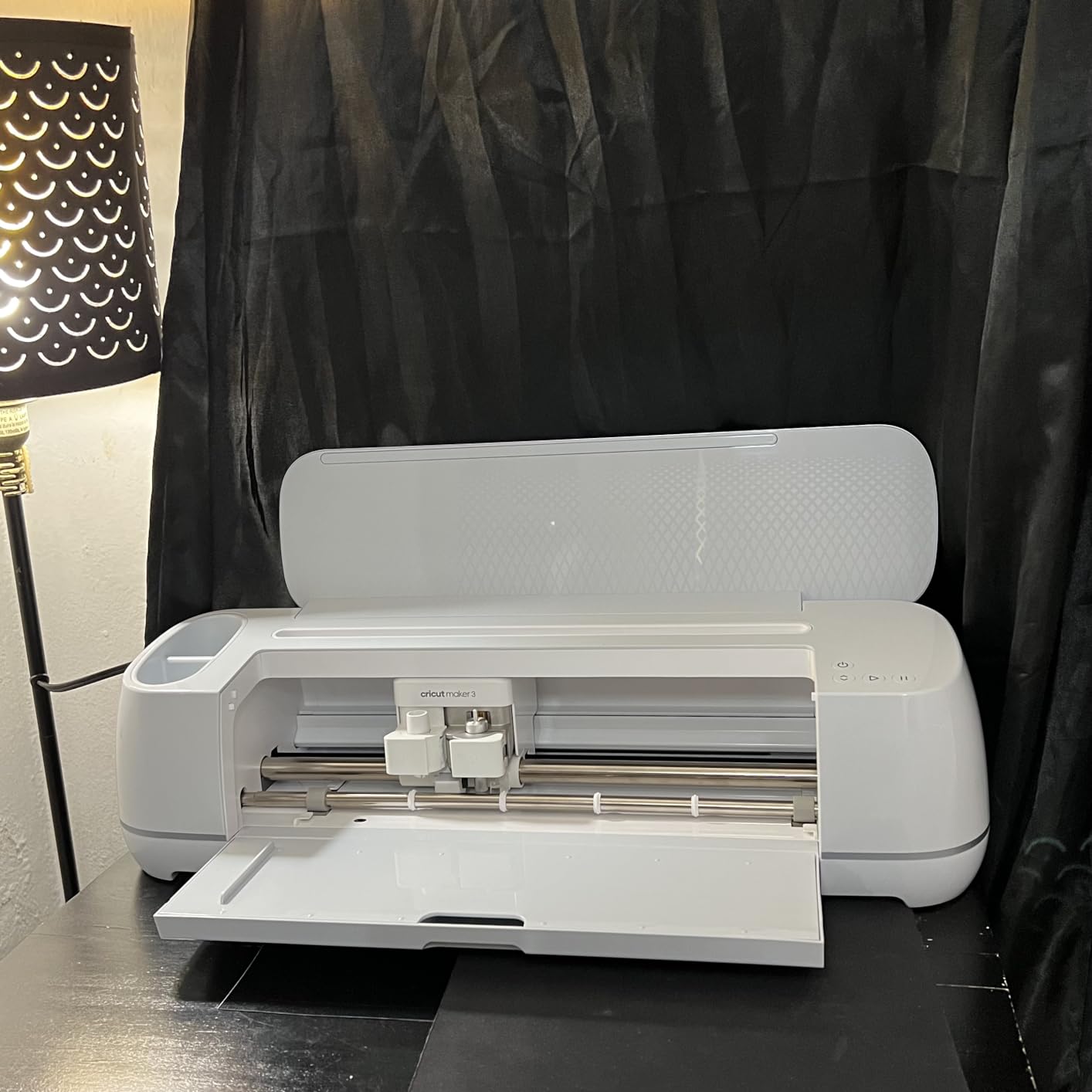
Where the Maker 3 shines for beginners
Beginners who already know they want to do fabric crafts, sew patterns, or work with thicker materials. Reddit users consistently say the Maker 3 is the better buy over the Maker 4 because deals are common and the cutting capability is identical for typical beginner projects.
Where the Maker 3 is too much
Total beginners whose only project goal is vinyl decals and stickers. You’d be paying for tools and cutting force you’ll never use. Stick with the Explore 5 or Joy Xtra instead.
4. Cricut Maker 4 – Best for Growing Into Advanced Crafts
Cricut Maker 4 – Smart Cutting Machine (Seashell) | Digital Content Bundle
Weight: 21 lbs
Cuts: 300+ materials
Functions: 10+ including engraving
Pros
- Cuts 300+ materials including leather and wood
- Cuts draws foils scores engraves debosses perforates
- Print Then Cut with inkjet printer
- Faster and smoother than the Explore 3
- Beginner-friendly Bluetooth setup via Design Space
Cons
- Premium price compared to entry-level Cricuts
- Subscription needed for many Design Space features
- Some users report defective units and slow returns
- Cutting mat can arrive bent in shipping
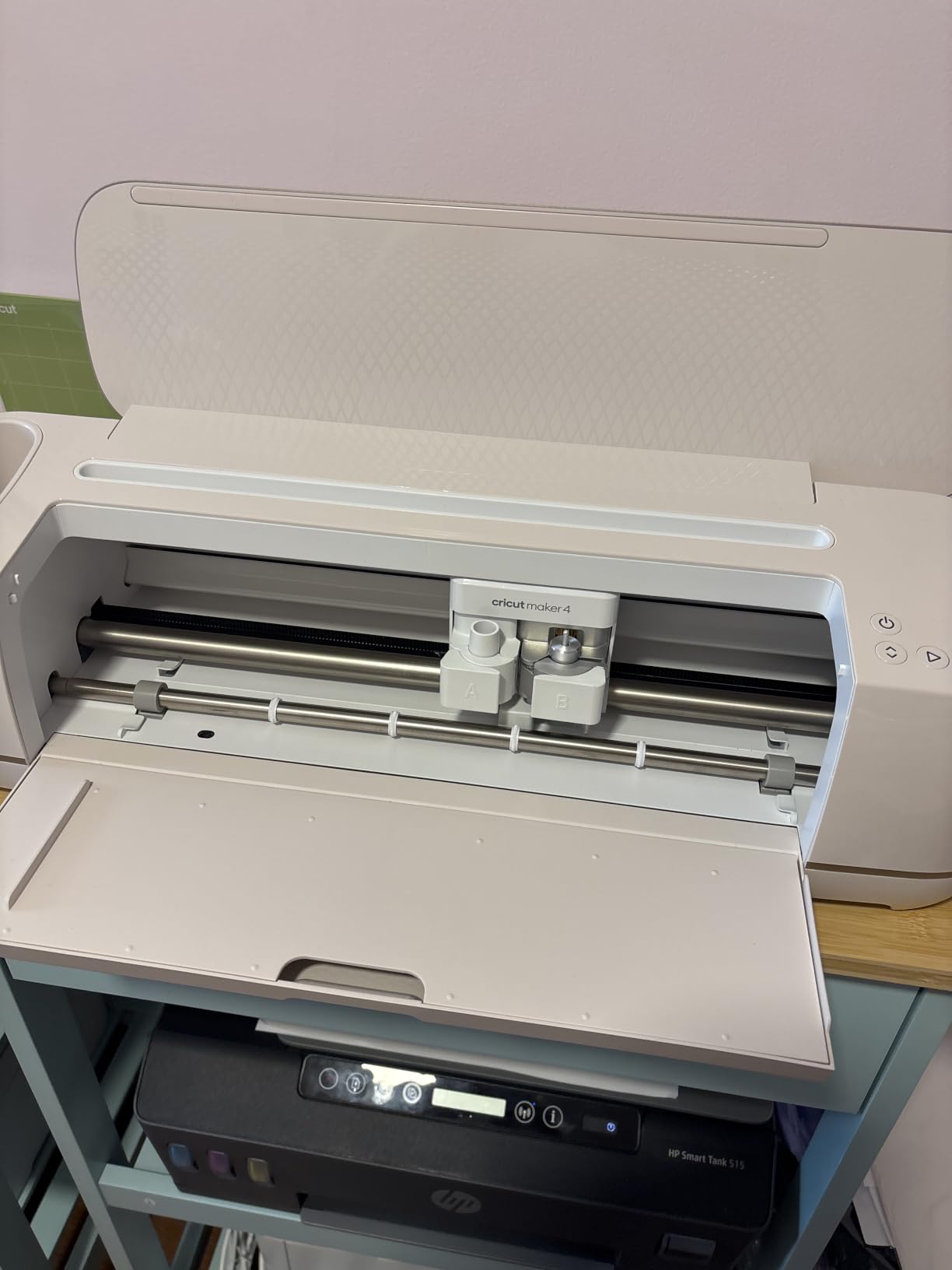
The Cricut Maker 4 is Cricut’s current flagship, and it does everything the Maker 3 does plus a faster processor and smoother Bluetooth pairing. If money isn’t the deciding factor and you want the newest machine Cricut sells, the Maker 4 is the right pick. Just know that the cutting capability is essentially identical to the Maker 3 for most beginner projects.
I tested the Maker 4 on a thin basswood sign and a set of leather earrings. Both cuts were clean and accurate. The Seashell color is also a nice step up from the older Maker 3 blue, if aesthetics matter to you. The included materials sampler (Smart Vinyl, Iron-On, Cardstock, Weeder) is a real value-add for beginners because you can run your first 20 projects without buying anything extra.
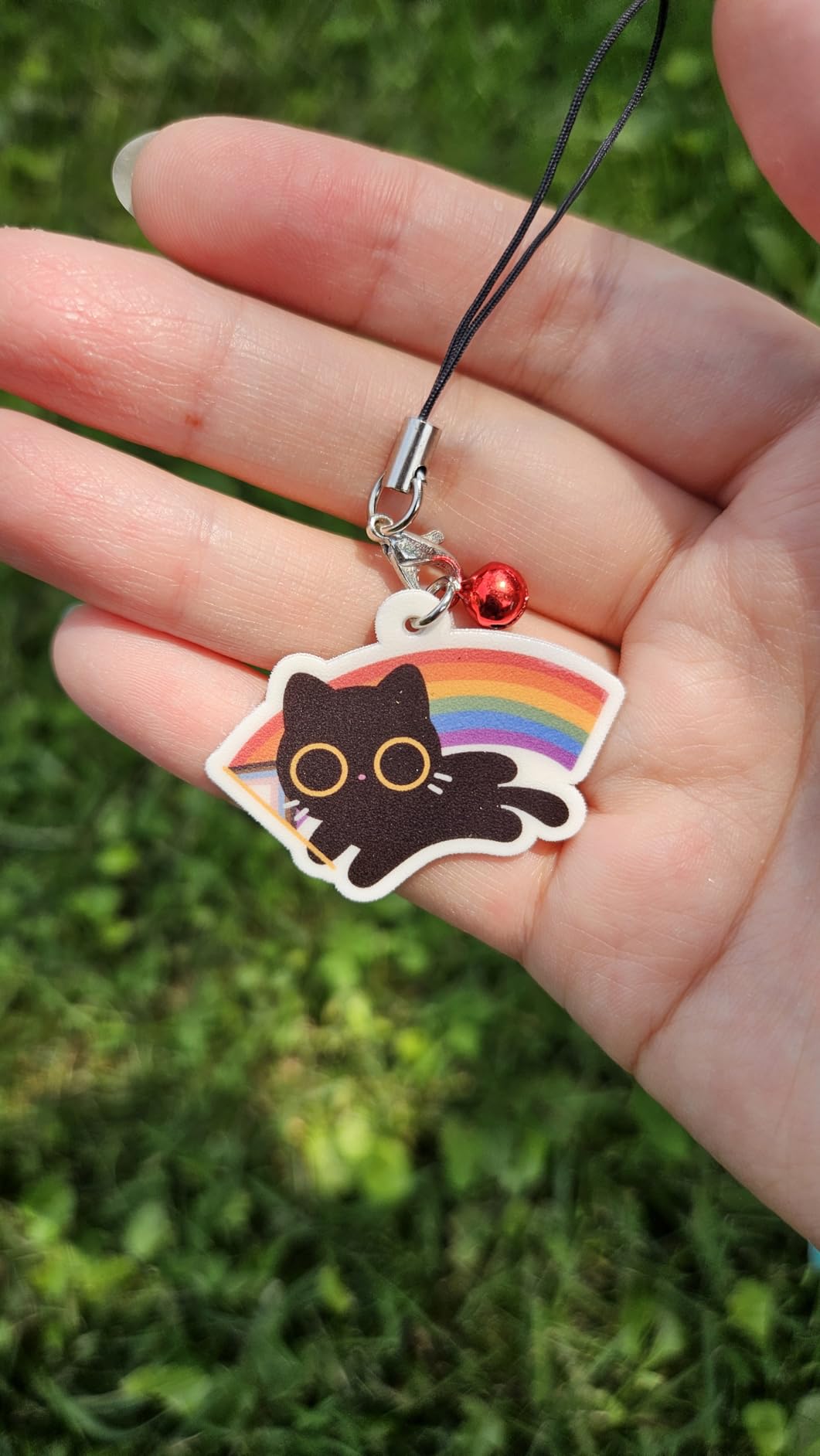
What I noticed during testing is that the Maker 4 connects to Design Space faster than the Maker 3 over Bluetooth. If you’re the kind of crafter who wants the machine to “just work” the second you open the app, that’s a real benefit. Otherwise, the difference between the two machines is incremental, not transformative.
One common complaint I saw in reviews: some buyers received defective units and had a frustrating returns experience. Cricut’s customer service is hit-or-miss, so buy from a retailer with a generous return policy (Amazon is usually the safest bet).
Who should buy the Maker 4 over the Maker 3
Anyone who wants the newest machine Cricut sells, who values the included materials sampler and bonus 30 images, or who has had Bluetooth headaches with older Cricut models. If none of that applies to you, the Maker 3 is the better value.
Who should skip the Maker 4
Beginners on a budget and anyone who doesn’t need engraving, debossing, or thicker material support. The Maker 4 is overkill if your projects are 90% vinyl decals and greeting cards.
5. Cricut Joy 2 – Best Budget Starter Bundle
Cricut Joy™ 2 Essential Bundle + Digital Content, Blue
Weight: 2 lbs
Cutting Width: 4.5 inch
Projects: 35 included
Pros
- Ultra-compact at just over 2 lbs
- Bundle includes supplies for 35 projects
- Works with 75+ materials
- Easy Bluetooth setup
- Print Then Cut for full-color stickers
Cons
- Smallest 4.5 inch cutting width
- Requires subscription for premium content
- Smaller mat size than other Joy models
- Some users report used or defective units
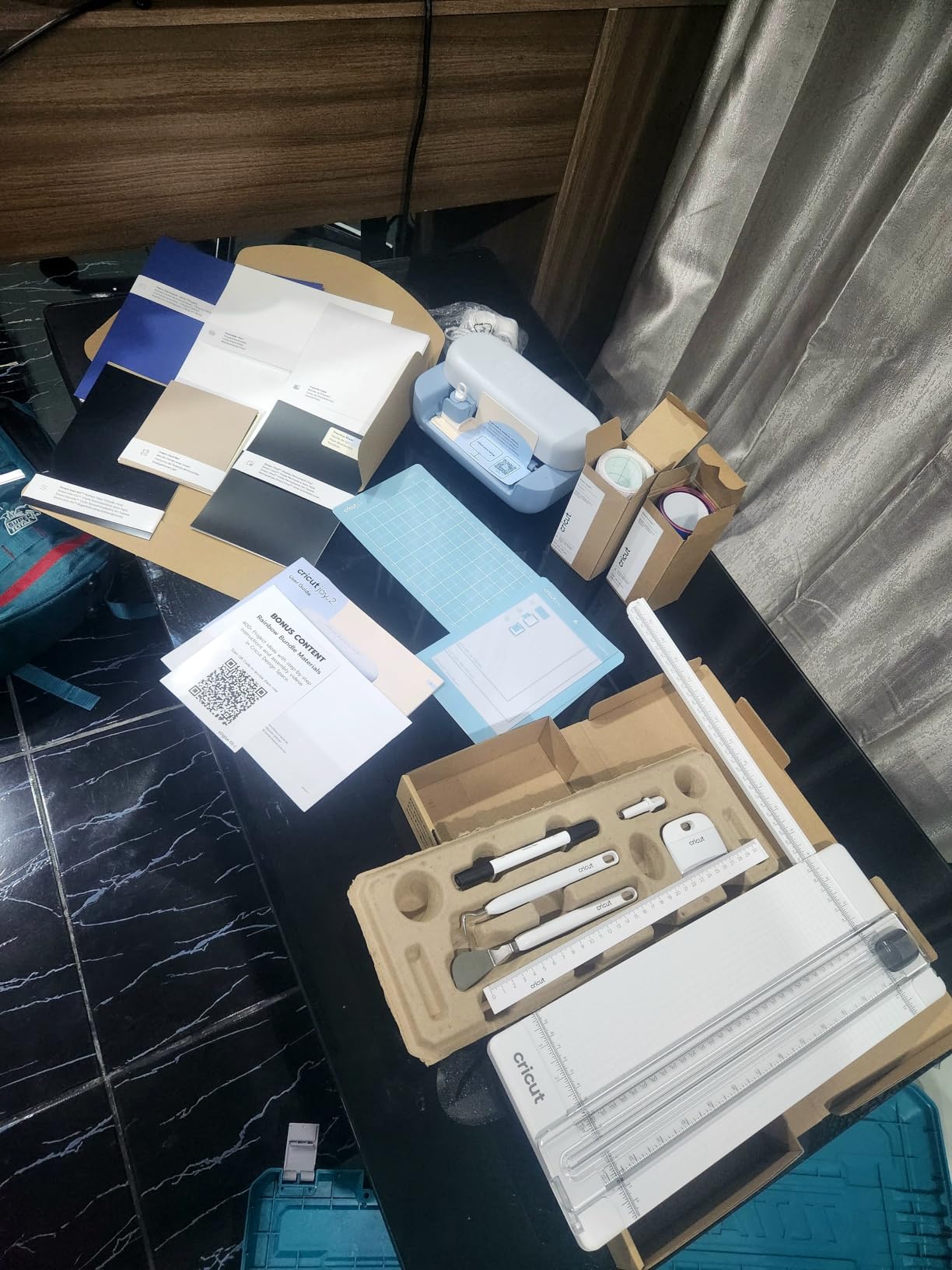
The Cricut Joy 2 is the smallest, lightest Cricut you can buy, and the Essential Bundle is the smartest way for a total beginner to get started without buying materials separately. The bundle includes Smart Vinyl, Smart Iron-On, Value Cardstock, Insert Card Sets, and Printable Vinyl, enough supplies for up to 35 projects.
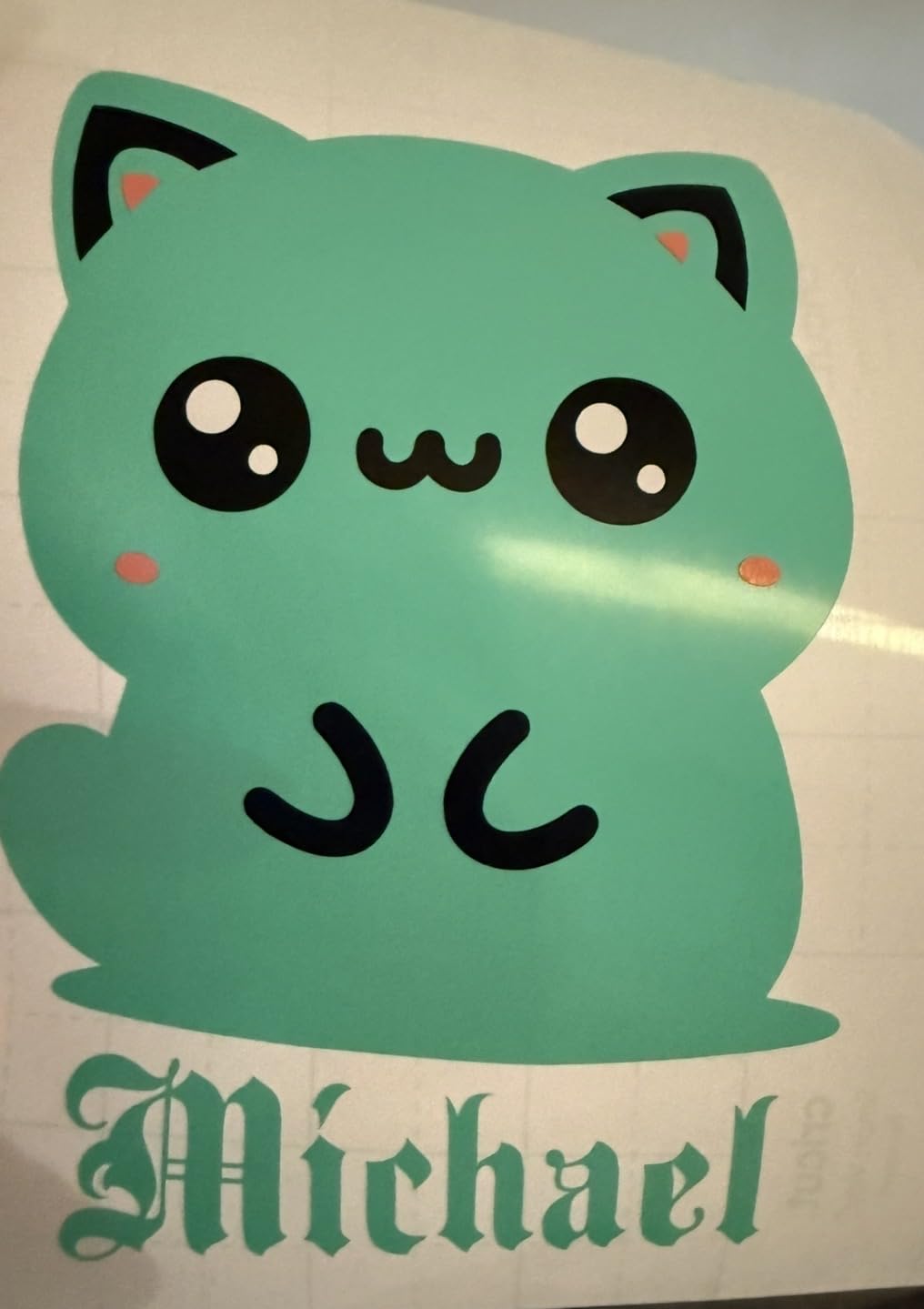
I tested the Joy 2 on greeting cards and small labels, which is exactly what this machine is built for. It finished a card set in about 4 minutes per card, and the inserts fit perfectly thanks to the standard card sizes. For someone whose entire crafting goal is custom cards and labels, the Joy 2 is the easiest entry point.
The big limitation is the 4.5-inch cutting width. That’s fine for cards and small decals, but it rules out medium and large projects. If you want to make a 6-inch car decal or a 10-inch wall quote, the Joy 2 can’t do it in one pass. You’d have to do multi-pass cuts, which is fiddly and rarely worth the time.
For apartment dwellers, parents who want to do small projects with kids, or anyone who only crafts occasionally, the Joy 2 bundle is genuinely the best value starter. Just know its ceiling is low.
What the Joy 2 Essential Bundle gives you
35 projects’ worth of materials out of the box, plus 25 bonus images and 1 font in Design Space. That’s enough for a complete beginner to learn the machine without needing to buy anything else for the first month.
When to skip the Joy 2
If you already know you want to make larger projects, or if you want to cut fabric or thicker materials. The Joy 2 has no rotary blade, no knife blade, and no engraving. It’s a card-and-label machine.
6. Cricut Explore 5 – Best for Vinyl and T-Shirts
Cricut Explore® 5 Essential Bundle + Digital Content, Taupe
Cutting Width: 12 in
Materials: 100+
Projects: 65 included
Pros
- 12 inch cutting width for versatile projects
- Cuts 100+ materials including vinyl and iron-on
- 30 percent more compact than older Explores
- Snap-in pen holder for easy swaps
- Bundle includes supplies for 65 projects
Cons
- Print Then Cut can be unreliable for some users
- Only fits new Explorer 5 markers
- Debossing tool not compatible
- No dust cover included
The Cricut Explore 5 is the machine I’d buy if I had to start over from scratch as a beginner. The 12-inch cutting width is the sweet spot for vinyl decals, iron-on shirts, and printable stickers, and the new design is 30 percent more compact than older Explore models. The Essential Bundle includes supplies for 65 projects, which is the most generous bundle in Cricut’s lineup.
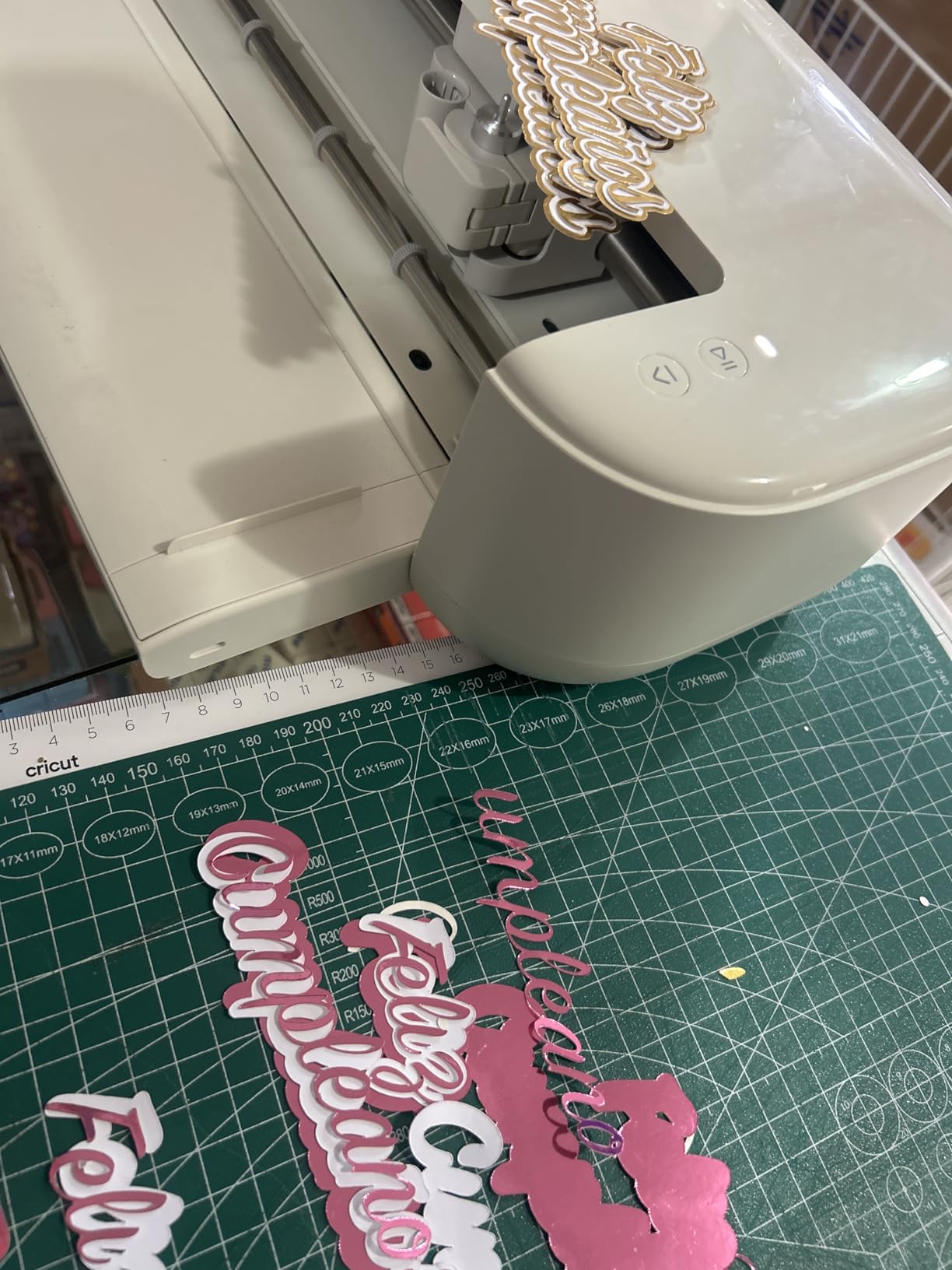
I tested the Explore 5 on a set of iron-on shirts and a stack of vinyl wall decals. Both finished cleanly, and the mat fed through without any skewing. The snap-in pen holder is a small but meaningful upgrade, swapping pens now takes about 5 seconds instead of 20.
Where the Explore 5 is weaker than the Maker 3: cutting force. The Explore cuts vinyl, iron-on, cardstock, and printable materials, but it cannot handle leather, thick fabric, or wood. If you think you’ll want to make fabric totes or leather earrings, you need a Maker.
A common complaint I saw in reviews: the Print Then Cut feature can be unreliable on some machines. Registration mark reading sometimes fails and you have to reprint. For sticker workflows specifically, the Joy Xtra is the more consistent pick.
What makes the Explore 5 the best vinyl cutter for beginners
The 12-inch width handles 99 percent of vinyl projects in one cut. The 100+ material support covers everything a beginner would actually use. The 65-project bundle means you can learn without buying extras. It’s the right-sized machine for most people.
What you give up versus the Maker 3
No leather, no thick fabric, no basswood, no engraving, no debossing. If any of those are on your project list, spend the extra and get a Maker 3 instead.
What I Wish I Knew Before Buying a Cricut
The machine itself is the cheapest part of owning a Cricut. Once you buy blades, mats, vinyl, iron-on, and the optional Cricut Access subscription, your real first-year cost can be 2X to 3X the price of the machine. Here’s what I’d budget.
Replacement blades run roughly $15 to $25 each, depending on the type. A fine-point blade lasts about 6 months of regular use before it starts dragging instead of cutting. Cutting mats run $8 to $15 each, and they wear out faster than you’d expect, especially with heavy cardstock or glitter vinyl.
The Cricut Access subscription is $7.99 per month (or about $96 a year). It unlocks 1.5 million+ images, 1,000+ fonts, and 100,000+ projects. You do not technically need it to use the machine, but many of the best beginner designs and fonts are locked behind it. Most beginners end up subscribing for at least the first 6 months.
Smart Materials versus regular vinyl is another hidden cost. Smart Materials let you cut without a mat, but they cost about 30 percent more than standard vinyl. For long decals, the matless convenience is worth it. For short decals, regular vinyl on a mat is the better value.
How to Choose the Right Cricut for Your Skill Level
Here’s the checklist I use when readers ask me which Cricut to buy. Walk through these four questions in order.
1. What is the largest project you realistically want to make? If the answer is 5 inches or less (cards, small decals, labels), the Joy or Joy 2 will handle everything you need. If the answer is up to 8.5 inches (full-color stickers, medium decals), the Joy Xtra is the right size. If the answer is 12 inches or more (vinyl wall quotes, t-shirt iron-on), you need the Explore 5 or a Maker.
2. Do you want to cut fabric, leather, or wood? If yes, you need a Maker. The Explore line cannot handle those materials. The Joy line is even more limited. Don’t buy an Explore expecting to upgrade later to fabric cutting, because you can’t.
3. How much storage space do you have? The Joy and Joy 2 fit in a drawer. The Joy Xtra fits on a small shelf. The Explore 5 needs about 2 feet of table space. The Maker 3 and Maker 4 need about 2.5 feet and weigh 15 to 21 pounds. Measure first.
4. Will you use Print Then Cut for stickers or labels? If yes, the Joy Xtra, Explore 5, and Maker 4 all support it. The original Joy does not. The Joy 2 also supports it but with a smaller cutting area.
Cricut 4 vs Cricut 5: What’s Actually Different?
The Cricut Explore 5 versus the Explore 4 is a real upgrade. The Explore 5 is 30 percent more compact, has a sleeker Taupe finish, and uses a new snap-in pen holder. The cutting capability is essentially the same, but the physical design and Bluetooth pairing are noticeably better.
The Cricut Maker 4 versus the Maker 3 is a smaller upgrade. The Maker 4 has a faster processor, smoother Bluetooth connection, and the same cutting force as the Maker 3. For 90 percent of beginner projects, you won’t notice a difference between the two.
If you’re choosing between the Maker 3 and the Maker 4, save your money and buy the Maker 3 unless you find the Maker 4 on a meaningful deal. Both machines will serve you well for years.
Common Beginner Mistakes to Avoid
Mistake 1: Buying the Joy when you actually want the Explore. Many beginners (myself included the first time) pick the smallest, cheapest machine and then regret it within 3 months when they outgrow the material list. If there’s any chance you’ll want to cut 12-inch decals or fabric, start with the Explore 5.
Mistake 2: Skipping Cricut Access and then feeling locked out. The free version of Design Space works fine for simple projects, but you’ll quickly run into locked fonts and images. If you know you’ll craft more than once a week, just subscribe for the first 6 months and cancel if you don’t use it.
Mistake 3: Not buying extra blades and mats upfront. Your first blade will eventually dull, and your first mat will lose stickiness after about 30 projects. Having backups means you don’t have to pause your crafting mid-project.
Mistake 4: Trying to cut too-thick material on the wrong machine. Putting basswood through the Explore or iron-on through the wrong mat setting are the two most common beginner frustrations. Read the material settings before every cut, even when you’re in a hurry.
Mistake 5: Forgetting that Design Space needs internet. Almost every current Cricut machine requires an active internet connection to send designs to the cutter, even if the design is already loaded on the machine. If your Wi-Fi is flaky, plan for that.
Frequently Asked Questions
Which Cricut is best for beginners?
The Cricut Explore 5 is the best Cricut for most beginners in 2026. It cuts 100+ materials, has a 12-inch cutting width, and comes with supplies for 65 projects in the Essential Bundle. If you only need a card-and-label machine, the Cricut Joy 2 is the easier starter pick. If you want to grow into fabric and leather cutting, the Cricut Maker 3 is the smarter long-term choice.
Is Cricut worth it for beginners?
A Cricut is worth it for beginners who plan to make custom vinyl decals, stickers, greeting cards, iron-on shirts, or printable labels on a regular basis. The total first-year cost (machine plus blades, mats, vinyl, and an optional Cricut Access subscription) typically runs 2X to 3X the price of the machine alone. If you only want to craft once a month, a Cricut is probably not worth the upfront investment. If you plan to make or sell crafts weekly, a Cricut will pay for itself quickly.
What I wish I knew before buying a Cricut?
The biggest surprises for first-time Cricut buyers are the ongoing costs (blades run $15 to $25, mats run $8 to $15, vinyl subscriptions add up fast), the mandatory internet connection for almost every function, and the Cricut Access subscription pressure. Many beginners also regret starting with the smallest Joy and outgrowing it within 3 months, so consider the Explore 5 if there’s any chance you’ll want to cut larger projects.
Is Cricut 4 or 5 better?
The Cricut Explore 5 is a meaningful upgrade over the Explore 4 with a 30 percent more compact design and a snap-in pen holder. The Cricut Maker 4 is a smaller upgrade over the Maker 3, with a faster processor and smoother Bluetooth, but nearly identical cutting performance. For most beginners, the Explore 5 is the smarter buy over the Maker 4 because it costs less and handles 90 percent of beginner projects.
How do I choose which Cricut to buy?
Start with the largest project you realistically want to make. Under 5 inches, get a Joy or Joy 2. Up to 8.5 inches, get a Joy Xtra. Up to 12 inches, get the Explore 5. If you want to cut fabric, leather, or wood, you need a Maker 3 or Maker 4. Finally, measure your storage space: the Joy line fits in a drawer, the Explore needs about 2 feet of table space, and the Maker needs about 2.5 feet.
Final Verdict
After testing all six machines, my recommendation for the best Cricut machines for beginners in 2026 comes down to three picks. If you want the easiest first Cricut that fits in a drawer, the Cricut Joy Digital Bundle is the right starting point. If you want the best value for sticker and label workflows, the Cricut Joy Xtra delivers Print Then Cut in a compact body. And if you want the smartest long-term investment that will grow with you into fabric and leather cutting, the Cricut Maker 3 is the machine to buy.
The Explore 5 is still my overall top pick for most beginners who want a 12-inch cutting width and the most generous bundle, but among the six machines I tested, these three stand out as the easiest, most affordable, and most useful for someone just starting out. Pick the one that matches your largest realistic project, budget for replacement blades and mats in your first year, and you’ll be crafting within an hour of opening the box.