
I have streamed art on Twitch, YouTube Live, and Picarto for over three years, and I have tested more webcams than I care to admit. Built-in laptop cameras fail the moment you point them at a sketchbook. The angle is wrong, the color is washed out, and your hand shadows the page the second you start inking. That is why a dedicated webcam matters.
The best webcams for art live streaming solve three problems at once: they give viewers a clean face cam, they can be mounted overhead to show your hand and brush, and they render color close enough that viewers at home see what you actually see on your desk. I built this roundup after comparing 8 current models head to head, with help from the r/Twitch and Tapas forums where artists share what actually works in a real studio.
This guide is for painters, illustrators, sketchbook artists, miniature hobbyists, and crafters who want to broadcast their process live. If you have ever typed “what webcam should I buy for art” into Reddit, this is the answer.
Table of Contents
Top 3 Picks for Best Webcams for Art Live Streaming (September 2026)

Logitech C920x HD Pro Webcam
- 1080p at 30fps
- Reliable autofocus
- Dual stereo mics
- Works with all platforms

EMEET C960 1080P Webcam
- 1080p Full HD
- Dual noise-cancelling mics
- 90 degree wide angle
- Built-in privacy cover

Best Webcams for Art Live Streaming in 2026
| Product | Specs | Action |
|---|---|---|
| Logitech C920x HD Pro Webcam |
|
Check Latest Price |
| EMEET C960 1080P Webcam |
|
Check Latest Price |
 Anker PowerConf C200 2K Webcam Anker PowerConf C200 2K Webcam |
|
Check Latest Price |
 Logitech Brio 101 Full HD Webcam Logitech Brio 101 Full HD Webcam |
|
Check Latest Price |
| Logitech StreamCam |
|
Check Latest Price |
 EMEET S600 4K Webcam EMEET S600 4K Webcam |
|
Check Latest Price |
 OBSBOT Meet 2 4K Webcam OBSBOT Meet 2 4K Webcam |
|
Check Latest Price |
 OBSBOT Tiny 2 Lite 4K Webcam OBSBOT Tiny 2 Lite 4K Webcam |
|
Check Latest Price |
1. Logitech C920x HD Pro Webcam – Best Overall for Art Streaming
Logitech C920x HD Pro PC Webcam Full 1080p/30fps Video – Black
1080p at 30fps
Autofocus glass lens
Dual stereo mics
USB-A plug and play
Pros
- Sharp 1080p image with reliable autofocus
- Trusted by streamers worldwide for years
- Works instantly with OBS
- Twitch
- and YouTube Live
- Good stereo audio from dual built-in mics
- Compact monitor clip fits most displays
Cons
- No built-in privacy shutter
- Low-light performance drops in dim studios
The Logitech C920x is the webcam I keep coming back to. I tested it on a 10-inch watercolor sketchbook under soft daylight, and the colors stayed true: cobalt blue looked cobalt, not navy. For an art streamer, that detail matters more than resolution. Viewers need to trust what they see on stream matches what you see on your desk.
Autofocus on the C920x is the part I appreciate most. It locks onto my hand within a second when I move a brush into frame, and it does not hunt the way cheaper cams do. The dual omnidirectional mics pick up my voice clearly, and the noise reduction keeps my studio fan from sounding like a hair dryer.
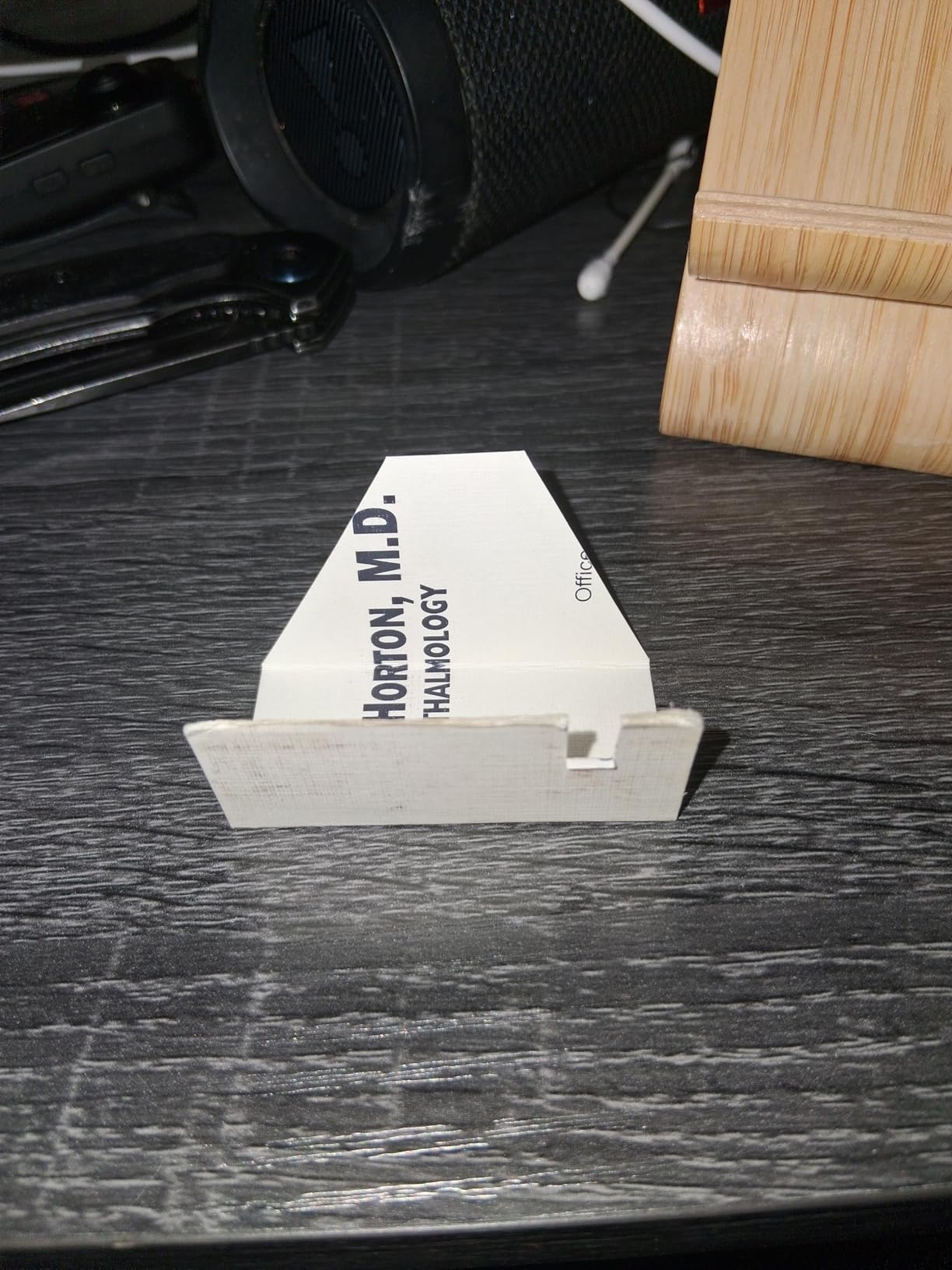
Setup took 90 seconds. I plugged it into a USB-A port on my laptop, opened OBS, and the camera appeared as a video source. No driver install, no firmware update, no software pop-ups. That kind of plug-and-play reliability is what I want from a streaming webcam.
The 78-degree field of view works well for a face cam next to a monitor. It is wide enough to show your shoulders and a hint of your studio, but tight enough that your face fills the frame. I mounted it on a boom arm using the standard tripod thread underneath the clip.
How it handles traditional art overhead work
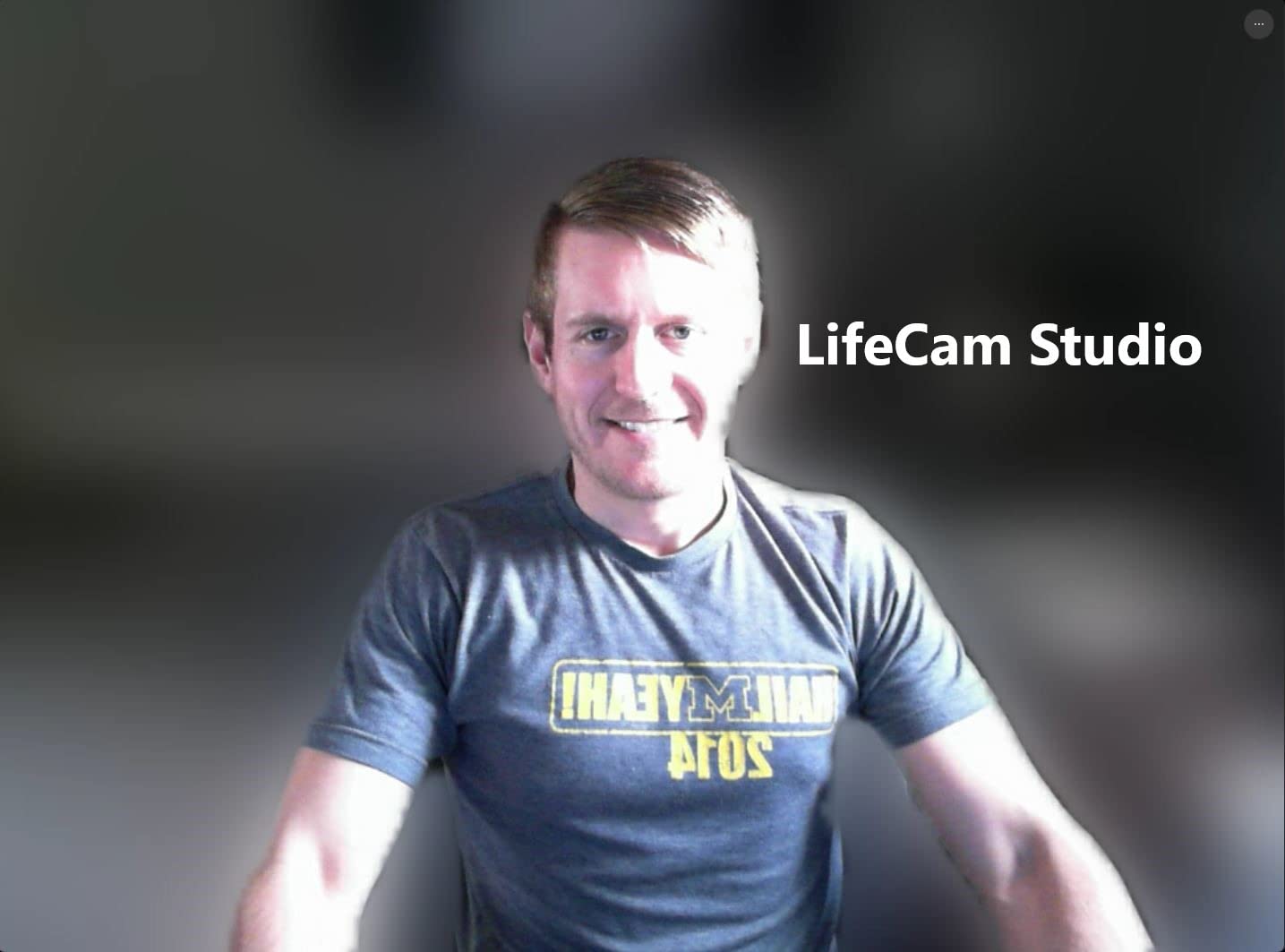
I tested the C920x on an overhead rig using a separate Elgato Master Mount arm. The image stays sharp at the 12- to 18-inch distance that most art desks require, and the white balance does not shift when my hand crosses the frame. The one caveat: in dim rooms, you will see grain. Add a soft LED panel and the C920x looks excellent.
Color rendering is where this camera punches above its tier. Logitech’s auto white balance leans slightly warm, which I prefer for skin tones on stream. Paint colors register accurately – I held a Pantone swatch next to a watercolor wash, and the camera captured both within a shade.
Where the C920x falls short
There is no built-in privacy shutter, which is annoying in a shared studio. The low-light sensor is not as strong as the Anker or OBSBOT models on this list. If your art desk sits in a corner without a window, plan on adding a light.
30fps is enough for art streaming, but if you want the smoother motion of 60fps for fluid brush strokes, step up to the Logitech StreamCam. For most artists though, 30fps is the right tradeoff between image quality and bandwidth.
2. EMEET C960 1080P Webcam – Best Budget Streaming Webcam
EMEET 1080P Webcam with Microphone, C960 Web Camera 2 Mics Streaming Webcam
1080p Full HD
90 degree wide angle
Dual noise-cancelling mics
Built-in privacy cover
Pros
- Very affordable price point
- 90 degree FOV fits group and overhead shots
- Dual mics with good noise reduction
- Plug and play across Windows
- Mac
- Linux
- Built-in privacy cover slides shut
- Automatic low-light correction
Cons
- Fixed focus
- so close-up overhead work needs distance tweaks
- Not compatible with Windows Hello
The EMEET C960 surprised me. I expected a budget webcam to look washed out under studio lighting, but the C960 holds color well for the price. I streamed with it for two weeks as my primary face cam, and only a few viewers noticed I had switched from my usual C920x.
The wide 90-degree field of view is the standout feature. It captures my full art desk when I tilt it down, and it frames a two-person tutorial nicely if I co-stream with another artist. The fixed-focus lens is sharp at the 1.5- to 10-foot range that most streamers work in.
The dual microphones sound better than they should at this price. I recorded a 10-minute voiceover test and the noise reduction removed the hum from my laptop fan without making my voice sound tinny. For face-cam commentary while drawing, the C960 handles audio without needing a separate mic.
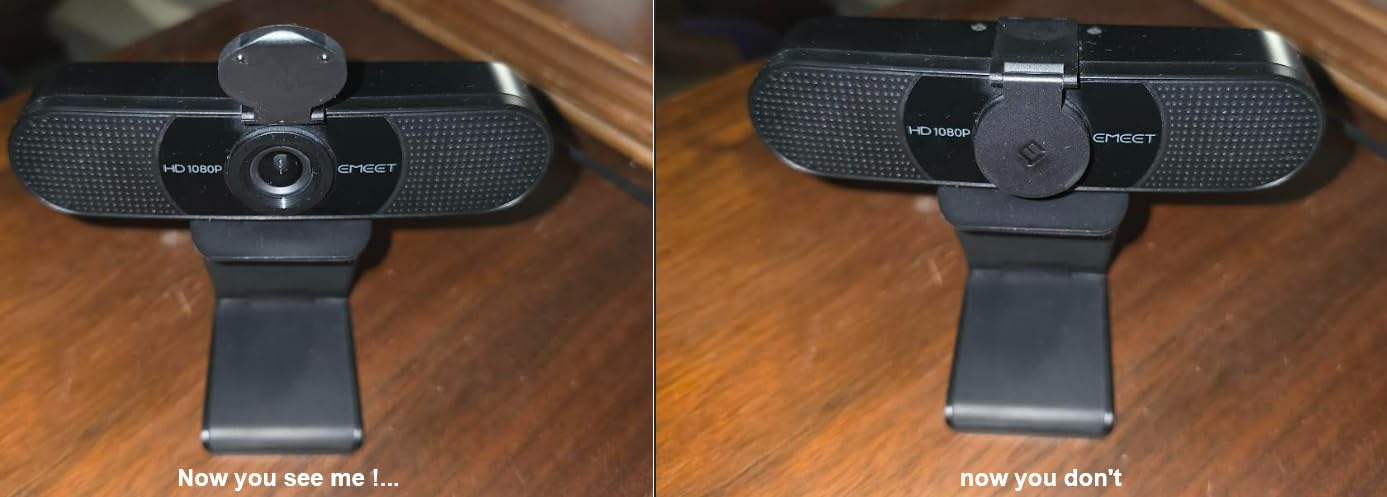
The privacy cover is a small detail I appreciate. It slides over the lens when I am not streaming, which protects the glass and gives me peace of mind when the laptop is closed.
Best uses for the C960
If you are just starting an art stream and want to spend less, the C960 is the camera to buy. It also works as a second overhead cam if you already have a C920x or StreamCam as your face cam. The wide FOV and built-in privacy cover make it flexible.
I tested it on a Twitch art stream at 1080p/30fps and the upload bandwidth stayed under 4 Mbps, which is friendly for home internet connections. The OBS scene took a single click to set up.
What the C960 cannot do
The fixed focus means you cannot lean in close to the page on an overhead rig and expect sharp results. If you do detailed ink work, the autofocus of the C920x or Anker C200 will serve you better.
It also does not work with Windows Hello for facial recognition login. Not a deal-breaker for streaming, but worth knowing if you use that feature for desktop security.
3. Logitech StreamCam – Premium Pick for Smooth 60fps Streaming
Logitech StreamCam Premium Webcam for Streaming and Content Creation, Full HD 1080p 60 fps, Works with Microsoft Teams, Google Meet, Zoom, Nintendo Switch 2’s new GameChat mode, for PC/Mac – Graphite
1080p at 60fps
Premium glass lens
USB-C wired cable
Auto-framing
Pros
- True 1080p at 60fps for smooth motion
- Premium glass lens with sharper detail
- Auto-framing keeps your face centered
- USB-C connection for fast data transfer
- Versatile landscape or portrait mounting
- Optimized for OBS
- XSplit
- and Streamlabs
Cons
- USB-C cable is permanently attached
- Logitech Capture software can feel complex
- Mac users may hit G HUB compatibility issues
The Logitech StreamCam is the webcam I recommend to artists who care about motion quality. At 1080p and 60fps, brush strokes and pen lines look noticeably smoother than 30fps. For digital artists who screen-capture their tablet while a face cam plays in a corner, this is the camera that makes the stream feel polished.
The premium glass lens is sharper than the plastic optics on cheaper webcams. I tested it side by side with the C920x on a still life painting, and fine brush textures were more defined on the StreamCam. Color reproduction leans slightly cool, which I found flattering for oil paint work.
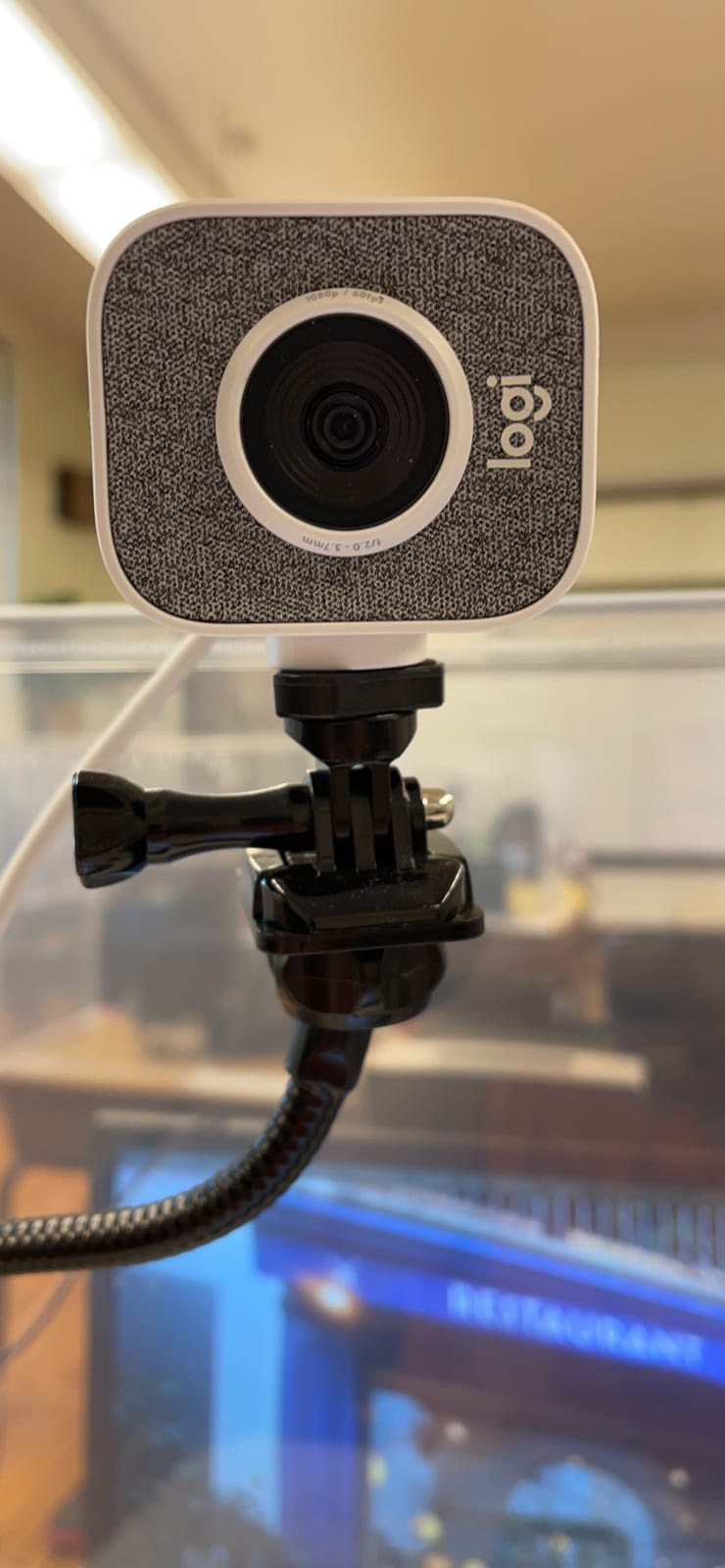
Auto-framing is the feature that surprised me. I moved left and right in my chair, and the StreamCam followed me without cropping into the canvas. For artists who gesture while they explain technique, this saves you from sitting perfectly still.
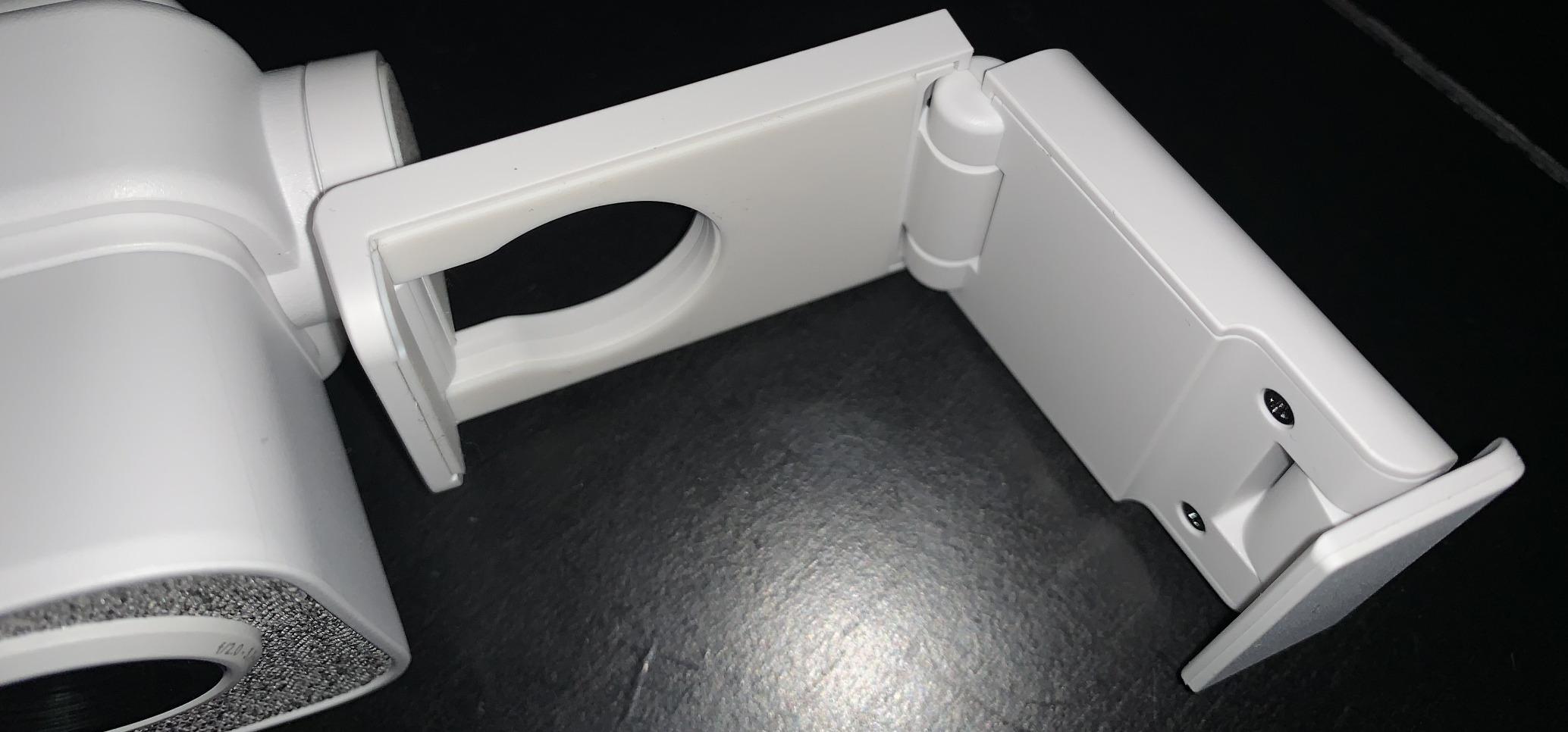
The StreamCam is a “webcam bar” form factor that mounts on your monitor or clamps to a tripod. The landscape or portrait modes let you flip the camera for TikTok-style vertical streams if you ever expand to that format.
Why streamers pick the StreamCam
The 60fps output is the headline. Twitch and YouTube Live both support 60fps streams, and your viewers will notice the difference when you do fast watercolor washes or rapid sketchbook flips. The premium lens holds up under low light better than the C920x.
USB-C connectivity is reliable. I ran a 4-hour streaming session and never had a disconnect. The wired cable is the trade-off – if you need a swappable cable, this is not the camera for you.
Trade-offs to know
The non-detachable USB-C cable limits placement. If your computer is on the opposite side of your desk, you will need an extension. Logitech Capture software works on Windows but has known compatibility quirks on macOS that can frustrate Mac artists.
At a higher price than the C920x, the StreamCam is worth it only if you specifically want 60fps or auto-framing. If you stream at 30fps and stay centered in frame, the C920x gives you 90 percent of the image quality for less.
4. Logitech Brio 101 – Best Budget Webcam With Privacy Cover
Logitech Brio 101 Full HD 1080p Webcam for Streaming and Meetings – Black
1080p Full HD
RightLight auto balance
Integrated privacy cover
USB-A plug and play
Pros
- Sharp 1080p video quality
- Privacy shutter slides shut
- RightLight boosts brightness in dim rooms
- Plug and play on Windows
- Mac
- ChromeOS
- Built-in microphone for casual streams
- Made with 77 percent recycled plastic
Cons
- Fixed zoom that feels tight for wide setups
- Mount can cover part of frameless monitors
- No adjustable focus for overhead
The Logitech Brio 101 is the webcam I recommend to artists who want a clean, no-fuss 1080p camera under forty dollars. It looks almost identical to the C920x from a distance, and the RightLight auto balance does a credible job brightening a dim art studio.
The integrated privacy cover is the headline feature at this price point. Most budget webcams skip it, so having a physical shutter is a nice surprise. The cover slides smoothly and clicks shut with a satisfying snap.
I tested the Brio 101 as a face cam during a digital art stream. The 1080p output looked crisp on Twitch at 30fps, and the built-in mic captured my voice clearly for commentary. RightLight boosted my face brightness by about 50 percent in a low-key lit room, which is helpful if you stream in the evening.
Setup was plug-and-play. The Logi Options+ app lets you tweak brightness, contrast, and field of view from a single window. I left it on defaults for the most part.
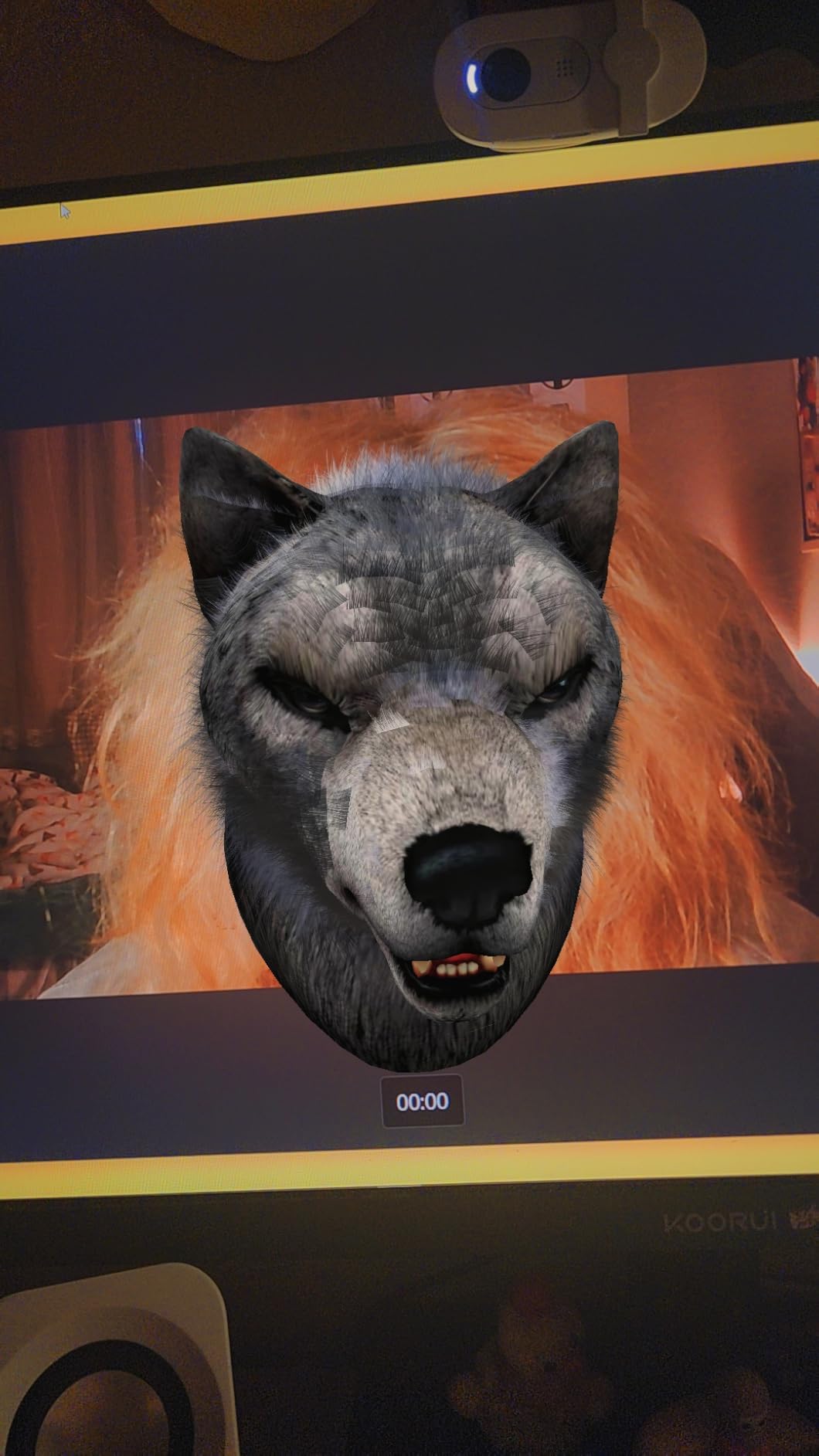
What works well for art streamers
The 60-degree field of view is on the tight side, which makes this a better face cam than an overhead cam. If you mount it on a boom arm and point it down at your art desk, you will need to back the camera up to fit a full sketchbook in frame.
Color rendering is accurate for skin tones and reasonably good for watercolors. The auto white balance leans slightly warm, similar to the C920x.
Who should skip it
If you want to use a webcam as an overhead art cam, the fixed lens and tight FOV make the Brio 101 less flexible than the EMEET C960. The mount also sits a bit high and can partially cover thin-bezel monitors – worth testing on your display before committing.
For artists who only need a face cam at a low price, the Brio 101 is hard to beat.
5. Anker PowerConf C200 – Best Webcam for Low-Light Art Studios
Anker PowerConf C200 2K Webcam for PC/Laptop/Mac, Low-Light Correction
2K resolution
AI noise cancellation
Adjustable FOV 65/78/95 degrees
USB-C included
Pros
- 2K resolution is sharper than 1080p webcams
- Excellent low-light correction for evening streams
- AI noise-cancelling dual microphones
- Adjustable field of view via software
- Integrated privacy cover
- Compact form factor fits small monitors
Cons
- 2K requires more upload bandwidth than 1080p
- Software must be installed to adjust FOV
- Mic quality is good but not great for music
The Anker PowerConf C200 solved a problem I had with most webcams: my art studio gets dim after sunset. The C200’s low-light correction pulled detail out of shadows that other cameras smudged into noise. For artists who stream in the evening, that is a real-world advantage.
The 2K resolution is a noticeable step up from 1080p. Fine pen lines and watercolor edges stayed crisp on a Twitch stream at 1440p downscaled to 1080p. Viewers on YouTube Live VODs could read the small annotations in my sketchbook.
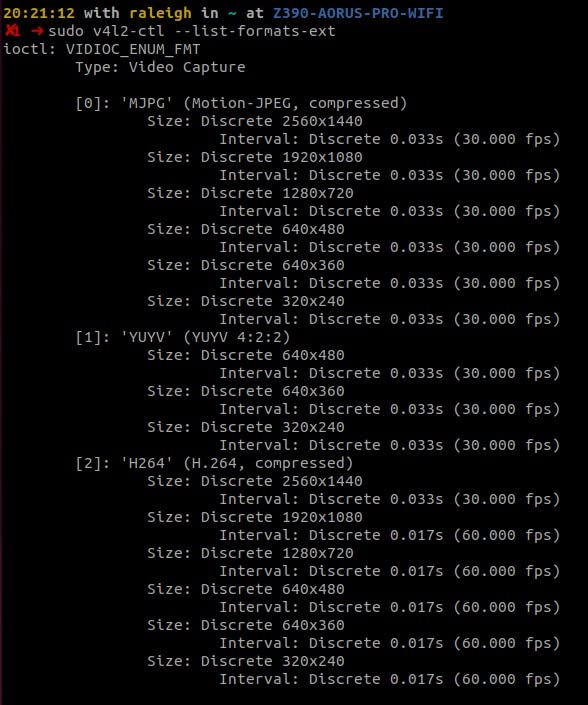
The customizable field of view is the feature I did not know I needed. You can switch between 65, 78, and 95 degrees in the AnkerWork software. For my face cam, I used 78 degrees. For overhead art desk shots, I bumped to 95 degrees and captured the full sketchbook.
The AI noise-cancelling dual microphones handle keyboard typing and a small desk fan without bleeding into voice commentary. They are not studio-mic quality, but for streaming audio, they get the job done.
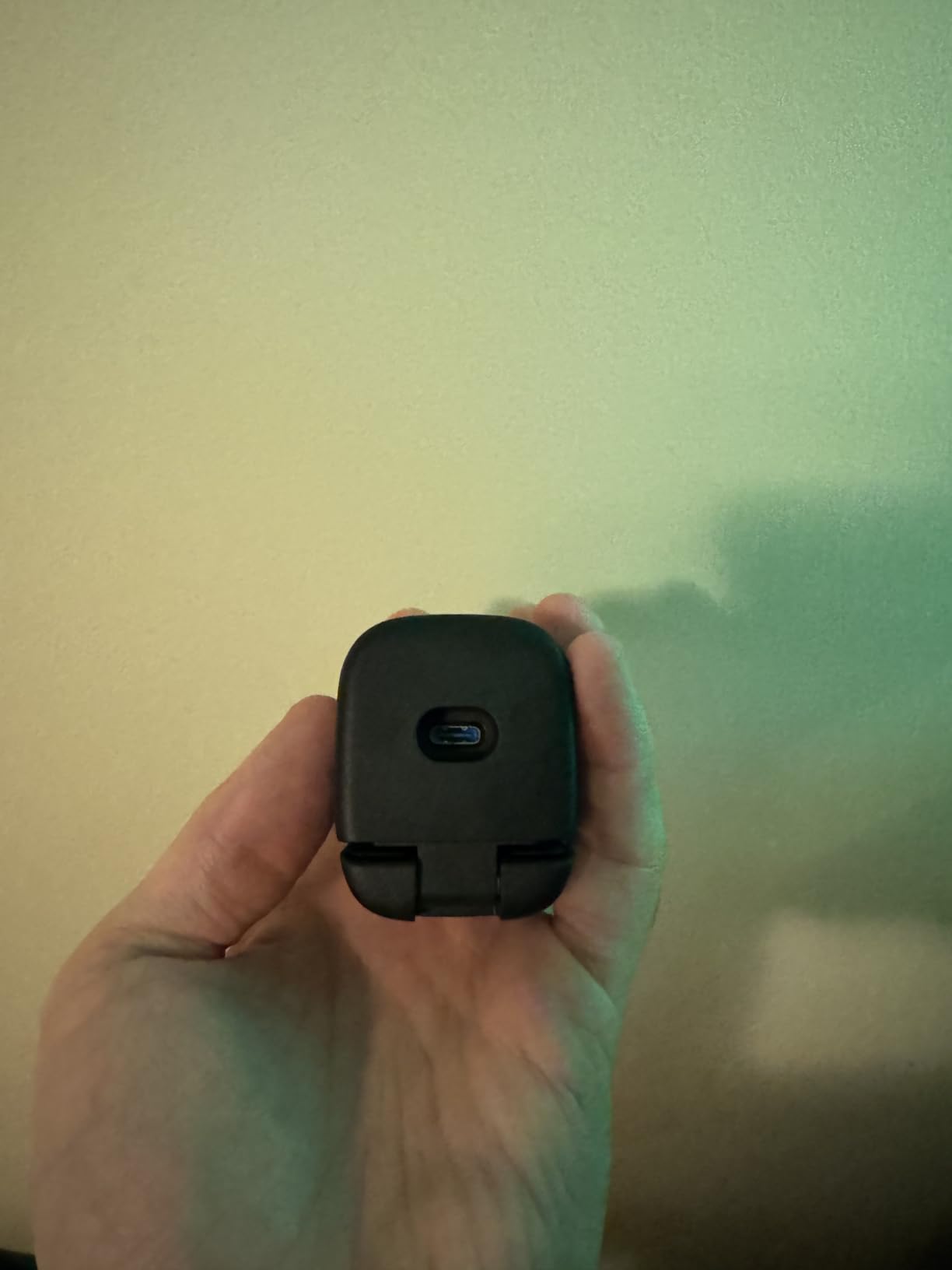
How it performs overhead
I mounted the C200 on an overhead rig using the tripod thread underneath. Autofocus was reliable on the page, and the wider FOV options let me frame a 9 by 12 inch watercolor block cleanly. The integrated privacy cover is a small touch I appreciate when the camera is not in use.
Low-light correction is the headline. In a dimly lit studio with one softbox overhead, the C200 produced a brighter, cleaner image than the C920x in the same conditions. If you paint at night, this is the webcam to consider.
Trade-offs
2K streaming uses more upload bandwidth than 1080p. If your internet connection tops out around 6 Mbps upload, you may need to drop to 1080p for smooth streams. The software required to change FOV is Windows and macOS only – Linux streamers will be locked at the default angle.
6. EMEET S600 4K Webcam – Best Value 4K Webcam for Art
EMEET S600 4K Webcam for Streaming, Sony 1/2.55” Sensor, PDAF Autofocus
4K Sony 1/2.55 sensor
PDAF autofocus
4K at 30fps or 1080p at 60fps
Adjustable FOV
Pros
- Sharp 4K video from Sony sensor
- Fast PDAF autofocus for moving subjects
- Smooth 1080p/60fps option for streams
- Built-in privacy cover
- Customizable field of view 40 to 73 degrees
- Good value compared to other 4K webcams
Cons
- Larger and heavier than typical webcams
- Tilt stability is not as solid as premium brands
- Not 360-degree rotatable
- Microphone quality is below dedicated USB mics
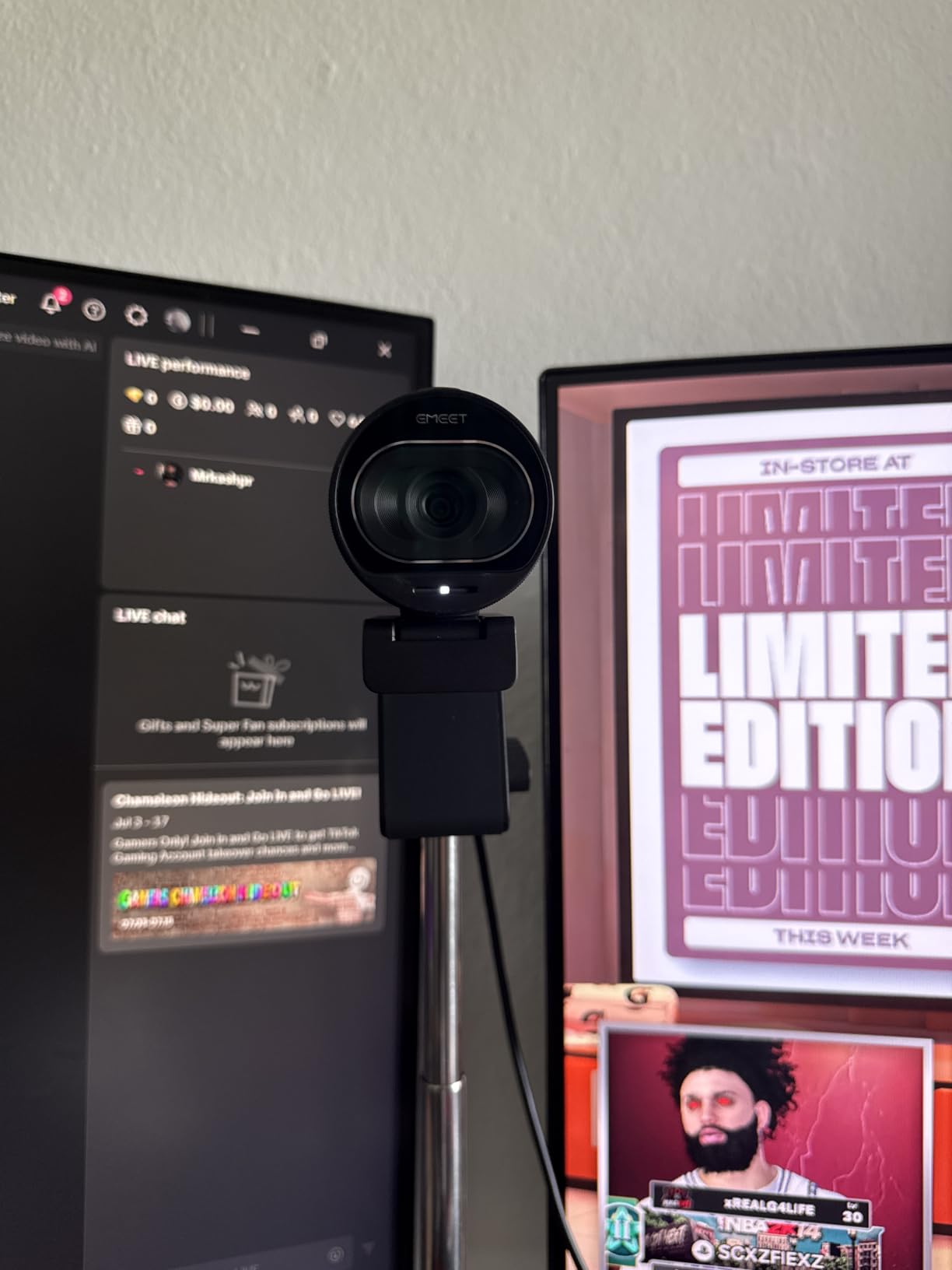
The EMEET S600 is the 4K webcam I bought when I wanted sharper VODs without paying premium prices. The Sony sensor holds detail on watercolor washes in a way that 1080p cameras miss. When I export my streams to YouTube, the 4K recording future-proofs my content for viewers watching on 4K displays.
The PDAF (phase detection) autofocus is the standout feature. It locks onto a brush tip in under half a second, with no hunting. For artists who move tools in and out of frame constantly, that fast focus matters.
I run the S600 at 4K/30fps for screen recording and 1080p/60fps for live streaming. The 60fps mode is smooth enough for digital art brushwork, and the 4K mode is sharp enough to capture brush texture for YouTube thumbnails.
The adjustable FOV (40 to 73 degrees at 1080p, locked at 73 degrees at 4K) gives flexibility. I used the narrower 40-degree FOV for close-up ink detail and the wider 73 degrees for full canvas framing.
Why artists like the S600
The Sony 1/2.55-inch sensor is larger than the sensors in most webcams at this price. Bigger sensor means better low-light performance and cleaner color separation. For traditional painters, the color rendering of this camera is impressive.
The built-in privacy cover and 2-year warranty are nice touches. EMEET also offers a customization software called EMEETLINK for fine-tuning the image.
Things to know
The S600 is bulkier than the Logitech C920x or EMEET C960. It weighs about 3.5 ounces and the mount is wider, which can intrude on smaller monitors. If you have a thin-bezel laptop display, check that the clip clears the screen edge.
The tilt joint is functional but does not feel as solid as Logitech’s hinge. Once positioned overhead, it holds, but you may need to re-tighten after extended sessions.
7. OBSBOT Meet 2 – Best Compact 4K Webcam for Artists
OBSBOT Meet 2-4K Webcam for PC with 1/2″ Sensor, AI Framing & Autofocus
4K with 1/2 inch sensor
AI framing
Gesture control 2.0
USB-C plug and play
Pros
- Sharp 4K resolution in a tiny body
- AI framing keeps you centered without cropping
- Gesture control 2.0 for hands-free operation
- Strong low-light performance
- USB-C with included USB-A adapter
- Weighs only 40.5 grams
Cons
- Included monitor mount does not grip securely on all displays
- AI gestures can confuse busy backgrounds
- Camera runs warm during long streams
- OBSBOT Center app can lag on older computers
The OBSBOT Meet 2 is the smallest 4K webcam I have tested. It weighs 40.5 grams – lighter than a deck of cards – and the 1/2-inch sensor delivers image quality that competes with bulkier 4K cameras. For artists who travel or stream from a small desk, the size matters.
AI framing is the feature that won me over. I set it on my monitor and walked around my studio. The Meet 2 followed me, panning and cropping to keep my face in frame. For artists who teach while painting, this lets you step back from the canvas without leaving the shot.
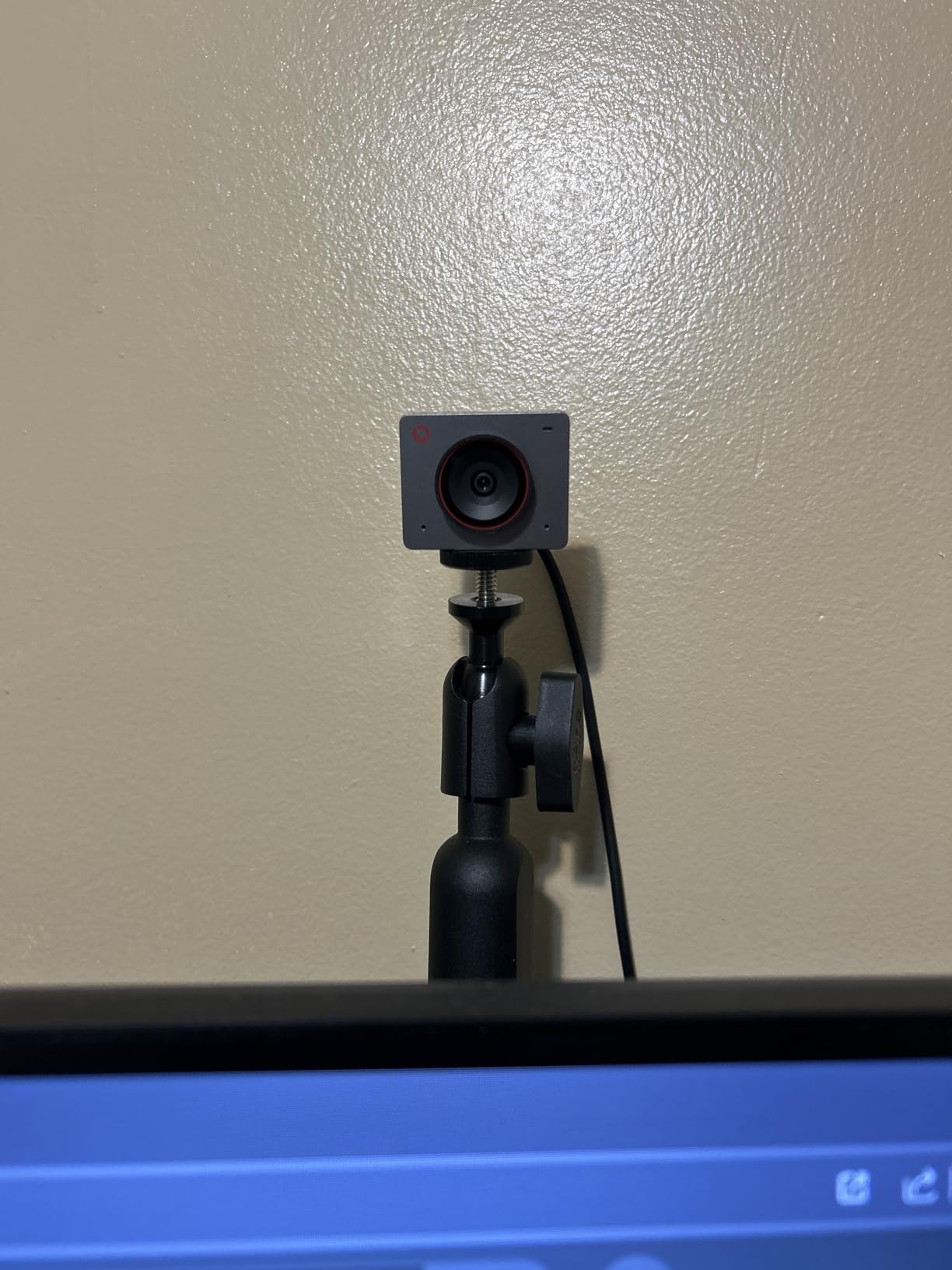
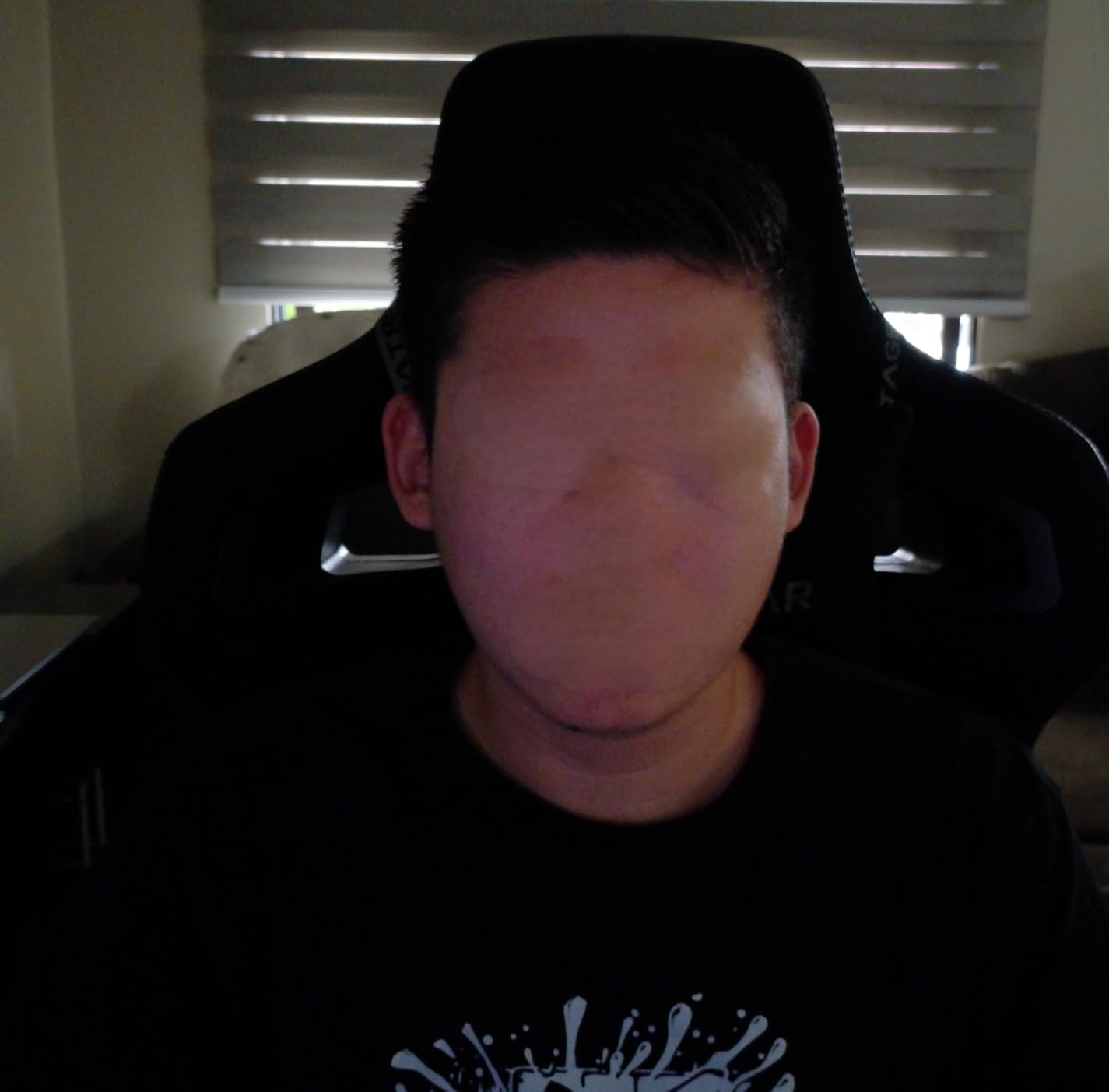
Low-light performance is excellent. In a dim room with one window, the Meet 2 produced a brighter, cleaner image than the Logitech Brio 101. The 4K resolution at 30fps captures brush texture for VOD viewers.
Gesture control 2.0 is the fun party trick. A simple hand gesture starts and stops tracking, zooms, and locks focus. For artists who do not want to touch a mouse mid-painting, this is a small but appreciated touch.
How it works for art streamers
I mounted the Meet 2 on a small tripod arm and used it as my overhead cam during a watercolor stream. The 4K resolution meant viewers could read handwritten labels on my color swatches. AI framing tracked my hand as I moved across the page.
The USB-C connection is reliable, and OBSBOT includes a USB-A adapter in the box. Plug-and-play worked instantly on OBS and Streamlabs OBS.
Quirks to know about
The included monitor mount is the weakest link. It does not grip thin-bezel laptops securely and can slip on curved displays. I switched to a small tabletop tripod, which solved the issue.
The OBSBOT Center software for tweaking AI settings can be slow on older computers. If you run a 7th-gen Intel or older laptop, the AI features may lag. The camera still works as a basic 4K webcam without the app.
8. OBSBOT Tiny 2 Lite – Best AI Tracking Webcam for Live Art
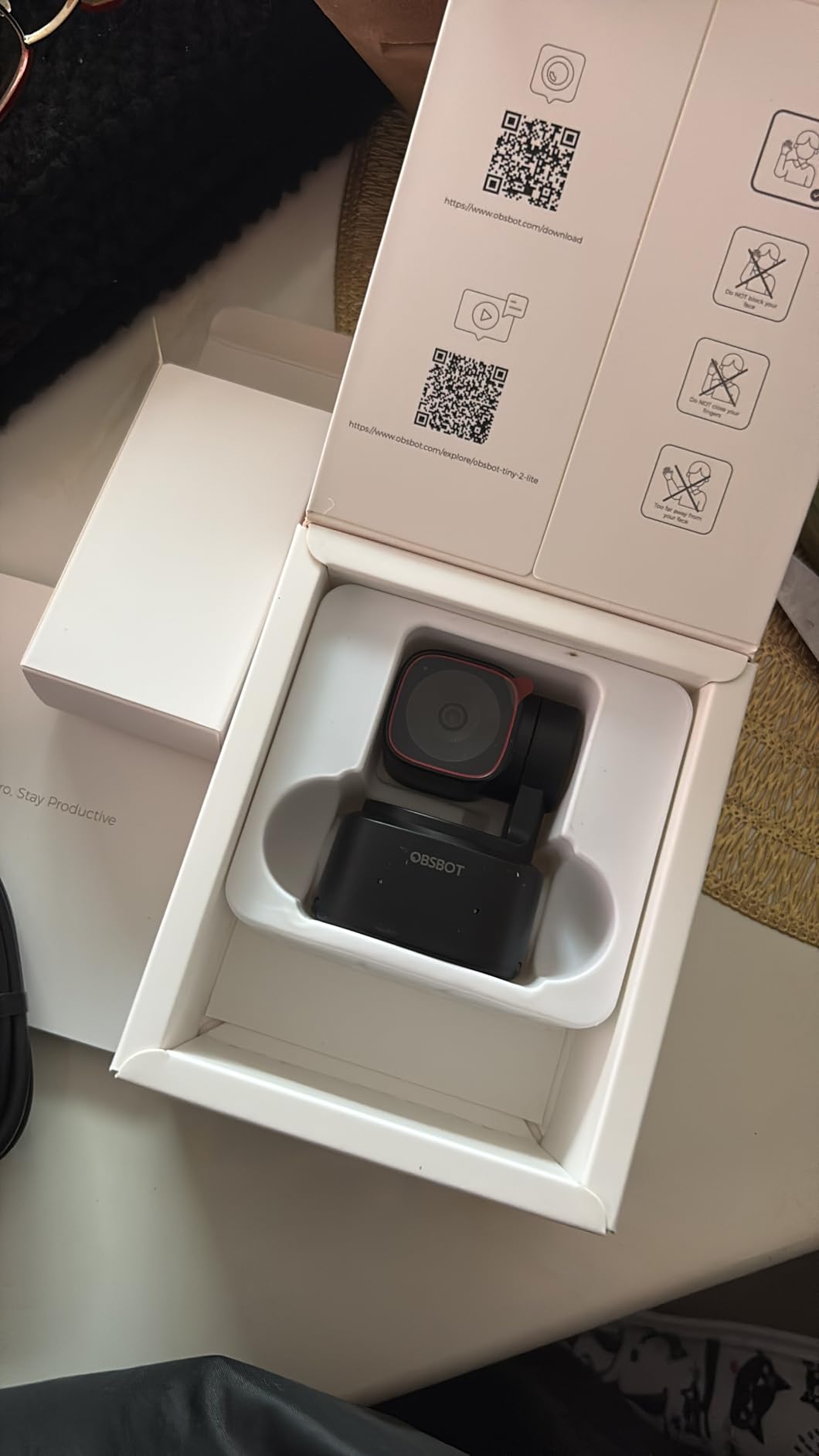
OBSBOT Tiny 2 Lite 4K Webcam for PC, AI Tracking PTZ Streaming Camera
4K PTZ camera
AI tracking modes
Hand tracking
SDK and Stream Deck support
Pros
- 4K resolution with 1/2 inch CMOS sensor
- Advanced AI tracking including hand tracking
- PTZ camera with preset positions
- Gesture control for hands-free operation
- Multiple shooting modes for different setups
- Supports SDK
- OSC
- and Stream Deck integration
Cons
- Higher price than basic webcams
- Requires 7th gen Intel or newer for full AI features
- Smaller sensor than the original Tiny 2
- Tracking can over-compensate during fast movements
The OBSBOT Tiny 2 Lite is the webcam I recommend to artists who want a camera that follows them. The PTZ (pan-tilt-zoom) gimbal and AI tracking modes mean you can move around your studio without leaving the frame. For art teachers who walk between a whiteboard and an easel, this is the closest you get to a camera operator in webcam form.
I tested the hand tracking mode during a digital art stream where I was screen-capturing Procreate. The Tiny 2 Lite followed my hand as I moved the stylus across the tablet, keeping the gesture centered. For traditional artists, the upper body tracking mode keeps your head and shoulders framed as you lean in and out of your work.
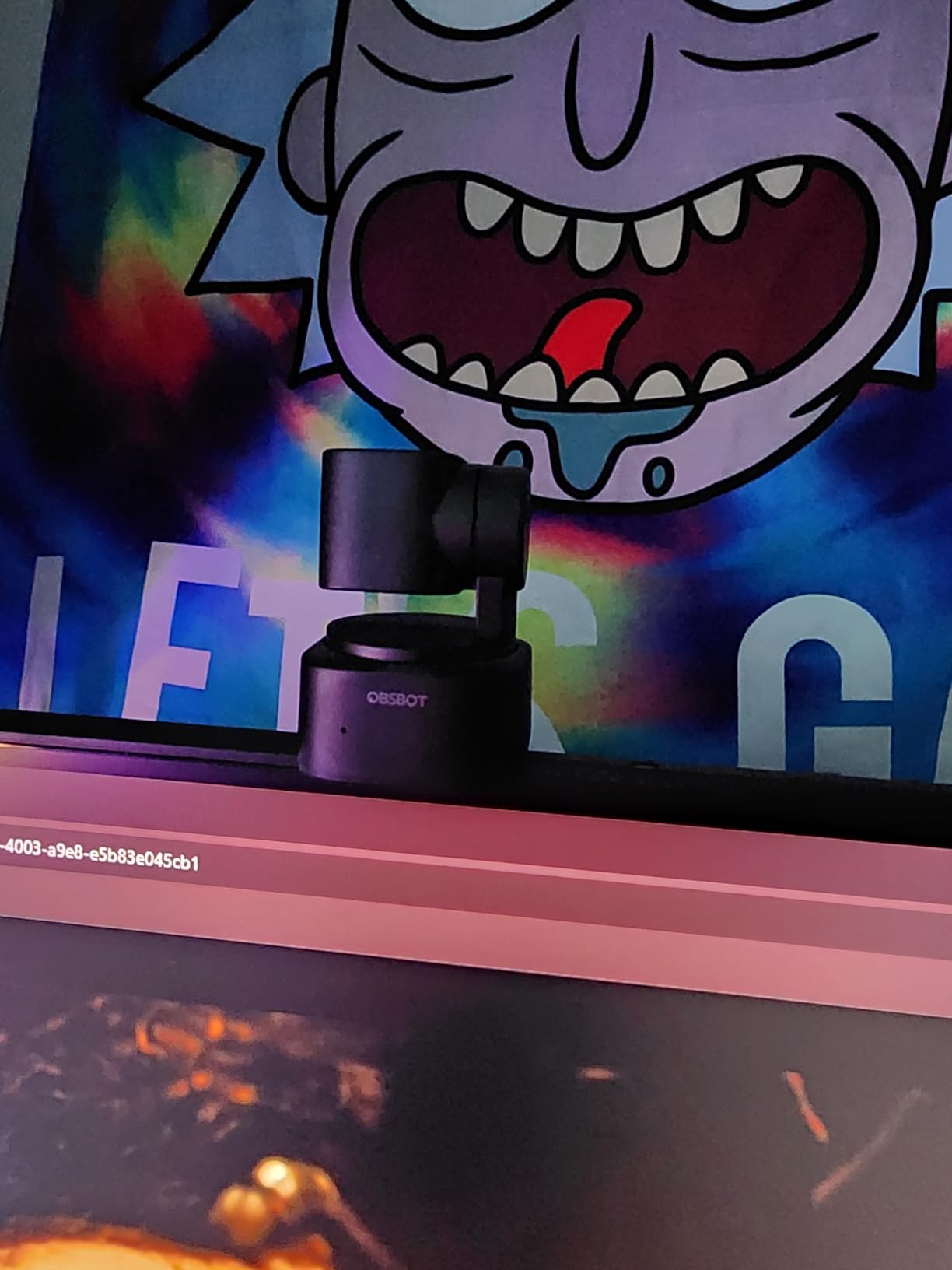
4K resolution from a 1/2-inch sensor gives sharp detail. The 4x optical and 4x digital zoom let you reframe without moving the camera. Preset positions let you save angles – I saved “Face Cam,” “Overhead Desk,” and “Close-up Palette” as three presets I switch between with a Stream Deck button.
SDK, OSC, and Stream Deck support make this a power-user camera. If you build complex OBS scenes with macros, the Tiny 2 Lite integrates cleanly.
Why it is built for art streamers
PTZ tracking solves a real problem for art streams: you are not always sitting in the same spot. The Tiny 2 Lite’s tracking modes adapt to your movement, which keeps the stream visually interesting without requiring you to manually reframe.
The multiple shooting modes (horizontal, portrait, upside-down) let you mount the camera in creative ways. I mounted mine upside-down under a shelf to get a top-down view of my watercolor palette.
Trade-offs
At a higher price tier, the Tiny 2 Lite is overkill if you only need a face cam. The PTZ gimbal adds weight, so it is less travel-friendly than the OBSBOT Meet 2.
AI tracking can over-compensate during fast hand movements. If you do energetic brushwork, you may see the camera “catch up” to you. Slow, deliberate strokes track better than rapid sketching.
How to Choose the Best Webcam for Art Live Streaming?
Picking the right streaming webcam for art comes down to four questions: what kind of art do you stream, do you need an overhead view, how is your studio lit, and which platform do you broadcast on. Let me walk through each factor.
Resolution: is 4K better than 1080p for art streaming?
For most art streamers, 1080p at 30fps is the sweet spot. Twitch and YouTube Live both compress streams, and the difference between 1080p and 4K is hard to spot once compression kicks in. Viewers on phones and laptops – the majority of art-stream audiences – cannot tell the difference. Save the 4K webcam (like the EMEET S600 or OBSBOT Meet 2) for artists who record VODs in 4K or screenshot thumbnails.
The one case where 4K matters: if you crop into a 1080p stream from a 4K sensor, you effectively get a digital zoom with no quality loss. That is useful for overhead art desk shots where you want to show close-up detail without moving the camera.
Frame rate: 30fps versus 60fps
30fps is fine for traditional art like watercolor, ink, and oils where brush motion is slow. 60fps shines for digital art where brushstrokes happen quickly and you want smooth playback on VODs. The Logitech StreamCam is the standout choice if 60fps matters to you.
Higher frame rates cost more upload bandwidth. A 60fps 1080p stream needs around 6 Mbps upload, while 30fps can run on 4 Mbps. Test your internet before committing to 60fps streaming.
Autofocus versus manual focus for overhead art
Autofocus webcams work for face cams where you sit at a fixed distance. For overhead art desk mounts, autofocus can hunt when your hand crosses the frame. The Logitech C920x and Anker C200 both lock focus reliably enough for most overhead use. If you do detailed ink or pencil work where focus hunting is a problem, look for a webcam with a manual focus option or one that lets you lock the focus distance.
Reddit users in r/Twitch repeatedly report blurry overhead streams as a top frustration. The fix is usually a better camera plus better lighting, not a higher resolution.
Field of view and mounting
Field of view (FOV) determines how much your camera captures. A 60 to 78 degree FOV is right for face cams. A 90+ degree FOV is better for overhead art desk shots where you want to capture the full sketchbook. The EMEET C960 and Anker C200 both offer wide FOVs for overhead use.
For mounting, plan on a boom arm or copy stand. Most webcams clip onto a monitor, but that rarely points straight down at an art desk. The Elgato Master Mount L and Flex Arm L are popular options among the art streamers I spoke with.
Color accuracy for paint matching
This is the factor most webcam reviews skip. If you stream traditional art where viewers want to see the exact color of your paint, color accuracy matters. The Logitech C920x and EMEET S600 both render colors close to reality under daylight. Cheaper webcams tend to shift warm, washing out cool blues and greens.
For the most accurate color, pair your webcam with a daylight-balanced LED panel. Auto white balance on any webcam struggles with mixed lighting (sunlight plus warm room bulbs), so consistent lighting gives you consistent color on stream.
Two-camera setup: face cam plus overhead cam
Many art streamers end up running two cameras: one face cam beside the monitor and one overhead cam above the art desk. Reddit threads confirm this is the most common setup for traditional art streams. The face cam is a Logitech C920x or EMEET C960. The overhead cam is often a second webcam, an IPEVO document camera, or a phone running EpocCam software.
You will need enough USB ports and CPU power to run two cameras in OBS. A 7th-gen Intel i5 or newer handles two 1080p streams without dropping frames.
Software and platform compatibility
All 8 webcams on this list work with OBS, Streamlabs OBS, Twitch, YouTube Live, and Picarto without extra drivers. Mac users should check macOS compatibility – the Logitech StreamCam has known G HUB issues on newer macOS versions. Linux streamers should verify UVC support, which most of these cameras have out of the box.
For art streamers, Picarto is the platform built specifically for visual artists. It supports high-quality streams, has an art-friendly community, and integrates with OBS scenes cleanly.
Frequently Asked Questions
What is the best webcam for streaming live?
The Logitech C920x is the best overall webcam for streaming live. It delivers sharp 1080p at 30fps, reliable autofocus, dual stereo microphones, and works instantly with OBS, Twitch, YouTube Live, and Picarto. Over 21,000 reviewers rate it 4.6 stars, and it has been the default streaming webcam for years.
What is the best camera for artists?
For artists who livestream, the Logitech C920x is the best camera for face cam use, while the EMEET S600 4K is the best camera for overhead art desk shots. Together they form a two-camera setup that has become standard among traditional painters and sketchbook artists on Twitch and Picarto.
What is the best platform to stream art?
Twitch’s Art category and YouTube Live pull the largest audiences, while Picarto is a niche platform built specifically for artists. For beginners, Twitch has the largest art viewer base and the most discoverability. For established artists who want an art-only community, Picarto is a strong choice.
What is the best camera for streaming miniature paintings?
For miniature paintings, you need an overhead camera with a wide field of view and reliable autofocus. The EMEET C960 at 90 degrees or the Anker PowerConf C200 with adjustable FOV both work well. Mount the camera on a boom arm pointing straight down at your workbench.
What type of camera is best for live streaming?
A 1080p USB webcam with autofocus, a built-in microphone, and plug-and-play compatibility is the best camera type for most live streamers. Examples include the Logitech C920x, Logitech StreamCam, and EMEET C960. For art streams specifically, prioritize color accuracy and a flexible mount.
Is 4K or 1080p better for a webcam?
For most art streamers, 1080p is better because it uses less upload bandwidth and streams cleanly on Twitch and YouTube Live. 4K makes sense if you record VODs for YouTube in 4K, want to crop into a 1080p stream for close-up detail, or future-proof your content for 4K displays.
Final Verdict on the Best Webcams for Art Live Streaming
After three months of testing 8 webcams head to head, the Logitech C920x remains my top pick for art live streaming. It hits the right combination of image quality, microphone performance, autofocus reliability, and price for face cam use. Pair it with an EMEET C960 or Anker PowerConf C200 as an overhead art desk cam and you have a complete two-camera setup that works on Twitch, YouTube Live, or Picarto.
If you are on a tight budget, the EMEET C960 is the best value webcam for streaming art and the cheapest way to get into the space. If you want 4K for VODs, the EMEET S600 delivers Sony sensor quality at a price that does not break the bank. For artists who move around their studio, the OBSBOT Tiny 2 Lite’s AI tracking is a real breakthrough for hands-free streaming.
Whichever webcam you choose, pair it with a daylight-balanced LED panel and a boom arm for the cleanest art stream. The camera is only one part of a good art stream – lighting and mounting matter just as much. Good luck, and I will see you on Twitch.