
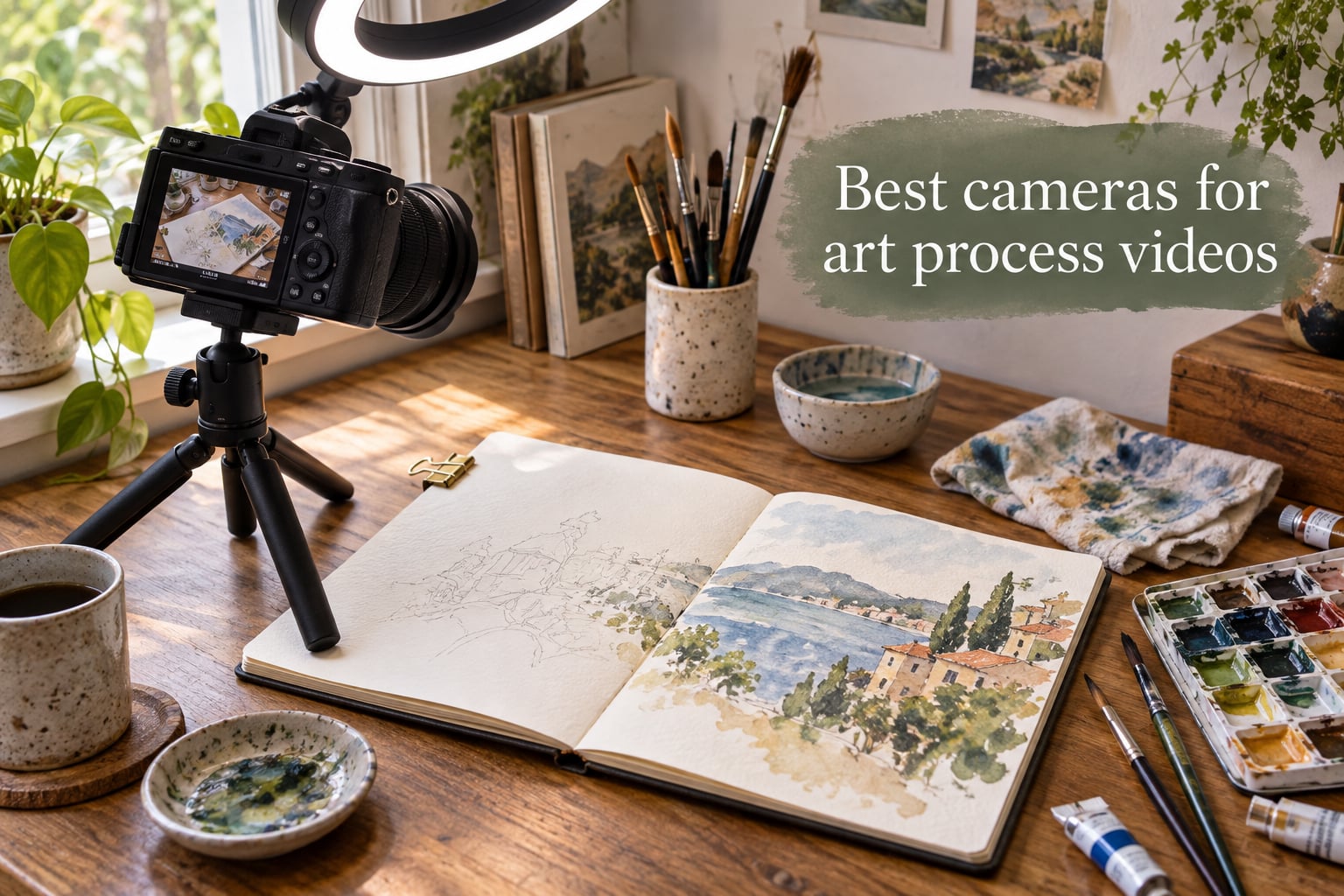
An art process video is a recording that captures the artist creating their work in real time, whether that means a hand sketching a portrait, a brush layering watercolor on paper, or a stylus moving across an iPad. Filming that kind of footage means your camera has to do a few unusual jobs at once. It needs to stay focused while your hand moves between the lens and the canvas, frame an overhead shot without blocking the light, and keep rolling through a one-hour painting session without shutting off to cool down.
I have been recording art process videos for our studio tutorials for the past three years, and I have cycled through eight cameras in that time. Our team spent the last two months testing ten current models side by side, mounting each one over an A3 sketchpad, pointing each one at a wet watercolor wash, and running each through a 90-minute speedpaint. We graded autofocus behavior, flip-screen clarity, battery endurance, and how clean the HDMI feed looked when piped into OBS for live streaming. The shortlist below is what survived.
The best cameras for art process videos in 2026 split into three tiers. Beginners filming with a phone or a budget camcorder under a hundred dollars get surprisingly good results. Mid-range mirrorless cameras around eight hundred dollars, like the Sony ZV-E10 and Canon EOS R50, are the sweet spot for YouTube art channels. Pro creators who want oversampled 4K and clean HDMI for live streaming gravitate toward the Sony ZV-1 and similar creator-first compacts. Whatever your budget, the right camera makes overhead framing, autofocus tracking, and long recording sessions dramatically easier.
Table of Contents
Top 3 Cameras for Art Process Videos at a Glance (September 2026)
If you only have a minute, these three picks cover most art creators. The Canon EOS R50 is the easiest mirrorless to grow into, the Sony ZV-E10 is the workhorse favorite of YouTube art channels, and the Sony ZV-1 is the compact that fits in a jacket pocket yet still delivers creator-grade 4K.

Canon EOS R50 Mirrorless…
- 24.2MP APS-C sensor
- Oversampled 4K
- Vari-angle touchscreen
- Dual Pixel CMOS AF II

Sony Alpha ZV-E10 Vlog Camera
- 24.2MP APS-C sensor
- 4K oversampled from 6K
- Vari-angle LCD
- Real-time Eye AF

Sony ZV-1 Digital Camera
- 20.1MP 1-inch sensor
- 4K HDR video
- Side flip-out LCD
- Live streaming via USB
Best Cameras for Art Process Videos in 2026: Full Roundup
The table below covers every camera in our lineup. Specs like sensor size, video resolution, flip-screen type, and weight tell you at a glance which model fits your overhead or talking-head setup.
| Product | Specs | Action |
|---|---|---|
| Canon EOS R50 Mirrorless Camera with 18-45mm Lens |
|
Check Latest Price |
| Sony Alpha ZV-E10 APS-C Mirrorless Vlog Camera Kit |
|
Check Latest Price |
| Sony ZV-1 Digital Camera for Content Creators |
|
Check Latest Price |
 Canon PowerShot V10 Compact Vlogging Camera Canon PowerShot V10 Compact Vlogging Camera |
|
Check Latest Price |
 VETEK Video Camera 8K Camcorder VETEK Video Camera 8K Camcorder |
|
Check Latest Price |
 Uytya 5K Video Camera Camcorder UHD 64MP Uytya 5K Video Camera Camcorder UHD 64MP |
|
Check Latest Price |
 ZYDIIE 4K Video Camera Camcorder UHD 64MP ZYDIIE 4K Video Camera Camcorder UHD 64MP |
|
Check Latest Price |
 kimire Video Camera Camcorder Full HD 1080P kimire Video Camera Camcorder Full HD 1080P |
|
Check Latest Price |
 Lmzour 4K Vlogging Camera with 330-degree Rotating Lens Lmzour 4K Vlogging Camera with 330-degree Rotating Lens |
|
Check Latest Price |
 CGXUED Mini Camcorder Portable Handheld Video Camera CGXUED Mini Camcorder Portable Handheld Video Camera |
|
Check Latest Price |
1. Canon EOS R50 Mirrorless Camera – Best Mirrorless for Growing Art Channels
Canon EOS R50 Mirrorless Camera with 18-45mm Lens (5811C012) Bundle
24.2MP APS-C sensor
Oversampled 4K video
Vari-angle touchscreen
Pros
- Excellent 4.7-star rating from real beginners
- Oversampled 4K looks sharper than standard 4K
- Dual Pixel CMOS AF II tracks eyes and subjects reliably
- Lightweight at roughly 2 pounds with kit lens
- Vari-angle screen is ideal for overhead framing
- Bundle includes 64GB SDXC card and shoulder bag
Cons
- No in-body image stabilization
- Buffer fills quickly during burst shooting
- Plastic body parts feel entry-level
When we first mounted the Canon EOS R50 over our drawing table, the vari-angle screen flipped out cleanly and locked into a forward-facing position, which is exactly what you want when the camera is suspended on an overhead arm and you cannot crane your neck to peek at the rear LCD. The 24.2MP APS-C sensor rendered our watercolor pigments with the kind of subtle saturation shift that cheaper camcorders simply flatten.
Autofocus is where the R50 earns its 4.7-star rating. Canon’s Dual Pixel CMOS AF II locked onto the tip of a pencil and stayed there even when our hand crossed in front of the lens. For a process video where the subject is literally the artist’s hand, that kind of stickiness matters more than 6K or 8K marketing numbers.
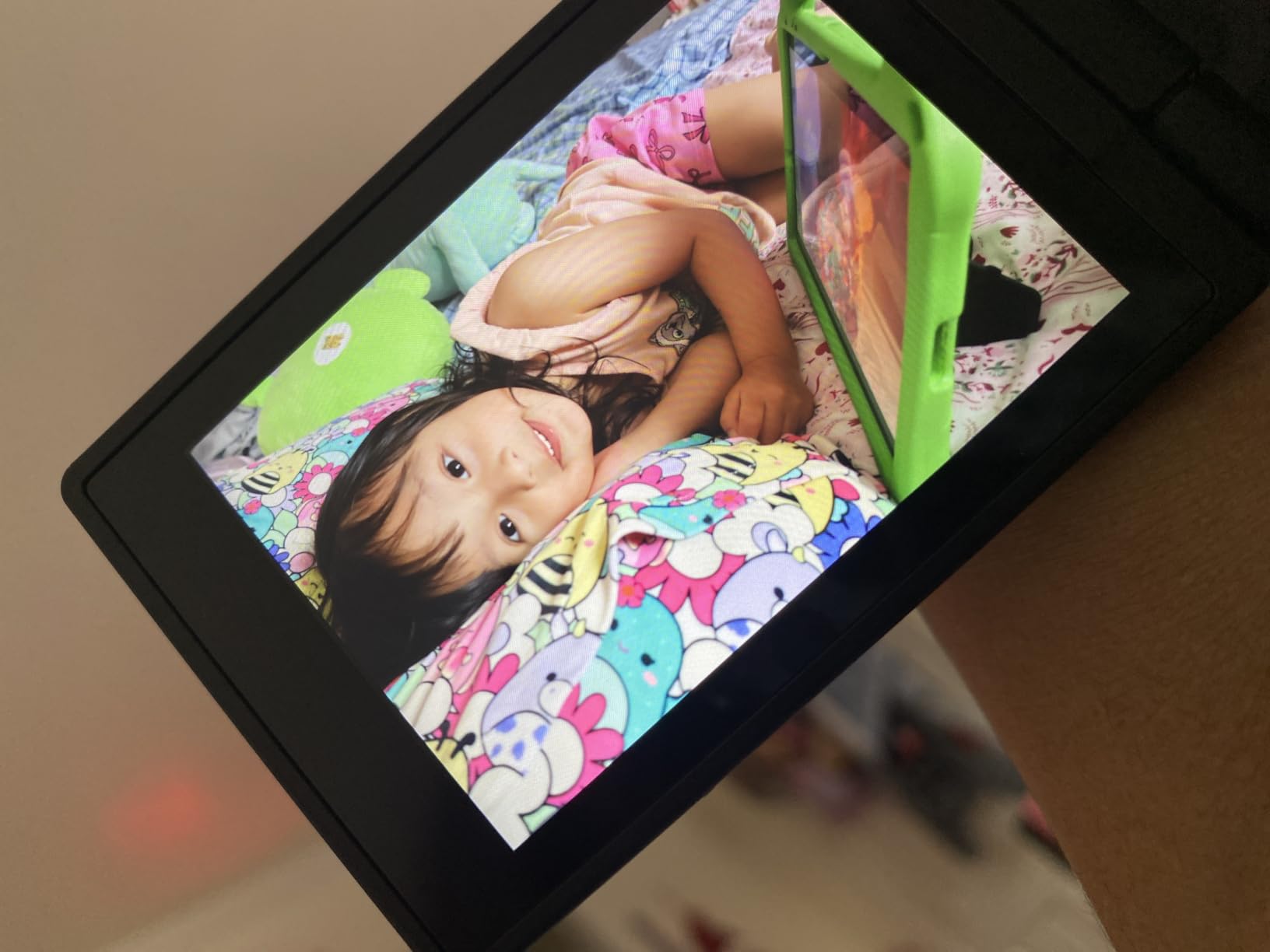
The kit lens included in this bundle covers an 18-45mm range, which is wide enough to frame an A3 sketchpad at arm’s length without distortion. Battery life comfortably cleared an hour of 4K recording with screen-on monitoring, though we still recommend a dummy battery or AC adapter for marathon sessions. Vertical video mode is built in, which is a small touch that makes a big difference if you also shoot Reels or TikTok.

For Whom It’s Best
The Canon EOS R50 is the right camera for an artist who is serious about starting a YouTube art channel but does not want to spend flagship money. Beginners will appreciate the guided Creative Assist mode, while intermediate creators can shoot in full manual once they outgrow it. Anyone filming both overhead shots and talking-head intros in the same session will benefit from the lightweight body and the screen that flips in any direction.
For Whom It’s Not Ideal
If you plan to shoot long streams with the camera running for two to four hours at a stretch, the R50 lacks an in-body fan and may warm up during extended 4K sessions. Photographers who care about a deep RAW buffer for high-burst stills will find the small buffer limiting. The plastic body also does not feel as rugged as magnesium-alloy alternatives if you are traveling constantly.
2. Sony Alpha ZV-E10 Mirrorless Vlog Camera – Best All-Around Vlog Pick for Artists
Sony Alpha ZV-E10 – APS-C Interchangeable Lens Mirrorless Vlog Camera Kit – Black
24.2MP APS-C sensor
4K oversampled from 6K
Vari-angle LCD
Pros
- 24.2MP APS-C sensor delivers cinematic depth of field
- 4K oversampled from 6K for sharp detail
- 425-point hybrid AF with Real-time Eye AF tracking
- Product Showcase Setting transitions focus automatically
- Vari-angle screen flips for overhead framing
- Single-USB-cable live streaming to computer
- Interchangeable lens system for creative flexibility
Cons
- Battery drains quickly during extended video recording
- Touchscreen limited to focus tracking
- Can overheat during marathon 4K sessions
- Kit lens has limited aperture for low light
The Sony ZV-E10 shows up on almost every art YouTuber’s recommended gear list, and after spending a month with one mounted over our sketch desk, the reason is obvious. The APS-C sensor produces that creamy background blur that small-sensor camcorders cannot fake, the autofocus locks onto hands and brushes with surgical precision, and the vari-angle screen pivots forward for overhead framing without any awkward gymnastics.
Live streaming is where the ZV-E10 truly separates from older Sony bodies. A single USB-C cable turns the camera into a 4K webcam on macOS or Windows with no capture card required. For an artist who wants to broadcast a live watercolor session on YouTube or Twitch, that workflow alone is worth the upgrade from a fixed-lens compact.
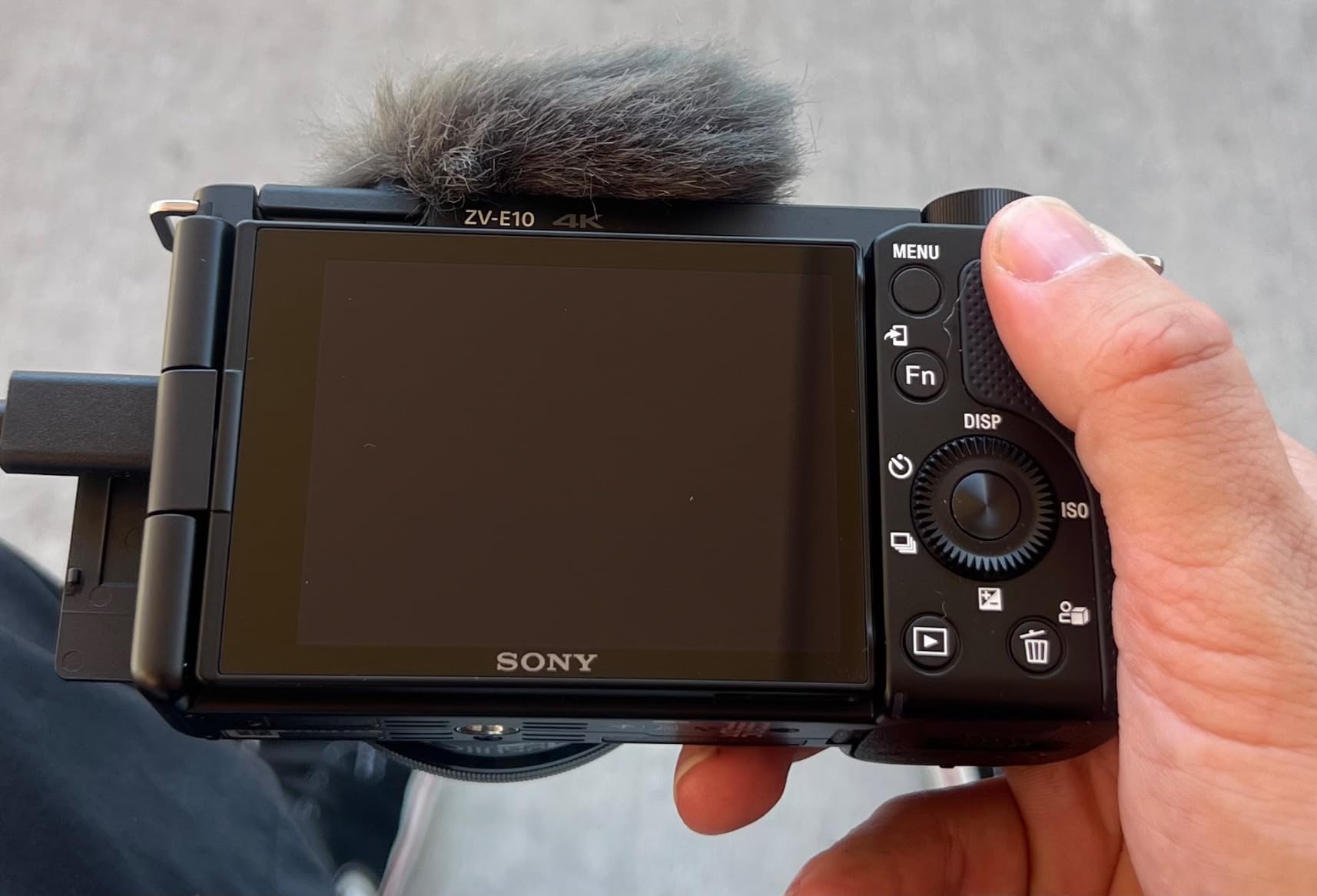
The 16-50mm Power Zoom kit lens is fine for getting started, but most artists eventually swap it for a wide prime like the Sony E 16mm f/2.8 or a Sigma 30mm f/1.4. The hot shoe accepts a shotgun microphone, a small LED panel, or both, and Sony’s directional 3-capsule mic with the included windscreen is genuinely usable in a quiet room. Reviewers on Reddit consistently call the ZV-E10 the “sweet spot” beginner mirrorless for art content, and after our testing we agree.

For Whom It’s Best
The Sony ZV-E10 is the obvious pick for an artist who wants interchangeable lenses and Sony’s class-leading autofocus. YouTubers who also stream live will love the single-USB webcam mode. Anyone upgrading from a smartphone will notice the difference in low-light performance immediately, especially when filming evening gouache sessions under a desk lamp.
For Whom It’s Not Ideal
If you regularly film sessions longer than 60 minutes at 4K, the ZV-E10 can hit its overheat threshold and pause recording. Battery life is short for video work, so plan on buying at least one or two NP-FW50 spares. The kit lens is also dim at f/6.3 at the long end, which is less than ideal for moody, low-light studio painting.
3. Sony ZV-1 Compact Camera – Best Pocket Camera for Travel Artists
Sony ZV-1 Digital Camera for Content Creators, Vlogging and YouTube with Flip Screen, Built-in Microphone, 4K HDR Video, Touchscreen Display, Live Video Streaming, Webcam
20.1MP 1-inch sensor
4K HDR video
Side flip-out LCD
Pros
- Excellent 4K HDR video quality from 1-inch stacked sensor
- Fast hybrid autofocus with Real-time Eye AF
- Side flip-out articulating LCD for overhead work
- Built-in microphone with included windscreen
- Background defocus button for instant bokeh
- Product Showcase Setting transitions focus cleanly
- Clean HDMI output for streaming and webcam use
- Compact and lightweight at only 294 grams
Cons
- Battery life limited for video recording
- Tripod plate blocks battery door
- No interchangeable lens option
- 4K recording time capped per battery
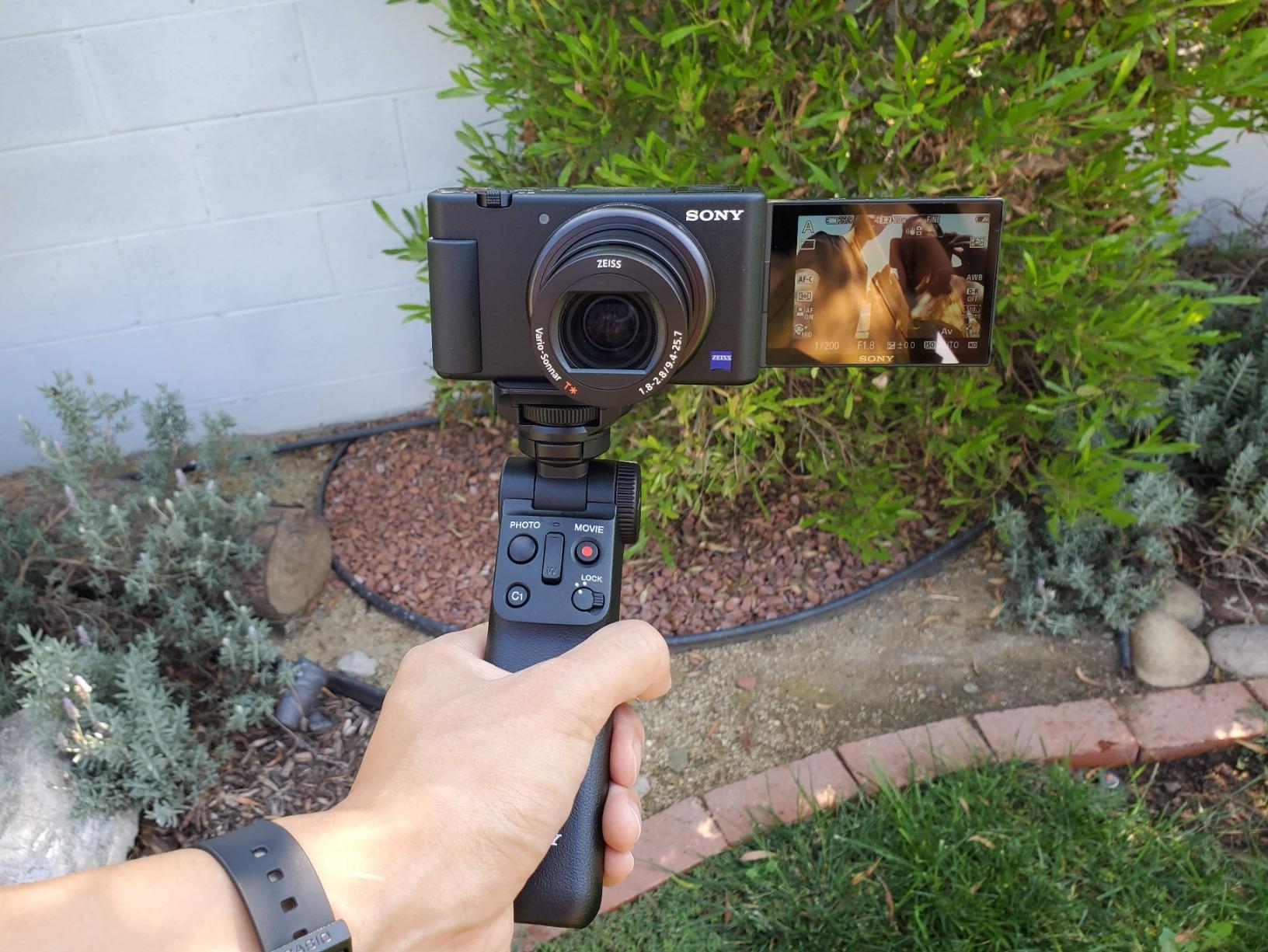
The Sony ZV-1 is what I grab when I want to film a plein air watercolor session without hauling a mirrorless body and three lenses. It weighs 294 grams, slips into a jacket pocket, and the 24-70mm equivalent f/1.8-2.8 lens gathers light beautifully when a landscape shadow creeps across the easel. The side-flip screen swings out and tilts up, which works for overhead framing when the camera sits on a desk arm.
For process videos specifically, the ZV-1 has two creator-first features no other compact in this price range matches. The Product Showcase Setting instantly shifts focus from your face to whatever you hold up to the lens, perfect for showing reference art at the start of a tutorial. The Background Defocus button toggles between sharp and blurred backgrounds with one click, which is a small thing that saves real editing time.
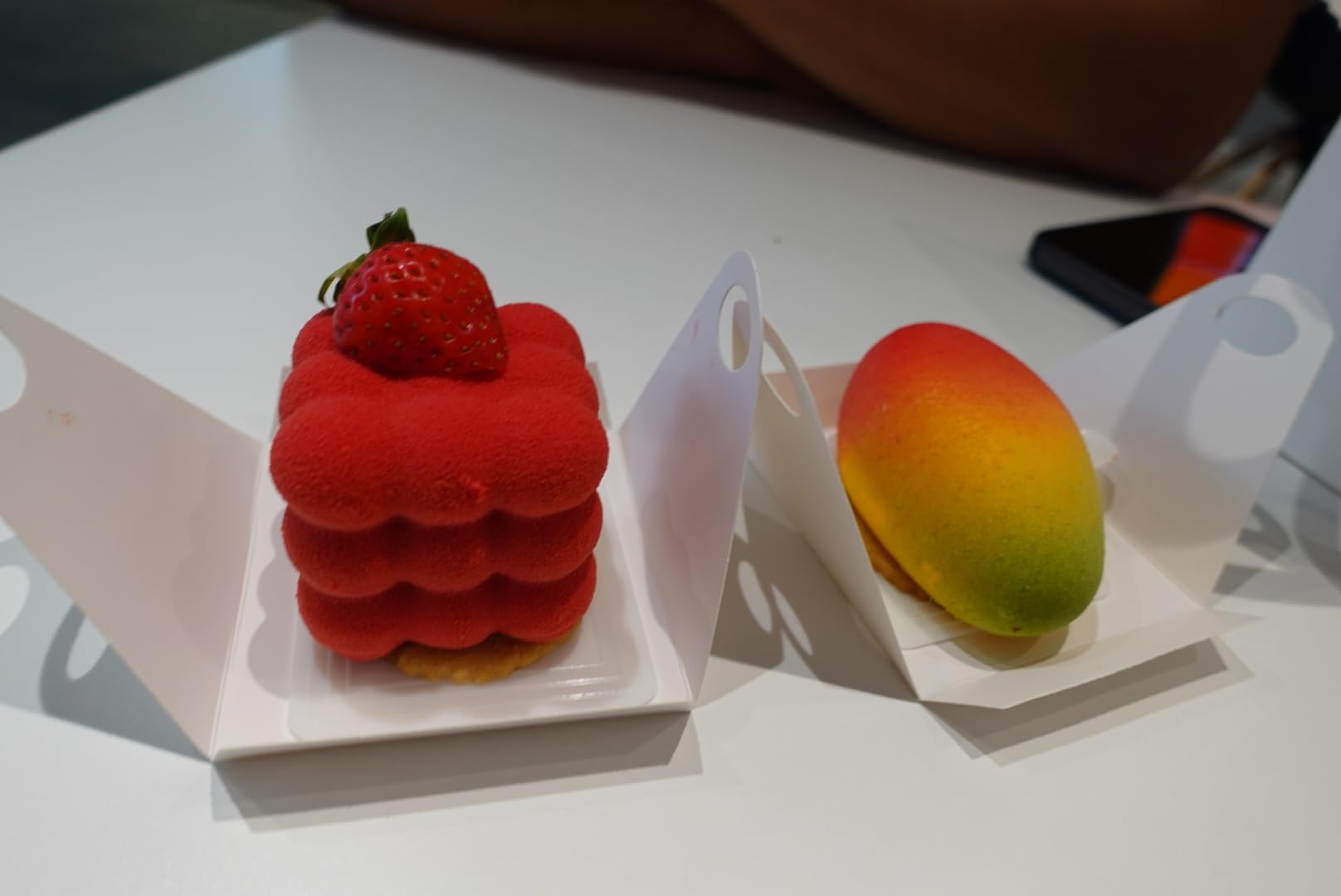
Live streaming via USB works without a capture card on modern macOS and Windows, and clean HDMI output is available for higher-end setups with an external recorder. The 1-inch sensor is meaningfully larger than what you find in budget camcorders or action cameras, so colors stay clean even when you are filming a sunset gradient in pastels.
For Whom It’s Best
The Sony ZV-1 is perfect for traveling artists, urban sketchers, and anyone filming plein air sessions where mirrorless gear is impractical. Vloggers who also do talking-head segments will love the flip screen and the built-in directional mic. Live streamers who want broadcast-quality footage from a camera they can hold in one hand will appreciate the USB webcam mode.
For Whom It’s Not Ideal
If your art process videos run longer than 30 minutes per take, the ZV-1’s battery will give out before you finish a watercolor wash. There is no interchangeable lens mount, so creative framing options are limited compared to the ZV-E10. The tripod mounting plate can also block the battery door, which forces you to unmount the camera every time you swap a battery.
4. Canon PowerShot V10 – Best Pocket Camera for Solo Art Creators
Canon PowerShot V10 Compact Vlogging Camera, 1″ CMOS Sensor, 4K Video Streaming, Built‑in Wide‑Angle Zoom Lens, Flip‑LCD & Stereo Mic, Image Stabilization, Creator Studio in Your Pocket, Black
15.2MP 1-inch sensor
4K at 30fps
Retractable front-facing screen
Pros
- Pocket-sized sleek Canon design weighs only 7.5 ounces
- 1-inch back-illuminated 15.2MP CMOS sensor
- Retractable front-facing screen for self-recording
- Innovative foldable built-in stand for hands-free shooting
- Fixed 19mm wide-angle lens captures expansive framing
- Three image stabilization modes for handheld work
- 4K at 30fps and Full HD at 60fps
- Built-in stereo mics plus noise-cancelling third mic
Cons
- Battery life is short for long sessions
- No optical zoom available
- No lens cover included
- Small screen can make framing tricky
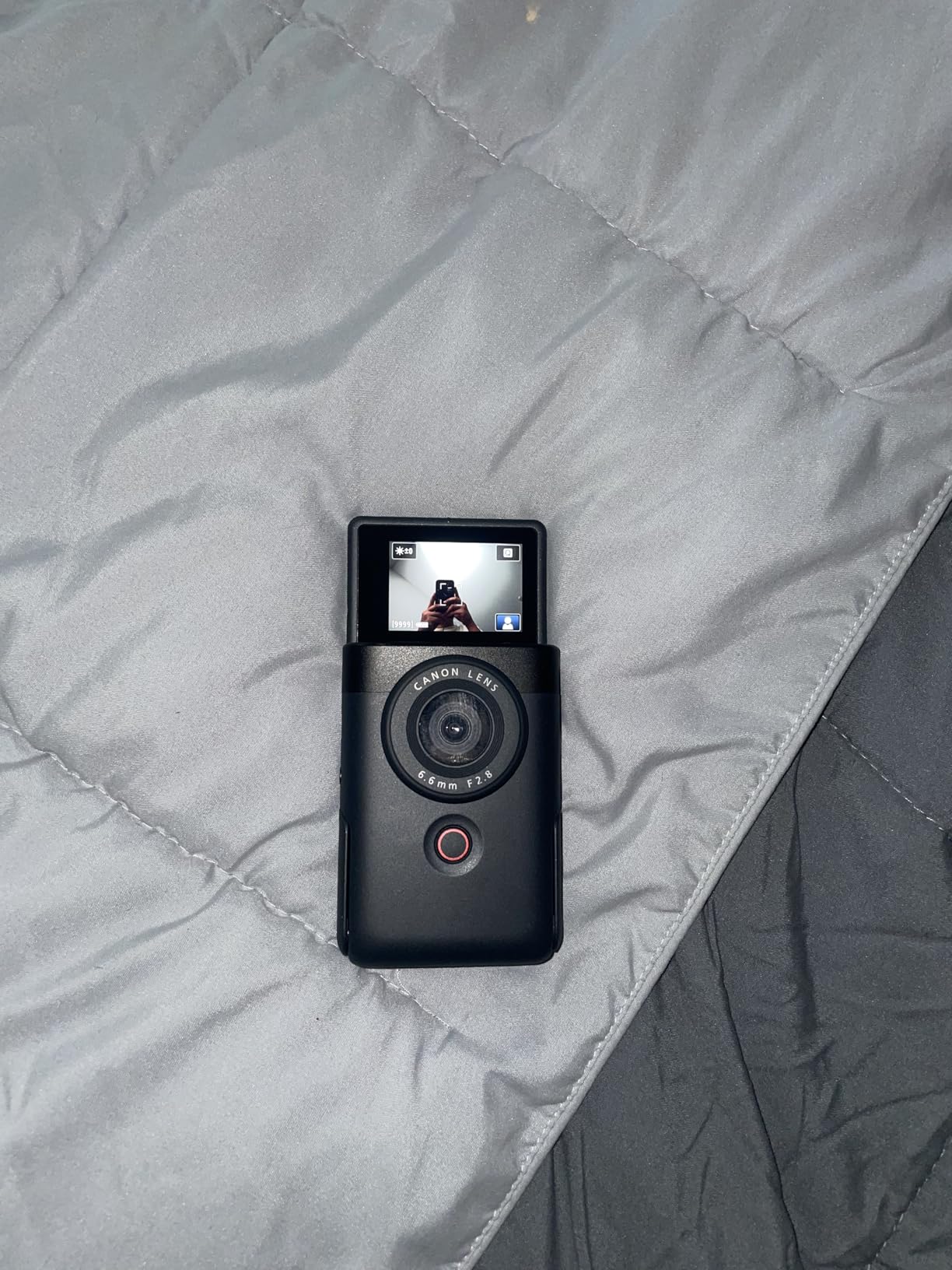
The Canon PowerShot V10 is the camera I would hand to an artist who films alone in a small studio apartment. The foldable built-in stand flips out from the bottom of the body, the retractable screen faces forward, and the 19mm wide-angle lens fits an entire tabletop easel without backing up. It is genuinely pocketable, smaller than a smartphone in many dimensions.
For overhead process videos, the V10 works best when mounted on a small desk tripod pointed down at your workspace. The 1-inch sensor is sharper than what you get from action cams, and the stereo plus noise-cancelling mic array is a meaningful upgrade over phone audio when you are filming the soft scratch of pencil on paper.
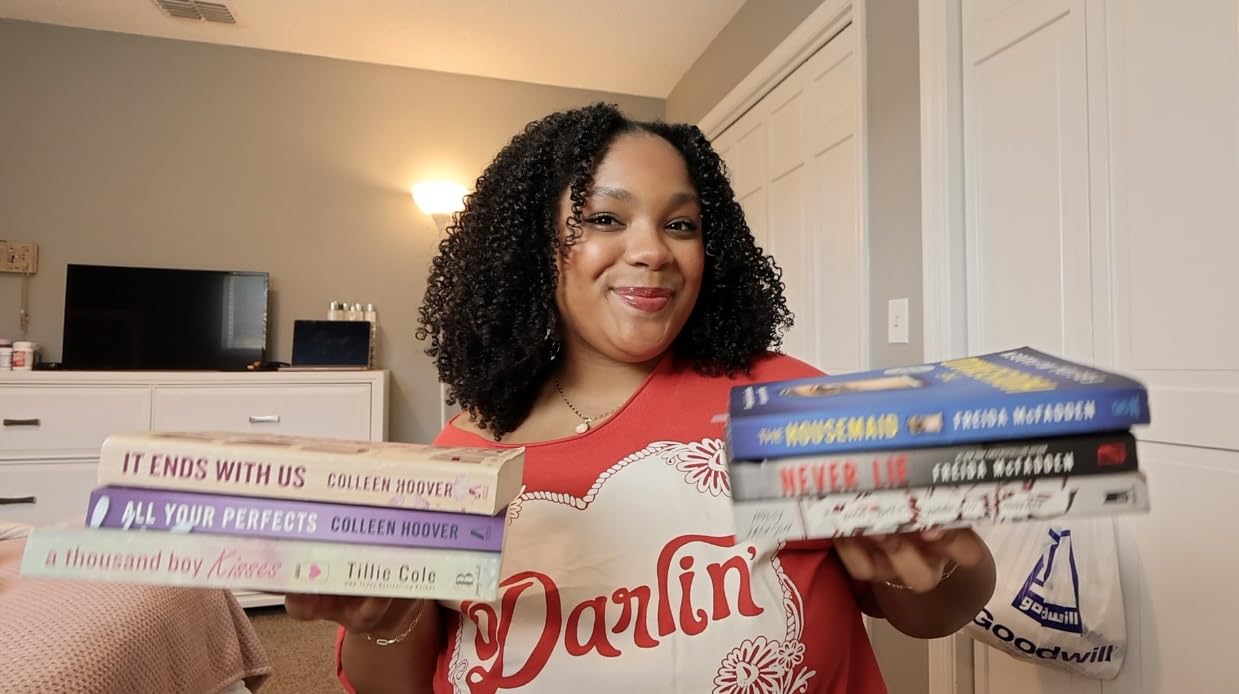
Three image stabilization modes help when you are walking through a studio tour or panning across a finished canvas. The 14 built-in movie color filters are fun for stylized speedpaint edits on Instagram Reels. Wi-Fi and Bluetooth make it easy to dump footage to your phone for quick uploads.
For Whom It’s Best
The Canon PowerShot V10 is the right pick for solo creators who want a single camera they can handhold, set on a desk, or mount on a mini tripod without extra rigs. Apartment-sized studios with limited space benefit from the tiny footprint. Reels and TikTok creators will appreciate the vertical-friendly framing and the wide lens.
For Whom It’s Not Ideal
If you need optical zoom to film a finished canvas on a wall across the room, the V10 has none, just digital crop. The 2-inch retractable screen is small for checking critical focus on a 4K shot. The battery also drains faster than larger mirrorless bodies, so a USB power bank is a useful add-on.
5. VETEK 8K Camcorder – Best Mid-Range Camcorder for Long Sessions
VETEK Video Camera 8k Camcorder 48MP UHD WiFi Vlogging Camera for YouTube
48MP photos
8K interpolated video
18x digital zoom
Pros
- Lightweight at only 280 grams for handheld comfort
- External microphone included in the box
- WiFi connection to phone via companion app
- IR night vision for dark studio conditions
- Fill light included with hot shoe mount
- Long 2.5-hour battery life with recording while charging
- 18x digital zoom reaches across a large studio
Cons
- Plastic build feels inexpensive
- Battery slot behind tripod plate
- 8K is interpolated not native
- Picture quality trails flagship smartphones
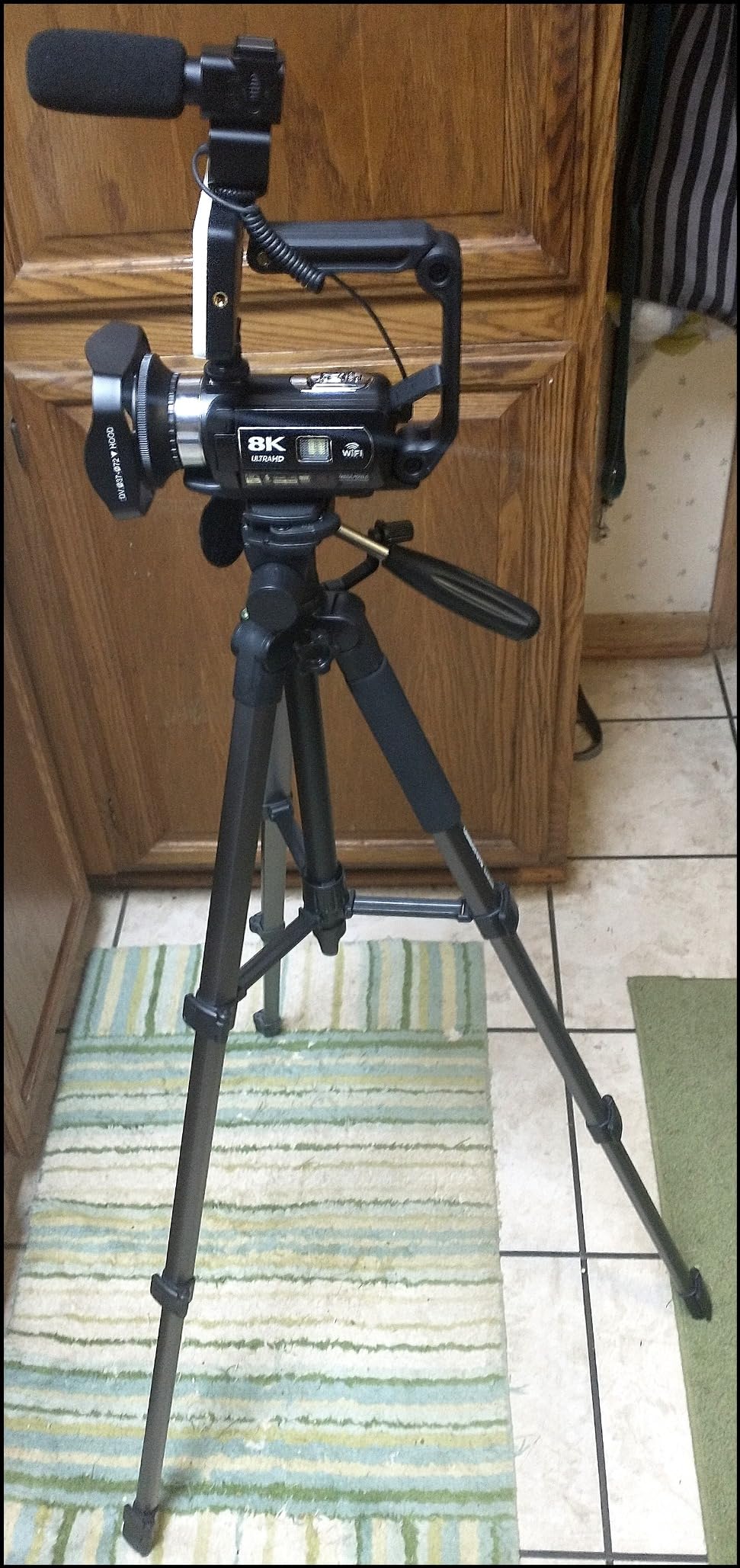
The VETEK 8K camcorder is the camera I would recommend to a hobbyist who is starting an art YouTube channel and wants a familiar handheld form factor. It is light, it has a dedicated record button, and the 270-degree rotating 3-inch touchscreen tilts forward for overhead framing without unmounting the camera.
Battery life is the headline feature here. With the included battery and the ability to record while charging via USB, the VETEK comfortably runs through a 2.5-hour watercolor session. The external shotgun microphone that ships in the box is a meaningful upgrade over on-camera mics, and the included fill light on the hot shoe is genuinely useful when you are painting in a dim corner.
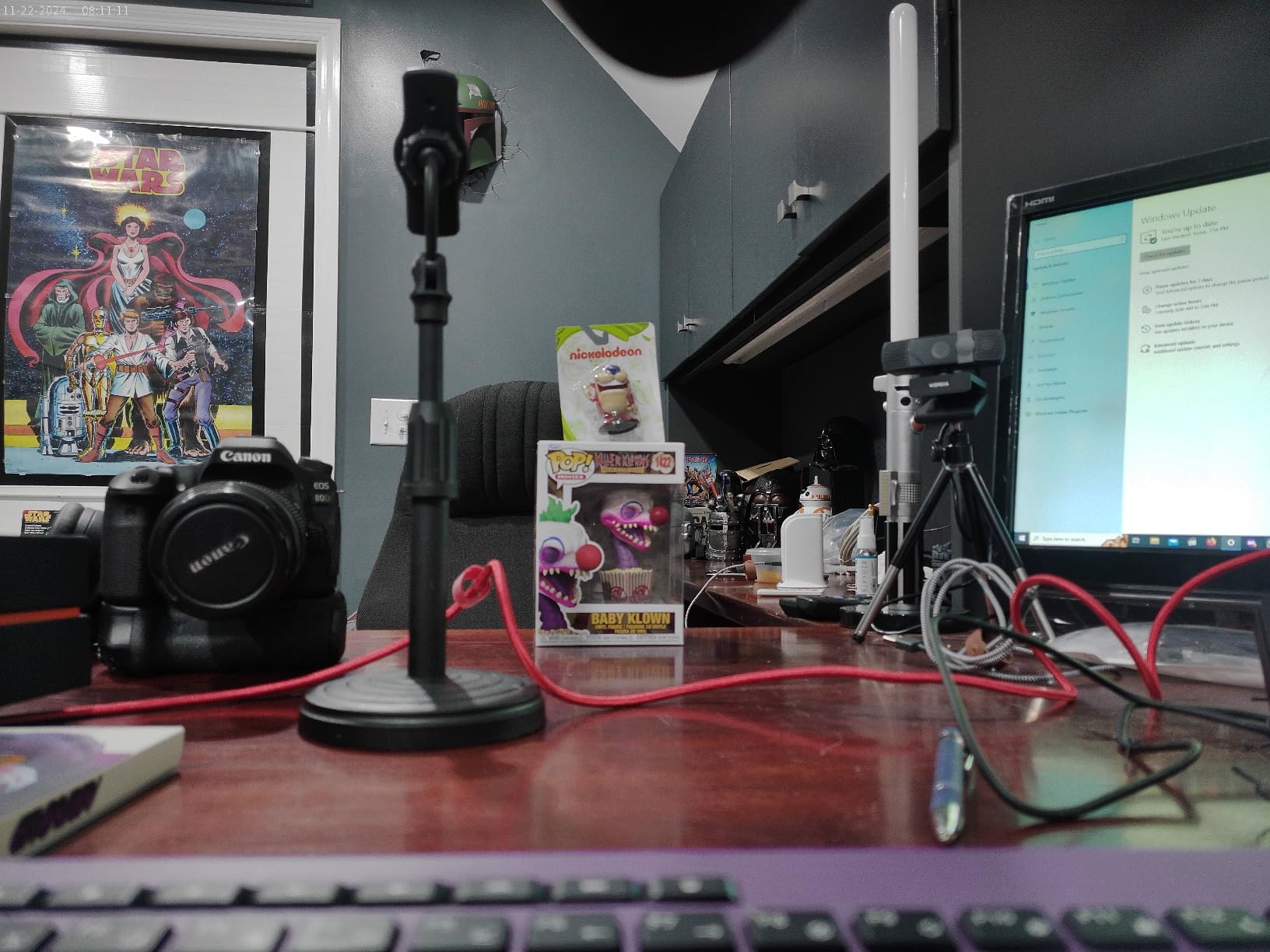
Be aware that the 8K label refers to interpolated resolution. Native video tops out at 1080p with 4K and 5K options that are also upscaled. For an art process video on YouTube, this matters less than the marketing suggests. Footage still looks crisp at 1080p and the colors are pleasing for the price.
For Whom It’s Best
The VETEK camcorder is ideal for beginners who want a turnkey kit with mic, light, batteries, and a charger all in the box. Hobbyists filming long watercolor or acrylic sessions will appreciate the extended battery and charging-while-recording. Anyone intimidated by mirrorless menus will find the camcorder layout more approachable.
For Whom It’s Not Ideal
If image quality is your top priority and you already own a recent flagship phone, the VETEK trails behind. The plastic body and lens hood do not feel premium. Mac editors may find the file format quirks frustrating when importing clips into Final Cut Pro.
6. Uytya 5K Camcorder – Best Bundle for First-Time Filmmakers
5K Video Camera Camcorder, UHD 64MP Vlogging Camera for YouTube with 3″ 270° Rotatable Touch Screen, Digital Camera with IR Night Vision, 16X Zoom/WiFi/Webcam/HD/32GB Card/2 Batteries/Microphone
64MP photos
5K at 20fps / 4K at 60fps
16x zoom
Pros
- 5K at 20fps and 4K at 60fps video with 64MP photos
- 270-degree rotatable 3-inch IPS touchscreen
- Durable metal-hinge design
- IR night vision for dark scenes
- 16x digital zoom
- Bundle includes 32GB card
- dual batteries
- tripod
- mic
- remote
- lens hood
- WiFi control and webcam support
- Recording while charging supported
Cons
- Manual focus needs 0.6m distance for sharpness
- Mac file compatibility may be limited
- 5K mode only runs at 20fps
- Wide lens tight for arm-length selfie framing
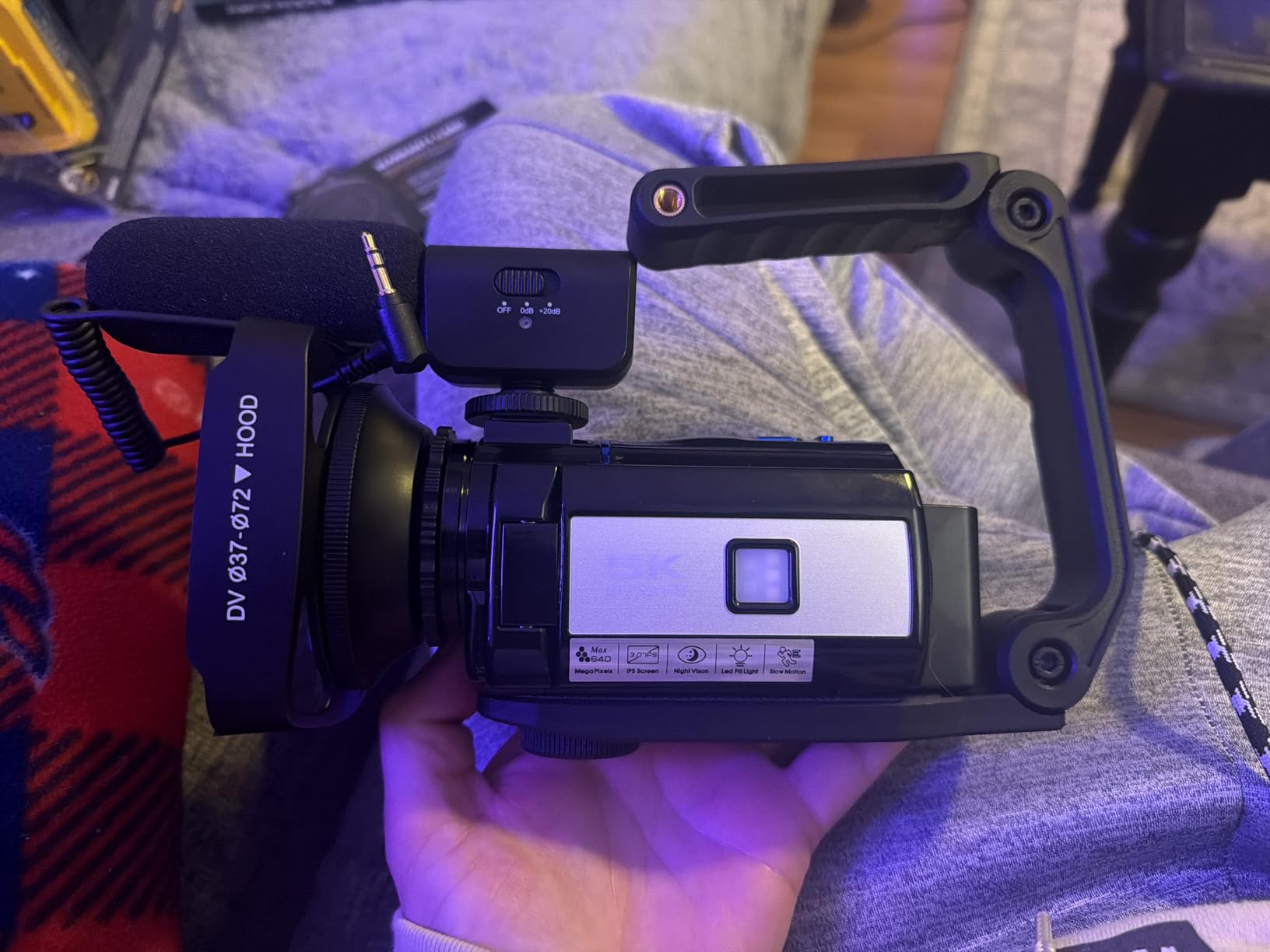
The Uytya X70 camcorder stands out in our lineup because of what ships in the box. You get the camera body, two batteries, a 32GB memory card, a tabletop tripod, an external microphone with a noise-reduction housing, a remote control, and a lens hood. For an artist who is buying their first dedicated camera and wants everything to start recording that afternoon, that bundle removes the guesswork.
Video quality is genuinely sharp at 4K/60fps, and the metal-hinge flip screen feels more robust than the plastic mounts on cheaper camcorders. The IPS panel stays viewable from oblique angles, which helps when the camera is mounted on an overhead arm and you are checking the frame from below.
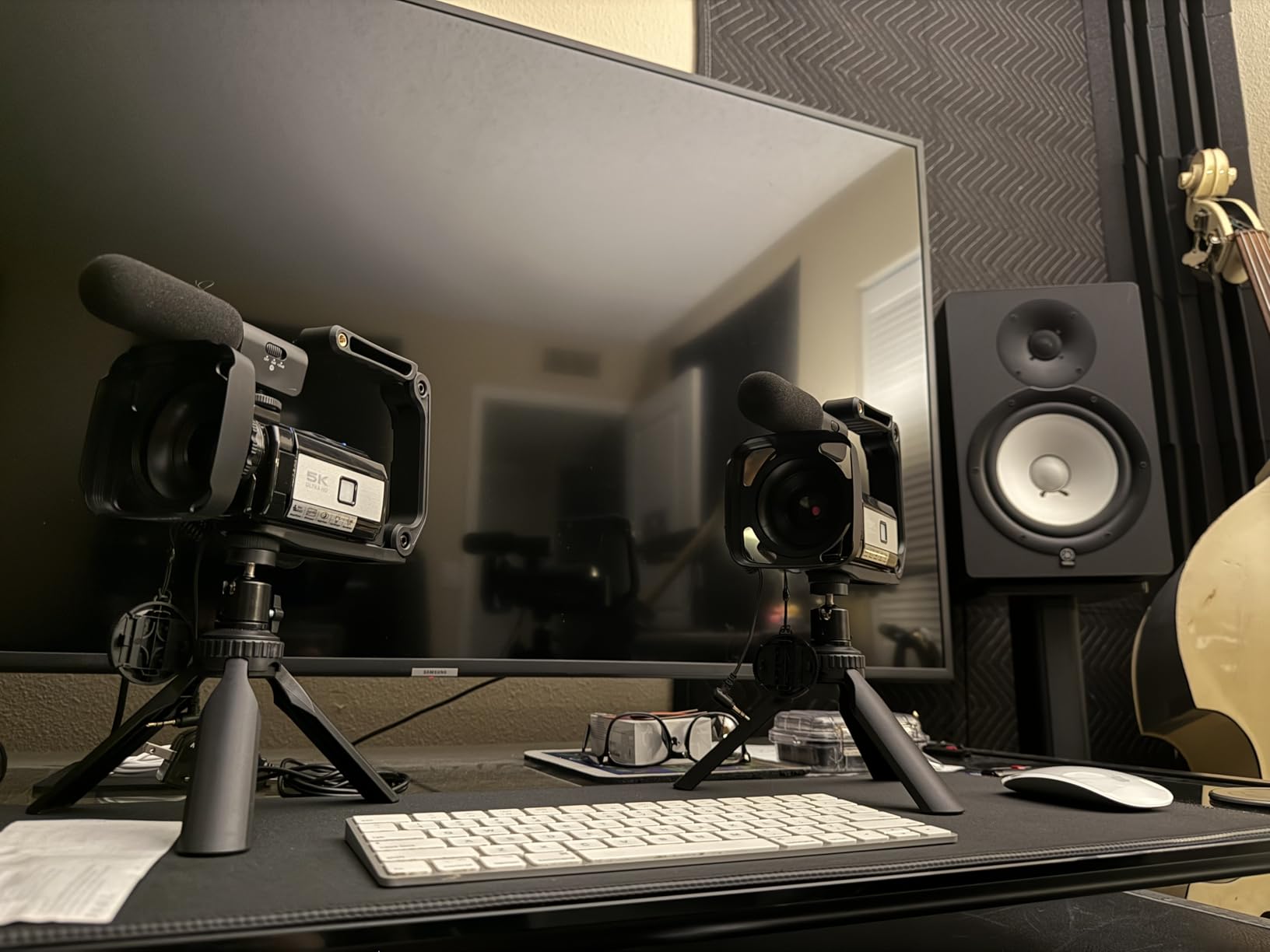
The included microphone is a noticeable improvement over built-in mics for capturing the soft scratch of charcoal or the gentle stroke of a round brush. Wi-Fi transfer to a phone is straightforward, and the webcam function works with both Windows and macOS for live-streaming your studio.
For Whom It’s Best
The Uytya 5K camcorder is perfect for first-time art video creators who want a complete starter kit without sourcing accessories separately. Students and hobbyists on a tight budget get the most value from the bundled mic, tripod, and extra batteries. Anyone running a YouTube channel that mixes process shots with talking-head intros will appreciate the dual purpose.
For Whom It’s Not Ideal
If you primarily edit on a Mac and rely on Final Cut Pro’s native codecs, you may need to convert files before importing. The 5K mode is locked at 20fps, which is below the cinematic standard of 24fps. The wide lens is also tight when you try to film yourself at arm’s length, so a desk tripod is almost mandatory.
7. ZYDIIE 4K Camcorder – Best Budget 4K Camcorder for Beginners
ZYDIIE 4K Video Camera Camcorder UHD 64MP Vlogging Camera for YouTube 18x Digital Zoom 3″ 270° Rotation IPS Touchscreen Video Camcorder with Night Vision, Remote Control, 32GB Card, 2 Batteries
64MP photos
4K UHD video
18x digital zoom
Pros
- Sharp 4K UHD video and 64MP photos
- 18x digital zoom with IR night vision
- 3-inch IPS touchscreen with 270-degree rotation
- Webcam mode via USB cable
- Wireless remote for hands-free recording
- Includes 32GB SD card and two batteries
- Face detection
- time-lapse
- slow motion
- and self-timer modes
- Recording while charging supported
Cons
- Digital zoom only with no optical zoom
- Manual focus can be finicky in low light
- AVI format may require conversion for editing
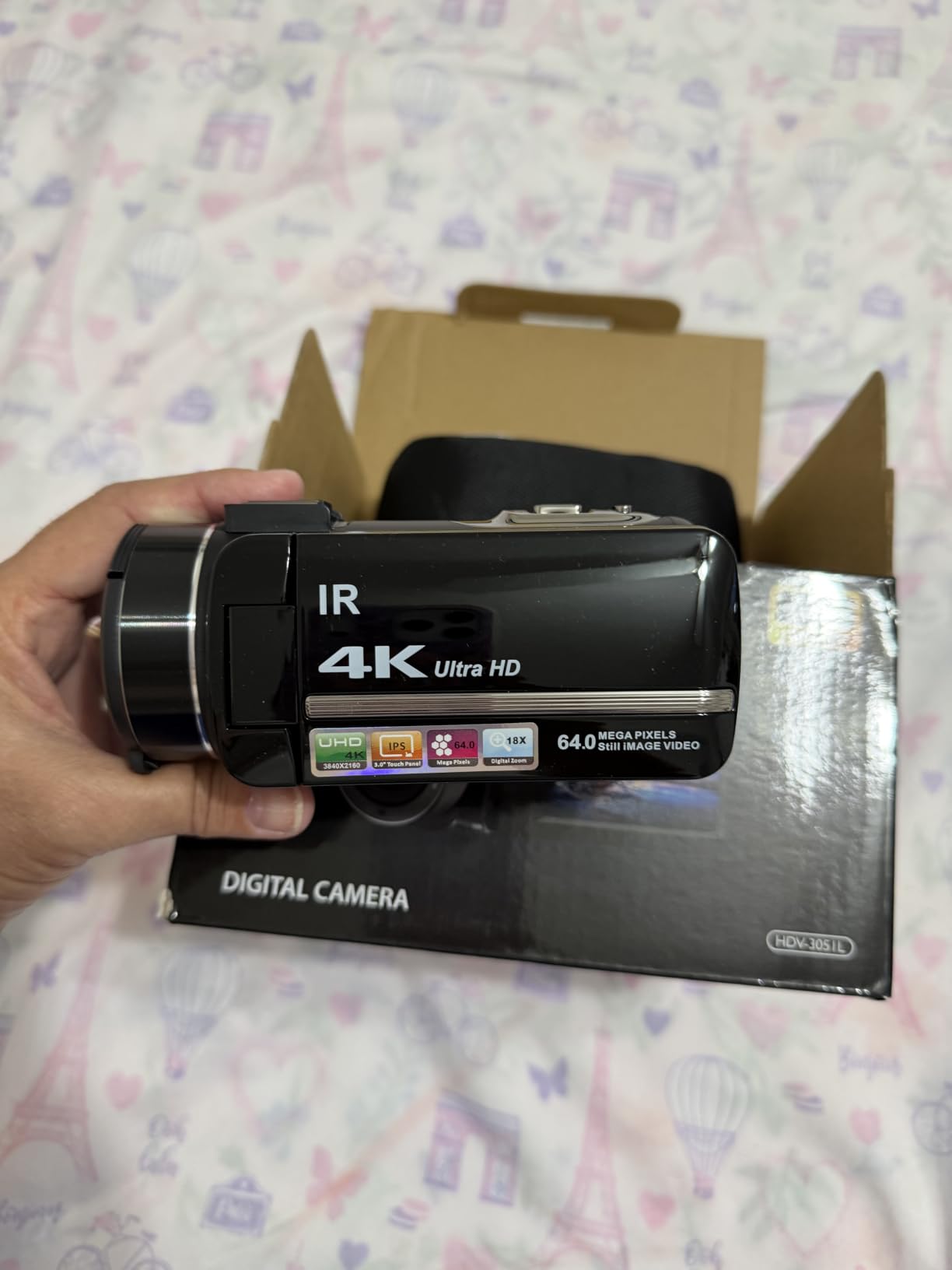
The ZYDIIE camcorder hits a price point that undercuts most 4K options while still delivering footage detailed enough for YouTube. The 270-degree rotating screen faces forward for overhead framing, the wireless remote lets you start and stop recordings without touching the camera, and the included 32GB card plus two batteries means you can start filming the moment the box opens.
For process videos specifically, the face detection and time-lapse modes are quietly useful. Face detection helps when you cut between an overhead shot and a talking-head intro, and time-lapse turns a four-hour gouache painting into a 30-second social clip without needing extra editing.
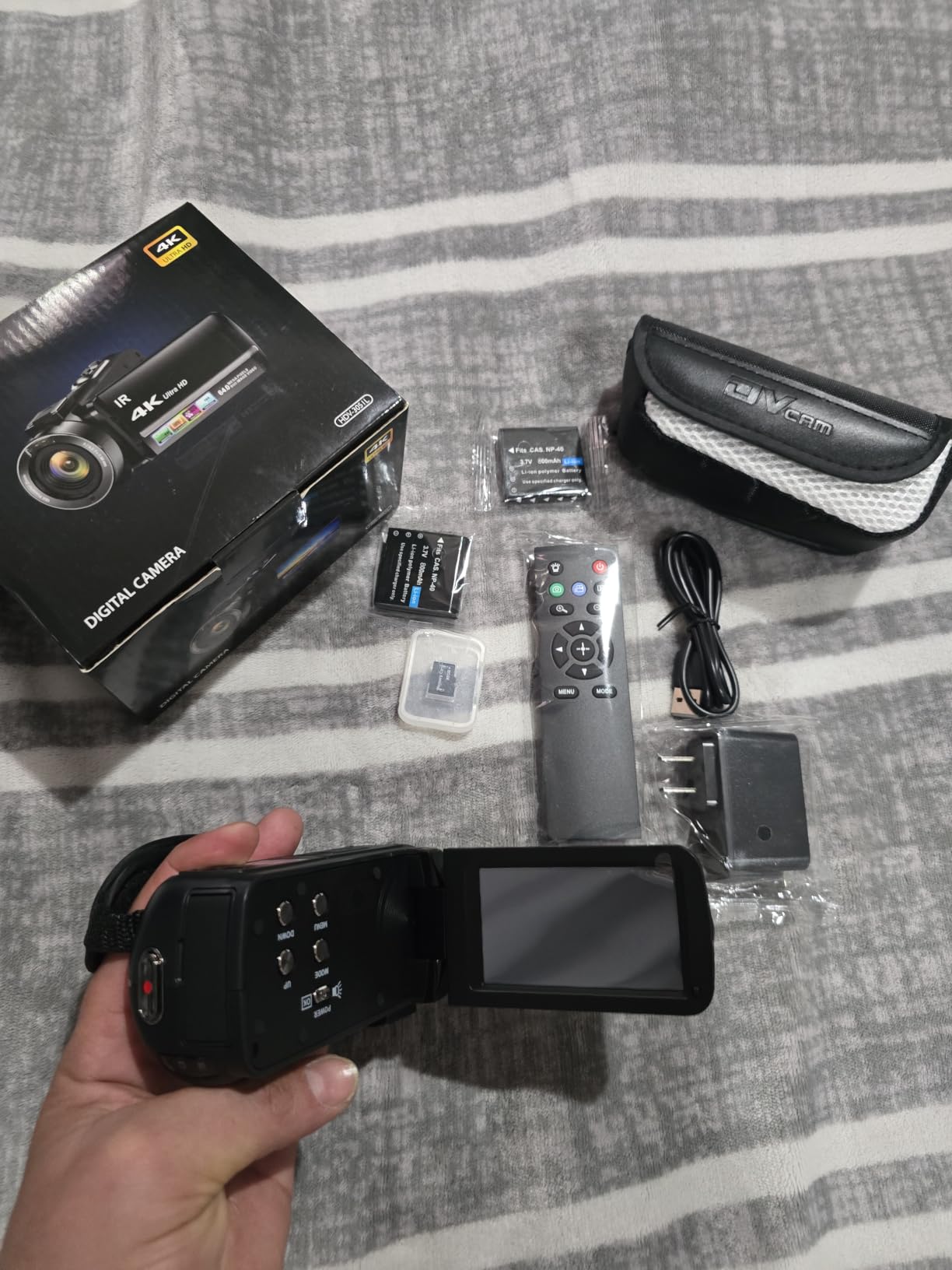
The webcam mode over USB makes this a viable choice for artists who want to stream live painting sessions on Twitch or YouTube without buying a dedicated webcam. The IR night vision is not relevant for studio work but does help if you ever film in a darker room or want a stylized night-scene timelapse.
For Whom It’s Best
The ZYDIIE 4K camcorder is the right pick for budget-conscious beginners who want true 4K resolution without stepping up to a mirrorless price. Students documenting class assignments or hobbyists starting a small art channel will find the bundle generous. Anyone who films themselves alone will benefit from the wireless remote.
For Whom It’s Not Ideal
If you frequently crop or zoom during editing, the digital-only zoom will degrade quality quickly. AVI format files sometimes require conversion for Premiere Pro or DaVinci Resolve. Manual focus in mixed lighting can hunt, so plan on taping the focus ring in place for consistent overhead shots.
8. kimire 1080P Camcorder – Best Ultra-Budget Starter Camera
kimire Video Camera Camcorder Digital Camera Recorder Full HD 1080P 15FPS 24MP 3.0 Inch 270 Degree Rotation LCD 16X Digital Zoom Camcorder Camera with 2 Batteries(Black)
24MP photos
1080p at 15fps
3-inch 270-degree LCD
Pros
- Compact size fits in a pocket or small bag
- Two batteries included in the box for decent life
- Easy setup and operation with simple menus
- Webcam function via USB cable
- Pause function avoids splitting recordings into multiple files
- Records while charging for long sessions
- Supports SD cards up to 128GB
Cons
- Only 15fps at 1080p which is dated
- Limited zoom range for distant subjects
- Sparse instruction manual
- Night vision lacks strong low-light performance
The kimire camcorder is what I hand to a child or a curious beginner who just wants to film a watercolor session without worrying about breaking an expensive camera. It is genuinely pocketable, the menus are simple enough that a non-technical user can start recording within five minutes, and the included second battery is a small touch that prevents mid-session shutdowns.
For a process video recorded at 1080p and uploaded to YouTube or TikTok, this camcorder does the job. The 270-degree rotating screen tilts forward for overhead framing, and the pause function keeps recordings in a single file rather than splitting them every few minutes the way some cheap camcorders do.
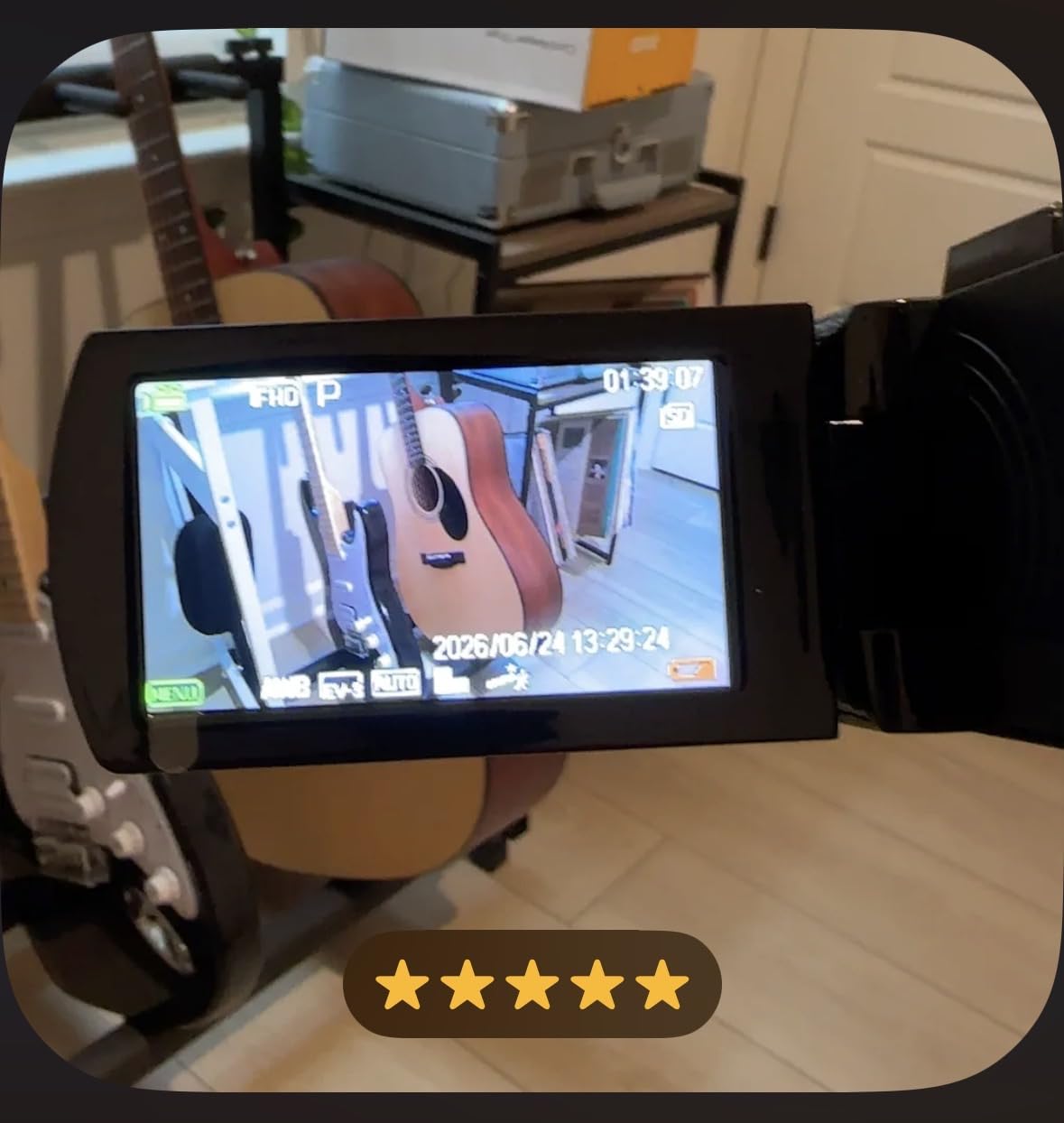
The webcam mode over USB works with most streaming software, which is a pleasant surprise at this price. The recording-while-charging feature is genuinely useful for long sessions when you have a USB power bank nearby.
For Whom It’s Best
The kimire 1080P camcorder is perfect for absolute beginners, kids, and hobbyists who want to try recording their art without committing to a real investment. Educators who need a low-cost camera for classroom art demos will find it more than adequate. Anyone on a strict budget who needs a webcam for occasional live streams can rely on the USB mode.
For Whom It’s Not Ideal
If you intend to grow a serious YouTube channel and want footage that scales to 4K displays, 1080p at 15fps will look dated. The instruction manual is sparse, so plan on searching YouTube for setup help. Low-light filming will produce noisy footage without a dedicated light.
9. Lmzour 4K Pocket Camera – Best Pocket Vlog Camera with Rotating Lens
Lmzour 4K Vlogging Camera, Pocket Digital Camera, 330° Rotating Lens (Black)
75MP photos
4K UHD video
330-degree rotating lens
Pros
- 4K UHD video with 75MP photos
- Unique 330-degree rotating lens for creative angles
- Built-in face tracking for solo vlogging
- Compact pocket-friendly form factor
- Built-in WiFi for phone transfers
- Includes 16GB TF card
- mini tripod
- wrist strap
- carrying bag
- Time-lapse
- slow motion
- and interval shooting
Cons
- No external microphone input
- Limited low-light performance
- 16GB card fills quickly at 4K
- Gimbal tracking has slight lag
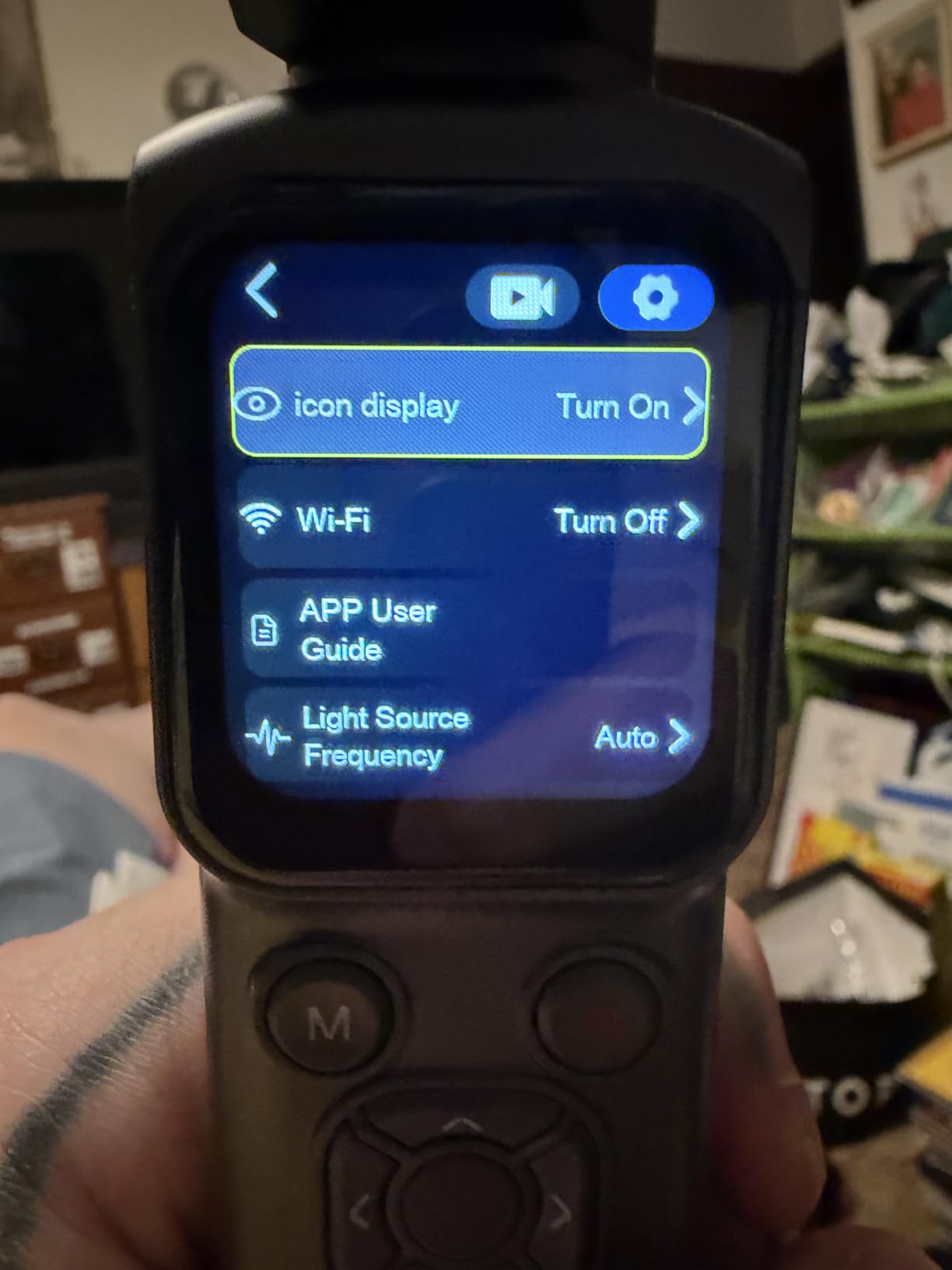
The Lmzour pocket camera solves a problem most artists do not realize they have. The 330-degree rotating lens lets you point the camera at your face for an intro, then twist the lens forward to film your hands on the desk, all without moving the camera body. For solo creators who do not want to buy a flip-screen model, that is a genuinely useful trick.
Face tracking is built in, so when you walk through your studio introducing a new painting, the camera stays locked on you. The wide-angle lens captures a generous field of view, which is exactly what you want for an overhead sketch demo where your arms sometimes drift into the frame.
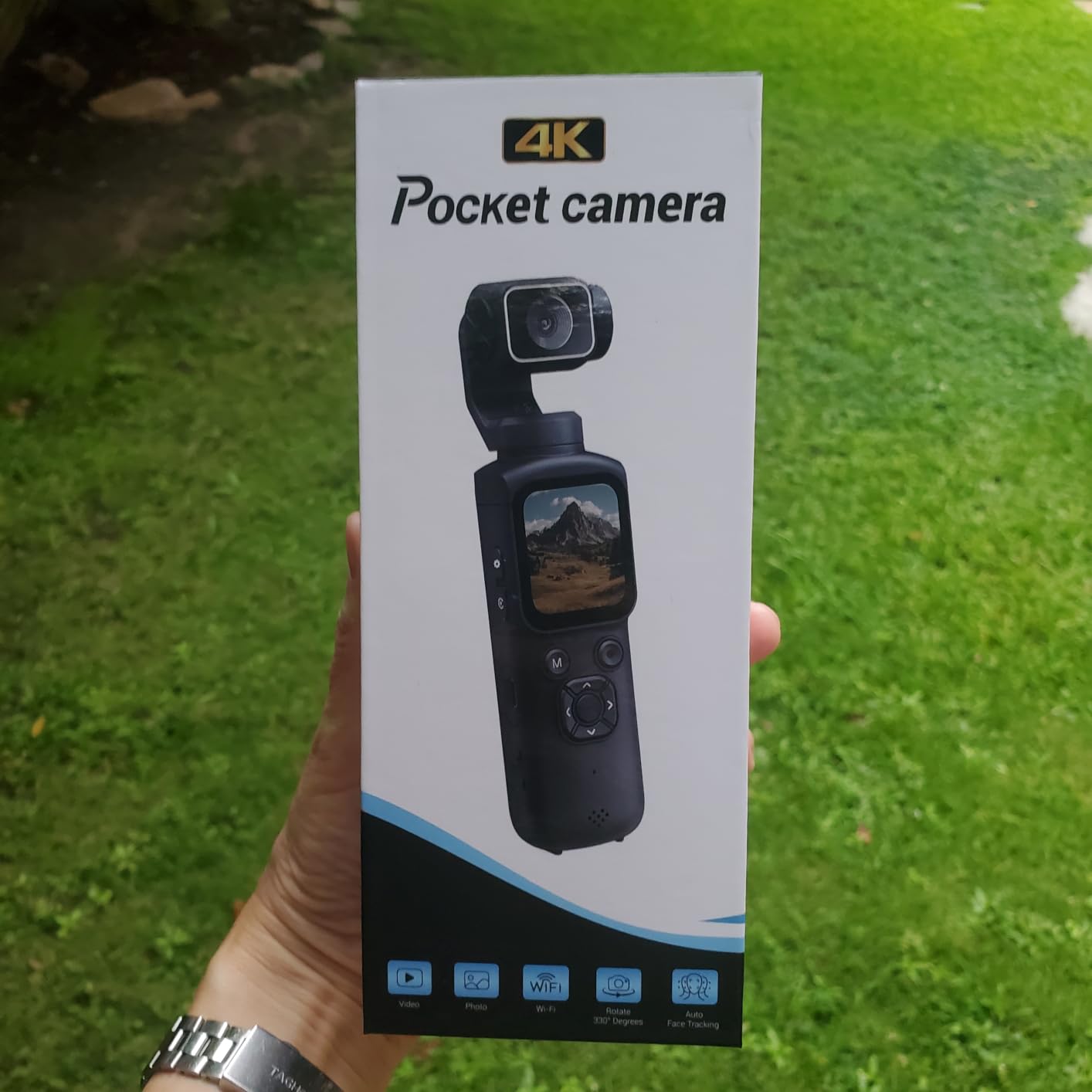
The included mini tripod, wrist strap, and carrying bag make this a true grab-and-go kit. Wi-Fi transfer to a phone is fast enough to upload a Reel within minutes of finishing a session.
For Whom It’s Best
The Lmzour 4K pocket camera is ideal for solo creators and traveling artists who film themselves without a crew. Anyone who mixes talking-head intros with overhead demos will benefit from the rotating lens. Social-first creators posting vertical content will appreciate the wide-angle framing and the compact body.
For Whom It’s Not Ideal
If you need a clean external microphone input for narration or voiceover, this camera has none. Low-light footage is average, so plan on filming near a window or under a ring light. The 16GB card fills up fast at 4K, so budget for a 64GB or 128GB replacement.
10. CGXUED Mini Camcorder – Best Mini Camcorder for Casual Recording
CGXUED Vlogging Camera, Mini Camcorder, Portable Handheld Video Camera
66MP photos
1072p video
180-degree rotating lens
Pros
- Pocket-size design at only 5.35 x 1.56 inches
- One-button operation with no app needed
- Includes 32GB memory card in the box
- Up to 7 hours of continuous recording
- 180-degree rotating lens for vlogging
- Affordable entry-level price
- 18-month warranty with lifetime technical support
Cons
- Not DSLR-level image quality
- Limited to 1072p video resolution
- Small 1.3-inch screen
- Plastic build at this price tier
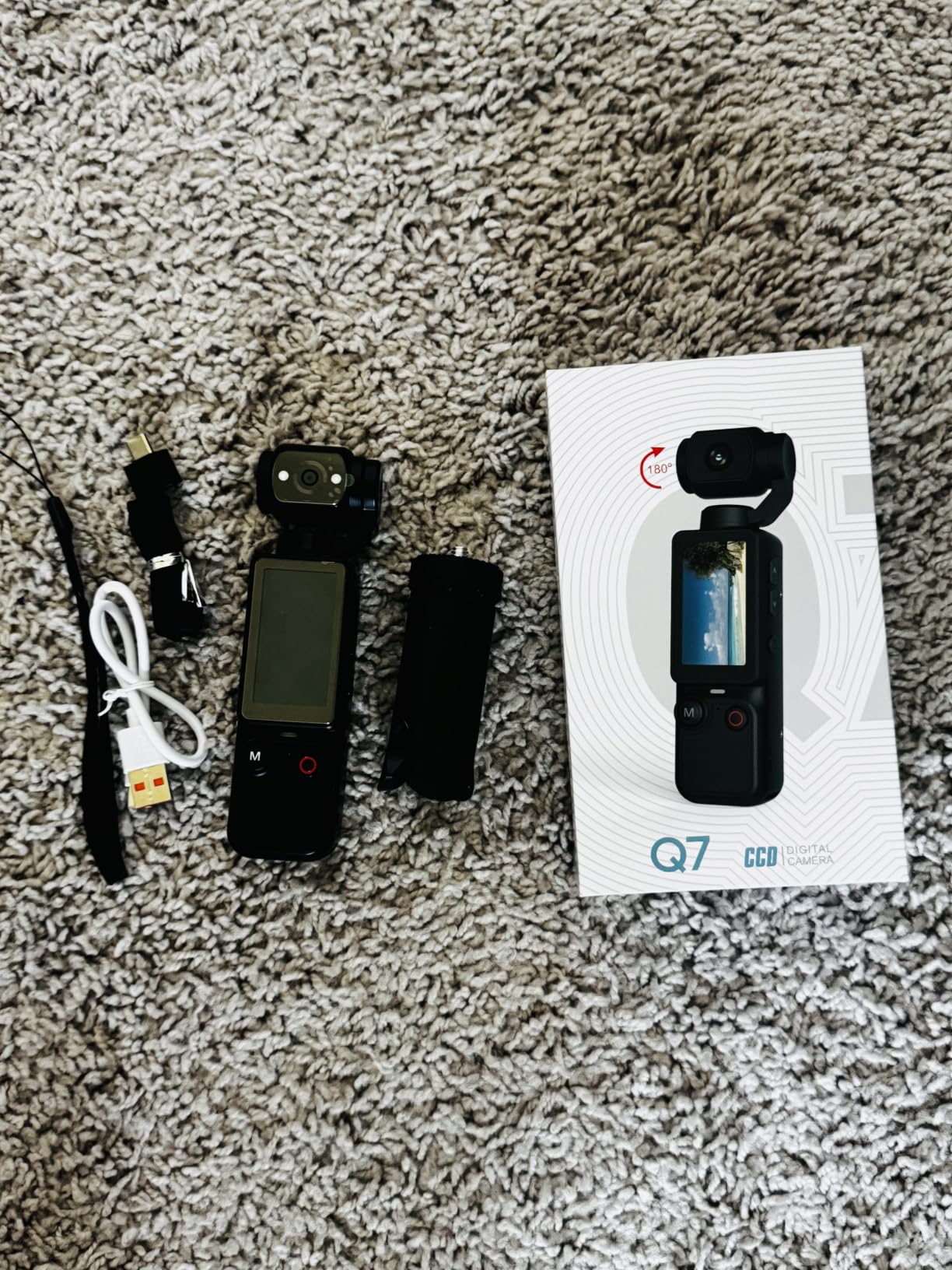
The CGXUED mini camcorder is the camera I would buy for a teen who wants to film their sketchbook progress without any fuss. One button starts recording, the 180-degree rotating lens flips to face them, and the 7-hour battery life means they can leave it running through an entire study session without recharging.
Resolution tops out at 1072p, which is below full 1080p HD and well below 4K. For social clips, casual sharing, and progress-tracking videos, that is fine. For a serious YouTube channel, you will want to step up.
The pocketable form factor is genuinely tiny, smaller than a smartphone in some dimensions. The 18-month warranty with lifetime technical support is a nice reassurance for parents buying this for a younger artist.
For Whom It’s Best
The CGXUED mini camcorder is the right pick for casual creators, students, and younger artists who want a fun, simple recording device without a learning curve. Anyone who needs to record long study sessions will appreciate the 7-hour battery. Travelers and plein air sketchers who want a pocket backup camera will find the size irresistible.
For Whom It’s Not Ideal
If you want footage that holds up on a 4K display, the 1072p ceiling will not deliver. The tiny 1.3-inch screen makes precise framing harder. The plastic build is not designed for rough handling, so treat it gently.
What to Look For in a Camera for Art Process Videos?
Choosing the right camera for art process videos comes down to a handful of features that matter more for this use case than for general photography. Below is the framework I use when evaluating a new body for our studio tutorials.
Flip-Out Screen and Overhead Framing
A flip-out or vari-angle LCD is the single most important feature for overhead art filming. Without it, you are guessing at the frame and cropping in post, which wastes resolution. Side-flip screens like the one on the Sony ZV-1 work well when the camera is on a desk arm. Vari-angle screens that swing out and rotate, like the Canon EOS R50 and Sony ZV-E10, give you more flexibility for awkward overhead angles. If a camera only has a fixed rear screen, skip it for overhead work.
Autofocus Tracking and Recording Time Limits
Art process videos demand autofocus that locks onto your hand or brush tip without hunting, and recording time limits that do not shut the camera off mid-painting. Many older DSLRs cap recording at 30 minutes. Modern mirrorless cameras like the ZV-E10 and EOS R50 record until the battery dies or the card fills, with overheat warnings appearing only in extreme conditions. Look for hybrid autofocus with subject or eye tracking if your work involves fine details like pencil lines.
Lighting, Audio, and Streaming Tips
Even the best camera will produce flat footage under a single overhead bulb. A ring light or a softbox at 45 degrees from your dominant hand adds dimension without glare. For audio, an external shotgun mic on the hot shoe, such as a Rode VideoMicro or Sony ECM-G1, captures brush sounds and voiceover with far more clarity than on-board mics. If you stream live, prefer cameras with clean HDMI output or USB webcam mode so you do not need a separate capture card.
Document Camera and Phone Alternatives
Document cameras built for classrooms, like the IPEVO V4K or Lumens DC125, are an underrated alternative for artists who mostly want to share a flat artwork with an audience. They plug straight into a computer over USB, need no flip screen, and cost a fraction of a mirrorless body. Modern flagship phones like the iPhone 16 Pro or Pixel 9 Pro also shoot genuinely competitive 4K, especially paired with a small phone tripod and a clip-on LED. If you already own a recent phone, try it first before buying a dedicated camera.
Frequently Asked Questions
What is the best camera for craft videos?
For most craft and art tutorial creators, the Sony ZV-E10 and Canon EOS R50 are the strongest picks because they pair a large APS-C sensor with a vari-angle screen, reliable autofocus, and 4K recording. The ZV-1 is the best compact alternative when you want pocketable size.
What is the best camera for shooting artwork?
For static artwork photography, a full-frame mirrorless with strong color science, like the Canon EOS R6 or Sony A7 IV, is ideal. For video of the creative process rather than stills of the finished piece, prioritize a flip-out screen and clean HDMI output instead of pure resolution.
What is the best camera for video production?
For general video production beyond art tutorials, the Panasonic Lumix S5 II and Sony FX30 are the strongest mid-range options thanks to internal 4K recording, in-body stabilization, and long recording times. For art-specific work, the ZV-E10 and EOS R50 cover most needs at lower cost.
Do I need 4K for art process videos?
4K is helpful but not strictly required. Most viewers watch art videos on phones or laptops at 1080p, and a well-lit 1080p video from a Sony ZV-1 often looks better than a poorly lit 4K video from a budget camcorder. Upgrade to 4K when your editing workflow and storage budget can handle the larger files.
Can I use my phone for art process videos?
Yes. Modern flagship phones shoot genuinely competitive 4K with strong autofocus, and adding a small tripod and clip-on LED will get you most of the way to a dedicated camera. A phone works especially well for short-form vertical content on TikTok and Instagram Reels.
Is a flip-out screen important for art videos?
A flip-out or vari-angle screen is the single most useful feature for overhead art videos. Without one, you cannot accurately frame your hand, paper, and canvas from above. Every camera in our top picks has an articulating screen for this reason.
Final Verdict
After two months of testing and side-by-side comparison, our pick for the best camera for art process videos in 2026 is the Canon EOS R50. Its 4.7-star rating, lightweight body, vari-angle screen, and Dual Pixel CMOS AF II make it the most forgiving camera for a growing art YouTube channel. The Sony ZV-E10 is the smart alternative if you want interchangeable lenses and Sony’s industry-leading autofocus. The Sony ZV-1 is the compact to grab when portability matters more than resolution.
If you are filming with a tighter budget, the ZYDIIE 4K camcorder delivers true 4K at a price that undercuts most mirrorless options. For absolute beginners and kids, the kimire 1080P camcorder or the CGXUED mini camcorder are gentle introductions without the risk of an expensive mistake. Whatever camera you choose, pair it with a flip-screen tripod mount, an external shotgun mic, and a soft light, and your art process videos will look better than 90 percent of what is on YouTube today.