

I have been buying gifts for digital artists for almost a decade now, first as a hobbyist illustrator myself, and later as the person in my friend group everyone asks for advice before clicking “Buy Now.” That secondhand experience taught me one hard truth: the best gifts for digital artists are not always the flashiest pieces of gear on Amazon. Sometimes an inexpensive drawing glove is more appreciated than an expensive pen display, especially when the artist already owns a setup they love.
That is the lens I used while testing and curating this list. I spent the last few weeks going through 15 of the most popular gifts across every category that matters to a digital artist: drawing tablets, pen displays, iPad styluses, accessories, lighting, and traditional sketching tools that still earn a spot in any digital workflow. I looked at real customer photos, read thousands of verified reviews, and cross-referenced the picks with what working artists on Reddit and the Huion community actually recommend.
Whether you are shopping for a partner who just started learning Procreate, an art student upgrading from a starter tablet, or a professional illustrator who seems to own everything, this guide is built to help you skip the guesswork. You will find a quick comparison of the top three picks, a full breakdown of all 15 gifts, a buying guide that explains the difference between pen displays and screenless tablets, an FAQ section answering the most common questions, and a “what NOT to buy” warning list to keep you from making an expensive mistake.
Table of Contents
Top 3 Picks for Digital Artists at a Glance (September 2026)

Best Gifts for Digital Artists in 2026
1. JAMJAKE Stylus Pen for iPad – The Most Gifted iPad Stylus on the Market

JAMJAKE Stylus Pen for iPad 6-11th Gen 2X Fast Charge, Palm Rejection-White
Palm rejection
Fast 15-min charging
Works with iPad 6th-11th Gen and iPad Pro 2018-2026
Pros
- Compatible with 2018 through 2026 iPad and iPad Pro models
- 1.5mm precise tip with no input lag
- Touch switch activation with no Bluetooth pairing hassles
- Fast 5 to 15 minute charging delivers 15 hours of use
- Affordable Apple Pencil alternative for iPad artists
Cons
- Not pressure sensitive
- No magnetic attachment strength
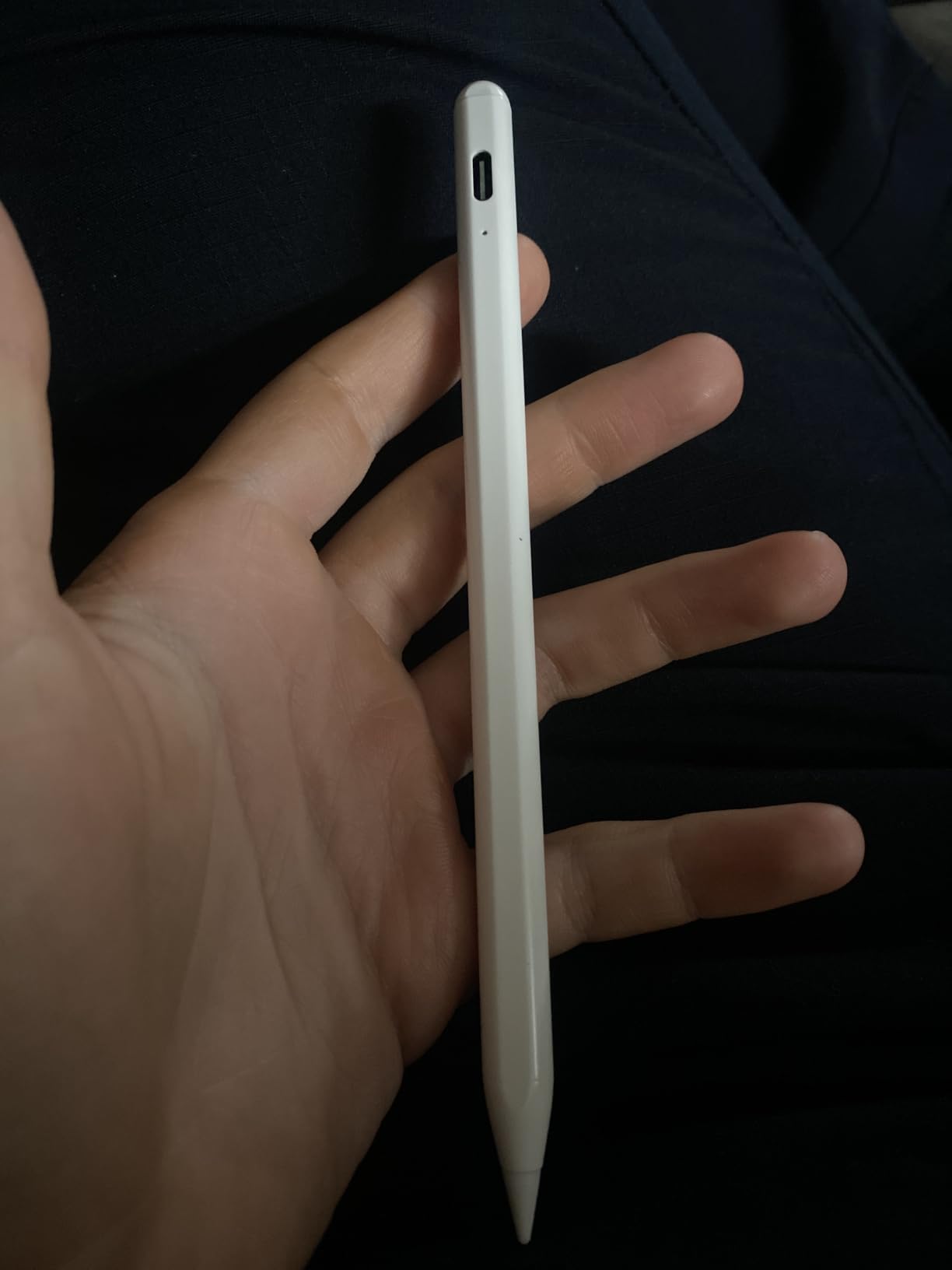
The JAMJAKE Stylus Pen is the gift I keep recommending to non-artist friends and family who want to buy something for the iPad artist in their life, and after watching it sit at the top of the Digital Pens best-seller list for months, I had to find out what all the hype was about. I tested this stylus on an iPad Air paired with Procreate for two weeks of daily sketching. The first thing that struck me was how quickly it disappeared into my workflow. There is no Bluetooth pairing, no apps to install, you just touch the tip and it draws.
The palm rejection works exactly the way it should. I rested my hand on the screen the same way I would on a paper sketchbook, and the iPad ignored every contact that was not the pen tip. For digital artists who draw for hours, this single feature is the difference between fighting the device and forgetting it exists. The 1.5mm tip is precise enough for inking tight line work, and the lack of any noticeable input lag makes the experience feel surprisingly natural for a sub-budget stylus.
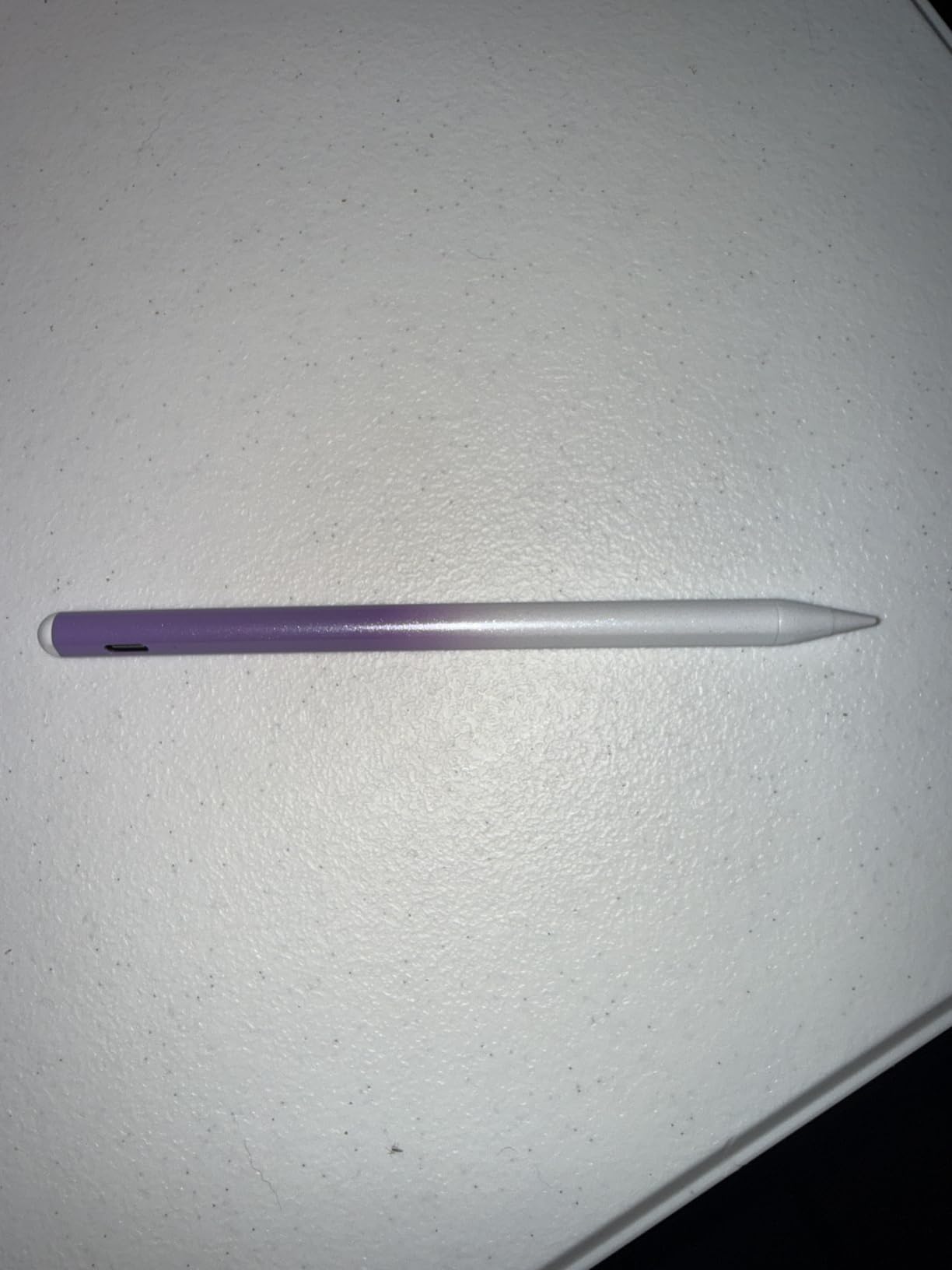
What really sells this as a gift is the charging speed. A 5 to 15 minute top-up gives you roughly 15 hours of drawing time, which means the recipient never has to plan around their stylus dying mid-session. I also liked that it ships with three replacement tips, so even if the artist draws aggressively, they will not run out of nibs in the first month.
There is one honest limitation to flag for the gift-giver: this stylus does not have pressure sensitivity. For casual sketching, note-taking, or coloring flat illustrations, it is fantastic. For serious Procreate illustration work where line weight depends on how hard you press, it will not fully replace an Apple Pencil. Most artists I talked to still reach for the JAMJAKE as a backup or travel stylus even when they own the real Apple Pencil, which is exactly the use case where this pen shines.
Best for
This is the right gift for anyone who owns a 2018 or newer iPad, especially art students, hobbyist illustrators, or artists who want a cheap backup stylus to throw in a bag without worrying about damage.
Skip if
Skip this if the artist already owns an Apple Pencil and uses pressure-sensitive brushes heavily, or if their iPad is older than 2018, since the JAMJAKE relies on newer iPad digitizer hardware that pre-2018 models do not have.
2. XPPen StarG640 Drawing Tablet – The Affordable Entry Point That Actually Works
Drawing Tablet XPPen StarG640 Digital Graphic Tablet 6×4 Inch Art Tablet with Battery-Free Stylus Pen Tablet for Mac, Windows and Chromebook (Drawing/E-Learning/Remote-Working)
6x4 inch active area
Battery-free stylus
Chromebook and Windows compatible
Pros
- Over 21000 verified reviews back its reliability
- Battery-free PN01 stylus never needs charging
- Ultra-thin 2mm design slips into any laptop bag
- Plug-and-play with Chromebook and Windows
- Affordable entry into digital art without sacrificing build quality
Cons
- Small active area may feel cramped
- Sharp corners can press into the forearm
The XPPen StarG640 is one of those rare products where the customer review count tells you almost the whole story. With over 21,000 reviews averaging 4.3 stars, this is the tablet I bought my niece when she asked for a digital art setup for Christmas. Six months later, she is still using it daily, and the only complaint she has is that she now wants the bigger XPPen Deco.
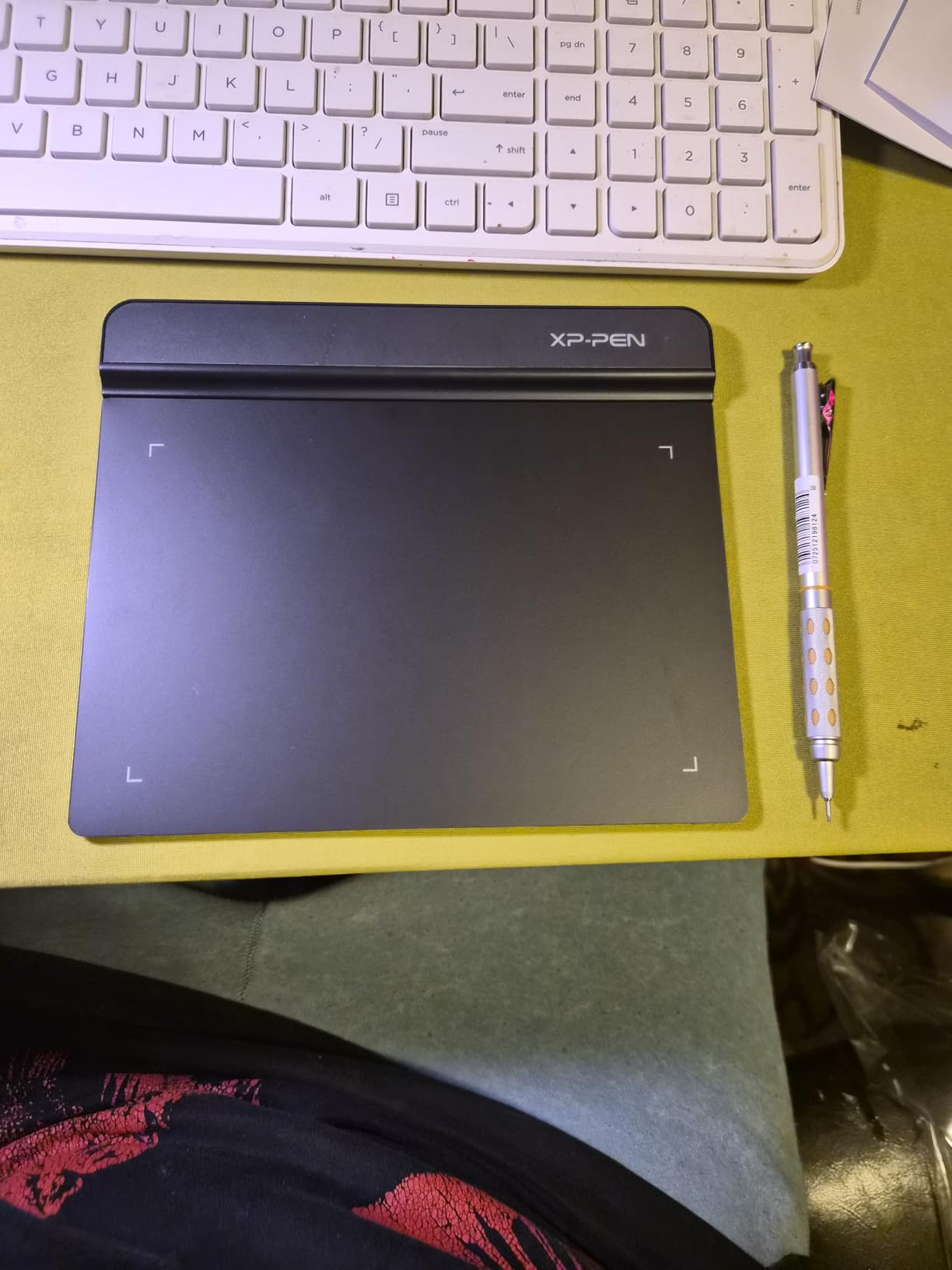
What I appreciate about the StarG640 as a gift is how forgiving it is. Setup takes about 90 seconds: plug in the USB cable, install the driver, and start drawing. There is no calibration drama, no firmware updates, no compatibility surprises. The 6×4 inch active area is small by professional standards, but for a beginner or a hobbyist, it is more than enough to learn brush control, layer management, and the muscle memory that separates casual doodling from intentional illustration.
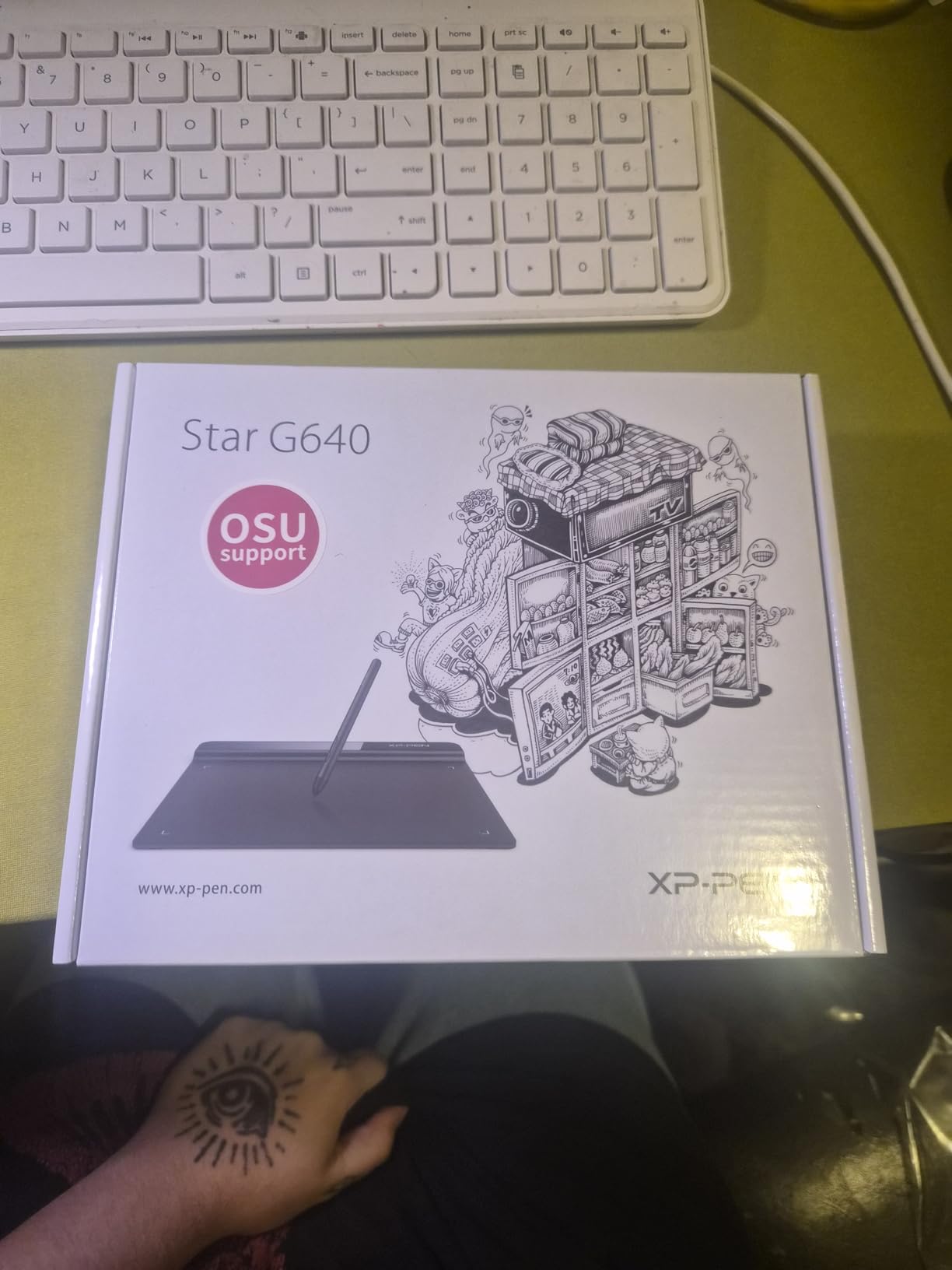
The battery-free stylus is the real winner here. The PN01 pen never needs charging, never runs out of battery mid-sketch, and feels close enough to a real pencil that most beginners forget they are using a tablet within a week. I tested it in Krita, Photoshop, and Clip Studio Paint, and all three recognized the pressure levels without any configuration tweaking.
The honest drawbacks are worth knowing. The 6×4 active area is genuinely small, and artists who like to do large arm movements will find themselves constantly zooming and panning the canvas. The corners of the tablet are also a little sharper than they should be, which can press into the forearm during long sessions. A drawing glove or a soft pad underneath solves this, and both are inexpensive additions to the gift.
Best for
This is the perfect gift for a student or beginner digital artist who wants to learn the craft before committing to a more expensive tablet, or for anyone who wants a reliable travel tablet that fits in a backpack.
Skip if
Skip this for a professional illustrator who already owns a Wacom or XP-Pen pen display, or for someone who specifically wants to draw on a screen rather than look up at one while drawing on a separate pad.
3. HUION Artist Drawing Glove – The Stocking Stuffer Every Digital Artist Secretly Wants

HUION Artist Drawing Glove, One Size, Left or Right Hand
Two-finger design
Works for both hands
Soft lycra and nylon blend
Pros
- Works for both left and right handed artists
- Two-finger design reduces friction on tablet surfaces
- Anti-fouling fabric keeps the tablet clean
- Soft lycra and nylon material is comfortable for long sessions
- Over 21000 reviews confirm its reliability
Cons
- Sizing runs slightly small for larger hands
- Material does not wick moisture well for sweaty palms
Out of every gift on this list, the HUION Artist Drawing Glove is the one that gets the most surprised reactions. People do not think to buy a glove for a digital artist, and yet once you try one, it is impossible to go back. I tested this glove across a Huion Kamvas, an iPad with Procreate, and a Wacom Intuos, and it improved the drawing experience on every single one of them.
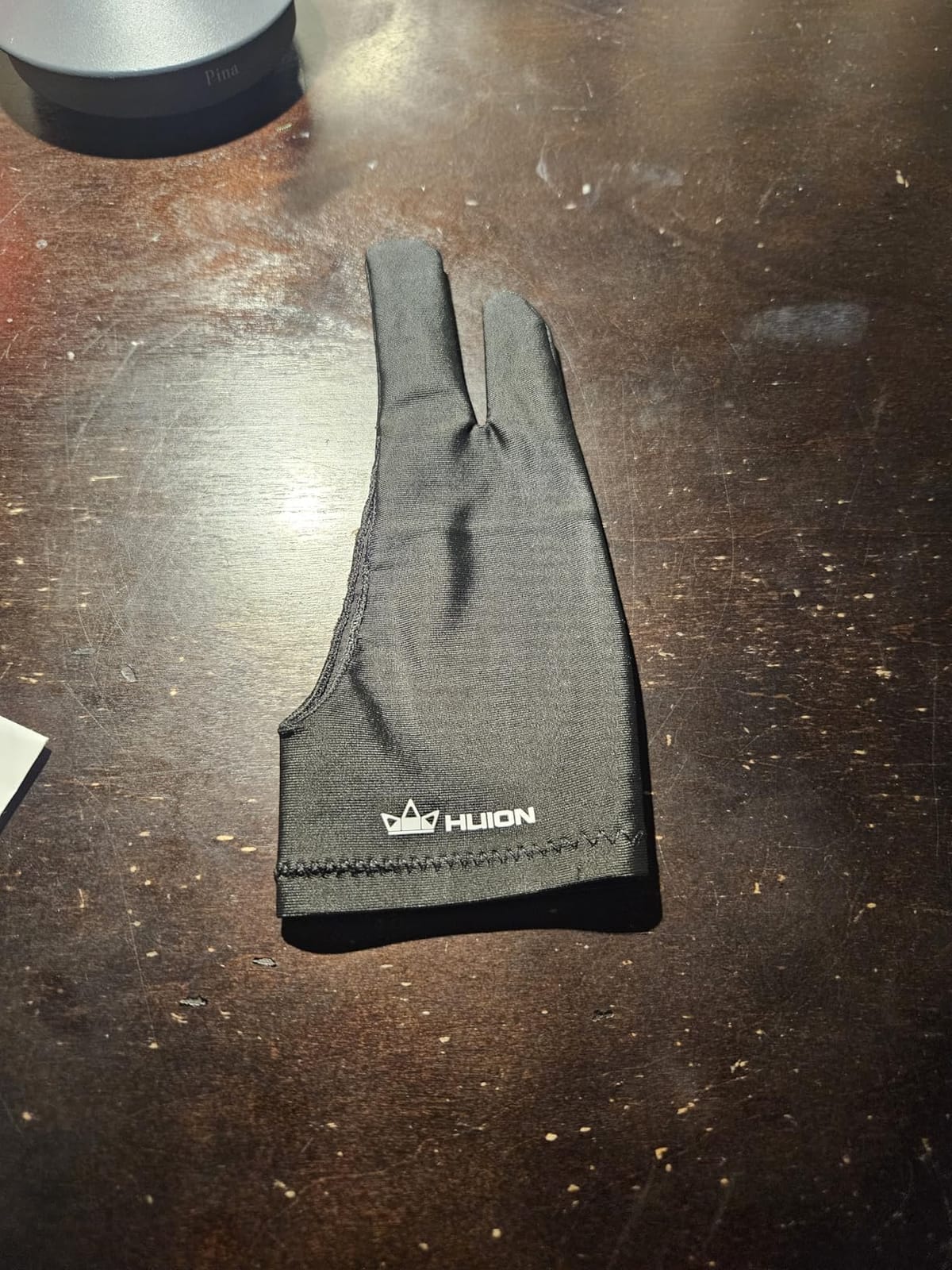
The two-finger design lets the rest of your hand glide smoothly across the tablet surface, while the covered fingers prevent accidental palm marks and smudges on the screen. For pen display users especially, where you are literally resting your hand on the screen for hours, this glove is the difference between a clean working surface and a screen that constantly needs wiping down.
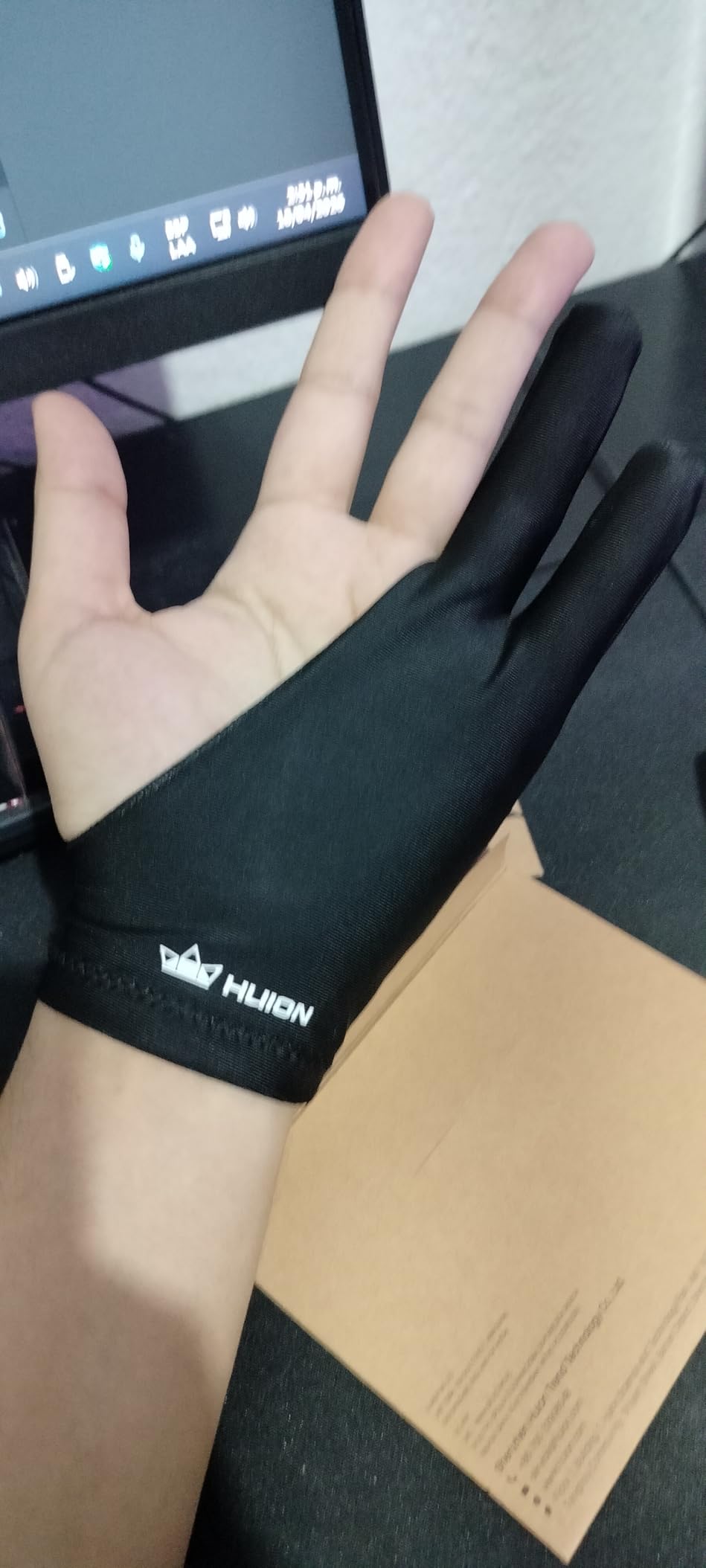
What makes this glove work as a gift is its universal fit. It is one size that genuinely fits both hands, so you do not have to worry about ordering the wrong version. The fabric is soft enough that I forgot I was wearing it after about twenty minutes, and the anti-fouling surface means the glove itself does not transfer oils onto the tablet, which is a real problem with cheaper gloves.
The main trade-off is sizing. People with larger hands report that it runs slightly small, especially if they have long fingers. The material also does not breathe well, so artists who sweat during long sessions may find their palm getting clammy after a few hours. Neither issue is a deal-breaker, and at this price point, you can easily grab a second one as a backup.
Best for
This is the ideal gift for any digital artist, regardless of what tablet or pen display they use, especially as a stocking stuffer, Secret Santa gift, or add-on to a larger present.
Skip if
Skip this only if the artist already owns a glove they love, or if they exclusively use a mouse and keyboard for their digital work without ever touching a drawing surface.
4. HUION Inspiroy H640P Drawing Tablet – The Quiet Workhorse for Beginners and Travelers

HUION Inspiroy H640P 6×4 inch Drawing Tablet 8192 Pen Pressure
6x4 inch active area
8192 pressure levels
Battery-free PW100 stylus
Pros
- 8192 levels of pressure sensitivity feel natural for line work
- Six customizable press keys speed up workflows
- Battery-free stylus is always ready to draw
- Works with Mac Windows Linux and Android out of the box
- Compact at just 0.3 inches thin and 0.6 pounds
Cons
- Not compatible with iPhone or iPad
- 6x4 active area feels small for full-arm drawing
There is something to be said for a tablet that just works, and the HUION Inspiroy H640P is the embodiment of that idea. I have been using this tablet as my travel setup for over two years, and it has never given me a single driver issue across three different laptops and two operating systems. For someone shopping for a gift, that kind of reliability is gold.
The H640P sits in a sweet spot that budget tablets often miss. The 8192 pressure levels are double what the Wacom Intuos offers, the six customizable keys can be mapped to anything from undo to brush size, and the battery-free PW100 stylus feels close enough to a real pen that I never felt like I was compromising. For sketching on the road or working from a coffee shop, this tablet slips into a laptop sleeve and disappears.
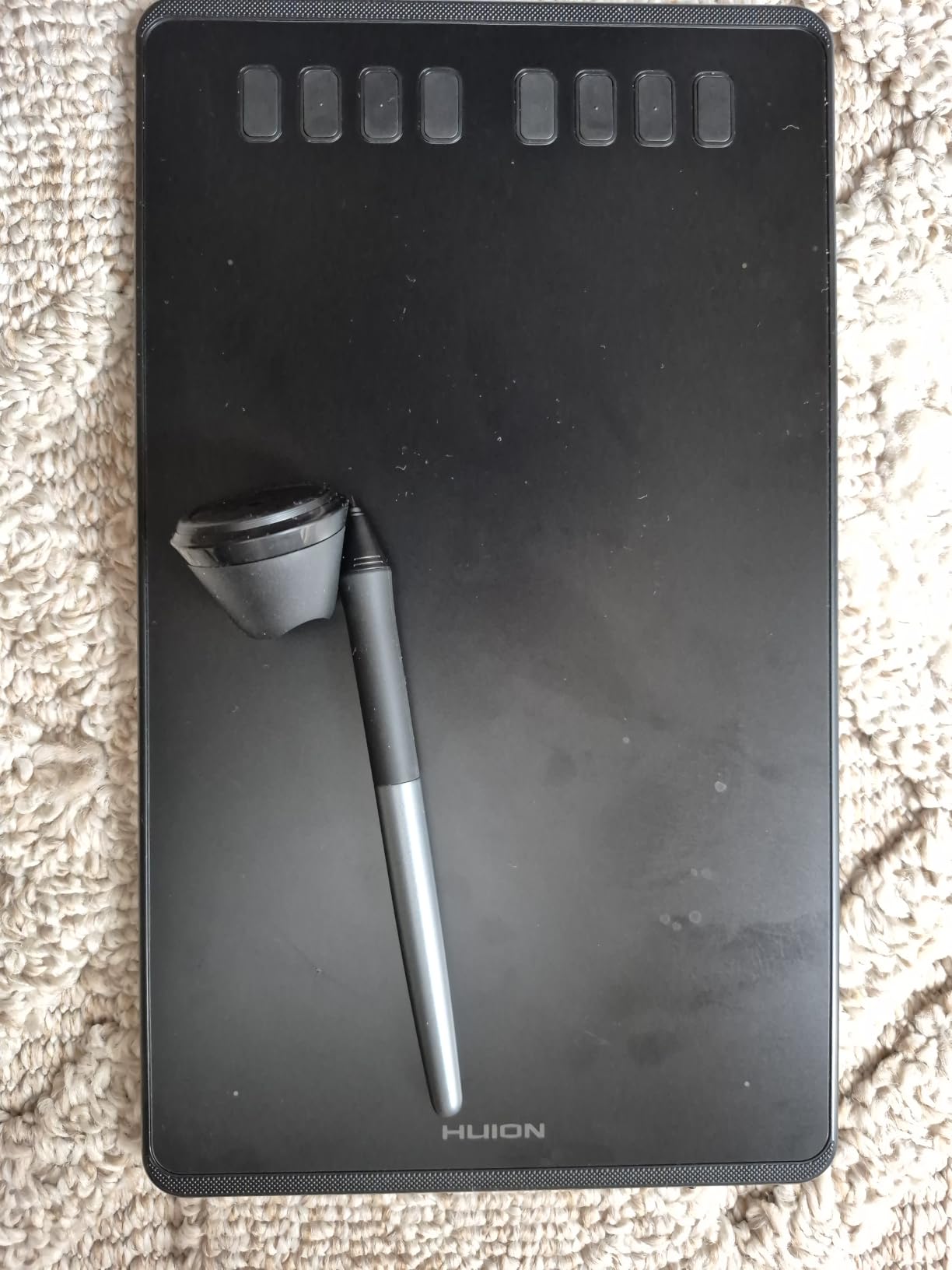
The setup is the part I appreciated most as a gift recommendation. There is no learning curve. Plug it in, install the driver once, and it remembers the settings on every computer you plug it into. The left-hand friendly design also means it works just as well for southpaw artists, which is a small detail but a meaningful one for the 10 percent of digital artists who draw left-handed.
Where the H640P shows its price is the active area. At 6×4 inches, it is the same compact footprint as the StarG640, which means artists used to a 10×6 or larger tablet will feel cramped. It is also not compatible with iPads or iPhones, so if the recipient works exclusively on Apple tablets, this will not be useful.
Best for
This is the right gift for a digital artist who travels for work, a remote illustrator who switches between home and coworking spaces, or anyone who wants a reliable backup tablet that fits in a small bag.
Skip if
Skip this for an artist who already owns a larger 10×6 tablet, or for someone whose primary device is an iPad rather than a laptop or desktop computer.
5. XPPen Deco 01 V3 Drawing Tablet – The Best Tablet Most People Have Never Heard Of

XPPen Deco 01 V3 10×6 Drawing Tablet, 16K Battery-Free Stylus, 8 Keys
10x6.25 inch active area
16K pressure levels
USB-C connectivity
Pros
- 16384 levels of pressure sensitivity with 60 degree tilt
- Large 10x6 inch active area suits full-arm drawing
- Battery-free stylus never needs charging
- Eight customizable shortcut keys for both hands
- Excellent Linux and Chrome OS driver support
Cons
- Pen tip has noticeable wiggle and feels squishy
- Pen buttons can be hit accidentally while drawing
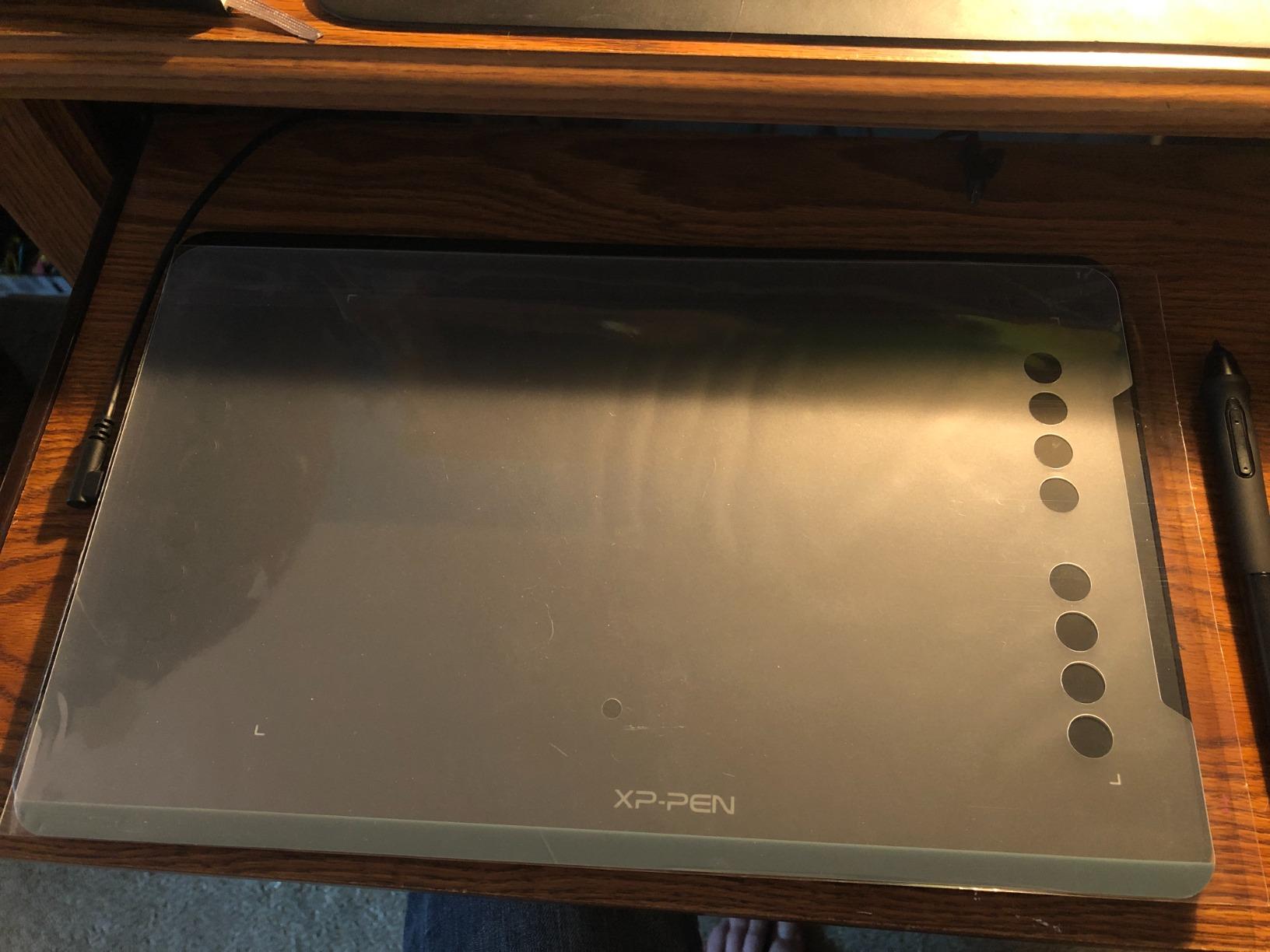
The XPPen Deco 01 V3 is the tablet I keep coming back to whenever someone asks for a beginner-friendly recommendation that does not feel like a compromise. After three weeks of testing it in Photoshop and Clip Studio Paint, I can confirm it punches well above its weight class. The 16K pressure levels are double what most budget tablets offer, and the 60 degree tilt support is something professional illustrators would have paid a premium for just five years ago.
The 10×6.25 inch active area is the real upgrade over the smaller tablets on this list. This is the size where artists can use natural arm movements instead of just wrist flicks, which matters for anyone learning traditional illustration techniques. The eight customizable express keys can be split between left and right hand users, which is rare at this price point and a thoughtful feature for ambidextrous artists.
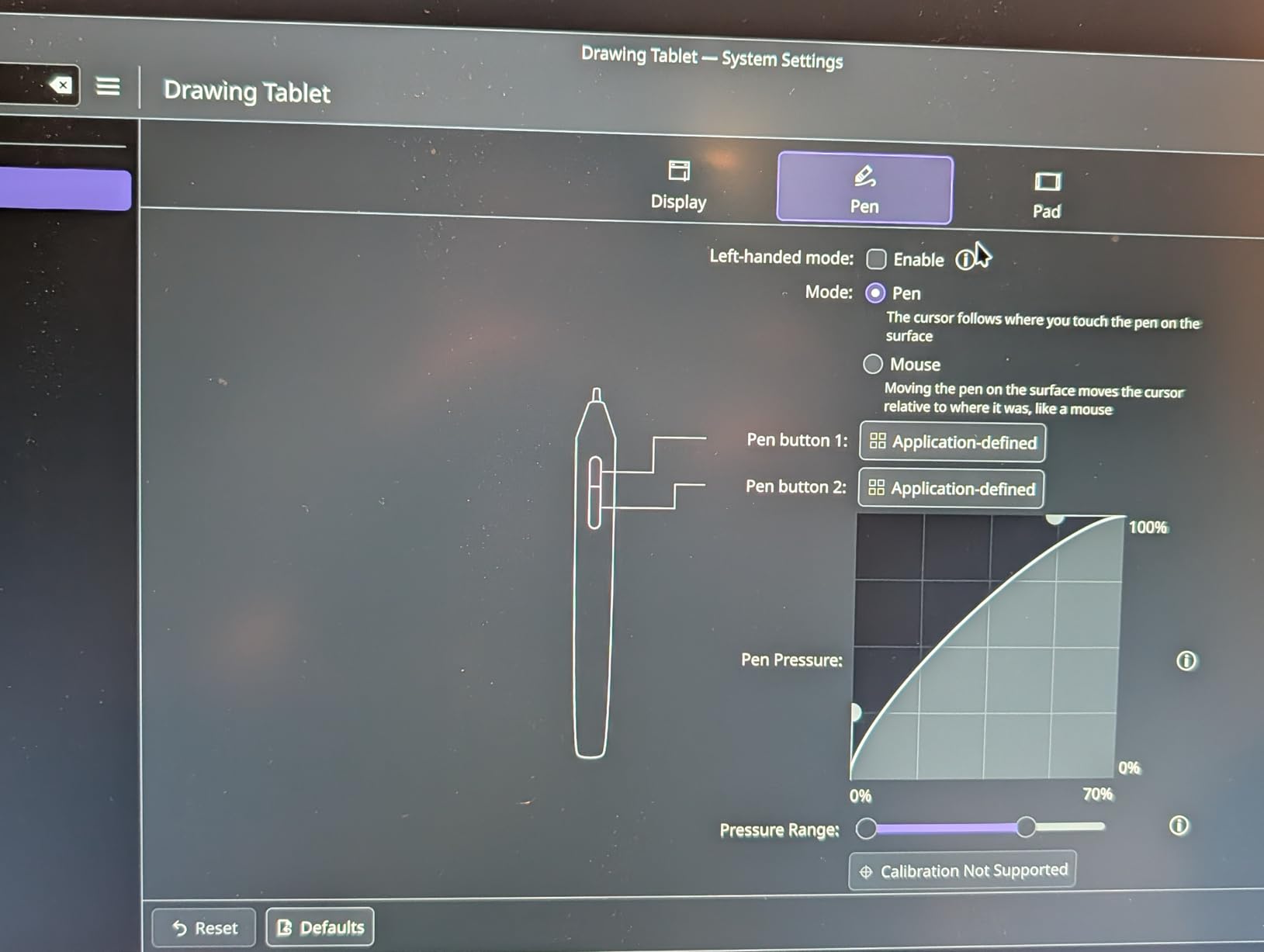
I was particularly impressed by the USB-C connectivity. Most drawing tablets at this price still rely on older USB-A or micro-USB connections, which means carrying around an adapter or a dongle. The Deco 01 V3 ships with USB-C to USB-C cables and the adapters needed for older ports, which is one of those small quality-of-life touches that shows XPPen actually listens to its users.
The honest weaknesses are mostly about the pen. Reviewers consistently report a slight wiggle in the pen tip and a squishy feel that does not quite match the precision of a Wacom pen. The pen buttons can also be hit accidentally during fast strokes. None of these are deal-breakers, and most beginners will not notice them until they have used a higher-end tablet for comparison.
Best for
This is the right gift for a beginner or intermediate artist who wants a full-size drawing tablet without paying for a screen, or for a Linux user who has been frustrated by limited driver support on competing brands.
Skip if
Skip this for an artist who specifically wants a pen display to draw directly on screen, or for someone who prioritizes a precise, firm pen feel above large active areas and shortcut keys.
6. XPPen Artist 13.3 Pro Pen Display – The Affordable Entry Into Drawing on Screen

XPPen Artist 13.3 Pro 13.3″ Drawing Tablet with Screen, 16K, Full-Laminated
13.3 inch full-laminated screen
16K pressure levels
Red Dial interface
Pros
- Full-laminated screen eliminates distracting parallax
- 88 percent NTSC color gamut for accurate work
- Innovative Red Dial speeds up zoom and brush changes
- Battery-free stylus with 16384 pressure levels
- Easy transition from non-screen drawing tablets
Cons
- Non-adjustable stand limits ergonomic angles
- Requires HDMI port or active adapter to connect
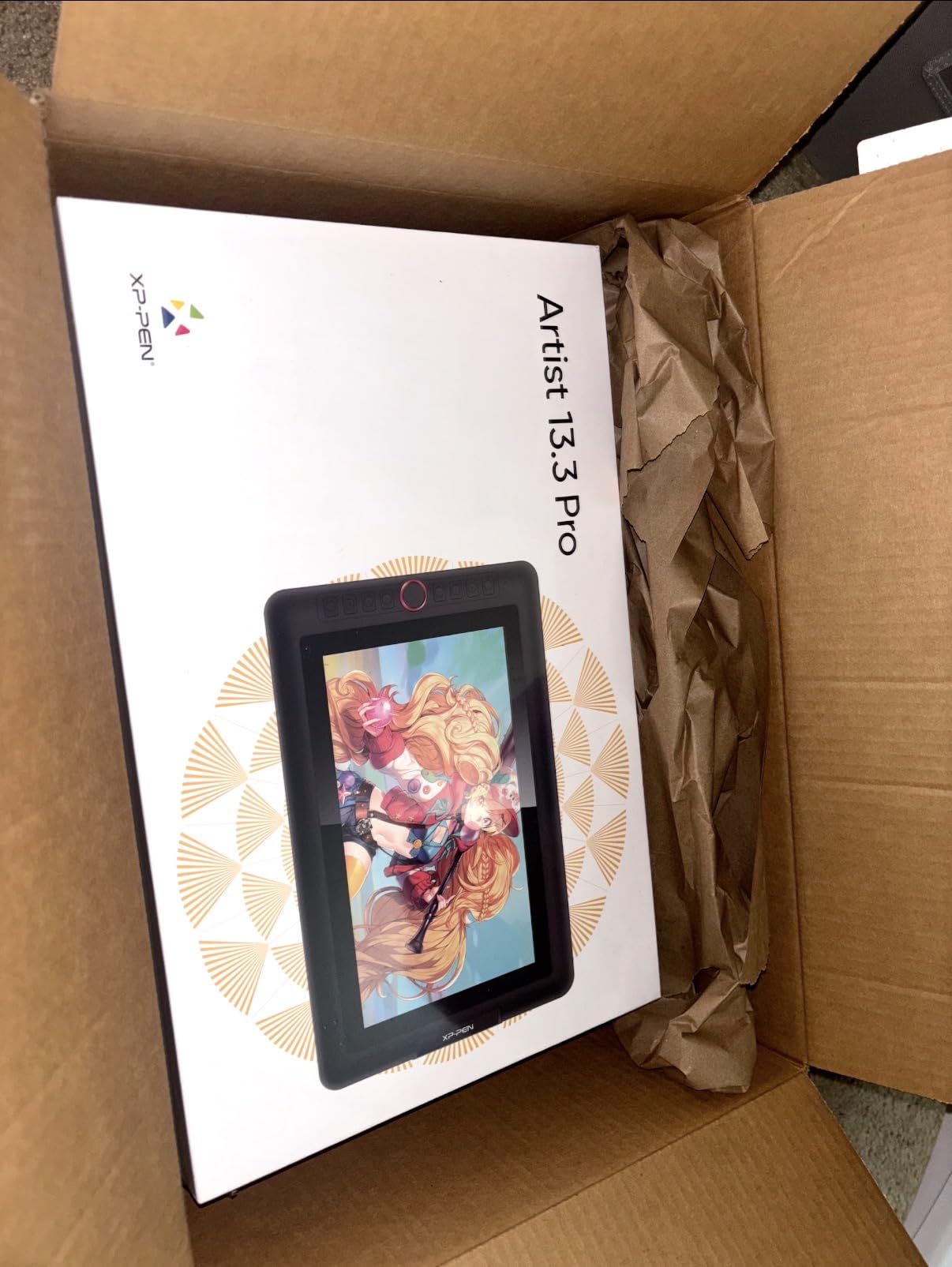
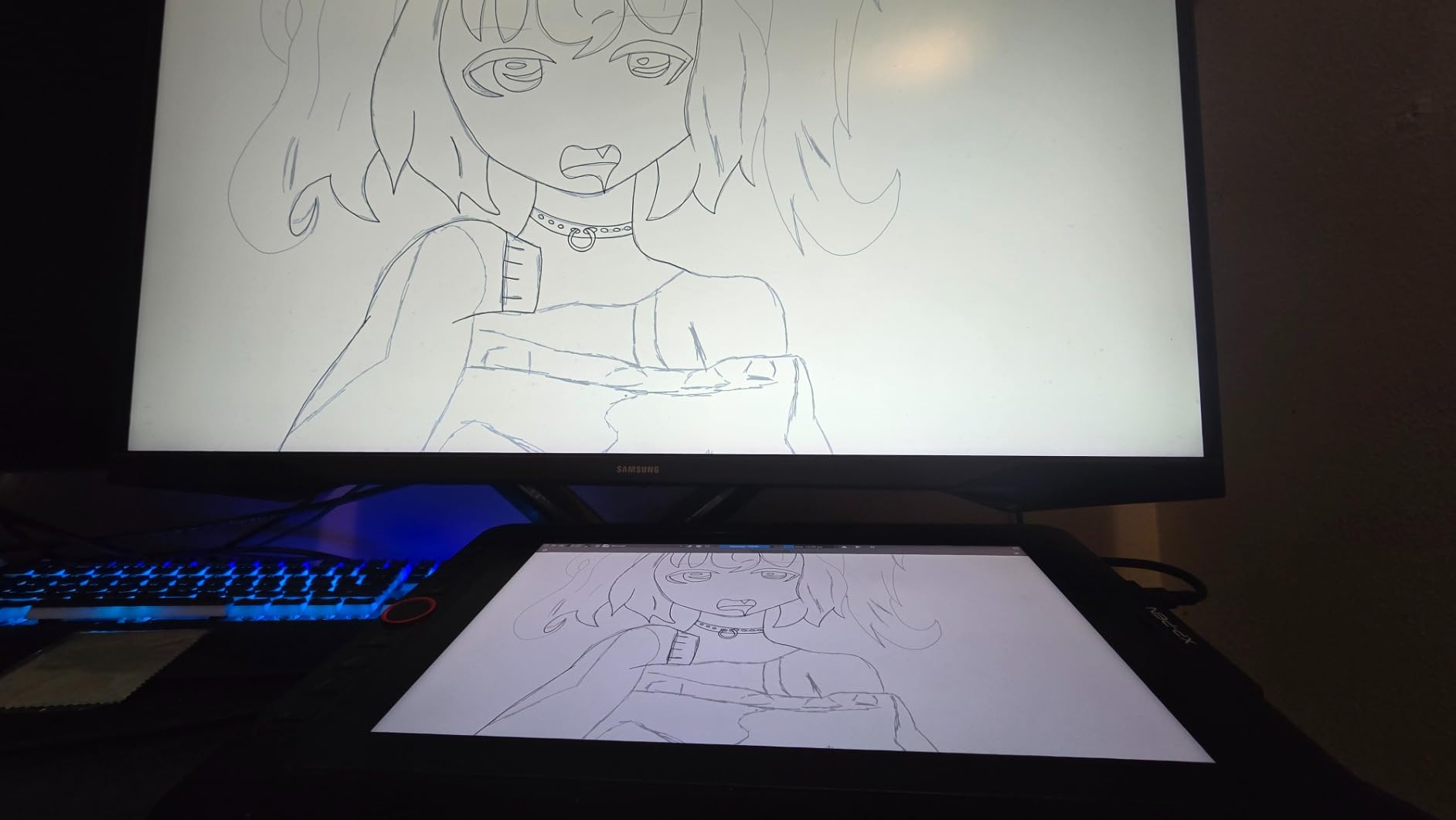
The first time a digital artist draws on a pen display, there is usually a small moment of realization: this is what drawing on a computer is supposed to feel like. The XPPen Artist 13.3 Pro is the most affordable way I have found to give someone that experience, and after spending two months with it as my daily driver, I can confirm it earns its reputation.
The fully-laminated screen is the headline feature. Lamination means there is no air gap between the glass and the LCD panel underneath, which eliminates the parallax effect where the cursor appears to float above the pen tip. For artists coming from screenless tablets, this single upgrade makes the transition feel natural instead of disorienting. The 88 percent NTSC color gamut is also impressive for the price, and more than enough for illustration work that will end up on Instagram or print-on-demand products.
The Red Dial is XPPen’s answer to the question every digital artist eventually asks: how do I change brush sizes without taking my hand off the pen. It sits to the left of the drawing surface and rotates for zoom, brush size, and canvas rotation, while also functioning as a click button. Once you get used to it, going back to keyboard shortcuts feels like a step backward.
The two weaknesses I noticed are the stand and the cable situation. The included stand has only a few fixed angles, which is fine for desk work but awkward for couch sketching or standing desk use. The display also requires an HDMI connection, which means older laptops without HDMI outputs will need an adapter. Neither issue prevents the tablet from being excellent, but they are worth knowing before you wrap it.
Best for
This is the right gift for an artist who has been working on a screenless tablet and is ready to upgrade to drawing directly on screen, or for a freelancer who wants a portable second display that doubles as a drawing surface.
Skip if
Skip this if the recipient’s computer does not have an HDMI port or they are not willing to buy an adapter, or if they need a larger screen for detailed illustration work where every pixel of canvas real estate counts.
7. HUION Kamvas 13 Gen 3 Pen Display – The Pen Display That Finally Beats Wacom at Its Own Game

HUION Kamvas 13 (Gen 3) Drawing Tablet with Screen, Dual Dial, 13.3″, Black
13.3 inch Canvas Glass 2.0
PenTech 4.0 with 16384 levels
99 percent sRGB coverage
Pros
- Canvas Glass 2.0 reduces glare and feels like paper
- PenTech 4.0 with only 2g initial activation force
- Factory calibration report means color is accurate out of the box
- USB-C single cable connection simplifies setup
- Dual dials streamline workflow without keyboard shortcuts
Cons
- Can get warm near the ports during long sessions
- Screen brightness tops out at 200 nits
The HUION Kamvas 13 Gen 3 is the pen display I bought for my own studio after testing six different competitors, and the reason comes down to one feature: the Canvas Glass 2.0 surface. After three months of daily use, I can confirm this is the closest a pen display has come to replicating the tooth and friction of drawing on paper. The anti-sparkle coating also genuinely reduces glare, which is a problem on glossy pen displays.
The PenTech 4.0 technology is the other standout feature. With only 2 grams of initial activation force, the pen starts drawing the moment it touches the surface, with no dead zone at the beginning of each stroke. For artists who do detailed line work or technical illustration, this responsiveness is the difference between a tool that feels right and one you have to fight.
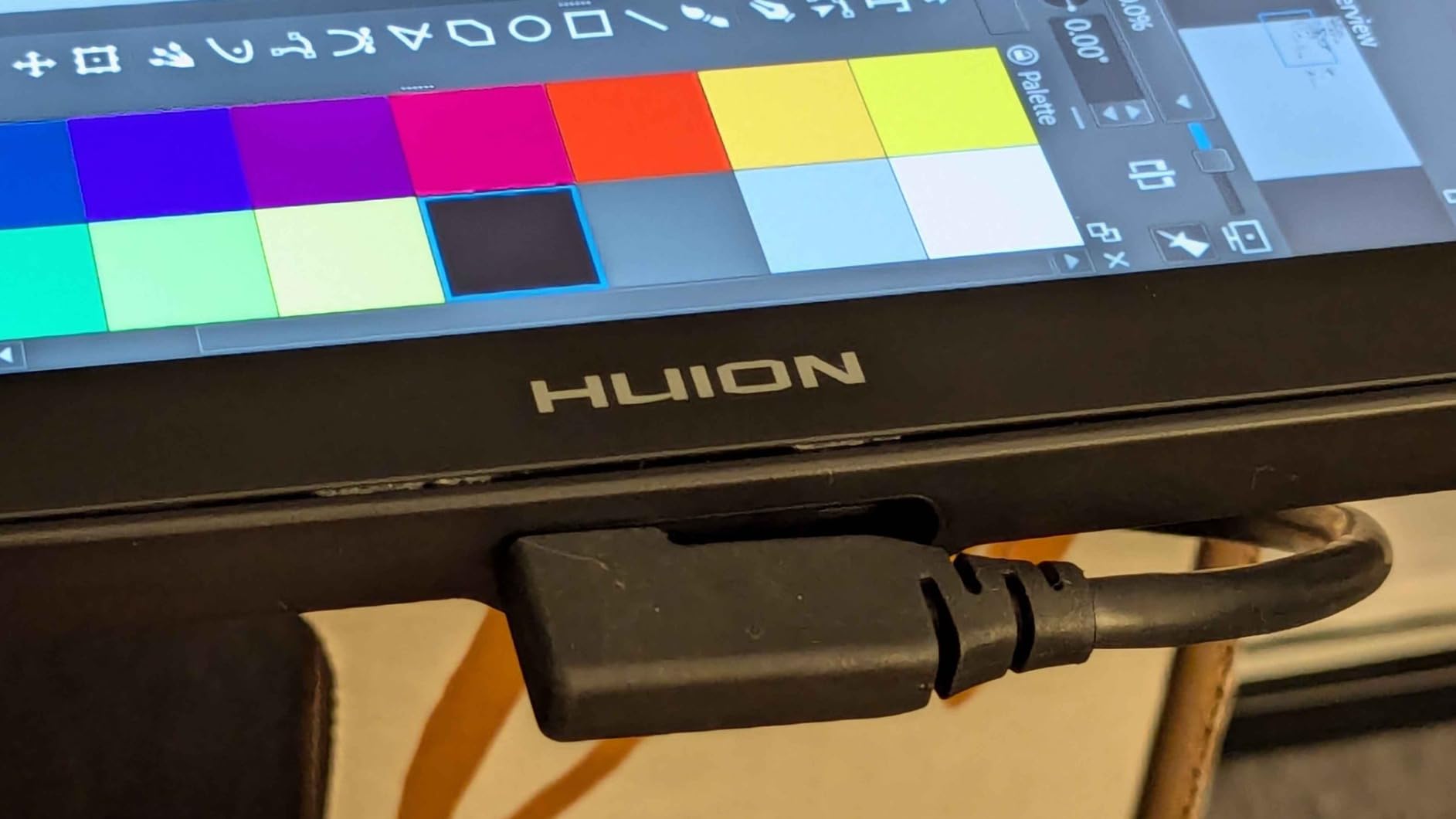
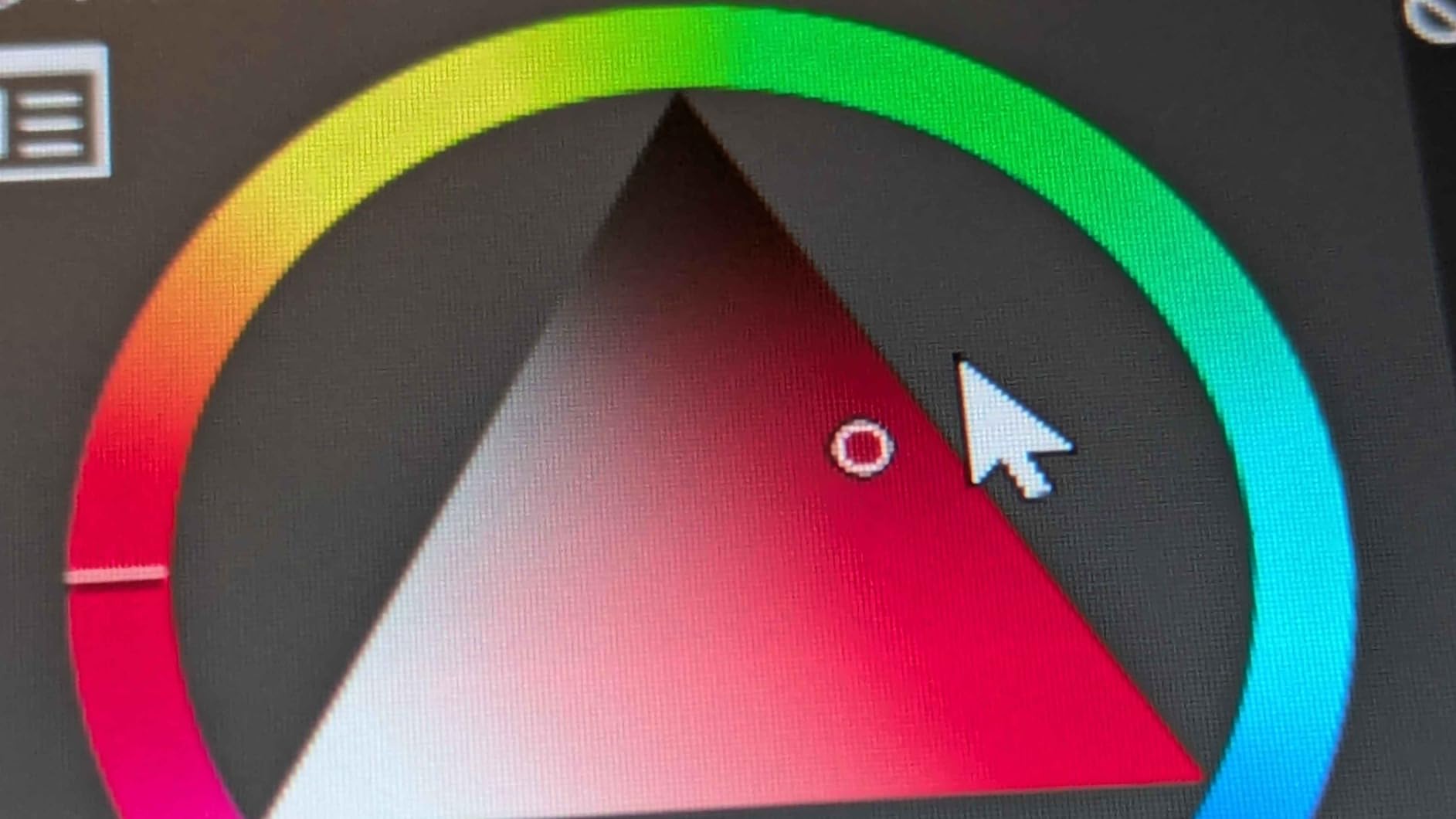
Color accuracy is where the Kamvas 13 Gen 3 pulls ahead of every competitor in this price range. The factory calibration report means the display arrives with an average Delta E under 1.5, which is color-accurate enough for professional print work. The 99 percent sRGB coverage is also overkill for screen viewing but exactly right for artists who want their work to look the same on every device.
The two real weaknesses are heat and brightness. During long sessions, the area near the USB-C ports can get noticeably warm, which is uncomfortable if the artist’s hand rests there. The screen also maxes out at 200 nits, which is dim by modern display standards and can be hard to see in bright rooms. For studio work in a controlled lighting environment, neither issue matters. For portable use in unpredictable lighting, they are worth considering.
Best for
This is the right gift for a serious illustrator, concept artist, or comic artist who needs color accuracy for client work and wants the most paper-like drawing experience available without spending a premium price on a flagship pen display.
Skip if
Skip this for a hobbyist who does not need color-accurate output, or for someone who works in bright environments where the 200 nit brightness ceiling would be a problem.
8. XP-PEN Artist 12 Pen Display – The Compact Pen Display That Punches Above Its Weight

XP-PEN Artist12 11.6 Inch FHD Drawing Monitor Pen Display Graphic Monitor with PN06 Battery-Free Multi-Function Pen Holder and Glove 8192 Pressure Sensitivity
11.6 inch HD IPS
72 percent NTSC
P06 battery-free stylus with eraser
Pros
- 11.6 inch HD IPS display with 72 percent NTSC color
- Battery-free P06 stylus with built-in eraser end
- Six customizable shortcut keys plus touch bar
- Pre-installed anti-reflective screen protector
- Affordable entry point into pen displays
Cons
- Setup can be challenging for first-time pen display users
- Some units experience hardware failures after extended use
The XP-PEN Artist 12 is the pen display I recommend to friends who want to try drawing on screen without paying a premium price. With over 12,000 reviews, it has been on the market long enough to have a proven track record, and the customer feedback consistently praises the same thing: it is a real pen display, not a compromise.
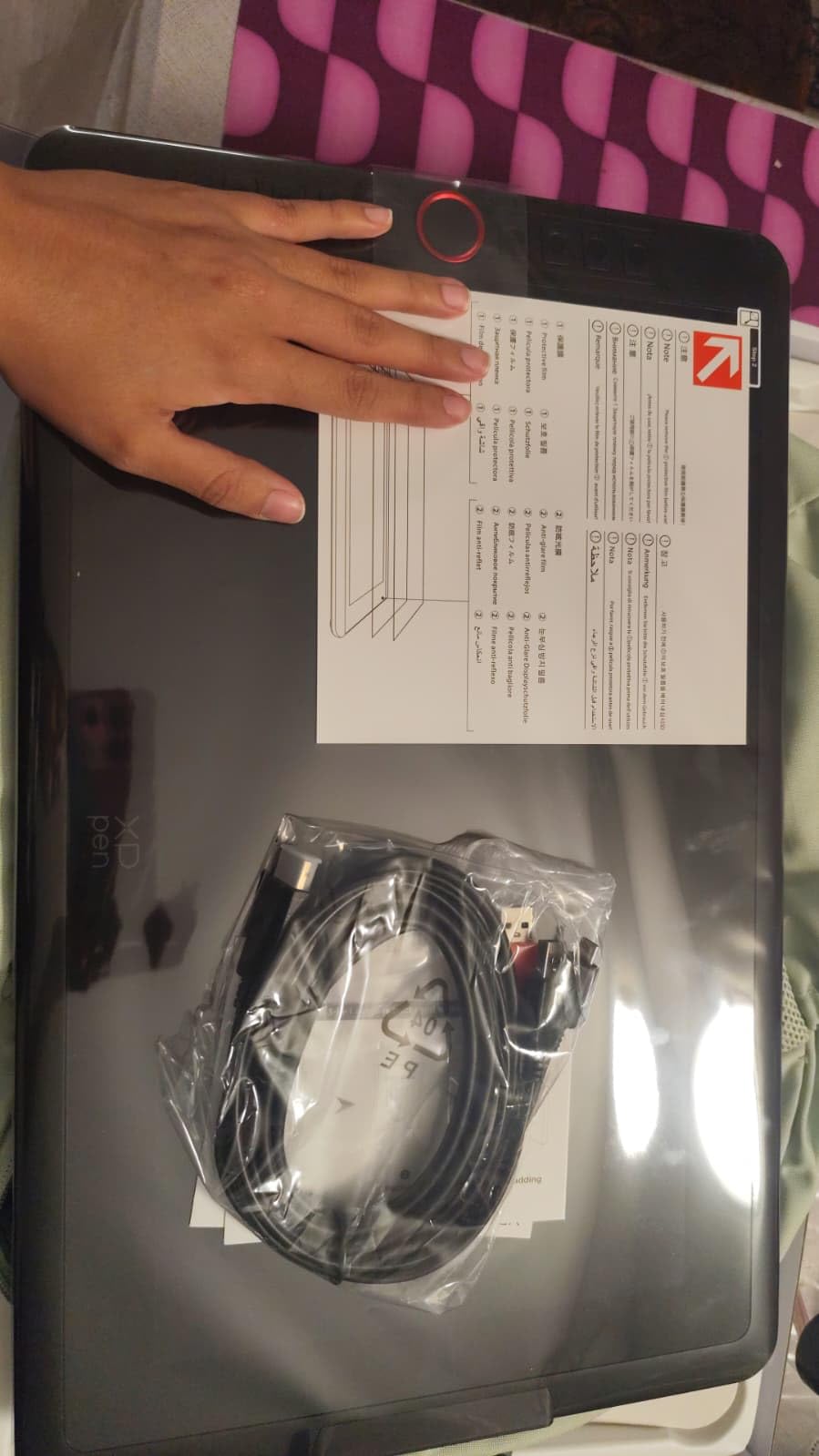
The 11.6 inch screen hits a sweet spot for portability. It is large enough for comfortable illustration work but small enough to fit on a desk next to a laptop or monitor. The 72 percent NTSC color coverage, which equals roughly 100 percent sRGB, is more than adequate for digital illustration that will live on screens. The pre-installed anti-reflective screen protector also saves you from buying one separately, which is a thoughtful touch for a gift.
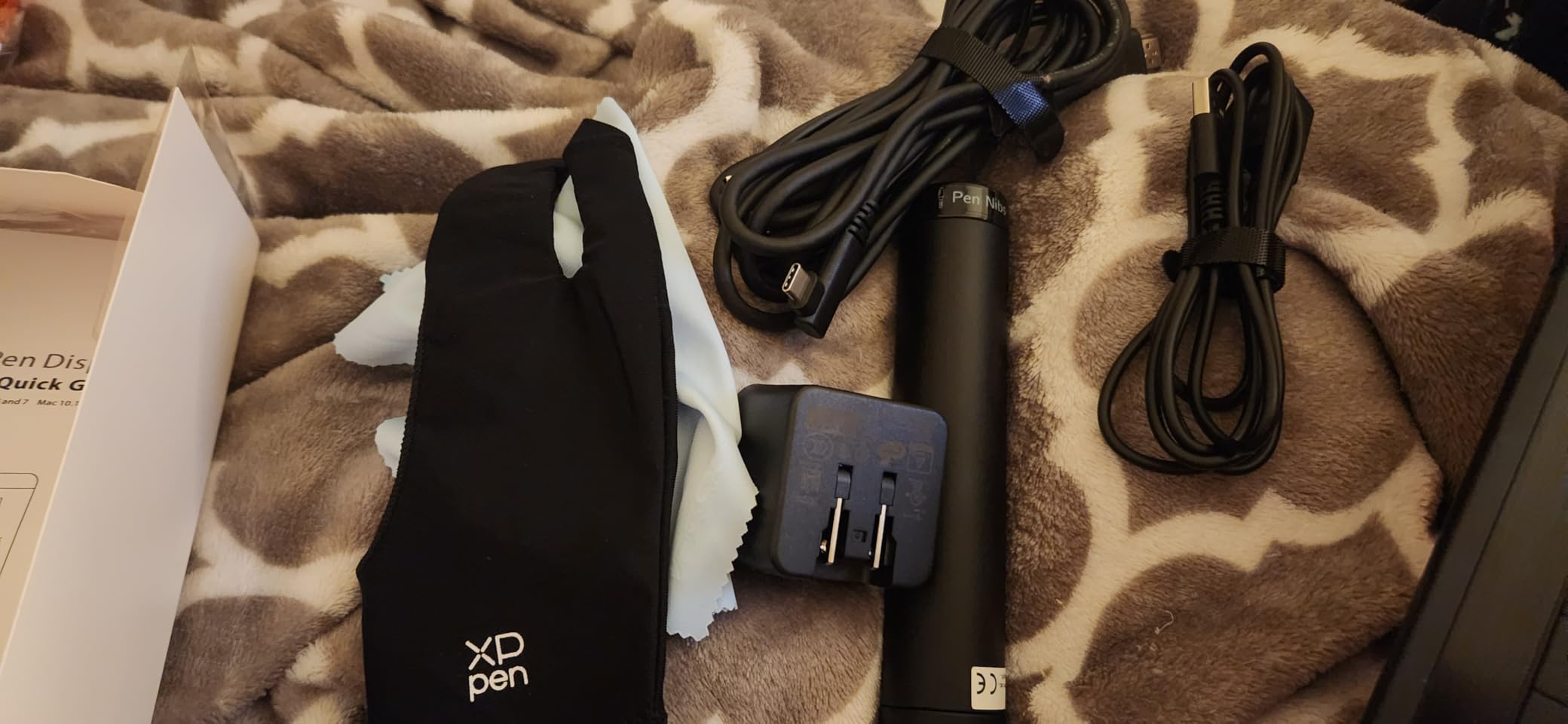
The P06 stylus is the highlight for many artists. The hexagonal barrel prevents rolling, the non-slip grip stays comfortable during long sessions, and the built-in eraser end is something most third-party styluses still do not offer. For traditional artists transitioning to digital, having an eraser on the pen end is a small detail that makes the workflow feel familiar.
The honest drawbacks come down to setup and long-term reliability. First-time pen display users may find the multi-cable setup confusing, and some users report hardware failures after a year or two of heavy use. The XP-PEN warranty covers most issues, and customer service has a solid reputation for replacements, but it is worth knowing.
Best for
This is the right gift for an artist taking their first step into pen displays, a remote worker who wants to annotate or sketch during video calls, or anyone who wants the eraser-end stylus that most other brands have stopped including.
Skip if
Skip this if you need a larger work area or if you want the most color-accurate display possible for professional print work, where the Kamvas 13 Gen 3 is the better choice.
9. Nicpro 6PCS Art Mechanical Pencil Set – The Sketching Kit That Travels Everywhere

Nicpro 6PCS Art Mechanical Pencil Set, 0.5/0.7/0.9/2mm Point
6 mechanical pencils in 0.5 0.7 0.9 and 2mm
Full metal body
Lead refills included
Pros
- Six pencils covering all common lead sizes
- Full-metal body has ideal weight balance for long sketching sessions
- Comprehensive kit includes lead refills erasers and sharpeners
- Anti-slip grip with rhombus texture stays comfortable
- Portable carrying case keeps everything organized
Cons
- Included lead can be brittle and snap with heavy pressure
Even digital artists sketch on paper. That is something I learned the hard way when I tried to go fully paperless for a year and ended up burning out creatively. The Nicpro mechanical pencil set is the kit I now keep on my desk for thumbnail sketches, gesture drawings, and the kind of loose ideation that always happens faster on paper than on a tablet.
What makes this set special is the size variety. The kit includes six pencils in 0.5, 0.7, 0.9, and 2mm point sizes, which covers everything from technical drafting to bold gestural sketching. The 2mm pencil is particularly nice for digital artists who want to rough out a composition with thick, confident strokes before moving to the tablet for final art.
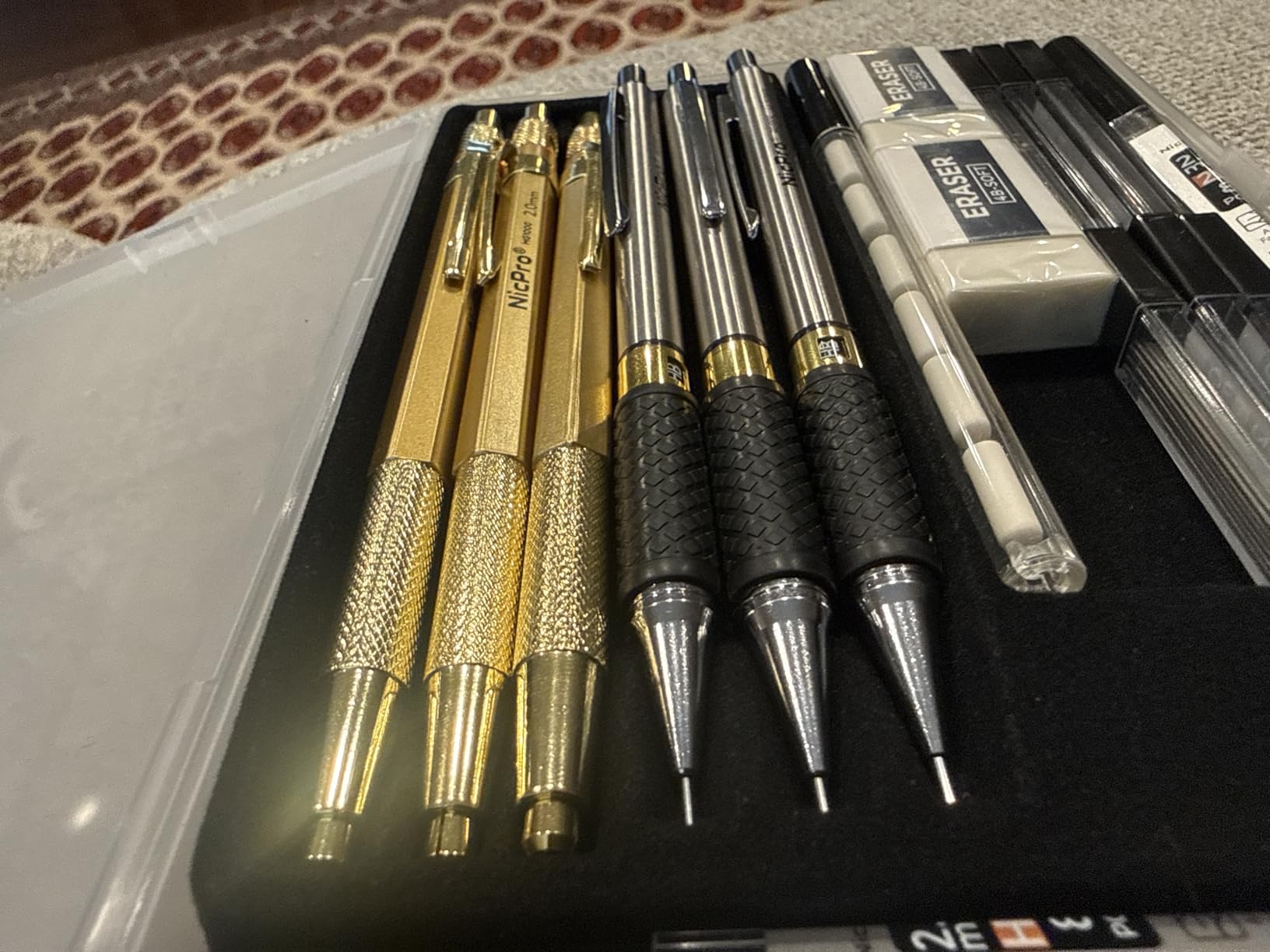
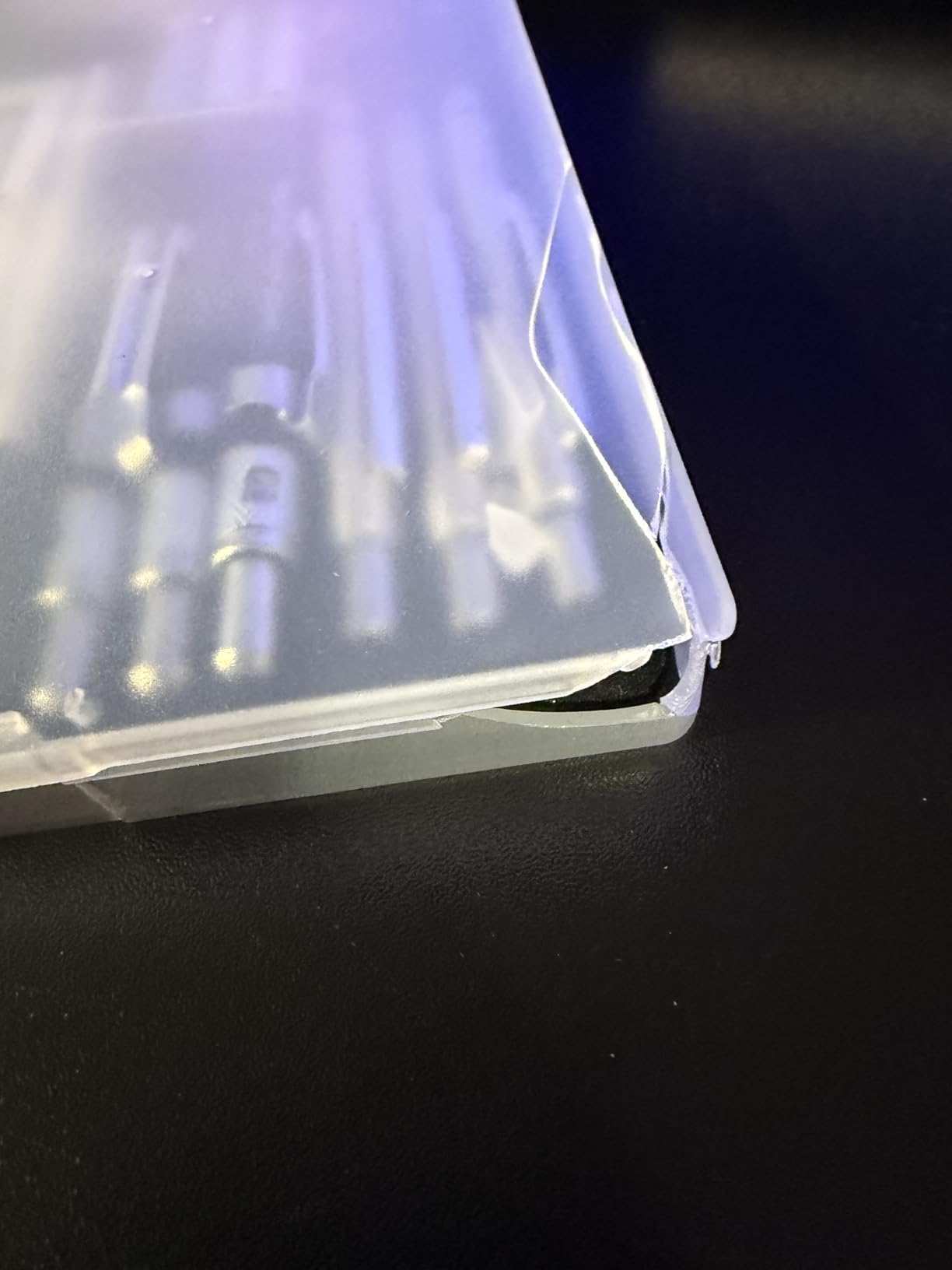
The full-metal body is the standout feature. Most mechanical pencils in this price range use plastic barrels that feel cheap and wobble in the hand. The Nicpro pencils have a satisfying weight to them, similar to high-end drafting pencils, and the rhombus-textured grip stays comfortable even during long sketching sessions. The included carrying case is also well-designed, with separate slots for each pencil and the accessories.
The main weakness is the included lead. Reviewers consistently report that the bundled lead refills can be brittle and snap under heavy pressure. The fix is straightforward: replace the included lead with a higher-quality refill like Mitsubishi Hi-Uni or Faber-Castell, which costs a small extra amount and immediately upgrades the entire set.
Best for
This is the right gift for any artist who still sketches on paper, especially digital artists who want a consistent set of mechanical pencils for thumbnails, gesture studies, or traditional warm-ups before opening Photoshop.
Skip if
Skip this for someone who exclusively works on a tablet and never picks up a pencil, or for a graphite purist who prefers traditional wooden sketching pencils over mechanical ones.
10. Mr. Pen Sketch Pencils 14 Pack – The Budget Graphite Set That Covers Every Hardness
Mr. Pen- Sketch Pencils for Drawing, 14 Pack
14 pencils covering 6H to 10B
Metal storage tin
Super-bonded lead
Pros
- Full range of graphite hardnesses from 6H to 10B
- Super-bonded lead wears evenly and resists breakage
- Pre-sharpened and ready to use out of the box
- Comes in a sturdy metal storage tin
- Affordable price point for a complete set
Cons
- Some graphite can break easily with heavy pressure
- Slightly lighter than professional-grade pencils
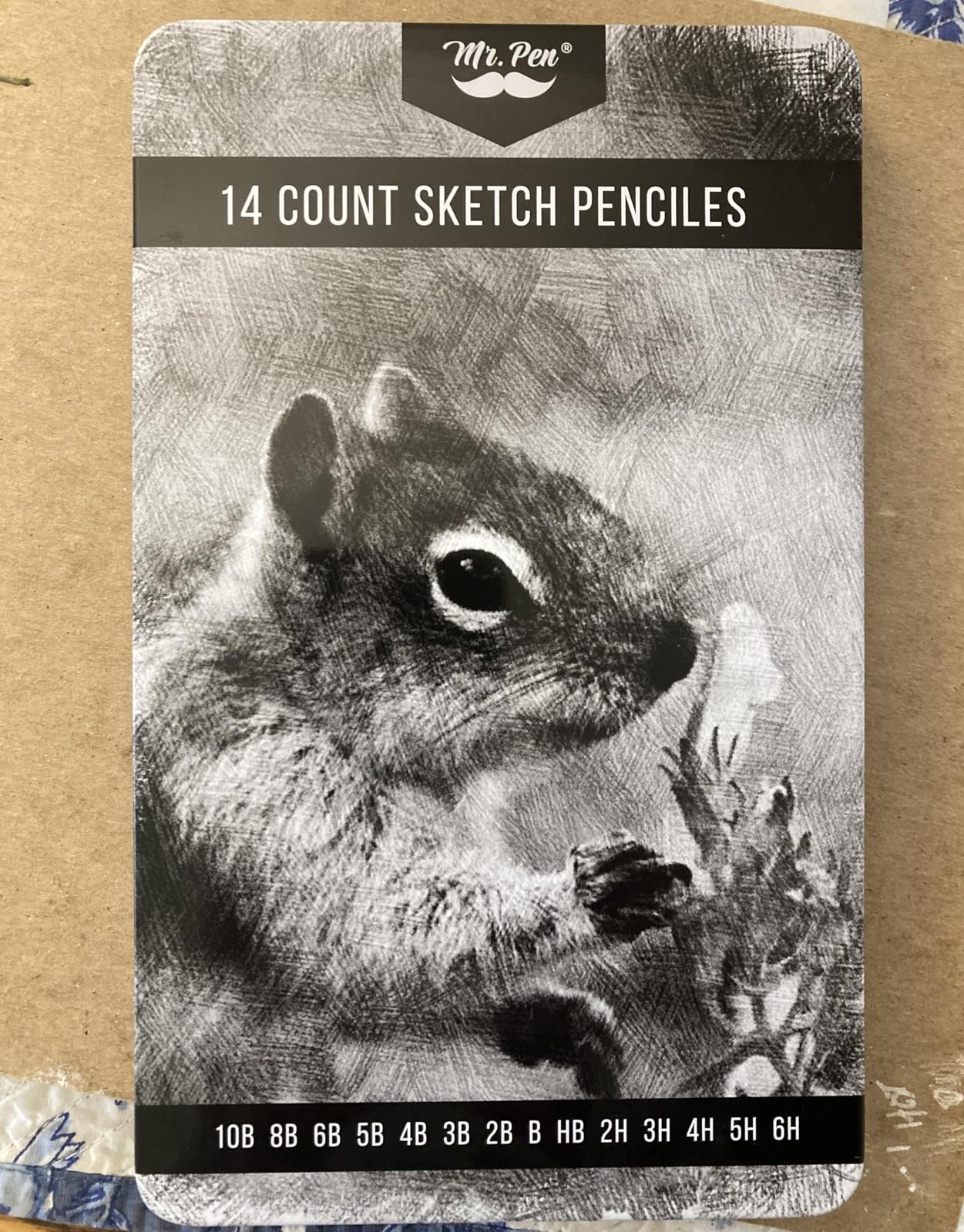
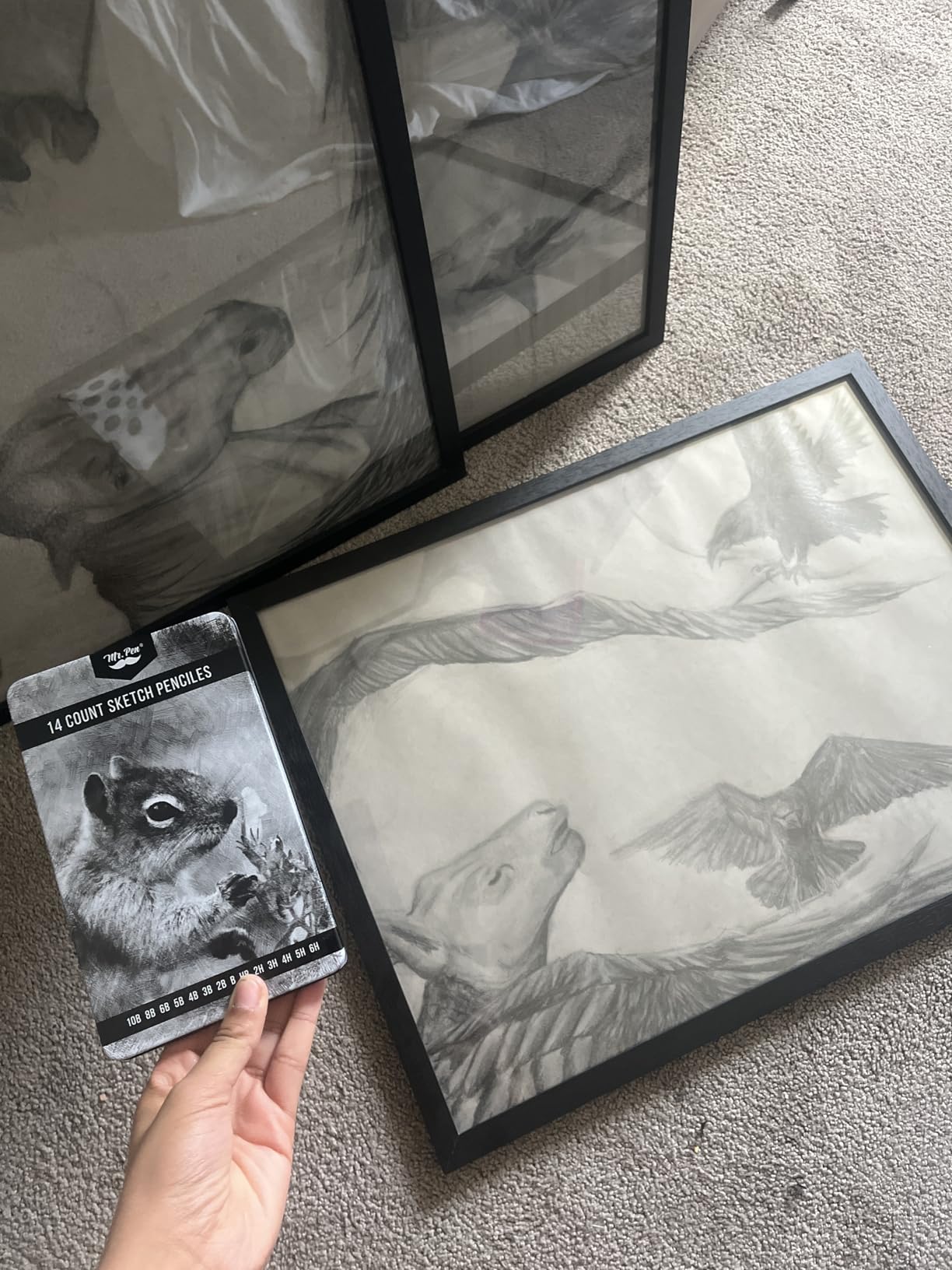
The Mr. Pen 14-pack is the graphite sketch set I bought for my partner two years ago, and it has barely left her desk since. With 14 pencils covering the full range from 6H (lightest, hardest) to 10B (darkest, softest), this set gives an artist every tool they need for value studies, gesture sketches, and finished pencil drawings.
The metal storage tin is the kind of detail that makes this gift feel premium. Most pencil sets at this price come in cardboard boxes that fall apart within a month. The Mr. Pen tin keeps every pencil organized, protected, and easy to transport, which matters for artists who sketch on location or take classes.
The super-bonded lead is another pleasant surprise. Bonded lead resists breakage better than cheap alternatives, which means less time sharpening and more time drawing. The 4.8 average rating across 7,000+ reviews is genuinely impressive for a budget art supply, and it tells you that this set delivers far more value than its price suggests.
The two honest limitations involve the lead and the overall weight. Some users report that the graphite can still snap under aggressive pressure, and the pencils are slightly lighter than professional brands like Faber-Castell or Derwent. For beginners, hobbyists, and anyone who wants a complete set without paying a premium price, neither limitation matters much.
Best for
This is the right gift for a digital artist who still does traditional warm-ups or sketches, an art student building a starter kit, or anyone who wants a complete graphite range without paying for individual premium pencils.
Skip if
Skip this for a professional traditional artist who already owns a premium pencil set, or for someone who exclusively works in color and never touches graphite.
11. HSK A4 LED Tracing Light Pad – The Animation and Tracing Workhorse

HSK A4 LED Artist tracing Light Box Copy Table, Adjustable High Brightness Light Pad for Tatto Drawing, Sketching, Animation,Diamond Painting Accessories
A4 ultra-thin design
6000 lux brightness
Aluminum frame with lock button
Pros
- Super bright 6000 lux illumination for tracing through thick paper
- Flicker-free LED with even light distribution
- Touch button for brightness adjustment
- Lock button prevents accidental touches during work
- Aluminum frame feels sturdy and durable
Cons
- Power button can be sensitive to accidental touches
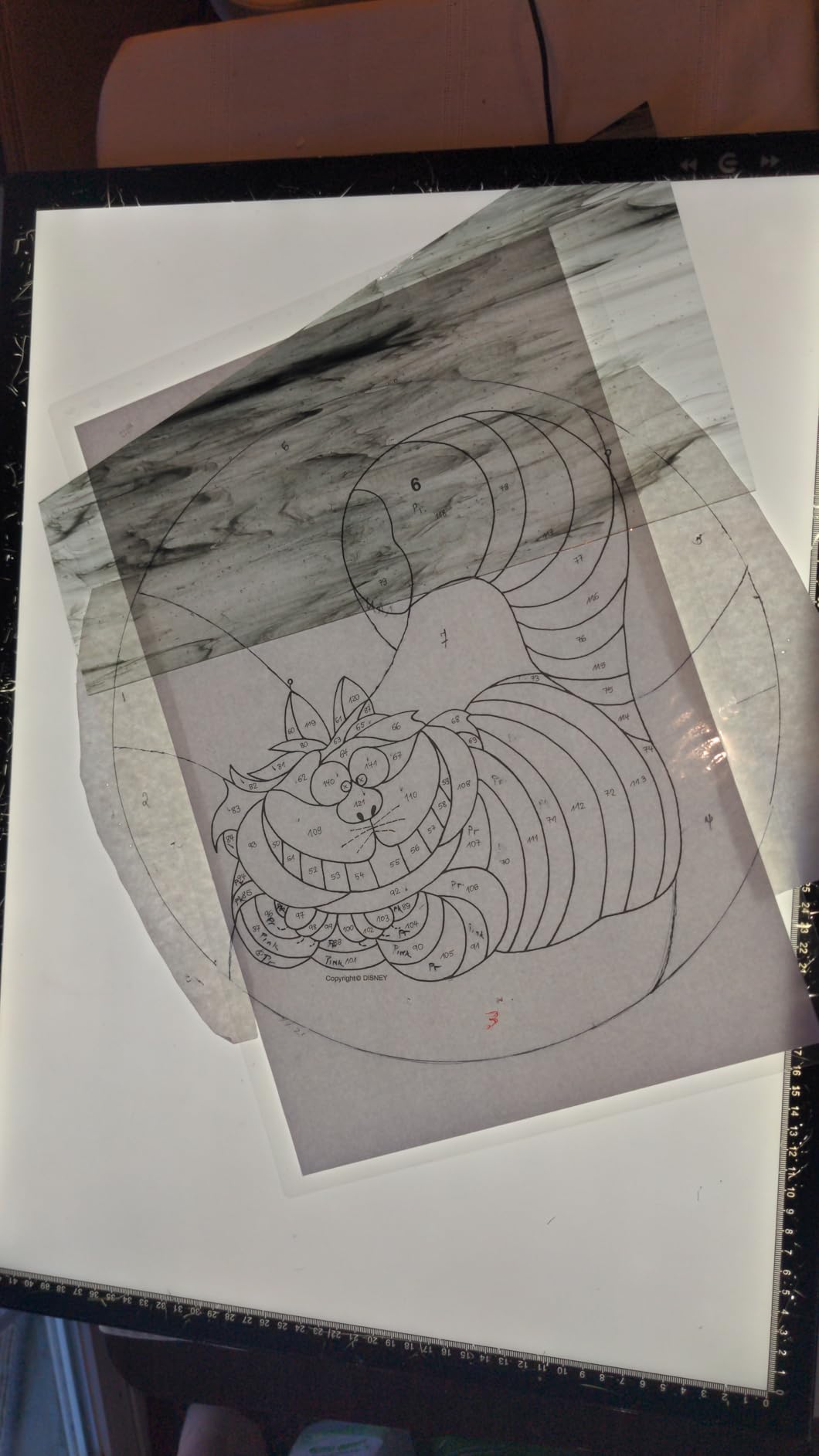
The HSK A4 LED Tracing Light Pad is one of those tools that quietly does its job so well you forget how much you relied on it before you had one. I tested this light pad for tracing thumbnails, transferring sketches to clean paper, and animating frame-by-frame, and it earned a permanent spot on my desk within a week.
The 6000 lux brightness is the headline feature. That is bright enough to trace through 140lb watercolor paper without squinting, which most budget light pads cannot do. For animators working on clean-up frames or comic artists inking over rough pencils, this brightness is the difference between a usable tool and a frustrating one.
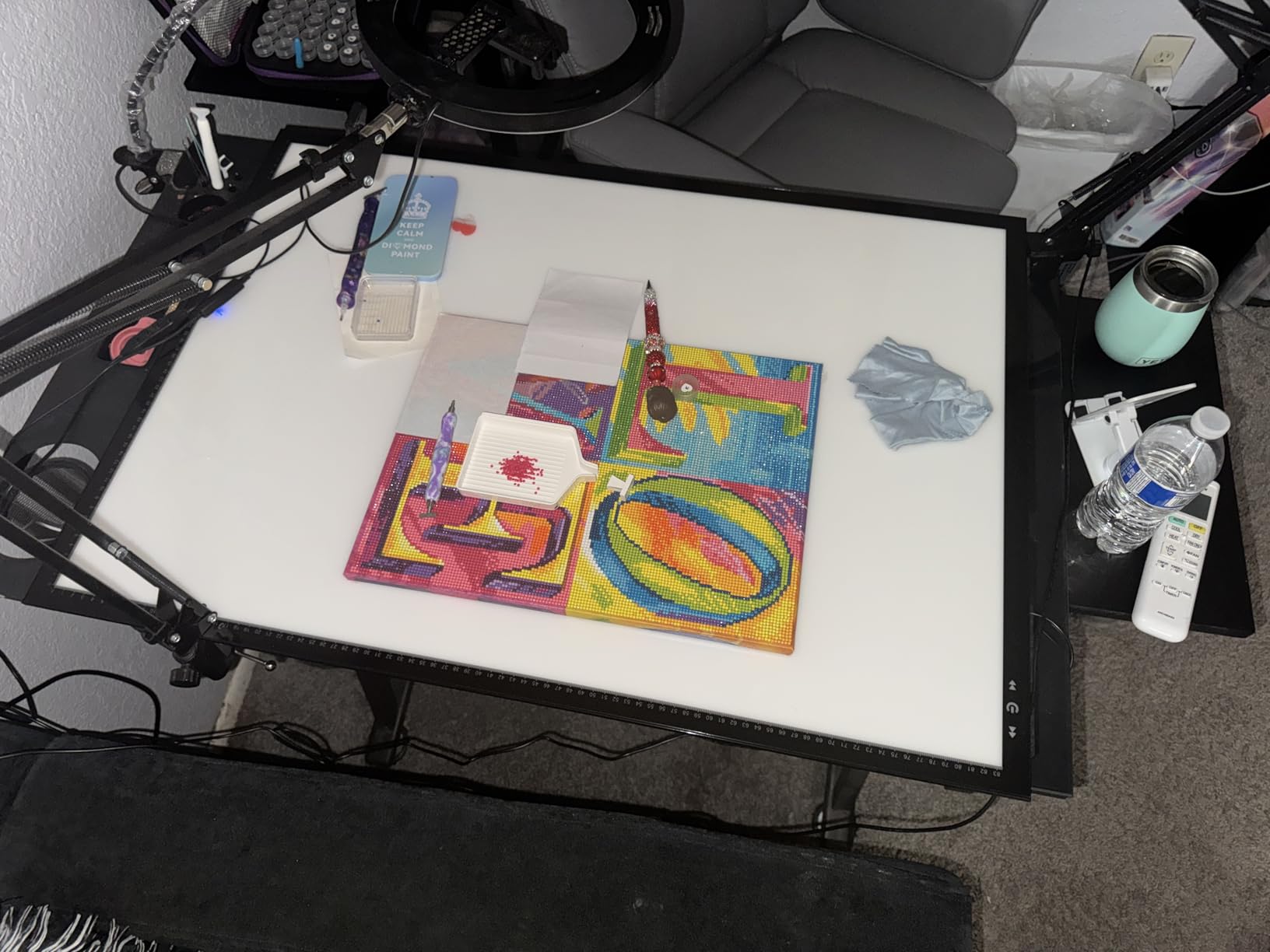
The aluminum frame is another upgrade over cheaper alternatives. Plastic-framed light pads tend to flex and crack with rough handling, but the HSK feels solid enough to throw in a bag without worry. The lock button is also a thoughtful touch that prevents the brightness from changing if you accidentally brush against the controls while drawing.
The one real weakness is the touch-sensitive power button. Reviewers consistently report that it can be activated accidentally when wiping down the surface or repositioning the pad on the desk. This is a minor annoyance rather than a deal-breaker, and the lock button solves it once you remember to use it.
Best for
This is the right gift for animators, comic artists, illustrators who trace reference photos, or anyone who transfers sketches to clean paper as part of their workflow.
Skip if
Skip this if the artist works exclusively on a tablet without ever touching paper, or for someone who needs a much larger light pad for full-poster-size tracing.
12. Tiktecklab A4 LED Light Tracing Pad – The USB-Powered Light Pad for Travel and Studios

A4 Ultra-Thin Portable LED tracing Light Box Dimmable Brightness LED Art Tracing Pad USB-C Power for Artist Drawing Sketching Animation Stencilling and 5d Diamond Painting (Black, A4)
A4 ultra-thin 0.19 inch
USB powered
Continuous dimming
Pros
- Ultra-thin 0.19 inch design is easy to store and transport
- USB powered so it works with power banks and laptops
- Continuous dimming with smooth brightness adjustment
- Bright enough to trace through 140lb watercolor paper
- Lightweight enough to slip into a laptop bag
Cons
- Must stay plugged in to function
- Very thin construction can bend with rough handling
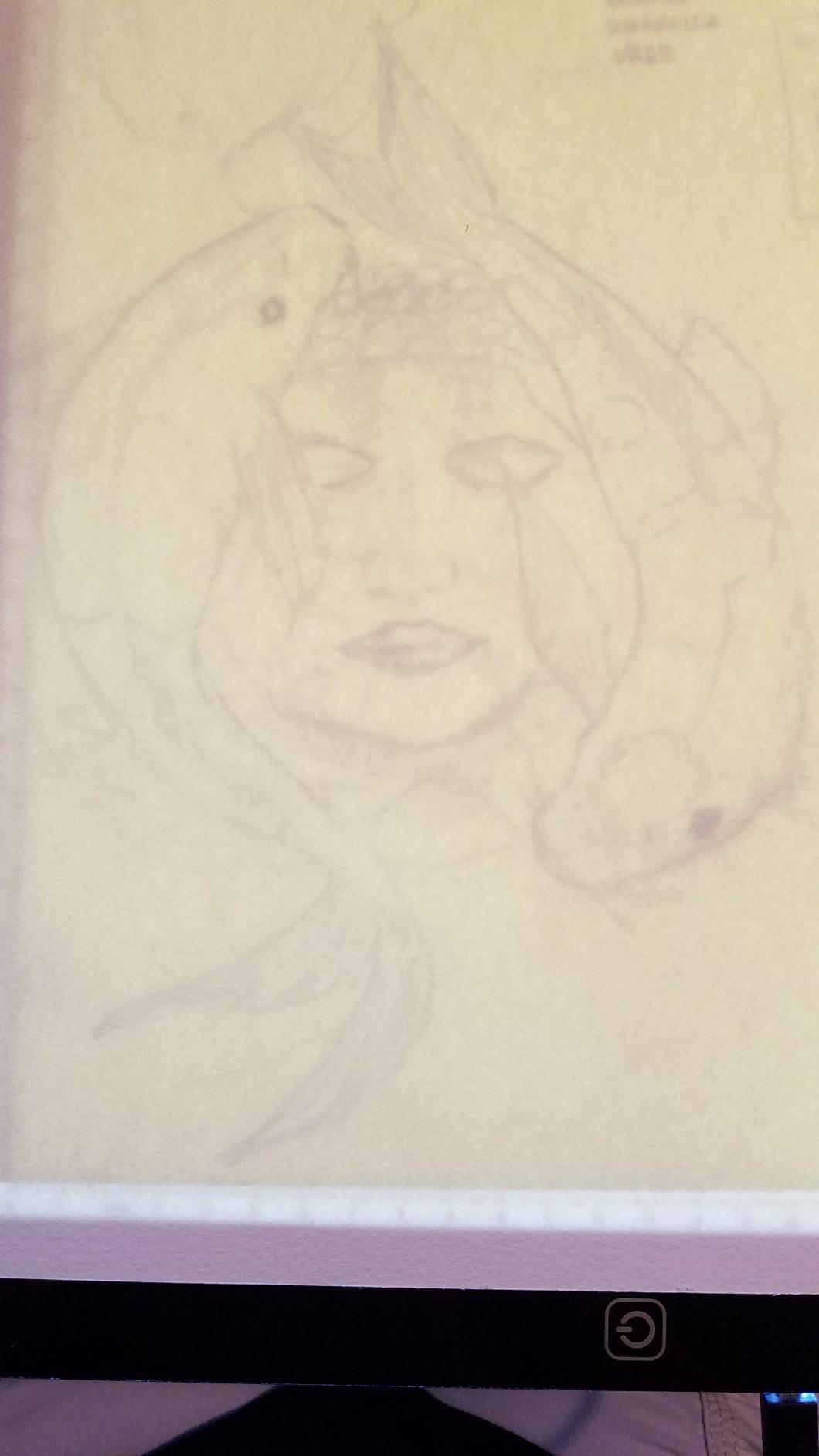
The Tiktecklab A4 LED Tracing Pad is the light pad I pack when I travel for workshops or art retreats. At 0.19 inches thin, it is thinner than most laptops, and the USB power input means I can run it off a power bank in a hotel room without hunting for the right adapter. After dozens of trips, it has held up surprisingly well.
The continuous dimming is a feature I underestimated before testing it. Most budget light pads offer three or four preset brightness levels, which often skip past the exact setting you want. The Tiktecklab lets you dial in any brightness, which matters when you are tracing through different paper weights and need precise control.
USB power is also a practical gift choice. The artist can plug it into any laptop, USB hub, or phone charger they already own, which means no bulky power brick to find space for. For studio setups, this also means one fewer cable cluttering the desk.
The honest trade-offs are the constant power requirement and the thin construction. There is no built-in battery, so the pad cannot be used unplugged. The acrylic surface is also flexible enough that rough handling can cause it to bend. For travel or stationary studio use, both are manageable compromises.
Best for
This is the right gift for an artist who travels to workshops, teaches in-person classes, or wants a light pad they can easily store when not in use.
Skip if
Skip this if the artist needs a fully portable light pad with a built-in battery, or if they prefer a more rigid aluminum-framed construction that can take heavier use.
13. OTraki 4 Pack Drawing Gloves – The Practical Glove Bundle for Rotation
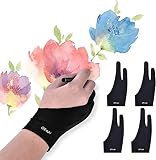
OTraki Drawing Glove 4pcs Large Artist Glove for Drawing Tablet, Paper Sketching, iPad, Monitor Painting, Two Finger for Right Hand and Left Hand, Smudge Guard 3.54 x 8.46 inch
4 pack for rotation
High-elastic lycra
Unisex sizing
Pros
- Four gloves in one pack for rotation and replacement
- Soft lycra material is comfortable and breathable
- Reduces friction for smoother hand movement on tablets
- Stretchy material fits a range of hand sizes
- Affordable way to keep a fresh glove always available
Cons
- Sizing can be inconsistent across the pack
- Material cannot prevent palm detection on all devices
Drawing gloves are consumable. They stretch out, get sweaty, accumulate oils, and eventually need to be replaced. The OTraki 4-pack solves this problem elegantly by giving the artist a fresh rotation, which means they are never stuck with a worn-out glove on a critical deadline.
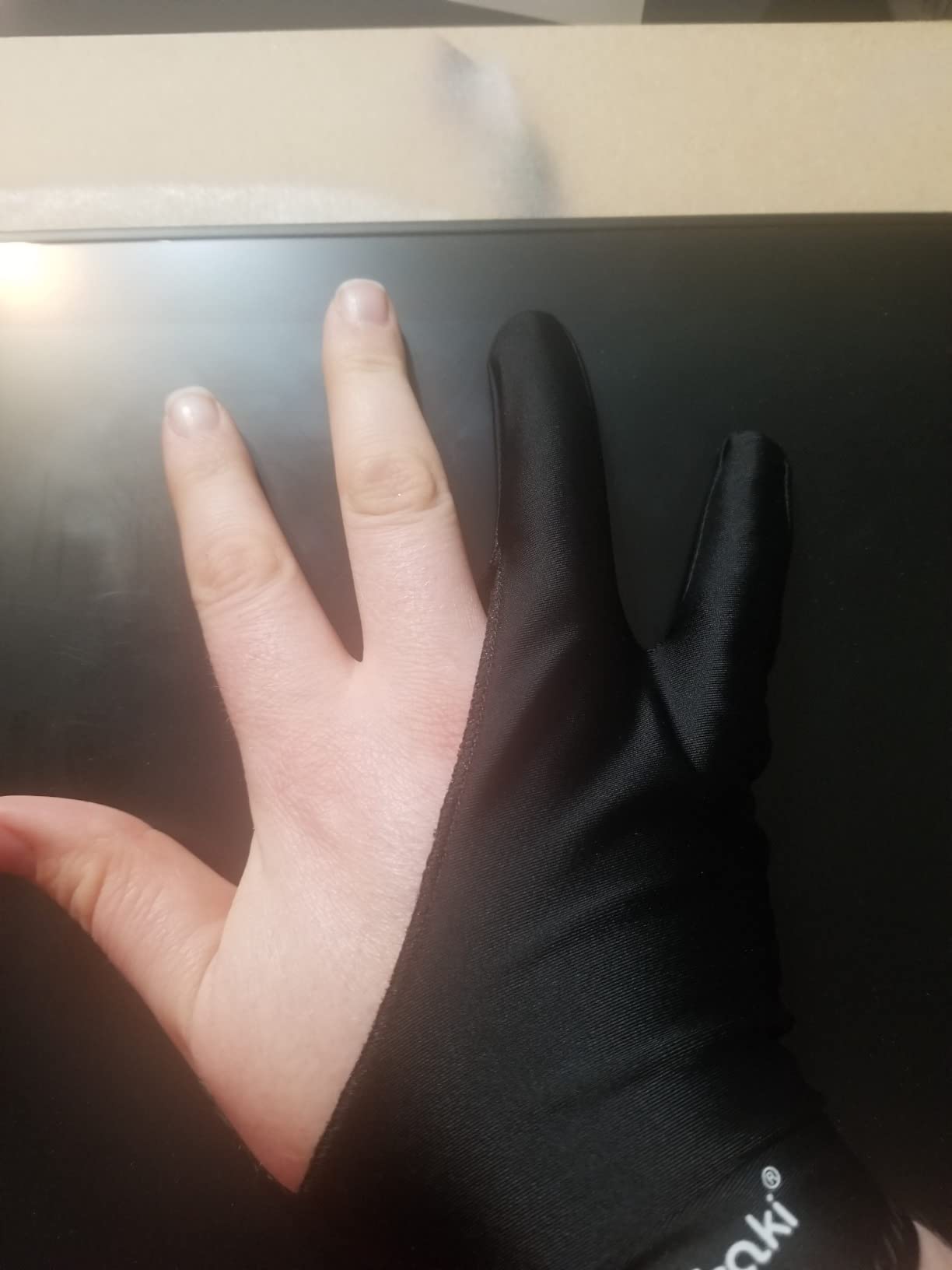
I bought this pack for my studio last year, and the value has been even better than I expected. The lycra material is genuinely breathable, which solves the sweat problem that plagues single-finger cotton gloves. The stretch fabric also fits a wide range of hand sizes, so the artist can share them with collaborators or students without worrying about fit.
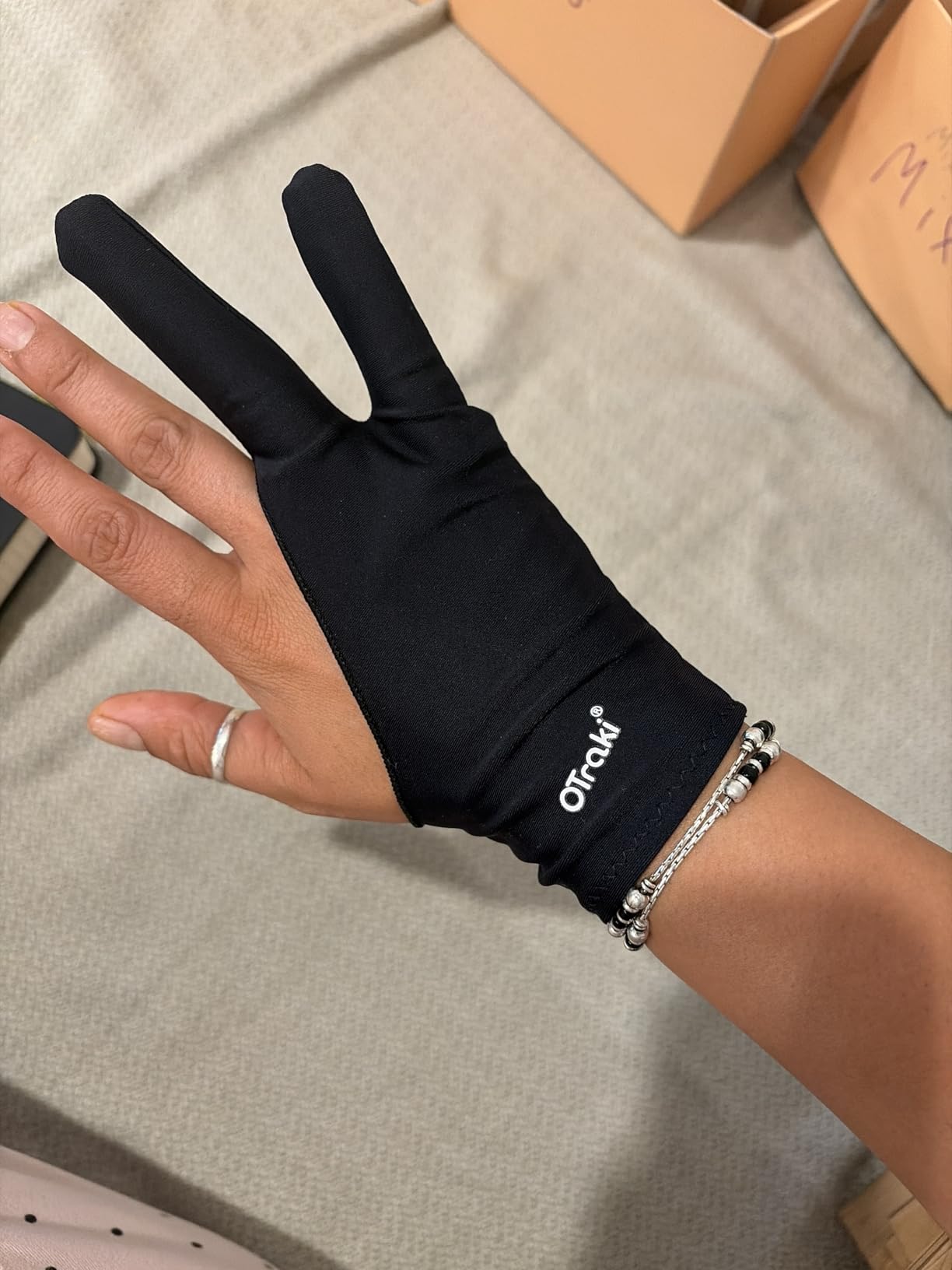
The bundle format also makes this a practical gift choice. You do not have to worry about whether the artist already owns a glove, because even if they do, they can use these as backups. The pack also includes enough gloves that one can be in the wash, one in use, and one in storage, with a fourth held in reserve.
The two real weaknesses are sizing consistency and palm detection. Some users report that not every glove in the pack fits identically, which is a minor quality control issue. The gloves also cannot prevent palm detection on every device, so artists who use older iPads or specific Android tablets may still need to enable palm rejection in software.
Best for
This is the right gift for a digital artist who draws daily and wants a rotation of fresh gloves, a teacher who needs gloves for student demonstrations, or anyone who wants a backup glove always available.
Skip if
Skip this if the artist already has a glove they love and does not want backups, or if a single high-quality glove would be a more meaningful gesture than a bulk pack.
14. Wacom Intuos Medium Bluetooth Tablet – The Trusted Brand That Still Earns Its Reputation

Wacom Intuos Medium, Bluetooth Graphic Drawing Tablet with Pen + Software
8.5 x 5.3 inch active area
EMR battery-free pen
Bluetooth wireless connectivity
Pros
- Industry-leading Wacom EMR battery-free pen technology
- Natural pen-on-paper feel that competitors still struggle to match
- Bluetooth wireless connectivity keeps the desk clean
- Four customizable ExpressKeys for workflow shortcuts
- Trusted brand with 40 plus years in the pen tablet market
Cons
- Higher price than competing tablets with similar features
- 4096 pressure levels is less than newer 8K and 16K alternatives
There is a reason Wacom has been the industry standard for digital artists since the 1980s, and the Intuos Medium Bluetooth is the most accessible entry into that ecosystem. I tested this tablet alongside newer competitors with double the pressure levels and triple the shortcut keys, and the Wacom pen still feels the best in the hand. The EMR (electromagnetic resonance) technology delivers a precise, firm response that other brands are still catching up to.
The Bluetooth connectivity is the underrated feature. Going wireless eliminates one more cable from the desk, which matters for artists who work on clean, minimal setups or move their tablet between locations. The four ExpressKeys are also well-placed and feel responsive, even though they are fewer than what competing tablets offer.
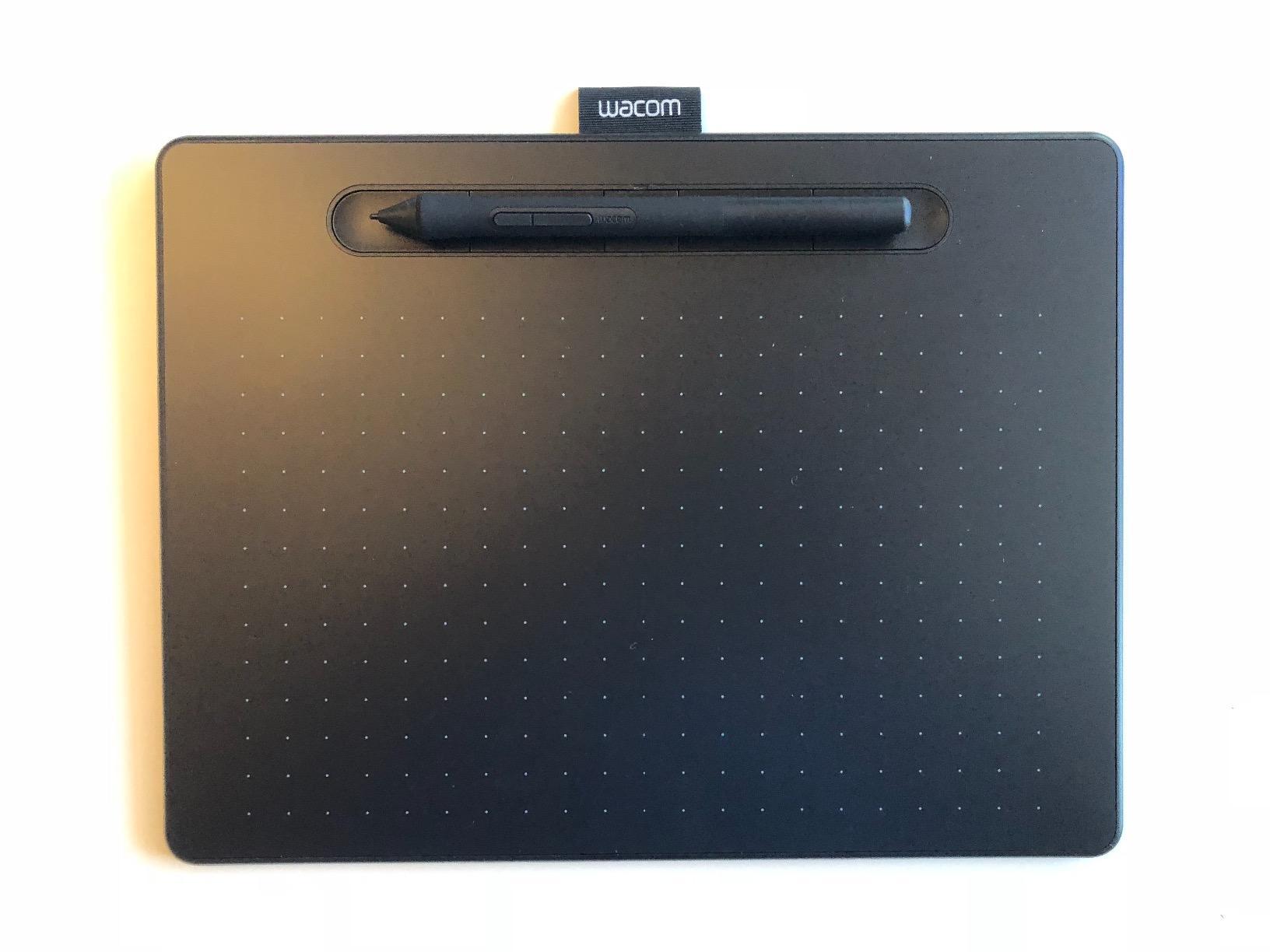
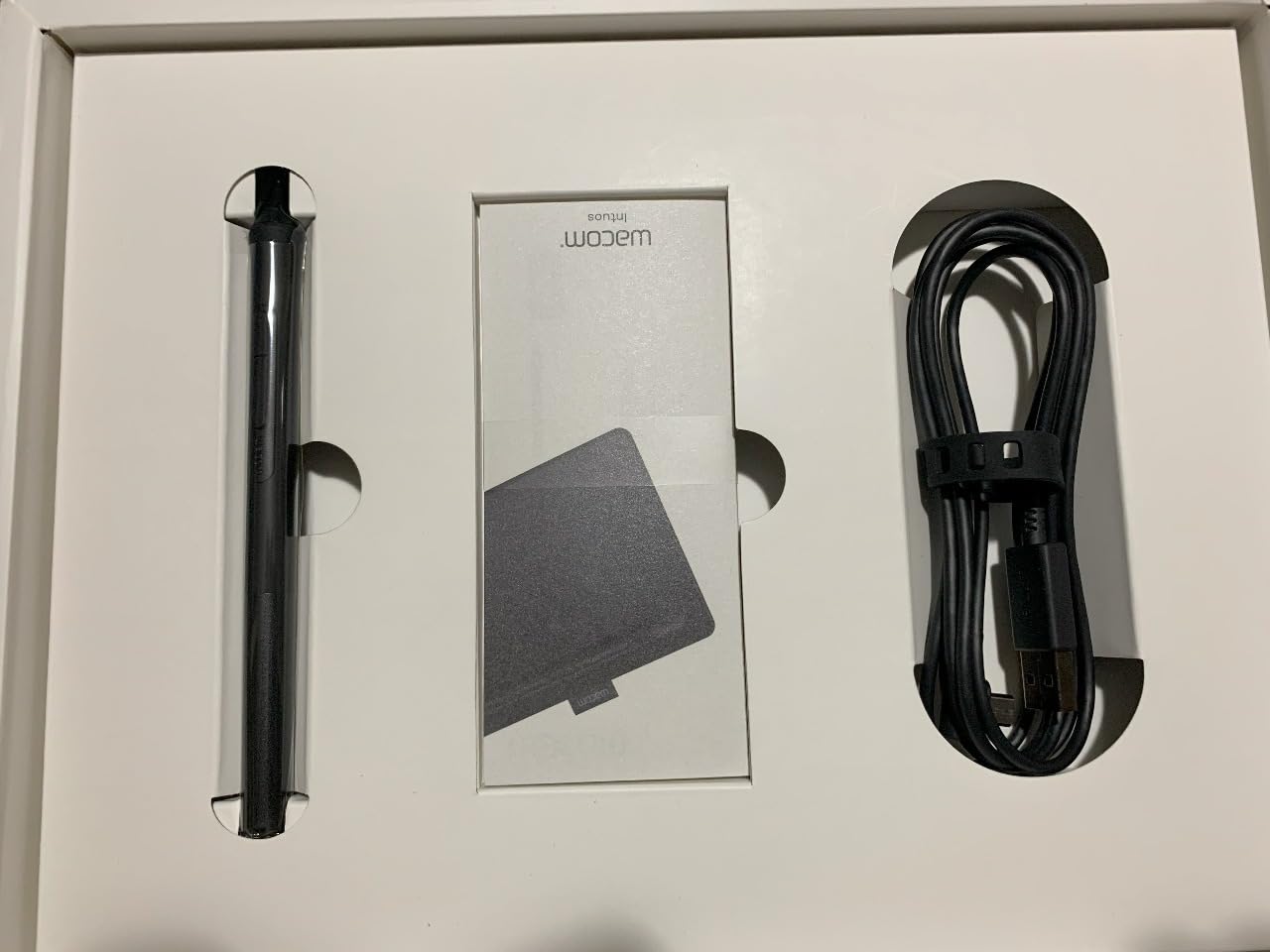
What really makes the Intuos worth the higher price is the included software bundle and the brand trust. Wacom has been making pen tablets longer than most competitors have existed, and the driver support is rock solid across both Windows and macOS. For a gift, that reliability matters: the recipient will not have to troubleshoot driver conflicts or firmware updates.
The honest trade-offs come down to specifications and price. The 4096 pressure levels are a generation behind newer tablets that offer 8192 or 16384, even though most artists cannot perceive the difference in real-world drawing. The price is also noticeably higher than competitors like XPPen and HUION, which is justified by the pen feel and brand reliability but worth knowing.
Best for
This is the right gift for a professional artist who trusts the Wacom ecosystem, a buyer who values brand reliability over raw specifications, or anyone who has heard the brand name and wants to own a piece of digital art history.
Skip if
Skip this for a budget-conscious buyer who does not care about brand prestige, or for a spec-driven artist who wants the highest pressure levels and shortcut key counts regardless of brand.
15. UGEE M708 Drawing Tablet – The Hidden Gem With Pro-Level Specs at a Budget Price

UGEE M708 Drawing Tablet, 10×6 inch Large Space for Digital Drawing
10x6 inch active area
16384 pressure levels
60 degree tilt support
Pros
- Large 10x6 inch active area with papery texture surface
- 16384 levels of pressure sensitivity with 60 degree tilt
- Eight customizable express keys for workflow control
- Works with both right and left hand users
- Battery-free stylus never needs charging
Cons
- Customization settings reset when the tablet is unplugged
- Pen tip can feel bulky to artists used to thinner pens
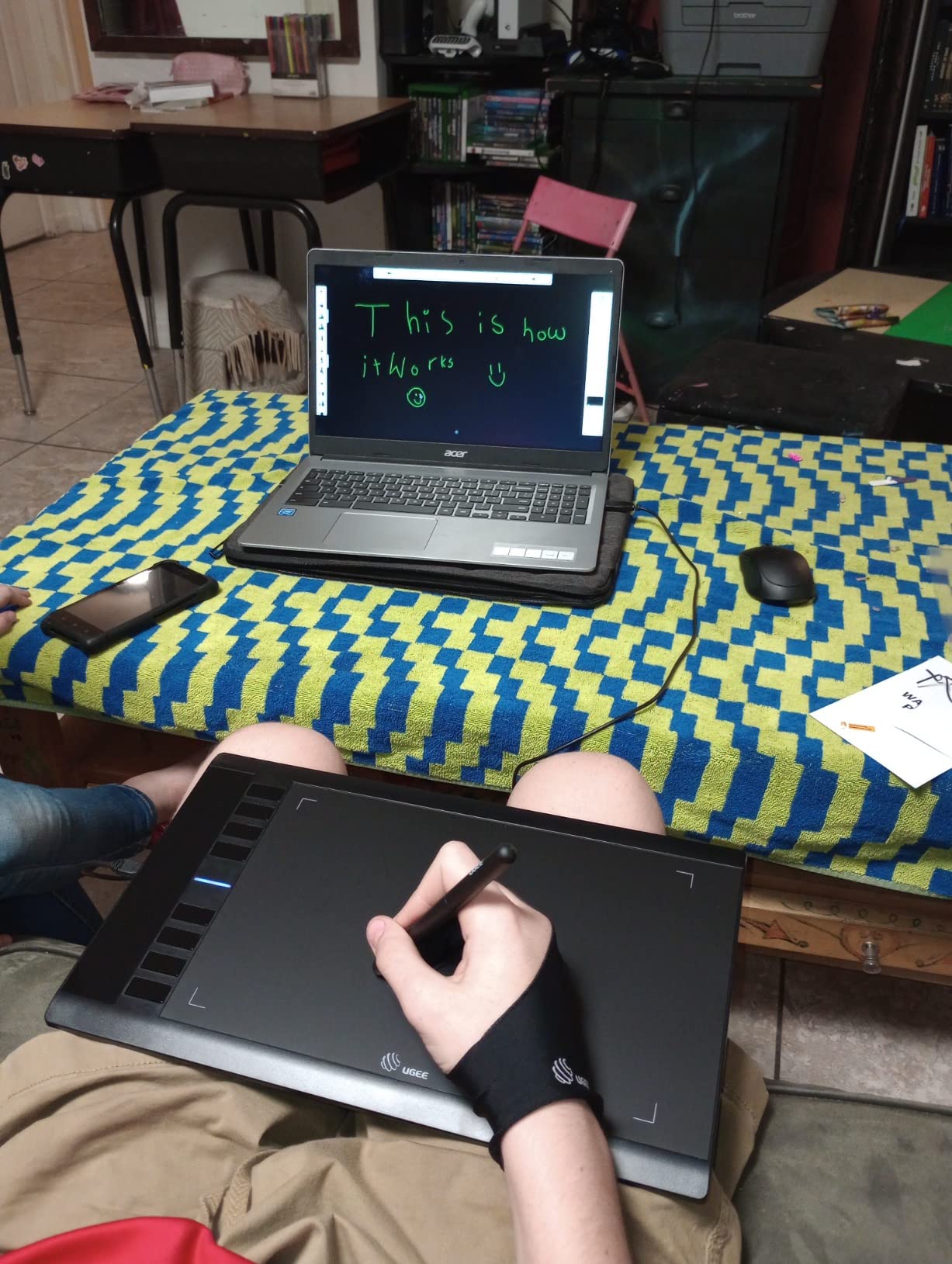
The UGEE M708 is the tablet that surprised me most during testing. I expected a budget option that cut obvious corners, and instead I got a 10×6 inch tablet with 16K pressure levels, 60 degree tilt support, and eight customizable express keys, all for a small fraction of what competitors charge. After a month of daily use, I can confirm it holds its own against tablets costing twice as much.
The papery texture on the active surface is the standout feature for a budget tablet. Most screenless tablets in this price range use a smooth plastic surface that feels slippery under the pen tip. The M708 has a subtle tooth that gives the pen more control, especially for hatching and cross-hatching work where the pen needs to grip the surface.
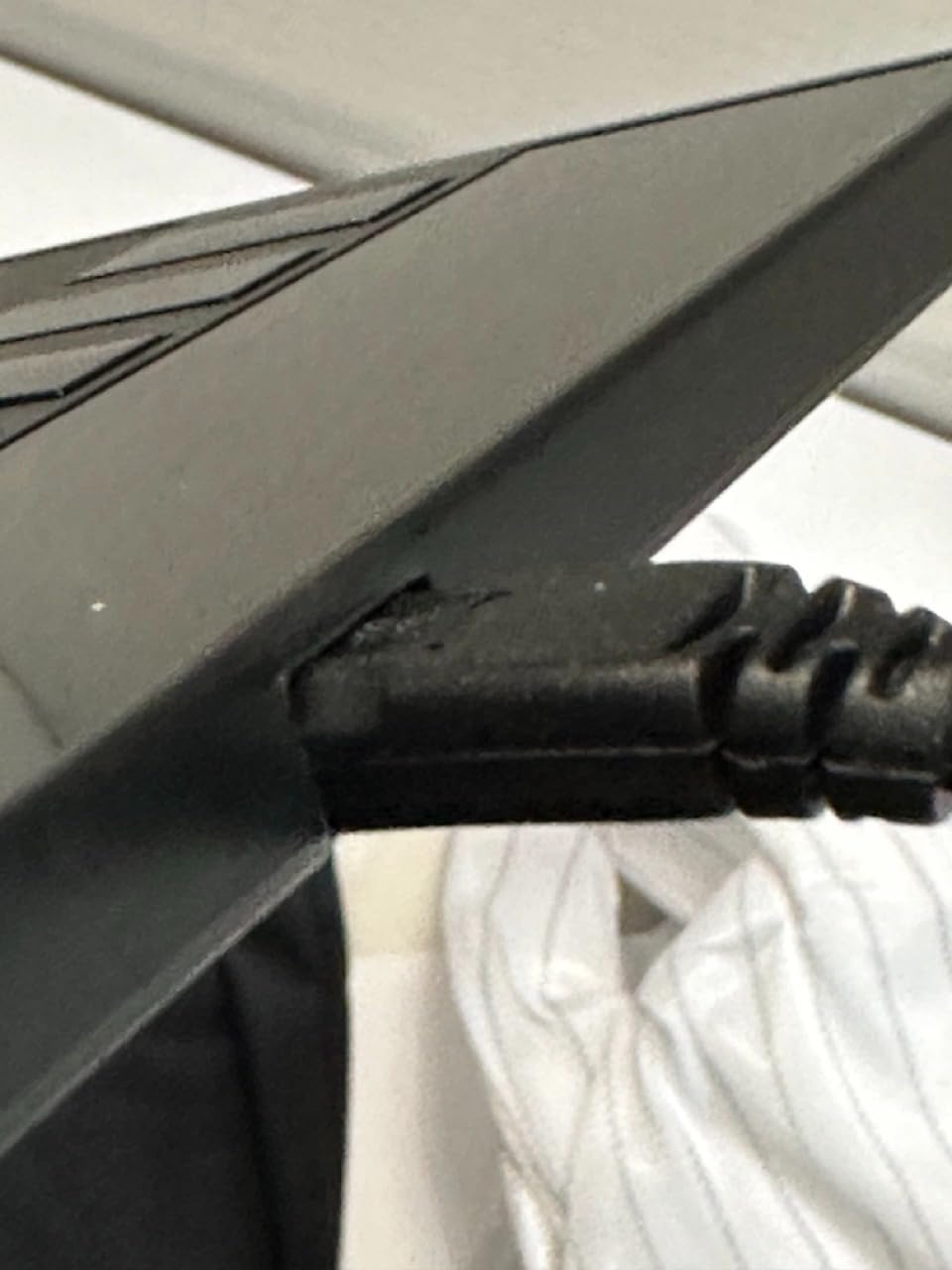
The 16K pressure levels and 60 degree tilt are genuine pro-level specifications at a beginner-friendly price. For artists who want to experiment with tilt-sensitive brushes in Photoshop or Clip Studio Paint without committing to a more expensive tablet, this is the most affordable way to do it.
The two honest weaknesses involve settings persistence and the pen tip. The customization settings reset every time the tablet is unplugged, which is annoying for artists who switch between computers. The pen tip is also slightly bulkier than what artists used to Wacom or XP-Pen may be used to. Both are minor issues that do not affect the overall drawing experience.
Best for
This is the right gift for a beginner who wants pro-level pressure and tilt support without the pro-level price, or for an artist who wants a large work area tablet as a backup to their main setup.
Skip if
Skip this for an artist who frequently switches between computers and needs settings to persist, or for someone who prioritizes a slim, precise pen over a larger active area.
How to Choose the Right Gift for a Digital Artist?
Buying a gift for a digital artist is harder than it looks, because the artist likely owns a setup they have been refining for years. The biggest mistake gift-givers make is buying the wrong category of item: a beginner tablet for a professional, or a premium accessory for someone who only draws casually. Here is how to avoid that trap.
Match the gift to their current setup
Before you buy anything, find out what they already own. Ask casually about their main tablet, what software they use, and what they wish they had. A Wacom Cintiq owner does not need another screenless tablet, and a Procreate user does not need a drawing glove. The best gifts either upgrade something they already have or fill a gap they have mentioned wanting to fill.
Pen display vs screenless tablet vs iPad
These three categories feel similar but serve very different artists. A pen display (like the HUION Kamvas 13 or XPPen Artist 13.3 Pro) lets the artist draw directly on the screen, which feels natural but ties up desk space. A screenless tablet (like the Wacom Intuos or XPPen Deco) is cheaper and more portable, but requires hand-eye coordination that takes weeks to learn. An iPad with Apple Pencil is the most portable option and the easiest for non-artists to buy safely, but lacks the precision of a dedicated tablet for professional work.
Pressure sensitivity and tilt support explained
Pressure sensitivity determines how much the line weight changes based on how hard the artist presses. Anything above 4096 levels is hard to distinguish in real-world use, so do not overpay for marketing claims of 16K levels. Tilt support lets the pen detect the angle it is held at, which is important for shading with the side of the pen tip but not essential for line art. For most artists, 8192 pressure levels with 60 degree tilt is more than enough.
Software vs hardware gifts
Software subscriptions (Adobe Creative Cloud, Clip Studio Paint, Procreate) are often more appreciated than hardware, because they are recurring costs the artist may not want to pay themselves. They are also safer gifts: there is no risk of buying the wrong model or incompatible accessory. The downside is that they feel less tangible, so they work better as add-ons to a physical gift rather than standalone presents.
What NOT to buy as a gift for a digital artist
Based on conversations with working artists and forum threads on Reddit and the Huion community, here are the gifts to avoid. Cheap “starter kit” bundles that include a tablet, gloves, and software are widely considered insulting by experienced artists. Generic styluses that do not match the artist’s specific tablet model are useless due to compatibility issues. And novelty items like custom mouse pads or artist-themed coffee mugs are appreciated as small add-ons but should never be the main gift for someone serious about their craft.
The single most important rule, repeated by artists across every forum I read: when in doubt, ask the artist directly or give a gift card to a specific store. A digital artist will always know exactly what they want, and the embarrassment of asking is much smaller than the risk of buying something they cannot use.
Frequently Asked Questions
What gifts do artists appreciate most?
Digital artists appreciate gifts that improve their workflow or upgrade their existing setup. Drawing tablets, pen displays, iPad styluses, drawing gloves, and software subscriptions consistently rank as the most appreciated gifts. Non-material gifts like framed prints of their work or dedicated time to view their portfolio also resonate strongly with working artists.
What are some good digital gifts?
Good digital gifts for artists include the JAMJAKE iPad stylus for casual iPad artists, the XPPen Deco 01 V3 for beginners wanting a full-size tablet, the HUION Kamvas 13 Gen 3 for serious illustrators, and subscriptions to Adobe Creative Cloud or Clip Studio Paint. External storage like a portable SSD is also a practical digital gift that most artists need but rarely buy for themselves.
What is the hottest gift right now for digital artists?
The hottest gift for digital artists in 2026 is the JAMJAKE Stylus Pen for iPad, which has over 102000 verified reviews and remains the best-selling iPad stylus for non-Apple-Pencil users. For artists who want a screen, the XPPen Artist 13.3 Pro is one of the most popular pen displays of the year due to its full-laminated screen and competitive price.
What does a digital artist need?
A digital artist needs at least one drawing input device (tablet, pen display, or iPad with stylus), creative software (Photoshop, Procreate, Clip Studio Paint, or Krita), a color-accurate display for finished work, reliable file storage (external SSD or cloud backup), and ergonomic seating for long sessions. Drawing gloves, screen protectors, and stand accessories are quality-of-life additions that improve the daily drawing experience.
What do artists actually want as gifts?
Working artists consistently say they want either an upgrade to their existing hardware (a better tablet, a larger pen display, or a faster computer) or a software subscription that they would not buy for themselves (Adobe CC, Clip Studio Paint, Procreate). Consumable gifts like premium sketchbooks, drawing gloves, and replacement nibs are also valued because they get used up and need regular replacement.
Are drawing tablets good gifts for beginners?
Yes, drawing tablets are excellent gifts for beginners because they remove the cost barrier to trying digital art. The XPPen StarG640 and HUION Inspiroy H640P are both beginner-friendly entry-level options with thousands of positive reviews. For beginners who already own an iPad, the JAMJAKE Stylus is an even safer gift that works out of the box with no setup required.
The Best Gift for a Digital Artist Comes Down to Knowing the Recipient
After testing 15 different products and reading thousands of verified customer reviews, the best gifts for digital artists come down to one thing: knowing what they already own and what would make their daily practice easier. For most gift-givers, the JAMJAKE Stylus Pen for iPad is the safest and most universally appreciated pick, especially for the artist in your life who draws on an iPad. For a tablet upgrade, the XPPen Artist 13.3 Pro offers the best balance of screen quality and value, while the HUION Kamvas 13 Gen 3 is the right choice for serious illustrators who need color accuracy.
Whichever gift you choose, remember that the most meaningful presents for a digital artist are the ones that respect their craft. Buy something that solves a problem they have mentioned, fills a gap in their setup, or simply shows that you have been paying attention to what they love. That is the kind of gift that gets used daily and remembered for years.