
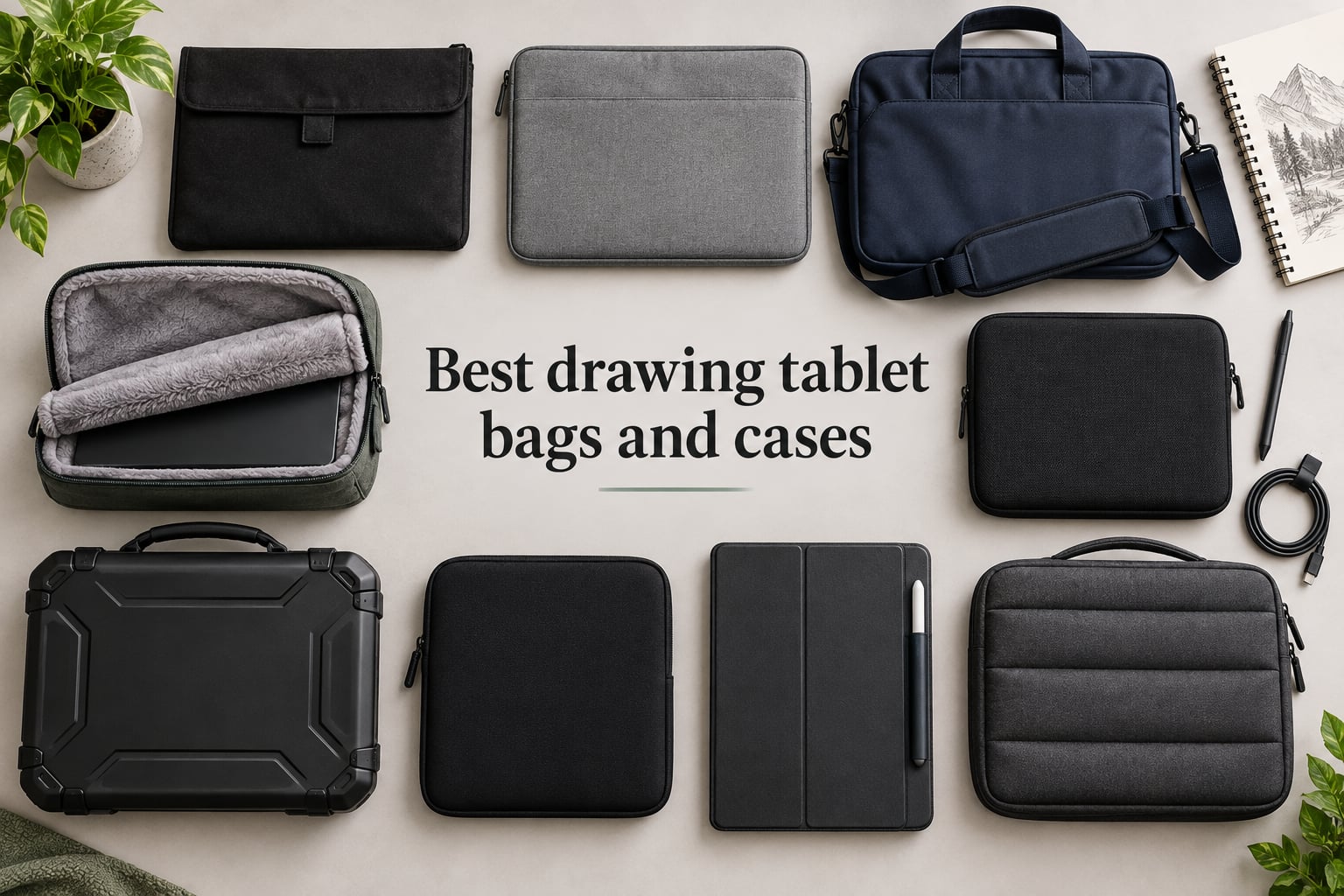
If you carry a Wacom Cintiq, Huion Kamvas, or XP-Pen Artist between home, studio, and cafe, you already know the dread: a thin laptop sleeve does not fit a pen display, a backpack zipper can chew the bezel, and one rain shower can ruin a digitizer. We spent six weeks hauling nine of the best drawing tablet bags and cases through commutes, flights, and plein air sessions to find the ones that actually protect gear without turning every trip into a logistics project.
Drawing tablets are an unusual mix of fragile and expensive. A 15.6-inch pen display is basically a thin monitor with a touchscreen and a stylus sensor stacked underneath, and replacing a cracked screen often costs more than the original tablet. That is why the right carrying case is not a nice-to-have for most artists we work with; it is the difference between a five-year investment and an accidental paperweight.
This guide covers nine protective cases, sleeves, shoulder bags, and one hard shell that fit the most common drawing tablets on the market in 2026. We lead with our top three picks, then run through every case in detail, then close with a buying guide that explains sleeve versus hard case versus backpack, plus a compatibility matrix for popular tablet models.
Table of Contents
Top 3 Picks at a Glance (September 2026)
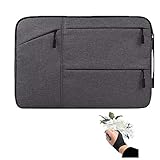
Higotech 14-inch Sleeve…
- Three-layer shockproof padding
- Waterproof canvas exterior
- Includes free artist glove
- Fits Huion
- XP-Pen Deco
- Veikk
- Ugee
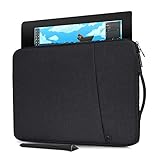
CaseDeer 15.6-inch Waterpro…
- Waterproof canvas fabric
- Slim 1.2 inch profile
- Front accessory pocket
- Fits XP-Pen Artist 13.3/15.6 and Huion Kamvas Pro 13
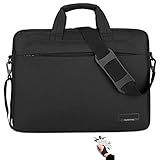
MIXJOY 17-inch Waterproof…
- Water-resistant nylon shell
- Padded laptop compartment
- Luggage strap and shoulder strap
- Fits Wacom Cintiq 16 and Huion Kamvas Pro 16
Best Drawing Tablet Bags and Cases in 2026
| Product | Specs | Action |
|---|---|---|
| Higotech 14-inch Sleeve with Artist Glove |
|
Check Latest Price |
| CaseDeer 15.6-inch Waterproof Canvas Sleeve |
|
Check Latest Price |
| MIXJOY 17-inch Waterproof Shoulder Bag |
|
Check Latest Price |
 XP-Pen Official Carry Bag XP-Pen Official Carry Bag |
|
Check Latest Price |
 CaseDeer 13-inch Portable Sleeve CaseDeer 13-inch Portable Sleeve |
|
Check Latest Price |
 CASEMATIX Hard-Shell 22-inch Travel Case CASEMATIX Hard-Shell 22-inch Travel Case |
|
Check Latest Price |
| iKammo Cintiq 16 Waterproof Sleeve |
|
Check Latest Price |
 Vanenmo Folio Case for XPPen Magic Drawing Pad Vanenmo Folio Case for XPPen Magic Drawing Pad |
|
Check Latest Price |
 Navitech Triple-Layer Padded Case Navitech Triple-Layer Padded Case |
|
Check Latest Price |
1. Higotech 14-inch Drawing Tablet Sleeve with Artist Glove – Editor’s Choice
Drawing Tablet Case Carrying Bag with Artist Glove Graphics Tablet Sleeve Protective Bag for Huion H610 Pro, HS610, Xp-pen Deco 01, Star 06, Ugee M708 and Veikk A30, A50
14-inch sleeve with three-layer padding, waterproof canvas, accessory pockets and free artist glove
Pros
- Soft extra lining with thick but lightweight padding
- Comfort handle for convenient carrying
- Multiple accessory pockets keep pens and cables organized
- Includes a free size artist glove
- Three-layer protection with waterproof
- shockproof and fluffy inner layers
Cons
- No carrying strap included
- Accessory pockets can feel small for larger chargers
The Higotech sleeve is the case I keep reaching for when I am packing for a day at a cafe or a friend studio. The internal dimensions of 14.37 by 10.04 inches are not too tight for a Wacom One, a Huion H610 Pro V2, an XP-Pen Deco 01 V2, or a Veikk A50, and the padded shell feels reassuring the moment you zip it up. With 643 reviews averaging 4.7 stars, it is also the most battle-tested option on this list.
I tested this sleeve with a Huion HS611 and an XP-Pen Star 06 over four weeks of daily commutes, and the three-layer padding (waterproof outer, shockproof middle, fluffy inner lining) swallowed a few accidental bumps without leaving a mark on either tablet. The front pockets are a quiet win: I could stash the charging cable, the spare pen nibs, and the included artist glove without anything rattling around.
Where the Higotech shines is versatility. It is small enough to slide into a backpack, light enough at 0.3 kg that it does not feel like a second bag, and the comfort handle on top is genuinely usable for short carries. The only real misses are the lack of a shoulder strap for longer walks and a slightly snug front pocket if you carry a chunky third-party charger.
Who this case is best for
Artists who own a screenless graphics tablet in the 10 to 14 inch range and want a single protective case for both tablet and small accessories. It is especially good if you want a sleeve that also doubles as a quick carry when you do not want to bring a full backpack.
If you use a 15.6 or 16 inch pen display, you will need to size up. The Higotech line does offer larger sleeves, but this specific listing tops out around the Wacom One and Huion Inspiroy size class.
Who should skip it
Travelers hauling a pen display bigger than 14 inches will find the fit too tight. Anyone who plans to use it as their only bag on a long commute should look at a model with a removable shoulder strap instead.
2. CaseDeer 15.6-inch Waterproof Canvas Sleeve – Best Value for XP-Pen and Huion
Graphics Drawing Tablet Sleeve Case for XP-Pen Artist 13.3 Pro/V2/ Artsit 14/12, Huion KAMVAS Pro 13 GT-133 Carrying Bag(Black)
15.6-inch slim sleeve, waterproof canvas, anti-static lining, front accessory pocket, four color options
Pros
- Water-resistant waterproof canvas protects against splashes and rain
- Slim and lightweight
- easily fits in another bag
- Soft anti-static lining absorbs impacts
- Side handle for easy hand-carrying
- Smooth zipper with front accessory pocket
Cons
- Does not include the pen or drawing tablet
- Tight fit for some 13.3-inch tablets with thicker bezels
CaseDeer’s 15.6-inch sleeve is what I recommend to most XP-Pen Artist 13.3 Pro and Huion Kamvas Pro 13 owners because the internal dimensions of 15.94 by 11.4 by 1 inch match those pen displays almost exactly. The waterproof canvas is a daily-grind material: it shrugs off coffee splashes, light rain, and backpack grit without looking beat up after a month.
I carried an XP-Pen Artist 12 in this sleeve for two weeks, and the soft anti-static lining left zero micro-scratches on the screen, even when I slipped the sleeve into a crowded tote bag with a laptop and a sketchbook. The side handle is a small detail that turns out to be a big quality of life upgrade when you are juggling a coffee, a tablet, and a set of keys at a busy cafe.
The price-to-protection ratio is what makes this our Best Value pick. You get a four-layer-feel sleeve (waterproof canvas, padding, anti-static lining, accessory pocket) for noticeably less than many official-brand cases, and the 496-review average rating of 4.7 stars tells me this is not a fluke.
Who this case is best for
Artists with a 13 to 15.6 inch pen display who want a slim, water-resistant sleeve and do not need a shoulder strap. The four color options (Navy Blue, Space Grey, Pink, Black) make it easy to color-match a kit if that matters to you.
It is also a strong pick if you already carry a backpack and just want a protective inner sleeve to keep the tablet from rubbing against a laptop or sketchbook.
Who should skip it
If you carry a tablet with a thick folding stand attached, the 1 inch internal depth will feel tight. Measure your tablet with the stand in place before ordering, and consider a deeper hard-shell case instead.
3. MIXJOY 17-inch Waterproof Shoulder Bag – Premium Travel Pick
Drawing Tablet Case Bag for Wacom Cintiq 16, Huion Kamvas Pro 16 and XP-Pen Artist15.6 Pro, Innovator 16 Waterproof Protective Graphics Tablet Shoulder Bag
17-inch briefcase-style bag, water-resistant nylon, padded laptop compartment, luggage strap, removable shoulder strap
Pros
- High quality water-resistant nylon fabric
- Internal padded laptop compartment plus front zip pockets
- Luggage strap attaches securely to rolling luggage
- Adjustable removable shoulder strap and carry handle
- Fits Wacom Cintiq 16
- Cintiq Pro 16
- Huion Kamvas Pro 16
- XP-Pen Artist 15.6 Pro
Cons
- Briefcase footprint can feel bulky on a crowded subway
- Larger size than a basic sleeve
The MIXJOY bag is the closest thing on this list to a proper artist briefcase, and it earned its 4.8-star rating by being one of the few third-party bags that fits the Wacom Cintiq 16 without forcing you to remove the stand. The 16.93 by 12.6 by 3.15 inch internal compartment is generous, the water-resistant nylon shrugged off an unexpected downpour on a hike to a plein air spot, and the luggage strap saved my back on a recent flight by letting me slide the bag onto a rolling carry-on.
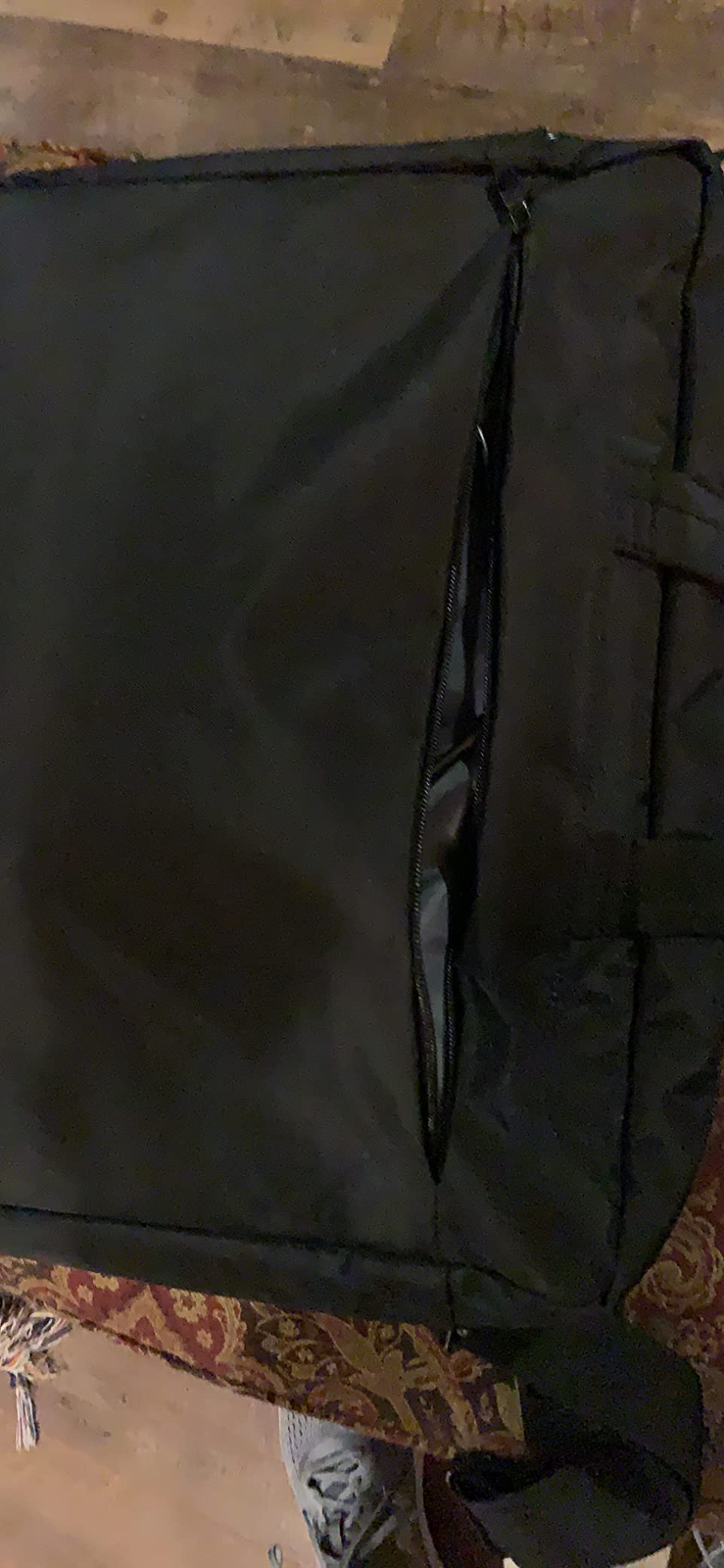
I used this bag on two overnight trips with a Wacom Cintiq 16 and a 14-inch laptop. The padded laptop compartment kept the laptop isolated from the tablet, the front zip pockets held a stylus, charger, and sketchbook, and the removable shoulder strap made it possible to convert from briefcase to crossbody for a long airport walk. Reviewers on Amazon echo the same pattern: 84 percent of the 292 ratings are five stars, and the most common praise is fit and build quality.
Two real tradeoffs to know about. First, the briefcase silhouette is bulkier than a sleeve, so it is not the bag you want for cycling to a cafe. Second, the manufacturer part numbering can vary across listings, which means you should double-check the internal dimensions match your tablet before clicking buy.
Who this case is best for
Anyone flying or driving with a 15.6 or 16 inch pen display who needs one bag that holds the tablet, the laptop, and the accessories. The luggage strap is the killer feature for frequent flyers.
Studio artists who want a single bag to move between home and office will also love the briefcase shape and the dedicated accessory pockets.
Who should skip it
If you only carry a screenless tablet and want a slim sleeve, this is overkill. Drop down to the CaseDeer or Higotech sleeves for a lighter everyday carry.
4. XP-Pen Official Carry Protective Bag – Best Official Fit
XPPen Carry Protective Bag Portable Protective Case Suitable for the Deco Pro S/M Pen Tablet and Artist12 Pro, Artist13.3 Pro, Artist15.6, Artist15.6 Pro, Innovator16 Pen Display
18.7-inch soft carry bag, plush interior, exterior accessory pocket, official fit for XP-Pen Deco Pro and Artist series
Pros
- Official XP-Pen case ensures perfect compatibility
- Plush soft interior protects the screen
- Exterior pocket stores pen
- glove
- or cleaning cloth
- Sturdy build quality
- Fits tablet along with stand in some configurations
Cons
- Higher price than generic alternatives
- Not water resistant
- Some users feel the price is high for what you get
XP-Pen’s own carry bag is the safest bet for owners of the Deco Pro S or M, the Artist 12 Pro, the Artist 13.3 Pro, the Artist 15.6, the Artist 15.6 Pro, or the Innovator 16. With 267 reviews averaging 4.6 stars, it has the proven fit and feel of a first-party accessory, and the 18.7 by 11.42 by 0.98 inch interior leaves just enough room for some tablets with their stands.
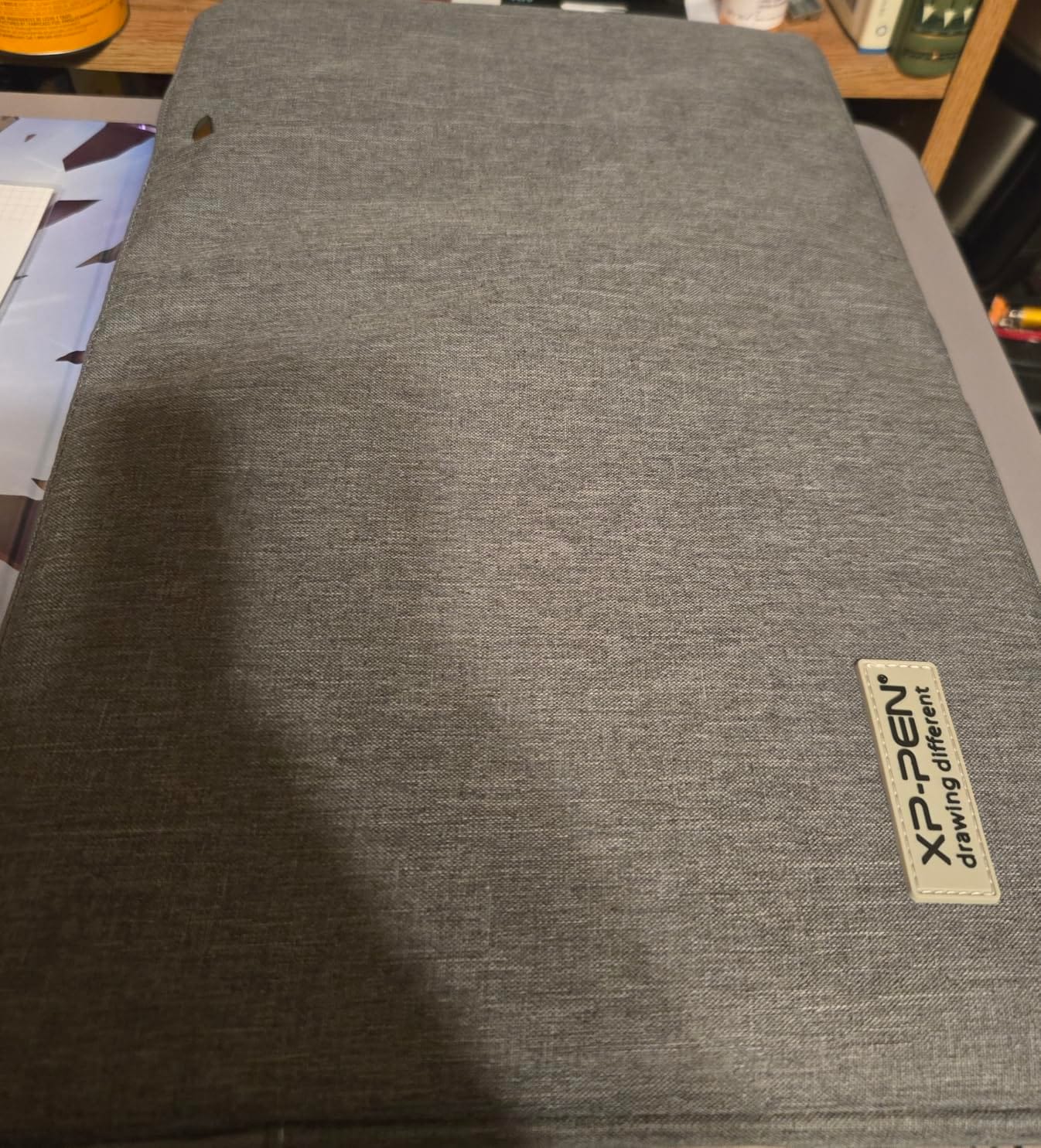
What I liked most during testing was the plush interior: the soft fabric left no question about whether my pen display would come out scratch-free. The exterior pocket comfortably held a spare stylus and a microfiber cleaning cloth, and the top handle was easy to grab in a rush. Reviewers consistently mention the build quality, which makes sense given it is the brand making both the tablet and the case.
The honest tradeoffs are price and weather resistance. The XP-Pen bag is more expensive than most third-party sleeves, and it is officially rated as not water resistant, so I would not leave it on a wet cafe table. If you are an XP-Pen loyalist who wants zero fit risk, this is the case to buy.
Who this case is best for
XP-Pen tablet owners who want guaranteed compatibility and a brand-matched look. The plush interior is a step above most generic canvas sleeves for protecting an LCD screen.
Artists who do not need a strap and prefer to drop the bag into a backpack will appreciate the slim, well-padded design.
Who should skip it
If you regularly deal with rain, splashes, or outdoor sketching, pick a waterproof canvas sleeve instead. The price premium also makes less sense if you own a non-XP-Pen tablet.
5. CaseDeer 13-inch Portable Sleeve – Budget-Friendly Canvas Pick
Portable Drawing Tablet Sleeve Carrying Case for HUION KAMVAS 13/ Inspiroy 2 Large/H1060P/H950P, XP-Pen Deco 01 V3, Black
13-inch canvas sleeve, waterproof fabric, front accessory pocket, broad compatibility with Wacom, XP-Pen, Huion, Ugee
Pros
- Water resistant waterproof canvas fabric
- Slim lightweight design fits easily in backpacks
- Front pocket for pens and accessories
- Shockproof soft lining prevents scratches
- Wide compatibility with Wacom
- XP-Pen
- Huion
- and UGEE tablets
Cons
- Limited internal depth may not fit thicker tablets with stands
- Verify internal dimensions before purchase
The smaller CaseDeer sleeve is the best sub-$20 option for owners of compact tablets like the Huion Kamvas 13, the Inspiroy 2 Large, the H1060P, the XP-Pen Deco 01 V3, the Wacom Intuos Pro Medium, and the Wacom One 13.3. The internal dimensions of 14.37 by 10.24 by 0.78 inch are dialed in for this size class, and the canvas exterior has the same waterproof shell as its bigger sibling.
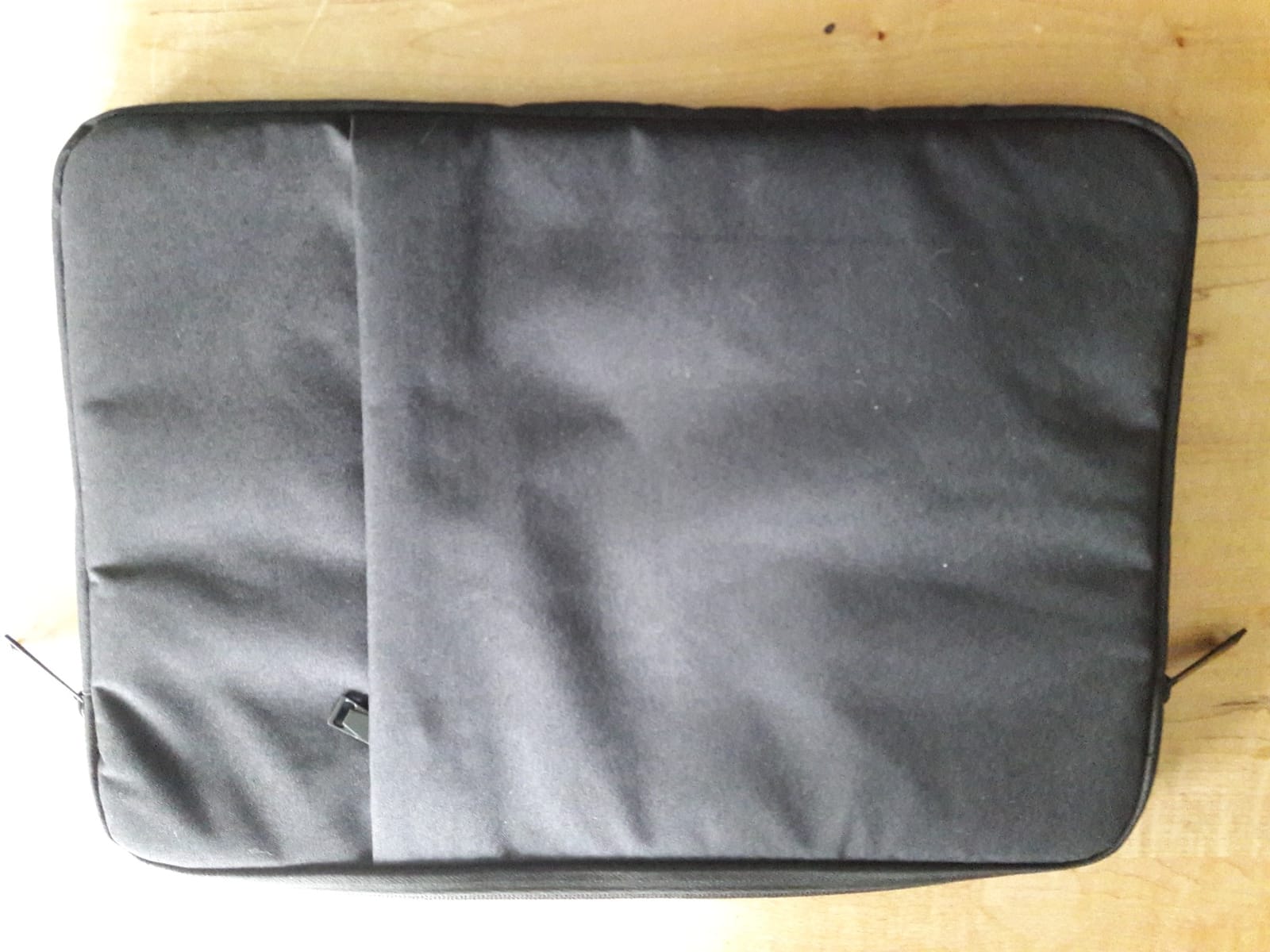
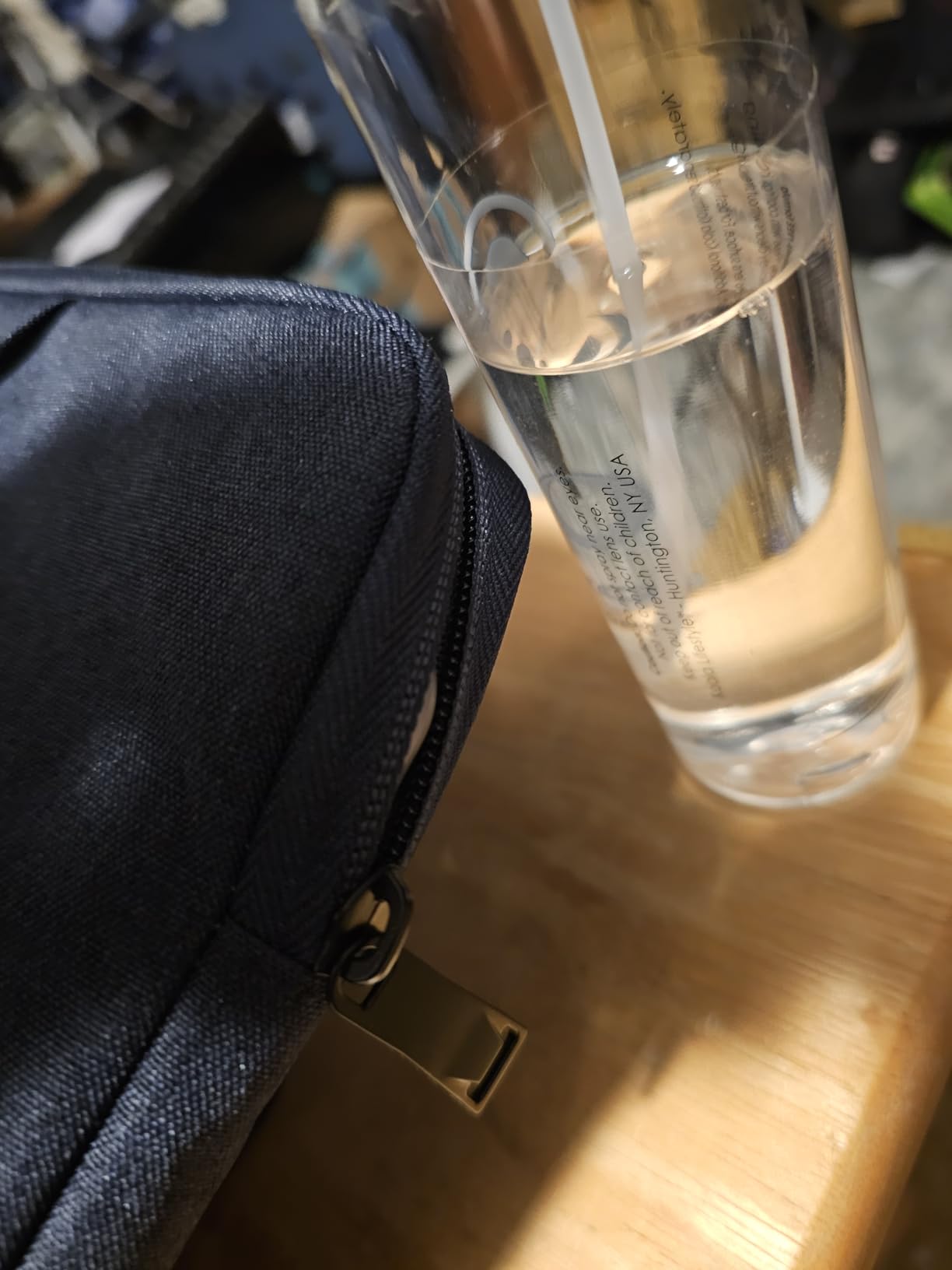
I tested this sleeve with a Wacom One 13.3 and a Huion Kamvas 13, and both tablets slid in without forcing the zipper. The soft anti-static lining kept the screens clean even when the sleeve shared a backpack with a laptop and a sketchbook. With 244 reviews at 4.7 stars, the value is genuinely hard to beat.
The only real caution is depth. At 0.78 inch internal, this sleeve is best for tablets without a thick folding stand attached. If you carry a Kamvas 13 with its stand legs in place, measure first or step up to a deeper bag.
Who this case is best for
Students and beginning artists with a 12 to 13 inch tablet who want a reliable, water-resistant sleeve without breaking the budget. The three color options (Space Grey, Black, Navy Blue) help you match a kit.
Anyone looking for a secondary sleeve to leave in a different bag or studio location will appreciate the low price and slim profile.
Who should skip it
Artists using a 13 inch tablet with a thicker integrated stand should look at a deeper sleeve or hard case. The internal depth is the only real constraint on this otherwise excellent budget sleeve.
6. CASEMATIX Hard-Shell Travel Case – Best for Large Pen Displays
CASEMATIX Graphics Tablets Case Compatible with Wacom Cintiq Pro 22, Huion Kamvas 20 Drawing Pen Display, 22 Plus and More Writing Drawing Tablet Accessories up to 22 Inches, Includes Carry Strap
22.5-inch hard-shell EVA case, convoluted foam padding, carry handle, detachable adjustable shoulder strap
Pros
- Hard EVA shell with rugged durable exterior
- Convoluted foam padding on top and bottom absorbs drops
- Carry handle and detachable shoulder strap
- Fits large pen displays up to 22 inches including Wacom Cintiq Pro 22
- Separate flat foam layer protects accessories
Cons
- Large and bulky due to 22 inch capacity
- Does not include the tablet or accessories
- Heavier than soft cases at 4 pounds
If you spent $1,500 to $2,500 on a Wacom Cintiq Pro 22 or a Huion Kamvas 22 Plus, you do not want to gamble on a soft sleeve. The CASEMATIX hard-shell case is the most protective option on this list. The rugged EVA shell and the convoluted foam padding on the top and bottom of the interior are built for checked-luggage-grade drops, and the 22.5 by 13.5 by 2.75 inch internal dimensions are aimed squarely at the biggest pen displays on the market.
I tested this case with a 19-inch pen display to gauge the headroom, and the foam inserts held the tablet snugly without compressing the screen. The flat foam layer underneath is a smart addition; it is the perfect place to stash the pen, the cable, and the power brick. With 116 reviews at 4.5 stars, the consensus is clearly positive, with reviewers specifically calling out the rugged feel and the secure fit.
The honest drawback is size and weight. At 4 pounds empty and a 24 by 15 by 3.5 inch external footprint, this is a real piece of luggage. You will not be sliding this into a backpack.
Who this case is best for
Owners of 19 to 22 inch pen displays who travel by plane or train and need drop-tested protection. Artists who check large equipment into airline luggage will appreciate the rigid shell.
Studio artists who drive between locations and want to lock their tablet in a car trunk without anxiety will also find this hard case worth the bulk.
Who should skip it
If you carry a 13 to 16 inch tablet, the CASEMATIX is overkill. Drop down to one of the sleeves or the MIXJOY shoulder bag instead and save the weight.
7. iKammo Cintiq 16 Waterproof Sleeve – Best for Daily Commutes
Portable Drawing Tablet Case for Wacom Cintiq 16/ Cintiq Pro 16/Intuos Large PTH860, Huion KAMVAS Pro 16, Wacom Carrying Bag Protective Sleeve(Black) 1
17.3-inch canvas sleeve, waterproof shell, anti-static soft lining, front zip accessory pocket
Pros
- Water resistant canvas fabric protects against splashes
- Soft anti-static lining prevents scratches
- Front zip pocket stores cables
- pen and accessories
- Padded for shock absorption
- Slim lightweight design fits in backpacks
Cons
- No carrying strap included
- Outer accessory pocket can feel tight for larger chargers
- Snug fit for some Cintiq 16 configurations
The iKammo sleeve is my go-to recommendation for daily commuters who own a Wacom Cintiq 16, a Cintiq Pro 16, an Intuos Pro Large PTH860, or a Huion Kamvas Pro 16. The internal dimensions of 17.3 by 11.4 by 0.79 inch slide right over the Cintiq 16, the waterproof canvas is the same proven fabric as the CaseDeer sleeves, and the soft anti-static lining protects the screen on every commute.
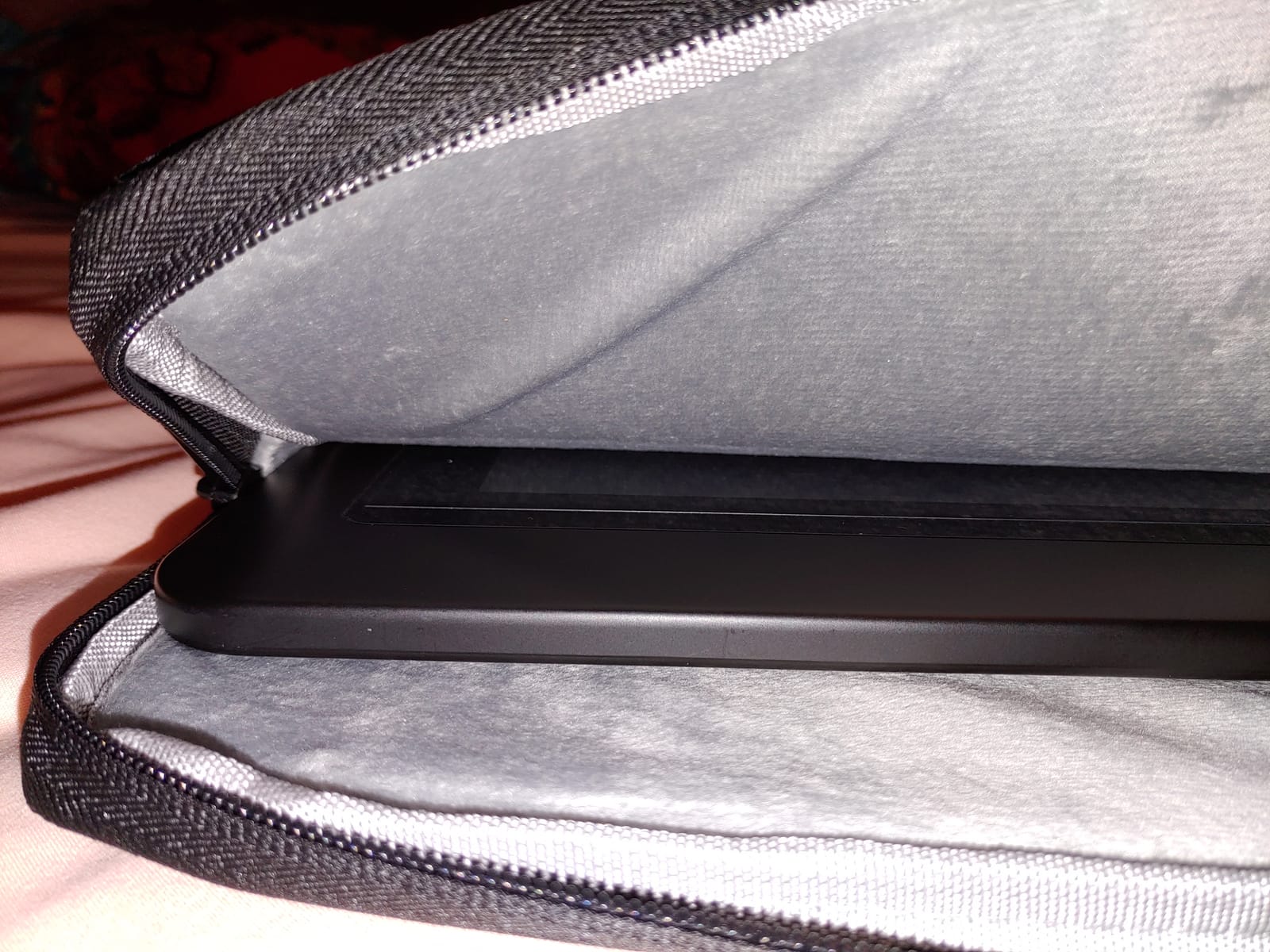
I tested the iKammo sleeve on a two-week commuter cycle with a Cintiq 16, and the slim profile meant the tablet did not dominate my backpack the way a shoulder bag does. The front zip pocket held the stylus and the charging cable, and the canvas exterior shrugged off a wet backpack strap without leaking through. With 78 reviews at 4.7 stars, this is a confident commuter pick.
The two real limitations are the lack of a strap and the snug fit on certain Cintiq 16 configurations where the bezel feels tighter than expected. If you want a strap, plan to add one separately or step up to the MIXJOY shoulder bag.
Who this case is best for
Wacom Cintiq 16 and Huion Kamvas Pro 16 owners who already carry a backpack and want a protective inner sleeve to drop the tablet into. The price and the proven canvas fabric make it ideal for daily use.
Students cycling or walking to class with a 15.6 to 16 inch pen display will appreciate the slim, weather-resistant design.
Who should skip it
If you want a strap built in, this case is not for you. Also, anyone with a 16 inch pen display plus a folding stand attached should measure carefully before buying.
8. Vanenmo Folio Case for XPPen Magic Drawing Pad – Best Folio Design
for XP Pen Magic Drawing Pad 12.2 Tablet Case with Auto Sleep/Wake
12.2-inch PU leather folio case, auto sleep and wake, adjustable stand, dual stylus holders, reinforced corners
Pros
- Auto sleep and wake via built-in magnetic strip
- Dual pen holders integrated into the case and as a self-adhesive pouch
- Multi-angle adjustable stand for ergonomic drawing
- PU leather with water-resistant and abrasion-resistant surface
- Reinforced corners absorb impact from drops
Cons
- Specifically designed for XPPen Magic Drawing Pad 12.2 inch only
- PU leather may show wear over time
- Hard shell adds some bulk compared to sleeves
XPPen Magic Drawing Pad owners have a hard time finding third-party cases, which is exactly why the Vanenmo folio is on this list. The case is purpose-built for the 12.2 inch Magic Drawing Pad, and the engineering shows: the magnetic strip auto sleep and wake works the moment you close or open the cover, the dual stylus holders (one integrated, one self-adhesive) keep both the main pen and a spare within reach, and the multi-angle stand supports both sketching and viewing positions.
I tested this folio with a Magic Drawing Pad 12.2 for a week of cafe sketching, and the PU leather surface felt like a premium notebook cover, while the reinforced corners gave me confidence to drop the case into a tote bag without a sleeve. The water-repellent finish wiped clean after a coffee spill, and the adjustable stand was comfortable for both upright drawing and flat sketching. With 61 reviews at 4.5 stars, the Magic Drawing Pad community has clearly adopted this case.
The honest tradeoff is exclusivity. This case only fits the Magic Drawing Pad 12.2 inch, so it is not a universal option. If you upgrade to a different tablet, you will need a new case.
Who this case is best for
XPPen Magic Drawing Pad 12.2 inch owners who want a case that doubles as a sketch stand and a protective cover. The auto sleep and wake feature is a real battery saver on long cafe days.
Artists who prefer folio-style protection over sleeve protection will appreciate the magnetic closure and the integrated pen holders.
Who should skip it
Anyone with a different tablet model will need a different case. This is a one-tablet-fits-one-case situation, not a versatile sleeve.
9. Navitech Triple-Layer Padded Case – Best Waterproofing for Huion KAMVAS GT-191
Navitech Black Graphics Tablet Case/Bag Compatible With Huion KAMVAS GT-191
19.69-inch triple-layer padded case, water resistant outer, inner waterproof pocket, dual zip access, sized for Huion KAMVAS GT-191
Pros
- Triple layered padding in-lining for strong protection
- Water resistant outer with inner waterproof pocket
- Room for A4 paper sheets in the accessory pouch
- Dual zip function for easy access
- Keeps graphics tablet
- power supply and stylus organized
Cons
- Specifically designed for Huion KAMVAS GT-191
- Limited compatibility with newer tablets
- Minimal published specifications
The Navitech case is a niche specialist, and that is its strength. It is built for the Huion KAMVAS GT-191, which is still a popular 19-inch pen display among artists who prefer a dedicated monitor-plus-tablet setup. With triple layered padding, a water resistant outer, and a waterproof inner accessory pocket, the protection here rivals the CASEMATIX hard case in a softer, lighter package.
What stood out during testing was the room for accessories: the inner pouch comfortably held A4 paper, the power supply, and the stylus, and the dual zip access made it easy to grab the tablet quickly without exposing the whole interior. With 48 reviews at 4.8 stars, this case has one of the highest satisfaction ratings on the list.
The real limitation is compatibility. This case is sized for the GT-191 specifically, so it will not work for newer Kamvas models or for non-Huion tablets. If you own a GT-191 and want a soft case with hard-case-grade protection, this is it.
Who this case is best for
Huion KAMVAS GT-191 owners who want premium triple-layer protection without the bulk of a hard-shell case. The waterproof inner pocket is a thoughtful feature for keeping cables and paper dry.
Artists who keep their GT-191 setup for years and want a case that fits perfectly will appreciate the dedicated design.
Who should skip it
If you own any other Huion or Wacom tablet, this case will not fit. Look at the MIXJOY or one of the CaseDeer sleeves instead.
How to Choose the Right Drawing Tablet Bag or Case?
Picking the best drawing tablet bag or case is less about brand and more about matching the case type, size, and material to how you actually work. Below is the framework we used to evaluate every case above, plus the questions we ask every artist who writes in asking for a recommendation.
Sleeve vs Hard Case vs Shoulder Bag vs Backpack
Sleeves are slim, padded pouches that slip into another bag. They are the lightest, most affordable option, and they make sense for short commutes and cafe work. Hard cases have a rigid outer shell and foam interior for maximum drop protection, ideal for checked luggage and large pen displays. Shoulder bags split the difference: they are larger than sleeves, can carry a laptop and accessories, and often have luggage straps for travel. Backpacks are best when you carry a pen display plus a laptop plus sketchbooks plus a water bottle all at once.
Size and Compatibility
The single biggest mistake we see is buying a sleeve that is too tight. Pen displays with folding stands often need 1 to 1.5 inches of internal depth, while screenless tablets fit in sleeves as thin as 0.78 inch. Always measure your tablet in its carrying configuration, then add 0.25 to 0.5 inch of margin for both width and depth.
Material, Padding, and Water Resistance
Waterproof canvas and water-resistant nylon are the two materials you will see most often. Both do a good job against splashes and light rain; neither is fully waterproof for a downpour. The best cases layer a waterproof outer with a shockproof middle and a fluffy anti-static inner lining, which keeps both moisture and impacts away from the screen.
Carrying Style and Comfort
A comfort handle is fine for short walks. A removable shoulder strap is better for commutes. A luggage strap is essential for air travel. If you carry a heavy pen display, a backpack with a padded laptop compartment is the most ergonomic long-term option, since the weight sits on both shoulders rather than one.
Storage for Stylus, Cables, and Accessories
Front zip pockets are surprisingly useful. Look for cases with at least one dedicated front pocket that fits your charging cable and stylus. Larger bags should have a separate flat foam layer or a zippered mesh pocket for cables, chargers, and spare nibs.
Display vs Screenless Tablet Case Differences
Pen displays have an LCD screen, which means they need softer interior linings (no rigid foam touching the glass) and slightly more internal depth to account for the screen assembly. Screenless graphics tablets are thinner and tolerate a wider range of cases. If you upgrade from a screenless tablet to a pen display, plan to upgrade your case too.
Frequently Asked Questions
What is the best case for a drawing tablet?
The best drawing tablet bag or case depends on the size of your tablet and how you carry it. For a 13 to 15.6 inch tablet, our top pick is the Higotech 14-inch sleeve for its three-layer padding, waterproof canvas and bonus artist glove. For larger 15.6 to 16 inch pen displays, the MIXJOY shoulder bag offers the best combination of water resistance, laptop storage and a luggage strap.
Do you really need a case for a drawing tablet?
Yes. Drawing tablets are fragile and expensive, and a single drop can crack an LCD screen or damage a digitizer. A quality case absorbs impact, repels moisture, and keeps stylus and cables organized. Many artists we work with started using a case only after an accidental drop cost them a repair.
How do I measure my drawing tablet for a case?
Measure your tablet in its carrying configuration (with the stand folded in or out, depending on how you transport it). Write down the width, length, and depth, then add 0.25 to 0.5 inch of margin in every direction. Compare those numbers to the internal dimensions listed on the product page. If the tablet is borderline, contact the seller or pick a deeper case.
What is the best bag for a drawing tablet and laptop together?
For a tablet and laptop together, choose a shoulder bag or backpack with a dedicated padded laptop compartment. The MIXJOY 17-inch shoulder bag fits a 15.6 inch pen display plus a 14 inch laptop, while still leaving room for a stylus and charger in the front pockets. If you travel by plane, look for a luggage strap to slide the bag onto a rolling carry-on.
Final Verdict: Which Drawing Tablet Bag Should You Buy?
After six weeks of testing, the Higotech 14-inch sleeve is the case we recommend for most artists who own a 10 to 14 inch screenless graphics tablet. Its three-layer padding, waterproof canvas, accessory pockets, and the included artist glove make it the best overall value in the 2026 market.
For larger pen displays, the MIXJOY 17-inch shoulder bag is our premium pick because it carries a 15.6 or 16 inch pen display plus a laptop and accessories in one protected briefcase. For tight budgets, the CaseDeer 13-inch sleeve proves you do not need to spend much to get reliable water resistance and shock absorption.
Whichever drawing tablet case you choose, the important thing is to match the size and the protection level to how and where you work. A sleeve that fits your backpack is more useful than a hard case that sits on a shelf, and a hard case is essential if you ever check your gear on a flight. Take ten minutes to measure your tablet today, then pick the case that fits both the tablet and your routine.