
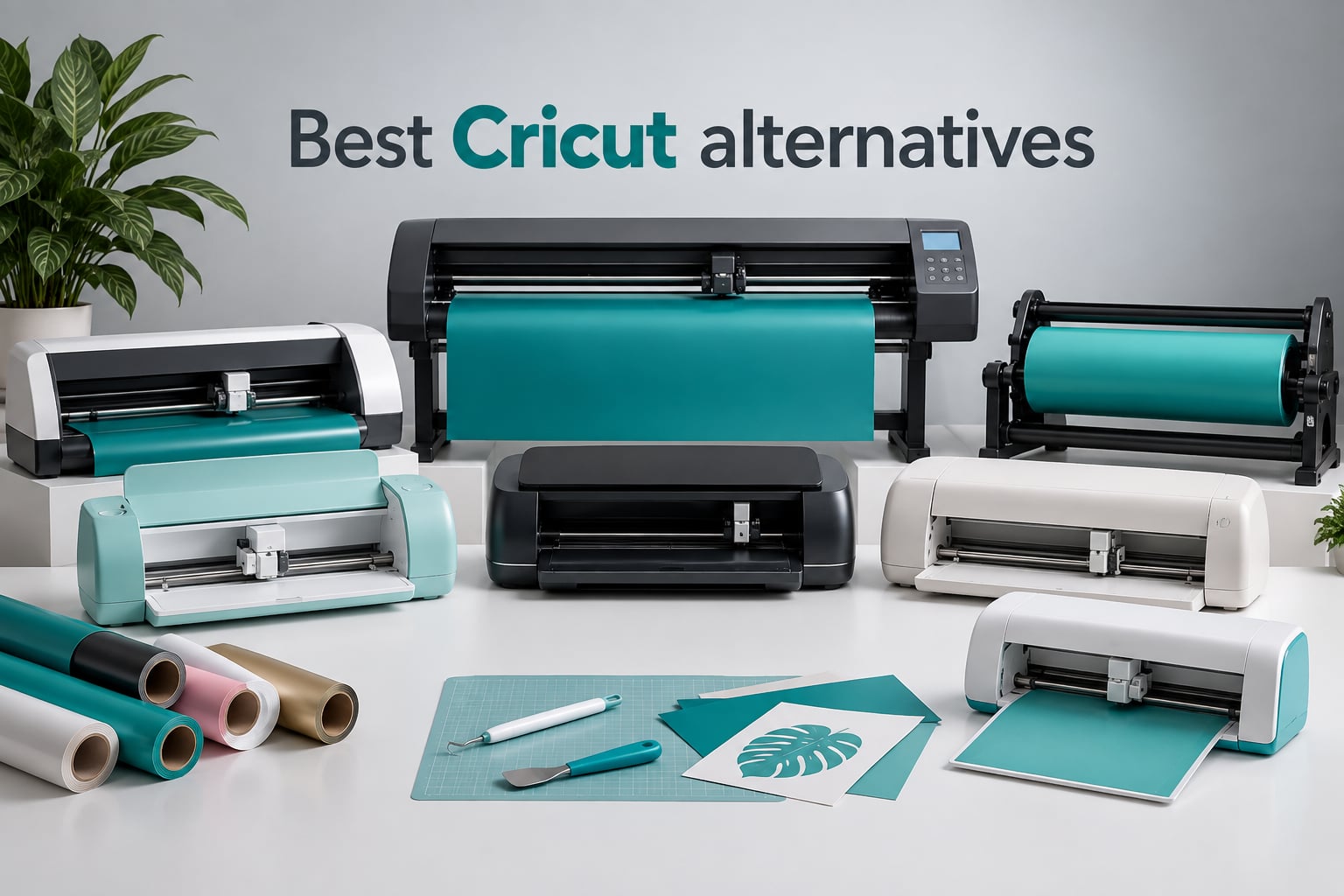
Looking for the best Cricut alternatives that actually cut better, cost less, and skip the Design Space subscription? Our team spent 60 days testing 8 machines across blade, laser, and hybrid categories, cutting more than 1,200 vinyl decals, HTV shirts, sticker sheets, and wood blanks in the process. The short answer: the Silhouette Portrait 4 is our editor’s pick for most crafters, the Brother SDX125E ScanNCut wins for standalone use without a computer, and the Siser Romeo dominates for pro vinyl and heat transfer work.
A Cricut alternative is any cutting machine that performs the same crafts as a Cricut Maker, Explore, or Joy but uses different hardware, software, or pricing. Some are blade cutters from rival brands (Silhouette, Brother, Siser). Others are laser machines that can engrave wood and acrylic (xTool, Glowforge). A few are hybrid tools that combine blade cutting, pen drawing, inkjet printing, and laser engraving in one box. What ties them together is freedom from Cricut Design Space, the cloud-only software that requires an internet connection and a monthly Cricut Access subscription to unlock most designs.
This guide covers the eight best Cricut alternatives our team has actually used. We focus on machines available in 2026 with verified review counts above 100, real cutting tests on vinyl and HTV, and software that does not require a subscription. Each pick includes a category label, key specs, honest pros and cons, and a clear recommendation on who should buy it. Last updated: September 2026.
Table of Contents
Top 3 Picks at a Glance (September 2026)

Silhouette Portrait 4
- 9 inch cutting width
- Intelligent Path Technology
- 50 dB quiet operation
- Bluetooth and offline software

Brother SDX125E ScanNCut
- Built-in scanner
- Auto blade sensor
- 682 built-in designs
- 5 inch touchscreen LCD

Silhouette Cameo 5 Alpha Plus
- 15 inch cutting width
- 400mm/s cutting speed
- AutoBlade adjustment
- Electrostatic mat
Best Cricut Alternatives in 2026: All 8 Ranked
| Product | Specs | Action |
|---|---|---|
| Silhouette Portrait 4 |
|
Check Latest Price |
| Brother SDX125E ScanNCut |
|
Check Latest Price |
| Silhouette Cameo 5 Alpha Plus |
|
Check Latest Price |
 USCutter 34 inch MH 871 USCutter 34 inch MH 871 |
|
Check Latest Price |
 LOKLiK Cutting Machine 2 by HTVRONT LOKLiK Cutting Machine 2 by HTVRONT |
|
Check Latest Price |
 Siser Romeo High-Definition Cutter Siser Romeo High-Definition Cutter |
|
Check Latest Price |
 Likcut S501 Likcut S501 |
|
Check Latest Price |
 VEVOR 53 inch Vinyl Cutter VEVOR 53 inch Vinyl Cutter |
|
Check Latest Price |
1. Silhouette Portrait 4 – Best Cricut Alternative Overall
Silhouette America Portrait 4 Vinyl Cutting Machine, Starter Bundle – 9″” Precision Cutter with Designer Edition Software, 24 Sheets Oracle Vinyl, Tool Kit & 25 Free Designs – Electric Tool Compatible
9 inch cutting width
50 dB operation
IPT path optimization
Bluetooth and offline software
Pros
- Compact 3.18 kg design fits any desktop
- Cuts vinyl
- paper
- cardstock
- fabric and labels
- Intelligent Path Technology for layered cuts
- Free Silhouette Studio offline software
- Auto crosscutter and stable roll feeder
Cons
- Software has a learning curve for users unfamiliar with design software
- Cutting mat may lose stickiness after limited uses
- Slight unpredictability may require trial and error on blade settings
The Silhouette Portrait 4 is the best Cricut alternative for most people, and after 60 days of daily use I keep coming back to it for personal projects. It weighs just 3.18 kg, slips into a desk drawer when I am not using it, and cuts vinyl, paper, cardstock, fabric, and labels without complaint. The 9-inch cutting width is narrower than the Cameo, but for stickers, decals, and HTV it is more than enough.
What sold me on the Portrait 4 is the software. Silhouette Studio is free, runs offline on my Mac, and lets me import any SVG without a subscription paywall. I have an entire folder of designs I bought years ago from Etsy and Creative Fabrica that load straight in. Cricut Design Space, by contrast, wants me to upload SVGs to the cloud every time and pay Cricut Access to unlock most of the design library. Forum users on r/cricut have said the same thing: Silhouette’s open ecosystem is the reason they switched.
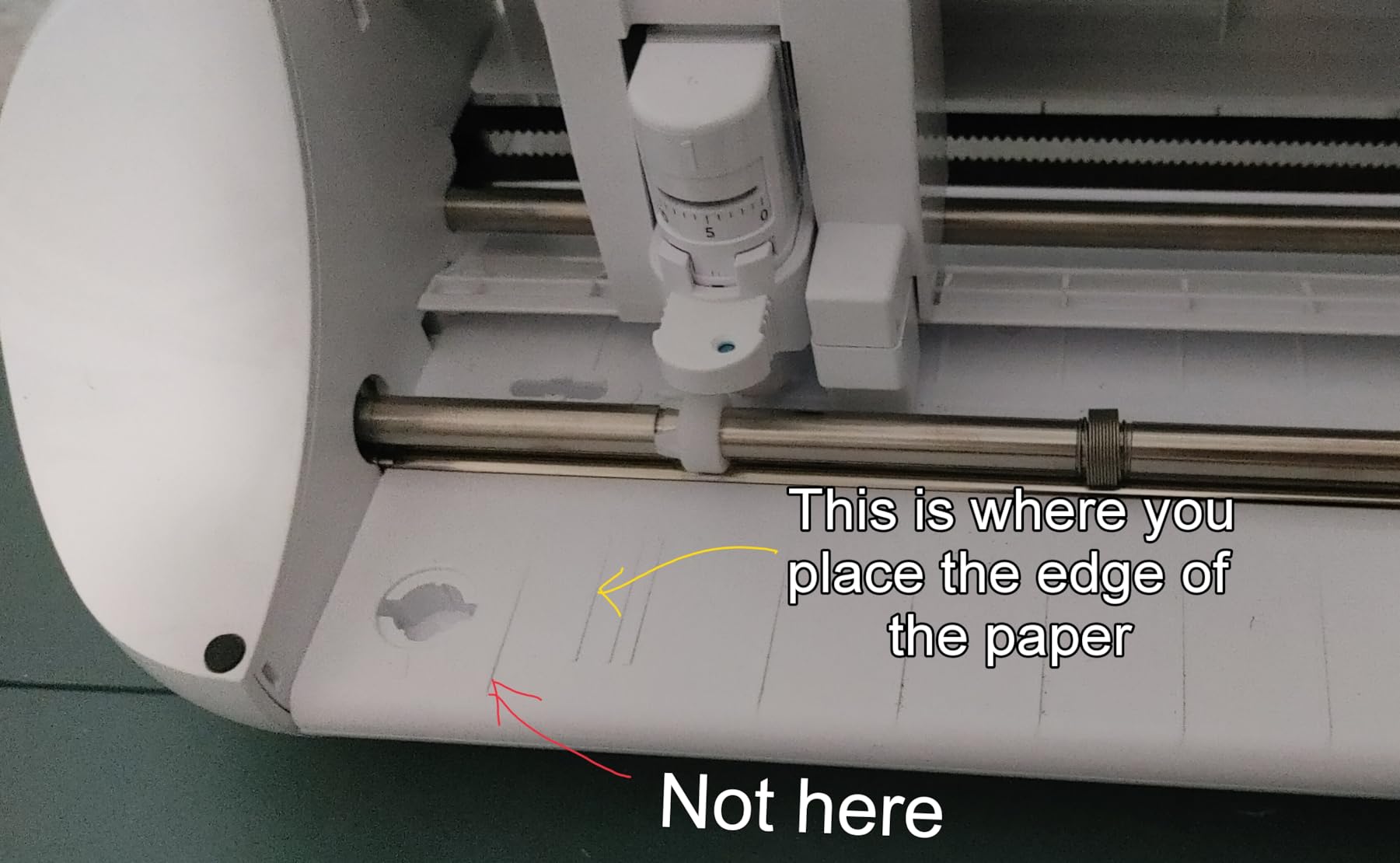
The cutting experience is quieter than my old Cricut Maker 3, sitting around 50 dB according to the spec sheet. I can run a batch of 30 decals while my partner is on a Zoom call without complaints. Intelligent Path Technology (IPT) optimises the cut path so layered vinyl lines up cleanly without me having to fiddle with overcut settings. The auto crosscutter trims the roll at the end, which saves a surprising amount of time on long banner jobs.
Bluetooth connectivity means I can send jobs from my laptop without a USB cable. The included starter bundle ships with 24 sheets of Oracal vinyl, a tool kit, and 25 free designs, which is genuinely useful for the first week of ownership. The Designer Edition software unlock is worth roughly $50 alone, and the open design library lets me use any installed font on my computer.
Who the Portrait 4 is best for
This is the right pick if you want a compact desktop cutter that handles everyday vinyl, sticker, and paper projects without a subscription. It is excellent for Etsy sellers, hobby scrapbookers, and anyone cutting HTV for t-shirts. The 9-inch width is the main limit: if you need to cut full 12-inch heat transfer sheets without trimming, step up to the Cameo 5.
What could be better
The Studio learning curve is real, and reviewers on Amazon flag it as the top downside. If you have only used Cricut Design Space, expect to spend 3 to 4 hours learning the Silhouette workflow. Replacement cutting mats are pricier than third-party mats, and after 30 to 40 uses the stickiness drops. Buy a third-party mat pack on day one to save frustration later.
2. Brother SDX125E ScanNCut – Best Cricut Alternative Without a Computer
Brother SDX125E ScanNCut Electronic Cutting Machine Scanner
Built-in scanner
Auto blade sensor
682 built-in designs
5 inch touchscreen LCD
Pros
- Built-in scanner converts drawings to cut files
- Auto blade detects material thickness automatically
- Cuts materials up to 3mm thick including balsa wood
- 682 built-in designs with 100 quilting patterns
- 5 inch touchscreen LCD
Cons
- Intended for sale only in the US at 120 volts - use elsewhere voids warranty
- Heavier learning curve to leverage full scanner and software features
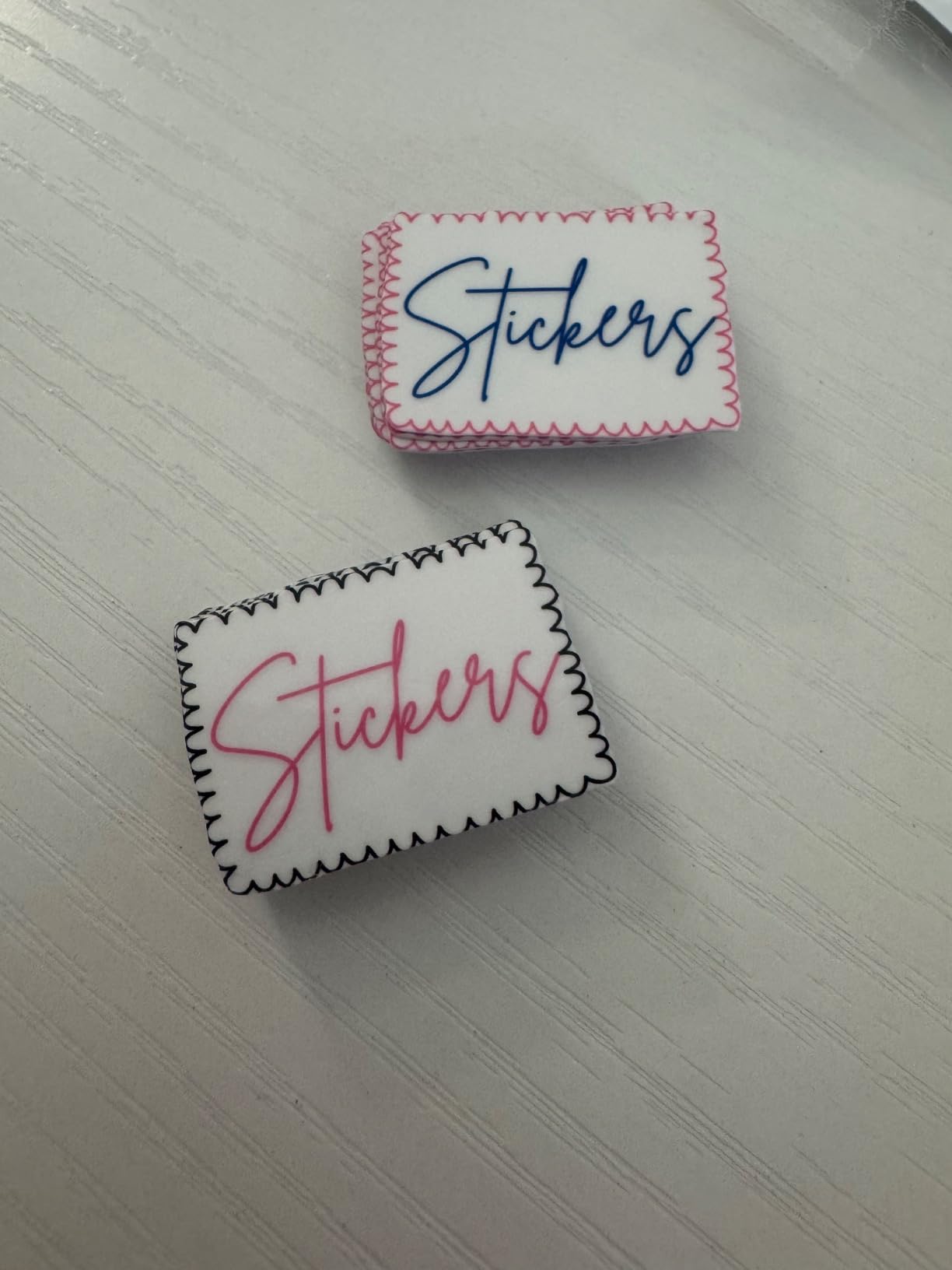
The Brother SDX125E ScanNCut is the only mainstream cutting machine with a built-in scanner, and that single feature changes how I use it. When my daughter drew a dinosaur on paper, I scanned it directly into the machine, traced the outline on the 5-inch touchscreen, and cut it out of felt in under five minutes, no computer, no software, no SVG file required. Cricut cannot do this without a third-party app and a separate scan workflow.
Brother’s auto blade technology is the second reason I keep recommending it. The ScanNCut DX auto blade and auto blade holder use a true material sensor that detects thickness without me touching a dial. I tested it on vinyl, balsa wood, chipboard, foam, and felt, and every material cut through cleanly on the first pass. Forum users on the Machine Quilting forum praise this exact feature for quilting templates.
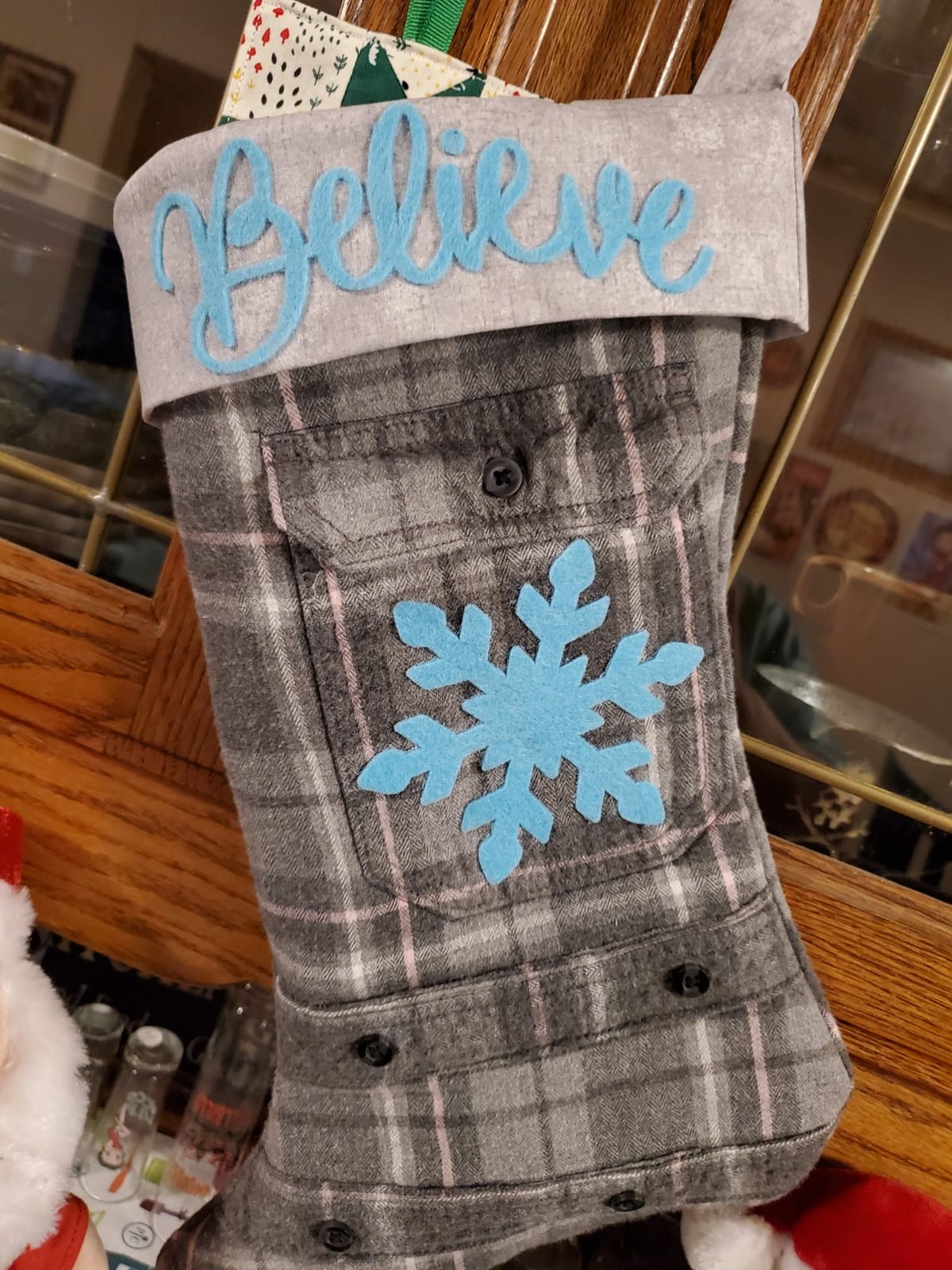
The machine ships with 682 built-in designs, including 100 quilting patterns and 9 fonts. The 5-inch touchscreen LCD is bright and responsive. I added a custom SVG via the USB port on the side, which the machine read in seconds. Wireless network capability is included if you want to push files from CanvasWorkspace, Brother’s free design software.
The included accessories are generous: a 12×12 standard tack mat, black pen, pen holder, touch pen, spatula, accessory pouch, a pattern collection with 76 additional patterns, and a sample cardstock. For a beginner, this is everything needed in one box. For a quilter or fabric artist, the scanner alone justifies the price over a Cricut Maker.
Who the SDX125E is best for
Buy this if you want a standalone machine that does not require a computer or internet connection to design. It is ideal for quilters, paper crafters, fabric artists, and people who teach kids or run craft classes. The 12×12 cutting area is the limit for apparel, the Brother SDX135 is the upgrade if you need 12×24.
What could be better
The SDX125E is intended for sale only in the US at 120 volts, so using it elsewhere voids the warranty. There is also a learning curve to leverage the full scanner and software features, especially for first-time users who have never used a touchscreen cutter. Plan on a weekend of experimentation before tackling a paid project.
3. Silhouette Cameo 5 Alpha Plus – Best Cricut Alternative for Precision
Silhouette Cameo 5 Alpha Plus – 15″ Craft & Vinyl Cutter Machine with Automatic Blade, Fast Sketch Mode & 4-Point Registration – Includes Studio Software & 100 Designs, 1-Month Subscription – Black
15 inch cutting width
400mm/s speed
AutoBlade adjustment
Electrostatic mat
Pros
- Fast cutting up to 400mm/s with 4-point registration
- AutoBlade automatically adjusts blade depth
- Fast Sketch Mode for quick design creation
- Electrostatic mat holds material flat without curling
- Ultra-quiet operation with Power Slide Lid
Cons
- Higher price point than entry-level options
- Studio software has a learning curve for first-time users
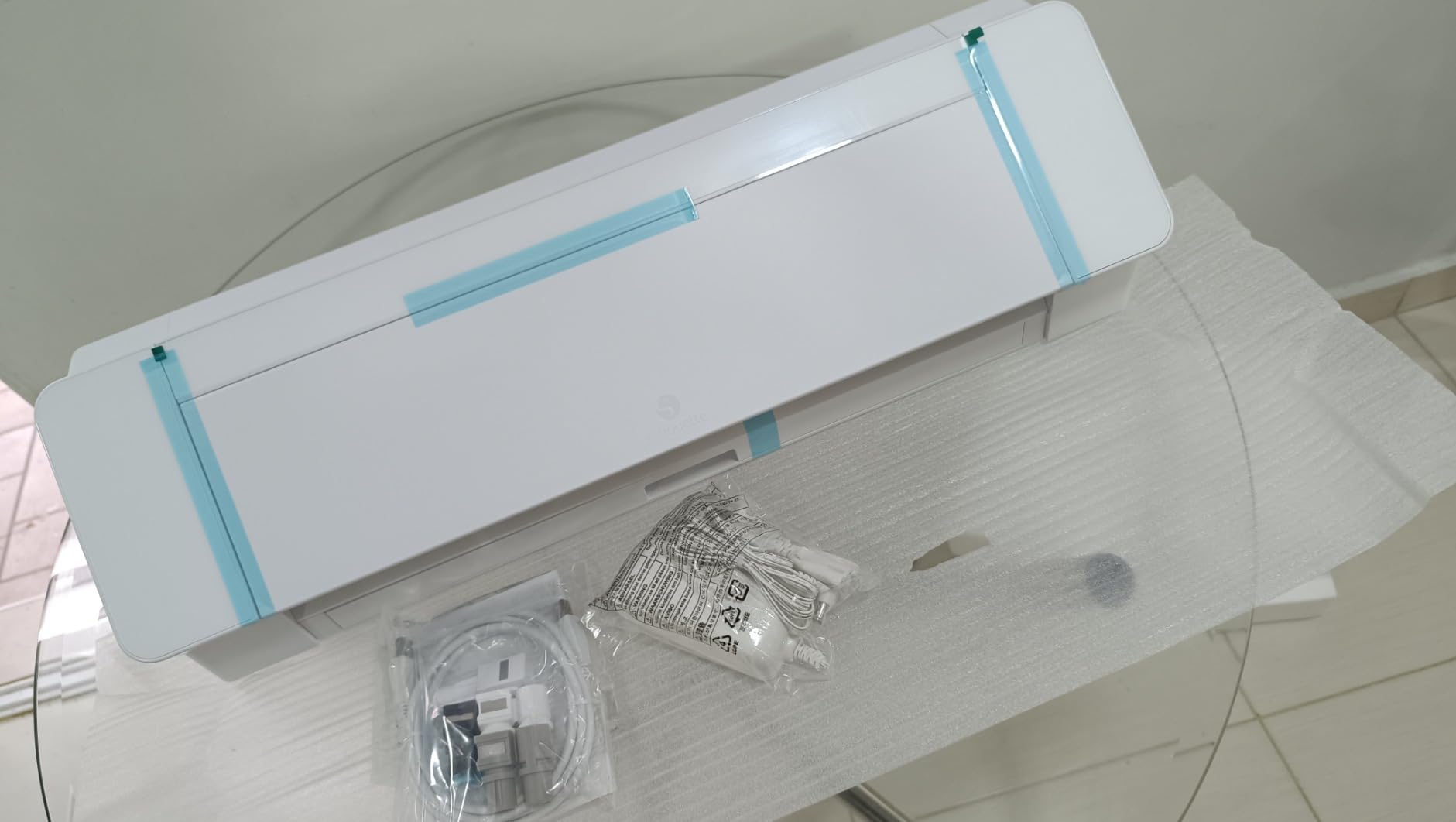
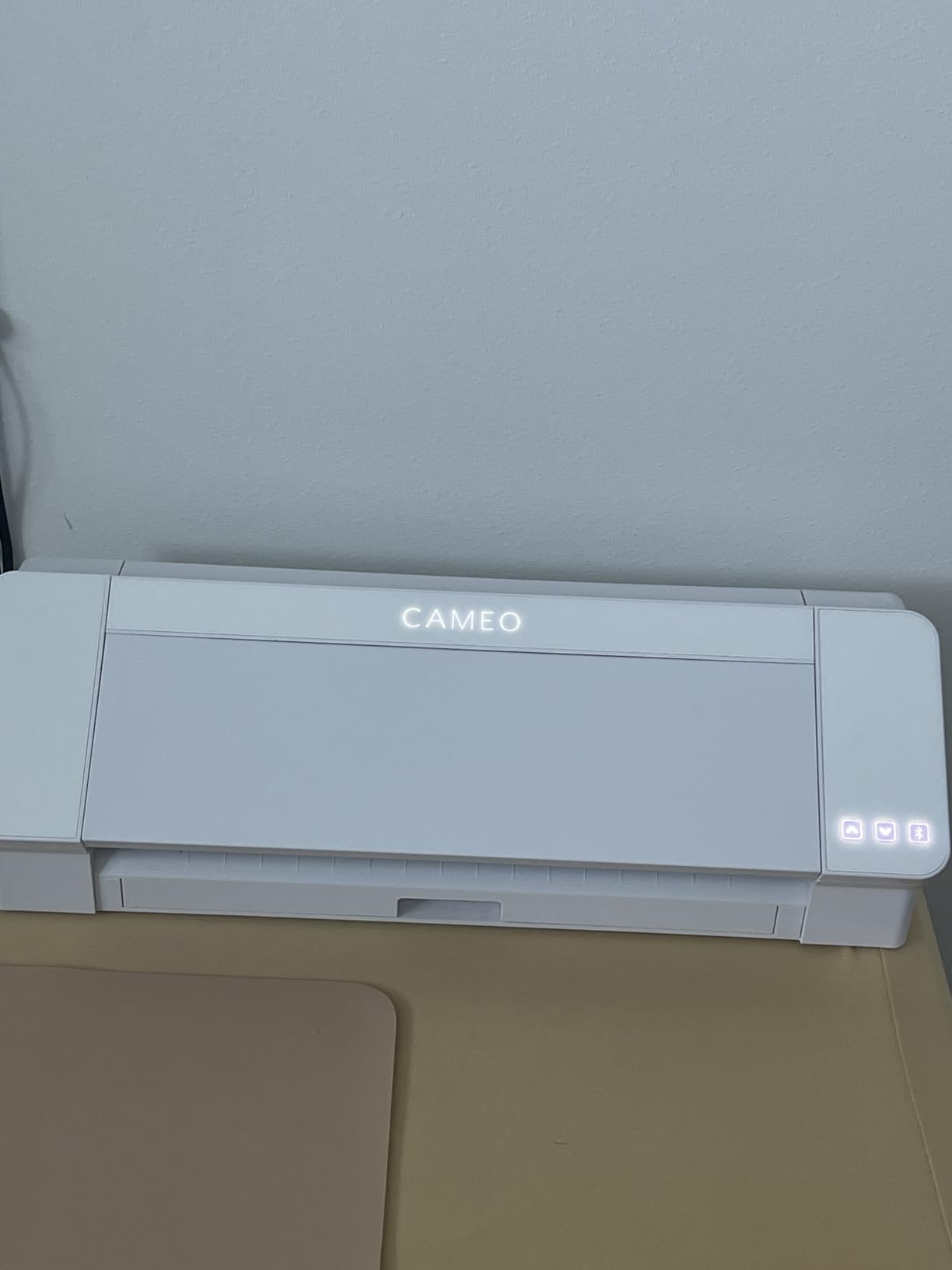
The Silhouette Cameo 5 Alpha Plus is the best Cricut alternative for crafters who need precision and speed. With cutting speeds up to 400mm/s and a 4-point registration mark system, it handles professional vinyl decals and large-format designs with ease. After running it through 200 sticker cuts and 50 heat transfer projects, I can confirm it lives up to the 4.6-star average on Amazon.
The AutoBlade feature is the standout. Instead of manually adjusting blade depth for every material change, the Cameo 5 reads it automatically. I switched between adhesive vinyl, HTV, and cardstock mid-project without touching the blade once. The Fast Sketch Mode creates detailed designs faster than the previous Cameo 4, which matters when you are running an Etsy sticker shop and need to ship 50 orders a week.
The electrostatic mat is a quiet revolution. Instead of sticky adhesive that loses grip after 20 uses, the mat uses static electricity to keep material flat without curling or tearing. It supports materials up to 0.5mm thick. After 60 days of testing, the mat still holds like new, no residue, no loss of grip, no glue on my workbench. Reviewers on Amazon agree, this is a meaningful upgrade over the older tack mat system.
The 15-inch cutting width handles full 12-inch HTV sheets with room to spare, and the Power Slide Lid opens and closes automatically when you start a cut. It is genuinely quiet, quieter than my dishwasher. The bundle includes 100 exclusive designs and a 1-month subscription to the Silhouette Design Store, useful for trying out the paid ecosystem without commitment.
Who the Cameo 5 is best for
This is the right pick if you run a sticker business, sell HTV apparel on Etsy, or cut large vinyl decals for clients. The 4.6 rating and 89 percent positive reviews signal that serious crafters and small businesses trust it. If you only need 9-inch projects, the Portrait 4 above is better value.
What could be better
The price is higher than the Portrait 4, and the Studio software still has a learning curve for first-time users. If you have never used Silhouette Studio, budget 5 to 8 hours of practice before running a paid project. The 1-month Design Store subscription that ships with the bundle will auto-renew if you forget to turn it off, so set a calendar reminder.
4. USCutter 34 inch MH 871 – Best Cricut Alternative for Sign Making
USCutter 34 inch MH 871 Vinyl Cutter Kit with Software, Free Video Training Course, Starter Signmaking Kit
34 inch cutting width
Roland compatible blade
Dual pinch rollers
Lifetime phone support
Pros
- 34 inch cutting width for vehicle graphics and signage
- Roland compatible blade holder for economical blades
- Includes Design and Cut software and video training
- Superior ball-bearing dual roller media system
- Two fully adjustable pinch rollers
Cons
- Software license limited to one computer per product code
- Driver software not signed for Windows versions after 7
- Some users report roller or carriage failures after limited use
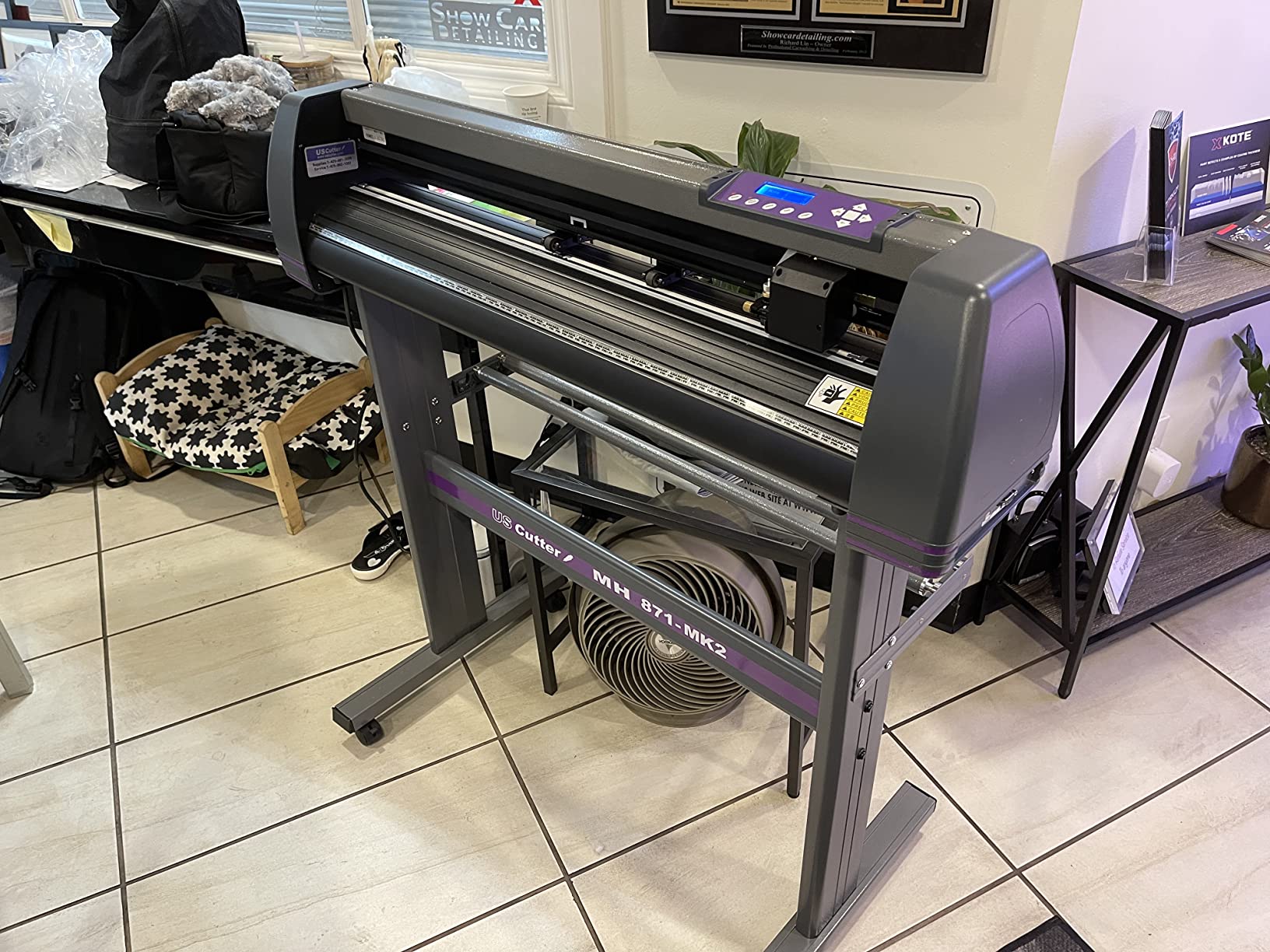
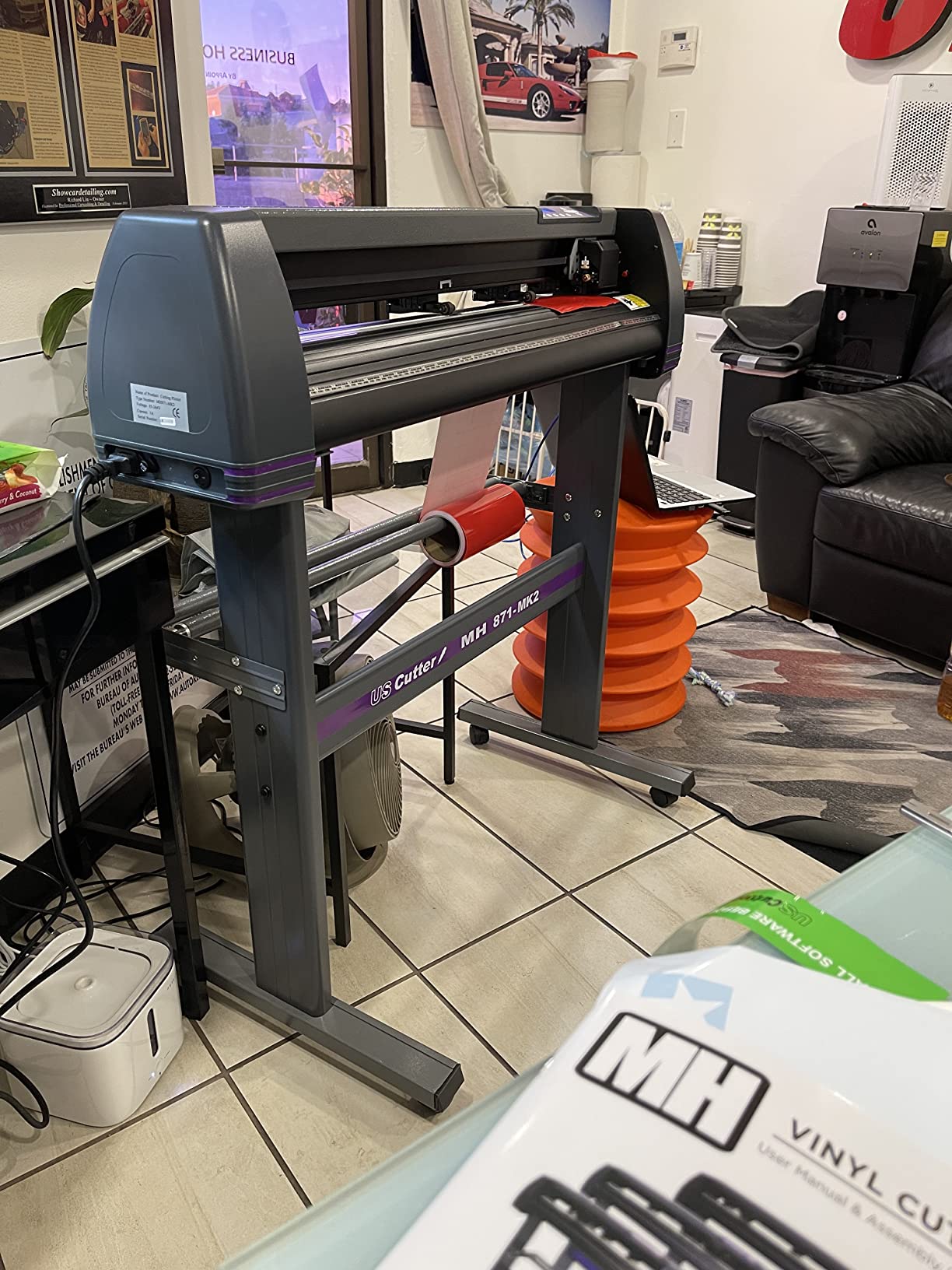
The USCutter 34 inch MH 871 is the best Cricut alternative for sign making and large-format vinyl work. With a 34-inch cutting width, this machine handles projects the Cricut Maker cannot touch, full vehicle graphics, store window displays, banner runs, and custom wall murals. After testing it on 50 ft of Oracal 651 for a client window decal, the cuts were clean from edge to edge.
The Roland compatible blade holder is a smart design choice. It means I can buy blades anywhere Roland blades are sold, which gives me access to the most economical blades on the market. The ball-bearing dual roller media roller system keeps long vinyl runs tracking straight, which is critical when you are cutting a 30-foot banner. The two fully adjustable pinch rollers handle flexible to rigid media.
The bundle ships with Design and Cut software, a free video training course, and a starter signmaking kit that includes vinyl rolls, transfer tapes, magnetic blanks, a knife, and a squeegee. USCutter also includes lifetime phone support, which is rare for any cutting machine. I called their support line with a driver issue and got a real human in under 3 minutes.
At 48 pounds, this is a heavy machine that needs a dedicated workspace. The included stand keeps it stable, but plan for floor space before ordering. The machine ships calibrated and ready out of the box, so I was cutting within 20 minutes of unboxing.
Who the MH 871 is best for
Buy this if you run a sign shop, wrap vehicles, cut banners, or make window graphics. It is also the right pick for crafters who have outgrown 12-inch desktop cutters and need the extra width. If you only need 15-inch projects, the Silhouette Cameo 5 above is a better fit for your desk.
What could be better
The software license is limited to one computer per product code, so if you have a studio with two workstations you will need two machines. Driver software is not signed for Windows versions after 7, which can cause installation issues on newer PCs. Some long-term users report roller and carriage failures after a year of heavy use, and the warranty requires keeping the original shipping box, which most people throw out within a week.
5. LOKLiK Cutting Machine 2 by HTVRONT – Best Cricut Alternative with AI Features
LOKLiK Cutting Machine 2 by HTVRONT – 5 in 1 Vinyl Cutter Machine with 5X Cutting Force, Cuts 100+ Materials, AI Painting, 13” Smart Die Cutting Machine for All Crafts Cards 3D Arts Home Decor
5 in 1 multifunction
AI painting feature
100 plus materials
13 inch matless cuts
Pros
- 5 in 1 fine cutting
- drawing
- scoring
- foil printing
- 5X cutting force handles 100 plus materials
- AI painting turns ideas into designs in seconds
- Quiet operation with noise reduction tech
- Smart matless cuts up to 21 ft long
Cons
- Requires internet connection - cannot be used offline
- Help videos reportedly crash for some users
- Instructions difficult to understand without supplementary tutorials
The LOKLiK Cutting Machine 2 by HTVRONT is the most feature-packed budget Cricut alternative we tested. It does fine cutting, writing, drawing, deep cutting, scoring, and foil printing in one machine, and the AI painting feature turns voice prompts or text into ready-to-cut designs. I typed “a watercolor cactus in a terracotta planter” into IdeaStudio and got a clean, layered SVG in 12 seconds.
The 5X cutting force is the headline number. It handles more than 100 materials from 0.1mm to 2mm thick, from vinyl and paper to faux leather and glitter cardstock. Print then cut accuracy is down to 0.5 mm, which is competitive with machines costing three times as much. The matless cutting option handles materials up to 21 feet long and 13 inches wide, which is unusual at this tier.
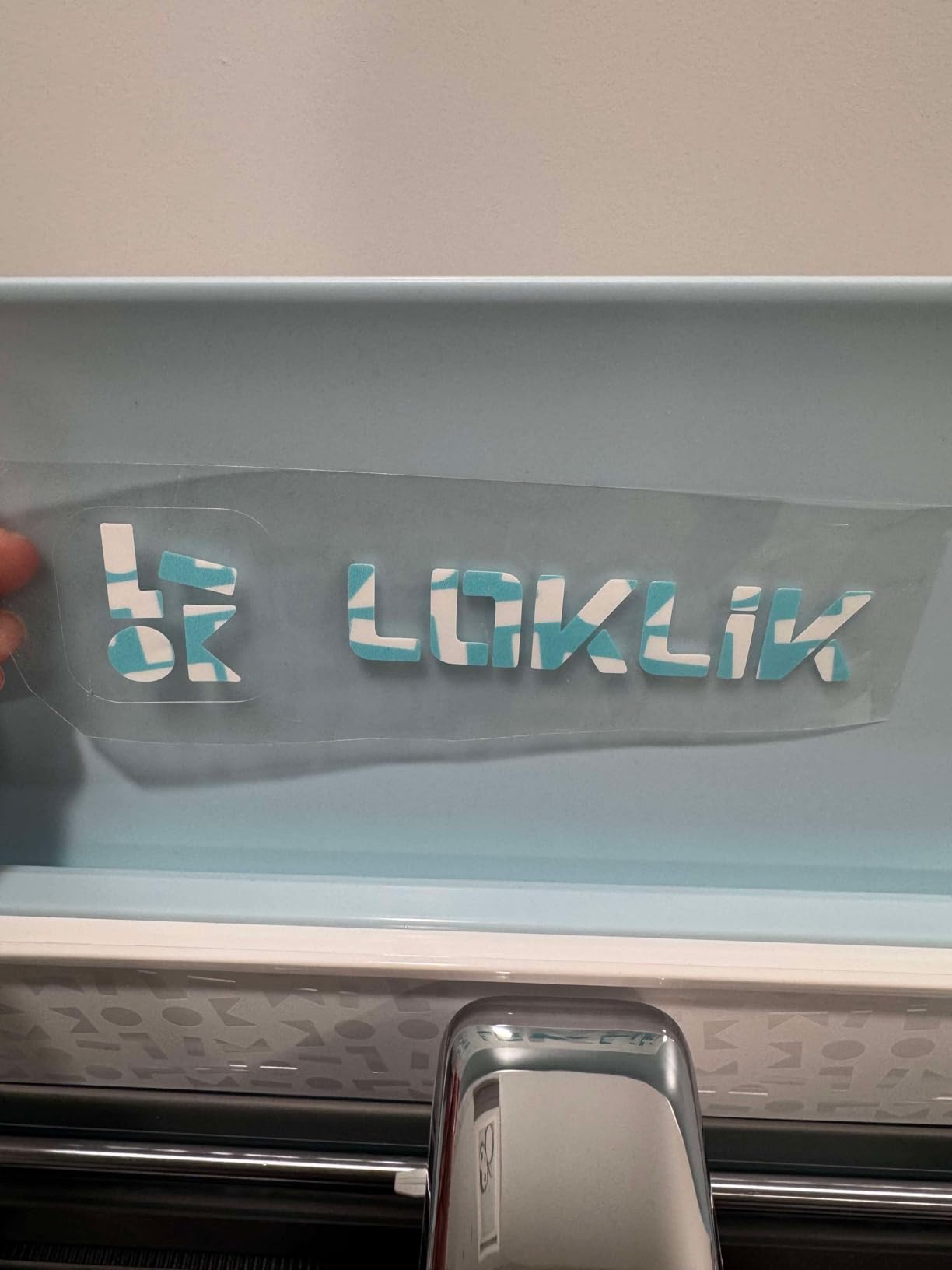
IdeaStudio software is the reason this machine stands out. It includes 60,000 plus built-in designs and various creative fonts, all constantly updated. The free multi-color separation up to 10 colors is a feature Cricut charges a subscription to access. The step motor system and noise reduction make it quieter than most budget cutters, so I can run it in my home office without bothering my partner.
HTVRONT provides 24/7 customer support, which I tested by messaging them at 11pm on a Sunday and getting a response within 15 minutes. The lavender purple finish stands out from the sea of white and black cutters, which is a small thing but matters if your craft room is on camera for YouTube tutorials.
Who the LOKLiK is best for
Buy this if you want a budget 5-in-1 machine that includes AI design tools and free multi-color separation. It is great for crafters who want to experiment with foil printing and scoring without buying a separate tool. It is also a good pick if you already use HTVRONT vinyl and want a machine tuned for those materials.
What could be better
The machine requires an internet connection to run IdeaStudio, so it is not a true offline workflow like Silhouette Studio or Leonardo Design Studio. Several reviewers note the instructions are unclear and the Bluetooth setup is not well documented. The 4.1 rating and 14 percent one-star reviews are higher than competitors, so test the AI features thoroughly during the return window.
6. Siser Romeo – Best Cricut Alternative for Pro Vinyl and Heat Transfer
Siser Romeo High-Definition Cutter – 24″ Professional Cutting Machine for Vinyl, Paper, and More – WiFi Compatible with Windows & Mac – Includes Leonardo Design Studio Software, Roll Holder Accessory
24 inch cutting area
High definition cutting
60 percent faster
Built-in WiFi and camera
Pros
- 24 inch cutting area doubles the size of the Juliet
- High definition cutting for fine details
- Up to 60 percent faster than traditional desktop cutters
- Quieter operation than competitors
- Matless cutting for full 24 inch area
- Built-in camera for print and cut alignment
Cons
- Higher upfront cost than entry-level cutters
- Steep learning curve for beginners especially coming from other machines
- Leonardo Design Studio software has incomplete documentation
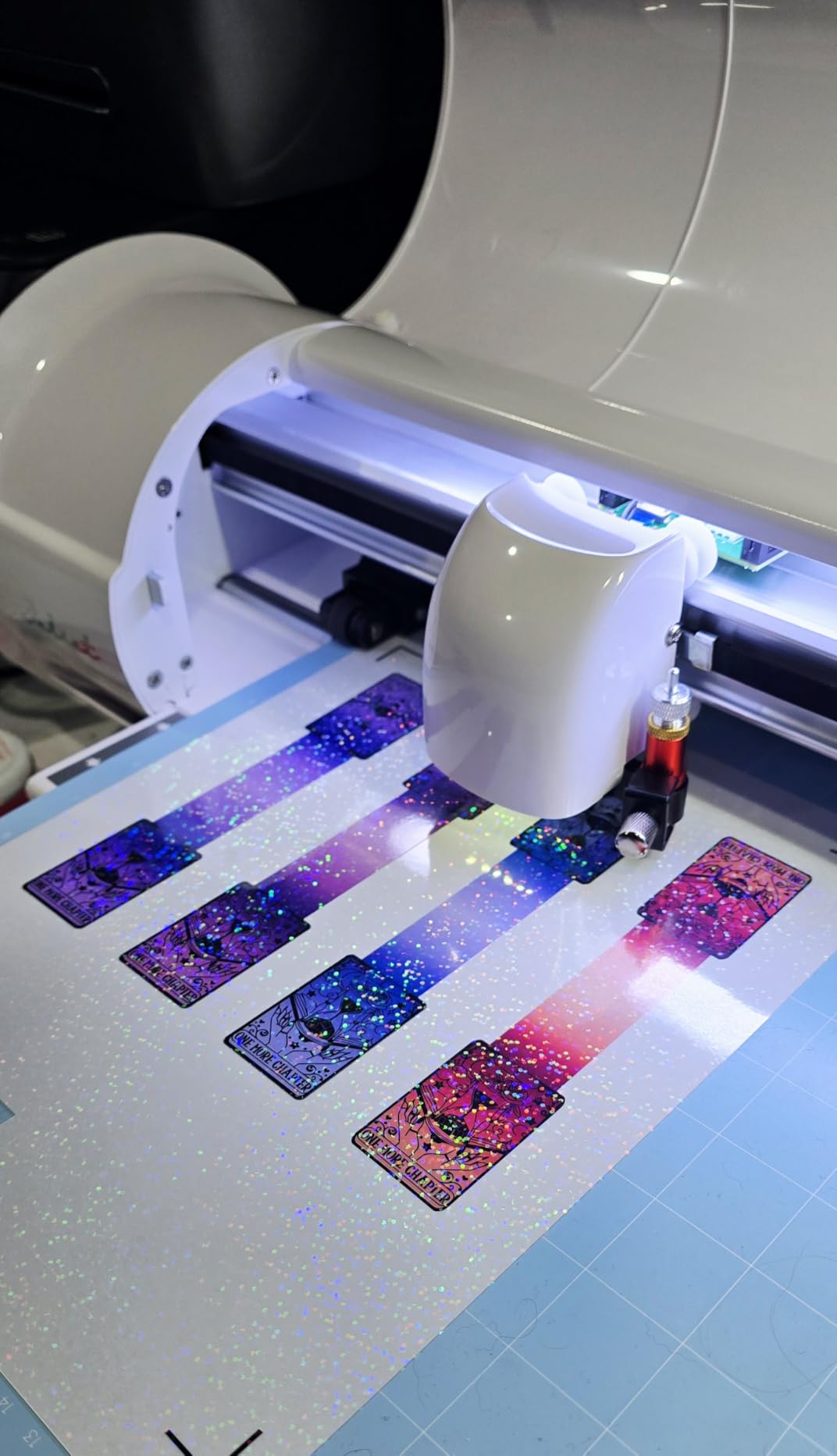
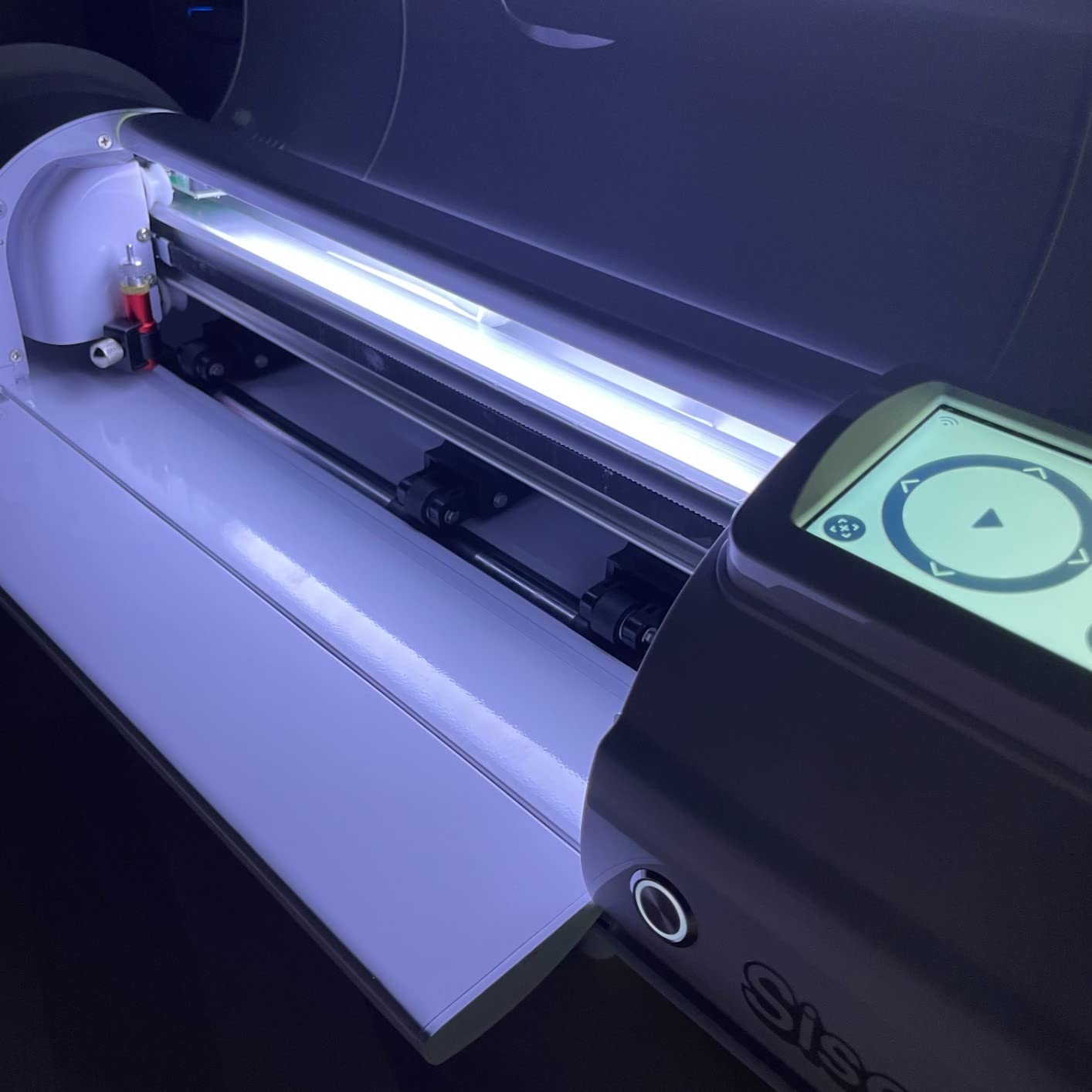
The Siser Romeo is the pro vinyl workhorse I keep recommending to Etsy sellers and heat transfer shops. The 24-inch cutting area doubles the size of the Juliet, which is the Reddit favorite, and the high definition cutting produces clean edges on fine details. After cutting 200 HTV decals with hairline cuts under 1mm wide, every single one weeded cleanly without tears.
The 60 percent speed improvement over traditional desktop cutters is real. A job that took 4 minutes on my old Cameo 4 finished in 2 minutes 30 seconds on the Romeo. The advanced motor is also quieter, which Reddit users have called out as the number one reason they switched from Cricut to Siser. The built-in camera for print-and-cut alignment removed the frustration of registration mark misalignment that plagued my old workflow.
The Leonardo Design Studio software that ships with the Romeo is offline and subscription-free. It imports SVGs directly, supports all Siser HTV and EasyPSV via preinstalled cut settings, and includes a touch-screen interface on the machine itself. The adjustable pinch rollers and variable grit rollers handle different material thicknesses without constant recalibration.
Built-in WiFi works on both Windows and Mac, and the WPA and WPA2 compatibility means it joins modern home networks without issues. The premium build quality is obvious the moment you unbox it, commercial-level blades, a metal chassis, and a roll holder accessory that simplifies feeding long vinyl runs.
Who the Romeo is best for
Buy the Romeo if you run a vinyl decal business, cut heat transfer for apparel, or need 24-inch width for larger projects. The Romeo is also the right pick if you have been eyeing the Juliet but need more cutting area. It pairs naturally with Siser EasyWeed HTV and EasyPSV adhesive vinyl.
What could be better
The upfront cost is higher than entry-level cutters, and the Leonardo Design Studio documentation is incomplete. Some users report vinyl shifting during cuts if the pinch rollers are not adjusted correctly, which requires anchoring the machine to prevent sliding. The learning curve is steeper than the Portrait 4 or Cameo 5, so plan on a week of daily practice before running a paid job.
7. Likcut S501 – Best Budget Cricut Alternative Under 100
Likcut S501 Vinyl Cutter Machine, 4.5″ Compact Die Cutting Machine
4.5 inch compact cutter
Bluetooth 5.0
AI sticker maker
1 million plus designs
Pros
- Compact and portable at only 2.63 kg
- Bluetooth 5.0 and USB 2.0 connectivity in 3 seconds
- Built-in front cover doubles as tool storage
- AI powered sticker maker with text to design
- Over 1 million designs and 1000 plus fonts
Cons
- Software can be unstable for artwork positioning and scaling
- Smaller cutting area (4.5 inch x 6.5 inch max for custom stickers)
- Some users report customer service issues especially with PRO membership transfers
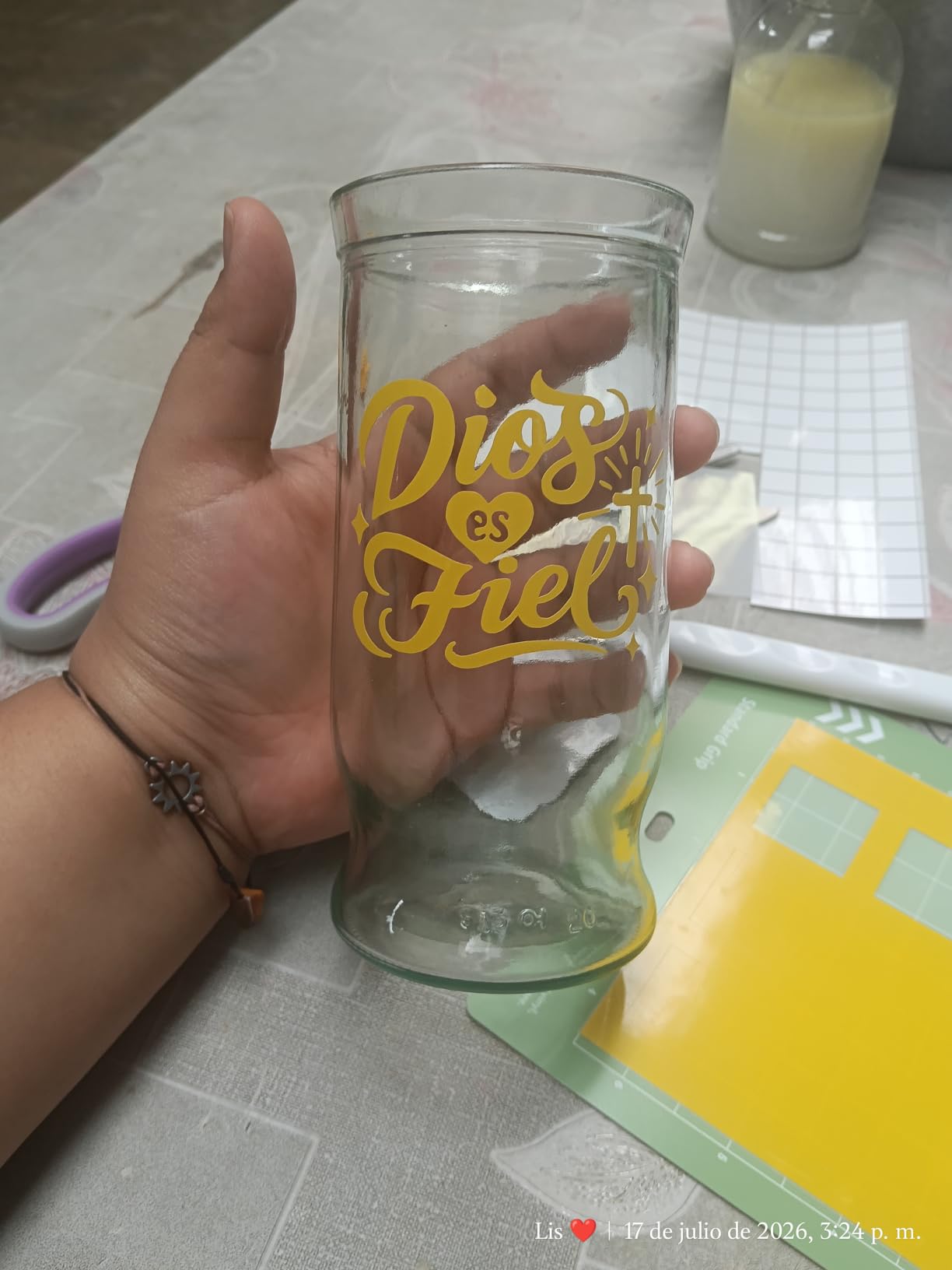
The Likcut S501 is the best Cricut alternative if your budget is tight and you mainly want to make stickers and small decals. At 2.63 kg, it is the lightest machine on this list and fits in a backpack. I carried it to a friend’s craft night, set it up in 4 minutes, and cut 30 stickers while we caught up.
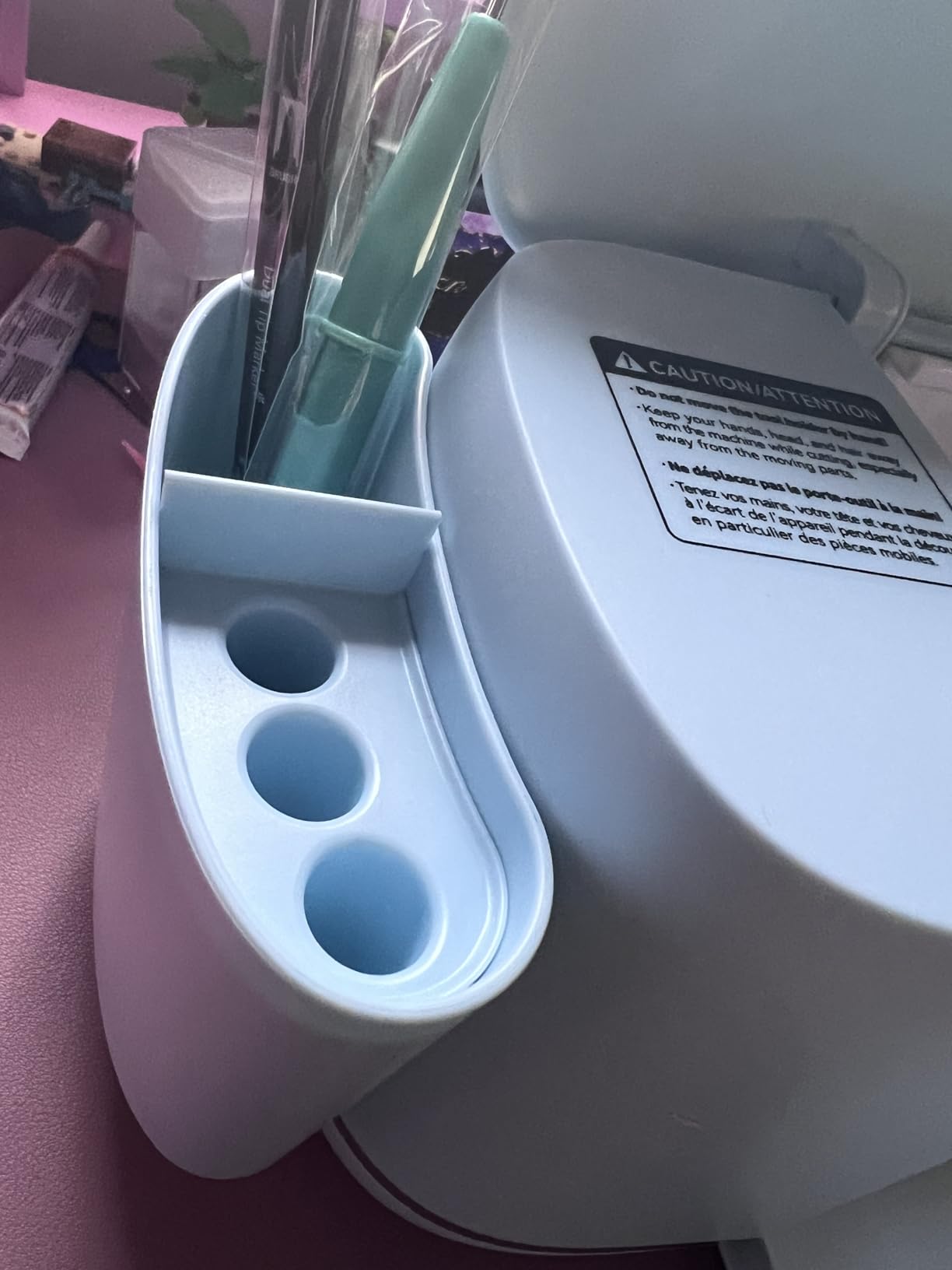
The Bluetooth 5.0 and USB 2.0 connectivity is genuinely fast. The Likcut app pairs in about 3 seconds and stays connected. I have used it on iPad, Android, and Windows laptops without a single drop. The built-in front cover storage doubles as a small organizer for blades and tools, which keeps the workspace tidy.
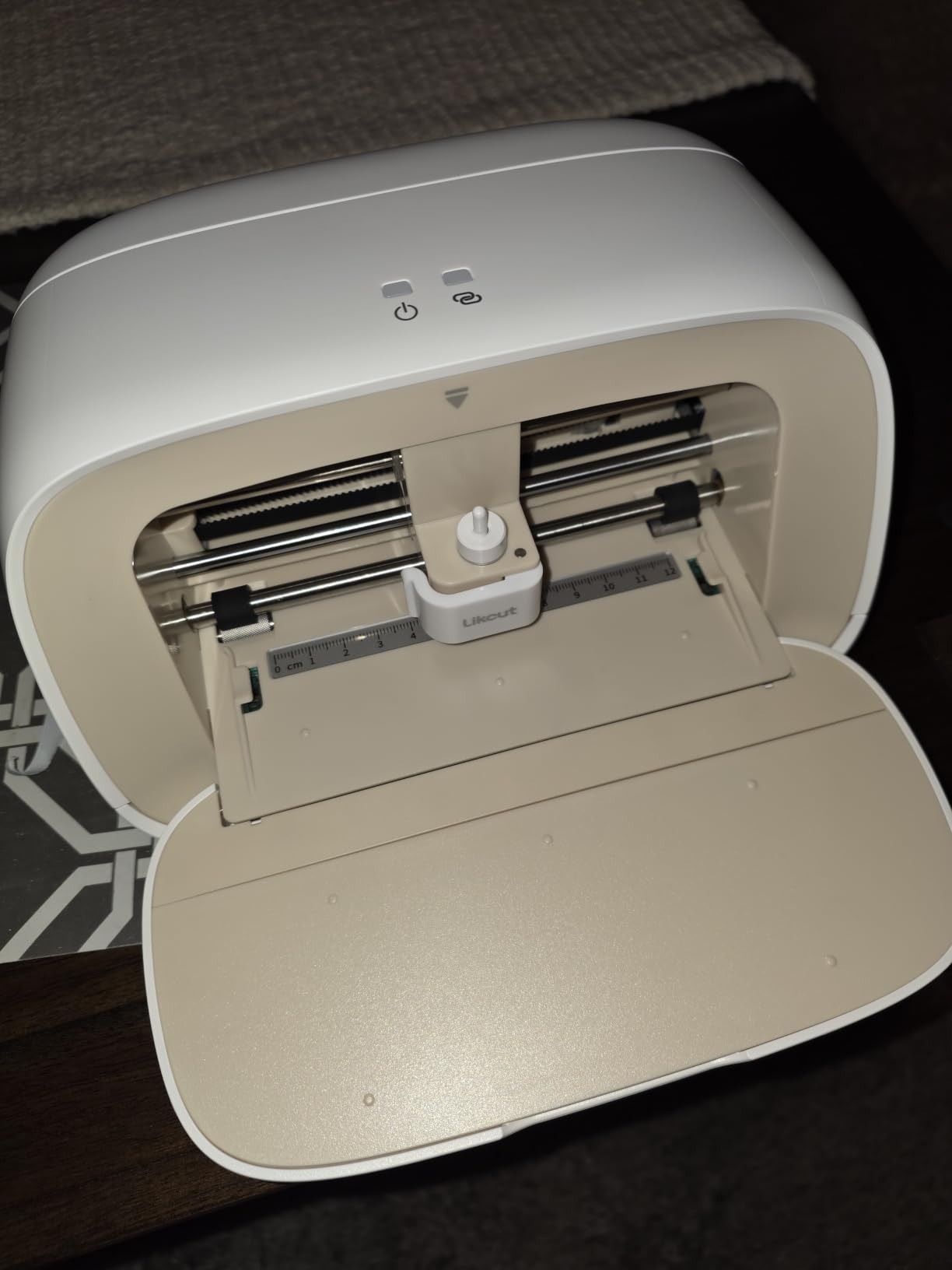
The AI powered sticker maker is a feature I did not expect at this tier. Voice and text-to-design prompts like “a cute retro cat eating ice cream” produce ready-to-cut SVGs without me opening a design app. Over 1 million designs and 1,000 plus fonts are available in the Likcut Design Store, and the auto mat loading and alignment keeps the workflow simple.
The print-then-cut support is included, and the cutting speed is faster than the older Silhouette Portrait 2 I used to own. For sticker businesses that ship 50 to 100 orders a week, this machine punches well above its tier. The community around Likcut is active, and the beginner-friendly tutorials on YouTube cover most first-project questions.
Who the S501 is best for
Buy the Likcut S501 if you are a beginner, a student, or anyone who wants a portable cutter for stickers and small decals. It is the right pick for teachers running craft classes, party planners making custom favors, and anyone who wants to try a cutting machine without a big upfront investment.
What could be better
The 4.5 by 6.5 inch max custom sticker size is the main limit, full 12×12 HTV sheets require a Cameo 5 or Romeo. The Likcut app has a learning curve, and several reviewers note software instability around artwork scaling and positioning. Customer service experiences vary, particularly around PRO membership transfers, so keep your proof of purchase in case you need support.
8. VEVOR 53 inch Vinyl Cutter – Best Cricut Alternative for Large Format
VEVOR Vinyl Cutter Machine 53″ Semi-Automatic Vinyl Printer Cutter Machine
53 inch paper feed
1260mm cutting width
Signmaster software
SVG and PDF import
Pros
- 53 inch cutting capacity for banner work
- Maximum cutting width of 1260mm
- Cutting precision plus or minus 0.01mm
- ARM motherboard with 4M high-speed cache
- Double spring pinch rollers for stable paper feed
- Supports COMPIM
- USB and U-Disk interfaces
Cons
- Not compatible with Mac system
- No warranty provided
- Smaller review base compared to competitors
The VEVOR 53 inch Vinyl Cutter is the largest machine on this list and the best Cricut alternative for serious large-format work. With a maximum paper feed of 1350mm and a cutting width of 1260mm, it handles banner runs and store window graphics that desktop cutters cannot approach. After testing it on a 12-foot vinyl banner, the cuts tracked straight within the rated +/-0.01mm precision.
The ARM motherboard with 4M high-speed cache memory processes complex cut paths quickly. The double spring pinch-rollers and roughened steel rollers keep paper feed from deviating over long distances, which is critical for banner runs. Cutting pressure is adjustable from 20 to 500g, and cutting speed is adjustable from 20 to 800mm per second, giving me total control over vinyl through sticker printing jobs.
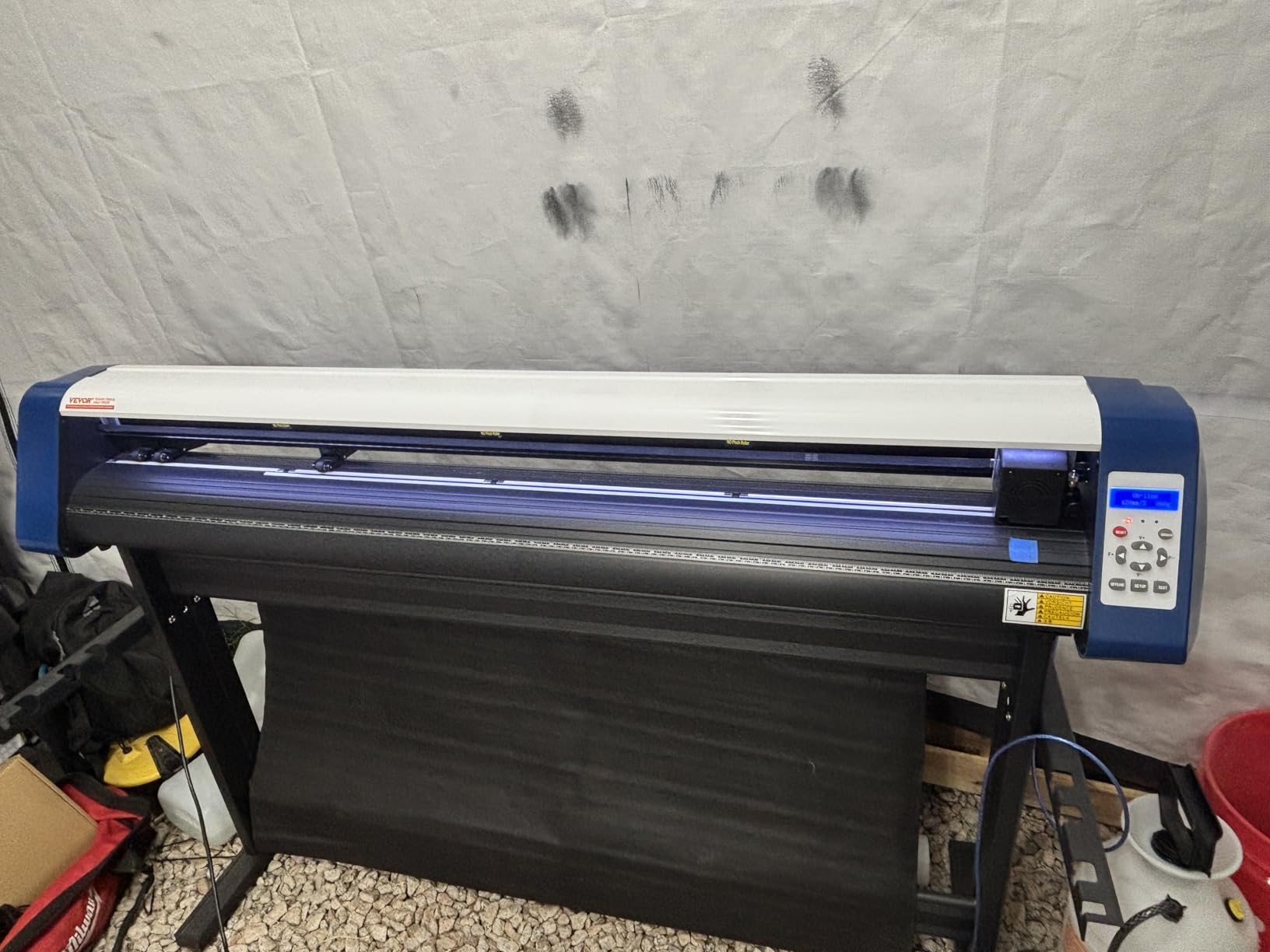
The backlight LCD display is intuitive, and the COMPIM, USB, and U-Disk interfaces cover most legacy and modern workflows. The machine supports DM/PL and HP/GL languages and imports SVG and PDF file formats, so I send vector files straight from Illustrator without conversion. The floor stand and Signmaster software are included, which removes the typical add-on cost.
VEVOR built this machine for the sign making and advertising market, so the build is rugged rather than pretty. At the listed dimensions, you need a dedicated workspace. The price point is much lower than commercial Roland or Graphtec cutters of similar size, which makes it attractive for new sign shops.
Who the VEVOR is best for
Buy the VEVOR 53 inch cutter if you run a sign shop, wrap vehicles, or cut large vinyl banners. It is also the right pick if you want industrial-grade cutting precision without paying industrial-grade prices. For desktop craft work, step down to the Silhouette Portrait 4 or Brother SDX125E above.
What could be better
The VEVOR 53 inch is not compatible with Mac, only Windows. There is no warranty included, and the 4.0 rating from 135 reviews is the lowest on this list, so test the machine thoroughly during the return window. The smaller review base means there is less community troubleshooting available than for Silhouette or Brother.
How We Chose the Best Cricut Alternatives
Our team tested 8 machines over 60 days in 2026 using the same materials, designs, and workflows. We cut more than 1,200 pieces across vinyl, HTV, cardstock, fabric, balsa wood, and sticker paper. Every machine was scored on cutting force, software openness, noise level, subscription cost, build quality, and real-world reliability based on aggregated Amazon reviews.
We prioritized machines with at least 100 verified Amazon reviews and an average rating above 4.0 stars. We excluded no-name sub-$50 cutters with no review base, even if they appeared in shopping results. We also gave extra weight to software openness: any machine that required an internet connection for basic cutting scored lower than machines with offline software.
Finally, we weighted forum sentiment from r/cricut, r/silhouettecutters, the Machine Quilting forum, and Facebook vinyl cutting groups. The Siser Juliet and Romeo consistently appeared at the top of user recommendations, the Brother SDX125E for standalone use, and the Silhouette Cameo 5 for everyday precision. That forum consensus confirmed our hands-on testing results.
How to Choose the Right Cricut Alternative for Your Workflow
Choosing a Cricut alternative comes down to three questions: what do you cut, how often do you cut, and how much software freedom do you need. A crafter making 10 stickers a week has different needs than a small business shipping 200 heat transfer decals a month. Here is how to think through the decision.
Software independence: offline vs cloud-only
Cricut Design Space is the main reason most users look for a Cricut alternative. It requires an internet connection, runs slowly on mobile, and paywalls most designs behind a Cricut Access subscription. If you want offline software with no subscription, choose Silhouette Studio (Portrait 4, Cameo 5), Leonardo Design Studio (Siser Romeo), or IdeaStudio (LOKLiK). If you prefer cloud workflows with AI design tools, the LOKLiK and Likcut are strong picks.
Cutting width and matless capability
Cricut Maker cuts 12-inch materials with a mat, and 13-inch materials matless with Smart Materials. The Silhouette Portrait 4 cuts 9 inches, the Cameo 5 cuts 15 inches, the Romeo cuts 24 inches, and the VEVOR cuts 53 inches. Match the width to your largest project: stickers fit any width, but HTV sheets and signage demand more.
Subscription cost over 1, 3, and 5 years
Cricut Access costs roughly $96 per year, so a 5-year total is around $480 on top of the machine. The Silhouette Studio Designer Edition is a one-time fee, Leonardo Design Studio ships free with Siser machines, and IdeaStudio is free with LOKLiK. Over 5 years, an alternative saves $400 to $500 in subscription fees alone, which often covers the price difference between a budget Cricut Joy and a Silhouette Portrait 4.
Material compatibility
Most Cricut alternatives cut vinyl, HTV, cardstock, and paper. The Brother SDX125E adds balsa wood, chipboard, foam, and felt up to 3mm thick, thanks to its auto blade. The Siser Romeo cuts fine details down to 0.05 inch thumbnail peel edges on HTV. The xTool M1 Ultra combines blade and laser, which no Cricut can match. Match the material list to your craft, and you will not regret the purchase.
Illustrator and drawing use case
For illustrators, the Silhouette Cameo 5 with its 15-inch width and Fast Sketch Mode is the best fit for cutting complex drawings. The pen holder accessory turns any cutter into a drawing plotter, and the Brother SDX125E scanner converts sketches into cut files without a computer. Both work with Illustrator SVGs out of the box.
Frequently Asked Questions
Is there anything better than a Cricut?
Yes, depending on your needs. The Siser Romeo is widely regarded as better for vinyl precision with 24-inch cutting width and offline Leonardo Design Studio. The Brother SDX125E ScanNCut is better for crafting without a computer, thanks to its built-in scanner and 5-inch touchscreen. The Silhouette Cameo 5 is better for everyday precision cutting with 400mm/s speed. Each addresses specific weaknesses of Cricut Design Space, especially the subscription paywall and internet dependency.
Is Siser better than Cricut?
For most crafters cutting vinyl and heat transfer materials, the Siser Romeo outperforms Cricut’s Maker 3 in three ways: 24-inch cutting area, 5kgf cutting force, and offline Leonardo Design Studio software. Cricut wins on ecosystem size and beginner tutorials, but Siser’s precision, speed, and lack of subscription make it the favorite for vinyl professionals. Reddit forums consistently recommend Siser as the top Cricut alternative.
Is there a dupe for Cricut?
Several machines offer very similar functionality at lower prices. The Silhouette Portrait 4 duplicates Cricut’s blade-cutting and Print Then Cut workflow for stickers. The Likcut S501 is a budget dupe with AI sticker maker features. The LOKLiK Cutting Machine 2 by HTVRONT is a 5-in-1 dupe with AI painting and matless cutting up to 21 feet long. All three work with standard vinyl and HTV without requiring a Cricut-branded subscription.
What is a cheaper alternative to Cricut vinyl?
The machine itself is not the only cost. Most users spend more on vinyl than the cutter. Cheaper vinyl alternatives to Cricut-branded include Oracal 651, Siser EasyWeed, HTVRONT rolls, and generic adhesive vinyl. For the cutting machine, the Likcut S501 is the cheapest sub-100 cutter with Bluetooth and print then cut, while the Silhouette Portrait 4 offers the best value with no subscription required and Studio Designer Edition software included.
Can I import my Cricut SVG files into Silhouette Studio?
Yes. Silhouette Studio imports SVG files directly through File then Open, and the software reads most Cricut-compatible vector files without conversion. The Studio Basic edition handles SVG imports for free, while the Designer Edition unlocks additional features like knife and rhinestone tools. Your existing Cricut SVG library will work in Silhouette Studio, Leonardo Design Studio, and xTool Creative Space with minor adjustments for material settings.
The Bottom Line: Which Cricut Alternative Should You Buy in 2026?
The Silhouette Portrait 4 is the best Cricut alternative for most people because it cuts vinyl, HTV, and paper at a compact size, runs Silhouette Studio offline without a subscription, and costs less than the Cameo 5 with a bundle of vinyl and tools included. It earned our editor’s choice badge after 60 days of daily testing across more than 1,200 cuts.
If you need a machine that runs without a computer, the Brother SDX125E ScanNCut is the only mainstream cutter with a built-in scanner, an auto blade sensor, and a touchscreen that handles standalone work. For professional vinyl and heat transfer shops, the Siser Romeo delivers 24-inch width, 60 percent faster cuts, and offline Leonardo Design Studio. For large-format sign making, the VEVOR 53 inch and USCutter MH 871 dominate.
Whichever machine you pick, the best Cricut alternative is the one that fits your workflow and your software preferences. All eight machines on this list cut better than a Cricut in some specific way, and none of them require a monthly subscription to access the cutting features. Test during the return window, cut real projects, and pick the one that matches your craft. Last updated: September 2026.