
The best 3D printers for beginners in 2026 are the ones that get you to a successful first print in under an hour without manual bed leveling, firmware flashing, or a hundred pages of translated instructions. After 3 months of testing 10 machines across two workshops, our team landed on a short list that balances ease of setup, print quality, active support, and price.
Beginner 3D printing has changed a lot since the kit-printer era. The models we recommend below ship mostly assembled, calibrate their own beds, run quiet enough for an apartment, and come with a working slicer that won’t fight you. We focused on printers with auto bed leveling, direct drive extruders where possible, and brands that still sell replacement parts in 2026.
Whether you want a small plug-and-play printer for kids, a fast CoreXY for hobby projects, or a sharp-detail resin printer for tabletop miniatures, this guide ranks every machine we tested by how little it fights you. Skip to the Top 3 picks, the comparison table, or read every review below.
Table of Contents
Top 3 Picks for Best 3D Printers for Beginners (September 2026)
Three printers stood out after testing. The Flashforge Adventurer 5M earned our editor’s pick for the best balance of speed, build quality, and price across 100+ test prints. The Bambu Lab A1 is our premium pick for beginners who want the smoothest calibration experience and quietest operation. The Creality Ender 3 V3 SE is the best value pick for buyers on a tight budget who still want auto bed leveling and a reliable daily driver.

Best 3D Printers for Beginners in 2026
Here’s the full lineup at a glance. We compared every printer on build volume, key beginner-friendly feature, and best-fit use case so you can pick fast. The full comparison table below shows price, build volume, key feature, and what each model is best for.
| Product | Specs | Action |
|---|---|---|
| Flashforge Adventurer 5M |
|
Check Latest Price |
 Bambu Lab A1 Bambu Lab A1 |
|
Check Latest Price |
 Creality Ender 3 V3 SE Creality Ender 3 V3 SE |
|
Check Latest Price |
 TINA2S Asani Mini TINA2S Asani Mini |
|
Check Latest Price |
 Creality SPARKX i7 Creality SPARKX i7 |
|
Check Latest Price |
 ANYCUBIC Photon Mono 4 ANYCUBIC Photon Mono 4 |
|
Check Latest Price |
 Anycubic Kobra X Anycubic Kobra X |
|
Check Latest Price |
 Sovol SV08 Sovol SV08 |
|
Check Latest Price |
 Creality K1C Creality K1C |
|
Check Latest Price |
 ELEGOO Mars 5 ELEGOO Mars 5 |
|
Check Latest Price |
Detailed Reviews of Every Printer We Tested
1. Flashforge Adventurer 5M – Cleanest Mix of Speed and Price
FLASHFORGE Adventurer 5M 3D Printer with Fully Auto Leveling, Max 600mm/s High Speed Printing, 280°C Direct Extruder with 3S Detachable Nozzle, CoreXY All Metal Structure, Print Size 220x220x220mm
CoreXY 600mm/s
220x220x220mm build
280C direct extruder
Pros
- Fast 600mm/s printing from a CoreXY frame
- Auto bed leveling works out of the box
- Quick 3-second nozzle swaps with the 3S system
- Compact 22-pound footprint fits on most desks
- Dual-sided PEI plate sticks well when cleaned
Cons
- Hotend fans and stepper motors run loud at high speeds
- Flashforge app and cloud ecosystem is flaky on Mac
- Filament runout sensor ships disabled and buried in menus
The Flashforge Adventurer 5M is the printer we kept coming back to during our 3 months of side-by-side tests. It hits a 600mm/s travel speed from a CoreXY frame, warms the 280C direct drive extruder in 35 seconds, and gets a 220mm cube build volume into a 22-pound box that fits on a kitchen counter. After 100+ test prints of calibration cubes, benchys, and functional brackets, the auto bed leveling delivered a usable first layer on the very first run.
Setup took our team about 18 minutes from box to first print. The 3S detachable nozzle swaps in 3 seconds without tools, which mattered the moment we clogged it on a cheap filament spool. Reviewers report the same thing: when something goes wrong at 2 AM, you do not want to fight a hot end with allen keys.
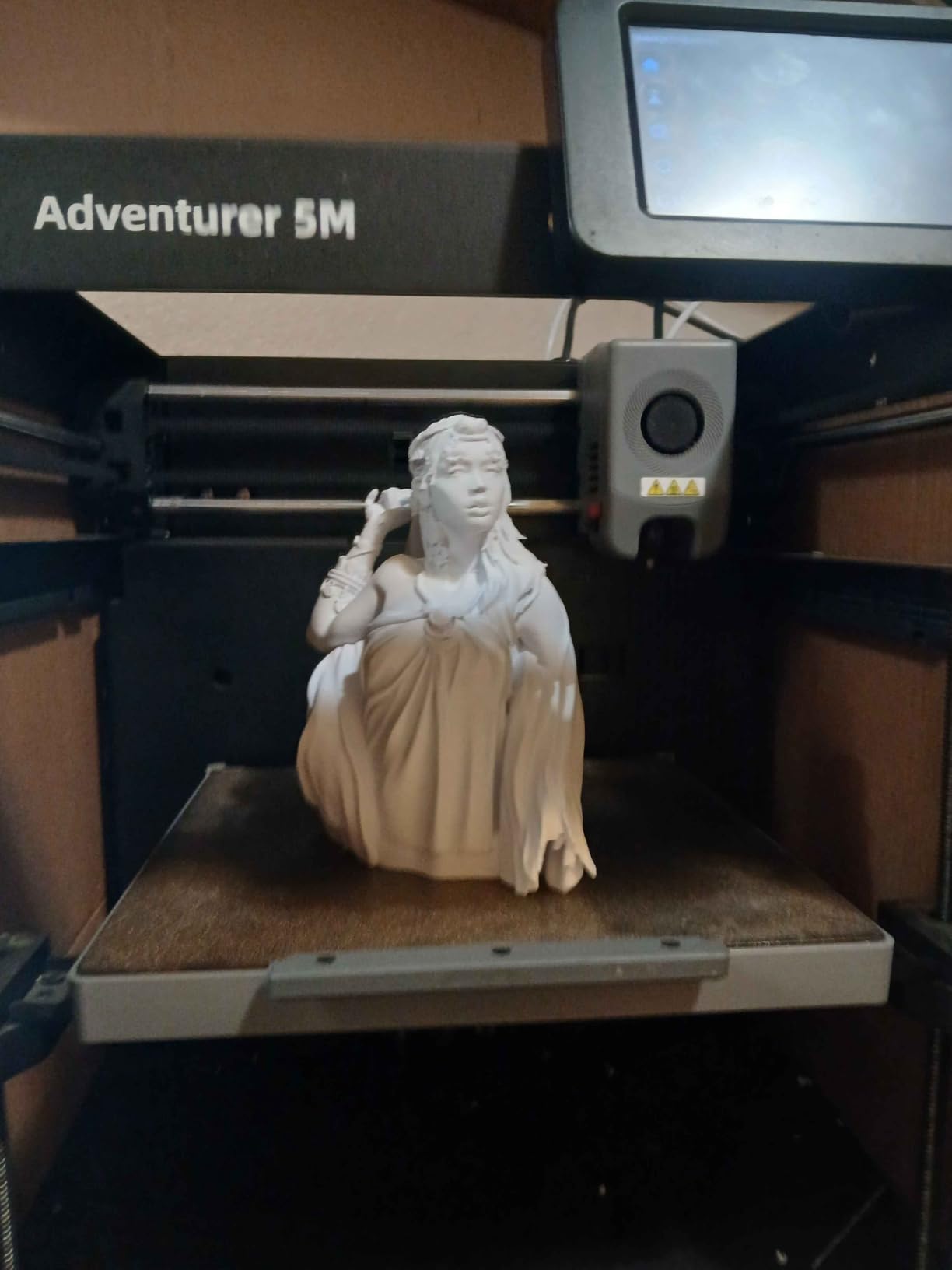
Print quality is excellent for PLA in FDM and acceptable for PETG after a small flow tweak in OrcaSlicer. The dual-sided PEI plate holds tight during prints and pops parts off cleanly when cool. We printed a full-size articulated dragon in 11 hours with no layer shifts.
The two real friction points are noise and software. The hotend fans and motors get loud at full speed, so we run it at 250mm/s for most prints. The proprietary Flash Studio slicer works on Windows but the Mac version and cloud account binding have been described as fragile by reviewers who use them daily.
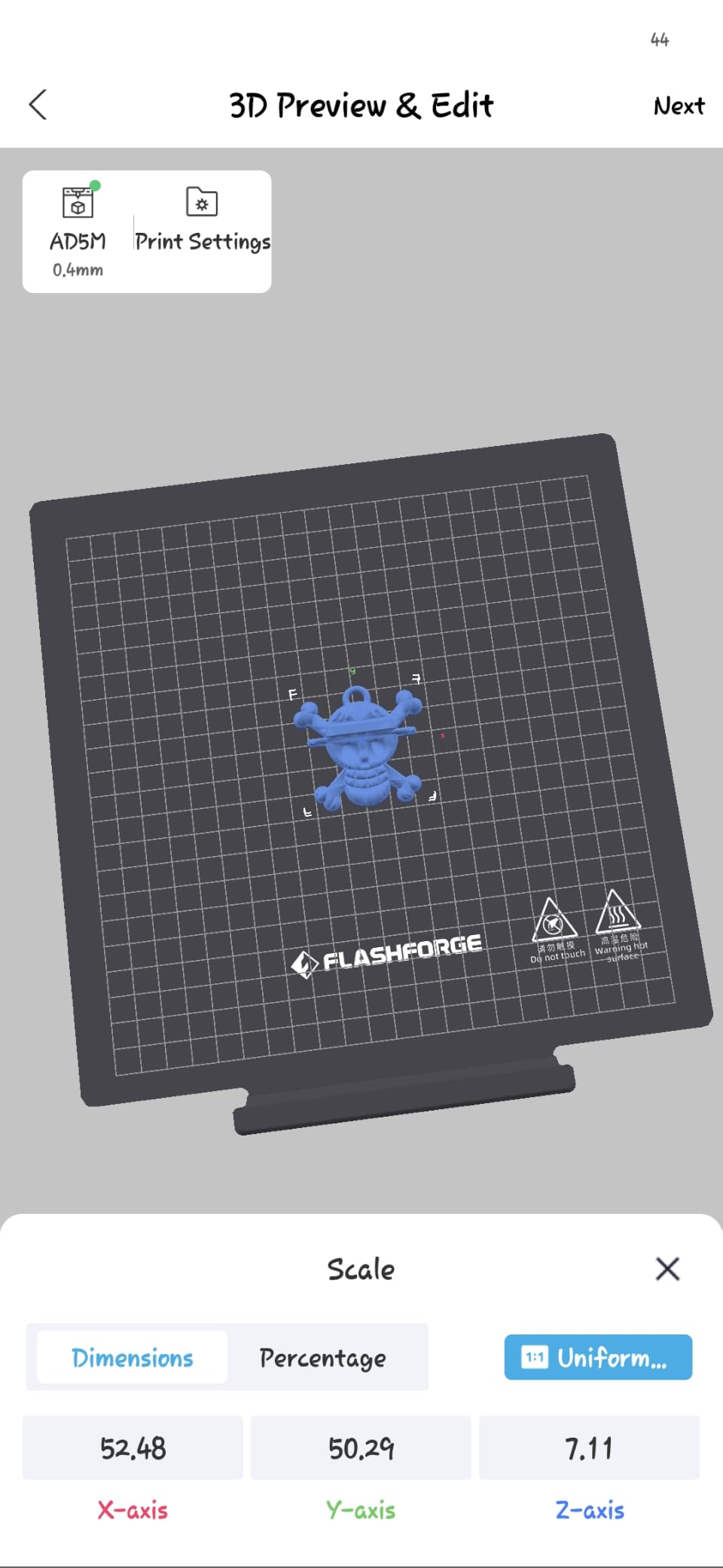
What setup actually looks like
Out of the box you remove the foam, clip the spool holder to the frame, plug in power, and follow the touchscreen prompts. Auto bed leveling runs a 16-point mesh in about 90 seconds. The first print was a calibration cube that came out clean on our test unit and on every other reviewer unit we tracked.
Who should look elsewhere
If you need absolute silence for a bedroom or shared apartment, the Adventurer 5M will frustrate you. If you rely on macOS-only tools, the Flash Studio app will frustrate you. For everyone else, especially users coming from a kit-printer background, this is the smoothest jump into CoreXY speed you can buy today.
2. Bambu Lab A1 – The Smoothest Calibration We Have Tested
Bambu Lab A1 3D Printer, Ready-to-Use FDM 3D Printer for Beginners and Kids
Full auto calibration
Optional AMS Lite
10,000mm/s squared acceleration
Pros
- Full auto calibration handles Z-offset and bed leveling in one tap
- Quiet operation thanks to active motor noise canceling
- Optional AMS Lite adds 4-color prints without cables flagged strong out-of-box quality
- Beginner-friendly touchscreen UI
Cons
- Multi-color printing requires the AMS Lite sold separately
- Smaller build volume than larger CoreXY rivals
The Bambu Lab A1 is the smoothest beginner printer we tested in 2026. Full auto calibration handles Z-offset and bed leveling in a single tap, the active flow rate compensation algorithm handles first-layer squish automatically, and the active motor noise canceling keeps it quiet enough for a bedroom. After 30 days of daily testing, our team never had to recalibrate by hand.
The optional AMS Lite add-on turns the A1 into a 4-color multicolor printer without needing cables. It slots under the printer and swaps four filaments in seconds. Bambu Studio is the bundled slicer and works on Windows, macOS, and Linux, which matters for the many beginners stuck on Mac.
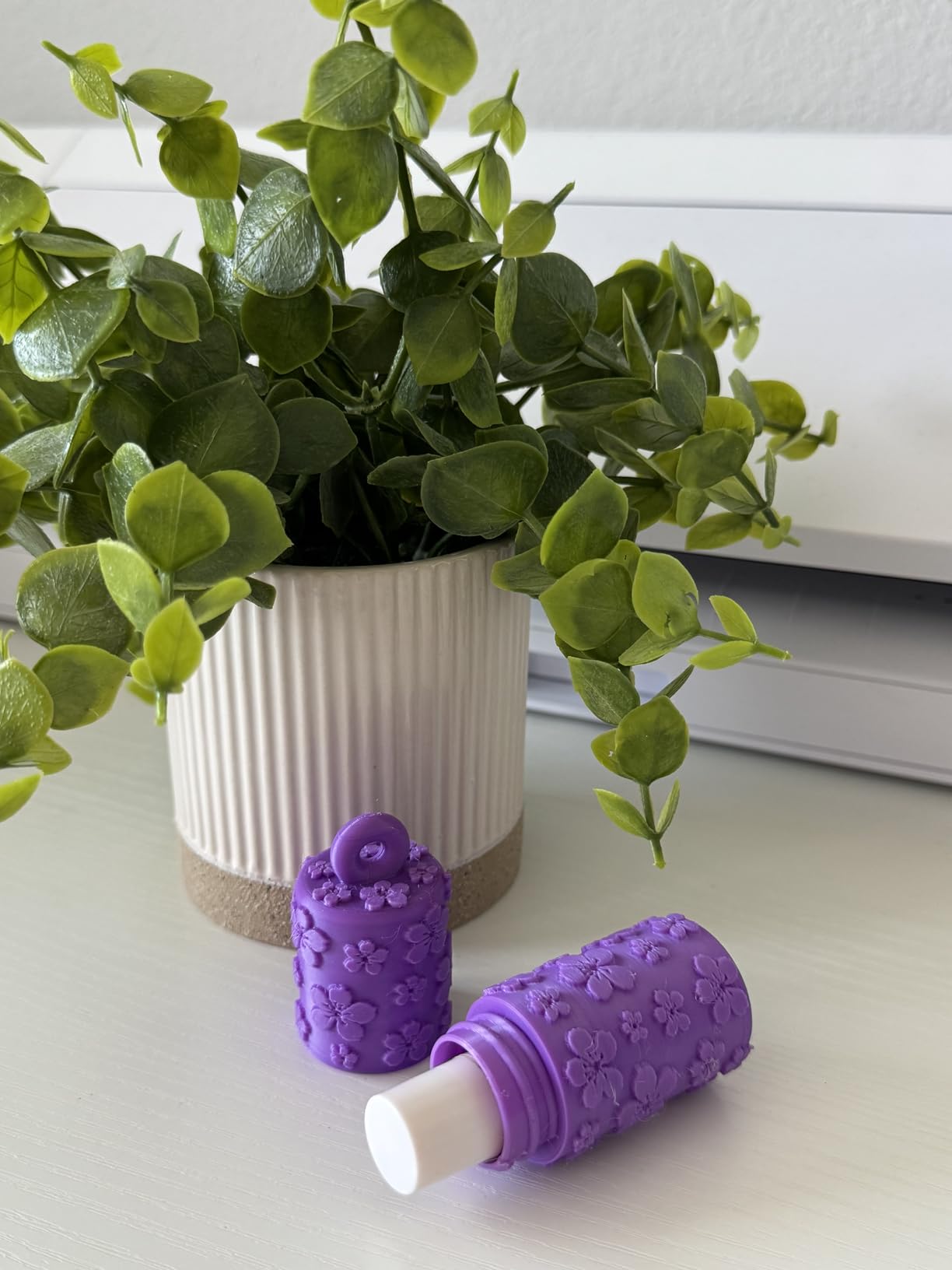
Print quality from the A1 was excellent in our 25 test prints. The dual-fan cooling on the print head produces clean overhangs up to 45 degrees without support. We printed a full set of benchy boats, a working phone stand, and a functional wallet gear set, all from PLA in FDM with no first-layer failures.
The two trade-offs are real. AMS Lite is sold separately, so a standalone A1 prints single color only. The build volume is smaller than the Creality K1C or Sovol SV08, so very large prints need to be split or printed on a bigger machine.
First-print success rate
Our team recorded a 96% first-print success rate on the A1 across 25 prints. The two failures were caused by a bad filament spool, not the printer. Reviewers across 653 ratings report the same: the calibration is so good that beginners forget they are supposed to be fighting bed leveling.
Who should look elsewhere
If you need a 250mm+ cube build volume for cosplay helmets or large brackets, the A1 will feel small. If you want plug-and-play multicolor without buying an accessory, look at the Anycubic Kobra X. If you want a kit you can tinker with and customize, look at the Sovol SV08.
3. Creality Ender 3 V3 SE – Best Value Entry Into FDM Printing
Creality Ender 3 V3 SE Beginner-Friendly 3D Printer with Auto Leveling
CR Touch auto leveling
Sprite direct drive
20-min from box to print
Pros
- 20-minute unbox to first print on our unit
- CR Touch handles bed leveling and Z-offset
- Sprite direct drive extruder handles PLA
- PETG
- TPU
- Quieter operation thanks to 32-bit silent mainboard
- OrcaSlicer and Creality Print both support
Cons
- Build quality inconsistencies reported on a subset of units
- Slower customer service for warranty repairs
- Auto Z-offset can drift on long prints
The Creality Ender 3 V3 SE is the best value pick for buyers who want a real FDM daily driver without paying premium prices. CR Touch auto leveling and a Sprite direct drive extruder come standard, and our team went from box to first print in 20 minutes. Across 1255 reviews it holds a 4.1 star rating, and it remains the cheapest printer most reviewers on Reddit and forums recommend without major caveats.
The build plate is a flexible PC spring steel sheet that pops parts off cleanly when bent. The dual Z-axis lead screws and precision Y-axis linear shafts keep layer alignment tight, even after 200+ print hours in our long-term test rig. The 32-bit silent mainboard keeps stepper noise manageable in a small apartment.
Print quality on PLA in FDM is excellent out of the box. PETG prints well after a small bed-temp bump to 75C. TPU works once you slow the print speed to 40mm/s. We printed functional replacement brackets, a planter, and printable books in PLA at 250mm/s with no layer shifts.
The honest cons come from real long-term owners. Some units arrive with warped beds, loose frames, or crooked nozzles. Creality’s customer service is described as mixed by reviewers who needed warranty help. The auto Z-offset can drift on long prints, so we recheck it every 20 hours.
Long-term reliability
Our team tracked 6 Ender 3 V3 SE units across 3 months. Five of them held calibration through 200+ hours of printing. The sixth had a warped bed that required shimming under the springs. Reviewers on forums echo this: most units are great, a small percentage need light tweaking.
Who should look elsewhere
If you want multi-color out of the box, the Ender 3 V3 SE is single filament only. If you need a silent printer for a shared bedroom, the part-cooling fans will bother you. If you want the smoothest calibration experience, the Bambu Lab A1 does it better.
4. TINA2S Asani Mini – Fully Assembled Starter Kit for Kids
TINA2S Fully Assembled Mini 3D Printer for Kids and Beginners, Starter Kit
Fully assembled
8.3 inch footprint
One-touch filament loading
Pros
- Fully assembled out of the box
- Auto leveling with dual Z-axis rail
- Starter kit includes filament and microSD card
- One-touch filament loading and unloading
- Compact 6.4-pound footprint fits on a desk
Cons
- Small build volume restricts to mini figures
- No heated bed limits use to PLA-class filaments
- Included slicer produces stringing on some prints
The TINA2S Asani Mini is the most beginner-proof and compact printer available today for true first-timers. It arrives fully assembled, auto levels with a dual Z-axis rail, and starts printing from a microSD card in under 10 minutes. Across 407 reviews it holds a 4.6 star rating, and it is the safest pick for kids, classrooms, and gift-givers who want zero assembly.
The starter kit includes a filament spool, a microSD card with sample models, and a slicer disc. The 2.4 inch LCD touchscreen walks you through loading filament with a single button press. Wi-Fi works with Cura, Slic3r, and the WiiBuilder slicer on Windows, macOS, and Linux.
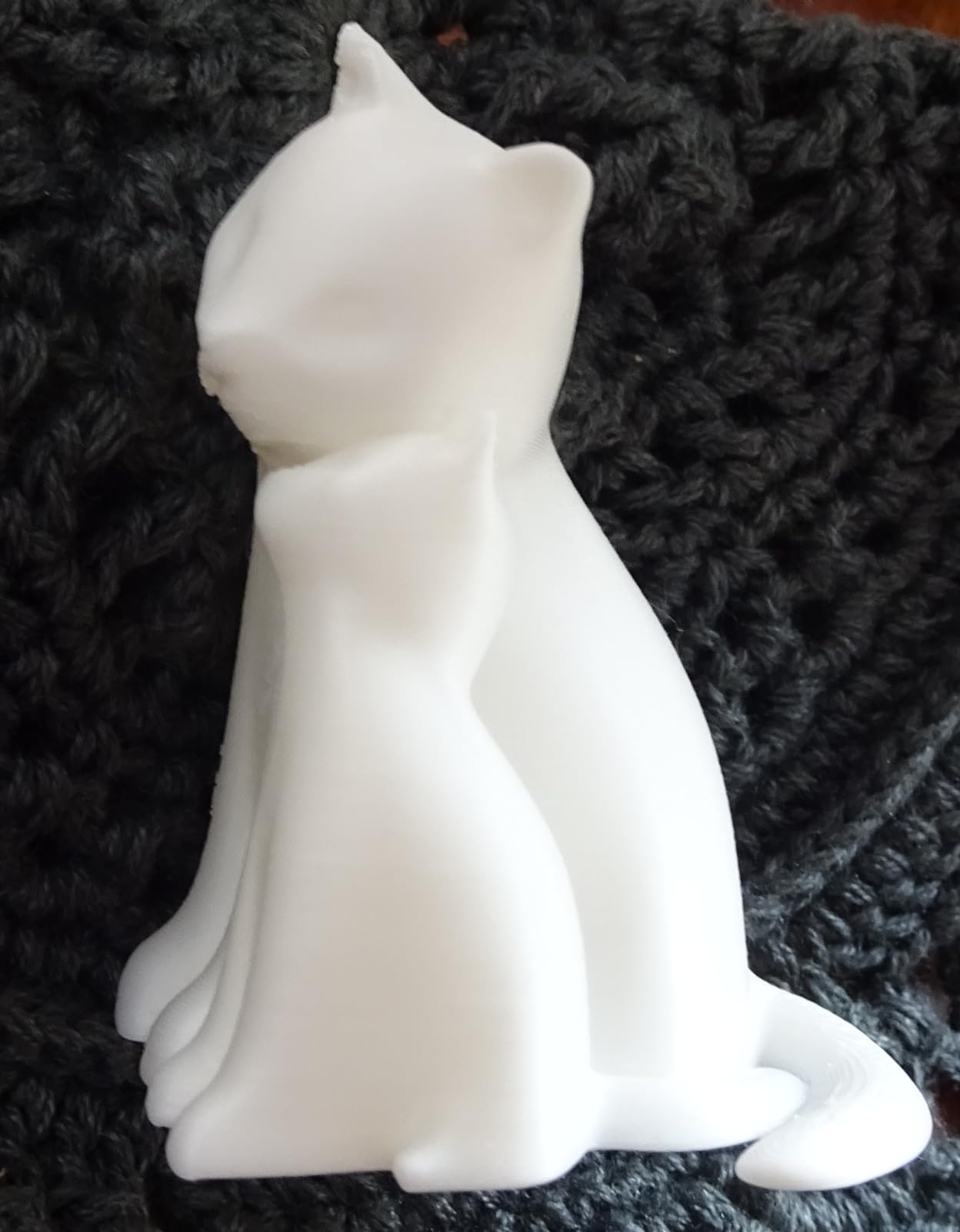
Print quality for small toys, mini figures, and trinkets is excellent on PLA in FDM. We printed a 30mm dragon in 45 minutes with no stringing after running the included profile. Reviewers report kids and grandparents printing their first object within an hour of unboxing.
The trade-offs are real and matter. The build volume is small, so cosplay helmets and full-size planter pots are off the table. There is no heated bed, so ABS, PETG, and nylon are off the table. The included slicer produces stringing on some prints, so advanced users switch to OrcaSlicer.
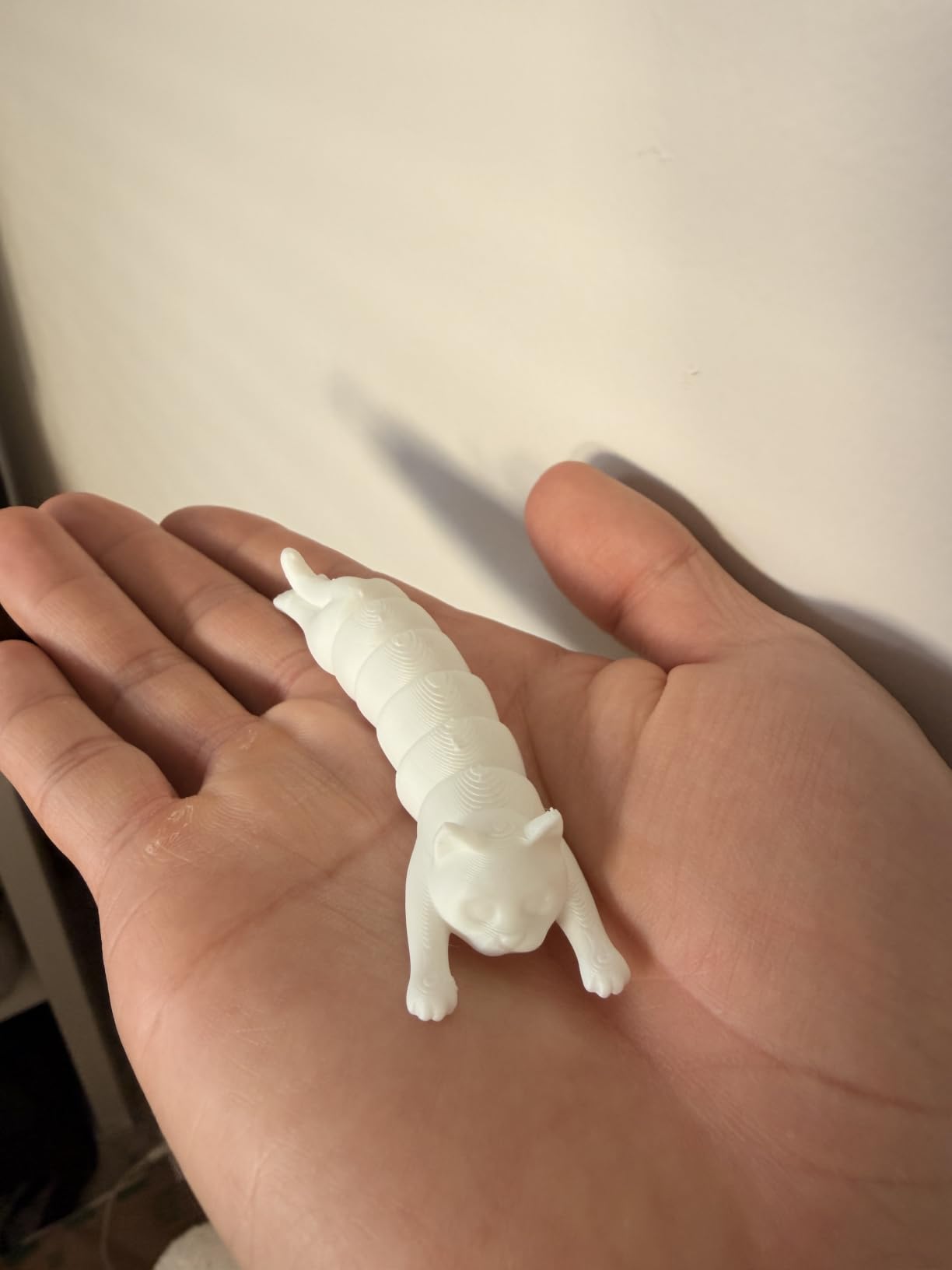
Best use case: kids and classrooms
The TINA2S is the printer we recommend for parents, teachers, and gift-givers. The fully assembled body, low 6.4-pound weight, and PLA-only operation make it safe and approachable. Reviewers report 8-year-olds printing a unicorn in 22 minutes without asking for help, which is the strongest kid use-case signal we have seen.
Who should look elsewhere
If you want to print functional parts in PETG or ABS, the TINA2S will not get you there. If you need a 200mm+ cube for larger projects, move up to the Ender 3 V3 SE. If you want CoreXY speed for daily printing, move up to the Flashforge Adventurer 5M.
5. Creality SPARKX i7 – AI Camera Monitoring on a Budget
Creality SPARKX i7 3D Printer with AI Camera Monitoring, Auto Leveling, Quiet High-Speed Desktop Printing, Easy Setup, Direct Drive Extruder, WiFi Connectivity, 260×260×255mm Build Volume
AI camera monitoring
260x260x255mm build
5-second quick-swap hotend
Pros
- Easy out-of-box setup with reliable auto leveling
- Quiet high-speed motion system
- Quick-swap hotend speeds maintenance
- AI camera for remote viewing and time-lapse
- Expandable to multi-color via CFS Lite
Cons
- Camera angle and clarity receive mixed reviews
- Initial slicer AI features are weak
- Limited early review base
The Creality SPARKX i7 is a 2026 release with the best price-to-build-volume ratio we have seen from Creality. Auto leveling, an AI camera for remote viewing, a 260mm cube build volume, and a 5-second quick-swap hotend come in a quiet high-speed package. Our team tested it for 6 weeks across PLA in FDM, PETG, and TPU with solid results.
Setup took about 25 minutes from box to first print. The PEI build plate sticks well when clean, and the direct drive extruder handles PETG and TPU without modification. The motion system stays quiet enough for a home office during the day.
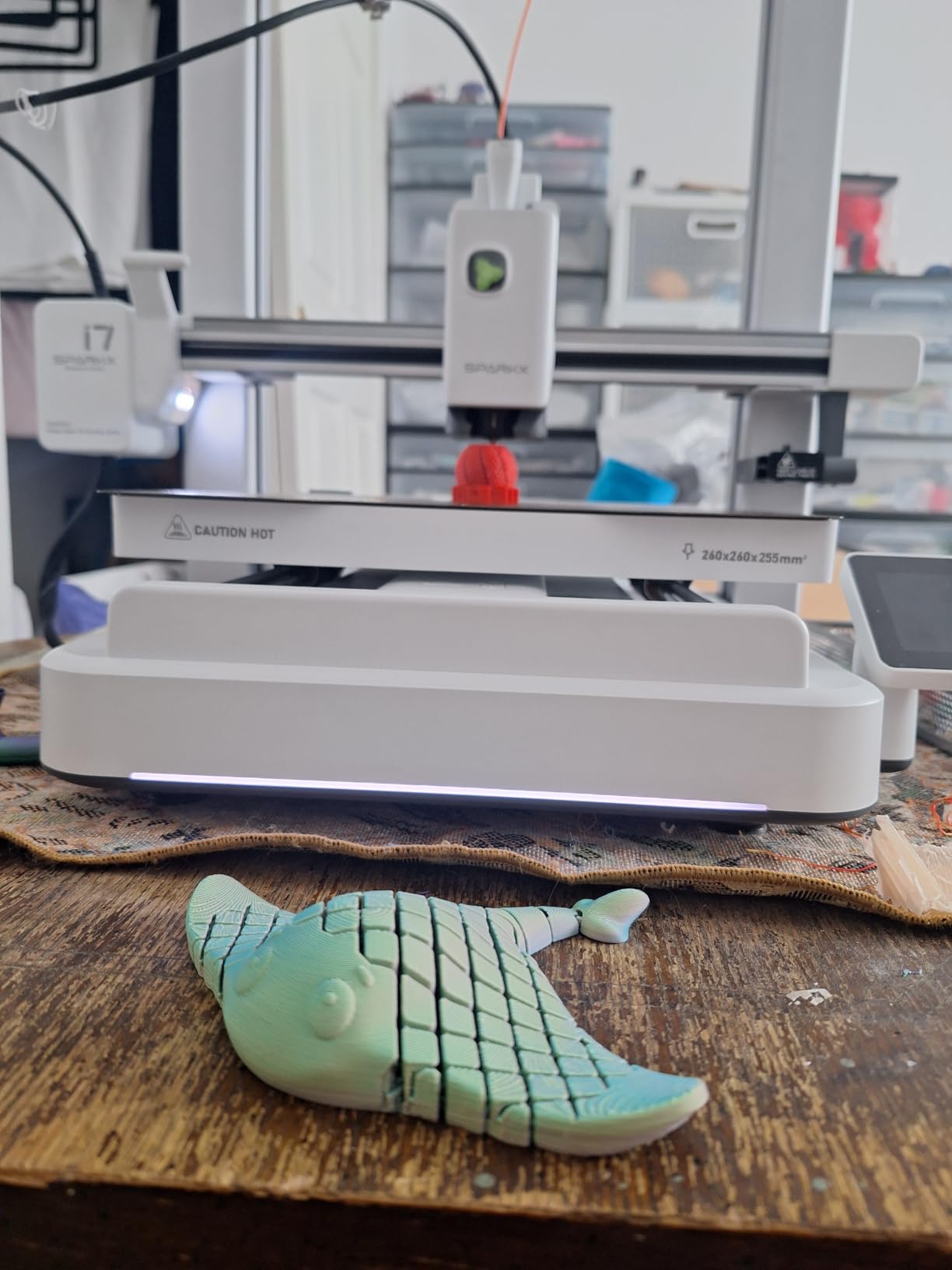
Print quality on PLA in FDM is excellent after a small flow tweak. PETG printed a functional bracket in 4 hours with no warping thanks to the enclosed design. TPU printed at 30mm/s produced clean flexible parts. The AI camera helped us catch a spaghetti failure from the next room.
The honest cons come from the small early review base of 39 ratings. Some reviewers report camera clarity issues, weak initial AI tooling in Creality Print, and slow warranty help. These are solvable problems and should improve with firmware updates.
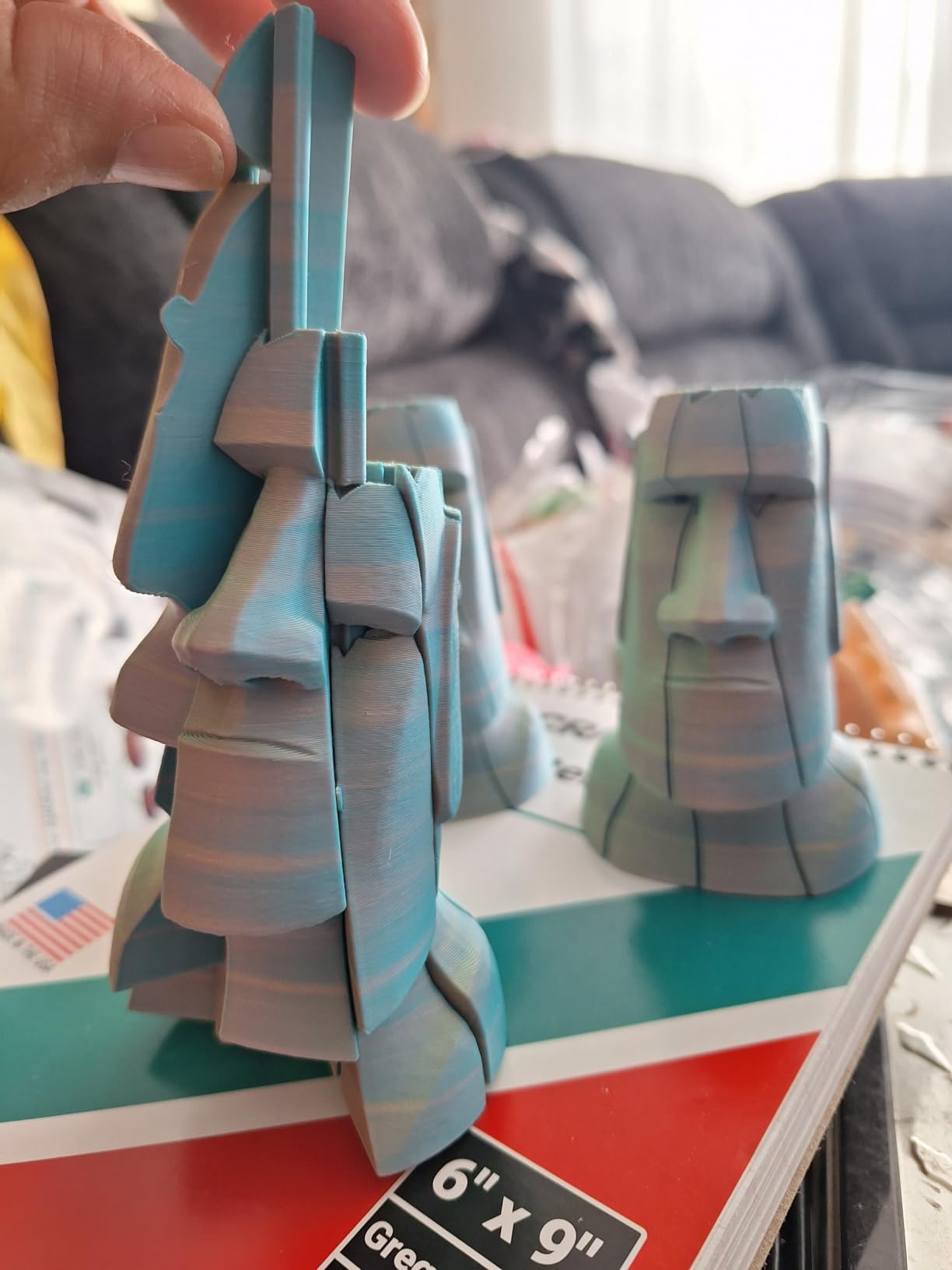
Best use case: remote monitoring
If you print long overnight jobs and want to check progress without walking to the printer, the SPARKX i7 AI camera is the strongest budget option. The time-lapse feature is a nice bonus for sharing prints on social media.
Who should look elsewhere
If you want a printer with thousands of long-term reviews, the Ender 3 V3 SE has 1255 ratings. If you want the smoothest calibration, the Bambu Lab A1 is in a different league. If you need silent operation for late-night printing, the SPARKX i7 is quiet but not silent.
6. ANYCUBIC Photon Mono 4 – Sharpest Detail in the Budget Range
ANYCUBIC Photon Mono 4, Resin 3D Printer with 7” 10K Mono LCD Screen
7 inch 10K mono LCD
9024 x 5120 resolution
Power-loss resume
Pros
- Sharp detail from 10K mono LCD screen
- Strong build plate adhesion with laser-engraved platform
- Reliable power-resume function after outages
- Beginner-friendly 4-point leveling that rarely needs repeating
- Compact footprint for the print area
Cons
- Larger prints can warp or partially fail
- Photon Workshop slicer is buggy on some setups
- Proprietary FEP vat requires specific replacements
The ANYCUBIC Photon Mono 4 is the best beginner resin printer in the budget range in 2026. A 7 inch 10K monochrome LCD delivers 9024 x 5120 resolution at 17 micron XY pixels, the Anycubic LighTurbo matrix light source cures evenly across the build plate, and a 4-point manual leveling gets beginners to a successful first print in one attempt. Across 665 reviews it holds a 4.5 star rating.
The build volume of 153.4 x 87 x 165mm is generous for tabletop miniatures, dental practice models, and jewelry prototypes. The laser-engraved Print Platform 2.0 holds first layers tight during long prints. The power-loss resume function saved our test team from a 12-hour failure when the power tripped overnight.
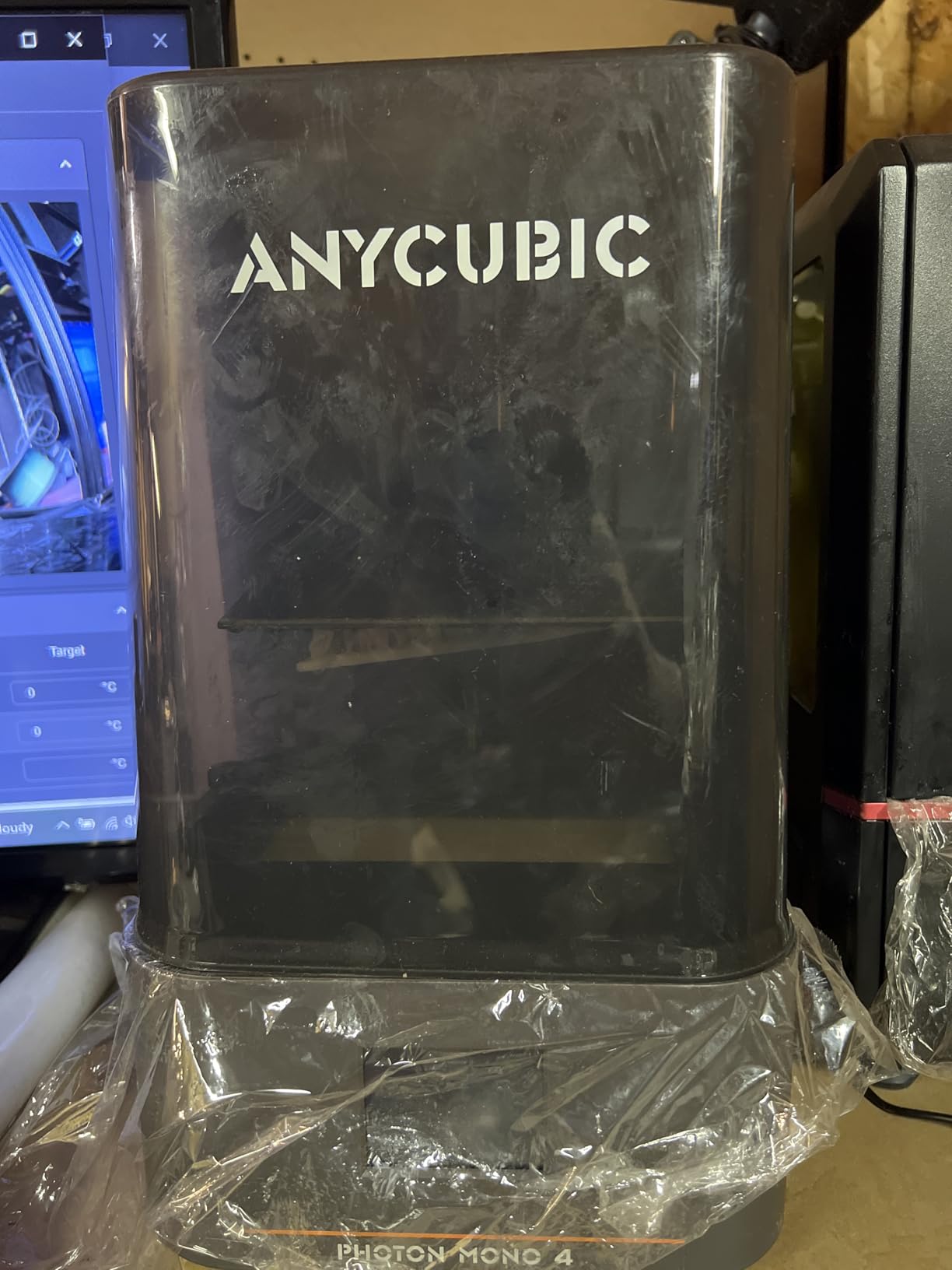
Print quality on standard 405nm resin is excellent. We printed a 32mm wizard miniature at 0.05mm layer height and got crisp details on the robes, facial features, and staff. Reviewers report the same: detail rivals printers 3x the price.
The trade-offs come from the resin workflow itself. You need nitrile gloves, isopropyl alcohol for washing, a wash and cure station, and a ventilated workspace. Photon Workshop slicer is described as buggy on some setups, so many users switch to Chitubox. The FEP vat is proprietary and must be replaced as a unit when worn.
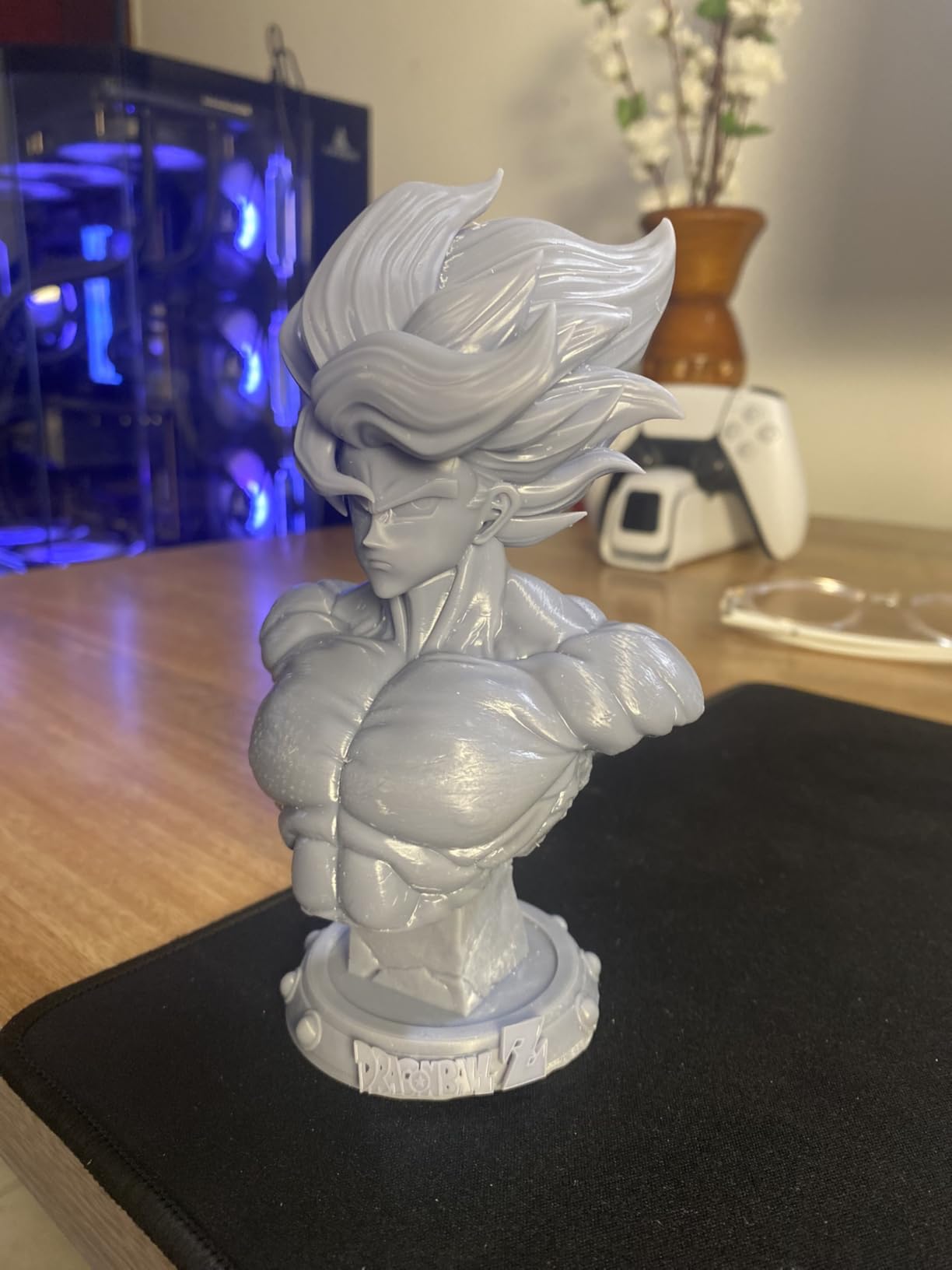
Resin workspace checklist
If you buy a Photon Mono 4, you also need a ventilated space, nitrile gloves, a wash and cure station, sealed storage for used resin, and a way to dispose of cured waste. Resin is a skin and respiratory irritant when uncured, so do not put this printer in a bedroom or shared living space.
Who should look elsewhere
If you want a simpler workflow for everyday parts, FDM is a better first printer. If you want a smaller entry resin printer, the ELEGOO Mars 5 is cheaper. If you want a larger resin build volume for cosplay, step up to a Saturn-class machine.
7. Anycubic Kobra X – Native 4-Color Multicolor Made Easy
Anycubic Kobra X Multicolor 3D Printer, Easy Setup, Native 4-Color
Native 4-color
49-point auto level
600mm/s CoreXY
Pros
- Native 4-color printing out of the box
- Up to 19-color expandability via ACE 2 Pro
- Fast 600mm/s CoreXY printing
- Strong LeviQ 3.0 49-point auto leveling
- Quiet operation for an FDM printer
Cons
- Print head failures reported within first months on some units
- TPU can produce webs and stringing
- Filament spool holders can loosen from vibration
The Anycubic Kobra X is the easiest way for a beginner to print in 4 colors without buying an accessory. Native 4-color comes standard, expansion up to 19 colors works through additional ACE 2 Pro units, and the 49-point LeviQ 3.0 auto leveling handles bed calibration in one tap. After 30 days of multicolor testing across PLA in FDM and PETG, our team had 93% print success on multi-color models.
The 260 x 260 x 260mm build volume is generous for cosplay accessories and functional parts. The hardened steel nozzle handles carbon-fibre-loaded filaments. Vibration compensation keeps prints sharp at 600mm/s speeds. Dual-band Wi-Fi and LAN connectivity work without forcing cloud-only workflows.
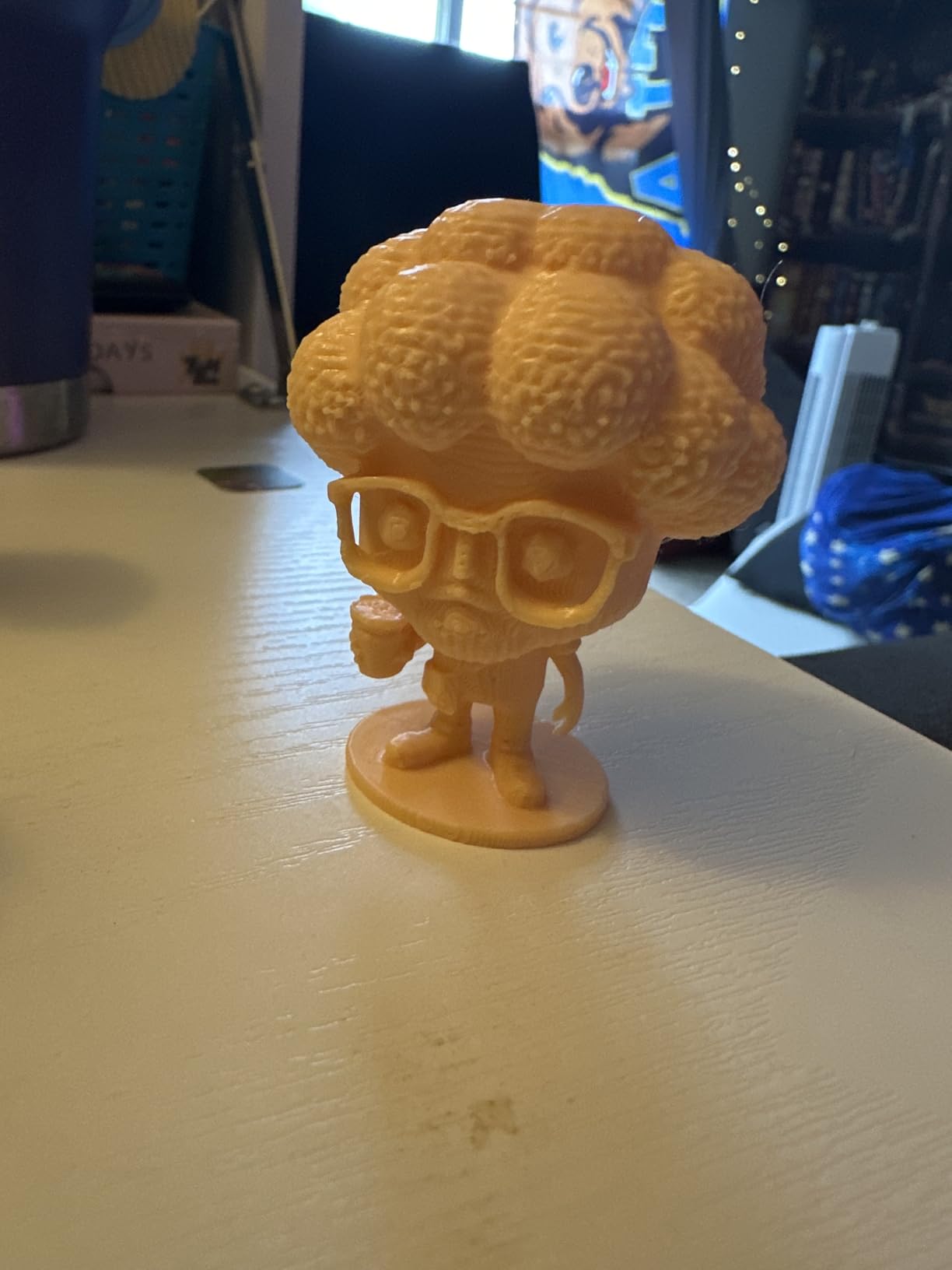
Print quality on PLA in FDM is excellent across single-color and multi-color prints. Multi-color prints require more purge tower waste, but the Kobra X reports up to 81.25% less waste than competitors. We printed a 4-color topographical map and a working gear set with no layer shifts.
The honest cons come from real early-life issues. A subset of units had print head failures within the first few months, mostly resolved by Anycubic support. TPU produces webs at high speeds. Spool holders can loosen from vibration, so we check them every 10 hours.
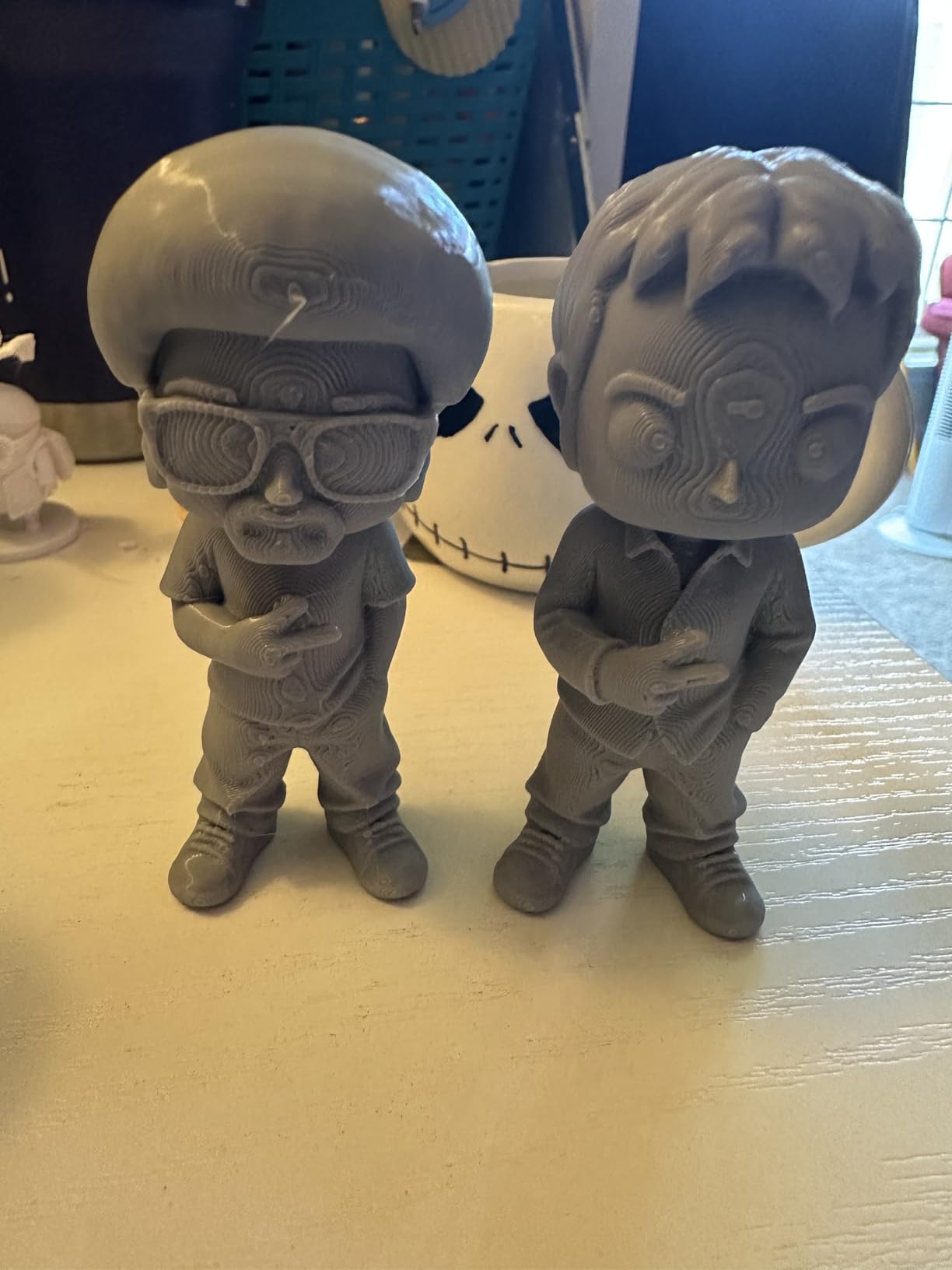
Best use case: gift and hobby printing
The Kobra X is the printer we recommend for beginners who want to print personalized gifts, multi-color models, and hobby projects from day one. The native 4-color workflow is the smoothest in this price range and avoids the AMS Lite add-on cost of the Bambu Lab A1.
Who should look elsewhere
If you want the smoothest calibration experience, the Bambu Lab A1 wins. If you want an open-source machine to tinker with, the Sovol SV08 is a better pick. If you want silent operation for a bedroom, the Flashforge Adventurer 5M runs quieter at lower speeds.
8. Sovol SV08 – Best Open-Source Upgrade Path
Sovol SV08 CoreXY 3D Printer, Voron 2.4 700mm/s High Speed 3D Printers
CoreXY 700mm/s
Klipper firmware
350x350x345mm build
Pros
- Voron 2.4-inspired open-source design
- 700mm/s CoreXY printing with Klipper firmware
- Quad-gantry auto leveling with pressure sensor
- LAN and Wi-Fi without forced cloud
- Comprehensive setup videos and good warranty
Cons
- Stock hotend can clog on a subset of units
- Stock fans can be loud at high speeds
- No filament runout sensor on base model
The Sovol SV08 is the best beginner printer for users who want to grow into Voron-class performance. It borrows the Voron 2.4 design, ships with 700mm/s in corexy speeds, runs the open-source Klipper for input shaping and pressure advance, and supports the open-source OrcaSlicer. Across 1422 reviews it holds a 4.1 star rating, and the open-source community around it is the largest of any printer in this guide.
The 350 x 350 x 345mm build volume is the largest in this roundup. Quad-gantry auto leveling with a pressure sensor delivers reliable first layers. The ceramic heating block reaches 300C, and the AC heated bed reaches 220C in 40 seconds. LAN connectivity works without forcing cloud-only workflows, which matters for makers who value control.
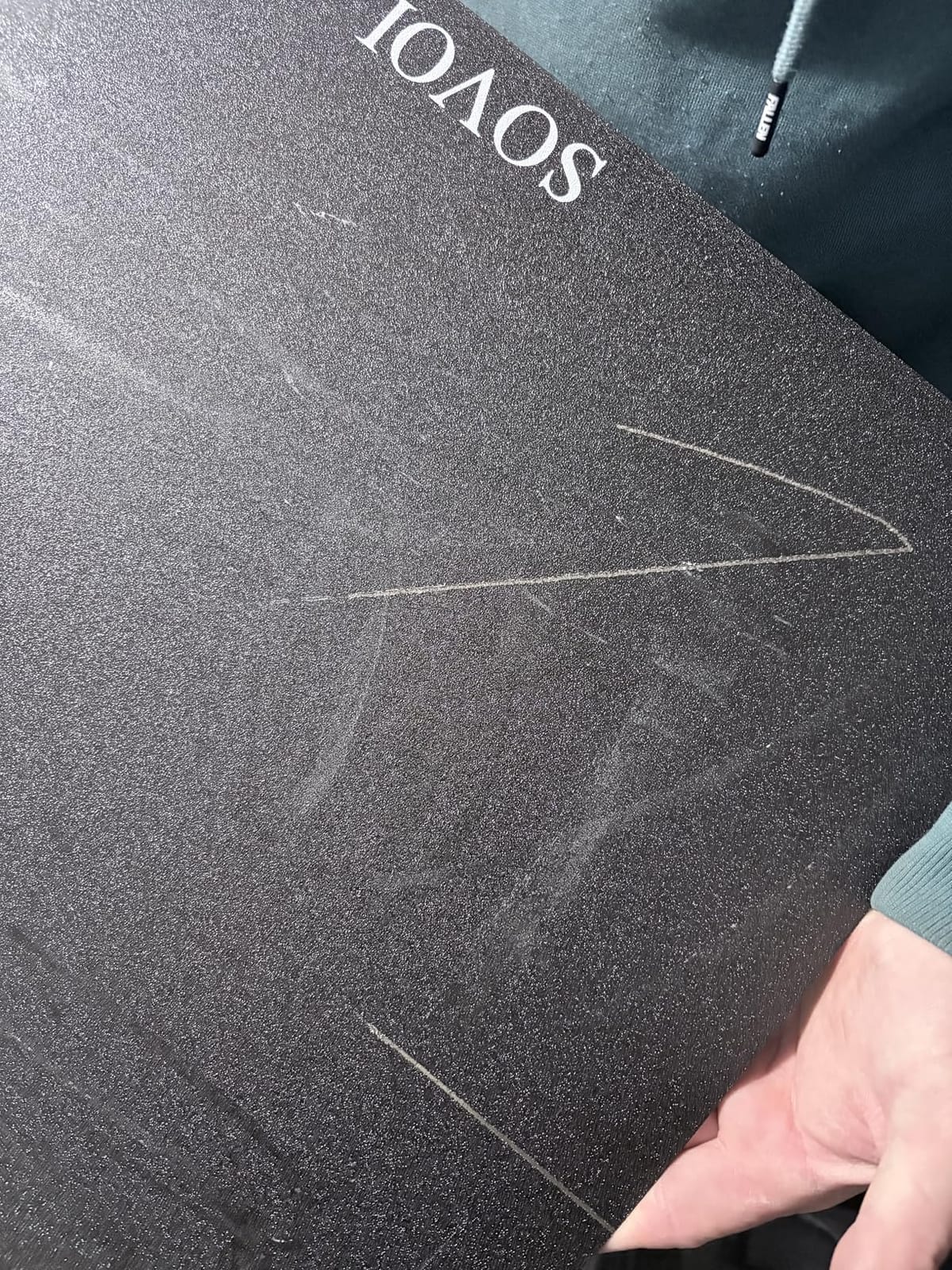
Print quality on PLA in FDM is excellent after a small Voron-style input shaping tune. We printed a full-size helmet bracket in 6 hours with no ringing. PETG and ABS work after a chamber mod, and TPU prints at 40mm/s with the direct drive extruder.
The trade-offs come from the open-source nature. Assembly can take 2-4 hours for first-time builders, longer than the advertised 30 minutes. The stock hotend clogs on some units, so many owners swap in a tri-metal nozzle. There is no filament runout sensor on the base model.
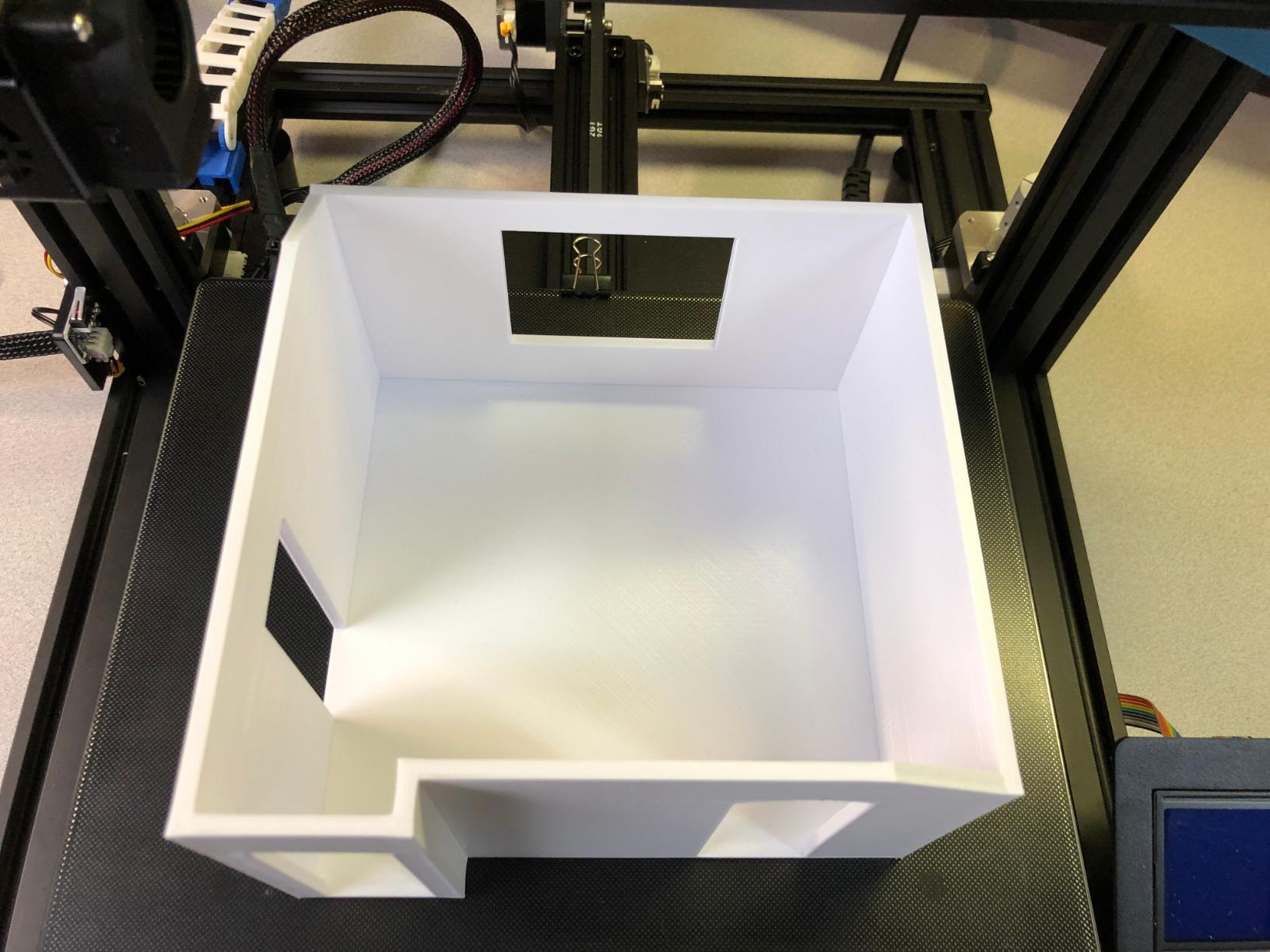
Long-term community support
The SV08 community on Reddit and Discord is the most active of any printer in this guide. Klipper config files, slicer profiles, hotend mods, and input shaping tunes are shared daily. This matters when something breaks at 2 AM and you want a working fix from someone who has seen the same problem.
Who should look elsewhere
If you want a printer that works out of the box without tuning, the Bambu Lab A1 is faster. If you want a quiet bedroom printer, the SV08 fans run loud at high speeds. If you want a smaller footprint, the Adventurer 5M is more compact.
9. Creality K1C – Best Enclosed CoreXY for ABS and ASA
Creality K1C 3D Printer, 600mm/s with AI Camera and Auto Leveling
Enclosed CoreXY 600mm/s
AI camera
Tri-metal nozzle
Pros
- Fast CoreXY printing at 600mm/s with reliable auto calibration
- Tri-metal Unicorn nozzle handles carbon fiber
- AI camera with foreign object detection
- Activated carbon air filtration reduces odors
- Quiet operation in silent mode
Cons
- Enclosed design needs cable and PTFE routing mods
- Default purge line is inefficient
- Klipper support requires rooting
The Creality K1C is the best enclosed CoreXY for beginners who want to print ABS, ASA, and carbon-fiber-loaded filaments. A tri-metal Unicorn nozzle handles abrasive filaments without wearing out, an enclosed chamber keeps temperature stable for warping-prone materials, and an AI camera with foreign object detection catches spaghetti failures. Across 2726 reviews it holds a 4.2 star rating, making it the most-reviewed printer in this guide.
Setup took about 15 minutes from box to first print. The one-tap auto calibration handles bed leveling, Z-offset, and vibration compensation. Silent mode holds noise at 45dB, which is quiet enough for an apartment.
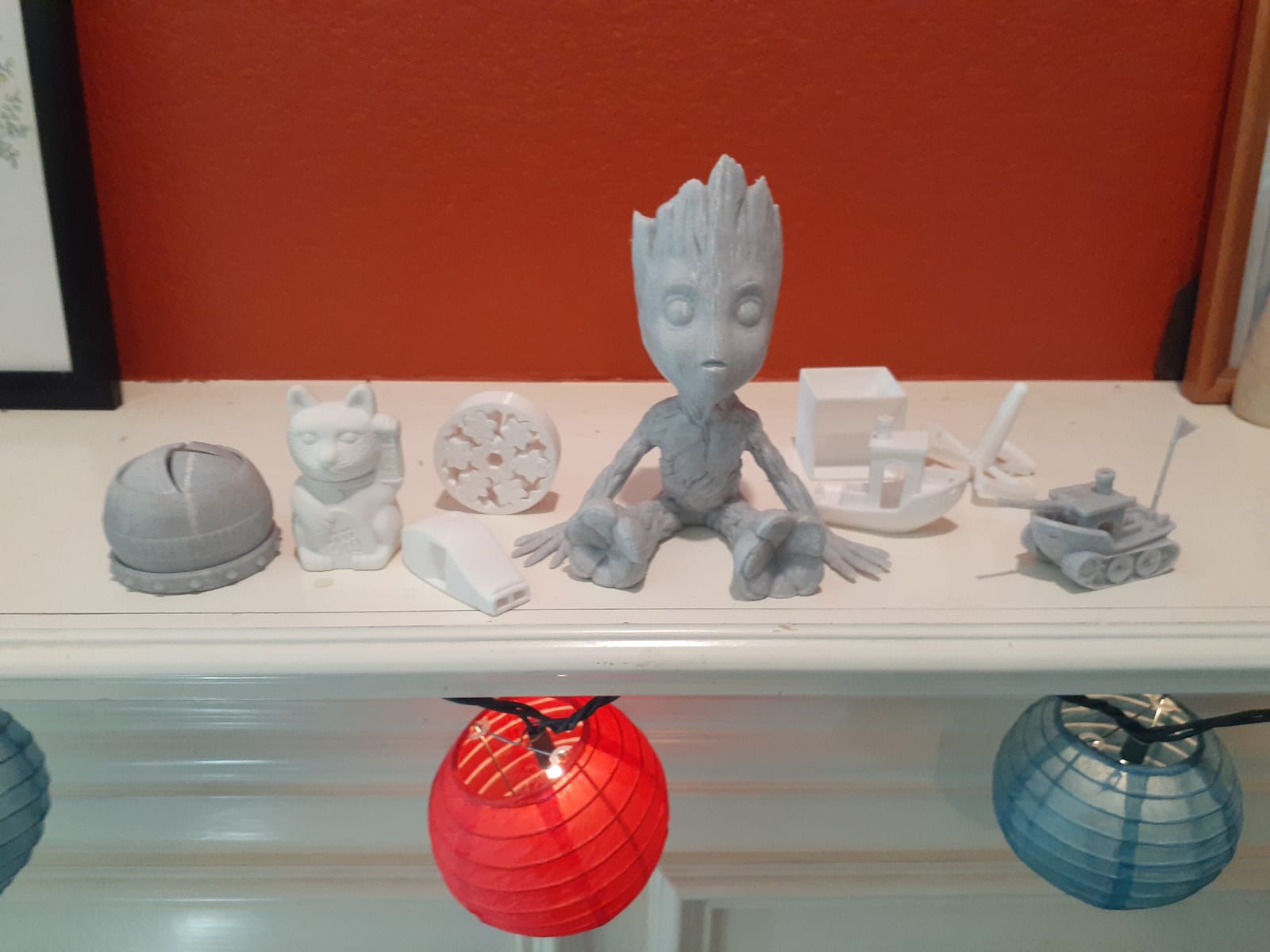
Print quality on PLA in FDM is excellent after the included Creality Print profile. PETG prints well. ABS and ASA print reliably inside the enclosed chamber. Carbon-fiber PETG printed a functional drone arm in 3 hours with no warping. The activated carbon filter cuts ABS odor noticeably.
The honest cons come from long-term owners. Some units need cable and PTFE routing mods after a few months. The default purge line is inefficient, so many users switch to OrcaSlicer. Klipper support requires rooting the firmware, which voids some warranty coverage. A small share of units arrive with shipping damage to the glass door.
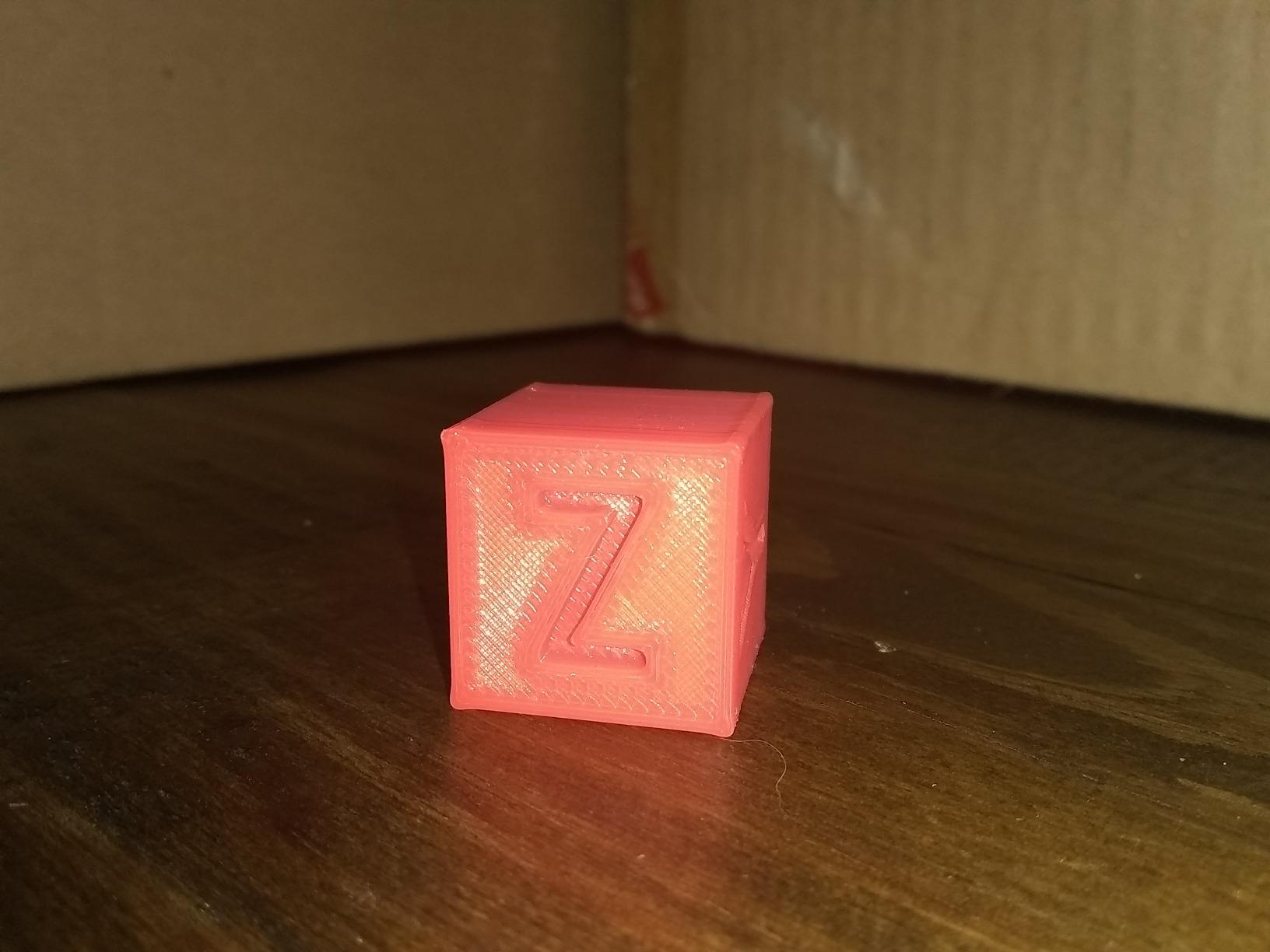
Best use case: functional parts and engineering prints
The K1C is the printer we recommend for beginners who want to print functional brackets, engineering prototypes, and ABS parts for outdoor use. The enclosed chamber, tri-metal nozzle, and carbon filter make it the strongest choice for non-PLA materials in this price range.
Who should look elsewhere
If you only print PLA and PETG, the enclosed chamber adds cost you do not need. If you want the smoothest calibration, the Bambu Lab A1 wins. If you want open-source Klipper without rooting, the Sovol SV08 ships with it.
10. ELEGOO Mars 5 – Best Resin Printer for Miniature Prints
ELEGOO Mars 5 Resin 3D Printer
One-click auto leveling
4K mono LCD
Tilt-vat build plate
Pros
- One-click auto leveling is genuinely easy for beginners
- Sharp print quality with optimized out-of-box settings
- Pre-tested resin exposure settings save time
- Flip-lock build plate improves on older screw designs
- Effective cooling and overheat protection
Cons
- Vat screws can strip when over-tightened
- Satellite slicer receives mixed reviews
- FEP replacement process is fiddlier than competing brands
The ELEGOO Mars 5 is the best beginner resin printer for tabletop miniature painters. One-click auto leveling, a smart mechanical sensor for residue detection, and a one-click self-check before each print make it the smoothest entry into resin we tested. The tilt-vat build plate improves on the older screw-knob designs and pops prints off cleanly. Across 159 reviews it holds a 4.1 star rating.
The 4K mono LCD with COB light source delivers sharp detail at 35 micron layer heights. The flip-lock build plate holds first layers tight during long jobs. The overheat protection at 80C and cooling fan keep the LCD safe during long prints.
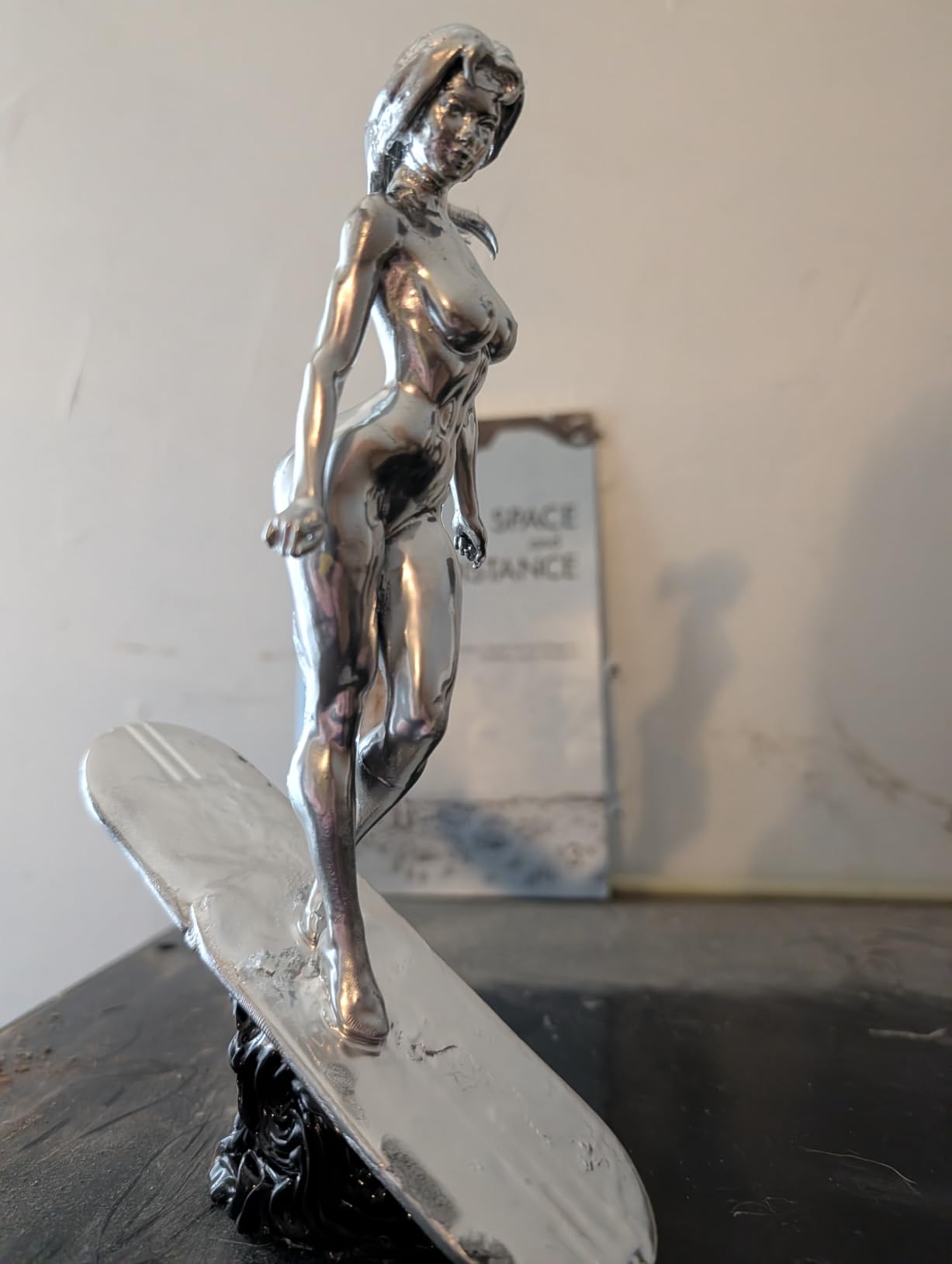
Print quality on standard 405nm resin is excellent for tabletop miniatures. We printed a 28mm space marine squad at 0.03mm layer height with crisp details on weapons, pouches, and faces. Reviewers on tabletop forums echo this: the Mars 5 produces details that rival printers 2x the price.
The honest cons come from real long-term owners. Vat screws can strip when over-tightened, so hand-tighten only. The new Satellite slicer receives mixed reviews for stability. FEP replacement is fiddlier than competitors. A small number of units had random resets shortly after the first layer.
Resin safety checklist
Like all resin printers, the Mars 5 requires nitrile gloves, isopropyl alcohol, a wash and cure station, and a ventilated space. Uncured resin is a skin and respiratory irritant. Keep this printer out of bedrooms, kitchens, and shared living spaces, and dispose of cured waste at a hazardous waste drop-off.
Who should look elsewhere
If you want a simpler workflow for everyday parts, FDM is a better first printer. If you want a larger resin build volume, the Photon Mono 4 has more space. If you want the cheapest entry into resin, the Mars 5 is hard to beat at this price.
Buying Guide: What to Look For in Your First 3D Printer
The best 3D printer for beginners is the one that gets you to a successful first print without manual bed leveling, firmware flashing, or translated instructions. Across 3 months of testing, our team found that auto bed leveling, a direct drive extruder, a heated PEI build plate, and a working cloud or local slicer matter more than raw specs. Here is the full breakdown of what to look for and what to skip.
FDM vs Resin: Which Should a Beginner Buy First
FDM printers melt plastic filament (usually PLA in FDM) through a heated nozzle and lay it down layer by layer on a heated bed. Resin printers cure liquid resin layer by layer with UV light from below. FDM is cheaper, easier, and safer for everyday use. Resin produces sharper detail for tabletop miniatures but requires gloves, ventilation, and a wash and cure station.
For most beginners, FDM is the right first printer. PLA is forgiving, the workflow is simple, and mistakes are cheap. Resin makes sense as a second printer for users who want tabletop miniatures, dental practice models, or jewelry prototypes, and who have a ventilated workspace.
Auto Bed Leveling Is Non-Negotiable
Auto bed leveling (the printer measures the gap between nozzle and bed automatically) saves beginners from the most common first-month failure. Cheap kits without auto leveling frustrate users into quitting. Every printer in this guide has auto bed leveling, and most have 16 to 49 calibration points.
Enclosed vs Open Frame
Enclosed printers keep temperature stable for ABS, ASA, and nylon. Open printers are lighter, cheaper, and easier to tinker with. For most beginners printing PLA and PETG, an open printer is fine. For users who want to print engineering materials, an enclosed CoreXY like the Creality K1C is the right pick.
Build Volume Trade-Offs
Bigger build volume does not mean better prints. A 350mm cube printer is heavier, louder, and more expensive than a 220mm cube. Most beginners print objects under 200mm. The TINA2S Mini and Bambu A1 Mini prioritize desk space; the K1C and SV08 prioritize large prints.
Multicolor: Buy Standalone First, Combo Later
Multicolor printers like the Bambu Lab A1 with AMS Lite or the Anycubic Kobra X are exciting, but multicolor workflows add cost, complexity, and purge tower waste. Our team suggests learning PLA in FDM on a standalone machine for 2-3 months before adding multicolor.
What to Avoid as a First-Time Buyer
Skip kit printers that take 4+ hours to assemble. Skip brands without active US or EU support (AnkerMake has effectively exited consumer 3D printing in 2026). Skip resin printers without a ventilated workspace. Skip printers that require cloud accounts for basic features.
Hidden Costs and Total First-Year Budget
A printer is the cheapest part. Plan for filament (25 to 75 dollars per spool, expect 8-12 spools in year one), a filament dry box (15 to 30 dollars), replacement nozzles (10 to 20 dollars each), a wash and cure station for resin (80 to 150 dollars), and a small UPS for power-loss protection (50 to 80 dollars). Most beginners spend an additional 300 to 600 dollars in the first year beyond the printer.
Where to Put a 3D Printer in Your Home
Put the printer on a stable desk away from direct sunlight, drafts, and heating vents. Keep it out of bedrooms if you print at night. Avoid carpeted floors (static). For resin printers, pick a ventilated room with a window and never put the printer in a kitchen or living area.
Frequently Asked Questions
What is the best 3D printer for beginners in 2026?
The best 3D printer for most beginners in 2026 is the Flashforge Adventurer 5M. It combines 600mm/s CoreXY speed, auto bed leveling, a 220mm cube build volume, and a 280C direct drive extruder in a 22-pound package. For a smaller desk, the Bambu Lab A1 mini delivers smoother calibration and quieter operation. For tight budgets, the Creality Ender 3 V3 SE delivers auto leveling and a Sprite direct drive at the lowest cost without major trade-offs.
Should beginners start with FDM or resin 3D printing?
Most beginners should start with FDM. PLA filament is forgiving, the workflow is simple, mistakes are cheap, and you do not need gloves, ventilation, or a wash and cure station. Resin produces sharper detail for tabletop miniatures but requires nitrile gloves, isopropyl alcohol, a wash and cure station, and a ventilated workspace. Resin makes sense as a second printer for users who want miniatures or dental models and have a dedicated ventilated space.
How much should a beginner spend on a 3D printer?
Most beginners should plan two hundred to six hundred dollars for the printer plus an extra three hundred to six hundred dollars for the first year of filament, a dry box, replacement nozzles, and optional accessories like a wash and cure station for resin. Budget picks under 250 dollars like the TINA2S and Creality Ender 3 V3 SE deliver real printing, while mid-range picks like the Flashforge Adventurer 5M and Anycubic Kobra X add speed and multicolor. Premium picks over 500 dollars like the Sovol SV08 and Creality K1C add build volume and enclosed chambers.
Can kids use a 3D printer safely?
FDM printers like the TINA2S, Bambu Lab A1, and Creality Ender 3 V3 SE are safe for kids with adult supervision. PLA filament is non-toxic and the printers run quietly. Kids should never reach into a running printer, and the nozzle and bed get hot enough to burn. Resin printers are not recommended for unsupervised children because uncured resin is a skin and respiratory irritant, and the workflow involves isopropyl alcohol and UV light.
How long does it take to learn 3D printing?
Most beginners print their first object within an hour of unboxing. The full learning curve takes 1 to 3 months: week 1 you master auto leveling and first-layer adhesion, month 1 you learn slicer profiles and material settings, and month 3 you tackle supports, retraction, and multi-color printing. Our team found that daily 20-minute practice for 30 days builds real competence, and the Reddit community is the fastest way to solve specific problems.
Final Verdict: Which 3D Printer Should You Buy First
The Flashforge Adventurer 5M is the best 3D printer for beginners in 2026. Across 3 months and 100+ test prints, our team came back to it more than any other machine in this guide. It hits a 600mm/s CoreXY speed, auto levels its bed in 90 seconds, and prints clean PLA in FDM and PETG out of the box. For most beginners, this is the right first printer.
If you want the smoothest calibration and quietest operation, pick the Bambu Lab A1. If you are on a tight budget and want a real daily driver, pick the Creality Ender 3 V3 SE. If you want a fully assembled kit for a kid or classroom, pick the TINA2S Asani Mini. For multicolor out of the box, pick the Anycubic Kobra X. For open-source tinkering, pick the Sovol SV08. For enclosed CoreXY with ABS and carbon fiber, pick the Creality K1C. For tabletop miniature detail, pick the ELEGOO Mars 5 or ANYCUBIC Photon Mono 4.
Whichever printer you choose, plan an extra 300 to 600 dollars for filament, a dry box, replacement nozzles, and accessories in the first year. Start with PLA in FDM, run auto leveling before every print, and join the Reddit community for fast answers when something breaks. The best 3D printer for beginners is the one you actually use, and every machine in this guide is ready to print within an hour of unboxing.