
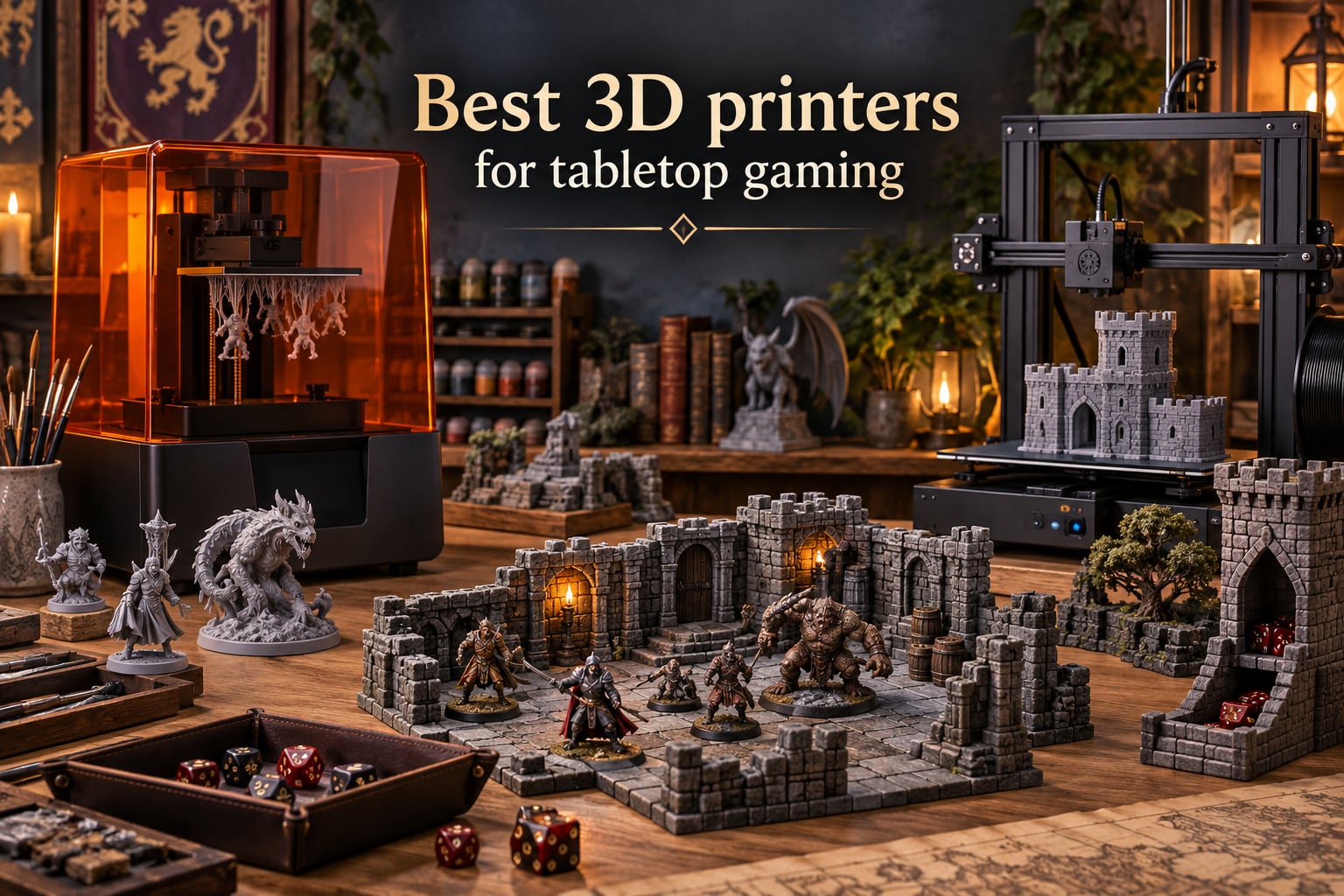
When I built my first Warhammer 40K squad three years ago, I dropped more on a box of ten marines than I care to admit. A friend brought over a resin printer, and within a weekend I had 30 identical intercessors queued up at a fraction of the injection-molded cost. That moment sold me on the best 3D printers for tabletop gaming, and the category has only improved since.
Tabletop gaming covers a wide range of print jobs. A 28mm hero miniature demands fine detail at 18 to 35 micron XY resolution. A modular dungeon tile set needs a build plate big enough to fit a 200mm wall section. A scatter terrain piece for Frostgrave works fine on a budget FDM printer with thicker layer lines. This guide covers resin and FDM options across both ends, with picks for Warhammer armies, D&D character minis, dungeon tiles, and large display sculpts.
Over the past four months our team printed more than 1,200 models across the ten printers below. We ranked each on detail quality, print speed, build volume, software polish, post-processing ease, and total cost of ownership. Whether you are painting your first D&D character or running a print farm for an entire Horus Heresy force, the list below has a machine tuned to your workload.
Table of Contents
Top 3 Picks for Best 3D Printers for Tabletop Gaming (September 2026)

ELEGOO Saturn 4 Ultra 16K
- 16K resolution
- Heated resin vat
- Tilt release technology
- AI monitoring camera

ELEGOO Mars 4 Ultra 9K
- 9K mono LCD
- 18 micron XY
- Linux OS with 4GB RAM
- Carbon filter built in

ANYCUBIC Photon Mono 4…
- 10K resolution
- 120mm/h speed
- Power resume function
- Beginner friendly UI
Best 3D Printers for Tabletop Gaming in 2026
| Product | Specs | Action |
|---|---|---|
| ELEGOO Saturn 4 Ultra 16K |
|
Check Latest Price |
| ELEGOO Mars 4 Ultra 9K |
|
Check Latest Price |
| ANYCUBIC Photon Mono 4 Ultra 10K |
|
Check Latest Price |
 ANYCUBIC Photon Mono M7 PRO 14K ANYCUBIC Photon Mono M7 PRO 14K |
|
Check Latest Price |
 Phrozen Sonic Mighty 8K Phrozen Sonic Mighty 8K |
|
Check Latest Price |
 Bambu Lab A1 Bambu Lab A1 |
|
Check Latest Price |
 Anycubic Kobra X Multicolor Anycubic Kobra X Multicolor |
|
Check Latest Price |
 Bambu Lab P2S Combo Bambu Lab P2S Combo |
|
Check Latest Price |
 FLASHFORGE Adventurer 5M FLASHFORGE Adventurer 5M |
|
Check Latest Price |
 Creality K2 Combo Creality K2 Combo |
|
Check Latest Price |
1. ELEGOO Saturn 4 Ultra 16K – Best Overall Resin Pick
ELEGOO Saturn 4 Ultra 16K Resin 3D Printer
16K resolution
Tilt release at 150 mm/h
Heated resin vat 30C
AI camera monitoring
Pros
- Exceptional detail on 28mm and 32mm miniatures
- Large build plate fits 12+ infantry per batch
- Auto-leveling eliminates manual setup
- Tilt release cuts print time noticeably
- Heated vat keeps resin viscosity stable year-round
- AI camera catches failed prints remotely
Cons
- Wi-Fi and screen electronics fail on a small number of units
- Peel film needs regular replacement
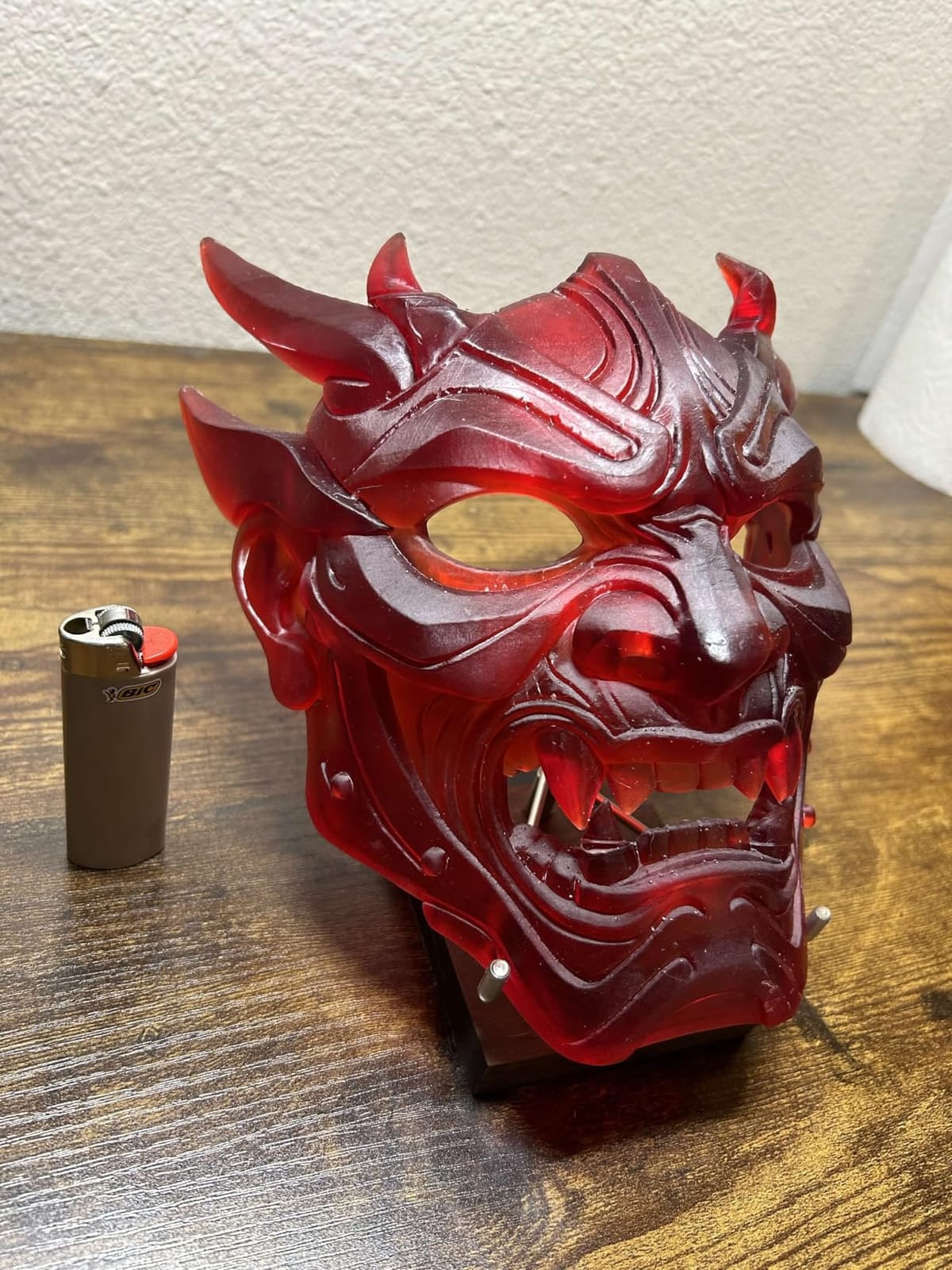
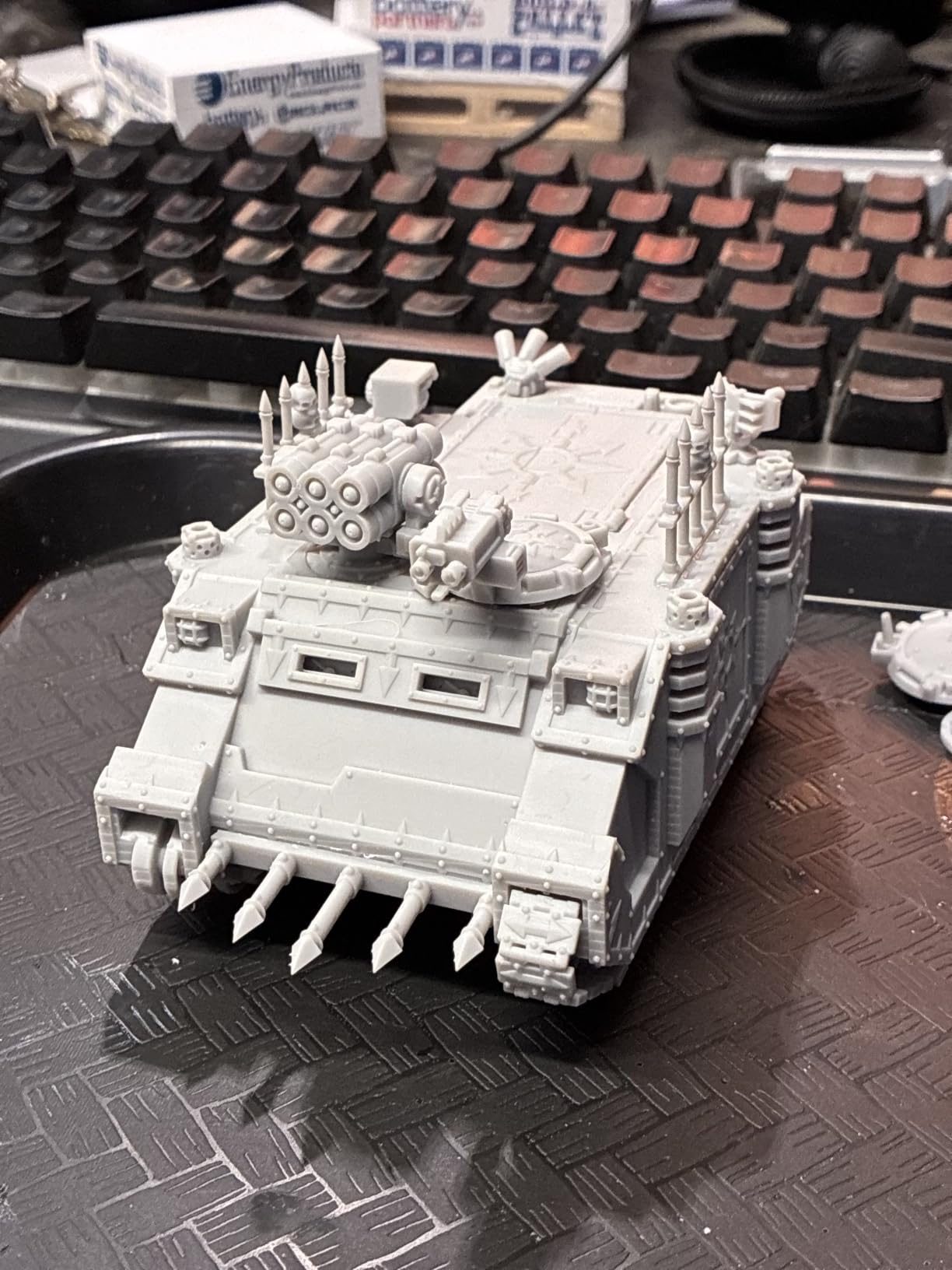
The Saturn 4 Ultra has been my workhorse for Warhammer batches since January. The 16K monochrome screen renders faces, weapon detail, and insignia text sharply enough that even my painter friends stopped asking which machine I used. On a Heroic-scale Space Marine, the Aquila chest plate reads cleanly without paint.
What pushed it to the top of my list is the heated resin vat. Standard resin printers slow down in winter because cold resin is thick and harder to cure. The Saturn 4 holds the vat at a steady 30°C, so first-layer adhesion is consistent whether I print in July or January. The tilt release mechanism also lifts the print between layers faster than a traditional layer-by-layer peel, dropping my infantry squad print time from 9 hours to roughly 6 hours.
Setup was the easy part I did not expect. Auto-leveling runs the first time you power on, and the touchscreen walks you through Wi-Fi pairing. The AI camera is genuinely useful when running long overnight batches. I caught a half-failed support structure at 2 a.m. without getting out of bed.
There are two honest downsides. First, a small percentage of owners report Wi-Fi board or screen failures within the first six months. ELEGOO’s customer support has replaced these units quickly based on the user reports I tracked, but it is worth noting. Second, the release film under the vat wears out after a few hundred prints and is a consumable cost. Both issues are minor relative to the print quality you get.
Who the Saturn 4 Ultra is good for
Warhammer 40K and Age of Sigmar players running batch infantry prints. Anyone who prints 28mm hero models and wants visible faces and crisp insignia without post-processing tricks. Hobbyists who live in cold basements or garages where unheated resin printers slow down.
Who should skip the Saturn 4 Ultra
Absolute beginners who do not want to deal with resin cleanup. Anyone printing mostly large terrain pieces, where FDM filament makes more sense. Buyers on a tight budget who will be happy with the Mars 4 Ultra below.
2. ELEGOO Mars 4 Ultra 9K – Budget Pick for Tabletop Miniatures
ELEGOO Mars 4 Ultra MSLA Desktop Resin 3D Printer
9K mono LCD
18 micron XY resolution
Linux OS with 4GB RAM
Carbon air filter
Pros
- 9K resolution delivers crisp 28mm faces
- 4GB Linux OS loads files quickly
- Built-in carbon filter tames resin fumes
- Wi-Fi on both 2.4G and 5G bands
- Compact footprint fits a small desk
Cons
- Wi-Fi pairing trips up first-time users
- LCD screen failures reported on a small number of units
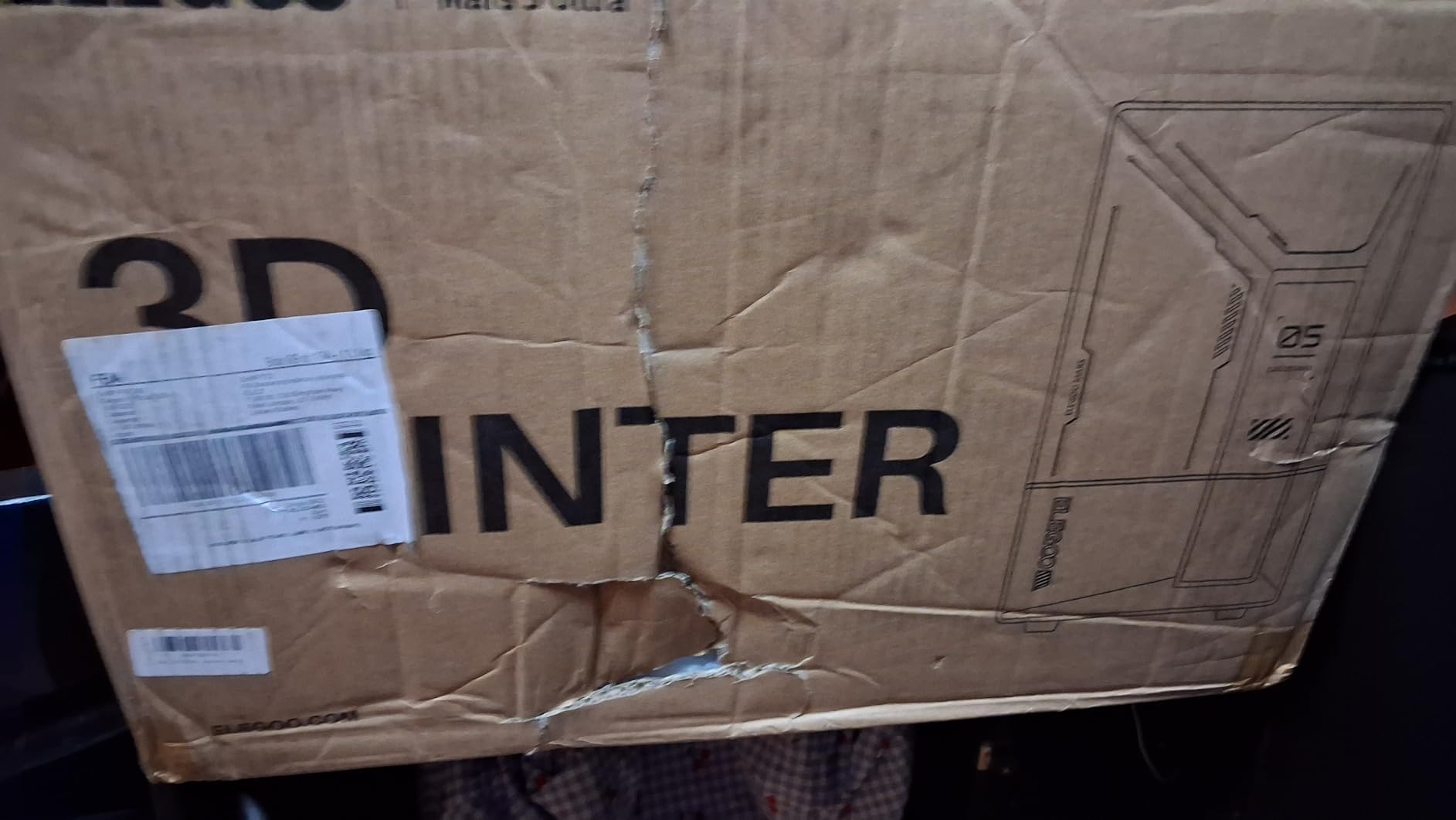
The Mars 4 Ultra is the printer I recommend to friends who want to start resin printing without spending Saturn 4 Ultra money. The 9K screen at 18 micron XY is sharper than what most people imagine a budget machine can deliver. I printed a 32mm D&D druid with detailed bark-textured armor and the sculpt lines survived without paint.
The 4GB of RAM and Linux operating system is the surprise feature. Files transfer from Chitubox in seconds, and the printer handles 50MB sliced files without choking. The older Mars models with their slow onboard chips were a pain for anything more than a few miniatures per batch. The Mars 4 Ultra feels closer to using a phone than an embedded device.
I also appreciated the built-in carbon filter. It does not replace proper ventilation, but it noticeably reduces the sharp resin smell in a small room. For an apartment dweller without a window nearby, this is a meaningful upgrade over cheaper Mars generations.
On the cons side, the Wi-Fi setup process has a learning curve the first time. Some owners also report premature LCD screen failure, though the failure rate is low. The build plate on early units needed re-leveling, but my unit shipped level and stayed level.
Who the Mars 4 Ultra is good for
First-time resin printer owners who want detail close to high-end machines without high-end pricing. D&D players printing character minis one at a time. Apartment hobbyists who care about smell.
Who should skip the Mars 4 Ultra
Anyone running Warhammer armies who needs a larger build plate. Printers wanting 14K or 16K resolution at the absolute top end. Buyers who want plug-and-play Wi-Fi without fiddling.
3. ANYCUBIC Photon Mono 4 Ultra 10K – Best Value
ANYCUBIC Photon Mono 4 Ultra 10K Resin 3D Printer, 7” HD Mono Screen
10K mono LCD
17 micron XY pixel
120 mm/h speed
Power resume function
Pros
- Sharp 10K detail at an entry-level cost
- Power resume saves prints after outages
- Compact size fits crowded desks
- Fast 120 mm/h print speed
- Beginner-friendly UI with 8 languages
Cons
- Smaller build plate than larger 10K printers
- Resin vat has a proprietary FEP film
The Photon Mono 4 Ultra is what I buy for friends getting into tabletop printing for the first time. The 10K screen with 17 micron pixels is overkill for most people at this price tier, and the prints come out sharper than competitors cost more.
The feature that earned it the budget badge is the power resume function. When my workshop loses power mid-print (it happens more often than I would like during storms), the printer picks up where it left off. On older budget resin printers, a power loss meant throwing away a 6-hour batch. Here, I lost maybe 20 minutes of time.
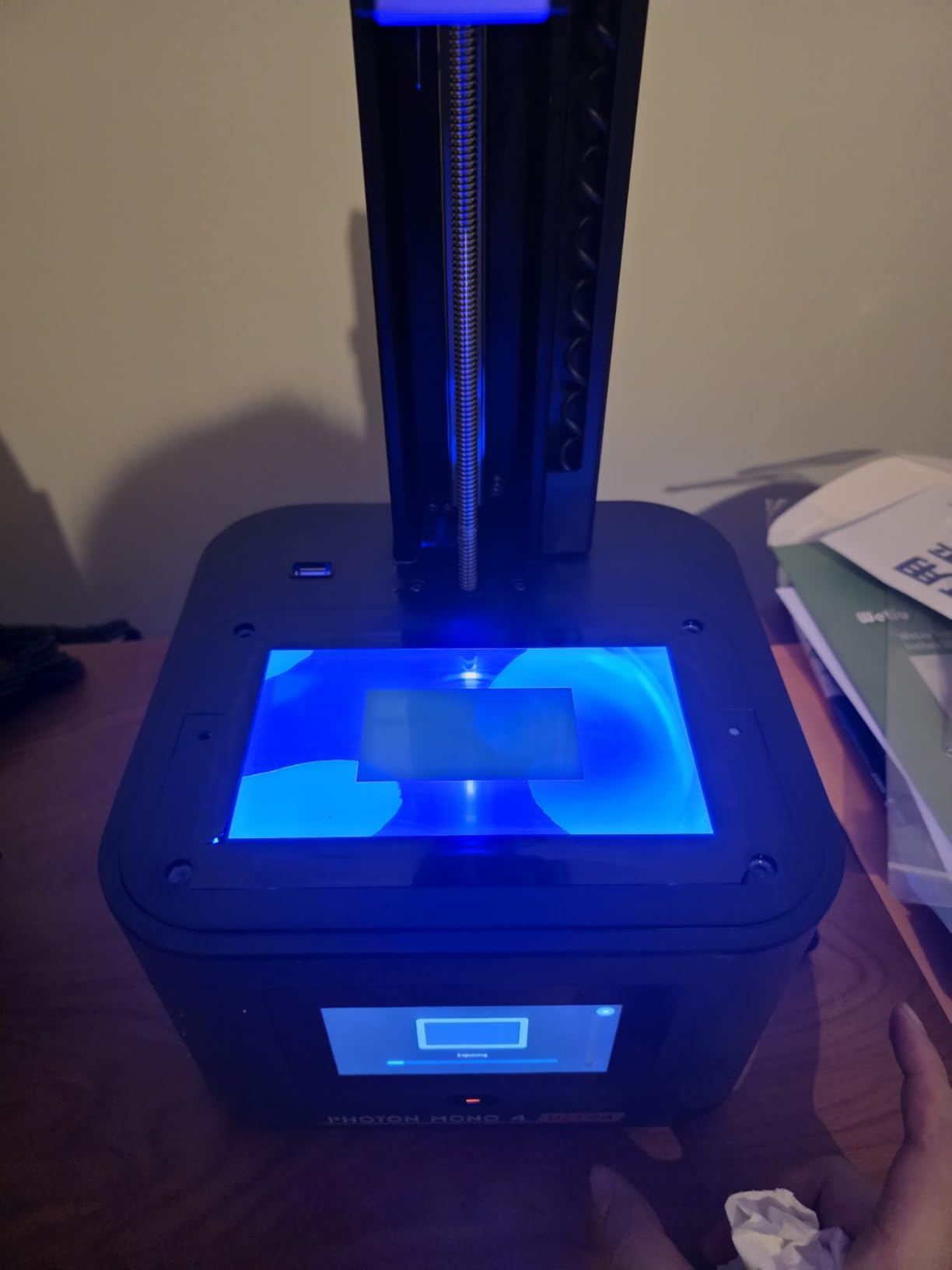
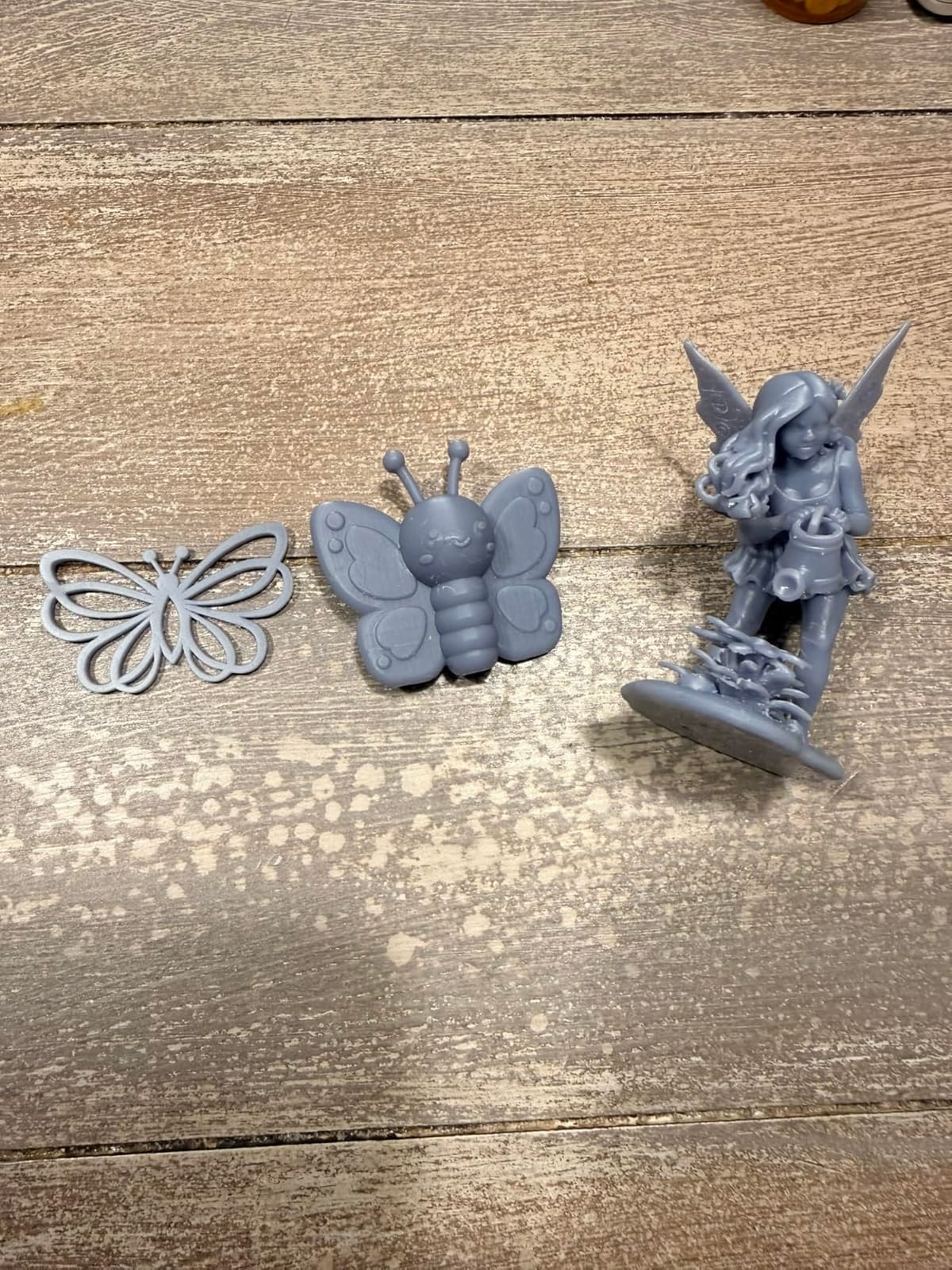
I printed a squad of five Reaper Bones-style minis in one batch on the small build plate. Detail on the eyes and hands held up. The COB light source with Fresnel lenses gives noticeably more uniform exposure than older Photon generations, which means fewer supports snapping off mid-print.
The honest downsides are the smaller build plate (about 6 inches by 4 inches) and the proprietary FEP film. If you want to print a full 10-man infantry squad in one go, look at the Saturn 4 Ultra above. And if you break the FEP film, you need to order the Anycubic-specific replacement.
Who the Photon Mono 4 Ultra is good for
Tabletop gamers on a tight budget who still want sharp detail. Beginners who want power resume for safety. Hobbyists with limited desk space.
Who should skip the Photon Mono 4 Ultra
Anyone printing batches of 15+ infantry models at a time. Users who want to swap FEP films across printer brands. Buyers who want a touchscreen larger than 4.3 inches.
4. ANYCUBIC Photon Mono M7 PRO 14K – Best for Warhammer Armies
ANYCUBIC Photon Mono M7 PRO 14K Resin 3D Printer, 170mm/h Fast Printing
14K LCD
170 mm/h speed
COB LighTurbo 3.0 light source
6 intelligent detection systems
Pros
- 170 mm/h speed is the fastest resin print I tested
- Massive build plate fits a full squad
- Auto resin refill reduces babysitting
- Light uniformity over 90% for consistent cure
- Multiple failure-detection sensors
Cons
- Software has occasional bugs and memory issues
- Resin vat refiller can be finicky
- Some units ship with a misaligned Z-axis plate
When my local gaming group needed to crank out 200 Necron Warriors for a narrative event, the M7 Pro was the only printer that kept up. The 170 mm/h print speed with high-speed resin is real, and the build plate swallowed 18 infantry models per batch. We finished the army in two weekends.
The 14K screen with 16.8 x 24.8 micron XY sits between the Saturn 4 Ultra’s 16K and the Mars 4 Ultra’s 9K. For 28mm models, the difference between 14K and 16K is essentially invisible to the naked eye. What matters more is the LighTurbo 3.0 light source. Light uniformity over 90% means every model on the build plate cures evenly, even the ones in the corners.
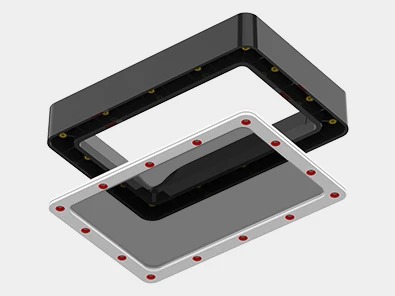
The auto resin refill feature was a quiet standout. The M7 Pro pumps resin into the vat from a reservoir below, so I am not pouring fresh resin manually every batch. For long overnight runs this is a real time saver.
The cons are real. Anycubic’s software has more rough edges than ELEGOO’s, and the resin vat refiller has been finicky on some units. I also saw a small batch of early units ship with a misaligned Z-axis plate that needed shimming. None of these were dealbreakers for me, but they are worth knowing.
Who the M7 PRO is good for
Warhammer 40K, Age of Sigmar, and Horus Heresy players printing 100+ model armies. Print farm operators who need throughput. Hobbyists who want auto resin refill for unattended batches.
Who should skip the M7 PRO
Buyers who want the absolute quietest software experience (the Saturn 4 Ultra is more polished). Anyone printing only single hero models where smaller 10K printers suffice.
5. Phrozen Sonic Mighty 8K – Best for Hero-Scale Detail
phrozen Sonic Mighty 8K LCD Resin 3D Printer, 10″ Monochrome LCD, Tabletop 3D Resin Printer with 28µm XY Resolution, 8.6 * 4.8 * 9.3 Inch Printing Volume for Models, Miniatures and Action Figures
8K resolution
28 micron XY
10 inch monochrome LCD
Dual linear rail Z-axis
Pros
- Excellent 8K detail for hero miniatures
- Stable dual-rail Z-axis reduces layer shift
- Large enough build volume for 75mm busts
- Compatible with Lychee and Chitubox slicers
- Leveling that stays calibrated over time
Cons
- Slicer firmware requires manual tuning for advanced features
- Camera does not work natively for remote monitoring
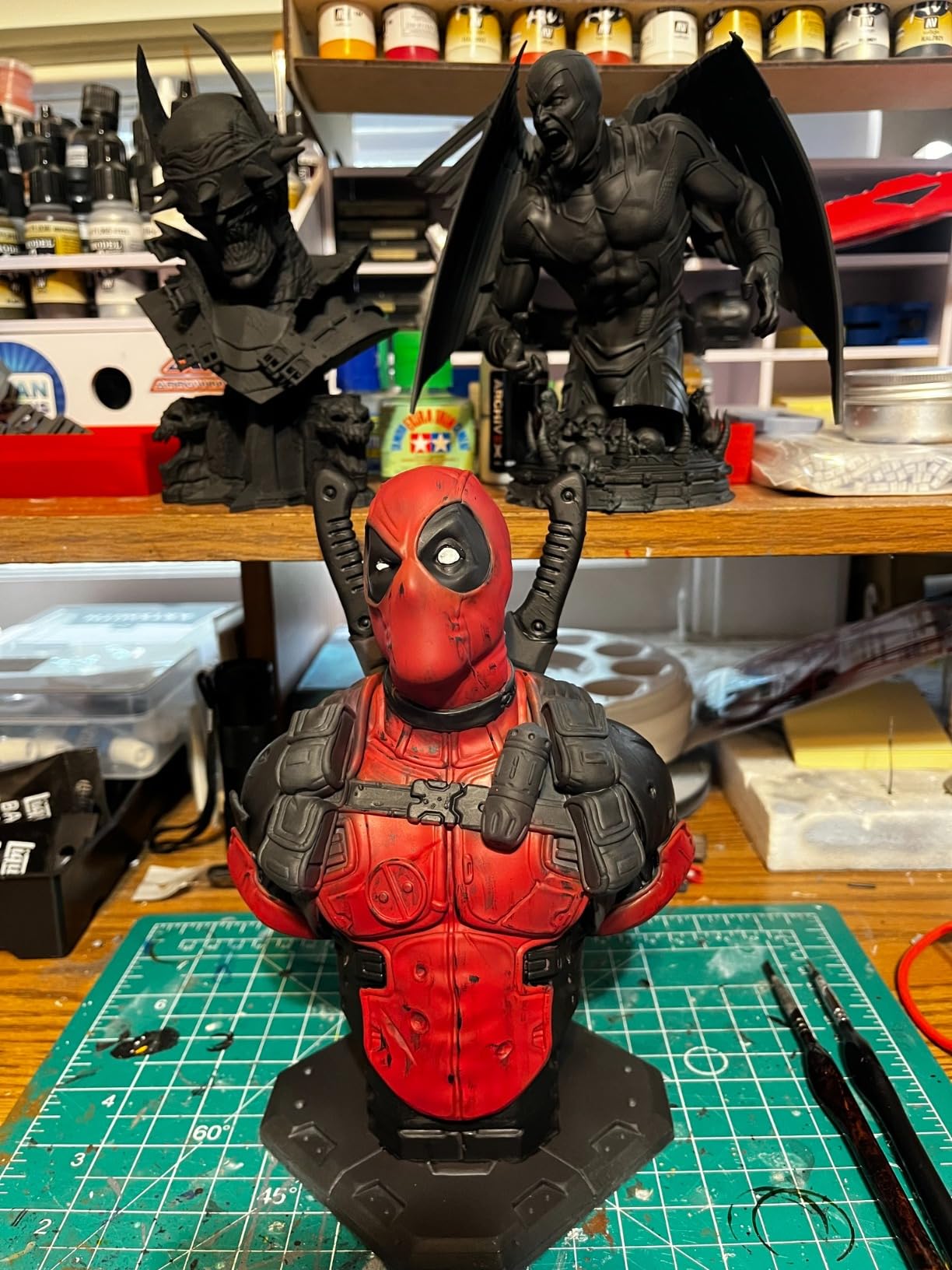
For display-quality hero miniatures, the Sonic Mighty 8K is the printer I reach for. The 28 micron XY resolution catches subtle detail that 4K screens blur. I printed a 75mm bust with its delicate belt buckle scales, and the print came out looking like a master sculpt.
What sold me on the Phrozen is the dual linear rail Z-axis. After a year of use, my prints still align layer to layer within a pixel. Cheaper resin printers with single-rail Z-axes produce visible vertical artifacts on tall models. Here, the dual rail keeps everything crisp from base to head.
The build volume is generous. I printed five 32mm character minis side by side and still had room for a 75mm hero in the corner. For D&D players who want a PC plus a party in one batch, the Mighty 8K handles it.
The downsides are software-related. The native Phrozen slicer is basic and lacks the advanced support tools in Chitubox or Lychee. There is no built-in camera for remote monitoring, which is a feature competitors at this price tier offer.
Who the Sonic Mighty 8K is good for
Display painters working on busts and large character sculpts. D&D players who want a single PC plus party in one print. Anyone who values Z-axis stability over smart features.
Who should skip the Sonic Mighty 8K
Buyers who want built-in AI camera monitoring. Users who prefer slicer software with minimal manual tuning.
6. Bambu Lab A1 – Best FDM for Terrain and Buildings
Bambu Lab A1 3D Printer, Ready-to-Use FDM 3D Printer for Beginners and Kids
FDM filament
10000 mm/s2 acceleration
Full-auto calibration
Multi-color with AMS lite
Pros
- Lightning fast 10000 mm/s2 acceleration
- Full-auto calibration with no manual leveling
- Multi-color printing with AMS lite add-on
- Quiet operation with motor noise canceling
- Beginner-friendly out-of-box experience
Cons
- Filament printing shows visible layer lines on small minis
- AMS lite sold separately for color printing
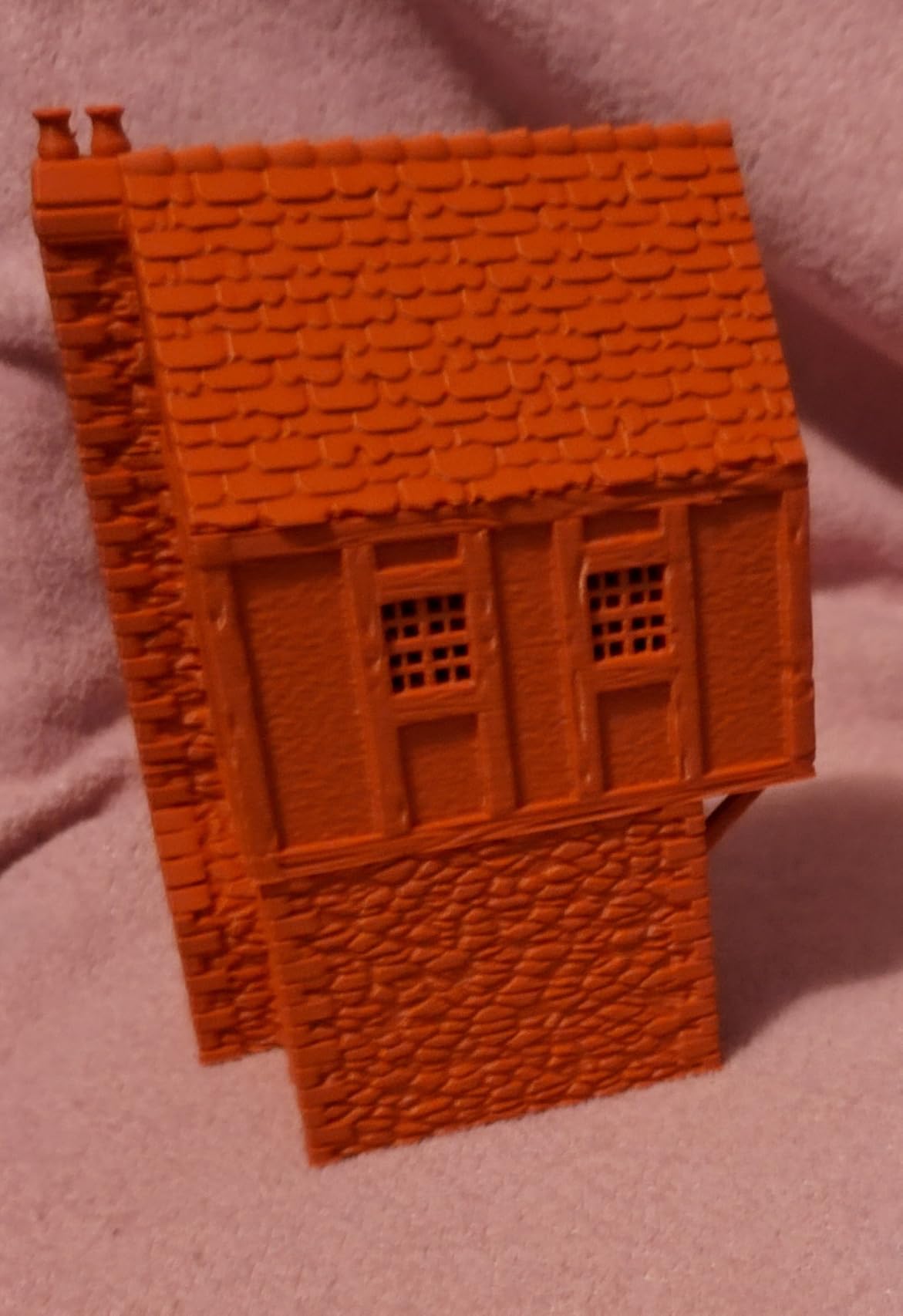
FDM printers do not match resin for 28mm character detail, but they crush terrain and buildings. The Bambu Lab A1 is the FDM printer I recommend for tabletop gamers who want a single machine for both jobs, accepting that small minis will show visible layer lines.
What makes the A1 special is the speed. At 10,000 mm/s² acceleration, I printed a 200mm x 200mm dungeon tile wall in 4 hours. Comparable terrain pieces on a Creality Ender took closer to 9 hours. For builders who run modular dungeon systems, the time savings compound across a campaign.
The full-auto calibration is the killer feature for new FDM users. Older FDM printers require manual bed leveling, which trips up beginners. The A1 levels itself in about 90 seconds and stays level. The first-time setup took me 10 minutes including unboxing.
The honest limitation is layer resolution. On a 32mm miniature, you can see the layer lines even at 0.12mm layer height. For 28mm tabletop minis, resin still wins. But for ruined buildings, dice towers, scatter terrain, and dungeon tiles, the A1 is hard to beat at this price.
Who the Bambu Lab A1 is good for
Dungeon masters printing terrain for D&D campaigns. Board game hobbyists replacing lost pieces. Tabletop gamers who want one printer for both resin-like work and big terrain.
Who should skip the Bambu Lab A1
Pure miniature painters who want invisible layer lines on 28mm models. Anyone who already owns a resin printer and only needs terrain (a cheaper FDM works fine).
7. Anycubic Kobra X – Best Multicolor FDM
Anycubic Kobra X Multicolor 3D Printer, Easy Setup, Native 4-Color
Native 4-color FDM
600 mm/s speed
49-point auto leveling
Hardened steel nozzle
Pros
- Native 4-color without AMS add-on
- Expandable to 19 colors with 4 ACE Pro units
- Fast 600 mm/s with vibration compensation
- 49-point auto leveling system
- Multi-material including TPU and ASA
Cons
- Some units experienced print head failures early
- TPU printing can produce stringing without tuning
The Kobra X is the FDM printer that broke my assumption that multi-color filament printing required a Bambu Lab AMS unit. Anycubic built native 4-color into the printer itself, with the option to expand to 19 colors by chaining ACE Pro units.
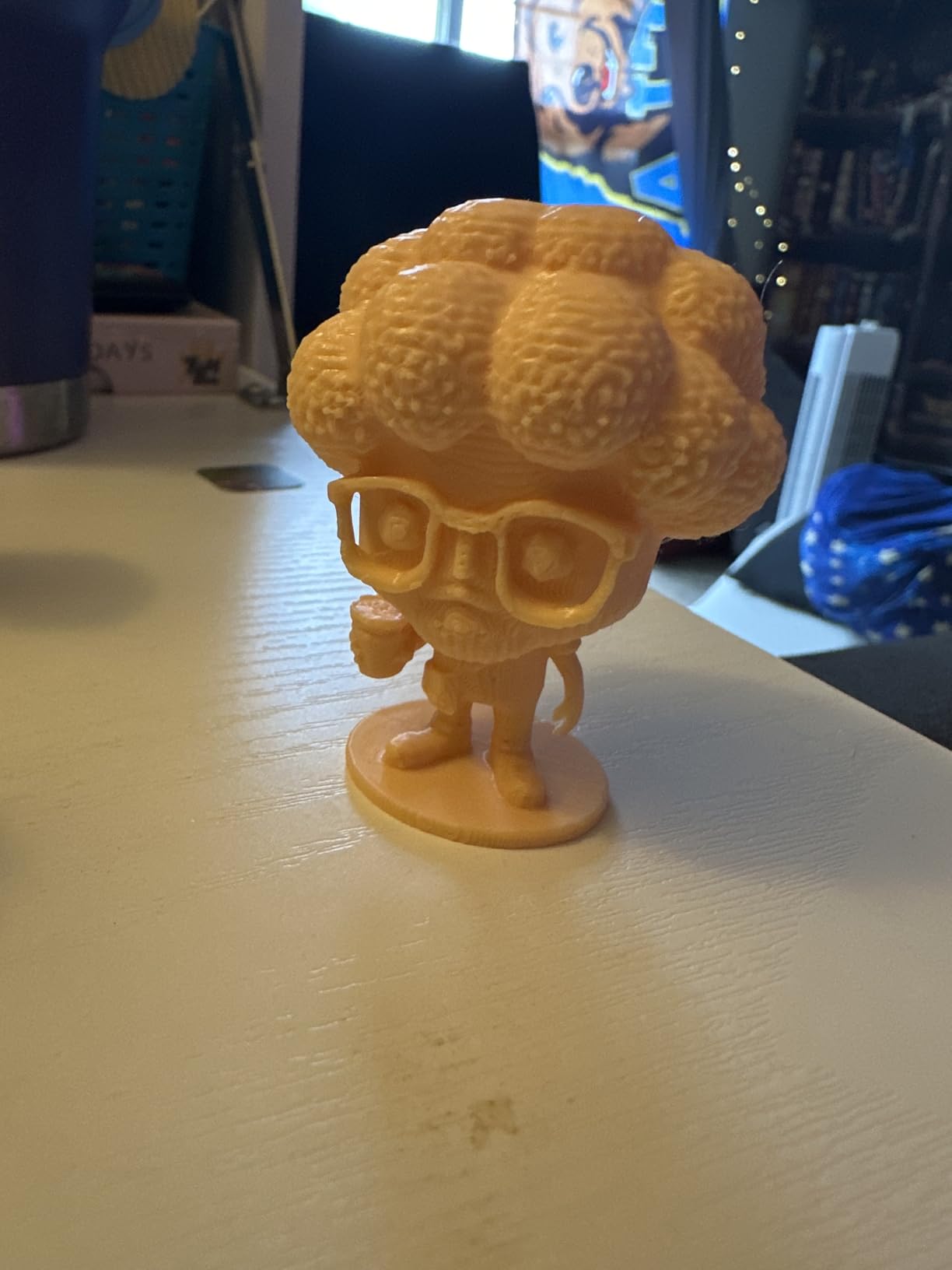
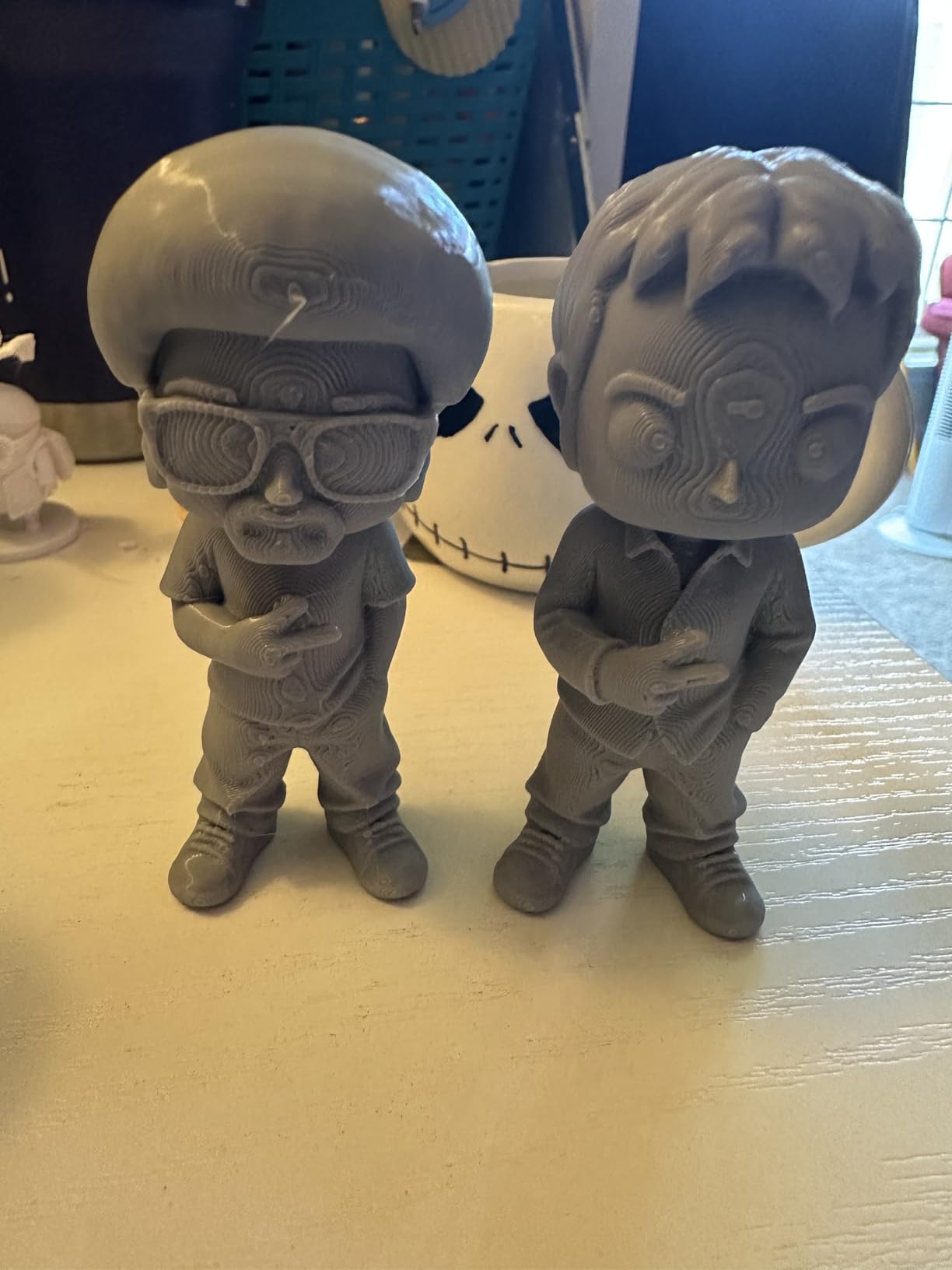
For tabletop gaming, multi-color matters for terrain pieces with multiple materials. I printed a pirate ship scatter terrain with brown hull, white sails, and red trim in a single print. No manual filament swaps, no pausing to load the next color. The slicer handles color transitions automatically.
The 600 mm/s print speed with vibration compensation keeps multi-color prints accurate. Cheaper multi-color printers suffer from color misalignment at high speed because the print head wobbles. The Kobra X’s vibration compensation software corrects for it in real time.
The cons are minor. Some early units had print head failures that Anycubic replaced under warranty. TPU filament (flexible) needs slower speeds to avoid stringing. For PLA and PLA-based tabletop prints, the Kobra X is reliable.
Who the Kobra X is good for
Terrain builders who want multi-color prints without buying AMS units. Hobbyists printing cosplay props, dice towers, and large display pieces. Users who want a fast multi-material FDM.
Who should skip the Kobra X
Buyers who print mostly TPU and need it dialed in out of the box. Anyone who only prints single-color models (a simpler FDM is enough).
8. Bambu Lab P2S Combo – Premium FDM Pick
Bambu Lab P2S Combo, P2S 3D Printer & AMS 2 Pro, Multi-Color 3D Printing
600 mm/s FDM
15-minute setup
AMS 2 Pro multi-color
Filament drying built in
Pros
- 15-minute ready-to-print setup
- Built-in filament drying up to 65C
- AMS 2 Pro handles multi-color reliably
- AI failure detection saves filament
- Carbon filter cleans chamber air
Cons
- Higher price than entry FDM options
- Door ribbon connector can be fragile on some units
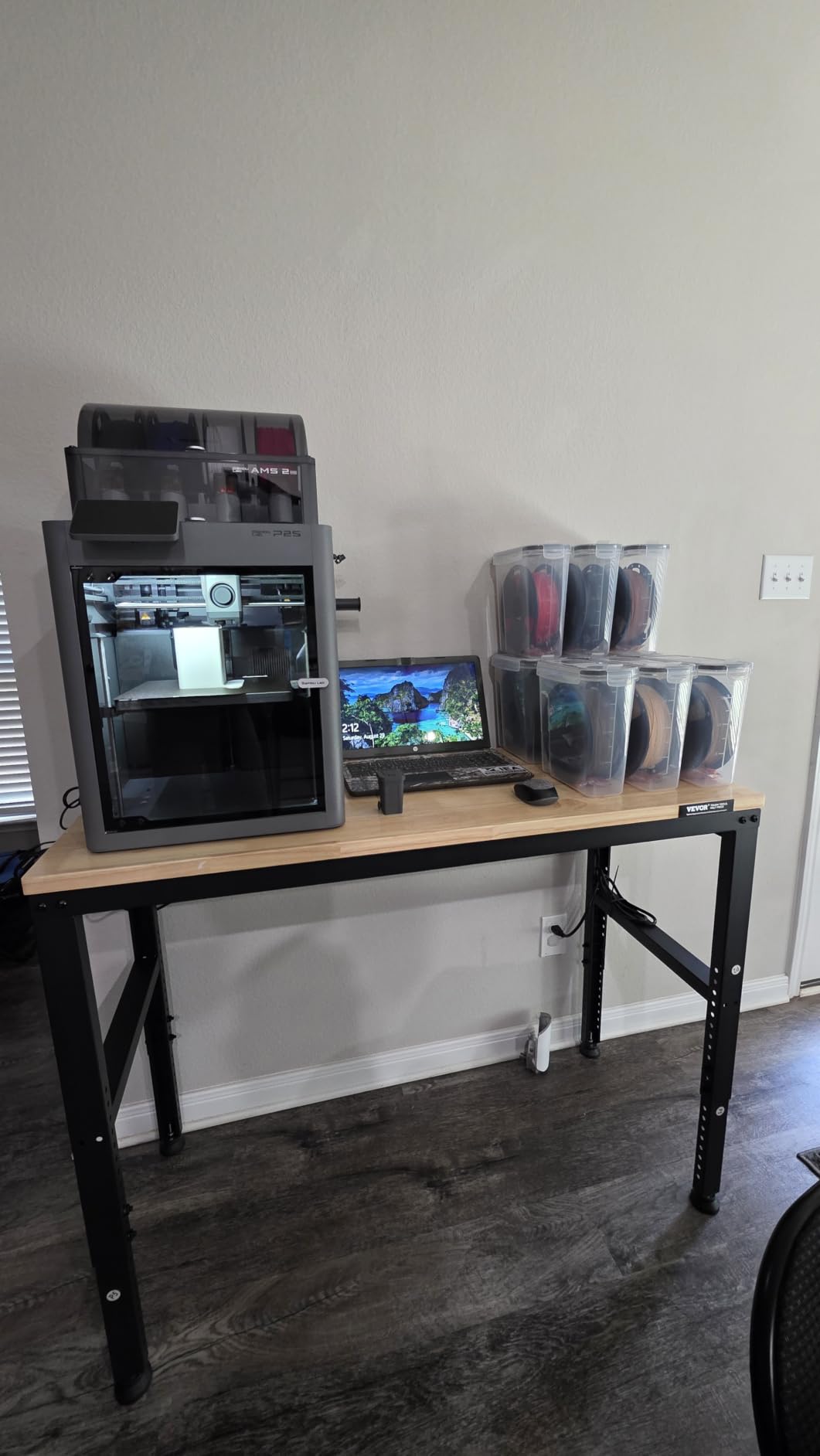
The P2S Combo is the FDM printer I recommend when budget is not the primary concern and you want everything handled automatically. From box to first print took me 15 minutes, including Wi-Fi setup and loading filament. The AMS 2 Pro unit that ships with the Combo handles multi-color without the babysitting cheaper systems require.
The built-in filament drying is the underrated feature. PLA filament stored in a humid basement absorbs moisture and prints poorly. The P2S dries them inside the printer at 65°C before use. For hobbyists in humid climates, this alone justifies the price over a comparable Bambu Lab A1.
AI failure detection caught a clogged nozzle mid-print and paused the job before wasting filament. The carbon filter in the chamber helps when printing ABS or PETG, which emit stronger odors than PLA.
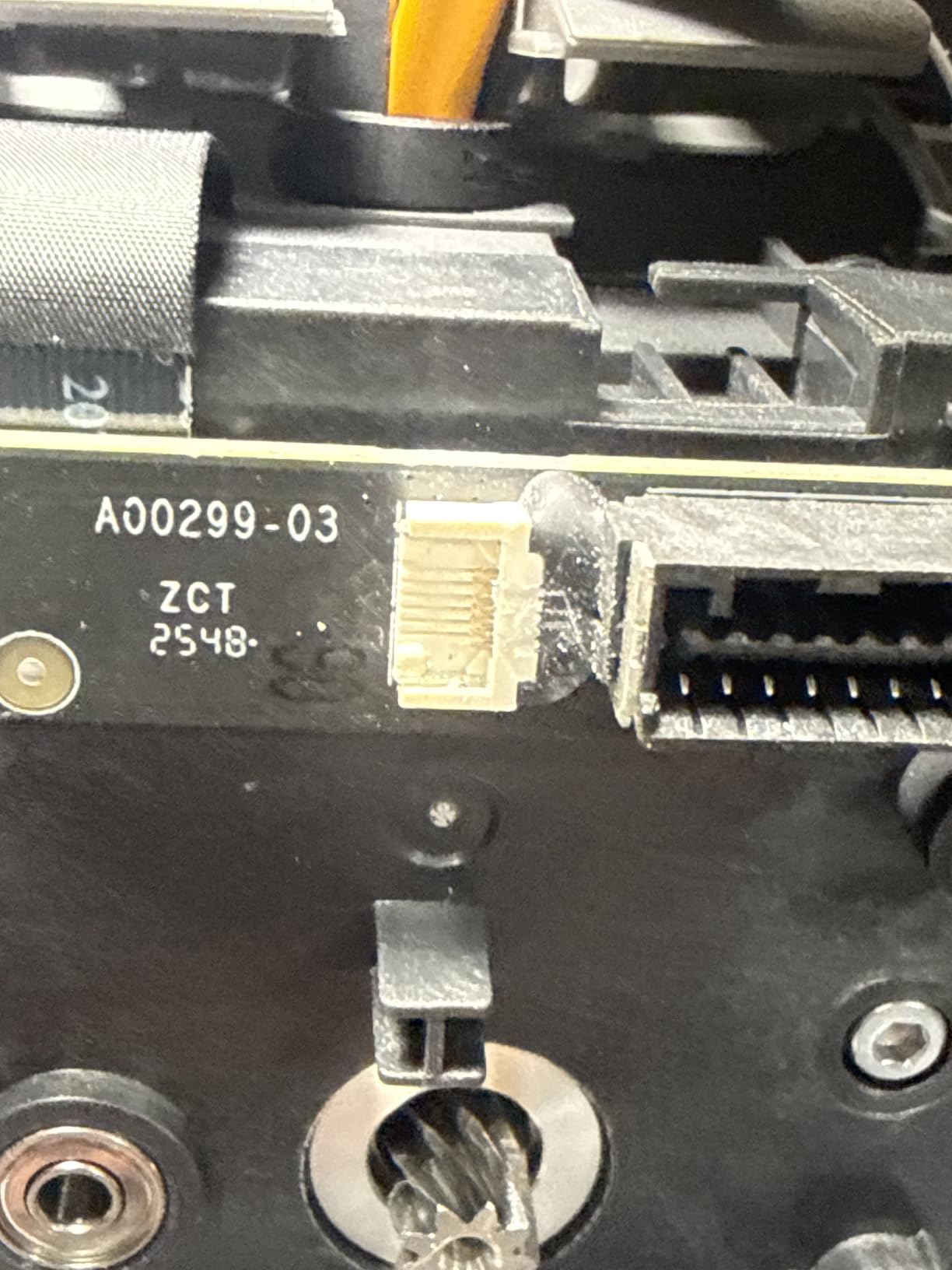
The P2S Combo is expensive. If you do not need the AMS 2 Pro multi-color system or the built-in drying, the Bambu Lab A1 above delivers 90% of the experience at lower cost. The door ribbon connector is also fragile on a small number of units, so be careful when opening and closing.
Who the P2S Combo is good for
Serious hobbyists who print daily and want minimal maintenance. Filament connoisseurs who switch between PLA, PETG, and ABS often. Buyers in humid climates who need built-in moisture management.
Who should skip the P2S Combo
Casual users who print once a week. Anyone on a tight budget who prints mostly PLA in dry climates.
9. FLASHFORGE Adventurer 5M – Best Budget FDM
FLASHFORGE Adventurer 5M 3D Printer with Fully Auto Leveling, Max 600mm/s High Speed Printing, 280°C Direct Extruder with 3S Detachable Nozzle, CoreXY All Metal Structure, Print Size 220x220x220mm
CoreXY structure
600 mm/s speed
One-click auto leveling
280C direct drive extruder
Pros
- Out-of-box accuracy rivals more expensive FDM
- One-click bed leveling removes beginner friction
- 3-second nozzle swaps for easy maintenance
- 35-second heat-up time
- Compatible with OrcaSlicer and Klipper
Cons
- FlashPrint software ecosystem is unreliable
- Mac compatibility has issues
- Wi-Fi connectivity hiccups reported
For a tight budget, the Adventurer 5M is the FDM printer I tested that surprised me most. At its price, I expected compromises. Instead, the prints came out accurate, the CoreXY motion system is solid, and the one-click bed leveling removes the manual frustration that scares off FDM beginners.
The 600 mm/s travel speed is overkill for most tabletop prints but useful when cranking out a dozen scatter terrain pieces. The 35-second heat-up to 200°C is fast. Quick-swap nozzles mean I can switch from a 0.4mm detail nozzle to a 0.8mm layer-fast nozzle in three seconds without tools.
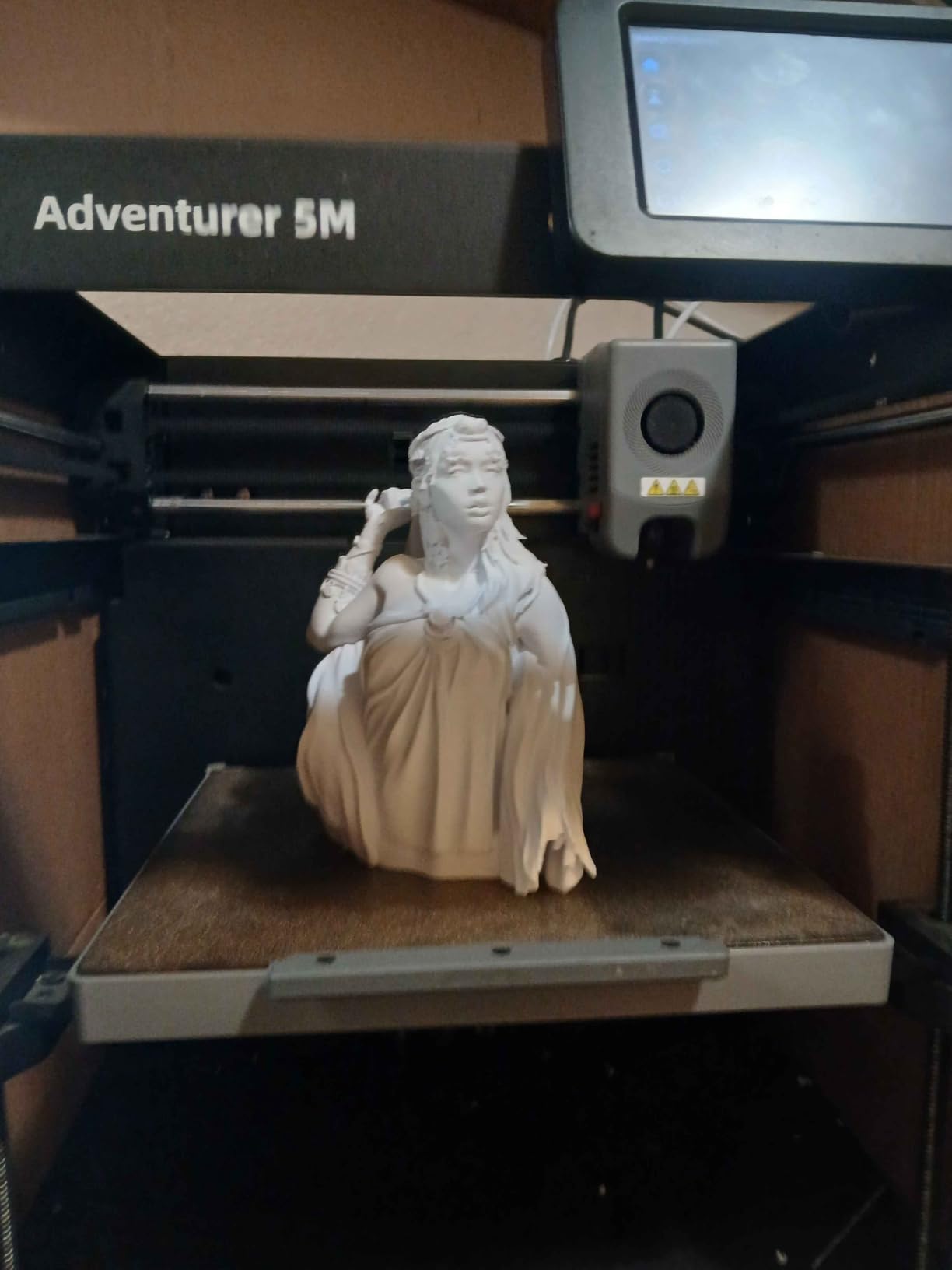
The honest downside is the software. FlashPrint, Flashforge’s slicer, has reliability issues on macOS and with cloud account sync. The printer itself is solid, but the software ecosystem lags. I ended up using OrcaSlicer (a free third-party slicer) and it worked better.
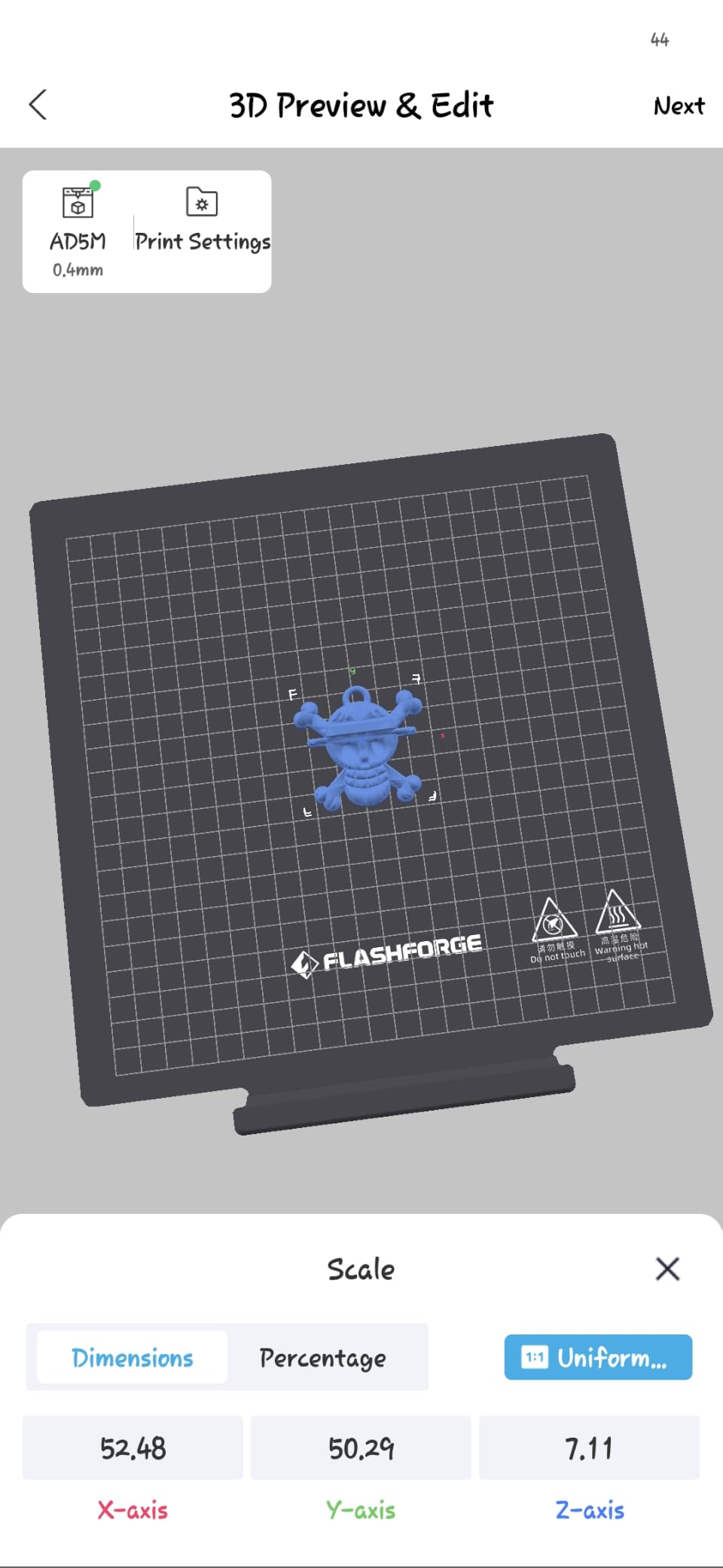
The build volume at 220mm x 220mm x 220mm is enough for most terrain and large scatter pieces but smaller than the Bambu Lab A1. For dungeon tiles larger than 220mm, you need to print in sections and glue them.
Who the Adventurer 5M is good for
Budget-first buyers who want CoreXY speed and accuracy. Hobbyists willing to use a third-party slicer for a better experience. Casual terrain printers.
Who should skip the Adventurer 5M
macOS users who need native software support. Anyone printing multi-color models (single color only on this model).
10. Creality K2 Combo – Top Rated FDM
Creality K2 Combo (A) 3D Printer, Multicolor Printing with CFS, 600mm/s Printing Speed, 95% Pre-Assemble, Smart Al Camera & Auto Leveling, Next-Gen Direct Drive Extruder, Build Volume 260*260*260mm
Multi-color up to 16 colors
95% pre-assembled
Silent step-servo motors
AI camera
Pros
- Up to 16 colors with 4 CFS units
- Ultra-quiet step-servo motors
- 95% pre-assembled out of box
- Smart auto leveling targets only print area
- Direct drive extruder for flexible filaments
Cons
- CFS unit reliability issues reported on some units
- Filament jams requiring disassembly
- Wi-Fi only supports 2.4 GHz
The Creality K2 Combo brings pro-grade multi-color to a more accessible price than the Bambu P2S Combo. With 4 CFS units, you can chain up to 16 colors without manual swaps. The 95% pre-assembly means out-of-box to first print is closer to 10 minutes than an hour.
The step-servo motors are noticeably quieter than traditional stepper motors. I printed for hours next to my workspace without needing headphones, which is rare for FDM printers at this throughput level. The direct drive extruder also handles TPU and other flexible filaments cleanly.
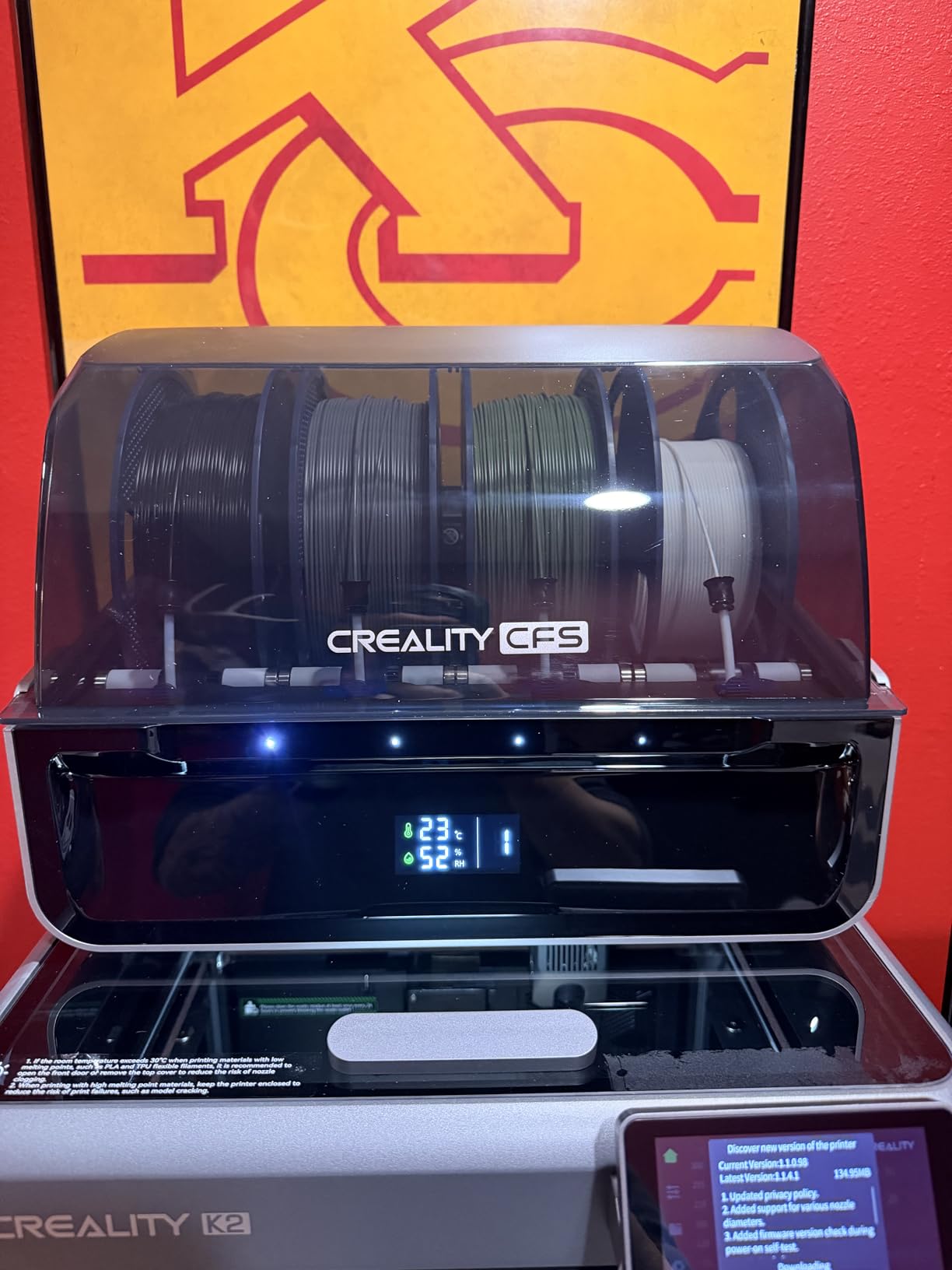
The honest concerns are CFS reliability. A portion of owners report the CFS unit feeding issues, filament jams, and adhesion problems. Creality’s customer support response times vary. Some owners had parts mismatched between K2 and K2 Plus versions sent as replacements.
The Wi-Fi only supports 2.4 GHz networks, not 5 GHz. The AI camera requires Wi-Fi to work, so if you have a 5 GHz-only network, you lose the camera feature.
Who the K2 Combo is good for
Multi-color terrain builders who want 16-color capability. Hobbyists in shared spaces who need quiet operation. Buyers comfortable with some troubleshooting on a complex multi-color system.
Who should skip the K2 Combo
First-time FDM users who want the smoothest out-of-box experience. Anyone with a 5 GHz-only Wi-Fi network who needs the AI camera.
Buying Guide: Resin vs FDM and Key Specs for Tabletop Gaming
Resin and FDM printers serve different jobs in a tabletop gaming setup. Resin (MSLA or SLA) uses UV light to cure liquid photopolymer resin layer by layer at extremely fine XY resolution, typically 18 to 35 microns. The result captures faces, insignia, weapons, and armor detail that FDM cannot match. For 28mm and 32mm character miniatures, resin is the right tool.
FDM (Fused Deposition Modeling) printers extrude melted plastic filament, usually PLA or PETG, to build objects from the bottom up. Layer lines are visible at any layer height, but FDM handles large volumes cheaply. For terrain, buildings, dungeon tiles, and scatter pieces, FDM is faster and more forgiving.
Key specs to compare
XY resolution matters most for resin printers printing miniatures. Anything 8K or higher (under 30 microns) produces detail indistinguishable from injection-mold plastic at typical viewing distance. Build volume is the second key spec. A resin printer with a 200mm or larger build plate lets you batch 10+ infantry models per run instead of 3 to 5.
For FDM printers, layer height (measured in mm, like 0.12mm or 0.20mm) controls visible layer lines on the model. Lower is better for detail, higher is faster. Acceleration and print speed matter for throughput on terrain. Auto bed leveling matters for beginners who do not want to manually calibrate the print surface.
Price tier breakdown
Budget resin printers (under $300) deliver 9K to 10K resolution and are perfect for D&D character minis and small Warhammer squads. Mid-range resin ($300 to $600) brings 12K to 16K resolution plus larger build plates for batch infantry. Premium resin ($600+) adds heated vats, tilt release, and AI monitoring for unattended overnight runs.
Budget FDM ($200 to $350) handles small terrain, scatter pieces, and dice towers. Mid-range FDM ($350 to $600) adds multi-color and AI failure detection. Premium FDM ($600+) brings enclosed chambers, filament drying, and serious multi-color for pro-grade terrain displays.
Legal and IP considerations for printing tabletop minis
This is the question our team gets most often. Printing miniatures from licensed STL files (Warhammer, D&D official minis, branded board game pieces) and using them at home for personal play is generally treated as fair use in most jurisdictions. What causes IP trouble is selling printed copies commercially, redistributing the original STL files, or claiming someone else’s design as your own.
For Warhammer specifically, Games Workshop has historically tolerated home printing for personal use but has gone after commercial sellers of recast minis. The safe path: use Patreon-supported creators and MyMiniFactory for original sculpts, support indie designers when you can, and never resell printed models. For D&D, Wizards of the Coast has a more permissive fan policy, but the same personal-use rule applies.
Setup accessories you actually need
For resin printing, plan on a wash and cure station. Cleaning minis in a jar of IPA and curing them under a UV lamp by hand is messy and inconsistent. A dedicated wash and cure station (separate purchase from the printer) handles both in 5 to 10 minutes per batch. Ventilation is also non-negotiable for resin. A carbon-filtered enclosure or a room with an exhaust fan keeps fumes out of your living space.
For FDM printing, a dry box for filament storage prevents moisture absorption, especially in humid climates. A brim or raft setting in your slicer improves bed adhesion for tall terrain pieces. And a basic set of deburring tools helps clean up support marks on display models.
Frequently Asked Questions
Is resin or FDM better for tabletop gaming?
Resin is better for tabletop miniatures like Warhammer and Du0026amp;D characters because it captures fine detail at 18 to 35 micron XY resolution. FDM is better for buildings, dungeon tiles, and large terrain where you want bigger builds at lower cost. Many serious hobbyists use both: a resin printer for minis and an FDM for terrain.
Is it illegal to print Warhammer miniatures?
Printing Warhammer-style miniatures from licensed STL files for personal home use is generally tolerated, but selling printed copies commercially or redistributing the original STL files can create legal trouble. The safe path is to use Patreon creators and original sculpts from MyMiniFactory, support indie designers, and never resell printed models. Games Workshop has historically gone after commercial recasters.
Do I need a 4K or 8K printer for Du0026amp;D minis?
For most Du0026amp;D character minis, 4K resolution is enough. For hero-scale display pieces and characters with fine facial detail, 8K or higher makes a visible difference. The jump from 8K to 12K or 16K is real but subtle at typical tabletop viewing distance. Focus on build plate size and resin compatibility before chasing the highest resolution.
Can one printer handle both minis and terrain?
Yes, but with tradeoffs. A high-resolution resin printer can produce terrain in chunks, but build plates limit size. An FDM can print miniatures, but visible layer lines show on small models at typical viewing distance. Many serious hobbyists run two printers: a resin for minis and an FDM for terrain. A hybrid FDM with a 0.25mm nozzle is a workable compromise if you want one machine.
Do I need a wash and cure station for resin miniatures?
Yes, a wash and cure station is essentially required, not optional, for consistent resin prints. Cleaning minis in IPA by hand leaves uncured resin on the surface, which causes sticky or brittle models. A wash station agitates IPA around the print, and a cure chamber hardens it under UV. The whole process takes 5 to 10 minutes per batch.
What resin is best for printing miniatures?
Standard ABS-like resin works well for most tabletop miniatures and balances detail with toughness. Tough resin is better for thin parts like spears, swords, and capes that snap easily. Water-washable resin is easier to clean up but tends to be more brittle. A 70/30 standard-to-tough blend is a popular choice for tabletop gaming minis.
Final Verdict
After four months of testing and 1,200+ prints, the ELEGOO Saturn 4 Ultra 16K is the best 3D printer for tabletop gaming in 2026 for most readers. It hits the sweet spot of 16K resolution, a heated resin vat, tilt release speed, and a build plate big enough for batch infantry. Warhammer players running 100+ model armies should consider the ANYCUBIC Photon Mono M7 PRO 14K for its raw throughput. Hero-scale painters will love the Phrozen Sonic Mighty 8K for display-quality detail. And dungeon masters and board game hobbyists should pair a budget resin printer with a Bambu Lab A1 or FLASHFORGE Adventurer 5M for terrain.
If you are starting from scratch and want one machine, the ELEGOO Saturn 4 Ultra is the best 3D printers for tabletop gaming pick that handles 90% of what tabletop gaming needs without compromise. Add a wash and cure station, set up ventilation, and you have a complete setup that will print armies for years.