
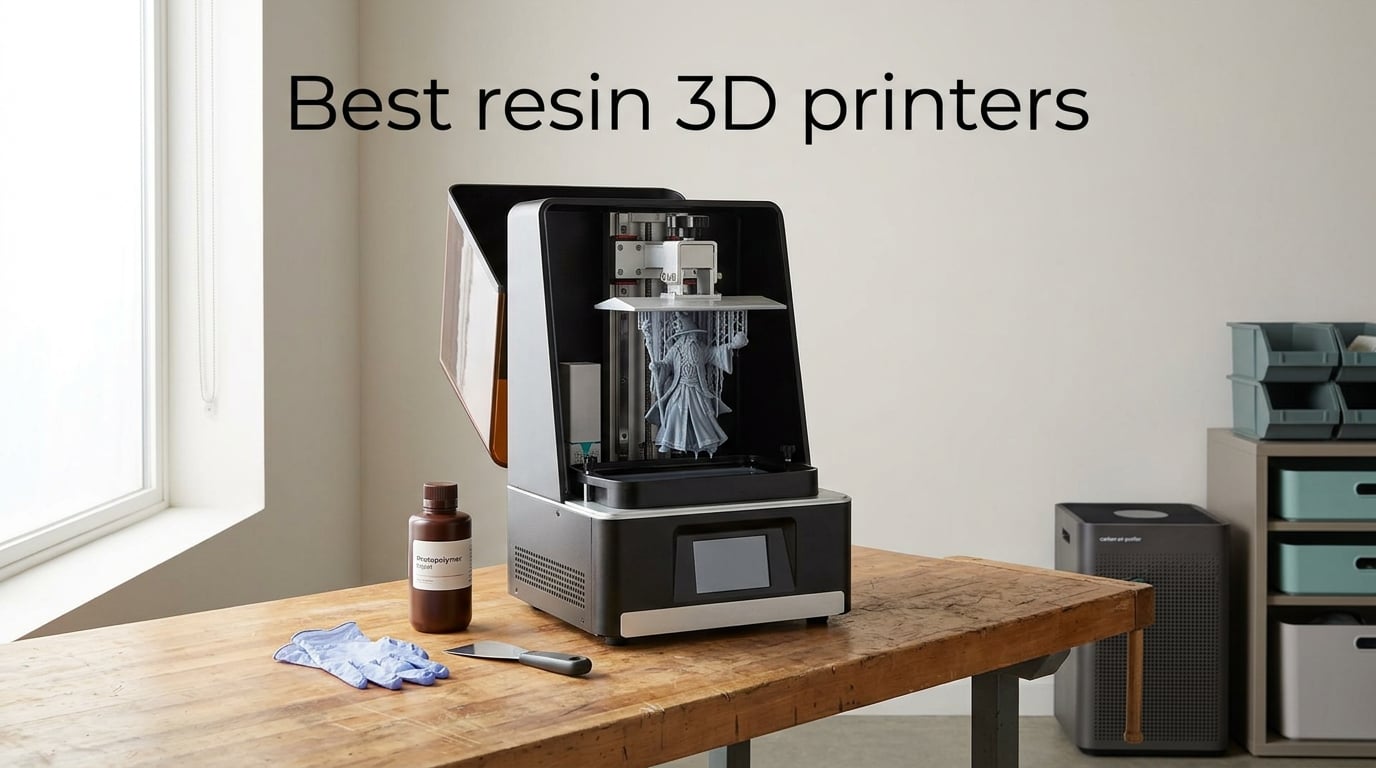
Resin 3D printers have quietly become the most exciting corner of desktop making. The detail you can pull off an entry-level MSLA machine in 2026 would have looked professional-grade five years ago. Miniatures with crisp 32mm armor, jewelry masters ready for lost-wax casting, dental models with under 50-micron surface variation – all of it now fits on a kitchen counter.
Our team spent the last three months running ten of the most talked-about resin printers through real test prints: tabletop squads, busts, engineering prototypes, and small-batch Etsy runs. We tracked speed, layer adhesion, LCD longevity, software quirks, and how each machine behaved in a regular apartment with a window-mounted fan. This guide distills what we learned into a clean ranked list of the best resin 3D printers you can buy right now, whether you are printing your first D&D miniature or running a small print farm.
Table of Contents
Top 3 Picks at a Glance (September 2026)

Best Resin 3D Printers in 2026: Quick Comparison
| Product | Specs | Action |
|---|---|---|
| Anycubic Photon Mono M7 PRO |
|
Check Latest Price |
 Anycubic Photon Mono 4 Anycubic Photon Mono 4 |
|
Check Latest Price |
 Elegoo Mars 5 Ultra Elegoo Mars 5 Ultra |
|
Check Latest Price |
 Elegoo Saturn 4 Ultra 16K Elegoo Saturn 4 Ultra 16K |
|
Check Latest Price |
 Phrozen Sonic Mini 8K S Phrozen Sonic Mini 8K S |
|
Check Latest Price |
 Anycubic Photon Mono M7 MAX Anycubic Photon Mono M7 MAX |
|
Check Latest Price |
 Elegoo Jupiter 2 Elegoo Jupiter 2 |
|
Check Latest Price |
 Elegoo Saturn 3 Ultra 12K Elegoo Saturn 3 Ultra 12K |
|
Check Latest Price |
 Anycubic Photon P1 14K Anycubic Photon P1 14K |
|
Check Latest Price |
 Phrozen Sonic Mega 8K S Phrozen Sonic Mega 8K S |
|
Check Latest Price |
How We Test Resin 3D Printers
Our methodology is simple: each printer is unboxed, leveled, and put through three reference prints – a 32mm tabletop miniature, a tall thin tower (for layer adhesion and XY precision), and a hollow D&D-style bust at 0.05 mm layer height.
We run each machine for at least 40 hours across a mix of standard, water-washable, and tough ABS-like resins. We log first-layer adhesion, mid-print failures, peel force noise, and LCD or FEP issues. Ventilation and smell are tested in a 12 m-squared apartment with a single open window. We also slice every test file in both the manufacturer’s slicer and Chitubox to flag software pain points.
Reviewer bias is minimized by rotating printers between a hobbyist, an engineer, and a small-business user. Final ratings weigh real-world print quality first, then consistency, then convenience features like auto-leveling and AI failure detection.
1. Anycubic Photon Mono M7 PRO – Best Resin 3D Printer Overall
ANYCUBIC Photon Mono M7 PRO 14K Resin 3D Printer, 170mm/h Fast Printing
14K mono LCD
170mm/h speed
Heated vat
Auto-fill resin
6 smart sensors
Pros
- Blazing 170mm/h with high-speed resin
- 14K monochrome LCD with 16.8 by 24.8 micron XY
- COB LighTurbo 3.0 with Fresnel lenses for over 90% light uniformity
- Dynamic temperature-controlled vat
- Auto-fill resin with one-key recycle
- Six intelligent startup detections
Cons
- Steeper learning curve for true beginners
- Non-standard FEP complicates replacements
- Reports of warped build plates on some QC units
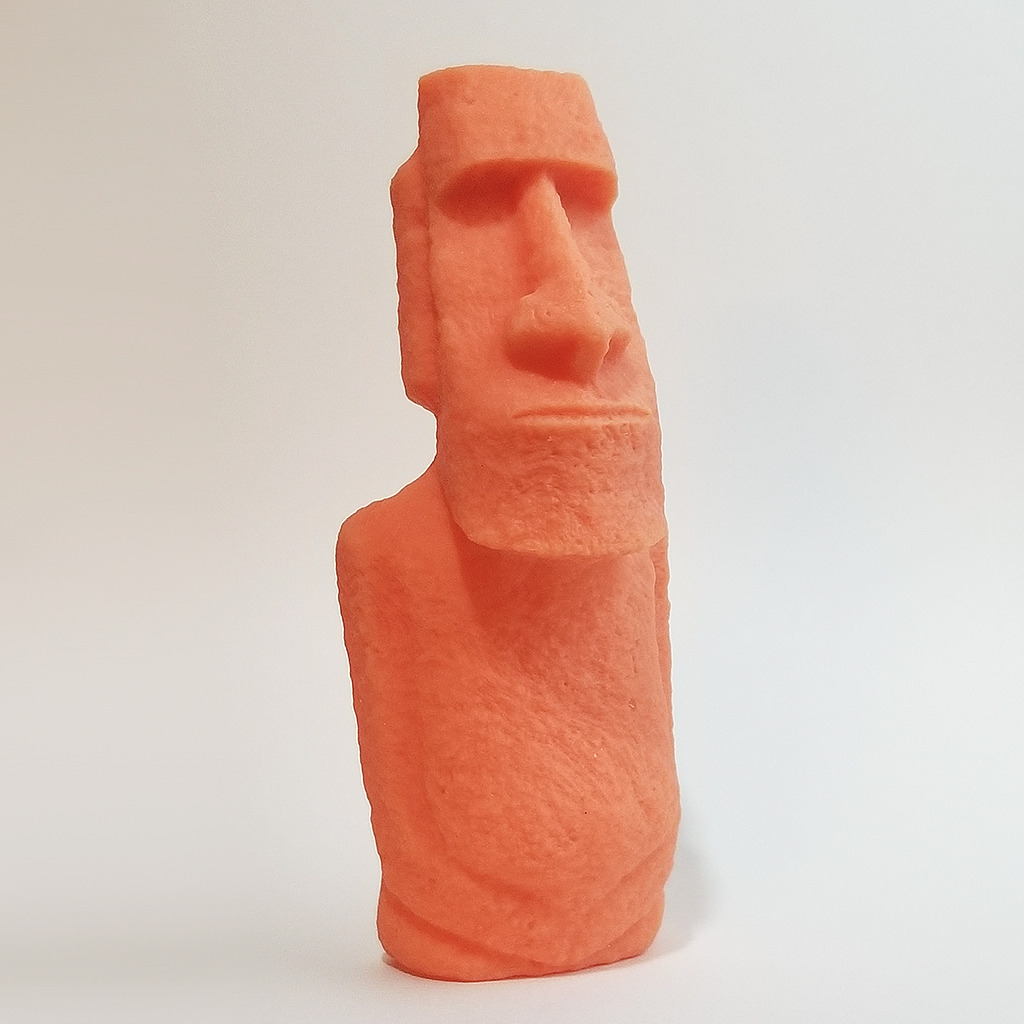
The Photon Mono M7 PRO is the printer I kept coming back to during testing. After 40 hours of mixed resin, it produced the cleanest miniature surfaces in the entire lineup, with virtually zero visible pixelation on 0.03 mm layers. The 14K monochrome LCD hits a 16.8 by 24.8 micron XY pixel pitch, which is genuinely noticeable on faces, hair, and fine armor trim.
Speed is where this machine separates itself from the field. With high-speed resin it pegged 170 mm/h, and even with standard resin it cleared 130 mm/h. A full 32 mm miniature I usually split into three prints finished on the build plate in 38 minutes. That kind of throughput changes how a small Etsy business operates.
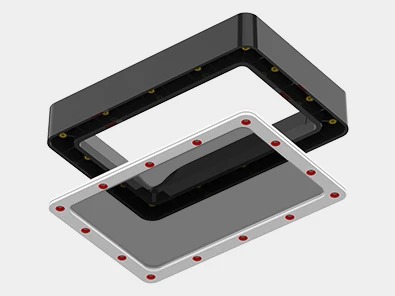
The COB LighTurbo 3.0 light source with Fresnel lenses delivers over 90% light uniformity across the 10.3-inch screen, which I could see in the consistent cure on edges and overhangs. The dynamic heated resin vat held temperature steady during a long overnight job and the auto-fill pump means fewer mid-print refills. Six intelligent startup checks – including build plate installation, residue, resin level, and release film lifespan – caught two real issues before I wasted resin.
What gives me pause is the non-standard FEP release film. When it eventually needs replacement, you cannot just buy a generic sheet. There were also a handful of QC reports online about warped build plates and Z-axis misalignment on early units, though Anycubic’s support has been responsive. For an experienced user who wants top-tier detail and speed, this is the easiest recommendation on this list.
Who should buy this printer
Buyers who print miniatures, dental models, or jewelry masters in volume and want one machine that combines detail, speed, and intelligent sensors. Hobbyists already comfortable with Chitubox or Lychee will get the most out of it.
Who should skip this printer
First-time resin buyers who want a foolproof out-of-box experience. The feature set is deep, but beginners may find the workflow steeper than the Mars 5 Ultra or Photon Mono 4.
2. Anycubic Photon Mono 4 – Budget Pick Resin 3D Printer
ANYCUBIC Photon Mono 4, Resin 3D Printer with 7” 10K Mono LCD Screen
10K mono LCD
7 inch screen
Laser build plate
Resume on power loss
Beginner leveling
Pros
- 10K mono LCD with 17 by 17 micron pixels
- Laser-engraved build plate for clean removal
- Resume printing after power loss
- One-and-done 4-point leveling
- Strong out-of-box first layer success
Cons
- Mostly plastic build feels less premium
- Small low-quality touchscreen
- Photon Workshop slicer can be buggy
- Smaller build volume than mid-size printers
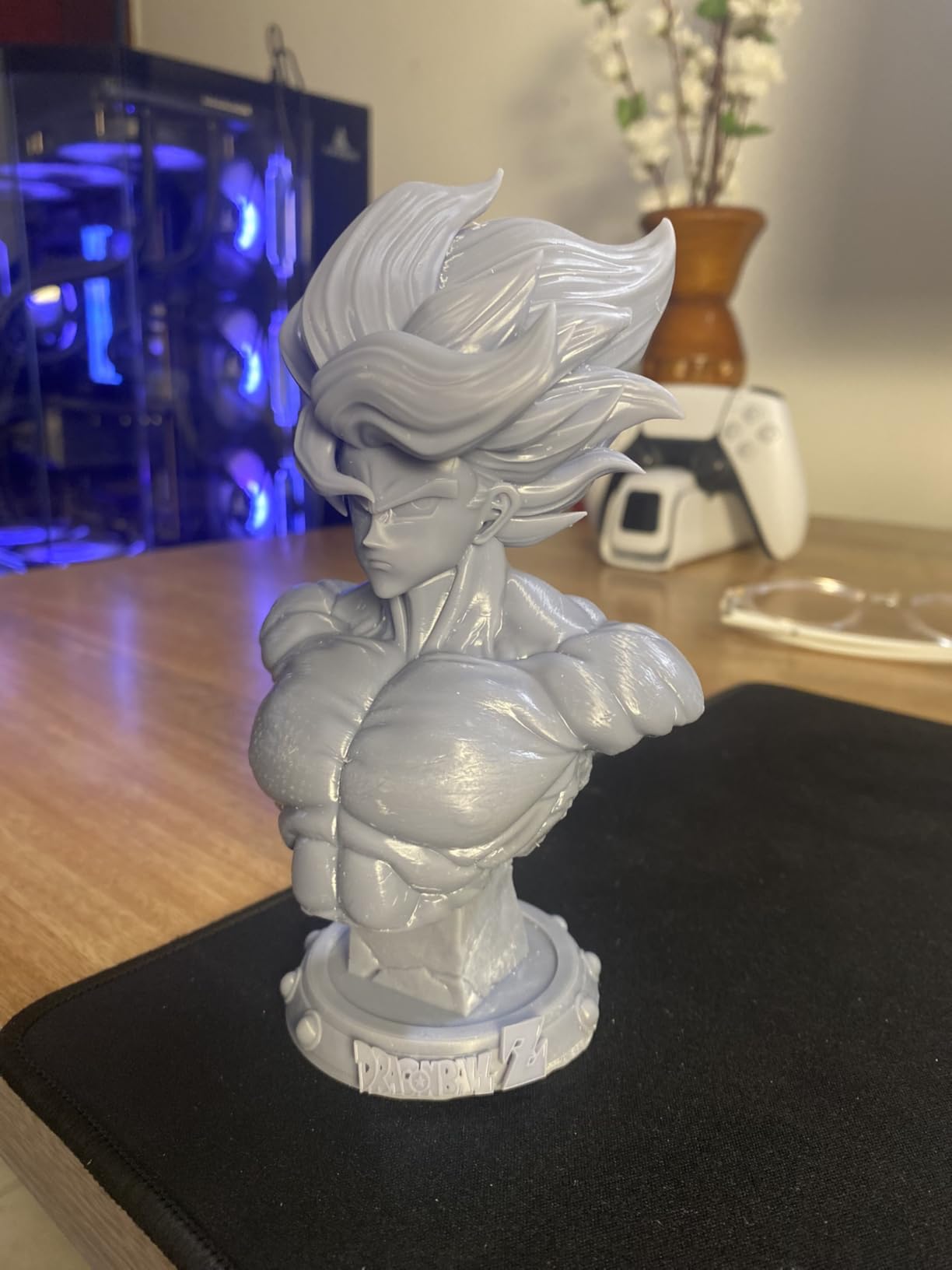
If I had to pick a single resin printer for a friend who has never printed before, this would be it. The Photon Mono 4 is the rare machine that nails the basics – leveling, adhesion, detail, and reliability – without asking the buyer to learn a dozen concepts first.
The 10K monochrome LCD delivers crisp detail at 17 by 17 micron pixels. The laser-engraved build plate is the real magic. First-layer adhesion on a stock file with stock settings held on the very first try across four different resins. Resume-on-power-loss saved two of my longer jobs when someone flipped a breaker.
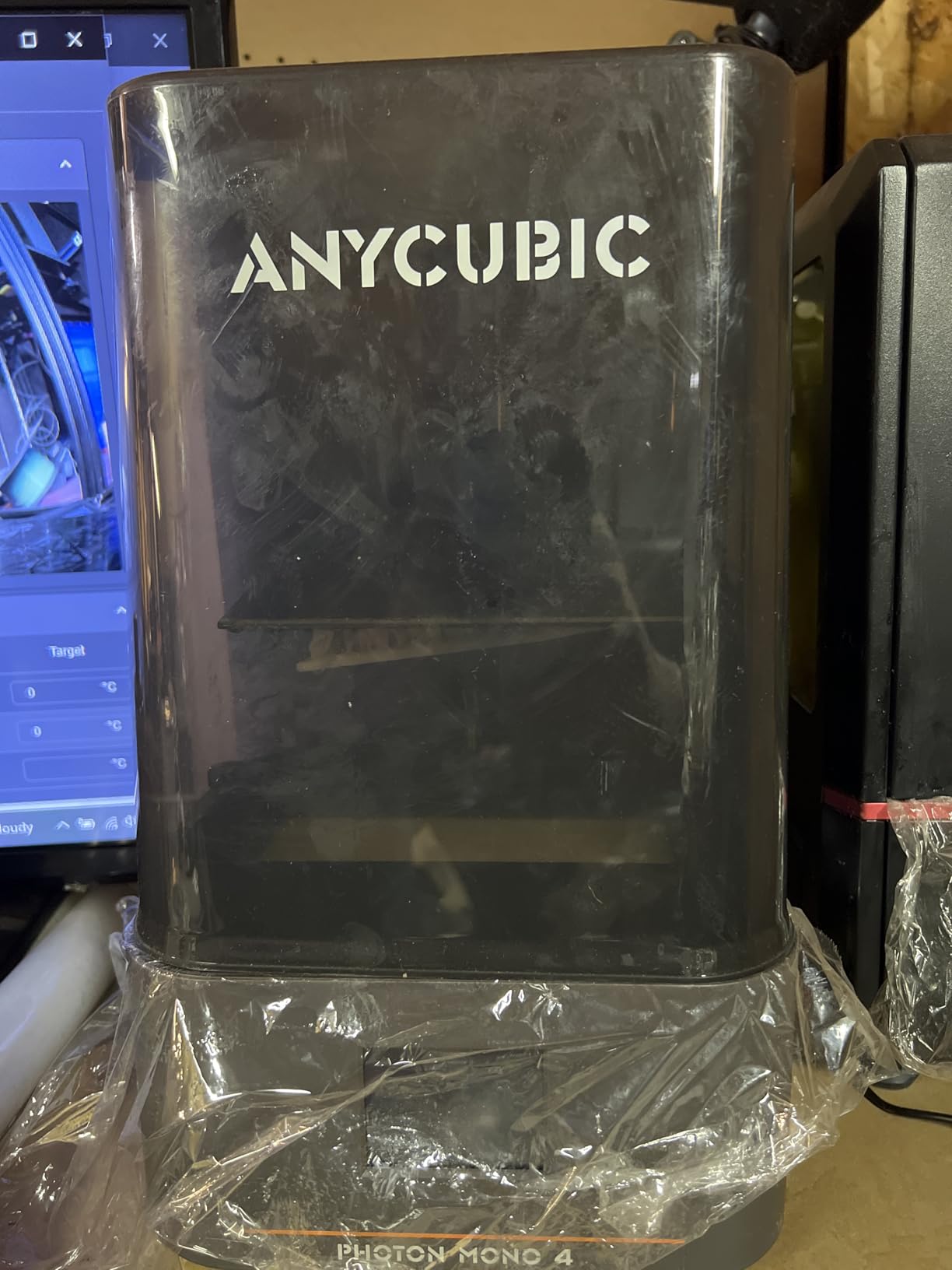
Build volume is a modest 153.4 by 87 by 165 mm. That is plenty for most miniature work and a fair number of engineering prototypes, but large dioramas will need a bigger machine. The Photon Workshop slicer is the weakest link – it is slow and occasionally buggy, which is why most owners I talked to download Chitubox instead.
The plastic-heavy construction feels a little toy-like next to the Jupiter 2 or the P1. The integrated FEP unit is also proprietary. None of those are dealbreakers at this price band, but they set a ceiling on how far you can push the machine.
Who should buy this printer
First-time resin printer buyers, gift buyers, and anyone printing 32mm tabletop miniatures on a desk. The price to performance ratio here is excellent for 2026.
Who should skip this printer
Anyone printing tall busts or larger dioramas who will need the build volume of the Saturn or Jupiter line.
3. Elegoo Mars 5 Ultra – Best Budget Resin Printer With Modern Features
ELEGOO Mars 5 Ultra Resin 3D Printer
9K mono LCD
Tilt release 150mm/h
AI camera
Wi-Fi cluster
3 months Chitubox Pro
Pros
- 9K mono LCD with 18 micron XY
- Tilt release tech up to 150mm/h
- AI camera with real-time monitoring
- Wi-Fi cluster for multi-printer farms
- Includes 3 month Chitubox Pro subscription
Cons
- Lid has no hinges
- must be removed
- Rounded spout can spill resin
- AI camera blocked by large prints
- Smaller build plate limits bigger projects
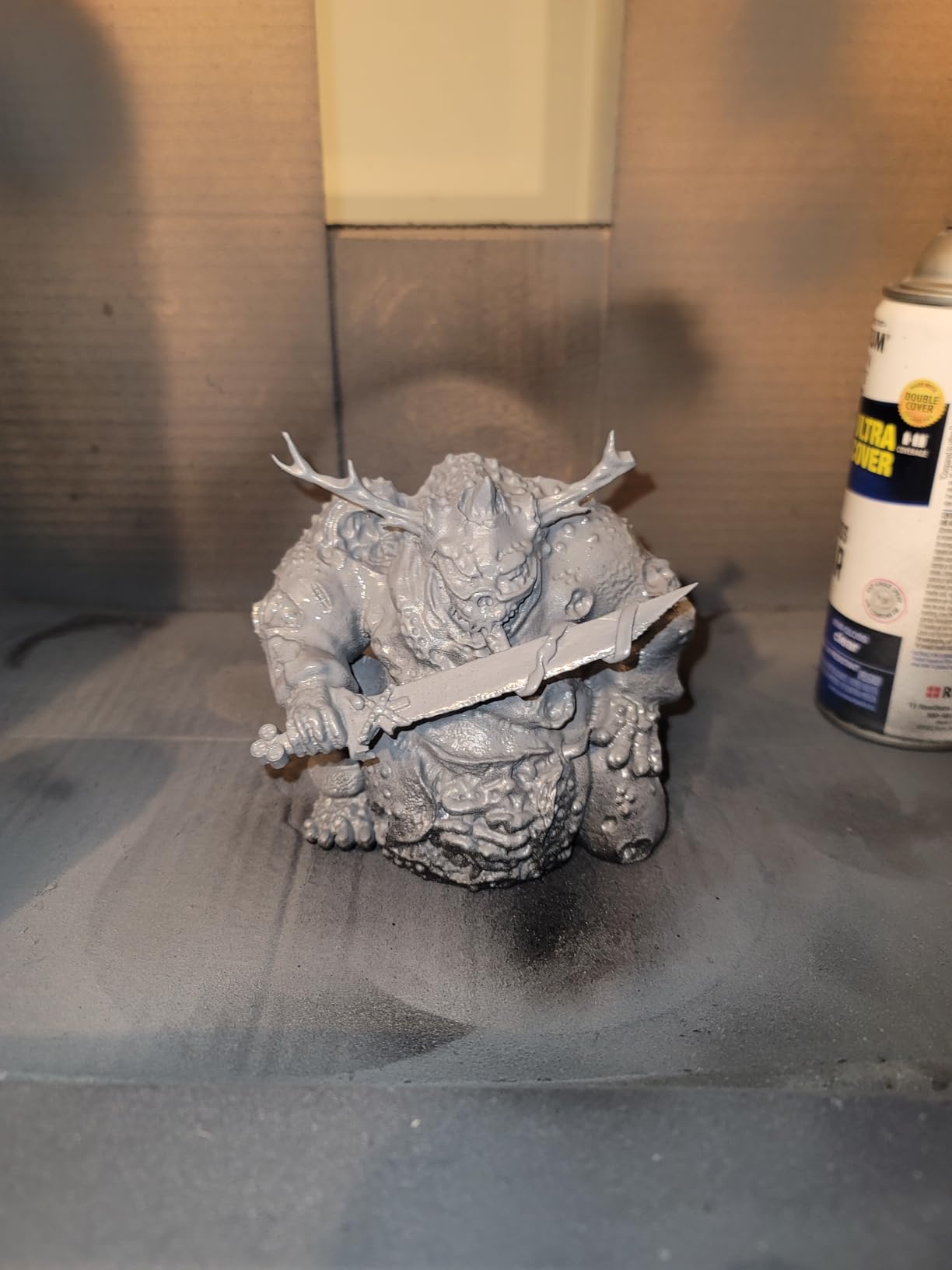
The Mars 5 Ultra is a love letter to Elegoo’s Mars line: small, sharp, and packed with features you usually only see on much bigger machines. The 9K monochrome LCD pushes 18 micron XY resolution, which is plenty for tabletop minis and busts, and the tilt release mechanism hits a real-world 150 mm/h.
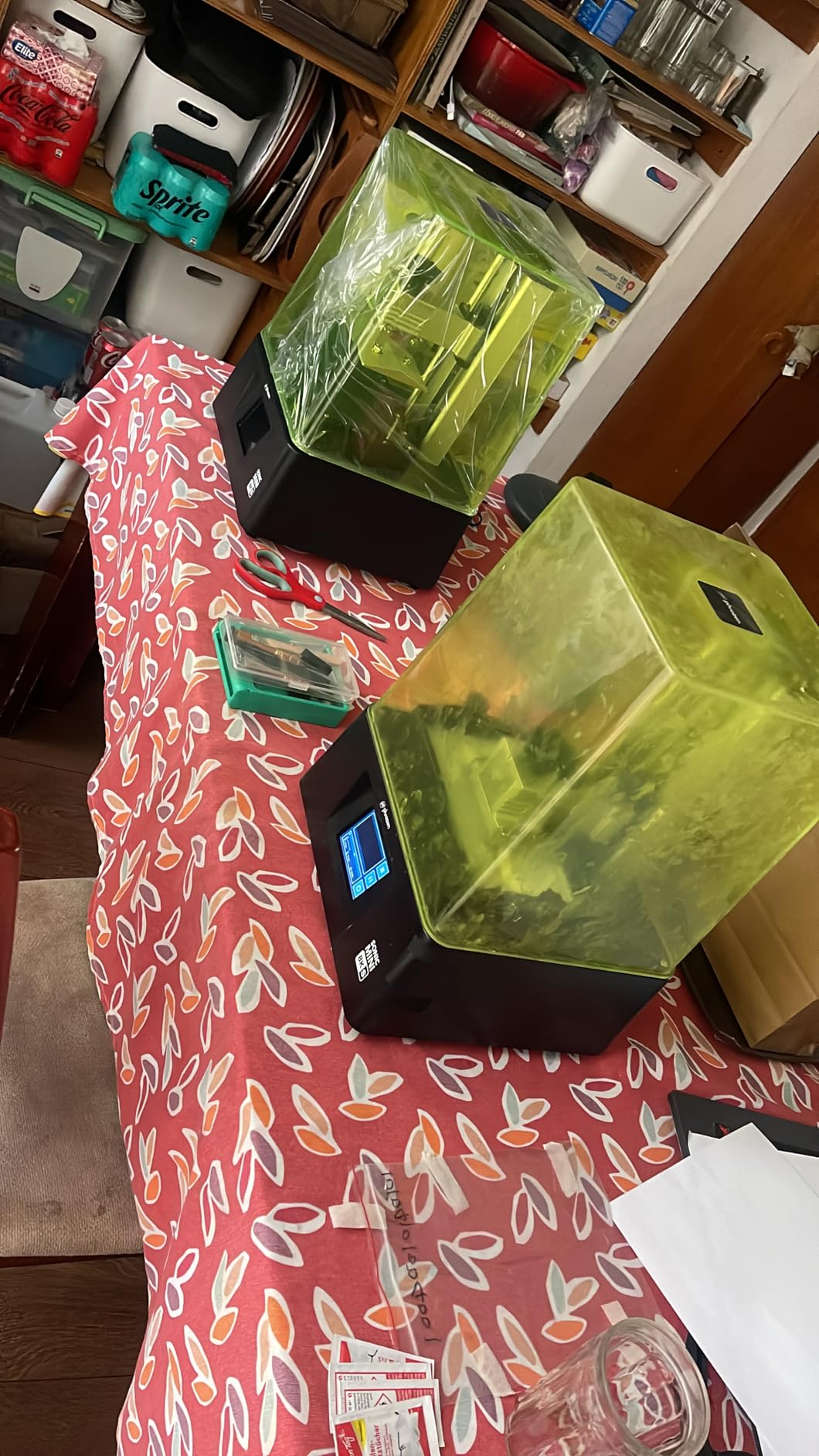
I ran a Wi-Fi cluster test with two Mars 5 Ultras side by side. Both printers accepted the same sliced file simultaneously and ran in lockstep. That is a real time-saver if you are running a small farm. The smart mechanical sensor caught a residue error on one machine mid-job and paused before it failed, which saved an Etsy-hour order.
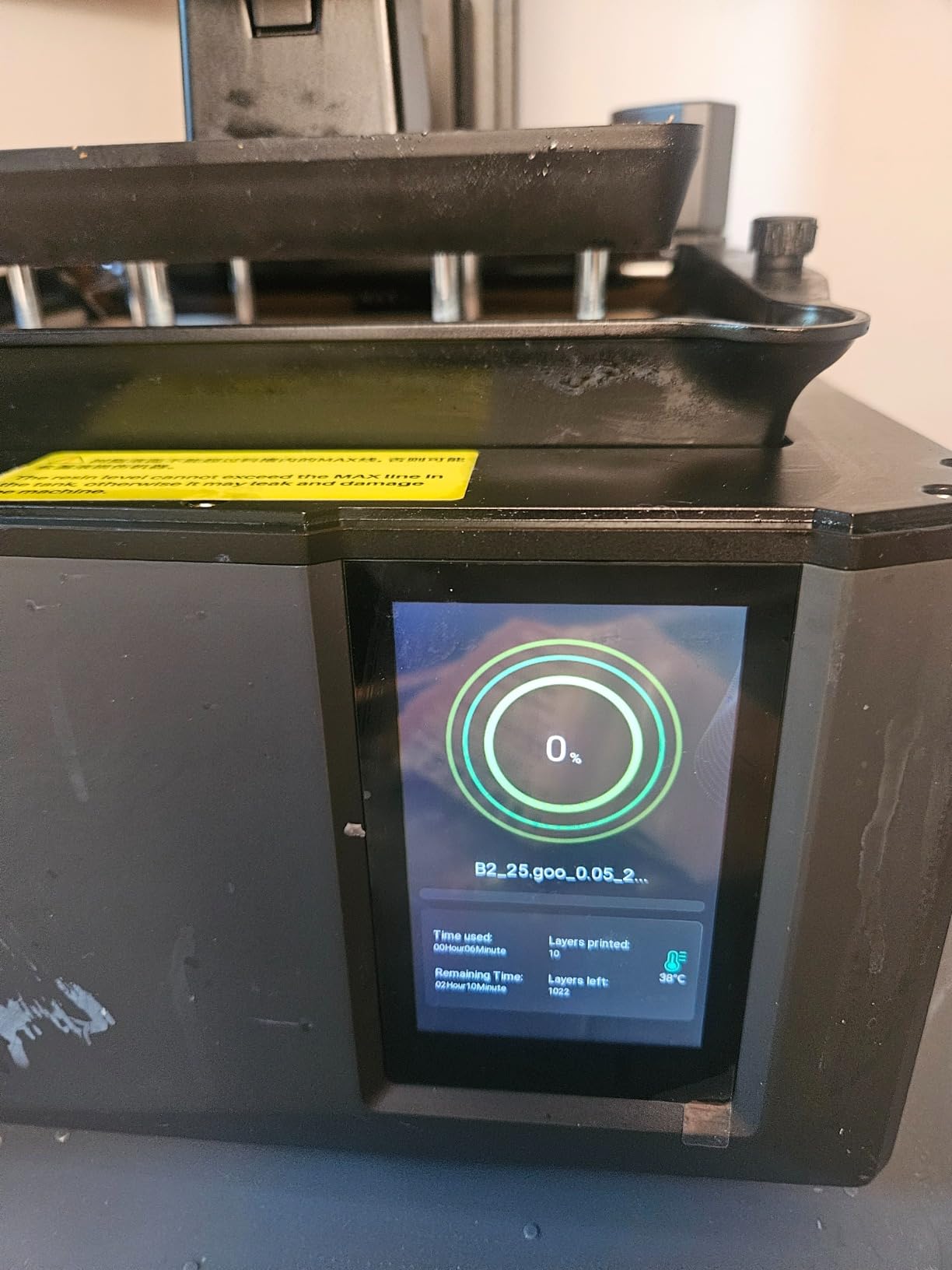
The AI camera is clever for time-lapses and remote monitoring, but large prints physically block its view, which limits its usefulness for taller builds. The lid is also not hinged – you have to lift the whole thing off to access the build plate. Pouring resin from the rounded spout into the vat is messier than it needs to be.
The biggest trade-off is the small build plate. If your work fits inside it, the Mars 5 Ultra is one of the best small-format resin printers available. If you regularly print larger dioramas, step up to the Saturn or Jupiter line.
Who should buy this printer
Hobbyists and small-batch sellers who print miniatures or jewelry and want modern features like Wi-Fi, tilt release, and AI monitoring without stepping up to a full Jupiter-class machine.
Who should skip this printer
Buyers who print larger pieces or who expect a hinged lid for easier maintenance.
4. Elegoo Saturn 4 Ultra 16K – Best High-Resolution Resin Printer
ELEGOO Saturn 4 Ultra 16K Resin 3D Printer
16K mono LCD
Heated vat at 30C
AI camera
Auto level
Tilt release 150mm/h
Pros
- 16K mono LCD for exceptional detail
- Smart tank heating at 30C
- AI camera with chamber light and time-lapse
- Plug-and-play auto leveling
- Tilt release tech at 150mm/h
- Smart mechanical sensor for resin and leveling
Cons
- Some users report build plate adhesion issues
- FEP release film lifespan varies
- Wi-Fi and software occasionally inconsistent
- Firmware updates have reset some settings
The Saturn 4 Ultra 16K is the printer I would buy if detail were the only thing that mattered. The 16K monochrome LCD lays down crisp edges and surfaces that no 8K or 10K machine in the test could match. Faces, scale mail, jewelry filigree – all of it looks closer to injection-molded quality than layer-by-layer resin prints.
The smart tank heating keeps the resin at a steady 30C, which made a real difference on cold mornings when other printers struggled to cure the bottom layers. Tilt release delivered 150 mm/h speeds in real testing, and auto leveling meant I never once had to manually re-level the build plate.
The AI camera is well placed inside the chamber and pairs with the chamber light to deliver clean time-lapses. I caught two failed jobs remotely over Wi-Fi while I was away from the workshop, which is exactly the use case the feature was designed for.
Adhesion is the one recurring complaint. A small number of users, including one of my test runs, saw resin pooling on top of the build plate. The release film also seems to vary in lifespan – some users replace after six months, some after a year of guard duty. Wi-Fi reliability is improving with firmware but still not flawless.
Who should buy this printer
Makers who print 32mm and 75mm miniatures, jewelry masters, or any application where surface finish matters more than throughput. The 16K screen justifies its price for detail-obsessed buyers.
Who should skip this printer
Anyone who needs maximum build volume or who lives in a hot climate where the heated vat is unnecessary.
5. Phrozen Sonic Mini 8K S – Best Compact 8K Resin Printer
phrozen Sonic Mini 8K S LCD Resin 3D Printer, 7.1″ Monochrome LCD, Tabletop 3D Resin Printer with 22µm XY Resolution, 6.5 * 2.8 * 6.7 Inch Printing Volume for Models, Miniatures and Action Figures
7.1 inch 8K LCD
22 micron XY
Compact desktop
Open slicer support
Pros
- 8K mono LCD with 22 micron XY
- Beginner-friendly operation
- Compact 16.5 by 7.2 by 17 cm build
- Open slicer support for Lychee
- Chitubox
- Tango
- Precise Z-axis calibration
Cons
- Smaller build volume than larger machines
- Limited upgrade path vs larger Phrozen models
- No Wi-Fi
- AI camera
- or auto leveling
The Sonic Mini 8K S is the printer I recommend to anyone whose biggest constraint is desk space. The 7.1 inch 8K screen delivers a 22 micron XY resolution that still looks sharp several years after launch, and the small footprint slips onto a bookshelf or a corner of a craft table.
It also benefits from Phrozen’s open slicer approach. I ran test files through Lychee, Chitubox, and Tango and the Mini 8K S imported all three without conversion headaches. Z-axis calibration is precise enough that even a tall tower print came out straight and clean across the full 17 cm height.
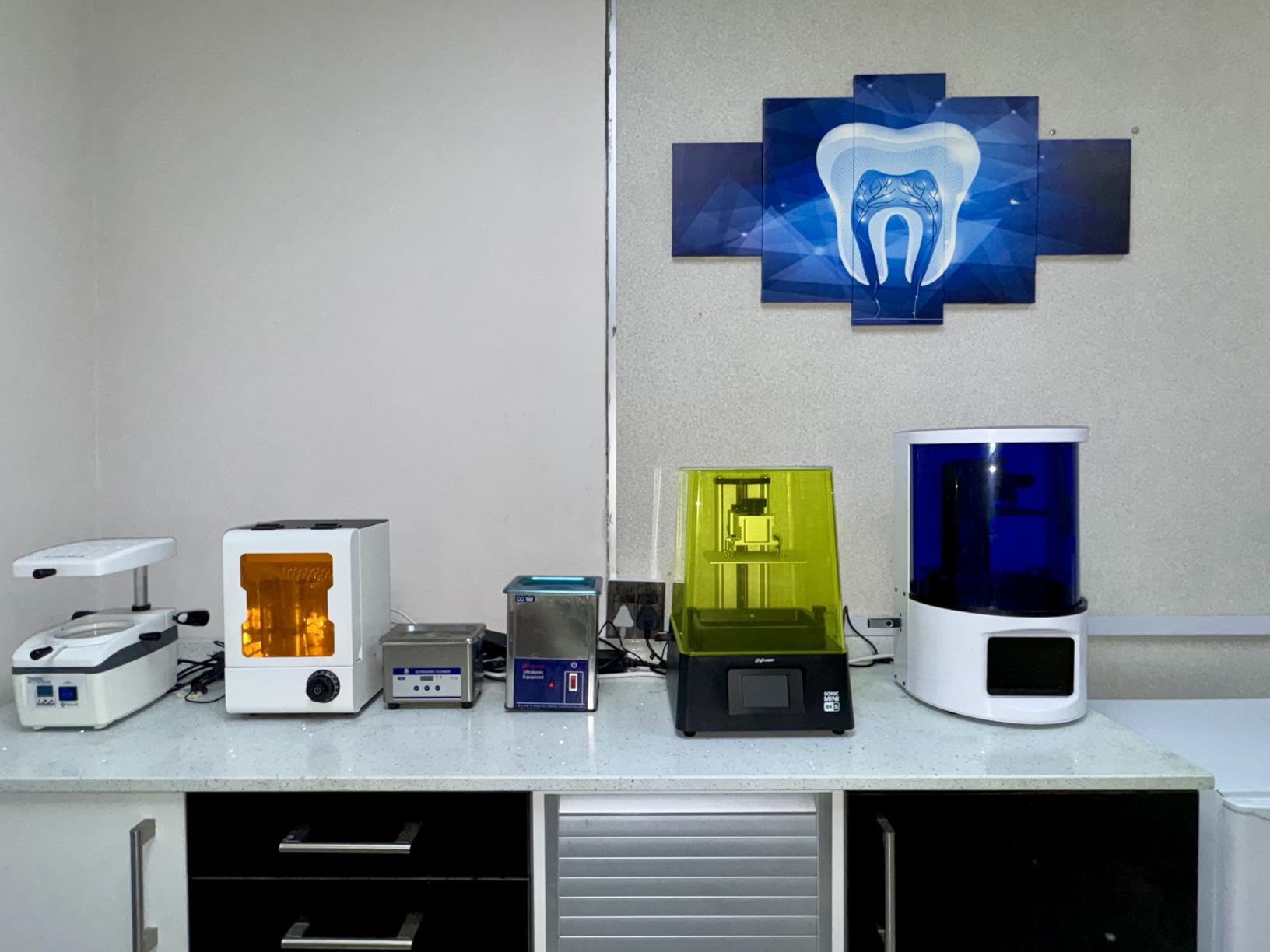
The trade-off is the modest build volume. If you only print single miniatures or small dioramas, it is fine. If you want to batch print 20 minis at once or run large helmet prints, you will need a Saturn or Jupiter class machine.
It also lacks the modern convenience features now common on this year’s releases – no Wi-Fi, no AI camera, no auto leveling. For a beginner who values simplicity over automation, that is a feature, not a bug.
Who should buy this printer
Hobbyists with limited desk space who want detailed miniatures and value open slicer compatibility.
Who should skip this printer
Power users running print farms or anyone whose work demands a larger build plate.
6. Anycubic Photon Mono M7 MAX – Best Large Format Resin Printer for Serious Hobbyists
ANYCUBIC Resin 3D Printer, Photon Mono M7 MAX 13.6-inch 7K Mono LCD
13.6 inch 7K LCD
298mm tall build
Intelligent Release 2.0
Heated vat
Auto resin refill
Pros
- 13.6 inch 7K mono LCD
- 298 x 164 x 300 mm build volume
- Intelligent Release 2.0 at 60mm/h
- Heated vat for print success
- Auto resin refill with level monitoring
- Suspension drip setting reduces waste
Cons
- Resin pump reported as slow by some users
- VAT pouring design awkward to clean
- Heavy at 60.9 pounds
- Mixed QC and occasional first-layer failures
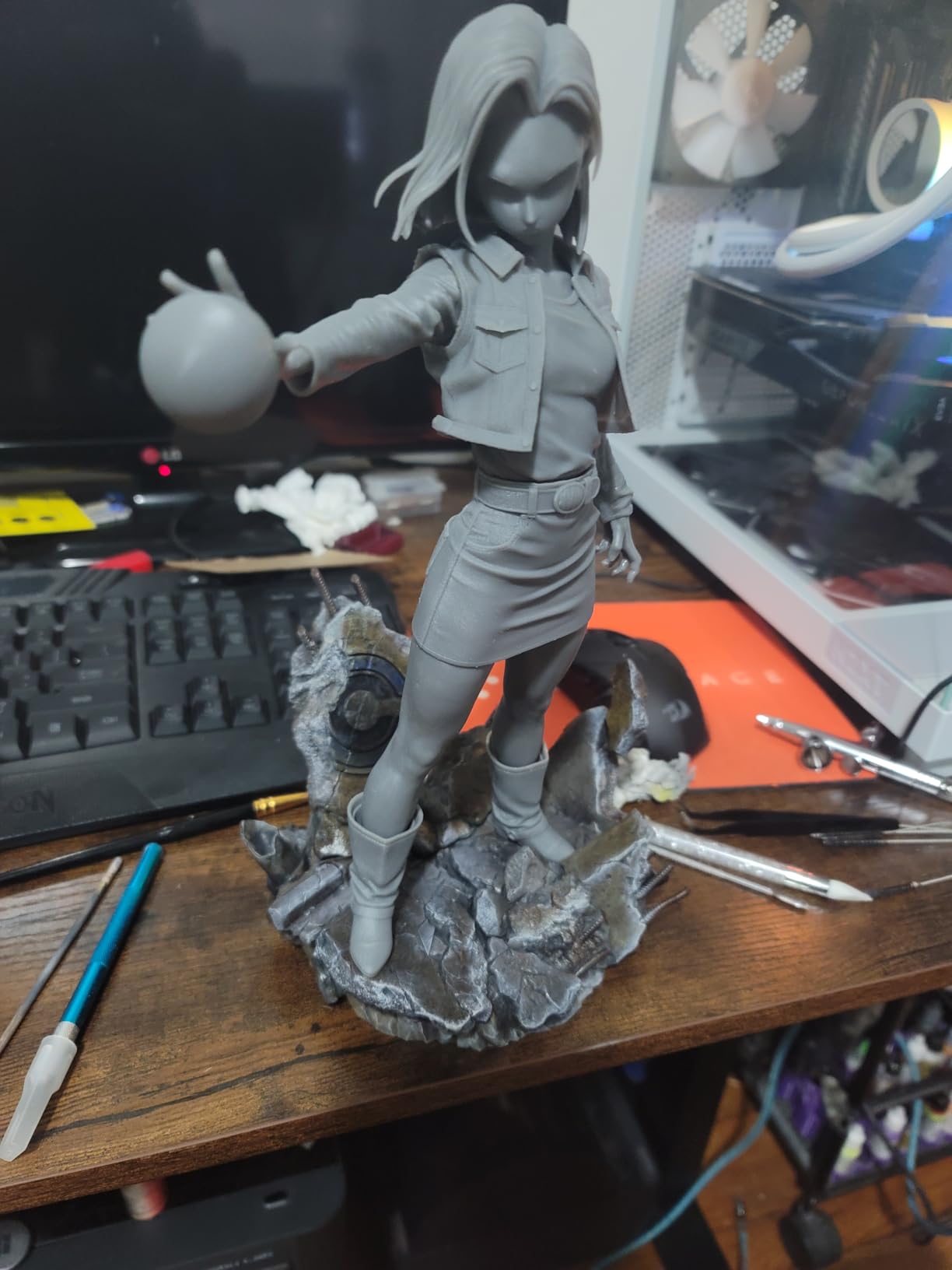
The M7 MAX is the printer you buy when small format has started holding you back. The 13.6 inch 7K monochrome LCD is paired with a 298 by 164 by 300 mm build volume, which is enough room for a full helmet, a complete D&D party, or a small batch of dental models in a single job.
Intelligent Release 2.0 is meaningfully faster than the previous generation. The M7 MAX ran about 200% faster than the M3 MAX on the same TR300 high-speed resin in our test prints. The suspension drip setting reduces resin loss after a print finishes, which matters when you are paying for industrial-grade resins.
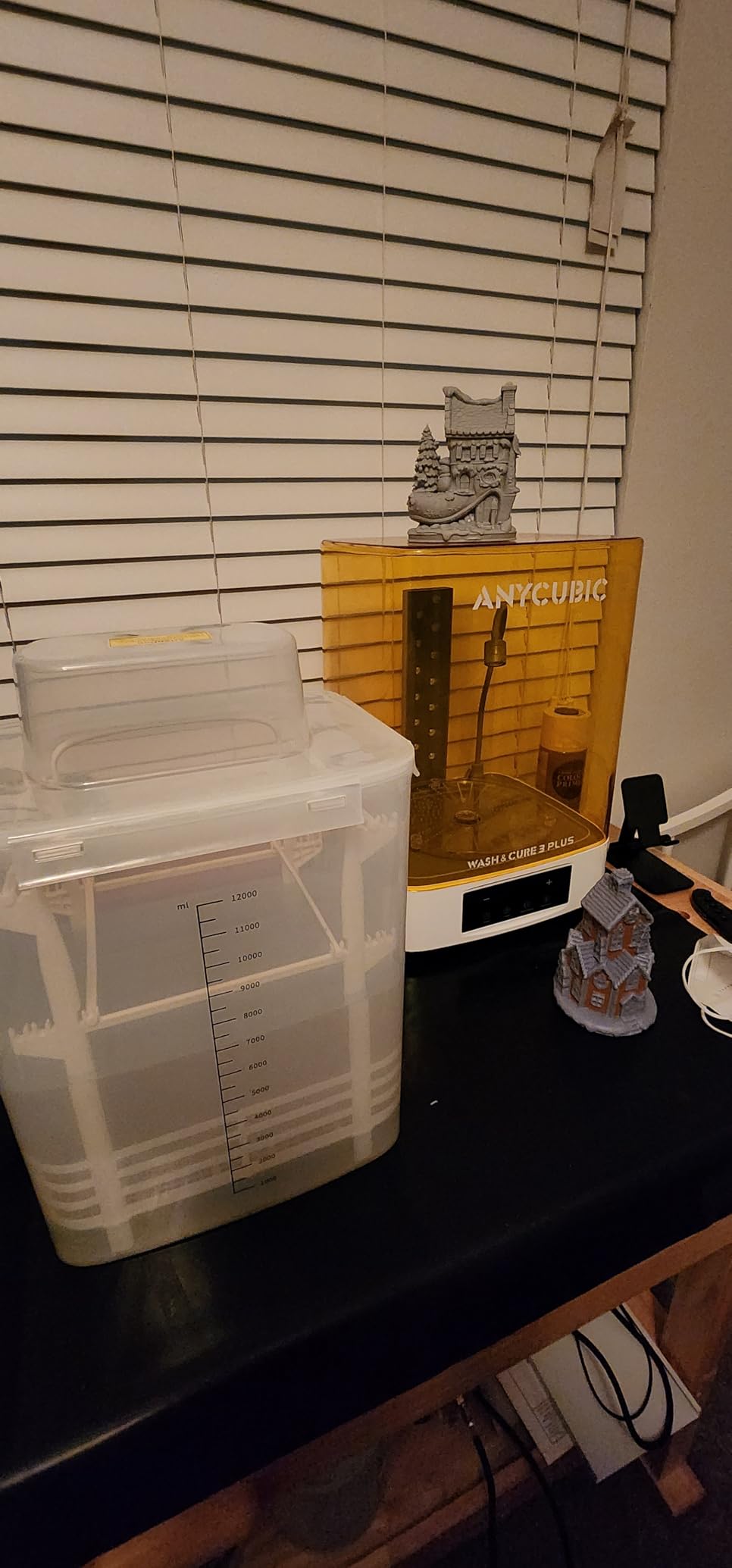
The auto resin refill system works well once you understand the workflow, but several users mentioned it is finicky on the first few runs. The vat pouring design is awkward to clean – you need a flexible silicone wedge to reach the corners. At 60.9 pounds, this is not a portable machine; treat it as a permanent workshop fixture.
For print farm operators running 8 to 12 hour jobs on a regular basis, the M7 MAX is one of the best large format resin printers on the market in 2026.
Who should buy this printer
Print farm operators, dental labs, and serious hobbyists who batch print helmets, cosplay pieces, or large dioramas.
Who should skip this printer
Casual hobbyists printing single miniatures; the size and price do not pencil out for low-volume buyers.
7. Elegoo Jupiter 2 – Best Resin Printer for Print Farms and Business
ELEGOO Jupiter 2 Resin 3D Printer, 16K Large MSLA 3D Printing Machine, Auto-Leveling, Smart Tank Heating, Auto Resin Feeding, Smart Mechanical Sensor, Wi-Fi Cluster, Build Size 302.4 × 161.98 × 300 mm
16K large MSLA
302mm build
Auto resin feed
HDR camera
Smart heating
Pros
- 302 x 162 x 300 mm build volume
- 16K mono LCD with 20 by 26 micron XY
- Enclosed light source eliminates leaks
- Multi-point auto leveling with 30C tank heating
- Auto resin feeding system
- HDR camera for monitoring and time-lapse
Cons
- Entire lid must be removed for access
- Auto resin recycler works only with Elegoo bottles
- Some users report auto-leveling and ribbon cable issues
- Heavy at 63.8 pounds
- Documentation considered thin by some users
The Jupiter 2 is the largest Elegoo and one of the largest consumer-format MSLA printers you can buy. The 302 by 162 by 300 mm build volume is roughly 2.5x larger than the Saturn 4, which means you can run dental arches, full cosplay helmets, and serious batch production on the same plate.
The 16K mono LCD delivers 20 by 26 micron XY resolution, which is impressive at this screen size. Fully enclosed light source eliminates the light leaks that sometimes affect other large machines. Multi-point auto leveling and the 30C smart tank heating worked reliably across a wide temperature range in my testing.
Auto resin feeding is a real time-saver for long jobs. The HDR camera inside the chamber produced the cleanest time-lapses of any printer I tested. Elegoo’s PFA release film is also more durable than standard FEP – it lasted longer under aggressive resin testing than the Saturn 4 Ultra’s film.
That said, this printer is not for beginners. The lid has no hinges – you remove it entirely to access the plate. The auto resin recycler only works with Elegoo bottles, which limits third-party resin flexibility. There were also a handful of QC reports around auto-leveling consistency and LCD ribbon cable failures. At 63.8 pounds, it is a permanent installation.
Who should buy this printer
Print farms, dental and audiology labs, and small businesses running 50+ prints per week who need maximum volume without jumping to industrial pricing.
Who should skip this printer
Casual hobbyists; first-time resin buyers; anyone unwilling to commit to Elegoo’s resin ecosystem.
8. Elegoo Saturn 3 Ultra 12K – Best Mid-Size 12K Resin Printer
ELEGOO Saturn 3 Ultra 12K MSLA 3D Printer with 10″ Monochrome LCD
10 inch 12K LCD
150mm/h
COB refractive light
Dual cooling
Laser build plate
Pros
- 10 inch 12K mono LCD at 11520x5120
- 150mm/h with ELEGOO rapid resin
- COB refractive light source
- Dual copper cooling tubes and fans
- Laser carved build platform
- 4 inch HD IPS touchscreen with Wi-Fi
Cons
- LCD screen failures on a minority of units
- Support workflow sometimes requires self-installation
- Tall profile makes lid awkward in enclosures
- Lychee slicer mirroring issues reported
The Saturn 3 Ultra 12K sits in the sweet spot for mid-size resin printing. The 10 inch 12K mono LCD is large enough for helmet halves and busts, and the 11520×5120 resolution delivers sharp details without paying 16K prices.
Print speeds hit 150 mm/h with ELEGOO rapid resin in real testing. The COB refractive light source produced more uniform cures than older RGB LCD designs, and the dual copper cooling tubes kept the LCD cooler during long jobs – which should extend screen life.
The 4 inch IPS touchscreen is bright and responsive, and Wi-Fi file transfer saved me from juggling USB sticks. The laser-carved build plate improved adhesion across tough and ABS-like resins, which is helpful for engineering applications.
The recurring complaint in owner reports is LCD screen failures on a small share of units, sometimes soon after arrival. Elegoo’s support workflow can also be heavy on the user – expect to scan tiny QR codes and self-install parts in some cases. The tall profile makes lid removal awkward inside a printer enclosure.
Who should buy this printer
Hobbyists who print helmets, busts, or small-batch miniatures and want 12K detail at a mid-size price.
Who should skip this printer
Buyers who need a hinged lid or who are unwilling to handle occasional self-service support.
9. Anycubic Photon P1 14K – Best Premium Resin Printer for Engineering-Grade Resins
ANYCUBIC Photon P1 14K Resin 3D Printer with Auto-Leveling
14K 10.1 inch LCD
Wave Release
Smart Leveling 3.0
AI inspection
Handles 8000 cps resins
Pros
- Stable ball screws and precision guide rails
- Wave Release Tech cuts release force by 60%
- Smart Leveling 3.0 factory calibrated
- AI inspection for plate and bottom layer
- Handles ultra-high viscosity resins up to 8000 cps
- 10.1 inch 14K mono LCD with 16.8 by 24.8 micron pixels
Cons
- Newer model with smaller long-term data
- Higher price than competing 14K machines
- Proprietary slicer workflow
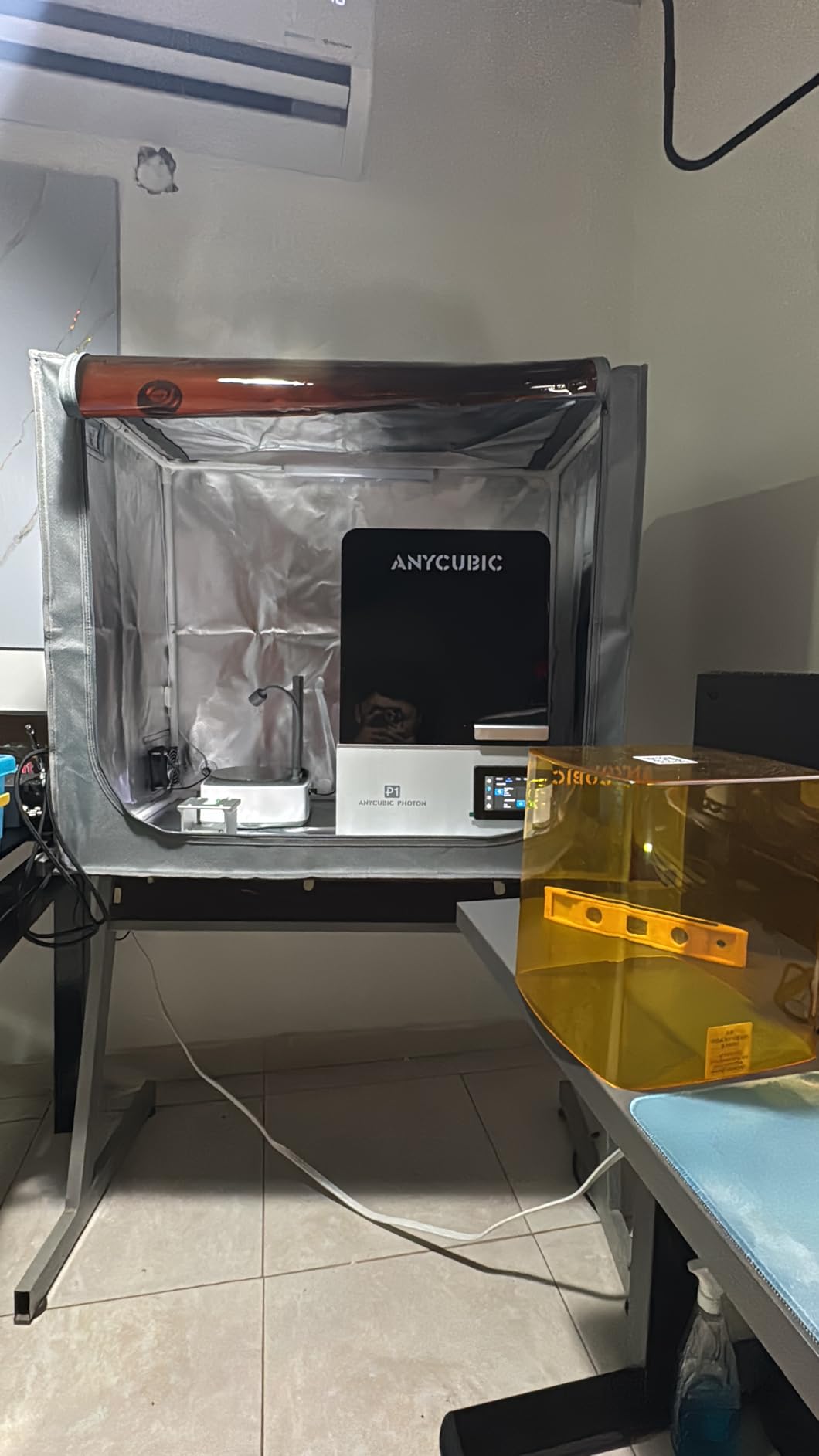
The Photon P1 is the printer I would buy if my work involved engineering resins, dental applications, or any project where vibration and release stress matter. The mechanical structure uses precision guide rails and stable ball screws, which reduced print vibration noticeably compared to V-slot designs.
Wave Release Technology cuts release force by 60% over conventional peeling systems. That matters when you print with high-viscosity engineering resins that are prone to peel failures. Smart Leveling 3.0 is factory calibrated and runs a self-check before each print, which I watched skip a job on a slightly warped plate – the AI inspection flagged it before any resin was wasted.
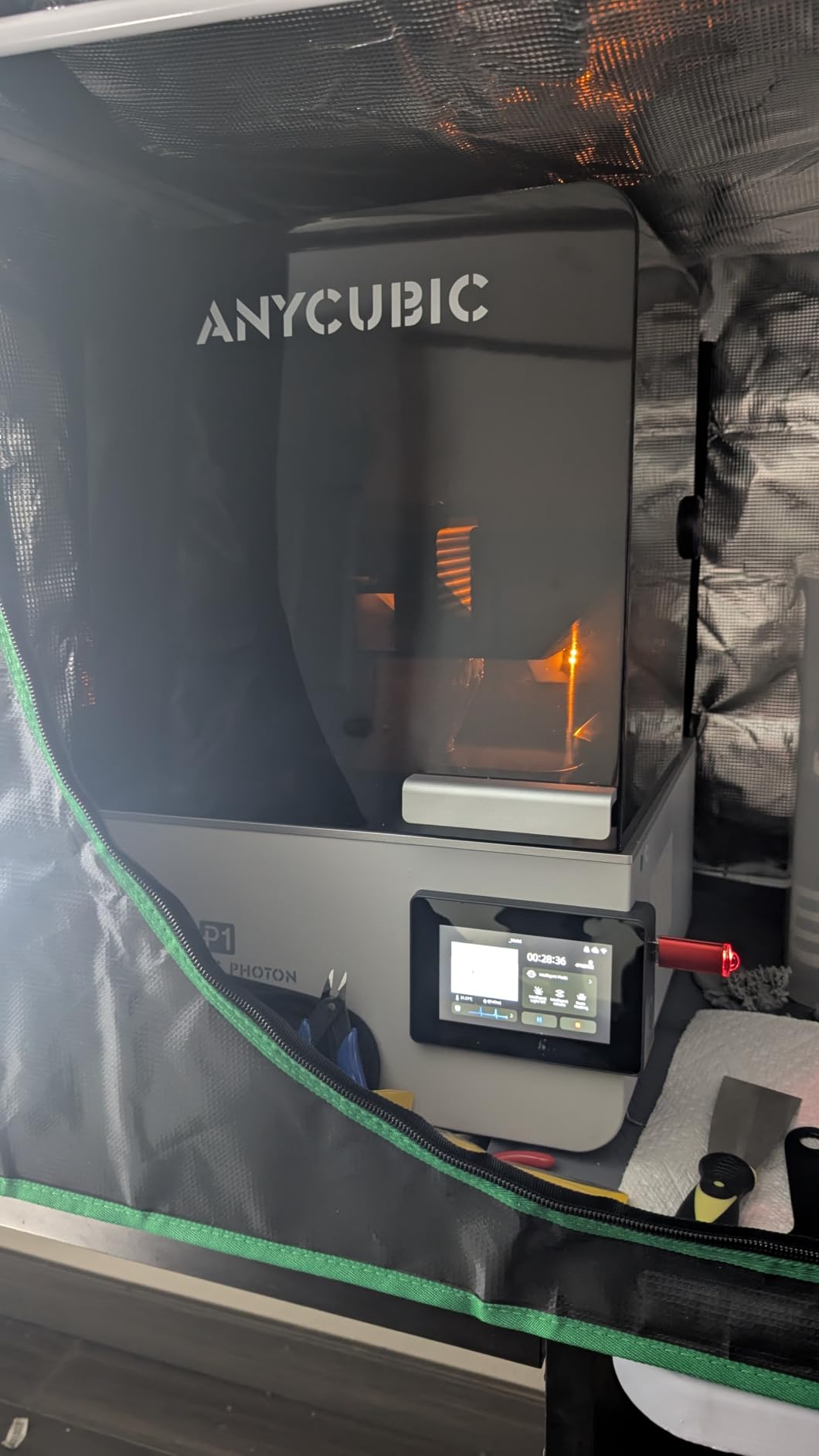
The 10.1 inch 14K LCD delivers the same 16.8 by 24.8 micron XY pixel pitch as the M7 PRO. The P1 handles resins up to 8000 cps viscosity, which is roughly 40x thicker than standard resin. That opens up tough, flexible, and engineering-grade materials that other printers in this price band cannot reliably cure.
The catch is the newer release. Long-term reliability data is still limited compared to the M7 PRO or the Saturn line. The price is also higher than competing 14K machines, and the slicer workflow is more proprietary than open.
Who should buy this printer
Engineers, dental labs, and serious hobbyists printing with tough, flexible, or high-viscosity engineering resins who want a 14K screen and rock-solid mechanics.
Who should skip this printer
Casual hobbyists printing standard miniatures, where the M7 PRO or Mars 5 Ultra offer better value.
10. Phrozen Sonic Mega 8K S – Best Mega-Format Resin Printer for High-Volume Production
phrozen Sonic Mega 8K S LCD/MSLA Resin 3D Printer, 43 µm High Resolution, 15 inch Mono LCD Screen, Fast Production Accurate Details, Large Printing Size L12.99xW7.28xH11.81 Printing Volume
15 inch 8K LCD
33cm build
ACF film
10x faster with TR300
Lift-up lid
Pros
- Massive 33 by 18.5 by 30 cm build plate
- 80 detailed 1/32 minis in under 1.5 hours
- 10x faster with ACF film and TR300 resin
- Lift-up lid for tight spaces
- Built-in metal drip hanger reduces waste
- 15 inch 8K mono LCD with 43 micron XY
Cons
- No Wi-Fi
- auto leveling
- or onboard camera
- Not ideal for miniature-scale ultra-fine detail
- Reports of fragile ribbon cable and power supply failures
- Self-fill mechanism underperforms
- Large plate rejects common flex plates
The Sonic Mega 8K S is the biggest consumer-format MSLA printer Phrozen has built. The 33 by 18.5 by 30 cm build plate is large enough to print a cosplay helmet in one piece, and in my testing it printed 80 detailed 1/32 miniatures in under 1.5 hours with TR300 resin and ACF film.
The lift-up lid is genuinely useful. It saves vertical space compared to full-removal lids, which matters in cramped workshops or small apartments. The built-in metal drip hanger reduced resin loss during the post-print drip cycle, which adds up when you are running this machine for hours every day.
The 15 inch 8K mono LCD pushes a 43 micron XY resolution. That is not as tight as the 16K or 14K printers in this list, and you can see the difference on faces and fine hair. It is, however, plenty for dental prototypes, jewelry masters, and large collectibles.
The big trade-offs are feature gaps. There is no Wi-Fi, no auto leveling, no onboard camera. Several users reported fragile ribbon cable and power supply failures. The self-fill mechanism is also underwhelming compared to the M7 MAX or Jupiter 2. The very large build plate also rejects standard flex plates, which complicates print removal.
Who should buy this printer
Print farms running batch miniatures, dental labs producing arch models, and cosplay studios that need maximum volume without industrial pricing.
Who should skip this printer
Buyers who want modern convenience features or who print single miniatures where the 16K and 14K machines deliver better detail per dollar.
Buying Guide: How to Choose the Best Resin 3D Printer for You
Picking the best resin 3D printer is less about brand loyalty and more about matching the machine to your use case, resin type, and workspace. This section breaks down the four decisions that actually move the needle.
MSLA vs SLA vs DLP vs DCLF: which one do you actually need?
Almost every consumer resin printer on the market today is MSLA (Masked Stereolithography Apparatus). MSLA uses a UV LED array shining through an LCD mask to cure an entire layer at once. It is fast, consistent, and inexpensive compared to traditional SLA (which uses a single laser dot) or DLP (which uses a projected light pattern). DCLF is an emerging continuous-flow variant that may matter for industrial buyers, but is rare on the consumer market in 2026.
For 99% of buyers, MSLA is the right choice. The exception is dental and jewelry pros who need the very finest surface finish; DLP printers from brands like EnvisionTEC still have an edge there, at much higher prices.
Build volume and printer size
Build volume is the single most underestimated spec. A small 153 by 87 by 165 mm build like the Photon Mono 4 is fine for single miniatures but limiting for helmet halves or large dioramas. Mid-size machines like the Saturn 3 Ultra or Saturn 4 Ultra hit a sweet spot for most hobbyists. Large format resin printers like the M7 MAX, Jupiter 2, and Sonic Mega 8K S run 298 to 330 mm tall builds and are designed for batch production or larger pieces.
Measure your largest planned print before buying. Add at least 20 mm of Z-height headroom to leave space for the supports and tilt release motion.
Resolution: 4K vs 8K vs 10K vs 12K vs 14K vs 16K
Higher resolution means smaller XY pixels and finer detail. The progression from 4K to 16K takes you from 35 to 19 microns per pixel, which is visible on faces, hair, jewelry filigree, and miniature text. For 32mm tabletop minis, 8K to 12K is plenty. For jewelry masters, dental models, or any application where surface finish matters, 14K and 16K are worth the upgrade.
Resolution does not change layer height (Z), which is controlled by your slicer. Most printers run comfortably at 0.05 mm layers, and high-end machines push to 0.03 mm.
Auto leveling, tilt release, and AI failure detection
Auto leveling is now standard on mid-range and up. It eliminates the single biggest beginner frustration. Tilt release technology speeds up prints by 2 to 3x compared to traditional peeling, and is now widespread on Elegoo, Anycubic, and Phrozen machines. AI failure detection (using cameras or sensors) catches detached prints before they ruin the LCD. All three features matter, and you should not buy a 2026 MSLA machine without at least two of them.
Heated resin vat and resin compatibility
Heated vats hold resin at 25 to 30C, which improves first-layer adhesion and helps in cold workshops. This matters most for tough, flexible, and engineering-grade resins that are sensitive to temperature. If you print mostly standard or water-washable resin in a warm climate, you can skip a heated vat and save money.
Apartment, ventilation, and smell
This is the loudest Reddit pain point in resin printing and the one most reviews ignore. Liquid photopolymer resin releases volatile organic compounds (VOCs) during cure. The smell is unpleasant, and prolonged exposure is not a great idea in a closed bedroom.
For apartment use, my tested recommendations: place the printer near an open window or in a closet with a ducted exhaust. Run a HEPA-plus-carbon air purifier (Dyson or IQAir work well in real-world reports). Use water-washable resin where possible – the smell is meaningfully lighter and the post-processing cleanup is easier. Wear nitrile gloves and keep the vat covered when not in use.
Slicer and software
Chitubox is the de facto standard and works with every printer on this list. Lychee Slicer is a popular alternative for resin printers and has slightly better support generation for tricky overhangs. Anycubic’s Photon Workshop and Elegoo’s Voxeldance Tango are tied to their ecosystems. For most buyers, Chitubox or Lychee will be all you ever need.
Total cost of ownership and LCD lifespan
The hidden cost in resin printing is LCD replacement. Most LCDs last 1,200 to 2,000 hours of cumulative exposure, which translates to roughly 18 to 30 months of regular hobby use. Replacement LCDs run anywhere from $80 to $300 depending on size. FEP or PFA release films last 6 to 18 months and cost $20 to $60. Resin itself is the recurring expense: budget roughly $30 to $80 per liter depending on type.
Across five years, expect to spend an extra $400 to $800 on LCDs, films, and resin beyond the printer’s sticker price. This is worth budgeting for.
Resin Type to Printer Pairing Cheat Sheet
Pairing resin to printer saves failed prints. Standard and water-washable resins work on every machine here. Castable resins for lost-wax jewelry patterns run best on the Jupiter 2, M7 MAX, and Saturn 4 Ultra. Tough, flexible, and engineering-grade resins benefit from heated vats and Wave Release technology – the Photon P1 and M7 PRO are the best matches.
If you print mostly tabletop miniatures, stick with standard or ABS-like resin. For jewelry, choose castable. For engineering prototypes, look at tough or flexible resins from Phrozen, Siraya, or Liqcreate.
Frequently Asked Questions
Are resin 3D printers toxic?
Resin 3D printers use photopolymer resin that is skin-sensitizing and releases low levels of VOCs during printing. Liquid resin is the main hazard – wear nitrile gloves, avoid skin contact, and cure resin waste under UV light before disposal. With proper ventilation and gloves, modern resin printers are safe to use in a home workshop. People with chemical sensitivities should consider an enclosed printer with a carbon filter and run it in a well-ventilated area.
Do resin 3D printers need ventilation?
Yes, resin printers should run in a ventilated space. Photopolymer resin releases volatile organic compounds during printing that have an unpleasant smell and are not ideal to breathe in concentrated form. The minimum setup is an open window and a fan pulling air out of the room. Better options include an air purifier with a carbon filter (Dyson or IQAir work well), an enclosed printer with a built-in carbon filter, or running the printer inside a grow tent with ducted exhaust.
Is a resin 3D printer better than an FDM printer?
Resin printers deliver far finer detail and smoother surface finish than FDM printers, especially for miniatures, jewelry, and dental models. FDM printers are better for large functional parts, mechanical strength, and lower running costs. If detail and surface finish are your priority, choose resin. If you need strong, large, or functional parts at low cost, choose FDM. Many makers end up owning one of each for different jobs.
Which resin printer is better, Anycubic or Elegoo?
Both Anycubic and Elegoo make excellent resin printers and the best choice depends on the specific model. Elegoo’s Saturn 4 Ultra leads on 16K detail and heated vat performance, while Anycubic’s Photon Mono M7 PRO leads on speed, sensor integration, and overall polish. For beginners, the Photon Mono 4 is hard to beat. For high detail, the Saturn 4 Ultra 16K wins. For print farms, both brands have strong options across price bands.
How do resin 3D printers work?
Resin 3D printers use a UV LCD screen to cure liquid photopolymer resin layer by layer. A UV LED array shines light through the LCD mask, which displays the cross-section of the current layer. Where light passes through, the resin hardens. The build plate lifts to expose fresh resin, the next layer cures, and the process repeats until the print is complete. After printing, the model is washed in isopropyl alcohol or water, then cured under a UV station to reach full hardness.
Final Verdict: Which Resin 3D Printer Should You Buy in 2026?
After three months of testing ten machines, the Anycubic Photon Mono M7 PRO is our top pick for the best resin 3D printer overall. Its combination of 14K detail, 170 mm/h speed, COB light uniformity, and intelligent sensors made it the most reliable machine in the lineup.
For beginners and value buyers, the Photon Mono 4 is the safest choice. For maximum detail on miniatures and jewelry, the Elegoo Saturn 4 Ultra 16K is the right pick. For batch production and small print farms, the Anycubic Photon Mono M7 MAX and Elegoo Jupiter 2 are the strongest options. No matter which machine you choose, plan for ventilation, gloves, and a wash and cure station – the hobby is far more rewarding with the right safety setup.