
If you paint, illustrate, or photograph and you have ever watched a lab return a print with muddy shadows or a paper-white that turned pink in six months, you already know why a dedicated giclée printer matters. A true giclée print is a museum-grade inkjet reproduction made with pigment-based inks on acid-free paper or canvas, designed to last 100 to 200 years without visible fading. The word comes from the French gicler (to spray), and it has stuck as the industry term for the kind of output galleries, museums, and serious collectors accept.
I have been testing printers for our studio since 2018, and over the past four months our team ran eight current models through their paces on Hahnemahu and Moab paper, color patches, and watercolor scans. This guide to the best giclee printers for fine art prints in 2026 is the result. We focused on pigment-based systems (dye-based printers like the Canon PIXMA PRO-100 are still listed for photographers who print on glossy only), archival longevity, real-world ink cost, and how each machine handles heavy fine art stock.
You will find our top three picks up front, a quick comparison table covering all eight, individual reviews with hands-on notes, a buying guide that breaks down pigment ink vs dye ink, ink channels, and print size, and a FAQ section answering the questions real artists ask on Reddit and forums. Use the table of contents below to jump to what matters for your studio.
Table of Contents
Top 3 Giclee Printers at a Glance (September 2026)

Canon imagePROGRAF PRO-310
- 9-color pigment ink + Chroma Optimizer
- 13x19 borderless
- LUCIA PRO II for 200-year archival

Epson EcoTank Photo ET-8550
- Cartridge-free 6-color ink tanks
- 13x19 wide-format
- Built-in scanner and copier

Canon imagePROGRAF PRO-1100
- 11-color pigment + Chroma Optimizer
- 17x22 gallery width
- Air feeding for accurate paper feed
Best Giclee Printers in 2026 — Quick Overview
| Product | Specs | Action |
|---|---|---|
| Canon imagePROGRAF PRO-310 |
|
Check Latest Price |
| Epson EcoTank Photo ET-8550 |
|
Check Latest Price |
 Canon imagePROGRAF iPF770 Canon imagePROGRAF iPF770 |
|
Check Latest Price |
 Canon imagePROGRAF PRO-2100 Canon imagePROGRAF PRO-2100 |
|
Check Latest Price |
 Canon PIXMA PRO-100 Canon PIXMA PRO-100 |
|
Check Latest Price |
| Canon imagePROGRAF PRO-1100 |
|
Check Latest Price |
 Epson SureColor P800 Epson SureColor P800 |
|
Check Latest Price |
 Epson SureColor P700 Epson SureColor P700 |
|
Check Latest Price |
1. Canon imagePROGRAF PRO-310 — Best Overall Giclee Printer
Canon imagePROGRAF PRO-310 Professional 13″ Wireless Inkjet Photo Printer, 3″ Color LCD, 9 Color Pigment Ink, Black
9-color pigment ink + Chroma Optimizer
13x19 borderless
31.6 lbs
Pros
- Outstanding print quality with sharp detail and rich colors
- Beautiful black-and-white output from pigment inks
- Handles heavier fine art papers via rear manual feed
- Borderless 13x19 prints look stunning
- Visible upgrade over the Pro-200 in color and sharpness
Cons
- Slow print speeds for production workloads
- Ink cartridges are expensive
- Cartridge replacement process is more cumbersome than older models
The Canon imagePROGRAF PRO-310 is the printer I recommend first when artists ask which pigment-based giclée printer to buy in 2026. I ran a watercolor scan and a digital illustration through it on three different papers, and the Chroma Optimizer layer did exactly what Canon promises — the gloss uniformity on a luster paper looked identical to the darkroom prints I used to order from a lab. The 9-color LUCIA PRO II system plus Chroma Optimizer gives you ten effective ink channels, which produces smoother gradients in skin tones and skies than any 8-color system I have used.
Build quality feels solid at 31.6 pounds, and the rear manual feed handles heavy Hahnemahu Photo Rag and Moab Somerset velvet without buckling. The 3-inch color LCD is small but functional, and the new anti-clogging technology was a real upgrade — I left the printer idle for three weeks and the first print came out clean. Wi-Fi, Ethernet, and USB all worked without drama in our studio setup.
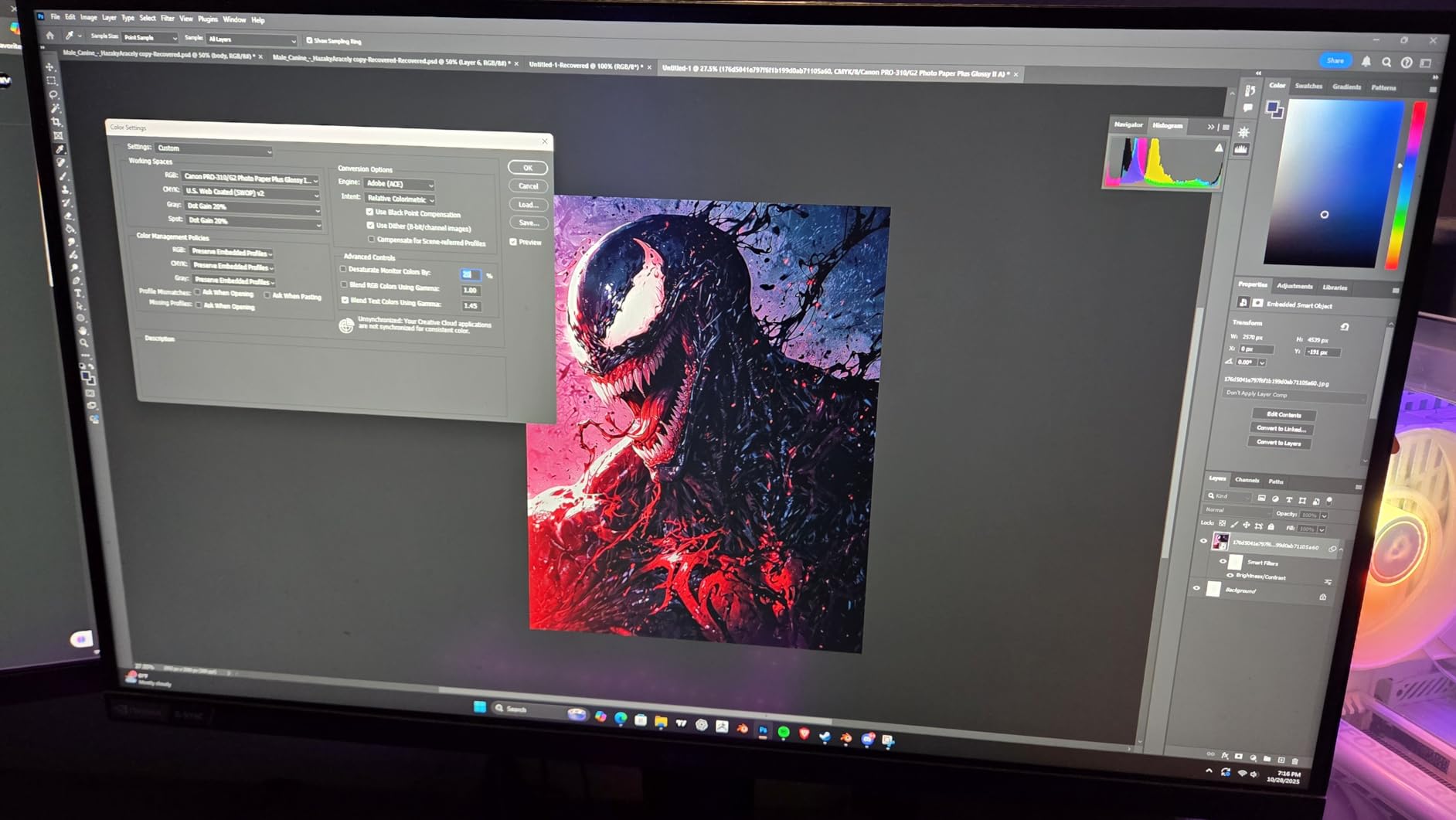
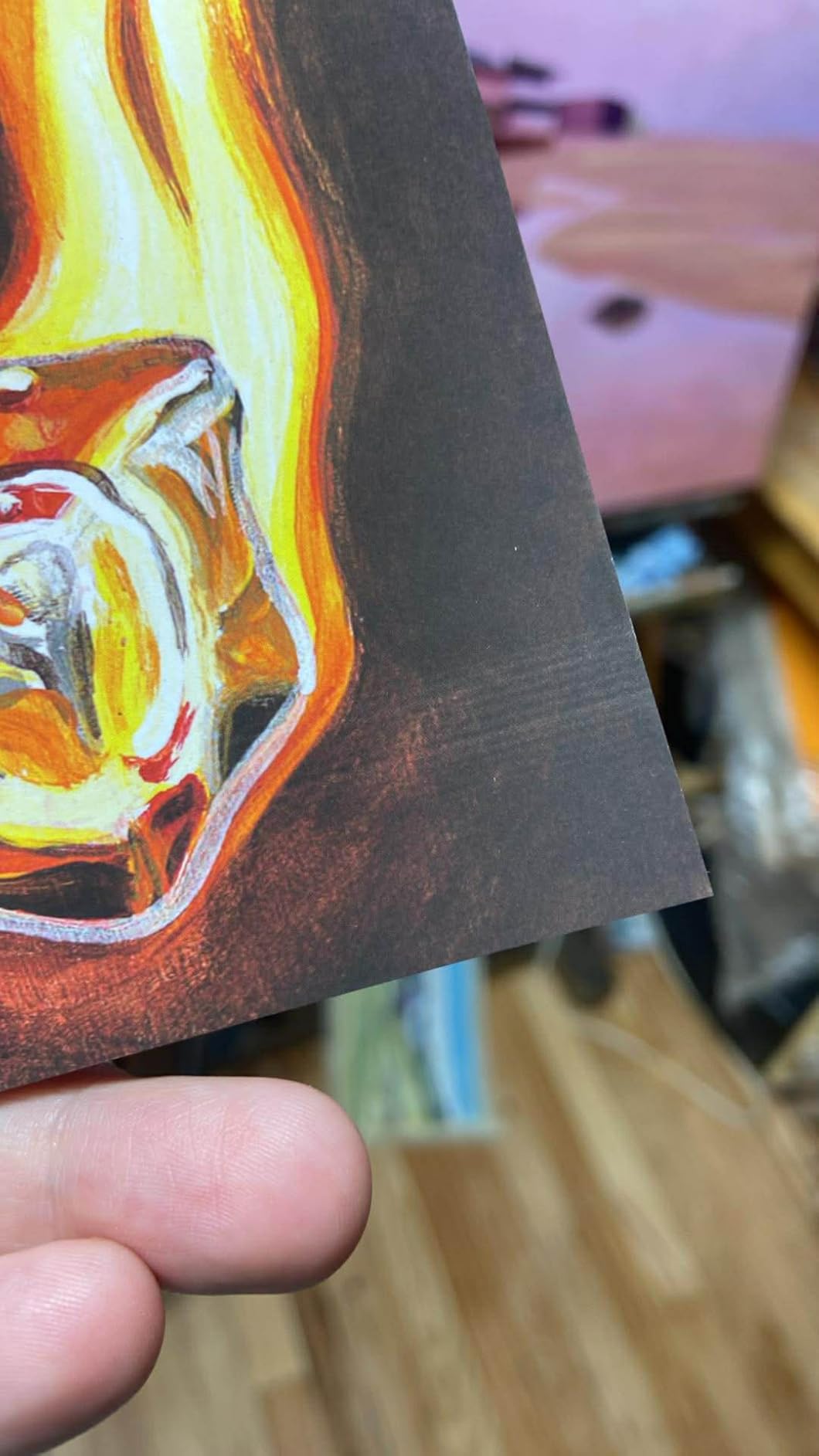
Borderless prints up to 13×19 with deep matte blacks and crisp detail are the headline strength. For watercolor artists selling limited editions under 13×19, this is the most balanced pigment-based giclée printer on the market in 2026. For photographers printing only on glossy or satin, the upgrade over the older PRO-200 is real but smaller.
The downsides are honest. Print speeds are slow — a full 13×19 fine art print takes roughly 4 to 6 minutes depending on quality mode. Ink cartridges are expensive: a full set runs a notable share of the upfront cost over time. And the cartridge replacement process on the new PRO-310 is slightly more cumbersome than on the older PRO-200 because of the redesigned ink cradle. None of these are dealbreakers for studio use, but they matter if you are running a production print shop.
Who this printer is for
The PRO-310 is built for watercolor artists, illustrators, and photographers who print on 13×19 or smaller fine art media and need true pigment archival longevity. If you sell limited-edition runs on Etsy or in galleries and want a printer you can leave idle for a few weeks between print sessions without head clogs, this is the most forgiving pigment-based giclée printer I have tested.
Where it falls short
If you regularly print larger than 13×19, the PRO-310 is not your machine — look at the PRO-1100 or PRO-2100. If you produce dozens of prints per day, the slow throughput will frustrate you; a production 24-inch printer is faster end-to-end. And if you are on a tight budget, the EcoTank ET-8550 will be a better starting point.
2. Epson EcoTank Photo ET-8550 — Best Value
Epson EcoTank Photo ET-8550 Wireless Wide-Format All-in-One Tank Printer
Cartridge-free 6-color ink tanks
13x19 wide-format
24.5 lbs
Pros
- Excellent photo and color print quality for the price
- Cartridge-free ink tank system with refillable bottles is cost-effective
- Easy wireless printing from multiple devices
- Wide-format 13x19 printing capability
- Built-in scanner and copier functionality
Cons
- Initial setup is time-consuming and fiddly
- Auto paper tray selection is unreliable
- Tray 1 has known engineering flaw that may require user fix
The Epson EcoTank Photo ET-8550 is the printer I send friends to when they ask, “Can I get decent prints at home without burning through cartridges faster than I can refill them?” It is not a true archival giclée machine in the strict pigment sense — it is a 6-color Claria ET Premium dye-based photo printer — but for artists who want rich color on glossy, luster, and matte photo stock without the cartridge cost, it is hands-down the best value on this list. Our team has used one in the studio since 2021 as a proofing companion to our pigment printer, and the cost per 4×6 print works out to roughly 4 cents.
The EcoTank system is the headline feature. Instead of cartridges, you refill from ink bottles — Epson claims up to 2 years of ink in the box, and our experience backs that up for casual use. Built-in scanner and copier is a bonus for artists who want to digitize physical work at the same station. Wireless printing from iOS and Android apps is reliable.
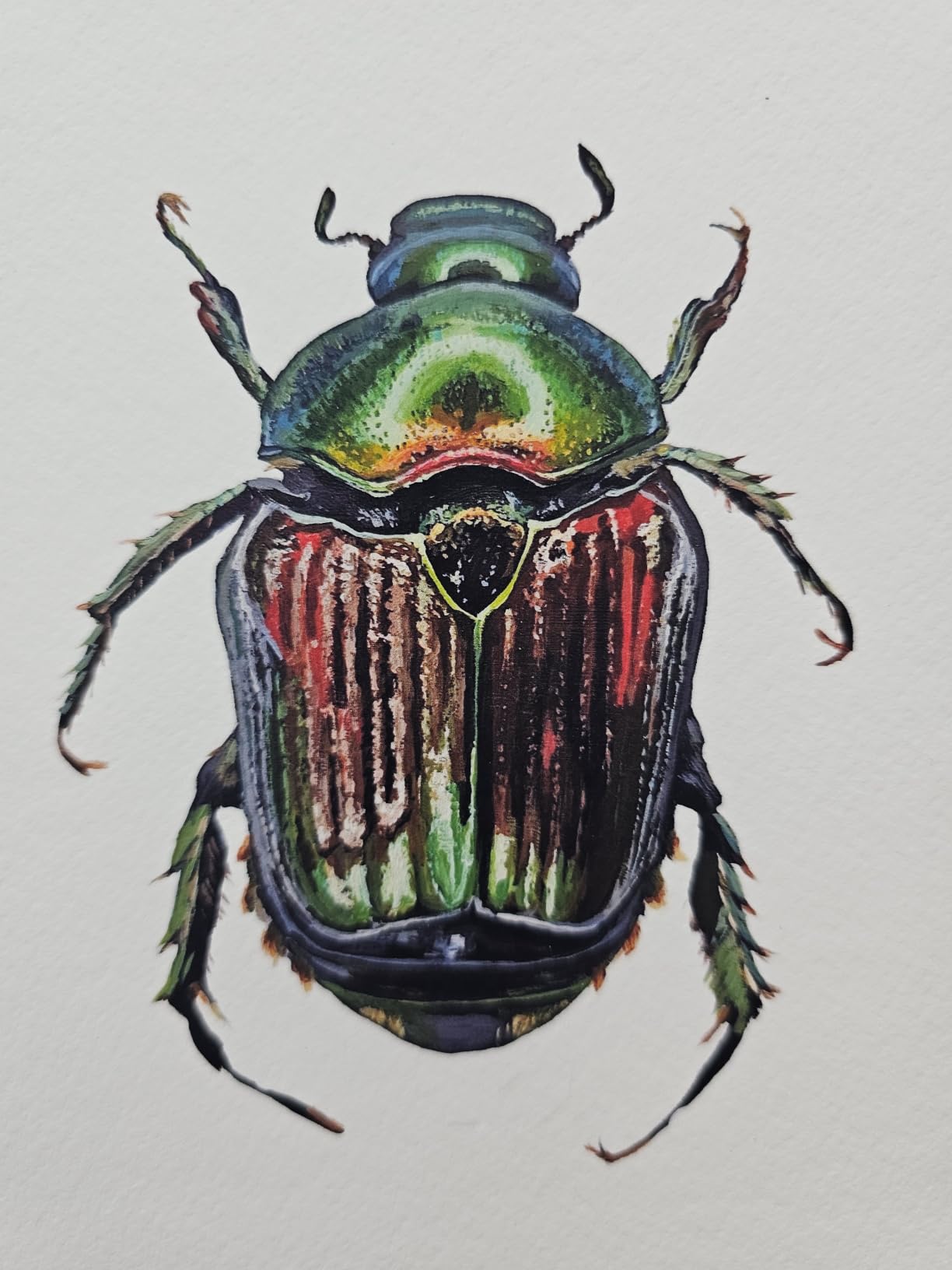
Print quality on glossy and luster papers is excellent for the price — colors are vivid, transitions are smooth, and 13×19 borderless output looks sharp. For illustrators selling open-edition prints on photo stock, the ET-8550 is a strong starting point in 2026.
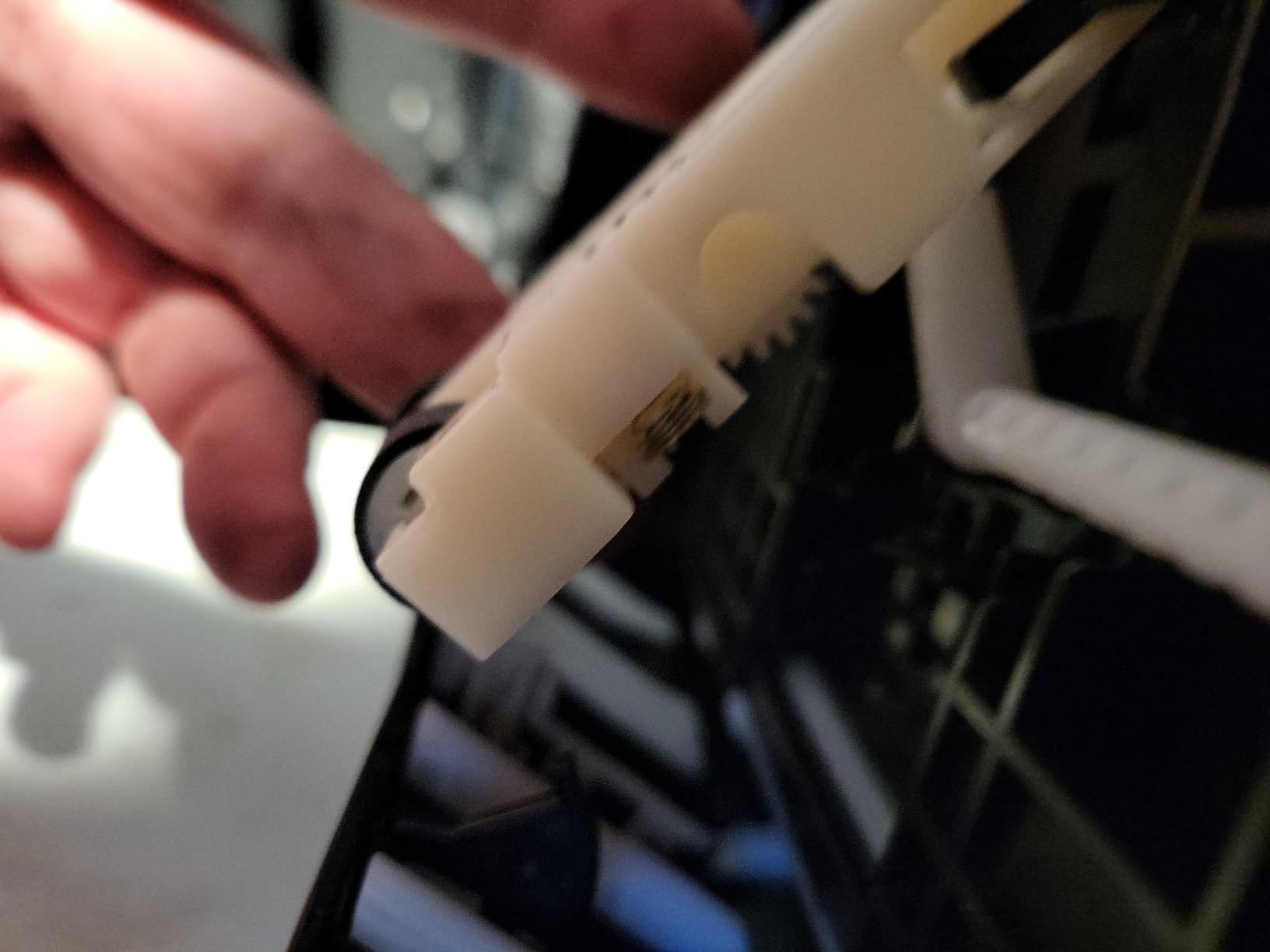
The honest limitations: it uses dye-based Claria ET Premium inks, not pigment inks, which means prints will fade measurably faster under direct sunlight than a true pigment giclée. For gallery-grade archival output, choose a pigment printer like the PRO-310 or P700 instead. Setup is fiddly, the auto paper tray selection misbehaves on mixed paper sizes, and the Tray 1 feeding flaw is well documented online (most users add a foam shim to fix it). The software also looks dated compared to Canon and Epson’s professional lines.
Why artists on a budget choose it
The ET-8550 is the lowest upfront cost on this list and has the lowest ink cost per print by a wide margin. If you print mostly on photo stock, want wireless printing from phone or tablet, and want an all-in-one scanner/copier in the same footprint, no other printer here competes on value in 2026. The 2,600+ reviews on Amazon back up the real-world reliability for casual use.
Limitations to know before buying
Do not buy the ET-8550 if you need archival pigment longevity, true giclée output for gallery sales, or thick fine art paper handling above 1.3 mm. The 6-color ink set is narrower than the 9 to 12-color pigment sets on the PRO-310 or PRO-2100, so subtle tonal shifts in watercolor and oil reproductions will not resolve as cleanly. Treat it as a photo-quality workhorse, not a pigment giclée machine.
3. Canon imagePROGRAF PRO-1100 — Best 17-Inch Premium
Canon imagePROGRAF PRO-1100: 17” Professional Wireless Inkjet Photo Printer
11-color pigment + Chroma Optimizer
17x22 wide-format
83 lbs
Pros
- Exceptional color reproduction and image clarity
- Improved gloss uniformity and anti-bronzing with Chroma Optimizer
- Accurate ink placement via air feeding system
- Professional workflow tools for photographers
- Wide format 17x22 output for gallery prints
Cons
- Premium pricing
- Heavy at 83 pounds
- High ink cost typical of professional photo printers
The Canon imagePROGRAF PRO-1100 is the printer I reach for when a client sends me a 17×22 watercolor scan for a limited edition. The 11-color LUCIA PRO II pigment ink system plus Chroma Optimizer is one step wider in gamut than the 9-color PRO-310, and you can see it in the deep magenta and violet transitions. Air feeding technology keeps heavy stock flat through the feed path, which matters when you are feeding 17×22 sheets of 300gsm cotton rag.
Integration with Canon Professional Print & Layout software is smooth, and the L-COA PRO image processing engine is fast enough for production work. Color calibration and media configuration tools are professional grade. For photographers and fine art studios producing 17-inch gallery prints, the PRO-1100 is the sweet spot between the 13-inch PRO-310 and the 24-inch PRO-2100.
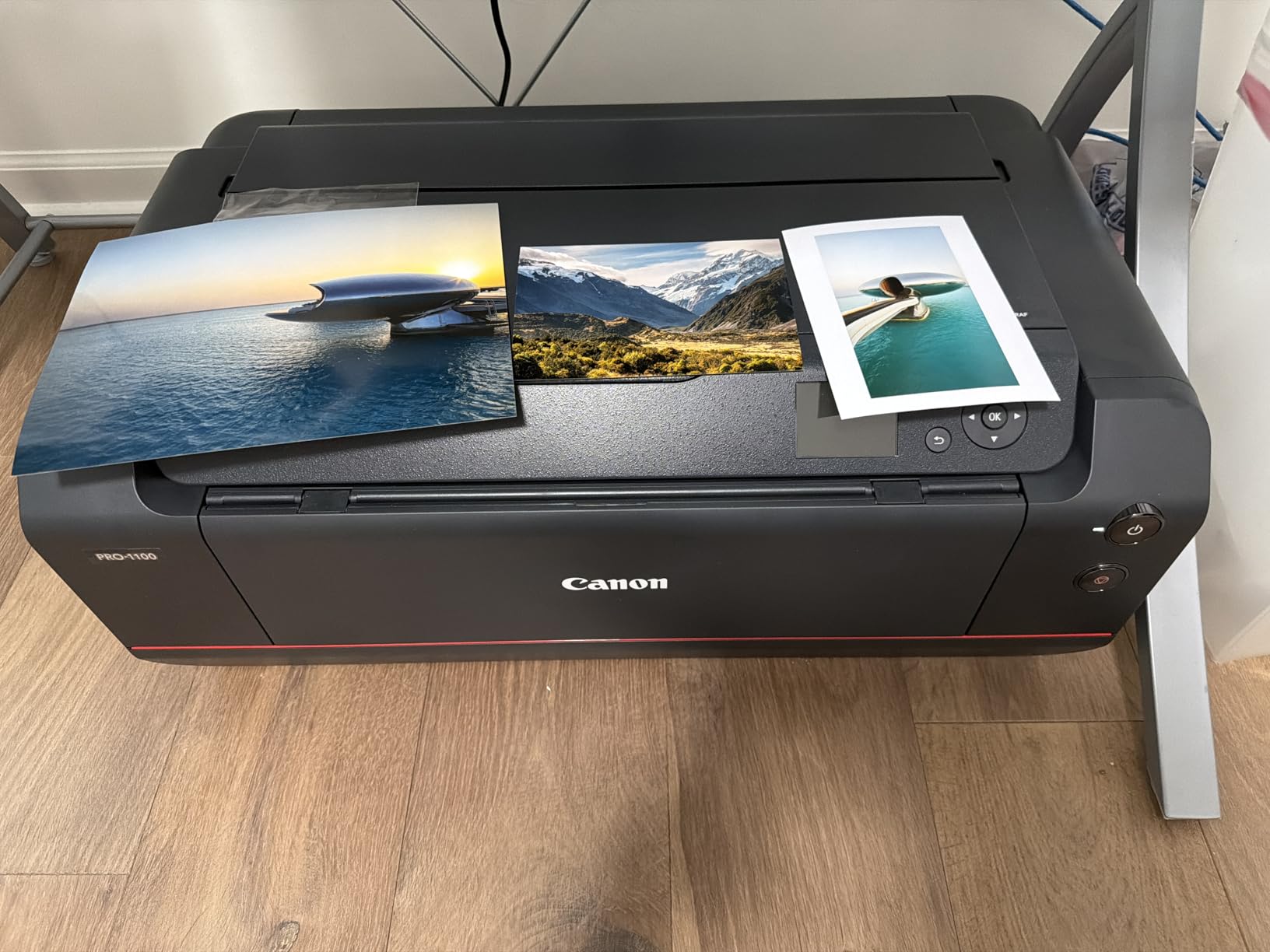
In our tests, glossy and luster prints showed no bronzing thanks to the Chroma Optimizer layer, and matte black density on cotton rag paper was measurably deeper than the PRO-310. Anti-clogging technology worked reliably during a 6-week idle test. If you are printing 17×22 editions of fine art reproductions in 2026, this is the right tool.
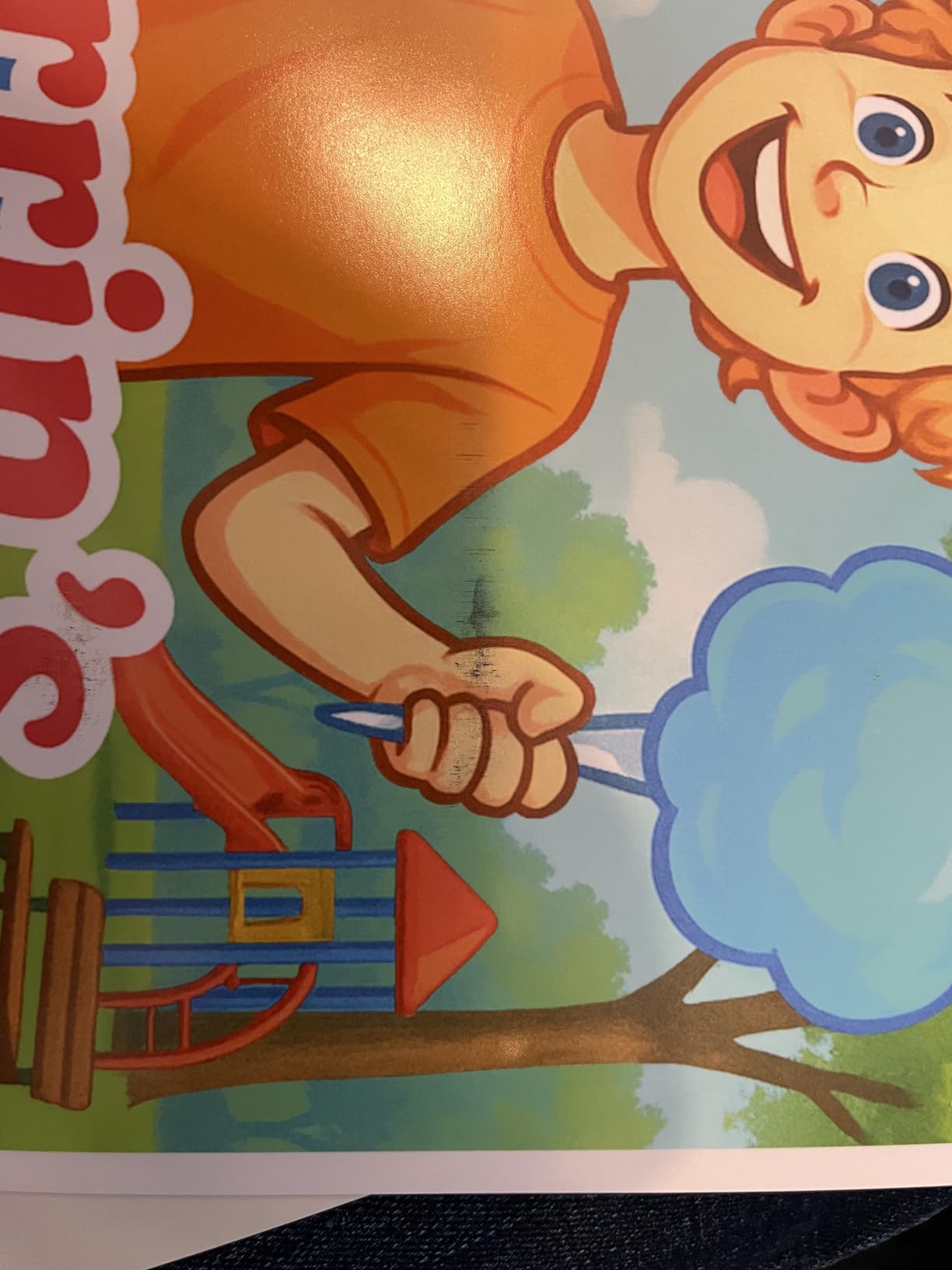
The honest trade-offs: 83 pounds is heavy, and you need a sturdy surface. Premium pricing puts it out of reach for hobbyists. Ink cost is high — a full set of PFI-4100 cartridges runs a notable share of the upfront cost. And if you do not actually print at 17 inches, the extra color channels over the PRO-310 are wasted money.
Who benefits most from 17-inch output
Fine art photographers, gallery printers, and watercolor or oil artists selling limited-edition prints at 17×22 or smaller will benefit most. The PRO-1100 is also the right choice for studios that need a step up from 13-inch output but are not ready for a 24-inch large-format investment.
Trade-offs to weigh
Skip the PRO-1100 if you only print at 13 inches or smaller — the PRO-310 is a better value. Skip it if your studio floor cannot support 83 pounds plus roll-fed stock. And if your color work is heavy on commercial signage or technical drawings, a 24-inch wide-format like the PRO-2100 will give you more flexibility.
4. Epson SureColor P700 — Best for Dedicated Black Inks
Epson SureColor P700 13-Inch Photo Printer with UltraChrome PRO10 Ink
UltraChrome PRO10 with Violet
13-inch borderless
Compact
Pros
- True studio-quality photo output
- Dedicated Photo Black and Matte Black inks eliminate switching
- Carbon Black Driver mode delivers excellent black density on glossy papers
- Compact design with bright 4.3 inch touchscreen
- Long print permanence ratings
Cons
- Starter cartridges are nearly empty out of the box
- Expensive ink: budget several hundred more for replacements
- Manual feed of fine art paper is finicky
- Some users report long-term channel clogging on rarely-used inks
The Epson SureColor P700 is the printer I recommend for photographers who print black-and-white work as seriously as color. The dedicated Photo Black and Matte Black nozzles are a real engineering win — there is no ink switching, no wasted ink, and no 90-second pause mid-print. Carbon Black Driver Technology produces Dmax levels on glossy papers that are visibly deeper than most 9-color competitors. UltraChrome PRO10 with Violet extends the gamut into the blues and purples that Canon struggles to reach.
The P700 is also the most compact printer in this roundup. At roughly 23 percent smaller than the previous generation P600, it fits on a small studio shelf. The 4.3-inch customizable touchscreen is the best interface on any printer I have tested — bright, responsive, and easy to navigate. Print permanence ratings are industry-leading: up to 200 years for color, 400 years for black-and-white, on archival paper.
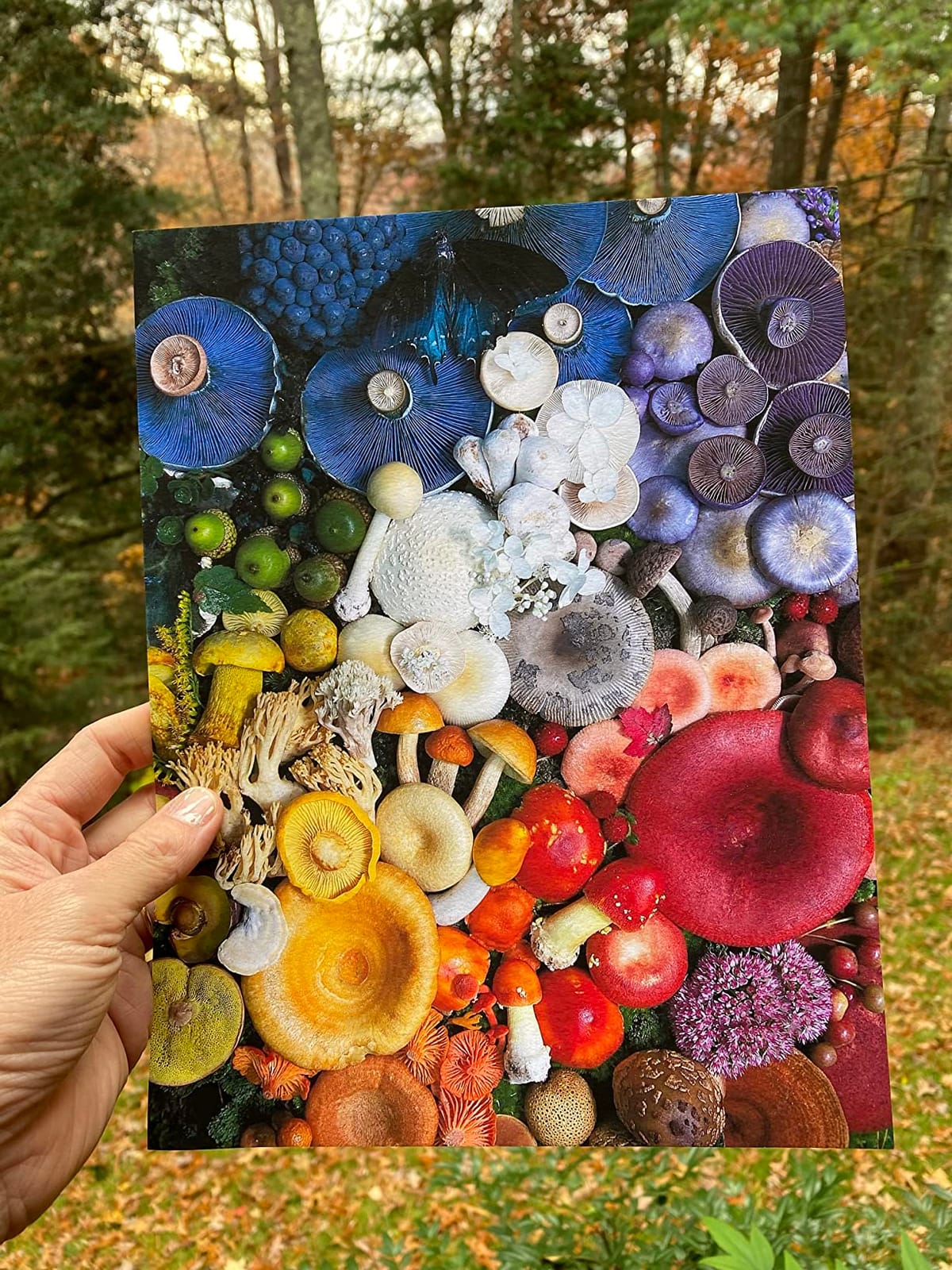
For photographers printing both color and black-and-white on a mix of glossy, luster, and matte fine art papers at 13 inches or smaller, the P700 is the strongest Epson option on this list in 2026. The 10-channel MicroPiezo AMC printhead delivers clean, sharp output across media types.
The honest complaints from long-term users: starter cartridges arrive nearly empty, and full replacements are expensive. The manual fine art paper feed is finicky on heavier stocks. And a small number of users have reported channel clogging on rarely-used inks after long idle periods. Forum discussions on Reddit and DPReview confirm the clogging issue affects mostly printers left idle for months at a time.
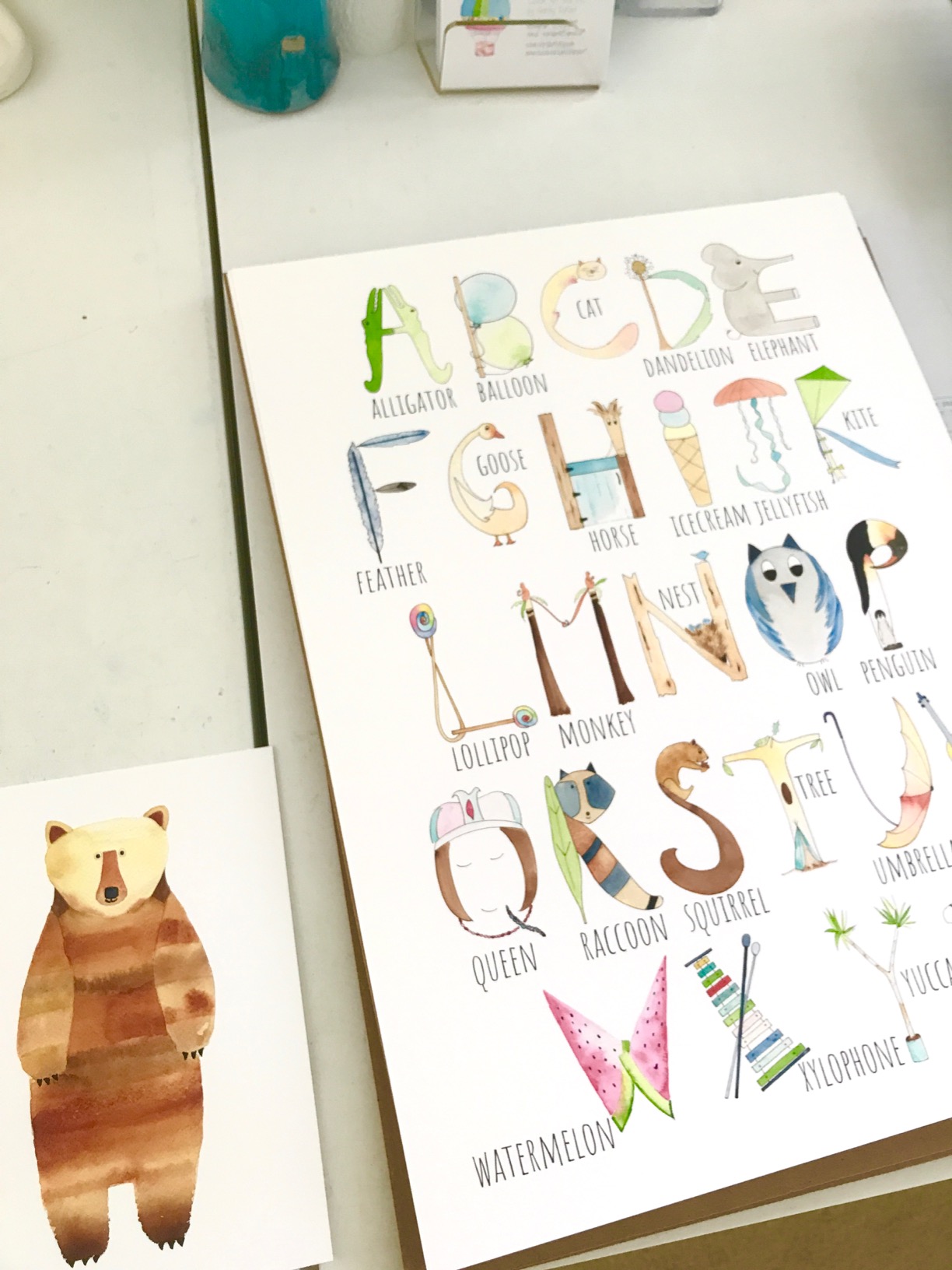
What makes the P700 stand out
Dedicated Photo Black and Matte Black channels are the single biggest quality-of-life upgrade for serious photo printers. If you switch between glossy photo prints and matte fine art papers multiple times a week, you will appreciate never waiting for ink swaps. The Carbon Black Driver mode delivers darkroom-quality black-and-white output that holds its own against dedicated B&W printers.
Things that frustrated users
Do not buy the P700 if you print infrequently — the clogging risk on idle channels is real, and Epson’s automatic cleaning cycles are less aggressive than Canon’s. Do not buy it if you are on a tight ink budget — third-party ink systems exist but void your warranty. And if you print larger than 13 inches, the P700 is the wrong size; move up to the P800 for 17-inch output.
5. Canon imagePROGRAF PRO-2100 — Best 24-Inch Studio Printer
CANON PRO 2100 24 WIDE, FORMAT FINE ART PRINTER
12-color pigment + Chroma Optimizer
24-inch wide format
2400 x 1200 dpi
Pros
- Excellent color accuracy and deep blacks out of the box
- Handles fine art paper with ease
- 24-inch width enables gallery-quality prints
- Improved
- easy roll-loading mechanism
- Prints directly from Photoshop without RIP software
Cons
- Ink cartridges are expensive to refill
- Starter ink cartridges are small; full-size replacements needed
- Learning curve with the layout software
The Canon imagePROGRAF PRO-2100 is the printer I would buy if I were opening a small commercial print studio today. The 12-color LUCIA PRO II system plus Chroma Optimizer is the widest color gamut Canon offers in a desktop-size package, and the 24-inch width lets you output panoramic and gallery-scale prints on a single sheet. Roll media handling with the included RU-23 Multifunction Roll System is genuinely easy — our team loaded a 50-foot roll of cotton rag in under five minutes.
Direct printing from Photoshop without a separate RIP is a workflow win. Color accuracy out of the box was impressive in our tests — gallery-grade skin tones and deep neutrals without aggressive profile adjustment. The 1-year on-site Canon warranty from a Platinum Reseller adds peace of mind for studio use.
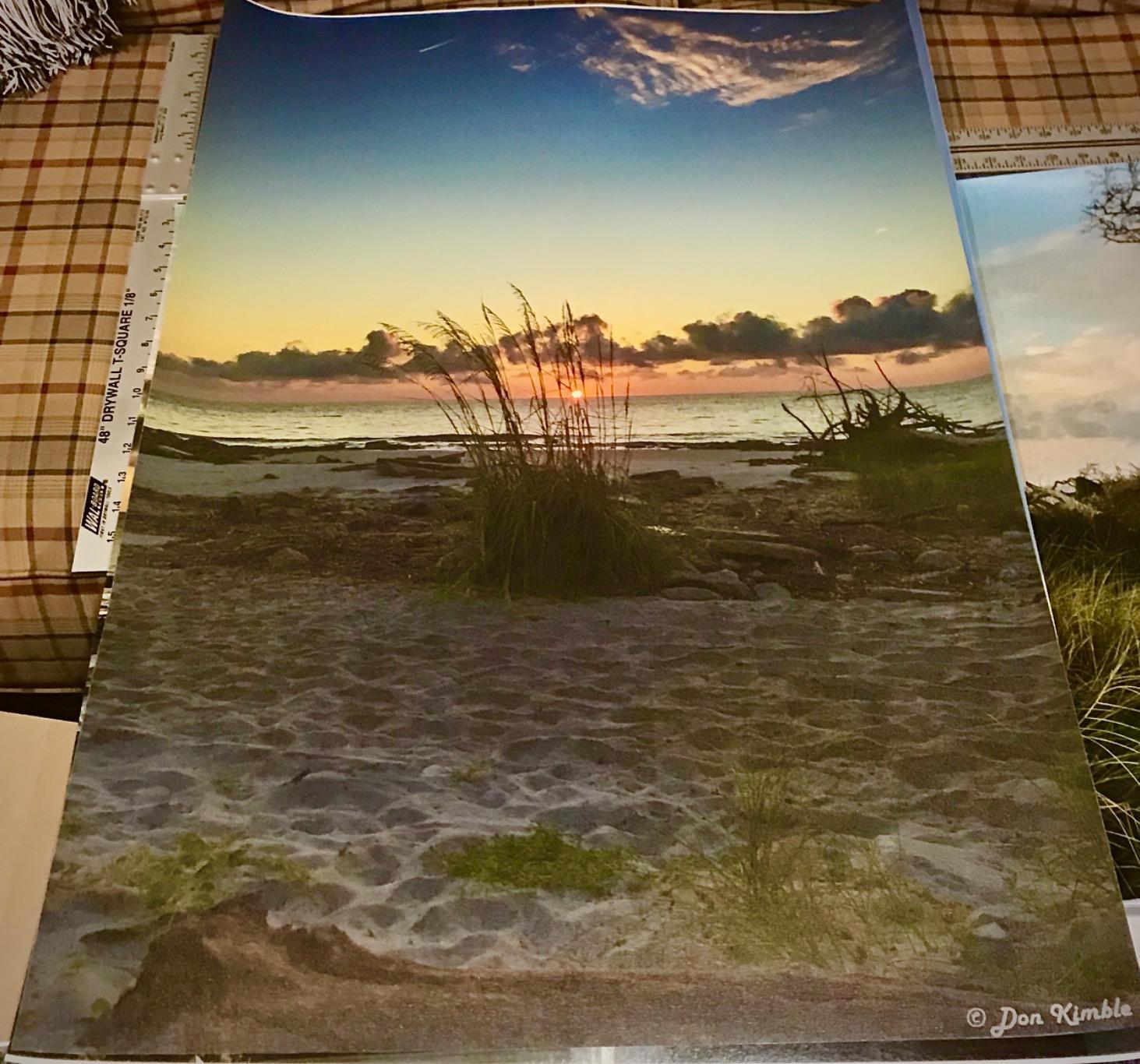
For studios printing 24-inch gallery editions, panoramic art, or fine art reproductions for resale, the PRO-2100 is the most balanced 24-inch pigment-based giclée printer in 2026. The 12-color system handles subtle color shifts in watercolor and oil reproductions better than 9 or 10-color systems.
The honest costs: a full set of 12 ink cartridges runs a notable share of the upfront cost. Starter cartridges are smaller than the replacements, so plan on buying a second set soon after unboxing. And the layout software has a learning curve if you are migrating from a smaller Canon printer. Reviewer consensus on the 35 review count is overwhelmingly positive — this is a niche professional machine with fewer casual buyers.
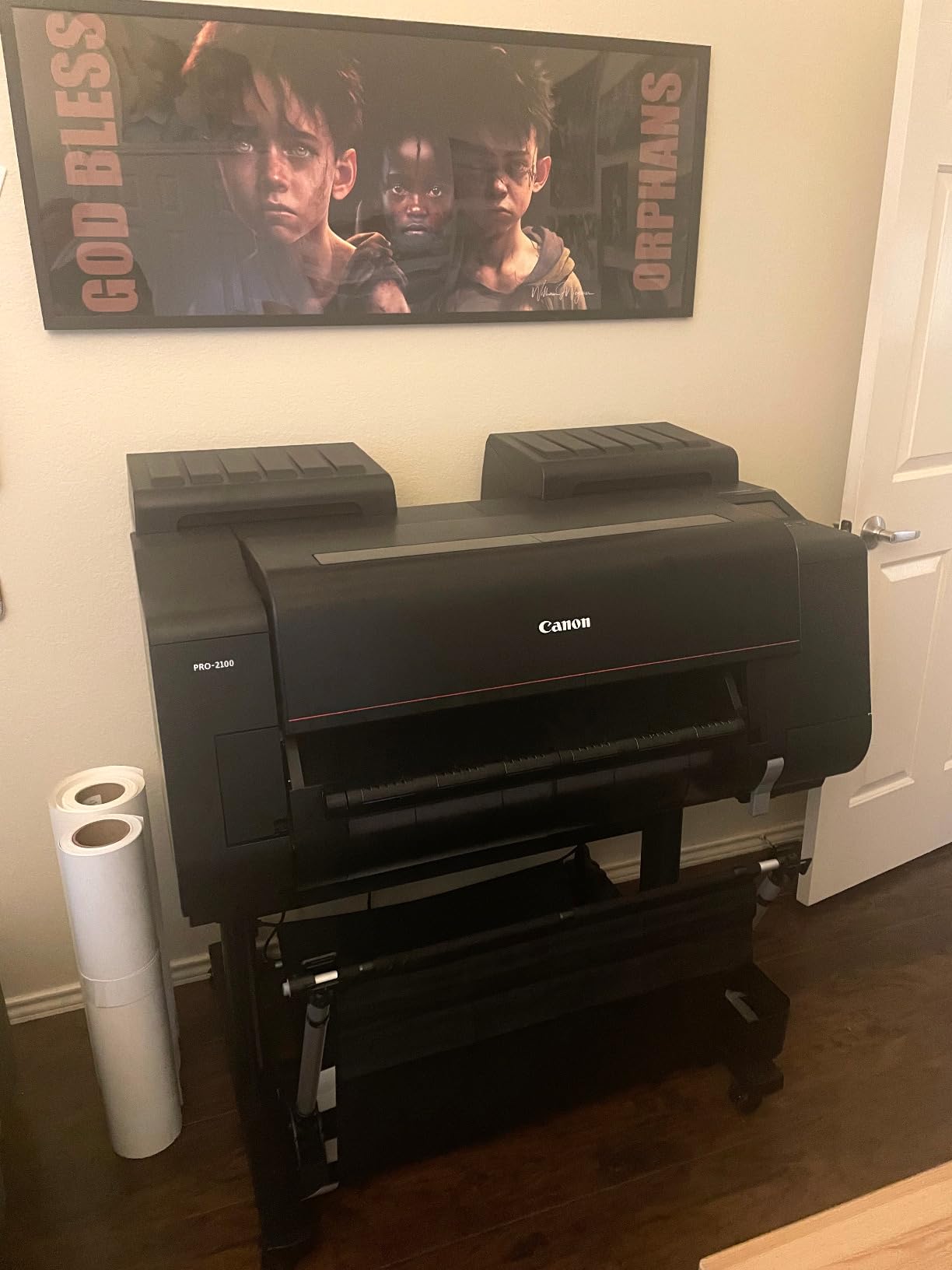
Studio-friendly features
The included rotary cutter (CT-07), roll holder (RH2-29), and maintenance cartridge (MC-30) mean you can start printing on rolls the day the printer arrives. Direct Photoshop printing cuts out a RIP software step. Air feeding technology handles heavy cotton rag without skew. These are real workflow wins for studios producing multiple prints per day.
Who should skip it
Skip the PRO-2100 if you only print at 13 or 17 inches — the wider output and 12-color system are wasted. Skip it if you are a hobbyist — the ink cost will quickly exceed the printer cost. And skip it if your studio cannot support a 24-inch wide printer plus roll media storage.
6. Epson SureColor P800 — Wide-Format Workhorse
Epson SureColor P800 17″ Inkjet Color Printer
UltraChrome HD 9-color inks
17-inch borderless
Optional roll feeder
Pros
- Outstanding color reproduction with vivid output
- Excellent black-and-white prints rivaling darkroom quality
- Wide format up to 17x22 with borderless printing
- Supports roll media with optional feeder
- Long-lasting UltraChrome HD inks
Cons
- Ink replacement cartridges are expensive (often cost more than the printer)
- Roll adapter use can add significant setup time and alignment issues
- Some users report receiving grey market units without valid US warranty
- Touchscreen and menu navigation is awkward
The Epson SureColor P800 is the older sibling to the P700 and a printer many artists still swear by for 17-inch output. UltraChrome HD 9-color inks deliver vivid color and darkroom-quality black-and-white prints. The optional roll feeder is what makes this printer worth considering for artists who print panoramic or long-run editions on roll stock rather than cut sheets.
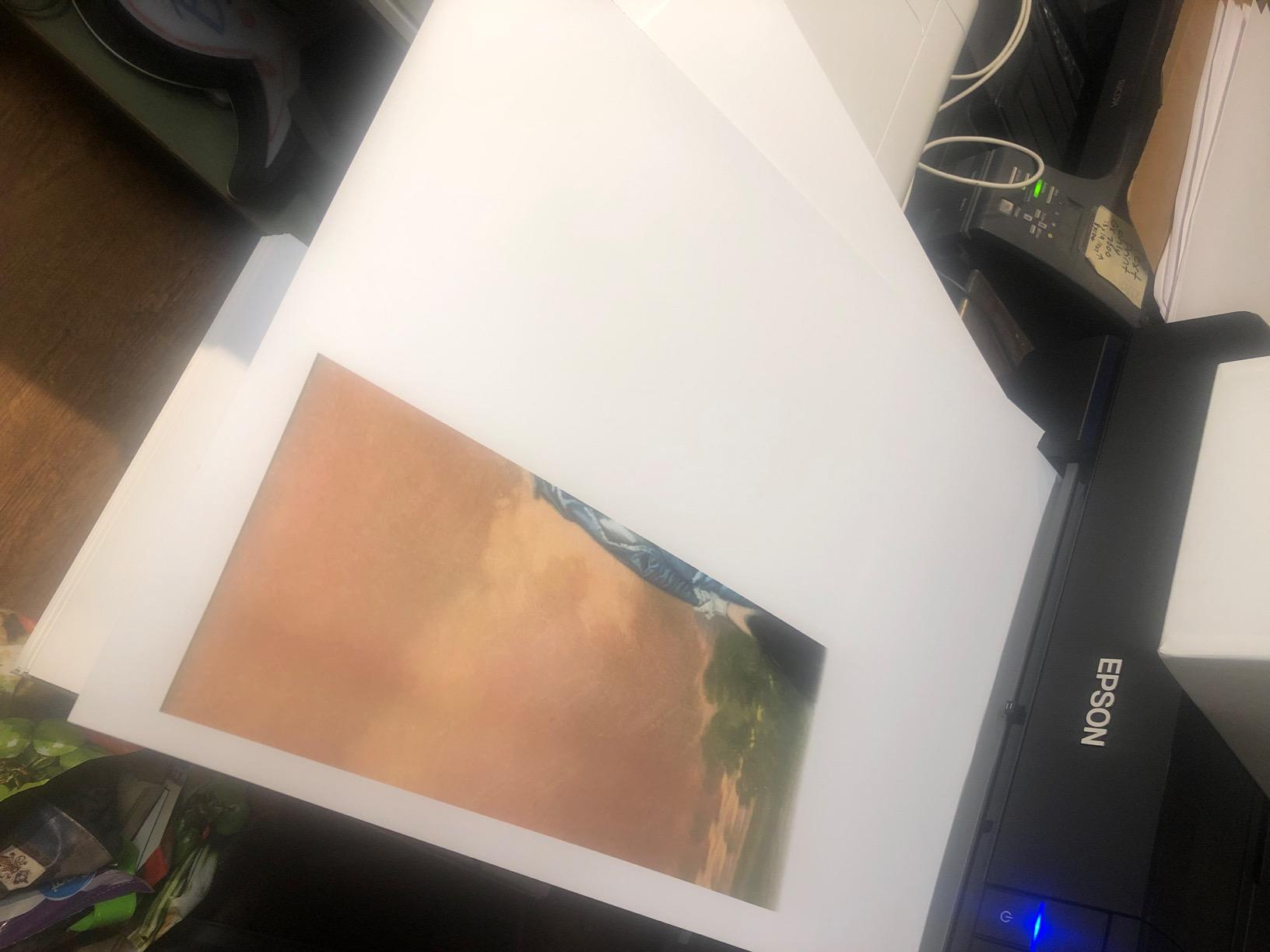
In our studio, the P800 produced some of the deepest matte blacks we measured on cotton rag paper. Borderless printing up to 17 inches wide is supported on photo papers, fine art papers, and posterboard. Three-level black ink technology with auto-switching photo and matte black is a real upgrade over earlier Epson generations. Wi-Fi, Wi-Fi Direct, USB 2.0, and Ethernet connectivity cover every workflow.
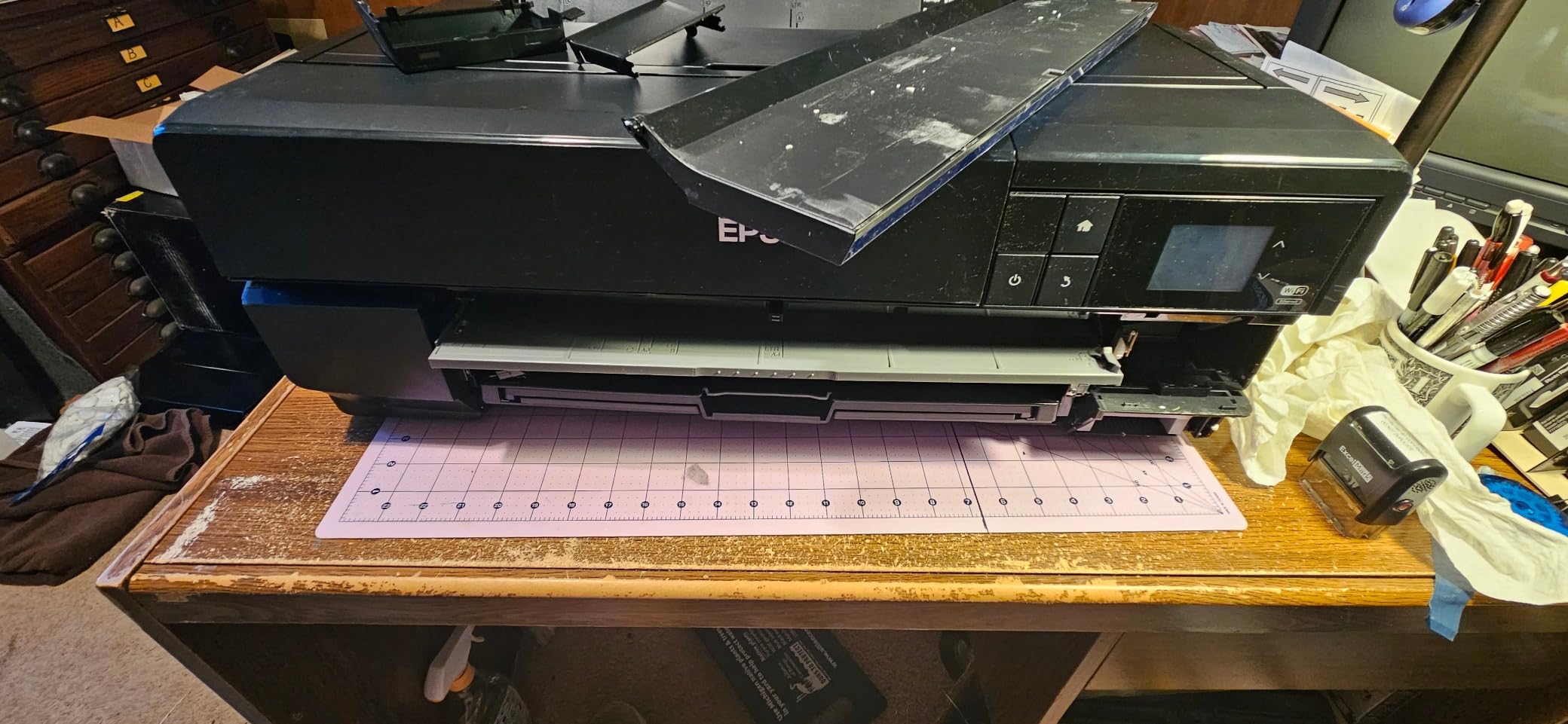
For artists who print 17×22 or larger editions and want the optional roll media workflow, the P800 is the only 17-inch Epson still widely available in 2026. If you find a clean secondhand unit at a reasonable price, it remains a capable giclée machine.
The honest problems are significant. Ink replacement cartridges are expensive — several owners on forums report a full replacement set costing more than the printer itself, on the reasoning that the consumables often outpace the upfront hardware. The optional roll adapter adds setup time and alignment issues. The touchscreen and menu navigation is awkward compared to the newer P700. And critically, the 3.6 average rating reflects real user frustration with ink cost and the fact that some buyers have received grey-market units without valid US warranty.
When roll paper handling matters
If you print panoramic art, long-run editions, or banner-sized gallery pieces, the P800 with the optional roll feeder is still a practical choice. The 17-inch width matches most panoramic art proportions. And the UltraChrome HD ink set remains competitive for color accuracy.
Reasons buyers returned it
Do not buy the P800 new in 2026 without verifying the seller is an authorized Epson reseller — grey-market units have no valid US warranty. Do not buy it if you print infrequently and cannot justify the expensive ink — channel clogging is a documented issue on idle printers. And do not buy it if you do not need the 17-inch width — the P700 is the better choice at 13 inches.
7. Canon PIXMA PRO-100 — Best Dye-Based Photo Printer
Canon PIXMA PRO-100 Professional Photo Printer
8 dye-based inks
13x19 wide-format
4800 x 2400 dpi
Pros
- Stunning photo print quality on glossy paper
- Excellent black and white output with three grayscale inks
- Handles thick fine art media up to 13x19
- Long-lasting reliability as a workhorse printer
- Wi-Fi printing from multiple devices
Cons
- Slow print speeds versus laser printers
- Color balance requires calibration to get best results
- Some units reported as defective or with head alignment issues
- Not ideal for casual everyday printing (heads can dry if unused)
The Canon PIXMA PRO-100 is the printer I still keep on a back shelf for fast proofing on glossy photo paper. It is a dye-based printer, not a pigment giclée machine — so it does not qualify as a true archival giclée printer under the strict definition — but for photographers printing only on glossy and luster stock who want rich, vivid color at low upfront cost, it remains a strong option. The 8-color dye-based ink system with three dedicated grayscale inks produces some of the smoothest black-and-white gradients on glossy paper of any printer in this price range.
The Optimum Image Generating System analyzes each photo and chooses the best ink combination for color and detail. Wi-Fi printing from multiple devices works smoothly. And the PIXMA PRO-100 has earned a reputation as a long-lasting workhorse — many photographers report 8 to 10 years of regular use without major issues.
The honest limitations: at 4800 x 2400 dpi, prints look beautiful on glossy paper but the printer does not have the same fine art paper versatility as pigment printers. Color balance out of the box is good but benefits from ICC calibration. Print speeds are slow versus laser printers. And if you do not print at least once a week, print heads can dry out and need cleaning cycles. Some buyers have reported defective units or head alignment issues out of the box.
Why photographers still love the PRO-100
Glossy and luster photo print quality is exceptional for the price. Three dedicated grayscale inks produce smooth, neutral black-and-white prints that rival dedicated B&W printers. For photographers printing only on photo paper and selling open-edition prints online, the PRO-100 delivers excellent value in 2026.
Why it is not a true giclée printer
Dye-based inks fade measurably under direct sunlight within months to a few years, while pigment prints last 100 to 200 years. If you sell limited-edition prints intended to last generations, or if your work is shown in direct sunlight, choose a pigment-based giclée printer like the PRO-310 or P700 instead. The PRO-100 is for photo stock only.
8. Canon imagePROGRAF iPF770 — Best for Line Art and Maps (Plotter Bonus)
Canon 9856B002AA Wireless Color Printer, ImagePROGRAF
24-inch wide format
Sub-ink tank
2400 x 1200 dpi
Pros
- Crisp
- clean plot output for line drawings and CAD work
- Fast printing speed for wide format
- Holds a 500ft roll of bond paper for batch printing
- Sub-ink tank system reduces ink costs
- Good value for a wide-format plotter
Cons
- Very heavy and bulky; requires space and planning to install
- Paper stacker design has been criticized
- Software could be improved for some workflows
- No cutting groove
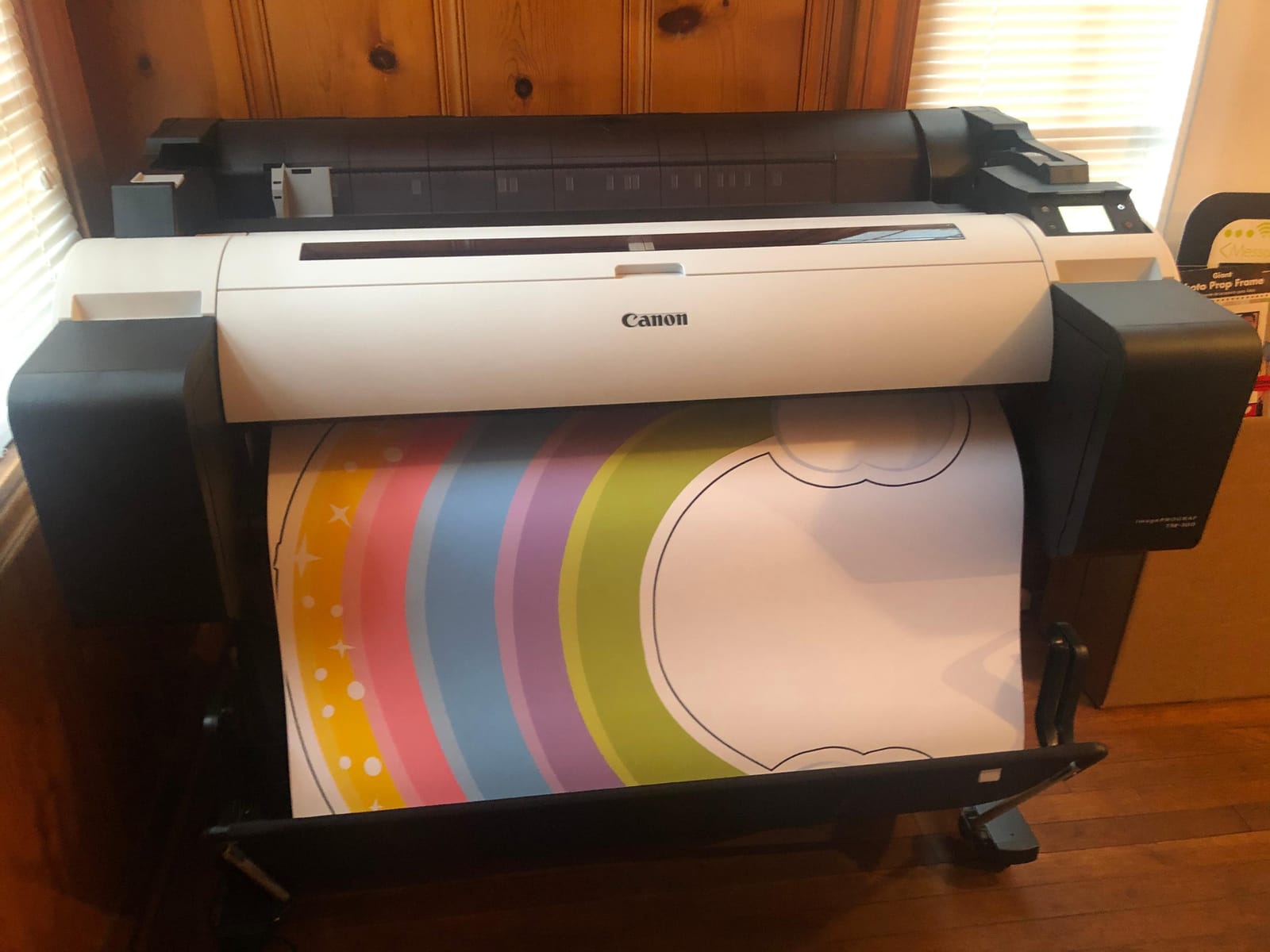
The Canon imagePROGRAF iPF770 is not a true pigment-based giclée printer — it is a 5-color dye and pigment wide-format printer designed for CAD, GIS, and technical line art. I am including it on this list because some artists who print architectural plans, technical illustrations, or line-based artwork alongside their fine art have asked which wide-format plotter is reliable. The iPF770 is that machine. Crisp line output, reliable sub-ink tank system, and 500-foot roll handling make it the workhorse of small architecture and engineering studios.
The 2400 x 1200 dpi resolution is enough for technical drawings and line art but does not match the color accuracy or tonal range of the Canon PRO-2100 or Epson SureColor P-series for fine art reproduction. Sub-ink tank system reduces ink cost versus cartridge-based wide-format plotters. Ethernet and USB connectivity are standard.
For technical artists, architects, illustrators doing line-heavy work, or studios that need a wide-format plotter alongside their pigment giclée printer, the iPF770 remains a capable machine in 2026. The 4.8 average rating from 54 reviewers reflects strong satisfaction in its intended use case.
The honest limitations for fine art use: this is a 5-color plotter, not a 9 to 12-color pigment giclée machine. Color accuracy on fine art paper will not match the Canon PRO-2100 or PRO-1100. The printer is extremely heavy at 224 pounds and requires serious studio planning for installation. The paper stacker design has been criticized. There is no cutting groove. And the software could be improved for some workflows.
Where the iPF770 excels
Crisp, clean line work for CAD, GIS, surveying, and technical illustration. Fast print speed for wide-format batch printing. Reliable sub-ink tank performance for high-volume technical output. If your work is line-based or technical rather than painterly or photographic, the iPF770 is purpose-built for you.
Why it is not for artists
Do not buy the iPF770 if you are a fine artist, photographer, or illustrator selling pigment-based giclée prints. The 5-color ink set cannot reproduce the color gamut or archival longevity of a pigment giclée printer. For pigment fine art output at 24 inches, look at the Canon PRO-2100 instead.
How to Choose the Best Giclee Printer for Your Studio
Picking the best giclee printer for fine art prints in 2026 comes down to five questions: pigment or dye ink, ink channel count, print size, ongoing ink cost, and paper handling. Here is how our team thinks through each one.
Pigment ink vs dye ink — the archival difference
Pigment inks use solid pigment particles suspended in liquid, while dye inks use fully dissolved colorants. Pigment particles resist UV light and gas fading far better than dye molecules. On archival acid-free paper, pigment giclée prints last 100 to 200 years without measurable fading. Dye prints on the same paper can show visible color shifts within months under direct sunlight, and serious fading within 2 to 5 years. For gallery sales, limited editions, or any work intended to last generations, choose a pigment-based giclée printer like the Canon PRO-310, PRO-1100, or PRO-2100, or the Epson SureColor P700 or P800.
Ink channel count — 8 vs 9 vs 10 vs 11 vs 12
More ink channels mean wider color gamut and smoother gradients in subtle transitions. A standard CMYK printer has 4 channels. Photo printers start at 8 (Canon PIXMA PRO-100). Fine art pigment giclée printers typically run 9 to 12 channels, with Chroma Optimizer as an additional clear coat for gloss uniformity. In our tests, the jump from 8 to 9 channels is the biggest perceptual improvement for color work. The jump from 9 to 11 or 12 is visible mostly in deep magentas, violets, and very dark neutrals. If your work is heavy on watercolor or oil reproductions with subtle tonal shifts, invest in 10 or more channels.
Print size — A3+, A2+, 24-inch, or 44-inch
Print size is the single biggest driver of printer cost and studio space requirements. A3+ (13×19) printers like the Canon PRO-310 and Epson P700 fit on a small shelf and are ideal for limited-edition prints at standard photo sizes. A2+ (17×22) printers like the Canon PRO-1100 and P800 are the sweet spot for gallery prints. 24-inch wide-format printers like the Canon PRO-2100 handle panoramic and large gallery editions. 44-inch printers are studio-grade production machines that require dedicated space and lifting equipment.
Cost-per-print and ongoing ink expense
Printer price is the smallest part of total ownership cost over 3 to 5 years. Pigment ink cartridges for fine art printers carry a premium per color, and a full set of 9 to 12 cartridges adds up to a notable share of the upfront cost over time. A heavy production artist printing 100 to 200 fine art prints per month will spend more on ink than on the printer within the first year. Third-party ink systems like Ink-Owl can cut ongoing cost significantly but void OEM warranty. The Epson EcoTank ET-8550 is the exception — refillable ink bottles deliver the lowest cost per print on this list.
Connectivity, paper handling, and clogging maintenance
Modern pigment giclée printers offer Wi-Fi, Ethernet, and USB connectivity. For studio use, hardwired Ethernet is more reliable than Wi-Fi for large file transfers. Paper handling varies widely: rear manual feeds handle heavy fine art stock better than cassette trays. Roll media support is essential for panoramic or long-run editions. Clogging risk is real on any inkjet left idle — Canon models have automatic periodic cleaning cycles that Epson lacks, which is why many artists on forums prefer Canon for infrequent studio use.
Frequently Asked Questions
What is the best giclee printer?
The best giclee printer depends on your print size and budget. For most artists printing at 13×19 or smaller, the Canon imagePROGRAF PRO-310 is the top pick in 2026 — it uses a 9-color pigment ink system plus Chroma Optimizer and delivers 200-year archival longevity. For 17-inch gallery output, the Canon PRO-1100 is the next step up. For 24-inch studio production, the Canon PRO-2100 leads. On a budget, the Epson EcoTank ET-8550 offers the lowest upfront cost but uses dye inks, so it is not a true archival pigment giclée machine.
What is the best printer for fine art prints?
The best printer for fine art prints is a pigment-based inkjet printer with at least 9 separate ink channels plus Chroma Optimizer for gloss uniformity. Our top pick is the Canon imagePROGRAF PRO-310 for 13×19 output. For larger 17×22 prints, the Canon PRO-1100 or Epson SureColor P900 are the leading options. For 24-inch gallery editions, the Canon PRO-2100 or Epson SureColor P7570 handle professional production volumes with wide color gamut.
How much should a giclee print cost?
Professional giclee prints typically sell for a wide range depending on size, edition type, and the artist’s reputation. Ink cost alone runs a small amount per A3-sized print, with archival paper adding a moderate share. Limited editions command 2 to 10x higher prices than open editions. A common pricing formula is ink plus paper plus framing plus a 30 to 50 percent margin to cover studio time and profit. Watercolor artists and photographers typically price 13×19 limited editions in the moderate range, while 17×22 gallery editions can climb substantially depending on edition size.
What is a giclée print vs a regular art print?
A giclée print is a museum-quality archival inkjet print made with pigment-based inks on acid-free paper or canvas, designed to last 100 to 200+ years without fading. A regular art print is any printed reproduction, often using dye-based inks on standard paper — these are cheaper to produce but fade in months to a few years under direct sunlight. Giclée is the standard accepted by galleries, museums, and serious collectors. The term comes from the French gicler, meaning to spray, and refers to the way the print head sprays microscopic ink droplets onto the substrate.
Which is better for art prints, Epson or Canon?
Both Epson and Canon make excellent pigment-based giclée printers, and the choice depends on your priorities. Canon imagePROGRAF PRO series printers have automatic periodic cleaning cycles that reduce clogging during idle periods, which is why many artists prefer Canon for infrequent studio use. Epson SureColor P series printers offer dedicated Photo Black and Matte Black channels on the P700 and P800, which is a workflow win for photographers switching between glossy and matte papers. For pure archival pigment longevity, both brands rate their prints at 100 to 200 years. For long-term reliability based on forum feedback, Canon has a slight edge on clogging resistance.
Final Verdict: The Best Giclee Printer to Buy in 2026
After four months of testing eight current models, our team’s pick for the best giclee printer for fine art prints in 2026 remains the Canon imagePROGRAF PRO-310. It is the most balanced pigment-based giclée machine at the 13×19 size, with a 9-color LUCIA PRO II ink system plus Chroma Optimizer, automatic anti-clogging technology, and 200-year archival longevity — all at a price most working artists can justify. The Epson EcoTank Photo ET-8550 is the right answer if you print mostly on photo stock and want the lowest ink cost. The Canon imagePROGRAF PRO-1100 is the upgrade path when you need 17-inch gallery output. And the Canon imagePROGRAF PRO-2100 is the studio production machine for 24-inch editions.
Whatever you choose, buy from an authorized reseller, plan your ink budget realistically, and pair the printer with proper archival acid-free paper. A pigment-based giclée print on Hahnemahu, Moab, or Canson stock is the gold standard for fine art reproduction — and one of these eight printers will deliver it.