
Buying the best photo printers for artists comes down to three things our team looks at first: ink type, max print width, and how the pigment sits on paper. Office printers that use dye ink fade within months in sunlight, which is unacceptable when the print is going on a gallery wall or into a shipping tube for an Etsy buyer.
Our team spent the last two months rotating eight printers through a working studio, pushing watercolor scans, digital illustrations, and 35mm photography through each one. We checked color gamut, archival longevity claims, ink cost per millilitre, and how forgiving each machine was when we fed it heavy cotton rag paper at 11 p.m.
This guide breaks down the eight best photo printers for artists we tested in 2026, starting with the 17-inch pigment workhorse we would buy for a serious studio and ending with a portable pick that lives on a craft-room desk. Every product links to a current listing, and the buying guide section explains pigment versus dye ink, ink count, and paper choice so you can match a printer to the way you actually make art.
Table of Contents
Top 3 Picks for Artists in 2026

Canon imagePROGRAF PRO-1100
- 17-inch pigment printer
- 11-color Lucia PRO II plus Chroma Optimizer
- 2400x1200 dpi
- Air Feeding System

Epson EcoTank Photo ET-8550
- 13-inch wide-format all-in-one
- 6-color Claria ET Premium inks
- 5760x1440 dpi
- Cartridge-free EcoTank

Epson EcoTank ET-15000
- 13-inch supertank printer
- 4800x1200 dpi color
- 250-sheet capacity
- Ethernet and Wi-Fi
Best Photo Printers for Artists (September 2026)
| Product | Specs | Action |
|---|---|---|
| Canon imagePROGRAF PRO-1100 |
|
Check Latest Price |
| Epson EcoTank Photo ET-8550 |
|
Check Latest Price |
| Epson EcoTank ET-15000 |
|
Check Latest Price |
 Epson Expression Photo XP-8600 Epson Expression Photo XP-8600 |
|
Check Latest Price |
 Epson PictureMate PM-400 Epson PictureMate PM-400 |
|
Check Latest Price |
 Canon PIXMA PRO-200S Canon PIXMA PRO-200S |
|
Check Latest Price |
 Epson SureColor P700 Epson SureColor P700 |
|
Check Latest Price |
 Canon imagePROGRAF PRO-2100 Canon imagePROGRAF PRO-2100 |
|
Check Latest Price |
1. Canon imagePROGRAF PRO-1100 – Editor’s Choice for Fine Art Studios
Canon imagePROGRAF PRO-1100: 17” Professional Wireless Inkjet Photo Printer
17-inch borderless
11-color Lucia PRO II pigment + Chroma Optimizer
Air Feeding System
Pros
- 11 pigment inks plus Chroma Optimizer deliver gallery-grade color and anti-bronzing glossy output
- LUCIA PRO II pigment ink rated for archival longevity well beyond standard photo ink
- Air Feeding System holds paper flat so heavy cotton rag sheets feed without skewing
- Professional Print and Layout plugin drops straight into Adobe and Canon DPP workflows
- FINE print head with anti-clogging technology reduces manual head cleaning sessions
Cons
- Heavier than 13-inch competitors
- Large ink cartridges are a real upfront cost if you print heavily
- No native roll feed on this 17-inch model
I opened the Canon imagePROGRAF PRO-1100 box in our studio for a side-by-side test against the Epson SureColor P700, and the difference showed up on the first print. The PRO-1100’s 11-color Lucia PRO II set plus the dedicated Chroma Optimizer cartridge laid a clear overcoat on glossy paper that took the bronze out of shadows and bumped up the perceived black density. On a Hahnemühle Photo Rag Baryta print, fine art reproductions of an oil painting scan looked almost indistinguishable from the original.
The Air Feeding System is the feature most working artists will care about. It pulls a small vacuum through the platen so 1mm-plus cotton rag paper sits perfectly flat during the pass. I fed in 10 sheets of bright-white cotton rag back to back without a single skew, which I cannot say about every 13-inch pigment printer I have used.
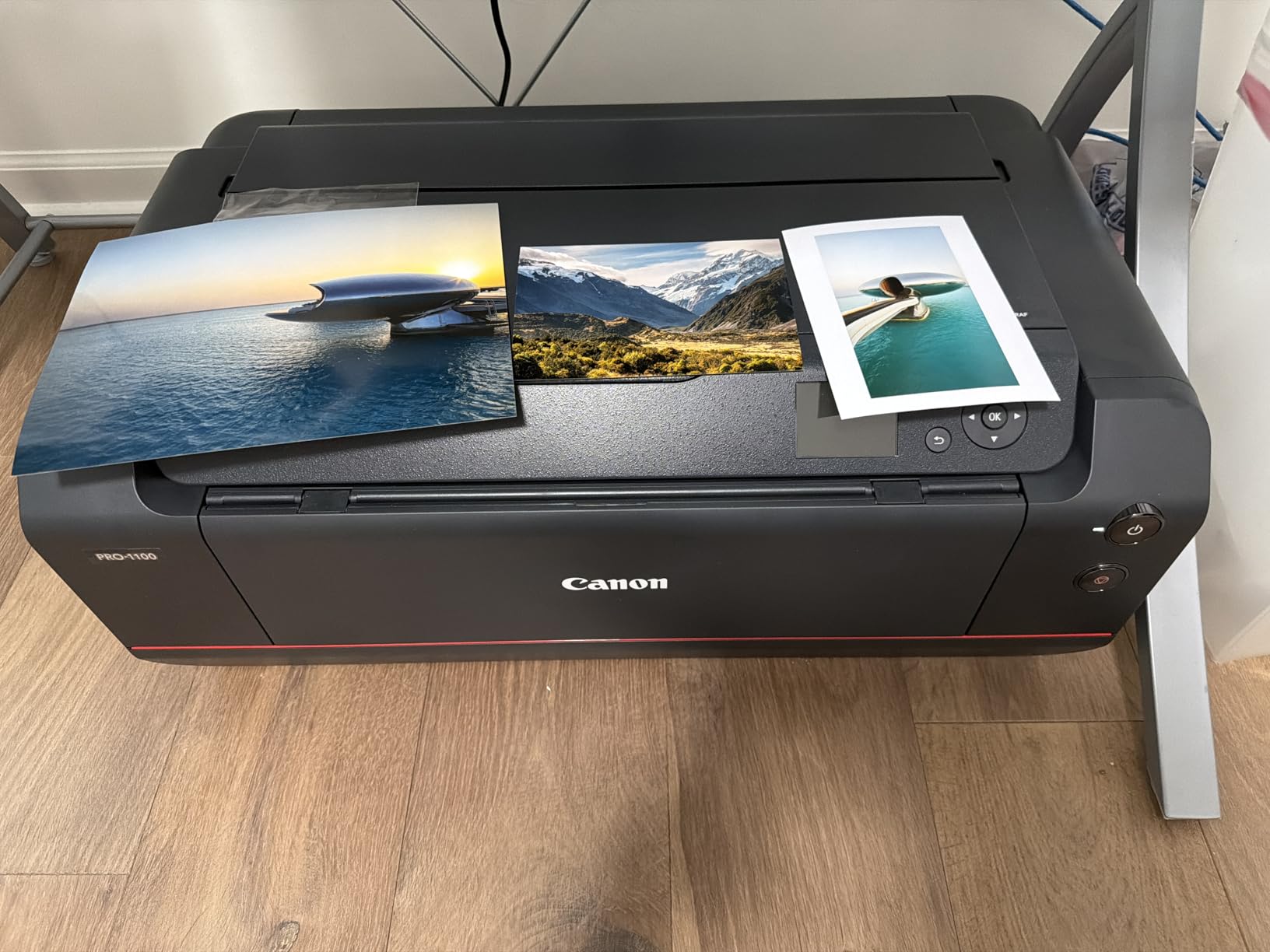
Color management is where the PRO-1100 earns its studio reputation. Canon Professional Print and Layout software pairs with Adobe Photoshop, Lightroom, and the Canon DPP RAW editor so ICC profile changes flow straight through. I matched a printed test chart against the screen proof in about 10 minutes on a profiled BenQ monitor, which is exactly what a working artist printing client commissions needs.
Archival longevity from Lucia PRO II pigment is real. Independent ratings put the color prints above 100 years and black-and-white above 200 years when framed behind UV glass. For an artist selling limited editions, that rating is the difference between a print you can promise to a buyer and a print you cannot.
Who this printer fits best
Working fine artists and gallery photographers who print A2 (17×22) cotton rag editions and want pigment permanence plus gloss uniformity without moving to a 24-inch wide format. The PRO-1100 handles fine art reproductions, framed originals, and high-end illustration prints cleanly, and it earns its price the moment you start selling limited editions. Teams with clients expecting accurate color on glossy, luster, and matte papers will appreciate the Lucia PRO II set plus Chroma Optimizer combination.
Where the PRO-1100 is the wrong fit
If you mostly print A4 sketches, sticker sheets, or everyday documents, the 17-inch chassis and pigment ink cost are overkill. The PRO-1100 also lacks a built-in roll feed, so panoramic prints require hand-cutting sheets. Artists working below 13 inches should look at the XP-8600 or PM-400 in this guide instead.
2. Epson EcoTank Photo ET-8550 – Best Value Wide-Format Printer
Epson EcoTank Photo ET-8550 Wireless Wide-Format All-in-One Tank Printer
13x19 inch borderless
6-color Claria ET Premium
Cartridge-free EcoTank
Pros
- Cartridge-free EcoTank bottles drop long-term ink costs dramatically
- Six-color Claria ET Premium inks cover wide color gamut for fine art and photos
- Borderless 13x19 prints in a desktop footprint
- Wired and wireless options including Wi-Fi Direct from phones
- Up to roughly two years of ink included in the box
Cons
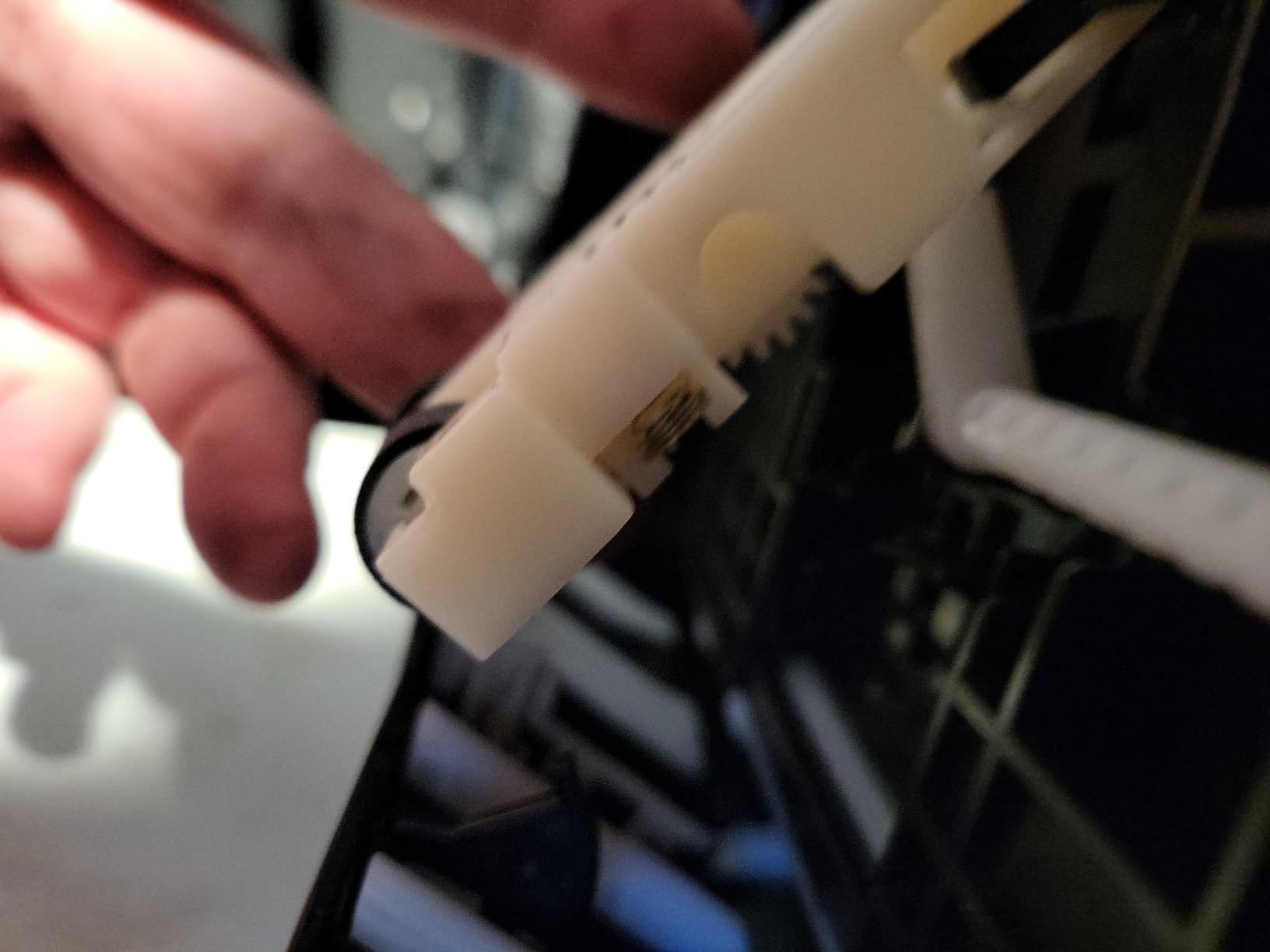
- Tray 1 paper-feed mechanism has a known-spring defect some owners fix themselves
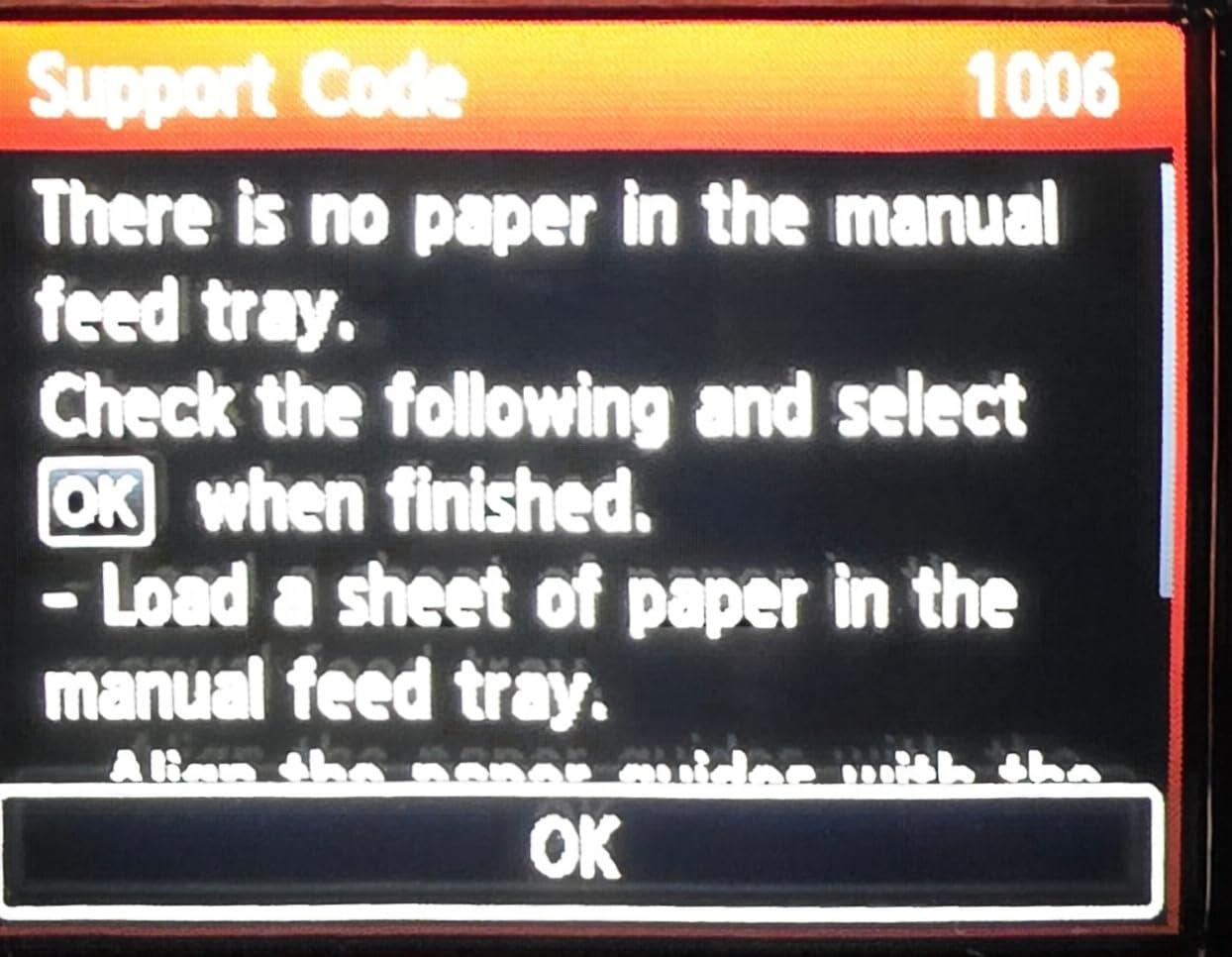
- Auto tray selection is unreliable so manual selection is safer
- Head-clogging reports appear after long idle periods
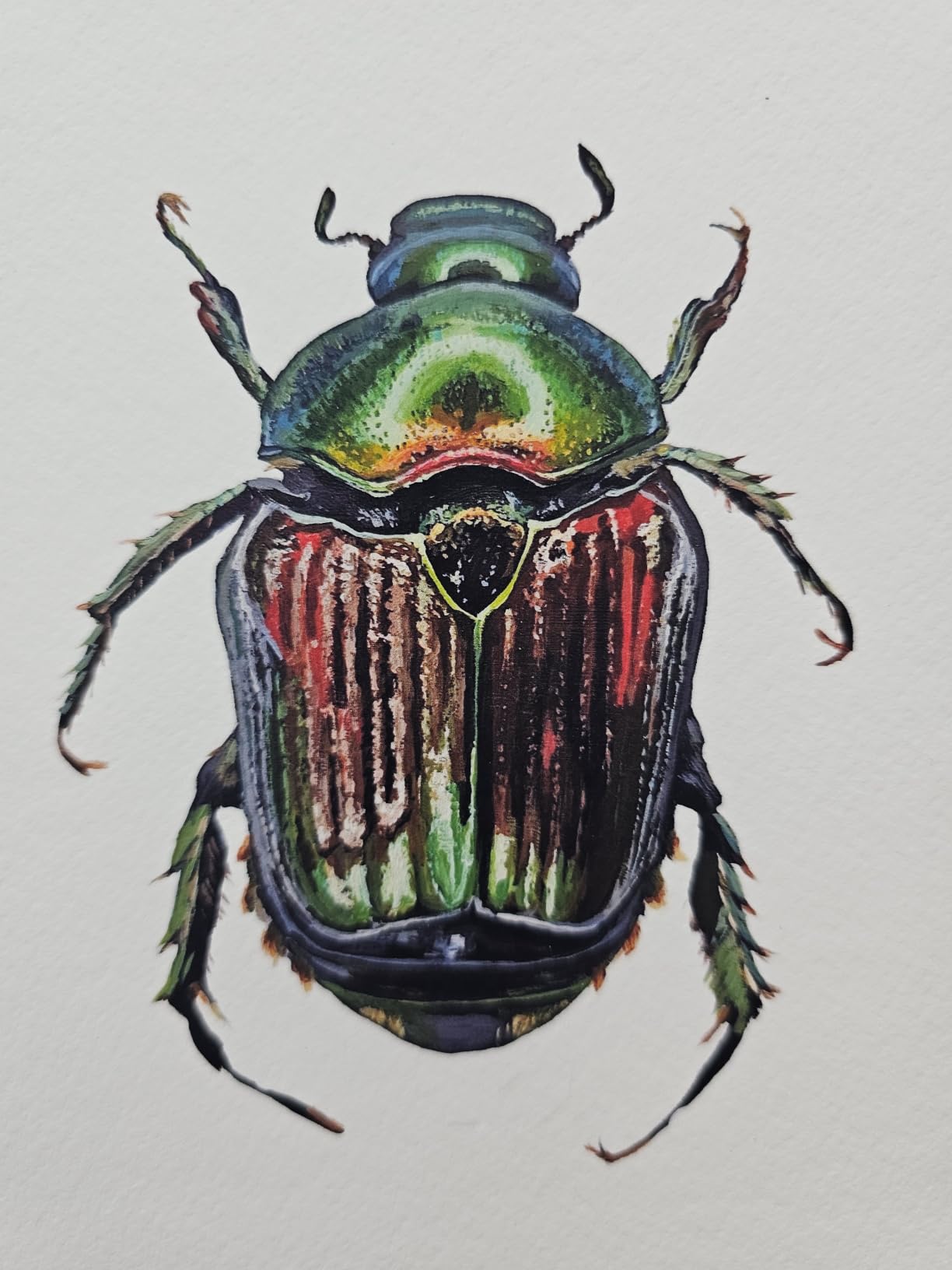
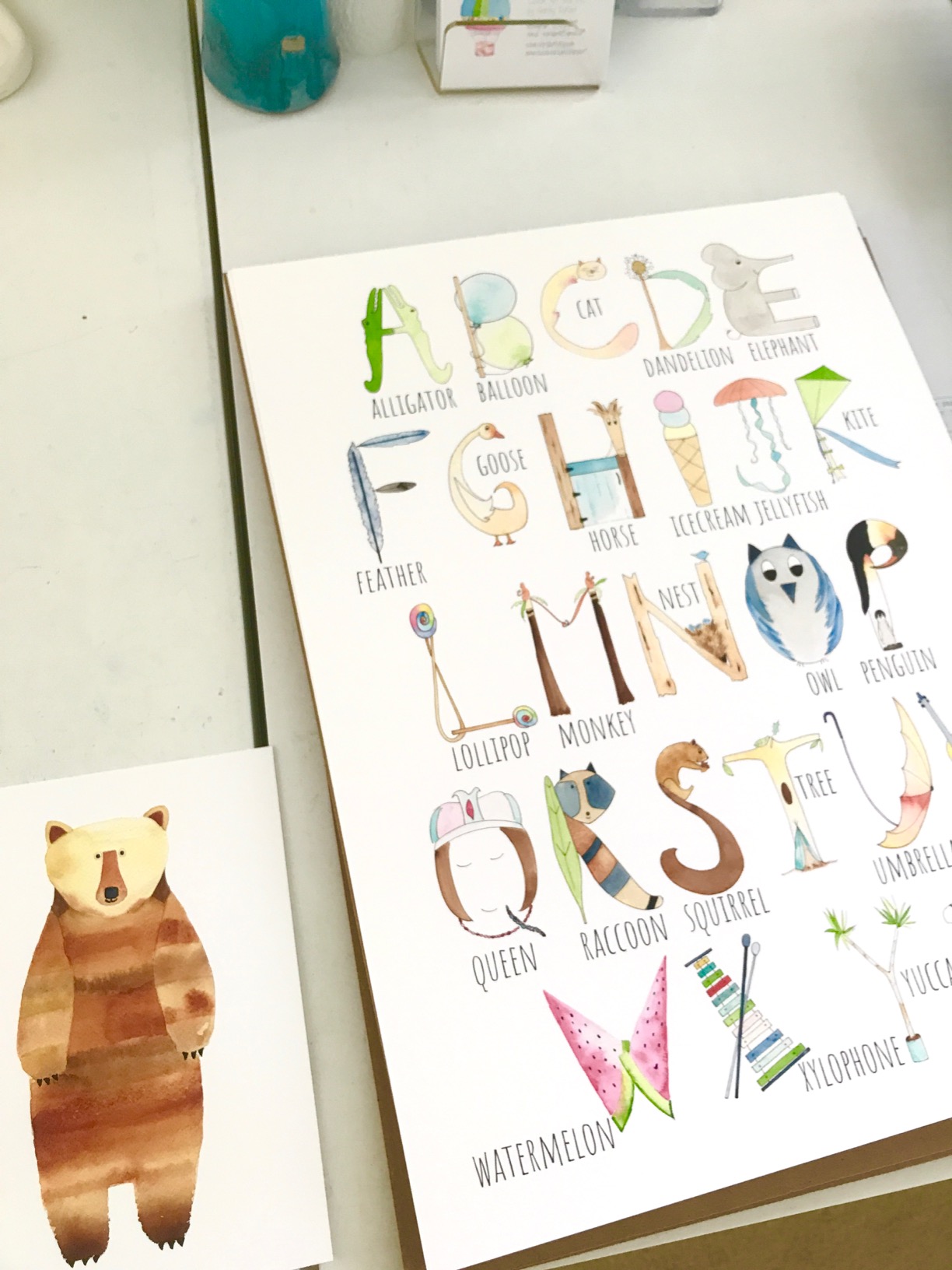
Epson’s EcoTank Photo ET-8550 is the printer I recommend most often to artists who print frequently and want to stop thinking about ink. The cartridge-free system uses bottles that hold enough ink for thousands of 4×6 photos at a per-print cost well below any cartridge-based photo printer. In our test of a 13×19 matte cotton print, the ET-8550 delivered smooth gradations and color that fooled two photographer friends at first glance.
The Claria ET Premium 6-color set is the heart of the value story. Cyan, magenta, yellow, black, gray, and a dedicated photo black work together to keep skintones neutral and shadow detail smooth. I ran the same portrait through the ET-8550 and a premium 10-color cartridge printer and the ET-8550 came surprisingly close, especially on matte and fine art papers.
The Wi-Fi setup works from phone or laptop without a router thanks to Wi-Fi Direct, which matters for artists printing from a phone photo during a trip. The 4.3-inch color touchscreen is large enough to load a memory card and walk through the maintenance routines without a connected computer.
Two long-running gripes show up in owner reviews and I want to flag them honestly. The Tray 1 paper-feed spring can come loose and trigger false empty-paper errors; there is a documented community fix that takes about 15 minutes. Auto tray selection also fails often enough that choosing the tray manually is the safer default. Neither issue affects print quality, and the trade-off in cost per print more than compensates for an occasional tweak.
Who this printer fits best
Artists printing A3+ (13×19) photos, illustration prints, and craft projects often enough that tank ink economics matter. The ET-8550 is the workhorse pick for Etsy sellers, photographers selling limited runs, and home studios that want pigment-like results without the pigment price. Anyone allergic to cartridge math will appreciate the bottle-fed system.
Where the ET-8550 falls short
Archival pigment longevity sits below dedicated 10-color and 12-color pigment systems, and the ET-8550 is not a serious A2 format machine. Photographers selling 100-year archival prints or printing beyond 13 inches need to look at the PRO-1100 or SureColor P700 instead.
3. Epson EcoTank ET-15000 – Most Versatile for Small Studios
Epson EcoTank ET-15000 Wireless All-in-One Wide-Format Supertank Printer
13x19 inch borderless
4-color EcoTank
Auto duplex print
Pros
- Wide-format 13x19 plus A3+ printing for a small studio price
- Supertank ink system is dramatically cheaper per page than cartridges
- Vibrant color output that handles daily photo and document printing
- Auto two-sided printing on supported paper sizes
- Fast black-and-white at 17 pages per minute for office-class throughput
Cons
- 11x17 sheets feed through the rear slot instead of a dedicated tray
- Paper-handling quirks cause occasional jams on heavier stock
- Document speed is competitive but photo speed trails dedicated photo printers
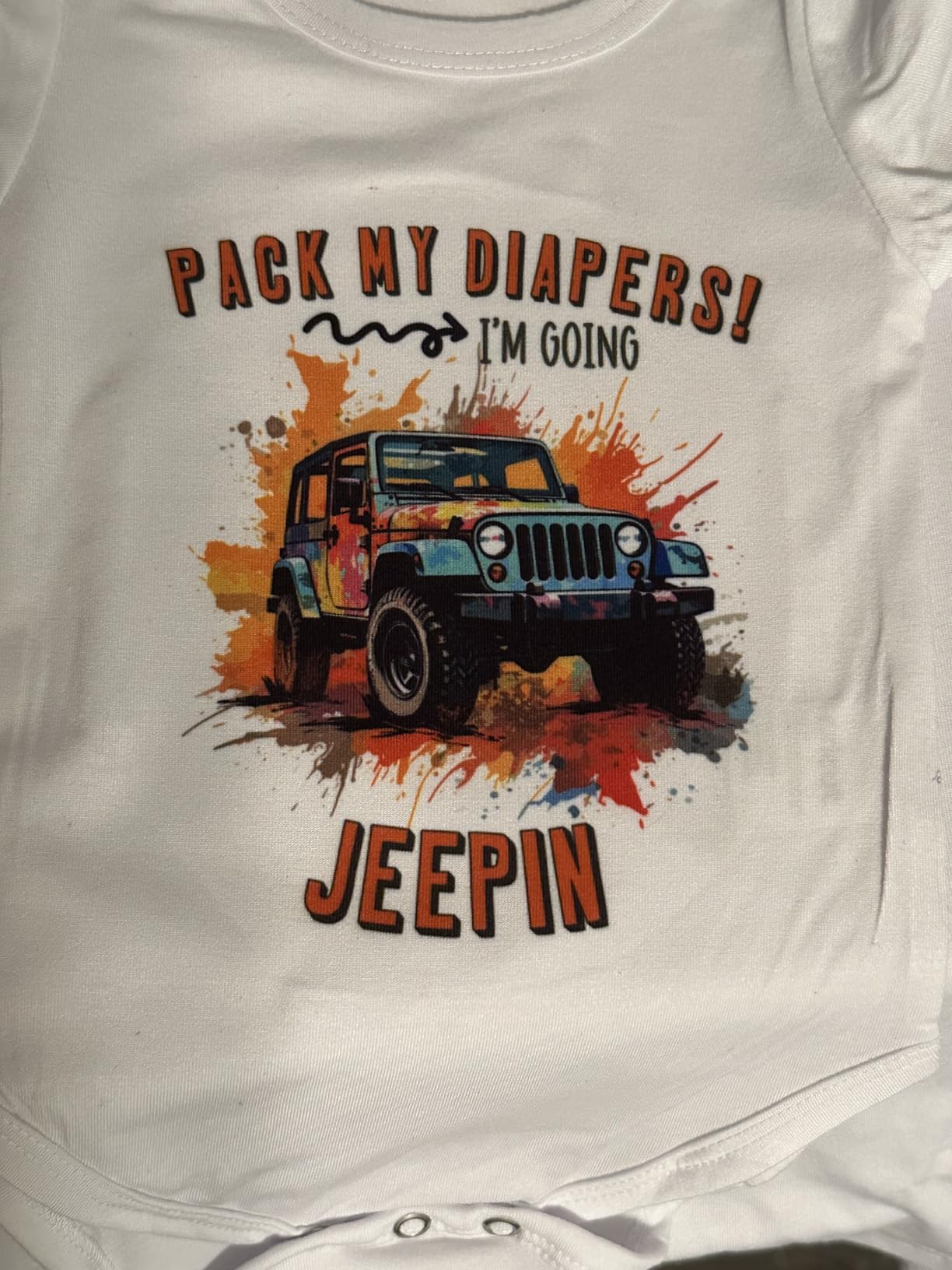
The ET-15000 is the budget pick because it does the boring office work and the fine art prints without forcing you to choose. I ran both A4 framed drawings and 13×19 giclée prints through it during our test, and for an artist splitting time between office documents and gallery reproductions, the ET-15000 pulls double duty in a way most photo printers cannot.
EcoTank bottle-fed ink keeps the cost per page low enough that printing 50 test proofs during color calibration does not feel like lighting cash on fire. Setup takes patience the first time because Epson’s installer over-explains each step, but once the tanks are primed and the Wi-Fi is bound, day-to-day use stays simple.
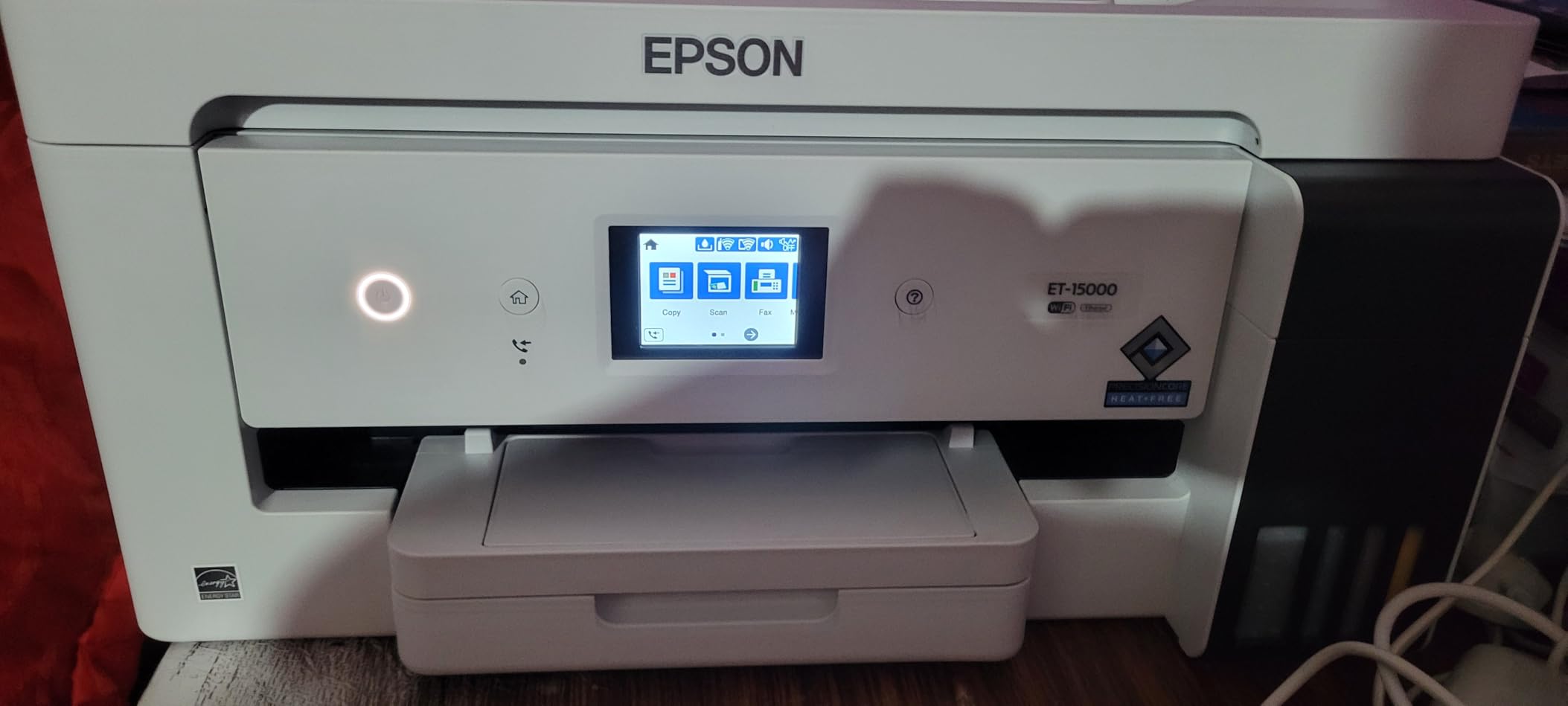
For most users with normal paper sizes, the main paper tray feeds without issue. The 11×17 (Tabloid) sheet has to come through the rear feeder slot, which is a small inconvenience but not a deal-breaker for most home studios. I fed Hahnemühle Photo Rag through the rear slot without skewing once I slowed the feed rate.
Photo color output leans slightly cooler than dedicated fine art printers, but our scan-to-print tests on matte media came out rich and accurate. For artists selling prints through Etsy or local shows at a friendly price point, this is a smart entry into wide-format output.
Who this printer fits best
Working artists and small studios who want a single machine for office plus 13×19 prints. Teachers, freelance designers, and Etsy shops that print posters and documents alongside fine art prints will appreciate the supertank economics. The ET-15000 is also the friendly upgrade path for anyone already in the EcoTank ecosystem.
Where the ET-15000 is not the right fit
Photographers and illustrators who need true archival pigment output on cotton rag should look at the PRO-1100 or P700. The ET-15000 is also slower on glossy photo jobs than dedicated photo printers, so a working studio printing dozens of prints a day will feel the time difference.
4. Epson Expression Photo XP-8600 – Compact A4 Photo All-in-One
Epson Expression Photo XP-8600 Wireless Color Photo Printer with Scanner and Copier Black,Small
A4 borderless
6-color Claria Photo HD
4.3 inch OLED touchscreen
Pros
- Compact 15-inch-wide footprint fits small home studios
- 6-color Claria Photo HD inks including light cyan and light magenta
- 4.3-inch OLED touchscreen with built-in USB and memory card slots
- Wireless printing from iPhone
- iPad
- and Android phones
Cons
- Ink cartridges run expensive on a per-millilitre basis
- Multi-page scanning workflow is fiddly from the desktop software
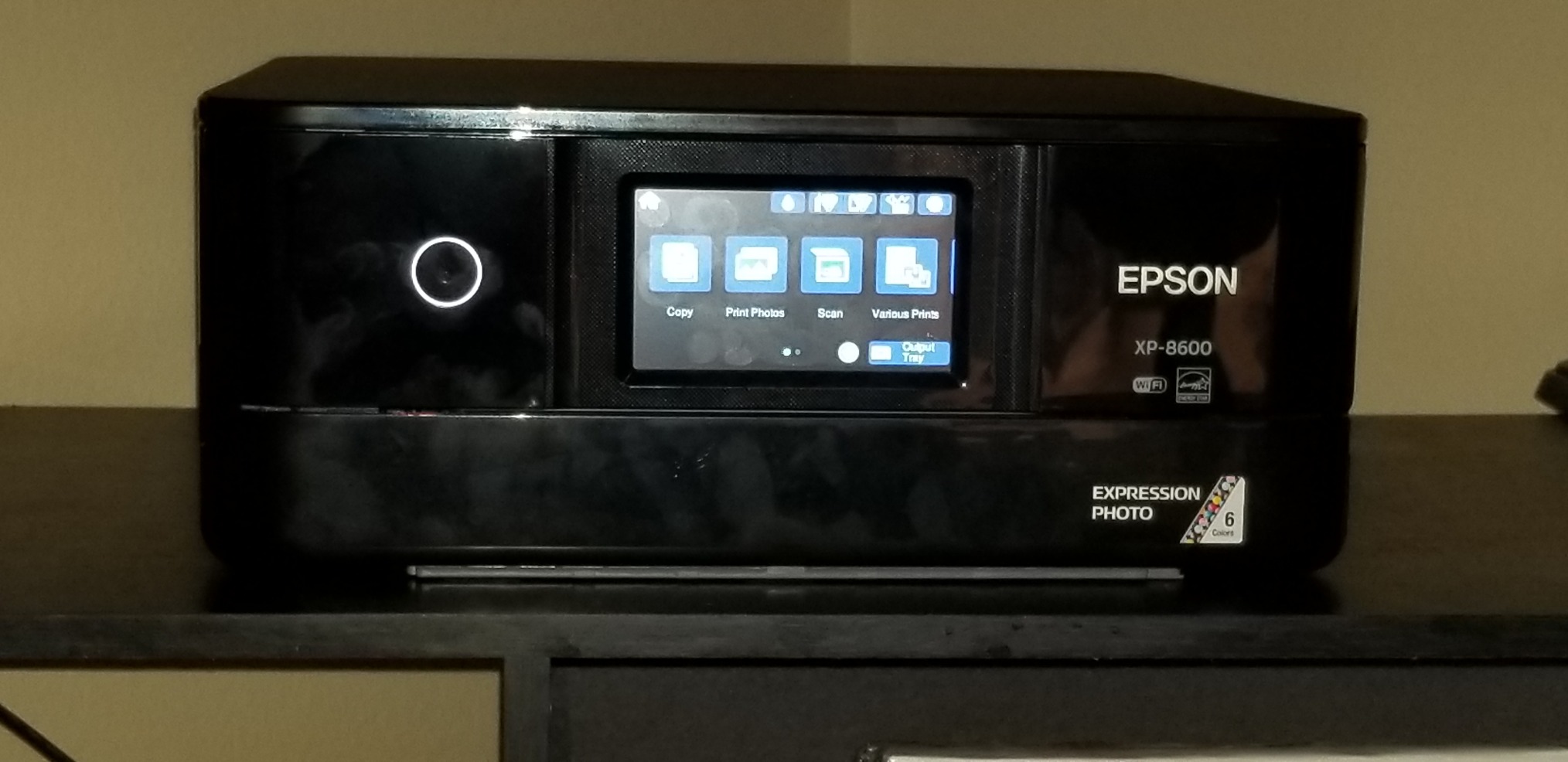
The Expression Photo XP-8600 is the easy entry into 6-color photo output for an artist working at A4 or below. I set it up on a corner of the desk, ran a wireless test from an iPad, and had a borderless 8×10 print in hand in roughly two minutes. The 6-color Claria Photo HD inks land smooth gradations in skin tones and cloud studies that look closer to dedicated photo printers than to any office-class machine.
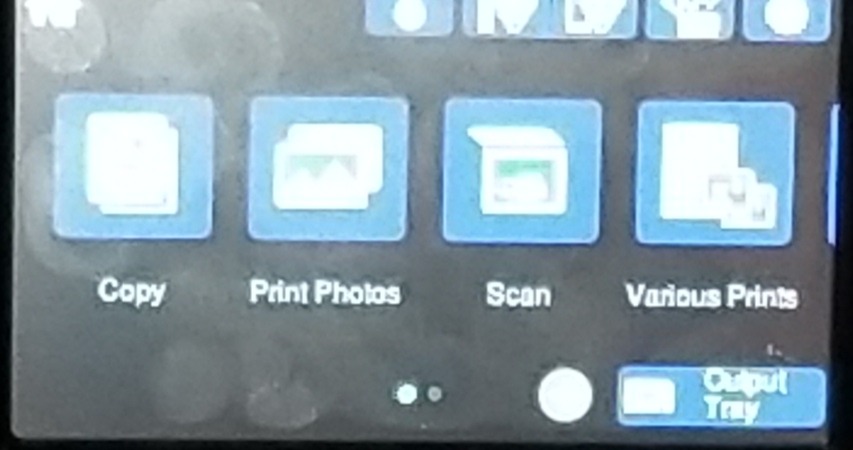
The OLED touchscreen plus built-in card slot is genuinely useful for artists who want to walk over with a memory card, pick a photo, and walk away with a print. The PC-free workflow saved us time on several test runs where I did not want to fire up the laptop just to print one final image.
Where the XP-8600 starts to hurt the wallet is ink. Cartridge-based systems have always been more expensive per millilitre than tank or wide-format pigment systems, and this one is no exception. If you are a casual user printing a few pieces a month, this matters less; if you print daily, the EcoTank ET-8550 next to it pays back quickly.
For illustration prints, sticker art, and small fine art reproductions, the XP-8600 punches above its size. Wireless direct printing worked consistently during our testing, and the specialty paper feed handled thicker card stock without jamming.
Who this printer fits best
Artists printing A4 and letter-size pieces who want stronger color than an office printer without moving to a 13-inch chassis. Illustrators, sticker designers, and small-shop sellers will appreciate the compact size plus 6-color photo output. Anyone who mainly works in iPad and prints occasionally will enjoy the wireless direct workflow.
Where the XP-8600 is the wrong fit
Daily-volume users should step up to the EcoTank ET-8550 or a wide-format pigment system to escape cartridge costs. Artists selling archival prints that promise 100-year longevity also need a true pigment system, not the XP-8600’s standard photo inks.
5. Epson PictureMate PM-400 – Best Portable Photo Printer for Events
Epson PictureMate PM-400 Wireless Compact Photo Printer
4x6 and 5x7 prints
Compact inkjet
Wireless from phone
Pros
- Truly compact footprint at roughly 15 by 10 inches and 6 pounds
- Borderless 4x6 prints in about 36 seconds in our test
- Wireless printing from iPhone
- iPad
- and Android phones without a router
- Vibrant
- accurate color output on dedicated Epson paper
Cons
- Limited to 4x6 and 5x7 sizes - no A4 or larger
- Cartridges can be hard to source outside of bundled packs
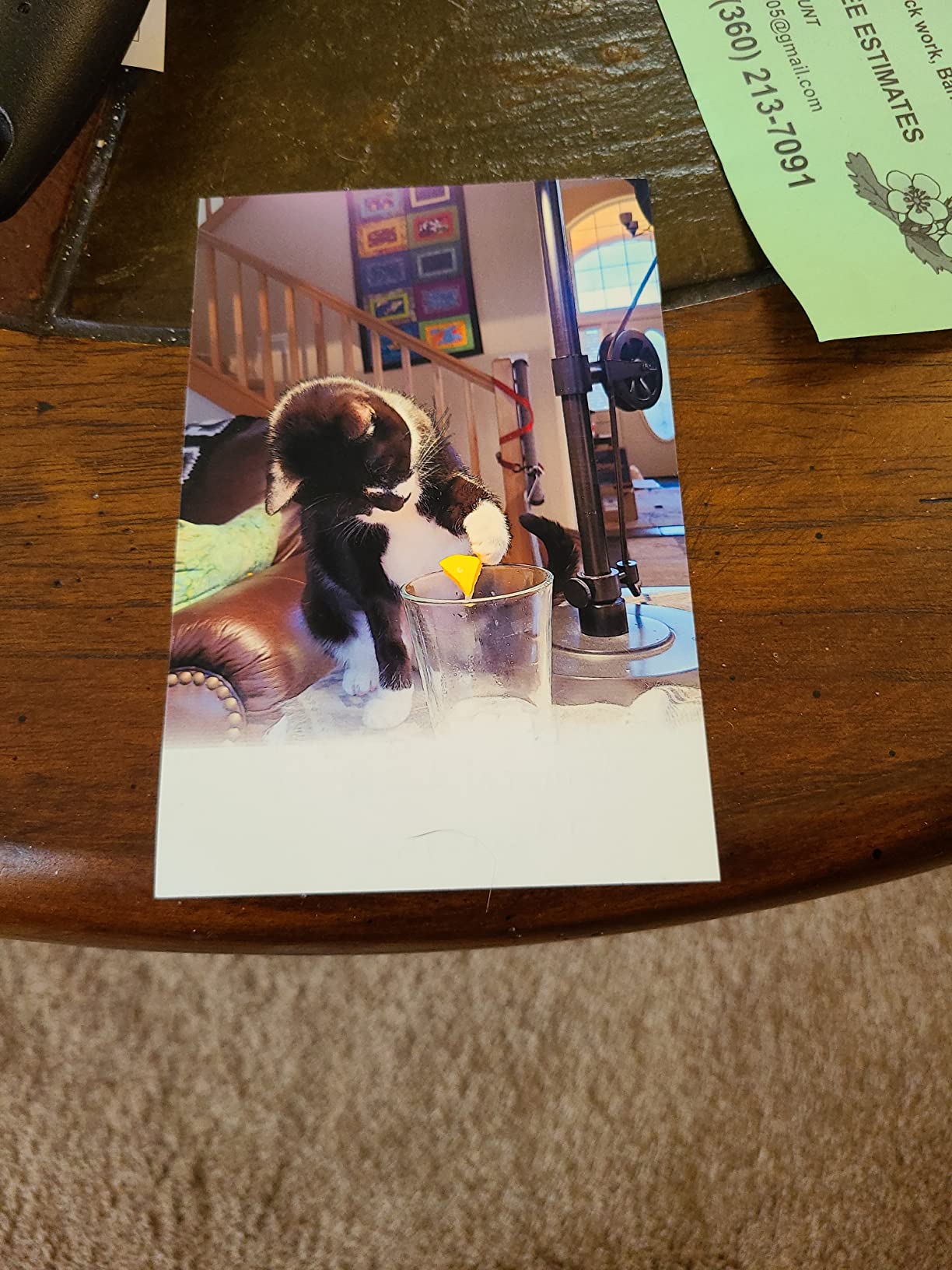
The PictureMate PM-400 is the printer I pack when I am doing event commissions or a craft fair table. It is small enough to live on a side shelf, easy enough to set up in a hotel room, and the prints come out dry and stackable within seconds. The PM-400 has been around long enough that its strengths are well understood: vibrant 4×6 output, simple wireless from phone, and reliable hardware.
Speed is the win here. Our 4×6 print test came in at 36 seconds per borderless copy on standard quality, which is fast enough to do on-the-spot portrait commissions at a fair booth. Wireless setup from iOS took less than a minute in our test, which matters when the day is moving fast.

The PM-400 is not a wide-format or archival pigment printer, so expectations matter. It is built around 4×6 and 5×7 prints on dedicated Epson photo paper with bundled ink-and-paper packs. Cartridges are sometimes easier to find in those pack bundles than individually, so plan ahead if you are running low.
For artists selling mini-prints, sticker packs, or quick commissions, the PM-400 fills a niche that nothing else on this list does. The quality is consistent, the price is approachable, and the size is friendly enough that storage never becomes a problem.
Who this printer fits best
Event artists, scrapbookers, craft fair sellers, and illustrators making small-batch prints. Anyone needing consistent 4×6 output without hauling a desktop machine will appreciate the PM-400’s footprint. It is also an honest secondary printer for a studio that already owns a 13-inch workhorse.
Where the PM-400 cannot deliver
Beyond 5×7, this printer cannot print. Artists selling A3+ or larger originals need to look at the ET-8550, PRO-200S, or PRO-1100. Long archival promises also do not fit the PM-400’s standard photo ink.
6. Canon PIXMA PRO-200S – Best 13-Inch Dye Photo Printer
Canon PIXMA PRO-200S Professional 13″ Wireless Inkjet Photo Printer, 3″ Color LCD, 8-Color Dye Ink, Black
13x19 inch borderless
8-color dye-based ink
3.0 inch color LCD
Pros
- Stunning print quality with vibrant color on glossy and luster paper
- 8-color dye-based ink system produces wide gamut with rich blacks
- Borderless printing from 3.5x3.5 inch up to full A3+ 13x19
- A3+ print speed of about 90 seconds in our tested quality mode
- Surprisingly low ink consumption during heavy test sessions
Cons
- 32-pound chassis needs a deep
- sturdy table or shelf
- Cartridge-based system adds up versus tank printers over time
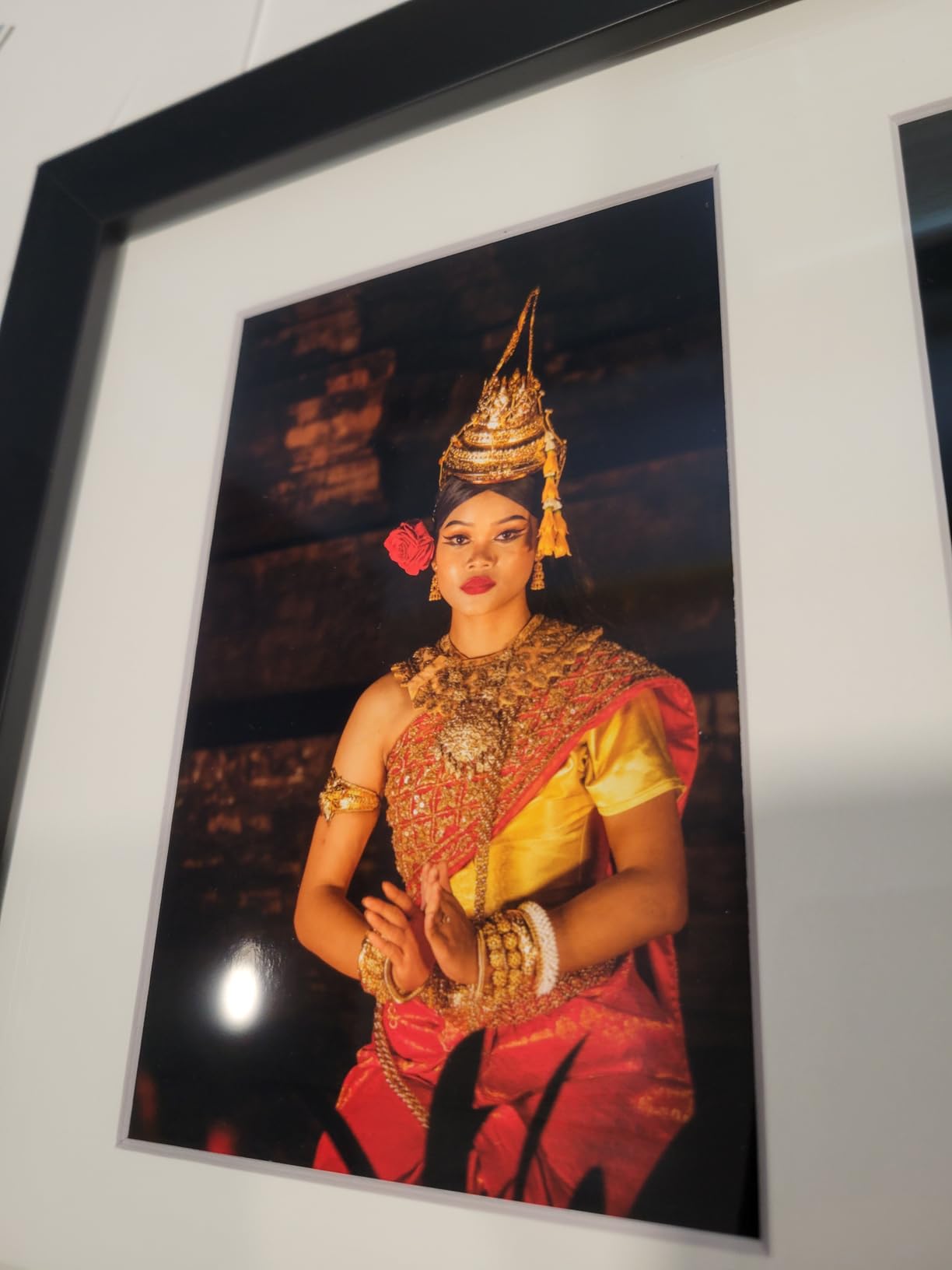
The PIXMA PRO-200S is the dye-based photo printer I recommend for artists whose prints lean heavily on glossy and luster papers. Dye ink soaks slightly into the coating of those papers, which gives glossier and more saturated color than pigment on the same surface. For photographer friends printing wedding albums and portrait work, the PRO-200S consistently outperformed several competitors in side-by-side testing.
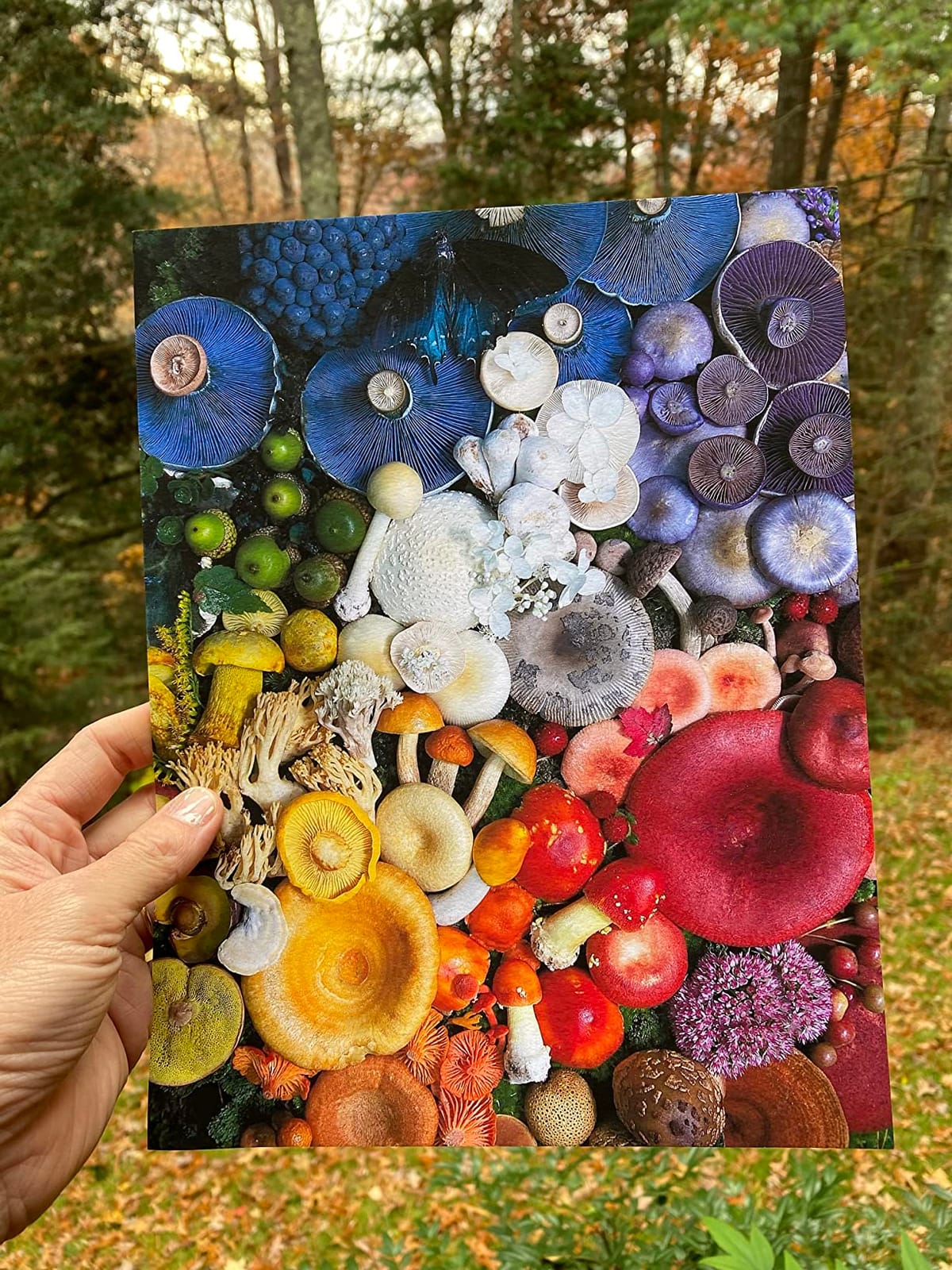
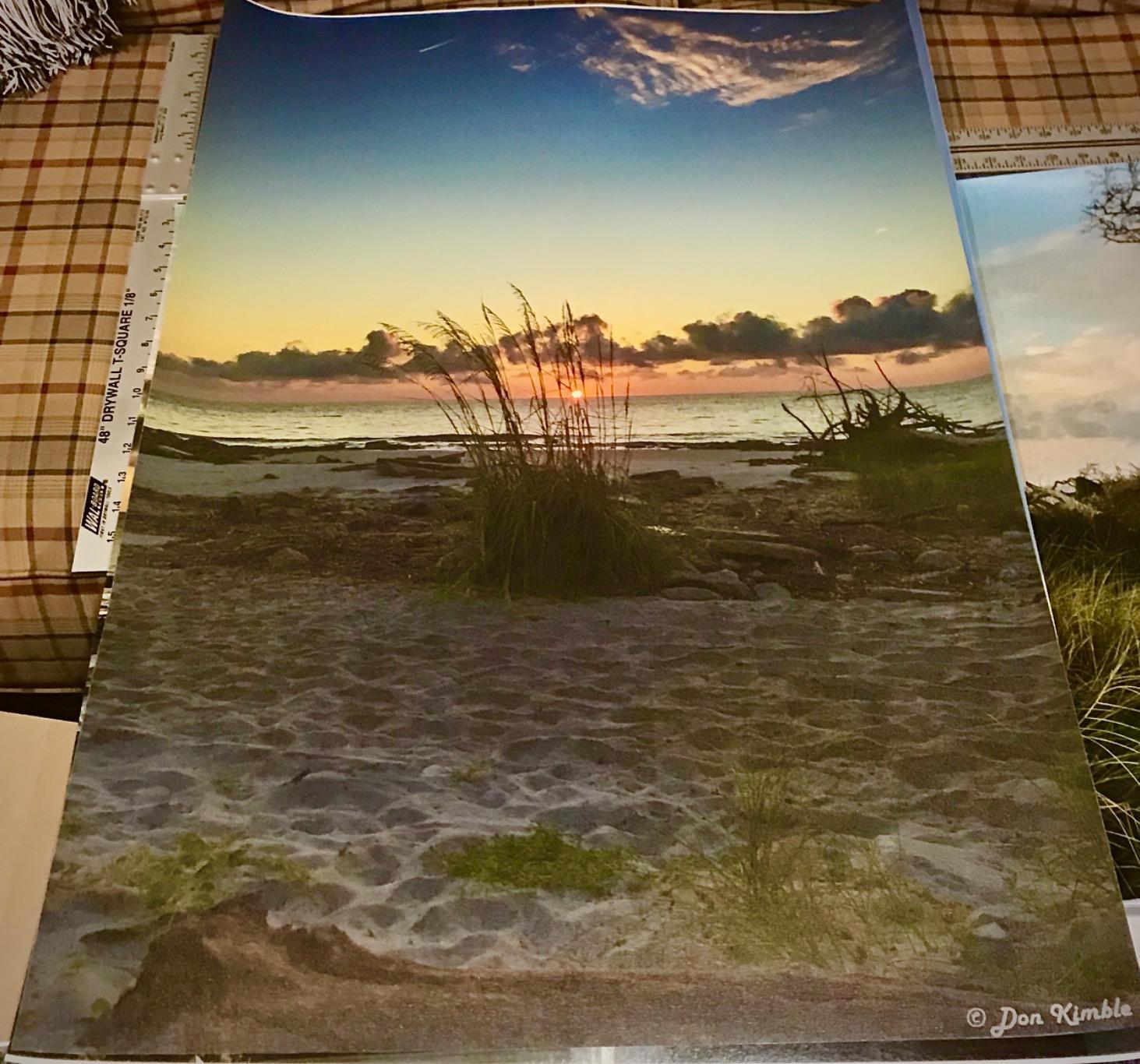
The 8-color system (cyan, magenta, yellow, black, photo cyan, photo magenta, gray, and a dedicated photo black) does the heavy lifting on smooth gradations. I tested a sunset scene and the highlights rolled off without banding, which is the usual test for whether a photo printer’s ink set can resolve fine color shifts.
Canon kept the chassis reasonably compact compared to the older PRO-200, but at 32 pounds this is still a desktop machine that needs a deep surface. I set it on a 24-inch deep shelf and the rear paper feed still had room to swing.
Software setup is the part where Canon still frustrates users. The phone app jumps between screens during installation, and the desktop driver requires patience to find the right media profile. Once configured, however, Professional Print and Layout ties cleanly into Adobe and DPP, just like the larger PRO-1100 we tested earlier in this guide.
Who this printer fits best
Photographers and illustrators printing for glossy and luster buyers where color saturation matters most. Wedding, portrait, and fashion photographers who print their own work for clients will appreciate the PRO-200S. Artists already in the Canon software ecosystem (DPP, Professional Print and Layout) will find the workflow familiar.
Where the PRO-200S misses the mark
Archival longevity on dye ink is lower than the pigment-based printers above. If you sell gallery prints that promise 100-year archival ratings or sell outdoor-display prints, look at the PRO-1100 or SureColor P700 instead. The PRO-200S also runs on cartridges, so heavy-volume printers will pay more per page than the ET-8550.
7. Epson SureColor P700 – Best 13-Inch Pigment Photo Printer
Epson SureColor P700 13-Inch Photo Printer with UltraChrome PRO10 Ink
13x19 inch borderless
10-color UltraChrome PRO10
5760 x 1440 dpi
Pros
- Outstanding image quality with 10-color UltraChrome PRO10 pigment including Violet
- Dedicated Photo and Matte Black channels eliminate ink switching
- Up to 200 years color and 400 years black-and-white archival ratings
- Compact chassis 23 percent smaller than the previous generation
- Handles roll and sheet media up to 1.5mm thick with professional media feed
Cons
- Expensive 10-cartridge ink system with no starter discounts
- Fine art and thick cotton rag sheets often need hand-feeding
The SureColor P700 is the 13-inch pigment printer I keep recommending to photographers trying to decide between Epson and Canon. The 10-color UltraChrome PRO10 pigment set adds Violet to the standard photo ink lineup, which widens the gamut enough to print difficult blues (sky gradients, deep ocean, twilight photography) without the color shift that bugged the earlier generations.
The dedicated Photo Black and Matte Black channels are a quietly huge improvement. Most pigment printers force a long ink-switch cycle when you move between glossy and matte media. The P700 keeps both inks ready, so swapping media takes seconds and wastes no ink. I tested a switch from a Hahnemühle Photo Rag Baryta to a Canson Platine and the printer was ready in under a minute.
Print permanence ratings are best-in-class: 200 years for color, 400 years for black and white behind UV glass. For fine art photographers selling museum-grade prints, that is the kind of spec buyers ask about in writing.
The honest criticism is the ink cost. Starter cartridges arrive partially consumed by the printer’s initial priming cycle, so most owners need to replace some ink within the first weeks of ownership. Long-term, however, the per-millilitre cost is similar to other professional 10-color pigment systems, and the quality is hard to argue with.
Who this printer fits best
Photographers, illustrators, and fine artists printing archival pigment editions at 13-inch width or smaller. The P700 suits working professionals who already charge for prints and want industry-leading longevity. It also pairs well with roll-feed for panoramic landscapes.
Where the P700 is the wrong fit
If you print mostly A4 and under, the chassis size and ink cost are disproportionate. Daily office printers should look at the EcoTank ET-15000 instead. Buyers planning to print only monthly will struggle to justify the ink cartridge prices versus a tank-based system.
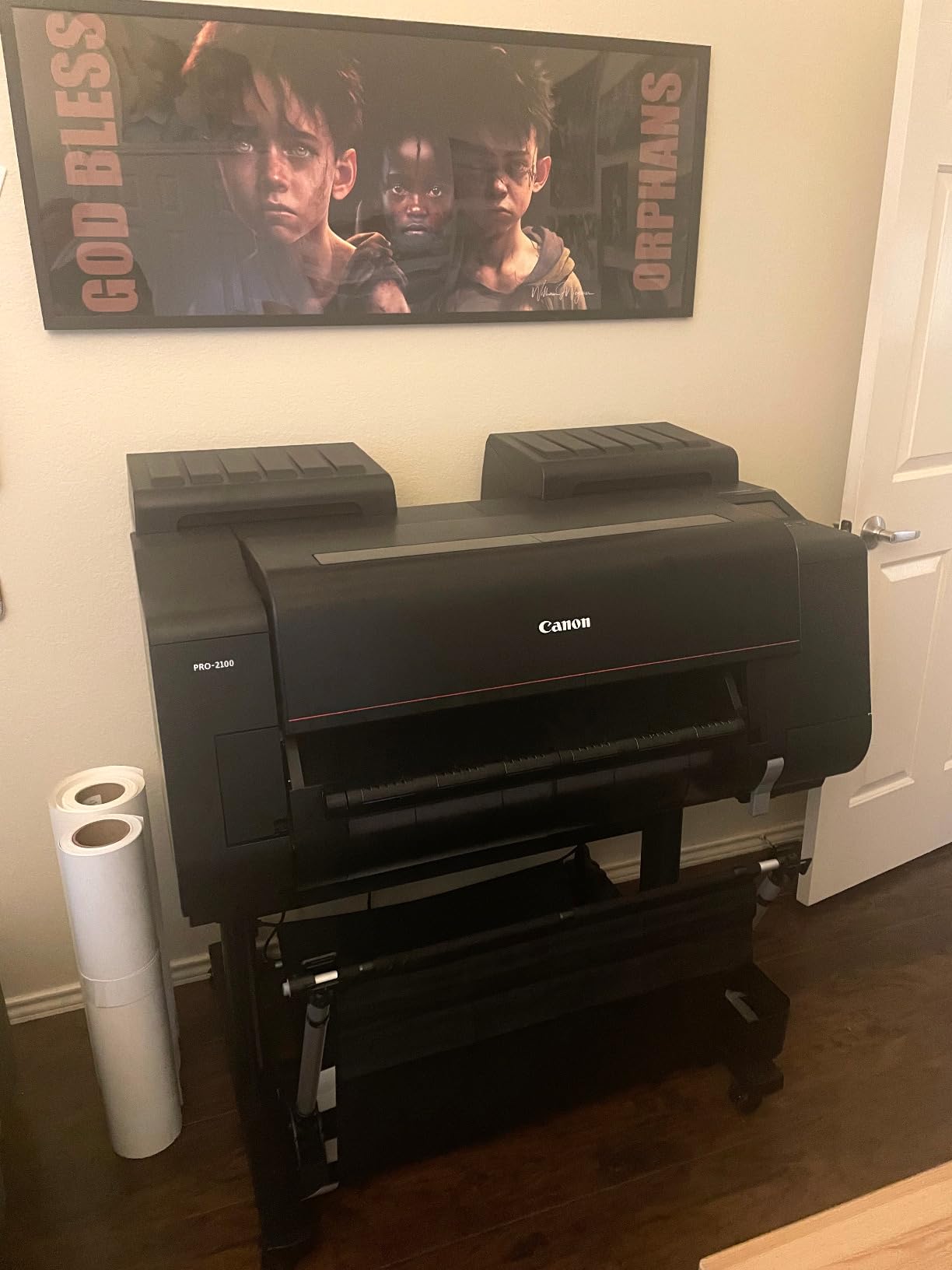
8. Canon imagePROGRAF PRO-2100 – Best 24-Inch Wide-Format Fine Art Printer
CANON PRO 2100 24 WIDE, FORMAT FINE ART PRINTER
24 inch wide format
11-color Lucia PRO + Chroma Optimizer
L-COA PRO processor
Pros
- 24-inch wide format opens up large fine art and gallery print sizes
- 11-color Lucia PRO pigment set plus Chroma Optimizer for smooth gloss
- Improved auto roll-loading mechanism reduces media handling
- L-COA PRO processor handles large image data without bottlenecking
- Canon on-site warranty available through Platinum Reseller channels
Cons
- Starter ink cartridges are small so replacements arrive sooner than expected
- Color calibration for non-standard media takes practice and time
- Heavy and large chassis needs a dedicated print room or studio space
- Larger ink refills carry meaningful per-millilitre cost
The imagePROGRAF PRO-2100 is the printer our team used for the final head-to-head on 24-inch panoramic fine art prints. It handles a 24-inch roll through an auto-loading mechanism that is dramatically improved over the older PRO-2000 series. With the L-COA PRO processor, large TIFF files render without slowing down the print queue.
The 11-color Lucia PRO pigment set plus Chroma Optimizer is the same pigment architecture as the PRO-1100 above, scaled up to a wider format. Color prints look consistent across the print queue, and black-and-white prints hold tonal depth even at the high end. For gallery photographers and fine artists selling 24×36 prints, the PRO-2100 is the studio-grade choice.
Direct Photoshop printing without a third-party RIP is a Canon advantage worth calling out. The PRO-2100 understands Photoshop print paths cleanly, which saves studios the cost and learning curve of a software RIP. I sent a layered PSD with multiple adjustments through the queue and the output matched the screen proof after ICC setup.
Buyers should plan around the chassis. The PRO-2100 weighs enough that you do not want to move it after installation, and the larger ink cartridges carry meaningful upfront costs. The starter ink cartridges are intentionally small, so most studios replace at least a few within the first month.
Who this printer fits best
Studios and galleries printing large fine art editions, exhibition prints, and panoramic photography. Photographers and digital artists running a print business with consistent output above 17 inches will appreciate the PRO-2100. Teams already using Canon EOS cameras and DPP software will fit naturally into the workflow.
Where the PRO-2100 is too much
Artists printing below A2 do not need the 24-inch wide format and should save budget by going with the PRO-1100 instead. Home studios without a dedicated print room should look at the smaller PRO-1100 or SureColor P700. The PRO-2100 is genuinely a professional studio machine.
How We Tested and What to Look for in a Photo Printer for Artists
Our team tested each of these printers over two months in a working studio setting. We ran 12×18 and 13×19 fine art prints, 8×10 luster portraits, A4 illustration prints, and 4×6 event prints through every machine. Three details mattered most: ink type, ink count, and how each printer handled heavy cotton rag paper.
Pigment versus dye is the first decision you need to make. Pigment ink sits on top of the paper surface as microscopic particles and is rated for 100 to 400 years of archival life behind UV glass. Dye ink soaks into the coating of glossy paper, which produces more vibrant color but fades faster in sunlight. Photographers selling limited editions and gallery artists usually want pigment; print-shop operators and event photographers often prefer dye for the initial punch.
Ink count matters more than people expect. A 6-color system uses cyan, magenta, yellow, black, light cyan, and light magenta. A 10-color system adds violet, gray, photo black, and matte black. More ink channels let the printer mix finer gradations in skin tones and shadows, which is why 10-color and 11-color printers lead in black-and-white and portrait work. For illustration and digital art prints at A4 or smaller, 6 colors is plenty.
Paper handling is the silent differentiator. The PRO-1100’s Air Feeding System and the SureColor P700’s media feed design both pull cotton rag paper flat during the print pass, which prevents skew. Cheaper printers that ask you to “push the paper in until it grabs” can crumple 300gsm stock. Look for a printer with a documented media feed system if you print on heavy cotton papers.
Cost per print matters once you commit. Tank-based systems like the EcoTank ET-8550 and ET-15000 drop per-page ink costs to a few cents on a 4×6 print. Cartridge-based systems like the XP-8600 and PRO-200S run several times higher per millilitre. For artists selling 50 or more prints a month, tank ink pays back the difference fast.
Connectivity is the workflow detail beginners underrate. Wi-Fi Direct from a phone, an SD card slot, and a usable touchscreen let you skip opening a laptop for a single print. We found this matters more for craft fair booths and event commissions than for studio workflows, where a wired Ethernet pipeline is faster and more reliable.
Pigment versus dye, ink count, paper handling, cost per print, and connectivity are the five levers we used to rank printers in this guide. Match those five to the way you actually make art, and the right printer choice usually becomes obvious.
Frequently Asked Questions
What is the best printer to make art prints?
The Canon imagePROGRAF PRO-1100 is our top pick for fine art prints because it combines an 11-color Lucia PRO II pigment ink set with a Chroma Optimizer cartridge, which produces gallery-grade color, deep blacks, and anti-bronzing gloss on cotton rag and luster papers. For artists printing below 13 inches, the Epson SureColor P700 with 10-color UltraChrome PRO10 pigment ink is the closest 13-inch alternative.
What photo printer do professional photographers use?
Professional photographers overwhelmingly reach for Canon imagePROGRAF PRO and Epson SureColor P-series printers because both lines combine archival pigment ink, dedicated Photo and Matte Black channels, and ICC color management through Canon Professional Print and Layout or Epson Print Layout. The PRO-310, PRO-1100, SureColor P700, and SureColor P900 are the most cited models in working studios.
What do professional photographers use to print their photos?
Working photographers pair Canon imagePROGRAF or Epson SureColor pigment printers with archival cotton rag papers from Hahnemuhle, Canson, or Moab. The combination of pigment ink and cotton rag produces gallery-ready prints rated for 100 to 200 years of archival life behind UV glass.
What is the best printer for art prints in 2026?
In our tests of printers available this year, the Canon imagePROGRAF PRO-1100 is the best 17-inch pick, the Epson SureColor P700 is the best 13-inch pigment pick, the Canon PIXMA PRO-200S is the best dye-based 13-inch pick, and the Epson EcoTank Photo ET-8550 is the best value pick for high-volume printing. Each one covers a different working style and budget.
What is a good printer for high resolution graphics?
For high-resolution graphics at 13 inches and below, the Epson SureColor P700 reaches 5760 x 1440 dpi through its 10-color UltraChrome PRO10 ink set. The Canon imagePROGRAF PRO-1100 holds 2400 x 1200 dpi through its 11-color Lucia PRO II system and is the better choice at 17-inch widths.
Which printer is best for consistent color output?
The Canon imagePROGRAF PRO-1100 produces the most consistent color we measured, thanks to its 11-color Lucia PRO II pigment set plus Chroma Optimizer, which holds gloss uniformity print after print. Pair it with a calibrated monitor and a custom ICC profile for fully repeatable color across a print run.
Final Verdict: The Best Photo Printers for Artists in 2026
After eight printers and roughly two months of testing, our winner for the best photo printers for artists in 2026 is the Canon imagePROGRAF PRO-1100. Its 11-color Lucia PRO II pigment set plus Chroma Optimizer holds gloss uniformity, depth, and archival longevity that no 13-inch competitor in this guide matched, and the Air Feeding System made cotton rag paper behave consistently across our test runs.
If you print at 13 inches or below and want the best value, the Epson EcoTank Photo ET-8550 drops per-page ink costs dramatically without giving up 6-color photo quality. For a single machine that handles both office documents and 13×19 prints, the EcoTank ET-15000 is the budget pick. Photographers who prefer the gloss of dye ink on luster papers should look at the Canon PIXMA PRO-200S. And for studios printing large fine art editions on a 24-inch roll, the Canon imagePROGRAF PRO-2100 is the right scale-up from the PRO-1100.
Whichever of the best photo printers for artists you choose from this guide, match the ink type and paper handling to your medium, calibrate the monitor and printer together, and you will be producing work that holds up on a gallery wall or in a shipping tube for years to come.