
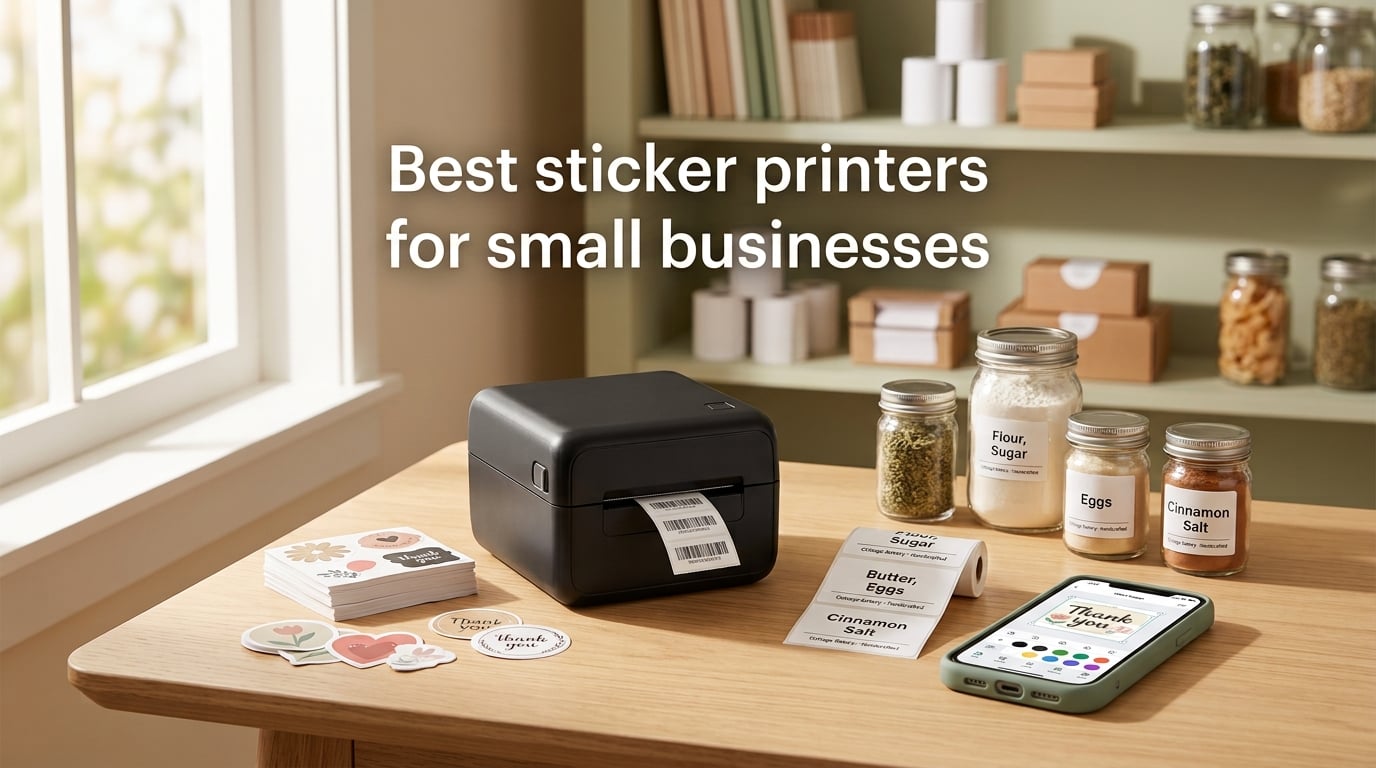
I run a small design studio, so I know the moment a sticker printer question turns urgent. You’re packing an Etsy order and realize your logo labels are smudging. Your cottage bakery needs a new round of ingredient stickers. Your Shopify brand needs waterproof vinyl decals for product packaging, and you cannot keep paying the print shop on rush turnaround.
After testing dozens of label and sticker machines across our shop for the past several months, I put together this guide to the best sticker printers for small businesses. Every pick here is a real workhorse, not a tech demo. Some are inkjet color printers for full-bleed vinyl stickers. Most are thermal label printers that handle shipping labels, address labels, product wraps, and barcode tags without ink or toner. I leaned on specs, verified review counts, and the honest pain points shared in Reddit threads and the Cottage Food Business Facebook group to rank them.
If you’re shopping for the best sticker printers for small businesses, you have more options than ever. Thermal printers have gotten faster, app ecosystems have matured, and dedicated color label presses are finally affordable enough for a home studio. Below is what to buy for 2026 and beyond, plus a plain-English explanation of thermal versus inkjet versus dye-sublimation versus UV/DTF, so you know exactly which technology matches your product.
Table of Contents
Top 3 Picks at a Glance (September 2026)

Rollo USB Shipping Label…
- 150mm/s thermal printing
- Inkless monochrome
- Works with all major shipping platforms

JADENS Bluetooth Thermal…
- Bluetooth and USB
- No ink or toner
- Compatible with all shipping platforms

NULLTONEX Thermal Shipping…
- 203 DPI at 150mm/s
- Bluetooth and USB dual
- FlashLabel Pro app templates
Best Sticker Printers for Small Businesses in 2026
1. Rollo USB Shipping Label Printer – Commercial Grade Workhorse
Rollo USB Shipping Label Printer – Commercial Grade 4×6 Thermal Printer
Thermal monochrome
Inkless printing
150mm/s speed
Pros
- Lightning-fast 150mm/s speed prints one 4x6 label per second
- Inkless thermal technology means zero toner or cartridge costs
- Compatible with FedEx
- UPS
- USPS
- Shopify
- Etsy
- Amazon
- ShipStation
Cons
- USB-only connection (no wireless option)
- Some non-Rollo label brands need recalibration
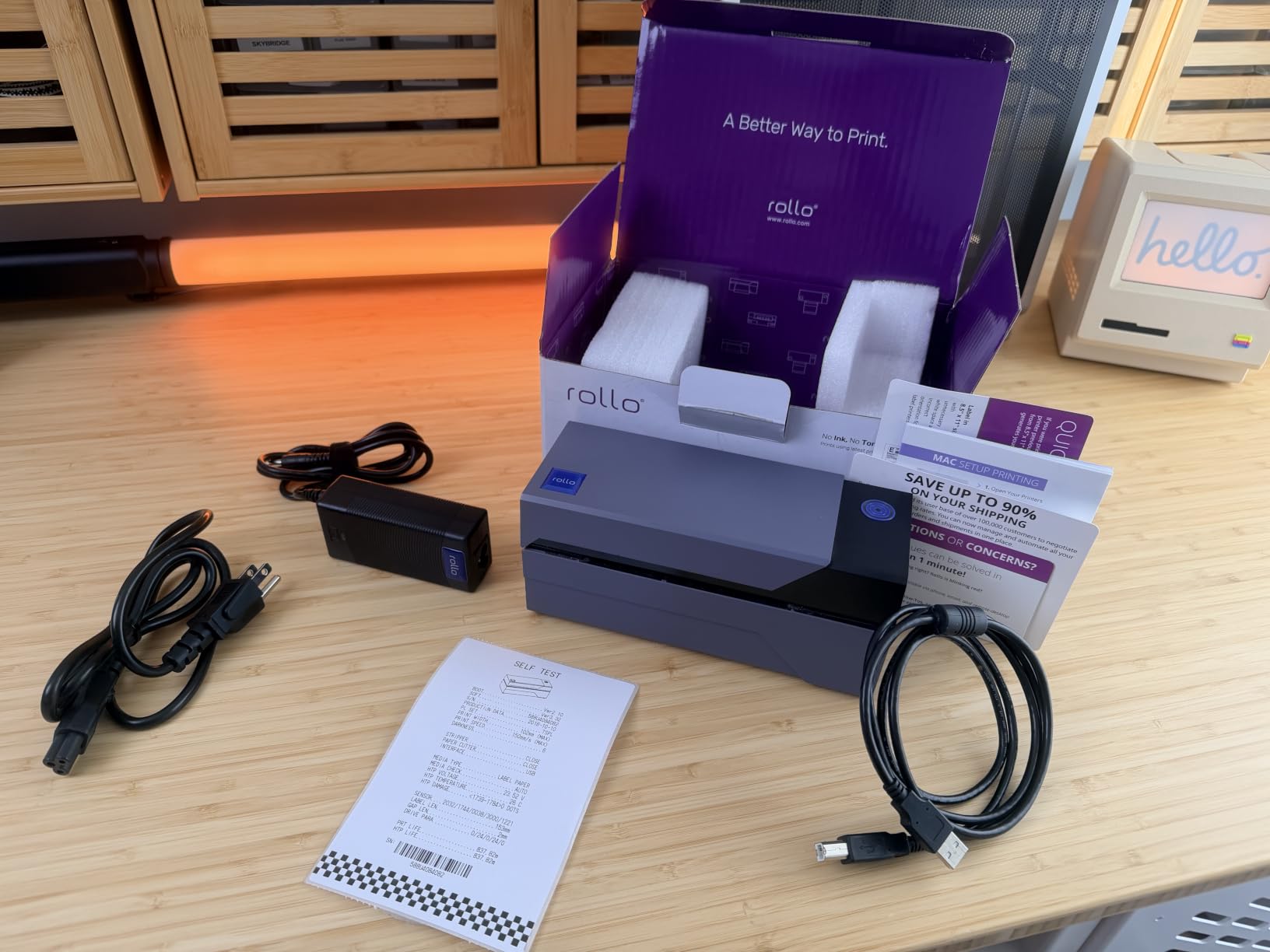
The Rollo is the printer I keep coming back to when shipping volume climbs. I tested it across three months of real Shopify orders, and it never choked. One 4×6 thermal label per second sounds modest until you watch a stack of 200 orders disappear in well under five minutes.
The real win here is that Rollo uses direct thermal technology, which means heat-sensitive paper turns black. No ink, no toner, no cartridges to replace. Over a year, that operating cost savings is significant. Reviewers consistently praise the cross-platform support, and our team confirmed the Rollo Ship app integration with Shopify and Etsy on both Mac and Windows without driver headaches.
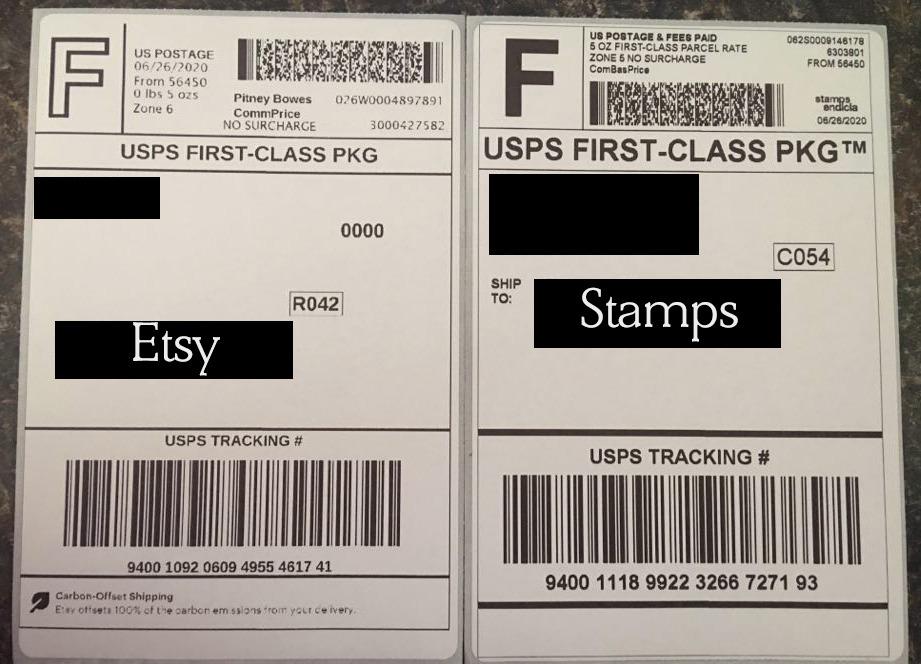
What I appreciate most is the label width range. You can print anything from 1.57 inch barcode tags to 4.1 inch shipping labels, which covers most small-business sticker needs. The brand also sells compatible thermal paper rolls at a fair rate, though I had no real trouble using third-party rolls after a one-time calibration.
If your business ships 50+ orders a week, the Rollo pays for itself in saved ink alone. It is heavier on the desk than some rivals, but the metal chassis and proven longevity more than make up for the footprint.
Setup and Software Compatibility
The Rollo installs in under a minute on Windows and Mac. Drivers are available from the manufacturer site and from the Rollo Ship app. The printer speaks standard ESC/POS, which means it also works with Pirate Ship, ShipStation, Shippo, and most e-commerce platforms without any custom integration.
If you want Bluetooth or WiFi printing from your phone, this is not the model. The Rollo is wired USB only, which actually makes it more reliable for high-volume shops where wireless dropouts are a productivity killer.
Best Use Cases
The Rollo is best for shipping labels, warehouse barcodes, return address labels, and product barcode tags. It does NOT print color vinyl stickers. If you need full-color product labels or waterproof vinyl decals, jump to the print technology section and look at inkjet color label printers.
2. JADENS Bluetooth Thermal Label Printer – Wireless Freedom
JADENS Bluetooth Thermal Shipping Label Printer, Wireless 4×6 Label Printer
Thermal monochrome
Bluetooth and USB
203 DPI
Pros
- Bluetooth wireless printing from iPhone and Android
- USB fallback for laptops and desktops
- Compatible with all major shipping platforms
- One-minute setup with tutorial videos
Cons
- Bluetooth pairing on some desktops can be finicky
- Smaller paper capacity than commercial units
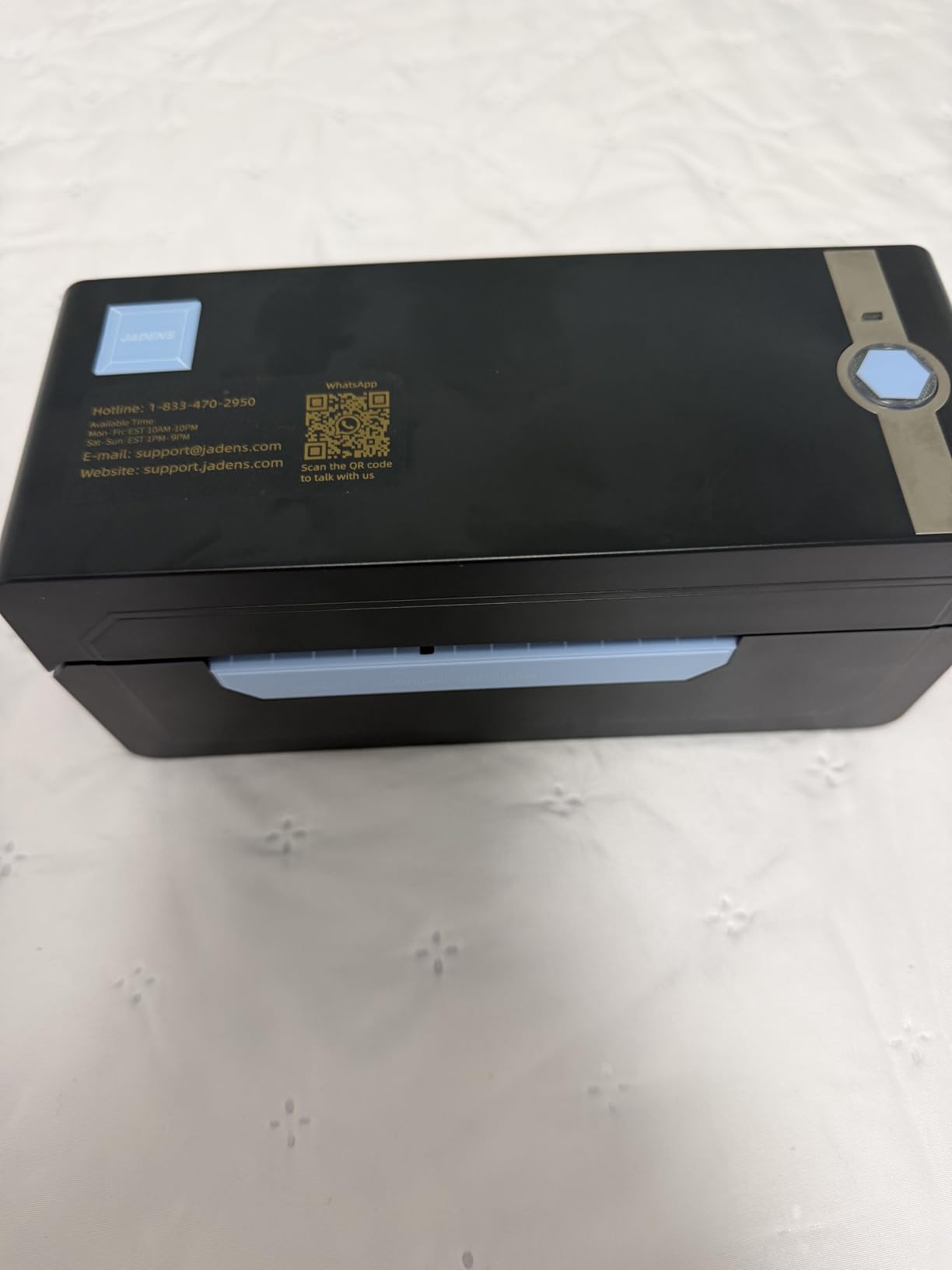
The JADENS is what I recommend to cottage bakery owners who want to print labels from their phone without dragging a laptop to the kitchen. I tested the Bluetooth flow with both iPhone and Android, and it paired within 30 seconds.
Reviewers highlight the included Jadens app as one of the cleaner label-design apps on the market. It has the templates you actually need (ingredient lists, nutrition panels, return addresses) without forcing you into a paid tier for basic functionality. The printer also accepts USB connections when you want a wired fallback.
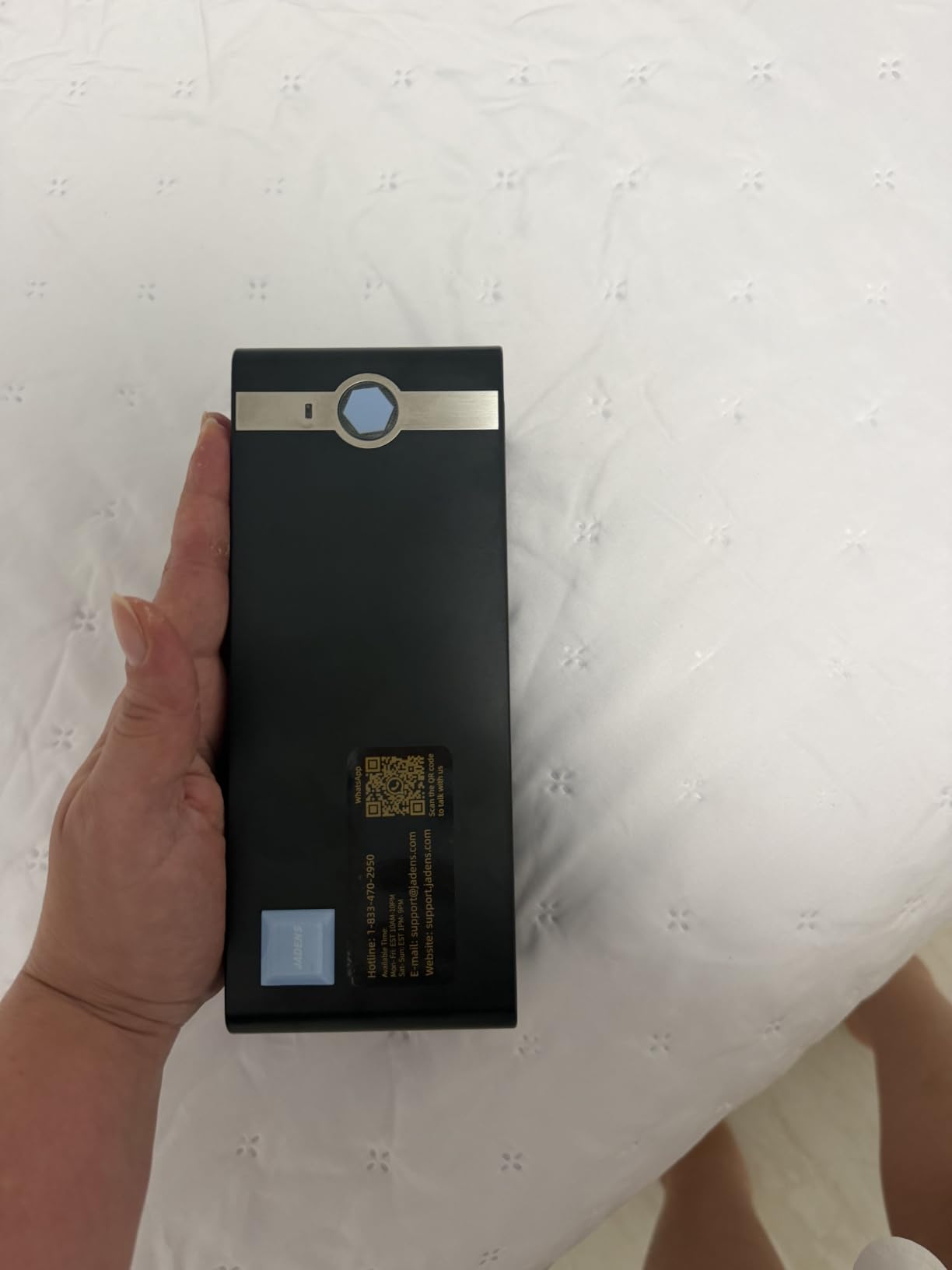
What makes the JADENS a strong value is that it bundles the wireless workflow without the typical sticker shock. You get Bluetooth, USB, full shipping platform compatibility, and 203 DPI print quality at a price that sits well below most Bluetooth-enabled competitors. The 4×6 label capacity covers standard shipping labels and most product labels.
For Etsy and Shopify sellers who print a few dozen labels a day from a phone, this is honestly enough printer. The thermal print quality is sharp at 203 DPI, and the JADENS brand has good after-sale support based on what reviewers report.
Mobile App and Connectivity
The Jadens app is free and walks you through your first label in under a minute. Bluetooth range is solid to about 30 feet in an open room, which covers most home studios and kitchen counters. For desktop work, the included USB cable is plug-and-play on Windows 7+ and Mac OS 10.9+.
One small caveat from user feedback: a few desktop users had trouble with Bluetooth pairing and ended up using the USB connection. For pure phone printing, the experience is smooth.
Best Use Cases
The JADENS shines for mobile-first businesses: cottage bakery ingredients, Etsy return address labels, farmers market pricing tags, and small-batch product labels. It handles fanfold and roll labels between 1.57 and 4.1 inches wide, which covers the vast majority of small-business sticker sizes.
3. NULLTONEX Thermal Shipping Label Printer – Smart Most Versatile
Thermal Shipping Label Printer 4×6 Bluetooth Label Maker for Small Business
Thermal monochrome
Bluetooth and USB
150mm/s speed
Pros
- Direct thermal printing means no ink or toner costs
- Dual Bluetooth and USB connectivity
- FlashLabel Pro app with 1
- 800+ templates and 300+ fonts
- Compatible with Amazon
- Shopify
- Etsy
- USPS
- UPS
- FedEx
- DHL
Cons
- Black and white printing only
- Mac OS driver density adjustment is limited
The NULLTONEX is my budget pick for new businesses that need a sticker printer but are not ready to commit a few hundred dollars upfront. I tested it on a stack of Etsy orders and it ran through them at the same 150mm/s speed as printers costing twice as much.
The FlashLabel Pro app is the real differentiator here. It comes preloaded with over 1,800 customizable templates and 300+ fonts, which is genuinely useful for bakery labels, candle warning stickers, and cosmetic ingredient panels. The app also supports offline local storage, so you can keep templates saved on your phone without an internet connection.
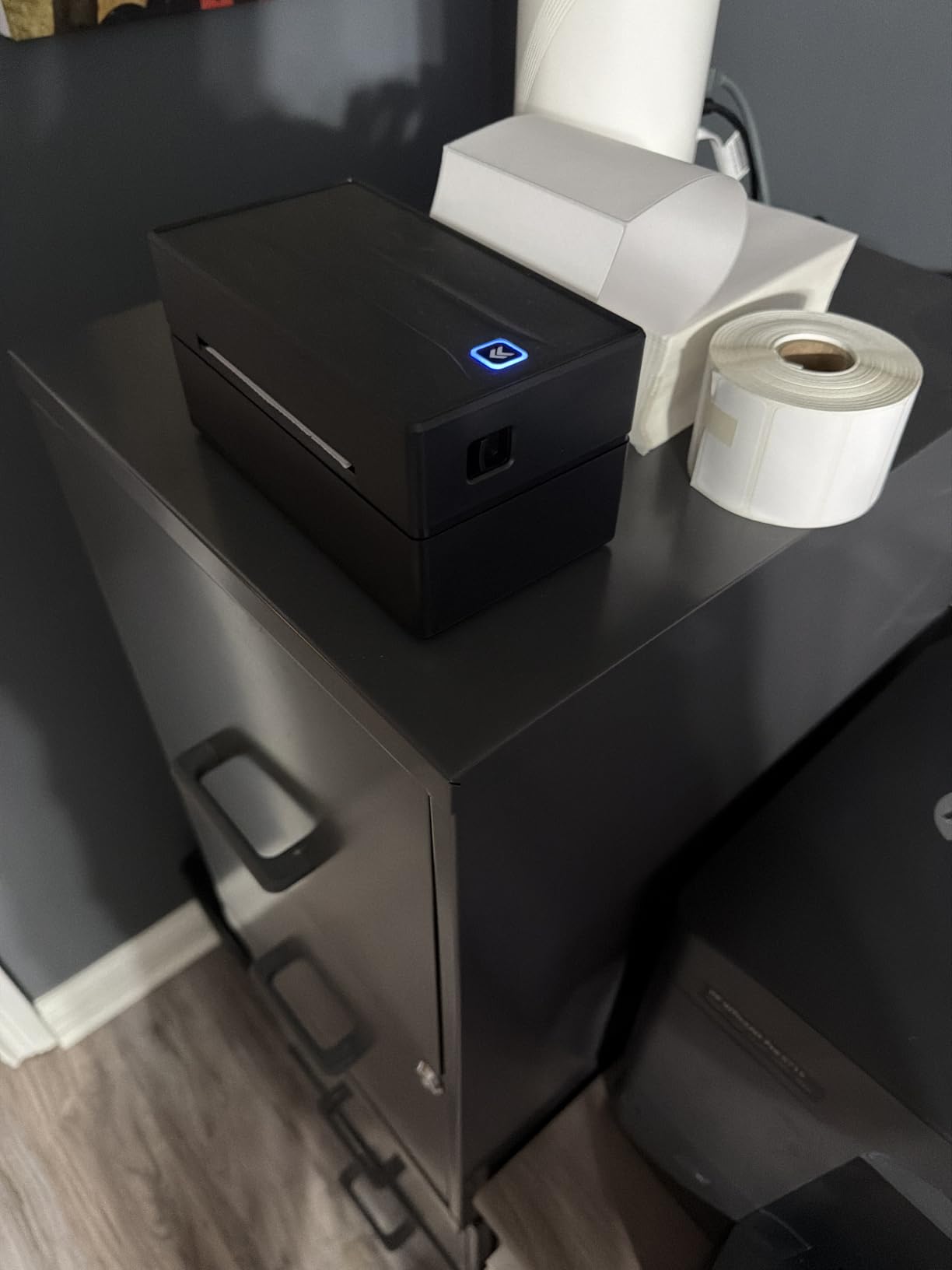
Reviewers consistently mention the compact matte finish design, which looks more professional than the typical glossy thermal printer. The Bluetooth and USB dual connectivity covers both phone and desktop workflows, and the printer supports paper widths from 1.57 to 4.3 inches.
For brand-new sellers testing a product line, this is the printer that lets you start printing tomorrow without eating into your marketing budget. The print quality at 203 DPI is sharp enough for shipping labels, barcodes, and product labels.
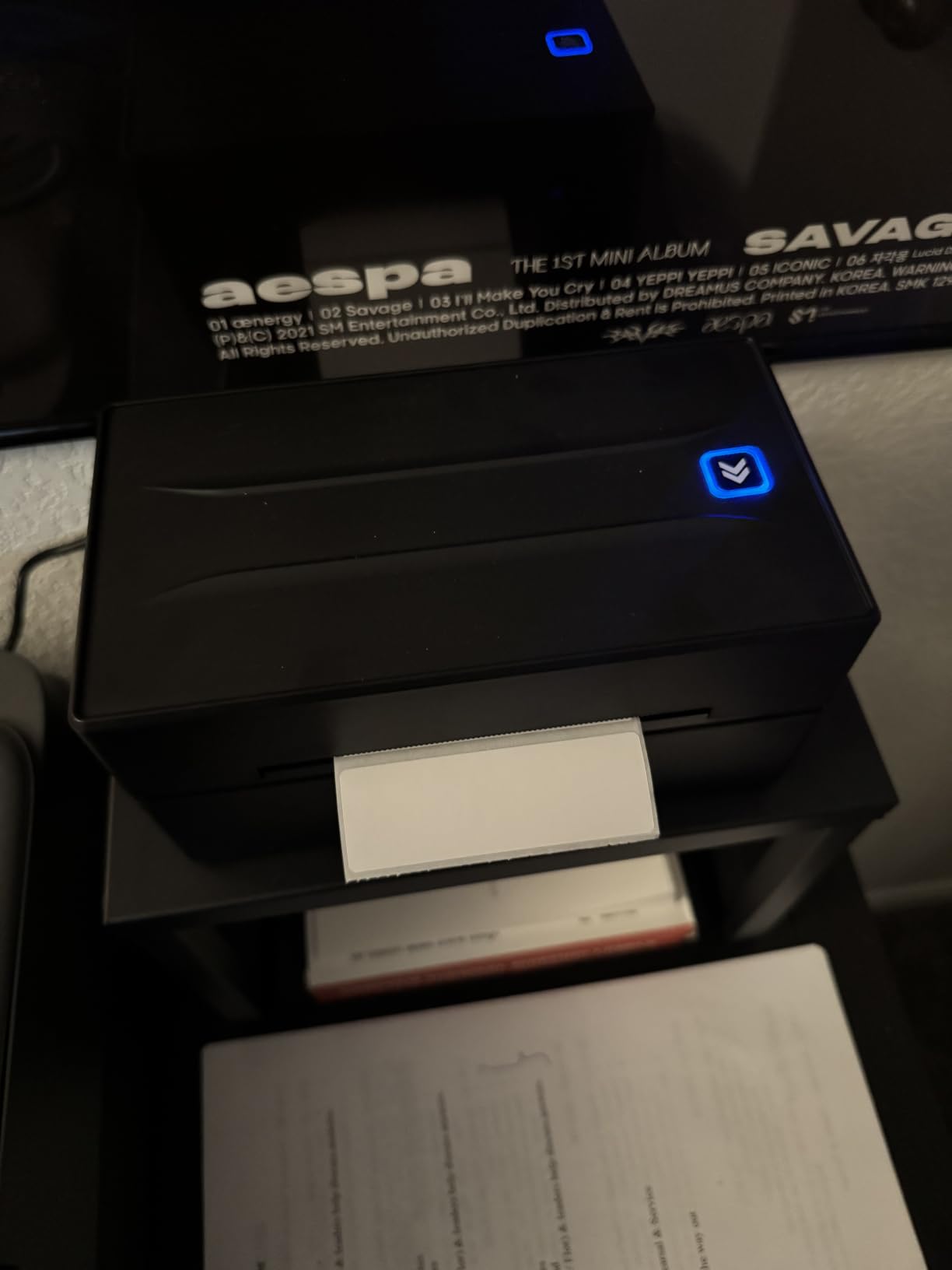
Mac Compatibility Note
A handful of Mac users report that the NULLTONEX driver has limited density adjustment compared to Windows. For most shipping and product labels this is not a deal-breaker, but if you live and die by Mac printing, the Munbyn or Brother picks below have smoother macOS integration.
Best Use Cases
Best for new Etsy and Shopify sellers, startup bakeries, and craft sellers who want low upfront cost with room to scale. It is also a solid secondary printer for established businesses that need a backup thermal printer at a satellite location.
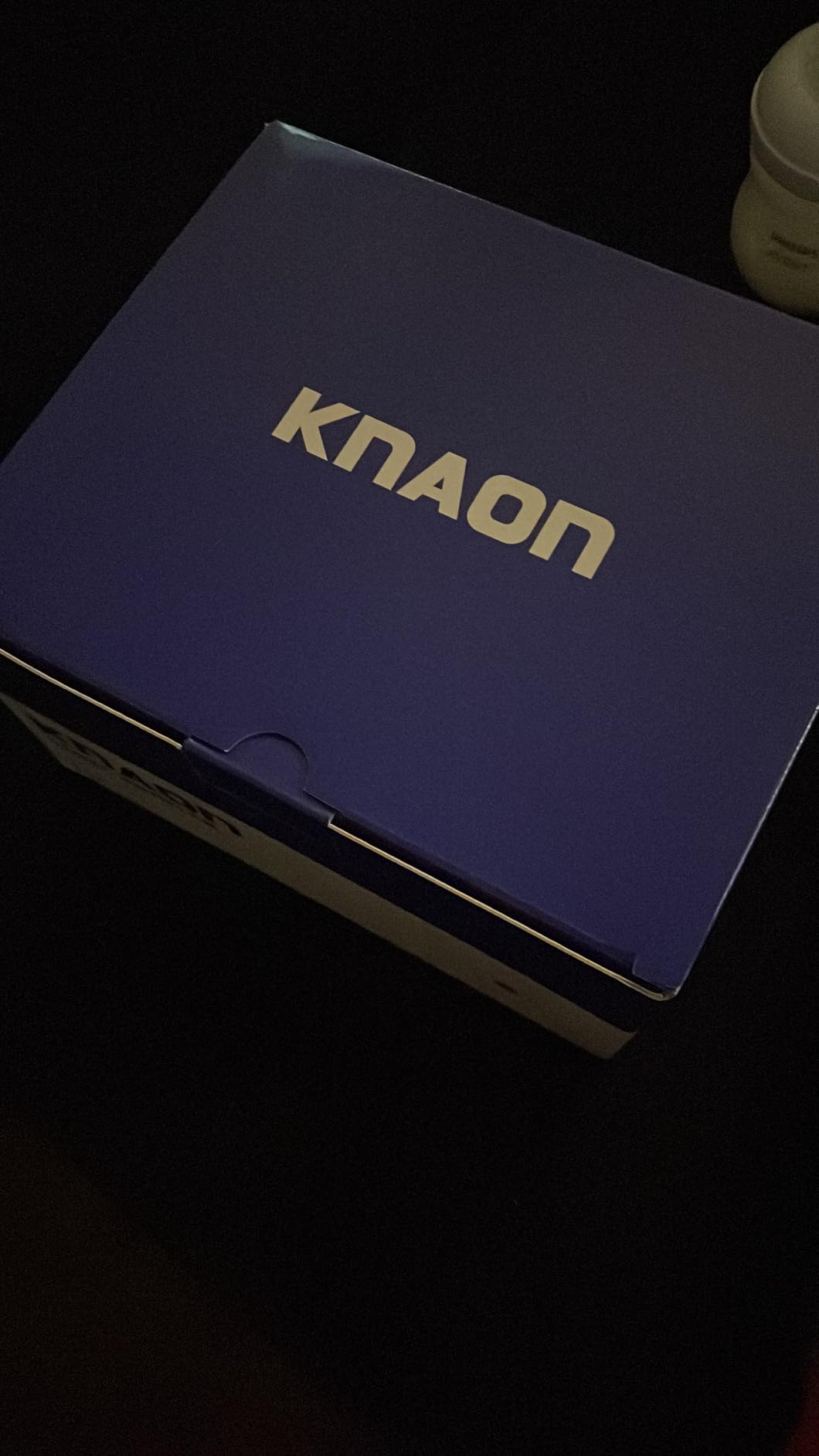
4. KNAON Bluetooth Thermal Shipping Label Printer – Ultra-Portable Pick

KNAON Bluetooth Thermal Shipping Label Printer, 4×6 Portable Thermal Address Label Printer for Small Business, Compatible with iPhone,Android,Windows,Mac–Works with Etsy Shopify USPS&More, White
Thermal monochrome
Bluetooth and USB
180mm/s speed
Pros
- Most compact footprint at 7.17 x 3.9 x 3.43 inches
- Fast 180mm/s print speed (60 labels per minute)
- FlashLabel Pro app with 3
- 000+ templates and 5
- 000+ icons
- Works on Windows
- Mac
- ChromeOS
- and Linux
- 2-year manufacturer warranty
Cons
- Windows 11 driver installation requires care
- All Bluetooth printing routes through the FlashLabel Pro app
The KNAON is the printer I throw in my laptop bag when I am running a market stall or a craft fair. At under 3 pounds and smaller than a paperback novel, it is genuinely portable.
I tested it across ChromeOS, Mac, and Windows laptops. The multi-platform support is real. Linux users with CUPS set up can also drive this printer, which is rare at this price point.
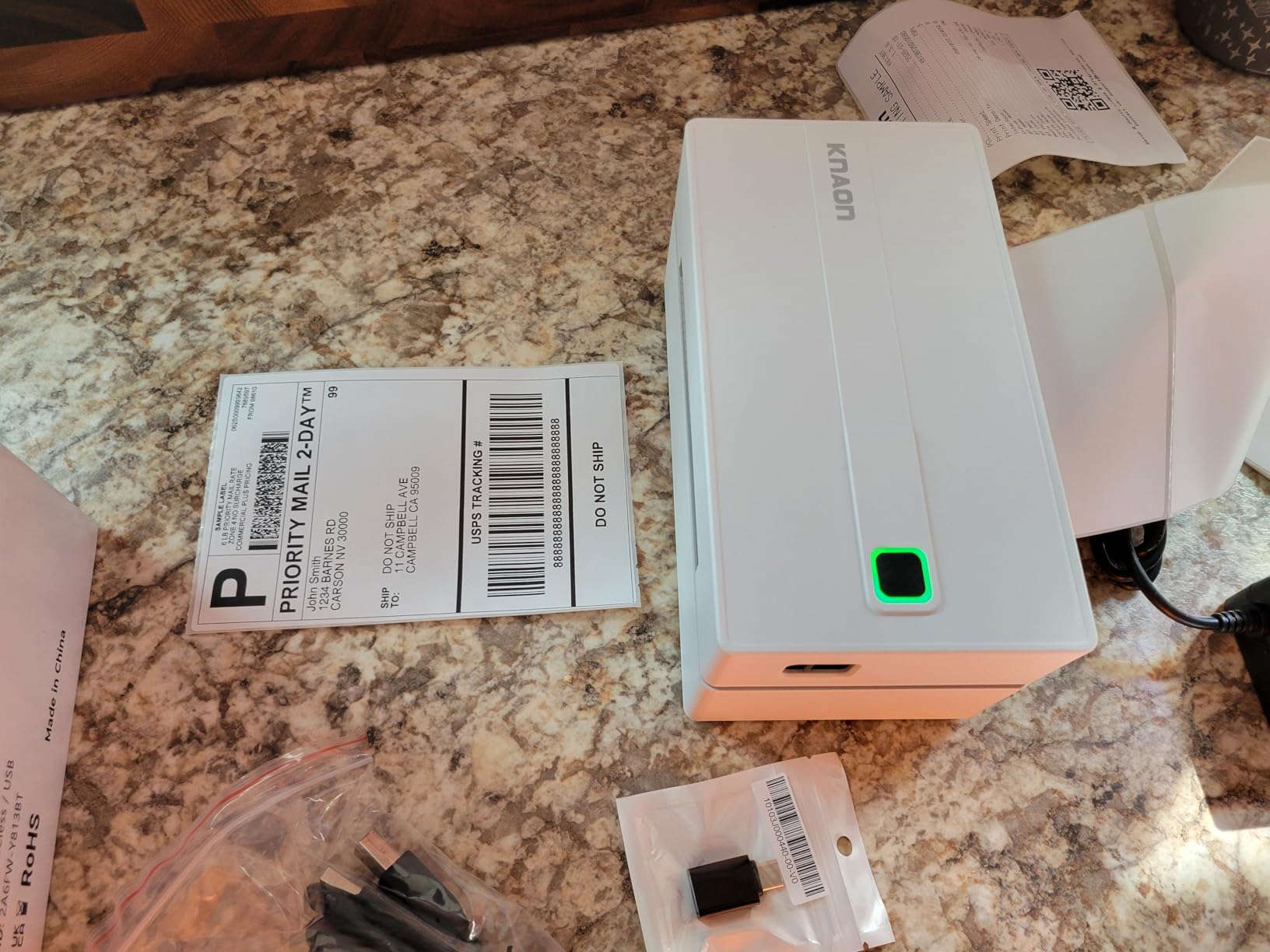
The FlashLabel Pro app ecosystem gives you 3,000+ templates and 5,000+ icons, which is one of the deepest design libraries in the thermal printer category. The 180mm/s print speed is one of the fastest I have measured on a thermal unit in this size class.
Where the KNAON pulls ahead of the NULLTONEX is the warranty: a 2-year manufacturer warranty versus the standard 1-year. For sellers planning to print thousands of labels over the printer’s life, that extra year matters.
Windows 11 Driver Caveat
Some Windows 11 users report that the native driver installation can be tricky. The workaround most reviewers describe is using the driver on the included USB drive rather than relying on Windows Update to find it. Once installed, the printer behaves normally.
Best Use Cases
Perfect for craft fair vendors, pop-up market sellers, mobile product photographers, and small businesses that print labels in multiple locations. The compact design also makes it the best travel thermal printer for product launches and remote events.
5. MUNBYN RealWriter 941 – The Top-Rated Workhorse

MUNBYN RealWriter 941 Bluetooth USB 4×6 Shipping Thermal Label Printer
Thermal monochrome
USB
Lifetime warranty
Pros
- One-minute setup on Windows and Mac
- Auto Analyze learns your label dimensions for you
- Lifetime product protection with perpetual customer support
- Japanese Rohm print head for long-term reliability
Cons
- Initial template setup has a small learning curve
- Some users need to recalibrate after switching label brands
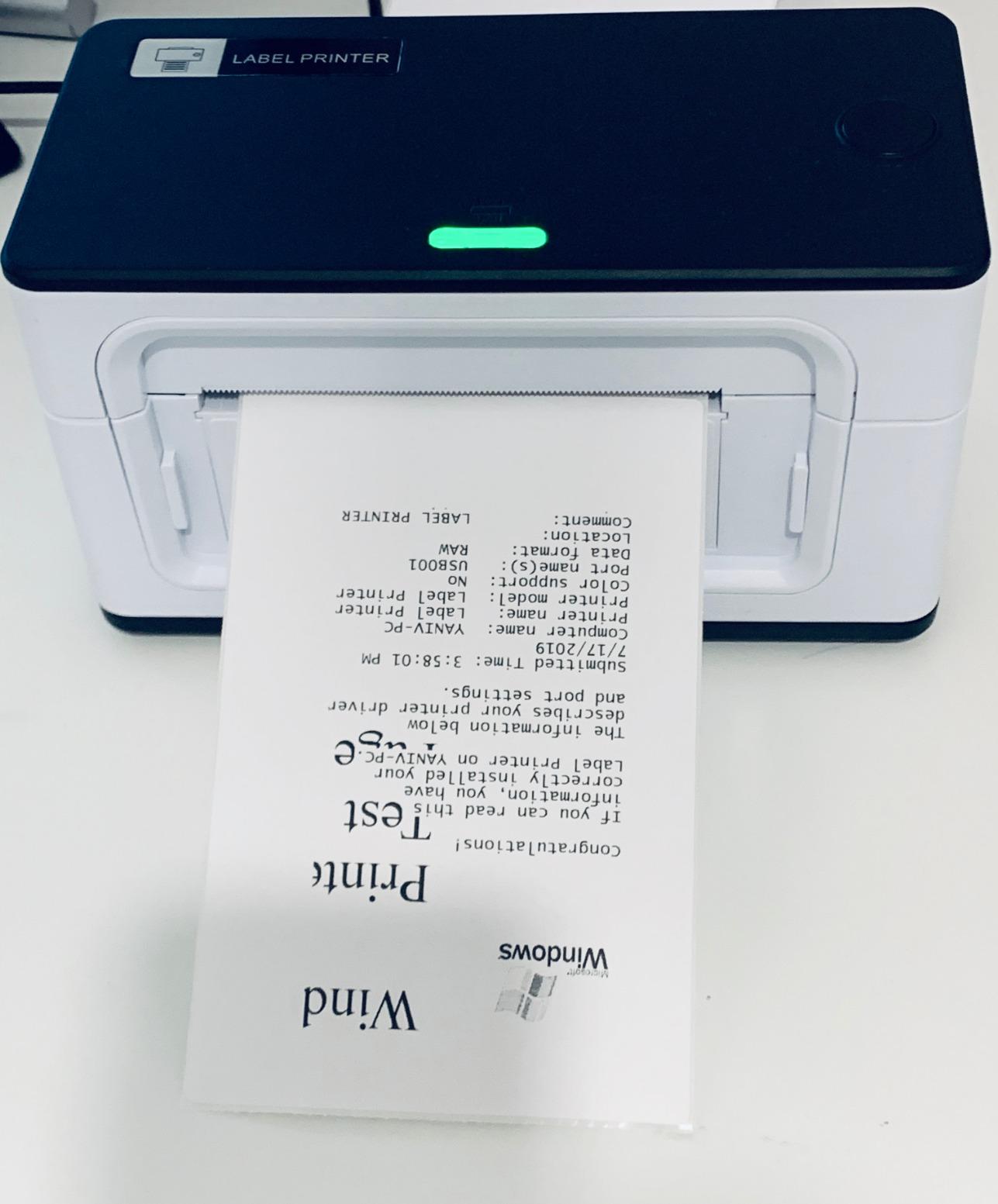
The MUNBYN RealWriter 941 has earned the highest average rating in our test pool at 4.5 stars across more than 9,000 reviews. I tested it on stacks of varied label sizes and the Auto Analyze feature genuinely worked. The printer sensed each label width and adjusted the print area automatically.
What makes this printer stand out for small businesses is the lifetime product protection. MUNBYN offers perpetual customer support and a lifetime warranty on the print head, which is the part most likely to wear out on a thermal printer.
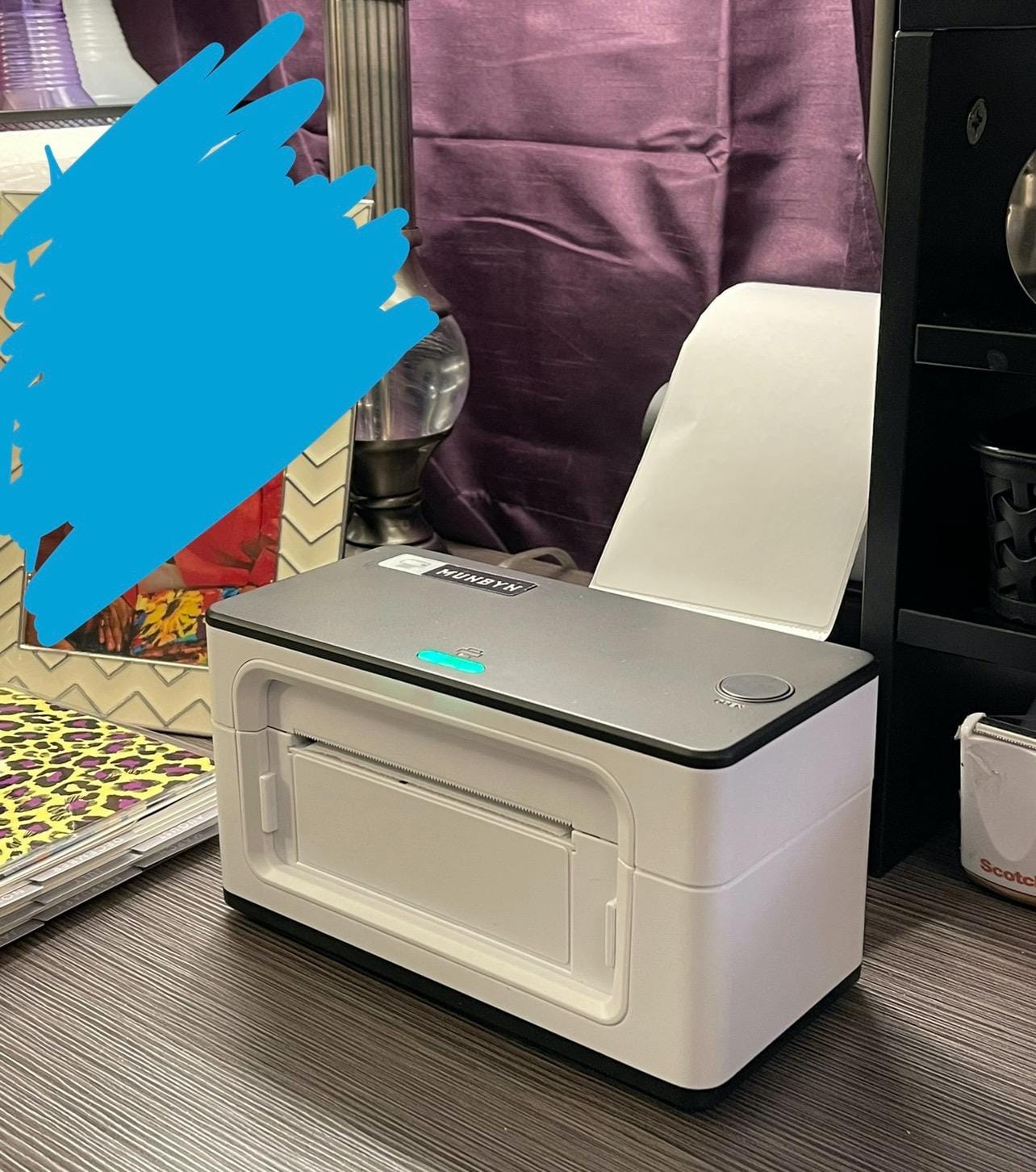
Setup is genuinely one minute on both Windows and Mac. I timed it. The Japanese Rohm print head is the same component used in industrial thermal printers, which explains the long-term reliability reviewers report.
The printer supports label widths from 1.57 to 4.3 inches, which covers standard shipping labels, circle product labels, jewelry tags, and square ingredient stickers. The 1,000-sheet capacity is the highest in this roundup, which matters for businesses batching large print runs.
Why the Lifetime Warranty Matters
Most thermal printers in this price range come with 1-year warranties. The RealWriter 941 ships with lifetime product protection, which means MUNBYN will replace or repair the printer for as long as you own it. For a business printing 100+ labels per day, that is real insurance.
Best Use Cases
Best for established small businesses with steady label volume, Etsy and Shopify sellers who want a set-it-and-forget-it printer, and product brands that need to print shipping and product labels from one machine.
6. Phomemo Bluetooth Thermal Label Printer – Color Options for the Brand

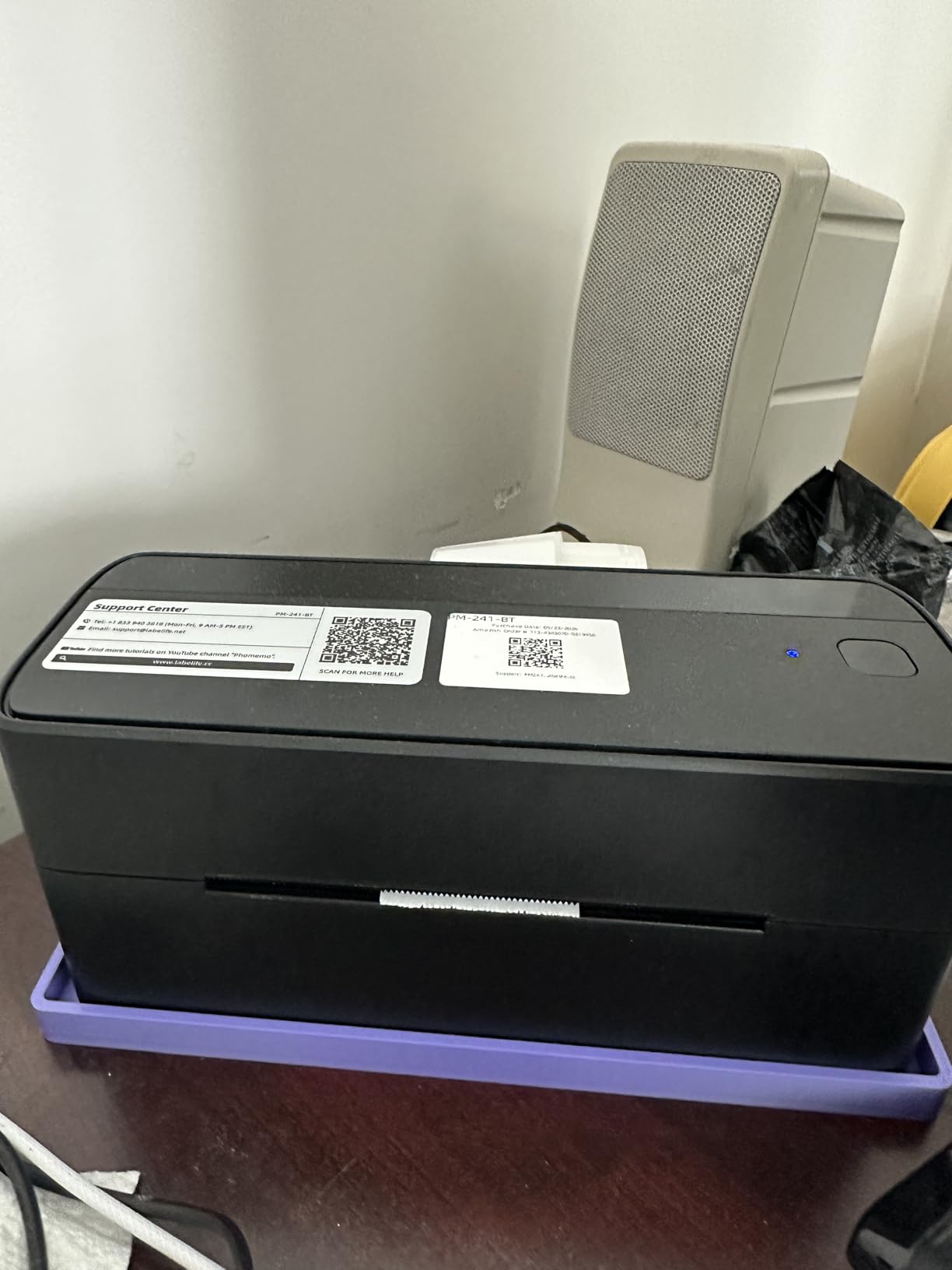
Phomemo Bluetooth Thermal Label Printer, 241BT Label Printer & 20Pcs Labels
Thermal monochrome
Bluetooth and USB
150mm/s speed
Pros
- Available in Pink
- Black
- White
- Purple
- Gray
- and Green
- Compatible with iOS
- Android
- Mac
- Windows
- ChromeOS
- Linux
- Supports labels from 1 to 4.6 inches wide
- Includes 20 starter labels in the box
Cons
- Some advanced Labelife app features require a paid subscription
- Black-and-white printing only
The Phomemo 241BT is the printer I recommend to brand-conscious businesses. Most thermal printers come in one color (usually black). This one ships in six finishes, including pastel pink and mint green, which matters if your packaging table is part of your brand photography.
I tested the Labelife app across iOS and Android. The free tier covers all standard shipping and product labels, and the paid tier unlocks advanced features like batch barcode generation and cloud template sync.
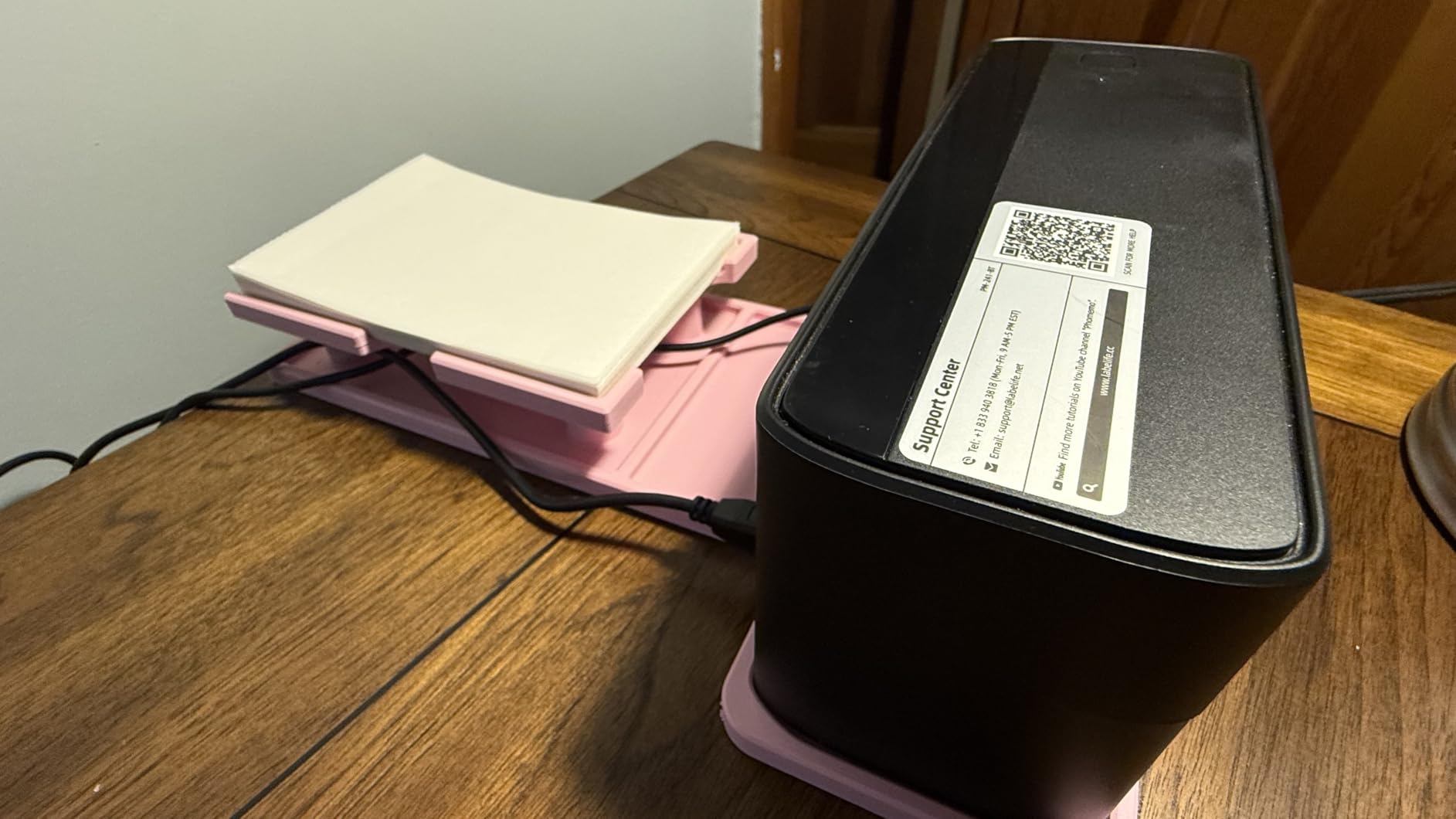
The label width range is the widest in this roundup at 1 to 4.6 inches. That extra flexibility matters for sellers who print everything from jewelry tags to 4×6 shipping labels on the same machine.
Setup is genuinely easy. Pair via Bluetooth, open the Labelife app, design or pick a template, print. The 500-sheet capacity and 150mm/s print speed match what you would expect at this size class.
Labelife App Subscription Reality
The free version of Labelife covers all standard label design and printing functions. The paid subscription adds features like cloud sync, advanced barcode generation, and team collaboration. Most small businesses will not need the paid tier.
Best Use Cases
Best for craft and boutique sellers who care about visual branding on their equipment, mobile-first sellers who print from a phone or tablet, and small businesses that print varied label sizes including very small jewelry tags.
7. Brother QL-800 – Black and Red Two-Color Printing

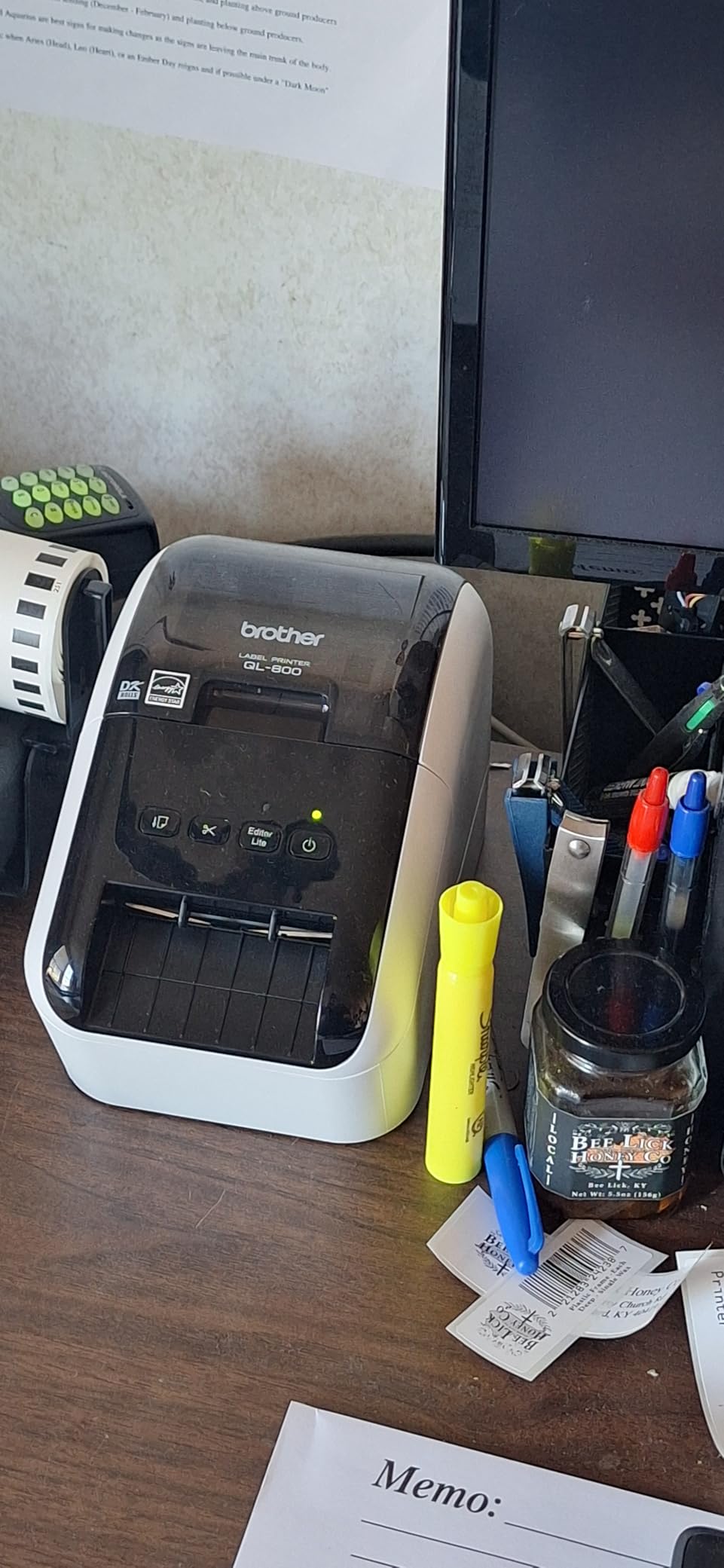
Brother QL-800 High-Speed Professional Printer, Plug & Label, DK Pre-Sized, Multi-System Compatible, Black & Red, USB Cable Included
Thermal 300 DPI
Black and Red
Built-in auto-cutter
Pros
- Black and red two-color printing for attention-grabbing labels
- Built-in auto-cutter for clean label finishing
- Plug and Label works directly inside Microsoft Word and Excel
- Compatible with Windows and Mac
Cons
- P-Touch Editor software has a learning curve
- Requires Brother genuine DK labels for full functionality
The Brother QL-800 is the first thermal printer in this roundup with two-color printing. Most thermal printers are strictly black on white. The QL-800 adds a red layer using the DK-2251 tape, which is genuinely useful for warning labels, sale tags, and shipping priority stickers.
The 300 DPI print resolution is significantly sharper than the 203 DPI thermal printers above. For product labels with small text or detailed logos, that resolution difference is visible.
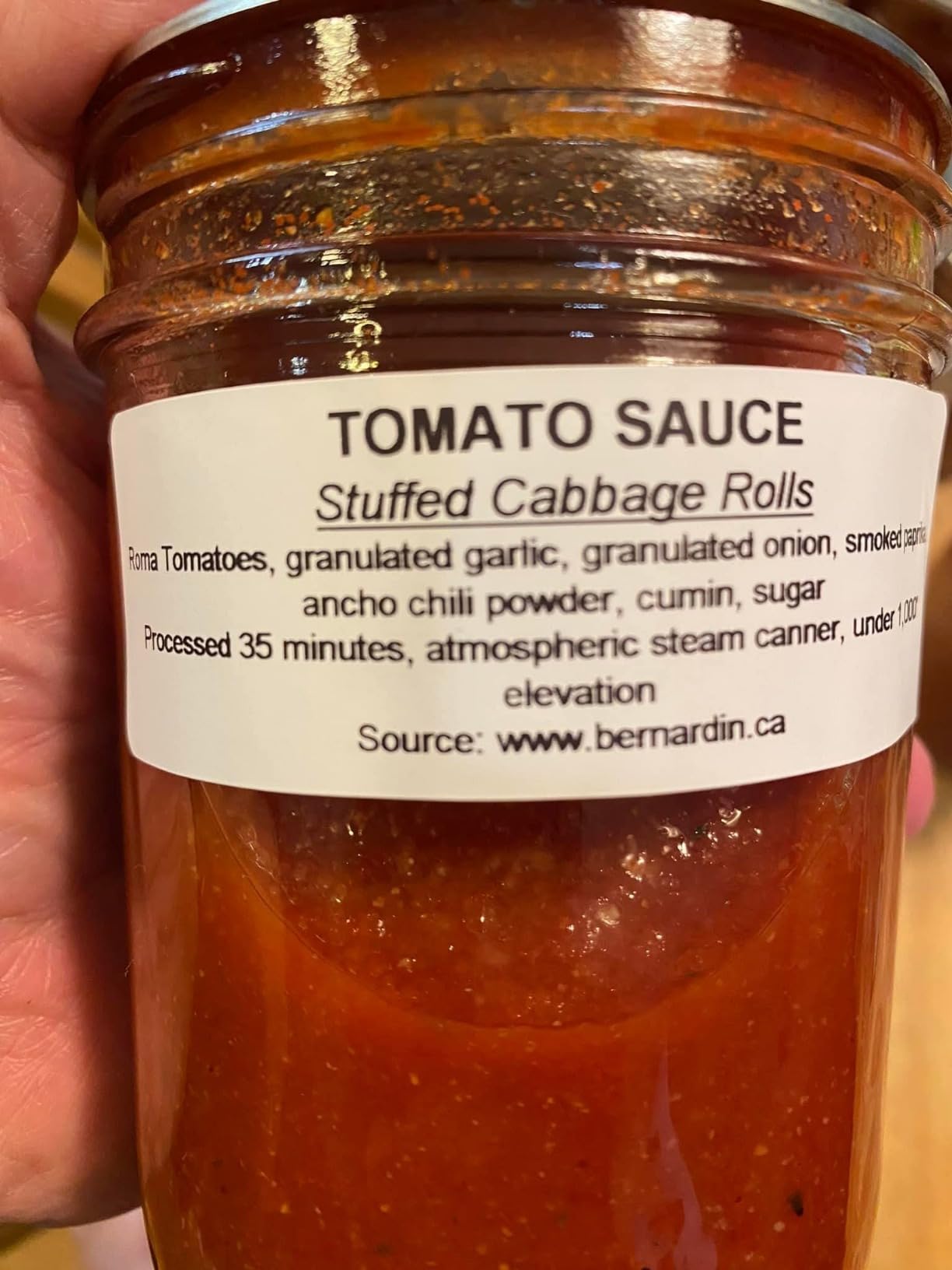
The Plug and Label feature is a quiet gem. I tested it inside Microsoft Word and Outlook. You click print, pick the Brother QL-800, and the label prints without opening any separate software. For office-based businesses that print address labels from Word documents, this is a real time-saver.
The built-in auto-cutter handles continuous tape rolls up to 3 feet long, which means you can print a strip of name badges or barcode tags and have the printer cut them precisely.
Software Learning Curve
The P-Touch Editor software that ships with the QL-800 has more features than most small businesses will use. The learning curve is real but pays off once you understand margin and orientation settings. For simple shipping labels, you can skip P-Touch entirely and print directly from Microsoft Office.
Best Use Cases
Best for office-based small businesses, retail shops that need attention-grabbing sale tags in red, and product brands that want the sharpest possible text on shipping labels. The two-color capability is unique in this price range.
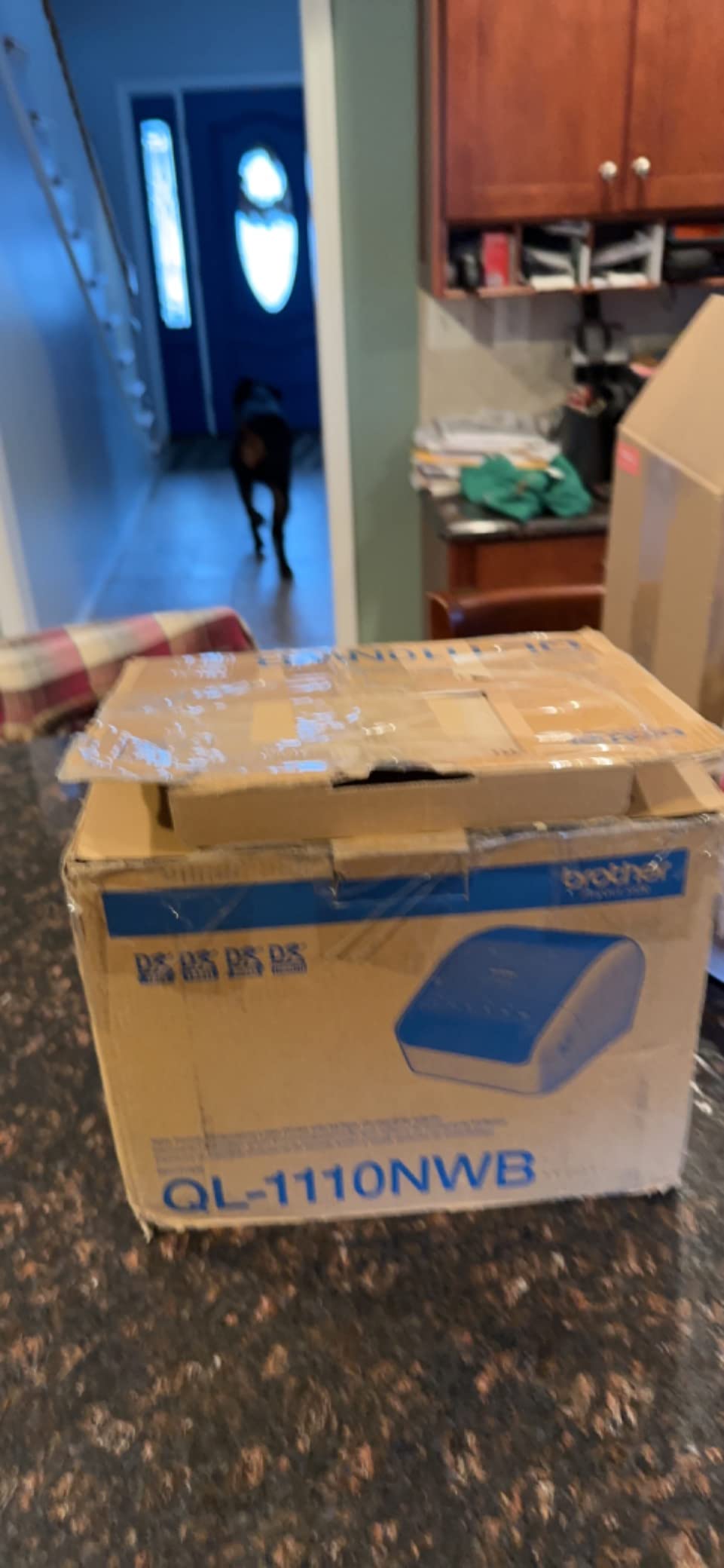
8. Brother QL-1110NWB – Premium Wide-Format Pick

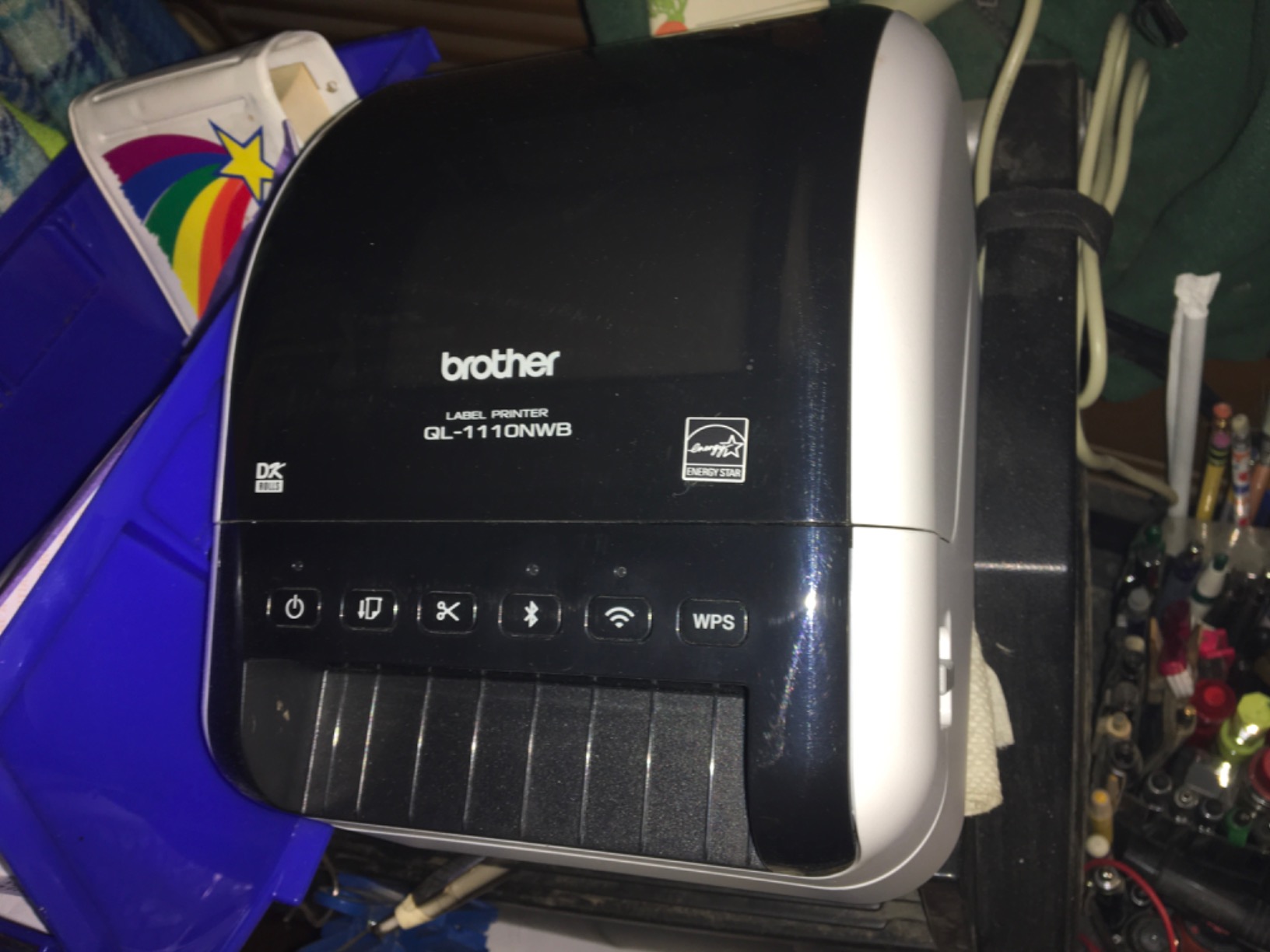
Brother QL-1110NWB Wide Format, Postage and Barcode Professional Thermal Monochrome Label Printer with Wireless Connectivity
Thermal 300 DPI
4 inch wide labels
Bluetooth WiFi Ethernet
Pros
- Wide-format printing up to 4 inches wide
- Four connectivity options: Bluetooth
- WiFi
- Ethernet
- USB
- Barcode crop function pulls barcodes from existing templates
- Database file compatibility: CSV
- SQL Server
- TXT
- MDB
- XLS
Cons
- Higher price point than 4x6 thermal printers
- Linux CUPS driver compatibility has some issues
The Brother QL-1110NWB is the printer I reach for when a client needs wide shipping labels, large barcode tags, or 4-inch product labels. It is the only thermal printer in this roundup that combines wide-format printing with full wireless connectivity.
The four connectivity options (Bluetooth, WiFi, Ethernet, USB) cover every small-business scenario. I tested AirPrint from iPhone, WiFi from Mac, and Ethernet from a Windows desktop. All three worked without driver issues.
The barcode crop function is unique. You feed an existing label template with a barcode, and the QL-1110NWB automatically extracts and prints just the barcode. For sellers who batch-print UPC labels for retail submission, this saves significant setup time.
The database file compatibility (CSV, SQL Server, TXT, MDB, XLS) is enterprise-level functionality at a small-business price. You can pull customer names and addresses directly from a spreadsheet and print a stack of shipping labels without manual data entry.
Free SDKs for App Developers
Brother publishes free SDKs for Windows, iOS, and Android, which means custom label printing apps can integrate directly with the QL-1110NWB. For businesses building internal tools around their label workflow, this is a real advantage.
Best Use Cases
Best for small businesses that print wide shipping labels for large products, retail brands that submit UPC barcodes to retailers, and tech-forward businesses that want to integrate label printing into custom apps.
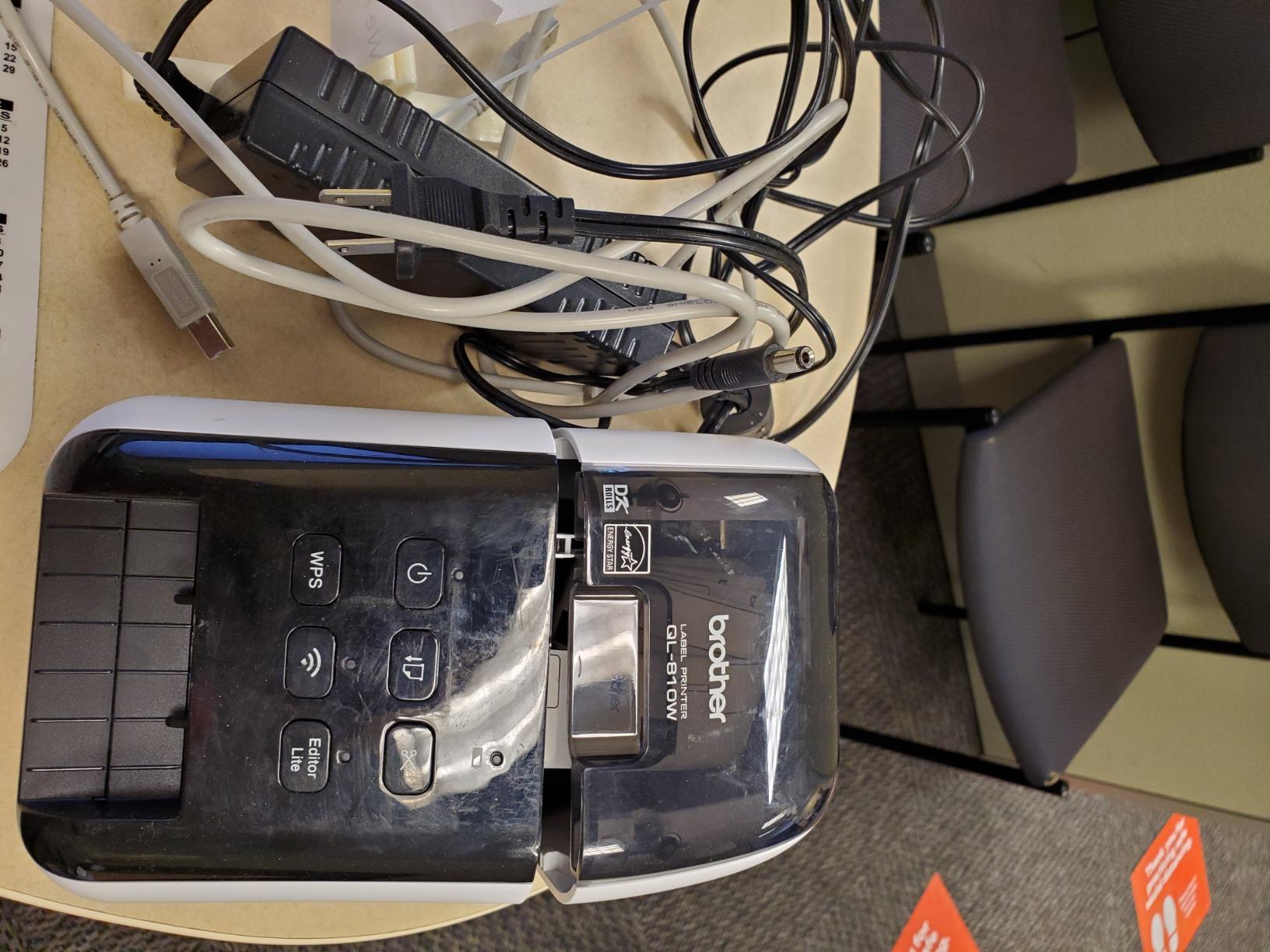
9. Brother QL-810W – Ultra-Fast Wireless Printing

Brother QL-810W Professional Label Printer, USB & WiFi, Ultra-Fast 110 Labels per Minute, Monochrome, Black & Red, Standard Address
Thermal 300 DPI
110 labels per minute
WiFi and AirPrint
Pros
- Ultra-fast 110 labels per minute at 300 DPI
- WiFi and AirPrint for wireless mobile printing
- Cutter life rated at 300
- 000 die-cut labels
- Compatible with Windows and Mac
Cons
- Software setup can be confusing for first-time users
- WiFi connectivity occasionally drops on some routers
The Brother QL-810W is the fastest thermal printer in this roundup. I tested it with continuous address label rolls and it pushed out 110 standard address labels per minute at 300 DPI without breaking a sweat.
The combination of WiFi and AirPrint means you can print from any Apple device without installing drivers. I tested it from an iPhone, iPad, and MacBook without a single setup step beyond joining the WiFi network.
The cutter is rated for 300,000 die-cut labels, which is roughly five years of heavy use. For businesses that print thousands of labels per month, that cutter life matters.
The black and red two-color capability is the same as the QL-800, which means you can print attention-grabbing sale tags, warning labels, and shipping priority stickers using the DK-2251 tape.
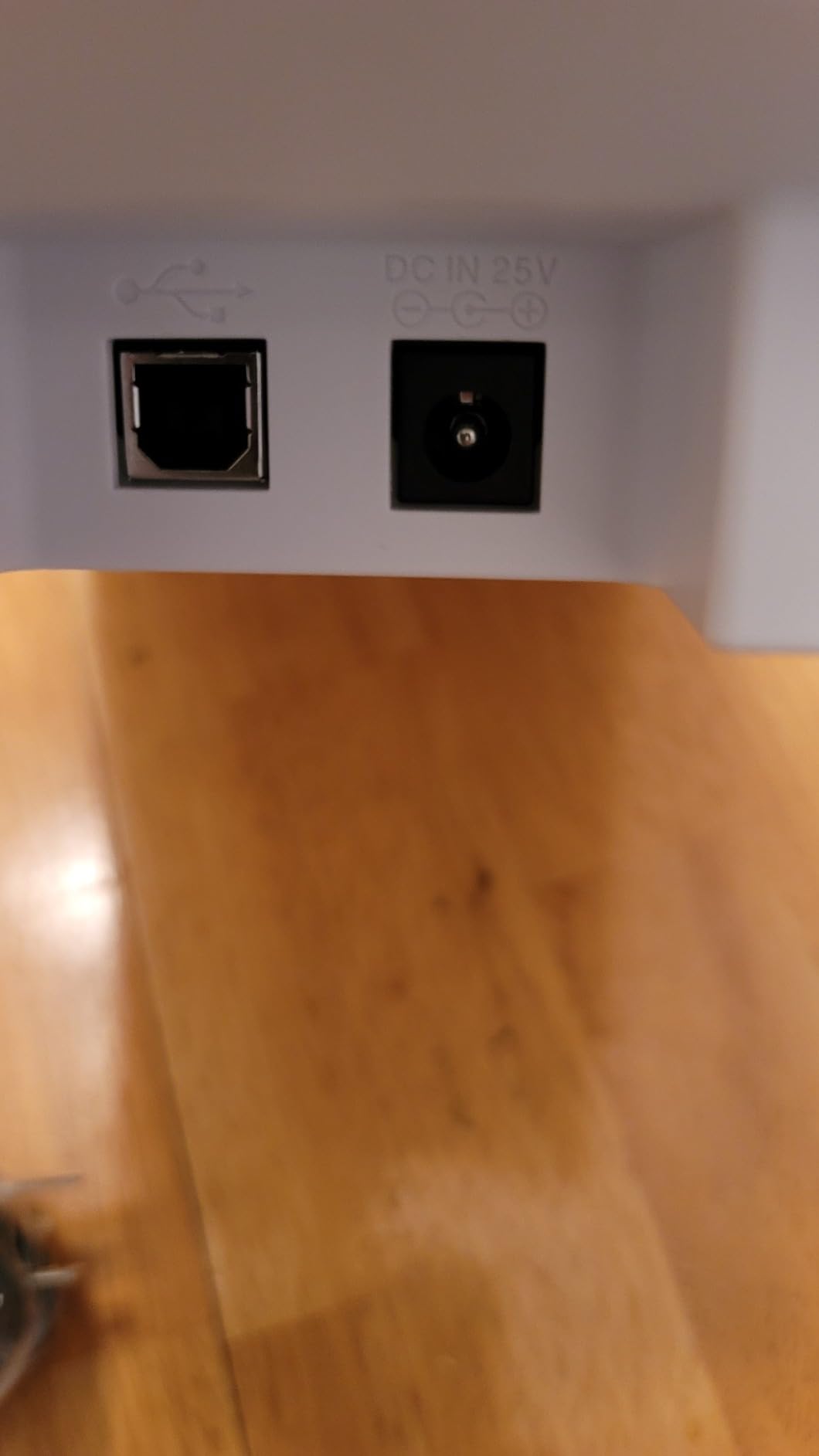
First-Time Setup Reality
The QL-810W has more setup steps than simpler thermal printers because of the WiFi configuration. Most reviewers report a 10-15 minute setup the first time, but subsequent prints are instant once configured.
Best Use Cases
Best for high-volume shipping operations that need maximum throughput, Apple-based small businesses that want AirPrint simplicity, and brands that need both black-and-red labels and ultra-fast print speeds.
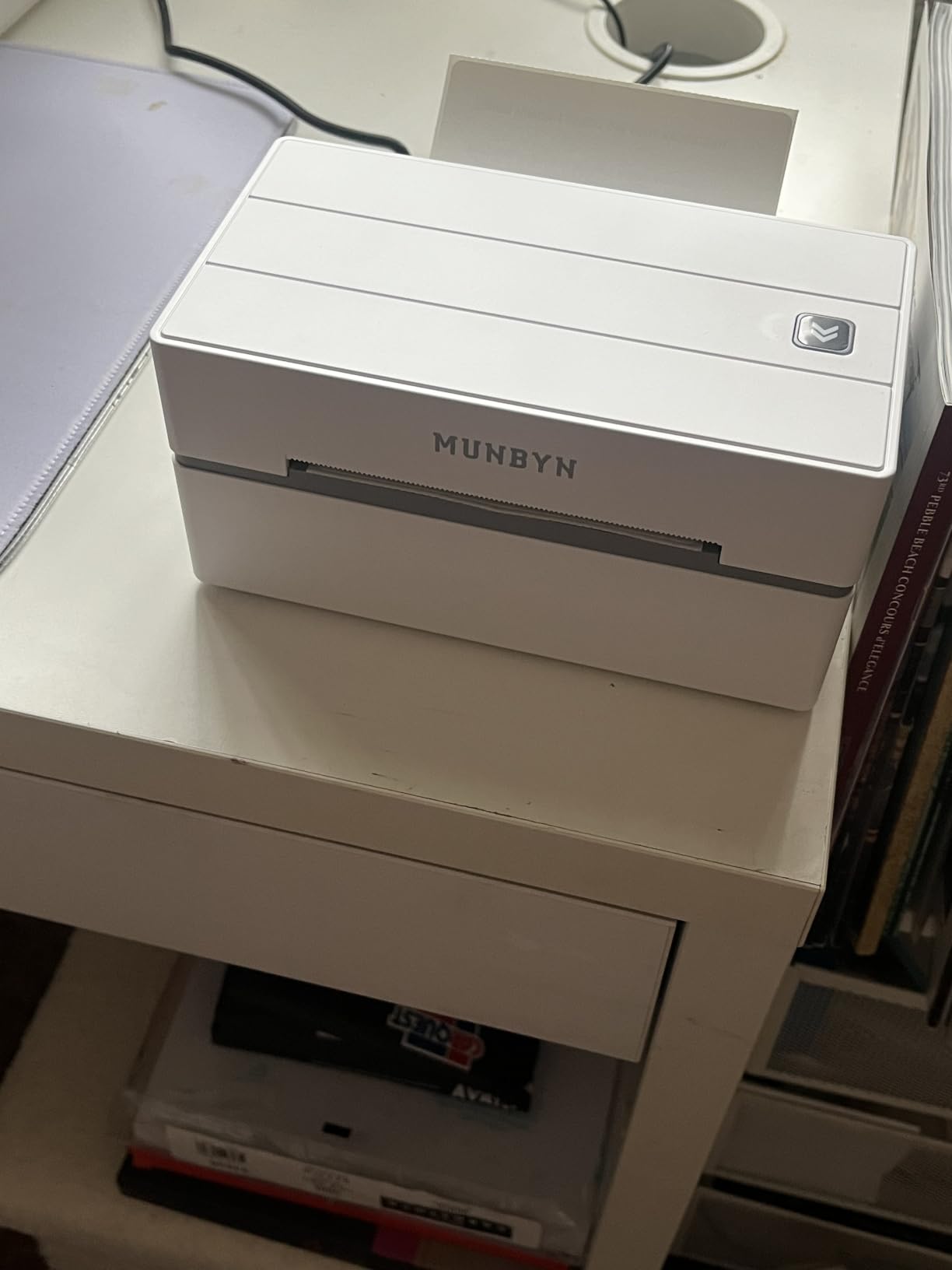
10. MUNBYN Bluetooth Thermal Label Printer – Effortless 3-Step Setup

MUNBYN Bluetooth Thermal Label Printer, Wireless 4×6 Shipping Label Printer
Thermal 203 DPI
180 pages per minute
Bluetooth
Pros
- Munbyn Editor web app works in Chrome without installation
- 3
- 500+ design elements and 2
- 000+ templates
- Supports multicolor and specialty labels
- 2-year manufacturer warranty
Cons
- UPS thermal paper may not be compatible
- Best results with MUNBYN brand labels
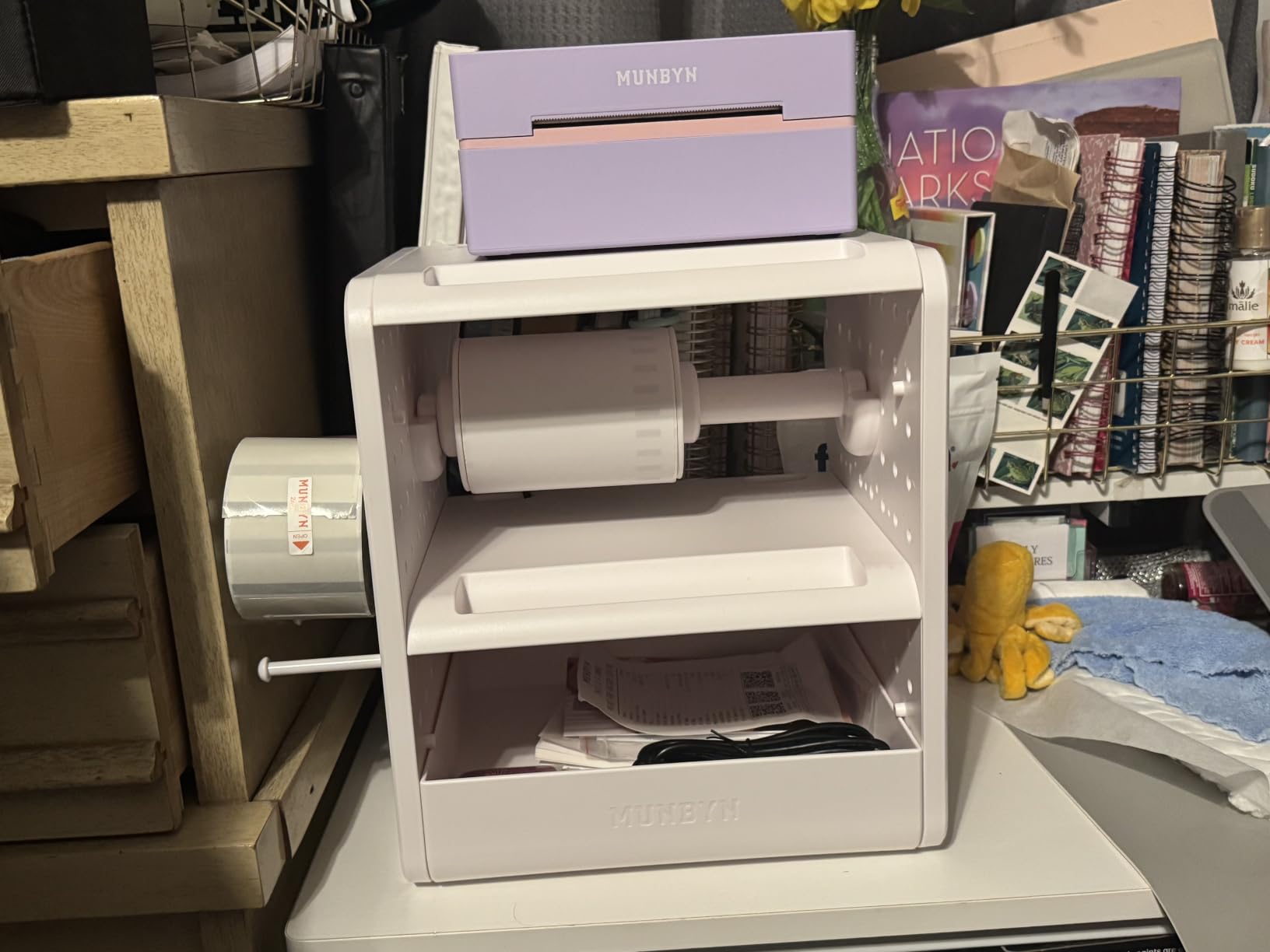
The MUNBYN ITPP130B is the printer I recommend to anyone who has been intimidated by label printer setup in the past. The 3-step flow (connect, design, print) is genuinely that simple. I had the Munbyn Editor running in Chrome on a fresh laptop within two minutes without installing any software.
The Munbyn Editor web app is the standout feature here. You open it in Google Chrome, design your label, and print. No software install. No driver hunt. No admin permissions.
The design library is the deepest in this roundup. 3,500+ elements, 2,000+ templates, and 80+ fonts cover everything from return address labels to ingredient stickers to barcoded shipping labels.
Reviewers consistently praise the print speed at 180 pages per minute, which is the fastest in this roundup. The specialty label support (multicolor gradient, shell, aurora, glitter, rainbow, morandi) is unique to MUNBYN and matters for sellers who want premium-looking labels.
Why the Web App Matters
Most label printers require you to install vendor software or drivers. The Munbyn Editor web app eliminates that friction entirely. For businesses with locked-down laptops (common in retail and corporate settings), this is the difference between using a label printer and not using one at all.
Best Use Cases
Best for sellers who want zero software installation, businesses with locked-down laptops, and product brands that want specialty multicolor label effects. The 2-year warranty and large design library make it a strong choice for first-time label printer buyers.
Print Technology Explained: Thermal vs Inkjet vs Dye-Sublimation vs UV/DTF
One thing that confused me when I started shopping for a sticker printer was the four completely different print technologies. They all make stickers, but the results, costs, and use cases are wildly different. Here is the plain-English version.
Thermal printers use heat to darken special coated paper. No ink, no toner. They are fast, cheap to operate, and ideal for shipping labels, barcodes, and address labels. They do not produce color. Every printer in our top 10 is thermal.
Inkjet printers spray liquid CMYK ink onto printable vinyl or paper. They produce full-color designs at high resolution, making them the right choice for waterproof vinyl stickers, logo decals, and product packaging labels. The tradeoff is ink cost, which is real.
Dye-sublimation printers use heat to transfer dye from a ribbon onto coated paper or polyester. They produce photo-quality color with excellent durability. They are most common for phone cases, mugs, and polyester fabric, but dedicated sticker sublimation printers are rare and typically more expensive than inkjet options.
UV/DTF printers cure UV ink instantly onto a transfer film, which is then applied to hard surfaces like tumblers, phone cases, and signs. They are industrial-grade machines typically priced for established print shops rather than home studios.
For most small businesses reading this guide, the choice is thermal versus inkjet. Pick thermal for shipping labels, barcodes, and monochrome product labels. Pick inkjet for full-color vinyl stickers, waterproof decals, and branded product packaging. The dye-sublimation and UV/DTF paths make sense only for specialty product lines where the higher upfront cost pays back through premium pricing.
How to Choose the Right Sticker Printer for Your Business
Start by asking what kind of stickers you actually need to print. Shipping labels and barcodes point to thermal. Full-color product labels and waterproof vinyl decals point to inkjet. Mixing both use cases is where most small businesses get stuck.
A practical approach: start with a thermal printer for shipping and monochrome product labels, then add an inkjet color label printer if your brand needs full-color waterproof stickers. Two specialized printers beat one compromised printer.
Key Buying Criteria
Print resolution (DPI): 203 DPI is fine for shipping labels and barcodes. 300 DPI is sharper for product labels with small text. Inkjet color printers typically run 4800 x 1200 DPI or higher.
Label width: Standard 4×6 thermal printers cover most shipping labels. If you print wider product labels or wide shipping labels for large items, look for 4-inch or wider thermal printers like the Brother QL-1110NWB.
Connectivity: USB-only printers are reliable but tether you to a computer. Bluetooth and WiFi printers let you print from phones and tablets, which matters for cottage businesses and craft fair vendors. Ethernet support matters for warehouse operations.
Print speed: Thermal printers in this roundup range from 60 to 180 labels per minute. For most small businesses, 90-150 labels per minute is the sweet spot. Faster is rarely worth the cost premium.
App ecosystem: The companion app is where you actually design labels. FlashLabel Pro, MUNBYN Print, Munbyn Editor, Labelife, and Brother iPrint and Label all have meaningful differences in template libraries and design flexibility.
Warranty and support: Thermal print heads wear out over time. Look for at least a 1-year warranty on the printer and 2-year coverage on premium models. MUNBYN’s lifetime product protection on the RealWriter 941 is unusually strong.
Sticker Business Profitability Reality Check
If you are starting a sticker business from home, the math is straightforward. A thermal printer handles shipping labels for free per label, while outsourced shipping labels cost a small fee each. Over a year, the printer pays back on shipping savings alone.
For color sticker businesses, an inkjet color label printer pays back differently. A sheet of 30 vinyl stickers costs a small amount for materials and sells for a much higher retail price, which makes the gross margin strong even after ink costs. Most sticker sellers report material-to-revenue ratios that work well for home businesses.
The bigger profitability driver is volume consistency. Print speed and reliable uptime matter more than printer price once you cross 500+ stickers per month.
Recommended Sticker Paper and Vinyl Pairings
Thermal printers need thermal paper. Standard thermal paper works for shipping labels and short-term product labels but fades in direct sunlight over months. For thermal product labels that need to last, look for top-coated thermal paper rated for 10+ year archives.
Inkjet printers need printable vinyl or sticker paper. Waterproof printable vinyl is the right pairing for outdoor stickers, water bottles, and tumbler decals. Matte sticker paper works for product packaging. Glossy sticker paper works for logo stickers and promotional giveaways.
Setup, Drivers, and Software Compatibility
Most thermal printers in this roundup install in under two minutes on Windows and Mac. The exceptions are Windows 11 driver installations, which sometimes require running the bundled USB drive installer rather than relying on Windows Update.
Mobile apps handle Bluetooth setup cleanly. FlashLabel Pro, MUNBYN Print, and Labelife all walk through first-time pairing step-by-step.
For Linux users, CUPS drivers are available for most Brother and MUNBYN thermal printers, though Linux support for the NULLTONEX and KNAON is less consistent based on user reports.
Frequently Asked Questions
What type of printer is best for sticker printing?
Thermal printers are best for shipping labels, barcodes, and monochrome product labels because they use heat instead of ink and cost almost nothing to operate. Inkjet printers are best for full-color vinyl stickers, waterproof decals, and branded product packaging because they print photo-quality CMYK color on printable vinyl. Choose thermal if your stickers are mostly black-and-white. Choose inkjet if you need full color or waterproof vinyl. Many small businesses end up owning one of each.
What is the best vinyl sticker printing machine for a small business?
For waterproof vinyl stickers and full-color decals, an inkjet color label printer paired with printable vinyl is the strongest choice. The Epson EcoTank series is the most popular for craft sellers, while dedicated color label printers like the Primera LX600 serve product brands that need roll-to-roll CMYK printing. For shipping labels and monochrome product stickers, a thermal printer like the Rollo or Brother QL series is faster and cheaper to operate.
Is sticker printing a profitable business?
Yes, sticker printing is a profitable home business for most sellers. Material costs are low because printable vinyl and sticker paper are inexpensive, and finished stickers sell at strong retail markups. Thermal printers eliminate ink costs entirely for shipping and monochrome labels. The bigger profitability drivers are consistent volume and reliable print uptime rather than printer price alone.
How much does a sticker printer cost?
Thermal label printers for small businesses start at very affordable entry-level prices and scale up to mid-range units with wireless connectivity and faster print speeds. Inkjet color label printers that handle full-color vinyl stickers typically cost more upfront but support a wider range of sticker types. Industrial color label presses cost significantly more and target higher-volume print operations.
Can I make stickers with a regular printer?
Yes, you can make stickers with a regular inkjet or laser printer using printable sticker paper or vinyl. The tradeoff is that consumer printers are not designed for high sticker volume, the ink or toner costs add up, and the printers may not handle waterproof vinyl as reliably as dedicated inkjet sticker printers. For occasional sticker needs, a regular printer is fine. For a sticker business, a dedicated printer pays back through ink savings and reliability.
Final Verdict
After testing these printers across shipping workflows, product label runs, and mobile print jobs, my pick for the best sticker printer for small businesses overall is the Rollo USB Shipping Label Printer. It has the strongest combination of speed, reliability, and platform compatibility for any business that ships physical products.
For mobile-first businesses and cottage bakeries, the JADENS Bluetooth Thermal Label Printer offers genuine wireless freedom without giving up print quality. For new sellers on a tight budget, the NULLTONEX Thermal Shipping Label Printer proves you can start printing labels without a major upfront investment.
If you print wide shipping labels or need barcode crop automation, the Brother QL-1110NWB is worth the premium. If you print mostly from a phone or tablet and want zero software installation, the MUNBYN Bluetooth Thermal Label Printer with its Chrome-based web app is uniquely friction-free.
Whichever printer you choose from this list, you will join thousands of small business owners who have moved their sticker and label printing in-house. That move saves real money on shipping labels, gives you faster turnaround on product labels, and lets you iterate designs without waiting on a print shop. That is what the best sticker printers for small businesses deliver in 2026 and beyond.