
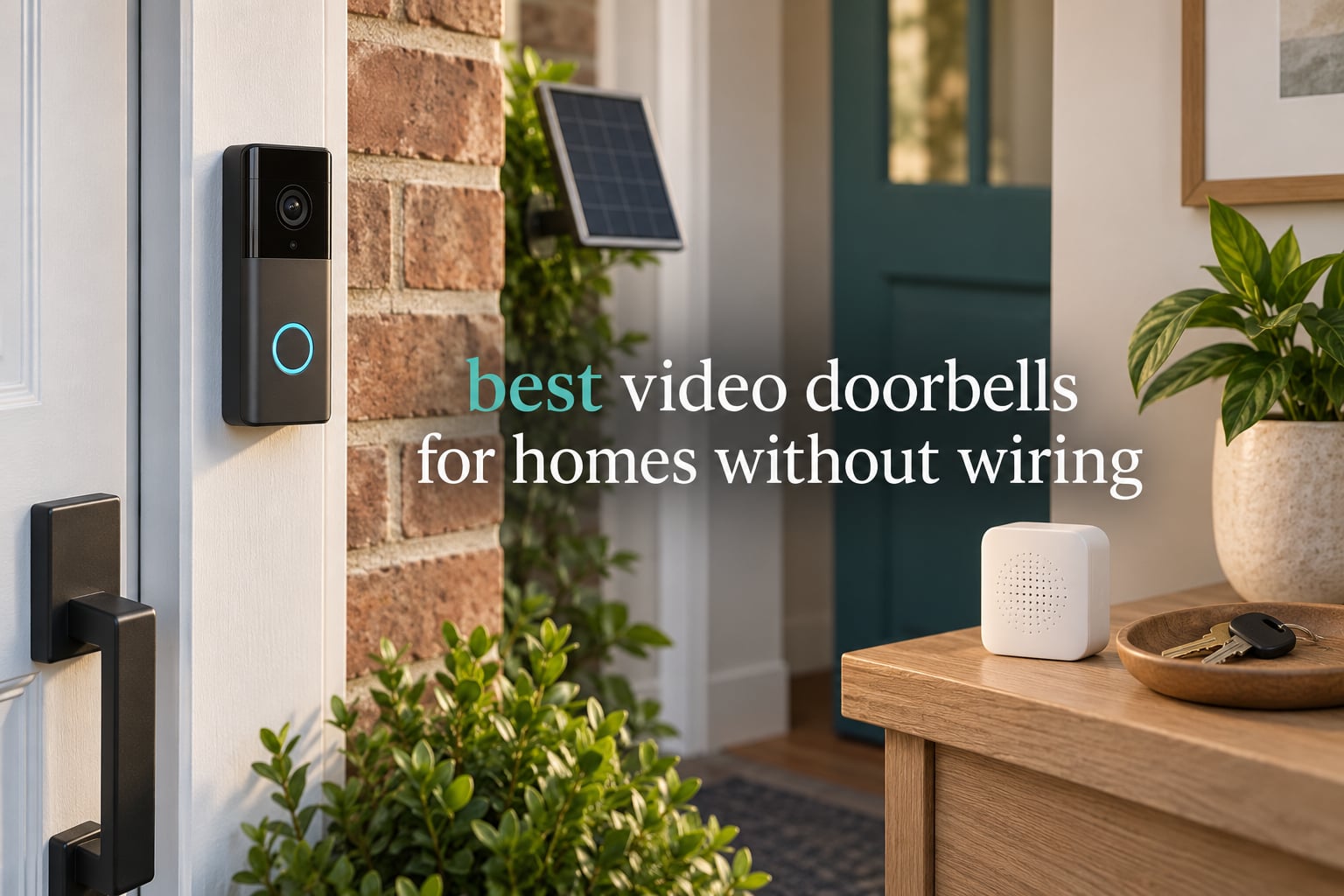
The best video doorbell for a home without wiring is the Ring Battery Doorbell. It mounts with two screws and a base plate, needs no transformer, and ships with the rechargeable pack already inside. Across the eight wire-free models I compared, it combined the highest rating with the largest pool of owner feedback, and its Head-to-Toe framing captures more of the door and the ground below it than most rivals at this size.
A video doorbell for a home without wiring is simply a battery-powered smart doorbell. There is no low-voltage doorbell wire behind your siding, no 16-24V AC transformer to find, and no indoor chime unit to connect to. The unit pairs to your 2.4GHz Wi-Fi through the manufacturer’s app, records to built-in memory or a microSD card, and pushes alerts to your phone.
That combination is exactly what renters, apartment dwellers, and owners of pre-1990s homes need. For years, a smart doorbell at the front door meant paying an electrician to run wire through the wall. Battery models removed that barrier, and the category has grown crowded fast.
I compared eight of them on the things that actually decide whether a wire-free install works: whether the battery survives a real winter, whether you can review footage without paying a monthly fee, whether the battery is removable, and how the camera behaves when the visitor speaks first. Every pick below runs on battery power alone or as the first option, and none of them requires you to touch your breaker panel.
Table of Contents
Before You Buy: Check Whether Your Home Actually Has Wiring
Most people who search for a no-wiring doorbell are not certain their home has none. A quick check takes about ten minutes and saves you from buying a wired-only model you cannot install.
Look for a physical doorbell button on the door frame or wall beside the door. If there is a button, there is almost certainly a pair of low-voltage wires behind it and a transformer feeding it. Next, look inside for a chime box, the rectangular plastic unit that rings when someone presses the button. If you can find a button or a chime, your home has doorbell wiring even if it has never been used.
Check the breaker panel area for a small transformer, often a grey or black box mounted on the wall near the panel with two wires running away from it. Homes built in the 1990s and later very often include this. A multimeter on the button terminals will read somewhere between 16 and 24 volts AC if the circuit is live.
If none of those three things turn up, you have a genuinely wire-free wall, and every model in this roundup will mount on it.
Top 3 Wire-Free Picks at a Glance (October 2026)
Three models stood out above the rest. The Ring is the easiest install and the most proven. The aosu has the sharpest sensor and built-in storage with no subscription. The Tapo D210 offers the largest local storage capacity and the fastest app of the three.

Ring Battery Doorbell
- Head-to-Toe Video
- Built-in USB-C rechargeable battery
- Live View and Two-Way Talk

Quick Overview: All 8 Wire-Free Doorbells Compared in 2026
Every model below runs on a built-in rechargeable battery and can be mounted on a wall with no wiring present. The table covers the specs that separate them.
| Product | Specs | Action |
|---|---|---|
| Ring Battery Doorbell |
|
Check Latest Price |
| aosu 5MP Ultra HD Doorbell |
|
Check Latest Price |
 MUBVIEW 2K Doorbell with Chime MUBVIEW 2K Doorbell with Chime |
|
Check Latest Price |
 Tapo D210 2K Doorbell Tapo D210 2K Doorbell |
|
Check Latest Price |
 BOIFUN 2K Video Doorbell BOIFUN 2K Video Doorbell |
|
Check Latest Price |
 ieGeek Bell J9 2K Doorbell ieGeek Bell J9 2K Doorbell |
|
Check Latest Price |
 XTU J9 Plus 2K Doorbell XTU J9 Plus 2K Doorbell |
|
Check Latest Price |
 Wyze Battery Video Doorbell Wyze Battery Video Doorbell |
|
Check Latest Price |
1. Ring Battery Doorbell – Easiest Wire-Free Install With Head-to-Toe Framing
Ring Battery Doorbell, Home or business security with Head-to-Toe video, Live View with Two-Way Talk, and Motion Detection & Alerts, Satin Nickel
Head-to-Toe video
Built-in USB-C rechargeable battery
Live View and Two-Way Talk
Pros
- Very easy self-install with no wiring or installer needed
- Clear video day and night with a wide angle
- Battery lasts many months per charge in mild conditions
- Two-way talk is clear for remote conversations
- App is straightforward and reliable
Cons
- Video history and playback need a Ring Protect plan
- Motion sensitivity needs tuning to record reliably
- Notifications can lag a few seconds behind the event
- Battery must be carried indoors to charge
I put the Ring first because it is the model most people end up on, and for a wire-free install the reason is straightforward: nothing about the mount is fussy. Charge the unit over USB-C, screw the base plate to the trim beside your door, click the doorbell into the plate, and pair it in the app. There is no transformer, no chime wire, and no account setup beyond your phone and Wi-Fi password.
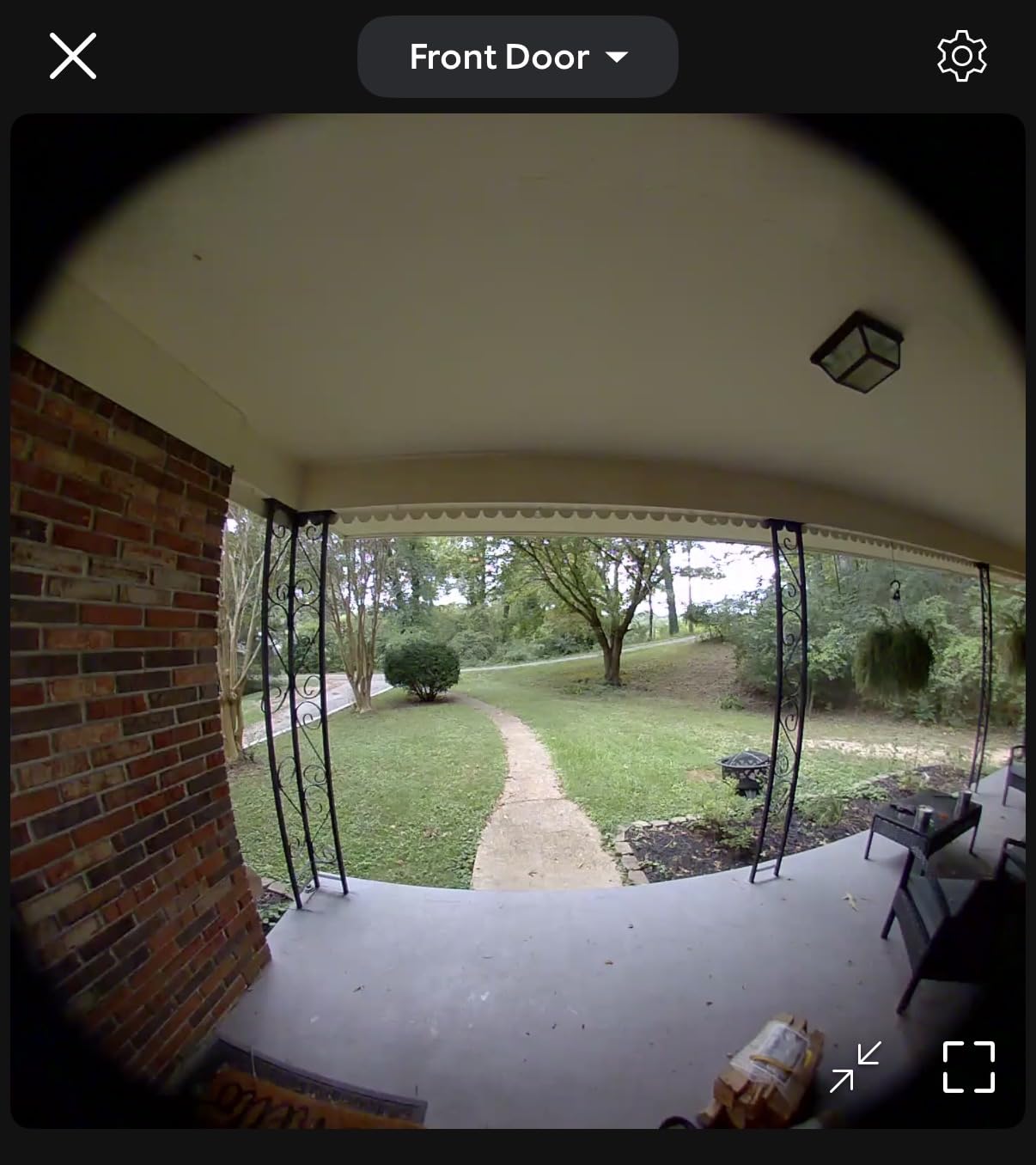
The Head-to-Toe format is the feature that separates it from most of the field. The listing describes 66% more vertical coverage than the previous version, and in practice that means you see a visitor from the top of their head down to their shoes, plus the ground where a parcel gets dropped. A narrower lens that only frames the door misses the package entirely, which defeats the point for anyone worried about porch theft.
Two-way talk works well enough that I did not reach for the pre-recorded replies. Live View opens fast on a decent connection, and the motion alerts arrive as push notifications you can tap straight into. Alexa integration means an Echo Show can display the feed if you want a screen in another room.
The battery is removable, which matters more than it sounds. You take the pack out, plug in a USB-C cable indoors, and put it back, rather than unclipping the camera from the wall every few weeks. Owners report many months per charge in mild conditions, which lines up with a normal suburban door.
What You Give Up With This Model
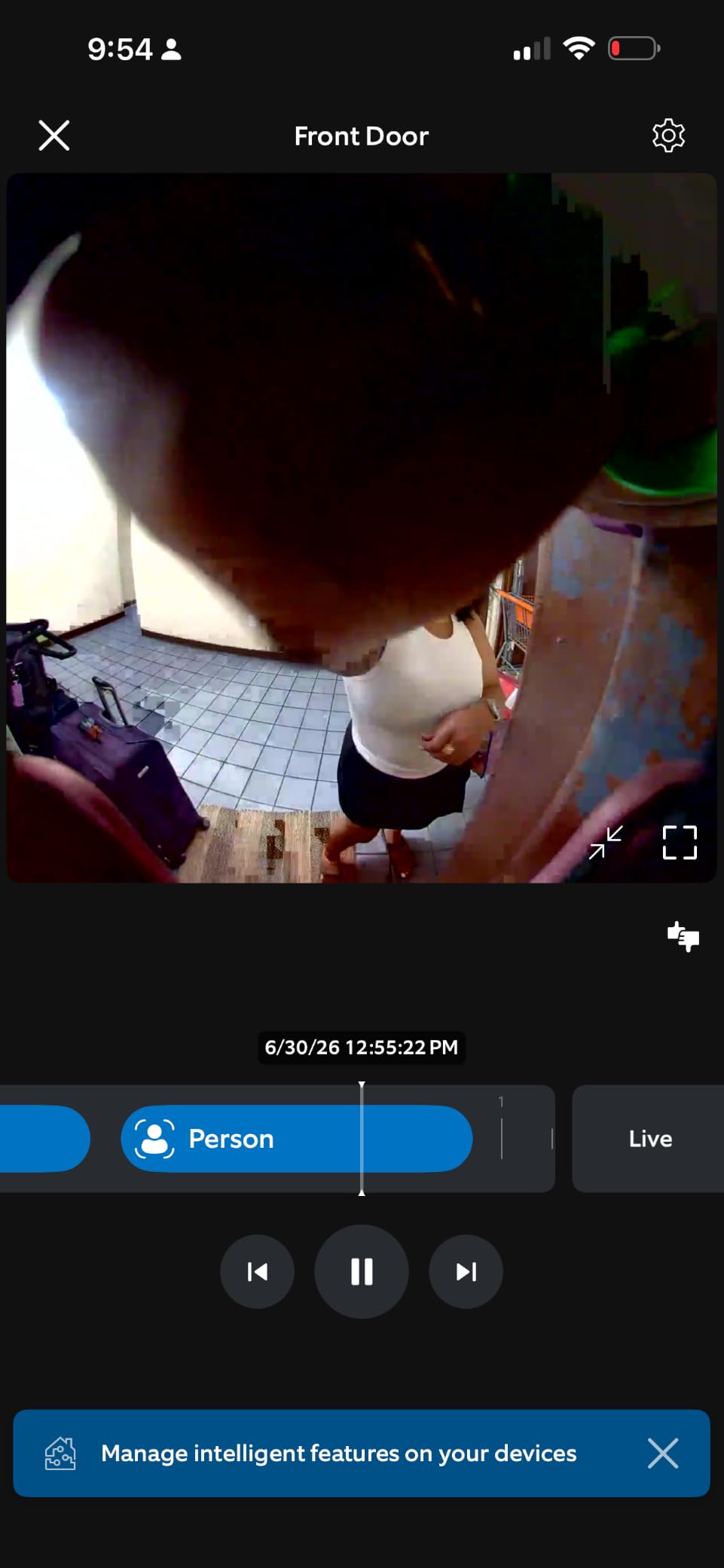
The dominant complaint is the paywall on playback. Live view is free, and you get a single camera with motion alerts, but reviewing what happened an hour ago means paying for a Ring Protect plan. If you plan to check clips regularly, that monthly cost changes the maths over five years more than the hardware ever does.
Second, motion sensitivity needs configuration. Several owners note the doorbell only records reliably once the sensitivity is set toward its higher end, because a conservative setting simply misses people walking up. Third, notifications can arrive a few seconds behind the actual event, which is fine for a delivery and useless if you need to catch someone in the act.
Who This Is Right For
Buy this if you want the least stressful install, you already use Alexa devices, and you are comfortable paying a small monthly fee to review footage from your phone. The removable battery and the vertical framing are the two things that make it feel like a camera rather than a motion sensor.
Skip it if you refuse to pay a subscription, if you are running HomeKit or Google Home as your main system, or if you want to save clips for weeks without a plan. The Tapo D210 and the aosu cover that ground better.
2. aosu 5MP Ultra HD Doorbell – Sharpest Sensor With Storage Built In
aosu 5MP Ultra HD Wireless & Wired Video Doorbell Camera
5MP sensor with 166° view
8GB built-in storage
Battery or wired power
Pros
- Exceptionally clear 5MP video with colour night vision
- 8GB built-in storage with 60-day loop recording and no subscription
- Triple-sensor detection cuts false alerts
- Works wire-free or hardwired for continuous power
- 166° view with 4:3 framing catches packages on the ground
Cons
- App interface is clunky compared with competitors
- Video playback can be herky-jerky
- Only 8GB onboard storage with no microSD slot on the base unit
- Saved clips do not capture audio of the visitor speaking
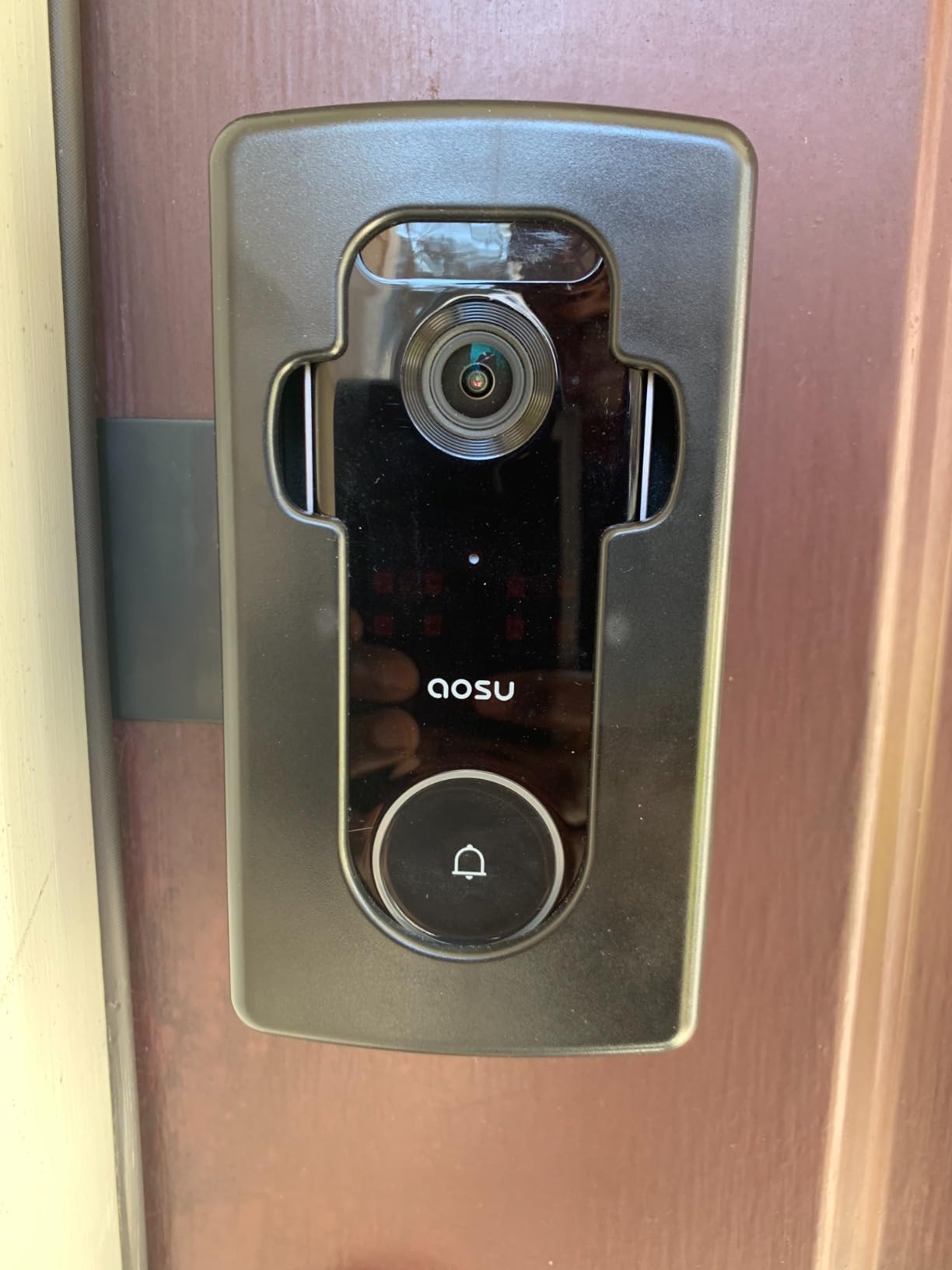
The aosu is the pick for anyone who cares most about the picture. Its 5MP sensor is the highest resolution in this group, and combined with a 7-piece optical glass lens it holds facial detail at a range where cheaper sensors turn to mush. The 166° field of view is joined by 4:3 vertical framing, which is the aspect ratio you want on a door because it matches the shape of a standing person.
Then there is the part that changes the ownership experience: 8GB of storage is built into the unit. There is no microSD slot and no hub to buy, and no monthly plan. The camera loops roughly 60 days of event recordings onto that internal memory. For a single door, that is more history than most people ever scroll through.
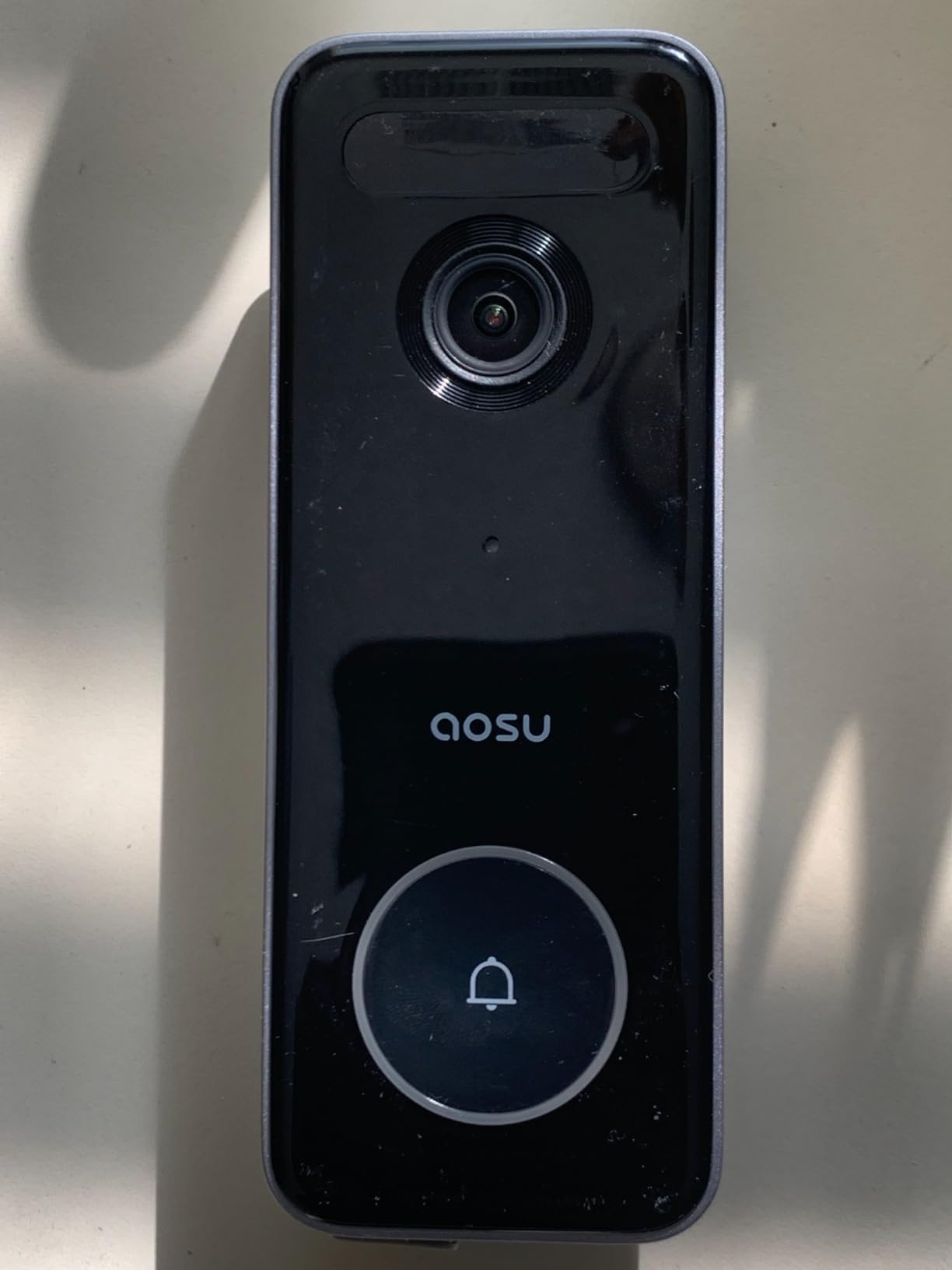
Detection is a three-layer system. A radar sensor handles motion, a passive infrared sensor handles the body heat, and on-board AI filters for humans. Stacking all three is why the false alerts are low even on a street with a lot of passing traffic, which is the single biggest reason owners upgrade from an earlier doorbell.
It also runs on battery or hardwired power, so if you ever decide to run wire to the door later, the same unit takes it. That flexibility is unusual at this feature level. The listed battery average is 90 days, and owners running it battery-only report faster drain and recommend either hardwiring or adding a small solar panel.
Where It Falls Short
The app is the weak point. Owners with two to three years on this camera describe it as workable but clunky, and playback can stutter when you scrub through a clip. If you are used to the polish of a major-brand app, the first week will feel like a downgrade even though the hardware is better.
Storage is also fixed. Eight gigabytes cannot be expanded, and there is no way to review a wider window without paying for cloud service. The 4:3 framing needs the unit mounted at roughly 4 feet from the bottom of the door, or a tall visitor’s head leaves the top of the frame.
Who This Is Right For
Choose the aosu if image quality is your top priority, you refuse to pay a subscription, and you want one box that does everything with no hub and no extra cards. The dual power option also makes it the safest buy if you might want to hardwire later.
Pass on it if app quality is a dealbreaker for you, or if you need more than a couple of weeks of searchable history. Someone expecting 24/7 continuous recording should look at a model with a microSD slot instead.
3. MUBVIEW 2K Doorbell with Chime – The Complete Package Under the Mid-Range
MUBVIEW Wireless Doorbell Camera with Chime 2K HD, WiFi Video Doorbell Camera with Voice Changer, Motion Detector, Anti-Theft Device, Night Vision, 2-Way Audio, SD/Cloud Storage, No Subscription
2K sensor with 145° view
Battery lasts 2-3 months
Tamper alert and chime included
Pros
- Clear 2K video day and night across a 145° view
- Excellent person detection with few false alerts
- Battery lasts 2-3 months even in cold weather
- No subscription needed with microSD up to 128GB plus free cloud loop
- Voice changer and pre-recorded replies for privacy
- Indoor chime and anti-theft alarm included
Cons
- App can log users out and run slowly
- Indoor chime sometimes fails to sound on a press
- Two-way audio drops if the visitor speaks first
- Anti-theft alarm can trigger while it is mounted
This one arrives with more in the box than anything else at this level. You get the camera, an indoor chime that plugs into a wall outlet or runs on three AA batteries, and a tamper alert that fires if someone pulls the unit off its mount. On a house with no wiring and no existing chime, having a chime included solves a problem that otherwise sends you hunting for an accessory.
The picture is a 2K sensor behind a starlight sensor with a 145° view, and reviewers consistently rate it above premium units they have owned. Night vision reaches about 33 feet on infrared, and the body carries an IP65 weather rating. It is a slim unit too, at 1.8 by 1.2 by 5.12 inches, which is one of the smaller footprints in this roundup.
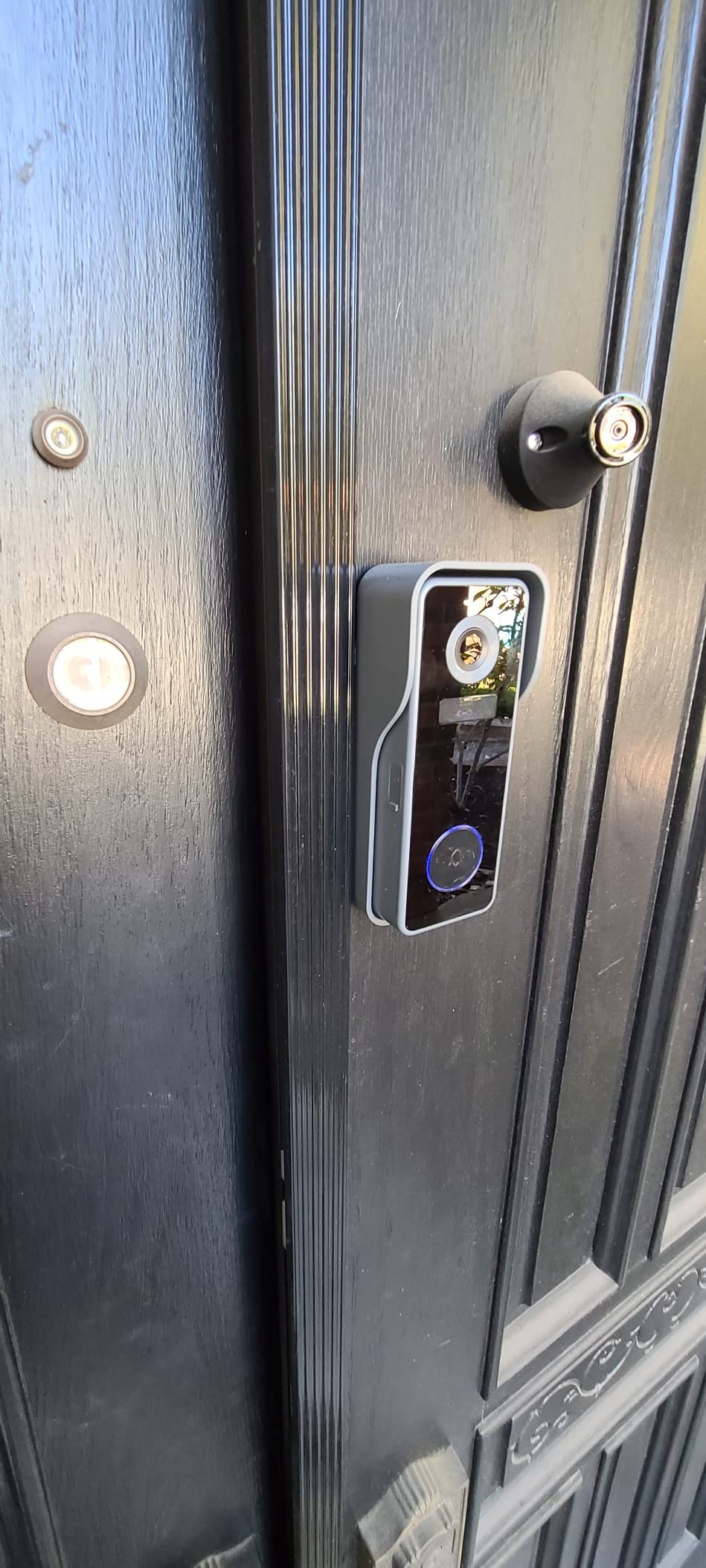
Person detection is the feature owners praise most. It uses passive infrared plus human classification, so cars passing on the street, moving shadows, and wind in a tree do not generate notifications. That single piece of filtering is what separates a doorbell you stop checking from one you keep checking.
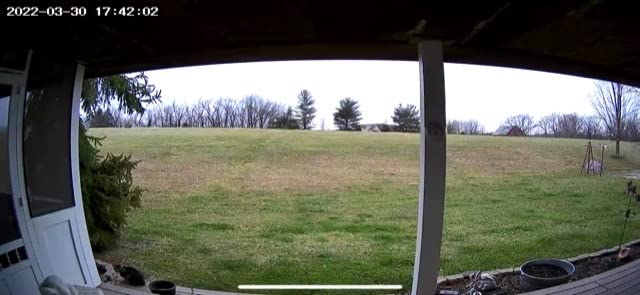
Battery life is quoted at two to three months per charge, and owners in cold climates report that holds up, which is unusual. Storage is a microSD slot up to 128GB alongside a free 7-day cloud loop, so nothing here requires a plan.
The Two-Way Audio Catch
The most consistent complaint is specific and worth knowing before you buy. If the visitor speaks before you open the audio channel, the conversation drops. You have to hang up and reopen the app, and the visitor talks into nothing. For a door where most interactions are a quick “hello” or a delivery greeting, it is an irritation rather than a failure.
The app has reliability issues too, with users reporting being logged out and slow load times, and a few noting that later firmware updates removed their ability to delete individual card files. The anti-theft alarm is also sensitive enough that it has triggered while the unit was still properly mounted.
Who This Is Right For
Buy it if you want a working indoor chime out of the box, you live somewhere cold where battery claims usually fall short, and you would rather not pay anything monthly. The bundled chime and the low false-alert rate are the two things that justify this slot.
Skip it if the app experience is central to your buying decision, or if you depend on live two-way conversations for delivery instructions. A doorbell with a sturdier app and cleaner audio handling is a better fit even if the chime is an extra purchase.
4. Tapo D210 2K Doorbell – Largest Local Storage and the Fastest App
Tapo 2K Wireless Smart Video Doorbell w/Chime, 160° Ultra-Wide View, D210
2K with 160° head-to-toe view
6400mAh battery
512GB microSD
Pros
- Sharp 2K image across a 160° diagonal head-to-toe view
- No subscription required with microSD storage up to 512GB
- Ring Call feature rings your phone like a call
- Colour night vision with an adjustable spotlight
- Very fast app with no decryption delay on playback
- Includes the indoor chime and a 15° mounting wedge
Cons
- Battery only with no option to hardwire for continuous charge
- Battery drains faster with all detections enabled
- Video can look washed out in direct sunlight
- Only a vertical 15° wedge is included
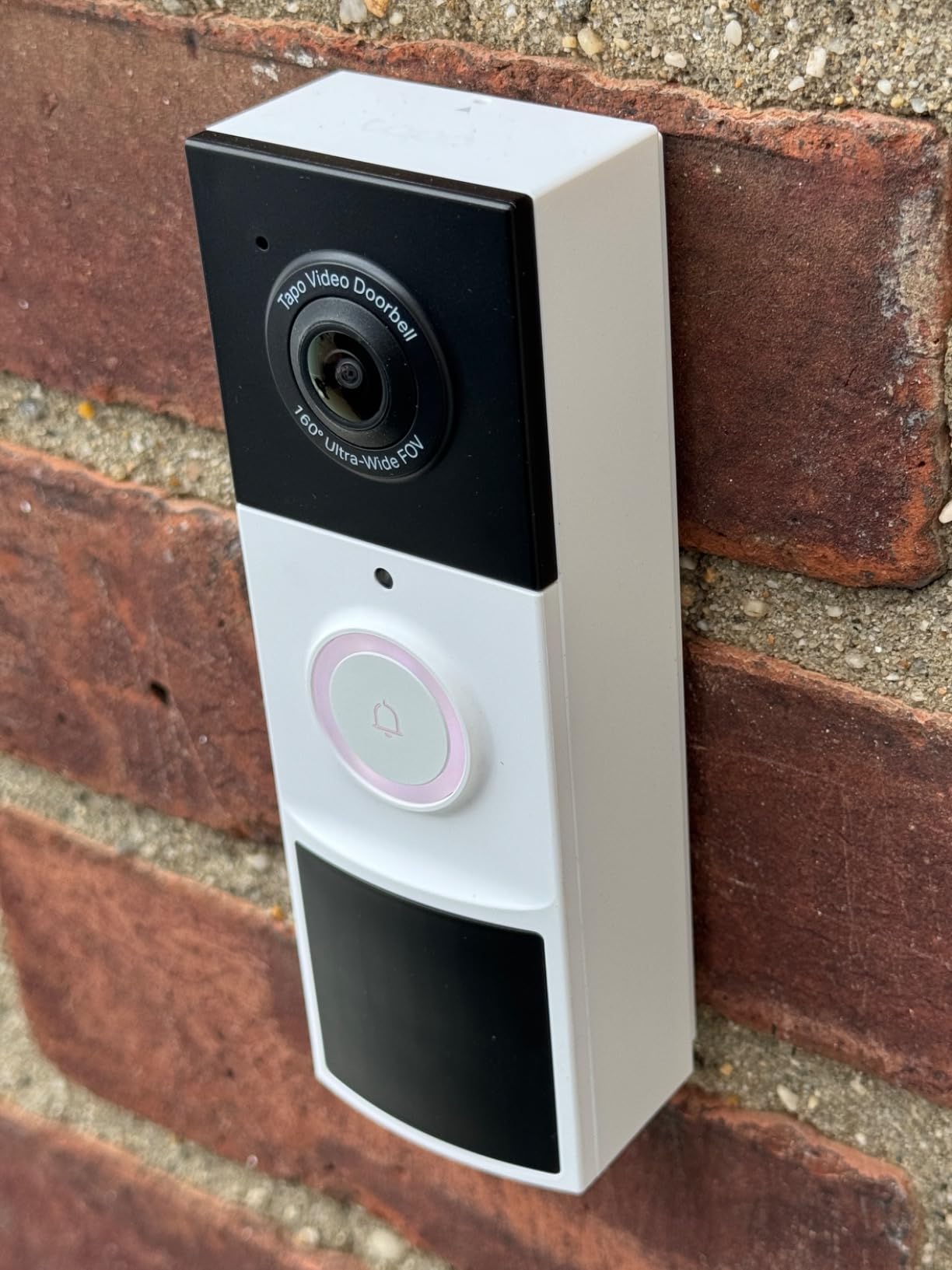
The Tapo D210 is the pick I recommend to anyone who plans to store more than a week of footage. A 512GB microSD card gives you a long searchable window on a device you own, and TP-Link states no subscription is required for it. The card is not included, so budget for that separately, but there is no plan to cancel later.
The 6400mAh battery is the largest capacity in this roundup, and the 160° diagonal head-to-toe view is the second widest. Colour night vision comes with a motion-activated spotlight whose brightness you can adjust, which is what makes a face recognisable at 2 a.m. rather than a grey shape.
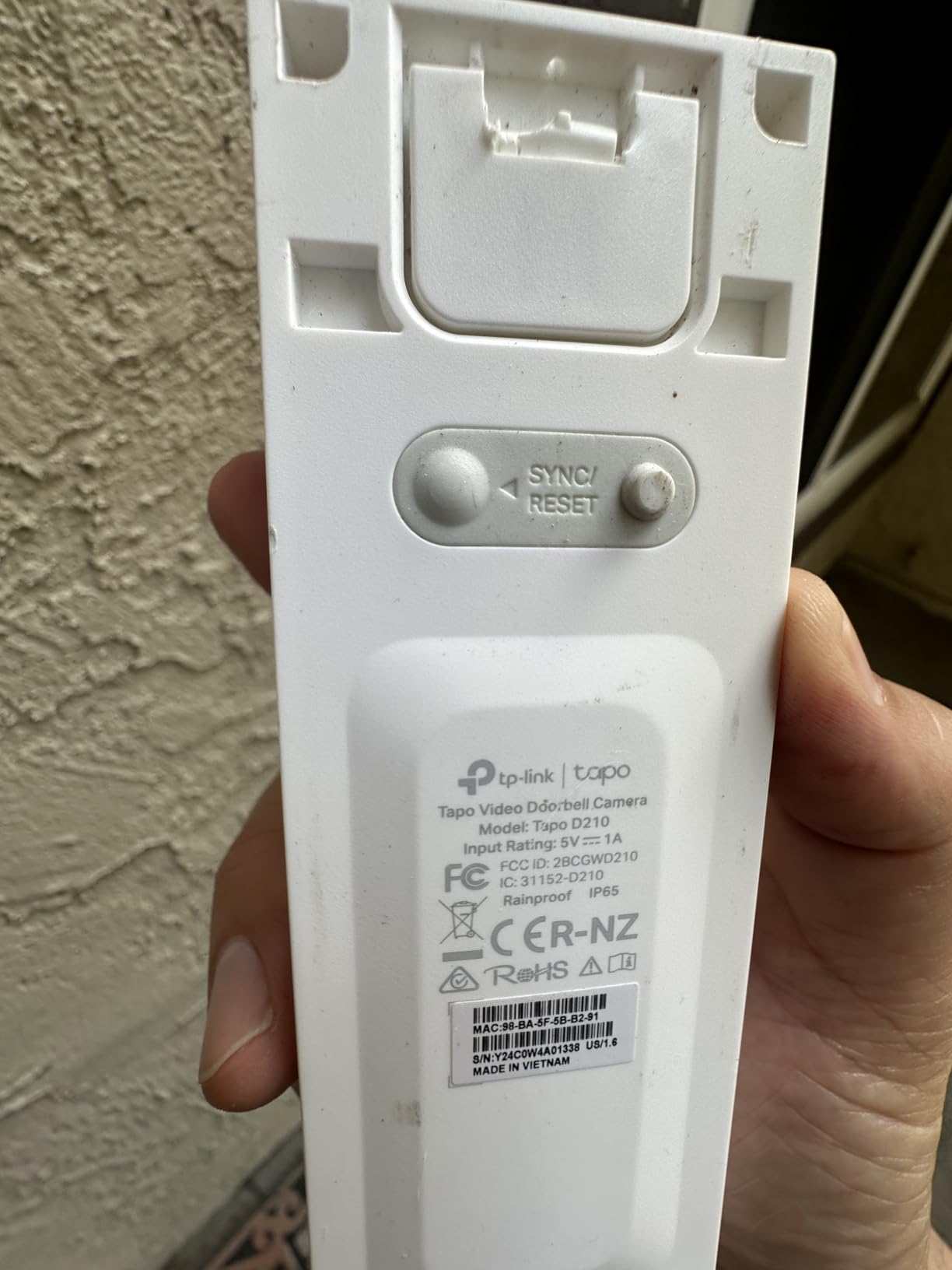
Two features make this the most pleasant to live with. Ring Call makes an incoming visitor ring your phone as an actual call, so you answer by tapping and talking without opening an app or reading a notification. And the app is fast, with no decryption delay when you tap into playback, which is the delay that makes other doorbells feel cheap.
Activity zones let you draw the areas that matter, with AI person detection filtering out the rest. TP-Link also states the device does not store person data. The box includes the indoor chime and a 15° vertical mounting wedge, which is exactly what you need to aim the camera down at package height.
Where the Battery-Only Design Hurts
This model cannot be hardwired, full stop. There is no continuous-power option, so on a busy street with constant foot traffic you will be pulling a 6400mAh pack off the wall more often than you expect to. Owners report four to five months on a quiet residential door and closer to one or two months on a busy one. That range is the honest picture of battery doorbells generally.
There are smaller annoyances. Video can look washed out in direct afternoon sun. Live view does not record automatically, so you have to tap record if you want to keep what you are watching. And the Echo Show Tapo skill can conflict with Ring Call, producing a feed-in-use error. Only a vertical wedge is included, with no horizontal option if your door frame is unusually deep.
Who This Is Right For
Choose the Tapo if you want the longest local recording history available on a single doorbell, you dislike subscriptions as a principle, and you value a fast app. The Ring Call feature also makes it the most convenient pick for anyone who answers the door dozens of times a day.
Look elsewhere if your street is busy enough that monthly charging is unacceptable, or if you might want to hardwire a few years from now. The aosu gives you both a battery and a wired path in one unit.
5. BOIFUN 2K Video Doorbell – Best Entry Option With Discreet Night Vision
BOIFUN Video Doorbell Camera Wireless – No Subscription Required, 2K HD
166° view with f/2.5 aperture
2.4GHz only
No subscription required
Pros
- Wide 166° field of view with a bright f/2.5 aperture
- 2.4GHz-only radio improves signal penetration and response
- No subscription for alerts or two-way audio or human detection or playback
- HDR night vision with invisible 940nm infrared to 10 meters
- Quick no-drill installation with adhesive or screws
- Two-year warranty
Cons
- Battery lasts about 60 days only in lab conditions
- Built-in battery is non-removable so the unit must come down to charge
- No 5GHz Wi-Fi support
- Monitor and microSD card are not included
The BOIFUN sits at the bottom of the price range and does not feel like a compromise in the places that matter on a porch. It carries a 166° view, the joint-widest angle in this group, behind an f/2.5 aperture that pulls in more low light than most cameras at this price.
The night vision is the detail worth knowing. It uses 940nm infrared, which is genuinely invisible to the human eye, so there is no red glow on a dark porch to give away that a camera is watching you. It reaches about 10 meters, and HDR processing keeps the contrast from crushing in mixed lighting.
Alerts, two-way audio, human detection, and playback all work without a subscription. A microSD slot accepts cards up to 128GB. A tamper-detection alarm is built in, and there is a two-year manufacturer warranty, which is longer than most brands in this roundup offer.
Install and Battery Reality
Two things to know up front. The battery is built in and non-removable, so to charge you take the whole unit off its mount. For a no-drill adhesive install that is a fifteen-second job, but it does mean the camera is offline while it charges.
Battery life is quoted at up to 60 days under lab conditions with 30 daily activations. Real doors are busier than 30 activations a day, and a 5200mAh pack with a wide field of view drawing constant detections will run shorter. Treat 60 days as the ceiling, not the expectation. The upside of a 2.4GHz-only radio is that the signal penetrates walls better and responds faster, which on a front door at the edge of your router’s reach can be the difference between working and not.
Who This Is Right For
Buy it if this is your first smart doorbell, the budget is the deciding factor, and you would rather test whether you use the notifications at all before spending on a more capable unit. The invisible night vision and the two-year warranty are genuinely better than what you would expect at the bottom of the range.
Pass if you need long battery intervals, a removable battery, or a wide ecosystem. If the door is going to see more than a dozen visitors a day, the charging cycle will start to grate.
6. ieGeek Bell J9 – Best for Renters Who Cannot Drill
ieGeek Doorbell Camera Wireless No Subscription, 2K 3MP HD View PIR Motion Detection, Wireless Video Doorbell with Chime 2-Way Talk, Only Supports 2.4GHz WiFi, Local & Cloud Storage, White
166° viewing angle
IP66 rated
Lifetime free cloud storage
Pros
- Lifetime free basic cloud storage with no monthly fee
- Adhesive or nail mounting with no sockets or wiring
- Clear 2K and 3MP image in daylight and at night
- PIR motion detection to 16ft with alerts in about 3 seconds
- Indoor chime and mounting hardware included
- Multiple account sharing for household members
Cons
- Battery life drops to 2-3 weeks in cold weather
- Battery is not user-replaceable so the unit comes off to charge
- Bundled chime runs on AA batteries and is quiet
- Motion detection misses some activity even on high sensitivity
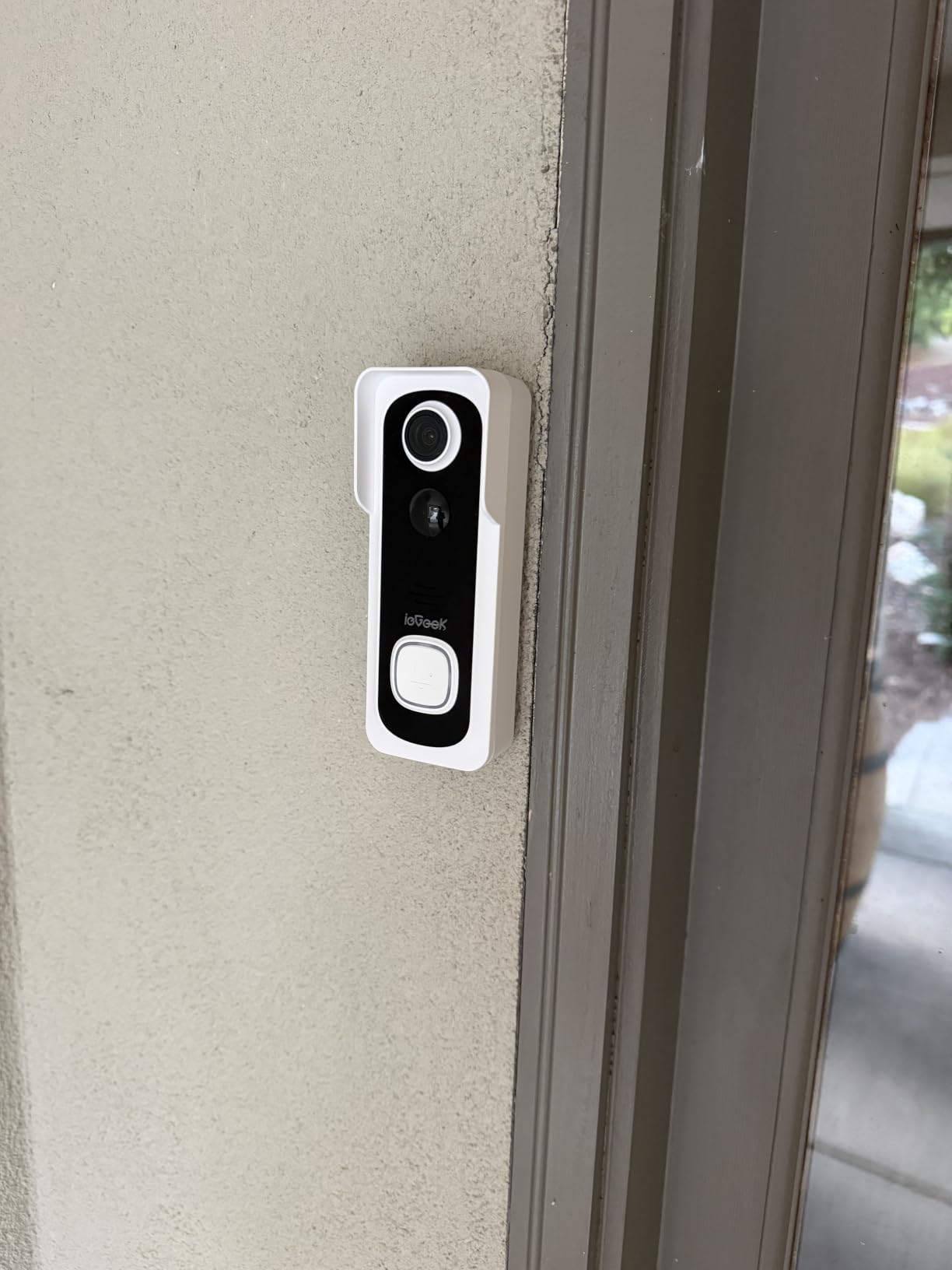
The ieGeek Bell J9 is the one I would suggest to someone in a rented flat who cannot drill into the door frame. The listing specifies self-adhesive installation, and the package also takes a nail or two screws, so a tenant with permission can put it up in minutes and take it down without patching anything.
It also has the most generous free storage tier in this roundup: lifetime free basic cloud storage, with a microSD slot up to 128GB if you want local copies as well. No monthly fee, no plan, no expiration. That alone puts it ahead of most rivals for anyone who objects to recurring fees.
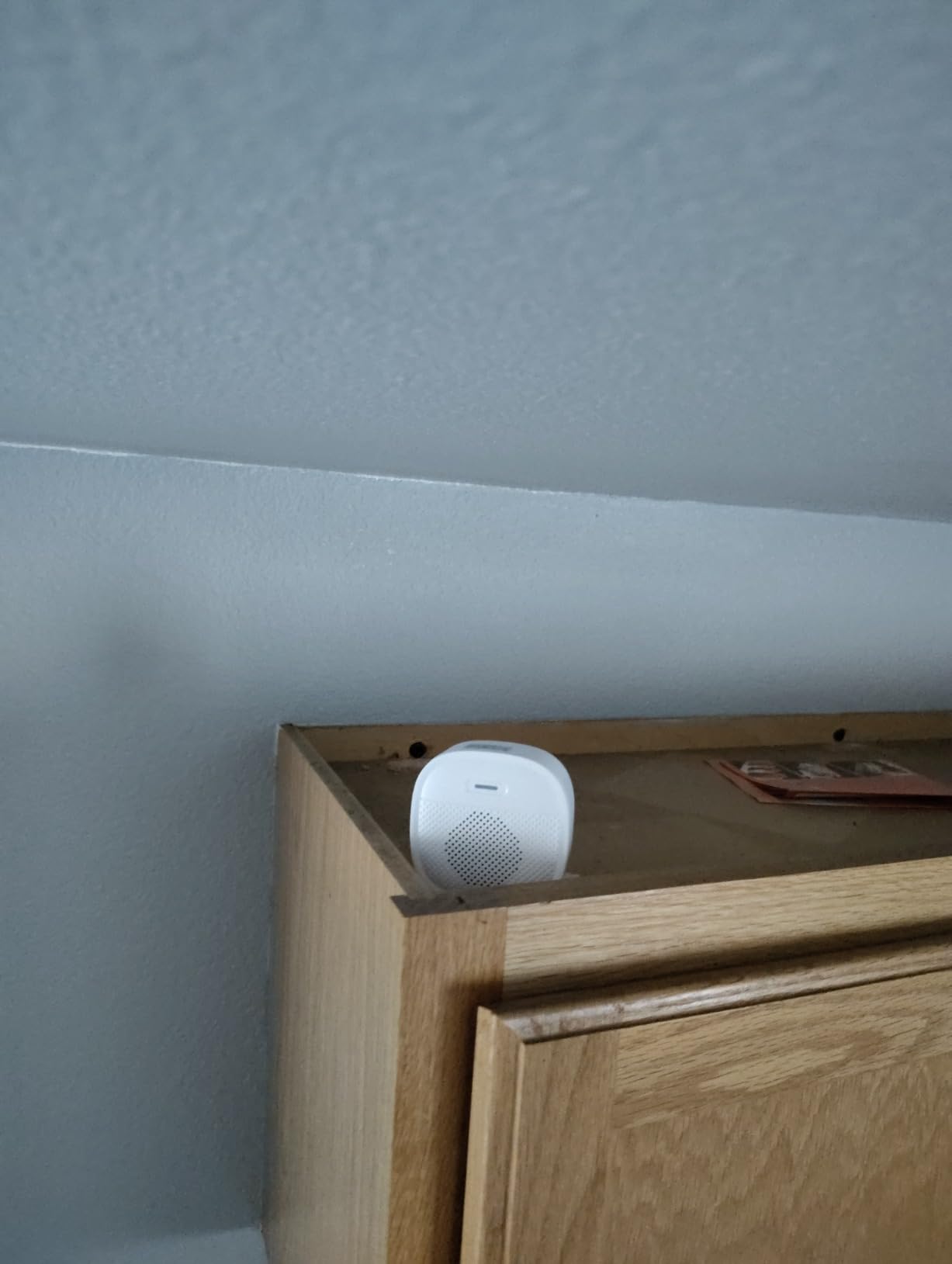
The camera is a 3MP sensor with a 166° viewing angle and automatic night vision out to about 32 feet, housed in an IP66 body. Motion detection uses passive infrared to about 16 feet and sends alerts in roughly three seconds, which is responsive enough to catch someone walking up rather than standing on the step.
Two-way audio includes an adjustable voice changer and three pre-recorded replies, so you can answer a visitor without revealing who is at home. Multiple account sharing lets a household each get their own notifications. Alexa is supported.
Where Renters Should Be Careful
Cold weather is the real weakness. Owners report battery life falling to two or three weeks in winter against a stated one to two months, which is the steepest derating in this group. The battery is also non-removable, so each top-up means taking the unit off its adhesive mount. Adhesive mounts are also a one-shot thing; removing and re-sticking a pad weakens the bond, so plan on a fresh pad each time.
Smaller issues: the bundled chime runs on AA batteries and is described as quiet, so it will not carry to the far end of a flat. Motion detection misses some activity even on high sensitivity, and insects and birds still trigger the occasional alert in human-only mode. The app has also been reported showing the wrong clip for a recent notification. It is 2.4GHz only, and no mounting wedge is included.
Who This Is Right For
This is the pick for renters, students, and anyone who may move within a year. Adhesive mounting, no wiring, no subscription, and free cloud storage with no expiry means you can install it in an afternoon and take the whole thing with you when you leave.
Choose something else if you live somewhere with hard winters and want a battery that survives them, or if you need the device to stay up during a charge. The MUBVIEW holds its charge far better in cold conditions.
7. XTU J9 Plus – Widest View in the Roundup, With a 1:1 Mode
XTU 2K Video Doorbell Camera Wireless with Chime, No Monthly Fee
180° diagonal head-to-toe view
1728p 3MP video
1-2 months per charge
Pros
- 180° head-to-toe view available in fisheye and 1:1 modes
- 3MP 1728p recording with night vision to about 33 feet
- No monthly fee with free cloud clips per event
- Customisable detection zones exclude the street and neighbours
- Pre-recorded quick replies for answering when away
- Wireless chime included in the box
Cons
- No 5GHz Wi-Fi support
- Battery only with no wired power option
- 15fps frame rate is lower than most rivals
- microSD card not included
The XTU J9 Plus solves a problem the other cameras here do not. Its 180° diagonal head-to-toe view comes with two framing modes. The fisheye mode captures an entire porch, a wide path, and the step in one image, and the 1:1 mode gives you a squarer crop that avoids the curved-edge distortion a 180° lens normally produces.
That flexibility matters if your door sits under a deep overhang or faces a driveway. Most doorbells force a single compromise between covering the path and keeping a visitor’s face straight. Being able to switch framing modes after installation is unusual at this price.
Video is recorded at 1728p from a 3MP sensor, with night vision reaching about 33 feet. The body carries an IP66 rating for weather resistance, and a wireless chime is included in the box. Storage needs no plan: you get free six-second cloud clips per event, with an optional microSD slot up to 128GB.
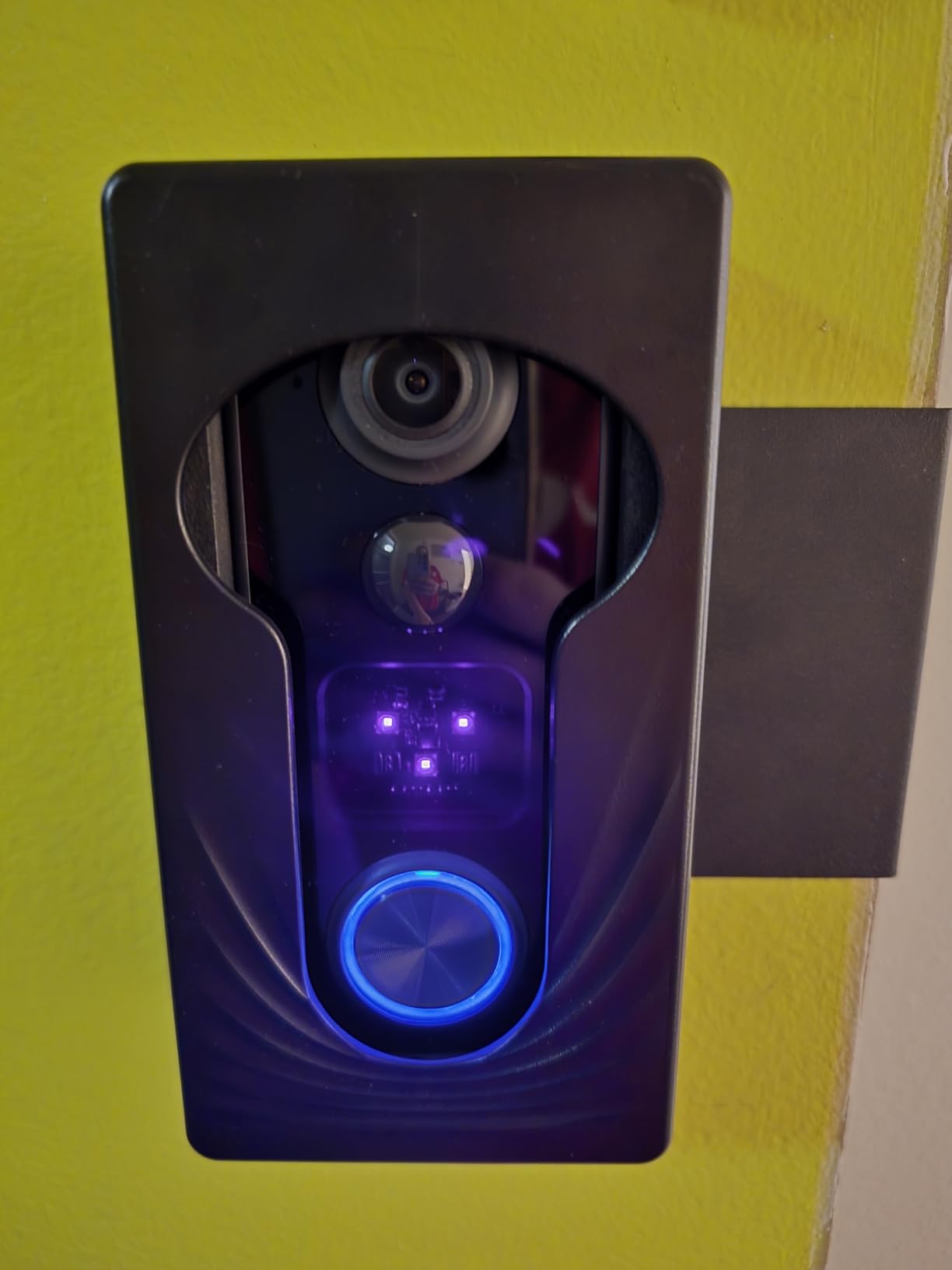
What it gives you on paper is a wide frame and a compact body. The trade-off shows up in two places once it is mounted. First, the frame rate is 15fps, which is below what most rivals record, and it shows on fast movement such as someone walking briskly across the frame or a door swinging. The footage is perfectly watchable, but it will not look like the smoother 25fps recording elsewhere in this roundup.
Second, the 5200mAh battery is rated for one to two months per charge, which is the shorter end of the range here. There is no wired power option, so a busy doorway means more frequent charging. The radio is 2.4GHz only, and the microSD card is not included.
What you gain in exchange is the ability to exclude almost everything that is not your door. Customisable detection zones let you mask out the road edge and a neighbour’s property, which on a wide 180° lens is essential, otherwise you will get a stream of alerts from passing traffic.
Speed and Battery Trade-Offs
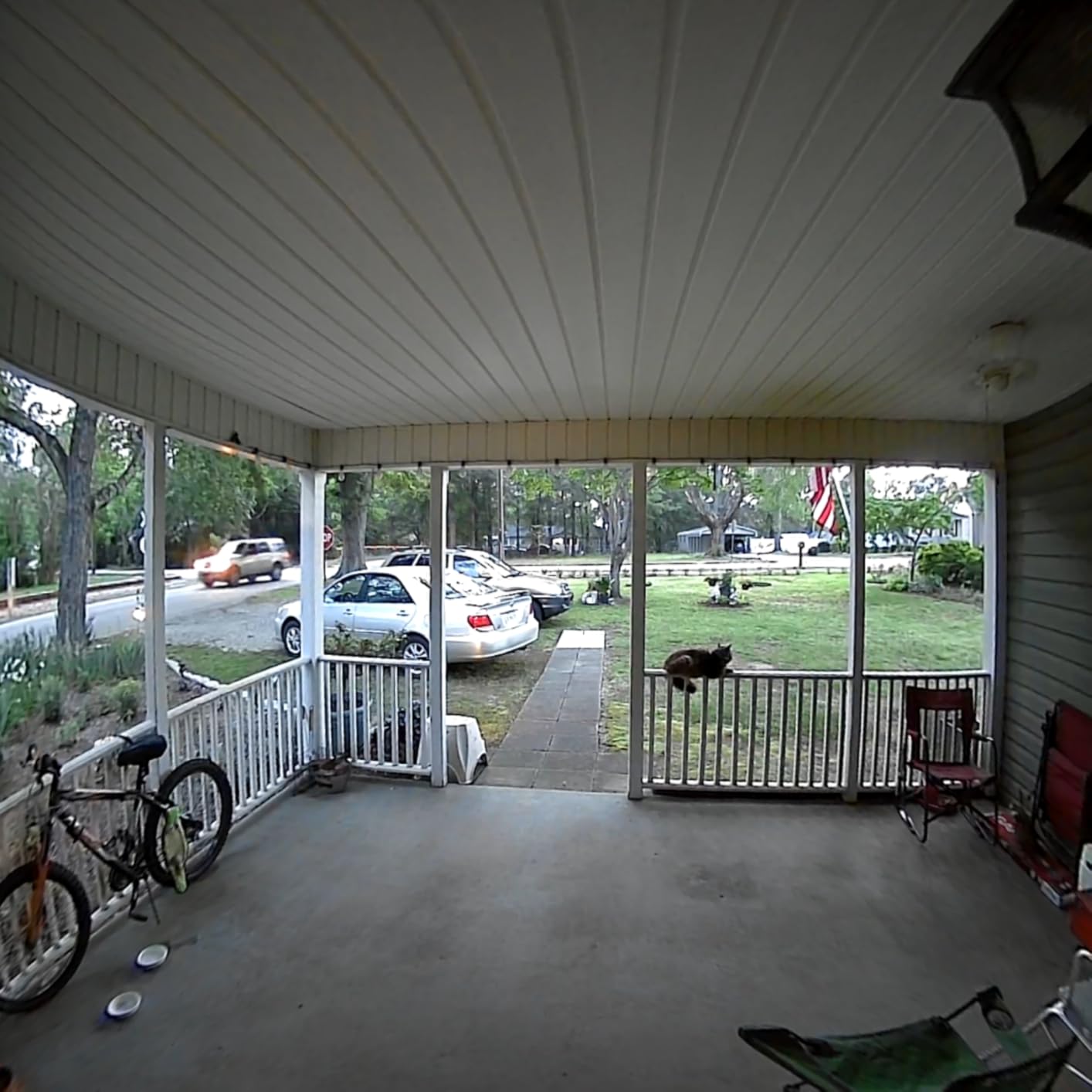
The 15fps frame rate is the number to hold in mind when you compare this against the rest of the field. On a quiet door you will never notice it, but on a busy entrance where people cross the frame quickly the footage reads as slightly stuttered, and that is the single most common quality complaint raised by owners.
The battery rating of one to two months per charge is the other figure worth planning around. On a low-traffic residential door that is genuinely fine, but the moment a delivery driver or a busier street comes into play you will be pulling the unit off its mount far more often than the box suggests, and there is no wired fallback.
Who This Is Right For
Buy the XTU if your front door looks onto a wide path, a courtyard, or a driveway and you want one camera to cover all of it. It is also the right pick for anyone who is specifically trying to see a package left at the base of the door from above.
Pass if motion smoothness matters to you, or if you need a camera that can be hardwired. Fifteen frames per second and no continuous-power option narrow its audience more than the price widens it.
8. Wyze Battery Video Doorbell – Fastest Setup, but Real Battery Life Is Short
Wyze Battery Video Doorbell Wireless Camera, 1536×1536 HD+ with Color Night Vision, 2-Way Audio, 1:1 Head-to-Toe View, Person/Vehicle/Package Monitor, Wire-Free/Wired Option, 1 Minute Easy Setup
1536x1536 HD+ video
256GB microSD
One-minute Bluetooth setup
Pros
- 1536x1536 HD+ video with colour night vision from a starlight sensor
- 150° by 150° head-to-toe view captures packages at the door
- No monthly fee with free local storage via microSD up to 256GB
- Very fast Bluetooth-based setup in roughly a minute
- Person and vehicle and package detection with adjustable sensitivity
- Flat and corner mounting plates both included
Cons
- Battery needs recharging every 2-4 weeks in practice
- Indoor chime is sold separately and not included
- Colour night vision sometimes switches to black and white
- Cannot be charged over USB-C while still mounted
The Wyze wins on setup. It pairs over Bluetooth rather than making you type a Wi-Fi password into the device, and owners report a working camera in about a minute. For someone installing a doorbell for the first time, that removes the most common point of failure in the whole process.
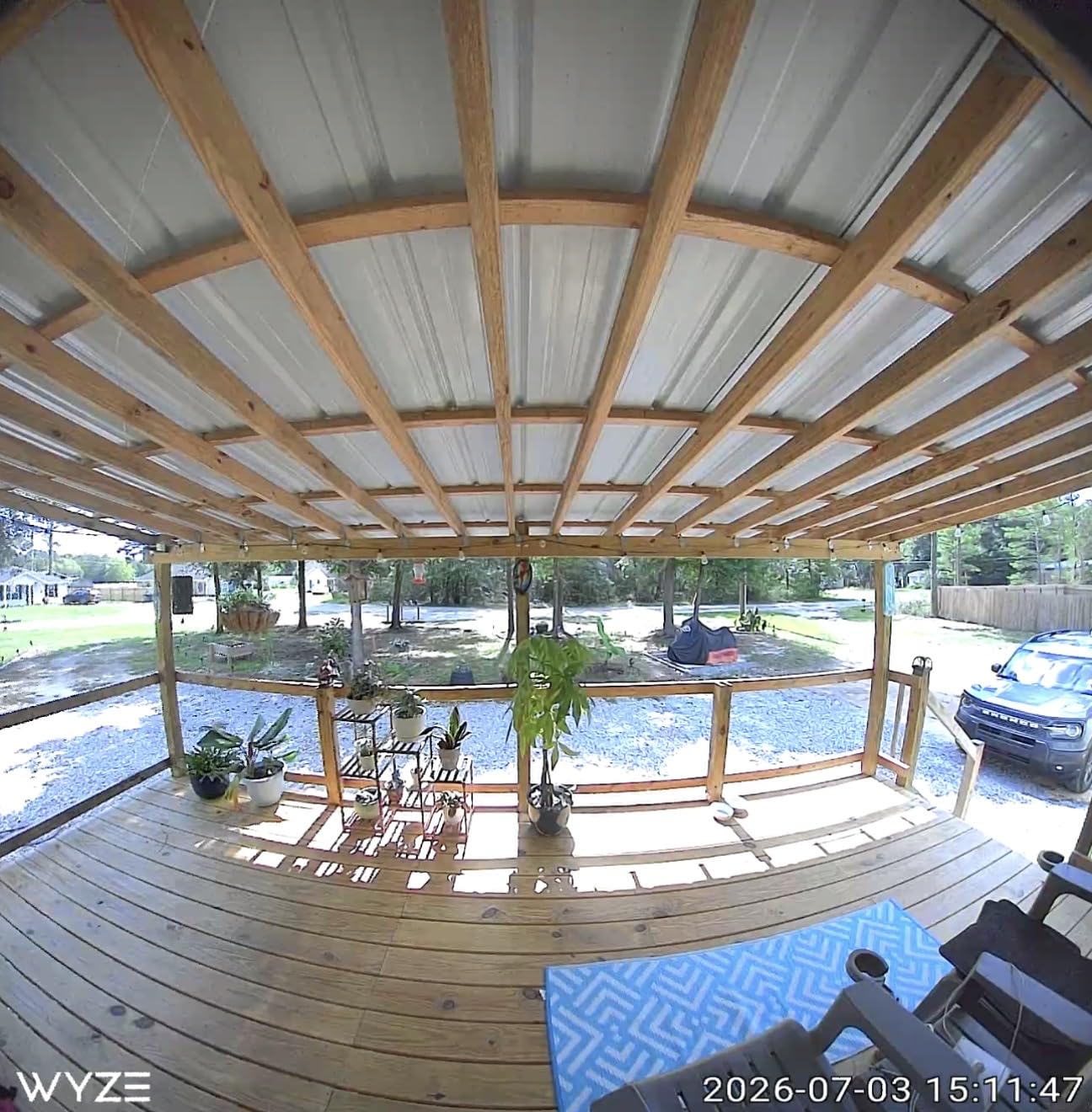
The sensor records at 1536 by 1536, which is a square HD+ format, and the 1:1 head-to-toe view of 150° by 150° is designed to frame a person from head to foot plus the ground at the door. Colour night vision comes from a starlight sensor. Both a flat and a corner mounting plate are in the box, so you are not choosing your mount style at the counter.
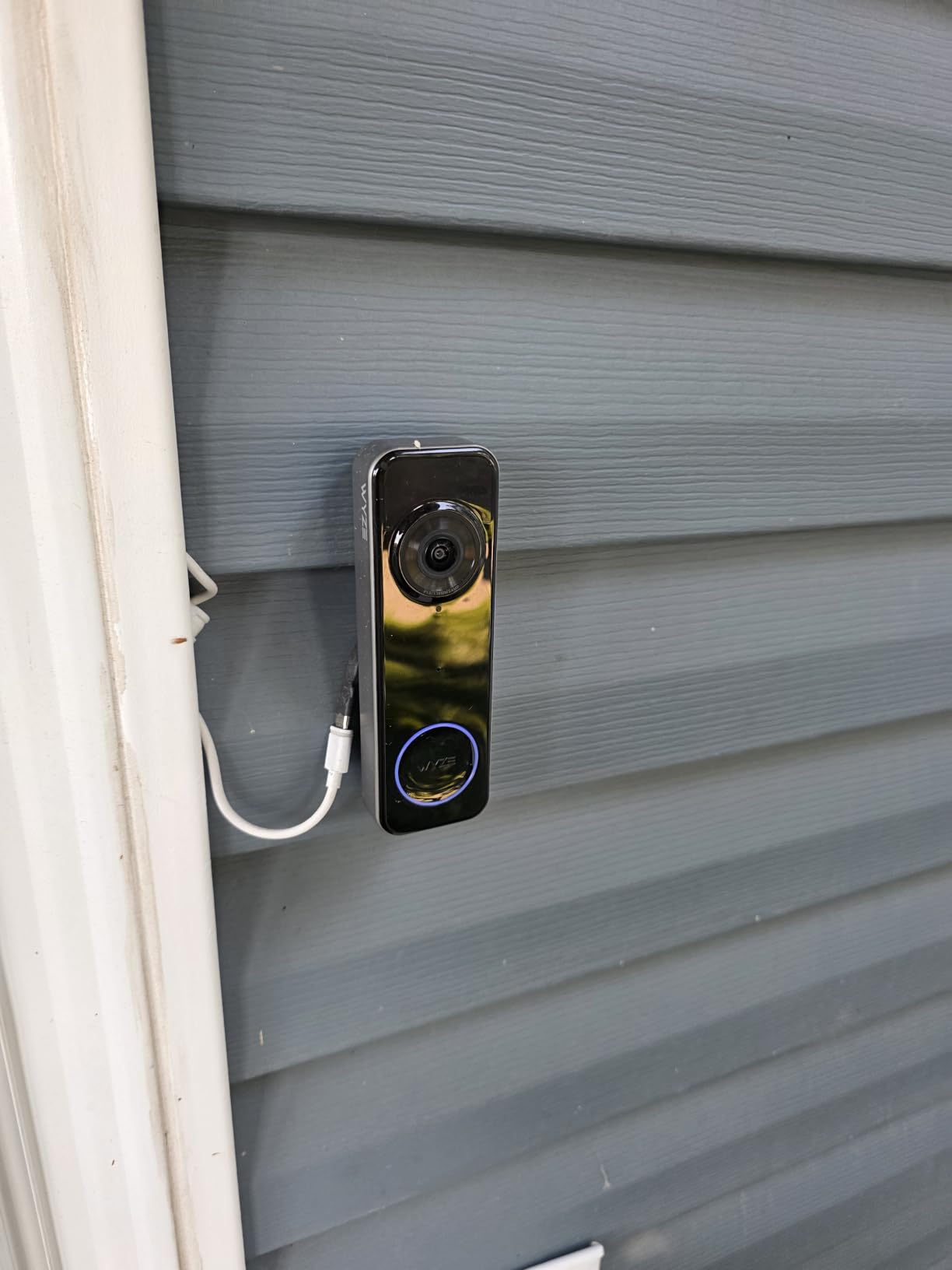
Storage is a microSD slot up to 256GB, with no subscription required. Detection covers person, vehicle, and package, with sensitivity you can adjust, and there is a voice deterrence prompt that tells a visitor they are on camera. Alexa, Google Assistant, and IFTTT are all supported.
The battery is detachable and charges over USB-C, so the pack comes off while the unit stays on the wall. It also accepts hardwired power if you ever want continuous operation. In principle this is the most flexible power setup in the roundup.
The Battery Claim Is the Weak Point
Wyze quotes up to six months. Owners report two to four weeks in practice, which is a large gap and the single biggest complaint in the reviews. Treat the six-month figure as a laboratory best case rather than a planning number. If you buy this, build a monthly reminder into your phone to check the charge.
Other issues to weigh: the indoor chime is sold separately and not included, so a home with no wiring and no chime still needs an extra purchase. Colour night vision output is inconsistent and sometimes drops to black and white. There is no sound-detection triggering, and in practice you do not get pre-roll on wired power, so motion at the very edge of the frame can be missed. The doorbell button also does not trigger an Alexa doorbell chime.
Who This Is Right For
Buy the Wyze if you want the smoothest possible install and the fastest app, and you do not mind charging the battery more often than the packaging suggests. The square head-to-toe format is also the most natural for identifying a person at a standard door height.
Look at the Tapo D210 or the MUBVIEW if battery intervals and a bundled chime matter more to you than a one-minute setup. Both hold a charge considerably longer between top-ups.
What Real Owners Say About Battery Doorbells
Owner conversations are unusually useful on this topic, because almost every complaint here is about behaviour over months rather than image quality in the first week. The same three themes keep coming up.
Local storage is the reason people switch. In smart home forums, the recurring recommendation for anyone avoiding a subscription is to pick a camera that writes to a card or internal memory and let the vendor keep no copy. That preference hardened after a federal trade settlement over the handling of Ring footage, which several owners cited directly as the moment they decided to stop uploading front-door video to a cloud. Home Assistant users are the loudest group, and for them the deciding factor is a camera that works with no vendor cloud at all.
No wiring usually means no chime either. Buyers repeatedly describe being surprised by marketing that says a doorbell works with your existing chime when the house does not have one. The practical answer is to pick a model that ships with a plug-in chime, which is the Tapo D210, the MUBVIEW 2K Doorbell with Chime, the ieGeek Bell J9, or the XTU J9 Plus.
Battery life claims are optimistic across the board. The pattern that shows up most is a long first charge followed by a steep drop after a few months. Cold weather makes it worse, and the gap between a lab figure and a busy front door is real. Owners who are happy tend to be the ones who also added a solar panel or accepted a short interval.
A fourth, smaller theme: motion sensitivity tuning is a rite of passage. On several models, the doorbell only records reliably once the sensitivity is turned up, which then produces false alerts. Finding that middle setting is a ten-minute job that makes the biggest difference to day-to-day satisfaction.
How to Install a Video Doorbell Without Wiring
This is the whole process for a wall with no doorbell wire behind it. It takes about twenty minutes with a drill and a phone, and longer if you are using adhesive only.
1. Confirm there is no wiring. Look for a doorbell button, an indoor chime box, and a transformer near your breaker panel. If none exist, you are clear to proceed with a wire-free model.
2. Check your Wi-Fi at the door. Every model in this roundup needs 2.4GHz, and a 5GHz-only network will not connect any of them. Stand at the door with your phone and run a speed test. Below roughly 10 Mbps, or a reading that stutters, add a mesh node or extender inside the house near the entry wall before you mount anything.
3. Mount about 4 feet from the bottom of the door. That height frames a standing adult from head to toe. Screw the base plate into the trim or the wall, or use the adhesive or nail mount if you cannot drill. Add the supplied wedge to tilt the lens down toward the step where packages land.
4. Charge the battery fully first. A full charge before the first install gives you the manufacturer’s best-case interval rather than a half-empty starting point. Models with a removable pack charge over USB-C indoors; models with a built-in pack need the whole unit plugged in.
5. Pair in the app and set your zones. Create the account, add the device by scanning its code, and enter your 2.4GHz Wi-Fi password. Then draw motion zones that cover the path and the step but exclude the road and the neighbouring property. Set the sensitivity high enough that people walking up are actually caught.
6. Test at night before you walk away. Trigger the button from outside, confirm the notification arrives on your phone, open live view to check for lag, and look at the footage under real darkness. The spotlight and night vision behaviour only becomes obvious after dark, and it is far easier to adjust the angle then than a week later.
If you rent, write down what you are about to do before you do it: the model, the location, and that nothing permanent is being drilled into a shared wall. Adhesive mounts leave no mark and come off cleanly.
How to Choose a Wire-Free Video Doorbell
Realistic battery life, not the claim. Plan on three to five months on a quiet residential door and closer to one or two months on a busy street, and expect winter to cut that further. Models with larger internal packs hold up better, and any model with a removable battery saves you from taking the camera off the wall every time. A solar panel accessory is the only real fix for a high-traffic door.
Where the footage lives. This is the decision most people get wrong, and it is permanent. Look for a microSD slot or built-in memory with no subscription required, and check whether the card is included. Tapo supports up to 512GB, Wyze up to 256GB, MUBVIEW, BOIFUN, ieGeek, and XTU up to 128GB, and the aosu uses 8GB built in with no expansion. If you are considering a hub-based system, remember the hub is a separate purchase.
Subscription optional is not the same as no monthly fee. Some brands advertise free tiers that keep only a few hours of events before overwriting, and put person detection, package detection, or playback behind a plan. Check the specific features you care about against the free tier, not just the word “optional”.
What happens with no chime. A house without wiring usually has no indoor chime either. A plug-in chime is the simplest fix and costs nothing to install. Otherwise, route alerts to your phone, a smart display, or a smart speaker, and accept that a chime only matters if you are elsewhere in the house.
Field of view that matches your porch. Wider is not automatically better. Above about 160°, a lens bends the edges of the frame and shrinks the person standing in the middle of it. Look for a head-to-toe or 1:1 mode, which several models here offer, rather than chasing the widest number available.
Wi-Fi band and placement. Nearly every wire-free model is 2.4GHz only, so the router location matters more than it would for a wired camera you can place elsewhere. Test at the door first.
Power outages. This is the genuine advantage of the wire-free category. A battery doorbell keeps recording to its local storage when mains power fails. You will lose remote viewing and push notifications, because your router is on the same outage, but the footage stays on the card and you can review it once power returns. A wired doorbell dies the moment the power does.
Renting. Check whether you need written permission, prefer an adhesive or nail mount, and keep the camera on your own door. Recording a shared hallway is likely to be a problem with your neighbours and with your landlord.
Frequently Asked Questions
Is there a Ring doorbell camera that doesn’t require wiring?
Yes. The Ring Battery Doorbell mounts with a base plate and two screws and runs on a built-in rechargeable pack, so it needs no transformer and no connection to an existing chime. Ring also sells the Battery Doorbell Plus and Battery Doorbell 2K in the same wire-free format. The catch is storage: reviewing clips and playback require a Ring Protect plan.
Is it better to have a wired or wireless doorbell?
A wired doorbell is better for image quality, continuous power, and longer clip recording, because it draws from a 16-24V AC transformer and never needs charging. A wireless doorbell is better for installs with no wiring, for renters, and for keeping a camera running during a power outage, since the battery keeps recording to local storage. If you have wiring available, wired wins on every technical measure except install cost.
What is the best wireless doorbell for home use?
The Ring Battery Doorbell is the best all-round wireless doorbell, with the most proven install, a removable battery, and a head-to-toe view that sees packages on the ground. For the sharpest image with no subscription, choose the aosu 5MP. For the largest local storage, the Tapo D210 takes a 512GB card and adds a very fast app.
Why is everyone getting rid of Ring doorbells?
Owners cite five things: a mandatory monthly plan before you can review footage, no free recording window worth relying on, a federal trade settlement over the handling of Ring video, faster battery drain caused by fixed-length clip recording, and weaker support outside the Amazon ecosystem. The counterpoint is that Ring remains the most popular brand and its battery models are still the easiest to install.
What is the best video doorbell that does not require a subscription?
The aosu 5MP Ultra HD is the strongest no-subscription pick, with 8GB of built-in storage, roughly 60 days of loop recording, and a 5MP sensor. The Tapo D210 offers the largest expandable local storage with a 512GB microSD slot, and the MUBVIEW 2K Doorbell with Chime adds a bundled chime and a 128GB slot at a lower outlay. Watch for brands that advertise a free tier but paywall playback.
How do I install a video doorbell if my home has no wiring?
First confirm there is no doorbell button, chime, or transformer behind the wall. Then test your 2.4GHz Wi-Fi signal at the door and add an extender if it is weak. Screw the base plate into the trim about 4 feet above the floor, adding the supplied wedge to tilt the camera toward the step. Charge the battery fully, pair in the app over 2.4GHz, draw your motion zones, then test the live view and the night picture before you walk away.
How long do batteries last in a wireless video doorbell?
Plan on three to five months on a quiet residential door and closer to one or two months on a busy street, and expect cold weather to shorten that further. Manufacturer figures are laboratory best cases based on around 30 activations a day. Removable batteries are more convenient to charge, and a solar panel accessory is the practical fix for a high-traffic doorway.
Do battery video doorbells work during a power outage?
Yes, and this is the real advantage over a wired model. The camera keeps recording event clips to its microSD card or internal memory because the battery carries it. You lose remote viewing and phone notifications while the power is out, since your router is down on the same circuit, but the footage stays on the card and can be reviewed once power returns.
Can I use a video doorbell if I rent?
Yes, with care. Get written permission from your landlord before installing anything, and choose an adhesive or nail mount such as the one on the ieGeek Bell J9 so nothing permanent is drilled. Do not cover a peephole, do not mount on a neighbour’s door, and avoid any angle that records a shared hallway, which will create problems with both your landlord and the people who live next door.
Conclusion
The best video doorbells for homes without wiring share one trait: they mount with screws, a plate, and a charged battery, and nothing else. On that basis the Ring Battery Doorbell takes the top spot for its proven install, removable pack, and head-to-toe framing. The aosu 5MP wins on image quality and built-in storage, and the Tapo D210 wins on local storage capacity and app speed.
Pick on two things above everything else. First, decide where your footage lives, because a model that paywalls playback costs more over five years than any hardware difference. Second, be honest about foot traffic, because a busy door turns a three-month battery into a three-week one regardless of what the packaging claims. Every pick in this roundup will install on a wall with no wiring behind it, so the only remaining question is how much you care about the picture and how much you care about the app.