
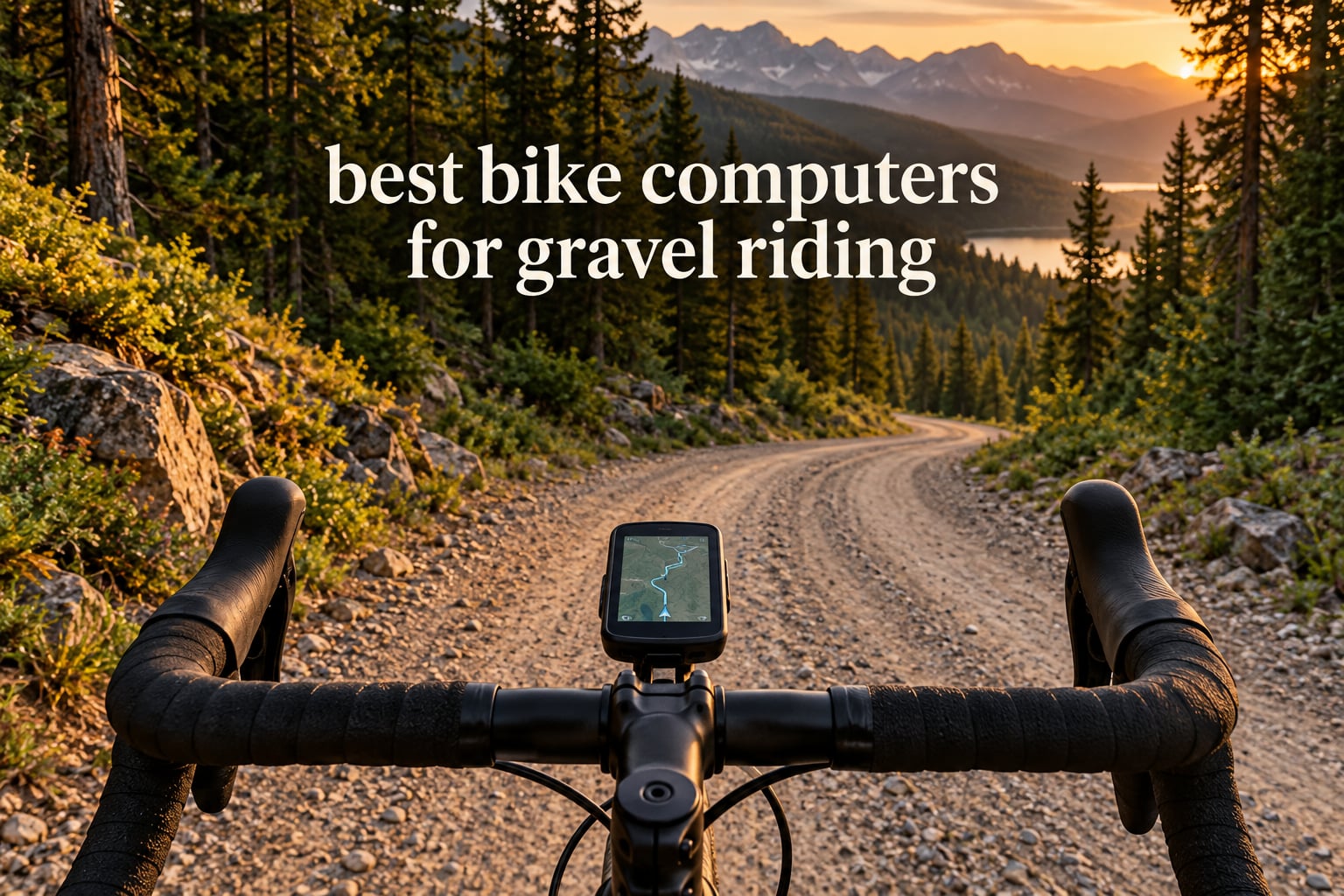
The Garmin Edge 1040 is the best bike computer for gravel riding in 2026, because it holds a multi-band satellite lock on rough mixed-surface terrain and still runs up to 35 hours in demanding use. If you want bigger screens and spoken prompts instead, the Wahoo ELEMNT ROAM V3 is the runner-up, and the Garmin Edge 1050 is the pick when training metrics and group safety features matter more than weight.
That is the short answer. A gravel bike computer is not just a phone-shaped road computer. It has to keep a position fix under tree canopy, stay readable while the bars shake, work with gloved hands, and survive rain and dust for hours at a time. Those four demands separate the good devices from the disappointing ones faster than any spec sheet.
We put 12 models through that filter: four Garmin units, two Wahoo units, a Hammerhead, a SIGMA, a Magene, two iGPSPORT devices, a GEOID and a COOSPO. Below you get an at-a-glance award list, a full comparison table, 12 individual write-ups with the honest drawbacks, a Garmin versus Wahoo head-to-head, and a buying guide built around gravel problems rather than road ones.
Table of Contents
Top 3 Bike Computer Picks for Gravel (October 2026)


All 12 Bike Computers for Gravel in 2026 at a Glance
Here is the shortlist before the detail. Each pick carries one award label and a single reason to own it.
Garmin Edge 1040 — Best overall: multi-band positioning and 35-hour endurance in demanding use.
Garmin Edge 1050 — Premium pick: a speaker, 64 GB of memory and the deepest Garmin training tools.
Garmin Edge 840 — Best for climb training: the lightest Garmin here at 2.8 ounces, with multi-band GNSS.
Wahoo ELEMNT ROAM V3 — Best for navigation: spoken turn cues, dual-band GPS and a very legible screen.
Hammerhead Karoo — Best for SRAM riders: distraction-free maps and deep AXS integration.
Wahoo ELEMNT ACE — Best for large screens: a 3.8-inch display for learning unfamiliar routes.
SIGMA Sport ROX 11.1 EVO — Best for e-bikes: Fazua support and a 55 g body with breadcrumb navigation.
Magene C506 — Best for fast setup: free global maps and WiFi syncing that needs no prompting.
iGPSPORT BSC300T — Best for group rides: six buttons, 130 data fields and real-time teammate tracking.
GEOID CC700 Pro — Best for smart trainers: free indoor training with power targets and gradients.
iGPSPORT BSC500 — Best for voice navigation: a loudspeaker and dual-band reception at this tier.
COOSPO CS600 — Budget pick: up to 36 hours of battery and usable breadcrumb trail following.
| Product | Specs | Action |
|---|---|---|
| Garmin Edge 1040 |
|
Check Latest Price |
 Garmin Edge 1050 Garmin Edge 1050 |
|
Check Latest Price |
 Garmin Edge 840 Garmin Edge 840 |
|
Check Latest Price |
| Wahoo ELEMNT ROAM V3 |
|
Check Latest Price |
 Hammerhead Karoo Hammerhead Karoo |
|
Check Latest Price |
 Wahoo ELEMNT ACE Wahoo ELEMNT ACE |
|
Check Latest Price |
 SIGMA Sport ROX 11.1 EVO SIGMA Sport ROX 11.1 EVO |
|
Check Latest Price |
 Magene C506 Magene C506 |
|
Check Latest Price |
 iGPSPORT BSC300T iGPSPORT BSC300T |
|
Check Latest Price |
 GEOID CC700 Pro GEOID CC700 Pro |
|
Check Latest Price |
 iGPSPORT BSC500 iGPSPORT BSC500 |
|
Check Latest Price |
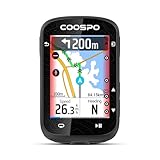 COOSPO CS600 COOSPO CS600 |
|
Check Latest Price |
How We Chose the Best Bike Computers for Gravel
We judged these devices on the things that actually break a gravel ride, not on feature counts. Six criteria did most of the work.
Signal holding. Forest doubletrack and deep valleys are where single-band GPS falls apart. Devices advertising multi-band or dual-band reception earned credit; plain GPS-only units started lower.
Legibility at speed on rough ground. We looked at screen size, brightness behaviour in shade, and how much information survives a glance when the front wheel is in the air.
Control with gloves. Button mirrors matter more on gravel than on tarmac. Devices that force you to swipe a touchscreen while riding in baggier conditions lost ground.
Battery translated to ride length. Manufacturer numbers mean little on their own, so we judged each device against a six-hour gravel day, a ten-hour ultra and a two-day bikepacking trip.
Water and dust resistance. A gravel rider will get rained on and will get muddy. IPX7 ratings are common here; anything lower felt like a compromise.
Ecosystem and route workflow. A computer is only as good as the app you plan routes in and sync back to. Garmin Connect, the Wahoo app, OnelapFit and iGPSPORT all cost time to learn, and that time is part of the product.
We also kept the drawbacks visible. Forum riders distrust roundups that list no downsides, and rightly so. Every write-up below names the real complaints reviewers report.
1. Garmin Edge 1040 — Best Overall Bike Computer for Gravel
Garmin Edge® 1040, GPS Bike Computer
Multi-band GNSS
3.5 inch color touchscreen
35 hours demanding use
Pros
- Multi-band GNSS holds accuracy on rough terrain
- Long battery suited to long gravel days
- Ride type-specific maps with searchable points of interest
- Bundled speed and cadence sensors plus heart rate monitor
- Connects to Strava Komoot and TrainingPeaks
Cons
- Premium price point against mid-range rivals
- Button and touchscreen interface takes practice
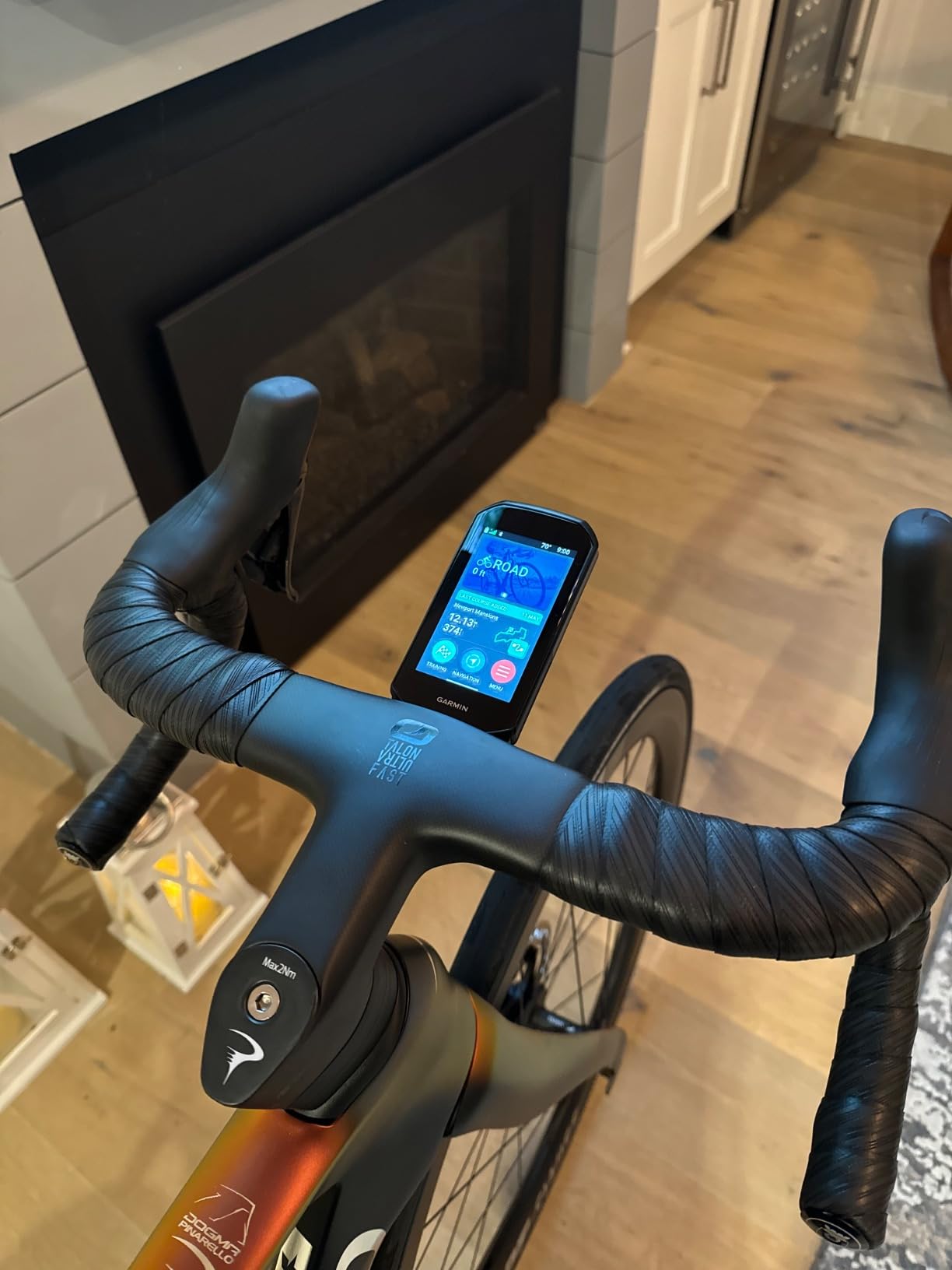
The Garmin Edge 1040 is the unit we kept reaching for. Multi-band GNSS was the deciding factor: on washboard roads and in wooded valleys, where a single-band receiver wanders, this one held a clean line. It is the GPS cycling computer I would hand to a rider doing one long gravel day a week and training the other three.
Battery life is the other half of the case. The rated figure is up to 35 hours in demanding use and 70 hours in battery saver mode, which means a ten-hour ultra ride in full navigation mode ends with genuine margin. For most riders that is the last time they think about charging.
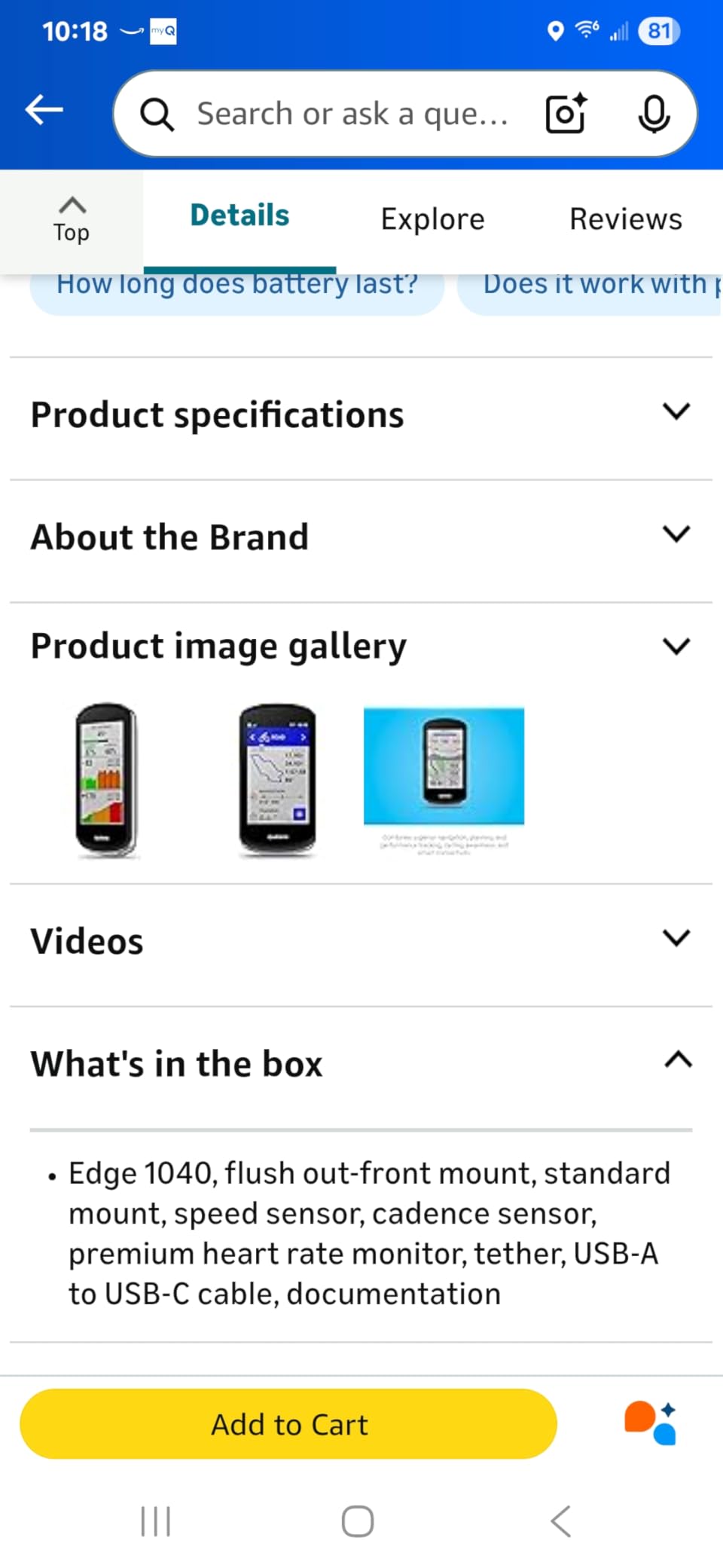
The box is unusually generous. You get a flush out-front mount, a standard mount, a speed sensor, a cadence sensor and a premium heart rate monitor, plus the USB cable and tether. For a first serious bike computer for gravel riding, that accessory bundle removes several extra purchases.
Ride type-specific maps highlight popular roads and trails and let you search points of interest, which matters when you are choosing between two forest tracks at a junction. Power guide and stamina management only light up once you add compatible sensors, so pair them before a long ride rather than during it.
How the Edge 1040 handles gravel navigation
Multi-band positioning and a 3.5-inch colour screen make this the easiest device on the list to read at speed. Searchable points of interest mean you can find water, a bridge or a resupply stop without guessing at map zoom levels.
Reviewers report that the interface is dense on first setup. Plan your data fields before the ride, not while stopped at a junction.
Where the Edge 1040 falls short
The price sits well above every mid-range unit here, and the mix of touchscreen plus physical buttons carries a genuine learning curve when you customise fields. It also carries an IP54 rating rather than IPX7, so it is the least water-sealed device in this roundup.
If your rides are under four hours and follow roads you already know, that premium buys you more than you need.
2. Garmin Edge 1050 — Premium Pick With a Built-In Speaker
Garmin Edge® 1050, Premium Cycling Computer
3.5 inch color touchscreen
Built-in speaker and bell
20 to 60 hours battery
Pros
- Bright vivid screen readable in all conditions
- Navigation tested on a long off-grid ride
- Built-in speaker and bike bell add everyday utility
- Stable pairing with Varia radar and heart rate monitors
- Highly customizable ride profiles
Cons
- Search-based navigation is dated and needs exact addresses
- Many features add to the setup learning curve
- Heavier and larger than slim rivals
- Early firmware saw sync and crash issues
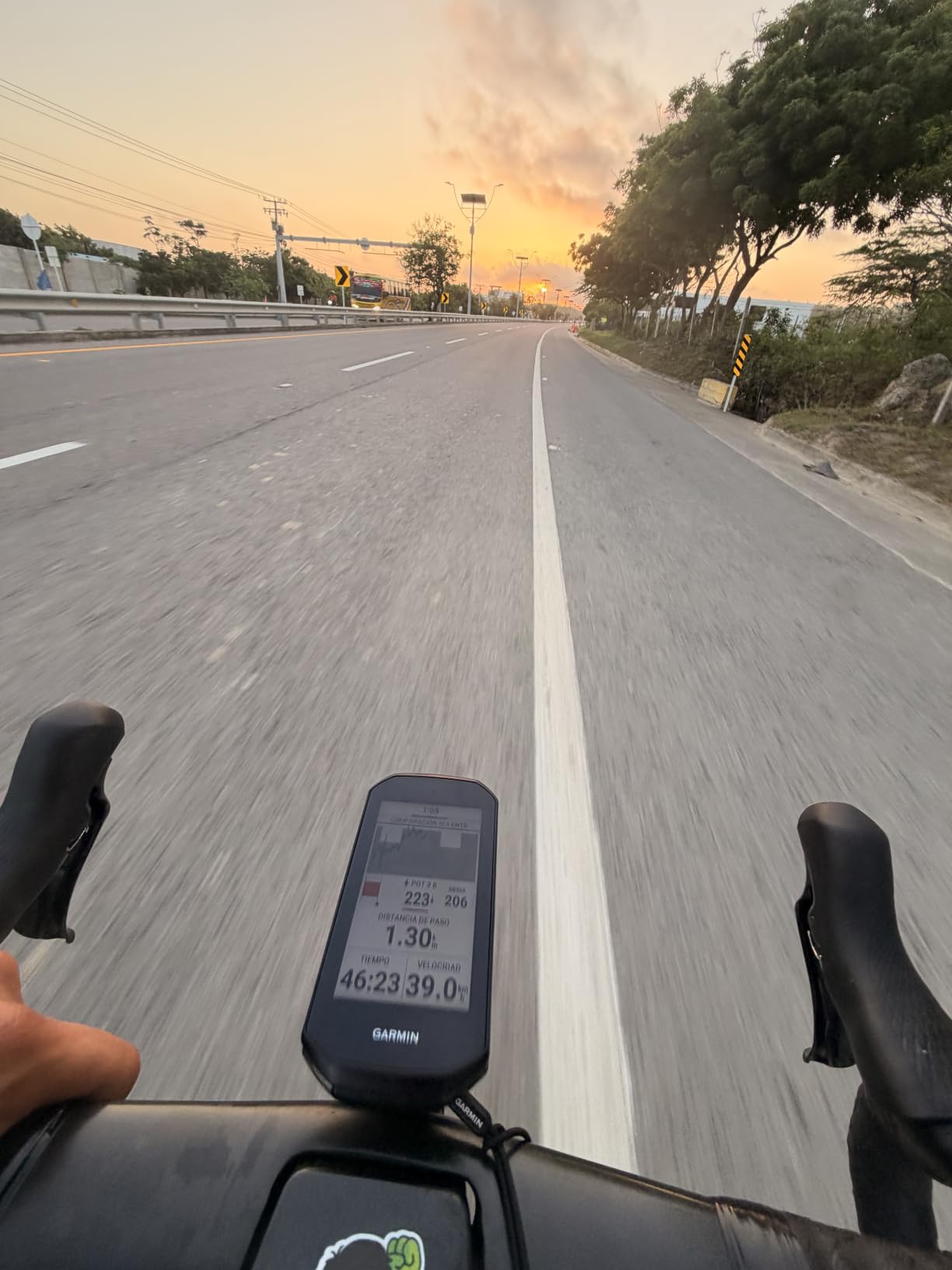
The Garmin Edge 1050 is the most refined display in this group. The screen is bright and vivid, the interface feels fast, and it is the only unit here that talks back to you: a built-in speaker reads out navigation prompts and rings a digital bell. On gravel, where you cannot look down safely, an audible cue is worth more than another inch of screen.
Owners put it through a 105-mile off-grid ride and came back happy with the navigation, which is the exact use case gravel riders care about. On-device course creation even shows road surface type on the map, a genuinely useful detail when you are deciding whether the next road is paved.
GroupRide messaging, live locations and incident detection add real safety value on a remote road with no signal for a while. ClimbPro plans the remaining ascent and grade, and the power guide adjusts for wind and real-time stamina.
Memory is 64 GB for North America maps, and connectivity covers Bluetooth, USB and WiFi. It runs up to 20 hours in demanding use and up to 60 hours in battery saver mode.
Why gravel riders like the Edge 1050
Spoken navigation and a digital bell reduce the number of glances you need on loose surfaces. That is the single biggest practical advantage over a silent unit here.
The training depth is unmatched in this list, so riders running structured plans get more from it than from anything else we tested.
Why you might skip the Edge 1050
It weighs 5.7 ounces and is physically larger than most rivals, which you will feel on a race-oriented gravel bike. Search-driven navigation is dated too: addresses must be exact, and there is no free-form point-of-interest search like a phone.
Earlier firmware versions produced sync and crash issues on first units, so update before you rely on it.
3. Garmin Edge 840 — Best Lightweight Garmin for Climb Training
Garmin Edge 840, Compact GPS Cycling Computer
2.6 inch touchscreen with buttons
Multi-band GNSS
26 hours demanding use
Pros
- Compact and light at 2.8 ounces
- Multi-band GNSS and ride-specific maps off the beaten path
- ClimbPro power guide and stamina included
- Touchscreen plus physical buttons for rough conditions
- Strong value inside the Garmin range
Cons
- Shorter battery than the Edge 1040 in demanding use
- 2.6 inch screen limits glanceable map detail
- Training and alert options need setup tuning
The Garmin Edge 840 is the one to buy if your gravel bike has narrow flared bars and you dislike a computer the width of a sandwich. At 2.8 ounces it is the lightest Garmin here, and the 2.6-inch screen is genuinely readable while riding.
Multi-band GNSS means the accuracy story is the same as the flagship. Ride-specific maps with searchable points of interest work off the beaten path, and ClimbPro ascent planning is available on every ride without needing a course loaded first.
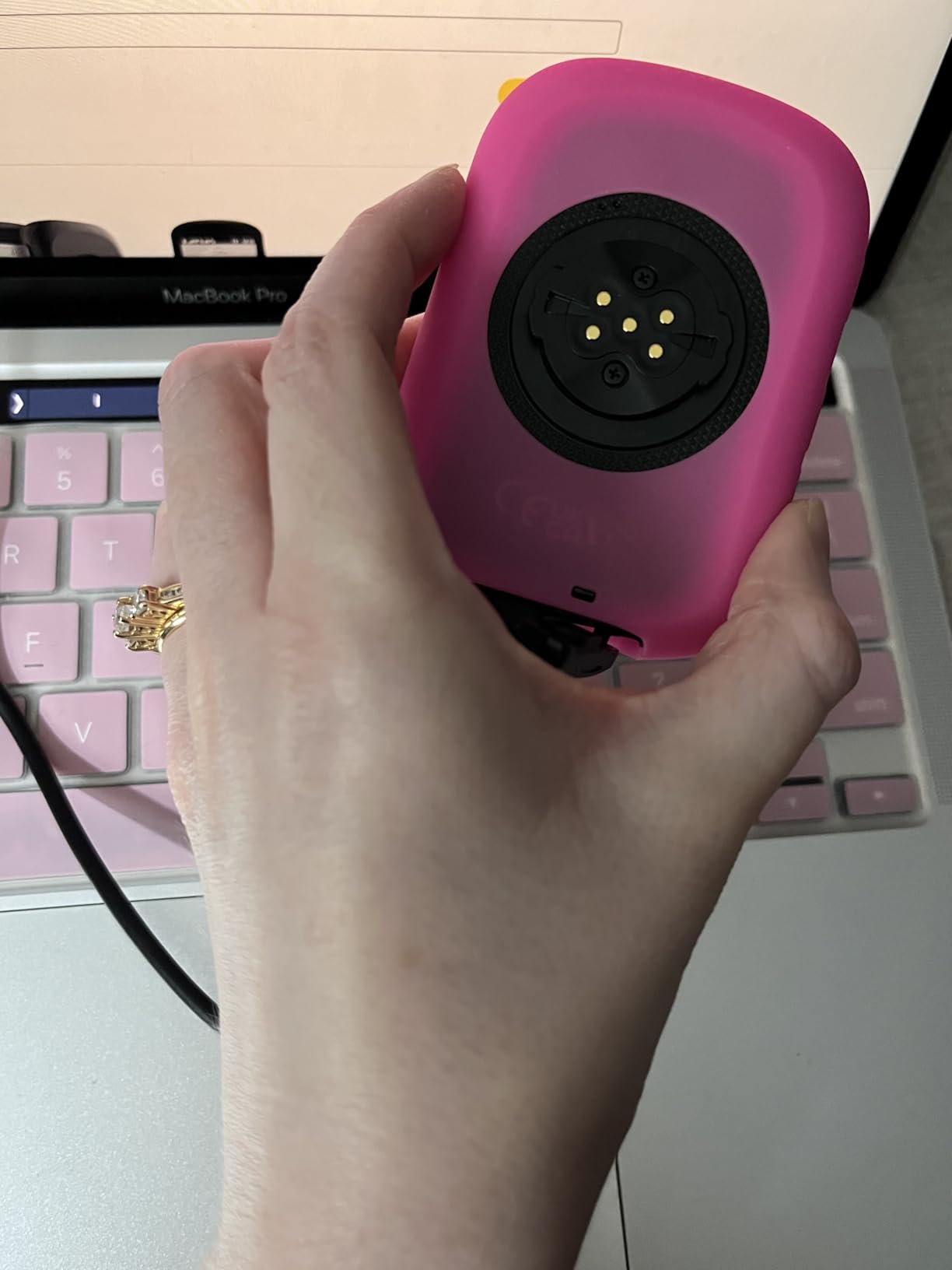
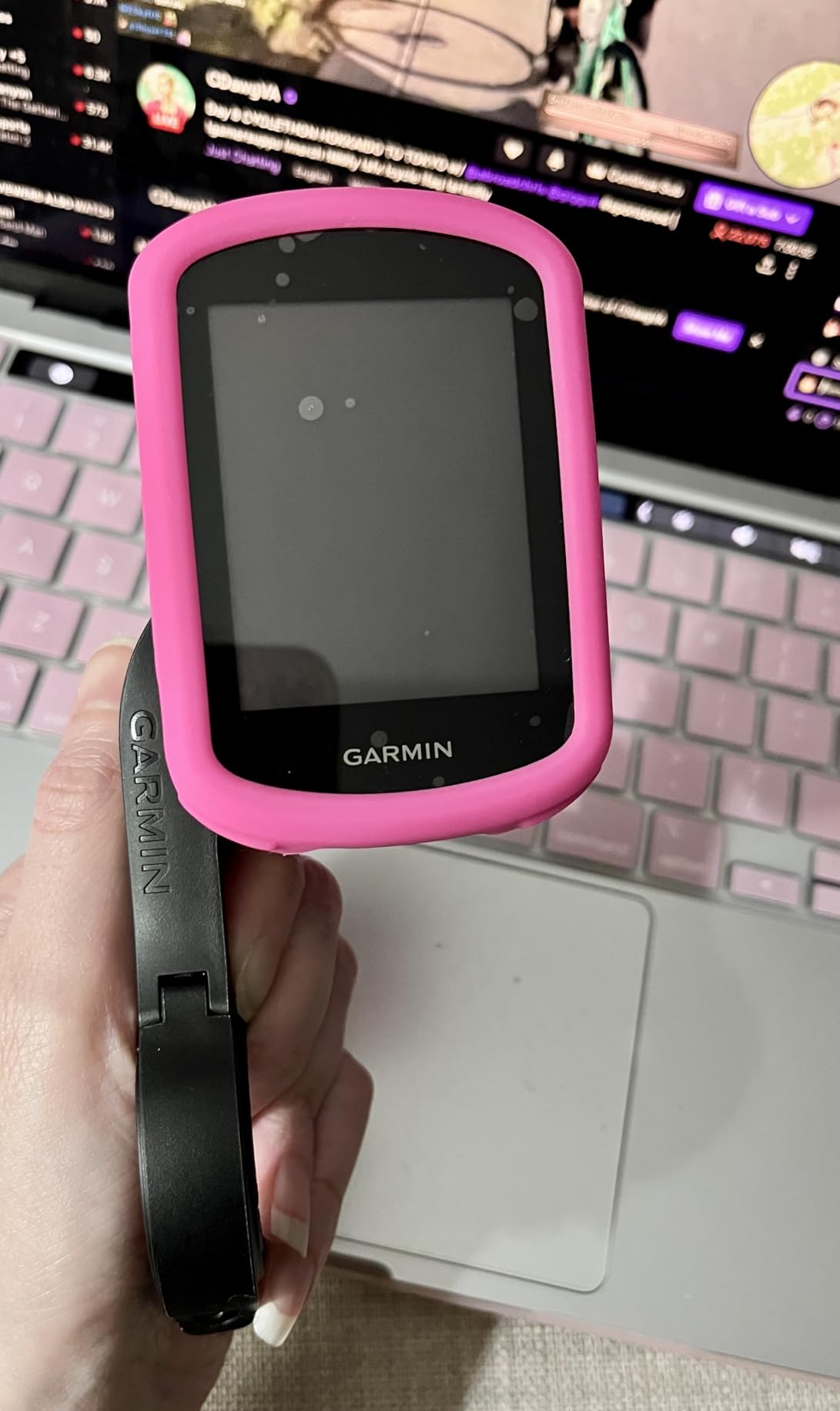
It ships with an out-front mount, a standard mount, a tether and a USB-C cable. The touchscreen plus button combination is the practical choice for gravel, because you can page through data with a button on a bumpy road and use touch when stopped.
Battery is rated up to 26 hours in demanding use and 32 hours in battery saver mode, with 32 GB of storage for maps.
Where the Edge 840 earns its place
Event-adaptive training, missed workout prompts, Cycling Ability, Course Demands, power guide and stamina give serious training riders a full dashboard at a mid-range weight. That combination is hard to find elsewhere in this list.
It handles the longest single-day gravel rides comfortably, provided you are not running full brightness and navigation for ten straight hours.
Where the Edge 840 disappoints
The small screen is the obvious trade. When the route forks and you need to check a map rather than a data field, 2.6 inches feels cramped, and reviewers consistently flag that limitation.
Battery life in demanding use is shorter than the Edge 1040, and the training and alert options take real tuning before they stop being noise.
4. Wahoo ELEMNT ROAM V3 — Best for Gravel Navigation
Wahoo ELEMNT ROAM V3 GPS Cycling/Bike Computer,Black
2.8 inch LCD
Dual-band GPS
25 hours average battery
Pros
- Dual-band GPS holds accuracy in forest and urban canyon terrain
- Spoken directions are clearer than simple beeps
- Large readable touchscreen with swipeable climb mode
- Buttons mirror key functions for rough roads and gloves
- Battery outlasted a comparable Garmin Edge
Cons
- Auto-brightness dims the screen too aggressively in shade
- Voice prompts are terse at maximum volume
- Screen customization happens in the app not on device
- No native route-building tool
- Some app pairing and sync friction
The Wahoo ELEMNT ROAM V3 is the gravel navigation specialist in this group. It listens to GPS, GLONASS, BEIDOU, Galileo, QZSS, SBAS and NavIC on a dual-band receiver, which is why owners single out its behaviour in forested and canyon terrain.
Automatic turn-by-turn prompts fire for GPX, TCX and imported routes from Strava, Ride with GPS and Komoot without you doing anything. You can also generate a route on demand from the device map or the Wahoo Companion app, and Public Route Sharing lets nearby ELEMNT devices see each other.
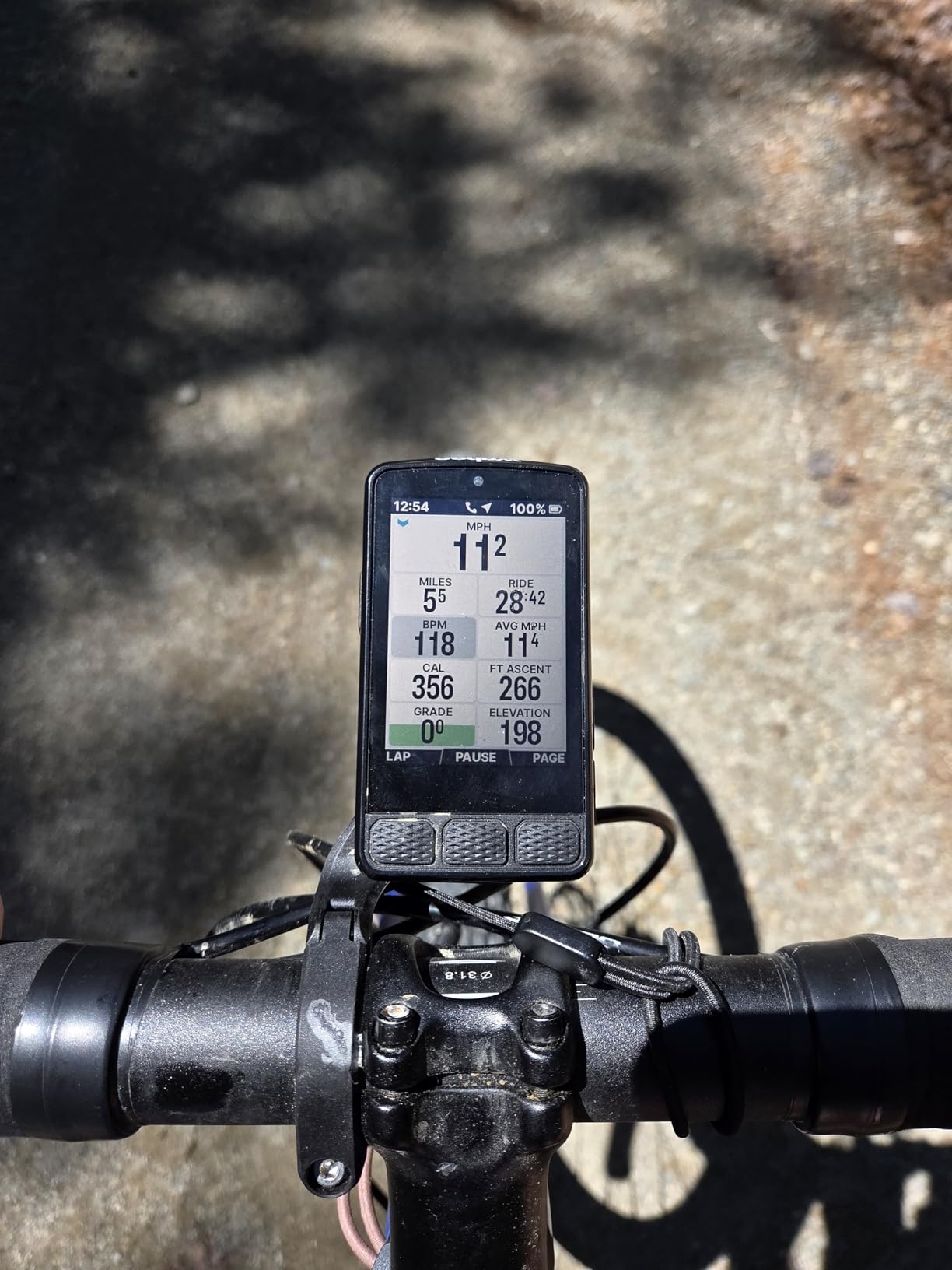
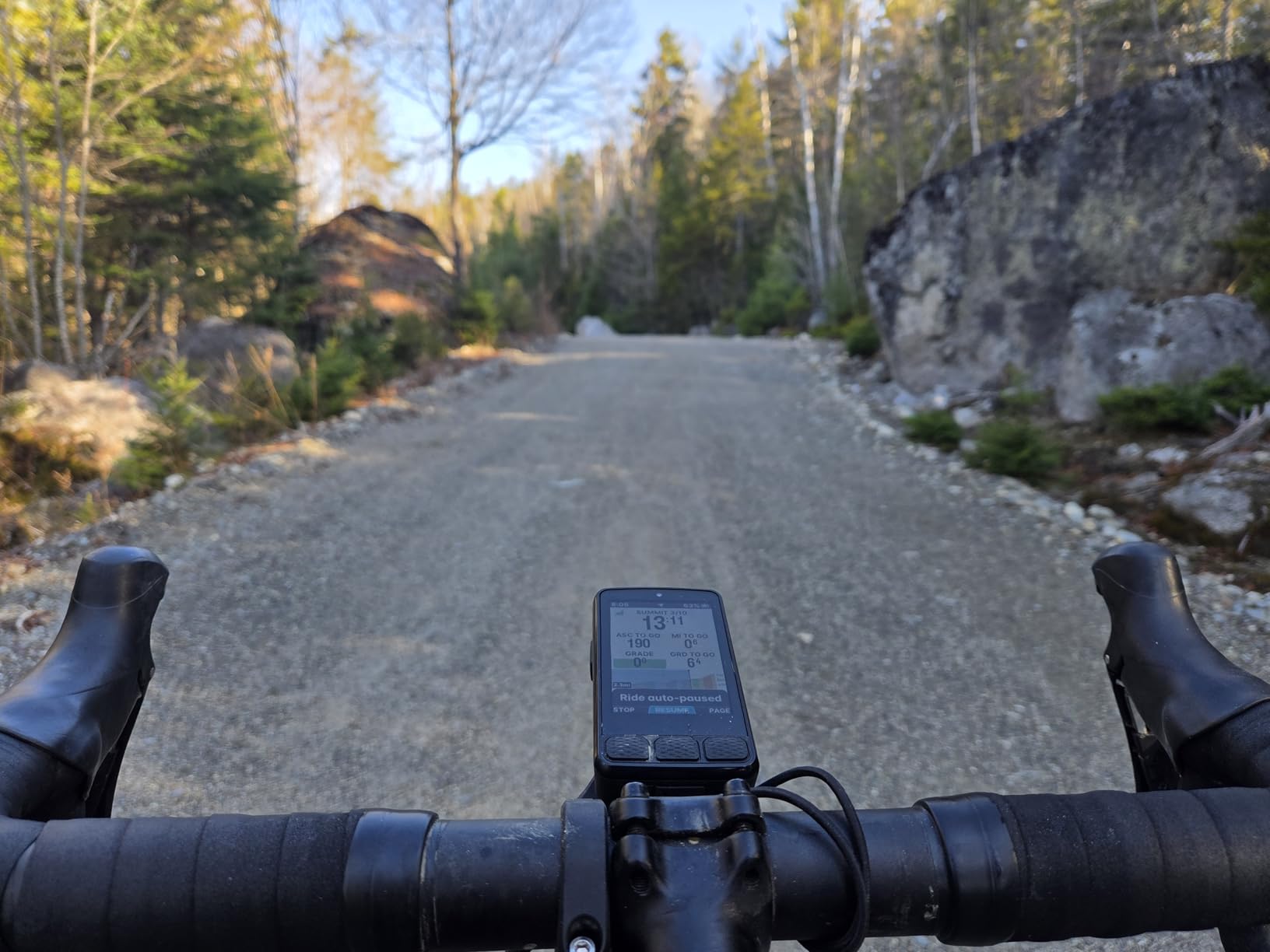
Buttons mirror the key functions, so page changes work on rough roads with gloves on, and the screen has a permanent time and battery display. Several riders report battery life outlasting a comparable Garmin Edge over long rides, with 25 hours of average rated life.
It comes with an integrated out-front mount, a stem mount, zip ties and a quick start guide. The unit weighs 109 g and carries an IPX7 rating.
Why the ROAM V3 suits gravel
Spoken cues beat beeps on loose ground, because you can keep your eyes on the trail. The dual-band receiver is the most reassuring spec on this list for riders who lose signal in forest valleys.
Anyone planning in Komoot or Ride with GPS gets a smoother handoff than with the Garmin equivalent.
Why the ROAM V3 frustrates owners
Auto-brightness dims the screen too aggressively in shade, and that is worse with sunglasses on. Reviewers also call the voice prompts terse and light on detail at maximum volume.
Wahoo has no route-building tool of its own, so Garmin course files need converting, and some riders report app pairing and sync friction.
5. Hammerhead Karoo — Best for SRAM Riders Who Want No Distractions
Hammerhead Karoo Bike Computer Wireless GPS ANT+/BLE/GPS/GNSS
3.2 inch touchscreen
Multi-band GNSS
15 hours average battery
Pros
- Intuitive distraction-free interface with fast map rendering
- Multi-band GNSS works in mixed city and trail environments
- Deep integration with SRAM AXS products and e-bikes
- Generous internal memory for maps
Cons
- Heavy unit and large out-front footprint
- 15 hour rated battery for navigation-heavy days
- Fewer training features than Garmin and Wahoo
The Hammerhead Karoo does less than a Garmin and that is the point. The interface is stripped back so you look at the map and your ride data, not at a wall of menus. Owners inside the SRAM ecosystem like the seamless fit with AXS components, e-bikes and ANT+ lights.
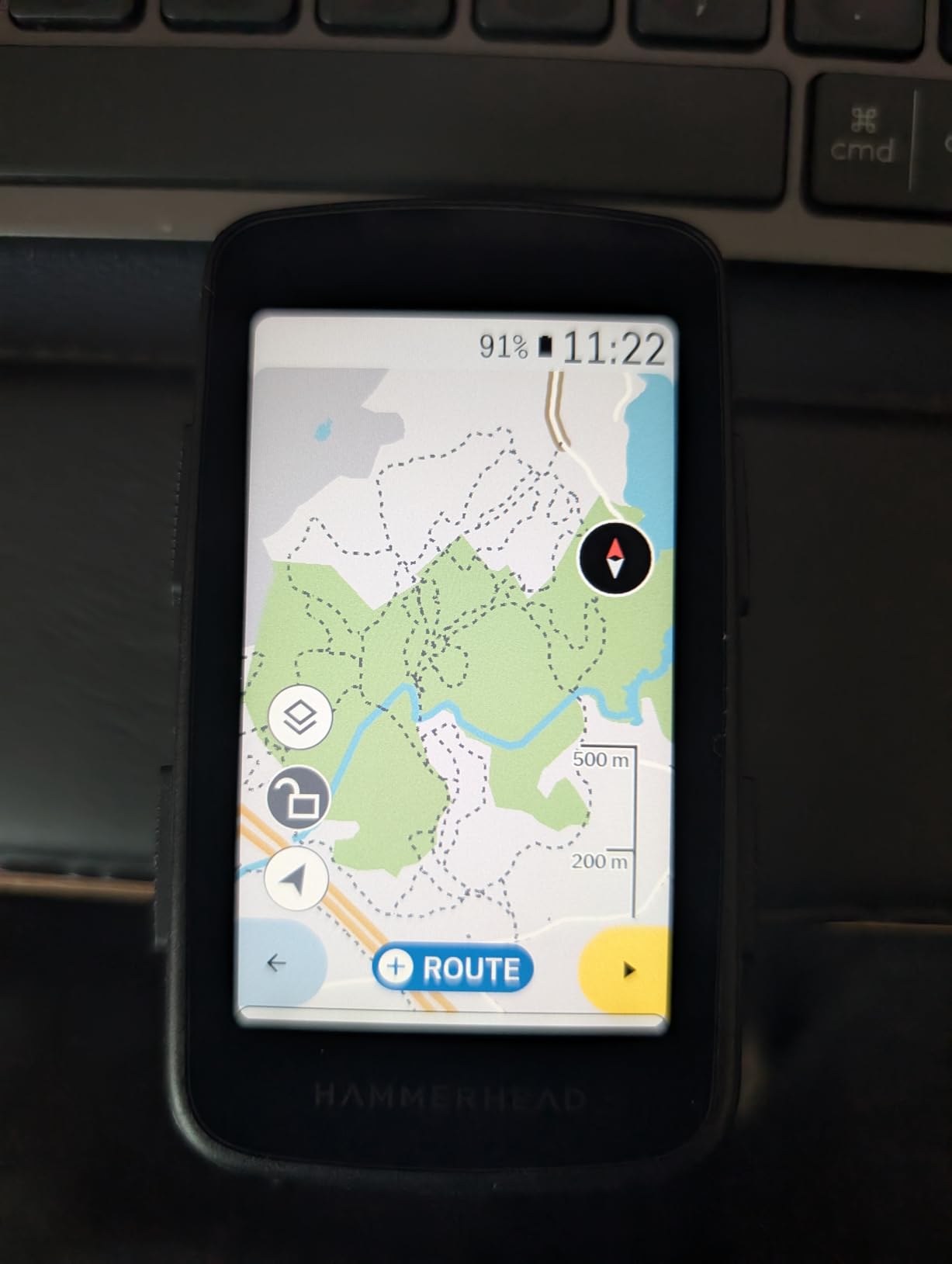
Multi-band GNSS tracks from city streets to rugged trails, and generous internal memory speeds up map rendering. For a rider who just wants to follow a line and know how far is left, it is refreshingly calm.
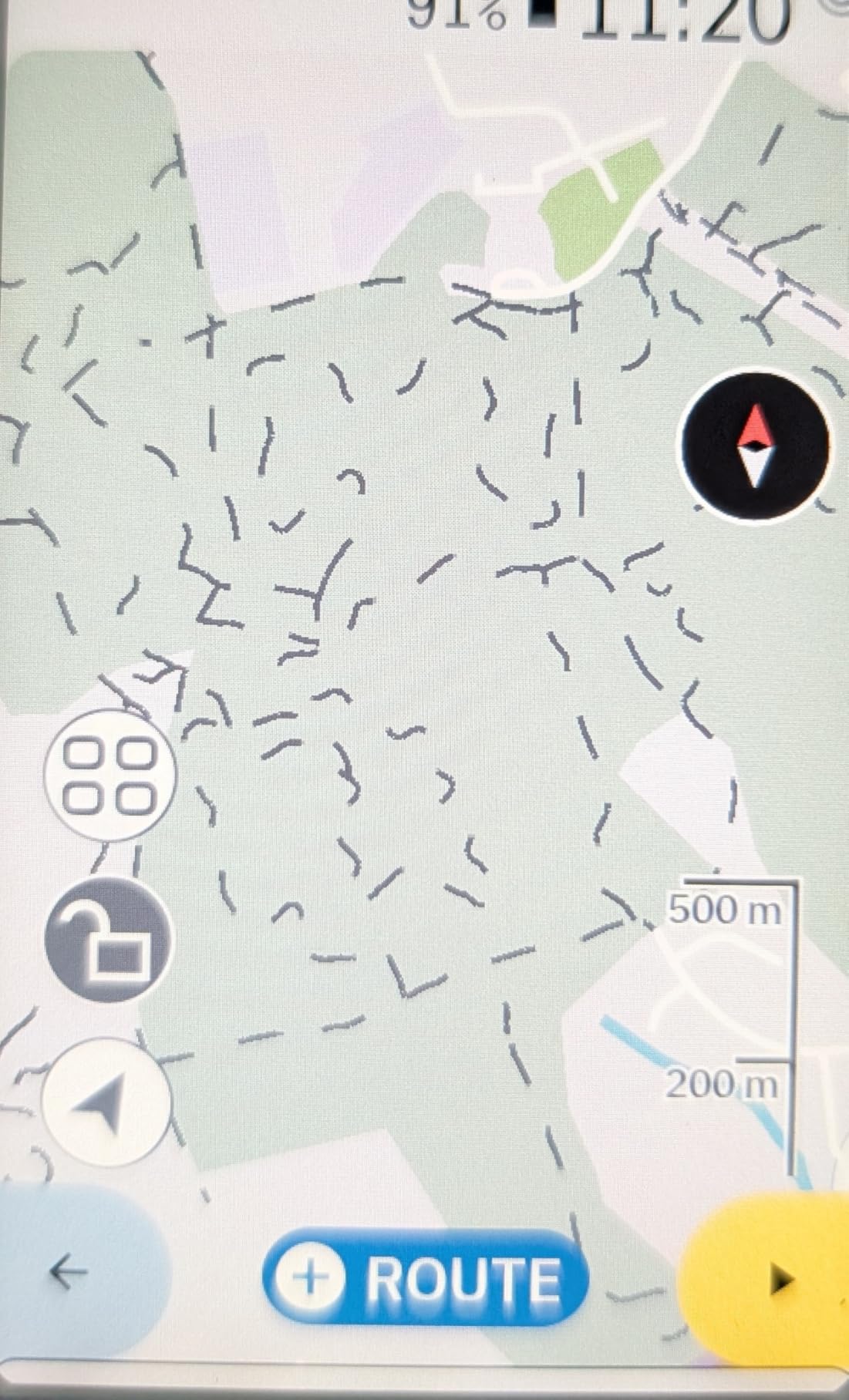
On a gravel bike, a distraction-free screen is a safety feature of sorts. Fewer menus means fewer interactions while crossing roots and washboard sections.
The catch is physical. The unit is heavy with a large out-front footprint, and the 15-hour average battery is the shortest among the mapped devices here. Budget for a mid-day charge on a long ultra.
Who the Hammerhead Karoo fits
Route-first riders will feel at home. A commenter on an MTB forum described the same logic: follow a route, ignore everything else. Fast map rendering keeps the screen current even in unfamiliar terrain.
SRAM AXS and e-bike riders get the deepest integration on this list.
Where it struggles
The weight and footprint are real on a race build, and the training feature set is thinner than either Garmin or Wahoo, so training-focused riders should look elsewhere.
At 15 hours, a long navigation-heavy gravel day will need a power bank or a mid-ride charge.
6. Wahoo ELEMNT ACE — Best for the Biggest Screen
Wahoo ELEMNT ACE Cycling Computer
3.8 inch touchscreen
Pressure sensor aero data
30 hours average battery
Pros
- Largest screen here and excellent for learning unfamiliar routes
- Long battery life with smooth fluid operation
- Hill profile and digital bell are standout features
- Precise trail-following on mixed-surface routes
- Simple re-pairing and seamless app syncing
Cons
- Bulky and heavy at 208 g
- Wind speed sensor often fails out of the box
- Weaker screen contrast and mediocre glare handling
- Map navigation awkward because swipes change pages
- Button mapping cannot be customized
- Setup was buggy for some buyers
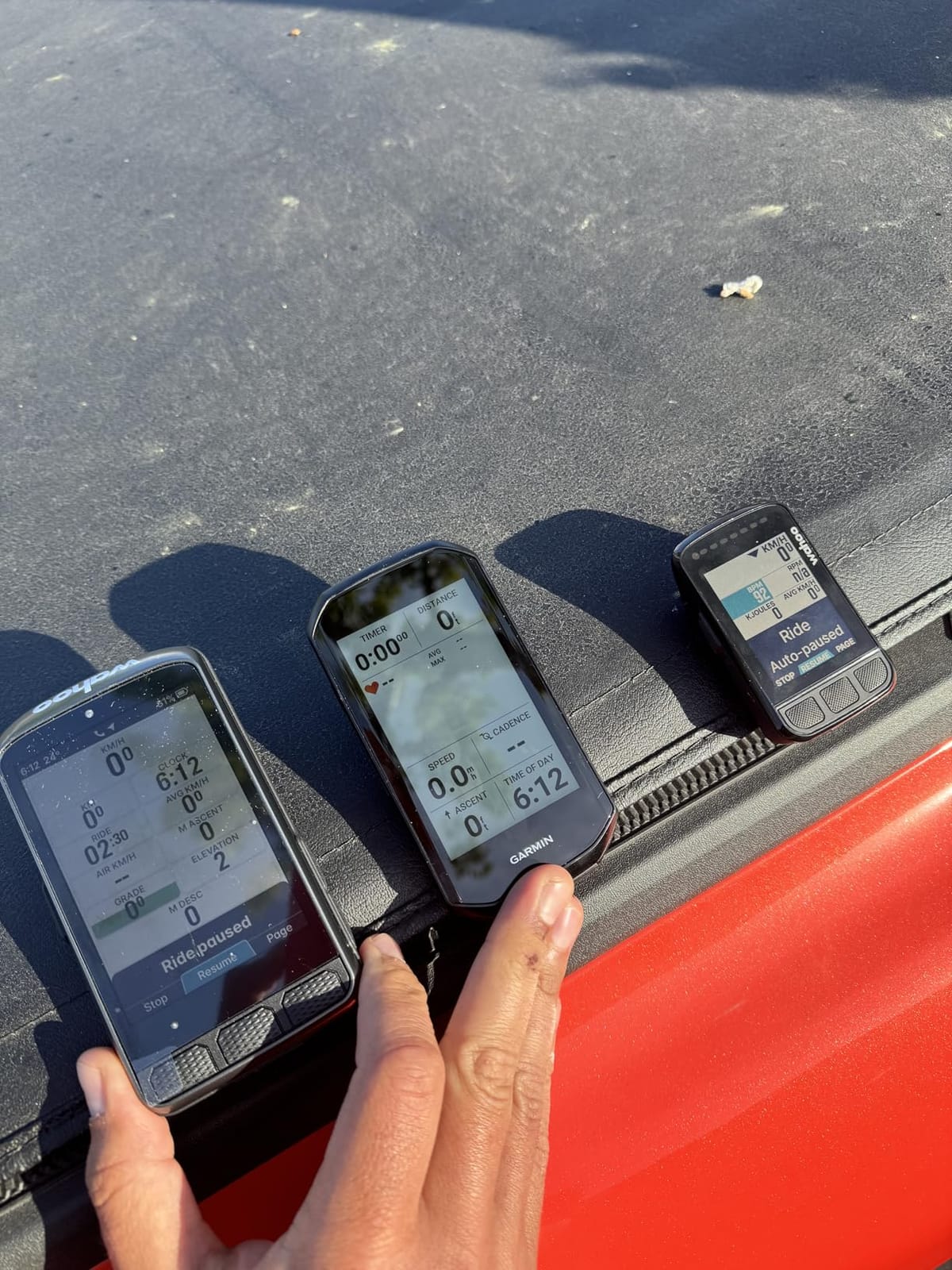
The Wahoo ELEMNT ACE is the biggest screen we tested at 3.8 inches, and for riders learning a new region it is the easiest to read. Loading a route and previewing the shape of the day needs almost no map zoom, which is a genuine advantage on unfamiliar gravel.
It has a built-in pressure sensor feeding live AirBoost and AirDrag aero awareness, and the Wahoo app delivers post-ride Wind Dynamics insights. The Ready-To-Ride dashboard removes the setup wait before every ride, which is more useful than it sounds on a cold morning.
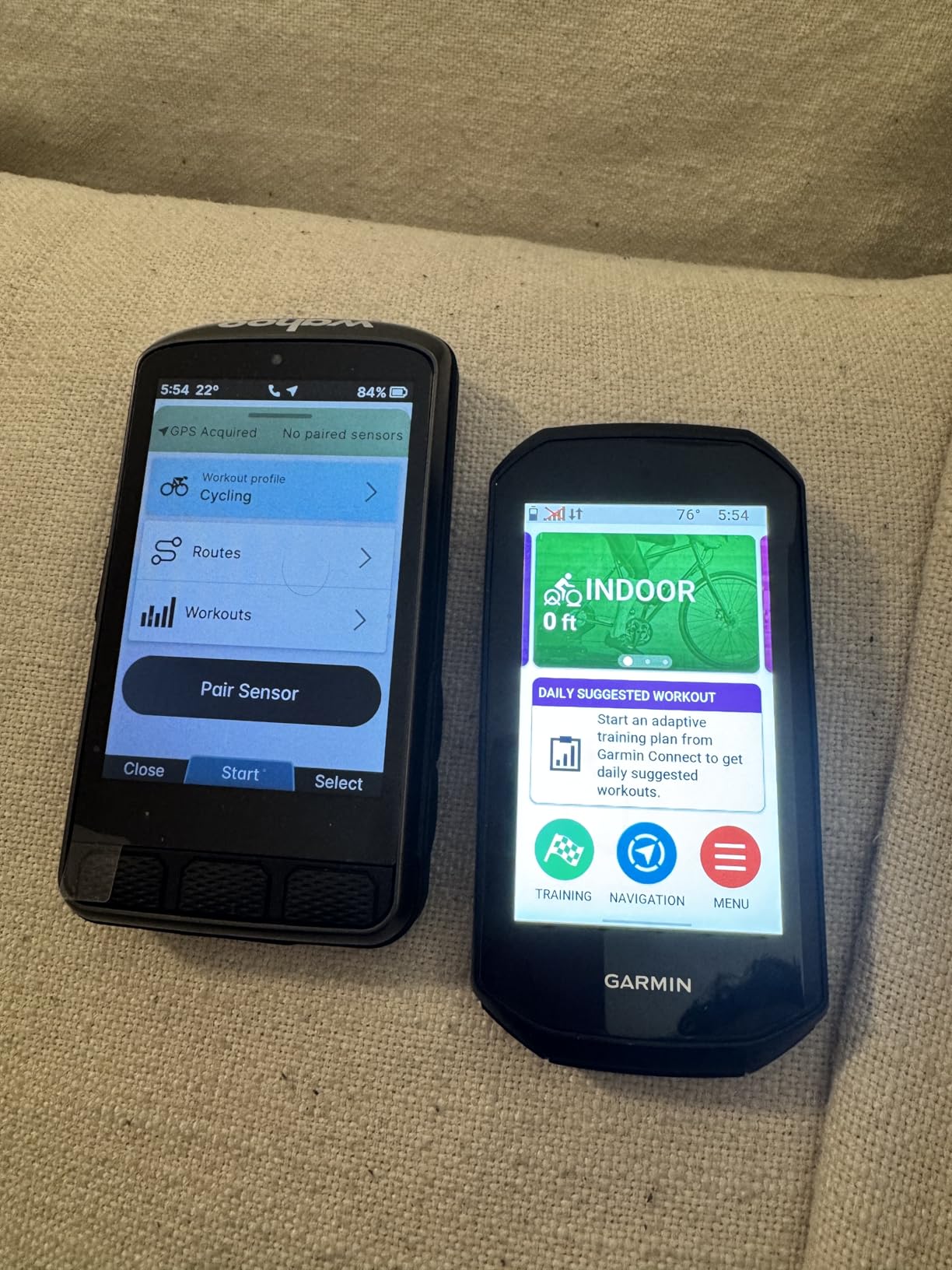
Battery averages 30 hours, plenty for a long day, and the hill profile and digital bell are the features owners mention most. Trail-following on mixed surfaces is described as precise.
The box includes an aluminum out-front mount, a USB-C cable, a tether and a quick start guide. Connectivity covers ANT, Bluetooth, USB and WiFi, with pressure, speed and cadence sensors listed.
Where the ELEMNT ACE earns its badge
Screen size is the whole argument. On a fast descent or a rough forest road, a bigger display means fewer zoom adjustments and less time looking down.
Riders who value legibility over compactness will find few better options at any tier.
Why some riders send it back
At 208 g it is the heaviest device here and looks bulky on a race-oriented bike. Reviewers report the wind speed sensor often failing out of the box, and screen contrast is weaker than the smaller ROAM models with mediocre glare handling.
Map navigation is awkward because a sideways swipe changes pages instead of panning, and button mapping cannot be customised, which duplicates your Di2 lever lap button. Setup was buggy enough for some buyers to contact support.
7. SIGMA Sport ROX 11.1 EVO — Best Lightweight Pick for E-Bikes
SIGMA ROX 11.1 EVO GPS Computer Black#
55 g body
1.77 inch transmissive screen
15 hours average battery
Pros
- Very light at 55 g and mounts unobtrusively
- Excellent value including navigation and elevation profile
- Transmissive screen readable in sun and at night
- Good battery life with 80% remaining after a four-hour ride
- Strong e-bike and Fazua integration
Cons
- Small low-resolution screen some riders find cramped
- GPS can drift by roughly 80-90 feet on tight trails
- No automatic on-device reroute after a missed turn
- App transfers occasionally fail with corruption errors
- Limited US customer support
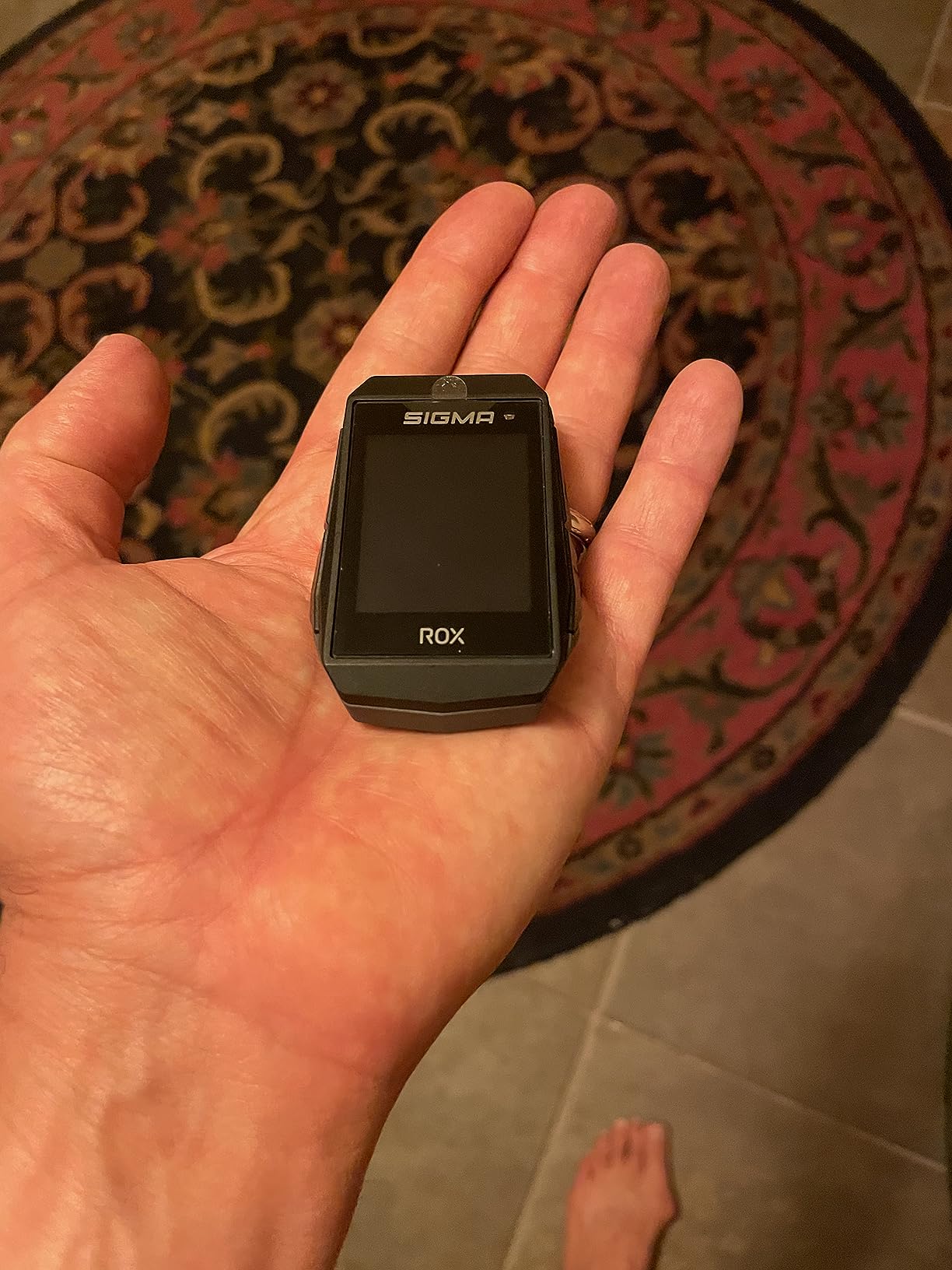
The SIGMA Sport ROX 11.1 EVO is the bike computer for gravel riders who care most about weight. At 55 g it is the second-lightest unit in this roundup and it disappears on the bars, which matters on long ultra rides where every gram registers.
On-board storage holds 30+ tracks usable without a phone, and turn-by-turn navigation offers adjustable advance notice plus off-route alerts. The Sigma Ride app syncs to Sigma Cloud, Strava, TrainingPeaks and Komoot.
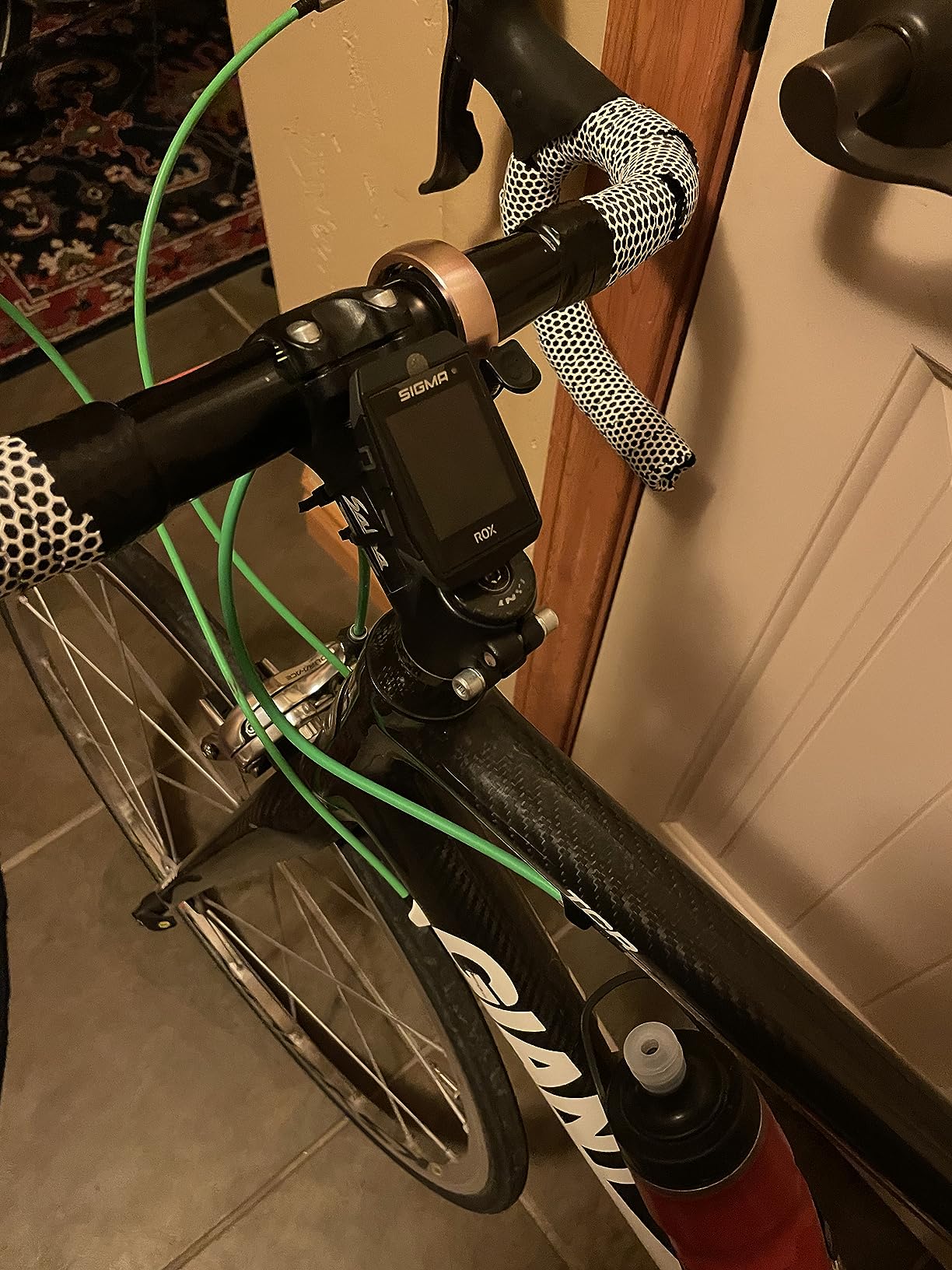
The transmissive screen is a genuinely clever choice for outdoor use. It stays readable in direct sun and at night without a backlight eating your battery. One rider reported 80% remaining after a four-hour ride, which fits a normal gravel day comfortably.
E-bike compatibility is a strength, with Fazua integration alongside standard ANT+ and Bluetooth pairing. It carries a Garmin-style mount, so aftermarket out-front options are plentiful.
Why gravel riders like the ROX 11.1 EVO
Weight and sunlight readability together. The transmissive display was built for bright outdoor conditions, and it does not wash out the way many backlit screens do on an open desert gravel road.
Twenty user profiles with configurable colour-coded screens let a household share one device across different bikes and riders.
Where it falls behind
The 1.77-inch screen at 128 by 160 resolution is small and some riders find it cramped. GPS position can drift by roughly 80-90 feet, which matters on tight trails where you need the line to be right.
There is no automatic on-device reroute after a missed turn, file transfers occasionally fail with corruption errors, and US-based customer support is limited.
8. Magene C506 — Best for Riders Who Hate Setup
Magene C506 GPS Bike Computer – 2.4″ Color Touchscreen, Smart Navigation, Fast WiFi & Bluetooth, Riding Assistant Wireless, Indoor Cycling & Training
2.4 inch color touchscreen
WiFi and Bluetooth
24 hours endurance mode
Pros
- Full turn-by-turn navigation with free map downloads
- WiFi auto-sync to Strava and TrainingPeaks with no prompting
- Bold colorful display readable in bright sunlight
- Quick lock and accurate ride recording
- Wide sensor compatibility including ANT+ and Bluetooth
Cons
- OnelapFit app less refined than Garmin and Wahoo
- Map download process is unintuitive and takes practice
- No Strava Live or starred segments
- Some riders report GPS routes that drift or invent paths
- Touchscreen sometimes needs a second press
The Magene C506 wins on logistics rather than on any single spec. It has WiFi, and it uses it: auto-sync to Strava and TrainingPeaks happens on its own, roughly 28 times faster than a Bluetooth transfer, with no phone prompt to tap.
Free global map downloads come with turn-by-turn navigation and custom routes through OnelapFit. An Airoha chipset with AGNSS can position in as fast as 5 seconds, which means less time standing at a trailhead waiting for a lock.
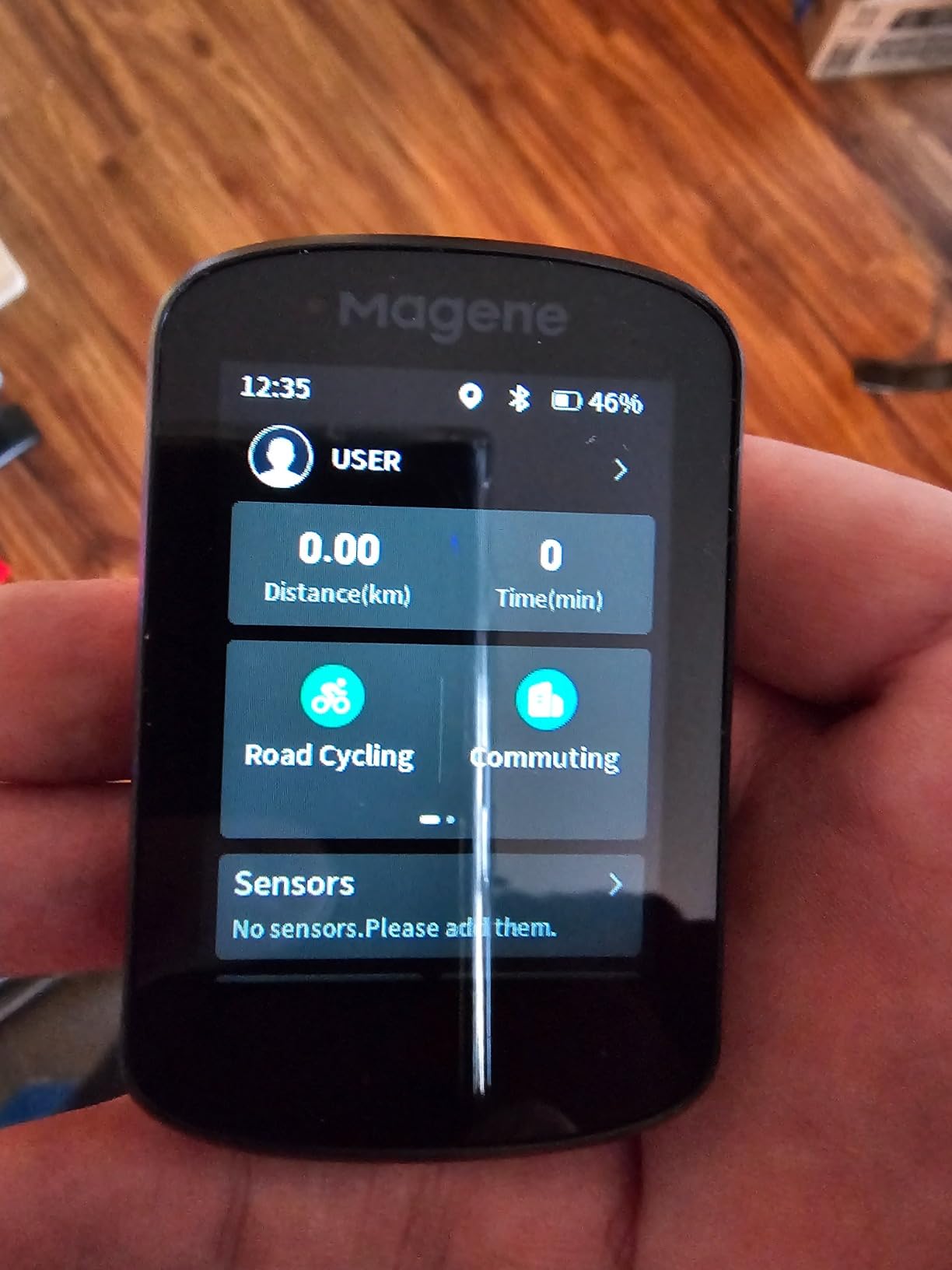
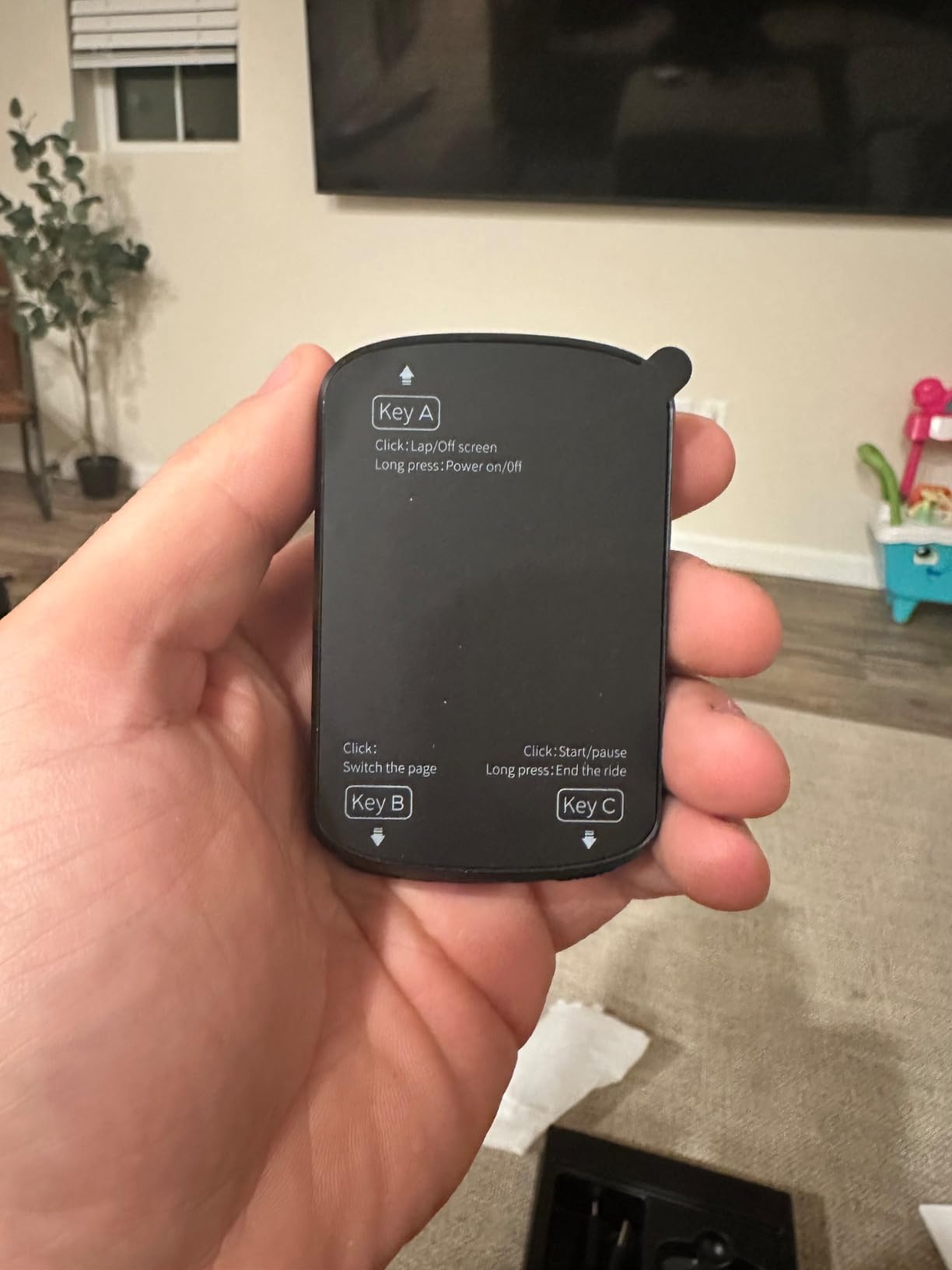
The 2.4-inch colour touchscreen is bold and readable in sunlight, and it carries 105 data items across 14 categories plus three buttons for gloved use. Indoor training is handled with FIT file upload to smart trainers.
Riding Assistant wireless control of Magene L508 and L308 tail lights works without a phone, which is a small thing that removes a real annoyance at the end of a muddy day.
Why the Magene C506 suits gravel
Automatic syncing means your ride is uploaded before you have found your keys. On multi-day bikepacking, that habit matters more than any navigation trick.
The device supports 9 device types including sensors, trainers, radar tail lights and electronic shifting, so it pairs with whatever bike you already own.
Where the C506 disappoints
The OnelapFit app is less refined than Garmin Connect or the Wahoo app, and the map download process is unintuitive until you learn it. There is no Strava Live or starred segments support.
Some riders report GPS routes that drift or invent paths they did not take, and the capacitive touchscreen sometimes needs a second press to register, which is unpleasant on a rough descent.
9. iGPSPORT BSC300T — Best for Group Gravel Rides
iGPSPORT BSC300T GPS Bike Computer, Smart Map Navigation 2.4” Touch Screen
2.4 inch touchscreen with six buttons
Five-satellite positioning
67 g body
Pros
- Large touchscreen paired with six buttons for glove-friendly control
- Global offline maps with turn prompts and off course warning
- Five-satellite positioning speeds acquisition
- Lightweight at 67 g with e-bike mode and dual protocol
- Over 130 data fields plus real-time group tracking
Cons
- No Type-C cable included in the box
- Smaller screen than newer models such as the BSC500
- App polish trails Garmin and Wahoo
The iGPSPORT BSC300T is built for a group heading somewhere with no reception. Real-time teammate tracking shows where the rest of the ride is, and the off-course warning keeps firing until you are back on the route.
Five-satellite positioning across GPS, BeiDou, GLONASS, Galileo and QZSS speeds up acquisition and improves accuracy in broken shade. Global offline map download covers multiple saved routes with route preview and turn prompts.
Control is the standout detail: a 2.4-inch capacitive touchscreen plus six physical buttons means you can scroll data fields with gloves on without touching glass. Over 130 riding data fields are available, analysed in the iGPSPORT app with Strava and Komoot sharing.
At 67 g with 8 GB of storage and 20 hours of average battery, it covers a long gravel day with room to spare. There is also an e-bike mode and compatibility with Insta360 cameras.
Why group riders like the BSC300T
Six buttons plus a touchscreen is the most flexible control scheme at this tier. On a group ride nobody wants to be fiddling with a glass screen while riding to a regroup point.
Teammate tracking and off-course warning are exactly the two features a group on unmarked doubletrack needs most.
What to know before buying
The box includes a rubber pad, a manual and two rubber bands, but no Type-C charging cable. That is an annoying first-day oversight.
The 2.4-inch screen is smaller than the newer iGPSPORT BSC500, and the app workflow trails the established Garmin and Wahoo ecosystems if you are fussy about route planning.
10. GEOID CC700 Pro — Best for Indoor Training on a Budget
GEOID CC700 Pro 2.8″ Color Touchscreen GPS Bike/Cycling Computer, Map Navigation with Re-Route Planning, WiFi Auto-Sync, ANT+/Bluetooth, Message Notification, IPX7 Waterproof, Free Indoor Training
2.8 inch TFT color
Re-route planning
IPX7 waterproof
Pros
- Bright responsive 2.8 inch screen readable in direct sunlight
- Surprisingly capable offline navigation with re-routing
- WiFi auto-sync to Strava within seconds of finishing
- Free indoor training with smart trainers
- Good value frequently praised by gravel riders
Cons
- Documentation is poor so setup is trial and error
- Mapping is not trail-aware and snaps toward roads
- Re-route calculation needs the phone connected
- Screen can revert to minimum brightness on power-on
- App is unintuitive and position refresh is occasionally slow
The GEOID CC700 Pro is quietly the best value on gravel here. It has a bright 2.8-inch TFT colour touchscreen that holds up in direct sunlight, IPX7 waterproofing, and offline navigation that does more than you would expect at this level.
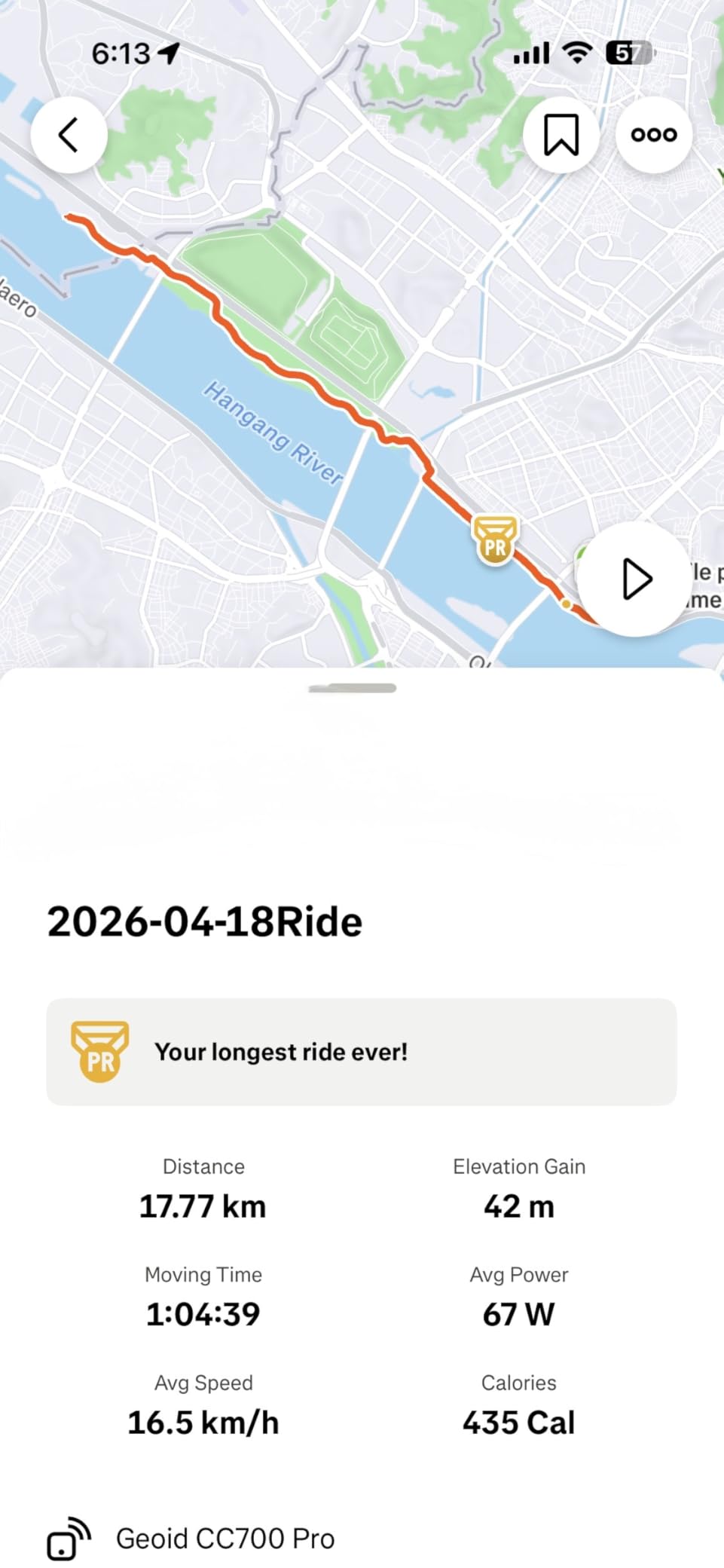
Five-satellite support with AGNSS over WiFi gives positioning in about 5 seconds, and global offline maps fit into 4 GB of storage with room for several routes. WiFi also auto-syncs AGNSS and ride records, plus direct firmware updates.
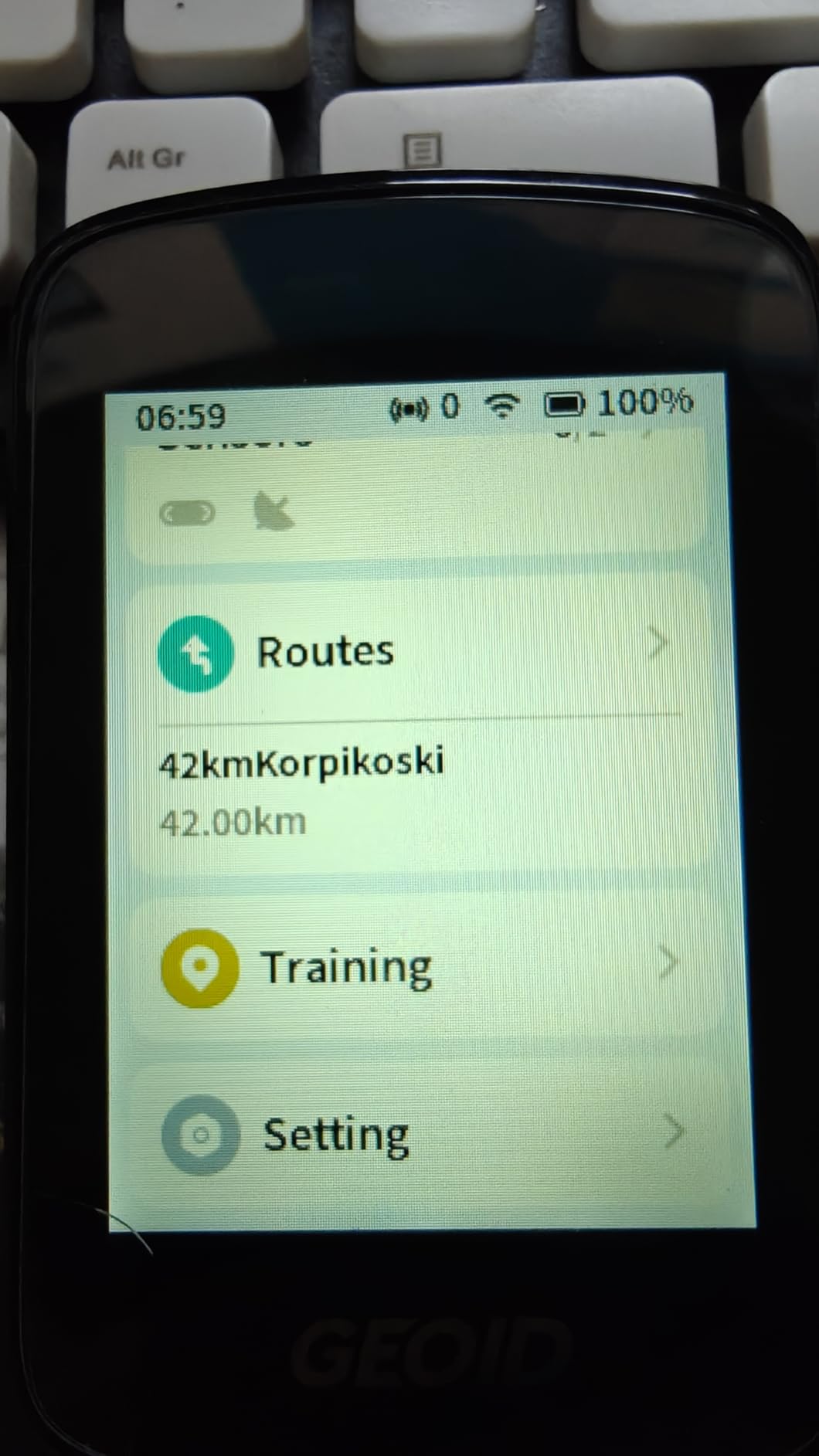
Free indoor training with custom power targets, resistance and gradients makes it a useful winter companion alongside a smart trainer, and FIT export syncs to Strava and TrainingPeaks automatically.
There is a DJI Action 4 and Action 5 Pro control dial integration for action-camera riders, and 11 language options. The box includes stem mounts, a tempered glass screen protector and a Type-C cable.
Why the CC700 Pro works on gravel
Instant re-route planning when you stray off the route is a real navigation feature, and riders who use it on road and gravel report it holds up for the money.
WiFi syncing removes the post-ride admin, which for many riders is the feature that decides whether they keep using a computer at all.
Where it falls short
The mapping engine is not trail-aware and will snap your route toward the nearest road, which is the wrong behaviour on a gravel detour. Rerouting also depends on your phone staying connected.
Documentation is poor enough that setup becomes trial and error, the screen can revert to minimum brightness on power-on, and the companion app is unintuitive with occasional slow position refresh.
11. iGPSPORT BSC500 — Best for Voice Navigation Without a Premium Badge
iGPSPORT BSC500 GPS Bike Computer, 3.3” Touch Screen MAP Voice Navigation
3.3 inch touchscreen
Built-in loudspeaker
Dual-band L1 and L5
Pros
- Large screen showing up to 12 data fields per page
- Dual-band reception across five constellations
- Built-in loudspeaker cuts screen glancing
- Speed-adaptive turn warnings and reroute when off course
- iClimb 2.0 adds real climb planning
Cons
- Smaller installed base than Garmin and Wahoo for app maturity
- Route setup still depends on the iGPSPORT app workflow
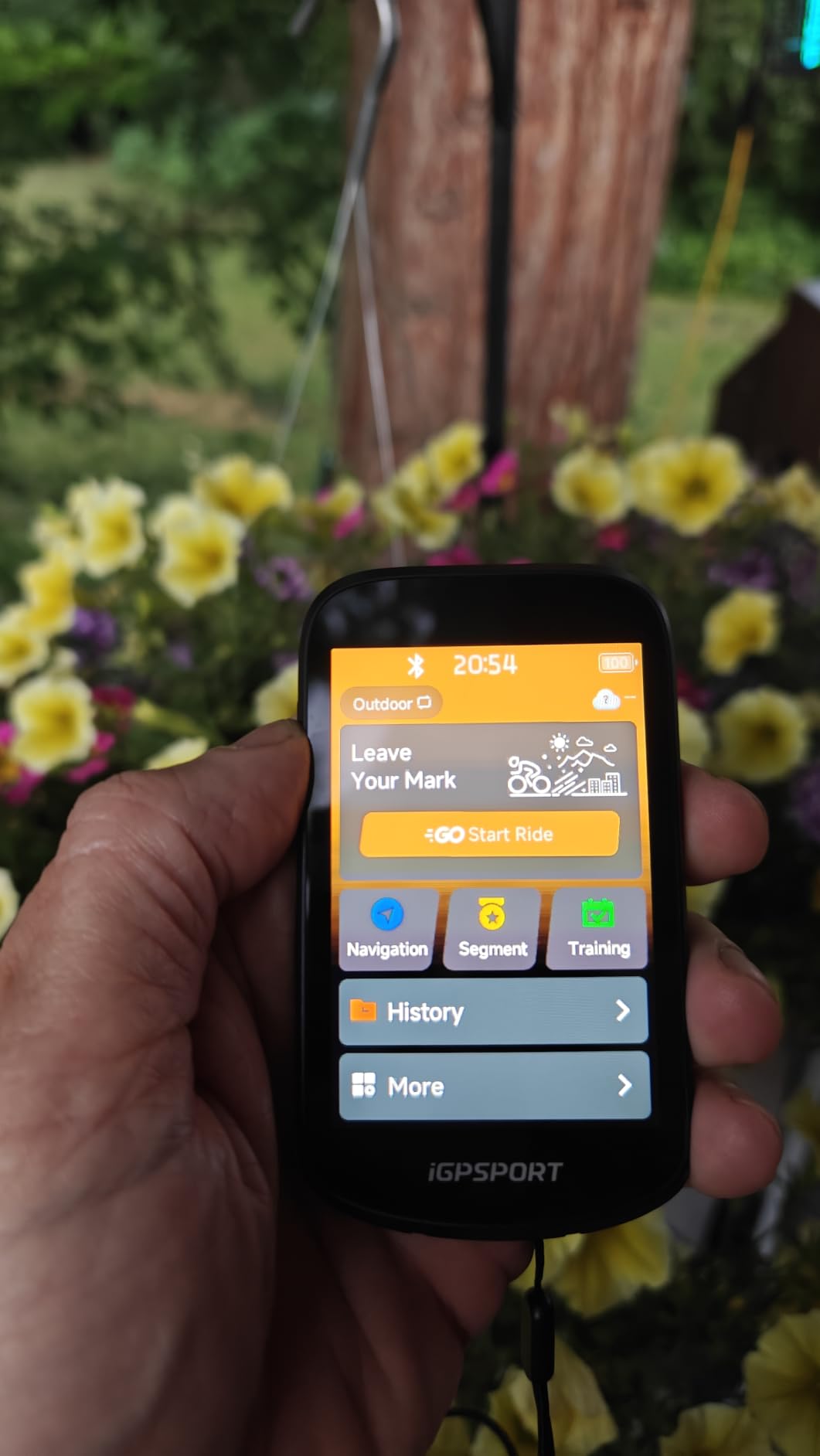
The iGPSPORT BSC500 puts a loudspeaker in a mid-tier bike computer for gravel riding, and that single feature puts it ahead of most of this list on loose surfaces. Voice navigation for key cues means you can keep your eyes on the trail instead of the screen.
Dual-band L1 and L5 reception spans GPS, BeiDou, GLONASS, Galileo and QZSS, giving it the same class of anti-interference capability as the pricier flagships. Turn reminder distance adapts to your current riding speed, which is a genuinely thoughtful touch at speed.
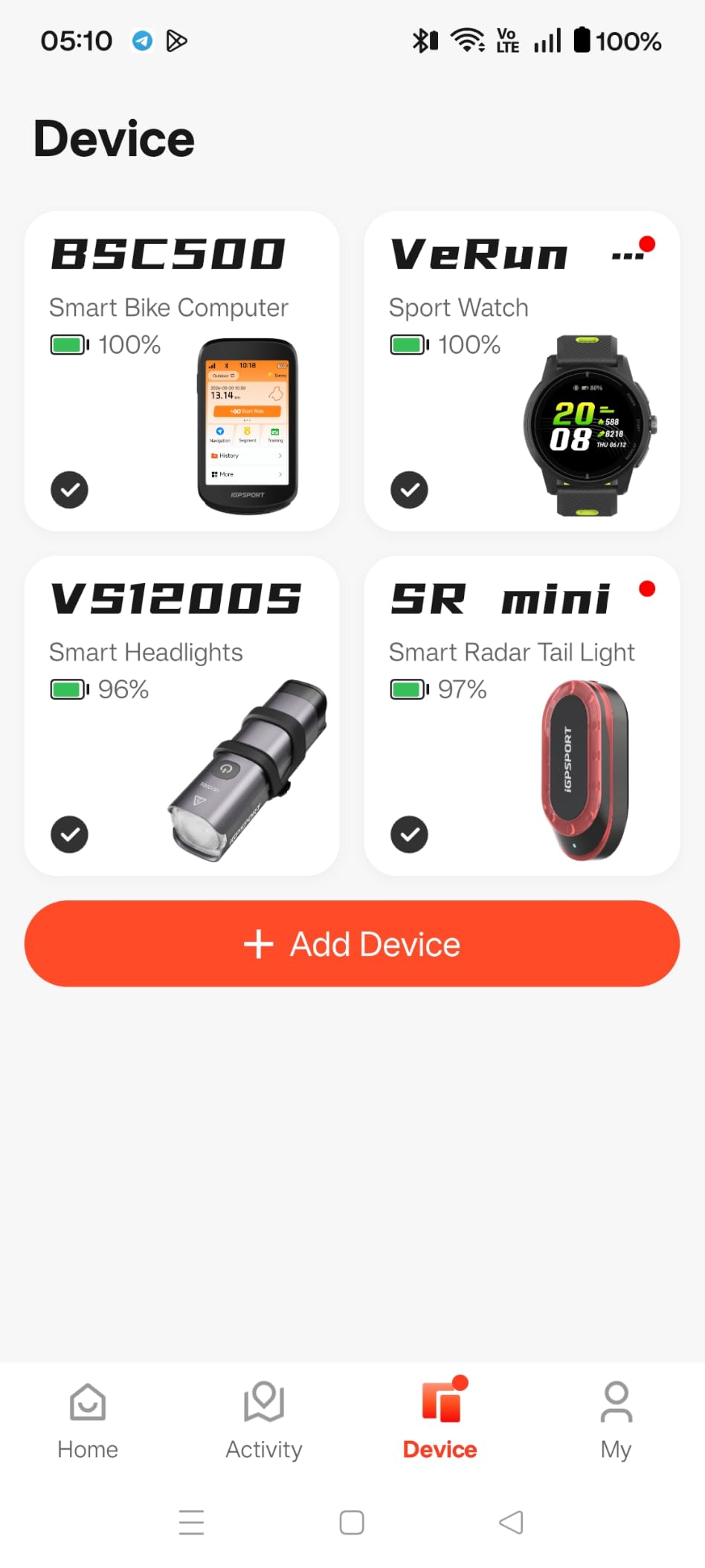
Yaw planning recalculates a route automatically when you go off course, iClimb 2.0 handles hill planning with route preview, and a continue-last-ride function picks up an interrupted activity. The 3.3-inch screen carries up to 12 data fields per page with both touch and button control, and there is a two-year warranty.
Battery type is lithium ion with an IPX7 rating, and the unit weighs 107 g.
Why the BSC500 stands out
Voice cues plus a 3.3-inch screen is an unusual pairing at this tier. Most competitors in this price bracket are silent, which forces constant glancing on rough ground.
Speed-adaptive turn warnings and automatic reroute handle the two moments gravel riders worry about most: missing a junction and leaving the line.
Why the smaller user base matters
Compared with Garmin or Wahoo, iGPSPORT has a smaller installed base, and the ecosystem reflects that. Route setup still runs through the iGPSPORT app workflow rather than a mature desktop planner.
The 4.7 rating comes from a much smaller review pool than the other picks, so treat it as encouraging rather than settled.
12. COOSPO CS600 — Most Versatile With Long Battery Life
COOSPO Color Touchscreen GPS Bike Computer CS600, Wireless IPX7 Waterproof Cycling GPS Speedometer with Bluetooth/ANT+, Backlight Route Navigation, Support Bike Radar & 36H Battery Life
2.4 inch color touchscreen
Breadcrumb navigation
Up to 36 hours battery
Pros
- Long real-world battery with about 17 hours logged on a charge
- Accurate GPS for road and gravel at a low price
- Quick pairing with ANT+ Bluetooth sensors and Di2
- Auto-backlight and bundled screen protector work well
- Simple GPX loading by USB drag and drop
Cons
- No automatic rerouting after leaving the route
- Turn distance readout runs roughly 100 feet late
- Route line is faint and radar traffic shows as small dots
- Signal briefly lost under bridges and dense tree cover
- ANT+ drops reported with Garmin Varia radar
- Weak documentation
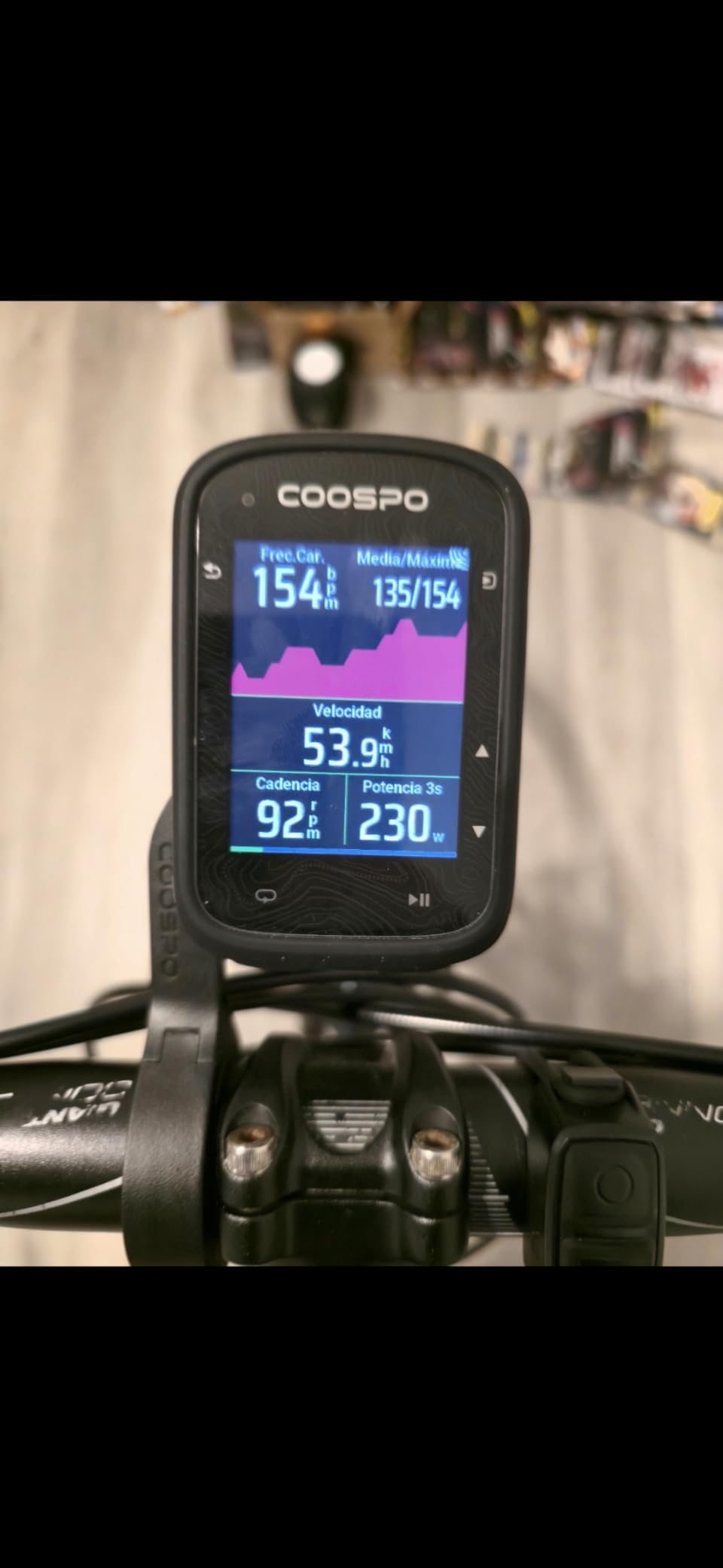
The COOSPO CS600 is the endurance budget option. Rated battery life reaches 36 hours, and one rider logged about 17 hours on a charge during real riding. If you ride big days on a small budget, nothing else here comes close.
It uses GPS and GLONASS for speed, distance, time and route tracking, and built-in route navigation follows uploaded routes as a breadcrumb trail. The COOSPORIDE app syncs automatically to Strava and TrainingPeaks and accepts custom workout plans, with 150+ data insights available.
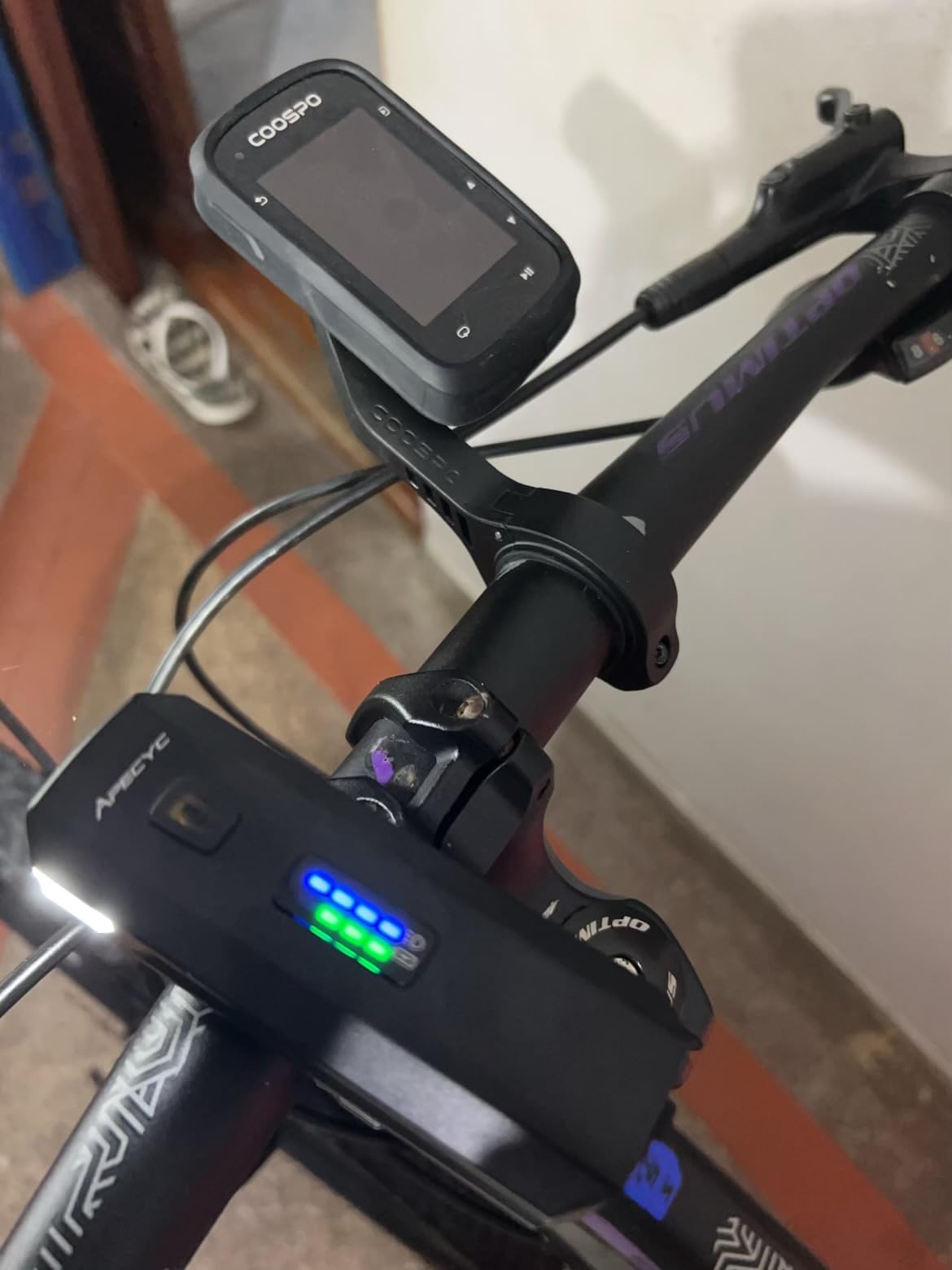
Pairing is quick with ANT+ and Bluetooth sensors, Shimano Di2 and the app, and it also connects to smart lights, radar tail lights, e-bikes, electronic shifters and indoor trainers. The IPX7 rating keeps rain and dust out. Sensors and extension mounts are sold separately, and the box includes an anti-lost rope, the mounting base, a Type-C cable and a manual.
It weighs 120 g, which is the heaviest budget unit here, and that is worth considering for ultra riders.
Where the CS600 makes sense
Breadcrumb trail following is the right navigation model for a gravel rider who plans a route and rides it rather than improvising. No reroute logic is needed if you stay on the line.
The battery figure means a two-day bikepacking trip does not need a mid-trip charge, and the auto-backlight handles tunnels and deep shade.
Why the CS600 needs care
There is no automatic rerouting, so recovery is manual, and the turn distance readout runs roughly 100 feet behind the actual turn. The route line is faint and cannot be recoloured, and radar traffic appears as small dots.
Riders report brief signal loss under bridges and dense tree cover, ANT+ drops with Garmin Varia radar, and a navigation banner that can overlay data on other pages. Documentation is weak, so expect to learn by trial and error.
Garmin vs Wahoo for Gravel: Which Bike Computer Should You Buy?
This is the most asked question on gravel forums, and the honest answer depends on whether you navigate or you train. Pick Garmin if your rides follow routes and you care about training metrics; pick Wahoo if you want clearer navigation cues, longer screen legibility and a simpler setup.
Positioning. The Garmin Edge 1040 and 840 use multi-band GNSS, while the Wahoo ELEMNT ROAM V3 uses dual-band reception across GPS, GLONASS, BEIDOU, Galileo, QZSS, SBAS and NavIC. In practice both hold signal in wooded valleys, which is the part that matters most on gravel.
Navigation. Garmin lets you create courses on the device and shows road surface type, which helps when a route forks onto tarmac. Wahoo gives you spoken turn-by-turn prompts and on-demand route generation, which reduces the number of glances. Garmin’s search-driven navigation remains dated compared with phone-style point-of-interest search.
Battery. The Edge 1040 runs up to 35 hours in demanding use, the ROAM V3 averages 25 hours, and several ROAM V3 owners report outlasting a comparable Garmin Edge on long rides. Both comfortably cover a six-hour gravel day.
Screen and control. The Garmin flagships give you a 3.5-inch screen; the ROAM V3 uses 2.8 inches. The Wahoo’s buttons mirror key functions, which Polish gravel riders in one forum thread praised for rough terrain, cold and wet weather.
Ecosystem. Garmin has the deepest integration with Varia radar, Di2 and AXS, and the richest training tools including ClimbPro, power guide and stamina. Wahoo keeps the app simpler and syncs cleanly with Strava, Ride with GPS and Komoot.
Reliability. Brand loyalty is split in forums. One PistonHeads user wrote that after Garmins, Wahoo has never had an issue; other riders report screen failures on Wahoo units and sync problems on early Garmin firmware. Both brands have outliers, so buy from a seller who makes returns painless.
Bike Computer Buying Guide for Gravel Riding
Mounting: use an out-front mount on rough bars
On gravel bars, an out-front mount beats a handlebar mount for two reasons. It puts the screen in your eyeline so you read it with a flick of the eyes, and it moves the unit away from the constant vibration that shakes bar-mounted devices loose over a rough day.
Pick a rigid aluminium mount over a plastic one, and secure it with the supplied tether. Tighten the quarter-turn twist-lock until the unit does not swivel when you press the side buttons. Several devices here ship with an out-front mount in the box, so check before you buy a third one.
Touchscreen or buttons: on gravel, buttons win for control
A touchscreen is faster for scrolling maps when you are stopped. It is slower when your hands are cold, gloved and the bars are moving. Devices that give you both, like the Garmin Edge 840 and the iGPSPORT BSC300T, are the most comfortable on rough terrain.
Check auto-brightness behaviour before buying. The Wahoo ELEMNT ROAM V3 draws repeated criticism for dimming too aggressively in shade, and that is exactly the condition a wooded gravel road creates.
Battery life translated to real gravel days
For a six-hour local gravel ride, anything rated above 15 hours in demanding use is fine. For a ten-hour ultra at full navigation brightness, look for 25 hours or more. For a two-day bikepacking trip, only the COOSPO CS600’s 36-hour claim, the Edge 1040’s 70-hour battery saver mode and the Edge 1050’s 60-hour saver mode remove the charging question entirely.
Battery saver modes usually dim the screen or slow GNSS updates. On a bike computer for gravel riding, that is a fair trade for arriving with a full bar.
GNSS and signal under tree cover
Multi-band or dual-band reception is the single most useful spec for gravel. Multi-band units here include the Garmin Edge 1040, 840 and 1050, the Wahoo ROAM V3 and ACE, the Hammerhead Karoo and the iGPSPORT BSC500. Five-satellite multi-constellation units such as the iGPSPORT BSC300T and GEOID CC700 Pro are a step below that but still good.
Even strong receivers lose position briefly under dense canopy, which riders report with the budget COOSPO CS600. If your routes run through heavy forest, do not buy on battery claims alone.
Mapping and route apps
Komoot is the route discovery tool most gravel riders in forums recommend over Strava, and it syncs to both the Garmin and Wahoo ecosystems. Ride with GPS is the pick for hand-drawn routes on forest roads. Strava is where your finished ride ends up either way.
Check the direction of the sync before buying. The Magene C506 and GEOID CC700 Pro push to Strava automatically over WiFi. The Wahoo ecosystem needs the app to organise your routes, and Garmin course files may need converting for a Wahoo device.
Connectivity, sensors and e-bikes
ANT+ and Bluetooth cover heart rate straps, power meters and cadence sensors on every device here. Beyond that, the differences show up in ecosystem integration: the Hammerhead Karoo handles SRAM AXS and e-bikes best, the SIGMA ROX 11.1 EVO supports Fazua, and the Magene C506, iGPSPORT BSC300T and COOSPO CS600 all list electronic shifting support including Shimano Di2 and SRAM eTap.
If you train with a power meter, confirm the unit reads power before you rely on it. The Garmin devices add power guide and stamina only when compatible sensors are paired.
Frequently Asked Questions
What is the best bike computer for gravel riding?
The Garmin Edge 1040 is the best overall bike computer for gravel riding in 2026, thanks to multi-band GNSS that holds a position fix on rough mixed-surface terrain and up to 35 hours of battery in demanding use. The Wahoo ELEMNT ROAM V3 is the best alternative when you want spoken turn cues and simpler navigation.
Should I get a Garmin or Wahoo bike computer?
Choose Garmin if you navigate by planned courses, train with a power meter and want deep sensor ecosystem integration. Choose Wahoo if you prefer spoken turn-by-turn prompts, larger readable pages and a simpler setup. On gravel specifically, both hold signal well under tree cover, so the deciding factor is training depth versus navigation clarity.
Which Garmin mount is best for gravel biking?
A rigid out-of-front mount is the best choice for gravel because it puts the screen in your eyeline and moves the device away from the constant bar vibration that loosens handlebar mounts. Tighten the quarter-turn twist-lock until the unit will not swivel when you press the side buttons, and add the supplied tether for rough terrain.
What computers do pro cyclists use?
Professional riders most often use flagship Garmin Edge units in the Edge 1050 and Edge 850 class, fitted on out-front mounts, or a unit supplied by their team. Race results are typically recorded on whatever device the team provides, so the model you see at the start of a gravel event tells you little about what you should buy.
Is the Garmin Edge 1040 a good bike computer?
Yes. The Garmin Edge 1040 holds 4.6 out of 5 across 598 reviews and pairs multi-band GNSS with up to 35 hours of battery in demanding use, which covers the longest gravel days. The main caveat is its premium price point against mid-range rivals, and the fact that its 3.5-inch body can feel large on narrow gravel bars.
Which is better, the Wahoo Bolt V2 or the Garmin Edge 540?
Neither appears in our current 12-device test because both are older-generation models, so we cannot give you measured data on them. At this entry level the deciding questions are screen size on narrow bars and whether you want buttons or touch control. Newer equivalents in the same class include the Garmin Edge 840 and the Wahoo ELEMNT ROAM V3.
Our Best Bike Computer Picks for Gravel in 2026
The Garmin Edge 1040 is our pick for the best bike computers for gravel riding. Multi-band GNSS, 35 hours of demanding-use battery and a box that includes sensors and an out-front mount make it the safest single choice for long days on rough ground.
Choose the Wahoo ELEMNT ROAM V3 if navigation clarity matters more than training depth, and the Garmin Edge 1050 if you want spoken prompts, group safety features and the deepest Garmin analytics. The Garmin Edge 840 covers most riders at a lighter weight.
Further down the range, the iGPSPORT BSC500 adds a loudspeaker and dual-band reception without a premium badge, the SIGMA Sport ROX 11.1 EVO wins on weight and e-bike support, and the Magene C506, GEOID CC700 Pro and COOSPO CS600 cover riders who want navigation and logging without spending flagship money.
Whatever you choose, pair your sensors before the first long ride and update the firmware. Both habits cost ten minutes and remove most of the frustration riders report in their first month.